Southern Saskatchewan is a fine place to capture nightscapes of the Milky Way over the grand prairie landscape.
In late August 2025 I took a short road trip around southwest Saskatchewan, taking advantage of a run of wonderfully clear nights to shoot “nightscapes” at some of my favourite locations.
Southern Saskatchewan, and more specifically Southwest Saskatchewan, is a stargazing paradise. The skies are dark and there’s nothing to get in the way of seeing them! Yet, the landscapes have their unique beauty.
And in the case of Grasslands National Park the landscape preserves the endangered realm of original short-grass prairie. It is what the land was like long ago, even including some bison at large.
Grasslands National Park
Technical: This is a blend of tracked and stacked sky exposures with a single untracked ground exposure: – 7 x 60 seconds at f/2 tracked and focused for the sky, plus – 1 x 4 minutes at f/2.8 untracked and focused for the foreground to bring out the details lit only by starlight. No light painting was employed here. – All with the Nikon Z8 at ISO 800 and Nikkor 20mm S lens, on the MSM Nomad tracker. And all from the same tripod position. However, the camera was reframed upward for the sky shots.
In fact, my main destination on my visit to Grasslands this year was to revisit a site I had intended to shoot from in 2019 – the Bison Rubbing Stone overlooking the Frenchman Creek Valley, with the Milky Way as a backdrop.
This year I was assured the bison were in the outback, so I set up at their rubbing stone. This is one of the many glacial erratic boulders the Ice Age left scattered across the prairies. With no trees about, the bison have long loved to use them to scratch an itch. But the connection with the stars is that one legend of the sky told by Blackfoot First Nations describes the Milky Way as the “Buffalo Trail,” the dust left by a cosmic herd of bison.
I got the shot! Then all I had to do was turn the camera around to face north to get this scene.
Technical: This is a panorama of 5 segments, each 30 seconds untracked at f/2 with the Nikkor 20mm S-Line lens and Nikon Z8 at ISO 1600. Stitched with Adobe Camera Raw. I removed aircraft trails, but at left I retained the many faint satellite trails in the northwest still lit by twilight, as this was early at about 10:30 pm CST. I did not focus stack these frames. Nor was the camera tracking the stars.
A mild aurora appeared in a classic arc across the north, and framed between the hiking trail, with the Big Dipper to the left and the Milky Way rising to the right. This is the wonderful sky that awaits in the “big sky” country of Grasslands. On the horizon only 3 distant lights could be seen. Grasslands is a Dark Sky Preserve. May it always be so!
Technical: This is a blend of tracked and stacked sky exposures with a single untracked ground exposure: – 4 x 30 seconds at f/2 tracked for the sky, plus – 1 x 2 minutes at f/2.8 untracked for the ground to bring out the details lit by starlight, plus – A single 30-second tracked exposure through a Tiffen Double Fog 3 filter layered in, to add the star glows. – All with the Nikon Z8 at ISO 800 and Nikkor 20mm S lens, on the MSM Nomad tracker. And all from the same tripod position. The camera was not moved for the sky photos.
The night before I headed south out of the little town of Val Marie to a favourite spot high on the hill overlooking the Park. It is called Two Trees, but now only one tree remains! It made a fine foreground for the classic “lone tree and Milky Way” nightscape.
In August the galactic centre lies in the southwest quickly setting in the early evening. But from this latitude of 49º N even with it at its highest, the Milky Way core lies low in the south, making for good compositions with foregrounds below.
Here I present a “landscape” version of the image above, in versions with and without labels to indicate all the rich nebulas and star clusters in this area of sky in Sagittarius the Archer, home of the Milky Way core. Tap on the images to bring them up full screen.
Similarly, below I present views looking east to the autumn constellations rising over the prairie. This was from the valley below Two Trees Hill, at the Riverwalk day use site. Here there were absolutely no lights visible, and hardly a sky glow on the horizon from towns and light pollution. This was paradise for a stargazing session.
The constellations in this area of sky are the ones made famous in the classic tale of the hero Perseus riding on Pegasus the Flying Horse to rescue the lovely Princess Andromeda from Cetus the Sea Monster, while vain Queen Cassiopeia looks on.
Here the sky was also tinted green, not with aurora but airglow, a natural effect caused by high-altitude oxygen fluorescing at night, giving off energy it has absorbed by day. It discolours the sky but it belongs there! It is visible only at dark sky sites.
The Great Sand Hills
From Grasslands I ventured north to the little town of Leader, Saskatchewan, one of the jumping off points to visit the Great Sand Hills nearby. You have to have a local map to find them, but the sand dunes are extensive, and an oddity on the prairie, another Ice Age relic.
They are not a Park but are an ecological reserve, with limited access. I shot from the main spot with parking for visitors and a trail off into the dunes.
Here is another pair of images with annotations, looking north from the main dune field toward Ursa Major and the Big Dipper.
An extensive display of airglow also tints the sky, at least I think that’s the source, and not aurora.
Technical: This is a blend of tracked and stacked sky exposures with a single untracked ground exposure: – A stack of 4 x 60 seconds at f/2 tracked for the sky, plus – 1 x 4 minutes at f/2.8 untracked for the ground, plus – A single 60-second tracked exposure through a Tiffen Double Fog 3 diffusion filter layered in, to add the star glows. – All with the Nikon Z8 at ISO 800 and Nikkor 20mm S lens, on the MSM Nomad tracker. And all from the same tripod position. However, the camera framing was changed for the sky and ground shots, tilting it up it to include more of the sky up the northern Milky Way.
Turning around to face south again frames the sweep of the summer Milky Way over the well-trodden dunes. Not quite the Saharan or Namibian scene you might want, but this is Saskatchewan and having even this scene on the prairies is unique. The only other dune fields are far up north and not readily accessible.
Technical: This is a blend of tracked and stacked sky exposures with a single untracked ground exposure: – A stack of 4 x 60 seconds at f/2 tracked for the sky, plus – 1 x 3 minutes at f/2.8 untracked for the ground to bring out the details lit only by starlight, plus – A single 60-second tracked exposure through a Tiffen Double Fog 3 diffusion filter layered in, to add the star glows. – All with the Nikon Z8 at ISO 800 and Nikkor 20mm S lens, on the MSM Nomad tracker. And all from the same tripod position. However, the camera framing was changed for the sky and ground shots, tilting it up it to include all the constellations in one frame but with just a sliver of ground in the frame.
Looking east from the dune again frames the mythological autumn constellations, with the “W” of Cassiopeia at top amid the Milky Way. The bright “star” at lower right is Saturn. The Pleiades are just rising at left.
The Cypress Hills
I had started my Saskatchewan journey in the Cypress Hills, another formation created by the Ice Age, or rather left untouched by the glaciers creating a high wooded oasis on the prairie. I was there for the annual Saskatchewan Summer Star Party, the subject of my previous blog here.
Technical: This is a blend of: – A stack of 4 x 1 minute exposures, tracked, for the sky with … – A stack of 2 x 1-minute exposures, untracked, for the ground, – All with the Canon RF 28-70mm lens at f/2 and set to 48mm, on the astro-modified Canon EOS R at ISO 1600, and on the MSM Nomad tracker. No filters were employed here. Masking and blending all the images, with the trees in the foreground was a challenge! The camera was not moved — all images were from the same tripod position.
But on the first couple of nights, with the entire four nights of the Party promising to be clear, I left the Party and headed off on my own to shoot some nightscapes over the pine trees at Lookout Point, to again catch the photogenic galactic core in its last appearance for the season.
For the image below, I employed a special filter that isolates the deep red light emitted by the many hydrogen-gas nebulas toward the Milky Way core.
Technical: This is a blend of: – A single 2-minute exposure, untracked, for the ground, blended with … – A stack of 5 x 1 minute exposures, tracked, for the sky, plus … – An additional tracked 2-minute exposure layered in, taken at the end of the set through an Astronomik “narrowband” H-Alpha clip-in filter, to add the red nebulas. – All with the Canon RF 28-70mm lens at f/2 and set to 35mm, on the astro-modified Canon EOS R at ISO 1600 (3200 for the Ha shot), and on the MSM Nomad tracker. Masking and blending all the images, with the trees in the foreground was a challenge! The camera was not moved — all images were from the same tripod position.
This is a technique borrowed from “deep-sky” imaging but now popular among nightscape photographers to create an even more enhanced night sky than a normal unfiltered view.
But even without the filter the long exposures used for the sky record far more detail and colours than even dark-adapted eyes could see. The filter takes that even further.
But those nebulas are there, and they do glow red. Just like the airglow that unaided eyes usually cannot see, the long exposures reveal the unseen, in this case some of the wonderful content of our Galaxy.
And that’s the attraction of astrophotography, to reveal the otherwise elusive or invisible structure of the sky, and in this case juxtaposed over familiar earthly landscapes below.
I can highly recommend Southwest Saskatchewan for anyone interested in stargazing and astrophotography. It’s always been one of my favourite destinations.
Amateur astronomers like nothing more than spending time under a dark night sky with a field of friends.
Star parties are a popular part of the hobby of amateur astronomy. They’re chances for stargazers to get under dark skies and meet up with others who love the night sky.
Each year I attend the biggest such event in my area in western Canada, the Saskatchewan Summer Star Party. It usually attracts about 320 sky lovers to the very dark skies of southwest Saskatchewan.
A light pollution map where grey = good!
The label marks the spot for the Party, in the Cypress Hills, and in the Cypress Hills Interprovincial Park, that straddles the border of Saskatchewan and Alberta. As per its name, the SSSP is held on the Saskatchewan side of the Park, in the Centre Block south of Maple Creek. (A complementary Southern Alberta Star Party is held on the Alberta side of the Cypress Hills, in September. I’ll be there!)
As the map shows, the Cypress Hills are far from any light pollution and offer “Bortle 2-class” skies — 1 being the darkest, and 9 being downtown Las Vegas!
In fact, the Park is a Dark Sky Preserve, a designation awarded in 2004. Parks are increasingly aware of their role in not only conserving flora, fauna, and historical sites, but also the increasingly threatened night sky. As the saying goes, “Half the Park is after dark!”
The DSP Declaration
The Dark Sky Preserve designation, and efforts to refit what lighting is in the Park to “dark-sky friendly” fixtures, came about as a direct result of the Park, and Star Party, being the site of a comet discovery three years earlier.
It was at the Star Party in August 2001 that Regina amateur astronomer Vance Petriew discovered a comet, an observing feat that merits a comet being named for the discoverer.
This year, a new sign and plaque were unveiled commemorating the discovery, replacing a cairn that had fallen into disrepair over 20 years. Here is the unveiling —
Park officials, fellow astronomers and Vance unveil the sign.
This was a fine event with all the star party folks in attendance, many of whom were there in 2001! — including the now adult daughters of the Petriew family.
Click on the images below to bring the photos up full screen.
The Petriew FamilyThe comet scope in 2025.Comet Petriew plaque
While that was a highlight of the week, the real show was the sky above. The Milky Way was on display in a sky clearer and darker than we had seen it for many years. No clouds, no smoke, and little dew and bugs! The Cypress Hills are a mecca for stargazing!
The road into the Meadows Campground, home to the Saskatchewan Summer Star Party. The SSSP is organized by the Royal Astronomical Society of Canada centres in Regina and Saskatoon. Telescopes and tents under the Milky Wa.yA sky tour in the early evening with blue twilight.The Big and Little Dippers in the Cypress Hills
A popular part of this star party, as it is at many such events, is a laser-guided tour of naked-eye sights, where a guide points out the constellation patterns, and highlights objects that need nothing more than binoculars to see well.
In a slide show below, astronomer Ron Waldron from Saskatoon conducts the 2025 Friday night “star walk.” It’s BYOB — Bring Your Own Binoculars!
Laser touring the sky
Yes, there was an aurora
Look up! Look way up!
Peering into the Galactic Core
While participants stay up until the wee hours to enjoy all that the sky has to offer, every star party offers a range of daytime activities (but not happening too early!). Star parties are great places to see fields of telescopes of every description. This year the program included a formal “show-and-shine” tour of some notable gear for all to admire. And there’s the ever-popular swap meet with bargains on offer.
The Swap Meet
Kevin’s astrophoto rig
Wade’s classic refractor
Ed’s super astrophoto scope
Nick’s astrophoto array
Dan’s super solar scope
We enjoyed several talks on a range of astronomy topics, not just stargazing, but also the latest in science research. We heard about a satellite being built in Saskatchewan by U of S and U of R students, and about how the Mars Perseverance rover collects samples, in a talk from one of the researchers involved with the NASA mission.
Kimberly Sibbald delivered the opening keynote on her amazing astrophotos.
Dr. Chris Herd from the U of A explained Mars sample collection.
And I gave a short talk about eclipses coming up.
A 3D model of the Sask Sat
And of course there were awards and door prizes to be won! Always to a capacity crowd at the Cypress Resort conference room.
The door prizes being handed out. You must be in the room to win!
It was a superb 4 days of astronomy and stargazing. If you are in the area, I highly recommend attending. Next year’s SSSP will be August 12 to 15 inclusive — it’s always at New Moon. The website is here but won’t be updated for the 2026 event details until next year.
I won’t be there in 2026, as August 12 is the date of the next total eclipse of the Sun, which I discuss in my previous blog. I plan to be in Spain!
This is the new sign and plaque commemorating the discovery in 2001 of a comet here in the Cypress Hills Interprovincial Park by Vance Petriew.
But I highly recommend attending in 2026. As most people do, you may find yourself enjoying the weekend so much you make it an annual event in your calendar. I shall miss my annual August ritual of the SSSP in 2026 and in 2027 — there’s an eclipse that August, too!
But 2025 was certainly a fine year to enjoy all that the Cypress Hills have to offer under the stars.
2024 brought us a total eclipse of the Sun, superb auroras, and a naked-eye comet, three top highlights of a wonderful year of celestial attractions. Maybe the best!
In our book The Backyard Astronomer’s Guide (which we revised this year), Terence Dickinson and I created an Aah! Factor scale with various celestial sights ranked from:
• 1, evoking just a smile, to …
• 10, a life-changing event!
Our book’s Aah! Factor Scale in Chapter 1
Coming in at an 8 is a naked-eye comet. Deserving a 9 is an all-sky display of an aurora. The only sight to rate a top 10 is a total eclipse of the Sun.
2024 brought all three, and more!
Here’s my look back at what I think was one of the greatest years of stargazing.
NOTE: The images might take a while to all load. All can be enlarged to full screen. Just click or tap on them.
January
A Winter Moonrise to Begin the Year
The rising of the winter “Wolf” Moon, the Full Moon of January, over the frozen Crawling Lake Reservoir, in southern Alberta.
Now, this was not any form of rare event. But seeing and shooting any sky sight in the middle of a Canadian winter is an accomplishment. This is the rising of the Full Moon of January, popularly called the Wolf Moon, over a frozen lake near home in Alberta, Canada 🇨🇦.
It serves to bookend the collection with a Full Moon I captured eleven months later in December.
February
Auroras from Churchill, Manitoba
Had this been my only chance to see the Northern Lights fill the sky this year, I would have been happy. As we often see in Churchill, the aurora covered the sky on several nights, a common sight when you are underneath the main band of aurora borealis that arcs across the northern part of the globe.
This is a vertical panorama of the sky-filling aurora of February 10, 2024, as seen from the Churchill Northern Studies Centre, in Churchill, Manitoba.
I attended to two aurora tour groups at the Churchill Northern Studies Centre who both got good displays to check “seeing the Northern Lights” off their bucket list. Join me in 2025!
March
Under the Austral Sky
Ranking a respectable 7 on our Aah! Factor scale is the naked-eye sight of the galactic centre overhead, with the Milky Way arcing across the sky. That’s possible from a latitude of about 30° South. That’s where I went in March, back to Australia 🇦🇺 for the first time since 2017.
This is a framing of the most spectacular area of the southern Milky Way, from Centaurus at left, to Carina at right, with Crux, the Southern Cross, at centre.
I wrote about it in my previous blog, where I present a tour along the southern Milky Way, and wide-angle views of the Milky Way (the images here are framings of choice regions).
This frames the southern Milky Way from Canis Major and its bright star Sirius at top, to Carina and its bright star Canopus at bottom, the two brightest stars in the night sky. The large red complex is the Gum Nebula.
It is a magical latitude that all northern astronomers should make a pilgrimage to, if only to just lie back and enjoy the view of our place in the outskirts of the Galaxy. I was glad to be back Down Under, to check this top sky sight off my bucket list for 2024.
April
A Total Eclipse of the Sun
No sooner had I returned home from Oz, when it was time to load up the car with telescope gear and drive to the path of the April 8 total solar eclipse, the first “TSE” in North America since 2017, which was the last total eclipse I had seen, in a trip to Idaho.
This is a composite of telescopic close-ups of the April 8, 2024 total eclipse, with a multi-exposure blend for the corona at centre, flanked by the diamond rings.
But where? I started south to Texas, my Plan A. Poor weather forecasts there prompted a hasty return to Canada, to drive east across the country to … I ended up in Québec. My blog about my cross-continental chase is here. My final edited music video is linked to below.
It was gratifying to see a total eclipse from “home” in Canada, only the third time I’ve been able to do that (previously in 1979 – Manitoba, and 2008 – Nunavut). If the rest of the year had been cloudy except for this day I wouldn’t have complained. Much.
This definitely earned a 10 on the Aah! Factor scale. Total eclipses are overwhelming and addictive. I’ve made my bookings for 2026 in Spain 🇪🇸 and 2027 in Tunisia 🇹🇳.
May
The Sky’s On Fire
It had been several years since I had seen an aurora from my backyard with colours as vivid and obvious as they were this night. But on May 10, the sky erupted with a fabulous display of aurora that much of the world saw, as aurora borealis in the north and aurora australis in the south.
This is a 300º panorama of the May 10, 2024 Northern Lights display, when the Kp Index reached 8 (out of 9), bringing aurora to the southern U.S.
This was the first of several all-sky shows this year. I blogged about the year’s great auroras here, where there are links to the movies I produced that capture the Northern Lights as only movies can, recording changes so rapid it can be hard to take it all in. Check off a 9 here!
So not even half way through the year, I had seen three of the top sky sights: the Milky Way core overhead (7), an all-sky aurora (9), and a total eclipse of the Sun (10).
But there was more to come! Including an Aah! Factor 8.
June
World Heritage Nightscape Treks
This is a panorama of the arch of the Milky Way rising over the Badlands of Dinosaur Provincial Park, Alberta, with a sky tinted with twilight and airglow.
The sky took a break from presenting spectacles, allowing me to head off on short local trips, to favourite nightscape sites in southern Alberta, which we have in abundance. The Badlands of Dinosaur Provincial Park are just an hour away, the site for the scene above.
A panorama at sunset at Writing-on-Stone Provincial Park (Áísínai’pi) in Alberta, with the Milk River below and the Sweetgrass Hills in the distance in Montana. Note the people at far right.
The rock formations of Writing-on-Stone Provincial Park are a bit farther, requiring a couple of days commitment to shoot. Clouds hid the main attraction, the Milky Way, this night, but did provide a fine sunset.
The Milky Way rises over Mt. Blakiston, in Waterton Lakes National Park, Alberta. This was June 10, 2024, so snow remains at high altitudes.
A little further west down the highway is Waterton Lakes National Park, another great spot I try to visit at least once each year.
All locations I hit this month are U.N. World Heritage Sites, thus the theme of my blog from June. People travel from all over the world to come here, to sites I can visit in a few hours drive.
July
Mountains by Starlight
In summer we now often contend with smoke from forest fires blanketing the sky, hiding not just the stars by night, but even the Sun by day.
The Andromeda Galaxy at centre is rising above Takakkaw Falls, in Yoho National Park. Above is the W of stars marking Cassiopeia.
But before the smoke rolled in this past summer I was able to visit a spot, Yoho National Park in British Columbia, that had been on my shot list for several years. The timing with clear nights at the right season and Moon phase has to work out. In July it did, for a shoot by starlight at Takakkaw Falls, among the tallest in Canada.
This is the Milky Way core and a bonus meteor over the peaks and valleys at Saskatchewan River Crossing, in Banff National Park, Alberta.
The following nights I was in Banff National Park, at familiar spots on the tourist trail, but uncrowded and quiet at night. It was a pleasure to enjoy the world-class Rocky Mountain scenery under the stars on perfect nights.
August
The All-Sky Auroras Return
In August I headed east to Saskatchewan and the annual Summer Star Party staged by the astronomy clubs in Regina and Saskatoon. It is always a pleasure to attend the SSSP in the beautiful Cypress Hills. The sky remained clear post-party for a trip farther east to the little town of Val Marie, where I stayed at a former convent, and had a night to remember out in Grasslands National Park, one of Canada’s first, and finest, dark sky preserves.
The Northern Lights in a superb all-sky Kp6 to 7 display on August 11-12, 2024, in Grasslands National Park, Saskatchewan.
The plan was to shoot the August 11 Perseid meteor shower, but the aurora let loose again for a stunning show over 70 Mile Butte. My earlier blog has more images and movies from this wonderful month of summertime Northern Lights.
We are fortunate in western Canada 🇨🇦 to be able to see auroras year-round, even in summer. Farther north at the usual Northern Lights destinations, the sky is too bright at night in summer.
September
Back to Deep Sky Wonders …
This is a framing of the rich starfield in Sagittarius and Serpens containing a mix of bright star clouds, glowing nebulas, and dark dust in the Milky Way.
September is the month for another astronomical party in the Cypress Hills, but on the Alberta side. At the wonderful Southern Alberta Star Party under its very dark skies, I was able to shoot some favourite deep-sky fields along the Milky Way with new gear I was testing at the time.
This frames the complex region of emission nebulas in central Cygnus near the star Gamma Cygni, at lower left. The Crescent Nebula is at centre.
And from home, September brought skies dark and clear enough (at least when there was no aurora!) for more captures of colourful nebulas (above and below) along the summer Milky Way.
This frames all the photogenic components of the bright Veil Nebula in Cygnus, a several-thousand-year-old supernova remnant.
We invest a lot of money into the kind of specialized gear needed to shoot these targets (and I’m not nearly as “committed” as some are, believe me!), only to find the nights when it all comes together can be few and far between.
… Plus, A Very Minor Eclipse of the Moon
I had to include this, if only for stark contrast with the spectacular solar eclipse six months earlier.
We had an example of the most minor of lunar eclipses on March 24, 2024, with a so-called “penumbral” eclipse of the Moon, an eclipse so slight it’s hard to tell anything unusual is happening. (So I’ve not even included an image here, though I was able to shoot it.)
Me at another successful eclipse chase … to my backyard to capture the partial lunar eclipse on September 17, 2024. The Moon is rising in the southeast.
On September 17, we had our second eclipse of the Moon in 2024. This time the Earth’s umbral shadow managed to take a tiny bite out of the Full Moon. Nothing spectacular to be sure. But at least this eclipse expedition was to no farther away than my rural backyard. A clear eclipse of any kind, even a partial eclipse, especially one seen from home, is reason to celebrate. I did!
Of course, a total eclipse of the Moon, when the Full Moon is completely engulfed in Earth’s umbra and turns red, is what we really want to see. They rate a 7 on our Aah! Factor scale. We haven’t had a “TLE” since November 8, 2022, blogged about here.
We knew early in 2024 that the then newly-discovered Comet Tsuchinshan-ATLAS had the potential to perform this month. I planned a trip south to favourite spots in Utah and Arizona to take advantage of what we hoped would be a fine autumn comet.
This is Comet Tsuchinshan-ATLAS (C/2023 A3) at its finest in the evening sky, on October 14, two days after its closest approach to Earth, and with it sporting a 10º- to 15º-long dust tail, and a short narrow anti-tail pointed toward the horizon. The location was Turret Arch in the Windows area of Arches National Park, Utah.
It blossomed nicely, especially as it entered into the evening sky in mid-October, as above. Despite the bright moonlight, it was easy to see with the unaided eye, a celestial rarity we get only once a decade, on average, if we are lucky. My blog of my comet chase is here.
This is a panorama of Comet Tsuchinshan-ATLAS over Arches National Park, Utah, on a moonlit night, October 15, 2024, with the comet easy to see with the unaided eye.
A naked-eye comet ranks an 8 on our Aah! Factor scale. So now 2024 had delivered all four of our Top 4 sky sights.
This 360° panorama captures a rare SAR (Stable Auroral Red) arc across the Arizona sky in the pre-dawn hours of October 11, 2024. The SAR arc was generated in the high atmosphere as part of the global geomagnetic storm of October 10/11, 2024, with a Kp8 rating that night.
But … just as a bonus, there was another fabulous aurora on October 10, seen in my case from the unique perspective of southern Arizona, with an appearance of a bright “SAR” arc more prominent than I had ever seen before. So that view was a rarity, too, so unusual it doesn’t even make our Aah! list, as SARs are typically not visible to the eye.
November
Back to Norway for Northern Lights
2024 was notable for travel getting “back to normal,” at least for me, with two long-distance drives, and now my second overseas trip. This one took me north to Norway 🇳🇴, which I had been visiting twice a year as an enrichment lecturer during pre-pandemic years.
A green and red aurora appears over the coast of Norway, with Jupiter bright at right. This was from the Hurtigruten ship m/s Nordkapp on November 10, 2024, on a coastal cruise with a Road Scholar tour group.
The auroras were excellent, though nothing like the great shows of May and October. But the location sailing along the scenic coast and fjords makes up for any shortfall in the Lights. It was good to be back. I plan to return in 2025 for two cruises in October. Join me there, too!
December
A Winter Moonrise to End the Year
As I write this, December has been nothing but cloud. Almost. A clear hour on Full Moon night allowed a capture of the “Cold Moon,” with the Moon near Jupiter, then at its brightest for the year. So that’s the other lunar bookend to the year, shot from the snowy backyard.
This is the Full Moon of December 14, 2024, near the planet Jupiter at lower right. Both were rising into the eastern sky in the early evening.
However, I did say after the clear total eclipse in April that if the rest of 2024 had been cloudy I wouldn’t complain. So I’m not.
And there’s no reason to, as 2024 did deliver the best year of stargazing I can remember. 2017 had a total solar eclipse. 2020 had a great comet. But we have to go back to 2003 for aurora shows as widespread and as a brilliant as we’ve seen this year. 2024 had them all. And more!
After an absence of seven years it was great to be back under the fabulous sky of the Southern Hemisphere, home to the best deep-space splendours. Here’s my sky tour…
From 2000 to 2017, the year of my last previous trip Down Under, I had been travelling to the Southern Hemisphere, sometimes to Chile but most often to Australia, once a year or biennially. There’s just so much to see and photograph in the southern sky.
This is a panorama of the southernmost portion of the Milky Way, from the stars Alpha and Beta Centauri at far left, to Sirius, the brightest nighttime star, at far right. The second brightest star, Canopus, is at bottom. This is a panorama of 3 segments, each a stack of 10 to 20 sub-frames, each 4 minutes at ISO 800 with the Canon Ra and Canon RF28-70mm lens at f/2.
While the deep-south sky represents perhaps just 30 percent of the entire celestial sphere, it contains arguably the best of everything in the sky: the best nebulas, the best star clusters, the best galaxies, and certainly the best view of our own galaxy, the Milky Way.
No astronomical life is complete without a visit (or two or more!) to the lands south of the equator, ideally to a latitude of about 20° to 35° South. For the first time since 2017, I headed south this past March, in 2024. My belated blog takes you on a tour of the great southern sky.
NOTE: My blog is illustrated with lots of images, so it might take a while to load. Click or tap on an image to bring it up full screen. For the technically curious, I have included gear and exposure details in the captions.
Far Away in Australia
Yes, it’s long way to go — a 15-hour-flight from Canada. But Australia is my favourite destination down under. I can speak the language (sort of!), and have learned to drive on the left. Even after a seven year absence, my brain took only a few minutes to adjust once again to most of the car, and opposing traffic, being on the “wrong side” of me.
After a visit with the “relos” (Aussie for “relatives”) in Sydney and on the Central Coast of New South Wales, I loaded up all the telescope gear my folks had been kindly storing for me for two decades, and headed inland. Not really Outback. And not really “bush.”
My destination in March, as it usually has been on my many visits (this was my 12th time to Australia), was Coonabarabran in the Central West of NSW. It bills itself as the “Astronomy Capital of Australia.”
And rightly so, as nearby is the Siding Spring Observatory, Australia’s largest complex of optical telescopes (check the slide show above). I had a great tour again — thanks, Blake! — of the big 4-metre AAT that towers over the rest of the observatories on the mountain.
The Upside-Down Sky
A pano of Mirrabook Cottage, my astronomy retreat site.
My home for the first week in “Coona,” as the waning Moon got out of the way, was the Mirrabook Cottage off Timor Road, ideal as an astrophoto retreat. The view to the east and south (the view above) is partly obscured by gum trees, but not enough to prevent shooting targets around the South Celestial Pole, such as the Magellanic Clouds, as I show below.
The scope came with me this time, but the mount had been in Oz for 20 years.
The first order of the day upon arriving was to sort out my gear, to see if it was all working. My main Oz telescope, a legendary Astro-Physics Traveler refractor that I had stored in Australia since the early 2000s, came home with me in 2017, for use at the 2017, 2023, and 2024 solar eclipses in North America (the links take you to blogs for those eclipses) .
So this year I brought another little refractor with me, the diminutive Sharpstar 61mm EDPH III. Many of the images I present here I shot with the Sharpstar, on the veteran Astro-Physics AP400 mount I show above, which had lived in Australia for two decades. It came home with me this time, to use the very next month at the April total eclipse in Quebec. My blog with the final music video from that eclipse is here.
But I also brought a little star tracker, an MSM Nomad, which I reviewed here, just in case the old iOptron tracker I had in Australia, but hadn’t used since 2017, did not work. I needn’t have feared. It was the new Nomad that had issues, with the iOptron serving me well as a back-up for wide-angle Milky Way images.
This is a wide-angle view of the constellations of the northern hemisphere winter, but seen from the southern hemisphere looking north on an austral autumn night, March 3, 2024. Shot on the MSM Nomad tracker, for a blend of 4 x 2-minutes tracked at ISO 1600 for the sky and 2 x 2-minutes untracked at ISO 800 for the ground.
From Mirrabook looking north affords a fine view of a sky familiar to us northerners — if we stand on our heads! Orion and the stars of “winter” are there but upside-down for us, with the constellations that are overhead for us at home, now low in the north.
I shot all the images presented here during my two-week Oz astrophoto extravaganza. I had clear skies every night, bar for a couple that were welcome breaks!
This is a wide-angle view of the southern Milky Way, here from Carina and Crux at lower left up to Orion and Monoceros at upper right. On the MSM Nomad tracker, for a stack of 10 x 3-minute exposures at ISO 800 with the TTArtisan 11mm lens on the Canon Ra.
South of Orion, and overhead from Australia (as I show above), is the dimmer section of the Milky Way passing through constellations once part of the huge celestial ship Argo Navis, now broken into Puppis the Aft Deck, Vela the Sails, and Carina the Keel, the latter containing the second brightest star in the night sky, Canopus, second only to Sirius nearby in Canis Major.
Puppis and Vela
Though somewhat obscure and hard to pick out as distinctive patterns, Puppis and Vela are filled with deep-sky wonders.
The biggest is so vast it covers as much sky as a hand length, held at arm’s length. But it is totally invisible to the eye, even aided by optics.
This is a framing of the vast Gum Nebula in the southern Milky Way, that sprawls over the constellations of Vela and Puppis. This is a stack of 12 x 5 minutes at ISO 1600 and f/2 with the Astronomik 12nm H-alpha clip-in filter, blended onto the base unfiltered images from a stack of 14 x 3 minutes at f/2.8, all with the Canon RF28-70mm lens at 28mm on the red-sensitive Canon Ra camera, and on the MSM Nomad tracker.
This is the huge Gum Nebula, discovered in 1955 by Australian astronomer Colin Gum, working at the Mt. Stromlo Observatory near Canberra. It might be a star-forming nebula shaped by stellar winds, or it might be the exploded debris of a nearby supernova star.
Within the Gum Nebula in Vela is a smaller complex of arcs and fragments I show below. This definitely is a supernova remnant, one that exploded about 11,000 years ago some 900 light years away. But it, too, is large, making it a perfect target for the little refractor, and a telephoto lens, with both versions below.
This frames most of the intricate arcs and loops of the Vela Supernova Remnant (SNR). This is a stack of 8 x 10-minute exposures shot through an IDAS NBZ dual narrowband filter to bring out the nebulosity, blended with a stack of 12 x 5-minute exposures with no filter. All with the filter-modified Canon EOS R camera, on the Sharpstar 61 EDPH III refractor at f/4.4. This is the large Vela Supernova Remnant in a stack of 15 x 2-minute exposures with the Canon RF135mm lens at f/2 on the Canon Ra at ISO 1000. With a broadband filter.
The area is also home to rich fields of bright star clusters (two are below), many intertwined with wreaths of star-forming nebulosity. These rival or exceed the more famous northern targets of the Messier Catalogue compiled between 1774 and 1781 by Charles Messier. It took several more decades before astronomers from the north catalogued the sky to the south.
This is the bright, large and colourful naked-eye star cluster NGC 2516 in Carina, aka the Southern Beehive Cluster, near the bright star Avior (Epsilon Carinae) in Carina. This is a stack of 8 x 5 minute exposures with the Sharpstar 61mm refractor at f/4.4 and the Canon R at ISO 800.This frames a pair of contrasting and superb star clusters in Puppis: rich NGC 2477 on the left and sparse but bright NGC 2451 on the right, the latter centred on the orange star c Puppis. This is a stack of 8 x 5 minute exposures with the Sharpstar 61mm refractor at f/4.4 and the modified Canon R at ISO 800.
Carina and Crux
Continuing deeper down the Milky Way we come to its most southerly portion rich in nebulas and clusters that outclass anything up north. This is also the brightest part of the Milky Way after the Galactic Centre.
This is the showpiece nebula of the southern skies, the Carina Nebula. The bright and rich Football Cluster, aka the Black Arrow Cluster or Pincushion Cluster, is at upper left. With the Sharpstar refractor at f/4.4 and filter-modified Canon R at ISO 3200 for narrowband filtered shots and ISO 800 for unfiltered shots.
The Carina Nebula is larger than the more famous Orion Nebula farther north. In the eyepiece it is a glowing cloud painted in shades of grey and crossed by intersecting dark lanes of dust. Photographs reveal even more intricate details, and the magenta tints of glowing hydrogen.
At upper left is the “Football Cluster,” as Aussies call it, or the Black Arrow Cluster, aka NGC 3532. It is surely one of the finest open star clusters in the sky. John Herschel, who in the 19th century compiled the first thorough catalogue of southern objects, thought so. I agree!
This is the Southern Pleiades star cluster surrounding the naked eye star Theta Carinae. This is a stack of 8 x 5 minute exposures with the Sharpstar 61mm refractor at f/4.4 and the Canon R at ISO 800.
Below the Carina Nebula is a brighter and bluer star cluster known as the Southern Pleiades, or IC 2602. Like many of the targets I show here, it is visible to the unaided eye and is a fine sight in binoculars, which are all you need to enjoy most of the southern splendours.
This two-segment telephoto lens panorama extends from the colourful stars of Crux, the Southern Cross at left, to Carina at right. This is a panorama of two segments, each a stack of 12 x 2-minute exposures with the Canon RF135mm lens at f/2 on Canon Ra at ISO 800.
East of the constellation of Carina is the iconic and colourful Southern Cross, or Crux, a star pattern on the flags of Australia, New Zealand and several other austral nations.
This frames the dark Coal Sack nebula in Crux, the Southern Cross. This is a stack of 8 x 5 minute exposures with the Sharpstar 61mm refractor at f/4.4 and the filter-modified Canon R at ISO 800.
Next to Crux is the darkest patch in the Milky Way, called the Coal Sack. Looking like a dark hole to the eye, in photos it breaks up into streaky dust lanes surrounded by famous star clusters, like the Jewel Box above it. Like many southern clusters, the aptly named (by Herschel) Jewel Box contains a variety of colourful stars.
This is the region around the star Lambda Centauri, with the Running Chicken Nebula or IC 2948, at bottom, surrounding the star Lambda Centauri and the loose open star cluster IC 2944. This is a stack of 12 x 5 minute exposures with the Sharpstar 61mm at f/4.4 and filter-modified Canon EOS R camera at ISO 800.
Between Carina and Crux sits another wonderful field of clusters and nebulas, among them the more recently named Running Chicken Nebula. Can you see it? Above it is the Pearl Cluster, NGC 3766, also notable for its colourful member stars.
This frames the small constellation of Musca the Fly below the Southern Cross, with the dark nebula called the Dark Doodad, part of the Musca Dark Nebula Complex. This is a stack of 12 x 2 minute exposures with the Canon RF135mm lens at f/2 on the Canon Ra at ISO 800.
Below Crux is the little constellation of Musca the Fly (many southern constellations are named for rather mundane creatures and objects). One of Musca’s prime sights is the long finger of dusty darkness called the Dark Doodad — yes, that’s its official name!
The Magellanic Clouds
All the targets I’ve shown so far reside in our Milky Way. The next two objects, named for 16th century explorer Ferdinand Magellan, are extra-galactic.
This is the southern Milky Way in Carina, Crux and Centaurus arcing over Mirrabook Cottage. At right are the Large and Small Magellanic Clouds. This is looking south to the South Celestial Pole which is near centre here.
The Clouds are other galaxies beyond ours, but nearby. They are among the closest galaxies and are considered satellites of the Milky Way. Both are visible to the unaided eye, looking like detached bits of the Milky Way. For deep-sky aficionados, they are reason enough to visit the Southern Hemisphere!
This frames the entire Small Magellanic Cloud, a member of the Local Group of galaxies and a companion of our Milky Way Galaxy. The field is 7.5 by 5º. This is a blend of a stack of 8 x 10-minute exposures at ISO 3200 through an IDAS NBZ narrowband filter, and a stack of 12 x 5 minute unfiltered exposures at ISO 800, all with the Sharpstar 61mm refractor at f/4.4 and the filter-modified Canon R.
The Small Magellanic Cloud contains many star-forming nebulas that glow in hydrogen red and oxygen cyan. It is most famous for its spectacular neighbour, the great globular star cluster called 47 Tucanae, here at right. It is not actually part of the SMC — 47 Tuc is more than ten times closer, on the outskirts of our Galaxy.
As rich as the Small Cloud is, it pales in comparison to its bigger neighbour, the LMC. The Large Magellanic Cloud is almost a universe unto itself. Astronomers have devoted their careers to studying it.
This is the Large Magellanic Cloud, some 160,000 light years away. This is with the Sharpstar refractor in a stack of 12 x 10-minute exposures at ISO 3200 through an IDAS NBZ dual-band (OIII and H-a) filter that adds most of the nebulosity, blended with a stack of 20 x 5-minute exposures at ISO 800 with no filter for the main “natural light” background content.
The biggest attraction in the LMC, one visible to the eye, is the Tarantula Nebula, the mass of cyan at left here. Many of the LMC’s nebulas emit light primarily from oxygen, not hydrogen. But figuring out which object is which can be tough. The LMC is filled with so many nebulas and clusters — and nebulous clusters — that no two catalogues of its contents ever quite agree on the identity and labels of all of them.
Northern Fields
The Magellanic Clouds are in the deep south, close to the Celestial Pole. A trip south of the equator is needed to see them. But on my trips to Australia I often like to shoot “northern” fields that I can’t get well at home in Canada.
This frames the variety of bright nebulas and dark dust clouds in and around the Belt and Sword of Orion. It shows how the bright Orion Nebula is really just the visible tip of a vast complex of gas and dust in Orion. This is a stack of 14 x 2 minute exposures with the Canon RF135mm lens at f/2 and on the Canon Ra at ISO 800. The lens had an 82mm URTH Night broadband filter on it to enhance nebulas somewhat.
This is the Belt and Sword of Orion the Hunter surrounded by interstellar clouds. It’s low in my south from home, but high in the north down under. This is with a telephoto lens, not the telescope, captured under better and more comfortable skies than I have in winter in Canada.
This is the nebula-rich region of Monoceros the Unicorn, containing the bright Rosette Nebula, NGC 2237, below the fainter and larger complex of nebulosity, NGC 2264, which contains the small (on this scale) Cone Nebula. This is a stack of 16 x 2 minute exposures with the Canon RF135mm lens at f/2 and on the Canon Ra at ISO 800.
Nearby is another nebulous field but fainter, in Monoceros the Unicorn, containing the popular target, the Rosette Nebula, at bottom here. But there’s much more in the area that shows up only in long exposures under dark skies.
At top is the large Seagull Nebula, an area of mostly red hydrogen-alpha emission and is a region of star formation. At bottom is the small Thor’s Helmet, mostly emitting cyan oxygen III light. This is a blend of a stack of 12 x 10-minute exposures at ISO 3200 with the IDAS NBZ filter, and a stack of 12 x 5-minute exposures at ISO 800 with no filter. All with the Sharpstar 61mm refractor at f/4.4 and Canon EOS R camera.
A target I’ve often had difficulty shooting for one technical reason or another is the Seagull Nebula straddling the border between Monoceros and Canis Major. I got it this time, together with a contrasting blue-green nebula called Thor’s Helmet, at lower left. It’s the expelled outer layers of a hot but aging giant star called a Wolf-Rayet star.
The OzSky Star Party
After a successful week at Mirrabook, I packed up and moved down the road to the Warrumbungles Mountain Motel, home to the annual OzSky Star Safari I have now attended six times over the years. (I see as of this writing it is almost sold out for 2025!)
A colorful sunset over the telescope field at the OzSky star party, March 15, 2024, at the Warrumbungles Mountain Motel, near Coonabarabran, NSW, Australia.
Handheld with the RF28-70mm lens at 28mm on the Canon R.
Limited to about 30 people, OzSky (flip through the slide show above) caters to ardent amateur astronomers from overseas who want to revel in the southern sky, aided by the presence on site of a field of giant telescopes, delivered and set up by a great group of Australian astronomers, who show everyone how to run the computer-equipped scopes. And with tips on what to look at beyond the top “eye candy” targets I’m presenting here.
The views of the southern splendours through these 18- to 25-inch telescopes are well worth the price of admission!
Our group photo of the 2024 OzSky T-shirted attendees and hosts.
It is always a great week of stargazing and camaraderie. If you are thinking of “doing the southern sky,” I can think of no better way than by attending OzSky. While it is primarily geared to visual observers, a growing number of attendees have been lured into the “dark side” of astrophotography.
March and April, austral autumn, are good months to go anywhere down under, as you get views of the best of what the southern sky has to offer. The Milky Way is up all night, just as it is six months later in our northern autumn. That’s when I made my complementary Arizona pilgrimage this year, blogged about here.
The Dark Emu Rising
One of the great naked-eye sights at OzSky in its usual months of March or April is the Dark Emu rising after midnight.
This frames the Australian Aboriginal “Dark Emu” made of dark dust lanes in the Milky Way as it rises in the east. This is a blend of four tracked exposures for the sky and one untracked for the ground, all two minutes at ISO 1600 with the TTArtisan 11mm full-frame fish-eye lens on the Canon EOS R camera.
It is an Australian Aboriginal constellation made of lanes of obscuring interstellar dust, from the Coal Sack on down the Milky Way to past the Galactic Centre. It is obvious to the eye — a constellation made of darkness.
Sagittarius and Scorpius
Late at night in the austral autumn months, the centre of the Galaxy region in Sagittarius and Scorpius comes up, presenting such a wealth of fields and targets it is hard to know where to begin.
There’s no richer and more colourful area of the sky than this field encompassing the Galactic Center in Sagittarius, at left, and the constellation of Scorpius seen in full here at centre and at right. This is a stack of 6 x 2 minute exposures with the Canon RF 28-70mm lens at f/2 on the Canon Ra at ISO 800.
Yes, we can see this area from up north, but there’s nothing like seeing Scorpius crawling up the sky head first, and then shining from high overhead by dawn.
This is a mosaic of the tail of Scorpius — from the bright star cluster Messier 7 at upper left embedded in bright Milky Way starclouds, to the large star cluster NGC 6124 amid dusty dark lanes at lower right. This is a stitch of 3 segments: each a stack of 6 x 2 minute exposures with the Canon RF135mm at f/2 on the Canon Ra at ISO 800.
Fields like this in the Tail of Scorpius are below my northern horizon at home. And it would still be low from a southern U.S. site, where natural green or red airglow can spoil images. I’ve never had an issue with airglow in Australia. Oz skies are as dark and clean as I have ever experienced.
The Southern Milky Way
The grand finale of a night at OzSky, or anywhere in the southern hemisphere in autumn, is the celestial sight that I think ranks as one of the sky’s best, up there with a total solar eclipse.
This is an all-sky view of the centre of the Galaxy region in Sagittarius and Scorpius nearly overhead before dawn on an austral autumn morning in March 2024. The Milky Way stretches from Aquila at bottom left to Crux and Carina at upper right. This is a stack of 4 x 4 minute tracked exposures, at f/2.8 with the TTArtisan 11mm full-frame fish-eye lens on the filter-modified Canon EOS R at ISO 800.
That sight is the jaw-dropping pre-dawn panorama of our Galaxy stretched across the sky, with the bright core overhead and its spiral arms out to either side. It is obvious as a giant edge-on galaxy, with us far off-centre. The image above frames the entire Dark Emu.
One of my projects this year, for a moonless night with little likelihood of clouds coming through, was to work photographically along the Milky Way, down from Orion into Puppis and Vela, through Carina and Crux, and into Centaurus, then finishing with the galactic core area of Scorpius and Sagittarius.
This panorama takes in a 180° sweep of the Milky Way: from Sagittarius, Scorpius and the Galactic Centre at left, to Orion, Gemini and near the galactic anti-centre at right. This is a panorama of 11 segments, each a stack of 8 to 12 exposures, of 2 or 3 minutes each, with the Canon RF28-70mm lens at f/2.2 or f/2.8 on the Canon Ra at ISO 800.
The resulting 180º panorama, made of 11 segments shot at 32° South, was an all-night affair, interrupted by a nearby tree and the oncoming dawn. It complements one I shot six months later from 32° North in Arizona. That panorama is included in my Comet Chasing blog.
The Moon Returns
OzSky, as are all star parties, is timed for the dark of the Moon. By the end of the week, with everyone well and truly satiated by starlight and dark skies, the crescent Moon was beginning to appear in the west. (Yes, that’s a young waxing evening Moon, here near Jupiter on March 14, 2024.)
The waxing crescent Moon near Jupiter in the western twilight sky on an austral autumn evening. This is a blend of exposures to retain the detail around the bright Moon and corona glow: long (2.5s) for the sky and stars, and three shorter (0.6s, 0.3s and 1/6s) exposures for the Moon.
It was time to pack the telescopes into their trailers, and for everyone to head back home, whether that be in Australia or elsewhere in the world.
If You Go…
If you travel to the Southern Hemisphere, at the very least take binoculars and star charts, especially simple “beginner” charts, as you’ll be starting over again identifying a new set of patterns and stars.
For astrophotography, a star tracker is all you need, plus of course a camera and lenses. Focal lengths from fish-eye to telephoto can all be put to use. But many of the best fields are suitable for framing with no more than a 135mm lens, as I used for some of the images here.
But take good charts to identify the location of the South Celestial Pole in Octans the Octant. With no bright “South Star,” it can be tricky getting that field into your polar alignment sighting scope. Once aligned, I tend to leave my rig set up where it is, and not have to repeat the process each night. That’s why it’s nice to base yourself under dark skies at a cottage like Mirrabook, and not be on the road and at a different site every night.
The Sharpstar 61mm scope on the Star Adventurer GTi mount.
If you want to have a telescope with you, one of the current generation of small (50mm to 70mm) apo refractors is ideal, either to look through or shoot through. For imaging, a small equatorial mount is essential, but can be tough to pack with its tripod. And you need to power it. The little Sky-Watcher Star Adventurer GTi powered by its internal 8 AA batteries, but on a collapsible carbon fibre tripod, is a good choice.
For visual tours, the OzSky Star Safari will provide all the eyepiece time on big scopes you could ask for. It is imaging where you are on your own to come fully equipped and self-contained.
When will I be back? Perhaps not in 2025. But 2026 is a possibility, maybe a little later in austral autumn to get the Galactic Centre up sooner and higher before dawn. I’ve been to Australia in the winter months of June and July and it’s too cold! May perhaps.
My Oz observing site — with camera gear accompanied by a roo. Or a wallaby? Note the cover over my aligned tracker rig at right.
If you go once, you will be bitten (we hope not literally by one of Oz’s killer critters!) by the southern sky passion.
The only downside is that when I get home, often to poor weather, but even when skies are clear, I find that the home skies tend to lose their excitement and attraction. They just can’t compare to the great southern skies.
I test a trio of wide-angle, auto-focus lenses for astrophotography, all for Nikon Z mount: the Nikkor 20mm f/1.8 S, the Viltrox 16mm f/1.8, and the Laowa 10mm f/2.8 Zero D.
As a bonus, I also test a fourth lens: the TTArtisan manual-focus 7.5mm f/2 fish-eye.
NOTE: Images are large and may take a while to load.
While the selection of lenses for Nikon Z mirrorless cameras is not as diverse as it is for Sony E-mount, Nikon shooters have more brands of lenses to pick from than do users of Canon R mirrorless cameras. For nightscapes and Milky Way photography we want fast, wide-angle lenses, usually in the 14mm to 24mm range.
Canon, Nikon, and Sony all have excellent zoom lenses that cover the range. I use Canon’s RF 15-35mm L lens a lot, and reviewed it here on my blog from 2022.
But all these wide-angle zooms are f/2.8. While that’s a good speed for most astro work, having an even faster lens can be valuable. An aperture of f/2 or faster allows for:
— Shorter exposures for untrailed stars when shooting just on a tripod with no tracker.
— Capturing fainter and more numerous meteors during a shower.
— Rapid-cadence time-lapses of auroras, freezing the motions of curtains.
— Real-time movies of auroras and satellite passages at lower, less noisy ISO settings.
The Nikkor 20mm at f/1.8 allowed a short 1.3-second exposure for capturing the aurora from a ship off the coast of Norway, to minimize ship motion trailing the stars.
Also, stopping those faster lenses down to f/2.8 can sometimes yield better image quality than shooting with a native f/2.8 lens wide open.
Canon and Sony each have fast f/2 zooms that cover the range from 28mm to 70mm. While those focal lengths can be useful, both lenses are expensive and heavy. And they are still not wide enough for many astro subjects. For fast lenses with even shorter focal lengths we need to turn to “prime” lenses, ones with fixed focal lengths.
As of this writing Canon has few fast, wide primes for their RF lens mount (their new 24mm f/1.4 VCM is a costly choice designed primarily for video use). A few third-party lens makers offer fast (f/2 or faster) primes for Canon full-frame cameras, always as manual focus lenses. For example, Laowa has a 15mm f/2, and TTArtisan has a 21mm f/1.5.
Yes, Sigma now offers auto-focus 16mm and 23mm f/1.4 primes, and Samyang has a new 12mm f/2, but they are only for Canon RF-S cropped-frame cameras. Canon has yet to allow other companies to produce auto-focus lenses for their full-frame cameras.
Nikon has been restrictive as well. Sigma’s much-lauded Art series that includes the 14mm rectilinear (i.e. the horizon remains straight) and 15mm fish-eye (with a curved horizon), both f/1.4 and aimed at astrophotographers, are not offered for Nikon or Canon, only for Sony E-mount and Panasonic/Leica L-mount cameras.
However, while Sigma lenses are missing, there is a wider choice of third-party lenses for Nikon Z-mount compared to Canon RF, plus Nikon itself makes a very fine 20mm prime in their premium S-series.
That’s what I test here — three wide-angle rectilinear primes for Nikon Z: A 20mm Nikkor, and two third-party primes: one from Viltrox, their 16mm; and one from Laowa, their new 10mm.
As a bonus, I add in a test of a fast fish-eye lens, from TTArtisan, their 7.5mm f/2.
NOTE: All test images can be downloaded as full-resolution JPGs for closer inspection. Click or tap on the images.
Prices are from B&H Photo, but will vary with sales and special promotions.
The Nikkor 20mm S-Line Lens ($1,050)
The Nikkor 20mm accepts 77mm filters.The rear mount has weather sealing.
I shot the northern summer Milky Way (below) with the three rectilinear wide-angle lenses (meaning these are not fish-eyes) with the camera on a star tracker, to prevent star trailing. The tracker was the Move-Shoot-Move Nomad, reviewed here on my blog.
The Nikon Z6III and 20mm Nikkor on the MSM Nomad tracker.
I shot with Nikon’s new Z6III, a 24-megapixel full-frame camera I reviewed in the December 2024 issue of Sky & Telescope magazine. It offers a number of excellent features for nightscape photography. Most notably, auto-focus lenses zip to the infinity focus point automatically when the camera is turned on, something I wish Canon cameras would do.
The Nikkor 20mm has a field of view along the long dimension of 84°.
The Nikkor 20mm is the widest prime lens in Nikon’s premium S-Line series. It offers what I consider to be an ideal focal length for most nightscape and wide-field Milky Way images.
While a 14mm lens is often thought of as the default nightscape lens, a 20mm presents less distortion (objects leaning in or stretched out at the corners) and a more natural perspective. Plus the lens can be made faster (in this case f/1.8), smaller, and not cost as much as an ultra-fast 14mm like the Sigma f/1.4 Art lens.
Nikkor 20mm Corner Aberrations
The four panels show the upper left corner, in the area outlined in the inset that shows the full frame.
Sharp stars right to the corners is the ideal for all forms of astro images. We don’t want stars to turn into winged seagulls or coloured streaks. They should remain as pinpoint as possible.
The Nikkor 20mm shows very little aberrations across the frame. Stars are elongated by tangential astigmatism and discoloured by lateral chromatic aberration only slightly and only at the extreme corners.
Stopping down the lens decreased the aberrations, but some residual astigmatism remained, even at f/4. However, the corner aberrations are low enough, and so restricted to the very corners, that this is a lens you can certainly use wide open at f/1.8, or perhaps at f/2, without any penalty of image sharpness.
Nikkor 20mm Vignetting
The four panels show the left side, as outlined in the inset. The inset is the f/1.8 sample.
Ideally, we also want images to be as fully-illuminated across the frame as possible. Light fall-off, or vignetting, creates dark corners with less signal reaching the sensor. Less signal gives rise to more noise, noticeable when brightening the corners in processing. That can reveal unsightly noise, banding, and discolouration in nightscapes, especially in the ground, often the darkest part of a scene, not the starry sky.
The 20mm shows a fair degree of edge and corner darkening when wide open at f/1.8. Stopping the lens down to f/2 improves the field illumination notably. And by f/2.8 the field is fairly uniformly lit. There is little need to go as slow as f/4.
In all, the Nikkor 20mm S is a superb lens ideal for nightscapes and Milky Way images.
The Viltrox AF 16mm STM ASPH ED IF ($580)
The Viltrox also accepts 77mm filters. The Viltrox has weather sealing and a USB port, obscured here, for powering the lens when not on a camera.
The new company Viltrox has been making a name for themselves recently with the introduction of a number of top-quality pro-grade lenses to compete with the best from any brand, and at much more affordable prices.
The horizontal field of view of the Viltrox 16mm is 100°.
Their 16mm is an auto-focus lens that, on the Nikon, can actually auto-focus on stars, as can the Nikkor 20mm. However, it, too, will zip to infinity focus when powered up. Plus two function buttons can be programmed to rack between two preset focus distances, one of which can be infinity.
The buttons at left are for preset distances.The display shows depth of field as well as focus distance and aperture.
A manual aperture ring (above left) has 1/3rd-stop detents, or it can be set to A for controlling the aperture in the camera.
A colour OLED display (above right) shows the focus distance and aperture, a nice way to confirm your settings at night. The display is too bright on the darkest nights; I cover it with red gel.
An option to turn it red using the Viltrox app would be welcome. Or to turn it off! ….
NOTE ADDED FEB 24, 2025 — I tested all lenses on a stock camera. But when used on an astro-modified camera with greater red and infra-red sensitivity, the Viltrox 16mm can add a noticeable red glow or flare to images, as a colleague has found and reported to me. I did confirm this with very long exposures and high ISOs with my stock Z6III. It barely shows up in dark frames boosted a lot for brightness (see below – it’s the faint magenta band across the centre of the frame).
But in modded cameras it is much more obvious. This comes from the lens’s top OLED display. The trick is to slightly dismount the lens, which turns the display off, but still maintains data contact to the camera. Viltrox is aware of the issue and has said they will fix it in a firmware update.
With Viltrox lens fully engaged and display ONUpdate at your risk!Connect if you can!Set if you can!
Uniquely, this and other Viltrox lenses have Bluetooth built in, for direct connection to a mobile device for firmware updates and lens settings, shown above. However, I found the app buggy; it would connect to the lens, but then refuse to allow settings to be changed, claiming the lens was not connected. Or the app would freeze, disconcerting during a firmware update. Luckily, that did not brick the lens.
Viltrox 16mm Corner Aberrations
The four panels show the small corner area outlined in the centre inset that shows the entire image.
At the extreme corners, the Viltrox shows some softness (perhaps from field curvature), but only minimal astigmatism and lateral chromatic aberration when wide open at f/1.8, and slightly sharper corners at f/2. At f/2.8 corner performance is nearly perfect, and certainly is at f/4.
This is a level of aberration correction even the most premium of lenses have a hard time matching.
Viltrox 16mm Vignetting
The panels show the left side outlined in the centre inset, which shows the f/1.8 image.
As is often the case with wider lenses, the Viltrox does show a great deal of vignetting at f/1.8, more so than the Nikkor 20mm. While this can be corrected in processing it will raise noise levels.
Stopping down to just f/2 helps, but the field becomes more uniform only at f/2.8, the sweet spot for this lens for the best all-round performance. But it offers the speed of f/1.8 when needed, such as for auroras.
If you prefer a wider field than a 20mm provides, the Viltrox 16mm (also available for Sony) is a great choice that won’t break the bank. Until Canon changes their third-party lens policy, Canon owners are out of luck getting this excellent lens.
The Venus Optics/Laowa 10mm Zero-D FF ($800)
The Laowa also accepts 77mm filters, unusual for such a wide lens..The Laowa also has a weather-sealing gasket. The lens has a unique blue-grey finish.
The lens maker Venus Optics (aka Laowa) is known for its innovative and often unusual lens designs.
Introduced in 2024, their new 10mm offers the widest field available in a rectilinear (not fish-eye) lens for full-frame cameras. The “Zero-D” label is for the lens’s lack of pincushion or barrel distortion. Horizons remain straight no matter where they fall on the frame. However, objects at the corners become elongated a lot.
The Northern Lights in a superb display on August 11-12, 2024, at Grasslands National Park, Saskatchewan. This is with the Laowa 10mm wide open at f/2.8 on the Nikon Z6III at ISO 6400.
Even so, there’s a lot to be said for having a field that extends for 130° across the long dimension of a full-frame sensor. That’s more than enough to go from well below the horizon to past the zenith when the camera is in portrait orientation. Even in landscape orientation (as above) the lens covers nearly a 90° field across the short dimension, enough to go almost from horizon to zenith.
The f/2.8 speed is slower than the other lenses on test here, but is still faster than most ultra-wide lenses. Remarkably, it accepts common 77mm filters, the same as the Nikkor 20mm and Viltrox 16mm.
The 10mm is available as an auto-focus lens for Sony E and Nikon Z, and in manual focus versions for Canon RF and Panasonic L, oddly all at the same price.
Laowa 10mm Corner Aberrations
The four panels show the corner area outlined in the inset, at four apertures between f/2.8 and f/4.
Corner aberrations are much worse than in the 20mm and 16mm lenses, showing a fair degree of tangential and sagittal astigmatism, elongating stars radially and adding wings to them, respectively. The aberrations are larger and reach deeper into the frame than in the Nikkor and Viltrox lenses.
There’s also some lateral chromatic aberration adding blue and purple fringes to the stars at the corners. Stopping down to f/4 improves, but doesn’t eliminate, the aberrations.
Laowa 10mm Vignetting
The four panels show the left side, as outlined in the inset, which shows the f/2.8 image.
Edge and corner darkening were also worse than in the other lenses and required about a +50 setting to correct in Adobe Camera Raw, far less than the maximum of +100. So it’s still quite acceptable and correctable.
However, while stopping the lens down to f/4 improves vignetting, it does not eliminate it, still requiring a +40 correction. Vignetting will be a factor to deal with in all astrophotos with this ultra-wide lens.
Laowa 10mm Lens Flares
Three panels showing the Moon framed in the left corner (L), centred (C), and in the right corner (R).
With such a wide lens, the Moon or other bright light sources are bound to be within the frame. The Laowa exhibits a prominent internal lens flare when bright objects are in the corners, but just in the corners. Objects near the edge but centered are fine.
Showing the effect of decreasing aperture on the lens flare and bright light source.
Stopping down the lens adds diffraction spikes (or “sunstars”) to bright lights, but doesn’t eliminate the circular internal reflection. None of this is a serious issue for most images, but it is something to be mindful of when framing nightscapes.
With the Laowa 10mm lens at f/2.8 on the Nikon Z6III at ISO 3200. Note the Big Dipper at left and Orion at right.
In Milky Way and starfield images, constellations in the corners can distort into unnatural shapes that look odd, as I show above. While the lens can take in a great swath of sky, its distortion and corner aberrations make it less than desirable for tracked Milky shots.
An aurora in the dawn twilight on September 17, 2024. A 4-second exposure with the Laowa 10mm at f/2.8.
Where the Laowa 10mm really proves its worth is for auroras, as above, which can require as wide a field as you can muster. Note the flat horizon.
For ultra-wide nightscapes in a single image (not a panorama) with a natural looking (not curved) horizon, and for meteor showers, the Laowa is just the ticket.
BONUS TEST: The TTArtisan 7.5mm f/2 Fish-Eye ($140)
The TTArtisan has a fixed lens hood. Front filters are not possible without vignetting. There’s no weather sealing or electrical connections at this price.
Technically, this lens is designed to be used on cropped-frame (or APS-sensor) cameras where it fills the frame with a curving horizon. But it works on a full-frame camera where it projects a circular image slightly larger in diameter than the short dimension of the frame, so not a complete circle as with a true circular fish-eye like the old Sigma 8mm f/3.5.
An aurora in the dawn twilight on September 17, 2024 in a 2-second exposure with the TTArtisan 7.5mm fish-eye lens at f/2 on the Nikon Z6III at ISO 800.
For all-sky auroras, this is ideal, where the TTArtisan’s fast f/2 speed is unprecedented in a fish-eye lens. That makes rapid-cadence time-lapses possible, as well as real-time movies. An example is here on my YouTube channel.
A stack of 4 x 4-minute exposures with the TTArtisan 7.5mm f/2 fish-eye lens stopped down to f/2.8 on the Nikon Z6III at ISO 1600, on the MSM Nomad tracker.
Or you can just capture the Milky Way from horizon to horizon, as above. For the latter, having stars sharp across the circular field is still desirable.
I have this lens for Canon RF as well, but that unit shows a noticeable softening of the left edge with defocused stars, likely from lens de-centering. I was told by TTArtisan that was a normal unit-to-unit variation and not a defect warranting replacement. Annoying!
I hesitated to buy one for my Nikon. But this is such a unique lens, and so affordable, I took the chance. The Nikon Z-mount version proved much better.
TTArtisan 7.5mm Edge Performance
There is no corner performance or vignetting to test here.
TTArtisan 7.5mm lens at f/2, showing the left side area shown in the blowups below.
Instead, I’m inspecting the same side on the Nikon Z version that caused a problem on my Canon version.
Comparing f/2 and f/2.8 edge aberrations.
The Nikon version looks fine, with stars sharp along the edge even at f/2, showing just a low level of astigmatism, to be expected in such a fast, wide lens. Stars tighten up a bit more at f/2.8. Most critically, the field was flat and in focus across the frame. There was no evidence of lens de-centering or optical defects.
The edges do show some discolouration and a soft edge to the image area. I also see two odd dark protrusions at the top of the frame. Looking through the lens, there’s nothing obvious intruding into the light path.
Keep in mind when used on a full-frame camera you’re seeing more of the projected image than was intended in the design.
The 7.5mm lens comes with a metal lens cap with a threaded centre disk. Remove it to create an aperture that vignettes the image to a smaller but complete circle.
The TTArtisan 7.5mm is a specialty lens to be sure. But at its low price it isn’t a big outlay to include in your lens arsenal, for unique all-sky images, of auroras, satellite passages, sky colours, and the Milky Way. And it is terrific for time-lapses and movies of the whole sky. It is a no-frills manual lens available for most camera mounts.
Recommendations
The Viltrox 16mm, Laowa 10mm and TTArtisan 7.5mm are all available for Sony E-mount. The Laowa and TTArtisan are available for Canon RF, but the Viltrox 16mm is not, as it is an auto-focus, full-frame lens, the class of lenses Canon has yet to allow on their RF mounts, much to the disdain of all concerned but Canon management it seems.
Viltrox 16mm — For nightscape use, the Viltrox 16mm might be the single best choice, as being the most versatile and affordable of the trio of wide-angle lenses. Its focal length is a good balance between the usual 14mm and what I think is a more useful 20mm.
Nikkor 20mm — I like the Nikkor 20mm for its lower level of vignetting, slightly tighter framing, and very sharp stars. I think a 20mm is an ideal focal length for many nightscapes and Milky Way scenes. But it is the most expensive lens tested here.
Laowa 10mm — While nearly as costly as the Nikkor 20mm, the Laowa 10mm is much more specialized and, I think, not as useful as the others for general nightscape and Milky Way shooting. But it is superb for auroras, if you are in a place where they are common, as they are here in Alberta. Otherwise, I think you’d find the 10mm a costly lens that might not see a lot of use for astrophotography. Its real forté is architecture and real-estate interiors.
TTArtisan 7.5mm — Ditto on its limited use. But it is so affordable it’s easy to justify even if it doesn’t get a lot of use. The astro images, time-lapses, and movies it can produce are unique and impossible to create any other way. Be sure to buy it from a source where you can return it easily if you find your sample defective.
Reason To Go Mirrorless
The quality of these and other premium lenses from Nikon, and also from Canon, Sony and third-party makers like Sigma and Viltrox, is one of the major benefits of migrating to mirrorless cameras. DSLRs, and the lenses made for them, are now effectively dead as new gear choices.
Yes, mirrorless cameras can be better in many aspects of their operation than DSLRs. But it is the lenses made for mirrorless that show the greatest improvement over their DSLR equivalents, many of which date back to the forgiving film days.
The PDF can be printed at home. It is designed to be printed landscape mode at 13×10-inches, but will work printed 11×8.5-inches. Office supply shops might be able to print it with mounting holes and a spiral binding.
My 12-month Calendar is illustrated with a selection of 14 of my favourite astro-images from 2024, taken from Alberta, Australia, Utah, Norway, and Quebec.
Each month includes listings of the best sky events for the month, with an emphasis on naked-eye sights, and photogenic events. I’ve selected the Calendar events to be suitable for stargazers in North America.
The new star tracker from Move Shoot Move improves upon their original model, eliminating its flaws to provide a reliable and compact tracker.
A few years ago the start-up company Move Shoot Move (MSM) introduced a low-cost (about $250), compact star tracker they called the Rotator. Like all other star trackers, the Rotator allowed a camera to follow the turning sky for untrailed, pinpoint stars in long exposures.
Trackers are essential for rich Milky Way images, and are great for nightscapes, for shooting the sky, blended with untracked shots of the ground, as I show in examples below.
The original Rotator (L) and new Nomad (R). The Nomad is even smaller than the Rotator.
Out with the Old …
The original Rotator went through a couple of design changes during its lifetime. I tested the last versions to be marketed, using three different sample units I either purchased or were sent to me by MSM. (My reviews appeared in 2019 on my blog here, and in the June 2021 issue of Sky & Telescope magazine.)
The bottom line is that I found all the samples of the Rotator I tested to be unreliable for accurate tracking, indeed for tracking period, as units would sometimes not start tracking for a few minutes, or just stop tracking mid-shoot and then restart intermittently. Getting a set of untrailed exposures was a hit or miss affair.
But with a cost lower than most other trackers on the market (ostensibly, as explained below), a pocketable compact size, and with endorsements from notable nightscape photographers, the original Rotator garnered a loyal following of fans. I was not one of them.
MSM obviously recognized the design flaws of the Rotator, because in early 2024 they replaced it with an all-new model, dubbed the Nomad. It works!
The Nomad on the Benro 3-Way Head, with Laser and Polar Scope, and with a camera and 135mm lens. The ball head is not one from MSM.
I purchased a unit in January 2024 when the Nomad came out, and have used it extensively and successfully over the last few months. I found it has addressed all the serious flaws of the Rotator.
Polar Alignment Accessories
With a weight of about 400 grams, the Nomad is about 70 grams lighter than the old Rotator. It is one of the lightest and smallest trackers on the market, a benefit for those wanting to hike to remote nightscape sites, or pack gear for airline travel. (I took my Nomad to Australia this year; one result is below, shot with the Nomad.)
This frames the spectacular area of the southern Milky Way from Centaurus at left, to Carina at right, with Crux, the Southern Cross, at centre. This is a stack of 8 x 4-minute exposures with the Canon RF28-70mm lens at 48mm and f/2.8, on the Canon Ra at ISO 800. All on the MSM Nomad tracker.
However, unlike the popular Star Adventurer 2i and Mini trackers from Sky-Watcher, the Nomad, like MSM’s older Rotator, does not have a polar alignment scope built in, just a peep sight hole. That makes it easier for MSM to fit a tracker inside a compact box.
And yet, I feel some form of polar alignment aid (not just a peep sight) is essential if a tracker is to follow the sky accurately. Like the Rotator, the Nomad can be purchased with two add-on choices (shown below):
• a 5 mw green laser pointer,
• and an optical polar scope …
… each of which attaches to the side of the Nomad as outboard accessories. I purchased both, bundled with the Nomad as “Basic Kit C” for $309 U.S., and find both accessories useful.
NOTE: When shopping at the MSM website don’t be fooled by what looks like temporary sale prices. The prices are always marked down, though MSM does offer coupon codes now and then for genuine discounts. I’ve always found MSM’s delivery by parcel post prompt, and in my case, shipments came from a warehouse in Canada, not China.
The Laser and Polar Scope as they come suppliedWith the Laser threaded on using the red capWith the Polar Scope clamp attachedWith both the Polar Scope and Laser attached. Don’t lose the caps at bottom!
As with the Rotator, the need to add essential accessories makes the Nomad more expensive and more complex to pack than buyers might think. And it can be more complex to initially set up than imagined, not helped by the lack of any instructions. (I’m told by MSM that a downloadable PDF sheet is being prepared.) In place of factory-supplied instructions, MSM depends on its YouTuber fans to provide tutorials.
It took me a moment to figure out how the laser attaches to the Nomad — it does so by replacing the black cap that comes on the laser with a supplied threaded red cap, so the laser can screw into the peep hole on the Nomad’s body that is covered by yet another cap you remove — but don’t lose it, as you might need it.
The optical polar scope attaches by way of an included clamp held onto the Nomad by the laser, or by the removable threaded cap (so you will need it if you aren’t using the laser, but it is easily lost).
Out of the box I found I had to adjust the beam of the laser (using the two tiny set screws on the laser) so the beam exited straight out the laser and up the peep hole in the Nomad’s case.
Once collimated, the laser pointer has proved to be an accurate and convenient way to polar align, especially for shooting with wide-angle lenses. (Keep in mind, green laser pointers over 1 mw are illegal in some jurisdictions.)
The laser uses a removable and rechargeable 3.7-volt battery, and comes with a little USB-powered charger. The laser’s battery has lasted for months of momentary use. The laser works briefly in winter when it is warm, but as soon as it gets cold, as is true of most laser pointers, it refuses to lase!
This frames the small constellations of Sagitta the Arrow and Vulpecula the Fox. At lower left is the green planetary nebula Messier 27, aka the Dumbbell, shown in the close-up tracking test image below. This is a stack of 14 x 2-minute exposures with the Canon RF135mm lens on the Canon Ra, on the MSM Nomad tracker. The images were the best 14 out of a series shot to test the Nomad’s tracking.
However, for the more accurate polar alignment needed when shooting with telephoto lenses (an example is above), and for winter use, I prefer to use the optical polar scope, with the laser a handy complement just to get close to the pole.
The polar scope has a reticle etched with star patterns for both the North and South Celestial Poles. I found the latter worked well in Australia. The mounting clamp held the polar scope securely and consistently well centered, another welcome improvement over the polar scope clamp supplied with the Rotator, which could wiggle around.
Polar scope with its glow-in-the-dark Illuminator. The Nomad comes with an Arca-Swiss dovetail plate bolted onto the bottom edge, for attaching it to a tripod head or to the optional MSM Wedge.
The polar scope does not have an illuminator LED. Instead, it comes with a novel phosphorescent cap which you hit briefly with white light so it glows in the dark.
Placed over the front of the polar scope, it lights up the field allowing the reticle to be seen in silhouette. While it works fine for sighting Polaris, the bright field can make it hard to see the faint stars in Octans around the South Celestial Pole.
The Nomad on the Benro 3-Way Geared Head, using the Arca-Swiss attachment plate. Another method of mounting the Nomad to the Benro is shown below.
To aid polar alignment I purchased the Benro 3-Way Geared Head, also sold by MSM but available from many sources. Its geared motions make it easy to aim the tracker’s rotation axis precisely at the pole and hold it there solidly.
The Benro accepts standard Arca-Swiss mounting plates, so I’ve found it a useful head to have for other purposes and gear combinations. It has replaced my old Manfrotto 410 3-axis head which uses a proprietary mounting plate.
However, MSM also sells its own latitude adjustment Wedge which, at $90, is a cheaper alternative to the $200 Benro. I’ve not used the MSM Wedge, so I can’t say how solid and precise it is. But the Wedge is lighter than the Benro head, and so may be a better choice when weight is a prime consideration.
I would recommend either the Wedge or Benro for their fine adjustments of azimuth and altitude that are essential for easy, yet precise and stable polar alignment.
Tracking Accuracy
All-important is how well the Nomad tracks. When shooting with wide-angle lenses (14mm to 35mm) for nightscapes and wide Milky Way shots, the majority of images I’ve taken over the last few months, using exposures of 1 to 3 minutes, have been reliably well tracked, with pinpoint stars.
The Nomad begins tracking right away, with no wait for gear backlash to be taken up, or for the drive mechanism to settle in. I also found no tendency for tracking to be better or worse with camera position, unlike the Rotator that seemed to work better with the camera aimed at one area of sky vs another. And the Nomad didn’t suffer from any stalls or moments when it just stopped in its tracks, again unlike the problematic Rotator.
20 consecutive 2-minute exposures with a 135mm lens, to show the variations in tracking accuracy. Tap on the image to download it for closer inspection.
As with any tracker, where you do see mistracking is when using longer lenses. I tested, and indeed have used, the Nomad with 85mm and 135mm telephoto lenses, as many owners will want to do, for close-ups of Milky Way starfields and for so-called “deepscapes.” (An example of the latter is at the end.) The demo image above shows blow-ups of consecutive frames from the 135mm shoot of the Vulpecula/Sagitta starfield shown earlier.
In those more demanding tests, as I demonstrate here, I found that typically about 50% to 60% of images (taken with 1- to 2-minute exposures) were tracked well enough to be usable. The longer the focal length used, or the longer the exposures, the more frames will be trailed enough to be unusable in an image stack. And a well-tracked frame can be followed by a badly tracked one, then the next is fine again. That’s the nature of small drive gears.
As with other trackers, I would suggest that the Nomad is best used with lenses no longer than a fast 135mm. Even then, plan to shoot twice as many frames as you’ll need. Half may need to be discarded. While I know some users will want to push the Nomad beyond its limits, I would not recommend burdening it with monster telephoto lenses or small telescopes. Like all other trackers, that’s not its purpose.
When there was mistracking it was usually in the east-west direction, due to errors in the drive mechanism, and not north-south due to flexure. (If it occurs, north-south drift is likely due to poor polar alignment.)
I found the Nomad did indeed turn at the sidereal rate to follow the stars, something I was never confident the Rotator actually did.
While you might think a 50% success rate with telephotos is not good, in fact the Nomad’s tracking performance is on par with other competing trackers I’ve used, from Sky-Watcher and iOptron. At wide-angle focal lengths the success rate proved closer to 100%.
So for a tracker as compact as the Nomad to perform so well is very welcome indeed. It’s the main area where the Nomad beats the old Rotator by a long shot!
NOTE: While the MSM website mentions an “optional counterweight system,” as of my review’s publication date it is still being developed, MSM tells me. However, I don’t feel it will be necessary for the Nomad’s main purpose of wide-field imaging.
Mechanical Stability
Another flaw of the old Rotator was that it had several single-point attachments that, under the torque of a turning camera, could cause the camera to come loose and suddenly flop down.
Exploded view of the ratcheted mounting plate to attach a ball head to the NomadShowing the set screw to prevent the ball head coming loose
The Nomad uses a ratcheted clamp to attach a user-supplied ball head to the tracker body, and that clamp has an additional safety set screw to help ensure the ball head does not unscrew itself as a camera turns.
I’ve had no issues with cameras coming loose. Of course, the solidness of the ball head used will be critical as well. A large ball head can be better, but introduce some of the issues I report on below.
While MSM offers its own ball head, I have not used it, preferring to use a couple of other ball and pano heads I like, and that I show in the images here.
Simplicity of Operation
The Nomad improves upon the old Rotator by doing away with all its time-lapse features. You might think that eliminating features can’t be an improvement, but in this case it is.
I suspect few owners used the Rotator’s preset functions for slowly turning a camera along the horizon while firing the camera shutter between each incremental time-lapse move (the very function that gave the company its name!). The Rotator’s options for creating time-lapses were confusing to set up and limited in their choice of speeds. A serious time-lapse photographer would never use it.
(If you do want a tracker with time-lapse motion-control capabilities the Star Adventurer Mini works well. Its WiFi connection and mobile app allows a user to set all the factors needed for a good time-lapse: interval, angle increment, number of frames, and length of shoot.)
Instead, MSM has focused the Nomad on being just a star tracker, and I think wisely so. Its only controls are a three-position S-OFF-N switch, for using the Nomad in either the southern or northern hemisphere. It worked very well “Down Under,” with the exception noted below.
There is no solar or lunar drive rate, unnecessary in a tracker, and also no half-speed rate for nightscapes, used to lessen star trailing while also minimizing ground blurring. I’ve never liked using trackers at such a compromise half-speed rate, so I don’t miss it.
Using the optional V-Plate described below, I have used the Nomad to take tracked Milky Way panoramas, as shown here. It has worked very well for that purpose, with it easy to switch the tracking on (for the sky) and off (for the ground).
This is a 200° panorama of the arch of the northern Milky Way rising over Dinosaur Provincial Park, Alberta. Shot with the Nomad, with a blend of an untracked panorama for the ground and tracked panos for the sky.The gear used to take the panorama above, including the Alyn Wallace V-Plate, supporting an Acratech 2-axis pan head. The Nomad is ON here, set to N. Below the power switch is the USB-C port for charging and external power.
My only criticism is that the power switch is a little mushy and perhaps easy to slide on by mistake when it is packed in a bag.
An LED for each of the N and S directions glows red to indicate the power is on and the direction chosen, handy to help prevent you from choosing the wrong direction by mistake.
The Nomad is powered by an internal lithium battery that charges from any 5-volt USB charger (the Nomad comes with a USB-C cord, but no charger). The Nomad takes about 2.5 hours to charge to full and runs for 6 to 7 hours of continuous tracking at room temperatures. A second LED by the USB port glows yellow when the Nomad is charging, and green when it has fully charged.
In practice the Nomad has lasted for several nights of shooting on one charge. When the battery level is low, the red LED for the other direction begins blinking. As a backup in the field, the Nomad can be powered via its USB-C port by any external 5-volt power bank.
Collisions
The Nomad hasn’t been without issues, though the main problem I’ve had I can’t, in fairness, blame on the Nomad.
Due to the Nomad’s small size and shape, ball heads sit close to the Nomad body. Locks and clamps sticking out from ball heads can collide with the Nomad, or with the Benro head, as it rotates the ball head. Here I show how a collision can occur when aimed up at the zenith.
Showing the ball head colliding with the Benro when aimed high.
But collisions can also occur when aimed at the Celestial Pole. I ran into that issue in Australia, where many of the wide-field targets in the Milky Way (such as the field in Carina and Crux shown earlier) lie close to the South Celestial Pole.
A camera aimed toward the Celestial Pole (either South or North) is more likely to collide with the Nomad than when a camera is aimed toward the sky opposite the Pole.
Aimed toward the Celestial PoleAs it turns, the ball head hits the Nomad
As I show above, one night when tracking targets in Carina I found the ball head had jammed against the Nomad, seizing its motion. As I feared, that caused something inside the Nomad to come loose.
After the collision incident no frame was well-tracked. The Nomad was wandering all over the place!
From then on it failed to track well for any shots. The drive was wobbling the stars in random directions. No frame was usable. The Nomad was now out of commission, not a welcome prospect when you have traveled to the other side of the world to shoot the sky.
The access hole with a handy adjustment screw that fixed the issue.
What was the solution? There was only one point of adjustment accessible to users, a mysterious hole on the side of the tracker with a small hex screw at the bottom. This is normally covered by a rubber plug, though that was either missing on arrival or got lost along the way from my unit. Upon inquiry, MSM told me the screw is for use just at the factory, for a final adjustment of the gear and bearing distance.
But in my case, tightening it slightly seemed to do the trick, restoring normal tracking. However, my unit still tends to make intermittent clicking sounds now and then, though it seems to track well enough again.
The lesson here is don’t let gear collide with the Nomad. It likely has no internal clutch, making it unforgiving of being jammed.
Collision Avoidance
How do you avoid collisions? What I should have used in Australia was MSM’s optional V-Plate designed by the late and sadly missed Alyn Wallace.
Aimed toward the Celestial PoleAimed toward the zenith
I bought one a couple of years ago, but never thought to bring it with me on the Australia trip. As I show above, the V-Plate allows for much more freedom to aim a camera, either toward the Poles or straight up (as I show above), or low in the sky 180° away from the Pole, without fear of the ball head hitting other components.
The V-Plate’s shortcoming is that, despite cranking down the levers that hold it in position, it can still slip under the weight of a heavy camera sitting on the diving-board-like platform supported only on one end. The V-Plate’s locks are not as solid and secure as they should be. But with care it can work well. And you need buy only the V-Plate; not the Z-Plate.
I should note that since I got my V-Plate, it has been upgraded with a larger lever handle to aid tightening the tilt lock. However, it really needs another support point on the tilt adjustment, so it can’t move as readily under load.
V-Plate lock knob hard to get at and adjustV-Plate lock knob hitting the Polar Scope
In addition, MSM now offers a taller Arca-Swiss mounting block as an option, to replace the plate that comes bolted onto the Nomad with two Torx screws. That optional riser block moves the Nomad farther from the Wedge or Benro head, helping to prevent some collisions. By putting more space between the Nomad and the Benro head, the riser block makes it easier to get at the small locking clamp on the V-Plate’s rotation axis. But …
Shortly after I first published this review, a loyal reader (thanks, John!) pointed out his method of placing the Nomad on the Benro, with the Nomad turned 90° to the way I pictured it earlier. As I show below, this places the Benro’s lock knob on the side of the Nomad, not back. The benefit is that the V-Plate’s azimuth lock lever is now more accessible and well-separated from the Benro. That method makes the taller riser block unnecessary.
Here’s a reader-suggested alternative method for mounting the Nomad and orienting the Benro head that puts more space between the V-Plate and Benro, for ease of adjustment.
Even with this alternative method, the V-Plate tends to block the laser’s beam, as does a camera once it is mounted. The polar scope can also be blocked. It’s an example of how one MSM accessory can interfere with another accessory, perhaps requiring yet another accessory to solve!
Laser beam hitting the V-Plate with it horizontalV-Plate rotated out of the way of the laser
In practice, with the V-Plate installed, polar alignment often has to be done before attaching the camera or setting up the V-Plate to the desired orientation. When adding the camera, care has to be taken to then not bump the Nomad off alignment. That’s why I like the Benro head as a stable platform for the Nomad, despite its extra weight.
As I illustrated earlier, the V-Plate is also an essential accessory for shooting tracked-sky Milky Way panoramas, as it allows a camera to be turned parallel to the horizon from segment to segment while it also tracks the sky.
A “deepscape” of the Sagittarius starclouds over Mt. Blakiston, in Waterton Lakes National Park, Alberta. This is a blend of two exposures: a single untracked 2-minute exposure at ISO 1600 for the ground, and a single tracked 2-minute exposure at ISO 800 for the sky, taken immediately after, with the Nomad tracker motor now on. With a 28-70mm lens at 70mm, on the rig shown.
Recommendations
So, as with the Rotator, when buying a Nomad, plan on adding several “optional” accessories to your cart. They can, in fact, be essential.
However, they can add another $150 (for V-Plate + Wedge + riser block) to $250 (V-Plate + Benro head + riser block) to the total. These are in addition to the cost of the polar alignment aids offered in the various Basic bundles. I like having both the laser and polar scope, but for shooting just wide-angle nightscapes, the laser alone will do.
The cost of accessories makes the Nomad not quite the low-cost tracker you might have been sold on, nor as self-contained and compact as it first appears. Just choosing what combination of gear to buy can be daunting for beginners.
The Milky Way and its core region in Sagittarius and Scorpius over the Badlands of Dinosaur Provincial Park, Alberta. This is a blend of untracked exposures for the ground and tracked exposures for the sky, with the Canon Ra on the Nomad, with the Canon RF15-35mm lens at 20mm at f/2.8.
But when well-equipped, the little Nomad can work very well. Despite my run-in with a collision glitch, I can recommend the Nomad as a good choice for anyone looking for a solid, accurate, but portable tracker that can slip into any camera bag.
Just make room in your bag – and budget! – for polar alignment aids, V-Plates, wedges, and ball heads to complete your tracking kit.
And then don’t let anything collide with the Nomad!
— Alan, June 27, 2024 – Revised June 28 / AmazingSky.com
I present a selection of new images taken at local World Heritage Sites, along with some advanced nightscape shooting tips.
I’m fortunate in living near scenic landscapes here in southern Alberta. Many are part of UNESCO World Heritage Sites that preserve regions of unique scenic and cultural significance. In early June I visited several to shoot nightscapes of starry skies over the scenic landscapes.
I also took the opportunity to experiment with some new shooting techniques. So I’ve included some tips and techniques, most of the advanced variety.
First up was Dinosaur Provincial Park.
The Milky Way and its core region in Sagittarius and Scorpius is here low over the Badlands landscape of Dinosaur Provincial Park, Alberta.
After nearly a month of rain and clouds, the night of May 31/June 1 proved wonderfully clear at last. I headed to a favourite location in the Red Deer River valley, amid the eroded badlands formations of Dinosaur Provincial Park, site of late-Cretaceous fossil finds.
The bright core of the Milky Way in Sagittarius would be in the south. With the night only three weeks before summer solstice, from the Park’s latitude of 50.5° N the sky would not get astronomically dark. But it would be dark enough to show the Milky Way well, as above in this framing looking south on the Trail of the Fossil Hunters.
However, May and June are “Milky Way Arch” months, at least for the northern hemisphere. The full sweep of the northern Milky Way, from Perseus in the northeast to Sagittarius in the southeast, then stretches across the sky — high enough to be impressive, but low enough (unlike later in summer) to be framable in a horizontal panorama.
This is a 200° panorama of the arch of the northern Milky Way rising over the Badlands landscape of Dinosaur Provincial Park, Alberta.
To capture the arc of the Milky Way I shot a panorama — in fact three:
one exposed for the ground
one exposed for the sky, but with the camera now tracking the sky to keep stars pinpoint
and a final sky panorama but with a specialized filter installed in front of the camera sensor to let through only the deep red light emitted by nebulas along the Milky Way
Rig for tracked panoramas with the MSM Nomad tracker
The image above shows my rig for taking tracked panoramas. The rectangular box is the little Nomad sky tracker from Move-Shoot-Move (MSM), here equipped with its accessory laser pointer to aid the “polar alignment” that is needed for this or any tracker to follow the turning sky properly.
A review of the MSM Nomad will be forthcoming (subscribe to my blog!). However, I’ve found it works very well, much better than MSM’s original Rotator tracker, which was entirely unreliable!
On top of the little Nomad is an Acratech pano head, so I can turn the camera by a specific angle between each pano frame, both horizontally from segment to segment, and vertically if needed when raising the camera from the ground pano to the sky pano.
The pano head is on a “V-Plate” sold by MSM and designed by the late, great nightscape photographer (and engineer by trade), Alyn Wallace. The V-Plate allows the camera to turn parallel to the horizon when on a tipped-over tracker. The entire rig is on a Benro 3-Axis tripod head (also sold by MSM, but widely available) that makes it easy to precisely aim the tracker for polar alignment and then hold it rock steady.
The H-Alpha Panorama rendered in monochrome
I’d taken many panos before using sets of untracked ground and tracked sky panoramas. New this night was the use a “narrowband” Hydrogen-Alpha filter to take a final pano that brings out the red nebulas. I used a filter from Astronomik that clips into the camera in front of the sensor. Such a filter has to be used on a camera that has been modified to be more sensitive to deep red light, as the Canon Ra shown below is (or was, as Canon no longer makes it).
While a modded camera brings out the nebulas, using an H-Alpha filter as well really shows them off. But using one is not easy!
Astronomik clip-in filters, the 12nm H-a on the right
The clip-in placement (unlike a filter in front of a lens) requires that the lens be refocused — infinity focus now falls at the 3 to 6 metre point (the focus shift varies with the lens and focal length — the wider the lens the greater the shift). With the image so dark and deep red, seeing even a bright star to manually focus on is a challenge.
Shifting the lens focus also changes the overall image size (called “focus breathing”) and often introduces more off-axis lens aberrations, again depending on the lens.
So, blending the H-Alpha pano (which I rendered out in monochrome, above) into the final stack is tough, requiring lots of manual alignment, image warping, BlendIf adjustments, and masking. This is where I added in the red colouration to taste. Careful here, as the “Saturation Police” patrolling social media will issue tickets if they judge you have exceeded their “speed limit.”
The complete panorama with Photoshop layers and adjustments
The final pano required a complex blend of image and adjustment layers, all applied non-destructively, so the many elements of the scene can be individually tweaked at any time.
The work was worth it, as the final pano records the deep red nebulas contrasting with the deep blue of a sky still lit partly by twilight, a magenta aurora to the north, and bands of green and yellow airglow, all above the earth tones of the Badlands. It is one of my favourite nightscape panoramas.
As a further note on software: For stitching panos I try to use Adobe Camera Raw first. It can work very well. But complex panos, especially taken with very wide lenses, often require the specialized program PTGui, which offers more choice of pano projection methods, cleaner stitching, and control of panorama framing and levelling.
Next up was Writing-on-Stone Provincial Park.
A week later, with the waxing Moon beginning to appear in the western sky and the promise of clear nights, I headed south to the 49th parallel borderlands of the Milk River and Writing-on-Stone Provincial Park, known as Áísínai’pi to the Blackfoot First Nation who revere the site as sacred.
My plan was a framing of the galactic centre over the Milk River valley and distant Sweetgrass Hills in Montana, perhaps using the H-Alpha filter again. But clouds got in the way!
A 13-segment panorama of the landscape and sky just as the Sun sets over Writing-on-Stone Provincial Park (Áísínai’pi) in Alberta.
When you are faced with a cloudy sky, you make use of it for a colourful sunset. I like shooting panoramas at such sites as they capture the grand sweep of the “big sky” and prairie landscape. Above is the scene at sunset.
A 14-segment panorama of the landscape and sky at sunset at Writing-on-Stone Provincial Park.
Above is the same scene a few minutes later as the Sun, though now set, still lights the high clouds with its red light, mixing with the blue sky to make purples. On the hill at right, a couple admires the sunset, adding a human scale to the vast skyscape.
This pano was with the Canon RF15-35mm lens at 15mm and the camera in portrait orientation to capture as much of the sky and ground as possible in a single-row pano.
A 13-segment panorama of the sandstone landscape in blue-hour twilight at Writing-on-Stone Provincial Park.
I finished the evening with another panorama, but using a Canon RF70-200mm telephoto lens at 70mm to zoom in on the Sweetgrass Hills in the deepening twilight.
Rig for untracked panoramasPanorama head close-up
For these panoramas, exposures were short, so I didn’t need to track the sky. I used another combination of gear shown above. An Acratech ball head sits atop another style of panorama head that has adjustable click stops to make it easy to move the camera from segment to segment at set angles. When the lighting is changing by the second, it helps to be quick about shooting all the pano segments. Such pano heads are readily available on Amazon.
That pano head sits atop an Acratech levelling head (there are many similar units for sale), an essential addition that makes it easy to level the pano head so the camera turns parallel to the horizon. Any tilt will result in a panorama that waves up and down, likely requiring fussy warping or cropping to correct. Avoid that; get it right in-camera!
A single-image portrait of a sunset sky with the waxing two-day-old crescent Moon amid colourful clouds over the prairie.
As the sky lit up, I also shot the crescent Moon above the sunset clouds and prairie scene. While the clouds made for a fine sunset, they did not clear off, thwarting my Milky Way plans this night. I headed back to Milk River, to travel farther west the next day.
From Writing-on-Stone I drove along scenic Highways 501 and 5 to Waterton Lakes National Park.
A nightscape scene under a twilight “blue-hour” sky, on the Red Rock Canyon Parkway in Waterton Lakes National Park, Alberta, looking west toward the sunset with the four-day-old crescent Moon.
After an initial cloudy night, I made use of the (mostly) clear night on June 10 to shoot twilight scenes with the now four-day-old crescent Moon in the evening sky. Here I wanted to play with another technique I had not used much before: focus stacking.
To keep exposures short (here to minimize the blurring effects of the constant wind at Waterton) you have to shoot at wide apertures (f/2 in this case). But that produces a very shallow depth of field, where only a small area of the image is in focus.
So I shot a series of six images, shifting the focus from near (for the foreground flowers) to far (for the mountains and sky). Photoshop has an Auto Blend function that will merge the images into one with everything in focus. I also shot separate images exposed for the bright sky, shooting a vertical panorama — dubbed a “vertorama” — moving the camera up from frame to frame.
I shot an additional short exposure just for the Moon, to prevent its disk from overexposing too much, as it did in the twilight sky images.
Twilight sky assembly and layers in Photoshop
So what looks like a simple snapshot of a twilight scene is actually a complex blend of focus-stacked ground images, panoramic sky images, and a single short image of the Moon replacing its otherwise overly bright disk. But the result better resembles what the eye saw, as single exposures often cannot record the range of brightness the eye can take in.
A nightscape scene under a moonlit sky, on the Red Rock Canyon Parkway in Waterton Lakes National Park, Alberta, looking back along Pass Creek to the south, with the Milky Way rising at left.
About an hour later, from the same location, I shot the other way, toward the Milky Way rising over Vimy Peak, but the sky still lit blue by moonlight. This, too, is a blend of focus-stacked ground and panorama sky images. But the camera was on a fixed tripod for exposures no longer than 15 seconds. So I didn’t use the tracker.
And here the longer exposures do pick up more (colours, fainter stars, and brighter ground detail) than was visible to the eye. Revealing more than the eye can see is the essence and attraction of astrophotography.
A vertical panorama of the moonlit spring sky with the Big Dipper and Arcturus over the jagged outline of Anderson Peak at the Red Rock Canyon area of Waterton Lakes National Park, Alberta.
Heading down the Red Rock Canyon Parkway, I set up the tracker rig for the darker sky, now that the Moon was nearly setting. I shot a vertical panorama, with two untracked ground segments and four tracked sky segments, to capture Arcturus and the Big Dipper over the iconic Anderson Peak.
Comparing without and with LENR – Lots of coloured specks without LENR! Tap to zoom up.
For all the images at Waterton and Writing-on-Stone I used the 45-megapixel Canon R5 camera, great for high resolution, but prone to noise, especially colourful thermal hot pixels. (See my review here.)
For all the long exposures I turned on Long Exposure Noise Reduction, a feature most cameras have. LENR forces the camera to take a “dark frame,” a second exposure of equal length, but with the shutter closed. The camera subtracts the dark frame (which records only the hot pixels) from the previous light frame. The final image takes twice as long to appear, but is much cleaner, as I show above. So a two-minute exposure requires four minutes to complete.
While there are clever ways to eliminate hot pixels later in processing (using Photoshop’s Dust and Scratches filter), doing so can blur details. I’ve long found that doing it “in-camera” always produces better results.
The Milky Way rising over the peak of Mt. Blakiston, in Waterton Lakes National Park, Alberta, Canada.
With the Moon now down, I turned the camera the other direction toward Mt. Blakiston, to capture the star clouds of the summer Milky Way rising behind the mountain, in an example of a “deepscape,” a nightscape with a telephoto lens. This is another technique I’ve not used very often, as the opportunities require good location planning and timing, transparent skies, and a tracker. Apps like ThePhotographersEphemeris coupled with TPE3D, and PlanItPro can help.
Deepscapes frame landscape fragments below some notable deep-sky objects and starfields, in this case a region with several “Messier objects” — nebulas and star clusters well-known to amateur astronomers.
This was a blend of one untracked and one tracked exposure, again on the Nomad. Taking more frames for stacking and noise reduction, while a common practice, was not practical here — at this focal length of 70mm the sky was moving enough that the mismatch between sky and ground would make blending tough to do.
And the reality is that today’s AI-trained noise reduction software (see my test report here) is so good, image stacking is not as essential as it once was.
For many of the Waterton images I used the Canon RF28-70mm lens, usually wide open at f/2. For the image below I used the RF15-35mm lens at its maximum aperture of f/2.8. (See my test report on these lenses here.)
The stars and clouds trail across the sky over Cameron Lake in Waterton Lakes National Park, Alberta, and Mt. Custer across the border in Glacier National Park in Montana.
On my final night in Waterton I drove the Akamina Parkway to Cameron Lake, located in extreme southwest Alberta on the borders with British Columbia and Montana. The glaciated peak to the south is Mt. Custer in Glacier National Park, Montana.
Again, I had hoped to get a deepscape of the photogenic starfields in Scorpius above Mt. Custer. But as is often the case at this site, clouds wafting over the Continental Divide defeated those plans. So Plan B was a set of long exposures of the clouds and stars trailing with the last light of the low Moon lighting parts of the scene. Chunks of ice still drift in the lake.
This is a blend of separate multi-minute exposures for the ground and sky, all at the slow ISO of just 100, and all untracked to purposely create the star trails, not avoid them.
So over a total of four nights at these wonderful World Heritage Sites, I was able to try out some new shooting techniques:
H-Alpha blending
Focus stacking
Deepscapes
As well as panoramas, both horizontal and vertical
Every nightscape outing is a learning process. And you have to be prepared to change plans as the clouds dictate. I didn’t get all the shots I had hoped to, but I still came away with images I was very pleased with.
A run of exceptionally clear nights allowed me to capture scenes of stardust along the MilkyWay.
Colourful nebulas – clouds of glowing gas – are the most popular targets in the deep sky for astrophotographers. Most nebulas emit red light from hydrogen atoms. Some glow blue by reflecting the light of nearby hot stars.
But another class of nebulas emits or reflects almost no light, and appears dark, often as shapes silhouetted against the bright starry background. They are usually made of obscuring interstellar dust – typically grains of carbon soot emitted by aging or active stars – literally stardust.
In the olden days of film photography, these dark dust clouds always appeared black in our exposures. Or they never showed up at all.
But today’s digital cameras, with the aid of processing techniques, can capture the dust clouds, often not as black clouds, but as pale blue tendrils, or as brownish-yellow streamers faintly glowing with a warm light.
In October and November 2023, a series of unusually clear and mild nights allowed me to go after some of these dark and dusty targets, from my home in rural southern Alberta, Canada. I captured a selection of scenes off the beaten track along the Milky Way. Here’s my tour of stardust sights in the northern autumn and winter sky.
Cepheus the King
This is a portrait of most of the northern constellation of Cepheus the King. All the wide-field images were shot and processed to emphasize the rich collection of bright and dark nebulas in the constellation. North is always up. This is a stack of 40 x 2-minute exposures with the rare Samyang RF85mm f/1.4 lens stopped down to f/2.8, on the Canon EOS Ra camera at ISO 800. The lens was equipped with a 77mm Nisi Clear Night broadband filter. For all the wide-field images the camera was on the Star Adventurer 2i tracker for tracked but unguided exposures.
The wide-field image above frames most of the northern constellation of Cepheus. The southern section of Cepheus at the bottom of the frame lies in the Milky Way and is rich in bright red nebulas, notably the large, round IC 1396. It is a popular and easy target. But the northern upper reaches of Cepheus are where more challenging dusty nebulas reside. I’ve indicated the location of two fields shown in the close-ups below.
The Iris Nebula
This is the bright blue reflection nebula, NGC 7023, aka the Iris Nebula, in Cepheus. This is a stack of 25 x 8-minute exposures through the Askar APO120 refractor at f/7 with the 1X Flattener, and with the filter-modified Canon R camera at ISO 1600.
Located some 1300 light years away, this is a blue reflection nebula, as the dust is lit by the young blue star in its core. But surrounding the bright Iris Nebula are more extensive clouds of dust, dimly lit by reflected light and with varying densities and shades of grey and brown.
The Dark Shark and Wolf’s Cave Nebulas
This is a portrait of a field of dusty nebulas in northern Cepheus, in a stack of 30 x 6-minute exposures with the Astro-Tech AT90CFT refractor at f/4.8 and filter-modified Canon EOS R camera at ISO 800, though no filter was used when taking these frames.
This field in northern Cepheus is yellowed by reams of dust. A couple of blue reflection nebulas lie on the edges of streamers of brown dust. The object at top is called the Dark Shark, for its fanciful resemblance to a menacing shark, though one wearing a blue hat!
At the bottom of the frame is a long, snake-like dark brown nebula, Barnard 175, with the blue reflection nebula van den Bergh (vdB) 152 at its tip. This object has been dubbed the Wolf’s Cave Nebula, though that likeness is harder to discern. It is unclear where some of these nicknames come from, as many are recent appellations invented by astrophotographers. Some of the names have stuck, though few are “official.”
Perseus the Hero and Taurus the Bull
This is a portrait of the dust-filled region of sky from Perseus down to Taurus that includes the pink California Nebula (NGC 1499) at top down to the Pleiades star cluster (M45) at bottom. This is a stack of 48 x 2-minute exposures with the rare Samyang RF85mm f/1.4 lens stopped down to f/2.8, on the Canon EOS Ra camera at ISO 800. The lens was equipped with a 77mm Nisi Clear Night broadband filter.
The region of sky between Perseus and Taurus is rich in bright nebulas set amid large tendrils of dust in Taurus. The Pleiades star cluster lights up a portion of the dust clouds. And the pink California Nebula lies at the end of a large lane of dust.
The California Nebula
This is the California Nebula, aka NGC 1499, in Perseus near the star Menkib, or Xi Persei, at bottom. This is a stack of 12 x 6-minute exposures with the filter-modified Canon R (though no filter was used to take this image), at ISO 800, on the Askar APO120 refractor with its 0.8x Reducer/Flattener for f/5.6 and 670mm focal length.
The California Nebula (named for its resemblance to the shape of the state) lies in Perseus. It is a bright emission nebula glowing in the red and pink light of hydrogen atoms, perhaps excited by blue-white Xi Persei, aka Menkib, at bottom. But it sits amid wider clouds of dust, here recorded as white and yellow.
IC 348
This is the bright blue reflection nebula complex, IC 348, in Perseus, in a stack of 18 x 8-minute exposures through the Askar APO120 refractor at f/7 with the 1X Flattener, and with the filter-modified Canon R camera at ISO 1600.
This complex mix of reflection and dark nebulas surrounds Omicron Persei. In some sections the dust is so dense it blocks all light from more distant stars. Once thought to be holes in the heavens, the photos of pioneering astrophotographer Edward Emerson Barnard in the early 20th century proved that dark nebulas are nearby, and obscure what’s behind them.
IC 348’s distance of only 700 light years means there isn’t much between us and the surrounding dark clouds. Oddly, though a popular target, as best I can tell, no one has come up with a nickname for this field. What can you see in the dark shapes?
The Pleiades / Messier 45
This frames the famous Pleiades or Seven Sisters star cluster (aka Messier or M45) set amid a dusty starfield in Taurus. The field is about 4.7° by 3.2°. This is a stack of 30 x 6-minute exposures with the Astro-Tech AT90CFT refractor at f/4.8 (using its 0.8x Reducer) and the filter-modified Canon R camera at ISO 800.
There’s no more famous deep-sky object than the blue Pleiades, or Seven Sisters. They feature in the mythology of almost all cultures around the world. The young blue stars are surrounded by bright blue reflection nebulosity, most prominent below the lower star Merope, a bit of nebula catalogued separately as NGC 1435.
While the Pleiades light up the core of the dust clouds blue, the dust clouds extend much wider and permeate the entire constellation of Taurus. However, the outlying clouds are very faint as they have no nearby source of illumination. The arc of nebulosity at top is most obvious. It was found by Barnard and is catalogued as IC 353.
Taurus the Bull
This is a portrait of the dust-filled region of sky in Taurus that frames the Hyades star cluster (at bottom) with bright yellow Aldebaran, up to the blue Pleiades star cluster (M45) at top. This is a stack of 48 x 2-minute exposures with the Samyang RF85mm f/1.4 lens at f/2.8, on the Canon EOS Ra camera at ISO 800.
Overlapping the previous constellation field, this framing extends farther south, continuing past the Pleiades down into the main section of Taurus the Bull, with the luminous yellow star Aldebaran marking the Bull’s eye. It is surrounded by the stars of the V-shaped Hyades star cluster, legendary half-sisters to the Pleiades.
Notable in this framing are the large dark tendrils of the Taurus Molecular Clouds, dense streams of dust only about 430 light years away. They are on my shot list for close-ups on upcoming clear winter nights.
NGC 1555 and Area
This is a framing of dust clouds among the stars of the Hyades star cluster in Taurus. The field of view is 4.7° by 3.2°. This is a stack of 30 x 6-minute exposures with the Astro-Tech AT90CFT refractor at f/4.8 and the filter-modified Canon EOS R camera at ISO 800, though no filter was used in taking the images.
This complex field lies on the northern edge of the Hyades. At upper right is the odd nebula NGC 1555, discovered by John Russell Hind in 1852 and variable in brightness due to changes in its embedded source star T Tauri, a prototype of a class of young, newly formed stars. An adjacent object, NGC 1554, was catalogued by Otto Struve, but has faded from view; thus it is called Struve’s Lost Nebula.
At lower left is the emission nebula Sharpless 2-239 embedded in the dense and brownish dust cloud LDN (Lynds Dark Nebula) 1551. It is dark indeed, but not black. Like most dark nebulas it has some warm colour.
Orion the Hunter
This is a portrait of Orion the Hunter with exposures and processing to emphasize the complex and colourful array of bright and dark nebulas within its boundaries. This is a stack of 42 x 2-minute exposures with the Samyang RF85mm f/1.4 lens at f/2.8, on the Canon EOS Ra camera at ISO 800. The lens had a Nisi Clear Night broadband filter to help improve contrast.
The most photogenic constellation is surely Orion the Hunter. It is filled with a rich collection of nebulas, including the eponymous Orion Nebula, bright enough to be visible to the unaided eye in the Sword of Orion, and #42 in Charles Messier’s catalogue.
The largest feature (though one best seen only in photos) is the arc of Barnard’s Loop, a possible supernova remnant or stellar wind-blown bubble that encircles Orion. It is usually plotted on sky atlases as just an easternmost arc, though it extends down and below Orion, all the way over to blue Rigel at bottom right.
At top is the large circular emission nebula Sharpless 2-264, surrounding the head of Orion and the star Meissa and a loose open star cluster Collinder 69. The nebula has become known as the Angelfish Nebula. It sits above orange Betelgeuse (at left) and blue-white Bellatrix (at right), marking the shoulders of Orion.
As you can see, there’s a winter-full of targets to go after in Orion. However, in my tour, I focused on two areas of dust and reflection nebulas.
Messier 78 Area
This is the bright reflection nebula complex that includes Messier 78 (the largest blue-white nebula) and NGC 2071 above it. This is a stack of 30 x 4-minute exposures through the Astro-Tech AT90CFT refractor with its 0.8x Reducer for f/4.8, and with the filter-modified Canon R camera at ISO 1600. No filter was employed here.
This frames one of the other often-neglected nebulas in Orion, Messier 78, one of the objects catalogued by Charles Messier in the 1780s. His is the popular “hit list” of deep-sky targets for all amateur astronomers.
In this case, M78 is accompanied by another smaller reflection nebula, NGC 2071. They are set in a region of dark clouds of interstellar dust, and framed by the red-magenta arc of Barnard’s Loop, aka Sharpless 2-276. The small reflection nebula at upper left on the edge of another dark cloud is van den Bergh 62. The large faint star cluster left of centre on the edge of the Loop is NGC 2112.
The Witch Head Nebula
This is the reflection nebula called the Witch Head, but officially IC 2118 (also with the catalogue number NGC 1909), near the very bright star Rigel, at lower left in Orion. This is a stack of 29 x 6-minute exposures through the Astro-Tech AT90CFT refractor with its 0.8x Reducer for f/4.8, and with the filter-modified Canon R camera at ISO 800. No filter was employed here.
The hot, blue giant star at lower left is Rigel at the foot of Orion. It illuminates the dust cloud that forms the fanciful shape of the blue Witch Head Nebula, or IC 2118. The nebula is actually over the border in Eridanus the River. Some magenta emission nebulosity also populates the field in Orion.
Indeed, as the wide-field photo above attests, all of Orion is filled with some form of nebulosity, be it emission, reflection, or dark.
There’s much more to go after when exploring the nebulous and dusty realms of the Milky Way. The sky is filled with stardust. Indeed, we are made of it!
I test nine programs for processing raw files for the demands of nightscape astrophotography.
Warning! This is a long and technical blog, but for those interested in picking the best software, I think you’ll find it the most comprehensive test of programs for processing nightscapes. The review is illustrated with 50 high-resolution, downloadable images which will take a while to load. Patience!
As a background, in December 2017 I tested ten contenders vying to be alternatives to Adobe’s suite of software. You can find that earlier survey here on my blog. But 2017 was ages ago in the lifetime of software. How well do the latest versions of those programs compare now for astrophotography? And what new software choices do we have as we head into 2023?
To find out, I compared eight programs, pitting them against what I still consider the standard for image quality when developing raw files, Adobe Camera Raw (the Develop module in Adobe Lightroom is essentially identical). I tested them primarily on sample nightscape images described below.
I tested only programs that are offered for both MacOS and Windows, with identical or nearly identical features for both platforms. However, I tested the MacOS versions.
In addition to Adobe Camera Raw (represented by the Adobe Bridge icon), I tested, in alphabetical order, and from left to right in the icons above:
ACDSee Photo Studio
Affinity Photo 2 (from Serif)
Capture One 23
Darktable 4
DxO PhotoLab 6
Exposure X7
Luminar Neo (from SkyLum)
ON1 Photo RAW 2023
I tested all the programs strictly for the purpose of processing, or “developing” raw files, using nightscape images as the tests. I also looked at features for preparing and exporting a large batch of images to assemble into time-lapse movies, though the actual movie creation usually requires specialized software.
NOTE: I did not test the programs with telescope images of nebulas or galaxies. The reason — most deep-sky astrophotographers never use a raw developer anyway. Instead, the orthodox workflow is to stack and align undeveloped raw files with specialized “calibration” software such as DeepSkyStacker or PixInsight that outputs 16-bit or 32-bit TIFFs, bypassing any chance to work with the raw files.
TL;DR Conclusions
Here’s a summary of my recommendations, with the evidence for my conclusions presented at length (!) in the sections that follow:
What’s Best for Still Image Nightscapes?
Adobe Camera Raw (or its equivalent in Adobe Lightroom) still produces superb results, lacking only the latest in AI noise reduction, sharpening and special effects. Though, as I’ve discovered, AI processing can ruin astrophotos if not applied carefully.
The Adobe alternatives that provided the best raw image quality in my test nightscapes were Capture One and DxO PhotoLab.
ACDSee Photo Studio, Exposure X7,and Luminar Neo produced good results, but all had flaws.
ON1 Photo RAW had its flaws as well, but can serve as a single-program replacement for both Lightroom and Photoshop.
Affinity Photo works well as a Photoshop replacement, and at a low one-time cost. But it is a poor choice for developing raw images.
If you are adamant about avoiding subscription software, then a combination of DxO PhotoLab and Affinity Photo can work well, providing great image quality, and serving to replace both Lightroom and Photoshop.
I cannot recommend Darktable, despite its zero price. I struggled to use its complex and overly technical interface, only to get poor results. It also kept crashing, despite me using the new ARM version on my M1 MacBook Pro. It was worth what I paid for it.
At the end of my blog, I explain the reasons why I did not include other programs in the test, to answer the inevitable “But what about …!?” questions.
What’s Best for Basic Time-Lapses?
For simple time-lapse processing, where the same settings can be applied to all the images in a sequence, all the programs except Affinity Photo, can copy and paste settings from one key image to all the others in a set, then export them out as JPGs for movie assembly.
However, for the best image quality and speed, I feel the best choices are:
Adobe, either Lightroom or the combination of Camera Raw/Bridge
Capture One 23
DxO PhotoLab 6
While ON1 Photo RAW can assemble movies directly from developed raw files, I found Capture One or DxO PhotoLab can do a better job processing the raw files. And ON1’s time-lapse function is limited, so in my opinion it is not a major selling point of ON1 for any serious time-lapse work.
Luminar Neo was so slow at Copy & Paste and Batch Export it was essentially unusable.
What’s Best for Advanced Time-Lapses?
None of the non-Adobe programs will work with the third-party software LRTimelapse (www.lrtimelapse.com). It is an essential tool for advanced time-lapse processing.
While ON1 offers time-lapse movie assembly, it cannot do what LRTimelapse does — gradually shift processing settings over a sequence based on keyframes to accommodate changing lighting, and to micro-adjust exposure levels based on actual image brightness to smooth out the bane of time-lapse shooters — image flickering.
LRTimelapse works only with Lightroom or ACR/Bridge. If serious and professional time-lapse shooting is your goal, none of the Adobe contenders will do the job. Period. Subscribe to Adobe software. And buy LRTimelapse.
Avoiding Adobe?
My testing demonstrated to me that for nightscape photography, Adobe software remains a prime choice, for its image quality and ease of use. However, the reasons to go with any program other than Adobe are:
For equal or even better image quality, or for features not offered by Adobe.
But mostly to avoid Adobe’s subscription model of monthly or annual payments.
Capture One pricing as of early 2023, in Canadian funds.
All the non-Adobe alternatives can be purchased as a “perpetual license” for a one-time fee, though often with significant annual upgrade costs for each year’s major new release. However, you needn’t purchase the upgrade; your old version will continue to run. Below, I provide purchase prices in U.S. funds, but most companies have frequent sales and discount offers.
While all of Adobe’s competitors will proclaim one-time pricing, several also offer their software via annual subscriptions, with additional perks and bonuses, such as file syncing to mobile apps, or better long-term or package pricing, to entice you to subscribe.
Keep in mind that whatever program you use, its catalog and/or sidecar files where your raw image settings are stored will always be proprietary to that program. ON1 and Affinity also each save files in their own proprietary format. Switch to any other software in the future and your edits will likely not be readable by that new software.
Raw Editing vs. Layer-Based Editing
As I mentioned, I tested all the programs strictly for their ability to process, or “develop,” raw image files for nightscapes. (Raw files are likened to being digital negatives that we “develop.”)
For some nightscape still images, raw developing might be all that’s needed, especially as software companies add more advanced “AI” (artificial intelligence) technology to their raw developers for precise selection, masking, and special effects.
In the case of time-lapse sequences made of hundreds of raw frames, raw developing is the only processing that is practical. What we need for time-lapses is to:
Develop a single key raw file to look great, then …
Copy all its settings to the hundreds of other raw files in the time-lapse set, then …
Export that folder of raw images to “intermediate JPGs” for assembly into a movie, usually with a specialized assembly program.
The programs that offer layer-based editing: Adobe Photoshop, ON1 Photo RAW, and Serif Affinity Photo
However, for most still-image astrophotography, including nightscapes, we often stack and/or blend multiple images to create the final scene, for several reasons:
To stack multiple images with a Mean or Median stack mode to smooth noise.
To layer dozens of images with a Lighten blend mode to create star trails.
To layer and blend images via masking to combine the different exposures often needed to record the ground and sky each at their best.
Or often as not, a combination of all of the above!
All those methods require a layer-based program. Adobe Photoshop is the most popular choice.
Of the programs tested here, only two also offer the ability to layer multiple images for stacks, blends and composites. They are:
Affinity Photo 2
ON1 Photo RAW 2023
I did not test these two programs to compare their image layering and masking abilities vs. Photoshop, as important as those functions might be.
Fans of Skylum’s Luminar Neo will point out that it also supports image layers. In theory. In the version I tested (v1.6.2) bugs made it impossible to load files into layers properly — the layer stack became confused and failed to display the stack’s contents. I could not tell what it was stacking! Skylum is notorious for its buggy releases.
Those determined not to use Adobe software should be aware that, apart from Affinity Photo and ON1 Photo RAW, all the other programs tested here are not replacements for Adobe Photoshop, nor are they advertised as such. They are just raw developers, and so can serve only to replace Adobe Lightroom or Adobe Camera Raw/Adobe Bridge.
The Challenge
This is the main image I threw at all nine programs, a single 2-minute exposure taken at Lake Louise, Alberta in October 2022. The lens was the Canon RF15-35mm at f/2.8 on a Canon R5 camera at ISO 800.
The original raw image
Above is the raw image as it came out of camera, with the default Adobe Color camera profile applied, but no other adjustments. The length of exposure on a static tripod meant the stars trailed. The image has:
A sky that needs color correcting and contrast enhancement.
Dark shadows in the foreground and distance that need recovery.
Bright foreground areas that need suppressing, where lights from the Chateau Lake Louise hotel illuminate the mountainsides and water.
Lens flares and lights from night hikers that need retouching out.
It is an iconic scene, but when shot at night, it’s a challenging one to process.
The untracked image developed in Adobe Camera Raw
Above is the image after development in Adobe Camera Raw (ACR), using sliders under its Basic, Optics, Detail, Curve, Color Mixer, and Calibration tabs, and applying the Adobe Landscape camera profile. Plus I added retouching, and local adjustments with ACR’s masks to affect just the sky and parts of the ground individually. This is the result I think looks best, and is the look I tried to get all other programs to match or beat. You might prefer a different look or style.
The developed tracked image
In addition, I tried all programs on another two-minute exposure of the scene (shown above) but taken on a star tracker to produce untrailed, pinpoint stars, but a blurred ground. It served to test how well each program’s noise reduction and sharpening dealt with stars.
The final layered and blended image in Adobe Photoshop
I shot that tracked version to blend with the untracked version to produce the very final image above, created from the Camera Raw edits. That blending of sky and ground images (with each component a stack of several images) was done in Photoshop. However, Affinity Photo or ON1 Photo RAW could have done the required layering and masking. I show a version done with Affinity at the end of the blog.
The Competitors
In a statement I read some time ago, DxO stated that Adobe products enjoy a 90% share of the image processing market, leaving all the competitors to battle over the remaining 10%. I’m not sure how accurate that is today, especially as many photographers will use more than one program.
However, I think it is fair to say Adobe’s offerings are the programs all competitors are out to beat.
NOTE: Click/tap on any of the images to bring them up full screen as high-res JPGs so you can inspect them more closely.
The Established Standard
Adobe Camera Raw (included with Photoshop, Adobe Bridge and Lightroom)
Cost: $10 a month, or $120 a year by subscription for 20 Gb of cloud storage (all prices in U.S. $)
Adobe Camera Raw (ACR) is the raw development utility that comes with Photoshop and Adobe Bridge, Adobe’s image browsing application. Camera Raw is equivalent to the Develop module in Lightroom, Adobe’s cataloguing and asset management software. Camera Raw and Lightroom have identical processing functions and can produce identical results, but I tested ACR. I use it in conjunction with Adobe Bridge as an image browser. Bridge can then send multiple developed images into Photoshop as layers for stacking. All programs are included in Adobe’s Photo subscription plan.
The Contenders (in Alphabetical Order)
Here are the eight programs I tested, comparing them to Adobe Camera Raw. All but Skylum’s Luminar Neo offer free trial copies.
ACDSee Photo Studio
Cost: $100 to $150, depending on version. $50 on up for annual major upgrades. By subscription from $70 a year.
I tested Photo Studio for Mac v9. Windows users have a choice of Photo Studio Professional or Photo Studio Ultimate. All three versions offer a suite of raw development tools, in addition to cataloging functions. However, the Ultimate version (Windows only) also offers layer-based editing, making it similar to Photoshop. ACDSee assured me that Photo Studio for Mac resembles the Windows Professional version, at least for basic raw editing and image management. However, Photo Studio Professional for Windows also has HDR and Panorama merging, which the Mac version does not.
Affinity Photo 2
Cost: $70. Upgrades are free except for rare whole-number updates (in seven years there’s been only one of those!). No subscription plan is offered.
Apart from the free Darktable, this is the lowest-cost raw developer on offer here. But Affinity’s strength is as a layer-based editor to compete with Photoshop. As such, Affinity Photo has some impressive features, such as the unique ability to calibrate and align deep-sky images, its stack modes (great for star trails and noise smoothing) which only Photoshop also has, and its non-destructive adjustment layers, filters and masks. Affinity Photo is the most Photoshop-like of all the programs here. However, it alone of the group lacks any image browser or cataloging function, so this is not a Lightroom replacement.
Capture One 23 Pro
Cost: $299. 33% off (about $200) for annual major upgrades. By subscription for $180 a year.
Capture One started life as a program for tethered capture shooting in fashion studios. It has evolved into a very powerful raw developer and image management program. While Capture One advertises that it now offers “layers,” these are only for applying local adjustments to masked areas of a single underlying image. While they work well, you cannot layer different images. So Capture One cannot be used like Photoshop, to stack and composite images. It is a Lightroom replacement only, but a very good one. However, it is the most costly to buy, upgrade each year, or subscribe to, which appears to be the sales model Capture One is moving toward, following Adobe.
In contrast to Capture One, you cannot argue with Darktable’s price! For a free, open-source program, Darktable is surprisingly full-featured, while being fairly well supported and updated. As with most free cross-platform programs, Darktable uses an unconventional and complex user interface lacking any menus. It has two main modules: Lighttable for browsing images, and Darkroom for editing images. Map, Slideshow, Print and Tethering modules clearly signal this program is intended to be a free version of Lightroom. The price you pay, however, is in learning to use its complex interface.
DxO PhotoLab 6 ELITE
Cost: $219. $99 for annual major upgrades. No subscription plan is offered.
DxO PhotoLab is similar to Capture One in being a very complete and feature-rich raw developer with good image management functions and a well-designed interface. While it has an image browser for culling, keywording and rating images, PhotoLab does not create a catalog as such, so this isn’t a full Lightroom replacement. But it is a superb raw developer, with very good image quality and noise reduction. While PhotoLab is also available in a $140 ESSENTIAL edition, it lacks the DeepPrime noise reduction and ClearView Plus haze reduction, both useful features for astrophotos.
Exposure X7
Cost: $129. $89 for annual major upgrades. No subscription plan is offered.
Formerly known as Alien Skin Exposure, from the makers of the once-popular utilities Blow Up and Eye Candy, Exposure X7 is a surprisingly powerful raw editor (considering you might not have heard of it!), with all the expected adjustment options, plus a few unique ones such as Bokeh for purposely blurring backgrounds. It enjoys annual major updates, so is kept up to date, though is a little behind the times in lacking any AI-based effects or masking, or even automatic edge detection. Like Capture One, Exposure offers adjustment layers for ease of applying local edits.
Luminar Neo
Cost: $149. $39 to $59 for individual Extensions. $179 for Extensions pack. By subscription for $149 a year which includes Neo and all Extensions. Frequent discounts and changing bundles make the pricing confusing and unpredictable.
By contrast to Exposure X7, Luminar Neo from Skylum is all about AI. Indeed, its predecessor was called Luminar AI. Introduced in 2022, Neo supplanted Luminar AI, whose image catalog could not be read by Neo, much to the consternation of users. Luminar AI is now gone. All of Skylum’s effort now goes into Neo. It offers the expected raw editing adjustments, along with many powerful one-click AI effects and tools, some offered as extra-cost extensions in a controversial à la carte sales philosophy. Neo’s cataloging ability is basic and unsuitable for image management.
ON1 Photo RAW 2023
Cost: $99. $60 for annual major upgrades. $70 for individual plug-ins, each with paid annual updates. By subscription for $90 a year which includes all plug-ins and updates.
Of all the contenders tested, this is the only program that can truly replace both Lightroom and Photoshop, in that ON1 Photo RAW has cataloging, raw developing, and image layering and masking abilities. In recent years ON1 has introduced AI functions for selection, noise reduction, and sharpening. Some of these are also available as individual plug-ins for Lightroom and Photoshop at an additional cost. While the main program and plug-ins can be purchased as perpetual licences, the total cost makes an annual subscription the cheapest way to get and maintain the full ON1 suite. Like Capture One, they are moving customers to be subscribers.
Feature Focus
I have assumed a workflow that starts with raw image files, not JPGs, for high-quality results. And I have assumed the goal of making that raw image look as good as possible at the raw stage, an important step in the workflow, as it is the only time we have access to the full dynamic range of the 14-bit raw data that comes from the camera.
I judged each program based on several features I consider key to great nightscapes and time-lapses:
Browser/Cataloging Functions —Because we often deal with lots of images from an astrophoto shoot, the program should allow us to sort, rate, and cull images before proceeding with developing the best of the set for later stacking, and to easily compare the results.
Lens Corrections —Does the program apply automatic lens corrections for distortion and vignetting? How extensive is its lens database? Or are manual adjustments required?
Noise Reduction —We shoot at high ISOs, so good noise reduction is essential for removing digital noise without sacrificing details such as pixel-level stars, or adding AI artifacts.
Shadow Recovery —While good highlight recovery can be important (and a prime reason for shooting and processing raw images), in nightscapes good shadow recovery is even more crucial. The starlit ground is dark, but rich in detail. We want to recover that shadow detail, without affecting other tonal ranges or introducing noise.
Local Adjustments and Masking —Good masking tools allow us to do more at the raw stage while we have access to the full range of image data. But how precise can the masks be? How easy is it to apply different settings to the ground and sky, the most common need for local adjustments with nightscapes.
Overall Finished Image Quality —Tools such as Dehaze and Clarity can work wonders at boosting contrast in the sky. Good color adjustments from HSL sliders can help fine-tune the overall color balance. How good did the final image look? — an admittedly subjective judgement.
Copy & Paste Settings —A program should not only develop one image well, but also then be able to transfer all of that key image’s settings to several other images taken for noise stacking, or to what could be hundreds of images shot for a time-lapse movie or star trail scene.
Batch Export —For stacking images for star trails, or for creating panoramas in advanced stitching programs such as PTGui, or when assembling time-lapse movies, the program should allow a “batch export” of selected images to TIFFs or JPGs for use elsewhere.
Advanced Features —Does the program support panorama stitching and HDR (High Dynamic Range) merging of selected developed raw files? If so, what type of file does it create?
Summary Comparison Table
• = Feature is present; ticks the boxes!
— = Feature is missing
Partial = Feature only partially implemented (e.g. Only has distortion correction but not vignetting correction, or has limited cataloging functions)
I judged other features on an admittedly subjective scale of Poor, Fair, Good, or Excellent, based on my overall impressions of the reliability, options offered, quality, and/or speed of operation.
Feature-by-Feature Details — 1. Browsing and Cataloging
Here, feature by feature, are what I feel are the differences among the programs, comparing them using the key factors I listed above.
All programs, but one, offer a Browse or Library module presenting thumbnails of all the images in a folder or on a drive. (For Adobe Camera Raw that module is Adobe Bridge, included with the Creative Cloud Photo subscription.) From the Browse/Library module you can sort, rate and cull images.
The Catalog screens from six of the programs tested
Luminar Neo’s Catalog function (as of early 2023) allows only flagging images as favorites. It is very crude.
The other programs have more full-featured image management, allowing star rating, color label rating, pick/reject flags, keywording, grouping into collections or projects, and searching.
Capture One and ON1 Photo RAW provide the option of importing images into formal catalogs, just as Adobe Lightroom requires. However, unlike Lightroom, both programs can also work with images just by pointing them to a folder, without any formal import process. Capture One calls this a “session.” Adobe Bridge works that way — it doesn’t produce a catalog.
While not having to import images first is convenient, having a formal catalog allows managing a library even when the original images are off-line on a disconnected hard drive, or for syncing to a mobile app. If that’s important, then consider Capture One, ON1 Photo RAW, or Adobe Lightroom. They each have mobile apps.
Adobe Lightroom (but not Bridge) is also able to connect directly to what it calls “Publish Services” — Flickr, PhotoShelter, and SmugMug for example, using plug-ins offered by those services. I use that feature almost daily. ACDSee offers that feature only in its Windows versions of Photo Studio. As best I could tell, all other programs lacked anything equivalent.
SerifAffinity Photo is the lone exception lacking any form of image browser or asset management. It’s hard to fathom why in late 2022, with their major update to Version 2 of their software suite, Serif did not introduce a digital asset management program to link their otherwise excellent Photo, Designer and Publisher programs. This is a serious limitation of Serif’s Affinity creative suite, which is clearly aimed at competing one-on-one with Adobe Photoshop, Illustrator and InDesign, yet Serif has no equivalent of Adobe Bridge for asset management.
WINNERS: Capture One and ON1 Photo RAW, for the most flexibility in informal browsing vs. formal cataloguing. Adobe Lightroom for its Publish Services.
LOSER: Affinity Photo for lacking any image management or catalog.
Feature-by-Feature Details — 2. Lens Corrections
The wide-angle lenses we typically use in nightscape and time-lapse imaging suffer from vignetting and lens distortions. Ideally, software should automatically detect the camera and lens used and apply accurate corrections based on its equipment database.
The Lens Corrections panels from all nine programs.
Of the nine programs tested, only four — Adobe Camera Raw, Darktable, DxO PhotoLab, and ON1 Photo Raw — automatically applied both distortion and vignetting corrections for the Canon RF15-35mm lens I used for the test images. DxO is particularly good at applying corrections, drawing upon the company’s vast repository of camera and lens data. If your local copy of PhotoLab is missing a camera-lens combination, what it calls a “module,” DxO allows you to download it or request it.
Capture One and Exposure X7 both detected the lens used and applied distortion correction, but did nothing to adjust vignetting. I had to apply vignetting correction, a more important adjustment, manually by eye.
ACDSee and Luminar have no Auto Lens Corrections at all; distortion and vignetting both have to be dialed in manually.
Affinity Photo lacked any automatic correction data for the Canon RF15-35mm lens in question, despite the lens being introduced in 2019. I selected the similar Canon EF16-35mm lens instead, as I show above circled in blue. Affinity gets marks off for having an outdated and incomplete lens database.
WINNERS: Adobe, Darktable, DxO PhotoLab, and ON1 Photo RAW, for full Auto Lens Corrections.
LOSERS: ACDSee and Luminar, for lacking Auto Lens Corrections.
Feature-by-Feature Details — 3. Noise Reduction and Sharpening
Absolutely essential to astrophotography is effective noise reduction, of both grainy “luminance” noise, as well as colorful speckles and splotches from “chrominance” noise. Programs should smooth noise without eliminating stars, removing star colors, or adding odd structures and artifacts.
Conversely, programs should offer a controllable level of sharpening, without introducing dark halos around stars, a sure sign of over-zealous sharpening.
Closeups of the tracked image comparing noise reduction and star image quality in all 9 programs. Tap or click to download a high-res version for closer inspection to see the pixel-level differences.
I tested noise reduction using the tracked version of my test images, as the pinpoint stars from the 45-megapixel Canon R5 will reveal any star elimination or discoloration.
Adobe Camera Raw’s aging noise reduction routine stood up very well against the new AI competitors. It smoothed noise acceptably, while retaining star colors and Milky Way structures. But turn it up too high, as might be needed for very high ISO shots, and it begins to blur or wipe out stars. AI noise reduction promises to solve this.
AI-Based Noise Reduction:
DxO PhotoLab’s Prime and DeepPrime AI-based options can also do a good job. But … I find DeepPrime (shown above) and the newer DeepPrimeXD (shown below) can introduce wormy looking artifacts to starfields. The older Prime method might be a better choice. However, the annoyance with DxO PhotoLab is that it is not possible to preview any of its Prime noise reduction results full-screen, only in a tiny preview window, making the best settings a bit of a guess, requiring exporting the image to see the actual results.
ON1 Photo RAW’s NoNoise AI can also do a good job, but has to be backed off a lot from the automatic settings its AI technology applies. Even so, I found it still left large-scale color blotches, a pixel-level mosaic pattern, and worst of all, dark halos around stars, despite me applying no sharpening at all to the image. ON1 continues to over-sharpen under the hood. I criticized it for star halos in my 2017 survey — the 2023 version behaves better, but still leaves stars looking ugly.
The other AI program, Luminar Neo with its Noiseless AI extension (an extra-cost option) did a poor job, adding strange artifacts to the background sky and colored halos around stars.
Comparing DxO’s three Prime noise reduction options on the untracked image. DeepPrimeXD is sharper!Comparing DxO’s three Prime noise reduction methods on the tracked image. DeepPrimeXD is riddled with artifacts.
So beware of AI. As I show above with DxO, because they are not trained on starfields, AI routines can introduce unwanted effects and false structures. What works wonders on high-ISO wildlife or wedding shots can ruin astrophotos.
For a more complete test of AI programs, such as Topaz DeNoise AI and Noise XTerminator, made specifically for noise reduction, see my review from November 2022, Testing Noise Reduction Programs for Astrophotography.
Non AI-Based Noise Reduction:
Capture One smoothed noise very well, but tended to bloat stars and soften fine detail with its Single Pixel control turned up even to one pixel, as here.
Affinity Photo nicely smoothed noise, but also removed star colors, yet added colored rims to some stars, perhaps from poor de-Bayering. Serif Lab’s raw engine still has its flaws.
ACDSee Photo Studio also added loads of unacceptable halos to stars, and could not reduce noise well without smoothing details.
Darktable has very good noise reduction, including a panel specifically for Astrophoto Denoise. Great! Pity its routines seemed to wipe out star colors and fine structures in the Milky Way.
Exposure X7 smoothed noise well, but also wiped out details and structures, and its sharpening adds dark halos to stars.
That said, it might be possible to eke out better results from all these programs with more careful settings. Backing off sharpening or noise reduction can avoid some of the unwanted side effects I saw, but leave more noise.
Adobe Camera Raw does eliminate most random hot or dead pixels “under the hood.” However, I wish it had an adjustable filter for removing any that still remain (usually from thermal noise) and that can plague the shadows of nightscapes. Single-pixel filters are offered by Capture One, Darktable, DxO, and Exposure X7. Though turning them up too high can ruin image detail.
WINNERS: Adobe and DxO PhotoLab (if the latter is used cautiously)
LOSERS: ACDSee, Affinity, Darktable, Exposure X7, and Luminar Neo for unacceptable loss of detail and star colors, while adding in false structures (Neo)
Feature-by-Feature Details — 4. Shadow Recovery
While all programs have exposure and contrast adjustments, the key to making a Milky Way nightscape look good is being able to boost the shadows in the dark starlit ground, while preventing the sky or other areas of the image from becoming overly bright or washed out.
Comparing Shadow Recovery in two programs (Camera Raw – top – and DxO PhotoLab – middle) that worked quite well, with Darktable (bottom) that did not.
In the three examples above I have applied only white balance and exposure correction, then “lifted” the Shadows. I added some contrast adjustment to Darktable, to help improve it, and Smart Lighting to the DxO image, which was needed here.
Here are my findings, roughly in order of decreasing image quality, but with Adobe first as the one to match or beat.
Adobe Camera Raw has a very good Shadows slider that truly affects just the dark tonal areas and with a slight touch (turning it up to 100 doesn’t wipe out the image). Some other programs’ Shadows adjustments are too aggressive, affect too wide a range of tones, or just add a grey wash over the image, requiring further tweaks to restore contrast.
Capture One did an excellent job on Shadow recovery under its High Dynamic Range set of sliders. The dark landscape brightened without becoming flat or grey. This is a primary contributor to its excellent image quality.
DxO PhotoLab’s Shadows slider affects a wider tonal range than ACR or Capture One, also brightening mid-tones, though it has a Midtones slider to separately adjust those. On its own, the Shadows slider didn’t work as well as in ACR or Capture One. But DxO’s superb feature is its “Smart Lighting,” which can work wonders on a scene with one click. Another unique adjustment is “ClearView Plus,” a form of Dehaze which can snap up contrast, often too aggressively, but it can be backed off in intensity. Those two adjustments alone might be reason enough to use PhotoLab.
ON1 Photo RAW’s Shadows slider affected too wide a range of tonal values, brightening the entire scene and making it look flat. This can be overcome with some tweaks to the Contrast, Blacks and Midtones sliders. It takes more work to make a scene look good.
ACDSee’s Fill Light and Shadows sliders were also much too broad. But its unique LightEQ panel has options for “Standard” and “Advanced” settings which each provide an equalizer interface for making more selective tonal adjustments. It worked well, though the image looked too harsh and contrasty, despite me adding no contrast adjustments, the opposite flaw of other programs.
Luminar Neo’s Shadows slider under its DevelopRAW panel was also broad, washing out contrast, requiring a liberal application of its SuperContrast slider to return the image to a better look. But the final result looked fine.
Exposure X7’s Shadows slider also lowered overall contrast, requiring boosting Contrast and Blacks to return the image to a pleasing tonal balance.
Affinity Photo’s Shadows slider did a far better job in its new v2 (released in late 2022) than in the original Affinity Photo, which was frankly awful. Even so, I found Affinity Photo 2 still tended to produce flat results, hard to compensate for from within the Develop Persona, as its options are so limited.
Darktable’s Shadows slider (which has several sub-sliders) produced a flat result. Despite the numerous variations of other contrast and level adjustments scattered over various panels, I could not get a pleasing result. It will take a true Darktable fan and expert to exact a good image from its bewildering options, if it’s even possible.
WINNERS: Capture One and DxO PhotoLab, plus Adobe still works well
LOSERS: Affinity Photo and Darktable
Feature-by-Feature Details — 5. Local Adjustments and Masking
This is the area where programs have made major improvements in the five years since my last survey of raw developers. Thus I devote a major section to the feature.
With accurate and easy masking it is now easier to apply adjustments to just selected areas of a raw image. We can finish off a raw file to perhaps be publication ready, without having to use a layer-based program like Photoshop to perform those same types of local adjustments. Adobe Camera RAW, Luminar Neo, and ON1 Photo Raw are leaders in this type of advanced AI masking. But other programs have good non-AI methods of masking – and making – local adjustments.
Adobe Camera Raw (and Adobe Lightroom) now has far better masking than in older versions that used the awkward method of applying multiple “pins.” Masks now occupy separate layers, and AI masks can be created in one-click for the sky (and ground by inverting the Sky mask) and for key subjects in the image. Other non-AI masks can be created with brushes (with an Auto Mask option for edge detection) and gradient overlays, and with the option of luminance and color range masks. The AI-created Sky masks proved the most accurate compared to other programs’ AI selections, though they can intrude into the ground at times. But the sky masks do include the stars. In all, Camera Raw (or Lightroom) has the most powerful masking tools of the group, though they can be tricky to master.
ACDSee Photo Studio allows up to eight different brushed-on mask areas, each with its own adjustments, in addition to gradient masks. There is no edge detection as such, though the brushes can be limited to selecting areas of similar brightness and color. The “Magic” brush option didn’t help in selecting just the sky and stars. Local adjustments are possible to only Exposure, Saturation, Fill Light, Contrast, and Clarity. So no local color adjustments are possible. In all, local adjustments are limited.
Affinity Photo has, in its Develop Persona, what it calls Overlays, where for each Overlay, or layer, you can brush on separate sets of adjustments using all the sliders in the Develop Persona. Oddly, there is no option for decreasing the opacity of a brush, only its size and feathering. While there is an Edge Aware option, it did a poor job on the test image detecting the boundary between land and sky, despite the edge being sharply defined. So local adjustments require a lot of manual brushing and erasing to get an accurate mask. The red mask Overlay, useful at times, has to be turned on and off manually. Other programs (ACR and Capture One) have the option of the colored overlay appearing automatically just when you are brushing.
Capture One offers adjustment layers for each mask required. The only “smart” brush is the Magic Brush which affects areas across the entire image with similar luminosity. There isn’t any edge detection option as such, so creating masks for the sky and ground is still largely a manual process requiring careful brushing. Separate layers can be added for healing and retouching. While Capture One’s local adjustments can work well, they require a lot more manual work than do programs equipped with AI-driven selection tools.
DxO PhotoLab allows multiple local adjustments, with the option of an Auto Mask brush that nicely detects edges, though the mask overlay itself (as shown above on the sky) doesn’t accurately show the area being affected. Strange. Masks can also be added with what are called Control Points to affect just areas of similar luminance within a wide circle, often requiring multiple Control Points to create an adjustment across a large region. Masks can also be created with adjustable brushes. Each masked area is then adjusted using a set of equalizer-like mini-controls, rather than in the main panels. In all, it’s a quirky interface, but it can work quite well once you get used to it.
Exposure X7 offers adjustment layers with options to add a gradient, or to draw or brush on an area to make a selection. There is no edge detection, only a color range mask option, so creating a sky or ground mask can require lots of hand painting. I found the preview sluggish, making it a bit of a trial-and-error exercise to make fine adjustments. However, the full range of tone and color adjustments can be applied to any local mask, a plus compared to ACDSee for example.
Luminar was first out with AI masks to automatically select the sky, and various landscape elements it detects. In all it does a good job, making it easy to add local adjustments. There are also gradient tools and normal brushes, but oddly, considering the amount of AI Luminar relies on, there is no edge detection (at least, as of early 2023). So brushing to create a mask requires a lot of finicky painting and erasing to refine the mask edge. The strong point is that masks can be added to any of Luminar’s many filters and adjustment panels, allowing for lots of options for tweaking the appearance of selected areas, such as adding special effects like glows to the sky or landscape. However, most of those filters and effects are added to the image after it is developed, and not to the original raw file.
ON1’s AI Sky mask does not include the stars.
ON1 Photo RAW has always offered good local adjustments, with each occupying its own layer. Photo RAW 2023 added its new “Super Select” AI tools to compete with Adobe. But they are problematic. The select Sky AI masking fails to include stars, leaving a sky mask filled with black holes, requiring lots of hand painting to eliminate. You might as well have created the mask by hand to begin with. Plus in the test image, selecting “Mountain” to create a ground mask just locked up the program, requiring a Force Quit to exit it. However, ON1’s conventional masks and adjustments work well, with a wide choice of brush options. The Perfect Brush detects areas of similar color, not edges per se.
WINNERS: Adobe and Luminar for accurate AI masks
LOSER: Darktable— it has no Local Adjustments at all
I provide each of the finished images for the untracked star trail example below, under Program-by-Program Results. But here’s a summary, in what I admit is a subjective call. One program would excel in one area, but be deficient in another. But who produced the best looking end result?
Overall, I think Capture One came closest to matching or exceeding Adobe Camera Raw for image quality. Its main drawback is the difficulty in creating precise local adjustment masks.
DxO PhotoLab also produced a fine result, but still looking a little flat compared to ACR and Capture One. But it does have good AI noise reduction.
In the middle of the ranking are the group of ACDSee Photo Studio, Exposure X7, and ON1 Photo RAW. Their results look acceptable, but closer examination reveals the flaws such as haloed stars and loss of fine detail. So they rank from Fair to Good, depending on how much you pixel peep!
Luminar Neo did a good job, though achieving those results required going beyond what its DevelopRAW panel can do, to apply Neo’s other filters and effects. So in Neo’s case, I did more to the image than what was possible with just raw edits. But with Luminar, the distinction between raw developer and layer-based editor is fuzzy indeed. It operates quite differently than other programs tested here, perhaps refreshingly so.
For example, with the more conventionally structured workflow of Affinity Photo, I could have exacted better results from it had I taken the developed raw image into its Photo Persona to apply more adjustments farther down the workflow. The same might be said of ON1 Photo RAW.
But the point of this review was to test how well programs could do just at the raw-image stage. Due to the unique way it operates, I’ll admit Luminar Neo did get the advantage in this raw developer test. Though it failed on several key points.
WINNERS: Adobe and Capture One, with DxO a respectable second
Getting one image looking great is just the first step. Even when shooting nightscape stills we often take several images to stack later.
As such, we want to be able to process just one image, then copy and paste its settings to all the others in one fell swoop. And then we need to be able to inspect those images in thumbnails to be sure they all look good, as some might need individual tweaking.
While it’s a useful feature for images destined for a still-image composite, Copy & Paste Settings is an absolutely essential feature for processing a set for a time-lapse movie or a star trail stack.
The Copy and Paste Settings panels from the 8 programs that offer this feature.
I tested the programs on the set of 360 time-lapse frames of the Perseid meteor shower used next for the Batch Export test.
Adobe Bridge makes it easy to copy and paste Camera Raw settings to identically process all the files in a folder. Lightroom has a similar function. Adobe also has adaptive masks, where a sky mask created for one image will adapt to all others, even if the framing or composition changes, as it would in a motion-control time-lapse sequence or panorama set. Applying settings to several hundred images is fairly quick, though Bridge can be slow at rendering the resulting thumbnails.
ON1 Photo RAW can also copy and paste AI masks adaptively, so a Sky mask created for one image will adapt to match another image, even if the framing is different. However, applying all the settings to a large number of images and rendering the new previews proved achingly slow. And it’s a pity it doesn’t create a better sky mask to begin with.
Capture One has a single Copy and Apply Adjustments command where you develop one image, select it plus all the other undeveloped images in the set to sync settings from the processed image to all the others. But the adjustment layers and their masks copy identically; there is no adaptive masking because there are no AI-generated masks. However, applying new settings to hundreds of images and rendering their thumbnails is very fast, better than other programs.
DxO PhotoLab’s Control Point masks and local adjustments also copy identically. Copying adjustments from one image to the rest in the set of 360 test images was also very fast.
ACDSee Photo Studio and Exposure X7 also allow copying and pasting all or selected settings, including local adjustment masks. ACDSee was slow, but Exposure X7 was quite quick to apply settings to a large batch of images, such as the 360 test images.
Darktable’s function is under the History Stack panel where you can copy and paste all or selected settings, but all are global — there are no local adjustments or masks.
Luminar Neo allows only copying and pasting of all settings, not a selected set. When testing it on the set of 360 time-lapse frames, Neo proved unworkably slow, taking as much as an hour to apply settings and render the resulting thumbnails in its Catalog view, during which time my M1 MacBook Pro warned the application was running out of memory, taking up 110 Gb! I had to Force Quit it.
Affinity Photo is capable of editing only one image at a time. There is no easy or obvious way to copy the Develop Persona settings from one raw image, open another, then paste in those settings. You can only save Presets for each Develop Persona panel, making transferring settings from one image to even just one other image a tedious process.
Affinity Photo with several raw images stacked and identically processed with the method below.
Affinity Workaround
But … there is a non-obvious and unintuitive method in Affinity which works for stacking and processing a few raw files for a blend:
Process one raw image and then click Develop so it moves into the Photo Persona, as a “RAW Layer (Embedded),” a new feature in Affinity Photo 2.
Find the other raw image files (they won’t have any settings applied) and simply drag them onto the Photo Persona screen.
Use the Move tool to align the resulting new layers with the original image.
Select all the image layers (but only the first will have any settings applied) and hit the Develop Persona button.
Then hit the Develop button — this will apply the settings from the first image to all the others in the layer stack. It’s the best Affinity can do for a “copy and paste” function.
Change the blend mode or add masks to each layer to create a composite or star trail stack.
Each layer can be re-opened in the Develop Persona if needed to adjust its settings.
It’s all a bit of a kludge, but it does work.
WINNERS: Capture One for blazing speed; Adobe and ON1 for adaptive masks
LOSER: Affinity Photo, for lacking this feature entirely, except for a method that is not at all obvious and limited in its use.
Feature-by-Feature Details — 8. Batch Export
Once you develop a folder of raw images with “Copy & Paste,” you now have to export them with all those settings “baked into” the exported files.
This step creates an intermediate set of TIFFs or JPGs to either assemble into a movie with programs such as TimeLapse DeFlicker, or to stack into a star trail composite using software such as StarStaX.
The Batch Export panels from all 9 programs.
To test the Batch Export function, I used each program to export the same set of 360 developed raw files taken with a 20-megapixel Canon R6, shot for a meteor shower time-lapse, exporting them into full-resolution, low-compression JPGs.
While all programs can do the task, some are much better than others.
Adobe Bridge has a configurable Export panel (though it can be buggy at times), as does Lightroom. Its speed is good, but is beaten by several of the competitors.
Even Affinity Photo can do a batch export, done through its “New Batch Job” function. As with its other image selection operations, Affinity depends on your operating system’s Open dialog box to pick images. Exporting worked well, though without being able to develop a batch of raw files, I’m not sure why you would have cause to use this batch function to export them. I had to test it with undeveloped raws. Oddly, Affinity’s exported JPGs (at 5496 x 3664 pixels) were slightly larger than the size of the original raws (which were 5472 x 3648 pixels). No other program did this.
Most programs allow saving combinations of Export settings as frequently used presets. An exception is Exposure X7 where separate presets have to be saved and loaded for each option in its Export panel, awkward. And Luminar Neo’s batch export is basic, with no option for saving Export presets at all.
In the export of the 360 test images, each program took:
Adobe Bridge 15 minutes (after 3 attempts to get it to actually work!)
ACDSee Photo Studio 33 minutes
Affinity Photo 2 32 minutes
Capture One 23 6 minutes
Darktable 4 16 minutes
DxO PhotoLab 6 8 minutes
Exposure X7 5 minutes 30 seconds
Luminar Neo 8.5 hours (!)
ON1 Photo RAW 2023 1.4 hours
This was on my M1 Max MacBook Pro. Your mileage will vary! The clear winners in the export race were Exposure X7, Capture One, and DxO. ON1 was way behind the pack. Luminar was impossibly slow. It is not a program for working with lots of images.
ON1’s Time-Lapse Function
Unique among these programs, ON1 Photo RAW provides a Time-Lapse function that allows directly exporting developed raw files to a final movie, without the need to export an intermediate JPG set. That sounds like a great time saver. Only Adobe After Effects can do the same.
However … ON1’s options are limited: up to a maximum DCI 4K size, in H264 or Apple ProRes codecs, and with a choice of just three frame rates: 24, 25, or 30 frames per second. A dedicated assembly program such as TimeLapse DeFlicker can do a much better job, and faster, with more options such as frame blending, and up to 8K movie sizes.
And oddly, ON1’s Time-Lapse panel provides no option for where to save the movie or what to name it — it defaults to saving the movie to the original folder with the images, and with the name of one of the images. I had to search for it to locate it.
WINNERS: Exposure X7 and Capture One for sheer speed
LOSER: Luminar Neo for being unusably slow
Feature-by-Feature Details — 9. Advanced Features
Here I’ve noted what programs offer what features, but I tested only the panorama stitching function. For a panorama test I used a set of seven images shot with the Canon R5 and RF15-35mm lens at Peyto Lake, Banff.
The Panorama options from 4 programs. ON1 (lower left) failed to stitch 2 of the 7 segments).
Adobe Camera Raw (and Lightroom) offers HDR Merge and Panorama stitching plus, uniquely, the ability to merge multi-exposure HDR panoramas. But it has no Focus Stack option (that’s in Photoshop). For panoramas, ACR offers a choice of projection geometries, and the very excellent Boundary Warp function for filling in blank areas, as well as content-aware Fill Edges. The result is a raw DNG file.
Capture One has HDR Merge and Panorama stitching, but no Focus Stack option. Like ACR, Capture One’s panorama mode offers a choice of projection geometries and results in a raw DNG file for further editing at the raw level. It worked well on the test set, though lacks anything equivalent to ACR’s content-aware Fill Edges and Boundary Warp options.
ON1 Photo RAW offers HDR Merge, Focus Stack, and Panorama stitching of raw files. Using the same seven images that ACR and Capture One succeeded with, ON1 failed to stitch two of the segments, leaving a partial pano. It does offer a limited choice of projection methods and, like ACR, has the option to warp the image to fill blank areas. It creates a raw DNG file.
Affinity Photo also offers HDR Merge, Focus Stack, and Panorama stitching, all from raw files. However, the panorama function is quite basic, with no options for projection geometry or content-aware fill. But it did a good job blending all segments of the test set seamlessly. The result is a raw file that can be further processed in the Develop Persona.
ACDSee Photo Studio for Mac lacks any HDR, Focus Stack, or Panorama stitching. Those functions are available in the Windows versions (Pro and Ultimate), but I did not test them.
Luminar Neo offers HDR Merge and Focus Stack through two extra-cost extensions. As of this writing it does not offer Panorama stitching, but more extensions (yet to be identified!) will be released in 2023.
Darktable offers just HDR Merge, but no Focus Stack or Panorama functions.
DxO PhotoLab 6 lacks any HDR, Focus Stack or Panorama functions. Ditto for Exposure X7. Those are serious deficiencies, as we have a need for all those functions when processing nightscapes. You would have to develop the raw files in DxO or Exposure, then export TIFFs to merge or stitch them using another program such as Affinity Photo.
WINNERS: Adobe and Capture One
LOSER: DxO for missing key functions expected in a premium “Adobe killer”
Program-by-Program Summary
I could end the review here, but I feel it’s important to present the evidence, in the form of the final images, as best I could process them with each of the programs. I rate their overall image quality and performance on a subjective scale of Poor / Fair / Good / Excellent, with additional remarks about the Pros and Cons of each program, as I see them.
Adobe Camera Raw (also applies to Adobe Lightroom)
IMAGE QUALITY: Excellent
PROS: ACR has excellent selective shadow recovery and good noise reduction which, while not up to the level of new AI methods, doesn’t introduce any weird AI artifacts. Its panels and sliders are fairly easy to use, with a clean user interface. Its new AI masking and local adjustments are superb, though take some practice to master.
CONS: It is available only by monthly or annual subscription, and lacks the more advanced AI noise reduction, sharpening, and one-click special effects of some competitors. Using the Adobe suite requires moving between different Adobe programs to perform all functions. Adobe Bridge, a central program in my workflow, tends to be neglected by Adobe, and suffers from bugs and deficiencies that go uncorrected.
ACDSee Photo Studio (for Mac)
IMAGE QUALITY: Fair
PROS: Photo Studio in its various versions offers good image management functions, making it suitable as a non-subscription Lightroom alternative. It offers an advanced array of tonal and color adjustments in an easy-to-use interface.
CONS: It produced badly haloed stars and had poor noise reduction. Its local adjustments are limited and lag behind the competition with no AI functions. It has no panorama stitching or HDR merging functions in the Mac version — the Windows versions get much more love and attention from ACDSee.
Affinity Photo 2
IMAGE QUALITY: Fair (for its Develop Persona) / Good to Excellent (as a Photoshop replacement)
PROS: Affinity Photo is certainly the best alternative to Photoshop for anyone looking to avoid Adobe. It is an excellent layer-based program (far better than GIMP) with unique features for astrophotographers such as stacking and gradient removal. With v2, it is now possible to transfer a raw file from the Develop Persona to the Photo Persona non-destructively, allowing re-opening the raw file for re-editing, similar to Adobe’s Camera Raw Smart Objects.
CONS: Affinity Photo’s Develop Persona for raw files is basic, with limited adjustments and producing average results at best. Transferring settings from one raw file to others is difficult, if not impossible. Affinity Photo is designed for editing single images only.
Capture One 23
IMAGE QUALITY: Excellent
PROS: Capture One has excellent shadow recovery and color adjustment controls. Local adjustments are easy to add and edit, though lack edge detection and AI selection. It has excellent cataloging functions, and overall superb image quality. It’s a good Lightroom alternative.
CONS: It’s costly to purchase, and more expensive than Adobe’s Creative Cloud to subscribe to. It can easily soften stars if not careful. It lacks AI masking, and overall the program tends to lag behind competitors by a few years for advanced features — Capture One added panorama stitching only a couple of versions back. I found the program also tended to litter my drive with Capture One folders.
Darktable
IMAGE QUALITY: Poor
PROS: It’s free! And it offers many adjustments and intricate options not found elsewhere that the technically minded will enjoy experimenting with.
CONS: Darktable’s community of developers has added a bewildering array of panels in a confusing interface, making Darktable not for beginners nor the feint of heart. I struggled with it, all for poor results. Just finding the Export function was a challenge. Darktable is a program designed by programmers for use by other programmers who love to play with image data, and who care little for a user interface friendly to “the rest of us!”
DxO PhotoLab 6
IMAGE QUALITY: Excellent
PROS: Along with Capture One, I found DxO PhotoLab capable of producing a good-looking image, the equal of or perhaps better than Camera Raw, partly because of DxO’s ClearView and Smart Lighting options. It has lots of downloadable camera and lens modules for automatic lens corrections. Its noise reduction was excellent, though its DeepPrime and DeepPrimeXD options can add AI artifacts.
CONS: There are no adjustment layers or masks as such. Local adjustments are done through DxO’s quirky Control Point interface which isn’t as visually intuitive nor as precise as masks and layers. As of PhotoLab 6, DxO has yet to offer panorama or HDR merging, lagging far behind the competition.
Exposure X7
IMAGE QUALITY: Fair
PROS: Exposure has a full set of tonal and color adjustments, and essential image management functions. It has good local adjustment layers, though with no AI or smart brushes to automatically detect edges. It produced acceptable final results, though still looking a little flat.
CONS: Exposure lacks any panorama stitching or HDR merging functions. Its noise reduction can wipe out stars and image details, and its sharpening adds dark halos to stars. It often crashed during my testing, by simply quitting unexpectedly. Annoying.
Luminar Neo
IMAGE QUALITY: Good to Excellent
PROS: Luminar has a clean, fresh interface with many powerful AI-driven functions and effects unique to Luminar and that are easy to apply. The final result looks fine. Its AI masks work quite well. Neo also works as a plug-in for Photoshop or Lightroom.
CONS: Luminar is expensive to purchase outright with all the Extensions, with a subscription the most economical method of acquiring, and maintaining, the full package. Its Noiseless AI didn’t handle starfields well. Neo lacks a useable cataloging function, and the version tested had numerous serious bugs. It is best for editing just single images.
ON1 Photo RAW 2023
IMAGE QUALITY: Good
PROS: ON1 Photo RAW is the only program of the set that can: catalog images, develop raw files, and then layer and stack images, performing all that Lightroom and Photoshop can do. It can serve as a one-program solution, and has excellent Effects and NoNoise AI, also available as plug-ins for Adobe software. It offers layer-based editing as well.
CONS: ON1 consistently produces dark halos around stars from over-sharpening in its raw engine. These cannot be eliminated. Its AI selection routines are flawed. Its AI noise reduction can leave artifacts if applied too aggressively, which is the default setting. Opening images from the Browse module as layers in the Edit module can be slow. It offers no stack modes (present in Photoshop and Affinity) for easy noise smoothing or star trail stacking, and the alternative — changing layer Blend modes — has to be done one at a time for each layer, a tedious process for a large image stack.
Why Didn’t I Test …?
… [Insert your favorite program here!] No doubt it’s one you consider badly neglected by all the world’s photographers!
But … as I stated at the outset, I tested only programs offered for both MacOS and Windows. I tested the MacOS versions — and for nightscapes, which are more demanding than normal daytime scenes.
Icons for the programs not tested. How many can you identify? Hint: They are in alphabetical order.
I did not test:
Adobe Photoshop Elements —Effectively Photoshop “Lite,” Elements is available for $99 as a one-time purchase with a perpetual license, for both MacOS and Windows. Optional annual updates cost about $80. While it offers image and adjustment layers, and can open .PSD files, Elements cannot do much with 16-bit images, and has limited functions for developing raw files, in its version of Camera Raw “Lite.” And its Lightroom-like Organizer module does not not have any Copy & Paste Settings or batch export functions, making it unsuitable for batch editing or time-lapse production.
Like Apple’s Photos and other free photo apps, I don’t consider Elements to be a serious option for nightscape and time-lapse work. A Creative Cloud Photo subscription doesn’t cost much more per year, yet gets you far, far more in Adobe’s professional-level software.
Corel PaintShop — As with ACDSee’s product suite, Corel’s PaintShop is available in Pro and Pro Ultimate versions, both updated for 2023, and each with extensive raw and layer-based editing features. But they are only for Windows. If you are a PC user, PaintShop is certainly worth testing out. Their neglected MacOS program (also available for Windows and Linux) is the raw developer AfterShot Pro 3 (currently at v3.7.0.446). It is labeled as being from 2017, and last received a minor bug fix update in January 2021. I included it in my 2017 survey, but could not this year as it refused to recognize the CR3 raw files from my Canon R5 and R6 cameras.
Darkroom and Acorn are two Mac-only apps wth just basic features. There are no doubt numerous other similar Windows-only apps that I am not familiar with.
GIMP — Being free, it has its loyal fans. But it is not a raw developer, so it is not tested here. It is favorite of some astrophotographers as a no-cost substitute for Adobe Photoshop or Affinity Photo. It’s available for MacOS and Windows.
Iridient Developer — Its anachronistic, text-only website looks like it comes from 1995, giving the impression that this raw developer should be free, open-source software. It isn’t; it costs $99. It is a basic raw developer but only for MacOS. It is updated frequently, and a trial copy is available.
Pixelmator Pro — While it is a very capable and well-supported program with some excellent features, it too is available only for MacOS. Like Affinity Photo, it seems to be primarily for editing individual raw images, and lacks any image management functions, notably Copy & Paste Settings.
PixInsight — This specialized astrophoto program is designed for deep-sky image processing and bringing out the most subtle structures in faint nebulas and galaxies. For those it works wonders. But it is not suitable for nightscapes. Examples I’ve seen from PI fans who have used it for nightscapes, including images I’ve sent them for their expert processing, have not impressed me.
RawTherapee — As of early January 2023 when I completed my testing, the latest version of this free open-source program, v5.9, was available only for Windows and Linux. The MacOS version was still back at v5.8 from February 2020, a version that was unable to open the Canon CR3 raw files I was using in my tests. While the CR3 format has been out for several years, RawTherapee was still not supporting it, a hazard of open-source software dependent on the priorities of volunteer programmers who mostly use Windows. Like Darktable, RawTherapee is an incredibly complex program to use, with programmers adding every possible panel, slider and checkbox they could think of. [UPDATE MARCH 2023: RawTherapee 5.9 for MacOS is now available and opens Canon .CR3 files. Mac users might certainly want to try it. And Windows users, too!]
Topaz Studio — While Topaz Labs has been busy introducing some fine AI specialty programs, such as DeNoise AI, their main photo editor, Topaz Studio, has been neglected for years and, as of late 2022, was not even listed as a product for sale. It’s gone.
What About? — To prevent the number of programs tested from growing even larger, I did not include a few other little-known and seldom-used programs such as Cyberlink PhotoDirector and Picktorial, though I’m sure they have their fans.
I also did not test any camera manufacturer programs, such as Canon’s Digital Photo Professional, Nikon’s CaptureNX, or Sony’s ImagingEdge. They will open raw images only from their own cameras. Few photographers use them unless forced to, perhaps to open new raw files not yet supported by Adobe, DxO, et al, or to access files created by special camera functions such as Pixel Shift or Raw Burst Mode.
Recommendations
Having used Adobe software for decades, I’m used to its workings and the look it provides images. I’ve yet to see any of the competitors produce results so much better that they warrant me switching programs. At best, the competitors produce results as good as Adobe, at least for nightscape astrophotos, though with some offering unique and attractive features.
For example, the AI noise reduction routines in DxO PhotoLab and ON1 Photo RAW can outperform Adobe Camera Raw and Lightroom. Adobe needs to update its raw editing software with more advanced noise reduction and sharpening. Even so, the AI routines in the competitors are prone to creating odd artifacts, so have to be applied carefully to astrophotos.
A possible workflow: DxO PhotoLab or Capture One into Affinity Photo
As I recommended in 2017, for those who refuse to use Adobe — or any software by subscription — a possible combination for the best astrophoto image quality might be DxO PhotoLab 6 for raw developing and basic time-lapse processing, paired with Affinity Photo 2 for stacking and compositing still images, from finished TIFF files exported out of DxO then opened and layered with Affinity.
An example of images developed in Capture One and then layered and masked in Affinity Photo.
The pairing of Capture One with Affinity could work just as well, though is more costly. And anyone who hates software by subscription in principle might want to avoid Capture One as they are pushing customers toward buying only by subscription, as is ON1.
For a single-program solution, I’d recommend ON1 Photo RAW more highly, if only it produced better star image quality. Its raw engine continues to over-sharpen, and its AI masking functions are flawed, though will likely improve. I routinely use ON1’s Effects plug-in from Photoshop, as it has some excellent “finishing-touch” filters such as Dynamic Contrast. I find ON1’s NoNoise AI plug-in also very useful.
The same applies to Luminar Neo. While I can’t see using it as a principle processing program, it works very well as a Photoshop plug-in for adding special effects, some with its powerful and innovative AI routines.
Finally — Download Trials and Test!
But don’t take my word for all of this. Please test for yourself!
With the exception of Luminar Neo, all the programs I tested (and others I didn’t, but you might be interested in) are available as free trial copies. Try them out on your images and workflow. You might find you like one program much better than any of the others or what you are using now.
Often, having more than one program is useful, if only for use as a plug-in from within Lightroom or Photoshop. Some plug-ins made for Photoshop also work from within Affinity Photo, though it is hit-and-miss what plug-ins will actually work. (In my testing, plug-ins from DxO/Nik Collection, Exposure X7, ON1, RC-Astro, and Topaz all work; ones from Skylum/Luminar install but fail to run.)
LRTimelapse working on the meteor shower time-lapse frames.
While I was impressed with Capture One and DxO PhotoLab, for me the need to use the program LRTimelapse (shown above) for processing about 80 percent of all the time-lapse sequences I shoot means the question is settled. LRTimelapse works only with Adobe software, and the combination works great and improves wth every update of LRTimelapse.
Even for still images, the ease of working within Adobe’s ecosystem to sort, develop, layer, stack, and catalog images makes me reluctant to migrate to a mix of programs from different companies, especially when the cost of upgrading many of those programs is not much less than, or even more costly, than an Adobe Photo plan subscription.
However … if it’s just a good raw developer you are after for astro work, without paying for a subscription, try Capture One 2023 or DxO PhotoLab 6. Try Affinity Photo if you want a good Photoshop replacement.
In mid-October 2022 I enjoyed a rare run of five clear and mild nights in the Rocky Mountains for shooting nightscapes of the stars. Here’s a portfolio … and a behind-the-scenes look at its making.
Getting two perfectly clear nights in a row is unusual in the mountains. Being treated to five is a rare treat. Indeed, had I started my shooting run earlier in the week I could have enjoyed even more of the string of cloudless nights in October, though under a full Moon. But five was wonderful, allowing me to capture some of the scenes that had been on my shot list for the last few years.
Here is a portfolio of the results, from five marvelous nights in Banff and Jasper National Parks, in Alberta, Canada.
For the photographers, I also provide some behind-the-scenes looks at the planning and shooting techniques, and of my processing steps.
Night One — Peyto Lake, Banff National Park
Peyto Lake, named for pioneer settler and trail guide Bill Peyto who had a cabin by the lakeshore, is one of several iconic mountain lakes in Banff. Every tour bus heading along the Icefields Parkway between Banff and Jasper stops here. By day is it packed. By night I had the newly constructed viewpoint all to myself.
The stars of Ursa Major, the Great Bear, over the waters of Peyto Lake, Banff, in deep twilight. This is a stack of 6 x 30-second exposures for the ground and a single untracked 30-second exposure for the sky, all at f/2.8 with the Canon RF 15-35mm lens at 15mm, and Canon R5 at ISO 800.
I shot the classic view north in deep twilight, with the stars of Ursa Major and the Big Dipper low over the lake, as they are in autumn. A show of Northern Lights would have been ideal, but I was happy to settle for just the stars.
This is a blend of two panoramas: the first of the sky taken at or just before moonrise with the camera on a star tracker to keep the stars pinpoint, and the second taken for the ground about 20 minutes later with the tracker off, when the Moon was up high enough to light the peaks. Both pans were with the Canon RF15-35mm lens at 15mm and f/2.8, and Canon R5 at ISO 1600, with the sky pan being 7 segments for 1 minute each, and the untracked ground panorama being the same 7 segments for 2 minutes each.
The night was perfect, not just for the clarity of the sky but also the timing. The Moon was just past full, so was rising in late evening, leaving a window of time between the end of twilight and moonrise when the sky would be dark enough to capture the Milky Way. Then shortly after, the Moon would come up, lighting the peaks with golden moonlight — alpenglow, but from the Moon not Sun.
The above is blend of two panoramas, each of seven segments, the first for the sky taken when the sky was dark, using a star tracker to keep the stars pinpoints. The second for the ground I shot a few minutes later at moonrise with no tracking, to keep the ground sharp. I show below how I blended the two elements.
The Photographer’s Ephemeris
TPE 3D
To plan such shots I use the apps The Photographer’s Ephemeris (TPE) and its companion app TPE 3D. The screen shot above at left shows the scene in map view for the night in question, with the Big Dipper indicated north over the lake and the line of dots for the Milky Way showing it to the southwest over Peyto Glacier. Tap or click on the images for full-screen versions.
Switch to TPE 3D and its view at right above simulates the scene you’ll actually see, with the Milky Way over the mountain skyline just as it really appeared. The app even faithfully replicates the lighting on the peaks from the rising Moon. It is an amazing planning tool.
This is a blend of 5 x 20-second exposures stacked for the ground to smooth noise, and a single 20-second exposure for the sky, all with the Canon RF15-35mm lens at f/2.8 and Canon R5 at ISO 1600. All were untracked camera-on-tripod shots.
On the drive back from Peyto Lake to Saskatchewan River Crossing I stopped at another iconic spot, the roadside viewpoint for Mt. Cephren at Waterfowl Lakes. By this time, the Moon was well up and fully illuminating the peak and the sky, but still leaving the foreground dark. The sky is blue as it is by day because it is lit by moonlight, which is just sunlight reflecting off a perfectly neutral grey rock, the Moon!
This is from a set of untracked camera-on-tripod shots using short 30-second exposures.
Night Two — Pyramid Lake, Jasper National Park
By the next night I was up in Jasper, a destination I had been trying to revisit for some time. But poor weather prospects and forest fire smoke had kept me away in recent years.
The days and nights I was there coincided with the first weekend of the annual Jasper Dark Sky Festival. I attended one of the events, the very enjoyable Aurora Chaser’s Retreat, with talks and presentations by some well-known chasers of the Northern Lights. Attendees had come from around North America.
This is a blend of: a stack of 4 x 1-minute tracked exposures for the sky at ISO 1600 plus a stack of 7 x 2-minute untracked exposures at ISO 800 for the ground, plus an additional single 1-minute tracked exposure for the reflected stars and the foreground water. All were with the Canon RF15-35mm lens at 15mm and f/2.8 and Canon R5.
On my first night in Jasper I headed up to Pyramid Lake, a favorite local spot for stargazing and night sky photography, particularly from the little island connected to the “mainland” by a wooden boardwalk. Lots of people were there quietly enjoying the night. I shared one campfire spot with several other photographers also shooting the Milky Way over the calm lake before moonrise.
This is a blend of: a stack of 4 x 1-minute tracked exposures for the sky at ISO 1600 plus a stack of 6 x 3-minute untracked exposures at ISO 800 for the ground, all with the Canon RF15-35mm lens at 20mm and f/2.8 and Canon R5. The tracker was the Star Adventurer Mini.
A little later I moved to the north end of Pyramid Island for the view of the Big Dipper over Pyramid Mountain, now fully lit by the rising waning Moon, and with some aspens still in their autumn colours. A bright meteor added to the scene.
Night Three — Athabasca River Viewpoint, Jasper National Park
For my second night in Jasper, I ventured back down the Icefields Parkway to the “Goats and Glaciers” viewpoint overlooking the Athabasca River and the peaks of the Continental Divide.
This is a blend of three 3-section panoramas: the first taken with a Star Adventurer Mini for 3 x 2-minute tracked exposures for the sky at ISO 800; the second immediately afterward with the tracker off for 3 x 3-minutes at ISO 800 for the ground; and the third taken about an hour later as the Moon rose, lighting the peaks with warm light, for 3 x 2.5-minutes at ISO 1600. All with the Canon RF15-35mm lens at f/2.8 and 15mm and Canon R5,
As I did at Peyto Lake, I shot a panorama (this one in three sections) for the sky before moonrise with a tracker. I then immediately shot another three-section panorama, now untracked, for the ground while it was still lit just by starlight under a dark sky. I then waited an hour for moonrise and shot a third panorama to add in the golden alpenglow on the peaks. So this is a time-blend, bending reality a bit. See my comments below!
Night Four — Edith Lake, Jasper National Park
With a long drive back to Banff ahead of me the next day, for my last night in Jasper I stayed close to town for shots from the popular Edith Lake, just up the road from the posh Jasper Park Lodge. Unlike at Pyramid Lake, I had the lakeshore to myself.
This is a panorama of four segments, each 30 seconds untracked with the Canon RF15-35mm lens at 15mm and f/2.8 and Canon R5 at ISO 1000.
This would be a fabulous place to catch the Northern Lights, but none were out this night. Instead, I was content to shoot scenes of the northern stars over the calm lake and Pyramid Mountain.
This is a blend of a single tracked 2-minute exposure for the sky and water with the reflected stars, with a single untracked 4-minute exposure for the rest of the ground, both at f/2.8 with the Canon RF15-35mm lens at 17mm and Canon R5 at ISO 800.
This is a blend of a single tracked 2-minute exposure for the sky and water with the reflected stars, with a stack of two untracked 3-minute exposure for the rest of the ground, both at f/2.8 with the Canon RF15-35mm lens at 17mm and Canon R5 at ISO 1600. I shot this October 16, 2022.
The Moon was now coming up late, so the shots above are both in darkness with only starlight providing the illumination. Well, and also some annoying light pollution from town utility sites off the highway. Jasper is a Dark Sky Preserve, but a lot of the town’s street and utility lighting remains unshielded.
Night Five — Lake Louise, Banff National Park
On my last night I was at Lake Louise, as the placement of the Milky Way would be perfect.
This is a blend of two sets of exposures: – a stack of two untracked 2-minute exposures for the ground at ISO 800 – a stack of four tracked 1-minute exposures for the sky at ISO 1600 All with the Canon RF15-35mm lens at f/2.8 and 20mm and Canon R5, and with the camera and tripod not moving between image sets.
There’s no more famous view than this one, with Victoria Glacier at the end of the blue-green glacial lake. Again, by day the site is thronged with people and the parking lot full by early morning.
By night, there were just a handful of other photographers on the lakeshore, and the parking lot was nearly empty. I could park right by the walkway up to the lake.
The Photographer’s Ephemeris
TPE 3D
Again, TPE and TPE 3D told me when the Milky Way would be well-positioned over the lake and glacier, so I could complete the untracked ground shots first, to be ready to shoot the tracked sky segments by the time the Milky Way had turned into place over the glacier.
This is a blend of three vertical panoramas: the first is a set of three untracked 2-minute exposures for the ground at ISO 800 with the camera moved up by 15° from segment to segment; the second shot immediately afterward is made of 7 x 1-minute tracked exposures at ISO 1600 for the sky, also moved 15° vertically from segment to segment; elements of a third 3-section panorama taken about 90 minutes earlier during “blue hour” were blended in at a low level to provide better lighting on the distant peaks. All with the Canon RF15-35mm lens at f/2.8 and 20mm and Canon R5.
This image is also a panorama but a vertical one, made primarily of three untracked segments for the ground and seven tracked segments for the sky, panning up from the horizon to past the zenith overhead, taking in most of the summer and autumn Milky Way from Serpens up to Cassiopeia.
Nightscape Gear
As readers always want to know what gear I used, I shot all images on all nights with the 45-megapixel Canon R5 camera and Canon RF15-35mm lens, with exposures of typically 1 to 3 minutes each at ISOs of 800 to 1600. I had other cameras and lenses with me but never used them.
Star Adventurer Mini tracker with Alyn Wallace V-Plate and AcraTech Panorama Head
For a tracker for such images, I used the Sky-Watcher Star Adventurer Mini, a compact and lightweight unit that is easy to pack and carry to shooting sites. See my review of it here at AstroGearToday.
I use the Mini with a V-Plate designed by nightscape photographer Alyn Wallace and sold by Move-Shoot-Move. It is an essential aid to taking tracked panoramas, as it allows me to turn the camera horizontally manually from one pan segment to the next while the camera is tracking the stars. It’s easy to switch the tracker on (for the sky) and off (for the ground). The Mini tracks quite accurately and reliably. Turn it on and you can be sure it is tracking.
For those who are interested, here’s a look at how I processed and assembled the images, using the Peyto Lake panorama as an example. This is not a thorough tutorial, but shows the main steps involved. Tap or click on an image to download a full-size version.
I first develop all the raw files (seven here) in Adobe Camera Raw, applying identical settings to make them look best for what they are going to contribute to the final blend, in this case, for the tracked sky with pinpoint stars and the Milky Way.
Camera Raw (as does Adobe’s Lightroom) has an excellent Merge to Panorama function which usually works very well on such scenes. This shows the stitched sky panorama, created with one click.
I develop and stitch the untracked ground segments to look their best for revealing details in the landscape, overexposing the sky in the process. Stars are also trailed, from the long exposures needed for the dark ground. No matter – these will be masked out.
This shows the stack of images now in Adobe Photoshop, but here revealing just the layer for the sky panorama and its associated adjustment layers to further tweak color and contrast. I often add noise reduction as a non-destructive “smart filter” applied to the “smart object” image layer. See my review of noise reduction programs here.
This shows just the ground panorama layer, again with some adjustment and retouching layers dedicated to this portion of the image.
The sky has to be masked out of the ground panorama, to reveal the sky below. The Select Sky command in Photoshop usually works well, or I just use the Quick Selection tool and then Select and Mask to refine the edge. That method can be more accurate.
Aligning the two panoramas requires manually nudging the untracked ground, up in this case, to hide the blurred and dark horizon from the tracked sky panorama. Yes, we move the earth! The sky usually also requires some re-touching to clone out blurred horizon bits sticking up. Dealing with trees can be a bit messy!
The result is the scene above with both panorama layers and the masks turned on. While this now looks almost complete, we’re not done yet.
Local adjustments like Dodge and Burn (using a neutral grey layer with a Soft Light blend mode) and some luminosity masks tweak the brightness of portions of the scene for subtle improvements, to emphasize some areas while darkening others. It’s what film photographers did in the darkroom by waving physical dodging and burning tools under the enlarger.
I add finishing touches with some effect plug-ins: Radiant Photo added some pop to the ground, while Luminar Neo added a soft “Orton glow” effect to the sky and slightly to the ground.
All the adjustments, filters, and effects are non-destructive so they can be re-adjusted later, when upon further inspection with fresh eyes I realize something needs work.
Was It Photoshopped?
I hope my look behind the curtains was of interest. While these types of nightscapes taken with a tracker, and especially multi-segment panoramas, do produce dramatic images, they do require a lot of processing at the computer.
Was it “photoshopped?” Yes. Was it faked? No. The sky really was there over the scene you see in the image. However, the long exposures of the camera do reveal more details than the eye alone can see at night — that is the essence of astrophotography.
My one concession to warping reality is in the time-blending — the merging of panoramas taken 30 minutes to an hour apart. I’ll admit that does push my limits for preferring to record real scenes, and not fabricate them (i.e. “photoshop” them in common parlance).
But at this shoot on these marvelous nights, making use of the perfectly timed moonrises was hard to resist!
For once I was able to watch a total eclipse of the Moon under clear skies from home. Good thing, as a snowstorm would have made travel a challenge.
On November 8, 2022 the Full Moon once again passed through the umbral shadow of the Earth, as it has done at six-month intervals for the last two years. The Moon turned deep red for almost an hour and a half.
This is the totally eclipsed Moon of November 8, 2022 set in the stars of Aries, with the planet Uranus nearby, visible as the greenish star about three Moon diameters away from the Moon at the 10 o’clock position.
This was to be the last total eclipse of the Moon visible from anywhere in the world until March 14, 2025.
However, in the days leading up to the eclipse weather prospects looked poor. The worse snowstorm — indeed the first major snowstorm for my area — was forecast for the day before the eclipse, November 7. Of course!
Weather prospects for eclipse time from the Astrospheric app.
For all the lunar eclipses in the last decade visible from my area, I have had to chase to find clear skies, perhaps a couple of hours away or a half day’s drive away. I documented those expeditions in previous posts, the latest of which is here for the May 15, 2022 total eclipse. In all cases I was successful.
However, just once it would be nice to be able to stay home. The last “TLE” I was able to watch from home was on December 21, 2010. It had been a long decade of lunar eclipse chasing!
But, it looked like another chase might be needed. Weather maps showed possible clear skies to the west and south of me on eclipse night. But cloud over me.
Other forecast models were a bit more optimistic.
The problem was with six inches of new snow having fallen and temperatures forecast to be in the minus 20s Celsius, any drive to a remote site was going to be unwise, especially at 3 am for the start of the eclipse in my time zone in Alberta.
I decided to — indeed was more or less forced to — stay put at home and hope for the best. So this was the “snowbound eclipse!”
Luckily, as the snowstorm receded east, clear skies followed, providing better conditions than I had expected. What a pleasure it was watching this eclipse from the comfort of home. While operating camera gear at -25° C was still a challenge, at least I could retreat inside to warm up.
A wide-angle view of the total eclipse of the Moon of November 8, 2022, with the red Moon at right amid the stars of the northern winter sky, plus with bright red Mars at top. Above and left of the Moon is the blue Pleiades star cluster, while below it and to the left is the larger Hyades cluster with reddish Aldebaran in Taurus. The stars of Orion are left of centre, including reddish Betelgeuse, while at far left are the two Dog Stars: Procyon, at top, in Canis Minor, and Sirius, at bottom, in Canis Major.
The view with the naked eye of the red Moon set in the winter sky was unforgettable. And the views though binoculars were, as always, the best for showing off the subtle colour gradations across the lunar disk.
A self-portrait of me observing the total eclipse of the Moon on November 8, 2022, on a very cold (-25° C) morning at 4 am.
As has been the tradition at the last few eclipses, I shot a souvenir selfie to show I was really there enjoying the eclipse.
A view of the aurora that appeared during the November 8, 2022 total eclipse of the Moon, as the sky darkened to reveal a show of Northern Lights on this very cold and icy night at 4 am.
A bonus was the appearance of some Northern Lights during totality. As the bright Moon dimmed during its passage into Earth’s umbral shadow, darkening the sky, the aurora began to appear to the north, opposite the eclipsed Moon.
Not a great display, but it was the first time I can recall seeing aurora during a lunar eclipse.
A parting shot of the now partially eclipsed Moon setting in the west down my driveway, early in the morning of November 8, 2022. With the Canon R6 and TTArtisan 21mm lens at f/2.8.
My parting view and photo was of the now partially eclipsed (and here overexposed) Moon emerging from the shadow and shining right down my rural snowbound driveway.
It was a perfect last look from home of a sight we won’t see again for two and half years.
In a detailed review, I test a “holy trinity” of premium Canon RF zoom lenses, with astrophotography the primary purpose.
In years past, zoom lenses were judged inferior to fixed-focal length “prime” lenses for the demands of astrophotography. Stars are the severest test of a lens, revealing optical aberrations that would go unnoticed in normal images, or even in photos of test charts. Many older zooms just didn’t cut it for discerning astrophotographers, myself included.
The new generation of premium zooms for mirrorless cameras, from Canon, Nikon and Sony, are dispelling the old wisdom that primes are better than zooms. The new zooms’ optical performance is proving to be as good, if not better than the older generation of prime lenses for DSLR cameras, models often designed decades ago.
The shorter lens-to-sensor “flange distance” offered by mirrorless cameras, along with new types of glass, provide lens designers more freedom to correct aberrations, particularly in wide-angle lenses.
While usually slower than top-of-the-line primes, the advantage of zoom lenses is their versatility for framing and composing subjects, great for nightscapes and constellation shots. It’s nice to have the flexibility of a zoom without sacrificing the optical quality and speed so important for astrophotography. Can we have it all? The new zooms come close to delivering.
The “holy trinity” of Canon zooms tested were purchased in 2021 and 2022. From L to R they are: RF15-35mm, RF28-70mm, and RF70-200mm
A good thing, because with Canon we have little choice! For top-quality glass in wide-angle focal lengths at least, zooms are the only choice for their mirrorless R cameras. As of this writing in late 2022, Canon has yet to release any premium primes for their RF mount shorter than 50mm. Rumours are a 12mm, 24mm, 28mm, and 35mm are coming! But when?
The three zooms I tested are all “L” lenses, designating them as premium-performance models. I have not tested any of Canon’s “economy” line of RF lenses, such as their 24mm and 35mm Macro STM primes. Tests I’ve seen suggest they don’t offer the sharpness I desire for most astrophotography.
Contributing to the lack of choice, top-quality third-party lenses from the likes of Sigma (such as their new 20mm and 24mm Art lenses made for mirrorless cameras) have yet to appear in Canon RF mount versions. Will they ever? In moves that evoked much disdain, Samyang and Viltrox were both ordered by Canon to cease production of their RF auto-focus lenses.
For their mirrorless R cameras, Canon has not authorized any third-party lens makers, forcing you to buy costly Canon L glass, or settle for their lower-grade STM lenses, or opt for reverse-engineered manual-focus lenses from makers such as TTArtisan and Laowa/Venus Optics. While they are good, they are not up to the optical standards of Canon’s L-series glass.
I know, as I own several RF-mount TTArtisan wide-angle lenses and the Laowa 15mm f/2 lens. You can find my tests of those lenses at AstroGearToday.com. Look under Reviews: Astrophotography Gear.
RF lenses will fit only on Canon R-series mirrorless cameras. This shows the RF15-35mm on the Canon R5 used for the lens testing.
The trio of RF lenses tested here work on all Canon EOS R-series cameras, including their R7 and R10 cropped-frame cameras. However, they will not work on any Canon DSLRs.
Two of the lenses, the RF15-35mm F/2.8 and RF70-200mm F/4, are designs updated from older Canon DSLR lenses with similar specs. The RF28-70mm F/2 does not have an equivalent focal length range and speed in Canon’s DSLR lens line-up. Indeed, nobody else makes a lens this fast covering the “normal” zoom range.
Together, the three lenses cover focal lengths from 15mm to 200mm, with some overlap. A trio of zooms like this — a wide-angle, normal, and telephoto — is often called a “holy trinity” set, a popular combination all camera manufacturers offer to cover the majority of applications.
However, my interest was strictly for astrophotography, with stars the test subjects.
NOTE: CLICK or TAP on a test image to download a full-resolution image for closer inspection. The images, while low-compression JPGs, are large and numerous, and so will take time to fully load and display. Patience!
I tested the trio of lenses on same-night exposures of a starry but moonlit sky, using the 45-megapixel Canon R5 camera mounted on a motorized star tracker to follow the rotating sky. With one exception noted, any distortion of stars from perfect pinpoints is due to lens aberrations, not star trailing. The brighter moonlit sky helped reveal non-uniform illumination from lens vignetting.
I shot each lens wide-open at its maximum aperture, as well as one stop down from maximum, to see how aberrations and vignetting improved.
I did not test auto-focus performance, nor image stabilization (only the RF28-70mm lacks internal IS), nor other lens traits unimportant for astro work such as bokeh or close focus image quality.
I also compared the RF15-35mm on same-night dark-sky tests against a trio of prime lenses long in my stable: the Rokinon 14mm SP, and Canon’s older L-series 24mm and 35mm primes, all made for DSLRs.
The lenses each come with lens hoods that use a click-on mechanism much easier to twist on and off than with the older design used on Canon EF lenses.
TL;DR SUMMARY
Each of the Canon “holy trinity” of zoom performs superbly, though not without some residual lens aberrations such as corner astigmatism and, in the RF28-70mm, slight chromatic aberration at f/2.
However, what flaws they show are well below the level of many older prime lenses made for DSLR cameras.
The RF lenses’ major optical flaw is vignetting, which can be quite severe at some focal lengths, such as in the RF70-200mm at 200mm. But this flaw can be corrected in processing.
These are lenses that can replace fixed-focal length primes, though at considerable cost, in part justifiable in that they negate the need for a suite of many prime lenses.
The performance of these and other new lenses made for mirrorless cameras from all brands is one good reason to switch from DSLR to mirrorless cameras.
Lens Specs and Applications
Canon RF15-35mm F/2.8 L IS USM
The RF15-35mm is a fine nightscape lens. It extends slightly when zooming with the lens physically longest at its shortest 15mm focal length.
The Canon RF15-35mm F/2.8 L is made primarily for urban photography and landscapes by day. My main application is using it to take landscapes by night, and auroras, where its relatively fast f/2.8 speed helps keeps exposure times short and ISO speeds reasonably low. However, the RF15-35mm can certainly be used for tracked wide-angle Milky Way and constellation portraits.
The lens weighs a moderate 885 grams (31 ounces or 1.9 pounds) with lens hood and end caps, and accepts 82mm filters, larger than the 72mm or 77mm filter threads of most astrophoto-friendly lenses. Square 100mm filters will work well on the lens, even at the 15mm focal length. There are choices, such as from KASE, for light pollution reduction and star diffusion filters in this size and format. I have reviews of these filters at AstroGearToday.com, both here for light pollution filters and here for starglow filters.
Canon offers a lower-cost alternative in this range, their RF14-35mm. But it is f/4, a little slow for nightscape, aurora, and Milky Way photography. I have not tested one.
Canon RF28-70mm F/2 L USM
The RF28-70mm works great for tracked starfields and constellations. It extends when zooming, with it longest at its 70mm focal length.
The big Canon RF28-70mm F/2 is aimed at wedding and portrait photographers, though the lens is suitable for landscape work. While I do use it for nightscapes, my primary use is for tracked Milky Way and constellation images, where its range of fields of view nicely frames most constellations, from big to small.
I justified its high cost by deciding it replaces (more or less!) prime lenses in the common 24mm, 35mm, 50mm, and 85mm focal lengths. Its f/2 speed does bring it into fast prime lens territory. It’s handy to have just one lens to cover the range.
Canon offers a lower-cost alternative here, too, their RF24-70mm. But it is f/2.8. While this is certainly excellent speed, I like having the option of shooting at f/2. An example is when using narrowband nebula filters such as red hydrogen-alpha filters, where shooting at f/2 keeps exposures shorter and/or ISOs lower when using such dense filters. I use this lens with an Astronomik 12-nanometre H-α clip-in filter. An example is in one of the galleries below.
While a clip-in filter shifts the infinity focus point inward (to as close as the 2-metre mark with the RF28-70mm at 28mm, and to 6 metres at 70mm), I did not find that shift adversely affected the lens’s optical performance. That’s not true of all lenses.
Make no mistake, the RF28-70mm is one hefty lens, weighing 1530 grams (54 ounces or 3.4 pounds). Its front-heavy mass demands a solid tripod head. Its large front lens accepts big 95mm filters, a rare size with few options available. I found one broadband light pollution filter in this size, from URTH. Otherwise, you need to use in-body clip-in filters. Astronomik makes a selection for Canon EOS R cameras.
Canon RF70-200mm F/4 L IS USM
The RF70-200mm works well for closeups of landscape scenes such as moonrises. It extends the most of all the lenses when zooming to its longest focal length.
The Canon RF70-200mm F/4 is another portrait or landscape lens. I use it primarily for bright twilight planet conjunctions and moonrise scenes, where its slower f/4 speed is not a detriment. However, as my tests show, it can be used for tracked deep-sky images, where it is still faster than most short focal length telescopes.
The RF70-200mm lens weighs 810 grams (28 ounces, or 1.75 pounds) with lens hood and caps, so is light for a 70-to-200mm zoom. It is also compact. At just 140mm long when set to 70mm, it is actually the shortest lens of the trio. However, the barrel extends to 195mm long when zoomed out to 200mm focal length.
Canon offers the more costly and, at 1200 grams, heavier RF70-200mm F/2.8 lens which might be a better choice for deep-sky imaging where the extra stop of speed can be useful. But in this case, I chose the slower, more affordable – though still not cheap – f/4 version. It accepts common 77mm filters, as does the f/2.8 version.
Centre Sharpness
Canon RF15-35mm F/2.8 L IS USM
This compares 400% blow-ups of the frame centres at the two extreme focal lengths and at two apertures: wide open at f/2.8 and stopped down to f/4.
Like the other two zoom lenses tested, the RF15-35mm is very sharp on axis. Even wide open, there’s no evidence of softness and star bloat from spherical aberration, the bane of cheaper lenses.
Coloured haloes from longitudinal chromatic aberration are absent, except at 28mm and 35mm (shown here) when wide open at f/2.8, where bright stars show a little bit of blue haloing. At f/4, this minor level of aberration disappears.
Canon RF28-70mm F/2 L USM
This compares 400% blow-ups of the frame centres at the two extreme focal lengths and at two apertures: wide open at f/2 and stopped down to f/2.8.
The big RF28-70mm is also very sharp on-axis but is prone to more chromatic aberration at f/2, showing slight magenta haloes on bright stars at the shorter focal lengths and pale cyan haloes at 70mm in my test shots. Such false colour haloes can be very sensitive to precise focus, though with refractive optics the point of least colour is often not the point of sharpest focus.
At f/2, stars are a little softer at 70mm than at 28mm. Stopping down to f/2.8 eliminates this slight softness and most of the longitudinal chromatic aberration.
Canon RF70-200mm F/4 L IS USM
This compares 400% blow-ups of the frame centres at the two extreme focal lengths and at two apertures: wide open at f/4 and stopped down to f/5.6.
Unlike prime telephotos I’ve used, the RF70-200mm shows negligible chromatic aberration on-axis at all focal lengths, even at f/4. Stars are a little softer at the longest focal length at f/4, perhaps from slight spherical aberration, though my 200mm test shots are also affected by a little mistracking, trailing the stars slightly.
Stopping down to f/5.6 sharpens stars just that much more at 200mm.
Corner Aberrations
The corners are where we typically separate great lenses from the merely good. And it is where zoom lenses have traditionally performed badly. For example, my original Canon EF16-35mm f/2.8 lens was so bad off-axis I found it mostly unusable for astro work. Not so the new RF15-35mm, which is the RF replacement for Canon’s older EF16-35mm.
To be clear – in these test shots you might think the level of aberrations are surprising for premium lenses. But keep in mind, to show them at all I am having to pixel-peep by enlarging all the test images by 400 percent, cropping down to just the extreme corners.
Check the examples in the Compared to DSLR Lenses section and in the Finished ImagesGalleries for another look at lens performance in broader context.
Canon RF15-35mm F/2.8 L IS USM
This compares 400% blow-ups of the extreme corners at five focal lengths with the RF15-35mm wide open at f/2.8
Surprisingly, this RF’s best performance off-axis is actually at its shortest focal length. At 15mm it exhibits only some slight tangential astigmatism, elongating stars away from the frame centre. At 24mm aberrations appear slightly worse than at the other focal lengths, showing some flaring from sagittal astigmatism and perhaps coma as well, aberrations seen to a lesser degree at 28mm and 35mm, making stars look like little three-pointed triangles.
This compares 400% blow-ups of the extreme corners at five focal lengths with the RF15-35mm stopped down one stop to f/4.
The aberrations reduce when stopped down to f/4, but are still present, especially at 24mm, this lens’s weakest focal length, though only just.
While the RF15-35mm isn’t perfect, it outperforms other prime lenses I have, and that I suspect most users will own or have used in the past with DSLRs. Only new wide-angle premium primes for the RF mount, if and when we see them, will provide better performance.
Canon RF28-70mm F/2 L USM
This compare 400% blow-ups of the extreme corners at four focal lengths with the RF28-70mm wide open at f/2.
The RF28-70mm’s fast f/2 speed, unusual for any zoom lens, was surely a challenge to design for. Off-axis when wide open at f/2 it does show astigmatism at the extreme corners at all focal lengths, but the least at 50mm, and the worst at 28mm where a little lateral chromatic aberration is also visible, adding slight colour fringing.
This compare 400% blow-ups of the extreme corners at four focal lengths with the RF28-70mm stopped down one stop to f/2.8.
Sharpness off-axis improves markedly when stopped down one stop to f/2.8, where at 50mm stars are now nearly perfect to the corners. Indeed, performance is so good at 50mm, I think there would be little need to buy the Canon RF50mm prime, unless its f/1.2 speed is deemed essential.
With the RF28-70mm at f/2.8, stars still show some residual astigmatism at 28mm and 35mm, but only at the extreme corners.
Canon RF70-200mm F/4 L IS USM
This compare 400% blow-ups of the extreme corners at four focal lengths with the RF70-200mm wide open at f/4.
The RF70-200mm telephoto zoom shows some astigmatism and coma at the corners when wide open at f/4, with it worse at the shorter focal lengths. While lens corrections have been applied here, the 200mm image still shows a darker corner from the vignetting described below.
This compare 400% blow-ups of the extreme corners at four focal lengths with the RF70-200mm stopped down one stop to f/5.6.
Stopping down to f/5.6 eliminates most of the off-axis aberrations at 135mm and 200mm focal lengths but some remain at 70mm and to a lesser degree at 100mm.
This is a lens that can be used at f/4 even for the demands of deep-sky imaging, though perfectionists will want to stop it down. At f/5.6 it is similar in speed to many astrographic refractors, though most of those start at about 250mm focal length.
Frame Vignetting
In the previous test images, I applied lens corrections (but no other adjustments) to each of the raw files in Adobe Camera Raw, using the settings ACR automatically selects from its lens database. These corrections brightened the corners.
In this next set I show the lenses’ weakest point, their high level of vignetting. This light falloff darkens the corners by a surprising amount. In the new generation of lenses for mirrorless cameras, it seems lens designers are choosing to sacrifice uniform frame illumination in order to maximize aberration corrections. The latter can’t be corrected entirely, if at all, by software.
However, corrections applied either in-camera or at the computer can brighten corners, “flattening” the field. I show that improvement in the section that follows this one.
Canon RF15-35mm F/2.8 L IS USM
This compares the level of vignetting present in the RF15-35mm without the benefit of lens corrections, showing the difference at five focal lengths.
In the wide-angle zoom, vignetting darkens just the corners at 15mm, but widens to affect progressively more of the frame at the longer focal lengths. The examples show the entire right side of the frame. I show the effect just at f/2.8.
Though I don’t show examples with the two wider zooms, with all lenses vignetting decreases dramatically when each lens is stopped down by even one stop. The fields become much more evenly illuminated, though some darkening at the very corners remains one stop down.
Canon RF28-70mm F/2 L USM
This compares the level of vignetting present in the RF28-70mm without the benefit of lens corrections, showing the difference at four focal lengths.
In this “normal” zoom, vignetting performance is similar at all focal lengths, though it affects a bit more of the field at 70mm than at 28mm. Again, while I’m not presenting an example, vignetting decreases a lot when this lens is stopped down to f/2.8. While the extra stop of speed is certainly nice to have at times, I usually shoot the RF28-70mm at f/2.8.
Canon RF70-200mm F/4 L IS USM
This compares the level of vignetting present in the RF70-200mm without the benefit of lens corrections, showing the difference at four focal lengths.
In this telephoto zoom, vignetting is fairly mild at the shorter focal lengths but becomes severe at 200mm, affecting much of the field. It is far worse than I see with my older Canon EF200mm f/2.8 prime, a lens that is not as sharp at f/4 as the RF zoom.
The faster RF70-200mm f/2.8 lens, which I had the chance to test one night last year, showed as much, if not more, vignetting than the f/4 version. See my test here at AstroGearToday.com. I thought the f/4 version would be better for vignetting, but it is not.
This shows how much the RF-70-200mm’s vignetting improves when it is stopped down.
In this case, as the vignetting is so prominent at 200mm, I show above how much it improves when stopped down to f/5.6, in a comparison with the lens at f/4, both with no lens corrections applied in processing. The major improvement comes from the smaller aperture alone. For twilight scenes, I’d suggest stopping this lens down to better ensure a uniform sky background.
LENS Corrections
In this next set I show how well applying lens corrections improves the vignetting at the focal lengths where each of the lenses is at its worse, and with each at its widest aperture.
I show this with Adobe Camera Raw but Lightroom would provide identical results. I did not test lens corrections with other programs such as CaptureOne, DxO PhotoLab, or ON1 Photo Raw, which all have automatic lens corrections as well.
Canon RF15-35mm F/2.8 L IS USM
This compare the RF15-35mm lens at f/2.8 and 35mm with and without lens corrections applied, to show how much they improve the vignetting.
Applying lens corrections in Adobe Camera Raw certainly brightened the corners and edges, though still left some darkening at the very corners that can be corrected by hand in the Manual tab.
Canon RF28-70mm F/2 L USM
This compare the RF28-70mm lens at f/2 and 70mm with and without lens corrections applied, to show how much they improve the vignetting.
ACR’s lens corrections helped but did not completely eliminate the vignetting here. Corner darkening remained. Manually increasing the vignetting slider can provide that extra level of correction needed.
Canon RF70-200mm F/4 L IS USM
This compare the RF70-200mm lens at f/4 and 200mm with and without lens corrections applied, to show how much they improve the vignetting.
The high level of vignetting with this lens at 200mm largely disappeared with lens corrections, though not entirely. For deep-sky imaging, users might prefer to shoot and apply flat-field frames. I prefer to apply automatic and manual corrections to the raw files, to stay within a raw workflow as much as possible.
Same Focal Length Comparisons
With the trio of lenses offering some of the same focal lengths, here I show how they compare at three of those shared focal lengths. I zoom into the upper right corners here, as with the Corner Aberrations comparisons above.
RF15-35mm vs. RF28-70mm at 28mm
This compares the RF15-35mm at 28mm to the RF28-70mm also at 28mm and with both at f/2.8.
With both lenses at 28mm and at the same f/2.8 aperture (though the RF28-70mm is now stopped down one stop), it’s a toss up. Both show corner aberrations, though of a different mix, distorting stars a little differently. The RF28-70mm shows some lateral chromatic aberration, but the RF15-35mm shows a bit more flaring from astigmatism.
RF15-35mm vs. RF28-70mm at 35mm
This compares the RF15-35mm at 35mm to the RF28-70mm also at 35mm and with both at f/2.8.
The story is similar with each lens at 35mm. Stars seem a bit sharper in the RF15-35mm though are elongated more by astigmatism at the very corners. Lens corrections have been applied here and with the other two-lens comparison pairs.
RF28-70mm vs. RF70-200mm at 70mm
This compares the RF28-70mm at 70mm and f/2.8 to the RF70-200mm also at 70mm but wide open at f/4.
Here I show the RF28-70mm at f/2.8 and the RF70-200mm wide open at f/4, with both set to 70mm focal length. The telephoto lens shows a little more softening and star bloating from corner aberrations, though both perform well.
Compared to DSLR Lenses
Here I try to demonstrate just how much better at least one of the zooms on test here is compared to older prime lenses made for DSLRs. The Canon lenses are labeled EF, for Canon’s EF lens mount used for decades on their DSLRs and EOS film cameras. Both are premium L lenses.
I shot this set on a different night than the previous examples, with some light cloud present which added various amounts of glows around stars. But the test shots still show corner sharpness and aberrations well, in this case of the upper left corners of all frames.
Canon RF15-35mm at 35mm vs. Canon EF35mm L
This compares the RF15-35mm zoom at 35mm to the older EF35mm L prime lens. Some light cloud added the glows at right.
The Canon EF35mm is the original Mark I version, which Canon replaced a few years ago with an improved Mark II model. So I’m sure if you were to buy an EF35mm lens now (or if that’s the model you own) it will perform better than what I show here.
Both lenses are at f/2.8, wide open for the RF lens, but stopped down two stops for the f/1.4 EF lens.
The zoom lens is much sharper to the corners, with far less astigmatism and none of the lateral chromatic aberration and field curvature (softening stars at the very corner) of the old EF35mm prime. I thought the EF35mm was a superb lens, and used it a lot over the last 15 years for Milky Way panoramas. I would not use it now!
Canon RF15-35mm at 24mm vs. Canon EF24mm L
This compares the RF15-35mm zoom at 24mm to the older EF24mm L prime lens.Some light cloud added the glows at right.
Bought in the early years of DSLRs, the EF24mm tested here is also an original Mark I model, since replaced by an improved Mark II 24mm. The old 24mm is good, but shows more astigmatism than the RF lens, and some field curvature and purple chromatic aberration not present at all in the RF lens.
And this is comparing it to the RF lens at its weakest focal length, 24mm. It still handily outperforms the old EF24mm prime.
Canon RF15-35mm at 15mm vs. Rokinon 14mm SP
This compares the RF15-35mm at 15mm to the Rokinon 14mm SP prime lens.
Canon once made an EF14mm f/2.8 L prime, but I’ve never used it. For a lens in this focal length, one popular with nightscape photographers, I’ve used the ubiquitous Rokinon/Samyang 14mm f/2.8 manual lens. While a bargain at about $300, I always found it soft and aberrated at the corners. See my test of 14mm ultra-wides here.
A few years ago I upgraded to the Rokinon 14mm f/2.4 lens in their premium SP series (about $800 for the EF-mount version). While a manual lens, it does have electrical contacts to communicate lens metadata to the camera. Like all EF-mount lenses from any brand, it can be adapted to Canon R cameras using Canon’s $100 EF-EOS R lens adapter.
Older DSLR lenses like the Rokinon SP can be adapted to all Canon R cameras with the Canon lens adapter ring which transmits lens data to the camera.
The Rokinon SP is the only prime I found that beat the RF zoom. It provided sharper images to the corners than the RF15-35mm at 15mm. The Rokinon also offers the slightly faster maximum aperture of f/2.4 (which Canon cameras register as f/2.5). Vignetting is severe, but like the RF lenses can be corrected – Camera Raw has this lens in its database. What is not so easy to correct is some slight colour shift at the corners.
Another disadvantage, as with many other 14mm lenses, is that the SP lens cannot accept front-mounted filters. The RF15-35mm can.
Nevertheless, until Canon comes out with a 12mm to 14mm RF prime, or allows Sigma to, an adapted Rokinon 14mm SP is a good affordable alternative to the RF15-35mm.
The RF15-35mm (left) takes 82mm filters, the RF28-70mm (centre) requires 95mm filters, but the RF70-200mm (right) can accept common 77mm filters.
Mechanical Points
All the RF lens bodies are built of weight-saving engineered plastic incorporating thorough weather sealing. There is nothing cheap about their fit, finish or handling. Each lens has textured grip rings for the zoom, focus and a control ring that can be programmed to adjust either aperture, ISO, exposure compensation or other settings of your choosing.
As with all modern auto-focus lenses, the manual focus ring on each lens does not mechanically move glass. It controls a motor that in turn focuses the lens, so-called “focus-by-wire.” However, I found that focus could be dialled in accurately. But if the camera is turned off, then on again, the lens will not return to its previous focus position. You have to refocus to infinity each time the camera is powered up, a nuisance.
Unlike some Nikon, Sony, Samyang, and Sigma lenses, none of the Canon lenses have a focus lock button, or any way of presetting an infinity focus point, or simply having the lens remember where it was last set. I would hope Canon could address that deficiency in a firmware update.
With all the zooms, I did not find any issue with “zoom creep.” The telescoping barrels remained in place during long exposures and did not slowly retract when aimed up. While the RF28-70mm and RF70-200mm each have a zoom lock switch, it locks the lens only at its shortest focal length.
Each lens is parfocal within its zoom range. Focus at one zoom position, and it will be in focus for all the focal lengths. I usually focus at the longest focal length where it is easiest to judge focus by eye, then zoom out to frame the scene.
FINISHED IMAGES GALLERIES
Here I present a selection of final, processed images (four for each lens), so you can better see how each performs on real-world celestial subjects. To speed download, the images are downsized to 2048 pixels wide.
As per my comments at top, the RF15-35mm is my primary nightscape lens, the RF28-70mm my lens for wide-field constellation and Milky Way shots, while the RF70-200mm is for conjunctions and Moon scenes. It would also be good for eclipses.
Image Gallery withCanon RF15-35mm F/2.8 L IS USM
Image Gallery withCanon RF28-70mm F/2 L USM
Orion in H-Alpha Light with Narrowband Filter
Image Gallery withCanon RF70-200mm F/4 L IS USM
Click on the images to bring them up full screen with caption information.
CONCLUSIONs and recommendations
If you are a Canon user switching from your aging but faithful DSLR to one of their mirrorless R cameras, each of these lenses will perform superbly for astrophotography. At a price! Each is costly. But the cost of older EF lenses has also increased in recent months.
The other native RF L-series lenses in this focal length range, Canon’s RF50mm and RF85mm f/1.2 primes, are stunning … but also expensive. As I’m sure any coming RF wide-angle L primes will be, if and when they ever appear!
This shows the relative difference in size and height of the lens trio, with all collapsed to their minimum size.
The cheaper alternative – not the least because you might already own them! – is using adapted EF-mount lenses made for DSLRs, either from Canon or other brands. But in many cases, as I’ve shown, the new RF glass is sharper, especially when on a high-resolution camera such as the Canon R5 I used for all the testing.
And there’s the harsh reality that Canon is discontinuing many EF lenses. You can now buy some only used. For example, the EF135mm f/2 L and EF200mm f/2.8 L are both gone.
Until Canon licenses other companies to issue approved lenses for their RF mount – if that happens at all – our choices for native RF lenses are limited. However, the quality of Canon’s L lenses is superb. I now use these zooms almost exclusively, and financed most of their considerable cost by selling off a ream of older cameras and lenses.
If there’s one lens to buy for most astrophotography, it might be the big RF28-70mm F/2, a zoom lens that comes close to offering it all: flexibility, optical quality and speed. The RF24-70mm F/2.8 is a more affordable choice, though I have not tested one.
If nightscapes are the priority, the RF15-35mm F/2.8 would see a lot of use, as perhaps the only lens you’d need.
Of the trio, the RF70-200mm was the lowest priority on my wish list. But it has proven to be very useful for framing horizon scenes.
The superb optics of these and other new lenses made for mirrorless cameras is one good reason to upgrade from a DSLR to a mirrorless camera, in whatever brand you prefer.
I present my top 10 tips for capturing time-lapses of the moving sky.
If you can take one well-exposed image of a nightscape, you can take 300. There’s little extra work required, just your time. But if you have the patience, the result can be an impressive time-lapse movie of the night sky sweeping over a scenic landscape. It’s that simple.
Or is it?
Here are my tips for taking time-lapses, in a series of “Do’s” and “Don’ts” that I’ve found effective for ensuring great results.
But before you attempt a time-lapse, be sure you can first capture well-exposed and sharply focused still shots. Shooting hundreds of frames for a time-lapse will be a disappointing waste of your time if all the images are dark and blurry.
For that reason many of my tips apply equally well to shooting still images. But taking time-lapses does require some specialized gear, techniques, planning, and software. First, the equipment.
NOTE: This article appeared originally in Issue #9 of Dark Sky Travels e-magazine.
SELECTING EQUIPMENT
Essential Gear Time-lapse photography requires just the camera and lens you might already own, but on a solid tripod (a carbon-fibre Manfrotto with an Acratech ball-head is shown here), and with an intervalometer.
TIP 1 — DO: Use a solid tripod
A lightweight travel tripod that might suffice for still images on the road will likely be insufficient for time-lapses. Not only does the camera have to remain rock steady for the length of the exposure, it has to do so for the length of the entire shoot, which could be several hours. Wind can’t move it, nor any camera handling you might need to do mid-shoot, such as swapping out a battery.
The tripod needn’t be massive. For hiking into scenic sites you’ll want a lightweight but sturdy tripod. While a carbon fibre unit is costly, you’ll appreciate its low weight and good strength every night in the field. Similarly, don’t scrimp on the tripod head.
TIP 2 — DO: Use a fast lens
The All-Important Lens A fast lens is especially critical for time-lapses to allow capturing good sky and ground detail in each exposure, as compositing later won’t be feasible. This is the Sigma 20mm f/1.4 Art lens.
As with nightscape stills, the single best purchase you can make to improve your images of dark sky scenes is not buying a new camera (at least not at first), but buying a fast, wide-angle lens.
Ditch the slow kit zoom and go for at least an f/2.8, if not f/2, lens with 10mm to 24mm focal length. This becomes especially critical for time-lapses, as the fast aperture allows using short shutter speeds, which in turn allows capturing more frames in a given period of time. That makes for a smoother, slower time-lapse, and a shoot you can finish sooner if desired.
TIP 3 — DO: Use an intervalometer
Canon intervalometer functions
Nikon intervalometer functions
Automating the Camera The intervalometer is also key. For cameras without an internal intervalometer (screens from a Canon and a Nikon are shown above), an outboard unit like one of these, is essential. Be sure to get the model that fits your camera’s remote control jack.
Time-lapses demand the use of an intervalometer to automatically fire the shutter for at least 200 to 300 images for a typical time-lapse. Many cameras have an intervalometer function built into their firmware. The shutter speed is set by using the camera in Manual mode.
Just be aware that a camera’s 15-second exposure really lasts 16 seconds, while a 30-second shot set in Manual is really a 32-second exposure.
So in setting the interval to provide one second between shots, as I advise below, you have to set the camera’s internal intervalometer for an interval of 17 seconds (for a shutter speed of 15 seconds) or 33 seconds (for a shutter speed of 30 seconds). It’s an odd quirk I’ve found true of every brand of camera I use or have tested.
Alternatively, you can set the camera to Bulb and then use an outboard hardware intervalometer (they sell for $60 on up) to control the exposure and fire the shutter. Test your unit. Its interval might need to be set to only one second, or to the exposure time + one second.
How intervalometers define “Interval” varies annoyingly from brand to brand. Setting the interval incorrectly can result in every other frame being missed and a ruined sequence.
SETTING YOUR CAMERA
TIP 4 — DON’T: Underexpose
Expose to the Right When shooting, choose settings that will yield a histogram that is not slammed to the left, but is shifted to the right to minimize noise and lift details in the shadows.
As with still images, the best way to beat noise is to give the camera signal. Use a wider aperture, a longer shutter speed, or a higher ISO (or all of the above) to ensure the image is well exposed with a histogram pushed to the right.
If you try to boost the image brightness later in processing you’ll introduce not only the very noise you were trying to avoid, but also odd artifacts in the shadows such as banding and purple discolouration.
With still images we have the option of taking shorter, untrailed images for the sky, and longer exposures for the dark ground to reveal details in the landscape, to composite later. With time-lapses we don’t have that luxury. Each and every frame has to capture the entire scene well.
At dark sky sites, expose for the dark ground as much as you can, even if that makes the sky overly bright. Unless you outright clip the highlights in the Milky Way or in light polluted horizon glows, you’ll be able to recover highlight details later in processing.
After poor focus, underexposure, resulting in overly noisy images, is the single biggest mistake I see beginners make.
TIP 5 — DON’T: Worry about 500 or “NPF” Exposure Rules
Stills from a Sequence A stack of single frames from a time-lapse sequence can often make a good still image, such as this scene of the Space Station rising over Waterton Lakes National Park. The 30-second exposures were just within the “500 Rule” for the 15mm lens used here, but minor star trailing won’t be that noticeable in a final movie.
While still images might have to adhere to the “500 Rule” or the stricter “NPF Rule” to avoid star trailing, time-lapses are not so critical. Slight trailing of stars in each frame won’t be noticeable in the final movie when the stars are moving anyway.
So go for rule-breaking, longer exposures if needed, for example if the aperture needs to be stopped down for increased depth of field and foreground focus. Again, with time-lapses we can’t shoot separate exposures for focus stacking later.
Just be aware that the longer each exposure is, the longer it will take to shoot 300 of them.
Why 300? I find 300 frames is a good number to aim for. When assembled into a movie at 30 frames per second (a typical frame rate) your 300-frame clip will last 10 seconds, a decent length of time in a final movie.
You can use a slower frame rate (24 fps works fine), but below 24 the movie will look jerky unless you employ advanced frame blending techniques. I do that for auroras.
PhotoPills Calculator Apps such as PhotoPills offer handy calculators for juggling exposure time vs. the number of frames to yield the length of the time-lapse shoot.
Bonus Tip
How long it will take to acquire the needed 300 frames will depend on how long each exposure is and the interval between them. An app such as PhotoPills (via its Time lapse function) is handy in the field for calculating exposure time vs. frame count vs. shoot length, and providing a timer to let you know when the shoot is done.
TIP 6 — DO: Use short intervals
Mind the Gap! At night use intervals as short as possible to avoid gaps in time, simulated here (at top) by stacking several time-lapse frames taken at a one-second interval into one image. Using too long an interval, as demonstrated just above, yields gaps in time and jumps in the star motion, simulated here by stacking only every other frame in a sequence.
At night, the interval between exposures should be no more than one or two seconds. By “interval,” I mean the time between when the shutter closes and when it opens again for the next frame.
Not all intervalometers define “Interval” that way. But it’s what you expect it means. If you use too long an interval then the stars will appear to jump across the sky, ruining the smooth motion you are after.
In practice, intervals of four to five seconds are sometimes needed to accommodate the movement of motorized “motion control” devices that turn or slide the camera between each shot. But I’m not covering the use of those advanced units here. I cover those options and much, much more in 400 pages of tips, techniques and tutorials in my Nightscapes ebook, linked to above.
However, during the day or in twilight, intervals can be, and indeed need to be, much longer than the exposures. It’s at night with stars in the sky that you want the shutter to be closed as little as possible.
TIP 7 — DO: Shoot Raw
The Power of Raw Shooting raw, even for time-lapse frames that will eventually be turned into JPGs, allows for maximum control of shadows, highlights, colour balance, and noise reduction. “Before” is what came out of the camera; “After” is with the development settings shown applied in Camera Raw.
This advice also applies to still images where shooting raw files is essential for professional results. But you likely knew that.
However, with time-lapses some cameras offer a mode that will shoot time-lapse frames and assemble them into a movie right in the camera. Don’t use it. It gives you a finished, pre-baked movie with no ability to process each frame later, an essential step for good night time-lapses. And raw files provide the most data to work with.
So even with time-lapses, shoot raw not JPGs.
If you are confident the frames will be used only for a time-lapse, you might choose to shoot in a smaller S-Raw or compressed C-Raw mode, for smaller files, in order to fit more frames onto a card.
But I prefer not to shrink or compress the original raw files in the camera, as some of them might make for an excellent stacked and layered still image where I want the best quality originals (such as for the ISS over Waterton Lakes example above).
To get you through a long field shoot away from your computer buy more and larger memory cards. You don’t need costly, superfast cards for most time-lapse work.
PLANNING AND COMPOSITION
TIP 8 — DO: Use planning apps to frame
Planning the Shoot Apps such as The Photographer’s Ephemeris (shown here set for the author’s Waterton Lakes site for moonrise) help in planning where the Sun, Moon and Milky Way will be from your site during the shoot.
Simulating the Shoot The companion app to The Photographer’s Ephemeris, TPE 3D, shown above in the inset, exactly matches the real scene for the mountain skyline, placement of the Milky Way, and lighting from the rising Moon.
All nightscape photography benefits from using one of the excellent apps we now have to assist us in planning a shoot. They are particularly useful for time-lapses.
Apps such as PhotoPills and The Photographer’s Ephemeris are great. I like the latter as it links to its companion TPE 3D app to preview what the sky and lighting will look like over the actual topographic horizon from your site. You can scrub through time to see the motion of the Milky Way over the scenery. The Augmented Reality “AR” modes of these apps are also useful, but only once you are on site during the day.
For planning a time-lapse at home I always turn to a “planetarium” program to simulate the motion of the sky (albeit over a generic landscape), with the ability to add in “field of view” indicators to show the view your lens will capture.
You can step ahead in time to see how the sky will move across your camera frame during the length of the shoot. Indeed, such simulations help you plan how long the shoot needs to last until, for example, the galactic core or Orion sets.
Planetarium software helps ensure you frame the scene properly, not only for the beginning of the shoot (that’s easy — you can see that!), but also for the end of the shoot, which you can only predict.
Planetarium Planning An alternative is to use a planetarium program such as the free Stellarium, shown above, which can display lens fields of view. These scenes show the simulated vs. real images (insets) for the start (top) and end (bottom) of the Waterton Lakes time-lapse with a 35mm lens frame, outlined in red.
If your shoot will last as long as three hours, do plan to check the battery level and swap batteries before three hours is up. Most cameras, even new mirrorless models, will now last for three hours on a full battery, but likely not any longer. If it’s a cold winter night, expect only one or two hours of life from a single battery.
PROCESSING
TIP 9 — DO: Develop one raw frame and apply settings to all
Copy and Paste Settings Most raw developers or photo library programs (Adobe Bridge is shown here) offer the essential ability to copy settings from one image and paste them onto hundreds of others in a folder, developing all the time-lapse frames in a snap.
Processing the raw files takes the same steps and settings as you would use to process still images.
With time-lapses, however, you have to do all the processing required within your favourite raw developer software. You can’t count on bringing multiple exposures into a layer-based processor such as Photoshop to stack and blend images. That works for a single image, but not for 300.
I use Adobe Camera Raw out of Adobe Bridge to do all my time-lapse processing. But many photographers use Lightroom, which offers all the same settings and non-destructive functions as Adobe Camera Raw.
For those who wish to “avoid Adobe” there are other choices, but for time-lapse work an essential feature is the ability to develop one frame, then copy and paste its settings (or “sync” settings) to all the other frames in the set.
Not all programs allow that. Affinity Photo does not. Luminar doesn’t do it very well. DxO PhotoLab, ON1 Photo RAW, and the free Raw Therapee, among others, all work fine.
HOW TO ASSEMBLE A TIME-LAPSE
Once you have a set of raws all developed, the usual workflow is to export all those frames out as high-quality JPGs which is what movie assembly programs need. Your raw developing software has to allow batch exporting to JPGs — most do.
Photoshop Batch Export Raw developers usually have a batch export function. So does Photoshop, via its Image Processor utility, shown here (found under File>Scripts>Image Processor) that can export a folder of raws into JPGs or TIFFs, and re-size them, often needed for final 4K or HD movies.
However, none of the programs above (except Photoshop and Adobe’s After Effects) will create the final movie, whether it be from those JPGs or from the raws.
Assembling JPGs The author’s favourite assembly program is TimeLapse DeFlicker (TLDF). It can turn a folder of JPGs into movies as large as 8K and with ProRes codecs for the highest quality.
So for assembling the intermediate JPGs into a movie, I often use a low-cost program called TLDF (TimeLapse DeFlicker) available for MacOS and Windows (timelapsedeflicker.com). It offers advanced functions such as deflickering (i.e. smoothing slight frame-to-frame brightness fluctuations) and frame blending (useful to smooth aurora motions or to purposely add star trails).
While there are many choices for time-lapse assembly, I suggest using a program dedicated to the task and not, as many do, a movie editing program. For most sequences, the latter makes assembly unnecessarily difficult and harder to set key parameters such as frame rates.
TIP 10 — DO: Try LRTimelapse for more advanced processing
Working on Keyframes The advanced processing program LRTimelapse creates several keyframes through the sequence (seven are shown here in Adobe Bridge) which you develop so each looks its best. During this sequence, the Moon rose changing the lighting toward the end of the shoot (in the last three keyfames).
Get serious about time-lapse shooting and you will want — indeed, you will need — the program LRTimelapse (LRTimelapse.com). A free but limited trial version is available.
This powerful program is for sequences where one setting will not work for all the frames. One size does not fit all.
Instead, LRTimelapse allows you to process a few keyframes throughout a sequence, say at the start, middle, and end. It then interpolates all the settings between those keyframes to automatically process the entire set of images to smooth (or “ramp”) and deflicker the transitions from frame to frame.
LRTimelapse Ramping LRTimelapse reads your developed keyframe data and applies smooth transitions of all settings to each of the raw files between the keyframes. The result is a seamless and smooth final movie. The pink curve shows how the scene brightened at moonrise. The blue diamonds on the yellow line mark the seven keyframes.
This is essential for sequences where the lighting changes during the shoot (say, the Moon rises or sets), and for so-called “holy grails.” Those are advanced sequences that track from daylight or twilight to darkness, or vice versa, over a wide range of camera settings.
However, LRTimelapse works only with Adobe Lightroom or the Adobe Camera Raw/Bridge combination. So for advanced time-lapse work Adobe software is essential.
A Final Bonus Tip
Keep it simple. You might aspire to emulate the advanced sequences you see on the web, where the camera pans and dollies during the movie. I suggest avoiding complex motion control gear at first to concentrate on getting well-exposed time-lapses with just a static camera. That alone is a rewarding achievement.
But before that, first learn to shoot still images successfully. All the settings and skills you need for a great looking still image are needed for a time-lapse. Then move onto capturing the moving sky.
I end with a link to an example music video, shot using the techniques I’ve outlined. Thanks for reading and watching. Clear skies!
The Beauty of the Milky Way from Alan Dyer on Vimeo.
Panoramas featuring the arch of the Milky Way have become the icons of dark sky locations. “Panos” can be easy to shoot, but stitching them together can present challenges. Here are my tips and techniques.
My tutorial complements the much more extensive information I provide in my eBook, at right. Here, I’ll step through techniques for simple to more complex panoramas, dealing first with essential shooting methods, then reviewing the workflows I use for processing and stitching panoramas.
What software works best depends on the number of segments in your panorama, or even on the focal length of the lens you used.
PART 1 — SHOOTING
What Equipment Do You Need?
Nightscape panoramas don’t require any more equipment than what you likely already own for shooting the night sky. For Milky Way scenes you need a fast lens and a solid tripod, but any good DSLR or mirrorless camera will suffice.
Pano Gear A tripod head with a scale marked in degrees is essential. Here it sits on a levelling head with its own bubble level that makes it easy to level the camera. An L-bracket allows the camera to rotate directly above the vertical axis, handy when shooting in portrait mode, as here with a 15mm full-frame fish-eye lens, one option for horizon-to-zenith panoramas. The tripod accessories here are by Acratech.
The tripod head can be either a ball head or a three-axis head, but it should have a horizontal axis marked with a degree scale. This allows you to move the camera at a correct and consistent angle from segment to segment. I think that’s essential.
What you don’t need is a special, and often costly, panorama head. These rotate the camera around the so-called “nodal point” inside the lens, avoiding parallax shifts that can make it difficult to align and stitch adjacent frames. Parallax shift is certainly a concern when shooting interiors or any scenes with prominent content close to the camera. However, in most nightscapes our scene content is far enough away that parallax simply isn’t an issue.
Though not a necessity, I find a levelling base a huge convenience. As I show above, this specialized ball head goes under the usual tripod head and makes it easy to level the main head. It eliminates all the fussing with trial-and-error adjustments of the length of each tripod leg.
On the Level Most cameras now have an electronic level built in that is handy for ensuring the panorama does not end up tilted. This is from a Canon 6D MkII.
Then to level the camera itself, I use the electronic level now in most cameras. Or, if your camera lacks that feature, an accessory bubble level clipped into the camera’s hot shoe will work.
Having the camera level is critical. It can be tipped up, of course, but not tilted left-right. If it isn’t level the whole panorama will be off kilter, requiring excessive straightening and cropping in processing, or the horizon will wave up and down in the final stitch, perhaps causing parts of the scene to go missing.
NOTE: Click or tap on the panorama images to open a high-res version for closer inspection.
Aurora in the Winter Sky To capture this panorama I used a Sigma 14mm lens on a Nikon D750, mounted in portrait orientation with the gear shown above, to shoot eight segments 45° apart, each 13 seconds at f/2 and ISO 3200. Stitching was with Adobe Camera Raw. The aurora lies to the north at left, while Orion and the winter Milky Way are to the south at right.
Shooting Horizon Panoramas
While panoramas spanning the entire sky might be what you are after, I suggest starting simpler, with panos that take in just a portion of the 360° horizon and only a part of the 180° of the sky. These “partial panos” are great for auroras (above) or noctilucent clouds, (below), or for capturing just the core of the Milky Way over a landscape.
The key to all panorama success is overlap. Segments should overlap by 30 to 50 percent, enabling the stitching software to align the segments using the content common to adjacent frames. Contrary to some users, I’ve never found an issue with having too much overlap, where the same content is present on several frames.
Noctilucent Clouds in Summer NLCs are good panorama subjects. I captured this display on June 19, 2019 using a Sony a7III camera at ISO 400, and a Sigma 50mm lens at f/2 for a set of six segments stitched with Adobe Camera Raw
For a practical example, let’s say you shoot with a 24mm lens on a full-frame camera, or a 16mm lens on a cropped-frame camera. Both combinations yield a field of view across the long dimension of the frame of roughly 80°, and across the short dimension of the frame of about 55°.
That means if you shoot with the camera in “landscape” orientation, panning the camera by 40° between segments would provide a generous 50 percent overlap. The left half of each segment will contain the same content as the right half of the previous segment, if you take your panos by turning from left to right.
TIP: My habit is to always shoot from left to right, as that puts the segments in the correct order adjacent to each other when I view them in browser programs such as Lightroom or Adobe Bridge, with images sorted in chronological order (from first to last images in a set) as I typically prefer. But the stitching will work no matter which direction you rotate the camera.
In the example of a 24mm lens and a camera in landscape orientation you could turn at a 45° or 50° spacing and yield enough overlap. However, turning the camera at multiples of 15° is usually the most convenient, as tripod heads are often graduated with markings at 5° increments, and labeled every 15° or 30°.
Some will have coarser and perhaps unlabeled markings. If so, determine what each increment represents, then take care to move the camera consistently by the amount that will provide adequate overlap.
Moonrise over the Red Deer River Not all panoramas have to be of the Milky Way. This captures the sweeping arc of Earth’s blue shadow rising in the eastern sky as the Harvest Moon comes up amid the shadow. This is a 7-section single-tier panorama with the 20mm Sigma lens and Nikon D750 at ISO 100. It stitched fine with Adobe Camera Raw.
To maximize the coverage of the sky while still framing a good amount of foreground, a common practice is to shoot panoramas with the camera in portrait orientation. That provides more vertical but less horizontal coverage for each frame. In that case, for adequate overlap with a 24mm lens and full-frame camera shoot at 30° spacings.
TIP: When shooting a partial panorama, for example just to the south for the Milky Way, or to the north for the aurora borealis, my practice is to always shoot a segment farther to the left and another to the right of the main scene. Shoot more than you need. Those end segments can get distorted when stitching, but if they don’t contain essential content, they can be cropped out with no loss, leaving your main scene clean and undistorted.
Shooting with a longer lens, such as a 50mm (or 35mm on a cropped frame camera), will yield higher resolution in the final panorama, but you will have much less sky coverage, unless you shoot multiple tiers, as I describe below. You would also have to shoot more segments, at 15° to 20° spacings, taking longer to complete the shoot.
Morant’s Curve in the Moonlight Not all panoramas have to be shot under dark skies, or encompass 360°. Moonlight illuminates the famous viewpoint called Morant’s Curve in Banff National Park, with Orion setting over the peaks of the Continental Divide, as a train speeds east through the March night. This is a panorama of 12 segments, each with a 24mm Sigma lens and Nikon D750 in portrait orientation, stitched with PTGui.
As the number of segments goes up shooting fast becomes more important, to minimize how much the sky moves from segment to segment, and during each exposure itself, to aid in stitching. Remember, the sky appears to be turning from east to west, but the ground isn’t. So a prolonged shoot can cause problems later as the stitching software tries to align on either the fixed ground or the moving stars.
Panoramas on moonlit nights, as I show above, are relatively easy because exposures are short.
Milky Way over the Buffalo Jump A moonless night in early May was perfect for a panorama of the Milky Way arching over the Badlands of Dry Island Buffalo Jump in Alberta. This is a multi-tier panorama of 3 tiers of 7 segments each, with exposures of 30 seconds at f/2 with a 20mm Sigma Art lens and Nikon D750 at ISO 6400.
Milky Way panoramas taken on dark, moonless nights are tougher. They require fast apertures (f/2 to f/2.8) and high ISOs (ISO 3200 to 6400), to keep individual exposures no more than 30 to 40 seconds long.
Expose to the Right Minimize noise in the shadows by exposing so the histogram is shifted to the right, and not slammed to the left. Underexposure is the most common cardinal sin of newbie nightscape photographers.
Noise lives in the dark foregrounds, so I find it best to err on the side of overexposure, to ensure adequate exposure for the ground, even if it means the sky is bright and the stars slightly trailed. It’s the “Expose to the Right” philosophy I espouse at length in my eBook.
Advanced users can try shooting in two passes: one at a low ISO and with a long exposure for the fixed ground, and another pass at a higher ISO and a shorter exposure for the moving sky. But assembling such a set will take some deft work in Photoshop to align and mask the two stitched panos. None of the examples here are “double exposures.”
Shooting 360° Panoramas
Milky Way at Waterton Lakes While covering 360° in azimuth, this panorama from July 2018 goes only partway up the sky, to capture the Milky Way core to the south and the solstice twilight glow to the north. This is a 10-segment panorama, with each segment 30 seconds at f/2 with a Sigma 24mm Art lens and Nikon D750 at ISO 6400. Adobe Camera Raw stitched this nicely.
More demanding than partial panoramas are full 360° panoramas, as above. Here I find it is best to start the sequence with the camera aimed toward the celestial pole (to the north in the northern hemisphere, or to the south in the southern hemisphere). That places the area of sky that moves the least over time at the two ends of the panorama, again making it easier for software to align segments, with the two ends taken farthest apart in time meeting up in space.
In our 24mm lens example, to cover the entire 360° scene shooting with a 45° spacing would require at least eight images (8 x 45 = 360). I used 10 above. Using that same lens with the camera in portrait orientation will require at least 12 segments to cover the entire 360° landscape.
Shooting 360° by 180° Panoramas
Capturing STEVE This 360° panorama captures the infamous STEVE auroral arc across the south, with a normal auroral display to the north at right. This was from six segments, each 10 seconds at ISO 2500, with a Sigma 14mm lens at f/1.8 and Nikon D750 in portrait orientation.
More demanding still are 360° panoramas that encompass the entire sky, from the ground below the horizon to the zenith overhead. Above is an example.
To do that with a single row of images requires shooting in portrait orientation with a very wide 14mm rectilinear lens on a full-frame camera. That combination has a field of view of about 100° across the long dimension of the sensor.
That sounds generous, but reaching up to the zenith at an altitude of 90° means only a small portion of the landscape will be included along the bottom of the frame.
To provide an even wider field of view to take in more ground, I use full-frame fish-eye lenses on my full-frame cameras, such as Canon’s old 15mm lens (as shown at top) or Rokinon’s 12mm. Even a circular-format fish-eye will work, such as an 8mm on a full-frame camera or 4.5mm on a cropped-frame camera.
All such fish-eye lenses produce curved horizons, but they take in a wide swath of sky, making it possible to include lots of foreground while reaching well past the zenith. Conventional panorama assembly programs won’t work with such wide and distorted segments, but the specialized programs described below will.
Shooting Multi-Tier Panoramas
Bow Lake by Night The summer Milky Way arches over iconic Bow Lake in Banff on a perfect night in July 2018. This is a stitch, using PTGui, of three tiers of 7 segments each, with a 20mm Sigma lens and Nikon D750, with a Genie Mini automating the horizontal panning and shutter release, as shown above. Each frame was 30 seconds at f/2 and ISO 6400. I used this same set to test the programs described below.
The alternative technique for “all-sky” panos is to shoot multiple tiers of images: first, a lower row covering the ground and partway up the sky, followed by an upper row completing the coverage of just the sky at top.
The trick is to ensure adequate overlap both horizontally and vertically. With the camera in landscape orientation that will require a 20mm lens for full-frame cameras, or a 14mm lens for cropped-frame cameras. Either combination can cover the entire sky plus lots of foreground in two tiers, though I usually shoot three, just to be sure!.
Shooting with longer lenses provides incredible resolution for billboard-sized “gigapan” blow-ups, but will require shooting three, if not more, tiers, each with many segments. That starts to become a chore to do manually. Some motorized assistance really helps when shooting multi-tier panoramas.
Automating the Pan Shooting
The dedicated pano shooter might want to look at a device such as the GigaPan Epic models or the iOptron iPano, (shown below), all about $800 to $1000.
iPano Panorama Machine The iOptron iPano automates all shooting and movement, making even the most complex panoramas easy to shoot. It can also be used for two-axis motion-control time-lapses.
I’ve tested the latter and it works great. You program in the lens, overlap, and angular sweep desired. The iPano works out how many segments and tiers will be required, and automates the shooting, firing the shutter for the duration you program, then moving to the new position, firing again, and so on. I’ve shot four-tier panos effortlessly and with great success.
iPano Control The iPano’s on-board screen provides all the menus and options for setting up a shoot. This screen shows that this multi-tier pano will take 6m37s to complete.
However, these devices are generally bigger and heavier than I care to heft around in the field.
Instead, I use the original Genie Mini from SYRP, (below), a $250 device primarily for shooting motion control time-lapses. But the wireless app that programs the Genie also has a panorama function that automatically slews the camera horizontally between exposures, again based on the lens, overlap, and angular sweep you enter. The just-introduced Genie Mini II is similar, but with even more capabilities for camera control.
The SYRP Genie Mini A lower-cost option for automated shooting, the Genie Mini also provides time-lapse motion control. Here, I show it with a conventional 3-axis head on top, for shifting the camera up in altitude manually for multi-tier panos, while the Mini handles the horizontal motion and exposures.
While combining two Genie Minis allows programming in a vertical motion as well, I’ve been using just a regular tripod head atop the Mini to manually move the camera vertically between each of the horizontal tiers. I don’t feel the one or two moves needed to go from tier to tier too arduous to do manually, and I like to keep my field gear compact and easy to use.
Wireless Control The original Genie App (Apple iOS or Android) connects to the Genie via Bluetooth. This screen shows a 360° panorama programmed for a 20mm lens with 37% percent overlap, requiring eight segments. The shutter will fire after each move for 40 seconds.
The Genie Mini (now replaced by the Mini II) works great and I highly recommend it, even if panoramas are your only interest. But it is also one of the best, yet most affordable, single-axis motion control devices on the market for time-lapse work.
When to Shoot the Milky Way
While the right gear and techniques are important, go out on the wrong night and you won’t be able to capture the Milky Way as the great sweeping arch you might have hoped for.
In the northern hemisphere the Milky Way arches directly overhead from late July to October for most of the night. That’s fine for spherical fish-eye panoramas, but in rectangular images when the Milky Way is overhead it gets stretched and distorted across the top of the final panorama. For example, in the Bow Lake by Night panorama above, I cropped out most of this distorted content.
Capturing the Arch I captured this 360° pano of the summer Milky Way arching over the sandstone formations of Writing-on-Stone Provincial Park in southern Alberta in early June 2018. At that time of year the Milky Way is still confined to the eastern sky. This is a 21-panel panorama, shot in three tiers of seven panels each, with the Nikon D750 and Sigma 20mm Art lens on the Genie Mini, with each segment 30 seconds at f/2 and ISO 6400.
The prime season for Milky Way arches is therefore before the Milky Way climbs overhead, while it is still across the eastern sky, as above. That’s on moonless nights from March to early July, with May and June best for catching it in the evening, and not having to wait up until dawn, as is the case in early spring.
Simulating the Scene I often use Starry Night™ (shown here) to simulate the sky for the place and date I want, to preview where and when the Milky Way will appear and how it will move. The red box shows the field of view of a rectilinear 14mm lens in portrait orientation, showing it covering from the zenith (at top) to just below the horizon.
TIP: The best way to figure out when and where the Milky Way will appear is to use a desktop planetarium program such as Starry Night or Sky Safari or the free Stellarium. All can realistically depict the Milky Way for your location and date. You can then step through time to see how the Milky Way will move through the night, and how it will frame with your camera and lens combination using the “field of view” indicators the programs provide.
The Great Southern Sky A 360° panorama from April 2017 captures the arc of the southern Milky Way over the OzSky star party near Coonabarabran, NSW, Australia. This is 8 segments, each 30 seconds at ISO 6400 and f/2.5 with a Rokinon 14mm lens on a Canon 6D in portrait orientation, and stitched with PTGui.
When shooting in the southern hemisphere I like the April to June period for catching the sweep of the southern Milky Way and the galactic core rising in late evening. By contrast, during mid austral winter in July and August the galactic centre shines directly overhead in the evening, a spectacular sight to be sure, but tough to capture in a panorama except in a spherical or fish-eye scene.
The Other Milky Way This 360° panorama, shot in a single tier with a 14mm Sigma lens and Nikon D750 in portrait orientation, captures the winter Milky Way arching across the western sky on an early spring night at Dinosaur Provincial Park in Alberta. Also in the pano is the sweep of the faint Zodiacal Light. This is a stitch, using PTGui, of 12 segments, each 30 seconds at f/2.8 and ISO 4000.
That said, I always like to put in a good word for the often sadly neglected winter Milky Way (the summer Milky Way for those “down under”). While lacking the spectacle of the galactic core in Sagittarius, the “other” Milky Way has its attractions such as Orion and Taurus. The best months for a panorama with that Milky Way in an arch across a rectangular frame are January to March. The Zodiacal Light can be a bonus at that season, as it was above.
TIP: Always shoot raw files for the widest dynamic range and flexibility in recovering details in the highlights and shadows. Even so, each segment has to be well exposed and focused out in the field.
And unless you are doing a “two-pass” double exposure, always shoot each segment with identical exposure settings. This is especially critical for bright sky scenes such twilights or moonlit scenes. Vary the exposure and you might get unsightly banding at the seams.
There’s nothing worse than getting home only to find one or more segments was missed, or was out of focus or badly exposed, spoiling the set.
PART 2 — STITCHING
Developing Panorama Segments
Once you have your panorama segments, the next step is to develop and assemble them. For my workflow, the process of assembling a panorama from its constituent segments begins with developing each of those segments identically.
NOTE: Click or tap on the software screen shots to open a high-res version for closer inspection.
Developing with Adobe Camera Raw This shows one segment of the multi-tier example before (on the left) and after applying development settings in the Basic panel of Adobe Camera Raw. By selecting all the images, the Sync Settings command (at top left) will apply the settings of one image to the rest of the set.
I like to develop each segment’s raw file as fully as possible at this first stage in the workflow, applying noise reduction, colour correction, contrast adjustments, shadow and highlight recovery, and any special settings such as dehaze and clarity that can make the Milky Way pop.
I also apply lens corrections to each raw image. While some feel doing so produces problems with stitching later on, I’ve never found that. I prefer to have each frame with minimal vignetting and distortion when going into stitching. I use Adobe Camera Raw out of Adobe Bridge, but Lightroom Classic has identical functions.
There are several other raw developers that can work well at this stage. In other tests I’ve conducted, Capture One and DxO PhotoLab stand out as producing good results on nightscapes. See my blog from 2017 for more on software choices.
Developing with DxO Among a host of programs competing with Adobe, DxO PhotoLab does a good job developing raw files, with the ability to copy and paste settings from one image to many. It has excellent noise reduction and shadow detail recovery. However, it cannot layer images.
The key is developing each raw file identically, usually by working on one segment, then copying and pasting its settings to all the others in a set. Not all raw developers have this “Copy Settings” function. For example, Affinity Photo does not. It works very well as a layer-based editor to replace Photoshop, but is crude in its raw developing “Persona” functions.
While panorama stitching software will apply corrections to smooth out image-to-image variations, I find it is best to ensure all the segments look as similar as possible at the raw stage for brightness, contrast, and colour correction.
Do be aware that among social media groups and chat rooms devoted to nightscape imaging a lot of myth and misinformation abounds about how to process and stitch panoramas, and why some don’t work. Someone having a problem with a particular pano will ask why, and get ten different answers from well-meaning helpers, most of them wrong!
Stitching Simple Panoramas
For example, if your segments don’t join well it likely isn’t because you needed to use a panorama head (one oft-heard bit of advice). I never do. The issue is usually a lack of sufficient overlap. Or perhaps the image content moved too much from frame to frame as the photographer took too long to shoot the set.
Or, even when quickly-shot segments do have lots of overlap, stitching software can still get confused if adjoining segments contain featureless content or content that changes, such as segments over rippling water with no identifiable “landmarks” for the software to latch onto.
The primary problems, however, arise from using software that just isn’t up to the task. Programs that work great on simple panoramas (as the next three examples show) will fail when trying to stitch a more demanding set of segments.
Stitching with Adobe Camera Raw The panorama function in all recent versions of Adobe Camera Raw (Lightroom Classic has the same feature) can do a superb job on simple panoramas, such as the moonlit Morant’s Curve pano, with the magical Boundary Warp option allowing you to fill the frame without cropping and losing content.
For example, for partial horizon panos shot with 20mm to 50mm lenses, I’ll use the panorama function now built into Adobe Camera Raw (ACR) and Adobe Lightroom Classic, and also in the mobile-friendly Lightroom app. As I show above, ACR can do a wonderful job, yielding a raw DNG file that can continue to be edited non-destructively. It’s by far the easiest and fastest option, and is my first choice.
Another choice, not shown here, is the Photomerge function from within Photoshop, which yields a layered and masked master file, and provides the option for “content-aware” filling of missing areas. It can sometimes work on panos that ACR balks at.
Stitching with ON1 PhotoRAW The Adobe competitor ON1 PhotoRAW also provides a good panorama stitching feature that can work with both simple and many multi-tier panos. It provides a flattened result, even when exporting as a .PSD Photoshop file.
Two programs popular as Adobe alternatives, ON1 PhotoRAW (above) and the aforementioned Affinity Photo (below), also have very capable panorama stitching functions.
However, in testing both programs with the demanding Bow Lake multi-tier panorama I used below with other programs, ON1 2019.5 did an acceptable job, while Affinity 1.7 failed. It works best on simpler panoramas, like this partial scene with a 24mm lens.
Stitching with Affinity Photo Another program vying to unseat Adobe products is Affinity Photo. It, too, does a fine job on simple panos, but tends to fail on multi-tier panoramas. There is no choice of panorama projections or option to export a layered master.
Even if they succeed when stitching 360° panoramas, such general-purpose editing programs, Adobe’s included, provide no option for choosing how the final scene gets framed. You have no control over where the program puts the ends of the scene.
Or the program just fails, producing a result like this.
When Stitching Goes Awry Throw a multi-tier pano at Adobe Camera Raw and you might end up with this type of unsalvageable result. Here’s where you have to turn to specialized panorama software
Warp Factor Even single-tier panos but shot with 14mm rectilinear (in this case) or fish-eye lenses will create warped results with ACR, only partly correctable with Boundary Warp.
Far worse is that multi-tier panoramas or, as I show above, even single-tier panos shot with very wide lenses, will often completely befuddle your favourite editing software, with it either refusing to perform the stitch or producing bizarre results.
Some photographers attempt to correct such wild distortions with lots of ad hoc adjustments with image-warping filters. But that’s completely unnecessary if you use the right software to begin with.
Stitching Complex Panoramas
When conventional software fails, I turn to the dedicated stitching program PTGui, $150 for MacOS or Windows. The name comes from “Panorama Tools – Graphical User Interface.”
Stitching with PTGui PTGui handles whatever complexity of panorama you can throw at it, either single or multi-tier (in this example), offering an accurate preview, a choice of projection modes (this is “equirectangular”), and the ability to quickly move the pano around to frame it as you like before exporting either a flattened or a layered master.
While PTGui can read raw files from most cameras, it will not read any of the development adjustments you made to those files using Lightroom, Camera Raw, or any other raw developers.
So, my workflow is to develop all the raw segments, export them out as 16-bit TIFFs, then import those into PTGui. It can detect what lens was used to take the images, information PTGui needs to stitch accurately. If you used a manual lens you can enter the lens focal length and type (rectilinear or fish-eye) yourself.
Spherical Scene with PTGui PTGui makes it easy to re-project the same set of images into other map projections, in this case as a circular fish-eye scene which can be rotated as desired.
I include a full tutorial on using PTGui in my eBook linked to above, but suffice to say that the program usually does a superb job first time and very quickly. You can drag the panorama around to frame the scene as you like, and change the projection at will to create rectangular or spherical format images, as above, and even so-called “little planet” projections that appear as if you were looking down at the scene from space.
Occasionally PTGui complains about some frames, requiring you to manually intervene to pick the same stars or horizon features in adjacent frames to provide enough matching alignment points until it is happy. Its interface also leaves something to be desired, with essential floating windows disappearing behind other mostly blank panels.
Adjusting Layers The layered output from PTGui produces a massive image but one that allows fine adjustments to the masks (by using a white paint brush) to correct mismatches like we see see here along the mountain peak.
When exporting the finished panorama I usually choose to export it as a layered 16-bit Photoshop .PSD or, with big panos, as a Photoshop .PSB “big” document.
The reason is that in aligning the moving stars PTGui (indeed, all programs) can produce a few “fault lines” along the horizon, requiring a manual touch up to the masks to clean up mismatched horizon content, as I show above. Having a layered and masked master makes this easy to do non-destructively, though that’s best done in Photoshop.
Opening with Affinity Affinity Photo is one of the few non-Adobe programs that can open large Photoshop .PSB files, and honour the layers, keeping them and the masks that PTGui exports intact.
However, Affinity Photo (above) can also read layered .PSD and .PSB Photoshop files, preserving the layers. By comparison, ON1 PhotoRAW flattens layered Photoshop files when it imports them, one deficiency that prevents this program from being a true Photoshop alternative.
Compressing the Milky Way A common final step is to compress the long dimension of the image to change its aspect ratio to one better suited to publication. But doing so highly distorts the grand sweep of the Milky Way.
Once a 360° panorama is in a program like Photoshop, some photographers like to “squish” the panorama horizontally to make it more square, for ease of printing and publication. I prefer not to do that, as it makes the Milky Way look overly tall, distorted, and in my opinion, ugly. But each to their own style.
You can test out a limited trial version of PTGui for free, but I think it is worth the cost as an essential tool for panorama devotees.
Other Stitching Options
Stitching with Microsoft ICE Image Composite Editor, for Windows only but free from Microsoft Research, also does a superb job on all panoramas (as it did with this test case), with accurate stitching and preview, a choice of projections, cropping, and the option for a layered output.
However, Windows users can also try Image Composite Editor (ICE), free from Microsoft Research. As shown above in my test 3-tier pano, ICE works very well on complex panoramas, has a clean, user-friendly interface, offers a choice of geometric projections, and can export a master file with each segment on its own layer, if desired, for later editing.
Stitching with HugIn The open-source program HugIn is free, but suffers from an inaccurate preview, complex interface and workflow, and technical displays and functions only a programmer will love.
The free, open source program HugIn is based on the same Panorama Tools root software that PTGui uses. However, I find HugIn’s operation clunky and overly technical. Its export process is arcane yet renders out only a flattened image.
HugIn Fail The export of the same multi-tier pano that worked fine with PTGui and ICE failed with HugIn, with missing content and numerous mis-aligned areas of the landscape, tough to fix in the flattened output.
In testing it with the same three-tier 21-segment pano that PTGui and ICE handled perfectly, HugIn failed to properly include one segment. However, it is free for MacOS and Windows, and so the price is right and is well worth a try.
Fish-Eye Milky Way In summer with the Milky Way overhead, a spherical projection is often best for presenting the Milky Way as your eye saw it, as a majestic band of light from horizon to horizon across the sky passing through the zenith.
With the superb tools now at our disposal, it is possible to create detailed panoramas of the night sky that convey the majesty of the Milky Way – and the night sky – as no single image can. Have fun!
I test out a fast and very wide lens designed specifically for Sony mirrorless cameras.
In a previous test I presented results on how well the Sony a7III mirrorless camera performs for nightscape and deep-sky photography. It works very well indeed.
But what about lenses for the Sony? Here’s one ideal for astrophotography.
TL;DR Conclusions
Made for Sony e-mount cameras, the Venus Optics 15mm f/2 Laowa provides excellent on- and off-axis performance in a fast and compact lens ideal for nightscape, time-lapse, and wide-field tracked astrophotography with Sony mirrorless cameras. (UPDATE: Venus Optics has announced versions of this lens for Canon R and Nikon Z mount mirrorless cameras.)
I use it a lot and highly recommend it.
Size and Weight
While I often use the a7III with my Canon lenses by way of a Metabones adapter, the Sony really comes into its own when matched to a “native” lens made for the Sony e-mount. The selection of fast, wide lenses from Sony itself is limited, with the new Sony 24mm G-Master a popular favourite (I have yet to try it).
However, for much of my nightscape shooting, and certainly for auroras, I prefer lenses even wider than 24mm, and the faster the better.
Aurora over Båtsfjord, Norway. This is a single 0.8-second exposure at f/2 with the 15mm Venus Optics lens and Sony a7III at ISO 1600.
The Laowa 15mm f/2 from Venus Optics fills the bill very nicely, providing excellent speed in a compact lens. While wide, the Laowa is a rectilinear lens providing straight horizons even when aimed up, as shown above. This is not a fish-eye lens.
The Venus Optics 15mm realizes the potential of mirrorless cameras and their short flange distance that allows the design of fast, wide lenses without massive bulk.
While compact, at 600 grams the Laowa 15mm is quite hefty for its size due to its solid metal construction. Nevertheless, it is half the weight of the massive 1250-gram Sigma 14mm f/1.8 Art. The Laowa is not a plastic entry-level lens, nor is it cheap, at $850 from U.S. sources.
For me, the Sony-Laowa combination is my first choice for a lightweight travel camera for overseas aurora trips
However, this is a no-frills manual focus lens. Nor does it even transfer aperture data to the camera, which is a pity. There are no electrical connections between the lens and camera.
However, for nightscape work where all settings are adjusted manually, the Venus Optics 15mm works just fine. The key factor is how good are the optics. I’m happy to report that they are very good indeed.
Testing Under the Stars
To test the Venus Optics lens I shot “same night” images, all tracked, with the Sigma 14mm f/1.8 Art lens, at left, and the Rokinon 14mm SP (labeled as being f/2.4, at right). Both are much larger lenses, made for DSLRs, with bulbous front elements not able to accept filters. But they are both superb lenses. See my test report on these lenses published in 2018.
The next images show blow-ups of the same scene (the nightscape shown in full below, taken at Dinosaur Provincial Park, Alberta), and all taken on a tracker.
I used the Rokinon on the Sony a7III using the Metabones adapter which, unlike some brands of lens adapters, does not compromise the optical quality of the lens by shifting its focal position. But lacking a lens adapter for Nikon-to-Sony at the time of testing, I used the Nikon-mount Sigma lens on a Nikon D750, a DSLR camera with nearly identical sensor specs to the Sony.
Vignetting
A tracked image with the Venus Optics Laowa 15mm at f/2. Click or tap on an image to download a full-resolution JPG for closer inspection.
Above is a tracked image (so the stars are not trailed, which would make it hard to tell aberrations from trails), taken wide open at f/2. No lens correction has been applied so the vignetting (the darkening of the frame corners) is as the lens provides.
As shown above, when used wide open at f/2 vignetting is significant, but not much more so than with competitive lenses with much larger lenses, as I compare below.
And the vignetting is correctable in processing. Adobe Camera Raw and Lightroom have this lens in their lens profile database. That’s not the case with current versions (as of April 2019) of other raw developers such as DxO PhotoLab, ON1 Photo RAW, and Raw Therapee where vignetting corrections have to be dialled in manually by eye.
A tracked image with the Venus Optics Laowa 15mm stopped down 1 stop to f/2.8.
When stopped down to f/2.8 the Laowa “flattens” out a lot for vignetting and uniformity of frame illumination. Corner aberrations also improve but are still present. I show those in close-up detail below.
Above, I compare the vignetting of the three lenses, both wide open and when stopped down. Wide open, all the lenses, even the Sigma and Rokinon despite their large front elements, show quite a bit of drop off in illumination at the corners.
The Rokinon SP actually seems to be the worst of the trio, showing some residual vignetting even at f/2.8, while it is reduced significantly in the Laowa and Sigma lenses. Oddly, the Rokinon SP, even though it is labeled as f/2.4, seemed to open to f/2.2, at least as indicated by the aperture metadata.
Above I show lens sharpness on-axis, both wide open and stopped down, to check for spherical and chromatic aberrations with the bright blue star Vega centered. The red box in the Navigator window at top right indicates what portion of the frame I am showing, at 200% magnification in Photoshop.
On-axis, the Venus Optics 15mm shows stars just as sharply as the premium Sigma and Rokinon lenses, with no sign of blurring spherical aberration nor coloured haloes from chromatic aberration.
Focusing is precise and easy to achieve with the Sony on Live View. My unit reaches sharpest focus on stars with the lens set just shy of the middle of the infinity symbol. This is consistent and allows me to preset focus just by dialing the focus ring, handy for shooting auroras at -35° C, when I prefer to minimize fussing with camera settings, thank you very much!
The Laowa and Sigma lenses show similar levels of off-axis coma and astigmatism, with the Laowa exhibiting slightly more lateral chromatic aberration than the Sigma. Both improve a lot when stopped down one stop, but aberrations are still present though to a lesser degree.
However, I find that the Laowa 15mm performs as well as the Sigma 14mm Art for star quality on- and off-axis. And that’s a high standard to match.
The Rokinon SP is the worst of the trio, showing significant elongation of off-axis star images (they look like lines aimed at the frame centre), likely due to astigmatism. With the 14mm SP, this aberration was still present at f/2.8, and was worse at the upper right corner than at the upper left corner, an indication to me that even the premium Rokinon SP lens exhibits slight lens de-centering, an issue users have often found with other Rokinon lenses.
Real-World Examples – The Milky Way
This is a stack of 8 x 2-minute exposures with the Venus Optics Laowa 15mm lens at f/2 and Sony a7III at ISO 800, on the Sky-Watcher Star Adventurer tracker. A single exposure taken through the Kenko Softon A filter layered in with Lighten mode adds the star glows, though exaggerates the lens distortion on the bright stars.This is a stack of 12 exposures for the ground, mean combined to smooth noise, and one exposure for the sky, all 30 seconds at f/2 with the Laowa 15mm lens on the Sony a7III camera at ISO 6400. These were the last frames in a 340-frame time-lapse sequence.
The fast speed of the Laowa 15mm is ideal for shooting tracked wide-field images of the Milky Way, and untracked camera-on-tripod nightscapes and time-lapses of the Milky Way.
Image aberrations are very acceptable at f/2, a speed that allows shutter speed and ISO to be kept lower for minimal star trailing and noise while ensuring a well-exposed frame.
Real World Examples – Auroras
Aurora over the Churchill Northern Studies Centre, Churchill, Manitoba. This is 6 seconds at f/2 with the 15mm Venus Optic lens and Sony a7III at ISO 3200.Aurora from near Yellowknife, NWT, September 8, 2018. This is 2.5-seconds at f/2 with the Venus Optics 15mm lens and Sony a7IIII at ISO 3200.The Northern Lights from at sea when leaving the Lofoten Islands, Norway heading toward the mainlaind, from Stamsund to Bodo, March 3, 2019. This was from the Hurtigruten ship the ms Trollfjord. This is a single 1-second exposure for at f/2 with the 15mm Venus Optics lens and Sony a7III at ISO 6400.
Where the Laowa 15mm really shines is for auroras. On my trips to chase the Northern Lights I often take nothing but the Sony-Laowa pair, to keep weight and size down.
Above is an example, taken from a moving ship off the coast of Norway. The fast f/2 speed (I wish it were even faster!) makes it possible to capture the Lights in only 1- or 2-second exposures, albeit at ISO 6400. But the fast shutter speed is needed for minimizing ship movement.
Video Links
The Sony also excels at real-time 4K video, able to shoot at ISO 12,800 to 51,200 without excessive noise.
Aurora Reflections from Alan Dyer on Vimeo.
The Sky is Dancing from Alan Dyer on Vimeo.
The Northern Lights At Sea from Alan Dyer on Vimeo.
Click through to see the posts and the videos shot with the Venus Optics 15mm.
As an aid to video use, the aperture ring of the Venus Optics 15mm can be “de-clicked” at the flick of a switch, allowing users to smoothly adjust the iris during shooting, avoiding audible clicks and jumps in brightness. That’s a very nice feature indeed.
In all, I can recommend the Venus Optics Laowa 15mm lens as a great match to Sony mirrorless cameras, for nightscape still and video shooting. UPDATE: Versions for Canon R and Nikon Z mount mirrorless cameras will now be available.
There’s a slogan used in the U.S. National Parks that “half the Park is after dark.” It is certainly true at Dinosaur Provincial Park in Alberta.
Last Friday night, March 29, I spent the evening at one of my favourite nightscape sites, Dinosaur Provincial Park, about an hour’s drive east of my home. It was one of those magical nights – clear, mild, dry, and no mosquitoes! Yet!
I wanted to shoot Orion and the photogenic winter sky setting into the evening twilight over the Badlands landscape. This was the last moonless weekend to do so.
I shot some individual images (such as above) and also multi-panel panoramas, created by shooting a series of overlapping images at equal spacings, then stitching them later at the computer.
This is a 240° panorama stitched from 17 segments, all with the 24mm Sigma Art lens and Nikon D750 in portrait orientation, each segment 20 seconds at f/1.4 and ISO 3200. Stitched with Adobe Camera Raw.
There’s a narrow window of time between twilight and full darkness when the Milky Way shows up well but the western sky still has a lingering blue glow. This window occurs after the normal “blue hour” favoured by photographers.
The panorama above shows the arch of the winter Milky Way but also the towering band of the Zodiacal Light rising out of the twilight and distant yellow glow of Calgary. Zodiacal Light is sunlight scattering off meteoric and cometary dust orbiting in the inner solar system, so this is a phenomenon in space not in our atmosphere. However, the narrow streak is an aircraft contrail.
A 360° panorama of the spring sky over the Badlands of Dinosaur Provincial Park, Alberta. This is a panorama of 12 segments taken with the 14mm Sigma Art lens and Nikon D750 in portrait orientation, all for 30 seconds at f/2.8 and ISO 4000. Taken at 30° spacings. Stitched with PTGui.
Later that night, when the sky was fully dark I shot this complete panorama showing not only the Milky Way and Zodiacal Light to the west, but also the faint arc of the Zodiacal Band continuing on from the pyramid-shaped Zodiacal Light over into the east, where it brightens into the subtle glow of Gegenschein. This is caused by sunlight reflecting off interplanetary dust particles in the direction opposite the Sun.
Both the Band and Gegenschein were visible to the naked eye, but only if you knew what to look for, and have a very dark sky.
This is a panorama stitched from 3 segments, all with the 24mm Sigma Art lens and Nikon D750, for 20 seconds at f/2.2 and ISO 4000. Stitched with Adobe Camera Raw.
A closeup shows the Zodiacal Light in the west as the subtle blue glow tapering toward the top as it meets the Milky Way.
It takes a dark site to see these subtle glows. Dinosaur Park is not an official Dark Sky Preserve but certainly deserves to be. Now if we could only get Calgary, Brooks and Bassano to turn down and shield their lights!
A 180° panorama of the spring sky and constellations rising in the east over the Badlands of Dinosaur Provincial Park, Alberta on March 29, 2019. This is a stitch of 6 segments, each with the 14mm Sigma Art lens and Nikon D750 in portrait mode, each 30 seconds at f/2.8 and ISO 4000. Stitched with PTGui.
A closeup facing the other way, to the east, shows the area of sky opposite the Milky Way, in the spring sky. The familiar Big Dipper, now high our spring sky, is at top with its handle pointing down to Arcturus and Spica (just rising above the horizon) – remember to “arc to Arcturus, and speed on to Spica.”
Leo is at right of centre, flanked by the Beehive and Coma Berenices star clusters.
Polaris is at left — however, the distortion introduced by the panorama stitching at high altitudes stretches out the sky at the top of the frame, so the Dipper’s Pointer stars do not point in a straight line to Polaris.
The faint Zodiacal Band is visible at right, brightening toward the horizon in the Gegenschein.
I shoot images like these for use as illustrations in future eBook projects about stargazing and the wonders of the night sky. Several are in the works!
I present a tour of the deep-sky wonders of the winter sky.
While some might think the Milky Way is only a summer sight, the winter Milky Way is well worth a look!
In January and February we are looking outward from our location in the Milky Way, toward the Orion Spur, the minor spiral arm we live in. In it, and in the major Perseus Arm that lies beyond, lie hotbeds of star formation.
Courtesy European Southern Observatory
These star forming areas create a panorama of star clusters and glowing nebulas along the winter Milky Way and surrounding the constellation of Orion. The montage above shows the best of the deep-sky sights at this time or year.
(And yes, for southern hemisphere viewers I know this is your summer sky! But for us northerners, Orion is forever associated with frosty winter nights.)
The closeups below are all with a 200mm telephoto lens providing a field of view similar to that of binoculars. However, most of these nebulas are photographic targets only.
The Belt and Sword of Orion
This is a stack of 16 x 2- to 3-minute exposures with the filter-modified Canon 5D MkII at ISO 800 to 1250 and 200mm Canon L-Series lens at f/2.8. Taken with the Fornax Lightrack tracker as part of testing. Taken from home on January 8, 2019 during a clear couple of hours between passing haze and cloud.
This is the heart of the star formation activity, in the centre of Orion.
The bright Orion Nebula (or Messier 42 and 43) at bottom in Orion’s Sword is obvious in binoculars and glorious in a small telescope.
The Horsehead Nebula above centre and just below Orion’s Belt is famous but is a tough target to see through even a large telescope.
Barnard’s Loop at left is a wave of nebulosity being blown out of the Orion area by strong stellar winds. Any sighting of this object by eye is considered a feat of observing skill!
The Rosette Nebula and Area
The area of the Rosette Nebula (bottom) and Christmas Tree Cluster (top) in Monoceros with the Fornax Lightrack tracker and 200mm lens and filter modified Canon 5D MkII. This is a stack of 10 x 3 minute exposures at ISO 800.
The small cluster of hot young stars inside the Rosette Nebula is blowing a hole in the nebula giving it its Rosette name. Above is a loose star cluster called the Christmas Tree, surrounded by more faint nebulosity that includes the tiny Cone Nebula.
Gemini Clusters and Nebulas
This is a stack of 10 x 3-minute exposures with the filter-modified Canon 5D MkII at ISO 800 and 200mm Canon L-Series lens at f/2.8. Some light haze passing through in some exposures added the natural star glows. I left those in as part of the stack to add the glows. Taken with the Fornax Lightrack tracker as part of testing. Taken from home on a rare fine and mild winter night, January 4, 2019.
This field of clusters and nebulosity is above Orion in Gemini, with Messier 35 the main open star cluster here at top. Below M35 is the tiny star cluster NGC 2158. The nebulosity at left between Mu and Eta Geminorum is IC 443, a remnant of a supernova explosion, and is aka the Jellyfish Nebula. The nebula at bottom is IC 2174, just over the border in Orion and aka the Monkeyhead Nebula.
Auriga Clusters and Nebulas
This is a stack of 5 x 3-minute exposures with the filter-modified Canon 5D MkII at ISO 800 and 200mm Canon L-Series lens at f/2.8. Taken with the Fornax Lightrack tracker as part of testing. Diffraction spikes added with Astronomy Tools actions. Taken from home on January 4, 2019.
Above Gemini and Orion lies Auriga, with its rich field of clusters and nebulosity, with — from left to right — Messier 37, Messier 36, and Messier 38, as the main open star clusters here. Below M38 is NGC 1907. The nebulosity at right is IC 410 and IC 405, the Flaming Star Nebula.
In between them is the colourful asterism known as the Little Fish. Messier 38 is also known as the Starfish Cluster while Messier 36 is called the Pinwheel Cluster. The bright red nebula at top is Sharpless 2-235. The little nebulas at centre are NGC 1931 and IC 417.
The California Nebula
This is a stack of 5 x 3-minute exposures with the filter-modified Canon 5D MkII at ISO 800 and 200mm Canon L-Series lens at f/2.8. An additional exposure taken through the Kenko Softon A filter is layered in to add the star glows to bring out their colours. Taken with the Fornax Lightrack tracker. Taken from home on a rare fine and mild winter night, January 4, 2019.
Now we enter Perseus, more an autumn constellation but well up through most of the winter months. It contains the aptly named California Nebula, NGC 1499, at top left, with the bright star Zeta Persei. at bottom A small region of reflection nebulosity, IC 348, surrounds the star Atik, or Omicron Persei, at bottom right. The star just below NGC 1499 is Menkib, or Xi Persei, and is likely energizing the nebula.
The Pleiades, or Seven Sisters
The Pleiades with the Fornax Lightrack tracker and 200mm lens + Canon 5D MkII in a stack of 10 x 3 minute exposures at ISO 800.
Obvious to the eye and central to the sky lore of many cultures is the Pleiades, aka the Seven Sisters, in Taurus the bull. It is also called Messier 45.
This is a newly formed cluster of hundreds of stars, passing through a dusty region of the Milky Way, which adds the fuzzy glows around the stars — an example of a reflection nebula, glowing blue as it reflects the blue light of the young stars.
The Hyades
This is a stack of 5 x 2-minute exposures with the Canon 5D MkII at ISO 800 and 200mm Canon L-Series lens at f/2.8. An additional exposure taken through the Kenko Softon A filter is layered in to add the star glows to bring out their colours. Taken with the Fornax Lightrack tracker. Diffraction spikes added with Astronomy Tools actions for artistic effect.
Below the Pleiades in Taurus lies the larger Hyades star cluster. The V-shaped cluster stars are all moving together and lie about 150 light years away. Bright yellow Aldebaran, the eye of Taurus, is an intruder and lies at only half that distance, so is not a member of Hyades but is a more nearby star. The smaller, more distant star cluster NGC 1647 appears at left.
Seagull Nebula
This is a stack of 10 x 3 minute exposures at ISO 800 (with the filter-modified Canon 5D MkII and Canon 200mm lens at f/2.8). The rings of colour around Sirius are an artifact of the sensor filter, I think!
Low in my northern winter sky is the brightest star in the sky of any season, Sirius. Just above and to the east of Sirius lies the Seagull Nebula (at top left), also called IC 2177, on the Canis Major-Monoceros border. Like many of these nebulas. the Seagull is too faint to easily see even with a telescope, but shows up well in photographs.
Lambda Orionis Nebula
With the Fornax Lightrack tracker and 200mm lens and filter-modified Canon 5D MkII. A stack of 10 x 3 minute exposures at ISO 800 with the filter-modified Canon 5D MkII and Canon 200mm lens at f/2.8.
This is the head of Orion, with the red supergiant star Betelgeuse at bottom left and the blue giant star Bellatrix right at bottom right. The brightest star at top is Meissa or Lambda Orionis, and is surrounded by a large and very faint area of hydrogen nebulosity. The open cluster around Meissa is catalogued as Collinder 69.
While the winter Milky Way might not look as bright and spectacular as the summer Milky Way of Sagittarius and Scorpius, it does contains a wealth of wonders that are treats for the eye and telescope … and for the camera.
PS.: The techniques for taking and processing images like these form the content of our new Deep Sky with Your DSLR video course now being promoted on KickStarter until the end of February, and available for purchase once it is published later this spring.
I spent a wonderful week touring the star-filled nightscapes of southwest Saskatchewan.
On their license plates Saskatchewan is billed as the Land of Living Skies. I like the moniker that Saskatchewan singer-songwriter Connie Kaldor gives it – the sky with nothing to get in the way.
Grasslands National Park should be a mecca for all stargazers. It is a Dark Sky Preserve. You can be at sites in the Park and not see a light anywhere, even in the far distance on the horizon, and barely any sky glows from manmade sources.
The lead image shows the potential for camping in the Park under an amazing sky, an attraction that is drawing more and more tourists to sites like Grasslands.
This is a multi- panel panorama of the Milky Way over the historic 76 Ranch Corral in the Frenchman River Valley, once part of the largest cattle ranch in Canada. Mars shines brightly to the east of the galactic core.
Mars and the Milky Way over the tipis at Two Trees area in Grasslands National Park, Saskatchewan on August 6, 2018. Some light cloud added the haze and glows to the planets and stars. Illumination is by starlight. No light painting was employed here. This is a stack of 8 exposures for the ground, mean combined to smooth noise, and a single untracked exposure for the sky, all 30 seconds at f/2.8 with the Sigma 20mm lens, and Nikon D750 at ISO 6400 with LENR on.
Mars (at left) and the Milky Way (at right) over a single tipi (with another under construction at back) at the Two Trees site at Grasslands National Park, Saskatchewan, August 6, 2018. I placed a low-level warm LED light inside the tipi for the illumination. This is a stack of 6 exposures, mean combined to smooth noise, for the ground, and one untracked exposure for the sky, all 30 seconds at f/2.2 with the 20mm Sigma lens and Nikon D750 at ISO 3200.
The Big Dipper and Arcturus (at left) over a single tipi at the Two Trees site at Grasslands National Park, Saskatchewan, August 6, 2018. This is a stack of 10 exposures, mean combined to smooth noise, for the ground, and one untracked exposure for the sky, all 30 seconds at f/2.8 with the 20mm Sigma lens and Nikon D750 at ISO 6400. Light cloud passing through added the natural star glows, enlarging the stars and making the pattern stand out. No soft focus filter was employed, and illumination is from starlight. No light painting was employed. Some airglow and aurora colour the sky. A Glow filter from ON1 Photo Raw applied to the sky to further soften the sky.
At the Two Trees site visitors can stay in the tipis and enjoy the night sky. No one was there the night I was shooting. The night was warm, windless, and bug-less. It was a perfect summer evening.
From Grasslands I headed west to the Cypress Hills along scenic backroads. The main Meadows Campground in Cypress Hills Interprovincial Park, another Dark Sky Preserve, is home every year to the Saskatchewan Summer Star Party. About 350 stargazers and lovers of the night gather to revel in starlight.
The Perseid meteor shower over the Saskatchewan Summer Star Party, on August 10, 2018, with an aurora as a bonus. The view is looking north with Polaris at top centre, and the Big Dipper at lower left. The radiant point in Perseus is at upper right. The sky also has bands of green airglow, which was more prominent in images taken earlier before the short-lived aurora kicked up. The aurora was not obvious to the naked eye. However, the northern sky was bright all night with the airglow and faint aurora. This is a composite of 10 images, one for the base sky with the aurora and two faint Perseids, and 9 other images, each with Perseids taken over a 3.3 hour period, being the best 9 frames with meteors out of 360. Each exposure was 30 seconds at f/2 with the 15mm Laoawa lens and Sony a7III at ISO 4000. I rotated all the additional meteor image frames around Polaris to align the frames to the base sky image, so that the added meteors appear in the sky in the correct place with respect to the background stars, retaining the proper perspective of the radiant point.
A Perseid meteor streaks down the Milky Way over the Saskatchewan Summer Star Party in the Cypress Hills of southwest Saskatchewan, at Cypress Hills Interprovincial Park, a Dark Sky Preserve. The Milky Way shines to the south. About 350 stargazers attend the SSSP every year. Observers enjoy their views of the sky at left while an astrophotographer attends to his camera control computer at right. This is a single exposure, 25 seconds, with the Laowa 15mm lens at f/2 and Sony a7III camera at ISO 3200.
This year coincided with the annual Perseid meteor shower and we saw lots!
Most nights were clear, and warmer than usual, allowing shirt-sleeve observing. It was a little bit of Arizona in Canada. Everyone enjoyed the experience. I know I did!
SSSP and Cypress Hills are stargazing heaven in Canada.
From Cypress Hills I drove due north to finally, after years of thinking about it, visit the Great Sandhills near Leader, Saskatchewan. Above is a panorama from the “Boot Hill” ridge at the main viewing area.
The Sandhills is not a provincial park but is a protected eco zone, though used by local ranchers for grazing. However, much of the land remains uniquely prairie but with exposed sand dunes among the rolling hills.
There are farm lights in the distance but the sky above is dark and, in the panorama above, colored by twilight and bands of red and green airglow visible to the camera. It’s dark!
In the twilight, from the top of one of the accessible sand dunes, I shot a panorama of the array of four planets currently across the sky, from Venus in the southwest to Mars in the southeast.
This is the kind of celestial scene you can see only where the sky has nothing to get in the way.
If you are looking for a stellar experience under their “living skies,” I recommend Saskatchewan.
Three perfect nights in July provided opportunities to capture the night sky at popular sites in Banff National Park.
When the weather forecast in mid-July looked so promising I made an impromptu trip to Banff to shoot nightscapes and time-lapses under unusually clear skies. Clouds are often the norm in the mountains or, increasingly these days, forest fire smoke in late summer.
But from July 15 to 17 the skies could not have been clearer, except for the clouds that rolled in late on my last night, when I was happy to pack up and get some sleep.
My first priority was to shoot the marvellous close conjunction of the Moon and Venus on July 15. I did so from the Storm Mountain viewpoint on the Bow Valley Parkway, with a cooperative train also coming through the scene at the right time.
This was the view later with the Milky Way and Mars over Bow Valley and Storm Mountain.
The next night, July 16, was one of the most perfect I had ever seen in the Rockies. Crystal clear skies, calm winds, and great lake reflections made for a picture-perfect night at Bow Lake on the Icefields Parkway. Above is a 360° panorama shot toward the end of the night when the galactic centre of the Milky Way was over Bow Glacier.
Streaks of green airglow arc across the south, while to the north the sky is purple from a faint display of aurora.
This is a rare appearance of the unusual STEVE auroral arc on the night of July 16-17, 2018, with a relatively low Kp Index of only 2 to 3. While the auroral arc was visible the ISS made a bright pass heading east. This is a blend of a single 15-second exposure for the sky and ground, with seven 15-second exposures for the ISS, but masked to reveal just the ISS trail and its reflection in the water. The ISS shots were taken at 3-second intervals, thus the gaps. All with the Sigma 20mm Art lens at f/2 and Nikon D750 at ISO 6400. Taken from Bow Lake, Banff National Park, Alberta.
The unusual STEVE auroral arc across the northern sky at Bow Lake, Banff National Park, Alberta on the night of July 16-17, 2018. The more normal green auroral arc is lower across the northern horizon. But STEVE here appears more pink. The STEVE aurora was colourless to the eye but did show faint fast-moving rays, here blurred by the long exposure. They were moving east to west. The Big Dipper is at left. The lights are from Num-Ti-Jah Lodge. This is a single exposure for the sky and a mean-stacked blend of 3 exposures for the ground to smooth noise. All 15 seconds at f/2 with the Sigma 20mm Art lens and Nikon D750 at ISO 6400.
Earlier that night the usual auroral arc known as Steve put in an unexpected appearance. It was just a grey band to the eye, but the camera picked up Steve’s usual pink colours. Another photographer from the U.S. who showed up had no idea there was an aurora happening until I pointed it out.
My last night was at Herbert Lake, a small pond great for capturing reflections of the mountains around Lake Louise, and the Milky Way. Here, brilliant Mars, so photogenic this summer, also reflects in the still waters.
A blend of images to show the stars of the southern sky moving from east to west (left to right) over the peaks of the Continental Divide at Herbert Lake near Lake Louise, in Banff, Alberta. The main peak at left is Mount Temple. A single static image shows the Milky Way and stars at the end of the motion sequence. The star trails and Milky Way reflect in the calm waters of the small Lake Herbert this night on July 17, 2018. This is a stack of 100 images for the star trails, stacked with the Long Streak function of Advanced Stacker Plus actions, plus a single exposure taken a minute or so after the last star trail image. The star trail stack is dropped back a lot in brightness, plus they are blurred slightly, so as to not overwhelm the fixed sky image. The sky images are blended with a stack of 8 images for the ground, mean combined to smooth noise in the ground. All are 30 seconds at f/2.8 with the 24mm Sigma lens and Nikon D750 at ISO 3200. All were taken as part of a time-lapse sequence. Clouds moving in added the odd dark patches in the Milky Way that look like out of place dark nebulas. The reflected star trails are really there in the water and have not be copied, pasted and inverted from the sky image. They look irregular because of rippling in the water.
A blend of images to show the stars of the southern sky moving from east to west (left to right) over the Rocky Mountains at Bow Lake, in Banff, Alberta. The main peak at centre is Bow Peak. Crowfoot Glacier is at far left; Bow Glacier is at right below the Milky Way. A single static image shows the Milky Way and stars at the end of the motion sequence. The star trails and Milky Way reflect in the calm waters of Bow Lake this night on July 16, 2018, though they appear large and out of focus. This is a stack of 300 images for the star trails, stacked with the Ultrastreak function of Advanced Stacker Plus actions, plus a single exposure taken a minute or so after the last star trail image. The star trail stack is dropped back a lot in brightness, plus they are blurred slightly, so as to not overwhelm the fixed sky image. The sky images are blended with a stack of 8 images for the ground, mean combined to smooth noise in the ground. All are 30 seconds at f/2 with the 15mm Laowa lens and Sony a7III at ISO 3200. All were taken as part of a time-lapse sequence. Bands of airglow add the green streaks to the sky.
The stars trailing as they move east to west (left to right), ending with the Milky Way and Galactic Centre (right) over Storm Mountain and the Vermilion Pass area of the Continental Divide in Banff National Park, Alberta. Mars is the bright trail at left. Saturn is amid the Milky Way at right. This was July 15, 2018. The lights at left are from the Castle Mountain interchange at Highways 1 and 93. This is a stack of 8 exposures, mean combined to smooth noise, for the ground, plus 200 exposures for the star trails, and one exposure, untracked, for the fixed sky taken about a minute after the last star trail image. All 30 seconds at f/2.8 with the 24mm Sigma lens, and Nikon D750 at ISO 6400. The frames were taken as part of a time-lapse sequence. Dynamic Contrast filter from ON1 applied to the ground, and Soft and Airy filter from Luminar applied to the sky for a soft Orton effect.
At each site I shot time-lapses, and used those frames to have some fun with star trail stacking, showing the stars turning from east to west and reflected in the lake waters, and with a single still image taken at the end of the sequence layered in to show the untrailed sky and Milky Way.
But I also turned those frames into time-lapse movies, and incorporated them into a new music video, along with some favourite older clips reprocessed for this new video.
Banff by Night (4K) from Alan Dyer on Vimeo.
Enjoy! And do enlarge to full screen. The video is also in 4K resolution.
A clear break between storms provided a marvellous night in the mountains to shoot nightscapes.
Every year I travel to Waterton Lakes National Park in southwest Alberta to deliver public talks and photo workshops, usually as part of one of the festivals held each year. I was there June 15 to 17 to participate in the annual Wildflower Festival.
Two photographers and participants at my June 17, 2018 Night Photography Workshop in Waterton Lakes National Park, at Maskinonge, in the evening twilight, with the twilight colours over the lake. Two swans are in the distance. This was a magical evening.
A single exposure with the Sigma 20mm lens and Nikon D750.
A photographer and participant at my June 17, 2018 Night Photography Workshop in Waterton Lakes National Park, at Maskinonge, in the evening twilight, with the clouds lit by the setting Sun.
A single exposure with the Sigma 20mm lens and Nikon D750.
On Sunday, June 17 skies cleared to allow my workshop group to travel to one of my favourite spots, Maskinonge, to practice nightscape shooting techniques. The sunset was stunning, then as skies darkened the Moon and Venus over Waterton River provided the scene.
Two photographers and participants at my June 17 Night Photography Workshop in Waterton Lakes National Park, at Maskinonge, in the evening twilight, with the waxing crescent Moon (at centre) and noctilucent clouds (at right).
A single exposure with the Sigma 20mm lens and Nikon D750.
The waxing crescent Moon, and Venus (just above the mountain ridge) and, to the right, noctilucent clouds glowing low in the north over the Waterton River at the Maskinonge picnic area in Waterton Lakes National Park, Alberta on June 17, 2018. The Moon is beside Regulus in Leo.
There was no wind this night, rare for Waterton.
This is a high dynamic range stack of 5 exposures from dark to light, blended with Adobe Camera Raw. Taken with the Nikon D750 and Sigma 20mm lens. Additional contrast enhancement applied using Zone System Express 5 Photoshop extension and “Enhanced Contrast” function.
As twilight deepened, a display of noctilucent clouds appeared to the north, my first sighting of the season for this unusual northern sky phenomenon. These clouds at the edge of space are lit by sunlight even at local midnight and form only around summer solstice over the Arctic.
Noctilucent clouds glowing low in the north over the Waterton River at the Maskinonge picnic area in Waterton Lakes National Park, Alberta on June 17, 2018. Cassiopeia (the “W”) is at right.
This is a high dynamic range stack of 5 exposures from dark to light, blended with Adobe Camera Raw. Taken with the Nikon D750 and Sigma 20mm lens. Additional contrast enhancement applied using Zone System Express 5 Photoshop extension and “Enhanced Contrast” function.
Noctilucent clouds glowing low in the north and reflected in unsually calm waters of the Waterton River at the Maskinonge picnic area in Waterton Lakes National Park, Alberta on June 17, 2018. There was no wind this night, rare for Waterton.
This is a high dynamic range stack of 5 exposures from dark to light, blended with Adobe Camera Raw. Taken with the Nikon D750 and Sigma 20mm lens. Additional contrast enhancement applied using Zone System Express 5 Photoshop extension and “Enhanced Contrast” function.
As the sky slowly darkened and the Moon set, the Milky Way appeared arching across the east and down into the south. The sky was never “astronomically dark,” but even with perpetual twilight illuminating the sky, the Milky Way still made a superb subject, especially this night with it reflected in the calm waters on this unusually windless night for Waterton.
The Milky Way over Maskinonge Lake at Waterton Lakes National Park, Alberta, Canada, on June 17/18, 2018. This was an unusually calm night, allowing the reflections of the stars in the lake waters. Jupiter is in Libra at far right. Saturn is Sagittarius in the Milky Way at left of centre. Scorpius is in between. The sky is deep blue from solstice twilight.
The Maskinonge area is a sacred site to the Blackfoot Nation.
This is a two-section panorama, with the ground a stack of 5 exposures for each section to smooth noise, with the sky and stellar reflections coming from one exposure for each segment to minimize trailing. All 25 seconds at f/2.2 with the 20mm Sigma Art lens and Nikon D750 at ISO 3200. Stiching with Photoshop Photomerge.
Jupiter (at right) and Saturn (at left) shining brightly in the sky and reflected in the still waters of Maskinonge Lake at Waterton Lakes National Park, Alberta, on June 17/18, 2018. The Milky Way is at left, Scorpius is at centre, and two satellite trails are at top. The sky is blue with solstice twilight. The trees on the opposite shore are charred from the Kenow Fire in September 2017. In the distance are Sofa Mountain and Viny Peak.
This is a stack of 10 exposures for the ground, mean combined to smooth noise, and one exposure for the sky and stellar reflections. All 20 seconds at f/2.2 with the Sigma 20mm Art lens and Nikon D750 at ISO 3200.
On the way back to town, I stopped at another favourite spot, Driftwood Beach on Middle Waterton Lake, to take more images of the Milky Way over Waterton, including the lead image at top.
It was a perfect night in Waterton for shooting the stars and enjoying the night sky. By morning it was raining again!
I present a new 4-minute music video (in 4K resolution) featuring time-lapses of the Milky Way.
One of the most amazing sights is the Milky Way slowly moving across the sky. From Canada we see the brightest part of the Milky Way, its core region in Sagittarius and Scorpius moving across the souther horizon in summer.
But from the southern hemisphere, the galactic core rises dramatically and climbs directly overhead, providing a jaw-dropping view of our edge-on Galaxy stretching across the sky. It is a sight all stargazers should see.
I shot the time-lapses from Alberta, Canada and from Australia, mostly in 2016 and 2017.
I include a still-image mosaic of the Milky Way from Aquila to Crux shot in Chile in 2011.
Do watch in 4K if you can! And in Full-Screen mode.
Locations include Writing-on-Stone and Police Outpost Provincial Parks, and Banff and Jasper National Parks in Alberta.
In Australia I shot from the Victoria coast and from inland in New South Wales near Coonabarabran, with some scenes from the annual OzSky Star Safari held each April.
To Adobe or not to Adobe. That is the question many photographers are asking with the spate of new image processing programs vying to “kill Photoshop.”
I tested more than ten contenders as alternatives to Adobe’s image processing software, evaluating them ONLY for the specialized task of editing demanding nightscape images taken under the Milky Way, both for single still images and for time-lapses of the moving sky. I did not test these programs for other more “normal” types of images.
Also, please keep in mind, I am a Mac user and tested only programs available for MacOS, though many are also available for Windows. I’ve indicated these.
But I did not test any Windows-only programs. So sorry, fans of Paintshop Pro (though see my note at the end), Photoline, Picture Window Pro, or Xara Photo & Graphic Designer. They’re not here. Even so, I think you will find there’s plenty to pick from!
This review expands upon and updates mini-reviews I included in my Nightscapes and Time-Lapses eBook, shown at right.
If you are hoping there’s a clear winner in the battle against Adobe, one program I can say does it all and for less cost and commitment, I didn’t find one.
However, a number of contenders offer excellent features and might replace at least one member of Adobe’s image processing suite.
For example, only four of these programs can truly serve as a layer-based editing program replacing Photoshop.
The others are better described as Adobe Lightroom competitors – programs that can catalog image libraries and develop raw image files, with some offering adjustment layers for correcting color, contrast, etc. But as with Lightroom, layering of images – to stack, composite, and mask them – is beyond their ability.
For processing time-lapse sequences, however, we don’t need, nor can we use, the ability to layer and mask several images into one composite.
What we need for time-lapses is to:
Develop a single key raw file, then …
Copy its settings to the hundreds of other raw files in the time-lapse set, then …
Export that folder of raw images to “intermediate JPGs” for assembly into a movie.
Even so, not all these contenders are up to the task.
Here are the image processing programs I looked at. Costs are in U.S. dollars. Most have free trial copies available.
The Champion from Adobe
Adobe Camera Raw (ACR), Photoshop, Bridge, and Lightroom, the standards to measure others by
Cost: $10 a month by subscription, includes ACR, Photoshop, Bridge, and Lightroom
Adobe Camera Raw (ACR) is the raw development plug-in that comes with Photoshop and Adobe Bridge, Adobe’s image browsing application that accompanies Photoshop. Camera Raw is equivalent to the Develop module in Lightroom, Adobe’s cataloguing and raw processing software. Camera Raw and Lightroom have identical processing functions and can produce identical results.
Photoshop and Lightroom complement each other and are now available together, but only by monthly subscription through Adobe’s Creative Cloud service, at $10/month. Though $120 for a year is not far off the cost of purchasing many of these other programs and perhaps upgrading them annually, many photographers prefer to purchase their software and not subscribe to it.
Thus the popularity of these alternative programs. Most offered major updates in late 2017.
My question is, how well do they work? Are any serious contenders to replace Photoshop or Lightroom?
Lightroom Contenders: Five Raw Developers
ACDSee Photo Studio (current as of late 2017)
Cost: $60 to $100, depending on version, upgrades $40 to $60.
I tested the single MacOS version. Windows users have a choice of either a Standard or Professional version. Only the Pro version offers the full suite of raw development features, in addition to cataloging functions. The MacOS version resembles the Windows Pro version.
Capture One v11 (late 2017 release)
Cost: $299, and $120 for major upgrades, or by subscription for $180/year
As of version 11 this powerful raw developer and cataloguing program offers “Layers.” But these are only for applying local adjustments to masked areas of an image. You cannot layer different images. So Capture One cannot be used like Photoshop, to stack and composite images. It is a Lightroom replacement only, but a very good one indeed.
Here’s a low cost Lightroom replacement for image management and raw processing abilities. Noise reduction is “Perfectly Clear” from Athentech and works well.
The ELITE version of what DxO now calls “PhotoLab” offers DxO’s superb PRIME noise reduction and excellent ClearView contrast enhancement feature. While it has an image browser, PhotoLab does not create a catalog, so this isn’t a full Lightroom replacement, but it is a superb raw developer. DxO also recently acquired the excellent Nik Collection of image processing plug-ins, so we can expect some interesting additions and features.
This free open source program has been created and is supported by a loyal community of programmers. It offers a bewildering blizzard of panels and controls, among them the ability to apply dark frames and flat field images, features unique among any raw developer and aimed specifically at astrophotographers. Yes, it’s free, but the learning curve is precipitous.
Photoshop Contenders: Four Raw Developers with Layering/Compositing
These programs can not only develop at least single raw images, if not many, but also offer some degree of image layering, compositing, and masking like Photoshop.
However, only ON1 Photo RAW can do that and also catalog/browse images as Lightroom can. Neither Affinity, Luminar, or Pixelmator offer a library catalog like Lightroom, nor even a file browsing function such as Adobe Bridge, serious deficiencies I feel.
This is the lowest cost raw developer and layer-based program on offer here, and has some impressive features, such as stacking images, HDR blending, and panorama stitching. However, it lacks any library or cataloguing function, so this is not a Lightroom replacement, but it could replace Photoshop.
Macphun has changed their name to Skylum and now makes their fine Luminar program for both Mac and Windows. While adding special effects is its forte, Luminar does work well both as a raw developer and layer-based editor. But like Affinity, it has no cataloguing feature. It cannot replace Lightroom.
Of all the contenders tested here, this is the only program that can truly replace both Lightroom and Photoshop, in that ON1 has cataloguing, raw developing, and image layering and masking abilities. In fact, ON1 allows you to migrate your Lightroom catalog into its format. However, ON1’s cost to buy and maintain is similar to Adobe’s Creative Cloud Photo subscription plan. It’s just that ON1’s license is “perpetual.”
NOTE: Windows users might find Corel’s Paintshop Pro 2018 a good “do-it-all” solution – I tested only Corel’s raw developer program Aftershot Pro, which Paintshop Pro uses.
The “Pro” version of Pixelmator was introduced in November 2017. It has an innovative interface and many fine features, and it allows layering and masking of multiple images. However, it lacks some of the key functions (listed below) needed for nightscape and time-lapse work. Touted as a Photoshop replacement, it isn’t there yet.
The Challenge
This is the image I threw at all the programs, a 2-minute exposure of the Milky Way taken at Writing-on-Stone Provincial Park in southern Alberta in late July 2017.
NOTE: Click/tap on any of the screen shots to bring them up full screen so you can inspect and save them.
Original Raw Image Out of the Camera, BEFORE Development
The lens was the Sigma 20mm Art lens at f/2 and the camera the Nikon D750 at ISO 1600.
Thus the ground is blurred. Keep that in mind, as it will always look fuzzy in the comparison images. But it does show up noise well, including hot pixels. This image of the sky is designed to be composited with one taken without the tracker turning, to keep the ground sharp.
Raw Image AFTER Development in Adobe Camera Raw
Above is the image after development in Adobe Camera Raw (ACR), using sliders under its Basic, Tone Curve, Detail, HSL, Lens Corrections, and Effects tabs. Plus I added a “local adjustment” gradient to darken the sky at the top of the frame. I judged programs on how well they could match or beat this result.
Same Image Developed in Adobe Lightroom
Above is the same image developed in Adobe Lightroom, to demonstrate how it can achieve identical results to Camera Raw, because at heart it is Camera Raw.
Feature Focus
I have assumed a workflow that starts with raw image files from the camera, not JPGs, for high-quality results.
And I have assumed the goal of making that raw image look as good as possible at the raw stage, before it goes to Photoshop or some other bit-mapped editor. That’s an essential workflow for time-lapse shooting, if not still-image nightscapes.
However, I made no attempt to evaluate all these programs for a wide range of photo applications. That would be a monumental task!
Nor, in the few programs capable of the task, did I test image layering. My focus was on developing a raw image. As such, I did not test the popular free program GIMP, as it does not open raw files. GIMP users must turn to one of the raw developers here as a first stage.
If you are curious how a program might perform for your purposes and on your photos, then why not test drive a trial copy?
Instead, my focus was on these programs’ abilities to produce great looking results when processing one type of image: my typical Milky Way nightscape, below.
TIFF Exported from DxO PhotoLab … then Imported into Photoshop
Such an image is a challenge because…
The subject is inherently low in contrast, with the sky often much brighter than the ground. The sky needs much more contrast applied, but without blocking up the shadows in the ground.
The sky is often plagued by off-color tints from artificial and natural sky glows.
The ground is dark, perhaps lit only by starlight. Bringing out landscape details requires excellent shadow recovery.
Key to success is superb noise reduction. Images are shot at high ISOs and are rife with noise in the shadows. We need to reduce noise without losing stars or sharpness in the landscape.
I focused on being able to make one image look as good as possible as a raw file, before bringing it into Photoshop or a layer-based editor – though that’s where it will usually end up, for stacking and compositing, as per the final result shown at the end.
I then looked at each program’s ability to transfer that one key image’s settings over to what could be hundreds of other images taken that night, either for stacking into star trails or for assembling into a time-lapse movie.
Summary Conclusions
Results of 8 Programs compared to ACR (at left)
None of the programs I tested ticked all the boxes in providing all the functions and image quality of the Adobe products.
But here’s a summary of my recommendations:
For Advanced Time-Lapse
None of the non-Adobe programs will work with the third-party software LRTimelapse (www.lrtimelapse.com). It is an essential tool for advanced time-lapse processing. LRTimelapse works with Lightroom or ACR/Bridge to gradually shift processing settings over a sequence, and smooth annoying image flickering.
If serious and professional time-lapse shooting is your goal, none of the Adobe contenders will work. Period. Subscribe to Creative Cloud. And buy LRTimelapse.
For Basic Time-Lapse
However, for less-demanding time-lapse shooting, when the same settings can be applied to all the images in a sequence, then I feel the best non-Adobe choices are, in alphabetical order:
ACDSee
Capture One
Corel Aftershot Pro
DxO PhotoLab
ON1 Photo RAW
… With, in my opinion, DxO and Capture One having the edge for image quality and features. But all five have a Library or Browser mode with easy-to-use Copy & Paste and Batch Export functions needed for time-lapse preparation.
Also worth a try is PhotoDirector9 (MacOS and Windows), a good Lightroom replacement. Scroll to the end for more details and a link.
For Still Image Nightscapes
If you are processing just individual still images, perhaps needing only to stack or composite a few exposures, and want to do all the raw development and subsequent layering of images within one non-Adobe program, then look at (again alphabetically):
Affinity Photo
Luminar 2018
ON1 Photo RAW 2018
… With Affinity Photo having the edge in offering a readily-available function off its File menu for stacking images, either for noise smoothing (Mean) or creating star trails (Maximum).
However, I found its raw development module did not produce as good a result as most competitors due to Affinity’s poorer noise reduction and less effective shadow and highlight controls. Using Affinity’s “Develop Persona” module, I could not make my test image look as good as with other programs.
Luminar 2018 has better noise reduction but it demands more manual work to stack and blend images.
While ON1 Photo Raw has some fine features and good masking tools, it exhibits odd de-Bayering artifacts, giving images a cross-hatched appearance at the pixel-peeping level. Sky backgrounds just aren’t smooth, even after noise reduction.
To go into more detail, these are the key factors I used to compare programs.
Noise Reduction
Absolutely essential is effective noise reduction, of luminance noise and chrominance color speckles and splotches.
Ideally, programs should also have a function for suppressing bright “hot” pixels and dark “dead” pixels.
Here’s what I consider to be the “gold standard” for noise reduction, Adobe Camera Raw’s result using the latest processing engine in ACR v10/Photoshop CC 2018.
BEFORE and AFTER Noise Reduction with Adobe Camera Raw (ACR)
I judged other programs on their ability to produce results as good as this, if not better, using their noise reduction sliders. Some programs did better than others in providing smooth, noiseless skies and ground, while retaining detail.
BEFORE and AFTER Noise Reduction and Other Adjustments with DxO PhotoLab
For example, one of the best was DxO PhotoLab, above. It has excellent options for reducing noise without being overwhelming in its choices, the case with a couple of other programs. For example, DxO has a mostly effective dead/hot pixel removal slider.
ACR does apply such a hot pixel removal “under the hood” as a default, but often still leaves many glaring hot specks that must be fixed later in Photoshop.
Comparing Noise Reduction
300% Close-Ups to Compare Noise Reduction
Above are 8 of the contender programs compared to Camera Raw for noise reduction.
Missing from this group is the brand new Pixelmator Pro, for MacOS only. It does not yet have any noise reduction in its v1 release, a serious deficiency in imaging software marketed as “Pro.” For that reason alone, I cannot recommend it. I describe its other deficiencies below.
Lens Corrections
The wide-angle lenses we typically use in nightscape and time-lapse imaging suffer from vignetting and lens distortions. Having software that can automatically detect the lens used and apply bespoke corrections is wonderful.
Lens Corrections in Capture One
Only a few programs, such as Capture One (above), have a library of camera and lens data to draw upon to apply accurate corrections with one click. With others you have to dial in corrections manually by eye, which is crude and inaccurate.
Shadows and Highlights
All programs have exposure and contrast adjustments, but the key to making a Milky Way nightscape look good is being able to boost the shadows (the dark ground) while preventing the sky from becoming overly bright, yet while still applying good contrast to the sky.
Shadows and Highlight and other Enhancements in DxO PhotoLab
Of the contenders, I liked DxO PhotoLab best (shown above), not only for its good shadow and highlight recovery, but also excellent “Smart Lighting” and “ClearView” functions which served as effective clarity and dehaze controls to snap up the otherwise low-contrast sky. With most other programs it was tough to boost the shadows without also flattening the contrast.
On the other hand, Capture One’s excellent layering and local adjustments did make it easier to brush in adjustments just to the sky or ground.
However, any local adjustments like those will be feasible only for still images or time-lapses where the camera does not move. In any motion control sequences the horizon will be shifting from frame to frame, making precise masking impractical over a sequence of hundreds of images.
Therefore, I didn’t place too much weight on the presence of good local adjustments. But they are nice to have. Capture One, DxO PhotoLab, and ON1 win here.
Selective Color Adjustments
All programs allow tweaking the white balance and overall tint.
But it’s beneficial to also adjust individual colors selectively, to enhance red nebulas, enhance or suppress green airglow, bring out green grass, or suppress yellow or orange light pollution.
Some programs have an HSL panel (Hue, Saturation, Lightness) or an equalizer-style control for boosting or dialing back specific colors.
Color Adjustments in Capture One
Capture One (above) has the most control over color correction, with an impressive array of color wheels and sliders that can be set to tweak a broad or narrow range of colors.
And yet, despite this, I was still unable to make my test image look quite the way I wanted for color balance. ACR and DxO PhotoLab still won out for the best looking final result.
Copy and Paste Settings
Even when shooting nightscape stills we often take several images to stack later. It’s desirable to be able to process just one image, then copy and paste its settings to all the others in one fell swoop. And then to be able to inspect those images in thumbnails to be sure they all look good.
Some programs (Affinity Photo, Luminar, Pixelmator Pro) lack any library function for viewing or browsing a folder of thumbnail images. Yes, you can export a bunch of images with your settings applied as a user preset, but that’s not nearly as good as actually seeing those images displayed in a Browser mode.
Copy and Paste Settings in ON1 Photo RAW
What’s ideal is a function such as ON1 Photo RAW displays here, and that some other programs have: the ability to inspect a folder of images, work on one, then copy and paste its settings to all the others in the set.
This is absolutely essential for time-lapse work, and nice to have even when working on a small set to be stacked into a still image.
Batch Export
Once you develop a folder of raw images with “Copy and Paste,” you now have to export them with all those settings “baked into” the exported files.
This step is to create an intermediate set of JPGs to assemble into a movie. Or perhaps to stack into a star trail composite using third party software such as StarStaX, or to work on the images in another layer-based program of your choice.
Batch Export in ON1 Photo RAW
As ON1 Photo RAW shows above, this is best done using a Library or Browser mode to visually select the images, then call up an Export panel or menu to choose the image size, format, quality, and location for the exports.
Click Export and go for coffee – or a leisurely dinner – while the program works through your folder. All programs took an hour or more to export hundreds of images.
Design
Those functions were the key features I looked for when evaluating the programs for nightscape and time-lapse work.
Every program had other attractive features, often ones I wished were in Adobe Camera Raw. But if the program lacked any of the above features, I judged it unsuitable.
Yes, the new contenders to the Photoshop crown have the benefit of starting from a blank slate for interface design.
Luminar 2018’s Clean User Interface
Many, such as Luminar 2018 above, have a clean, attractive design, with less reliance on menus than Photoshop.
Photoshop has grown haphazardly over 25 years, resulting in complex menus. Just finding key functions can take many tutorial courses!
But Adobe dares to “improve” Photoshop’s design and menu structure at its peril, as Photoshop fans would scream if any menus they know and love were to be reorganized!
The new mobile-oriented Lightroom CC is Adobe’s chance to start afresh with a new interface.
Summary Table of Key Features
Click or tap to view and save full screen version.
Fair = Feature is present but doesn’t work as easily or produce as good a result
Partial = Program has lens correction but failed to fully apply settings automatically / DxO has a Browse function but not Cataloging
Manual = Program has only a manually-applied lens correction
– = Program is missing that feature altogether
Program-by-Program Results
I could end the review here, but I feel it’s important to present the evidence, in the form of screen shots of all the programs, showing both the whole image, and a close-up to show the all-important noise reduction.
ACDSee Photo Studio
ACDSee Full Screen
ACDSee Enlargement
PROS: This capable cataloging program has good selective color and highlight/shadow recovery, and pretty smooth noise reduction. It can copy and paste settings and batch export images, for time-lapses. It is certainly affordable, making it a low-cost Lightroom contender.
CONS: It lacks any gradient or local adjustments, or even spot removal brushes. Lens corrections are just manual. There is no dehaze control, which can be useful for snapping up even clear night skies. You cannot layer images to create composites or image stacks. This is not a Photoshop replacement.
Affinity Photo
Affinity Photo Full Screen
Affinity Photo Enlargement
PROS: Affinity supports image layers, masking with precise selection tools, non-destructive “live” filters (like Photoshop’s Smart Filters), and many other Photoshop-like functions. It has a command for image stacking with a choice of stack modes for averaging and adding images.
It’s a very powerful but low cost alternative to Photoshop, but not Lightroom. It works fine when restricted to working on just a handful of images.
CONS: Affinity has no lens correction database, and I found it hard to snap up contrast in the sky and ground without washing them out, or having them block up. Raw noise reduction was acceptable but not up to the best for smoothness. It produced a blocky appearance. There are no selective color adjustments.
Nor is there any library or browse function. You can batch export images, but only through an unfriendly dialog box that lists images only by file name – you cannot see them. Nor can you copy and paste settings visually, but only apply a user-defined “macro” to develop images en masse upon export.
This is not a program for time-lapse work.
Capture One 11
Capture One 11 Full Screen
Capture One 11 Enlargement
PROS: With version 11 Capture One became one of the most powerful raw developers, using multiple layers to allow brushing in local adjustments, a far better method than Adobe Camera Raw’s local adjustment “pins.” It can create a catalog from imported images, or images can be opened directly for quick editing. Its noise reduction was good, with hot pixel removal lacking in Camera Raw.
Its color correction options were many!
It can batch export images. And it can export files in the raw DNG format, though in tests only Adobe Camera Raw was able to read the DNG file with settings more or less intact.
CONS: It’s costly to purchase, and more expensive than Creative Cloud to subscribe to. Despite all its options I could never quite get as good looking an image using Capture One, compared to DxO PhotoLab for example.
It is just a Lightroom replacement; it can’t layer images.
Corel Aftershot Pro 3
Corel Aftershot Pro Full Screen
Corel Aftershot Pro Enlargement
PROS: This low-cost option has good noise reduction using Athentech’s Perfectly Clear process, with good hot pixel or “impulse” noise removal. It has good selective color and offers adjustment layers for brushing in local corrections. And its library mode can be used to copy and paste settings and batch export images.
Again, it’s solely a Lightroom alternative.
CONS: While it has a database of lenses, and identified my lens, it failed to apply any automatic corrections. Its shadow and highlight recovery never produced a satisfactory image with good contrast. Its local adjustment brush is very basic, with no edge detection.
DxO PhotoLab
DxO PhotoLab Full Screen
DxO PhotoLab Enlargement
PROS: I found DxO produced the best looking image, better perhaps than Camera Raw, because of its DxO ClearView and Smart Lighting options. It has downloadable camera and lens modules for automatic lens corrections. Its noise reduction was excellent, with its PRIME option producing by far the best results of all the programs, better perhaps than Camera Raw, plus with hot pixel suppression.
DxO has good selective color adjustments, and its copy and paste and batch export work fine.
CONS: There are no adjustment layers as such. Local adjustments and repairing are done through the unique U-Point interface which works something like ACR’s “pins,” but isn’t as visually intuitive as masks and layers. Plus, DxO is just a raw developer; there is no image layering or compositing. Nor does it create a catalog as such.
So it is not a full replacement for either Lightroom or Photoshop. But it does produce great looking raw files for export (even as raw DNGs) to other programs.
Luminar 2018
Luminar 2018 Full Screen
Luminar 2018 Enlargement
PROS: Luminar has good selective color adjustments, a dehaze control, and good contrast adjustments for highlights, mid-tones, and shadows. Adjustments can be added in layers, making them easier to edit. Noise reduction was smooth and artifact-free, but adjustments were basic. Many filters can be painted on locally with a brush, or with a radial or gradient mask.
CONS: It has no lens correction database; all adjustments are manual. The preview was slow to refresh and display results when adjusting filters. The interface is clean but always requires adding filters to the filter panel to use them when creating new layers. Its batch export is crude, with only a dialog box and no visual browser to inspect or select images.
Settings are applied as a user preset on export, not through a visual copy-and-paste function. I don’t consider that method practical for time-lapses.
ON1 Photo RAW 2018
ON1 Photo RAW Full Screen
ON1 Photo RAW Enlargement
PROS: ON1 is the only program of the bunch that can: catalog images, develop raw files, and then layer and stack images, performing all that Lightroom and Photoshop can do. It is fast to render previews in its “Fast” mode, but in its “Accurate” mode ON1 is no faster than Lightroom. It has good layering and masking functions, both in its Develop mode and in its Photoshop-like Layers mode.
Selective color and contrast adjustments were good, as was noise reduction. Developing, then exporting a time-lapse set worked very well, but still took as long as with Lightroom or Photoshop.
CONS: Despite promising automatic lens detection and correction, ON1 failed to apply any vignetting correction for my 20mm Sigma lens. Stars exhibited dark haloes, even with no sharpening, dehaze, or noise reduction applied. Its de-Bayering algorithm produced a cross-hatched pattern at the pixel level, an effect not seen on other programs.
Noise reduction did not smooth this. Thus, image quality simply wasn’t as good.
Pixelmator Pro
Pixelmator Pro Full Screen
Pixelmator Pro Enlargement
PROS: It is low cost. And it has an attractive interface.
CONS: As of version 1 released in November 2017 Pixelmator Pro lacks: any noise reduction (it’s on their list to add!), any library mode or copy and paste function, nor even the ability to open several images at once displayed together.
It is simply not a contender for “Photoshop killer” for any photo application, despite what click-bait “reviews” promise, ones that only re-write press releases and don’t actually test the product.
Raw Therapee v5.3
Raw Therapee Full Screen
Raw Therapee Enlargement – With and Without Noise Reduction
PROS: It’s free! It offers an immense number of controls and sliders. You can even change the debayering method. It detects and applies lens corrections (though in my case only distortion, not vignetting). It has good selective color with equalizer-style sliders. It has acceptable (sort of!) noise reduction and sharpening with a choice of methods, and with hot and dead pixel removal.
It can load and apply dark frames and flat fields, the only raw developer software that can. This is immensely useful for deep-sky photography.
CONS: It offers an immense number of controls and sliders! Too many! It is open source software by committee, with no one in charge of design or user friendliness. Yes, there is documentation, but it, too, is a lot to wade through to understand, especially with its broken English translations. This is software for digital signal processing geeks.
But worst of all, as shown above, its noise reduction left lots of noisy patches in shadows, no matter what combination of settings I applied. Despite all its hundreds of sliders, results just didn’t look as good.
What About …? (updated December 28)
No matter how many programs I found to test, someone always asks, “What about …?” In some cases such comments pointed me to programs I wasn’t even aware of, but subsequently tried out. So here are even more to pick from…
Billed as having “everything you need in an image editor,” this low-cost ($30) MacOS-only program is anything but. Its raw developer module is crude and lacks any of the sophisticated range of adjustments offered by all the other programs on offer here. It might be useful as a layer-based editor of images developed by another program.
Available for Mac and Windows for $150, this Lightroom competitor offers a good browser function, with the ability to “copy-from-one and paste-to-many” images (unlike some of the programs below), and a good batch export function for time-lapse work. It has good selective color controls and very good noise reduction providing a smooth background without artifacts like blockiness or haloes. Local adjustments, either through brushed-on adjustments or through gradients, are applied via handy and easy to understand (I think!) layers.
While it has auto lens corrections, its database seemed limited — it did not have my Sigma 20mm lens despite it being on the market for 18 months. Manual vignetting correction produced a poor result with just a washed out look.
The main issue was that its shadow, highlight, and clarity adjustments just did not produce the snap and contrast I was looking for, but that other programs could add to raw files. Still, it looks promising, and is worth a try with the trial copy. You might find you like it. I did not. For similar cost, other programs did a better job, notably DxO PhotoLab.
In the same ilk as Raw Therapee, I also tested out another free, open-source raw developer, one simply called “darktable,” with v2.2.5 shown below. While it has some nice functions and produced a decent result, it took a lot of time and work to use.
darktable RAW Developer
The MacOS version I tried (on a brand new 5K iMac) ran so sluggishly, taking so long to re-render screen previews, that I judged it impractical to use. Sliders were slow to move and when I made any adjustments often many seconds would pass before I would see the result. Pretty frustrating, even for free.
A similar crowd-developed raw processing program, Iridient Developer (above), sells for $99 US. I tested a trial copy of v3.2. While it worked OK, I was never able to produce a great looking image with it. It had no redeeming features over the competition that made its price worthwhile.
Paintshop Pro’s included but very basic Raw developer.
Using Parallels running Windows 10 on my Mac, I did try out this popular Windows-only program from Corel. By itself, Paintshop Pro’s raw developer module (shown above) is basic, crude and hardly up to the tax of processing demanding raw files. You are prompted to purchase Corel’s Aftershot Pro for more capable raw development, and I would agree – Aftershot would be an essential addition. However …
As I showed above, I did test the MacOS version of Aftershot Pro on my raw sample image, and found it did the poorest job of making my raw test image look good. Keep in mind that it is the ability of all these programs to develop this typical raw nightscape image that I am primarily testing.
That said, given a well-developed raw file, Paintshop Pro can do much more with it, such as further layering of images and applying non-destructive and masked adjustment layers, as per Photoshop. Indeed, it is sold as a low-cost (~ $60) Photoshop replacement. As such, many Windows users find Paintshop’s features very attractive. However, Paintshop lacks the non-destructive “smart” filters, and the more advanced selection and masking options offered by Photoshop, Affinity Photo, and ON1 Photo Raw. If you have never used these, you likely don’t realize what you are missing.
If it’s an Adobe alternative you are after, I would suggest Windows users would be better served by other options. Why not test drive Affinity and ON1?
PhotoDirector’s very Lightroom-like interface and controls.
This was a surprising find. Little known, certainly to me, this Windows and MacOS program from the Taiwanese company Cyberlink, is best described as a Lightroom substitute, but it’s a good one. Its regular list price is $170. I bought it on sale for $60.
Like Lightroom, working on any images with PhotoDirector requires importing them into a catalog. You cannot just browse to the images. Fine. But one thing some people complain about with Lightroom is the need to always import images.
I was impressed with how good a job PhotoDirector did on my raw test image. PhotoDirector has excellent controls for shadow and highlight recovery, HSL selective color, copying-and-pasting settings, and batch exporting. So it will work well for basic time-lapse processing.
Noise reduction was very good and artifact-free. While it does have automatic lens corrections, its database did not include the 2-year old Sigma 20mm Art lens I used. So it appears its lens data is not updated frequently.
PhotoDirector has good local adjustments and gradients using “pins” rather than layers, similar to Camera Raw and Lightroom.
After performing raw image “Adjustments,” you can take an image into an Edit module (for adding special effects), then into a Layers module for further work. However, doing so destructively “flattens” the image to apply the raw adjustments you made. You cannot go back and tweak the raw settings in the Adjustment module, as you can when opening a raw file as a “smart object” in Adobe Photoshop.
While PhotoDirector does allow you to layer in other images to make basic composites (such as adding type or logos), there is no masking function nor any non-destructive adjustment layers. So this is most assuredly not a Photoshop substitute, despite what the advertising might suggest. But if it’s a Lightroom replacement you are after, do check it out in a trial copy.
MacOS-only Picktorial v3, with its clean interface
This little-known MacOS-only program (only $40 on sale) for developing raw images looks very attractive, with good selective color, lots of local adjustments, and good masking tools, the features promoted on the website. It does have a browse function and can batch export a set of developed files.
However … its noise reduction was poor, introducing glowing haloes around stars when turned up to any useful level. Its shadows, highlights, and contrast adjustments were also poor – it was tough to make the test image look good without flattening contrast or blocking up shadows. Boosting clarity even a little added awful dark haloes to stars, making this a useless function. It has no lens correction, either automatic or manual. Like Topaz Studio, below, it cannot copy and paste settings to a batch of images, only to one image at a time, so it isn’t useful for time-lapse processing.
I cannot recommend this program, no matter how affordable it might be.
Popular among some camera manufacturers as their included raw developer, Silky Pix can be purchased separately ($80 list price for the standard version, $250 list price for the Pro version) with support for many cameras’ image files. It is available for MacOS and Windows. I tried the lower-cost “non-Pro” version 8. It did produce a good-looking end result, with good shadow and highlight recovery, and excellent color controls. Also on the plus side, Silky Pix has very good copy-and-paste functions for development settings, and good batch export functions, so it can be used to work on a folder of time-lapse frames.
On the down side, noise reduction, while acceptable, left an odd mottled pattern, hardly “silky.” The added “Neat” noise reduction option only smoothed out detail and was of little value except perhaps for very noisy images. Noise reduction did nothing to remove hot pixels, leaving lots of colored specks across the image. The program uses unorthodox controls whose purposes are not obvious. Instead of Highlights and Shadows you get Exposure Bias and HDR. Instead of Luminance and Color noise reduction, you get sliders labeled Smoothness and Color Distortion. You really need to read the extensive documentation to learn how to use this program.
I found sliders could be sticky and not easy to adjust precisely. The MacOS version was slow, often presenting long bouts of spinning beachballs while it performed some function. This is a program worth a try, and you might find you like it. But considering what the competition offers, I would not recommend it.
While Topaz Labs previously offered only plug-ins for Photoshop and other programs (their Topaz DeNoise 6 is very good), their Topaz Studio stand-alone program now offers full raw processing abilities.
It is for Mac and Windows. While it did a decent job developing my test Milky Way image (above), with good color and contrast adjustments, it cannot copy and paste settings from one image to a folder of images, only to one other image. Nor can it batch export a folder of images. Both deficiencies make it useless for time-lapse work.
In addition, while the base program is free, adding the “Pro Adjustments” modules I needed to process my test image (Noise Reduction, Dehaze, Precision Contrast, etc.) would cost $160 – each Adjustment is bought separately. Some users might like it, but I wouldn’t recommend it.
And … Adobe Photoshop Elements v18 (late 2017 release)
What about Adobe’s own Photoshop “Lite?” Elements is available for $99 as a boxed or downloadable one-time purchase, but with annual updates costing about $50. While it offers image and adjustment layers, it cannot do much with 16-bit images, and has very limited functions for developing raw files.
And its Lightroom-like Organizer module does not have any copy-and-paste settings or batch export functions, making it unsuitable for time-lapse production.
Photoshop Elements v18 – Showing its Version of Camera Raw Lite
Elements is for processing photos for the snapshot family album. Like Apple’s Photos and other free photo apps, I don’t consider Elements to be a serious option for nightscape and time-lapse work. But it can be pressed into service for raw editing and layering single images, especially by beginners.
However, a Creative Cloud Photo subscription doesn’t cost much more than buying, then upgrading Elements outright, yet gets you far, far more in professional-level software.
And Yet More…!
In addition, for just developing raw files, you likely already have software to do the job – the program that came with your camera.
Canon Digital Photo Professional v4
For Canon it’s Digital Photo Professional (shown above); for Nikon it’s Capture NX; for Pentax it’s Digital Camera Utility, etc.
These are all capable raw developers, but have no layering capabilities. And they read only the files from their camera brand. If theirs is the only software you have, try it. They are great for learning on.
But you’ll find that the programs from other companies offer more features and better image quality.
What Would I Buy?
Except for Capture One, which I tested as a trial copy, I did buy all the software in question, for testing for my Nightscapes eBook.
However, as I’ve described, none of the programs tick all the boxes. Each has strengths, but also weaknesses, if not outright deficiencies. I don’t feel any can fully replace Adobe products for features and image quality.
A possible non-Adobe combination for the best image quality might be DxO PhotoLab for raw developing and basic time-lapse processing, and Affinity Photo for stacking and compositing still images, from finished TIFF files exported out of DxO and opened and layered with Affinity.
But that combo lacks any cataloging option. For that you’d have to add ACDSee or Aftershot for a budget option. It’s hardly a convenient workflow I’d want to use.
ON1 De-Bayer Artifacts (Right) Compared to DxO PhotoLab (Left), at 400%
I’d love to recommend ON1 Photo RAW more highly as a single solution, if only it had better raw processing results, and didn’t suffer from de-Bayering artifacts (shown in a 400% close-up above, compared to DxO PhotoLab). These add the star haloes and a subtle blocky pattern to the sky, most obvious at right.
To Adobe or Not to Adobe
I’m just not anxious, as others are, to “avoid Adobe.”
I’ve been a satisfied Creative Cloud subscriber for several years, and view the monthly fee as the cost of doing business. It’s much cheaper than the annual updates that boxed Photoshop versions used to cost. Nor am I worried about Adobe suddenly jacking up the fees or holding us hostage with demands.
LRTimelapse at Work on a Time-Lapse Sequence
For me, the need to use LRTimelapse (shown above) for about 80 percent of all the time-lapse sequences I shoot means the question is settled. LRTimelapse works only with Adobe software, and the combination works great. Sold.
I feel Camera Raw/Lightroom produces results that others can only just match, if that.
Only DxO PhotoLab beat Adobe for its excellent contrast enhancements and PRIME noise reduction.
Yes, other programs certainly have some fine features I wish Camera Raw or Lightroom had, such as:
Hot and dead pixel removal
Dark frame subtraction and flat field division
Better options for contrast enhancement
And adding local adjustments to raw files via layers, with more precise masking tools
Among others!
But those aren’t “must haves.”
Using ACR or Lightroom makes it easy to export raw files for time-lapse assembly, or to open them into Photoshop for layering and compositing, usually as “smart objects” for non-destructive editing, as shown below.
Final Layered Photoshop Image
Above is the final layered image, consisting of:
A stack of 4 tracked exposures for the sky (the test image is one of those exposures)
And 4 untracked exposures for the ground.
The mean stacking smooths noise even more. The masking reveals just the sky on the tracked set. Every adjustment layer, mask, and “smart filter” is non-destructive and can be adjusted later.
I’ll work on recreating this same image with the three non-Adobe programs capable of doing so – Affinity, Luminar, and ON1 Photo RAW – to see how well they do. But that’s the topic of a future blog.
Making the Switch?
The issue with switching from Adobe to any new program is compatibility.
While making a switch will be fine when working on all new images, reading the terabytes of old images I have processed with Adobe software (and being able to re-adjust their raw settings and layered adjustments) will always require that Adobe software.
If you let your Creative Cloud subscription lapse, as I understand it the only thing that will continue to work is Lightroom’s Library module, allowing you to review images only. You can’t do anything to them.
None of the contender programs will read Adobe’s XMP metadata files to display raw images with Adobe’s settings intact.
Conversely, nor can Adobe read the proprietary files and metadata other programs create.
With final layered Photoshop files, while some programs can read .PSD files, they usually open them just as flattened images, as ON1 warns it will do above. It flattened all of the non-destructive editing elements created in Photoshop. Luminar did the same.
A Layered Photoshop PSB File Opened in Affinity Photo
Only Affinity Photo (above) successfully read a complex and very large Photoshop .PSB file correctly, honouring at least its adjustment and image layers. So, if backwards compatibility with your legacy Photoshop images is important, choose Affinity Photo.
However, Affinity flattened Photoshop’s smart object image layers and their smart filters. Even Adobe’s own Photoshop Elements doesn’t honor smart objects.
Lest you think that’s a “walled garden” created by “evil Adobe,” keep in mind that the same will be true of the image formats and catalogs that all the contender programs produce.
To read the adjustments, layers, and “live filters” you create using any another program, you will need to use that program.
Will Affinity, DxO, Luminar, ON1, etc. be around in ten years?
Yes, you can save out flattened TIFFs that any program can read in the future, but that rules out using those other programs to re-work any of the image’s original settings.
In Conclusion!
U-Point Local Adjustments in DxO PhotoLab
I can see using DxO PhotoLab (above) or Raw Therapee for some specific images that benefit from their unique features.
Or using ACDSee as a handy image browser.
Luminar 2018 as a Plug-In Within Photoshop
And ON1 and Luminar have some lovely effects that can be applied by calling them up as plug-ins from within Photoshop, and applied as smart filters. Above, I show Luminar working as a plug-in, applying its “Soft & Airy” filter.
In the case of Capture One and DxO PhotoLab, their ability to save images back as raw DNG files (the only contender programs of the bunch that can), means that any raw processing program in the future should be able to read the raw image.
DNG Raw File Created by Capture One Opened in ACR
However, only Capture One’s Export to DNG option produced a raw file readable and editable by Adobe Camera Raw with its settings from Capture One (mostly) intact (as shown above).
Even so, I won’t be switching away from Adobe any time soon.
But I hope my survey has given you useful information to judge whether you should make the switch. And if so, to what program.
Following up on my earlier tests, I compare the new Canon 6D MkII camera to earlier Canon full-frame models in long, tracked exposures of the Milky Way.
A month ago I published tests of the new Canon 6D MkII camera for nightscape images, ones taken using a fixed tripod in which exposures usually have to be limited to no longer than 30 to 60 seconds, to prevent star trailing.
Despite these short exposures, we still like to extract details from the dark shadows of the scene, making nightscape images a severe test of any camera.
Here I test the 6D MkII for what, in many respects, is a less demanding task: shooting long exposures of deep-sky objects, the Milky Way in Cygnus in this case.
Why is this an easier task? The camera is now on a tracking mount (I used the new Sky-Watcher Star Adventurer Mini) which is polar aligned to follow the rotation of the sky. As such, exposures can now be many minutes long if needed. We can give the camera sensor as much signal as the darkness of the night sky allows. More signal equals less noise in the final images.
In addition, there are no contrasty, dark shadows where noise lurks. Indeed, the subjects of deep-sky images are often so low in contrast, as here, they require aggressive contrast boosting later in processing to make a dramatic image.
While that post-processing can bring out artifacts and camera flaws, as a rule I never see the great increase in noise, banding, and magenta casts I sometimes encounter when processing short-exposure nightscape scenes.
The Canon 6D MkII at four typical ISO speeds in tracked exposures. The original Canon 6D at four typical ISO speeds in tracked exposures. A Canon 5D MkII that has been filter-modified at four typical ISO speeds in tracked exposures.For this test, I shot the same region of sky with the same 35mm lens L-Series lens at f/2.2, using three cameras:
• Canon 6D MkII (2017)
• Canon 6D (2012)
• Canon 5D MkII (2008)
Note that the 5D MkII has been “filter-modified” to make its sensor more sensitive to the deep red wavelengths emitted by hydrogen gas, the main component of the nebulas along the Milky Way. You’ll see how it picks up the red North America Nebula much better than do the two off-the-shelf “stock” cameras. (Canon had their own factory-modified “a” models in years past: the 20Da and 60Da. Canon: How about a 6D MkIIa?)
I shot at four ISO speeds typical of deep-sky images: 800, 1600, 3200, and 6400.
Exposures were 4 minutes, 2 minutes, 1 minute, and 30 seconds, respectively, to produce equally exposed frames with a histogram shifted well to the right, as it should be for a good signal-to-noise ratio.
Noisy deep-sky images with DSLR cameras are usually the result of the photographer underexposing needlessly, often in the mistaken belief that doing so will reduce noise when, in fact, it does just the opposite.
The above set of three images compares each of the three cameras at those four ISO speeds. In all cases I have applied very little processing to the images: only a lens correction, some sharpening, a slight contrast and clarity increase, and a slight color correction to neutralize the background sky.
However, I did not apply any luminance noise reduction. So all the images are noisier than what they would be in a final processed image.
Even so, all look very good. And with similar performance.
All frames were shot with Long Exposure Noise Reduction (LENR) on, for an automatic dark frame subtraction by the camera. I saw no artifacts from applying LENR vs. shots taken without it.
The 6D and 6D MkII perhaps show a little less noise than the old 5D MkII, as they should being newer cameras.
The 6D MkII also shows a little less pixelation on small stars, as it should being a 26 megapixel camera vs. 20 to 21 megapixels for the older cameras. However, you have to examine the images at pixel-peeping levels to see these differences. Nevertheless, having higher resolution without the penalty of higher noise is very welcome.
The three cameras compared at ISO 1600. Note the histogram and region of the frame we are examining up close. The three cameras compared at ISO 3200. Note the histogram and region of the frame we are examining up close. The three cameras compared at ISO 6400. Note the histogram and region of the frame we are examining up close.Above, I show images from the three cameras side by side at ISOs 1600, 3200, and 6400. It is tough to tell the difference in noise levels, the key characteristic for this type of astrophotography.
The new 6D MkII shows very similar levels of noise to the 6D, perhaps improving upon the older cameras a tad.
Because images are well-exposed (note the histogram at right), the 6D MkII is showing none of the flaws of its lower dynamic range reported elsewhere.
That’s the key. The 6D MkII needs a well-exposed image. Given that, it performs very well.
The three cameras in stacked and processed final images.This version shows the same images but now with stacked frames and with a typical level of processing to make a more attractive and richer final image. Again, all look good, but with the modified camera showing richer nebulosity, as they do in deep-sky images.
The lead image at the very top is a final full-frame image with the Canon 6D MkII.
As such, based on my initial testing, I can recommend the Canon 6D MkII (and plan to use it myself) for deep-sky photography.
Indeed, I’ll likely have the camera filter-modified to replace my vintage yet faithful 5D MkII for most of my deep-sky shooting. The 6D MkII’s tilting LCD screen alone (a neck, back, and knee saver when attached to a telescope!) makes it a welcome upgrade from the earlier cameras.
The only drawback to the 6D MkII for deep-sky work is its limited dark frame buffer. As noted in my earlier review, it can shoot only three Raw files in rapid succession with Long Exposure Noise Reduction turned on. The 5D MkII can shoot five; the 6D can shoot four. (A 6D MkIIa should have this buffer increased to at least 4, if not 8 images.)
I make use of this undocumented feature all the time to ensure cleaner images in long deep-sky exposures, as it produces and subtracts dark frames with far greater accuracy than any taken later and applied in post-processing.
I hope you’ve found this report of interest.
With the 6D MkII so new, and between smoky skies and the interference of the Moon, I’ve had only one night under dark skies to perform these tests. But the results are promising.
For more tips on deep-sky imaging and processing see my pages on my website:
“No ocean of water in the world can vie with its gorgeous sunsets; no solitude can equal the loneliness of a night-shadowed prairie.” – William Butler, 1873
In the 1870s, just before the coming of the railway and European settlement, English adventurer William Butler trekked the Canadian prairies, knowing what he called “The Great Lone Land” was soon to disappear as a remote and unsettled territory.
The quote from his book is on a plaque at the site where I took the lead image, Sunset Point at Writing-on-Stone Provincial Park.
The night was near perfect, with the Milky Way standing out down to the southern horizon and the Sweetgrass Hills of Montana. Below, the Milk River winds through the sandstone rock formations sacred to the Blackfoot First Nations.
The next night (last night, July 26, as I write this) I was at another unique site in southern Alberta, Red Rock Coulee Natural Area. The sky presented one of Butler’s unmatched prairie sunsets.
This is “big sky” country, and this week is putting on a great show with a succession of clear and mild nights under a heat wave.
The waxing crescent Moon adds to the western sky and the sunsets. But it sets early enough to leave the sky dark for the Milky Way to shine to the south.
This was the Milky Way on Wednesday night, July 27, over Red Rock Coulee. Sagittarius and the centre of the Galaxy lie above the horizon. At right, Saturn shines amid the dark lanes of the Dark Horse in the Milky Way.
I’m just halfway through my week-long photo tour of several favourite sites in this Great Lone Land. Next, is Cypress Hills and the Reesor Ranch.
The arch of the Milky Way mirrors the sweep of the Red Deer River on a magical night in the Alberta Badlands.
Images of the Milky Way arching across the sky are now iconic. They are almost always assembled from individual frames stitched together to make a seamless panorama.
From the northern hemisphere, spring is the best season to shoot such a panorama as the Milky Way then remains confined to the eastern sky.
Later in summer, when the Milky Way passes directly overhead, panoramas are still possible, but the Milky Way looks distorted. The process of mapping a round sky onto a rectangular image, as I show here, inevitably stretches out the Milky Way near the zenith.
Last Saturday, in search of the Milky Way during prime panorama season, I set up for the night at Orkney Viewpoint overlooking the Red Deer River in the Alberta Badlands north of Drumheller. There, the river performs a grand curve through the valley below.
Above, the Milky Way, often described as a river of stars, sweeps in mirror-image fashion above the earthly river.
This is a stitch of 8 segments with the Sigma 20mm Art lens, in portrait mode, and Nikon D750. Each 30 seconds at f/2 and ISO 3200. Stitched with Adobe Camera Raw. Taken on a mild and moonless night, May 20, 2017.
The panorama above contains the reflection of stars – of the constellation of Delphinus in particular – in the smooth water on a windless night.
To the north at left, the Northern Lights put on a subtle show. While never spectacular to the eye, the camera records the aurora’s colour and forms that often elude the naked eye.
This is a stack of 4 x 15-second exposures for the ground to smooth noise, and one 15-second exposure for the sky, all with the 20mm Sigma lens at f/2.8 and Nikon D750 at ISO 3200. They were part of a 250-frame time-lapse.
The display was brightest early in the evening – that’s 11 p.m. now in May at my latitude.
The display then faded in intensity before I shot the two panoramas about 1 a.m., but the last few frames of the time-lapse show a final burst of colour from a lone curtain reflected in the river.
This is a stack of 84 x 15-second exposures for the ground to smooth noise, and one 15-second exposure for the sky, all with the 20mm Sigma lens at f/2.8 and Nikon D750 at ISO 3200. They were part of a 250-frame time-lapse.
This was a magical night indeed. And a rare one this spring with clouds more often the norm at night.
The next dark of the Moon coincides with summer solstice. So while the moonlight won’t interfere, critical for shooting the Milky Way, the glow of perpetual twilight at my latitude will. The Milky Way will be set in a deep blue sky.
By July’s dark of the Moon the Milky Way will be high overhead, making panorama arches tough to assemble. It looks like this might have been my one best night to capture such a scene this year. But it was a good one.
The latitude of 30° South is the magic latitude on Earth for seeing the Milky Way.
From that region of the world – southern Australia, central South America, southern Africa – the centre of the Galaxy passes overhead, and you see the view at top.
You see the galactic core glowing brightly at the zenith, and the arms of the Milky Way stretching off to the horizon on either side of the core – to Aquila at left, for the northern half of the Galaxy, and to Carina at right, for the southern half of the Galaxy. That area of the Galaxy is always below the horizon for viewers at northern latitudes.
The image below focuses in on just the southern portion of the Milky Way, framing what in Australia is called the “Dark Emu,” a constellation made of the dark lanes along the Milky Way, from his head at right in Crux, to his tail at left in Scutum.
This is the most amazing region of the Milky Way, and is worth the trip south of the equator just to see, by lying back and looking up. You can easily see we live in a vast Galaxy, and not in the centre, but off to one side looking back at the core glowing overhead.
I would say there are three sky sights that top the list for spectacle:
• A bright all-sky aurora
• A total solar eclipse
• and the naked eye view of the Galaxy with its centre overhead and its arms across the sky from horizon to horizon.
I’ve checked off two this year! One more to go in August!
As we celebrate the official arrival of spring in the Northern Hemisphere, we bid adieu to the stars of winter.
This was the scene last night from my backyard, of Orion and the surrounding constellations of the winter sky setting into the southwest in the early evening. Each night they will set sooner and sooner, even as the nights continue to grow shorter and the Sun sets later.
By late April Orion will be gone from our Northern Hemisphere sky — he hangs around until well into May for sites south of the equator.
A horizon-to-zenith panorama of the winter consellations on a March evening as they set into the southwest. Taken from home March 19, 2017. This is a panorama of 5 panels, each with the 20mm Sigma Art lens at f/2, and Nikon D750 at ISO 3200, for 25 seconds each. Stitched with Adobe Camera Raw.
In this version I’ve labeled the main characters in this winter hunting scene – including some of the deep-sky “Messier” objects like M45, the Pleiades; M44, the Beehive star cluster; and M42, the Orion Nebula.
At the same time this year, we also say goodbye to Venus which has shone so brightly these last few months as an evening star. By this weekend, it will be lost from sight as it passes between Earth and the Sun.
Mercury (left) and Venus (right and bright) shinng low in the evening twilight, on March 19, 2017. Mercury was then 2 weeks before greatest elongation while Venus was a week before inferior conjunction. So Mercury was rising into the evening sky while Venus was rapidly descending. This is a 7-image HDR stack of exposures from 2.5 seconds to 1.6-second at ISO 200 with the Canon 6D and with the Sigma 50mm lens at f/4.
Meanwhile, Mercury is rising into view in the evening twilight, in its best evening showing of the year from northern latitudes. The view below is also from March 19, with Mercury to the left of brighter Venus.
Over the next two weeks, look low in the west for a bright star amid the twilight. Mercury appears farthest from the Sun on April 1, the date of its “greatest elongation.”
Having Mercury in our evening sky is a sure sign of spring.
Leo rising in the east along with the northern hemisphere spring stars. Numerous satellite trails are visible. I didn’t clone them out. This is a vertical panorama of 4 frames, with the 20mm Sigma Art lens at f/2 and 25 seconds at ISO 3200 with the Nikon D750. Stitched with PTGui using Transverse Equirectangular projection.
Another sign of spring is Leo the lion.
While Orion sets in the west, the stars of spring are rising in the east. The panorama above depicts the scene in the eastern sky these nights, as Leo rises below the Big Dipper.
The Big Dipper is at upper left, with its handle pointing down to Arcturus at bottom left. The Bowl of the Dipper points down to the right to Regulus and the stars of Leo.
Above Leo is the star cluster M44, the Beehive, in Cancer. Below Leo at centre is the star cluster Mel 111, the Coma Berenices star cluster near the North Galactic Pole.
It takes a dark spring night to see it well, but now lurking near Jupiter is a ghostly sky glow called Gegenschein.
This diffuse glow lies directly opposite the Sun. It is caused by sunlight reflecting off interplanetary dust particles in the outer solar system. They reflect light more effectively at the anti-Sun point where each dust particle is fully lit by the Sun.
Like the Sun, the Gegenschein moves around the sky along the ecliptic, moving about a degree from west to east from night to night. March and April provide good nights for seeing the Gegenschein as it then lies in an area of sky far from the Milky Way.
Even so, it is very subtle to the unaided eye. Look south at about 1 a.m. local daylight time.
However, this year, in early April the Gegenschein will be more difficult as it will then lie right on top of Jupiter, as that planet reaches its point opposite the Sun on April 7. Jupiter will then be superimposed on the Gegenschein.
The main image at top is a 7-image vertical panorama of the spring sky, from Corvus and Virgo above the horizon, up past Leo, into Ursa Major and the Big Dipper overhead. Spica lies below bright Jupiter, Arcturus in Böotes is at left, while Regulus in Leo is at right. The grouping of stars near centre is the Coma Berenices star cluster.
Earlier in the night, I shot the sky’s other main glow – the Milky Way, as the winter portion of the Milky Way around Orion set into the southwest.
But over in the west, at the right edge of the frame, is the Zodiacal Light, caused by the same dust particles that create the Gegenschein, but that are located in the inner solar system between us and the Sun.
We bid adieu to the winter Milky Way now. As it departs we are left with an evening sky without the Milky Way visible at all. As seen from northern latitudes it lies along the horizon.
But later in spring, late at night, we’ll see the summer Milky Way rising, beginning its seasons of prominence until late autumn.
In a winter of cloud, the skies cleared for a magical night in the Alberta Badlands.
Two weeks ago, on February 28, I took advantage of a rare and pristine night to head to one of my favourite spots in Dinosaur Provincial Park, to shoot nightscapes of the winter sky over the Badlands.
A spate of warm weather had melted most of the snow, so the landscape doesn’t look too wintery. But the stars definitely belong to winter in the Northern Hemisphere.
The main image above shows the winter Milky Way arching across the sky from southeast (at left) to northwest (at right). The tower of light in the west is the Zodiacal Light, caused by sunlight reflecting off dust particles in the inner solar system. It is an interplanetary, not atmospheric, effect.
This is a stitch of 6 segments with the 12mm Rokinon lens at f/2.8 for 30 seconds each, with the Nikon D750 at ISO 6400, mounted portrait. Stitched with PTGui.
Above, this 360° version of the scene records the entire sky, with the winter Milky Way from horizon to horizon. With a little averted imagination you can also trace the Zodiacal Light from west (right) over to the eastern sky (left), where it brightens in the diffuse glow of the Gegenschein, where dust opposite the Sun in the outer solar system reflects light back to us.
This is a stitch of 6 segments taken with the 12mm full-fame fish-eye Rokinon lens at f/2.8, all 30-second exposures with the Nikon D750 at ISO 6400. The camera was aimed portrait with the segments at 60° spacings. Stitched with PTGui using equirectangular projection with the zeith pulled down slightly.
A rectangular version of the panorama wraps the sky around from east (left), with Leo rising, to northeast (right), with the Big Dipper standing on its handle. I’ve added the labels in Photoshop of course.
This is a stack of 8 x 30-second exposures for the ground, mean combined to smooth noise, plus one 30-second exposure for the sky. All at f/2.2 with the Sigma 20mm Art lens and Nikon D750 at ISO 6400.
Here, in a single-frame shot, Orion is at centre, Canis Major (with Sirius) is below left, and Taurus (with Aldebaran) is at upper right. The Milky Way runs down to the south. The clusters M35, M41, M46 and M47 are visible as diffuse spots, as is the Orion Nebula, M42, below Orion’s Belt.
The late winter evening Zodiacal Light, from at Dinosaur Provincial Park, Alberta, February 28, 2017. This is a stack of 7 x 30-second exposures for the ground, mean combined for lower noise, plus one 30-second exposure for the sky, all at f/2 with the 20mm Sigma Art lens, and Nikon D750 at ISO 6400.
This is certainly my best shot of the evening Zodiacal Light from my area in Alberta. It is obvious at this time of year on moonless nights, but requires a site with little urban skyglow to the west.
It is best visible in the evening from northern latitudes in late winter and spring.
Here, Venus is just setting above the badlands landscape. The Andromeda Galaxy is at right, the Pleiades at left. The Milky Way runs across the frame at top.
There is a common belief among nightscape photographers that the Milky Way can be seen only in summer. Not so.
What they mean is that the brightest part of the Milky Way, the galactic centre, is best seen in summer. But the Milky Way can be seen in all seasons, with the exception of spring when it is largely absent from the early evening sky, but rises late at night.
The annual Dark Sky Festival in Jasper National Park ended with the best finale – dark skies, on a beautiful star-filled night.
On Saturday night, October 22, I left the final set of science talks in the Big Tent at the heart of the Festival and headed out down the Icefields Parkway for a night of shooting Jasper by starlight.
The lead image is of the winter stars, including the Pleiades, rising above Mt. Kerkeslin at Athabasca Falls.
The Pleiades star cluster and the other stars of Taurus rising above Mount Kerkeslin at Athabasca Falls, in Jasper National Park, Alberta, October 22, 2016. The sky is brightening with the rising waning Moon off frame at left. Some cloud adds star glows and hazy patches to the sky. This is a stack of 15 exposures, mean combined to smooth noise, for the ground and one exposure for the sky. All are 25 seconds at f/2 with the Sigma 20mm Art lens and Nikon D750 at ISO 6400.
I shot the image above moments later, from the usual viewpoint overlooking the Falls, reduced to a trickle in late autumn. Illumination is solely by starlight – no artificial and glaring light painting here.
The autumn constellations of Perseus, Cassiopeia and Andromeda over Mount Kerkeslin at the Athabasca River Viewpoint on the Icefields Parkway, in Jasper National Park, Alberta. The Andromeda Galaxy is at upper right. The Pleiades are just clearing the mountain top at lower right. Thin clouds add the natural glows around the stars. Illumination is from starlight. This is a stack of 8 exposures, mean combined to smooth noise, for the ground and one exposure for the sky, all 25 seconds at f/2 with the Sigma 20mm lens and Nikon D750 at ISO 6400.
Earlier in the night, I stopped at the Athabasca River Viewpoint and shot the autumn stars of Cassiopeia, Andromeda, and Perseus above Mt. Kerkeslin. The Pleiades are just appearing above the mountain ridge.
The autumn stars of the watery constellations of Capricornus, Aquarius, Piscis Austrinus, and Cetus over the Athabasca River and the peaks of the Continental Divide, from the Athabasca River Viewpoint (the “Goats and Glaciers” viewpoint) on the Icefields Parkway, Jasper National Park, Alberta. Thin cloud provides the natural glows around the stars. This is a stack of 8 exposures for the ground, mean combined to smooth noise, and one exposure for the sky, all 25 seconds at f/2 with the Sigma 20mm Art lens, and Nikon D750 at ISO 6400.
From that viewpoint I shot a scene looking south over the river and with the stars of Capricornus and Aquarius above the Divide.
The Milky Way over the region of Athabasca Pass, as seen from the highway viewpoint on the Icefields Parkway, in Jasper National Park, Alberta, Oct 22, 2016. The Milky Way here is the section through Aquila, with Altair at top and Mars bright above the peaks of the Continental Divide. This is a stack of 8 exposures, mean combined to smooth noise, for the ground and one exposure for the sky, all 25 seconds at f/2 with the Sigma 20mm lens, and Nkion D750 at ISO 6400.
At the start of the night I stopped at the viewpoint for Athabasca Pass far in the distance. The summer Milky Way was setting over the pass. This historic pass was used by David Thompson in the late 1700s and early 1800s as his route into B.C. to extend the fur trade across the Divide. Thompson writes in his Journal about one particularly clear night on the pass:
“My men were not at their ease, yet when night came they admired the brilliancy of the Stars, and as one of them said, he thought he could almost touch them with his hand.”
The night ended with a display of Northern Lights over the Athabasca River. What a superb night under the stars in Jasper!
The Northern Lights over the Athabasca River in Jasper National Park, Alberta, Canada, on October 22/23 at about 1:30 am. I shot this from an access point to the Athabasca River by the bridge on Highway 93 on the Icefields Parkway. Pyramid Mountain is at left near the town of Jasper. Vega is the bright star at left; the Big Dipper is at right. The image is a stack of 10 exposures for the ground, mean combined to smooth noise and to smooth the water, and one exposure for the sky and aurora. All 15 seconds at ISO 1600 at f2 with the Sigma 20mm lens and Nikon D750.
As a finale, here’s a music video collecting together still images and time-lapse movies shot this night, and on two other nights during the Dark Sky Festival, including at the big Lake Annette “Beyond the Stars” star party I spoke at.
Enjoy!
As usual, enlarge to full screen and go to HD for the best view.
It was a perfect night at a dark site in southern Alberta. The Milky Way shone to the south and aurora danced to the north.
I had scouted out this location in June and marked it on my calendar to return in the fall when the centre of the Milky Way would be well-placed to the southwest.
The site is Police Outpost Provincial Park, named for the North West Mounted Police fort that once occupied the site, guarding Canada’s sovereignty in the late 1800s.
One result from the night of shooting is the opening image, the first frame from a time-lapse taken while deep blue twilight still coloured the sky. The main peak is Chief Mountain in Montana.
A fairly mild dispay of aurora in the darkening deep blue twilight over the lake at Police Outpost Provincial Park, in southern Alberta, on September 26, 2016, with the stars of Perseus rising, and with Capella low in the northeast at centre. This is a stack of 4 x 20 second exposures for the dark ground and water to smooth noise and one 20-second exposure for the sky, all with the 25mm Canon lens at f/2.8 and Canon 6D at ISO 2000.
To the north an aurora display kicked up over the lake. While it never got very bright, it still provided a photogenic show over the still waters.
A fairly mild dispay of aurora over the lake at Police Outpost Provincial Park, in southern Alberta, on September 26, 2016, with the stars of Auriga and Taurus rising, including the Pleiades at upper right. The Hyades in Taurus are the most prominent stellar reflections at lower right, in the still water this evening. Capella is the bright star above centre; Aldebaran is at right. This is a stack of 4 x 20 second exposures for the dark ground to smooth noise and one 20-second exposure for the sky and water, all with the 25mm Canon lens at f/2.2 and Canon 6D at ISO 3200.
The waters were calm on this windless night (rare for southern Alberta), and so reflected the stars and Northern Lights beautifully.
The Big Dipper reflected in the still waters of the lake at Police Outpost Provincial Park, in southern Alberta, on September 26, 2016, with an aurora to the north at right. Only in autumn can one shoot the Dipper reflected in the water in the evening sky, as it is then riding low along the northern horizon. This is from a latitude of 49° N where the Dipper is circumpolar. This is a stack of 4 x 25 second exposures for the dark ground to smooth noise and one 25-second exposure for the sky and water, all with the 25mm Canon lens at f/2.2 and Canon 6D at ISO 3200.
Here, the Big Dipper reflects in the lake as we look north to the Lights. The movie below compiles still images and two time-lapse sequences, of the Lights and Milky Way. The sounds are the natural sounds I recorded on site, as flocks of geese were getting ready to migrate and the owls hooted.
Enjoy! — As always, for the best view, enlarge to full screen or click through to Vimeo with the V button.
What a night this was – perfect skies over an iconic location in the Rockies. And an aurora to top it off!
On August 31 I took advantage of a rare clear night in the forecast and headed to Banff and Moraine Lake for a night of shooting. The goal was to shoot a time-lapse and stills of the Milky Way over the lake.
The handy planning app, The Photographer’s Ephemeris, showed me (as below) that the Milky Way and galactic centre (the large circles) would be ideally placed over the end of the lake as astronomical twilight ended at 10:30 p.m. I began the shoot at 10 p.m. as the sky still had some twilight blue in it.
I planned to shoot 600 frames for a time-lapse. From those I would extract select frames to create a still image. The result is below.
This is looking southwest with the images taken about 11:15 pm on August 31, 2016.The ground is illuminated by a mix of starlight, lights from the Moraine Lake Lodge, and from a display of aurora brightening behind the camera to the north. The starclouds of Scutum and Sagittarius are just above the peaks of the Valley of Ten Peaks. This is a stack of 16 images for the ground, mean combined to smooth noise, and one exposure for the sky, untracked, all 15 seconds at f/2 with the Sigma 20mm Art lens and Nikon D750 at ISO 6400. The frames are part of a 450-frame time-lapse.
As the caption explains, the still is a composite of one exposure for the sky and 16 in succession for the ground, averaged together in a technique to smooth noise. The camera wasn’t tracking the sky, so stacking sky images isn’t feasible, as much as I might like to have the lower noise there, too. (There are programs that attempt to align and stack the moving sky but I’ve never found they work well.)
About midnight, the Valley of Ten Peaks around the lake began to light up. An aurora was getting active in the opposite direction, to the north. With 450 frames shot, I stopped the Milky Way time-lapse and turned the camera the other way. (I was lazy and hadn’t hefted a second camera and tripod up the steep hill to the viewpoint.)
The lead-image panorama is the first result, showing the sweeping arc of Northern Lights over Desolation Valley.
The Northern Lights in a fine Level 4 to 5 display over Desolation Valley at Moraine Lake, Banff National Park, on the night of August 31/Sept 1. This is one frame from a 450-frame time-lapse with the aurora at its best. This is a 2-second exposure at f/2 with the Sigma 20mm Art lens and Nikon D750 at ISO 5000.
Still images shot, I began a time-lapse of the Lights, grabbing another 450 frames, this time using just 2-second exposures at f/1.6 for a rapid cadence time-lapse to help freeze the motion of the curtains.
The final movies and stills are in a music video here:
I ended the night with a parting shot of the Pleiades and the winter stars rising behind the Tower of Babel formation. I last photographed that scene with those same stars in the 1980s using 6×7 film.
The early winter stars rising behind the Tower of Babel formation at Moraine Lake, Banff National Park, with a bright aurora to the north at left. Visible are the Pleiades at centre, and Capella and the stars of Auriga at left. Just above the mountain are the Hyades and Taurus rising. At top are the stars of Perseus. Aries is just above the peak of Babel. The aurora in part lights the landscape green. This is a stack of 16 images for the ground, mean combined to smooth noise, and 1 image for the sky, untracked, all for 15 seconds at f/2.2 with the Sigma 20mm Art lens, and Nikon D750 at ISO 3200. All with LENR turned on.
In a summer of clouds and storms, this was a night to make up for it.
Saturn, Mars and the Milky Way appeared in the twilight over the Bow River.
I shot this scene on August 24 from the viewpoint at Blackfoot Crossing Historical Park, overlooking the Bow River. Mars appears between Saturn above and Antares below, in a line of objects west of the Milky Way.
The valley below is the traditional meeting place of the Blackfoot Nation, and the site of the signing of Treaty Seven between Chief Crowfoot and Colonel MacLeod of the North West Mounted Police in 1877.
The image is a panorama of two images, each 20-second exposures at f/2 and ISO 1600 with the 24mm lens. I shot them just prior to shooting time-lapses of the moving sky, using two cameras to create a comparison pair of videos, to illustrate the choices in setting the cadence when shooting time-lapses.
The movies, embedded here, will be in the next edition of my Nightscapes and Time-Lapse ebook, with the current version linked to below. The text explains what the videos are showing.
Choose Your Style
When shooting frames destined for a time-lapse movie we have a choice:
Shoot fewer but longer exposures at slower ISOs and/or smaller apertures.
OR …
Shoot lots of short exposures at high ISOs and/or wide apertures.
The former yields greater depth of field; the latter produces more noise. But with time-lapses, the variations also affect the mood of a movie in playback.
This comparison shows a pair of movies, both rendered at 30 frames per second:
Clip #1 was taken over 2 hours using 20-second exposures, all at ISO 2000 and f/2 with 1-second intervals. The result was 300 frames.
Clip #2 was taken over 1 hour using 5-second exposures also at f/2 and 1-second intervals, but at ISO 8000. The result was 600 frames: twice as many frames in half the time.
Clip #2 exhibits enough noise that I couldn’t bring out the dark foreground as well as in Clip #1. Clip 2 exhibits a slower, more graceful motion. And it better “time-resolves” fast-moving content such as cars and aircraft.
Which is better? It depends …
Long = Fast
The movie taken at a longer, slower cadence (using longer exposures) and requiring 2 hours to capture 300 frames resulted in fast, dramatic sky motion when played back. Two hours of sky motion are being compressed into 10 seconds of playback at 30 frames per second. You might like that if you want a dramatic, high-energy feel.
Short = Slow
By comparison, the movie that packed 600 frames into just an hour of shooting (by using short exposures taken at fast apertures or fast ISOs) produced a movie where the sky moves very slowly during its 10 seconds of playback, also at 30 frames per second. You might like that if you want a slow, peaceful mood to your movies.
So, if you want your movie to have a slow, quiet feel, shoot lots of short exposures. But, if you want your movie to have a fast, high-energy feel, shoot long exposures.
As an aside – all purchasers of the current edition of my ebook will get the updated version free of charge via the iBooks Store once it is published later this year.
I present a montage of time-lapses illustrating the motion of the sky in the Northern Hemisphere.
Any stargazer should be familiar with how the sky moves, with stars rising in the east and setting in the west.
From the northern hemisphere, when we look north we see the sky rotating counter-clockwise around the North Celestial Pole, near Polaris. As you’ll see in the video, even Polaris moves, though not much over the night. The stars that never set, but just move across the northern horizon, are the circumpolar stars.
When we look south we see the seasonal constellations, the ones that rise and set, and change over the seasons.
I shot the images for these sequences from southern Arizona, in early December 2015.
So the night starts with the summer stars setting in the west and the autumn stars dominating the sky. But then Orion and the winter stars rise and march across the sky over the night, setting before dawn, as the spring stars rise.
The south-looking movie is a dusk-to-dawn sequence. Note the Zodiacal Light in the west at right in the early evening, then reappearing in the east at left before dawn brightens the sky, and as Venus and the Moon rises.
Also note the moving bands of red and green airglow, a natural phenomenon of the upper atmosphere.
I posted a matching set of moviesin my previous blog post, shot from the Southern Hemisphere. But here’s the link to the movie.
Both sets of movies were shot from nearly identical latitudes – about 31°, but 31° N for Portal, Arizona and 31° S for Coonabarabran, Australia.
As such the Celestial Poles appear at equal altitudes above the horizon. And the angles that the stars rise and set at in relation to the horizon are the same.
But the direction they move is opposite. When looking 180° away from the Pole, the seasonal stars move from left to right in the Northern Hemisphere, but from right to left in the Southern Hemisphere.
Visitors from one hemisphere to the other are bound to get turned around!
The nights were short and never fully dark, but early June provided a run of clear nights in the Rockies to enjoy Mars and the Milky Way.
Weather prospects looked good for a run of five nights last week so I took advantage of the opportunity to shoot nightscapes from Banff and, as shown here, in Yoho National Park across the Continental Divide in B.C.
The lead image above is a sweeping panorama at Emerald Lake, one of the jewels of the Rockies. Though taken at 1:30 a.m., the sky still isn’t dark, but has a glow to the north that lasts all night near summer solstice. Even so, the sky was dark enough to reveal the Milky Way arching across the sky.
The mountain at centre is Mt. Burgess, home of the famous Burgess Shale Fossils, an incredible collection of fossilized creatures from the Cambrian explosion.
The image is a panoramic stitch of 24 segments but cropped in quite a bit from the original, and all shot with an iPano motorized panning unit. Each exposure was 30 seconds at f/2.2 with the Sigma 24mm lens and Nikon D750 at ISO 4000. One short exposure of the lodge was blended in to reduce its light glare. The original, stitched with PTGui software, is 15,000 x 9,000 pixels.
The Milky Way over the side pond at Emerald Lake, Yoho National Park, BC., from the bridge to the Lodge. This is a stack of 8 x 25-second exposures for the foreground (mean combined to smooth noise), and one untracked exposure for the sky (to minimize trailing), all at f/2.8 with the Rokinon 14mm lens and Canon 6D at ISO 6400.
The view above, a single frame image, shows the view to the south as the Milky Way and galactic centre descend toward the horizon over the south end of the lake. Lights from the Lodge illuminate the trees.
Mars, at right, reflected in Emerald Lake at twilight in Yoho National Park, BC, June 7, 2016. This is a single 6-second exposure at f/3.2 with the Sigma 20mm lens and Nikon D750 at ISO 100.
The next night (above) I was at the same spot to shoot Mars in the deepening twilight, and reflected in the calm waters of Emerald Lake, with Cathedral Peak at left.
This is a vertical panorama of 4 segments, taken with the iPano unit, and with each segment a 30-second exposure at f/2.2 with the Sigma 24mm Art lens and Nikon D750 at ISO 4000. Stitched with Adobe Camera Raw.
Another multi-frame panorama, this time sweeping up from the horizon, captures Cassiopeia (the “W”) and the rising autumn constellations reflected in the lake waters.
Vega is at top, Deneb below it, while the stars of Perseus and Pegasus are just rising.
It was a magical two nights in Yoho, a name that means “wonderful!” Both by day and by night.
How many sources of skyglow can you pick out here?
There are at least five:
• the Milky Way (at left),
• green airglow (below the Milky Way),
• all too prevalent light pollution (especially reflected off the clouds coming in from the west at right),
• lingering blue twilight across the north (at left and right), common in May and June from my northern latitude,
• and even a touch of aurora right at the northern horizon at far left.
In this scene from May 28, the Milky Way arches over an abandoned pioneer farmstead from the 1930s and 40s near my home in southern Alberta.
Mars (very bright and in some clouds) and Saturn shine at lower centre, while Jupiter is the bright object in clouds at right just above the old house.
Arcturus is the brightest star here at upper right of centre, made more obvious here by shining through the clouds. The Big Dipper, distorted by the map projection used in the this panorama, is at upper right.
Technical: This is a 360° horizon to zenith panorama taken with the iPano motorized panning unit, using the 24mm lens at f/2.8 and Nikon D750 at ISO 6400, for a stitch of 28 panels, in 4 tiers of 7 segments each. Stitched with PTGui. South is at centre, north to either end. The original is 25,700 x 7,700 pixels.
Just after I shot the panorama I captured the International Space Station passing directly overhead in one of several passes this night.
The second Space Station pass of May 28/29, 2016, at 1:40 a.m., with cloud moving in adding the glows to all the stars. Taken with the 8mm fish-eye lens from home. The Big Dipper is high in the west at right. Mars is bright at bottom, to the south. Several other satellites are in the sky as well. This is a stack of 3 exposures, each 2.5-minutes with the camera on the Star Adventurer tracker.
At this time of year the ISS is lit all night by the Sun that never sets for the astronauts. We see the ISS cross the sky not once but several times in a night at 90-minute intervals.
While the sky near solstice is never dark at my latitude, it does have its compensations and attractions.
The sky and sea present an ever-changing panorama of light and colour from the view point of an Australian lighthouse.
Last week I spent a wonderful four nights at the Smoky Cape Lighthouse, in Hat Head National Park, on the Mid-North Coast of New South Wales. I was after panoramas of seascapes and cloudscapes, and the skies didn’t disappoint.
At sunset, as below, the sky to the east glowed with twilight colours, with the bright clouds providing a beautiful contrast against the darkening sky. The kangaroo at far right was an added bonus as he hopped into frame just at the right time.
A 270° or so panorama of the Smoky Cape Lighthouse near South West Rocks on Trial Bay, NSW, Australia, and in Hat Head National Park. This is a stitch of 12 segments, each a single 1.6-second exposure at f/8 with the 35mm lens in landscape orientation. Stitching with Adobe Camera Raw.
At sunrise, the Sun came up over the ocean to the east, providing a stunning scene to begin the day.
I shot this at dawn on April 28, 2016. This is a 7-section panorama with each section being a 5-exposure HDR stack, all stacked and stitched in Adobe Camera Raw.
The Smoky Cape Lighthouse was lit up for the first time in 1891. It was staffed for decades by three keepers and their families who lived in the cottages visible in the panoramas above. They tended to the kerosene lamps, to cleaning the lenses, and to winding the weight-driven clockwork mechanism that needed resetting every two hours to keep the reflector and lens assembly turning. By day, they would draw the curtains across to keep the Sun from heating up the optics.
The huge optical assembly uses a set of nine lenses, each a massive fresnel lens, to shot focused beams out to sea. The optics produce a trio of beams, in three sets.
Each night you could see the nine beams sweeping across the sky and out to sea, producing a series of three quick flashes followed by a pause, then another three flashes, the characteristic pattern of the Smoky Bay Light. Each lighthouse has its own flashing pattern.
Beams from the Smoky Cape Lighthouse in the twilight sky, beaming out beside the stars of the Southern Cross and the Pointers (Alpha and Beta Centauri) below, rising into the southeast sky in the deepening blue twilight. This is a single 0.6-second exposure at f/2.8 with the 35mm lens and Canon 6D at ISO 6400.
The lead photo, repeated above, shows the beams in the twilight, with the stars of the Southern Cross as a backdrop. Three beams are aimed toward the camera while the other two sets of beam trios are shooting away out to sea.
The image below shows the beam trio shining out over the water toward one of the dangerous rocks off shore.
The trio of beams from the Smoky Cape Lighthouse scanning across the sea and sky in an exposure shot as short as possible to freeze the beams. This is a single 1.6-second exposure at f/1.4 and ISO 12800, wide and fasrt to keep the beams from blurring too much.
The Lighthouse was converted to electricity in 1962, when staff was reduced. Then in the 1980s all lighthouses were automated and staff were no longer needed.
While we might romanticize the life of a lighthouse keeper, it was a lonely and hard life. Keepers were usually married, perhaps with children. While that may have lessened the isolation, it was still a difficult life for all.
Today, some of the cottages have been converted into rentable rooms. I stayed in the former house of the main light keeper, filled with memorabilia from the glory days of staffed lighthouses.
The Southern Cross, Crux, and the Pointer Stars, Alpha and Beta Centauri, above in the moonlight of the waning gibbous Moon before dawn, from the Smoky Cape Lighthouse looking southwest, on the coast of New South Wales, Australia. The Cape was named by James Cook in 1770 for the fires he saw on shore here. This is a single 5-second exposure at f/2.8 with the 35mm lens and Canon 6D at ISO 1000.
The image above takes in the Southern Cross over the moonlit beach in the dawn twilight.
The last image below is my final astrophoto taken on my current trip to Australia, a 360° panorama of the Milky Way and Zodiacal Light from the back garden of the Lighthouse overlooking the beach at Hat Head National Park.
A 360° panorama and from horizon to zenith of the southern sky and Milky Way from Smoky Cape and the grounds of the Lighthouse and Cottages. The panorama is a stitch of 9 segments, each shot with the 15mm full-frame fish-eye lens in portrait orientation, and at f/2.8 with the Canon 6D at ISO 3200. All exposures 1 minute, untracked on a tripod. Stitched in PTGui using equirectangular projection.
It’s been a superb trip, with over half a terabyte of images shots and processed! The last few blogs have featured some of the best, but many more are on the drives for future posts.
From southern latitudes the most amazing region of the sky shines overhead late on austral autumn nights.
There is no more spectacular part of the Milky Way than the regions around its galactic centre. Or at least in the direction of the galaxy’s core.
We can’t see the actual centre of the Galaxy, at least not with the cameras and telescopes at the disposal of amateur photographers such as myself.
It takes large observatory telescopes equipped with infrared cameras to see the stars orbiting the actual centre of the Milky Way. Doing so over many years reveals stars whipping around an invisible object with an estimated 4 million solar masses packed into the volume no larger than the solar system. It’s a black hole.
By comparison, looking in that direction with our eyes and everyday cameras, we see a mass of stars in glowing clouds intersected by lanes of dark interstellar dust.
The top image shows a wide view of the Milky Way toward the galactic centre, taking in most of Sagittarius and Scorpius and their incredible array of nebulas, star clusters and rivers of dark dust, all located in the dense spiral arms between us and the galactic core.
This is a mosaic of 6 segments, each segment being a stack of 4 x 3-minute exposures at f/2.8 with the 135mm Canon L-Series
Zooming into that scene reveals a panoramic close-up of the Milky Way around the galactic centre, from the Eagle Nebula in Serpens, at left, to the Cat’s Paw Nebula in Scorpius, at right.
This is the richest hunting ground for stargazers looking for deep-sky wonders. It’s all here, with field after field of telescopic and binocular sights in an area of sky just a few binocular fields wide.
The actual galactic core area is just right of the centre of the frame, above the bright Sagittarius StarCloud.
This is a stack of 5 x 5 minute exposures with the Borg 77mm f/4 astrograph and filter-modified Canon 5D MkII at ISO 1600, taken from Tibuc Cottage near Coonabarabran, NSW, Australia.
Zooming in again shows just that region of sky in an even closer view. The contrast between the bright star fields at left and the dark intervening dust at right is striking even in binoculars – perhaps especially in binoculars.
The visual impression is of looking into dark canyons of space plunging off bright plateaus of stars.
In fact, it is just the opposite. The dark areas are created by dust much closer to us, hiding more distant stars. It is where the stars are most abundant, in the dust-free starclouds, that we see farthest into the galaxy.
In the image above the galactic centre is at right, just above the small diffuse red nebula. In that direction, some 28,000 light years away, lurks the Milky Way’s monster black hole.
This is a stack of 5 x 6-minute tracked exposures with the 15mm fish-eye lens at f/4 and Canon 5D MKII at ISO 1600. The trees appear to be swirling around the South Celestial Pole at lower right above the Cottage.
To conclude my tour of the galactic centre, I back out all the way to see the entire sky and the Milky Way stretching from horizon to horizon, with the galactic centre nearly overhead in this view from 3 a.m. earlier this week.
Only from a latitude of about 30° South can you get this impressive view, what I consider one of the top “bucket-list” sights the sky has to offer.
Last week, northerners marvelled at the splendours of the southern hemisphere sky from a dark site in Australia.
I’ve attended the OzSky Sky Safari several times and have always come away with memories of fantastic views of deep-sky wonders visible only from the southern hemisphere.
This year was no exception, as skies stayed mostly clear for the seven nights of the annual star party near Coonabarabran, New South Wales.
About 35 people from the U.S., Canada and the U.K. attended, to take in views through large telescopes supplied by the Australian branch of the Texas-based Three Rivers Foundation. The telescopes come with the best accessory of all: knowledgeable Aussies who know the southern sky and are delighted to present its splendours to us visiting sky tourists.
Here are a few of the night scenes from last week.
The lead image above shows a 360° panorama of the observing field and sky from early in the evening, as Orion sets in the west to the right, while Scorpius rises in the east to the left. The Large Magellanic Cloud is at centre, while the Southern Cross shines to the upper left in the Milky Way.
This is a stitch of 8 panels, each with the 14mm Rokinon lens at f/2.8 and mounted vertical in portrait orientation. Each exposure was 2.5 minutes at ISO 3200 with the Canon 5D MkII, with the camera tracking the sky on the iOptron Sky Tracker. Stitched with PTGui software with spherical projection.
This panorama, presented here looking south in a fish-eye scene, is from later in the night as the galactic core rises in the east. Bright Jupiter and the faint glow of the Gegenschein are visible at top to the north.
Each night observers used the big telescopes to gaze at familiar sights seen better than ever under Australian skies, and new objects never seen before.
This is a stack of 4 x 5 minute exposures with the Rokinon 14mm lens at f/2.8 and Canon 5D MkII at ISO 1600, all tracked on the iOptron Sky Tracker, plus one 5-minute exposure untracked of the ground to prevent it from blurring. The trees are blurred at the boundary of the two images, tracked and untracked.
The Dark Emu of aboriginal sky lore rises above some of the 3RF telescopes.
This is a single untracked 13-second exposure with the 35mm lens at f/2 and Canon 6D at ISO 6400.
Carole Benoit from Calgary looks at the Orion Nebula as an upside-down Orion sets into the west.
This is a single untracked 10-second exposure with the 35mm lens at f/2 and Canon 6D at ISO 6400.
John Bambury hunts down an open cluster in the rich southern Milky Way near Carina and Crux.
This is a single 13-second untracked exposure with the 35mm lens at f/2 and Canon 6D at ISO 6400.
David Batagol peers at a faint galaxy below the Large Magellanic Cloud, a satellite galaxy to our Milky Way.
The Southern Cross, the iconic constellation of the southern sky, shines high in the south on austral autumn nights.
I’m in one of my favourite places, Australia, in particular at its self-proclaimed “astronomy capital,” Coonabarabran in New South Wales. Down the road from me is the Siding Spring Observatory.
But for 3 weeks I’m using my own telescope gear to observe and photograph the fabulous southern skies.
For part of my time here I’m attending the annual OzSky Star Party, a small and rather exclusive event for observers from around the world who come here to revel in celestial wonders visible only from southern latitudes.
The lead image at top is a 7-panel panorama of the star party in action, on the grounds of the Warrumbungles Mountain Motel, with a dozen or more large and premium telescopes set up for our use.
Overhead is the arch of the southern Milky Way, with the Southern Cross here at its highest about local midnight now in early April at the start of autumn. Below the Milky Way is the Large Magellanic Cloud, a companion galaxy to the Milky Way, itself a superb target for telescopes.
To the far right in the Milky Way is Sirius amid the gum trees, and the stars of Canis Major diving into the west. To the far left are the bright star clouds of Scorpius and Sagittarius rising in the east, bringing the glowing core of our Galaxy high into the austral sky. Bright Mars and Saturn shine in and around Scorpius.
This is a view of the Milky Way everyone should see – it is should be one of the top items on any amateur astronomer’s bucket list.
Circumpolar star trails over the OzSky star party near Coonabarabran, NSW, Australia, on April 3, 2016. This is a stack of 49 frames, each 45 seconds at f/2.8 with the 15mm fish-eye lens on the Canon 6D at ISO 4000. The ground comes from three frames in the sequence. Stacked with Advanced Stacker Plus actions using Streaks mode.
Here, above, I’ve stacked images from a time-lapse to create a star trail scene with the stars of the southern sky rotating about the blank South Celestial Pole. Again, the Southern Cross is at top.
The deep south Milky Way from Alpha and Beta Centauri (at left) to the False Cross in Vela and Carina (at right). This is a stack of 5 x 4 minute exposures at f/2.8 with the 35mm Canon L-series lens and filter-modified Canon 5D MkII at ISO 1000, with an additional similar exposure layered in taken through the Kenko Softon A filter to provide the star glows. Tracked on the iOptron Sky Tracker.
This view, above, focuses on the Milky Way of the deep south, from Vela to Centaurus, passing through Carina and Crux, with the bright Carina Nebula, the Southern Cross, and the dark Coal Sack front and centre.
A 3-panel mosaic of the Southern Cross, Crux, shot April 5, 2016 from Tibuc Cottage, Coonabarabran, NSW, Australia. This is a moasic of 3 panels, each a stack of 4 x 4-minute exposures with the Borg 77mm f/4 astrograph and filter-modified Canon 5D MkII at ISO 1600. Stacked and stitched in Photoshop.
Here I zoom into the Southern Cross itself, in a mosaic of 3 panels to cover the smallest constellation using a high-resolution astrograph, a 300mm f/4 lens. The Coal Sack is at lower left while numerous star clusters lie embedded within and around the Cross, including the famous “Jewel Box” at left, next to Beta Cruxis, aka Becrux.
The deep southern Milky Way arching across the sky, from Puppis and Vela at upper right, to Centaurus at lower left. The two Magellanic Clouds are at lower centre, with the Large Cloud at top. This is a stack of 5 x 1.5-minute exposures, all tracked on the iOptron Sky Tracker, at f/2.8 with the 15mm fish-eye lens, and Canon 5D MkII at ISO 3200. The ground comes from just one of the tracked exposures to minimize blurring. Taken from the Tibuc Gardens Cottage near Coonabarabran, NSW, Australia on March 30, 2016.
I shot the Crux mosaic from my cottage site at Tibuc Gardens, a superb dark sky site and home to a new cottage built after the devastating bush fires of 2013 which destroyed all the other cottages I had stayed at in previous years.
There’s much more to come, as I rapidly fill up my hard drive with time-lapses and deep-sky images of the southern sky. I already have several blogs worth of images processed or about to be. In the meantime, check my Flickr site for the latest images hot off the hard drive and uploaded as best my Oz internet connectivity allows.
I present a sweeping panorama of the winter and spring stars on a February night.
The lead image is a panorama I shot last Saturday, February 27 that takes in about 200° of sky from northeast to west, and nearly to the zenith. It encompasses most of the northern spring and winter stars and constellations.
I’ve added the labels to help you pick out the celestial highlights. The winter sky, containing Orion as the central constellation, is at right setting into the west. This area of sky contains a rich collection of bright stars and identifiable constellations.
The left side of the sky contains the spring constellations, now coming into view in the east. Note how that area of sky is sparsely populated by bright stars. You can see the Big Dipper, Regulus in Leo, and Arcturus rising at lower left.
The reason for the difference is the Milky Way – you can see it at right arcing up from the southern horizon passing by Orion and through Gemini, Taurus and Auriga. In that direction we are looking into the outlying spirals arms of our galaxy, toward rich areas of star formation.
To the east, at left, we are looking at right angles out of the plane of our spiral galaxy, toward the galactic North Pole, here just left of Leo. In that direction there are very few bright stars between us and the starless depths of intergalactic space. The spring sky is rather blank compared to the rich winter sky.
But you can see Jupiter, the brightest object in view here, and now prominent in the evening sky.
Note one other subtle glow just above Jupiter. That diffuse glow is the Gegenschein, caused by sunlight reflecting off interplanetary dust opposite the Sun in our solar system and in the plane of the ecliptic.
Jupiter is just east (left) of the Gegenschein here, as Jupiter was then just over a week before its date of opposition, March 8. By then the Gegenschein will have moved to superimpose right over Jupiter, as both then lie opposite the Sun.
I shot this scene from home on February 27, 2016, using the new iOptron iPano motorized “gigapan” unit, which I programmed to move and shoot 36 exposures with the Canon 5D MkII and 35mm lens, arranged in 4 rows high with 9 panels wide in each row from east to west. The result is a huge mosaic, 24,000 by 10,000 pixels.
Each exposure was 25 seconds at f/2 and at ISO 3200. The camera was not tracking the sky. I stitched the 36 segments with PTGui using its Spherical Fisheye projection. The image has black margins but I think the circular format is more suggestive of the spherical dome of the sky above and around you. But that’s me, a longtime planetarium show producer.
Next time I will shoot the zenith cap images as well!
The New Year’s sky was filled with Northern Lights, a panorama of stars, and a comet at dawn.
It was a busy night for stargazing as 2015 turned to 2016. A fine display of Northern Lights kicked off the celebrations, as curtains danced in the east as Orion rose (below).
Toward midnight the Lights kicked up again, now with Jupiter (on the horizon) and Leo rising in the east (below).
I shot hundreds of frames for time-lapse sequences, and assembled them into a short music video. Click on the buttons to enlarge it to HD.
Just before midnight, while the second time-lapse was going and the aurora was still active, but before the Last Quarter Moon rose to light the sky, I shot a set of tracked images taking in the entire winter sky from horizon to well past the zenith.
That image is at top. It takes in the winter sky and northern winter Milky Way, from Canis Major just above the horizon, up past Orion, then on up to Perseus and Cassiopeia at top right.
It shows how Orion and Sirius, the night sky’s brightest star, stand nearly due south at midnight on New Year’s Eve.
Comet Catalina (C/2013 US10) near Arcturus in the constellation of Bootes, at pre-dawn on the morning of January 1, 2016, with the Last Quarter Moon nearby illluminating the sky. A long, faint ion tail is visible extending 2 to 3 degrees to the right while a brighter but stubby dust tail extends down to the south. Shot from home using the 200mm Canon telephoto and 1.4x extender at f/4.5 for a stack of 8 x 2-minute exposures at ISO 800 with the Canon 6D. Median combined stacked to eliminate satellite trails. The comet is slightly blurred due to its own motion in that time.The final show of the night, now before dawn on New Year’s Day 2016, was Comet Catalina sitting right next to the bright spring star Arcturus. The comet was visible in the moonlight as a fuzzy object next to brilliant Arcturus, but the photo begins to show its faint tails, just standing out in the moonlit sky.
The comet will become more visible later this month once the waning Moon exits the dawn sky, as Catalina is expected to remain a nice binocular comet for most of the month as it heads high into northern sky.
In a sweeping panorama, here is the entire northern hemisphere Milky Way from horizon to horizon.
This is the result of one of the major projects on my recent trek to Arizona and New Mexico – a mosaic of images shot along the Milky Way over several hours.
The goal is a complete 360° panorama of the entire Milky Way, and I’ve got most of the other segments in previous shoots from Alberta, Australia and Chile. But I did not have good shots of the northern autumn segments, until now.
The panorama sweeps from Cygnus (at top, setting in the western sky in the evening), across the sky overhead in Perseus, Auriga and Taurus (in the middle), and down into Orion, Canis Major, and Puppis (at bottom, low in the southern sky at midnight).
The view is looking outward to the near edge of our Milky Way, in the direction opposite the centre of our Galaxy. In this direction the Milky Way becomes dimmer and less defined. Notable are the many red H-alpha emission regions along the Milky Way, as well as the many lanes of dark interstellar dust nearby and obscuring the more distant stars.
However, a diffuse glow in Taurus partly obscures its Taurus Dark Clouds — that’s the Gegenschein, caused by sunlight reflecting off cometary dust particles directly opposite the Sun and marking the anti-solar point this night, by coincidence then close to galactic longitude of 180° opposite the galactic centre.
Here I provide a guided map of the mosaic. Orion is at lower right, while the Pleiades and Andromeda Galaxy lie near the right edge. The Andromeda Galaxy is the only thing in this image that is not part of the Milky Way.
The bright star Canopus is just rising at bottom, in haze. Vega and Altair are just setting at the very top. So the panorama sweeps from Altair to Canopus.
The sky isn’t perfect! Haze and airglow in our atmosphere add discolouration, especially close to the horizon. In my final 360° pan, I’ll use only the central portions of this panorama.
Now let’s put the horizon-to-horizon panorama into cosmic perspective…
In this diagram, based on art from NASA’s Spitzer Space Telescope Institute, I show my Northern Milky Way Panorama in perspective to the “big picture” of our entire Galaxy, using artwork based on our best map of how our Galaxy is thought to look.
We are looking in a “god’s eye” view across our Galaxy from a vantage point on the far side of the Galaxy.
Where we are is marked with the red dot, the location of our average Sun in a minor spiral arm called the Orion Spur.
The diagram places my panorama image in the approximate correct location to show where its features are in our Galaxy. As such it illustrates how my panorama taken from Earth shows our view of the outer portions of our Galaxy, from the bright Cygnus area at right, to Perseus in the middle, directly opposite the centre of the Galaxy, then over to Orion at left.
The panorama sweeps from a “galactic longitude” of roughly 90° at right in Cygnus, to 180° in Perseus, over to 240° in Orion and Canis Major at left.
In the northern autumn and early winter seasons we are looking outward toward the outer Perseus Arm. So the Milky Way we see in our sky is fainter than in mid-summer when we are looking the other way, toward the dense centre of the Galaxy and the rich inner Norma and Sagittarius arms.
Yet, this outer region contains a rich array of star-forming regions, which mostly show up as the red nebulas. But this region of the Milky Way is also laced with dark lanes of interstellar “stardust.”
The panorama is composed of 14 segments, most being stacks 5 x 2.5-minute exposures with the filter-modified Canon 5D MkII at ISO 1600 and 35mm lens at f/2.8.
The end segments near the horizons at top and bottom are stacks of 2 x 2.5-minute exposures.
Each segment also has an additional image shot through a Kenko Softon filter to add the star glows, to make the bright stars show up better.
The camera was oriented with the long dimension of the frame across the Milky Way, not along it, to maximize the amount of sky framed on either side of the Milky Way.
The camera was on the iOptron Sky-Tracker. I shot the segments for this pan from Quailway Cottage, Arizona on December 8/9, 2015, with the end segments taken Dec 10/11, 2015. I decided to add in the horizon segments for completeness, and so shot those two nights later when sky conditions were a little different.
The sky of December contains an amazing array of bright stars and deep-sky delights.
At this time of year we peer out toward the edge of our Galaxy, in the direction opposite to what we see in July and August. Even though we are looking away from the centre of our Galaxy, the Milky Way at this time of year contains a stunning collection of sights – for the naked eye, binoculars or a telescope.
I can’t list them all here, but most are in the lead image above! The image is a mosaic of the northern winter Milky Way, including the brilliant stars and constellations in and around Orion the Hunter.
The Milky Way extends from Perseus in the north at top, to Canis Major in the south at bottom. Throughout the scene are dark lanes and dust clouds, such as the Taurus Dark Clouds at upper right.
The Milky Way is dotted with numerous red “hydrogen-alpha” regions of emission nebulosity, such as the bright Rosette Nebula at lower left and the California Nebula at upper right. The curving arc of Barnard’s Loop surrounds the east side of Orion. Orion is below centre, with Sirius, the night sky’s brightest star, at lower left.
The constellation of Taurus is at upper right and Gemini at upper left. Auriga is at top and Perseus at upper right.
There’s an unusually bright area in Taurus just right of centre in the mosaic which I thought might be an image processing artifact. No. It’s the Gegenschein – a glow of sunlight reflected off comet dust directly opposite the Sun.
Two highlights of this sky that are great regions for binoculars are the Hyades cluster in Taurus ….
The Hyades open star cluster in Taurus with the bright star Aldebaran, not a part of the cluster iteslf. The smaller and more distant cluster NGC 1647 is at left. This is a telephoto lens image taking in a field similar to binoculars, and is a stack of 5 x 2.5-minute exposures with the 135mm lens at f/2 and Canon 5D MkII camera at ISO 800, plus two other exposures taken through the Kenko Softon filter to add the star glows. Taken from Quailway Cottage on Dec 7, 2015 using the iOptron Sky-Tracker.
…and the Belt and Sword of Orion.
The Hyades – the face of Taurus – is one of the nearest and therefore largest open star clusters.
Orion the Hunter, who battles Taurus in the sky, contains the famous Orion Nebula, here overexposed in order to bring out the much fainter nebulosity in the region.
The magenta and blue arcs in the image below are photographic targets, but the bright Orion Nebula in Orion’s Sword is easy in binoculars, shining below the trio of his Belt Stars.
A mosaic of the Sword and Belt region of Orion the Hunter, showing the diverse array of colourful nebulas in the area, including: curving Barnard’s Loop, the Horsehead Nebula below the left star of the Belt, Alnitak, and the Orion Nebula itself as the bright region in the Sword. Also in the field are numerous faint blue reflection nebulas. The reflection nebula M78 is at top embedded in a dark nebula, and the pinkish NGC 2024 or Flame Nebula is above Alnitak. The bright orange-red star at far right is W Orionis, a type M4 long-period variable star. This is a 4-panel mosaic with each panel made of 5 x 2.5-minute exposures with the 135mm Canon L-series telephoto wide open at f/2 and the filter-modified Canon 5D MkII at ISO 1250. The night was somewhat hazy which added natural glows on the stars. No filter was employed here. The camera was on the iOptron Sky-Tracker for tracking but no guiding. Shot from outside Quailway Cottage near Portal, Arizona, Dec 7, 2015. All stacking and stitching performed in Photoshop CC 2015. Stacking done with median combine stack mode to eliminate geosat trails through the fields.
For us in the northern hemisphere, Orion and company are winter sights. But for those down under, in the southern hemisphere, this is the summer sky. So pardon the northern chauvinism in the title!
Either way, on a dark, moonless night, get out and explore the sky around Orion.
TECHNICAL:
I shot the segments for the main mosaic at top on a very clear night on December 5, 2015 from the Quailway Cottage at Portal, Arizona. This is a mosaic of 8 segments, in two columns of 4 rows, with generous overlap. Each segment was made of 4 x 2.5-minute exposures stacked with mean combine stack mode to reduce noise, plus 2 x 2.5-minute exposures taken through the Kenko Softon filter layered in with Lighten belnd mode to add the star glows. Each segment was shot at f/2.8 with the original 35mm Canon L-series lens and the filter-modified (by Hutech) Canon 5D MkII at ISO 1600, riding on the iOptron Sky-Tracker. All stacking and stitching in Photoshop CC 2015. The soft diffusion filter helps bring out the star colors in this area of sky rich in brilliant giant stars.
I got the comet but it isn’t what was hoped for – a faint fuzzball in binoculars.
This was Comet Catalina (aka C/2013 US10) in the dawn sky this morning, December 6, with the comet appearing as a fuzzy star below brilliant Venus in binoculars, and just revealing its two short tails in photos. It’s the cyan-colored object near the centre. Venus is the brilliant object.
This image is with a telephoto lens, and covers a little more of the sky than typical binoculars would show. I knew this would be a binocular comet at best, but it’s barely that. This is more a comet for telescopes.
But as the Moon departs the scene and the comet climbs higher the view may improve. Still, if you are pining for views of Comet Catalina and are stuck under cloudy winter skies at home, don’t be worried. You aren’t missing too much. Except …
The arch of the Milky Way in the northern autumn and early winter sky, from Arizona on December 5, 2015. The Milky Way extends from Aquila to the left, in the southwest to Cassiopeia at top right, to Perseus and Auriga at far right, in the northeast. I shot this from the Quailway Cottage near Portal, Arizona, latitude +32° N. The view is looking north toward the celestial pole. Polaris is just right of lower centre. This is a stack of 8 tracked exposures, each 3 minutes at f/2.8 with the 15mm lens and Canon 6D at ISO 1600, with the ground coming from one exposure to minimize blurring. The camera was on the iOptron Sky-Tracker.
This was the view of the autumn Milky Way from here in Arizona last night. Pretty impressive under nearly perfect sky conditions. And then there’s this …
Orion and the northern winter constellations and Milky Way setting at dawn over the Chiricahua Mountains of southwest Arizona, near Portal, AZ. The waning crescent Moon in the west provided the illumination in this dawn shot from December 6, 2015. Orion is just above the main peak at centre, with Sirius, in Canis Major, to the left and Aldebaran, in Taurus, to the right. The Pleiades are setting at right. The star cluster at top is the Beehive, M44, in Cancer. Bands of airglow add the red streaks. The site is the Quailway Cottage near Portal, Arizona. This is a stack of 4 x 2 minute exposures, tracked, at f/3.5 with the 15mm full-frame fish-eye lens and Canon 6D at ISO 1250, for the sky, and the same specs for 4 exposures, untracked for the ground. Each set was mean-combined stacked to reduce noise.
This was the winter Milky Way with Orion setting into the west over the Chiricahuas at dawn. Turn around from looking at the comet and this was the view. So who cares if the comet isn’t too great? There’s lots more to see and shoot. With no snow, no frost, no dew.
Last night I shot into the autumn Milky Way at the Heart Nebula.
I’m currently just finishing off a month of testing the new Nikon D810a camera, a special high-end DSLR aimed specifically at astrophotographers.
I’ll post a more thorough set of test shots and comparisons in a future blog, but for now here are some shots from the last couple of nights.
Above is the setup I used to shoot the image below, shot in the act of taking the image below!
The Nikon is at the focus of my much-loved TMB 92mm refractor, riding on the Astro-Physics Mach One mount. The mount is being “auto-guided” by the wonderful “just-press-one-button” SG-4 auto-guider from Santa Barbara Instruments. The scope is working at a fast f/4.4 with the help of a field flattener/reducer from Borg/AstroHutech.
I shot a set of 15 five-minute exposures at ISO 1600 and stacked, aligned and averaged them (using mean stack mode) in Photoshop. I explain the process in my workshops, but there’s also a Ten Steps page at my websitewith my deep-sky workflow outlined.
The Heart Nebula, IC 1805, in Cassiopeia, with nebula NGC 896 at upper right and star cluster NGC 1027 at left of centre. This is a stack of 15 x 5-minute exposures with the Nikon D810a as part of testing, at ISO 1600, and with the TMB 92mm apo refractor at f/4.4 with the Borg 0.85x field flattener. Taken from home Nov 29, 2015.
The main advantage of Nikon’s special “a” version of the D810 is its extended red sensitivity for a capturing just such objects in the Milky Way, nebulas which shine primarily in the deep red “H-alpha” wavelength emitted by hydrogen.
It works very well! And the D810a’s 36 megapixels really do resolve better detail, something you appreciate in wide-angle shots like this one, below, of the autumn Milky Way.
It’s taken with the equally superb 14-24mm f/2.8 Nikkor zoom lens. Normally, you would never use a zoom lens for such a demanding subject as stars, but the 14-24mm is stunning, matching or beating the performance of many “prime” lenses.
The Milky Way from Perseus, at left, to Cygnus, at right, with Cassiopeia (the “W”) and Cepheus at centre. Dotted along the Milky Way are various red H-alpha regions of glowing hydrogen. The Andromeda Galaxy, M31, is at botton. The Double Cluster star cluster is left of centre. Deneb is the bright star at far right, while Mirfak, the brightest star in Perseus, is at far left. The Funnel Nebula, aka LeGentil 3, is the darkest dark nebula left of Deneb. This is a stack of 4 x 1-minute exposures at f/2.8 with the Nikkor 14-24mm lens wide open, and at 24mm, and with the Nikon D810a red-sensitive DSLR, at ISO 1600. Shot from home, with the camera on the iOptron Sky-Tracker.
The D810a’s extended red end helps reveal the nebulas along the Milky Way. The Heart Nebula, captured in the close-up at top, is just left of centre here, left of the “W” forming Cassiopeia.
The Nikon D810a is a superb camera, with low noise, high-resolution, and features of value to astrophotographers. Kudos to Nikon for serving our market!
The summer Milky Way sets into the southwest on a late November night.
On Saturday, November 28, well into winter here in Alberta, the stars of the Summer Triangle and the summer Milky Way set into the southwest on a clear, though slightly hazy, late November night.
This is the last of the summer Milky Way, with the centre of the Galaxy now long gone, but the Summer Triangle stars remaining in the evening sky well into autumn. Glows from light pollution in the west light the horizon, in a quick series of images shot in my rural backyard.
In the Summer Triangle, Vega is at right, as the brightest star; Deneb is above centre, and Altair is below centre, farthest south in the Milky Way.
I shot this as a test image for the Nikkor 14-24mm lens, here wide-open at f/2.8 and at 14mm, where it performs beautifully, with very tight star images to the corners. It does very well at 24mm, too! This is astonishing performance for a zoom lens. It matches or beats many “prime” lenses for quality.
The camera was the 36-megapixel Nikon D810a, Nikon’s “astronomical DSLR” camera, also on test. Here it shows its stuff by picking up the red nebulas in Cygnus and Cepheus.
Thorough tests of both the camera and lens will appear later in the year. Stay tuned.
Do subscribe to my blog (click below) to get email notices of new entries.
For the even more technically-minded, this image is a stack, mean combined, of five 2-minute tracked exposures, at f/2.8 and ISO 800. The camera was on the iOptron Sky-Tracker. So the stars are not trailed but the ground is! I made no attempt here to layer in an untracked ground shot, as there isn’t much detail of interest worth showing, quite frankly.
At least not in the ground. But the Milky Way is always photogenic.
Skies were clear at dawn this morning for a fabulous view of the rare conjunction of three planets. And I could not have been at a more photogenic site.
This was the view before dawn on October 25, as brilliant Venus and dimmer Jupiter shone just a degree apart in the dawn sky. Mars, much fainter, shines just below the close duo. The three planets could easily be contained in a high power binocular field.
Not until November 2111 will these three planets be this close together again in a darkened sky.
Indeed, Venus could not have been higher, as it is just now reaching its maximum elongation from the Sun, placing it high in the eastern morning sky.
I shot from the shores of Lake Annette, site of one of the major events, the Friday star party, at the annual Jasper Dark Sky Festival which just concluded, in Jasper National Park, Alberta. The Festival celebrates the Park’s status as one of the world’s largest Dark Sky Preserves.
The hotels and restaurants were full with stargazers from around the world, making the Festival a huge success, both educationally and financially. I was honoured to be able to present some of the public and school talks.
But this dawn sky was a fine way to end a fabulous weekend of astronomy.
The image above is a panorama in the twilight, sweeping from the planets in the east, to the winter stars and constellations, including iconic Orion, in the south and southwest.
Earlier in the morning, before twilight began to brighten the sky, I shot another even wider panorama from the south shore of the lake.
In this and other photos, high haze adds the glows around the stars and planets naturally. No special effects filters here!
But Venus and Jupiter are so close and bright their images almost merge into one glow.
Here they are, with Mars below, shining in the dark sky over the Watchtower peak and over the misty waters of Lake Annette.
Keep an eye on the sky at dawn, as these three worlds will be close to each other for the next few mornings. See my earlier blog for details.
I could not have asked for a more perfect night for a lunar eclipse. It doesn’t get any better!
On Sunday, September 27, the Moon was eclipsed for the fourth time in two years, the last in a “tetrad” of total lunar eclipses that we’ve enjoyed at six-month intervals since April 2014. This was the best one by far.
This is through the TMB 92mm refractor for a focal length of 500mm using the Canon 60Da at ISO 400 for 1/250 second.
The timing was perfect for me in Alberta, with the Moon rising in partial eclipse (above), itself a fine photogenic site.
In the top image you can see the rising Moon embedded in the blue band of Earth’s shadow on our atmosphere, and also entering Earth’s shadow on its lunar disk. This was a perfect alignment, as lunar eclipses must be.
For my earthly location I drove south to near the Montana border, to a favourite location, Writing-on-Stone Provincial Park, to view the eclipse over the sandstone formations of the Milk River.
More importantly, weather forecasts for the area called for perfectly clear skies, a relief from the clouds forecast – and which did materialize – at home to the north, and would have been a frustration to say the least. Better to drive 3 hours!
This was the second lunar eclipse I viewed from Writing-on-Stone, having chased clear skies to here in the middle of the night for the October 8, 2014 eclipse.
I shot with three cameras: one doing a time-lapse through the telescope, one doing a wide-angle time-lapse of the Moon rising, and the third for long-exposure tracked shots during totality, of the Moon and Milky Way.
This is a stack of 5 x 2-minute tracked exposures for the sky and 5 x 4-minute untracked exposures for the ground to smooth noise. The Moon itself comes from a short 30-second exposure to avoid overexposing the lunar disk. Illumination of the ground is from starlight. All exposures with the 15mm lens at f/2.8 and Canon 5D MkII at ISO 1600. The camera was on the iOptron Sky-Tracker.
That image is above. It shows the eclipsed Moon at left, with the Milky Way at right, over the Milk River valley and with the Sweetgrass Hills in the distance.
The sky was dark only during the time of totality. As the Moon emerged from Earth’s shadow the sky and landscape lit up again, a wonderful feature of lunar eclipses.
While in the above shot I did layer in a short exposure of the eclipsed Moon into the long exposure of the sky, it is still to accurate scale, unlike many dubious eclipse images I see where giant moons have been pasted into photos, sometimes at least in the right place, but often not.
Lunar eclipses bring out the worst in Photoshop techniques.
This is a single exposure taken through the TMB 92mm refractor at f/5.5 for 500 mm focal length using the Canon 60Da at ISO 400 for 8 seconds, the longest I shot during totality. The telescope was on the SkyWatcher HEQ5 mount tracking at the lunar rate.
Above is a single closeup image taken through the telescope at mid-totality. I exposed for 8 seconds to bring out the colours of the shadow and the background stars, as faint as they were with the Moon in star-poor Pisces.
I shot a couple of thousand frames and processing of those into time-lapses will take a while longer, in particular registering and aligning the 700 I shot at 15-second intervals through the telescope. They show the Moon entering, passing through, then exiting the umbra, while it moves against the background stars.
With the latest success, I’ve had my fill of lunar eclipses for a while. Good thing, as the next one is not until January 31, 2018, before dawn in the dead of winter.
With the mild night, great setting, and crystal clear skies, this “supermoon” eclipse could not have been better. It was a super eclipse.
Venus, now at its brightest as a morning star, shines amid the subtle glow of the Zodiacal Light.
This was the scene this morning, September 17, on a very frosty dawn at 5 a.m. from my backyard in southern Alberta.
Here, Venus shines nearly as bright as it can be, at magnitude -4.7, in the dawn sky as a brilliant “morning star.”
Venus appears amid the faint glow of the Zodiacal Light, sometimes called the “False Dawn,” stretching diagonally from the dawn horizon in the east, up and to the right, and reaching the Milky Way that runs vertically down the frame from top centre to bottom right.
Orion and the winter stars shine in the Milky Way, with Sirius above the trees at lower right.
The Beehive Cluster, M44, appears as the small group of stars above Venus. The Pleiades, M45, is at top right.
Mars is the brightest object left of Venus, with the bright star Regulus just below it and rising in the east. The stars of the Big Dipper are at far left at the edge of the frame.
The sky is beginning to brighten with the real glow of morning. It was a marvellous dawn sky delight.
Technical notes:
This is a stack of 4 x 2-minute exposures, tracked and mean-combine stacked, for the sky and 2 x 2-minute exposures, untracked and stacked, for the ground to minimize blurring in the starlit ground. The Canon 6D was on the iOptron Sky-Tracker, shooting at ISO 1250 with the 15mm full-frame fish-eye lens at f/3.5. The stacking with a mean combine stack mode smooths noise in both sky and ground.
It was a good year for Perseid meteors, as they shot across the sky in abundance on dark-of-the-Moon nights.
Last week, August 11 and 12 proved to be superb for weather in southern Alberta, with clear skies and warm temperatures perfect for a night of watching and shooting meteors.
On both nights I had identical camera rigs running, all from my rural backyard. These images are from the peak night, Wednesday, August 12.
The main image at top is with a 15mm ultra wide lens, on a camera that was tracking the sky as it turned. Like many meteor photos these days it is a layered stack of many images, in this case 35, to put as many meteors as possible onto one frame.
While the result does illustrate the effect of meteors streaking away from the radiant point, here in Perseus, it does lend a false impression of what the shower was like. It took me 3.5 hours of shooting to capture all of those meteors.
Note the aurora as well.
With this camera I used a wide 14mm lens, but with the camera on a fixed tripod. I again blended frames, 16 of them, to show the meteors radiating from Perseus.
Because the camera was not tracking the sky, later in Photoshop I rotated each frame relative to a lower “base-level” image, rotating them around Polaris at top as the sky does, in order to line up the stars and have the meteors appear in their correct position relative to the background stars and radiant point.
Note the errant bright “sporadic” meteor not part of the shower.
Camera number 3 was aimed straight up for 3.5 hours, toward Cygnus and the Summer Triangle, in hopes of nabbing that brilliant fireball streaking down the Milky Way. I got a nice “rain of meteors” effect but the bright bolide meteor eluded me.
This was certainly the best year for the Perseids in some time, with it coinciding with New Moon.
Later this year, the Geminids will also put on a good show at nearly New Moon, on the nights of December 13 and 14. So if you liked, or missed, the Perseids, take note of the dates in December.
However, for many of us, a Geminid watch is a very, cold and snowy affair!
The summer Milky Way shines over the Milk River and the sandstone formations of Writing-on-Stone Provincial Park.
Earlier this week I spent two nights shooting at a favourite site in southern Alberta, near the U.S. border. Here, the Milk River winds through a small canyon and coulees lined with eroded sandstone formations called hoodoos. Carved on those hoodoos are ancient graffiti – petroglyphs dating back hundreds of years recording life on the plains. Thus the name: Writing-on-Stone.
It’s a beautiful place, especially so at night. I was there to shoot video scenes for an upcoming “How to Photograph the Milky Way” tutorial. And to collect images for the tutorial.
Above is a shot that is one frame from a time-lapse sequence, one that captures a meteor and the Milky Way over the Milk River, with the Sweetgrass Hills of Montana in the distance.
This image is from a set of exposures I took with the camera and ultra-wide 15mm lens tracking the turning sky, to prevent the stars from trailing in long exposures. A set of images with the tracker motor turned off supplied the sharp ground.
It shows the sweep of the summer Milky Way, with some clouds and forest fire smoke intruding to the south.
In both images the ground is green because, in part, it is being lit by an aurora display going on behind the camera to the north.
Here’s the view looking east, with a green aurora fringed with red lighting the northern sky.
The display on the night of July 22/23 formed a classic arc across the north. This was my panoramic view of the vast auroral oval that was wrapping around the planet at far northern latitudes. Here, I was at 49° north, almost on the Canada-U.S. border, and well south of the main oval.
In all, it was a magical two nights at a scenic and sacred site.
The skies were spectacular at a pioneer homestead on the Saskatchewan prairie.
Canada’a province of Saskatchewan bills itself as the “Land of Living Skies,” and that was certainly true last week when I spent three perfect nights under some of the darkest skies in the country.
The location was the Old Man on His Back Prairie & Heritage Conservation Area, deep in dry southwest Saskatchewan, between Grasslands National Park and Cypress Hills Interprovincial Park, two favourite places of mine for nightscape photography and astronomy.
The Conservation Area reclaims and preserves original short grass prairie habitat. It is named for the formation to the west that is said to resemble the profile of Napi, the creator being of Siksika legends, who after creating the world, lay back here to rest.
The land was once a working ranch first settled by the Butala family. The white pioneer house in my photos dates from that time. It was built in Montana and moved here in the 1920s.
In the mid-1990s Peter and Sharon Butala transferred their land to the Nature Conservancy of Canada, to create an island of original prairie amid the heavily grazed land around it.
For astronomers, the Area serves also as an island of darkness amid intruding light pollution. The region is very dark, with few lights and manmade sky-glows on the horizon.
My 360° panorama above shows that the greatest glows come from the arc of the aurora to the north and the arch of the Milky Way stretching across the sky. This is a stargazer’s paradise.
My 2-minute compilation of time-lapse videos and still images taken over three crystal clear nights attempts to capture the wonder of the night sky from such a dark site. Be sure to enlarge the video to full screen to view it.
It was in the little white house that Sharon Butala wrote some of her best-selling books retelling stories of her life on the prairie, notably The Perfection of the Morning, and Wild Stone Heart.
In the latter book, Sharon writes:
“At night the Milky Way glittered and gleamed above us, fathomlessly deep and numberless, the constellations wheeled slowly across the sky with the seasons, and the moon came and went, sometimes white as a maiden’s face, sometimes a looming orange sphere … under such an endless, open sky.”
– Sharon Butala, Wild Stone Heart (Harper Collins, 2000)
The stars at night shine big and bright, deep in the heart of Texas.
Last week several hundred stargazers gathered under the dark skies of West Texas to revel in the wonders of the night sky. I was able to attend the annual Texas Star Party, a legendary event and a mecca for amateur astronomers held at the Prude Ranch near Fort Davis, Texas.
Some nights were plagued by clouds and thunderstorms. but here are some scenes from a clear night, with several hundred avid observers under the stars and Milky Way. Many stargazers used giant Dobsonian reflector telescopes to explore the faintest of deep-sky objects in and beyond the Milky Way.
A 360° panorama of the upper field of the Texas Star Party at the Prde Ranch near Fort Davis, TX, May 13, 2015, taken once the sky got astronomically dark. The panorama shows the field of telescopes and observers enjoying a night of deep-sky viewing and imaging. Venus is the bright object at right of centre and Jupiter is above it. The Zodiacal Light stretches up from the horizon and continues left across the sky in the Zodiacal Band to brighten in the east (left of centre) as the Gegeneschein. I shot this with a 14mm lens, oriented vertically, with each segment 60 seconds at f/2.8 and with the Canon 5D MkII at ISO 3200. The panorama is made of 8 segements at 45° spacings. The segments were stitched with PTGui software.
Observers at the Texas Star Party explore the wonders of the deep sky under the rising Milky Way, in May 2015. Sagittarius and Scorpius are in the background, with the centre of the Galaxy rising in the southeast. This is a single 30-second exposure at f/2 with the 24mm lens and Canon 5D MkII at ISO 4000.
Expert deep-sky observers Larry Mitchell and Barbara Wilson gaze skyward with Larry’s giant 36-inch Dobsonian telescope at the Texas Star Party, May 2015. This is a single 60-second exposure with the 14mm lens at f/2.8 and Canon 5D MkII at ISO 3200.
A deep-sky observer at the top of a tall ladder looking through a tall and large Dobsonian telescope, at the Texas Star Party, May 2015. Scorpius is rising in the background; Saturn is in the head of Scorpius as the bright star above centre. Anatares is just below Saturn. This is a single 30-second exposure at f/2.5 with the 24mm lens and Canon 5D MkII at ISO 6400.
Circumpolar star trails over the upper field of the Texas Star Party, May 13, 2015. I aimed the camera to look north over the field to capture the stars circling around Polaris in circumpolar trails over about 1 hour. Some cloud and haze obscured parts of the sky. Lights from cities to the north add the sky glow at right. The streaks at top are from the stars of the Big Dipper. This is a stack of 55 exposures, each 1 minute long, at f/2.8 with the 14mm lens and Canon 5D MkII at ISO 3200. The foreground comes from a single image in the series, masked and layered in Photoshop. The images were stacked using the Long Trails tapering effect with the Advanced Stacker Actions from Star Circle Academy.
I extend my thanks to the organizers for the great event, and for the opportunity to speak to the group as one of the featured evening speakers. It was great fun!
The nova star in Sagittarius has re-brightened. I captured it in a telephoto closeup.
Here is Nova Sagittarii – likely an exploding white dwarf star – as it appeared before dawn on the morning of March 28. This is the brightest nova visible from the northern hemisphere for many years, though even now it is barely naked eye at fifth magnitude.
After dimming for a few days the nova has re-brightened somewhat. What titanic forces are going on at this white dwarf star causing it to fade then brighten remain to be determined.
It will certainly be worth keeping an eye on. With luck it might really get bright!
This telephoto image frames the “Teapot” configuration of stars that forms the main part of Sagittarius the Archer. The nova has appeared from out of nowhere in the middle of the Teapot just below the lid!
The image is a stack of 4 x 90-second exposures, plus an exposure taken through a Kenko Softon A filter to add the star glows, to accentuate the brighter stars. I shot this from the backyard in New Mexico.
It’s a nova needle in a Milky Way haystack – an exploding star appears in Sagittarius.
On March 15 a very observant amateur astronomer in Australia spotted a star in Sagittarius that wasn’t there the night before. It was a nova, Latin for “new.”
But this was not a new star forming, but an old star in the process of dying.
This star is likely an ancient white dwarf drawing material off a close companion. When the in-falling material builds up on the surface of the white dwarf it ignites in a nuclear explosion, causing the star to brighten, in this case by hundreds of times.
At its peak last week, Nova Sagittarii was just bright enough to see naked eye. It is now below 5th magnitude and barely naked eye. In my long exposure photo it appears lost amid the blaze of stars in the Sagittarius Milky Way.
Still, this was the brightest nova visible from the northern hemisphere in many years. Indeed, we haven’t had a really bright naked-eye nova since the 1970s.
Considering all those stars, you’d think some would blow up for us to enjoy!
A truly dark sky isn’t dark. It is filled with glows both subtle and spectacular.
Last night, March 10, I drove up into the heart of the Gila Wilderness in southern New Mexico, to a viewpoint at 7,900 feet in altitude. I was in search of the darkest skies in the area. I found them! There was not a light in sight.
The featured image is a 180° panorama showing:
– the Zodiacal Light (at right in the west)
– the Milky Way (up from the centre, in the south, to the upper right)
– the Zodiacal Band (faintly visible running from right to left across the frame at top)
– the Gegenschein (a brightening of the Zodiacal Band at left of frame, in the east in Leo)
The Zodiacal Light, Zodiacal Band, and the Gegenschein are all part of the same phenomenon, glows along the ecliptic path – the plane of the solar system – caused by sunlight reflecting off cometary and meteoric dust in the inner solar system.
The Gegenschein, or “counterglow,” can be seen with the naked eye as a large and diffuse brightening of the sky at the spot exactly opposite the Sun. It is caused by sunlight reflecting directly back from comet dust, the scattering effect greatest at the point opposite the Sun.
The Zodiacal Light requires reasonably dark skies to see, but the fainter Zodiacal Band and Gegenschein require very dark skies.
Now is prime season for all of them, with the Moon out of the way, and the Zodiacal Light angled up high in the western as twilight ends. In March, the Gegenschein is now located in a relatively blank area of sky in southern Leo.
The Milky Way is much more obvious. Along the northern winter Milky Way here you can see dark lanes of interstellar dust, particularly in Taurus above and to the right of Orion. Red nebulas of glowing gas also lie along the Milky Way, such as Barnard’s Loop around Orion.
– Orion is at centre, in the south, with Canis Major and the bright star Sirius below and to the left of Orion. Canopus is just setting on the southern horizon at centre. It barely clears the horizon from 32° North latitude.
– To the right of Orion is Taurus and the Pleiades star cluster at the top of the Zodiacal Light pyramid.
– Venus is the bright object in the Zodiacal Light at right, in the west, while fainter Mars is below Venus.
– At far right, in the northwest, is the Andromeda Galaxy, M31.
– Jupiter is the bright object at upper left, in the east, in the Zodiacal Band, and near the Beehive star cluster.
– The Zodiacal Light, Band and Gegenschein all lie along the ecliptic, as do Mars, Venus and Jupiter.
Glows on the horizon are from distant SIlver City, Las Cruces and El Paso. The brighter sky at right is from the last vestiges of evening twilight. Some green and red airglow bands also permeate the sky.
I shot this March 10, 2015 from the summit of Highway 15, The Trail of the Mountain Spirits, that twists and winds through the Gila Wilderness.
It was a stunning night, clear, calm, and silent. Just me under the ghostly glows of a truly dark sky.
NOTE: I first published this March 11 but had to republish this blog March 15 after WordPress deleted the original post in a software bug. Thanks WordPress!
Comet Lovejoy appears in Andromeda as the comet fades into the distance.
This was the view Monday night, February 9, with Comet Lovejoy now moving slowly north through Andromeda. From a dark site it is now still visible to the unaided. In binoculars a short tail was just barely visible. But even in photos the comet has lost most of its long blue tail it sported last month.
The view above takes in the W of Cassiopeia at top, and some of the stars of Andromeda at bottom. The Andromeda Galaxy is at right. I’ve arrowed the comet, a fuzzy star green star.
Shortly after I shot Lovejoy’s portrait I shot this image of the evening Zodiacal Light, the tower of light at left. At right is the setting autumn Milky Way. At the base of the Zodiacal Light is bright Venus just setting, with fainter Mars above it.
The next two weeks are ideal for sighting the Zodiacal Light. For more on what’s up in the sky now, see my previous blog.
Tonight Comet Lovejoy paired with the Pleiades star cluster.
Sunday, January 18 was the night to catch the ever-photogenic Comet Lovejoy at its best and closest to the Seven Sisters, the Pleiades. Its long blue ion tail stretched back past the Pleiades.
I thought the tail would be passing right over the star cluster, but not so. At least not when I was shooting it at about 7:30 pm MST.
Still, the combination made a fine pairing of cosmic blue objects for the camera. The top image is with a 135mm telephoto.
This wide-angle image, with a 24mm lens, takes in many of the northern winter constellations, from Orion at bottom, to Auriga at top, with Taurus in the middle. Notice the dark tendrils of the Taurus Dark Clouds.
At right, beside the Pleiades, is the green and blue comet, with its tail reaching back past the Pleiades.
I shot both images from the dark skies of City of Rocks State Park, New Mexico, which has proven to be one of the finest places on the planet for watching Lovejoy!
What a fabulous night! The desert sky was full of subtle glows and myriad stars.
Friday, January 16 was a stunning evening for stargazing. I took the opportunity to shoot a 360° panorama of the evening sky, recording a host of subtle glows.
The Zodiacal Light reaches up from the western horizon and the last vestiges of evening twilight. This is the glow of sunlight reflecting off cometary dust particles in the inner solar system. From the clear desert skies it is brilliant.
The dark of the Moon periods in January, February and March are the best times of the year to see the evening Zodiacal Light from the northern hemisphere.
The Milky Way arches across the eastern sky from Cygnus to Canis Major. That’s light from billions of stars in our Galaxy.
At centre, in the circular fish-eye image above, is the small wisp of green Comet Lovejoy, near the zenith overhead and appearing at the apex of the Zodiacal Light’s tapering pyramid of light.
This view is from the same images used to create the circular all-sky scene at top, but projected in a rectangular 360° format.
Technical notes:
I shot 8 segments for the panorama, each a 1-minute exposure at f/2.8 with a 15mm lens oriented in portrait mode, and using a Canon 6D at ISO 3200. There was no tracking – the camera was just on a tripod. Each segment is 45° apart.
I used PTGui software to stitch the segments into one seamless scene.
What a wonderful night for stargazing under the Milky Way and amid the rock formations of southern New Mexico.
This was the scene last night, November 22, at a monthly stargazing session hosted by the City of Rocks State Park and the local Silver City Astronomy Club. You couldn’t ask for a better night … and site.
The Milky Way swept overhead, from Sagittarius setting in the west at left, to Taurus rising in the east at right. The faint glow of Zodiacal Light sweeps up from the last glow of western twilight to the left. Some faint green bands of airglow that only the camera can capture are also visible near the horizon.
Matt is doing a laser tour, following which the group convened to the beautiful roll-off roof observatory that houses a Meade 14-inch telescope. It was a fine evening indeed.
Technical notes:
The panorama, which spans about 300° (I cropped the edges a little from the full 360°) consists of 8 segments, shot at 45° spacings, with a 15mm full-frame fish-eye lens at f/2.8, for 1 minute untracked exposures for each frame at ISO 800 with the Canon 6D. I stitched the segments in PTGui software, but processed them in Adobe Camera Raw and Photoshop.
Here are both the heart and the soul of Cassiopeia the Queen.
Two days ago I posted an image of the Soul Nebula. Now, here is the matching Heart Nebula, in a mosaic of the glorious region of the Milky Way called the Heart and Soul Nebulas located in the constellation of Cassiopeia.
They are otherwise respectively called IC 1805 and IC 1848. Amid the swirls of nebulosity are numerous clusters of stars, such as NGC 1027 just above centre. The separate patch of nebulosity at upper right is NGC 896.
I shot the frames for this 3-segment mosaic over two nights, with one segment taken from the frames that made up the previous post. Plus I shot two others to span the region of the Milky Way that is about seven degrees long, a binocular field.
Each of the 3 segments is a stack of 12 frames, with each frame a 6-minute exposure. I used the filter-modified Canon 5D MkII and shot through the TMB 92mm apo refractor at f/4.4. All processing was in Photoshop, including the mosaic assembly.
In all, it’s the best image I’ve taken of this much-shot area of the sky. It really brings out the diversity in star colours, and sky colours, from the dusty orange-brown region at left, to the inky dark dustless region at far right.
We gaze into the interstellar depths of the Milky Way through uncountable stars.
In this telescopic scene we look toward the Scutum Starcloud, and next spiral arm in from ours as we gaze toward the core of the Galaxy.
The field is packed with stars, seemingly crowded together in interstellar space. In fact, light years of empty space separate the stars, even in crowded regions of the Milky Way like this.
Two dense clusters of stars stand out like islands in the sea of stars. At lower right is Messier 26, an open cluster made of a few dozen stars. Our young Sun probably belonged to a similar family of stars billions of years ago. M26 lies 5,200 light years away.
At upper left is a condensed spot of light, made of hundreds of thousands of density packed stars in the globular cluster known only as NGC 6712. Though much larger and denser than M26, NGC 6712 appears as a tiny spot because of its remoteness – 23,000 light years away, a good part of the distance toward the centre of the Galaxy.
Look carefully (and it may not be visible on screen) and you might see a small green smudge to the left of NGC 6712. That’s a “planetary nebula” called IC 1295. It’s the blown off atmosphere of an aging Sun-like star. It’s what our Sun will become billions of years from now.
At top is a vivid orange-red star, S Scuti, a giant pulsating star nearing the end of its life.
The red eclipsed Moon shines over the Milk River, with Orion over the Sweetgrass Hills.
This was the scene at 4:45 this morning, October 8, from my observing site for the lunar eclipse, Writing-on-Stone Provincial Park in southern Alberta.
The eclipsed red Moon shines at far right over the Milk River and sandstone formations of Writing-on-Stone Park, home to ancient petroglyphs, and a sacred site to First Nations people.
At left are the Sweetgrass Hills across the border in Montana. Above shine the stars of Orion, with his Dog Star Sirius below. Above is Taurus, with Aldebaran and the Pleiades cluster.
The night was fairly clear for the hour of totality, though with high haze fuzzing the stars and Moon. But considering the cloud I had driven 3 hours to escape I was happy.
Here I am in a 5:30 a.m. selfie by starlight and moonlight, with the clouds I had escaped now rolling in to cover the Moon as it began to emerge from Earth’s shadow.
No matter. I had captured what I had come for: the nightscape above (with a 14mm lens), and close-ups shot through this telescope gear, one of which I featured in my previous post.
The autumn constellations rise into a colourful sky at Dinosaur Provincial Park, Alberta.
Last night the sky started out beautifully clear but as it got darker it was apparent even to the eye that the sky wasn’t really dark, despite the lack of any Moon.
The camera captured the culprit – extensive green airglow, to the east at right. A faint aurora also kicked up to the north, at left, adding a red glow. Light pollution from gas plants nearby and from Brooks 50 km away added yellow to the sky scattered off haze and incoming cloud.
The sky colours added to the scene of the autumn constellations of Cassiopeia, Andromeda, Perseus and Pegasus rising in the east. The Andromeda Galaxy is at centre. The Pleiades is (are?) just rising over the hill.
This is a composite of five stacked and tracked exposures for the sky (with the camera on the Star Adventurer tracking mount) and four stacked but untracked exposures I took at the end of the sequence for the sharp ground (I just turned the tracker motor off for these).
The Milky Way illuminates the trail at Red Rock Canyon, in Waterton Lakes National Park.
Last Sunday night was incredibly clear. I trekked around Waterton Lakes National Park, taking panoramas at various sites. This is Red Rock Canyon, a popular spot by day.
By night it is one of the darkest accessible places in the Park. Here the landscape is lit only by the light of the stars and Milky Way.
This is a composite of two exposures, both on a tripod with no tracking of the sky motion:
– one exposure was 60 seconds for the sky to minimize star trailing.
– the other exposure, taken immediately following, was 3 minutes for the ground, to bring out detail in the dark, starlit landscape.
I blended the two exposures in Photoshop, creating a single image with the best of both worlds, earth and sky.
The Milky Way spans the sky and reflects in the calm waters of Cameron Lake, in Waterton Lakes National Park.
This week I’m spending a few nights, at dark-of-the-Moon, back at Waterton Lakes, at a stunning time of year. The aspens are golden, the sky is blue, and the nights are even warm.
Though it is officially autumn, the weather is better now than we had it some weeks in summer. Plus, the Park is now quiet as businesses wind down, preparing to close up for the winter.
I’m shooting night sky panoramas in Waterton, with Cameron Lake one of the wonderful sites I visited last night in a whirlwind tour around the Park to take advantage of a stunningly clear night.
In summer, Cameron Lake is home to docks for canoes and paddle boats. But all are gone now. By winter this lake is home to huge snowfalls, as its location in extreme southwestern Alberta catches the full onslaught of moist Pacific air.
But now, with the early onset of darkness and fine weather, the lake and the Park are superb places for nightscape photography.
I shot this Sunday night, September 21. This is a stitch of 8 segments, each shot with a 15mm lens at f/2.8 for 1 minute at ISO 4000 with the Canon 6D. I used PTGui to stitch the panorama.
The Milky Way towers over the moonlit peaks around the Columbia Icefields
Last Sunday was a productive night, resulting in several 5 Star images in my catalog!
This is another, shot shortly after the Galaxy and Glacier image. In that image the sky was still dark. In this image the sky is beginning to light up with moonlight from the rising waxing Moon.
The peaks are being lit by the Moon, though the valley below is still in moonshadow.
What light there is on the foreground moraines is from starlight, and from the unfortunate wash from unshielded sodium vapour lights on the Icefields Centre. They proudly claim their lights are dark-sky friendly. They aren’t! This is proof.
The top image is a stack of tracked (for the sky) and untracked (for the ground) exposures to create a deep, rich Milky Way over a sharp landscape.
The image is helped by being shot with a filter-modified camera that records the red nebulas along the Milky Way better than stock cameras. That’s why the North America Nebula at top in Cygnus really pops!
This 360° panorama image is a stitch of 8 segments at 45° spacings, each untracked, shot in rapid succession with the same 15mm ultra-wide lens I used for the main image, again oriented portrait, with the frames stitched in PTGui.
I shot it on the road, literally, that leads down to the toe of Athabasca Glacier.
I took the pan just after the image at top, so the peaks are lit more and the sky is bluer with moonlight. The Moon itself is still behind the mountains to the left (east) about to clear the ridge moments after I finished this pan. It was a busy night of getting shots timed right!
But waning Moon nights are superb for nightscape imaging as they provide both dark and moonlit skies but without the immense light of a Full Moon that tends to wash out the sky too much. Waning Moon nights are great for shooting landscape features to the west, as they get lit by the rising Moon after midnight.
P.S.: A tip – hit “Tips and Techniques” under Category at left for more blogs with tips and techniques!
The centre of the Milky Way Galaxy sets behind the Athabasca Glacier and Columbia Icefields.
This was one of the clearest nights I have ever seen at the Icefields. Unlike most nights, last night not a whiff of high cirrus was wafting off the great sheets of ice in Jasper National Park, leaving the sky pristine for the Milky Way to shine over the glaciers.
I shot this image Sunday night, September 14, from the approach road down to the tongue of the Athabasca Glacier. At this time of year, the Milky Way sets directly behind the glacier in the early evening. The angles were perfect.
At left is the glacier-clad peak of Mt. Andromeda, indeed named for the constellation and mythological princess. It is lit just by starlight. The waning Moon didn’t rise until 11:30 p.m., leaving me a couple of hours of dark sky to shoot these and other images.
To record the scene I shot and composited two versions of the image:
– one from a stack of four tracked images where the camera followed the stars on a small mount (the Sky-Watcher Star Adventurer) in order to build up the image and, admittedly, record far more detail and colour than your eye could ever see in the Milky Way.
– the sharp landscape comes from another stack of four images where I turned the tracking drive off so the ground wouldn’t blur. Stacking them helps reduce noise.
I composited the two sets of images, masking the sky from the untracked images and the ground from the tracked images. Perhaps that’s all a bit of trickery but the scene is real – the Milky Way really was there behind Athabasca Glacier.
Each sky exposure was 3 minutes, each ground exposure 4 minutes, all with the 24mm lens at f/2.5 and the Canon 6D at ISO 1250.
My new 4-minute video presents time-lapse and still images shot in the Rockies this past summer.
It’s been a busy summer for shooting. Since July I’ve spent a week each in Banff, Jasper and Waterton Lakes National Parks shooting nightscape stills and time-lapse videos of Alberta’s famous Rocky Mountain landscapes by night.
This compilation includes some of the best footage, plus some panned still images, set to a wonderful piece of royalty-free (i.e. legal!) music by Adi Goldstein.
For many of the sequences I employed “motion control” (MoCo) devices that incrementally move the cameras during the one to three hours that they are taking the 200 to 450 frames needed for a time-lapse sequence.
I used the compact single-axis Radian, the 2-axis eMotimo, and the Dynamic Perception Stage Zero dolly, now equipped with their new Stage R single-axis panning unit. This was the first summer with the eMotimo and Stage R, so I’m still learning their best settings for speed, angles, and ramping rates.
In recent blogs you’ve seen many still images shot as part of these sequences, or with other cameras dedicated to shooting stills. Now you get to see some of the time-lapse videos that represent many nights of shooting, and many hours sitting in the car waiting for the automated camera gear to finish its shooting task.
Time-lapse shooting is an exercise in dedication and self-denial!
I hope you enjoy the result. Do click on the Enlarge button to go full-screen. Or visit my Vimeo site to watch the video, and others, there.
People gather at a rural observatory to gaze at the Milky Way on a summer night.
The clouds drifted through now and then but skies were mostly clear for the last of the Rothney Astrophysical Observatory‘s annual Milky Way Nights for 2014.
A tradition since 2009 and the Year of Astronomy, these dark-of-the-moon nights at the Observatory have proven hugely popular each summer despite the 10 p.m. start and 2 a.m. finish!
The main image at top shows a 360° panorama as people were gathering at the portable telescopes and lining up – in a blur – for a look inside the observatory domes.
Roland from the Royal Astronomical Society of Canada provided laser-guided star tours. How did we point out the stars and constellations before green lasers? In the hands of responsible astronomers they are a great tool for public education.
Here he’s pointing out Vega and the stars of the Summer Triangle. Look way up!
About 400 people attended on Saturday night, the last in a trio of nights this past week. As you can see, the event attracts people of all ages. It’s even a popular date night attraction.
At these summer stargazing sessions many people bring blankets to just lie back and look up, at a site away from the ugly glow of the city, here lighting up the clouds to the north.
Mars and Saturn meet in conjunction beside the Milky Way.
As it was getting dark two nights ago, I shot this view of Mars and Saturn (the “double star” at right, with Mars below Saturn) paired together now in the evening twilight. The location was Grasslands National Park, on the Park’s main loop tour road.
At the centre of the image is Scorpius and its bright star Antares, just behind the gate of the old corral.
At left are the star clouds of the Milky Way and the galactic core. Just above the horizon are the naked-eye star clusters Messier 6 and Messier 7, the most southerly of the popular Messier objects.
The sky is blue from the last of the twilight glow.
The image is a composite of two exposures, both 1 minute but one tracking the sky and one with the drive turned off to provide the sharper foreground.
The Milky Way shines behind the rustic corral of the 76 Ranch in Grasslands National Park.
It’s not a gunfight at the OK Corral, but starlight at the 76 Ranch Corral. I shot this Tuesday night in the Frenchman River valley in Saskatchewan’s Grasslands National Park.
The scene captures the summer Milky Way, some green bands of airglow, and the old corral lit by starlight and some aurora beginning to brighten to the north.
Some occasional flashes of distant spotlights from down the valley also provide foreground illumination. The lights came from ferret spotters out at night checking on the nocturnal black-footed ferret.
The corral once belonged to the 76 Ranch, one of the largest in Canada in its day and owned by Sir John Lister-Kaye, one of many upper class Brits who came to Canada in the 1880s to make their fortune in the newly opened range lands — until drought and hard winters of the southern Prairies forced them to sell out and break up their once huge land holdings.
This image is a composite, but of five frames all shot at the same place in quick succession. I did not fake the sky into a foreground shot at some other time and place.
Four shots are tracked, to follow the sky for pinpoint stars. I used the new Sky-Watcher Star Adventurer tracker.
For one shot at the end of the sequence I turned the tracker’s drive off to take a single sharp image of the foreground.
Using masking in Photoshop I removed the blurry foreground from the sky images and the blurry trailed sky from the ground image.
Each was a 3-minute exposure at ISO 1600 with the 24mm lens at f/2.5.
The northern lights dance, and light the pioneer homes at the old Larson Ranch in Grasslands National Park.
What a night this was! I arrived at the Larson Ranch site in the Frenchman River valley to shoot some Milky Way panoramas, when, right on cue, the aurora broke loose.
Some aurora had been there since nightfall as a diffuse arc, but about 11 p.m. local time (Central Standard Time in Saskatchewan) the curtains began to dance and pulse with activity as a sub-storm hit, raining solar particles onto our atmosphere from down the magnetic tail of the Earth.
The aurora glow lit the old pioneer buildings of the Larson Ranch, one of the stops on the scenic backroad drive through the Park.
The Larsons ran their ranch by the Frenchman, or Whitemud River, from the 1920s until 1985 when they sold their ranch to the National Park system, forming the first land for the new Grasslands National Park.
The house at left is the original home of cowboy author Will James, who lived here for a time working on ranches in the valley before moving to the United States. He was from Quebec, where he was Ernest Dufault.
I shot this 360° panorama using a 15mm lens, shooting 8 segments at 45° spacings, each a 1-minute exposure at ISO 2500 and f/3.2 with the Canon 6D. I used PTGui software to stitch the segments into a equi-rectangular projection pan.
The Milky Way and the Northern Lights arch across the sky in the Frenchman River valley of Grasslands National Park.
This 360° panorama takes in two arches of light:
• The Milky Way rising out of the northeast at left and stretching across the sky overhead at top and down into the southwest at right of centre.
• And the Northern Lights, as an arc of green and red across the northern horizon. They got brighter and higher later this night, August 26/27, as my previous post shows.
Bands of green airglow also stretch across the sky from east to west.
I shot this last night from the Frenchman River coulee, a wide valley cut at the end of the Ice Age by glacial run off, and occupied today by the meandering Frenchman River. It winds through the heart of Grasslands National Park and makes its way to the Missouri River to drain into the Gulf of Mexico, one of only a handful of rivers in Canada to do so.
The river and wide pasture land made this a choice place for a ranch. For decades this was home to the 76 Ranch, one of the largest in Canada. At right is its old wood corral, in front of the Milky Way and its “Dark Horse” structure in the dark lanes of the Milky Way. Appropriate I thought.
The only lights visible are from spotlights from researches conducting studies of the nocturnal black-footed ferret. Otherwise, the site was as dark as you’ll find it in southern Canada.
I assembled this panorama using PTGui software, from 8 segments shot with a 14mm lens in portrait orientation, all untracked 80-second exposures at ISO 4000 and f/2.8.
The Northern Lights dance over the prairie landscape of Grasslands National Park.
The aurora warnings were out for last night but I hadn’t expected to see much. But about 10:30 pm a faint arc appeared to the northeast. The display brightened about local midnight (Central Standard Time here in Saskatchewan) and became fairly active for a time.
The main arc increased in intensity and moved with fine structure and detail. The eye could see some faint, colourless curtains extending upward but the camera picks them up as red, typical of auroral curtains reaching into the top of the atmosphere.
I shot these from the Frenchman River valley, a wide coulee formed by glacial rivers and now the heart of the West Block of Grasslands National Park.
It was a beautifully dark site except for flashes of spotlights now and then (not seen in the photos here) from naturalists doing census studies of the nocturnal and endangered black-footed ferret recently re-introduced to the Park. Ironically, their lights spoiled the otherwise pristine and pitch-black night in this dark sky preserve.
Grasslands National Park is one of the finest places in Canada to revel in the dark night sky.
This was the scene last night, in far south Saskatchewan, under clear and super dark night skies, at long last after a week of rain, wind and wintery cold.
I’m at Grasslands National Park south of Val Marie, Saskatchewan, to shoot night sky panoramas in what must rank as Canada’s darkest Dark Sky Preserve.
The park itself is new, created only a decade and half ago. It preserves original prairie grasses and is home to unique and rare species. Bison roam here, allowing you to travel back to pre-European times as you gaze out onto a landscape much as it was for thousands of years.
But look up at night and you can gaze at a sky as it was seen for thousands of years, mostly unblemished by the artificial glows of light pollution. Grasslands National Park is a “dark sky preserve,” allowing visitors to see the stars and Milky Way as they should be seen.
I shot this 360° panorama from the Eagle Butte Loop Trail just inside the boundary of the Park. The main hill is 70 Mile Butte, a landmark to the early NorthWest Mounted Police as it lay 70 miles from their posts at Wood Mountain to the east and Eastend to the west.
This view looks out across the farmland to the west and a handful of yard lights. But little else spoils the view around the rest of the horizon. The last vestiges of evening twilight provide a backdrop for the lone silhouette.
The Milky Way arches overhead, and some bands of green airglow, a natural night sky phenomenon, stretch from east to west. The centre of the Milky Way Galaxy lies to the far right, with its glowing clouds of stars.
Sagittarius and Scorpius shine above the pines and sagebrush of the summit of Mount Kobau, BC.
I’m still working through images I took last week at the Mt. Kobau Star Party. This one looks south toward Washington state amid some smoky air, toward the centre of the Galaxy.
Note the dark lanes in the Milky Way, particularly the prancing “Dark Horse.”
I shot this image the first night I was on the mountain, using a new Sky-Watcher Star Adventurer tracking system.
The image is a stack of five 5-minute tracked exposures with a 24mm lens. The ground is from just one of the exposures to minimize blurring of the ground from the moving camera.
It nicely captures both the sagebrush and the stars of the Milky Way, a quintessential Kobau sky scene.
I present a set of short time-lapse videos shot at the Table Mountain Star Party.
At the star party in Washington state last week I shot about a 3-hour-long set of images each night for assembly into time-lapse movies. Here’s the compilation.
Click the Enlarge button for a full-screen view.
For the first two clips I used the eMotimo motion controller to pan across the star party field looking south to the Milky Way.
For the last two clips I used a static camera aimed north to capture the turning sky around the north celestial pole. I took the same 350 frames and assembled them two ways: as a standard movie and as an “accumulating star trails” movie where the stars seem to draw themselves across the sky like a sky full of comets.
That clip cross-fades to the still image above, created with the Advanced Stacker Plus actions that automatically stacks and blends images via a choice of effects. I used the “elastic stars” effect for the still image.
Many thanks to the organizers and volunteers at the Table Mountain Star Party for the opportunity to attend and speak at the party. I was a great three nights. I highly recommend the site and event.
The pines and sagebrush landscape of the summit of Mount Kobau are illuminated by the light of just the stars and Milky Way.
This collection of images from Monday night, July 28, captures the night sky above and the land below in classic “nightscapes.”
I took all of these with a camera on a static tripod, with no tracking system involved here. All are about 40-second exposures at ISO 3200 to 6400 with a fast 24mm lens at f/2.5 on a Canon 6D.
However, for the image above I composited two exposures: a shorter 40 second shot for the sky and a longer 1 minute 40 second shot for the ground. I used Photoshop’s Quick Selection tool to make a rough selection of the ground, then the Refine Mask and Smart Radius tool to refine the edge to precisely mask the sky separately from the ground, for individual processing.
The top image shows the Big Dipper and a well-timed meteor, at the end of the summit road on Mt. Kobau, near Osoyoos, BC.
This image takes in the Big Dipper at right pointing down to Arcturus at left. I used Photoshop’s Content Aware Fill to neatly eliminate a power pole and wires.
Looking southwest reveals the Milky Way above the sagebrush and pine trees. This is a single exposure, with the ground processed with Shadow detail recovery to bring out the starlit ground.
This image, taken about 2 a.m., records the Pleiades star cluster rising down the end of the summit road, with Capella at left. It is a dual-exposure composite: 40 seconds for the sky and 1m40s for the ground.
I gave a talk at this year’s Mt. Kobau Star Party on how to shoot these kinds of nightscapes, illustrated with some of these images shot on site the night before. Very nice!
The Milky Way towers over the pine trees and sagebrush of Mt. Kobau in the South Okanagan, BC.
It’s been a fine two nights renewing friendships and seeing stars at the summit of Mount Kobau near Osoyoos. I’ve not been here for a dozen years but the timing worked out this year for me to visit the annual Mt. Kobau Star Party, the first star party I attended back in the 1980s.
It’s a rough road to the summit but the reward is a beautiful landscape and skyscape.
The main image above is from Monday night and takes in the Milky Way from horizon to zenith, from Sagittarius to Cygnus. I used a 15mm lens and Canon 5D MkII riding on a new Sky-Watcher Star Adventurer tracking unit, which worked beautifully.
This image, similar to one I took a few nights ago at the Table Mountain Star Party, is a 360° panorama of the land and sky at the Kobau summit. It is a stitch of 8 segments, each 45-second exposures at ISO 6400 with the Canon 6D and 14mm Rokinon lens.
Unfortunately, it shows the light pollution glows from Osoyoos and Oliver that have grown over the last 3 decades and now impinge upon the Kobau skies.
This image is a tracked closeup of the Cygnus and Lyra area of the Milky Way, taken with a 50mm lens and the 5D Mark II riding on the Star Adventurer for a stack of five 10-minute exposures. It is rich in the red nebulosity of the Cygnus spiral arm and takes in the field that the Kepler satellite stared at for 4 years looking for alien planets.
I’m heading home but the star party continues all week, building to the weekend when most people will be attending, under prospects of clear skies and warm weather.
The Milky Way spans the sky on a summer night at a dark-sky star party.
What a fabulous weekend! For the last few nights I’ve enjoyed the skies and hospitality of the Table Mountain Star Party in northern Washington state, near Oroville, just south of the Canada-US border. The site is the Eden Valley Guest Ranch, under superbly dark skies.
About 300 people, mostly from Washington, enjoyed getting under the Milky Way.
As I wandered around the telescope field I heard all kinds of excited comments in the dark: “Wow, look at that!” “Hey, take a look at the Swan Nebula!” “Want to see the Veil Nebula?”
I was impressed with the great mix of ages and demographics at the TMSP – it wasn’t just “old timers.” There were young families, couples, teens, even a pair of grannies pulled in for a look at the starry sky!
The summer Milky Way arches across the sky in these 360-degree “pans.”
But the other main feature is the green fingers of airglow rising out of the east (at left in the circular image above). Only the camera picked these up – the sky looked very dark to the eye. There’s even a faint magenta glow on the northern horizon (at top in the circular image) from aurora.
Both images capture the entire sky, in a panorama set I took using a 14mm Rokinon lens, shooting vertically for 8 segments at 45° spacings. Each frame was a 45-second exposure at f/2.8 and ISO 6400, on a standard tripod, no tracking.
I used PTGui software to stitch and blend the images, then Photoshop CC 2014 to finish them off.
The top image uses “equirectangular” projection; the bottom image “stereographic” projection for a fish-eye effect. Both take in the entire sky from horizon to horizon, plus a lot of ground, filled with red-lighted and happy observers.
The setting Sun lights the clouds over Upper Waterton Lake, Alberta.
Waterton Lakes National Park is certainly one of my favourite places. The scenery is wonderful and the town small and quiet. It has all the beauty of Banff with none of the retail sprawl and traffic jams.
I shot the scene above two evenings ago, July 15, from the viewpoint at the Prince of Wales Hotel. It overlooks Middle and Upper Waterton Lakes, the latter lighting up as it reflects the sunset clouds. This is a frame from a motion-control time-lapse.
Last night I shot a time-lapse from the lakeshore, looking through the windswept trees toward the south end of the Upper Lake, as the Milky Way begins to appear in the darkening twilight.
Lights from the campground illuminate the trees with just enough light to balance the foreground and sky. Sometimes you can make use of man-made light.
I’m here at Waterton to conduct some public programs Friday and Saturday night. Skies are clear but hazy with smoke and cirrus clouds. But the days and nights are warm and aren’t windy, a welcome treat in Waterton!
The head of Scorpius is laced with colourful nebulas, both bright and dark.
This is an image from two nights ago, from the dark skies of southeast Arizona. It takes in the head of Scorpius, from yellow Antares at lower left as the heart of the Scorpion, to the blue stars at right that mark his head.
The remarkable feature of this region of sky is its colour. No where else in the sky do we see (or I should say, does the camera see) such a spectrum of colourful nebulas. Dark brown lanes run down from the constellation Ophiuchus at left. They meet up with a yellow patch of nebulosity caused by dust reflecting the yellow-orange light of the giant star Antares.
Hot blue stars light up other dusty patches, while the magenta nebulas are created by gas emitting light, not just reflecting light from nearby stars.
A close-up of the region, shot in Australia last month, appears in my blog post from April 17, Stars Scenes in Scorpius. The image above, shot with a 135mm telephoto lens, takes in an area of sky that typical binoculars would frame.
But the eye sees only a hint of the detail, and none of the colour, hidden in the heart of Scorpius.
There’s no more spectacular region of the sky than the Milky Way toward the centre of the Galaxy.
What a perfect night it was last night. After moonset between 2 and 3:30 a.m. I shot a series of images around the centre of the Galaxy area and stitched them into a big mosaic of the Milky Way.
The scene takes in the Milky Way from the Eagle and Swan nebulas at top left, down to the Messier 6 and 7 open clusters in Scorpius at bottom. Standing out is the large pink Lagoon Nebula left of centre and the huge region of dark dusty nebulosity popularly called the Dark Horse at right of centre. It’s made of smaller dark nebulas such as the Pipe Nebula and tiny Snake Nebula.
At upper left is the bright Small Sagittarius Starcloud, aka Messier 24, flanked by the open clusters M23 and M25. There are a dozen or more Messier objects in this region of sky.
The actual centre of the Milky Way is obscured by dark dust but lies in the direction just below the centre of the frame, amid one of the bright star clouds that mark this amazing region of sky.
I shot the images for this mosaic from a site near Portal, Arizona, using a 135mm telephoto lens and filter-modified Canon 5D Mark II riding on an iOptron SkyTracker to follow the stars. The mosaic is made of 6 panels, each a stack of five 3-minute exposures. They were all stacked and stitched in Photoshop CC. The full version is 8000 by 9000 pixels and is packed with detail.
I think the result is one of the best astrophotos I’ve taken! It sure helps to have Arizona skies!
Scorpius, one of the most photogenic of constellations, contains a wealth of amazing sky sights.
My trip to the land down under is coming to an end but I’m still working through the dozens of deep-sky images I was able to take under the southern stars. The wide-field scene above takes in all of Scorpius, shot with the constellation sitting directly overhead in the pre-dawn hours of an austral autumn. You can trace the scorpion’s winding shape down from his head and claws at top, to his curving stinger tail at bottom.
Off the stinger of the scorpion shine two naked-eye star clusters, Messier 6 and 7 (the close-up photo above). M6 is the Butterfly Cluster, seen here sitting in a dark region of the Milky Way at upper right. Its companion, M7, a.k.a. Ptolemy’s Cluster at left of the frame, is lost amid the bright star fields that mark the direction of the galactic core.
In the curving tail of the scorpion lie two patches of nebulosity. At upper left is NGC 6357, but the triple-lobed NGC 6334 at bottom right is also known as the Cat’s Paw Nebula.
Further up the tail of the scorpion sits this fabulous region of space that is a stunning sight in binoculars. NGC 6231 is the blue star cluster at bottom, which garnered the name The False Comet Cluster back in early 1986 when many people mistook its fuzzy naked eye glow for Comet Halley then passing through the area. The camera reveals the region filled with glowing hydrogen gas.
But the standout region of Scorpius lies at its heart. Here, the yellow-orange star Antares lights up a dusty nebula surrounding it, reflecting its yellow glow. At top, another dusty nebula surrounds the star Rho Ophiuchi, reflecting its blue light. Glowing hydrogen gas adds its characteristic magenta tints. This is one of the most colourful regions of the Milky Way.
I shot these images with 50mm normal and 300mm telephoto lenses two weeks ago during the OzSky Star Safari near Coonabarabran, NSW, Australia. For all I used a filter-modified (by Hutech) Canon 5D Mark II camera.
The southern Milky Way arches across the sky, with the centre of the Galaxy overhead at dawn.
This was the sky at 4:30 this morning, as Venus rose in the east (to the right) amid the zodiacal light, and with the Milky Way soaring overhead. This image is a 360° panorama of the scene, with the zenith, the overhead point, at the top centre of the frame.
The location is the Two Styx Cabins, on the border of New England National Park in New South Wales, Australia. The cabin with the light on (I left it on on purpose for the photo) is where I stayed for two nights in splendid isolation.
The panorama is a stitch of 6 frames shot with an 8mm fish-eye lens, each 1-minute exposures on an untracked tripod. I used the PTGui software program to assemble the pan.
Below is an alternative rendering, in spherical format, to create the more classic “fish-eye” view, but one extending well below the horizon. So this is not one image but a stitch of six.
In this version you can more readily see the spectacle of the Milky Way at dawn in the southern hemisphere autumn months, with the bulge of the galactic core directly overhead as seen from this latitude of 30° south. It is a wonderful sight.
This is my last view of it for this trip. Till next year!
Venus shines brightly amid the glow of Zodiacal Light below the Milky Way.
At dawn from Australia this was the last view I saw each night on my run of southern sky observing nights. This is Venus, high in the morning sky, amid the faint pillar of light called the Zodiacal Light. The glow is sunlight reflected off cometary dust in the inner solar system.
Above is the centre of the Galaxy area of Sagittarius. This scene was a wonderful way to end a night of perfect astronomy under the southern stars.
The Milky Way of the southern hemisphere contains some astonishing deep-sky sights.
The lead image above shows the section of the Milky Way that extends farthest south, and so is visible only from tropical latitudes in the north and, of course, from the southern hemisphere. I shot these images this past week in Australia.
The wide-angle image above takes in the southern Milky Way from Vela, at right, to Centaurus, at left. In the middle is the Southern Cross (left of centre), the Carina Nebula complex and surrounding clusters, and the False Cross at right of frame. The close-ups below zoom into selected regions of this area of the Milky Way. All are spectacular sights in binoculars or any telescope.
This image frames the left side of Crux, the Southern Cross. The bright stars are Becrux (top) and Acrux (bottom). Just below Becrux is the compact and brilliant Jewel Box cluster, aka NGC 4755. Below it are the dark clouds of the Coal Sack, which in photos breaks up into discrete segments and patches.
This region is a favourite of mine for images and for visual scanning in any telescope. The large nebula is the Lambda Centauri complex, also labelled the Running Chicken Nebula. Can you see its outline? Above it is the beautiful Pearl Cluster, aka NGC 3766.
This is the standout object in the deep south – the Carina Nebula complex. I’ve shot this many times before but this is my best take on it. At upper left is the Football Cluster, NGC 3532, while at upper right is the Gem Cluster, NGC 3293.
Seeing this area in person is worth the trip to the southern hemisphere. There are now many photographers up north who have shot marvellous images of Carina but using robotic telescopes. They have never actually seen the object for themselves. They print the images upside down or sideways, a sign of their detachment from the real sky.
You have to stand under the southern stars to really appreciate the magnificence of the Milky Way. All else is just data taking.
A series of closer images zooms us into the Milky Way looking toward the centre of our Galaxy
Here are some images I took this past week at the OzSky Star Safari near Coonabarabran, Australia. The lead image above is a wide-angle lens image of all of Scorpius (above and to the right) and Sagittarius (below and to the left) straddling the Milky Way and its bright glowing core. The direction of the galactic centre is just left of centre of the image. We can’t see the actual centre of the Milky Way with our eyes and normal cameras because there are just too many stars and obscuring dust lanes in between us and the core.
The dust forms marvellous patterns across the glowing Milky Way — see the Dark Horse prancing at left? Long tendrils of dust reach from the feet of the Horse to the bright yellow star at top, Antares, the heart of Scorpius.
This image with a longer lens zooms in closer to the bright Sagittarius Starcloud around the heart of the Galaxy. All along it you can see red and pink nebulas, from the Cat’s Paw at upper right to the Eagle Nebula at lower left. The larger pink object at centre is the Lagoon Nebula.
The next image zooms into the area at the centre of the above shot, just right of the Lagoon.
This is the star-packed Sagittarius Starcloud. Everything you see is stars. Millions of stars.
I took this shot with a 300mm telephoto — a small telescope actually, the gear shown below. It’s what I was using most of this past week to shoot the Australian southern sky.
This is some of my Oz gear, the equipment (except for the camera and autoguider on top) that stays in Australia for use every year or two. The mount is an Astro-Physics 400 and the scope is the Borg 77mm f/4 astrograph. I used it for the close-up photo.
The gear all worked great this time. I’ll have more photos to post shortly as my connection allows. Tonight, I am at the Parkes Radio Observatory where the internet connection is as good as it gets!
The centre of our Galaxy rises above the gum trees of Australia.
This was the scene at 3 a.m. this week at our OzSky star party, as the stars of Scorpius and Sagittarius rise into the eastern sky, a magnificent view of the bright core of the Milky Way rising into view.
The image shows the intricate lacework of dark dust that lines the Milky Way – the stardust of which we are made. The bright star at upper left is Antares, the heart of the Scorpion.
This is one of the views you travel to the southern hemisphere to see. It is an unforgettable sight, one of the best the sky has to offer.
The Milky Way arches over our observing field at the OzSky star party in Australia.
What an amazing few nights it has been. We’ve enjoyed several clear nights under the fabulous southern Milky Way. About 40 people from around the world have had access to telescopes from 14-inch to 30-inch aperture to explore the wonders of the southern sky from a dark site near Coonabarabran, New South Wales.
I’ve seen lifetime-best views of the Tarantula Nebula, the Carina Nebula, the Horsehead Nebula, the Omega Centauri cluster, and on and on! But the views of Mars have been incredible, the best I’ve seen the planet in a decade as it is now close to Earth and high in our southern sky.
The panorama above is a stitch of 6 untracked segments taken with a Canon 60Da and 8mm fish-eye lens. Each segment is a 60-second exposure at ISO 3200.
The 360° panorama takes in the Milky Way from Canis Major setting at right, over to Scorpius and Sagittarius and the centre of the Galaxy rising at left. At top centre is the wonderful Carina and Crux area. The two Magellanic Clouds are just above the trees at centre.
At upper left is Mars, and just to the left of it is a diffuse glow – the Gegenschein, sunlight reflected of comet dust in the direction opposite the Sun. Mars is near that point now. You can just see a faint band running from the Gegenschein to the Milky Way — the Zodiacal Band of comet dust.
Here, one of our observers takes in a view through a 24-inch reflector telescope under the stars of the Southern Cross, the pattern in the Milky Way behind him.
The nights have been warm and wonderful, though a little damp and dewy after midnight. However, rain is in the forecast again, a welcome relief for most local residents who want the rain. They can have it now. We’re happy!
The Milky Way arches across the pre-dawn sky on a morning in Australia.
This was the view this morning, Saturday, March 29, at about 4:00 a.m. from my observing site near Coonabarabran, Australia. What a sight! The Milky Way extends from Aquila, in our northern sky at left, all the way across the heavens to Crux and Carina, in the southern sky at right. Just left of centre high in the south lies the bright centre of the Galaxy, in Sagittarius and Scorpius.
My ultrawide-angle image frames the “Dark Emu,” made of dark lanes and dust clouds in the Milky Way and prominent in aboriginal sky lore in Australia. His head is the Coal Sack at upper right, his neck the curving dust lane from Alpha Centauri to Scorpius right of centre, and his tail and feet are in the dust lanes left of the galactic centre on the left side of the image. He extends all the way across the sky.
Venus is just coming over the gum trees at lower left. The glow of zodiacal light – sunlight reflected off comet dust in the inner solar system – extends up from Venus to the Milky Way.
After three days of rain – cheered by the residents here! – the skies have cleared and the big telescopes have all arrived for our star party this week. It should be a superb week of stargazing, off to a great start with this view in the Australian dawn.
One of our nearest galactic neighbours contains an astonishing collection of nebulas and star clusters.
This is the money shot — top of my list for targets on this trip to Australia. This is the Large Magellanic Cloud, a satellite galaxy of our Milky Way. At “just” 160,000 light years away, the LMC is in our galactic backyard. Being so close, even the small 77mm telescope I used to take this image resolves numerous nebulas, star clusters, and a mass of individual stars. The image actually looks “noisy” from being filled with so many stars.
I’ve oriented and framed the Cloud to take in most of its main structure and objects. One can spend many nights just visually exploring all that the LMC contains. It alone is worth the trip to the southern hemisphere.
At left is the massive Tarantula Nebula, a.k.a. NGC 2070. At upper right is the LMC’s second best nebula, the often overlooked NGC 1763, also known as the LMC Lagoon. In between are many other magenta and cyan tinted nebulas.
I’ve shot this object several times but this is my best shot so far I think, and my first with this optical system in several years.
I used a Borg 77mm aperture “astrograph,” a little refractor telescope optimized for imaging. It is essentially a 330mm f/4 telephoto lens, but one that is tack sharp across the entire field, far outperforming any camera telephoto lens.
This shot is a stack of six 10-minute exposures at ISO 800 with the filter-modified Canon 5D MkII camera. The autoguider worked perfectly. And yet, I shot this in clear breaks between bands of clouds moving though last night. The night was humid but when the sky was clear it was very clear.
Next target when skies permit: the Vela Supernova Remnant.
Two icons of the southern hemisphere sky shine side by side in the Milky Way.
Last night was a hazy one at my site in Australia, with high clouds drifting through all evening. I made the best of it and shot some constellations, including the most famous in the southern sky, the Southern Cross, or Crux. It stands at left in the frame, with its distinctive four main stars, three of the blue and the top star of the cross, Gacrux, a very orange tint.
To the left of and below Crux the Milky Way is marred by a dark cloud of interstellar dust, the Coal Sack.
To the right of the frame you can see the pink “flower” of the Carina Nebula, one of the largest star forming regions in the sky. It is flanked by several star clusters, notably the very blue Southern Pleiades, or IC 2602, shining below the Carina Nebula.
The natural haze in the sky added glows around the stars, accentuating their colours.
In all, this is one of the richest and most colourful areas of the sky. It’s a highlight of any southern sky tour.
The Milky Way of the southern hemisphere arches across the sky from the Southern Cross to Orion.
I’ve arrived at my dark sky site near Coonabarabran, Australia, with a very clear night to start my two-week session under the southern stars. Tonight I had just a 2-hour window between end of twilight and moonrise. But I made good use of it by taking some ultra-wide-angle views of the Milky Way we never see from up north.
This horizon-to-horizon scene looks straight up and stretches from the Southern Cross at far left (in the east) through Vela and Puppis to Orion at right (in the west). This sweep includes much of the Milky Way forever below our horizon from northern latitudes. At centre is the wide loop of the Gum Nebula. At lower left is the Large Magellanic Cloud, a satellite galaxy of the Milky Way.
At upper right is Jupiter in Gemini. The two bright stars near the centre are Canopus (left of centre) and Sirius (right of centre).
This is a stack of five 5-minute exposures at f/4 with the 15mm full-frame fish-eye lens on the Canon 5D MkII at ISO 1000. The camera was on the iOptron Skytracker, its first time in the southern hemisphere and my first time aligning it on the South Celestial Pole. It took a few minutes but I got it! The tracker worked great.
The forecast is for clouds and rain the next few days. But I’m here for over two weeks, and the weather can’t be any worse than it was in 2010 when the area was flooding. So with luck there will be more images to come from down under.
My 2-minute music video looks back at some of the celestial highlights of 2013, in images and videos I captured.
Some of the events and scenes I show were accessible to everyone who looked up. But some required a special effort to see.
• In 2013 we had a couple of nice comets though not the spectacle hoped for from Comet ISON.
• Chris Hadfield became a media star beaming videos and tweets from the Space Station. We on Earth could look up and see his home sailing through the stars.
• The sky hosted a few nice conjunctions of planets, notably Mars, Venus and Jupiter in late May.
• The Sun reached its peak in solar activity (we think!) unleashing solar storms and some wonderful displays of northern lights.
• Locally, record rain storms in Alberta unleashed floods of devastating consequences in June, with a much publicized super moon in the sky.
• For me, the summer proved a productive one for shooting the “star” of the summer sky, the Milky Way.
• But the year-end finale was most certainly the total eclipse of the Sun on November 3. Few people saw it. I did, from a ship in the Atlantic Ocean. The video ends with that sight and experience, the finest the sky has to offer.
I hope you enjoy this music video mix of time-lapse, real-time video and still images, shot from Alberta, New Mexico and from the Atlantic.
You can watch a better quality version of this video at my Vimeo channel.
It was a good year for time-lapse photography at home. Here’s my compilation of Alberta time-lapses in a 3-minute music video.
For a year-end look back at 2013 I assembled these highlights of my year of shooting time-lapse movies of the Alberta sky, by day and night.
I’ve included clips shot around home in rural southern Alberta, and further afield at popular photo spots around the province such as Waterton Lakes National Park, Banff, Writing-on-Stone Provincial Park, and Cypress Hills Provincial Park.
I hope you enjoy it! Be sure to maximize the video screen and select HD. Or for a better grade version check out my Vimeo channel.
________________________________________________
Some technical background:
I shot all the frames for the movies (150 to 300 frames for each clip) with either a Canon 5D MkII or a Canon 60Da camera, equipped with various lenses from 8mm to 200mm. For many of the clips the cameras were on motion control devices: the Radian azimuth panning unit, an Orion TeleTrack mount, or aDynamic Perception Stage Zerodolly unit. You see the latter in action behind the credits.
” ‘Twas the night of Christmas, and all across the sky,
All the stars were twinkling, and Orion shone on high.”
_____________________________________________
Here’s my Christmas postcard, presenting the winter stars and constellations as they appeared over my Alberta backyard on Christmas night. The night was clear and calm, and not too cold.
Orion stood “on high” in the south, above bright Sirius, and below even brighter Jupiter at left, now blazing away in Gemini.
The winter Milky Way runs down the sky from Perseus at top to Canis Major on the horizon.
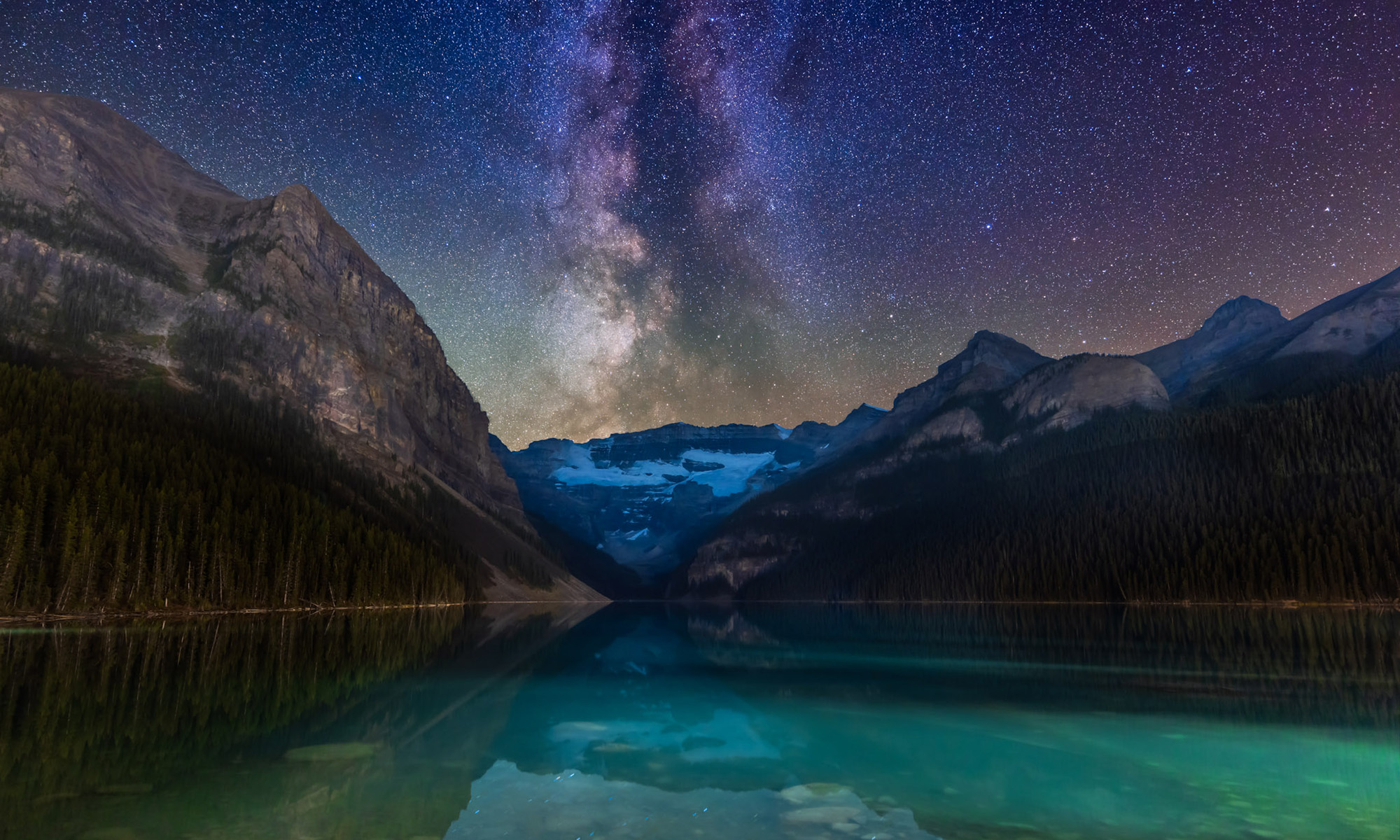
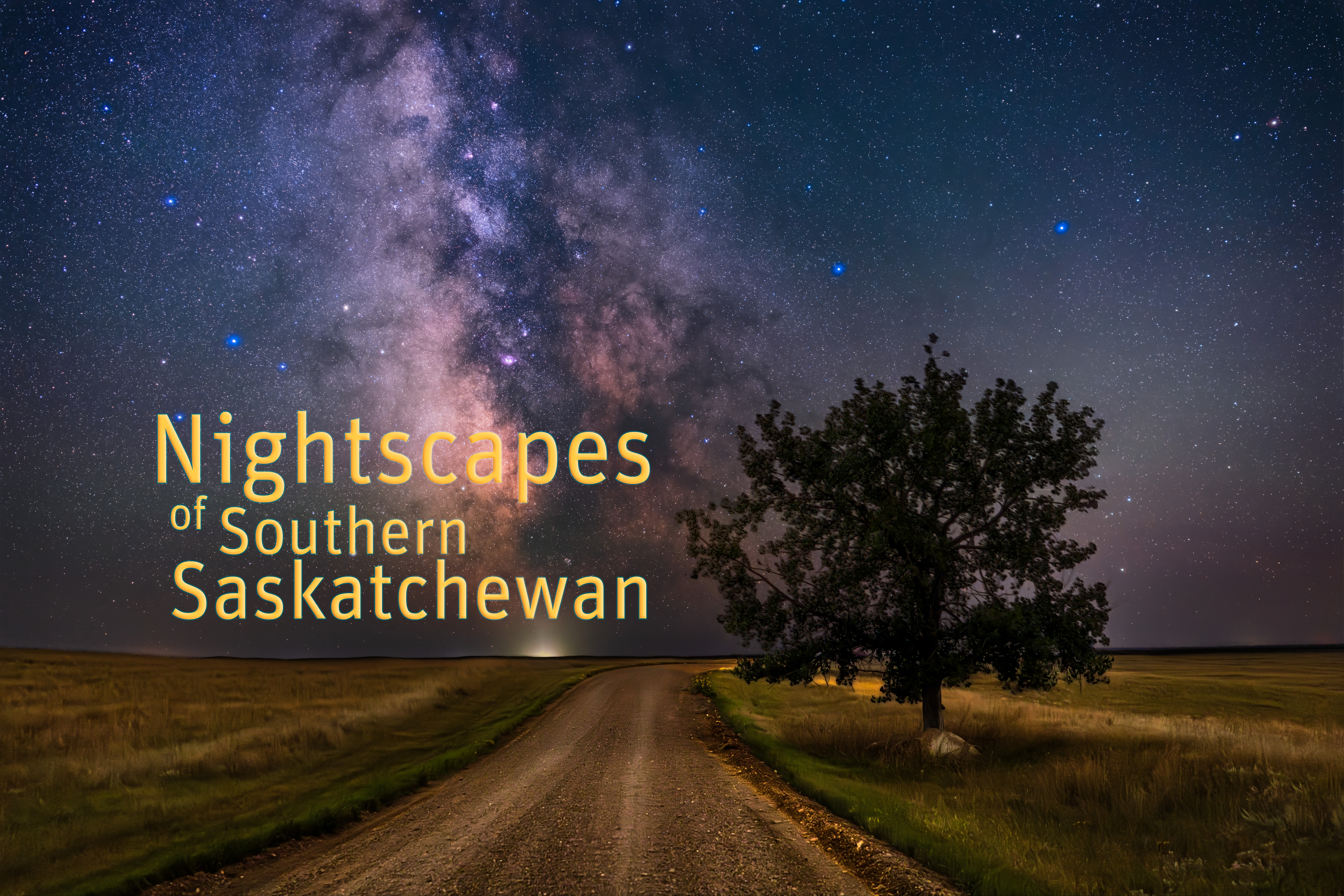
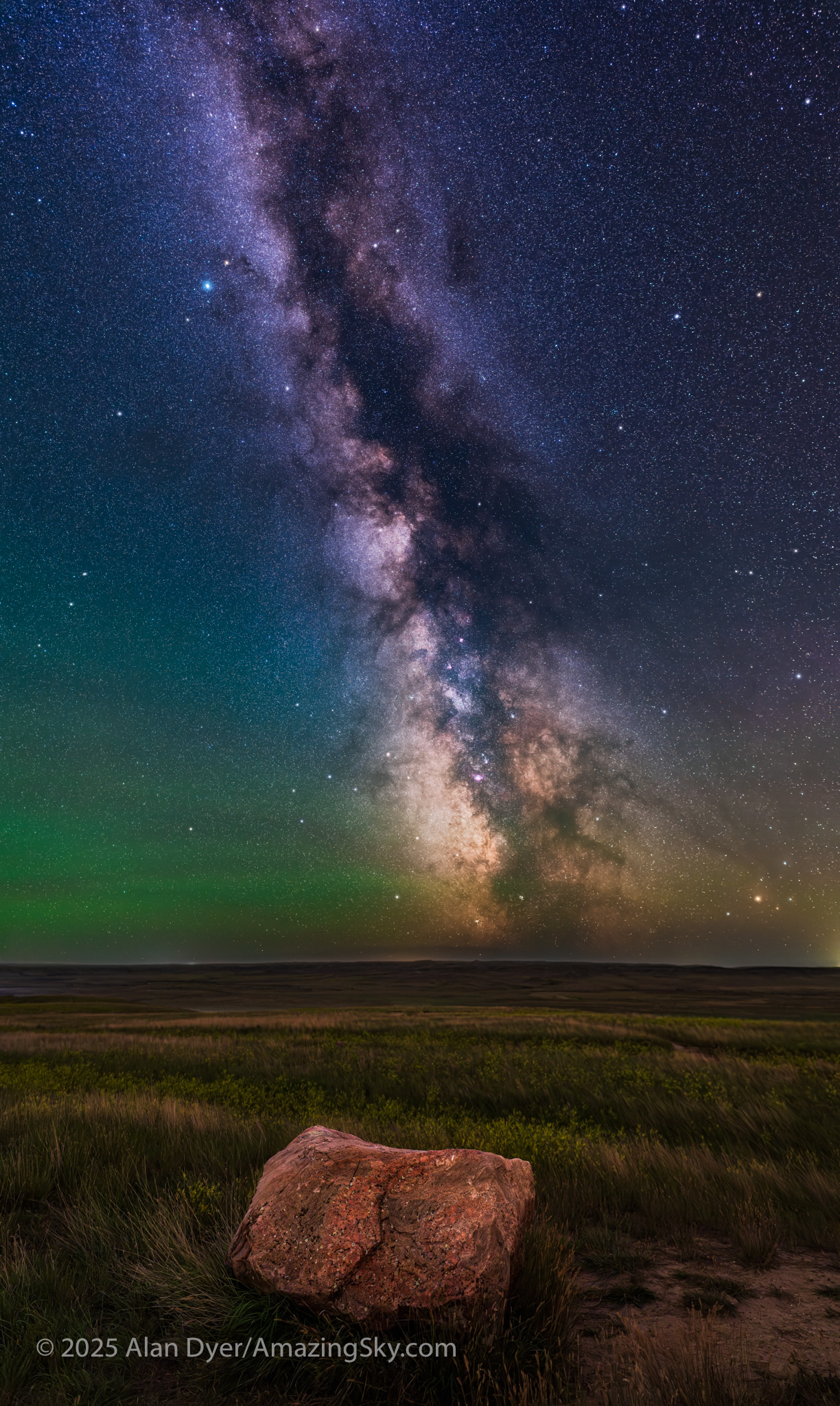
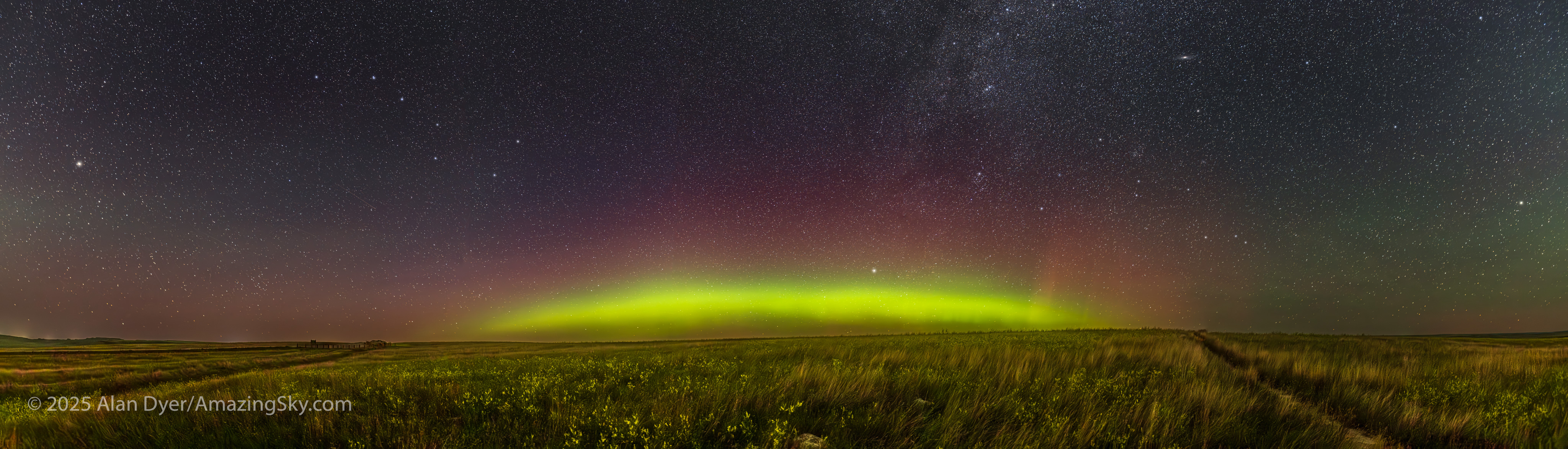
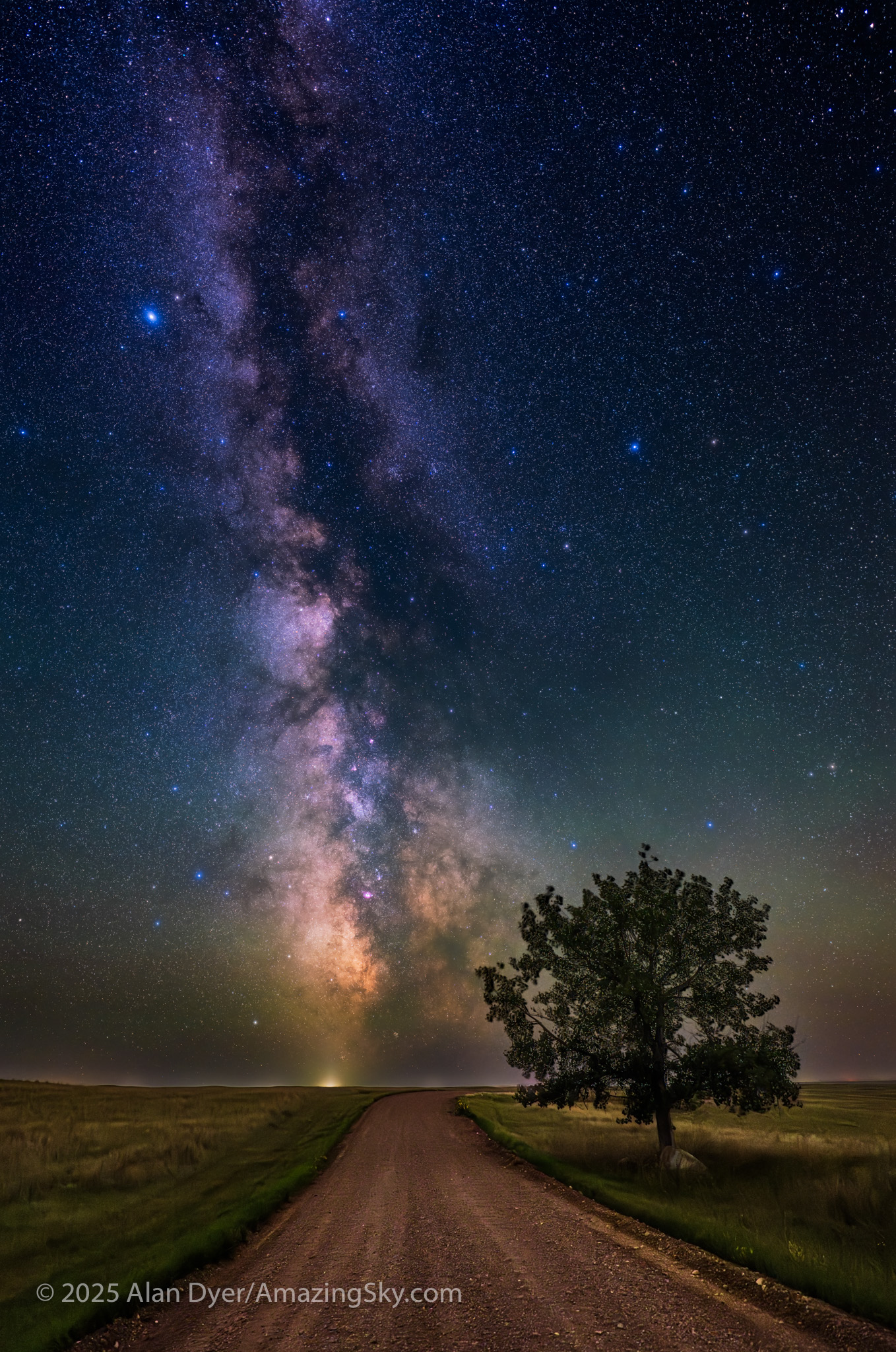
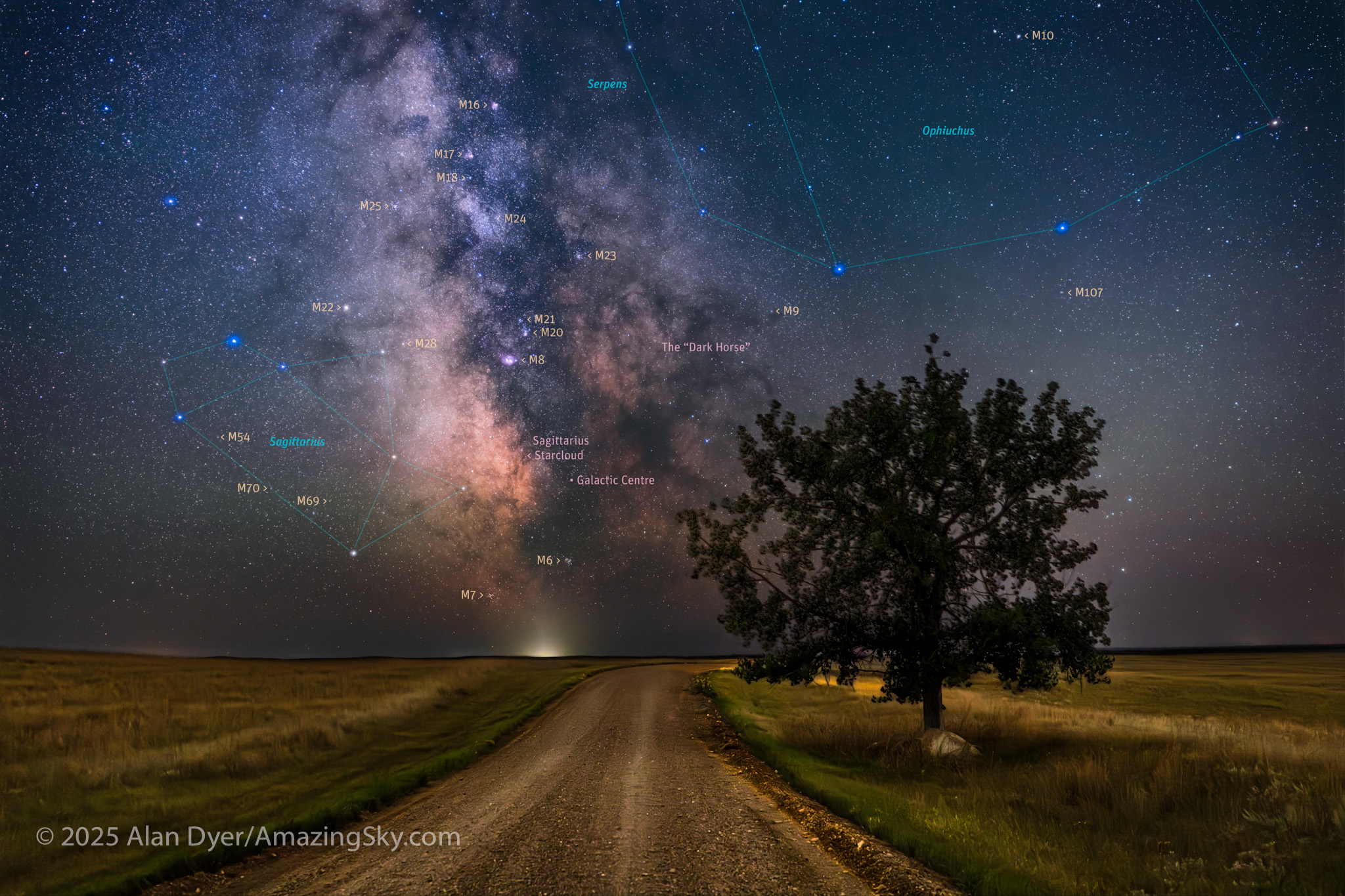
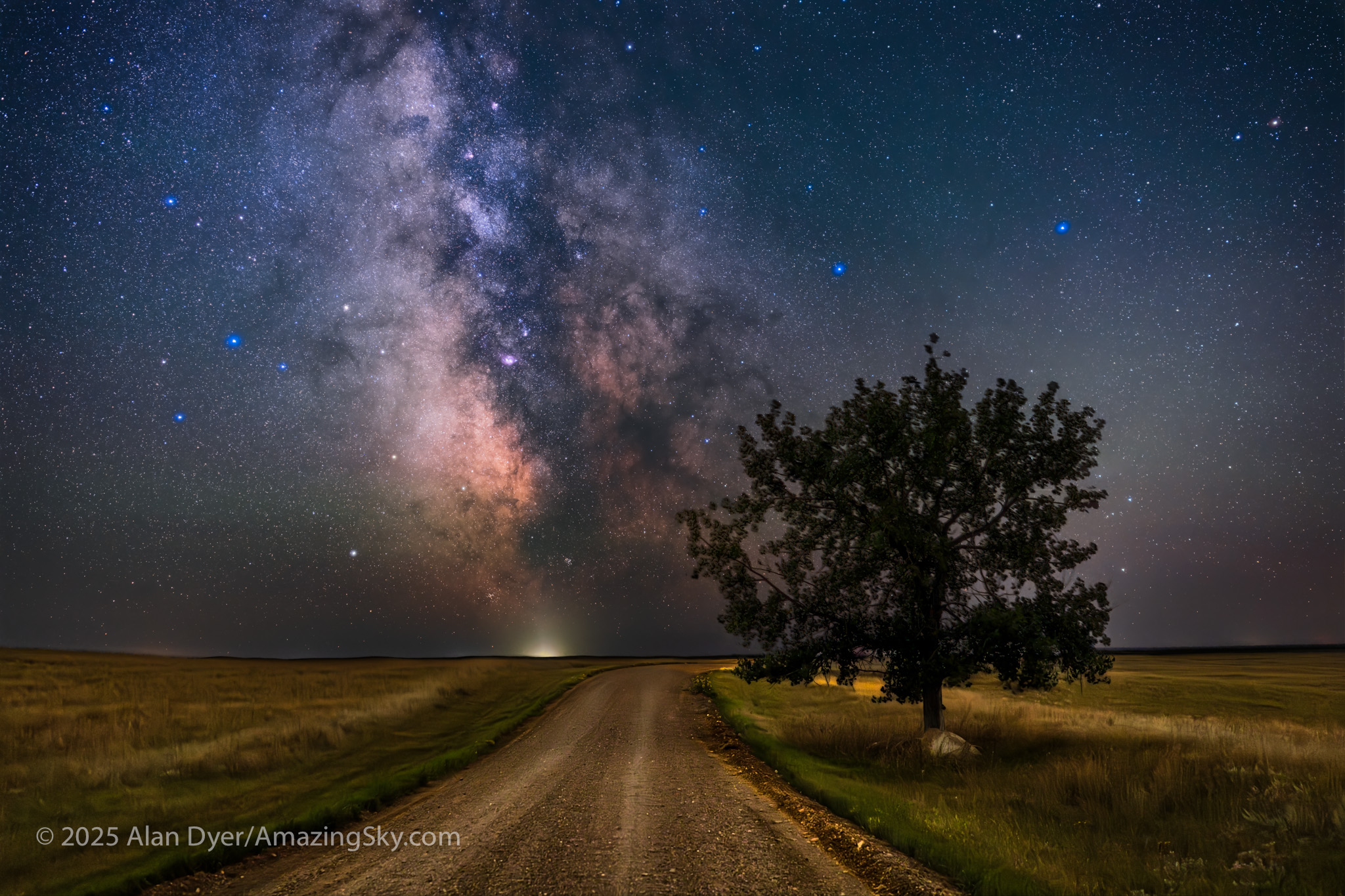
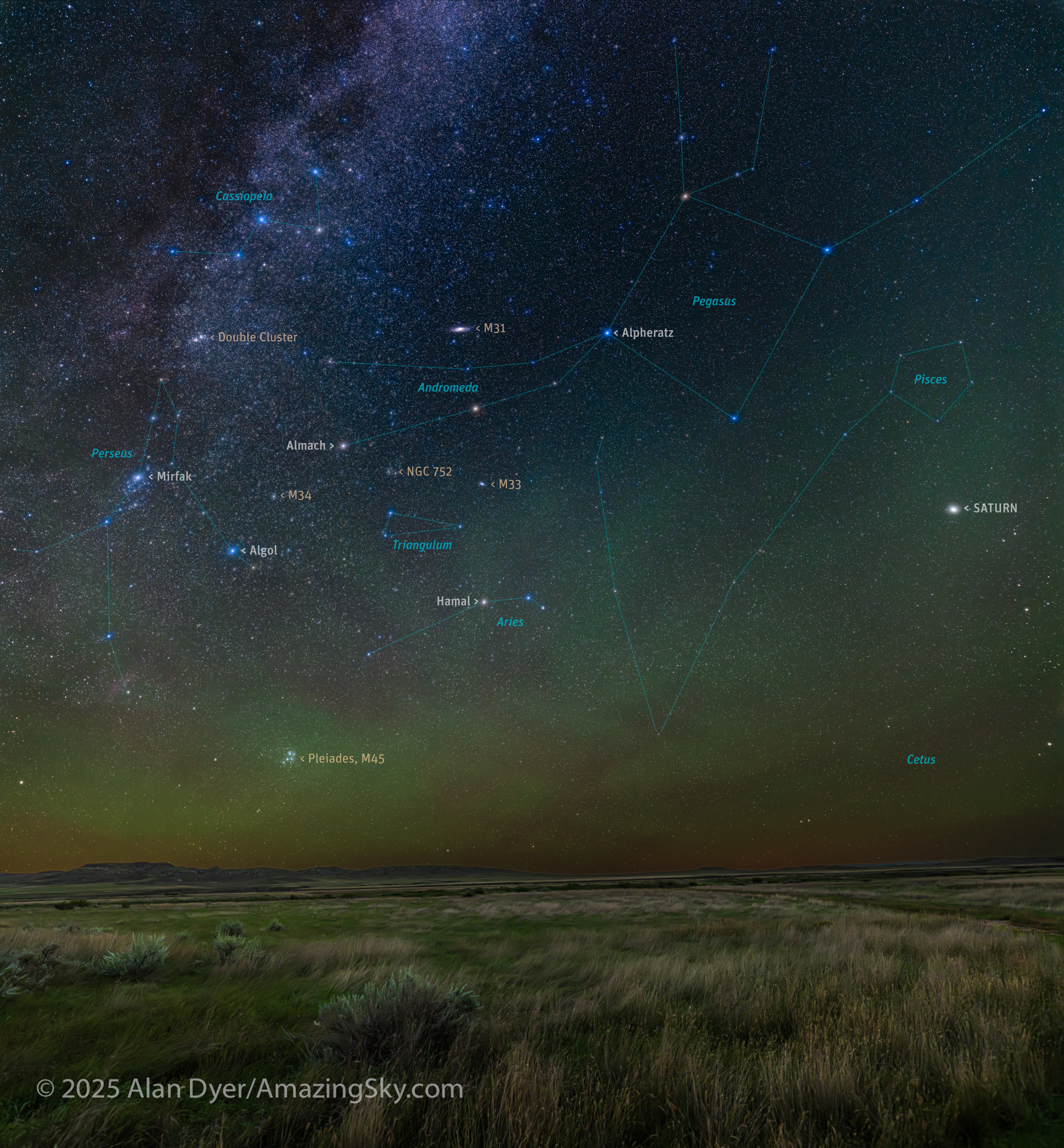
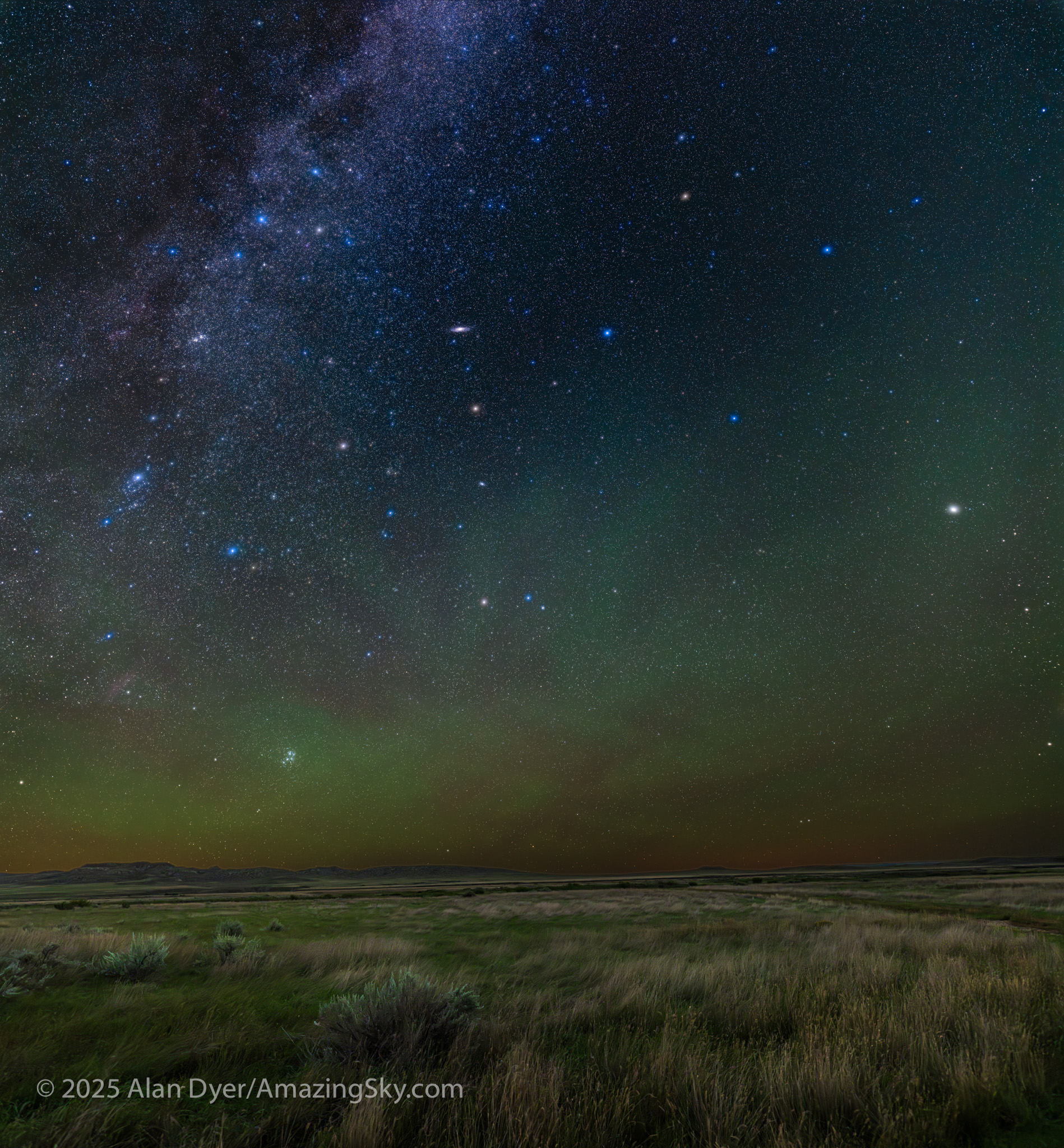
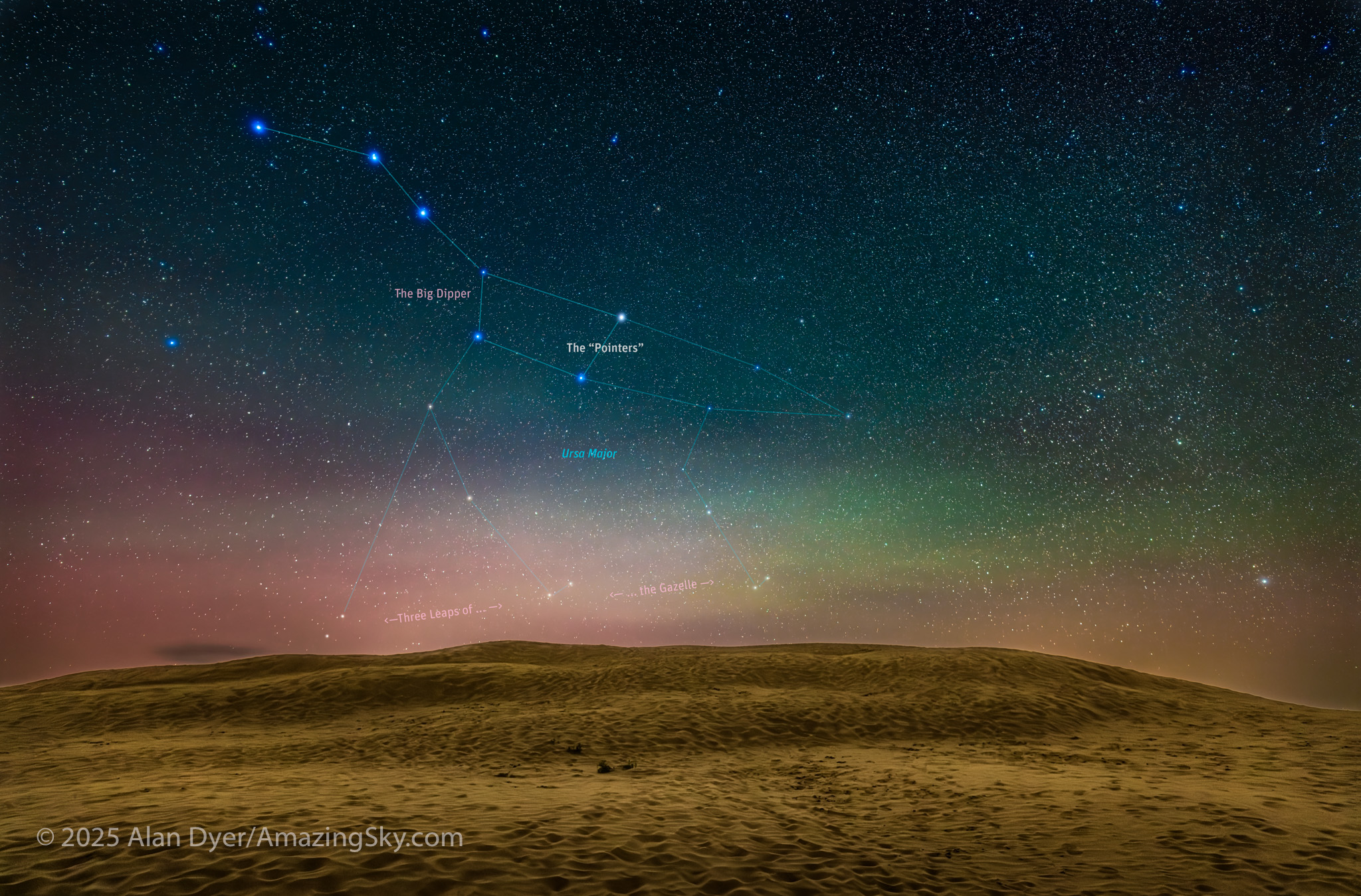
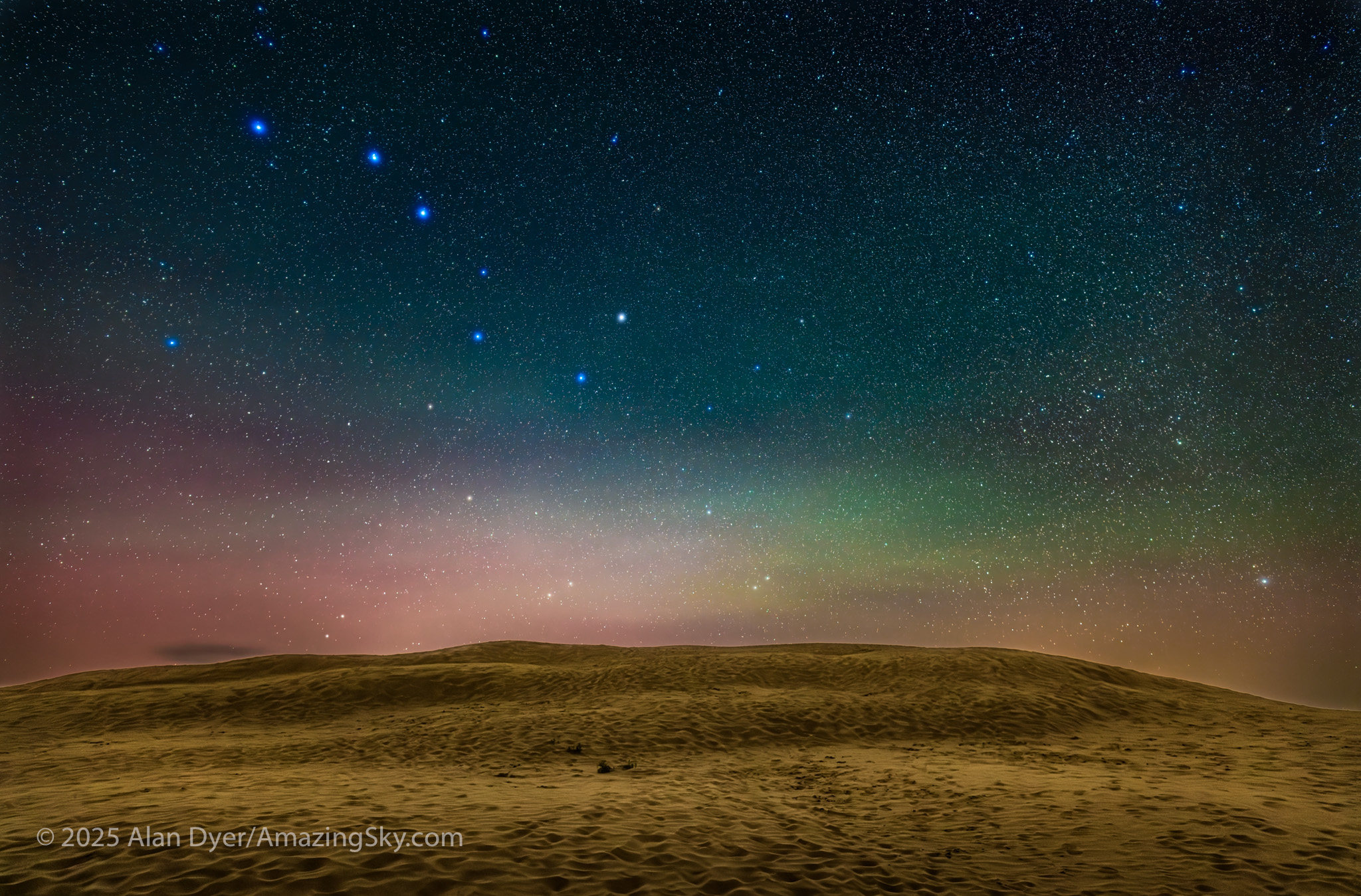
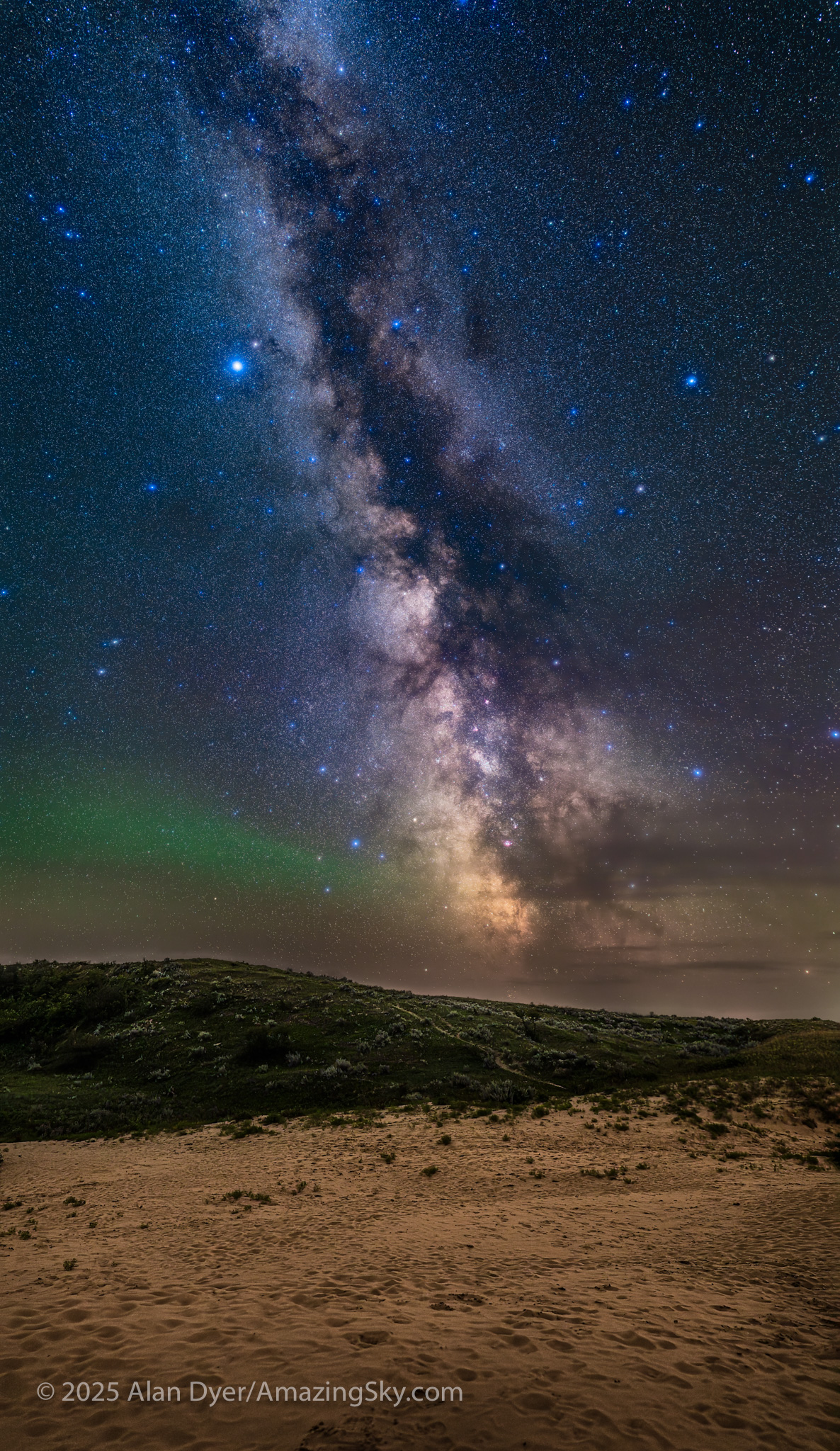
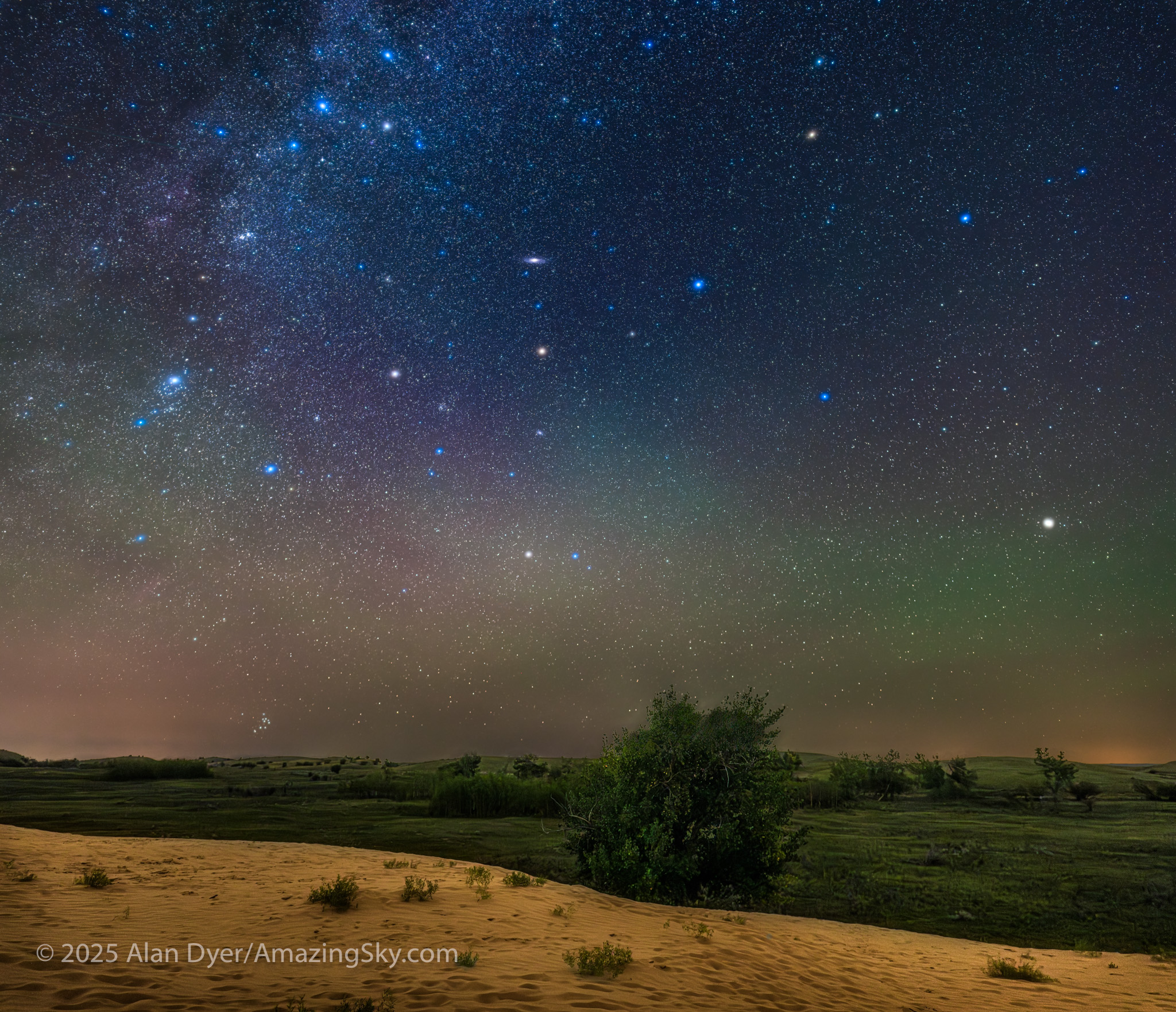
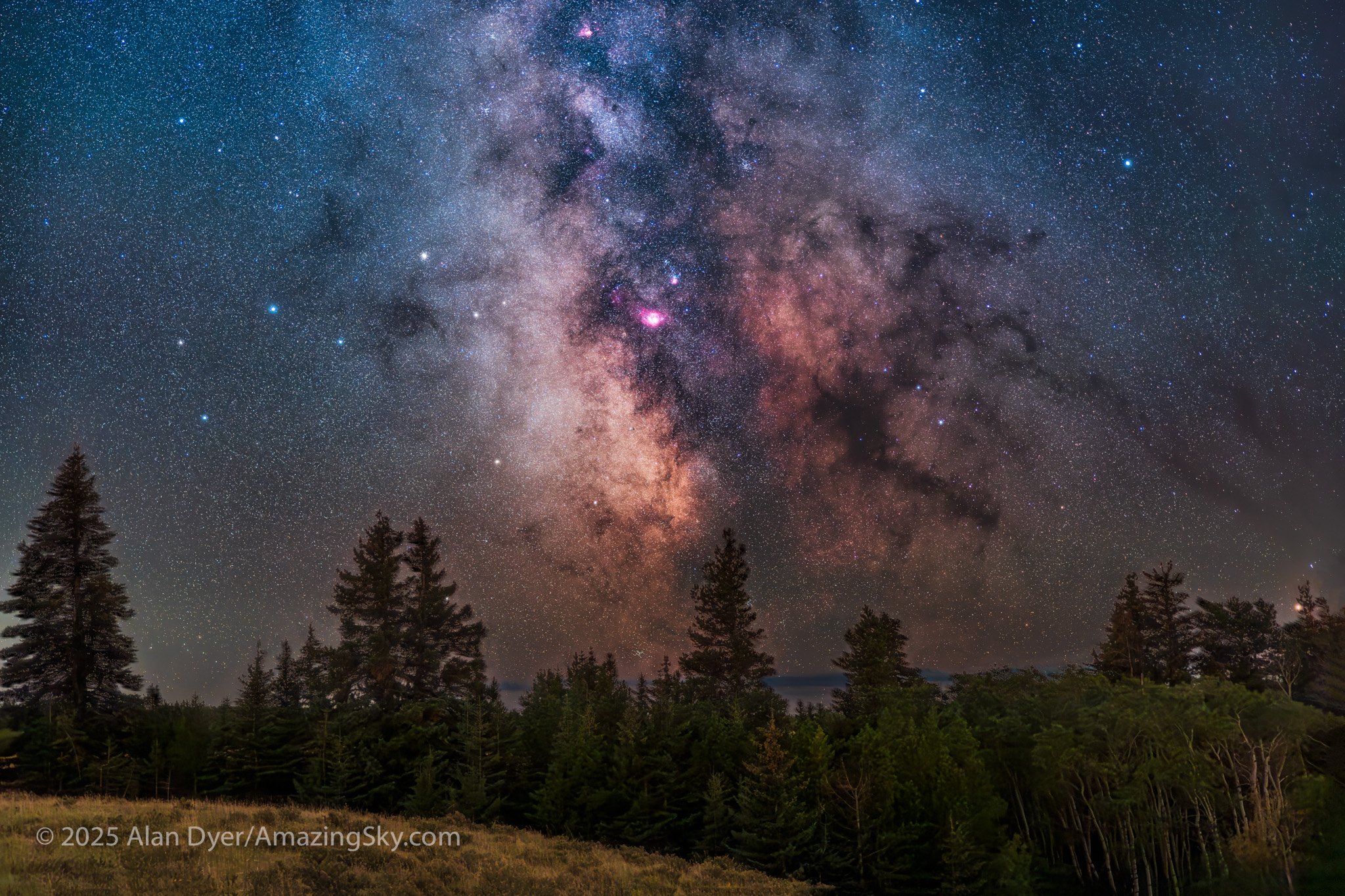
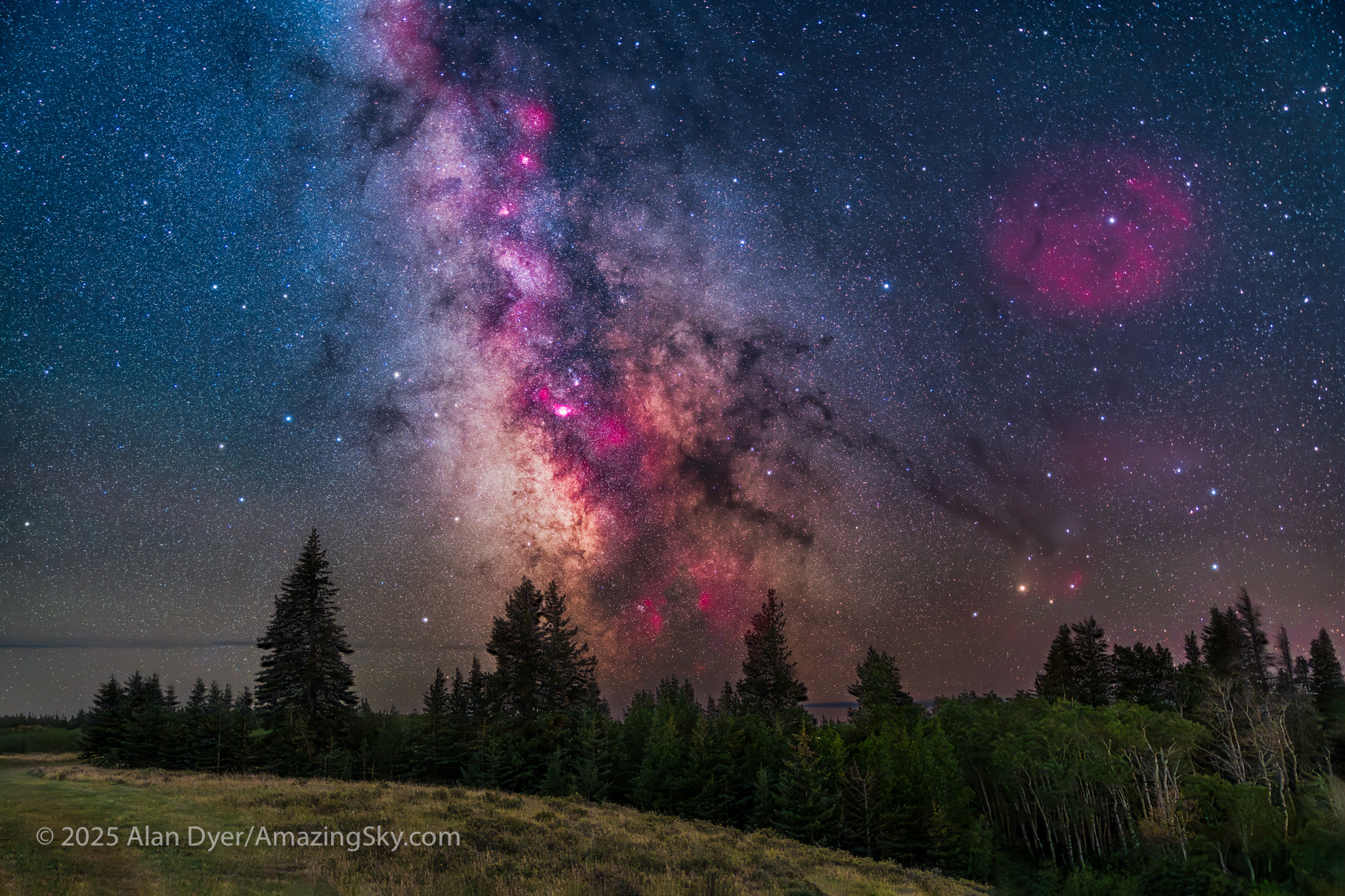
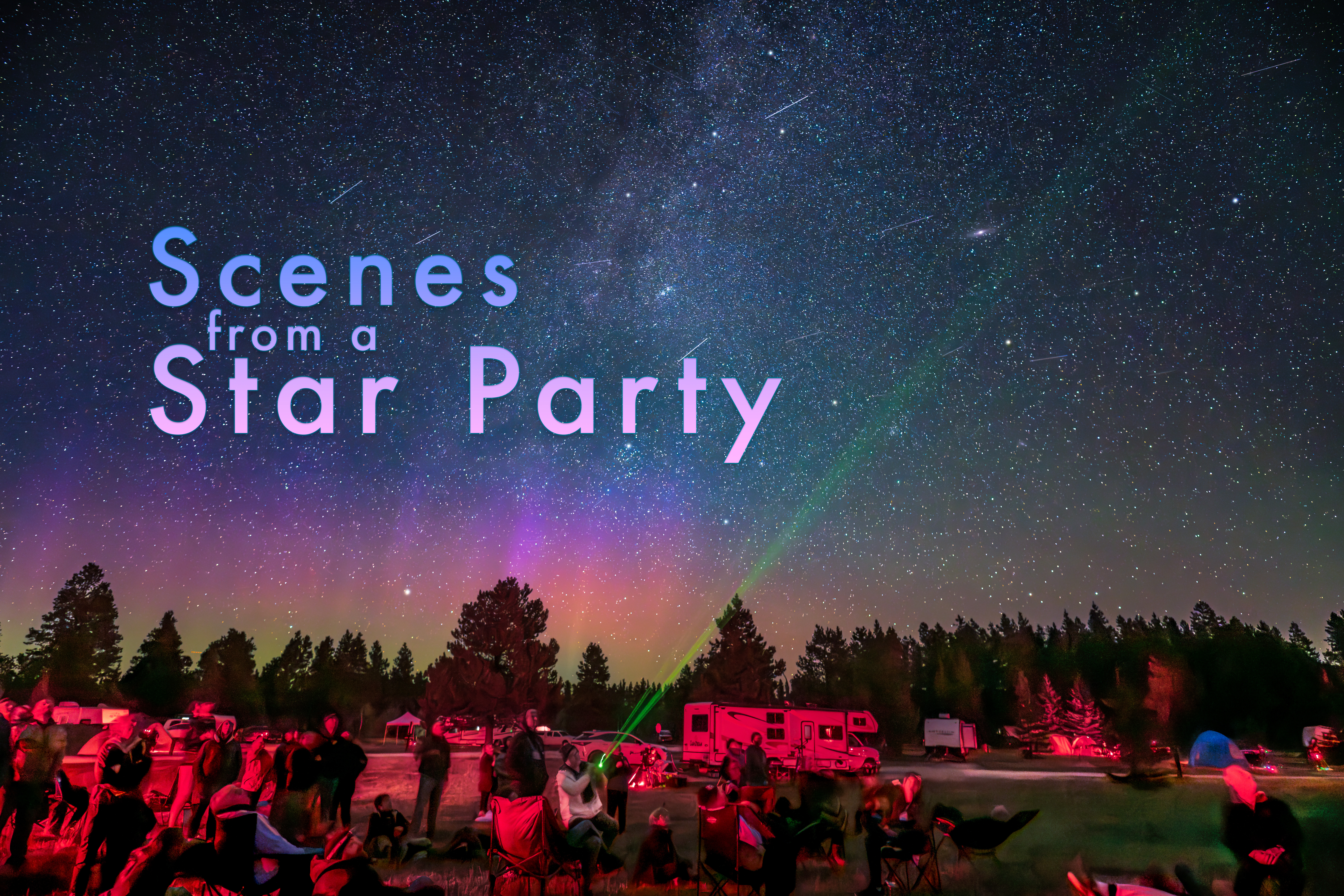
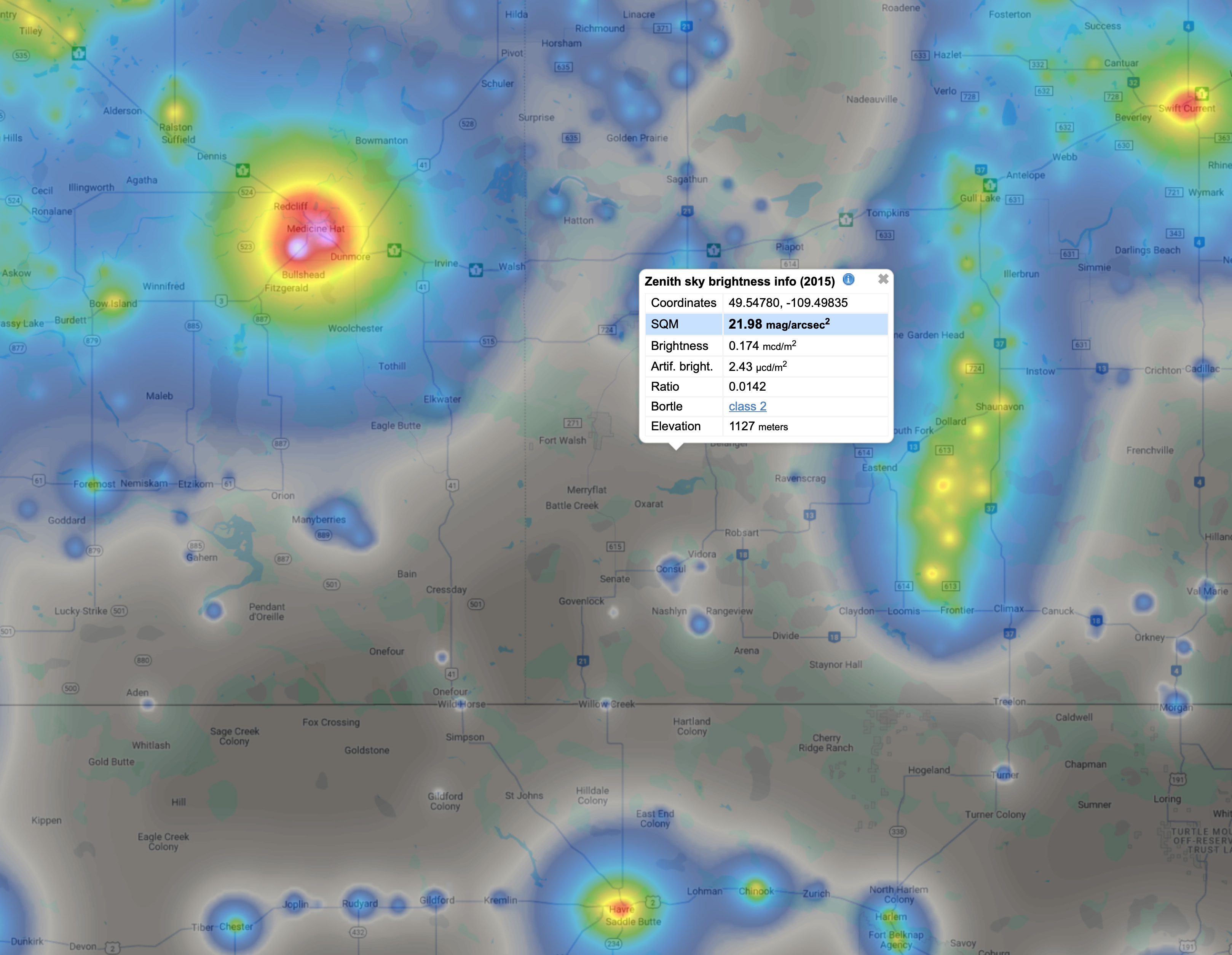
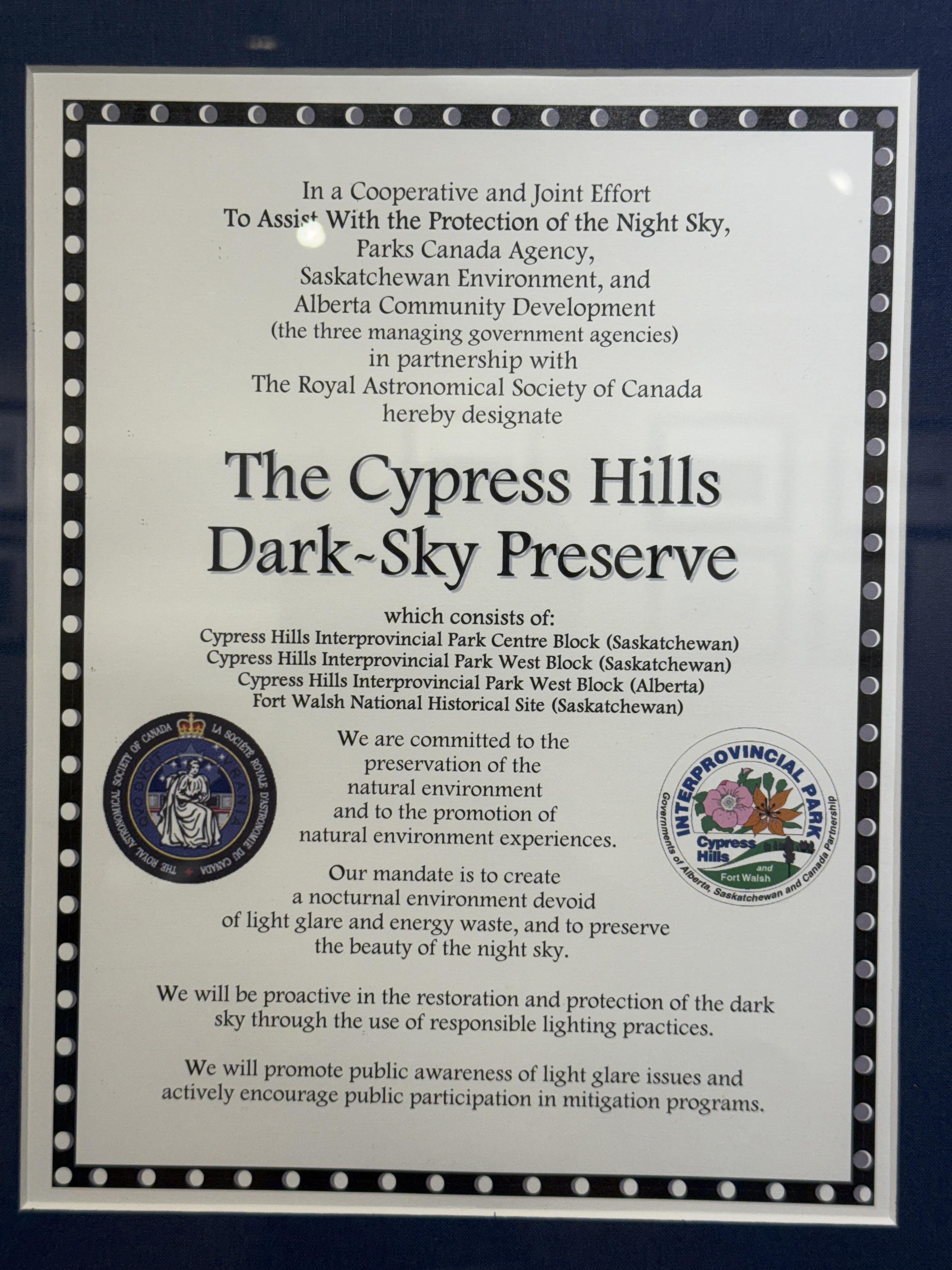
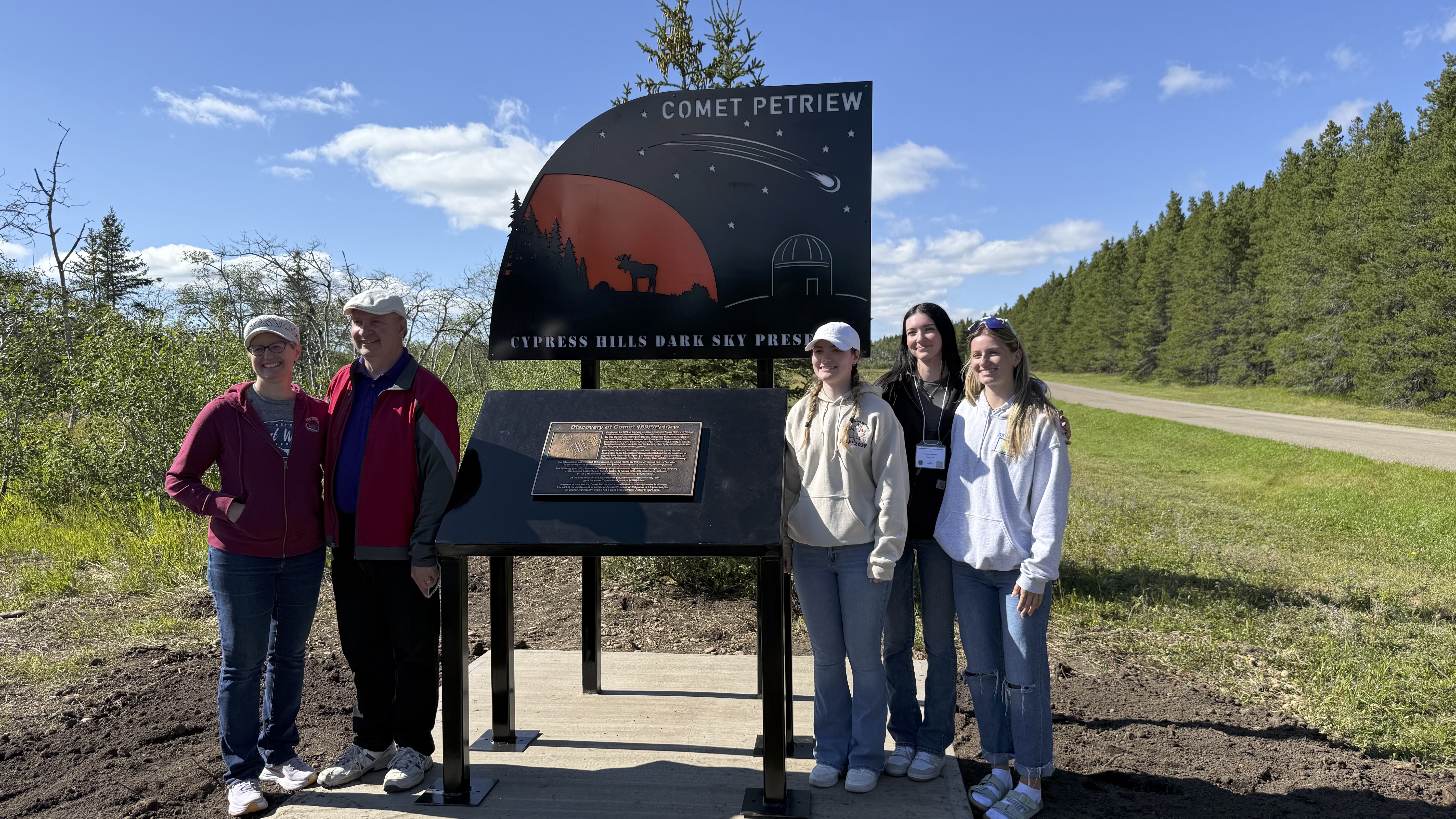
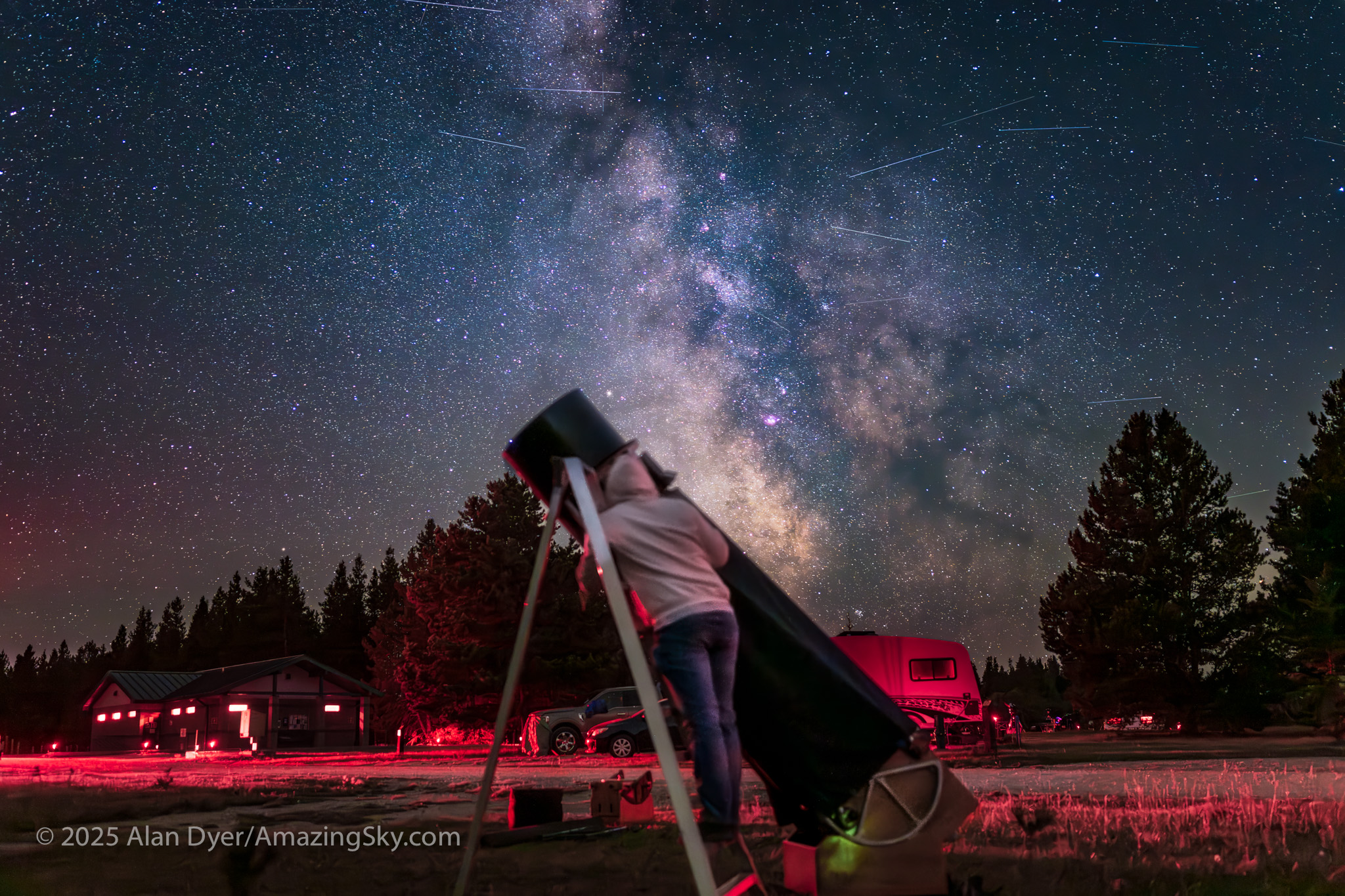
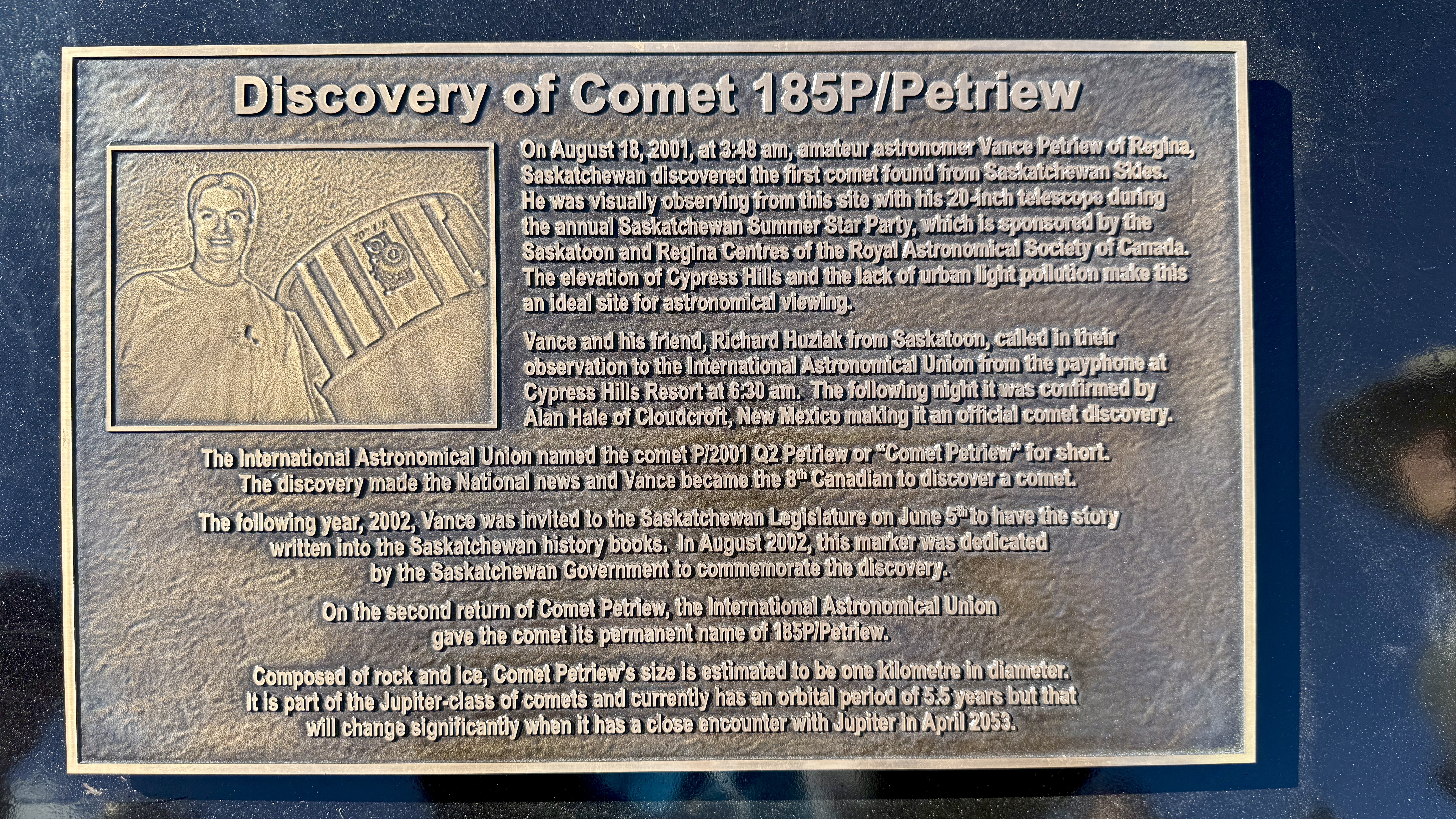
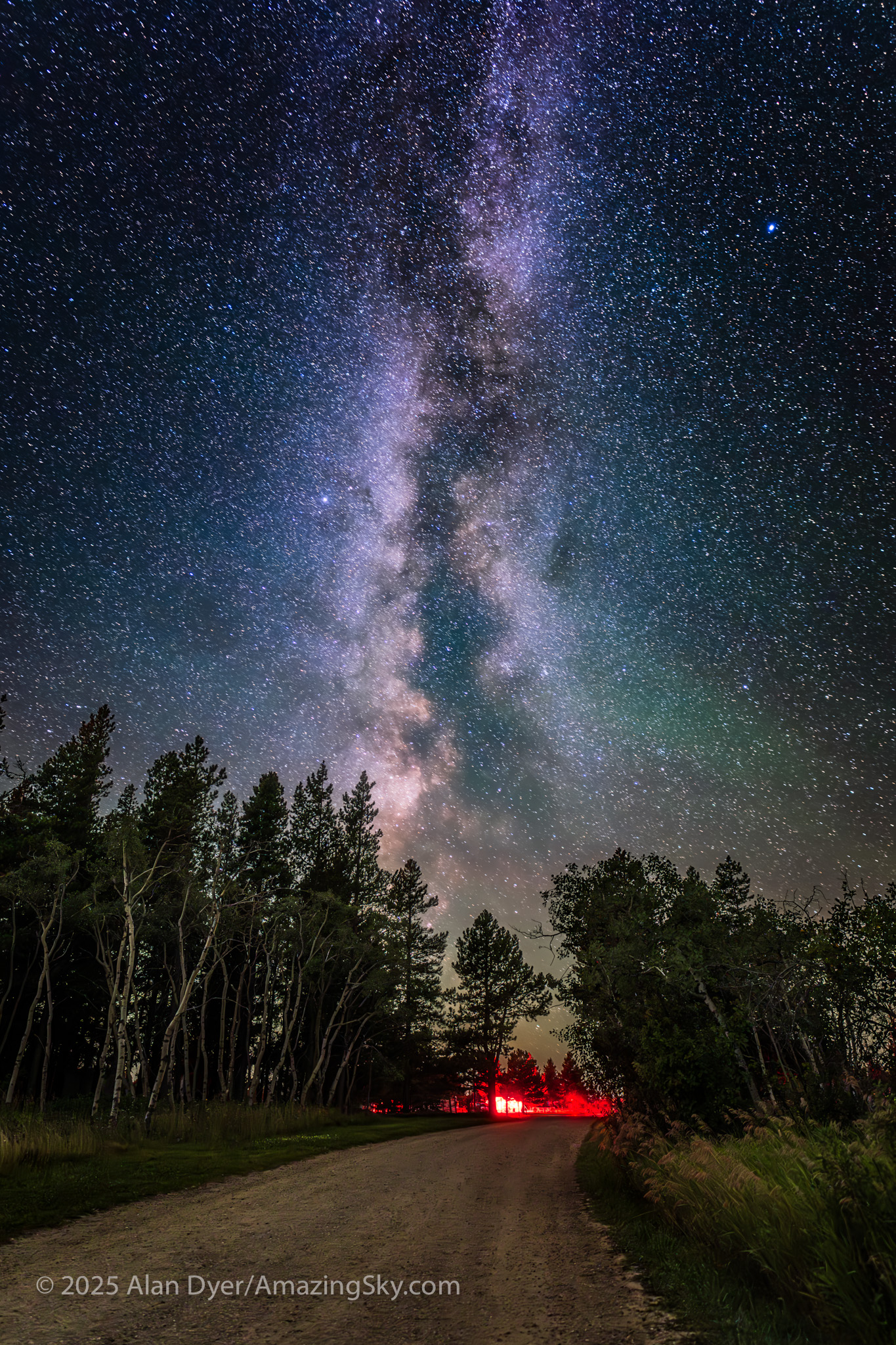
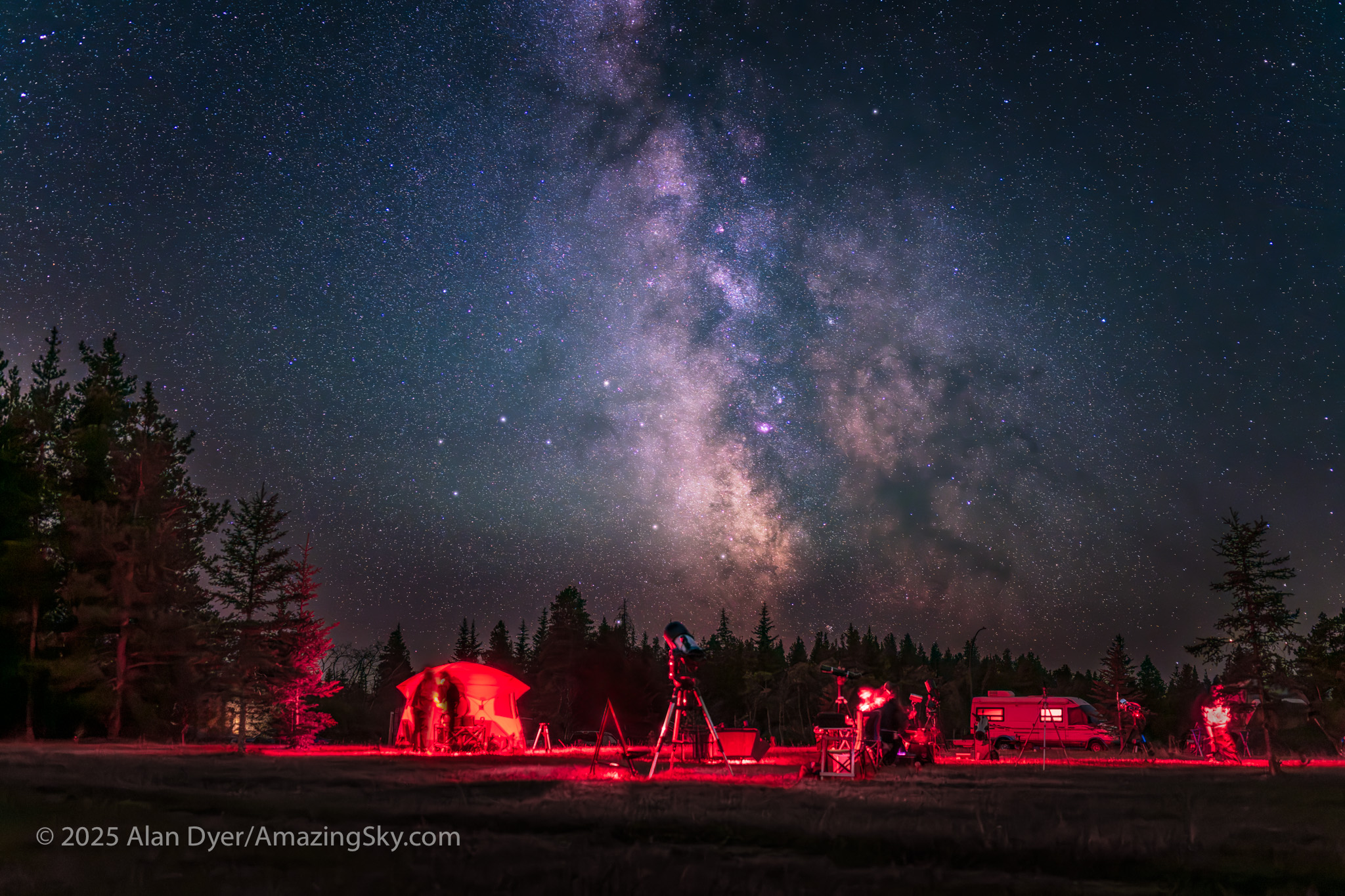
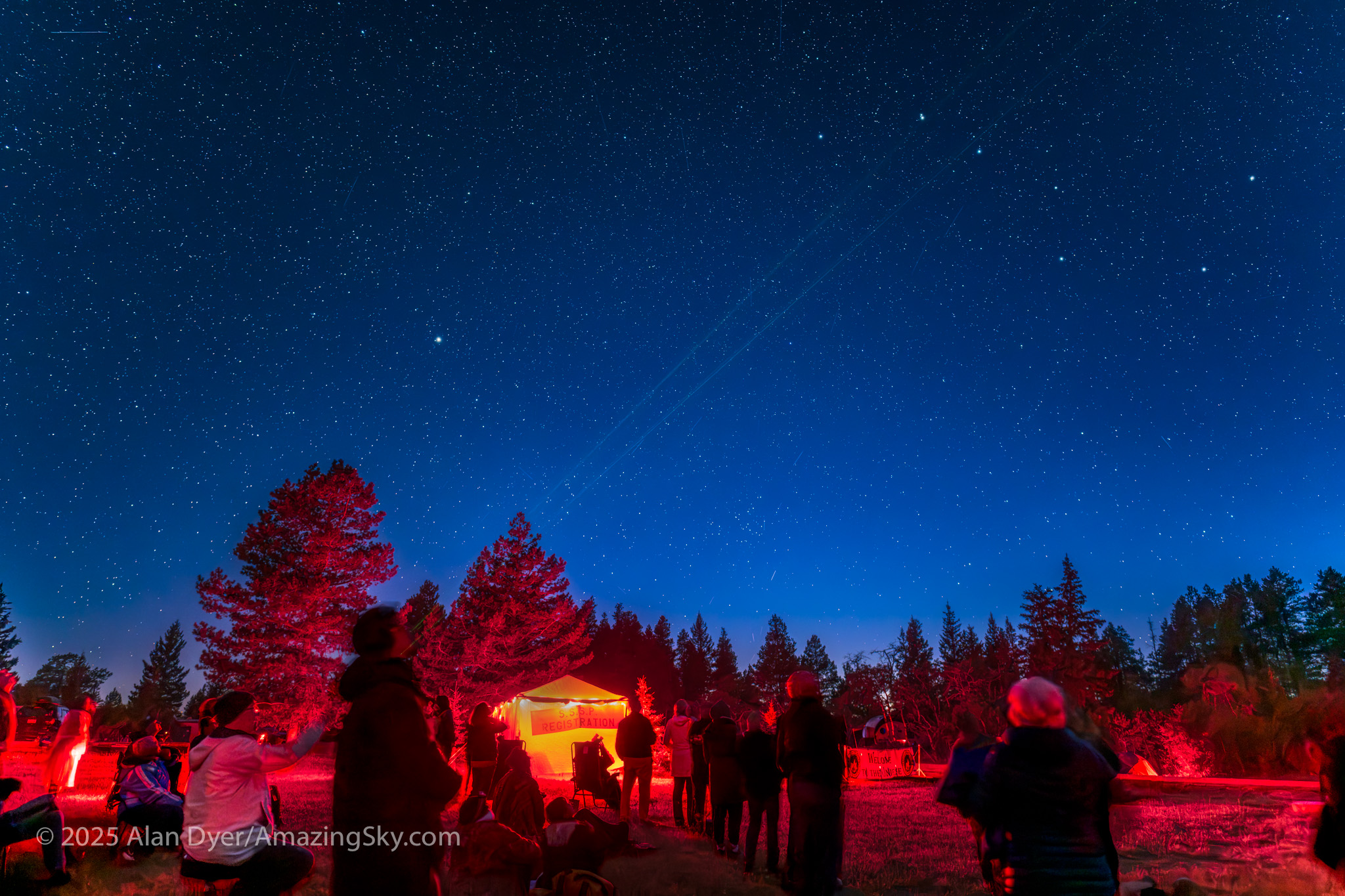
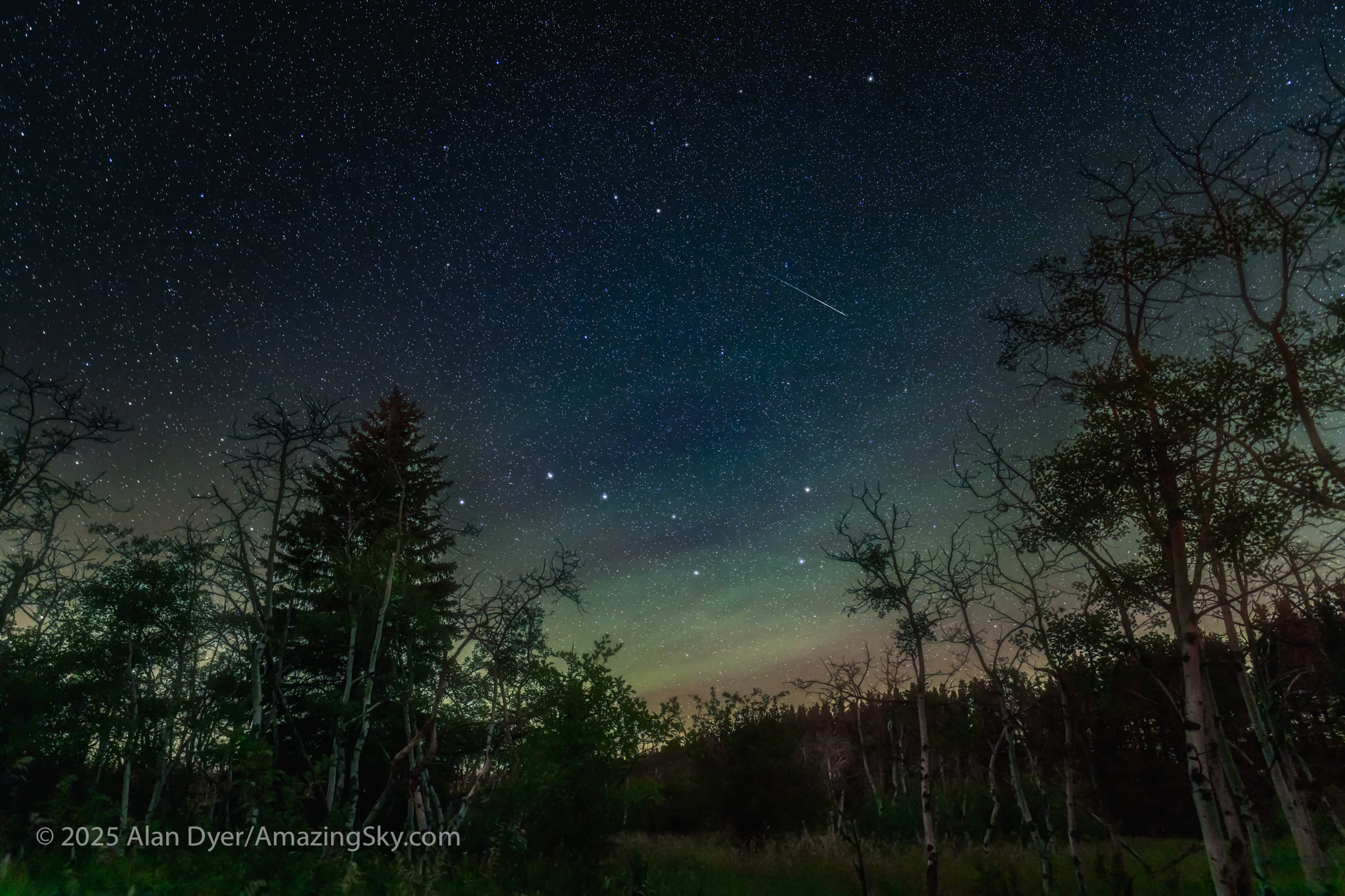
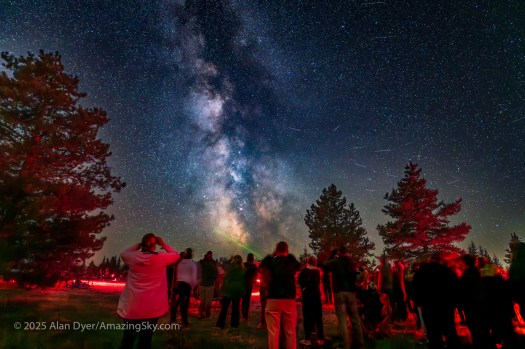
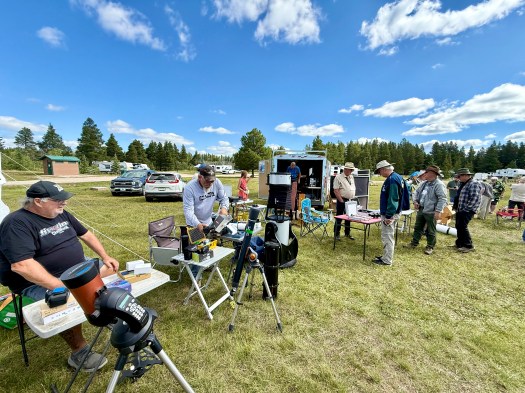
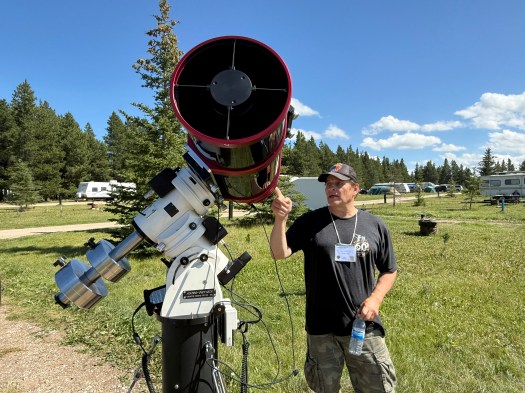
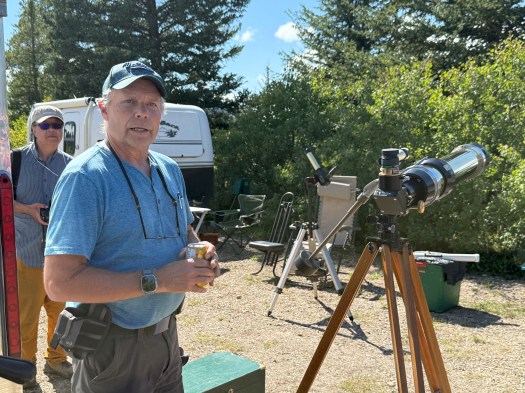
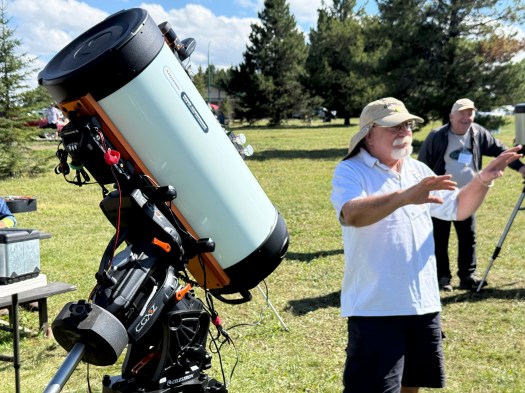
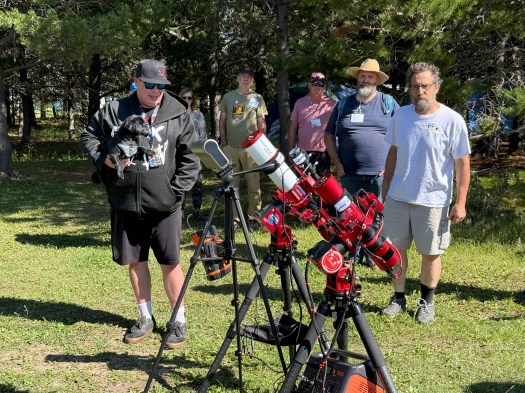
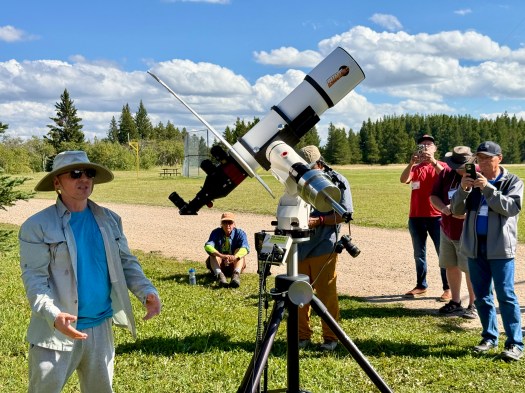
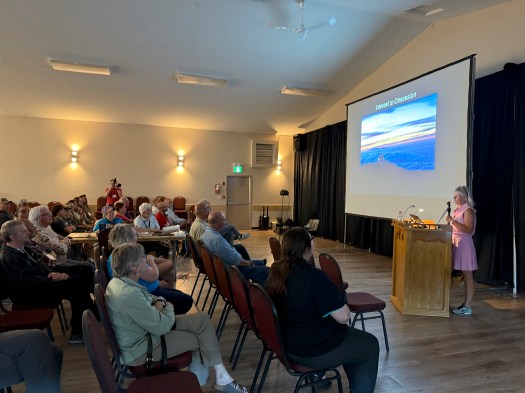
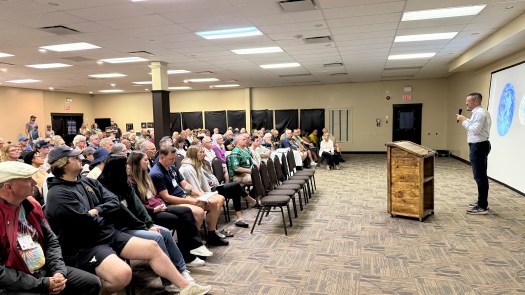
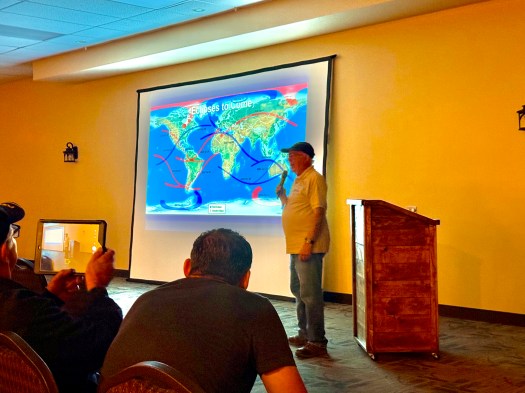
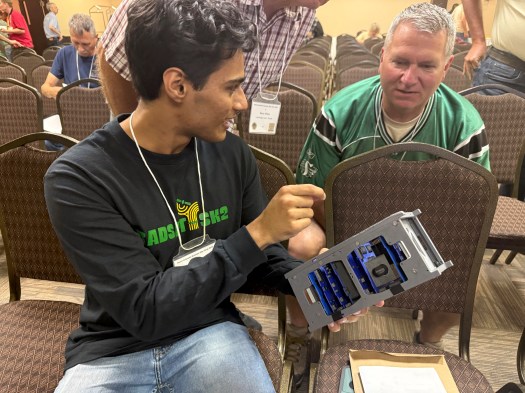
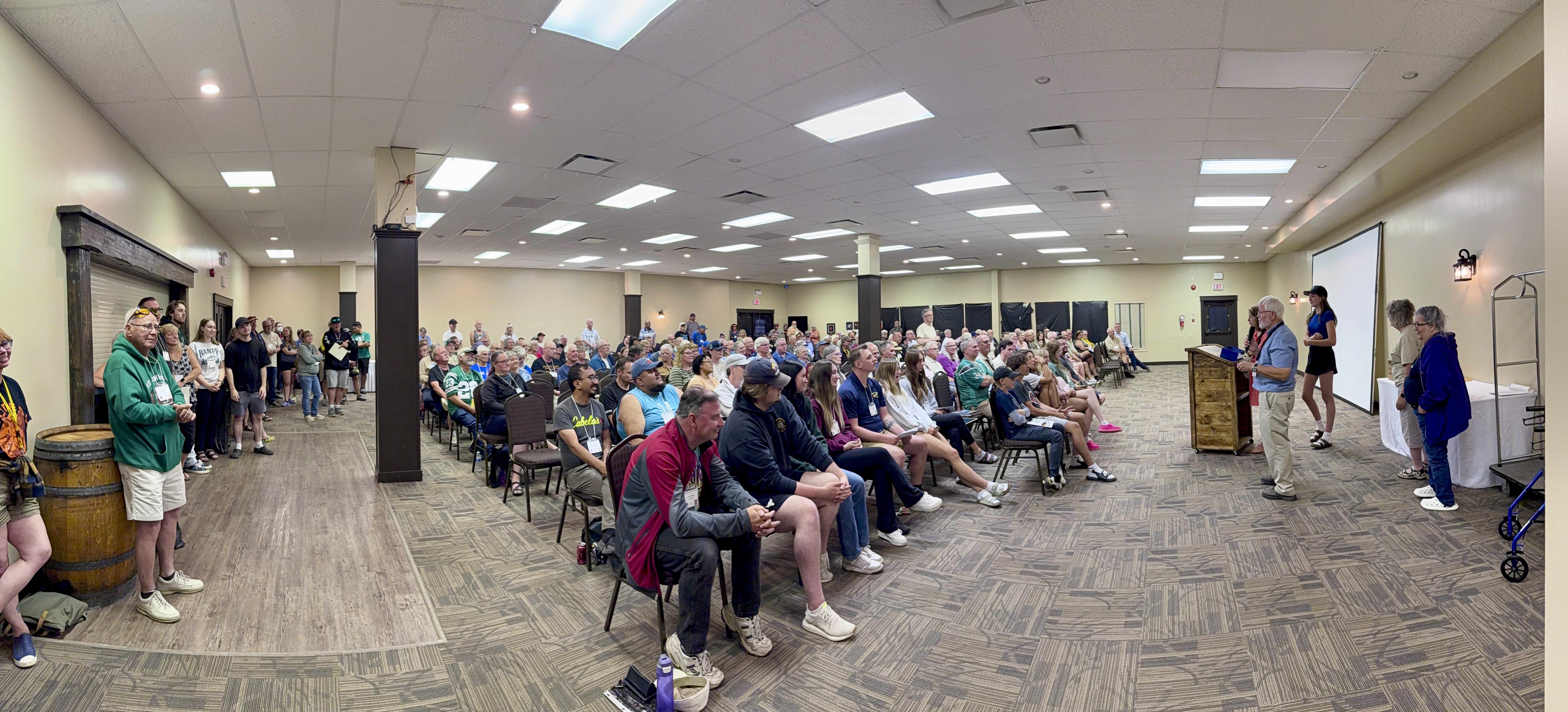
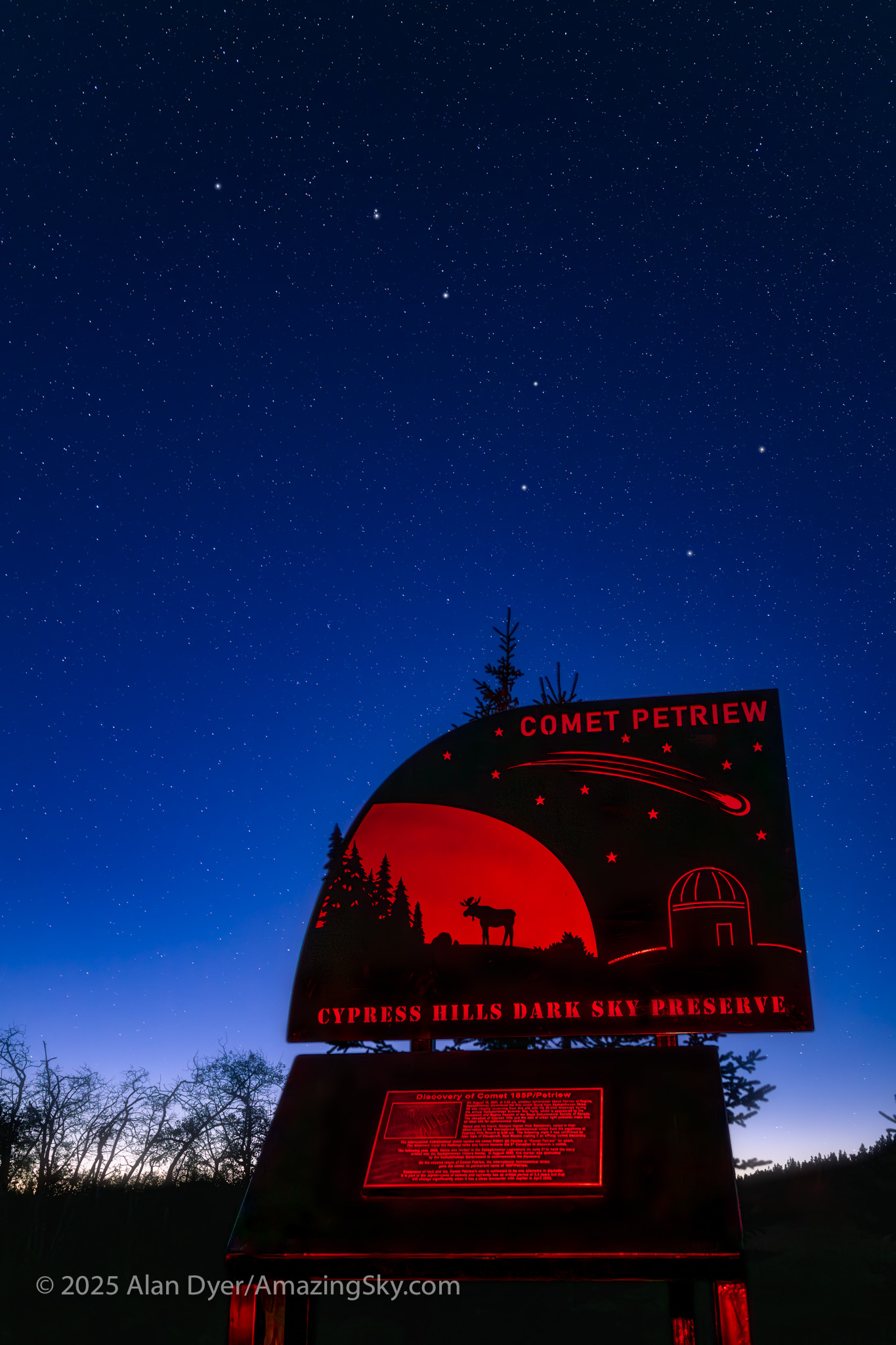

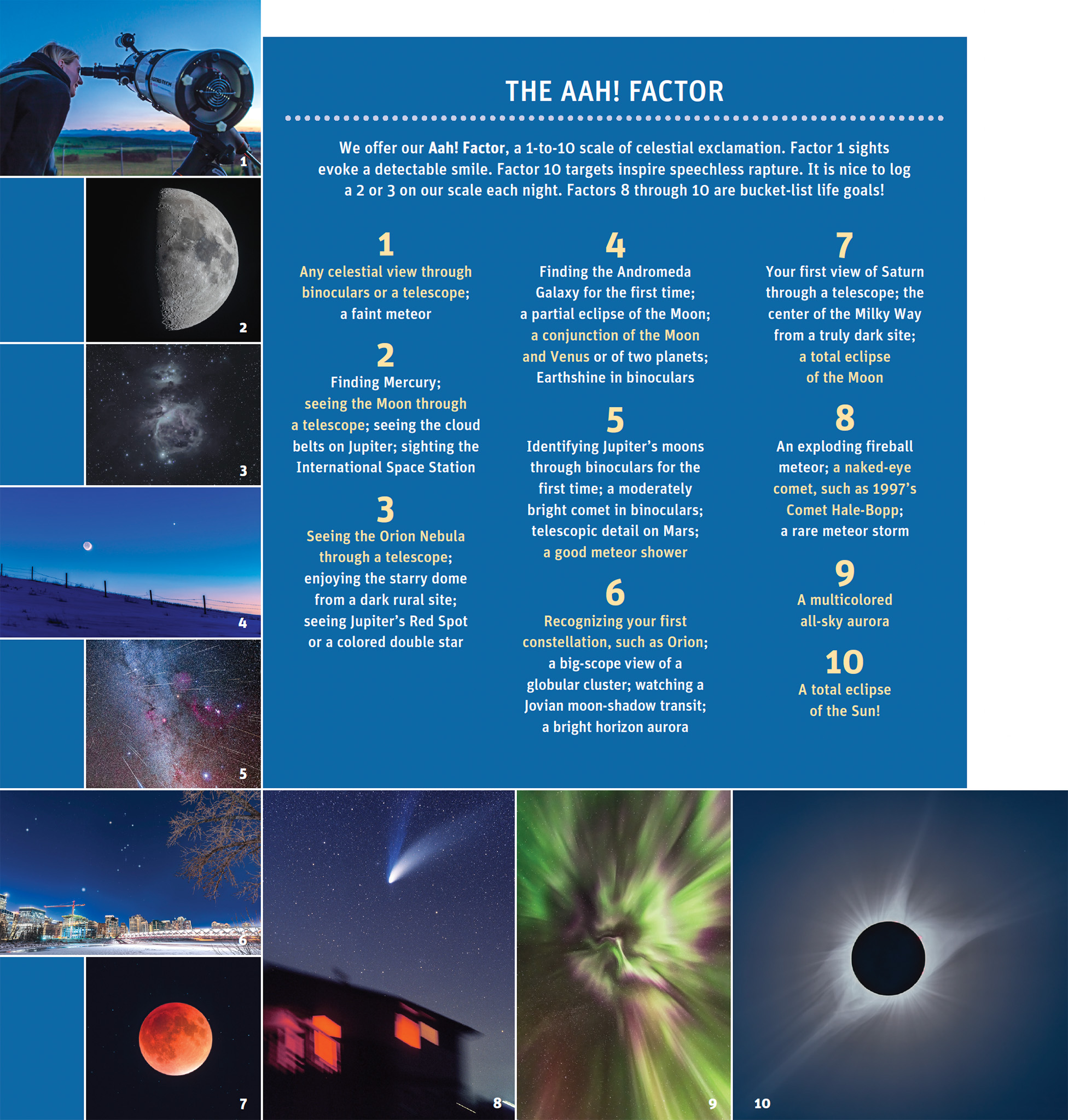
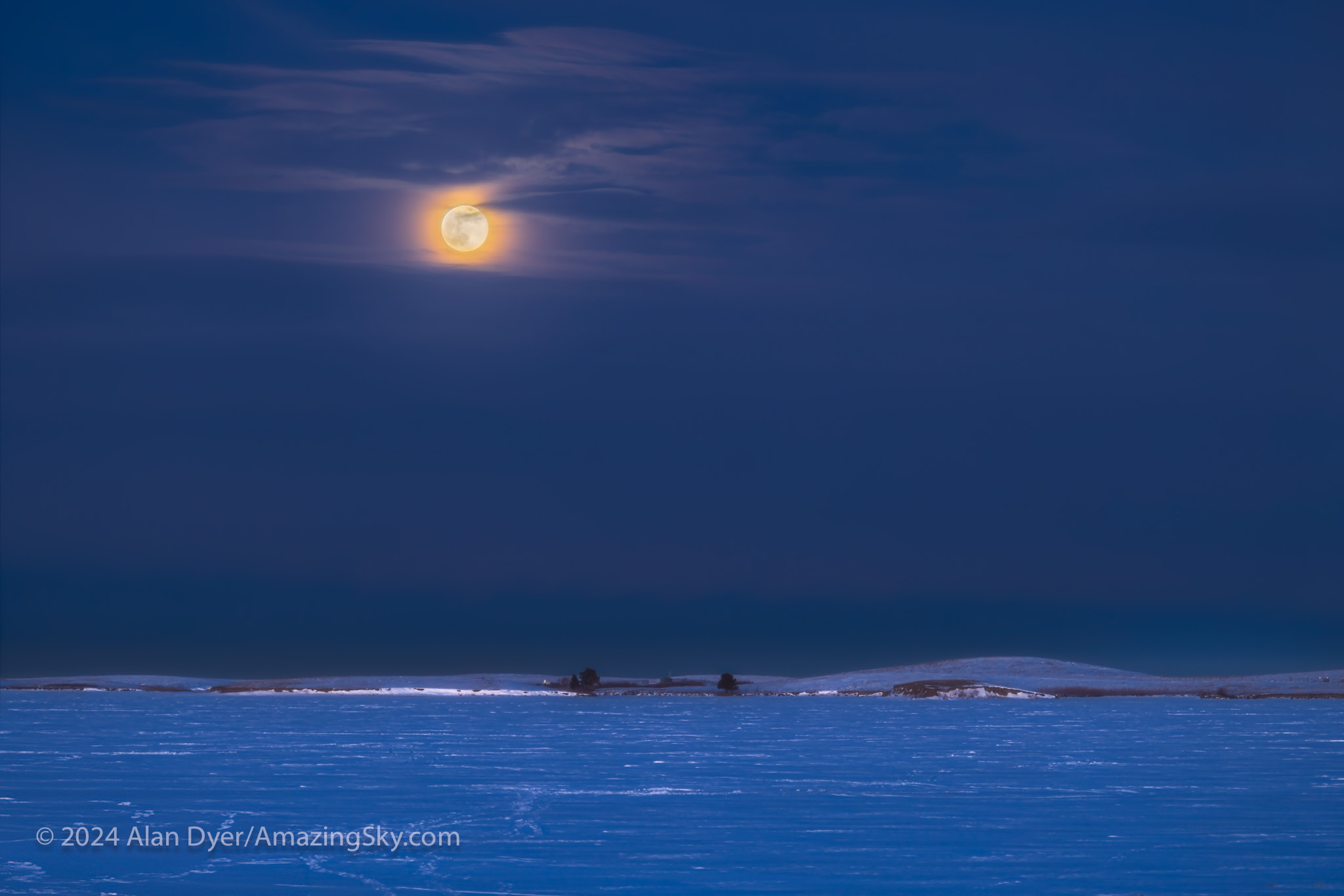
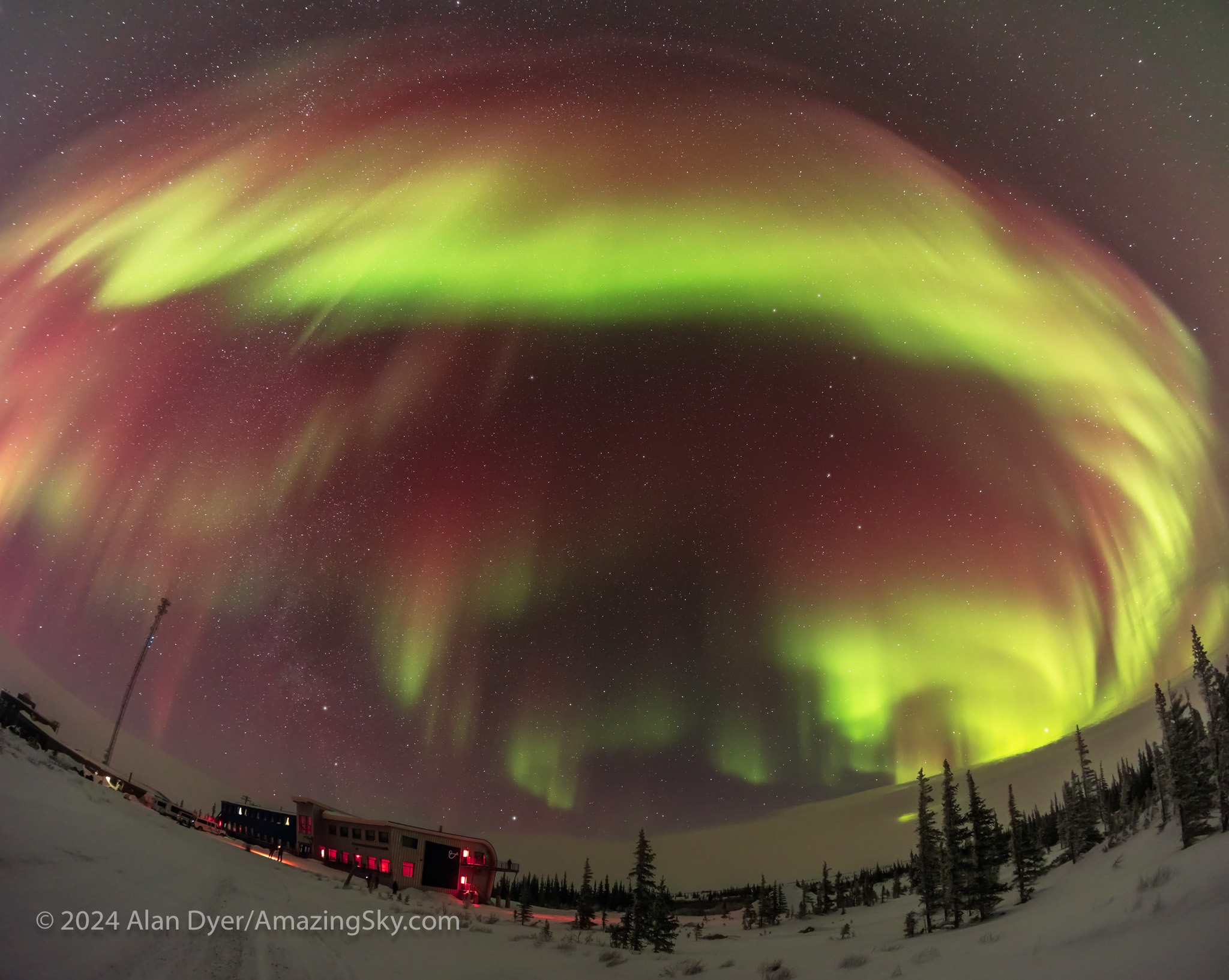
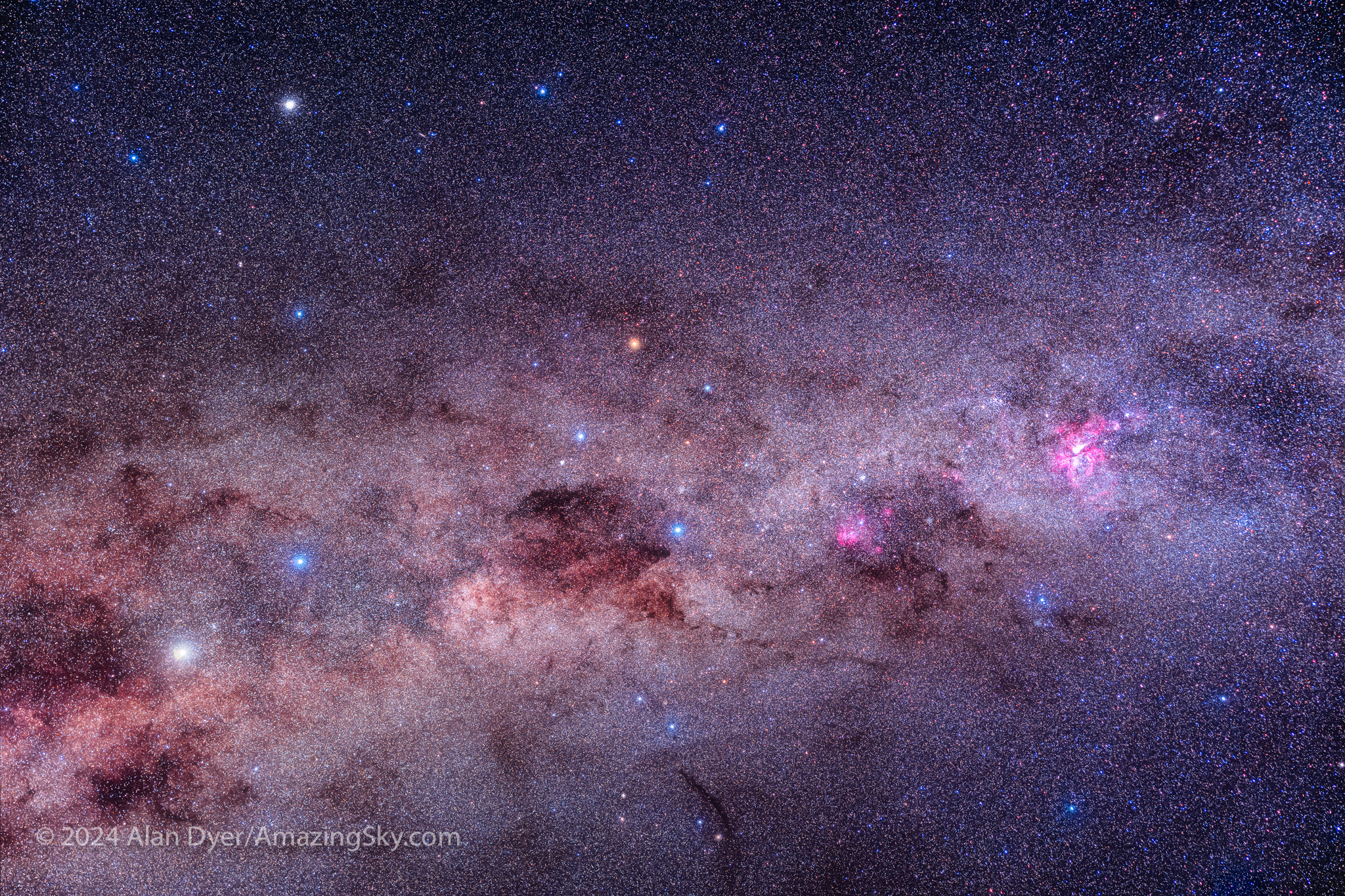
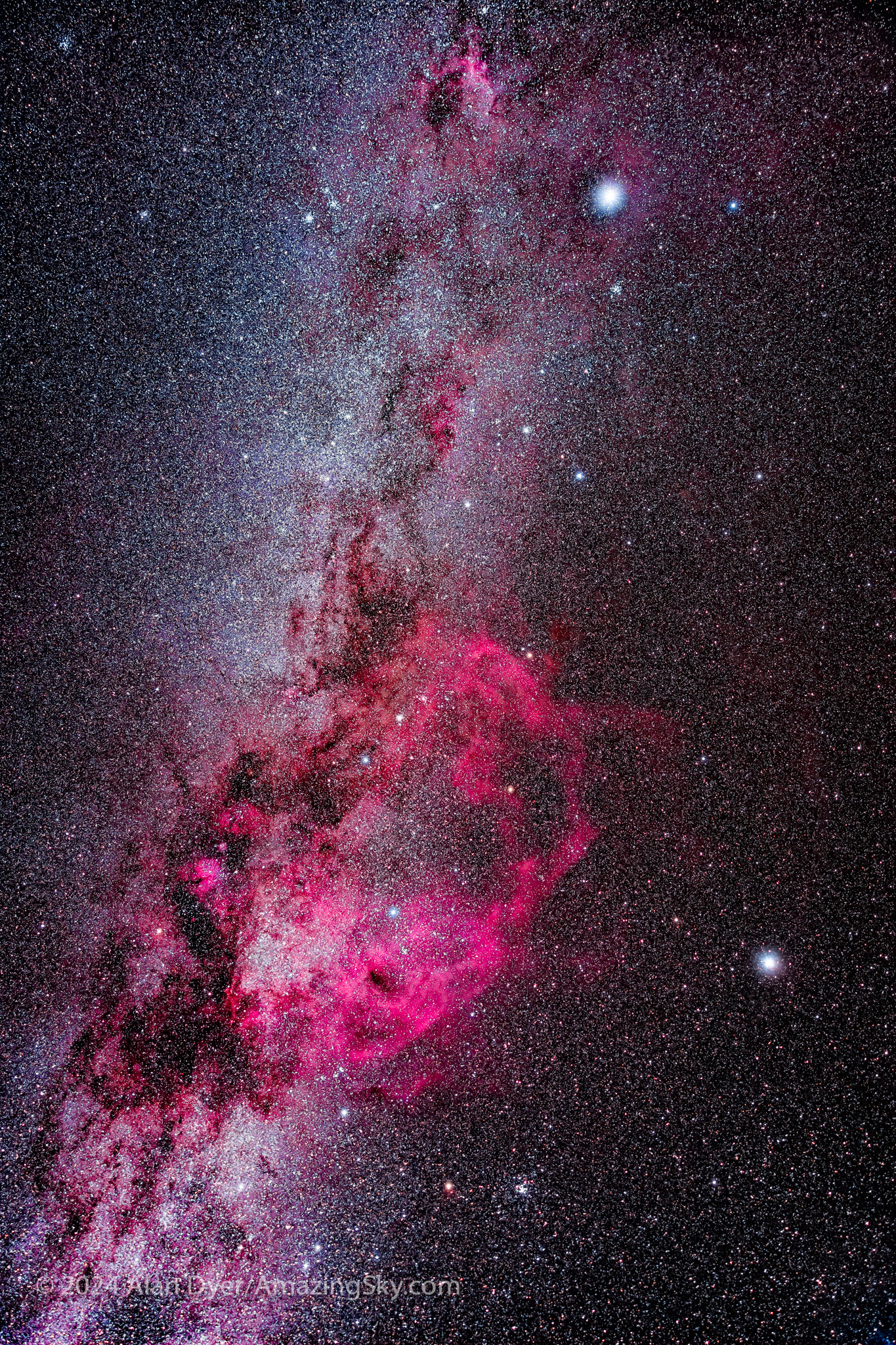
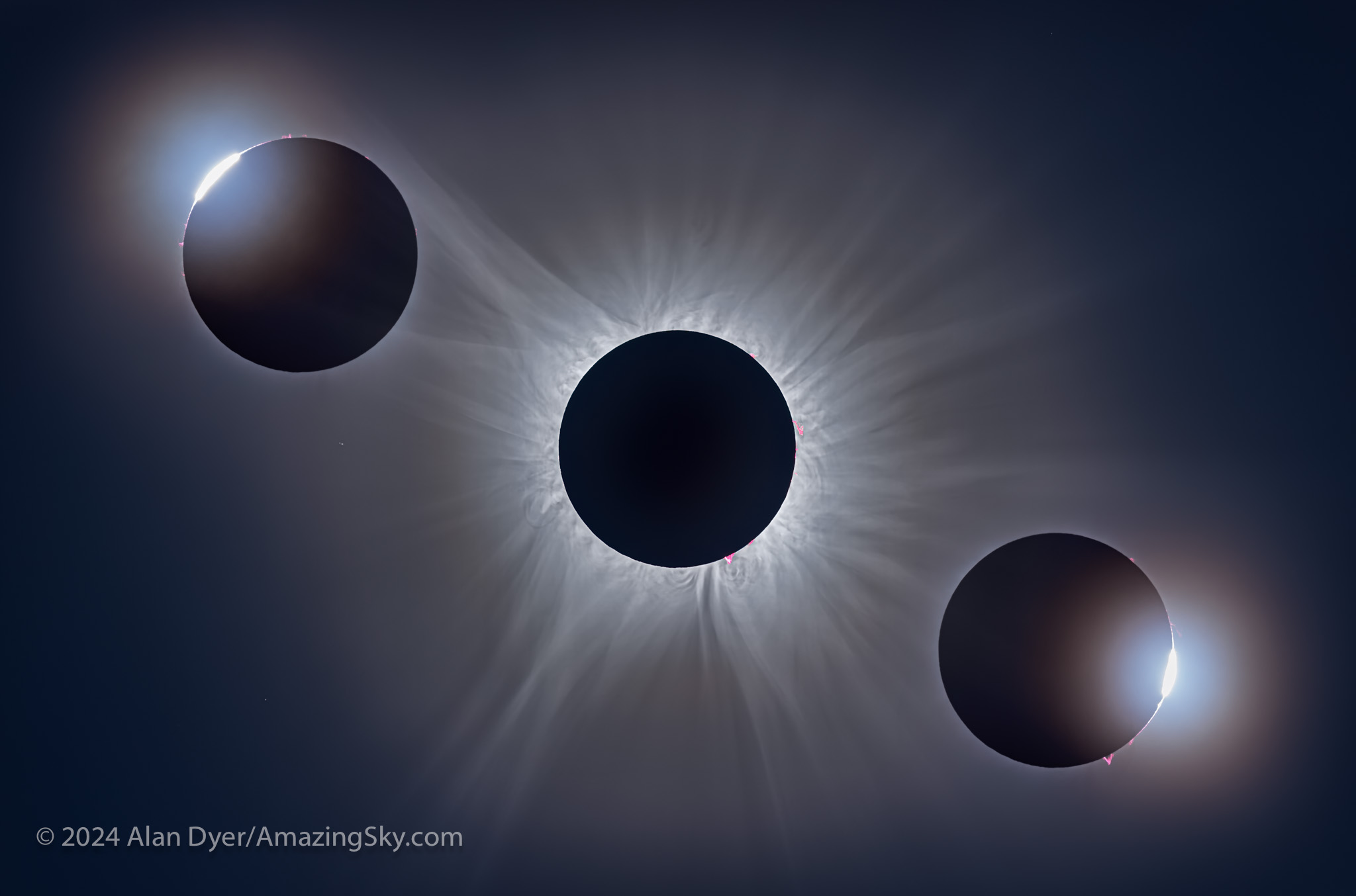
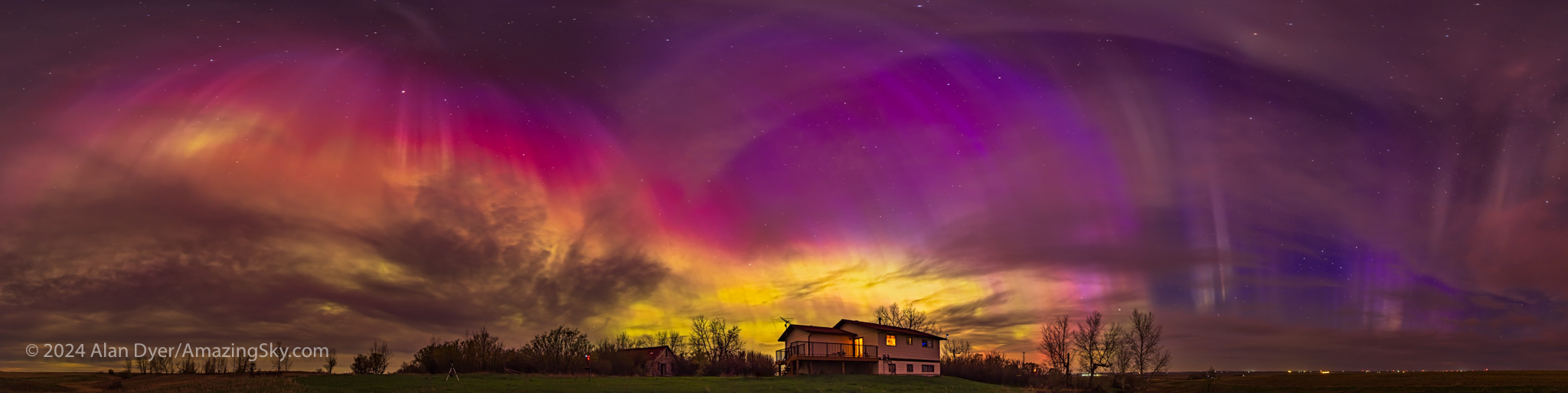
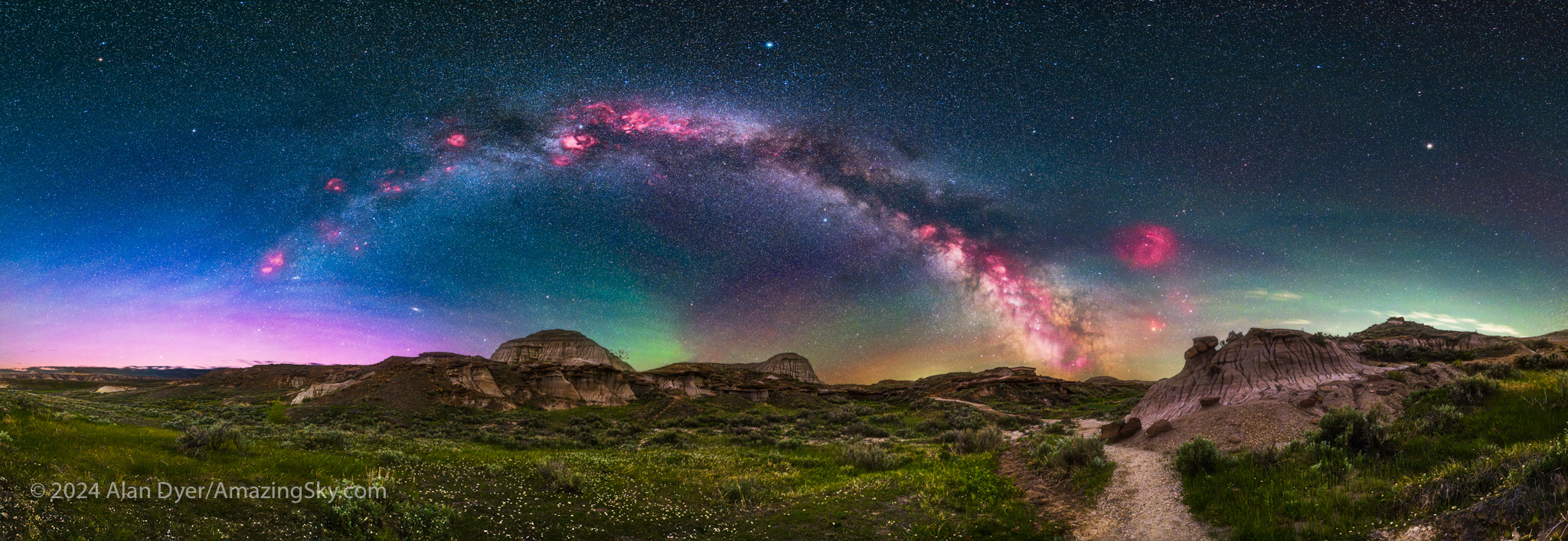
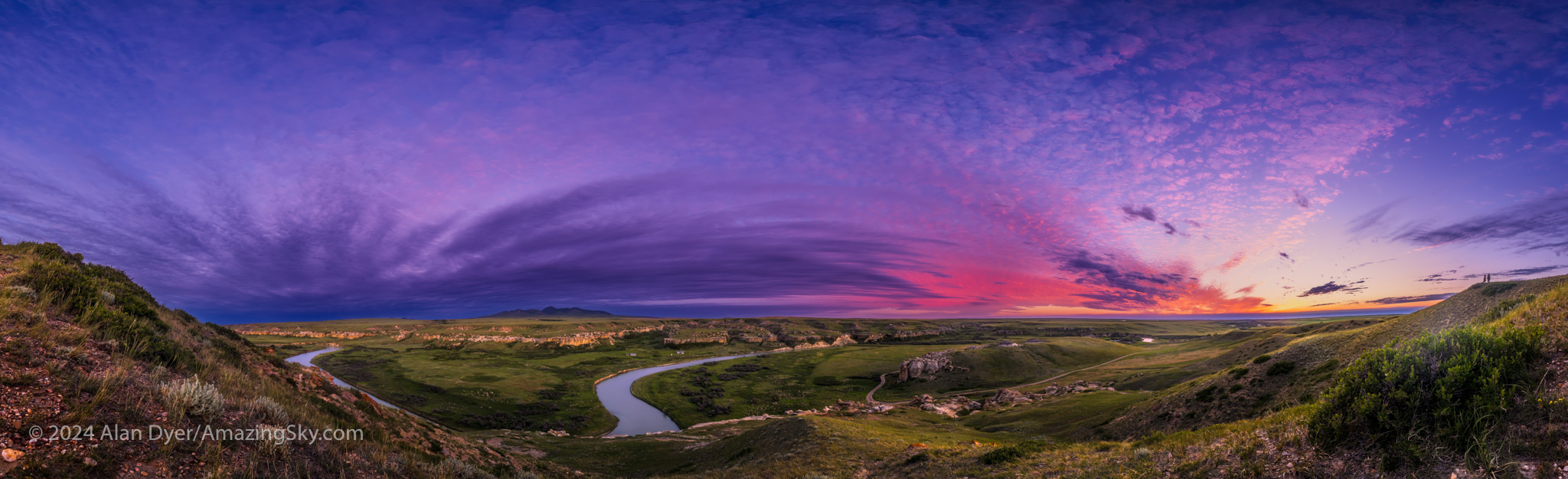
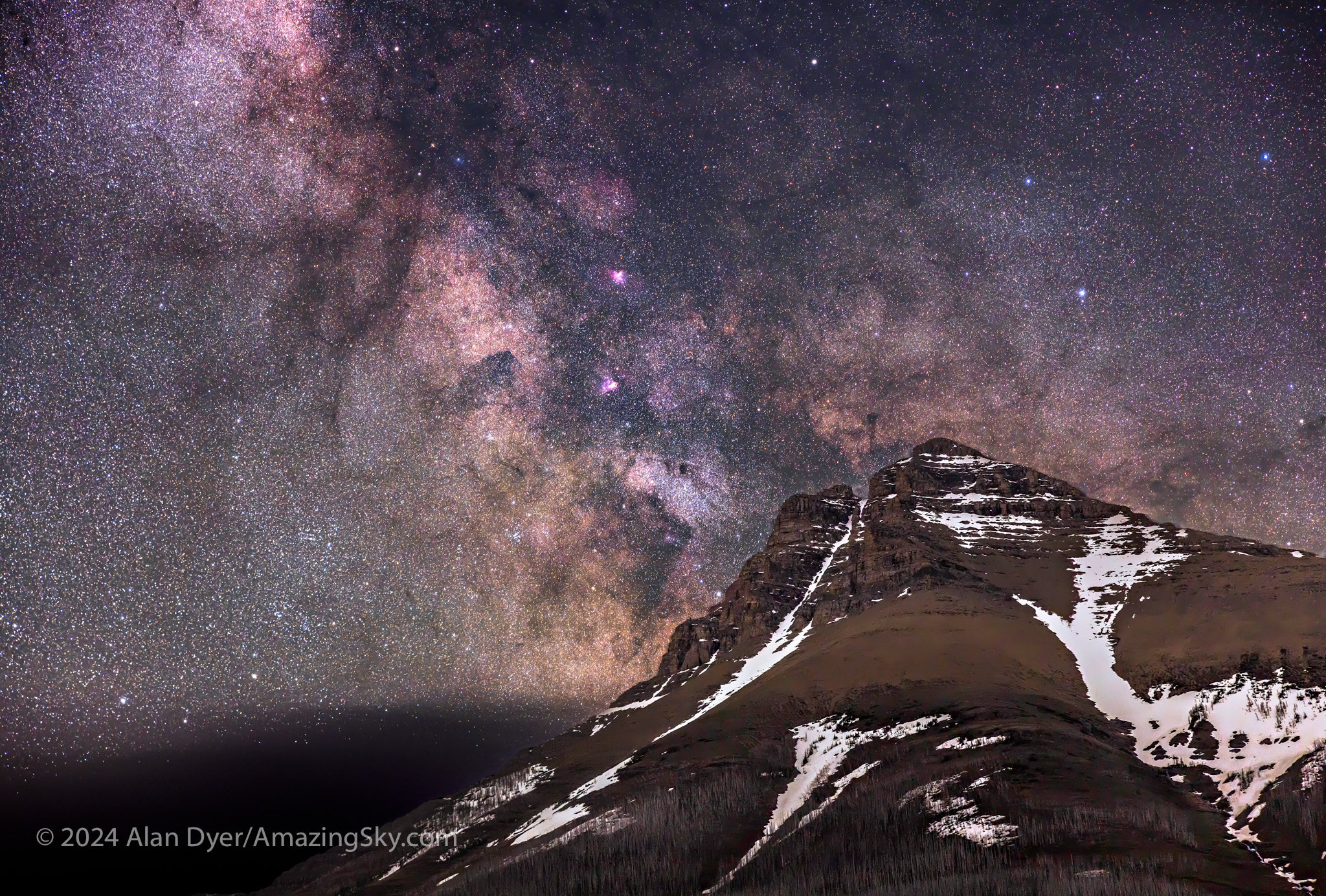
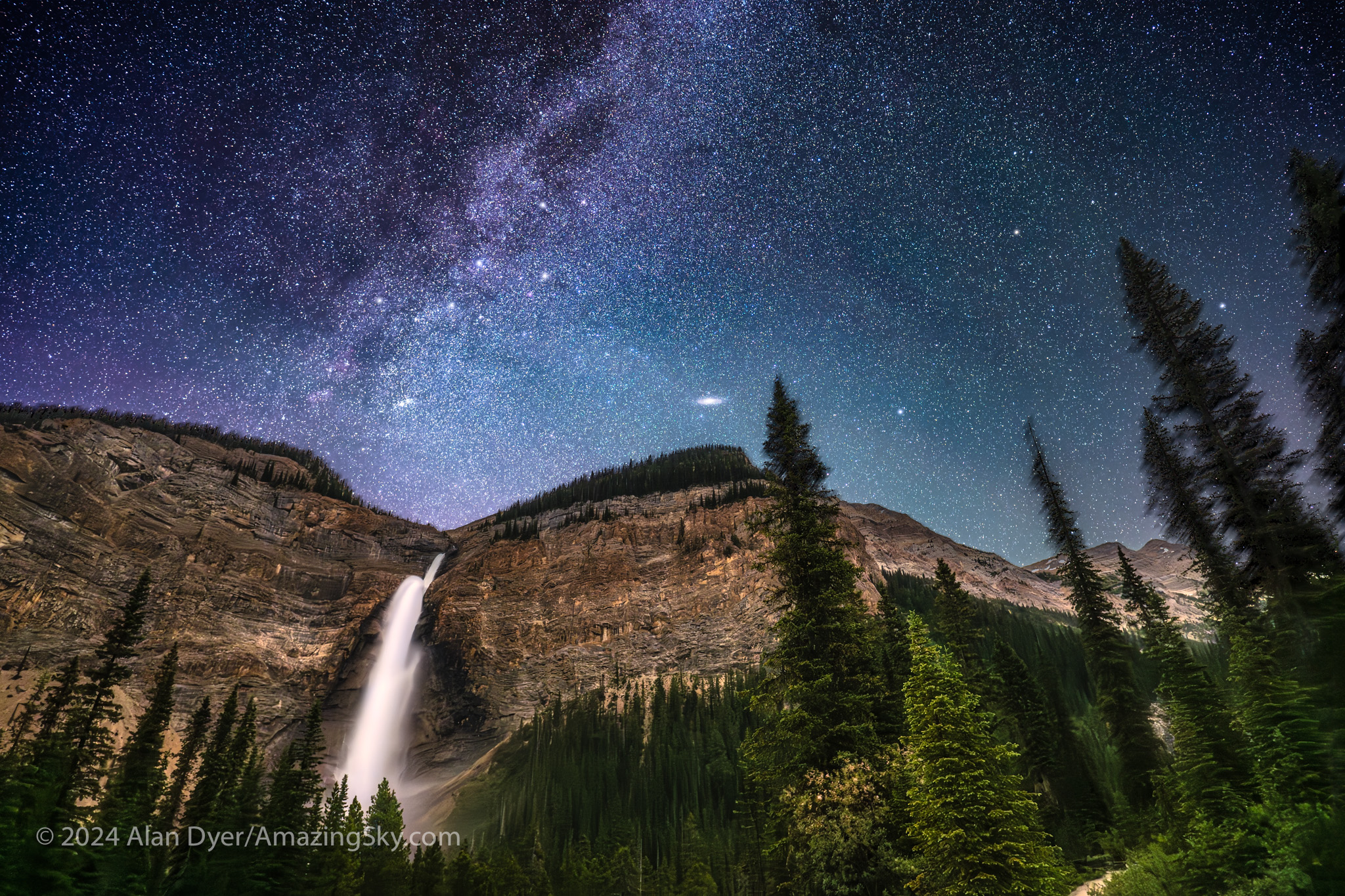
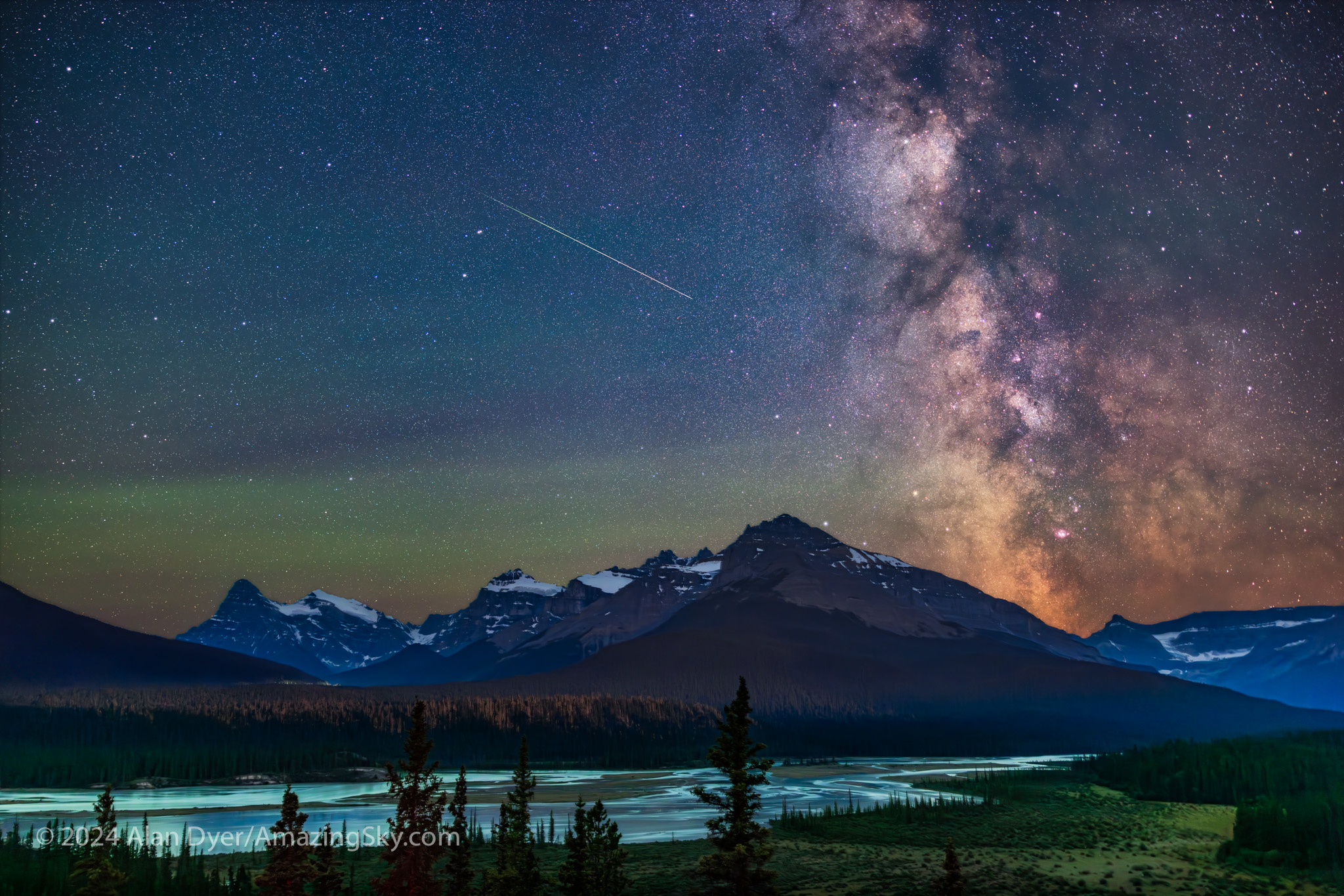
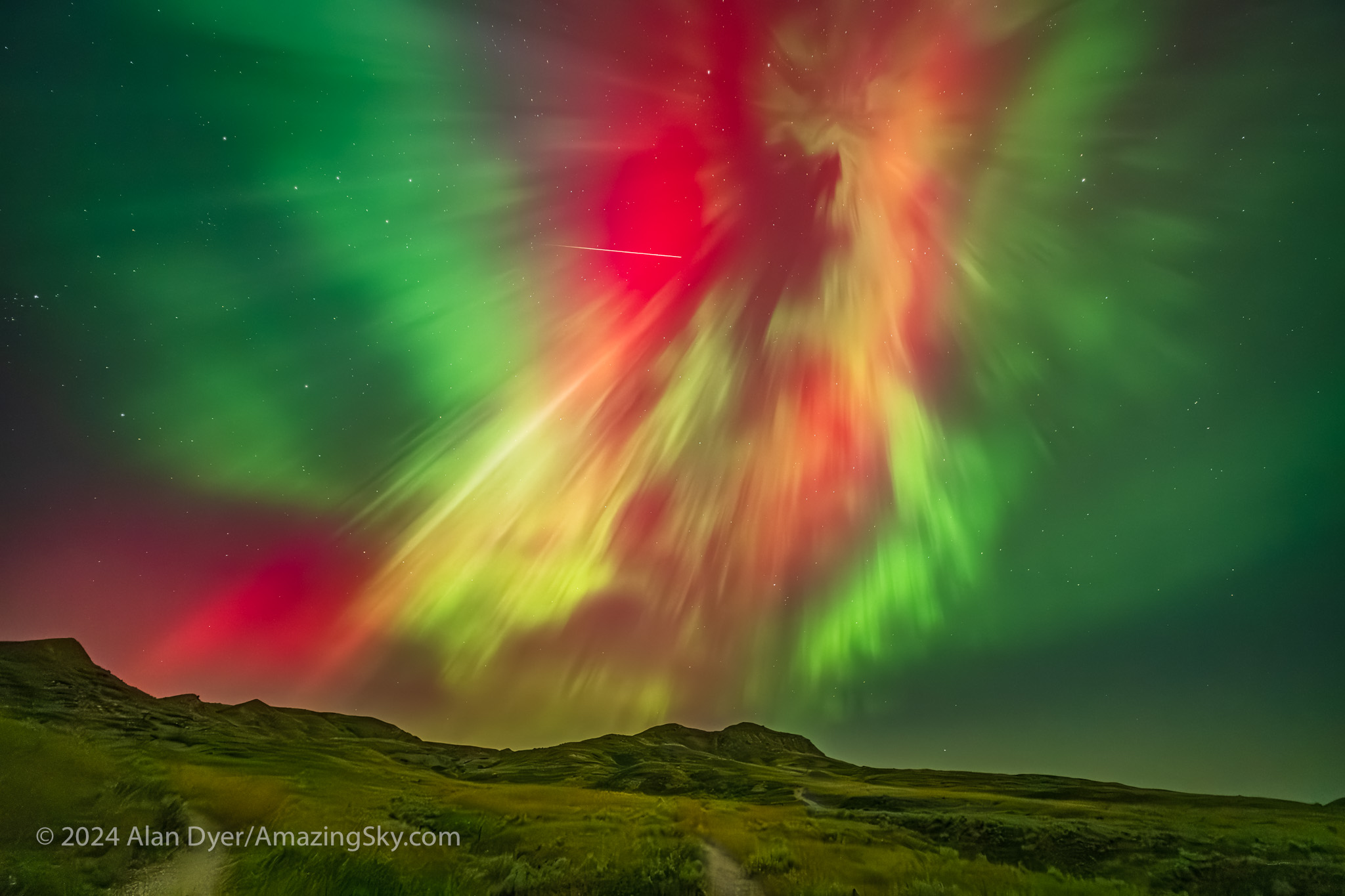
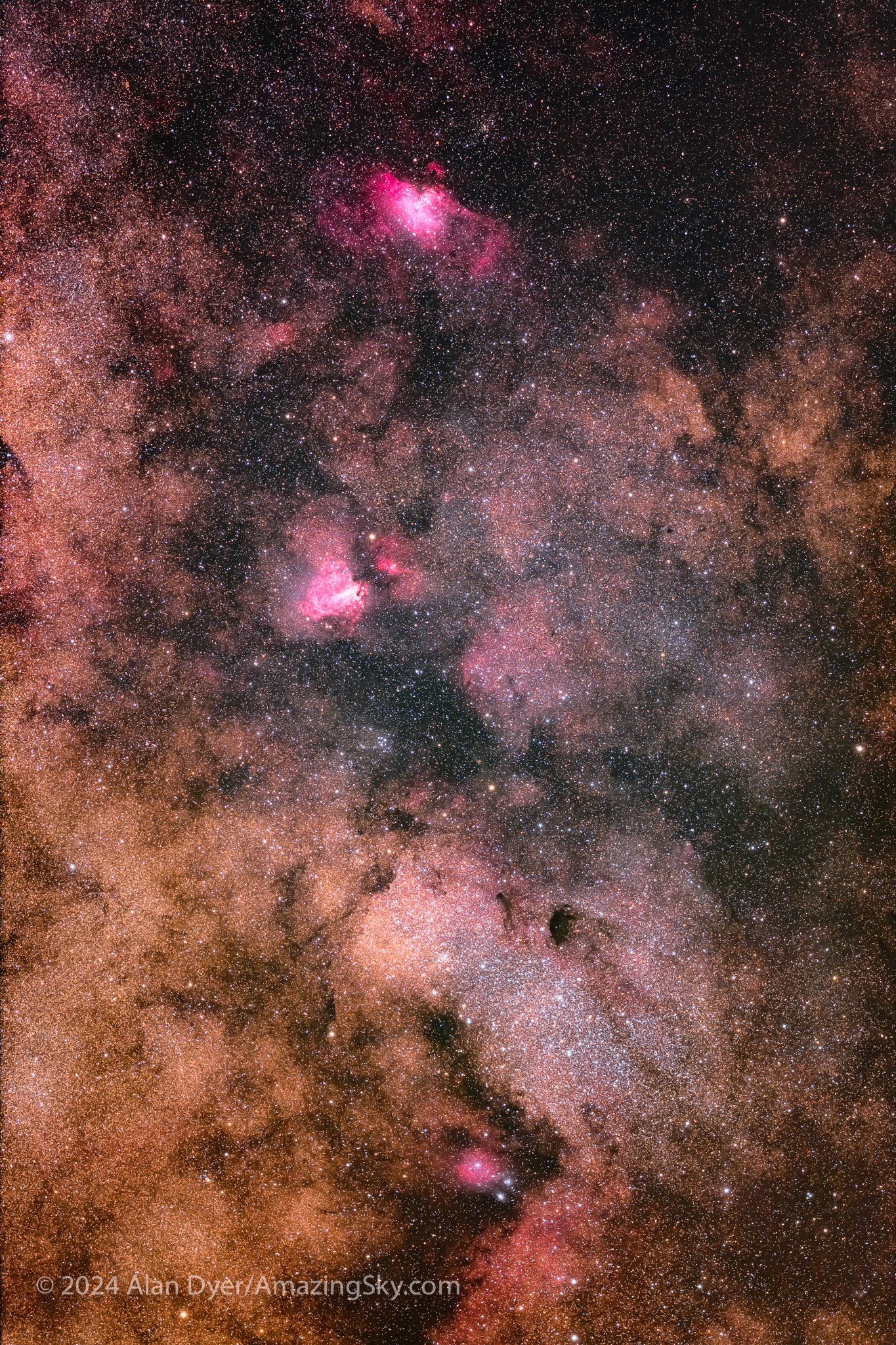
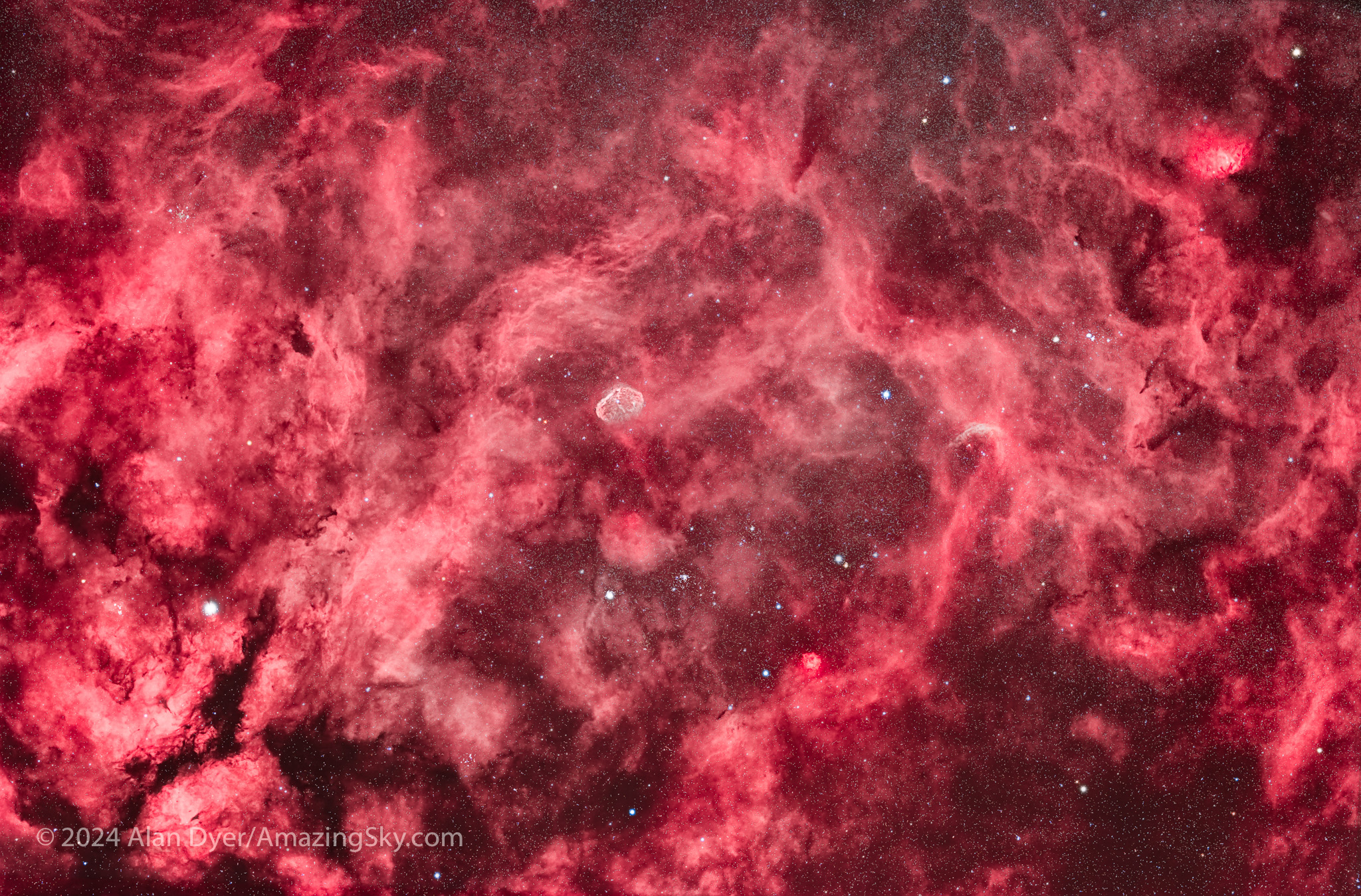
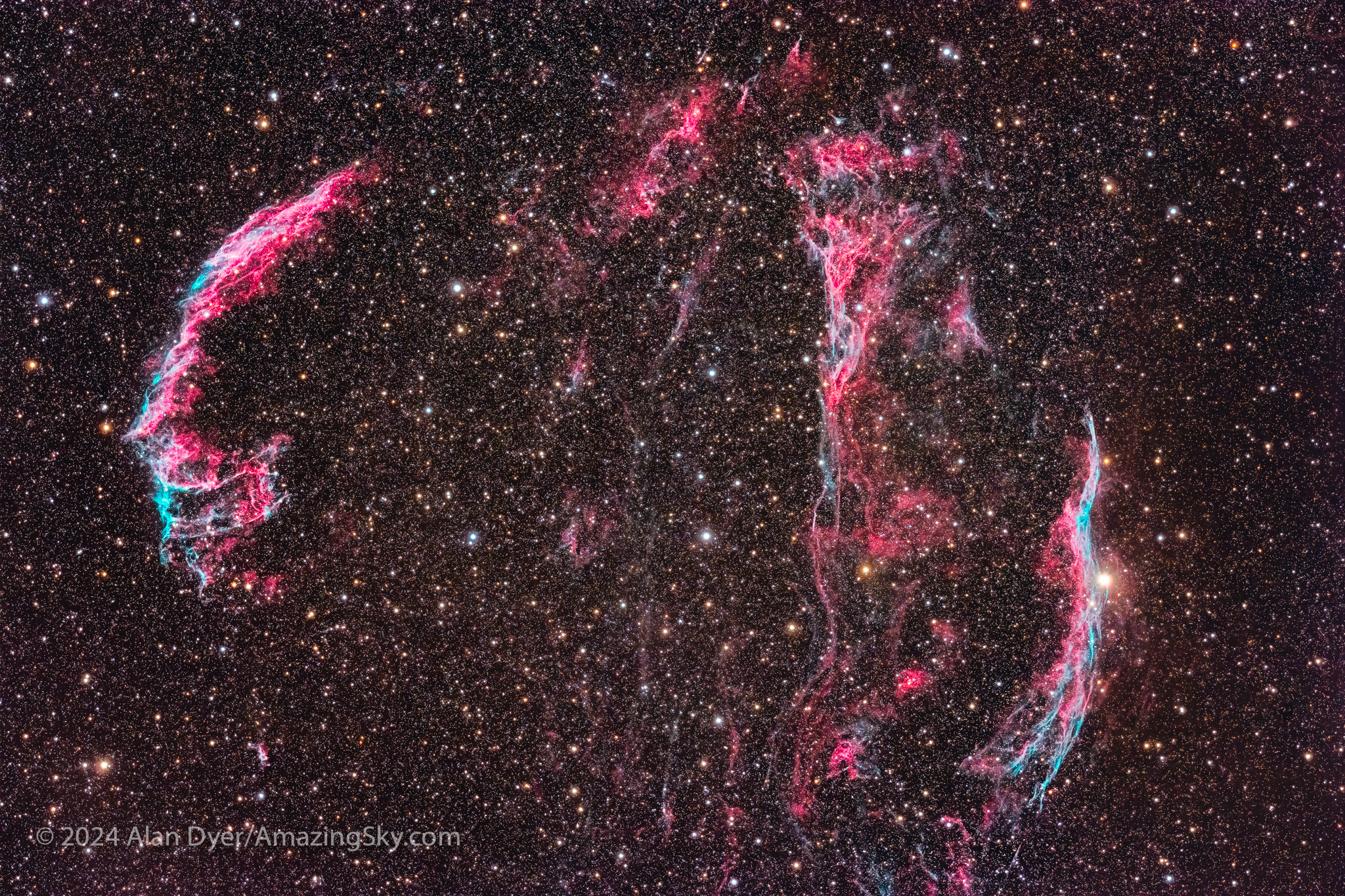
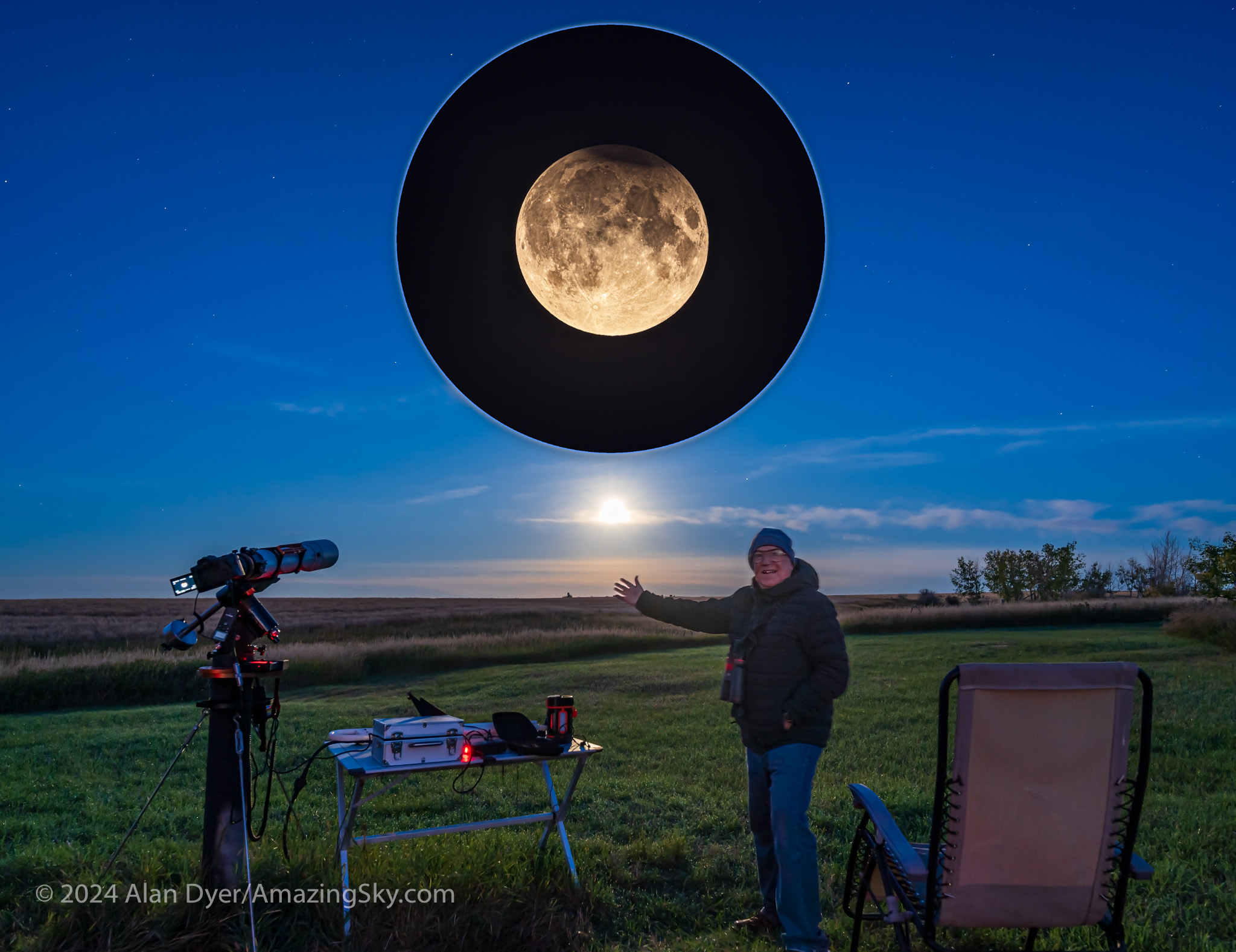
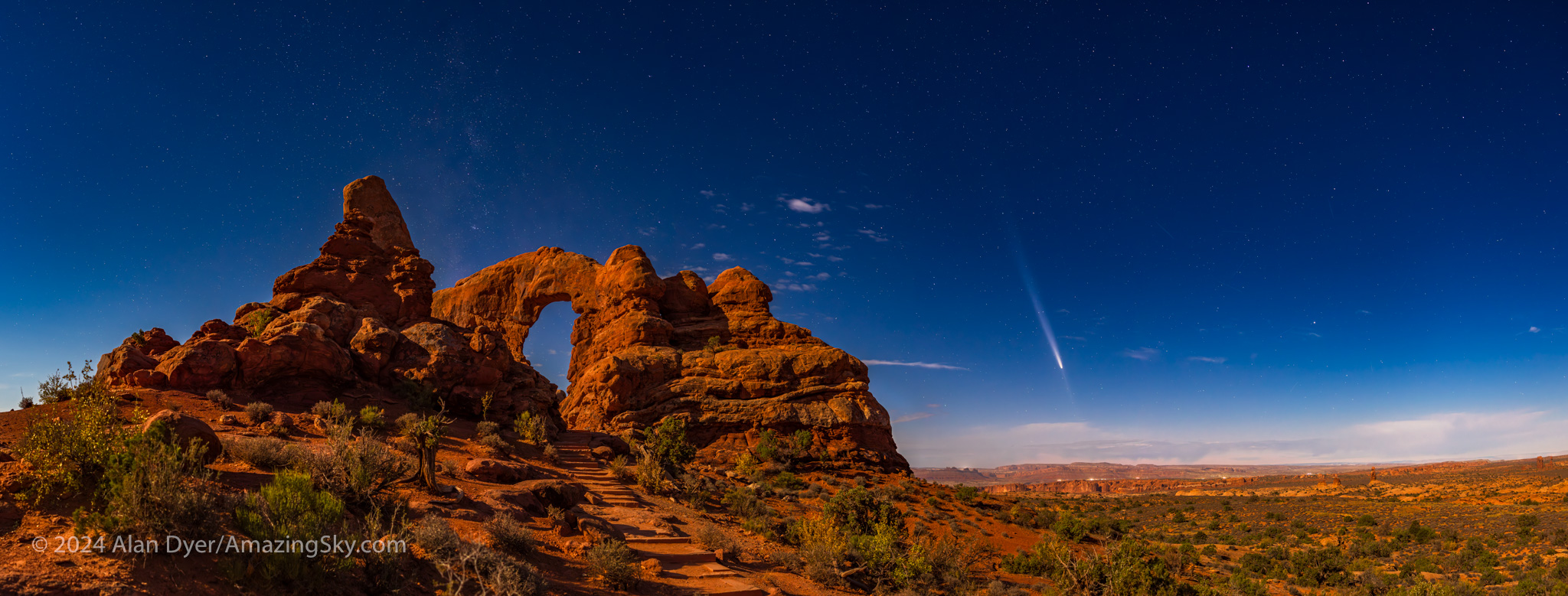
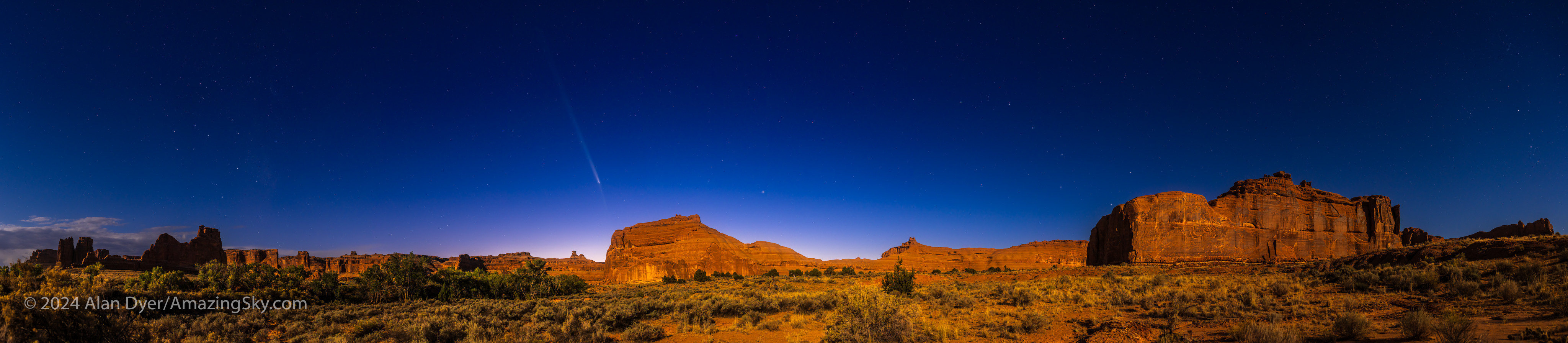
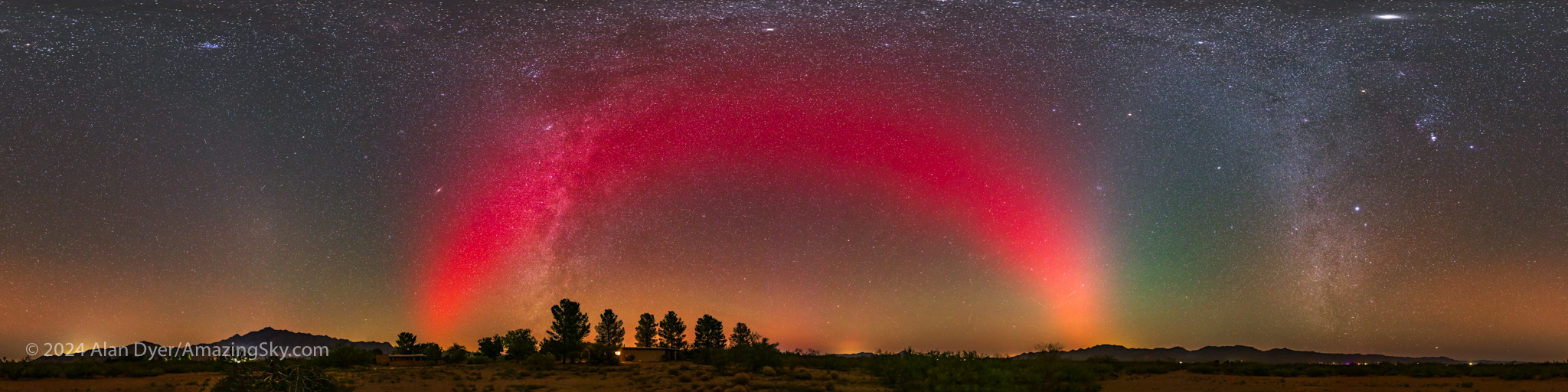
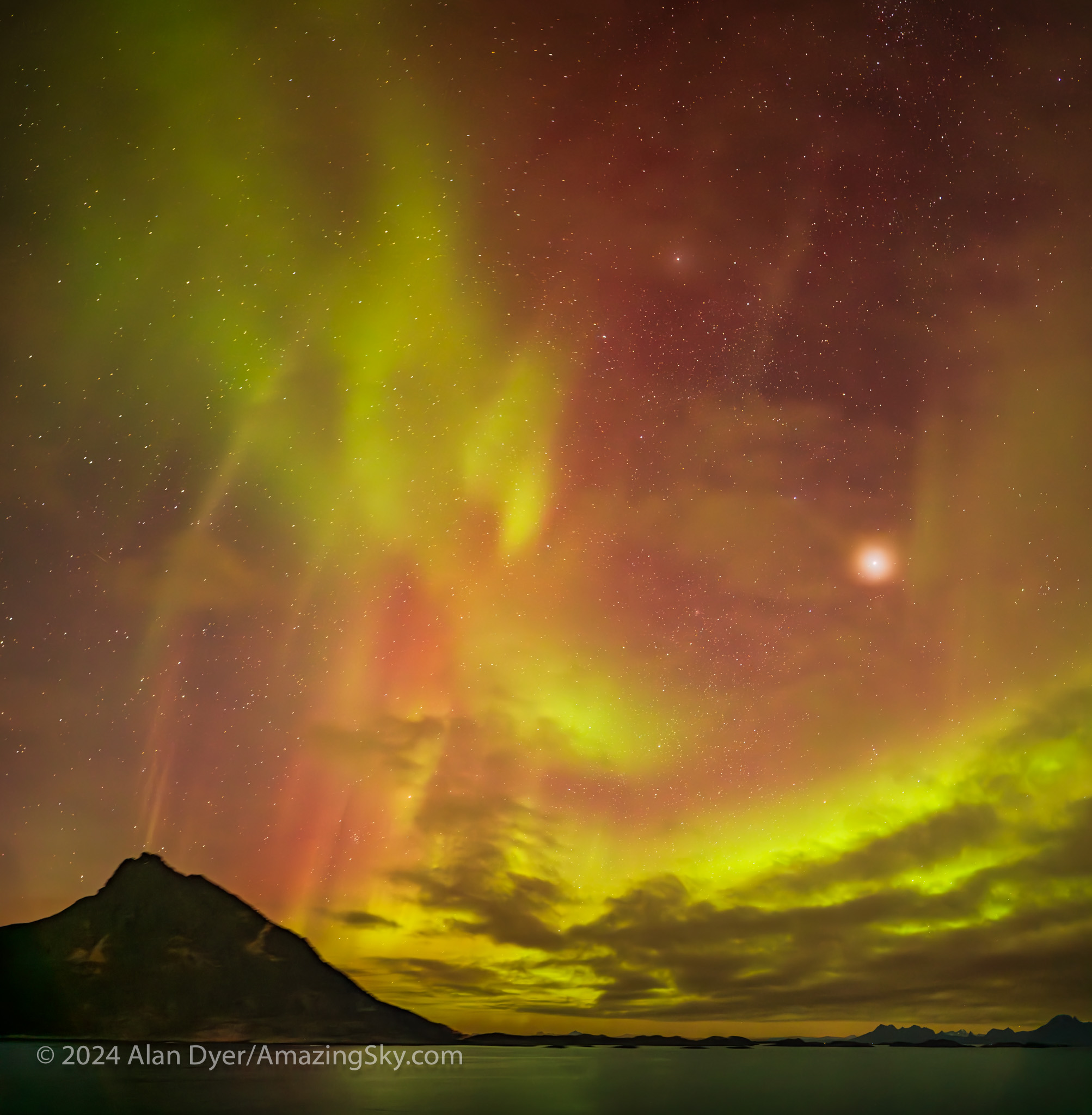
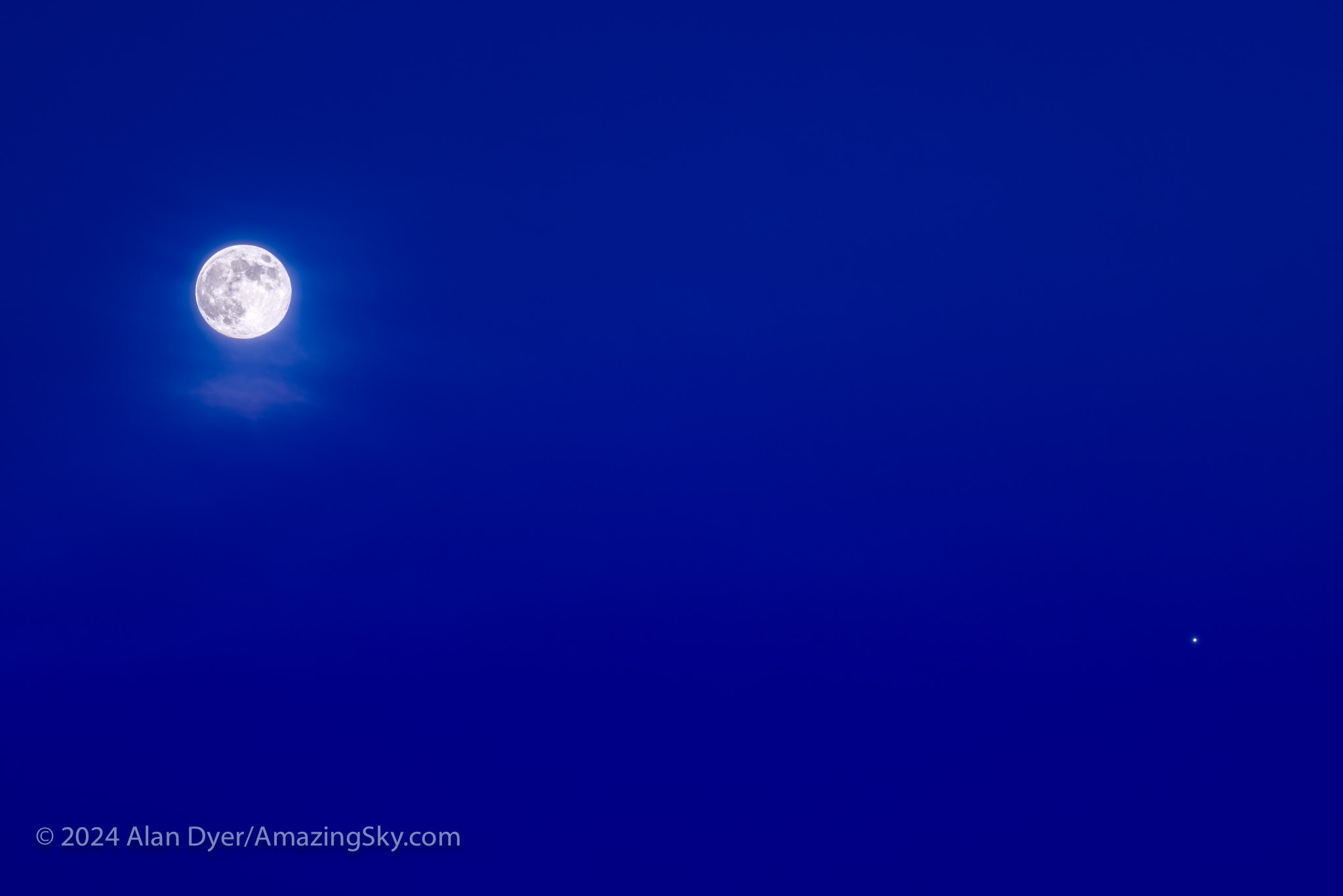
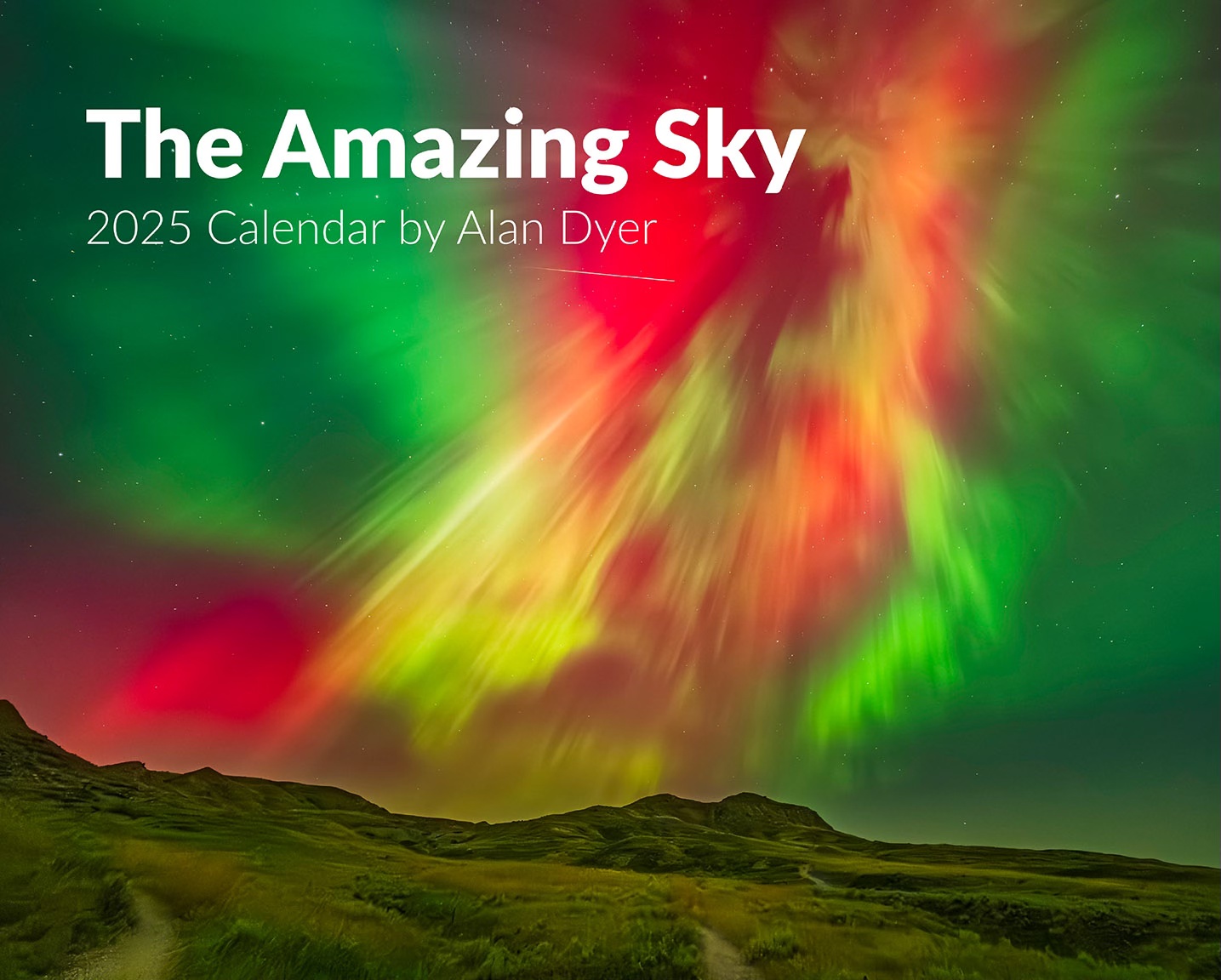
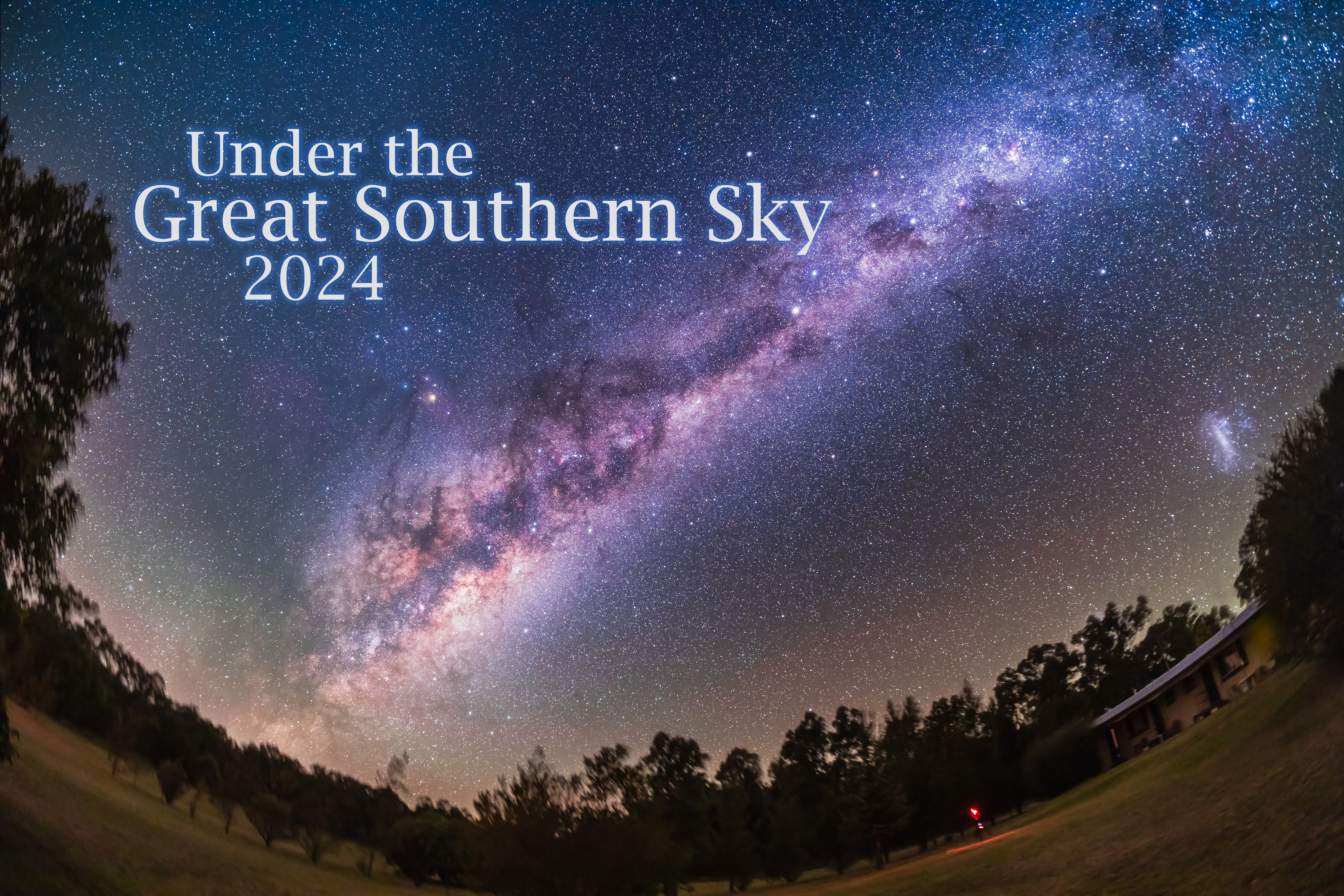
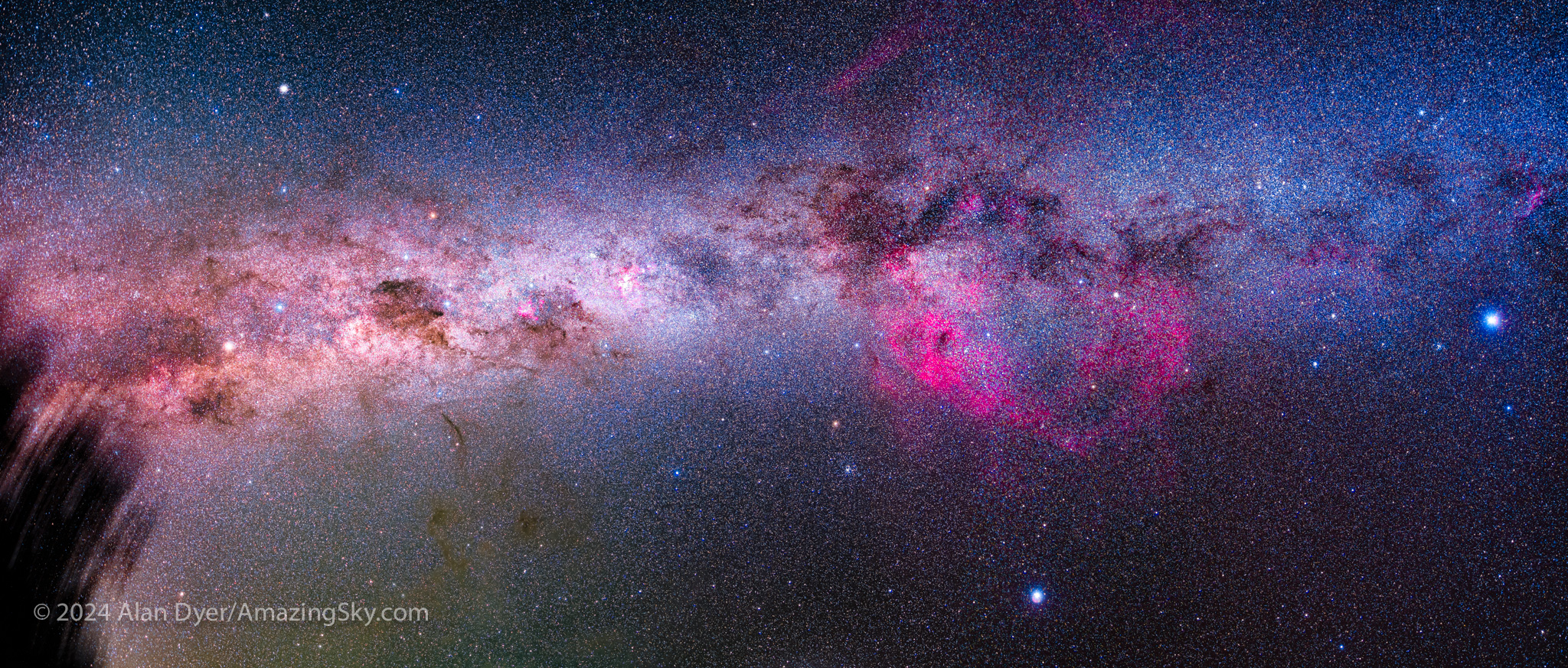
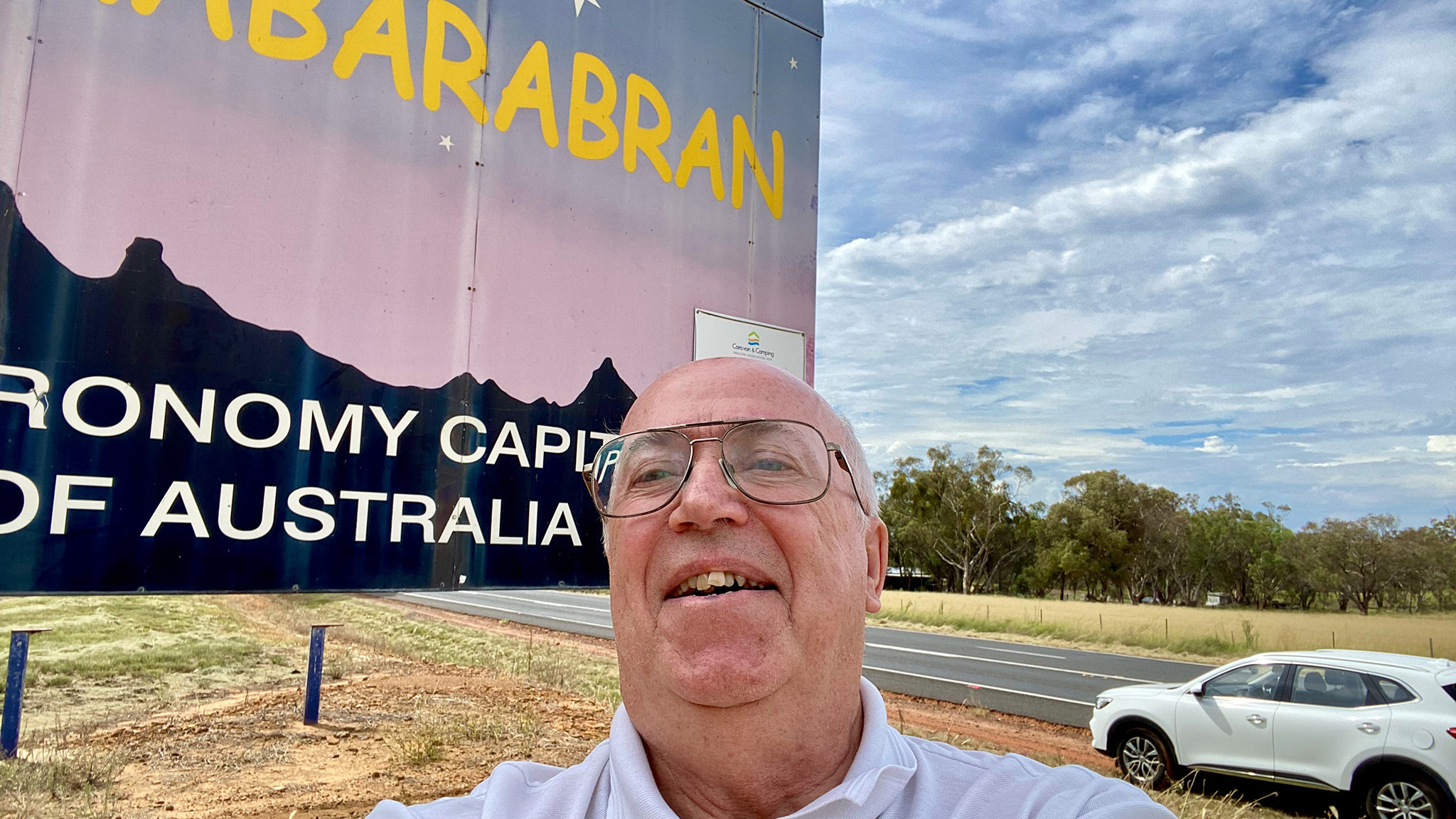
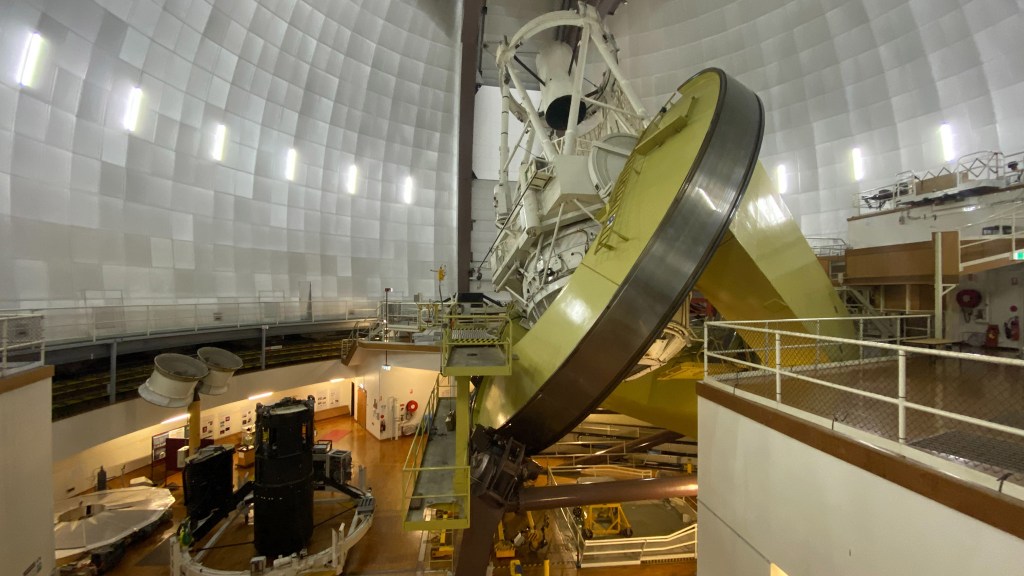
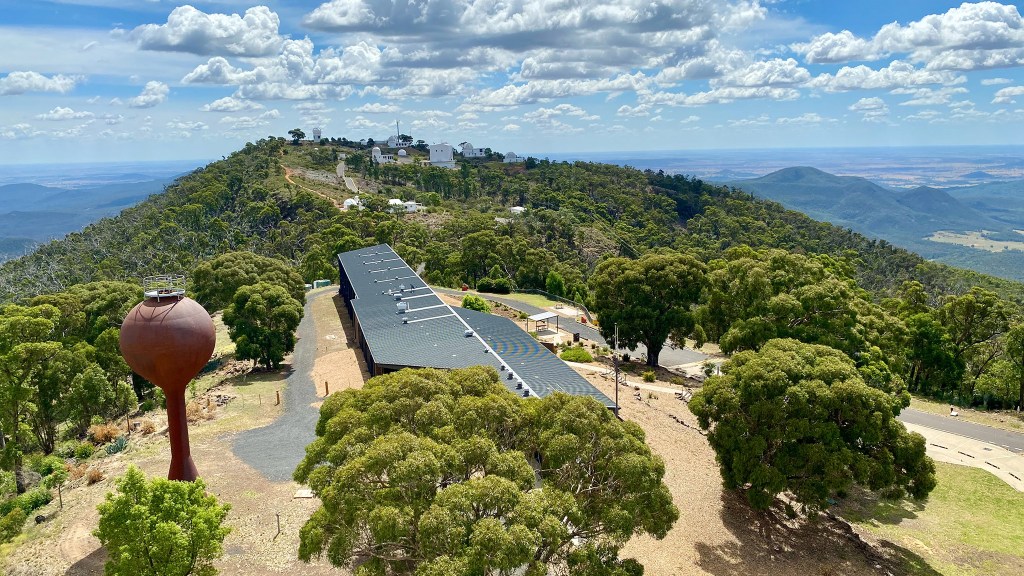
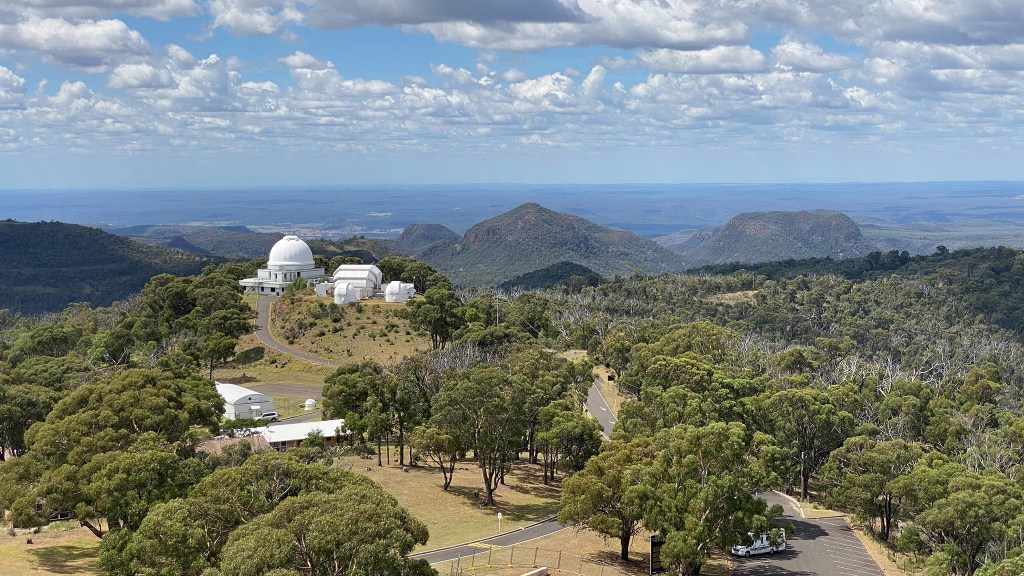
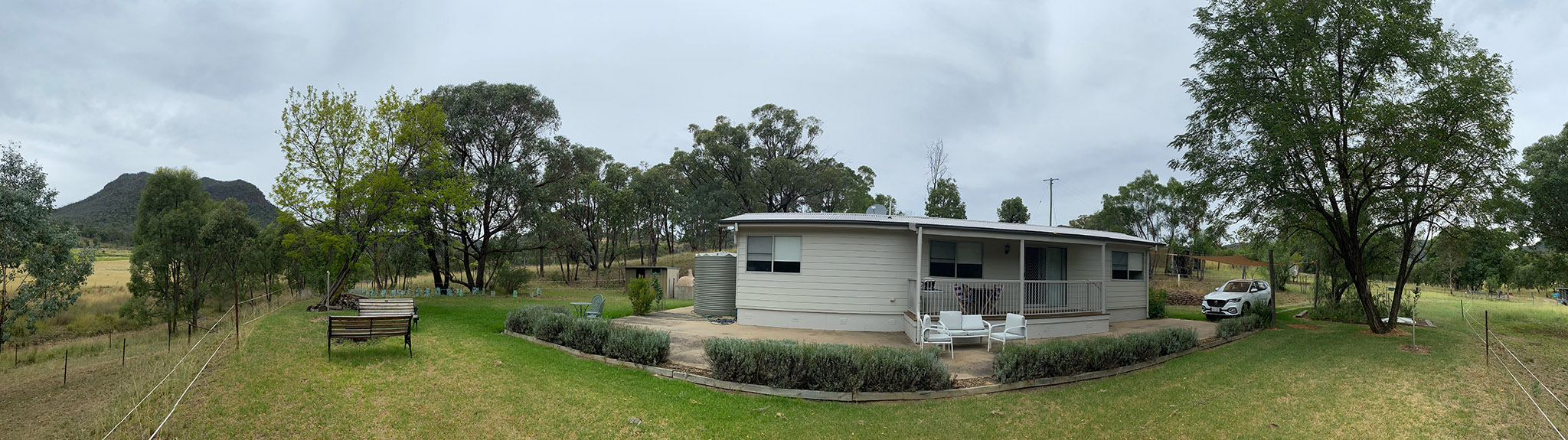
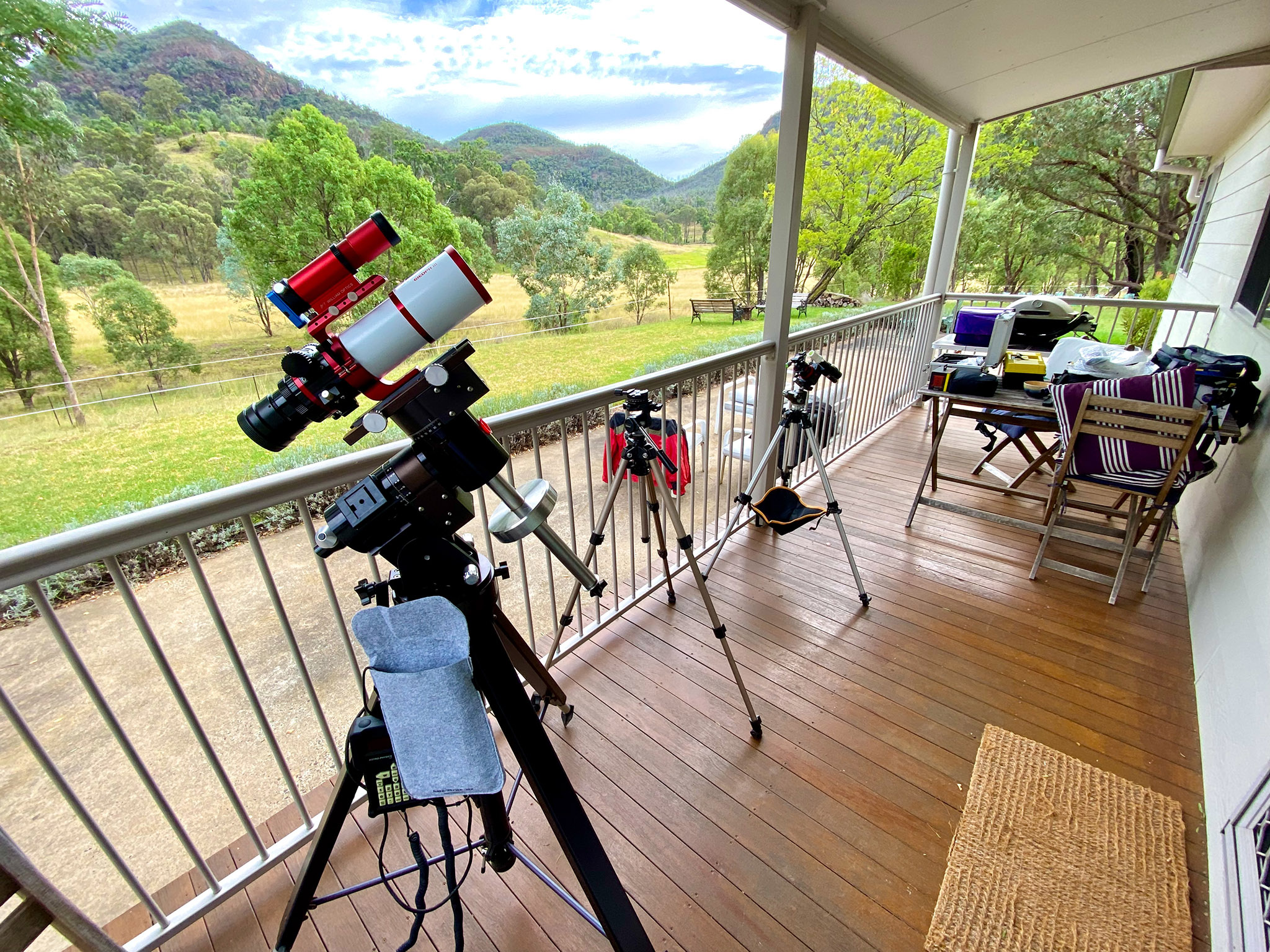
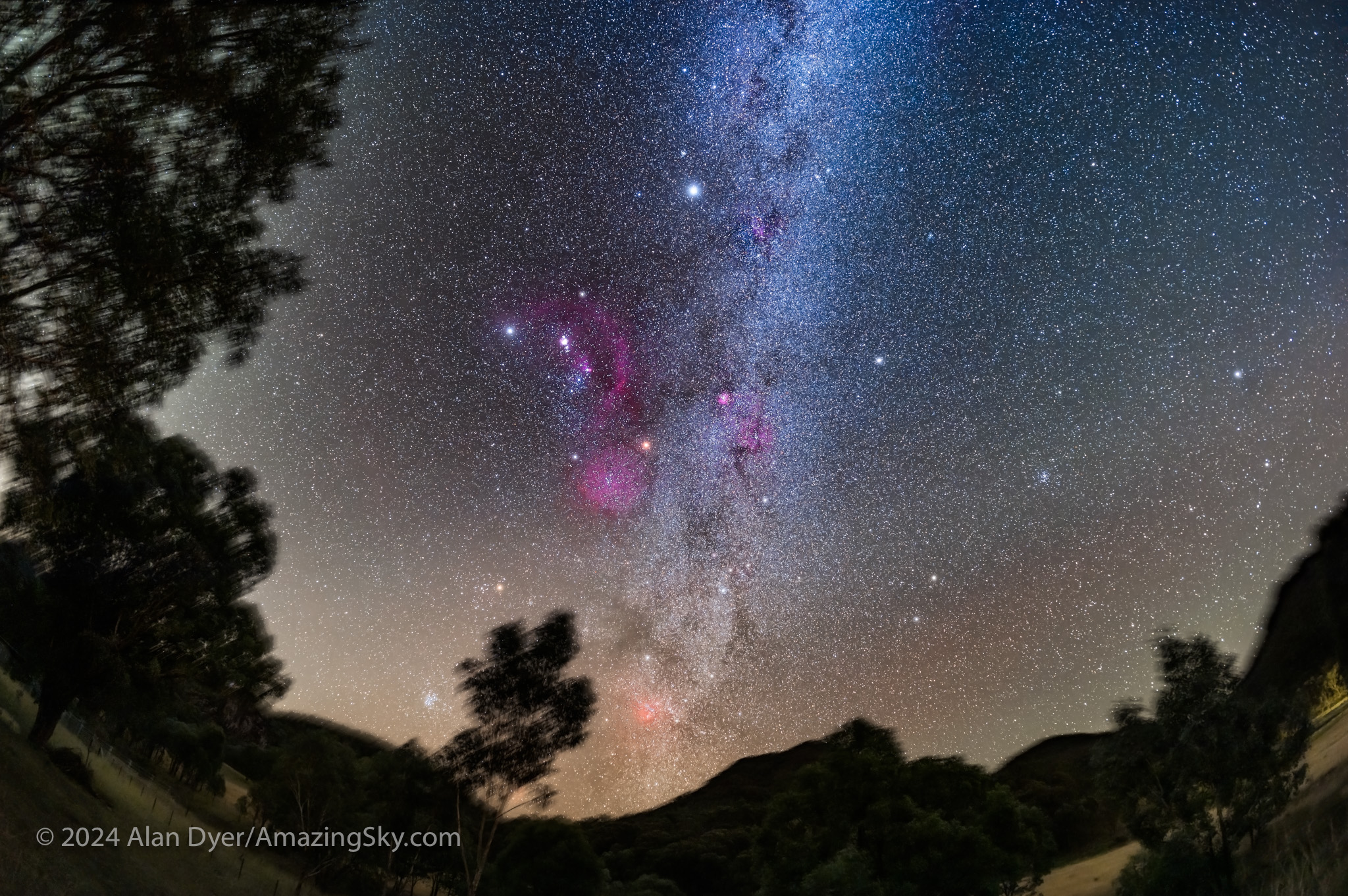
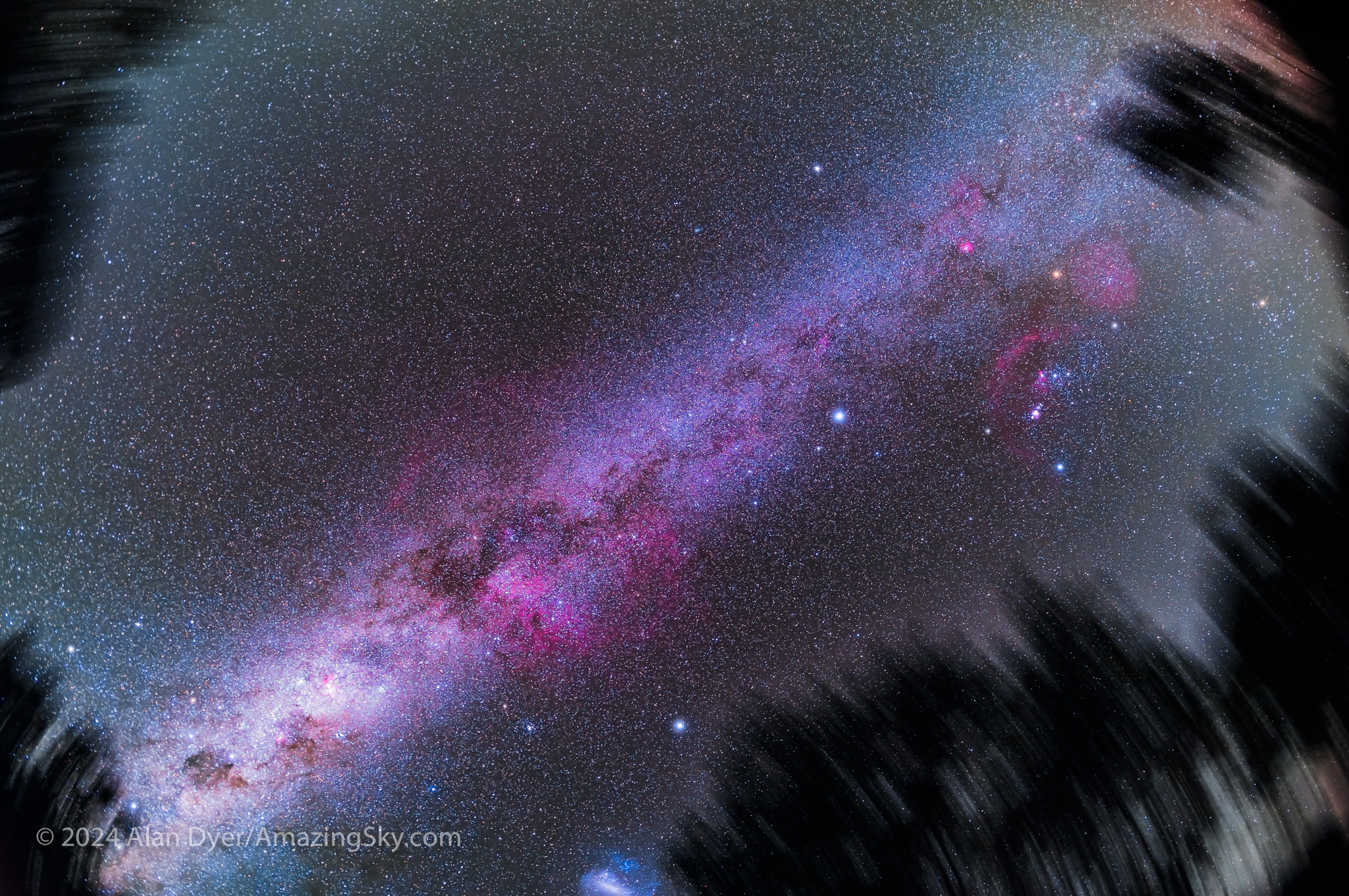
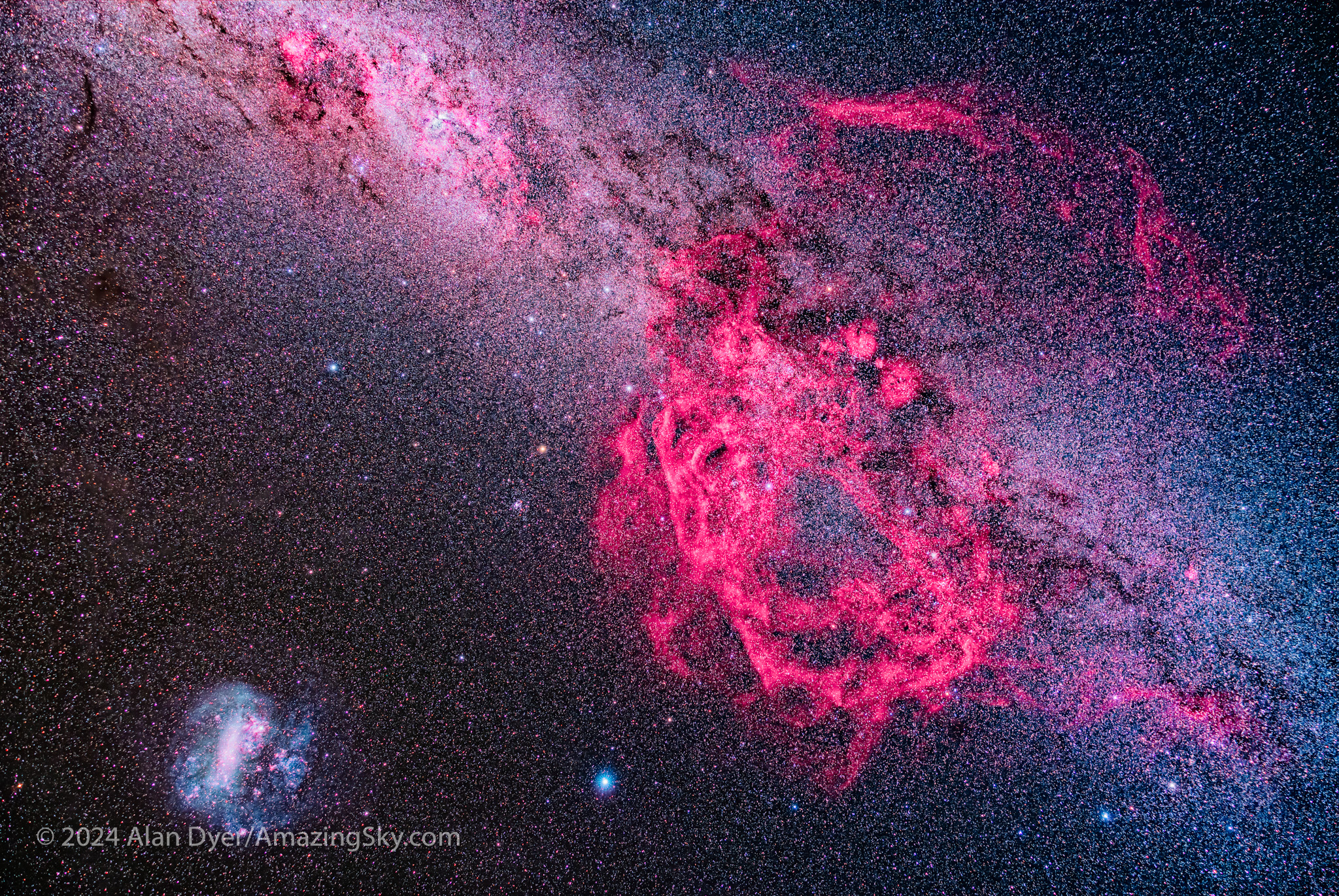
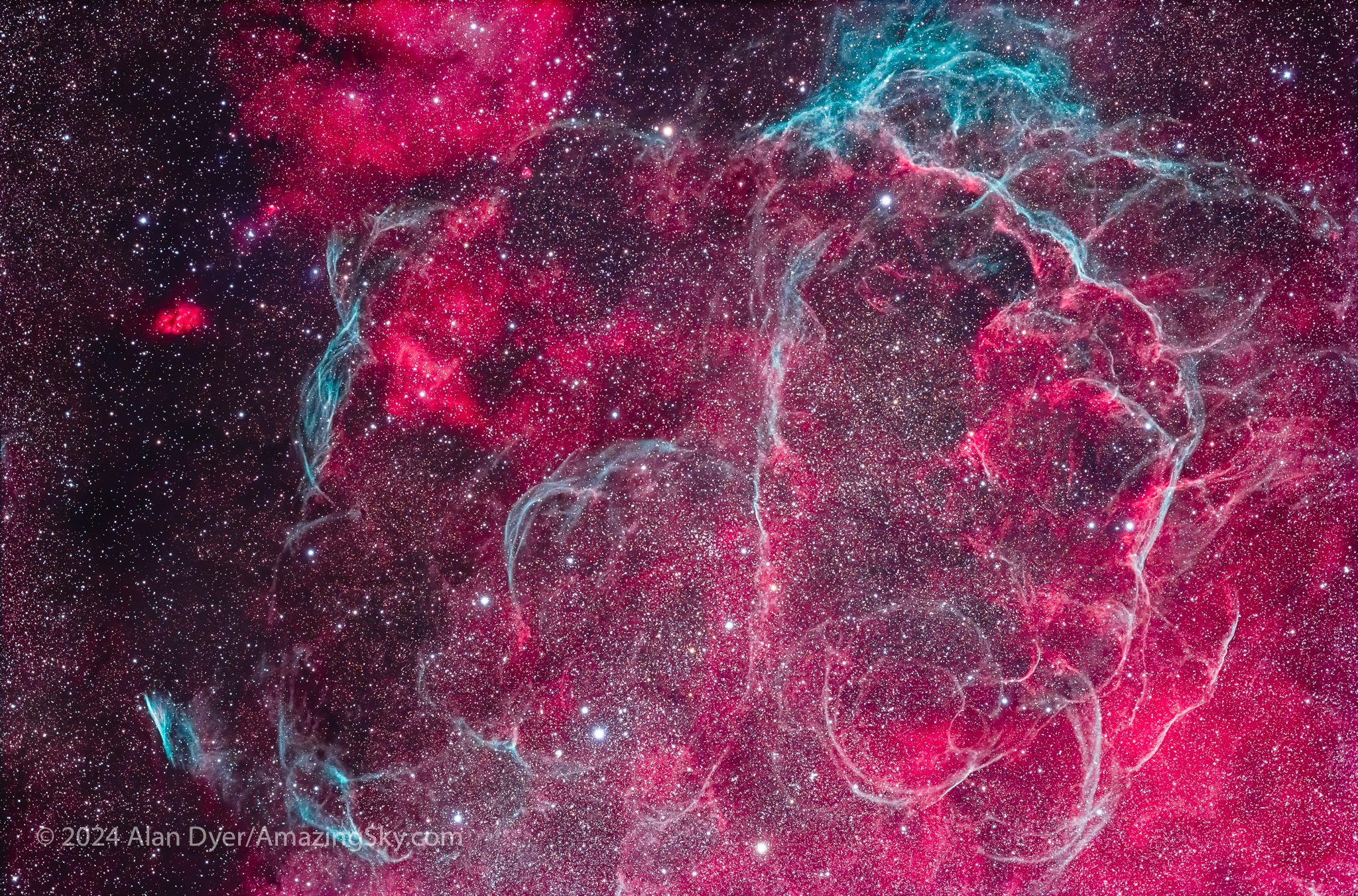
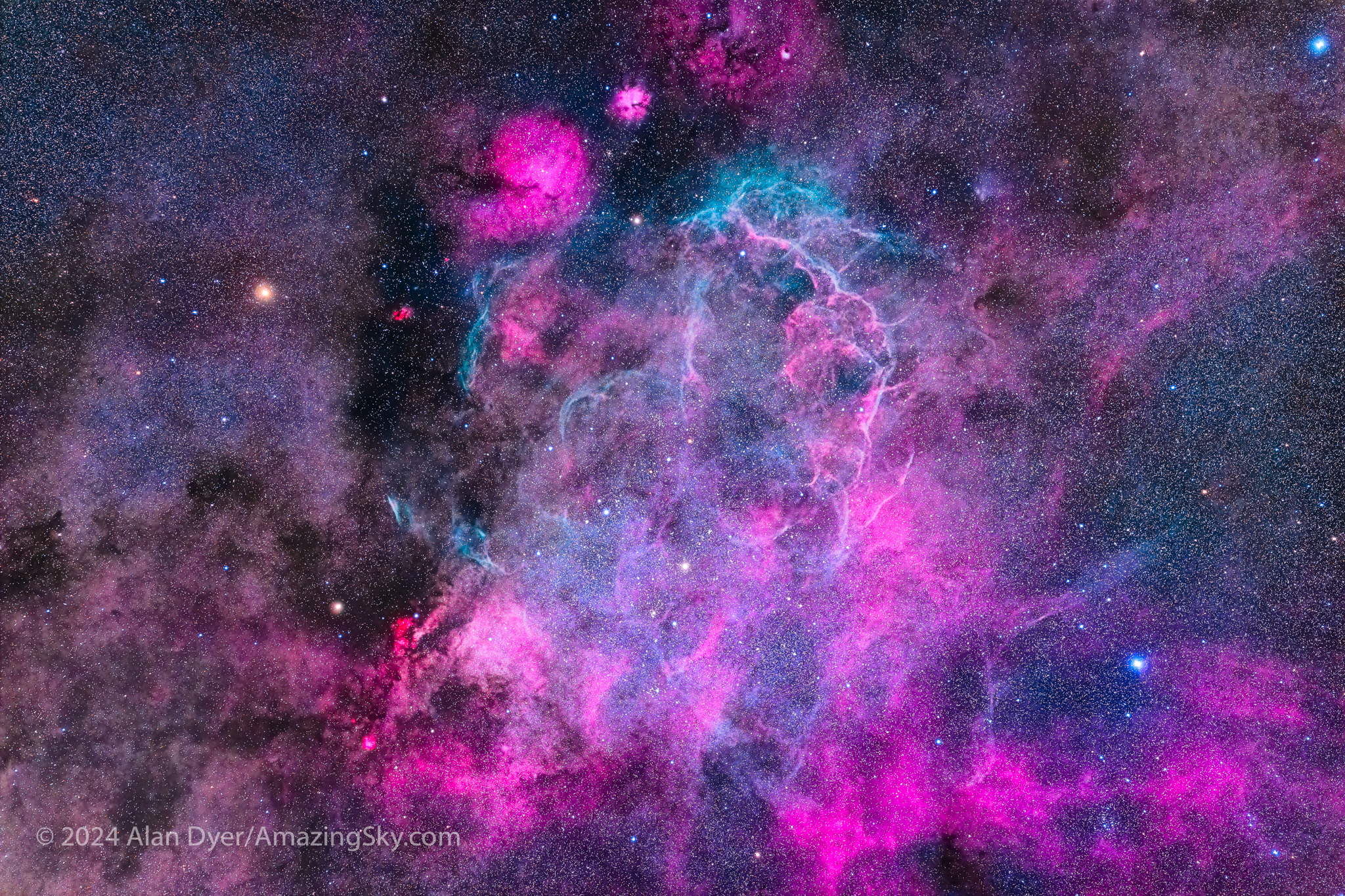
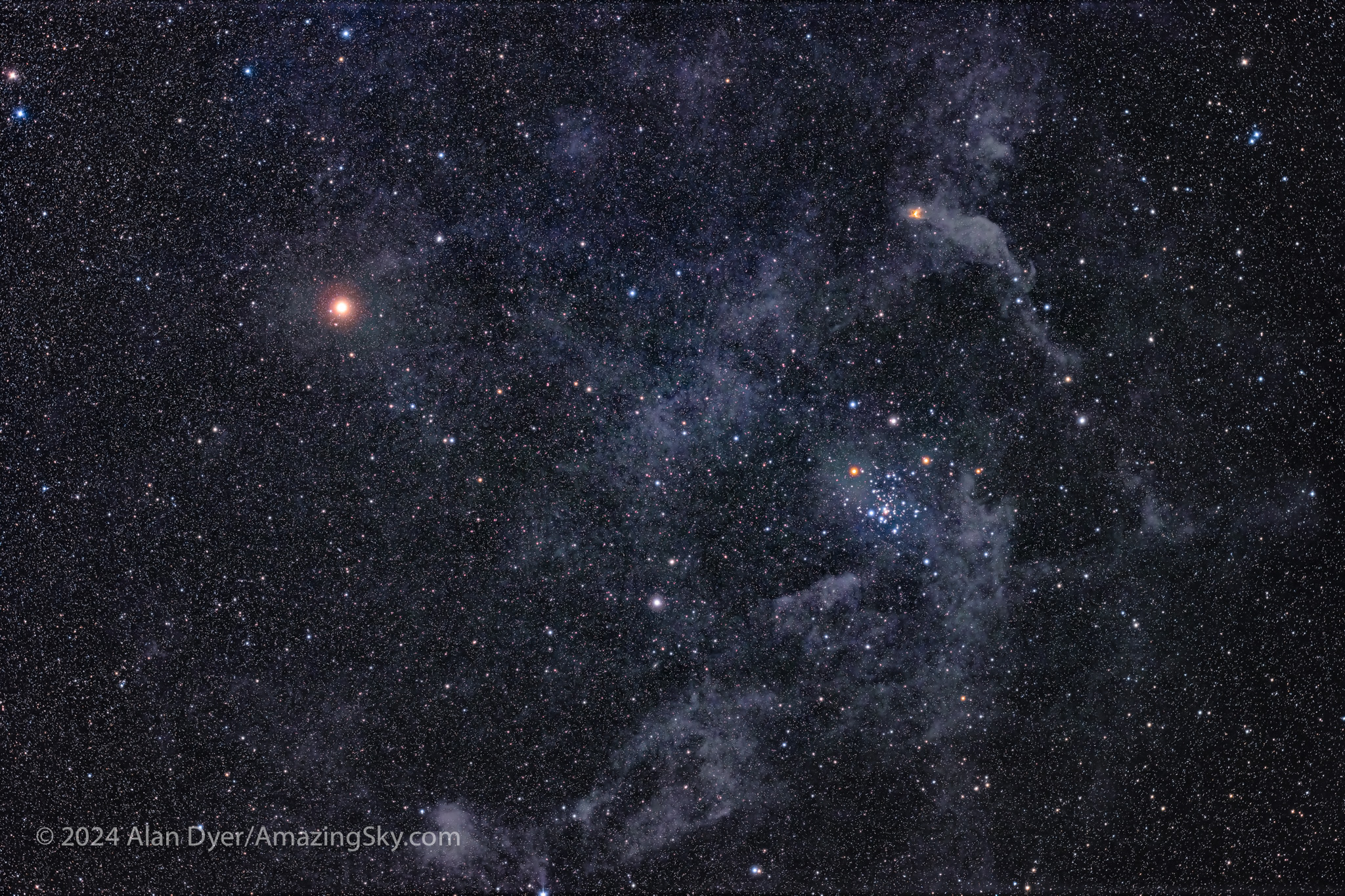
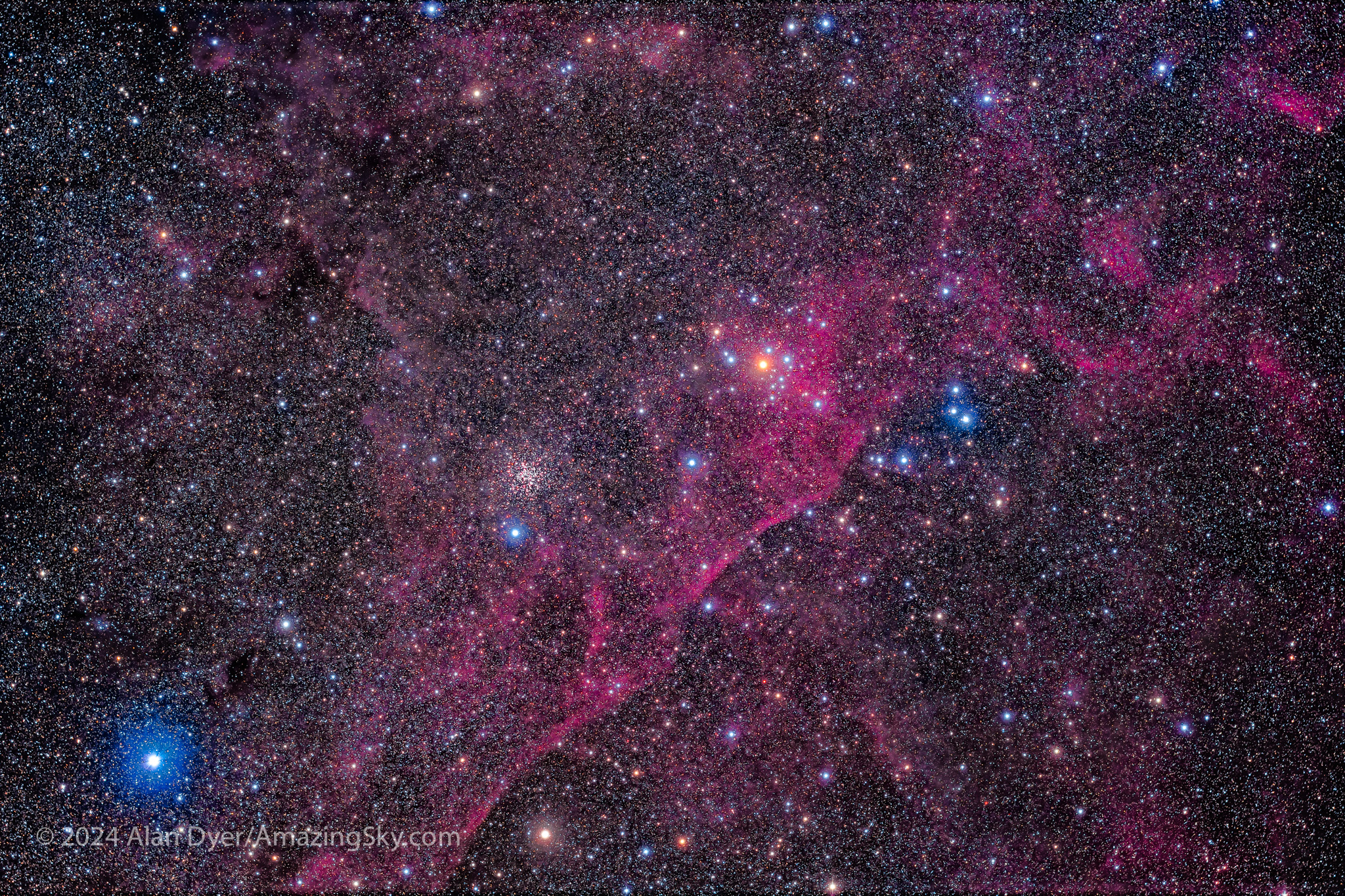
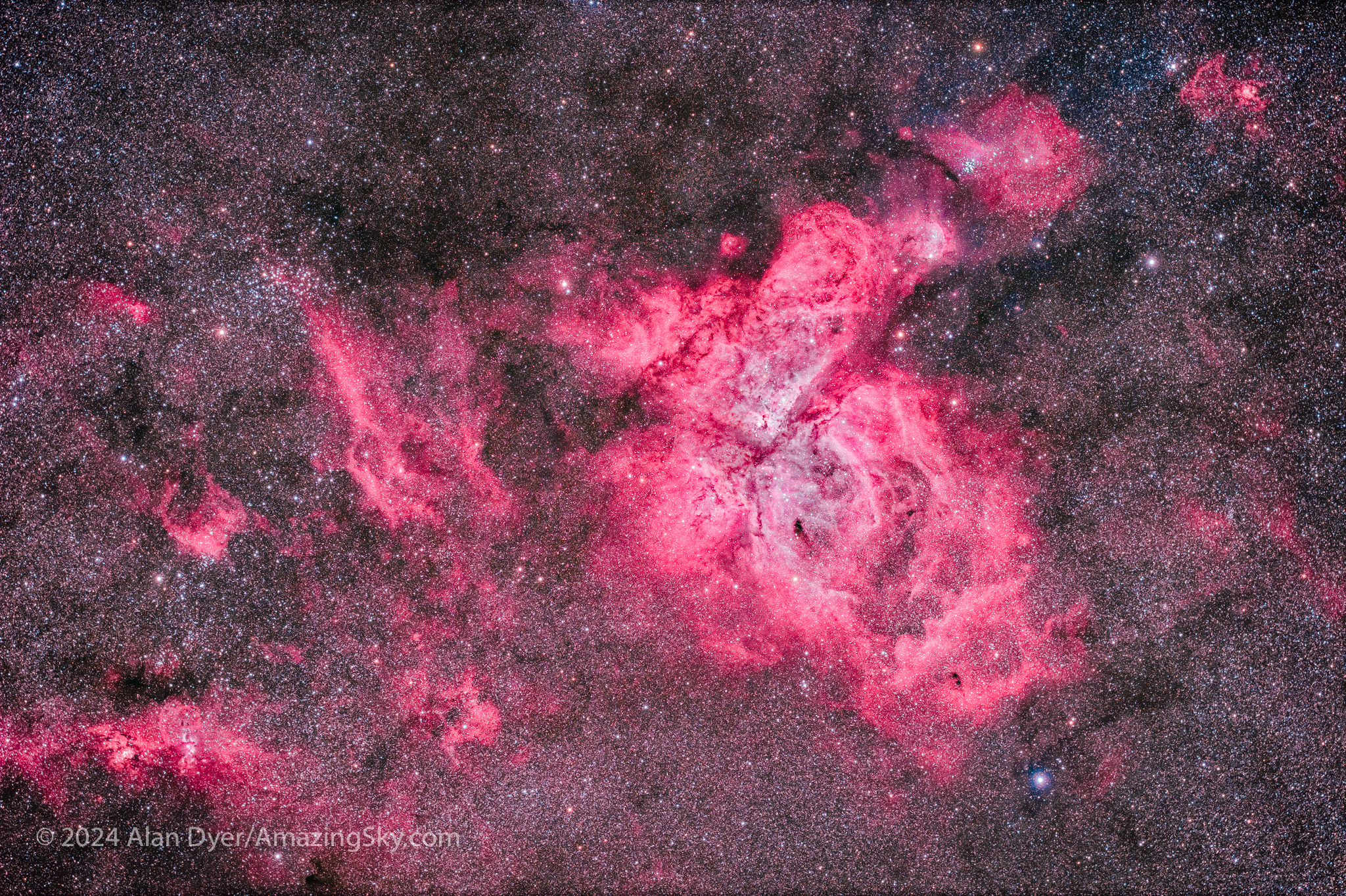
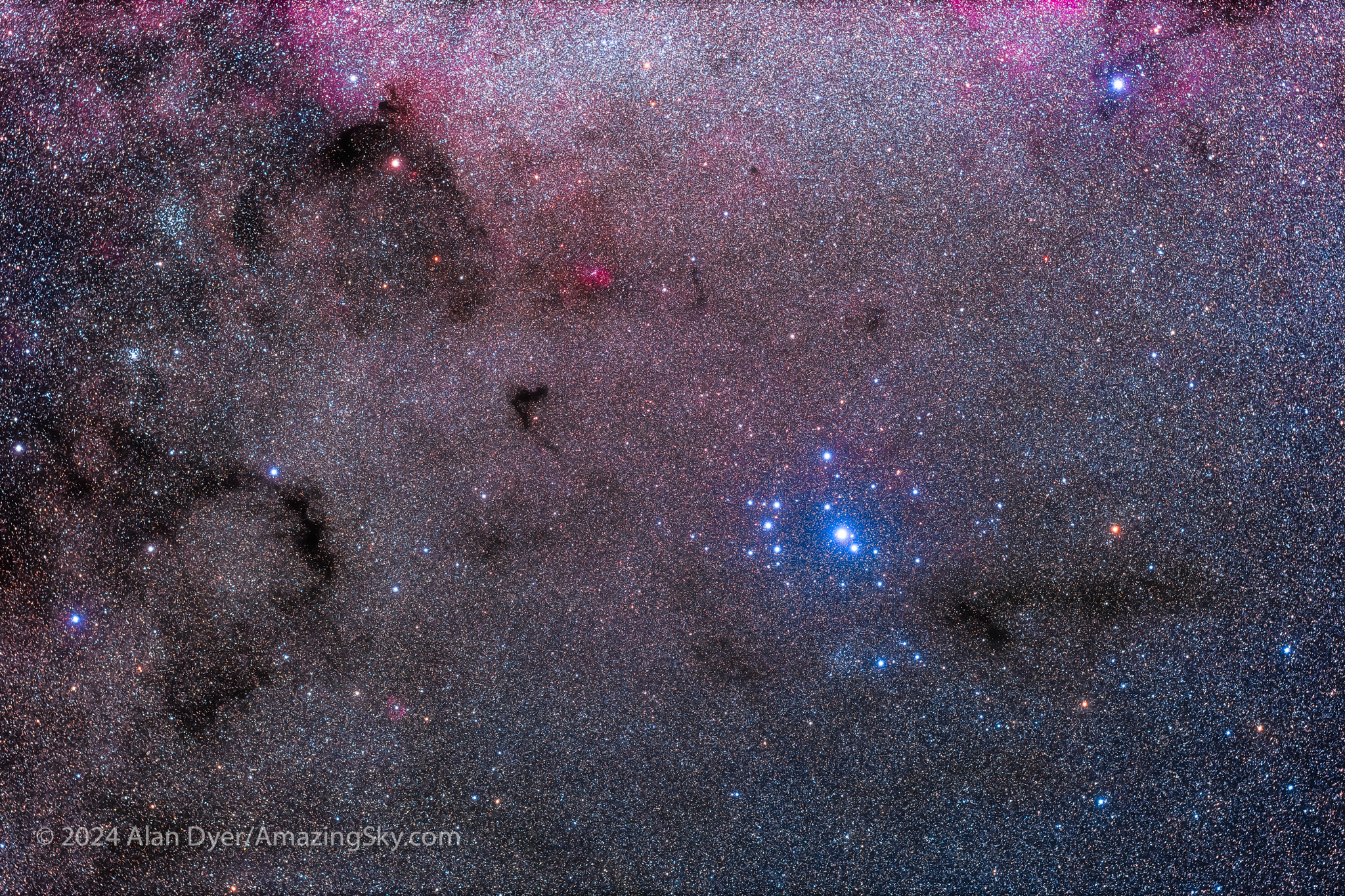
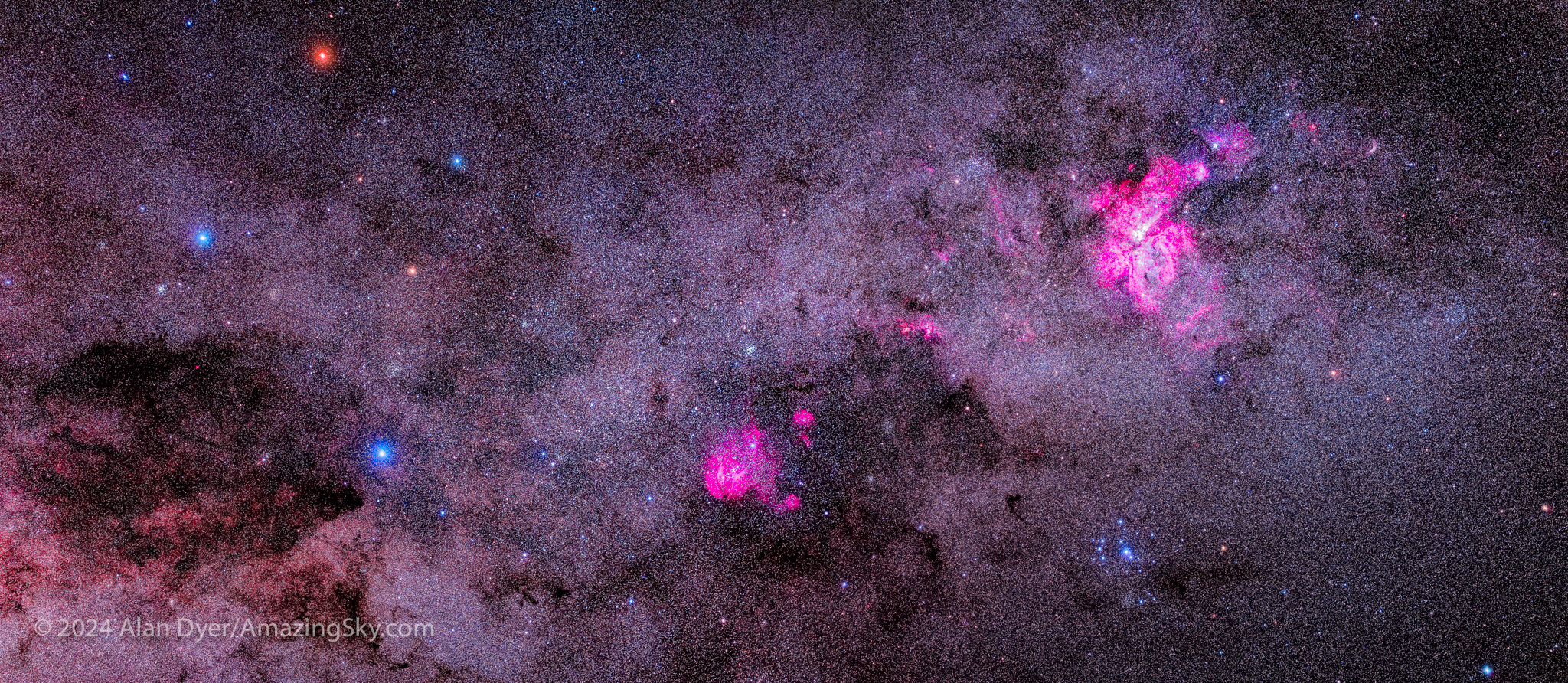
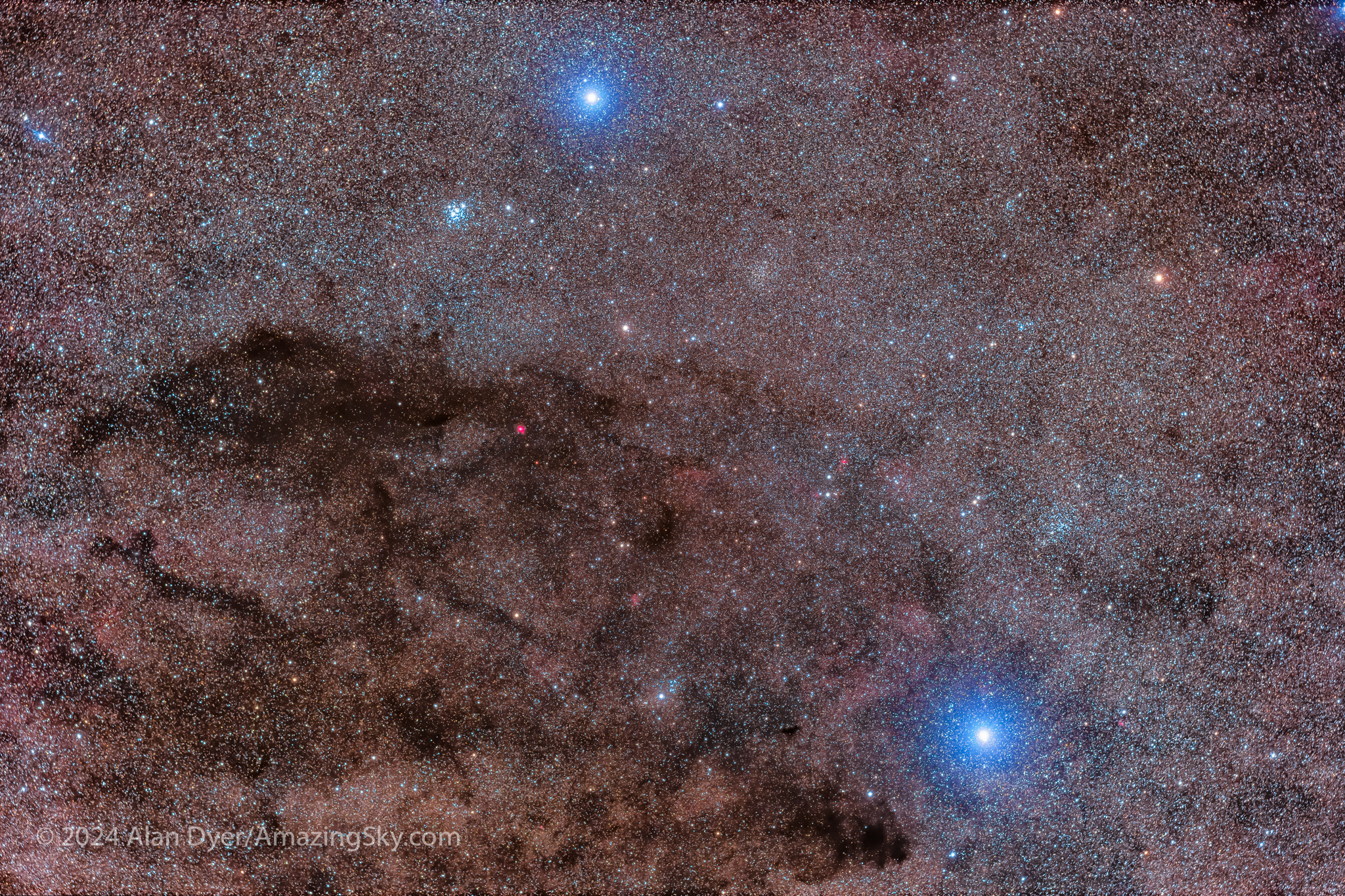
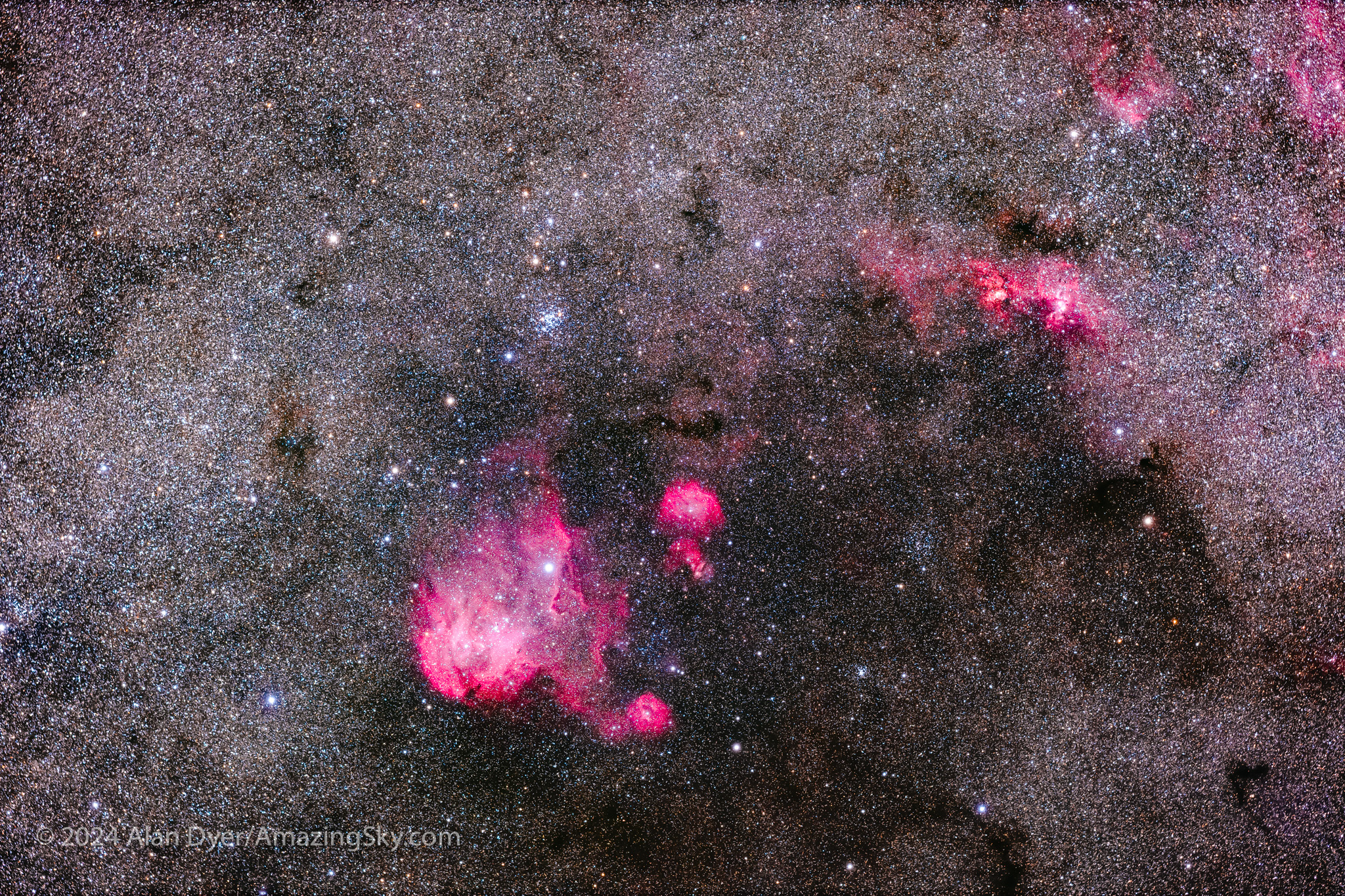
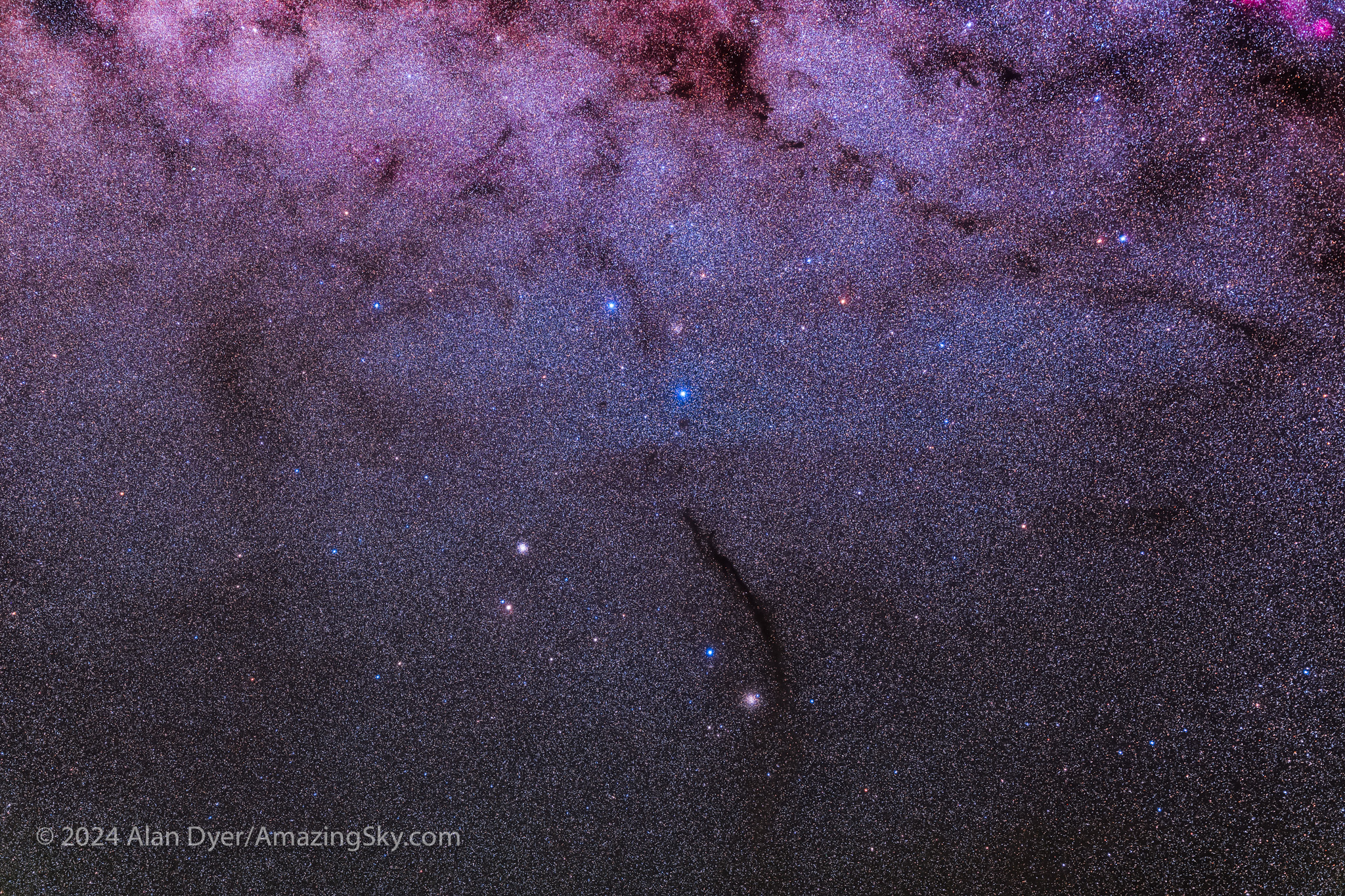
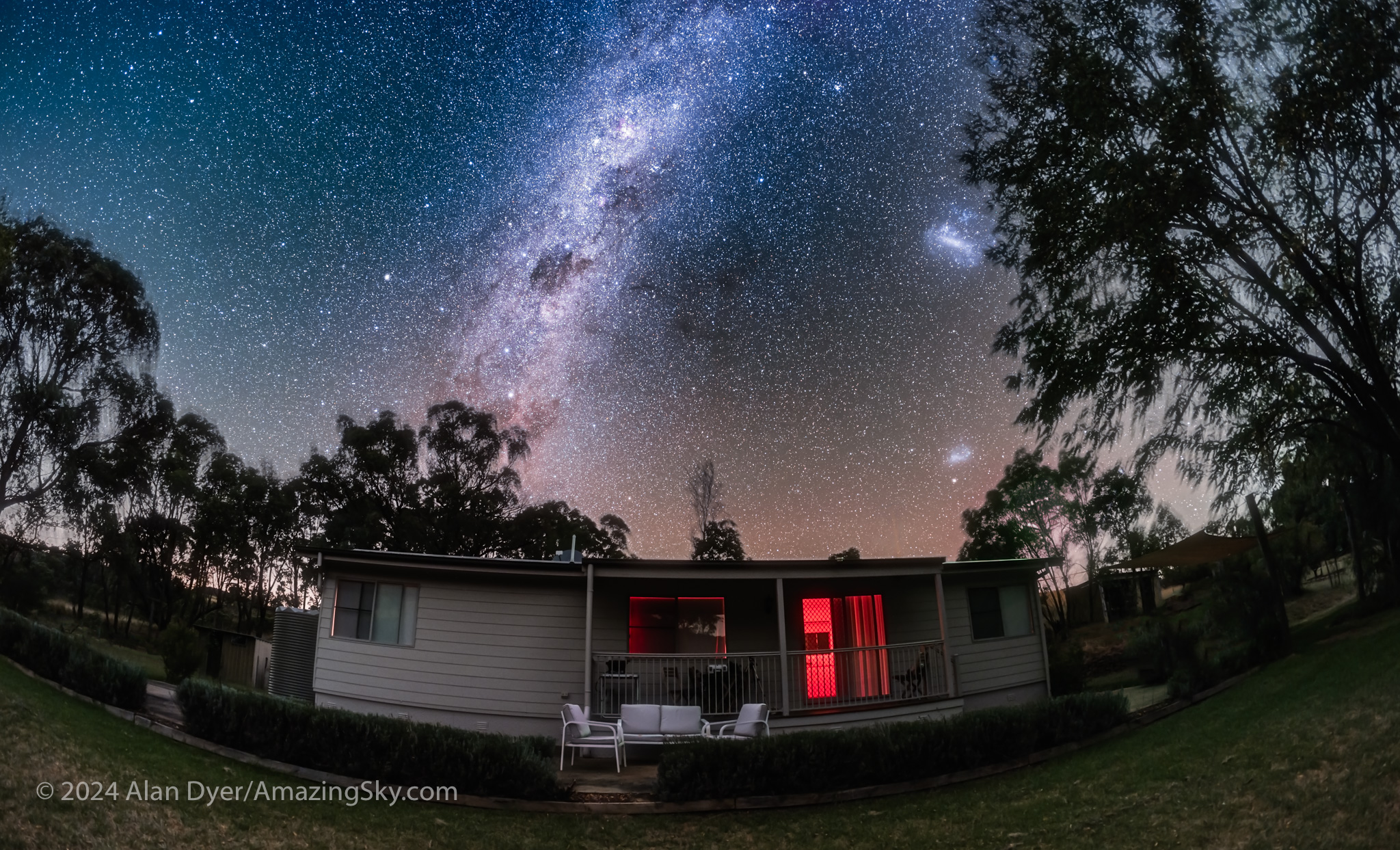
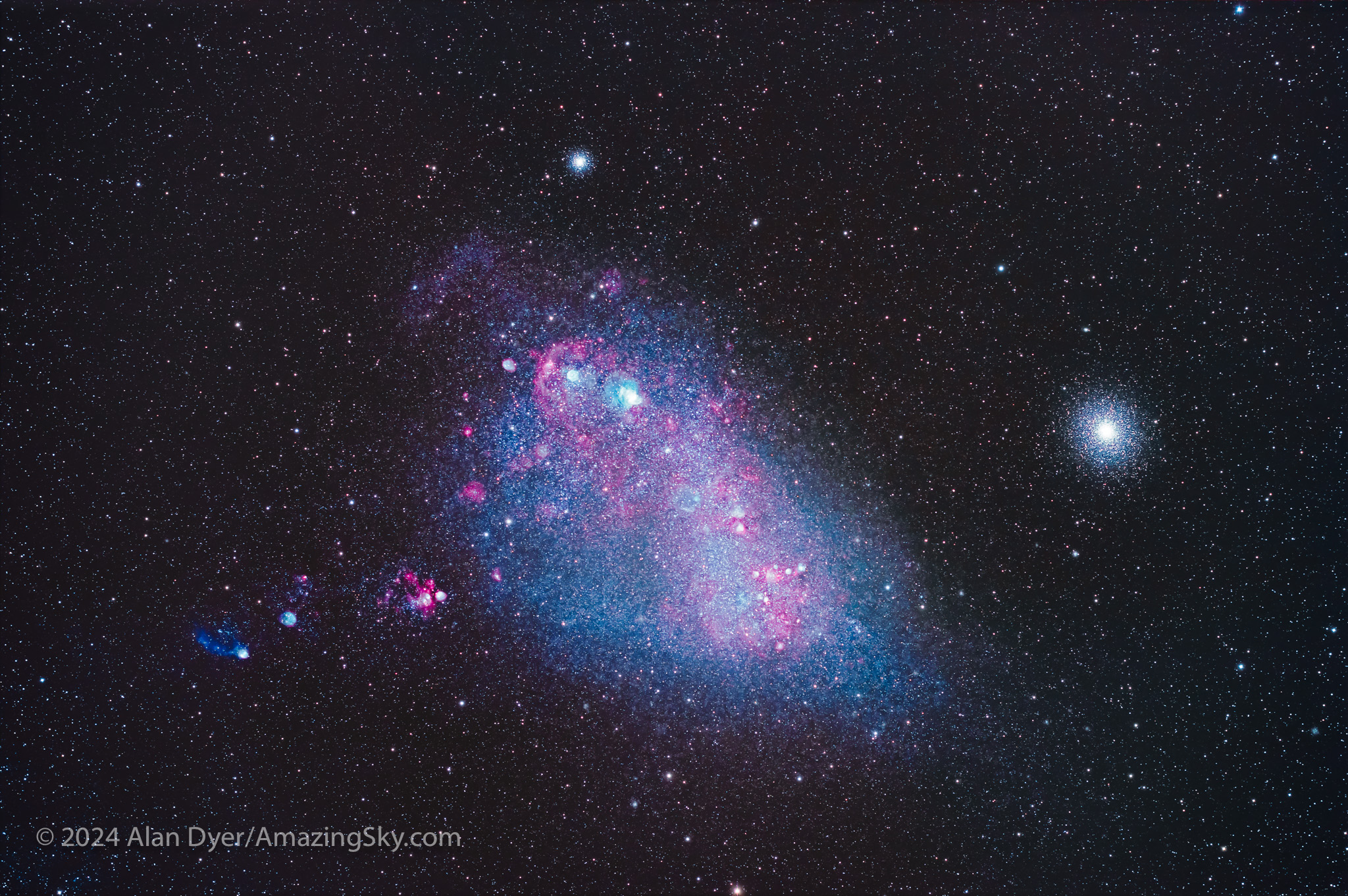
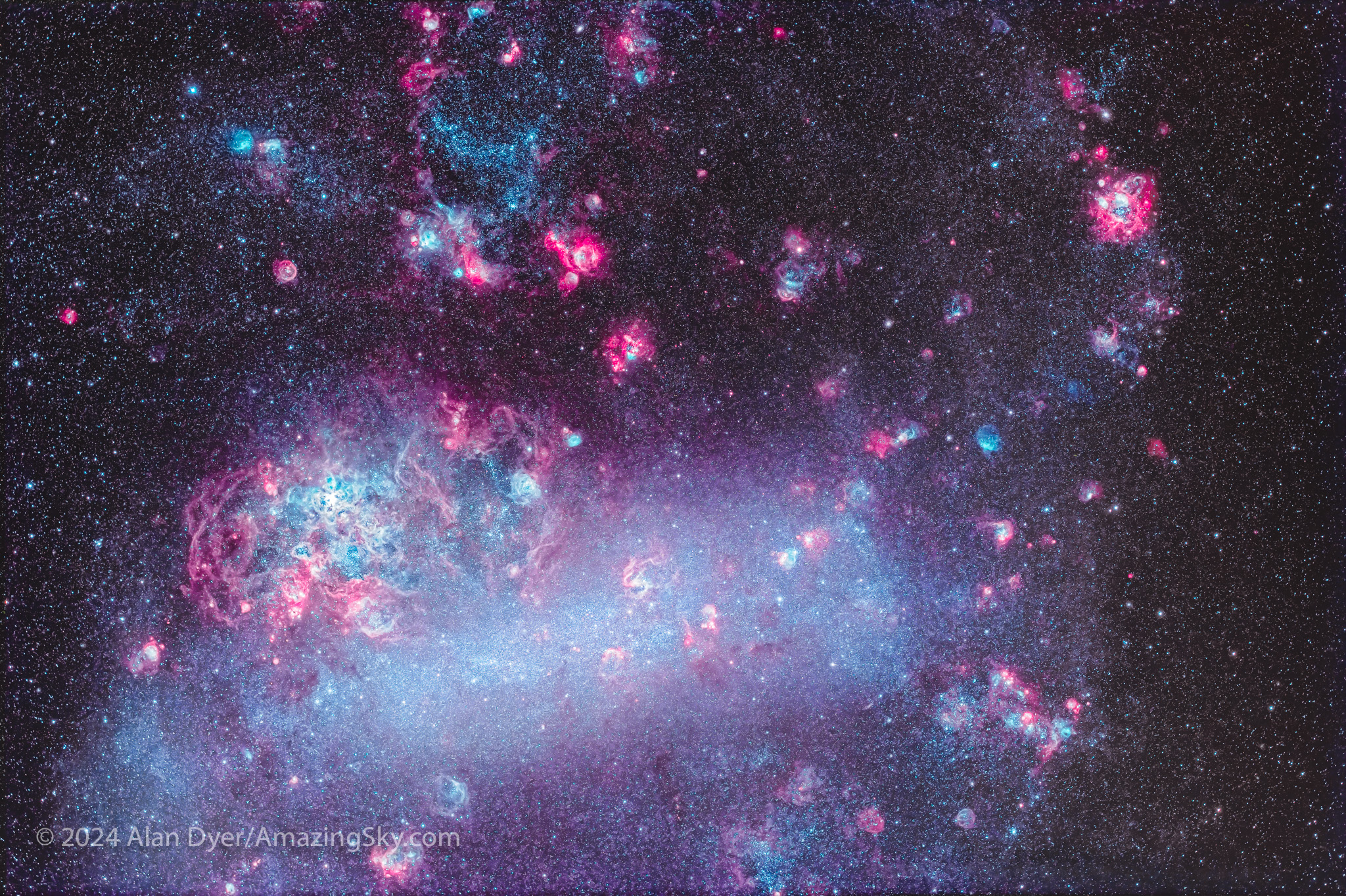
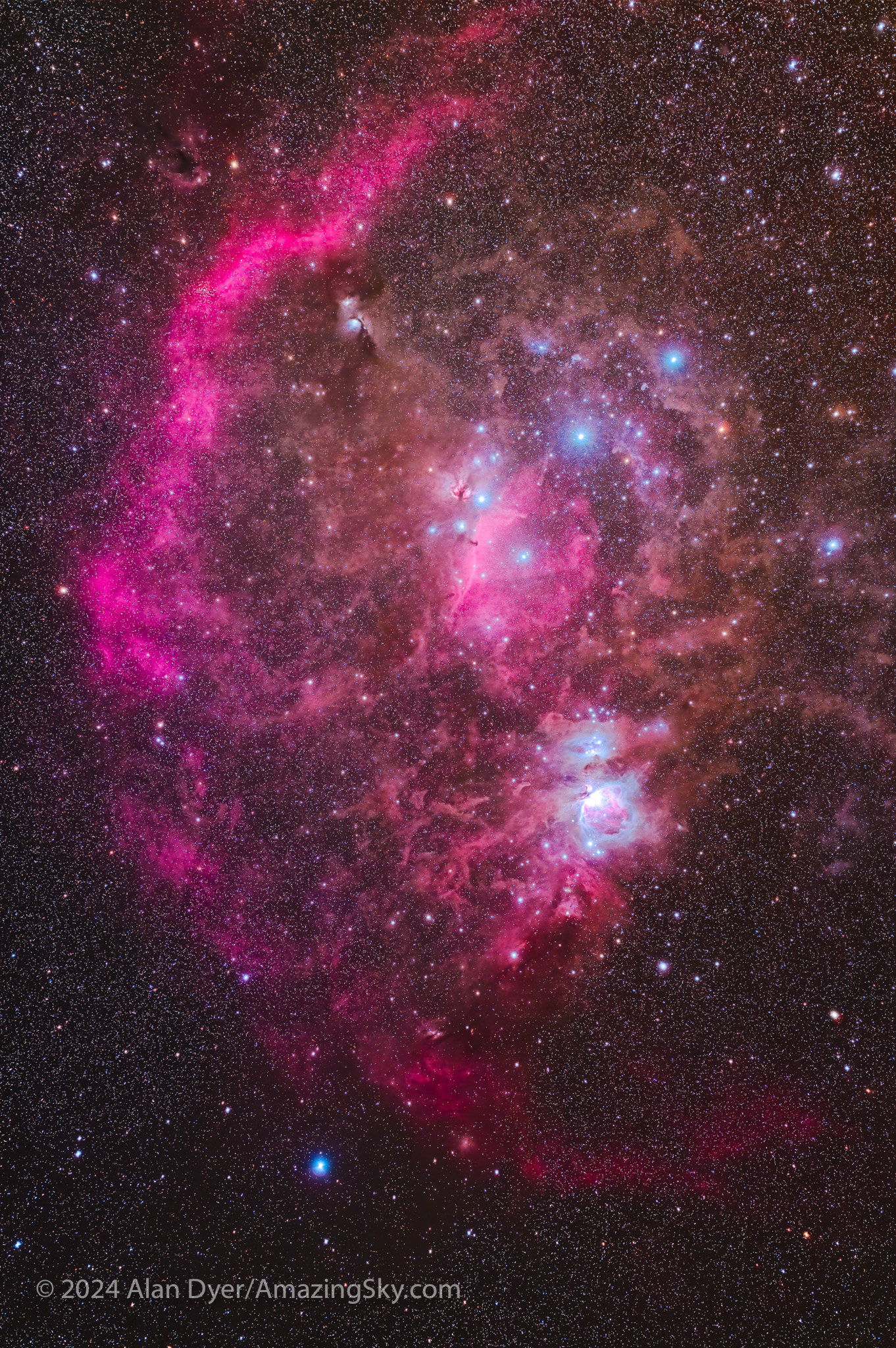
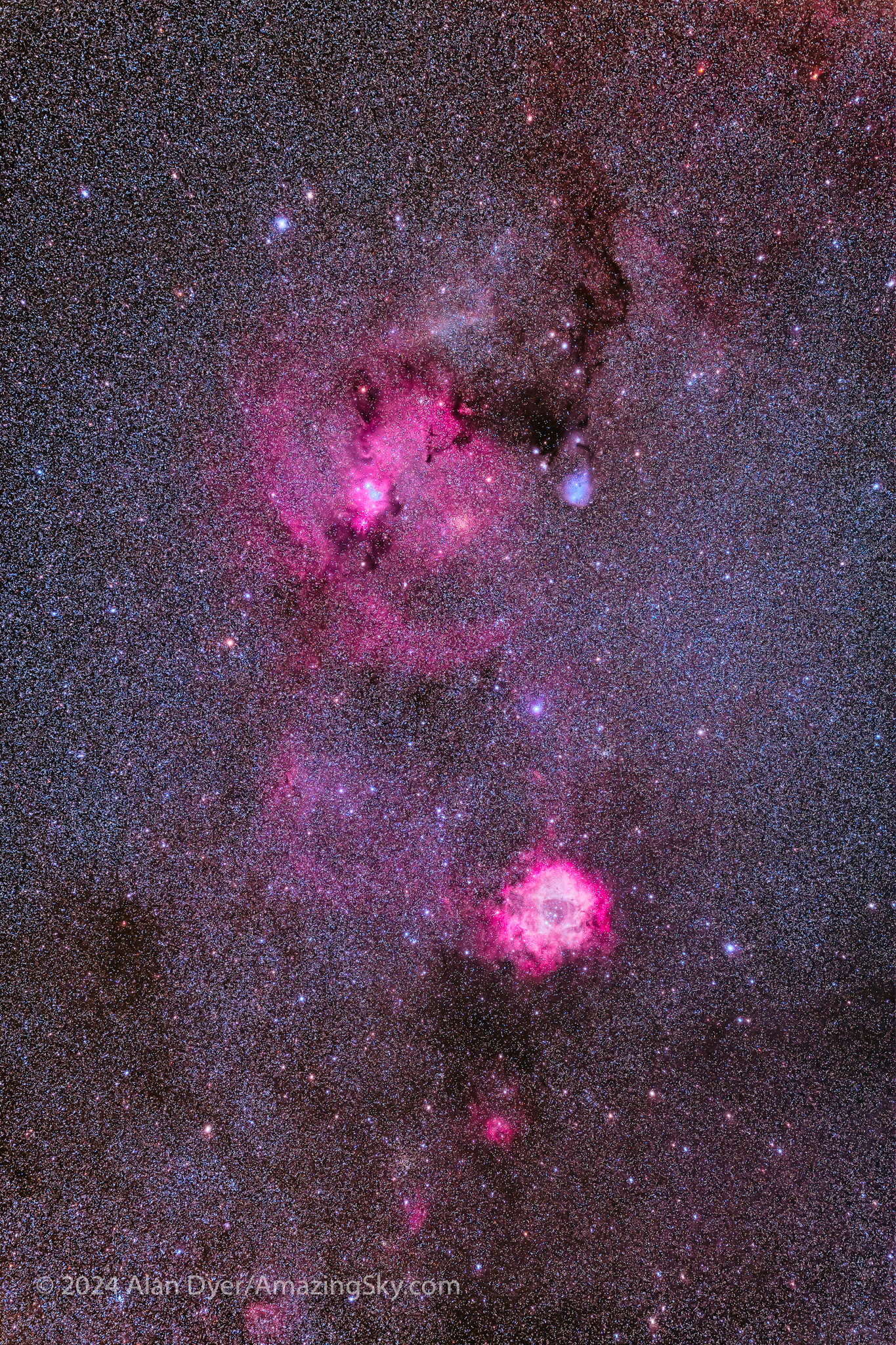
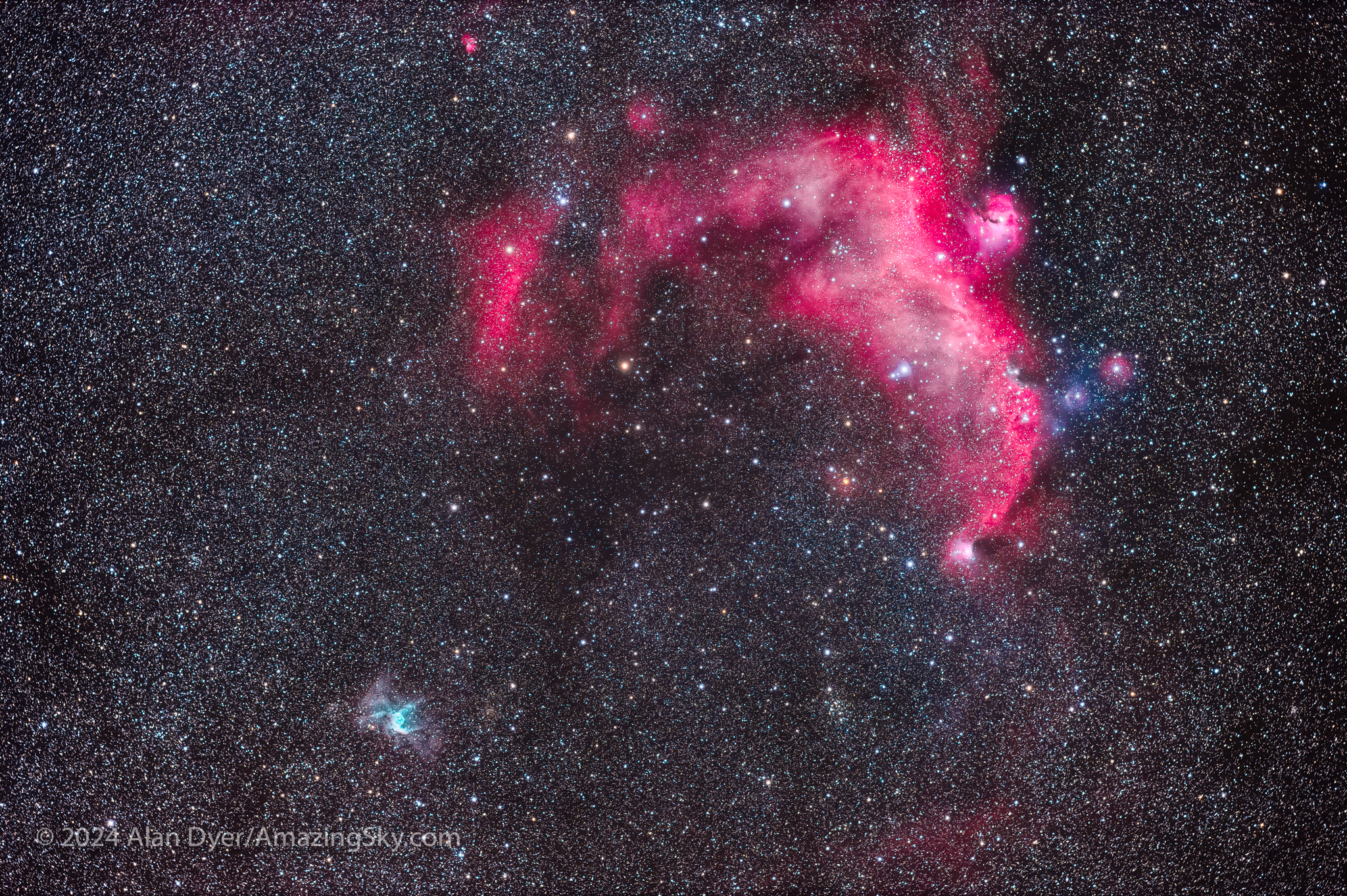
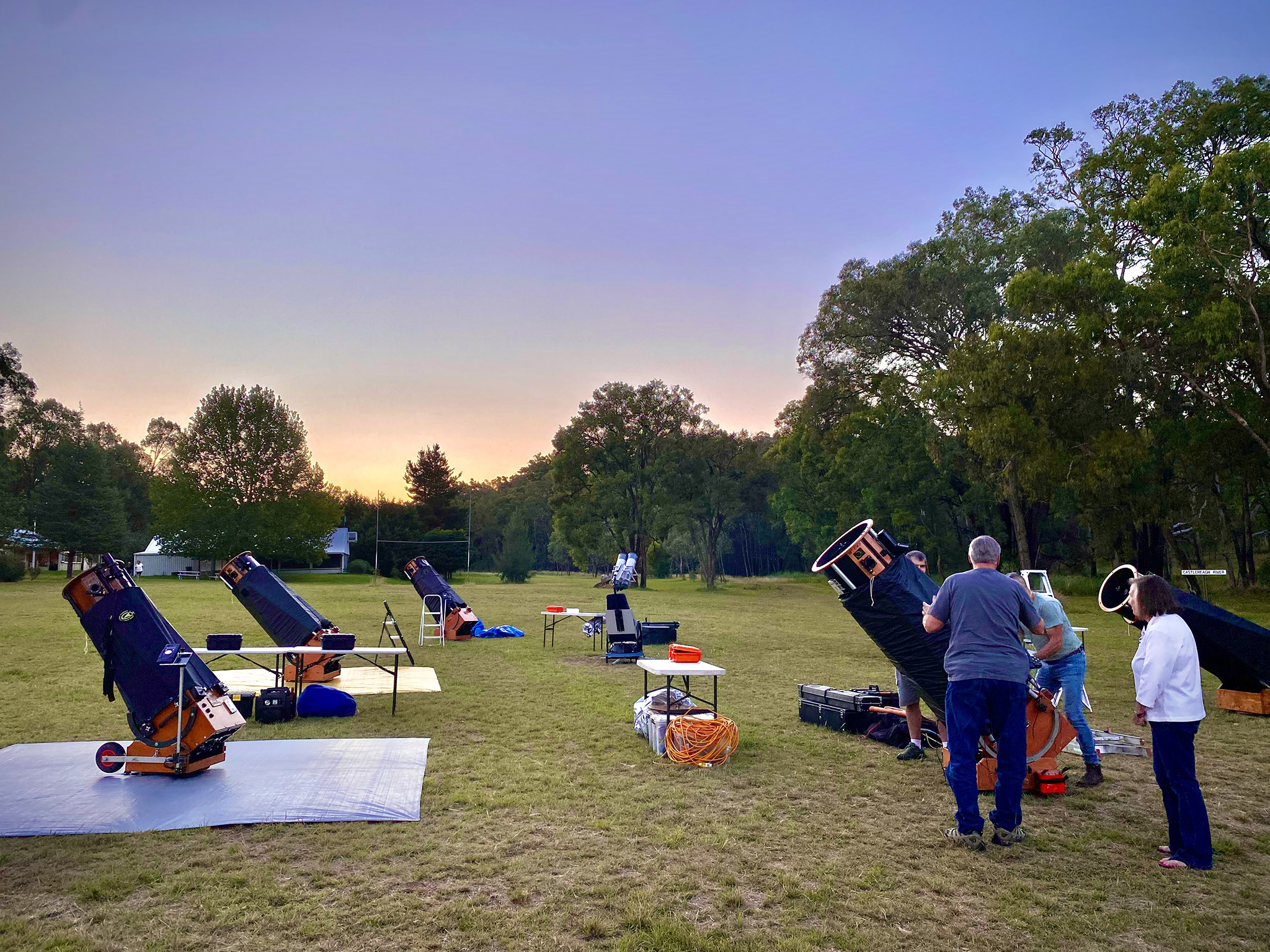
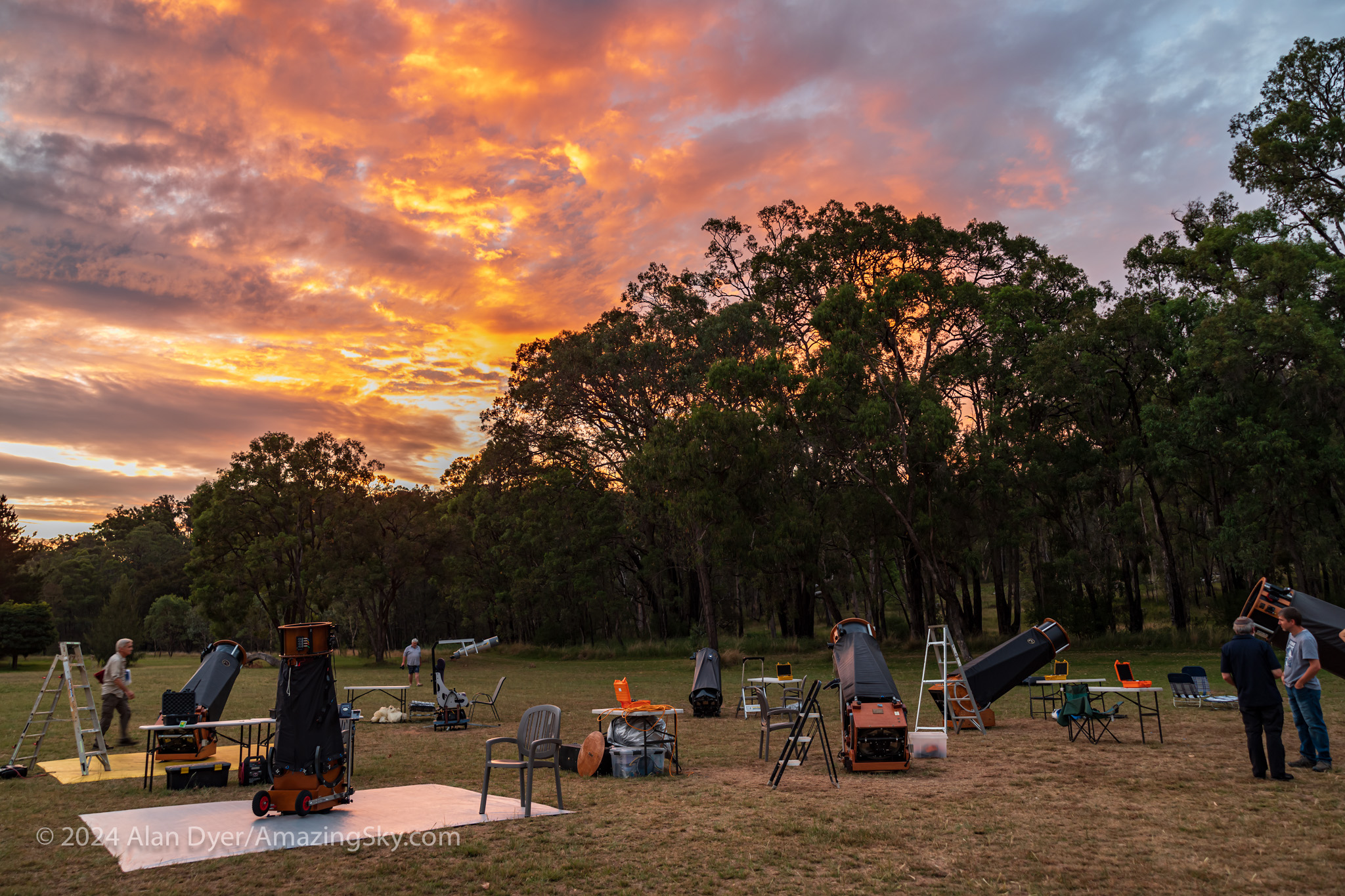
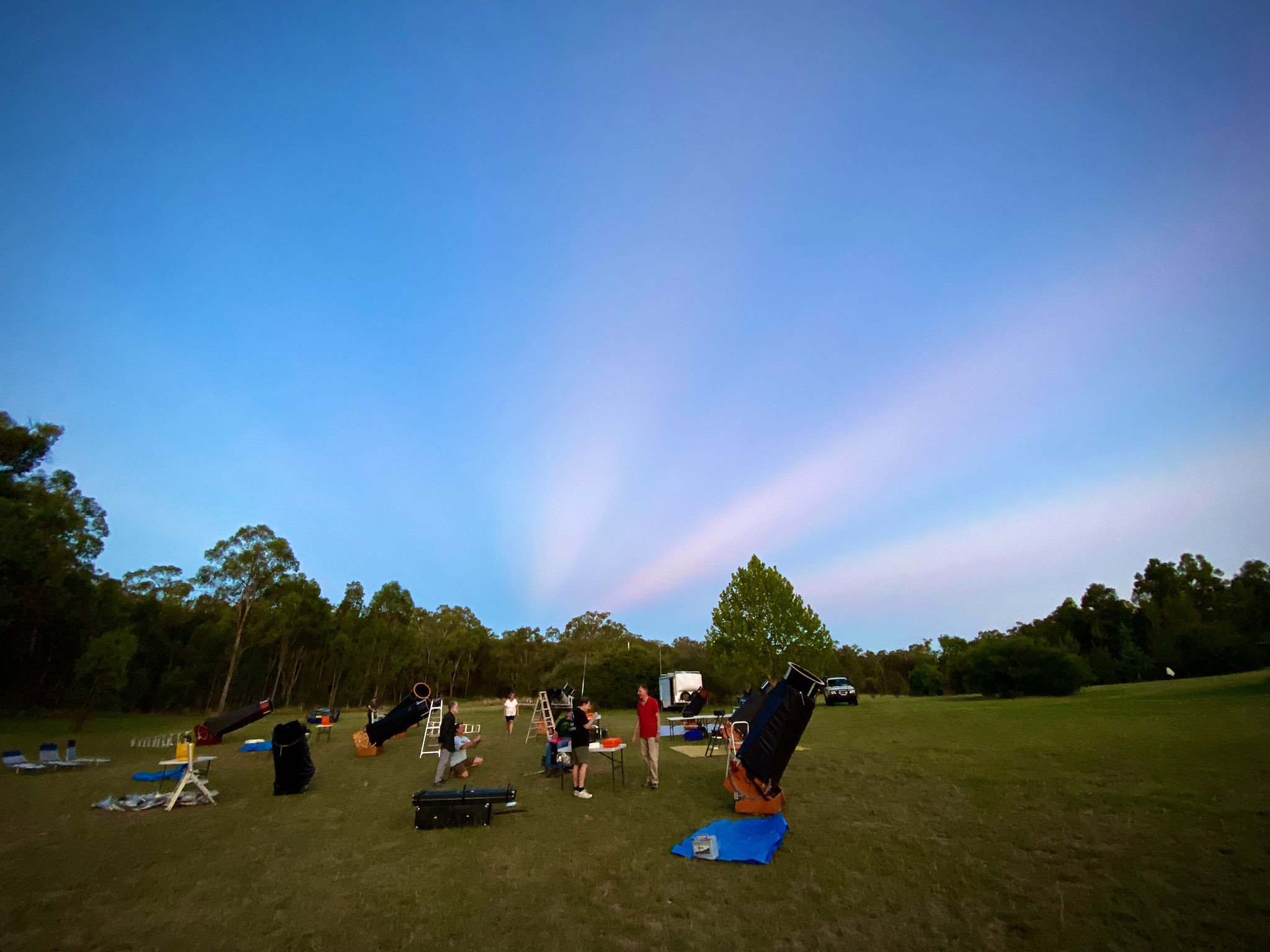
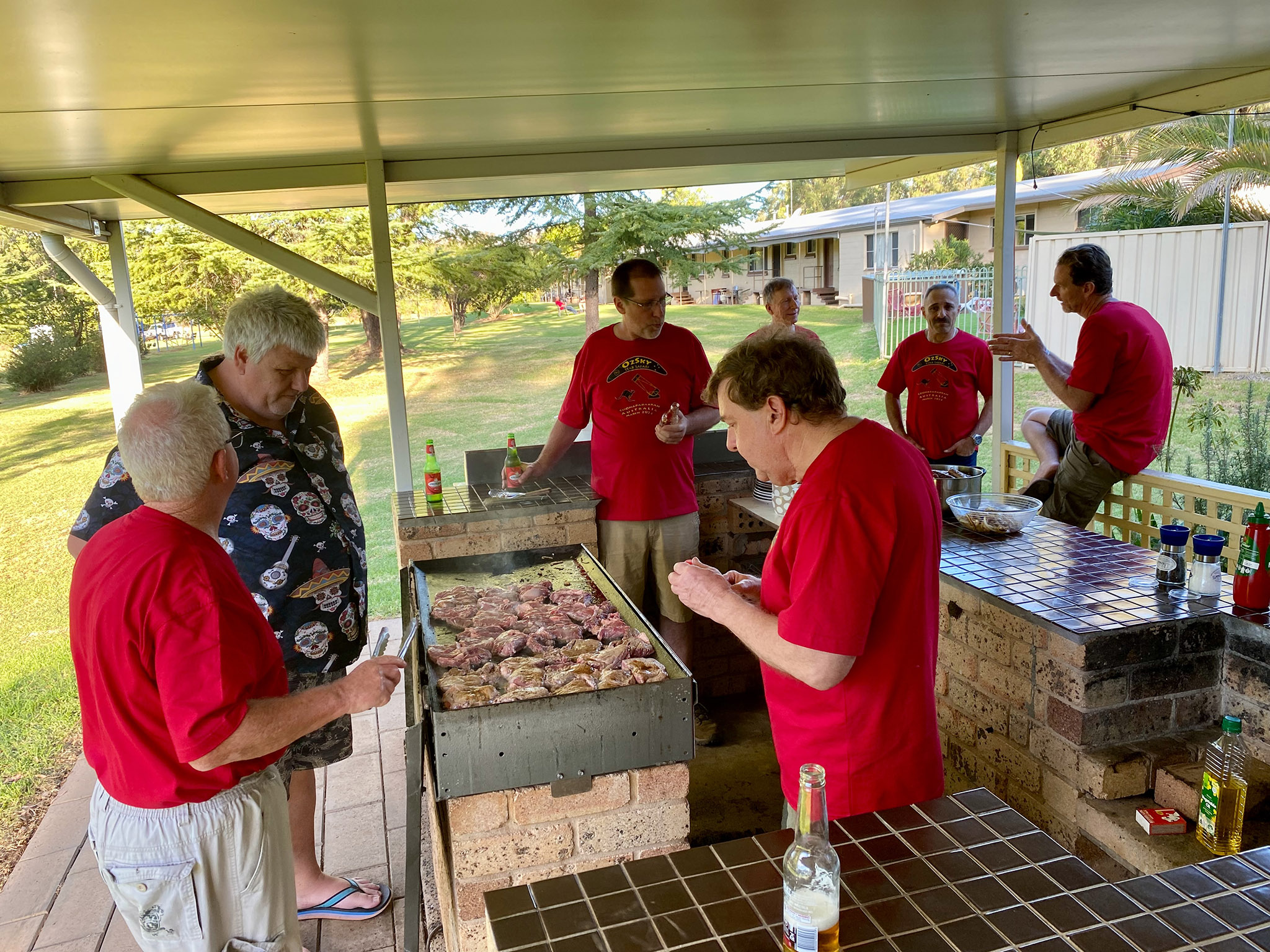
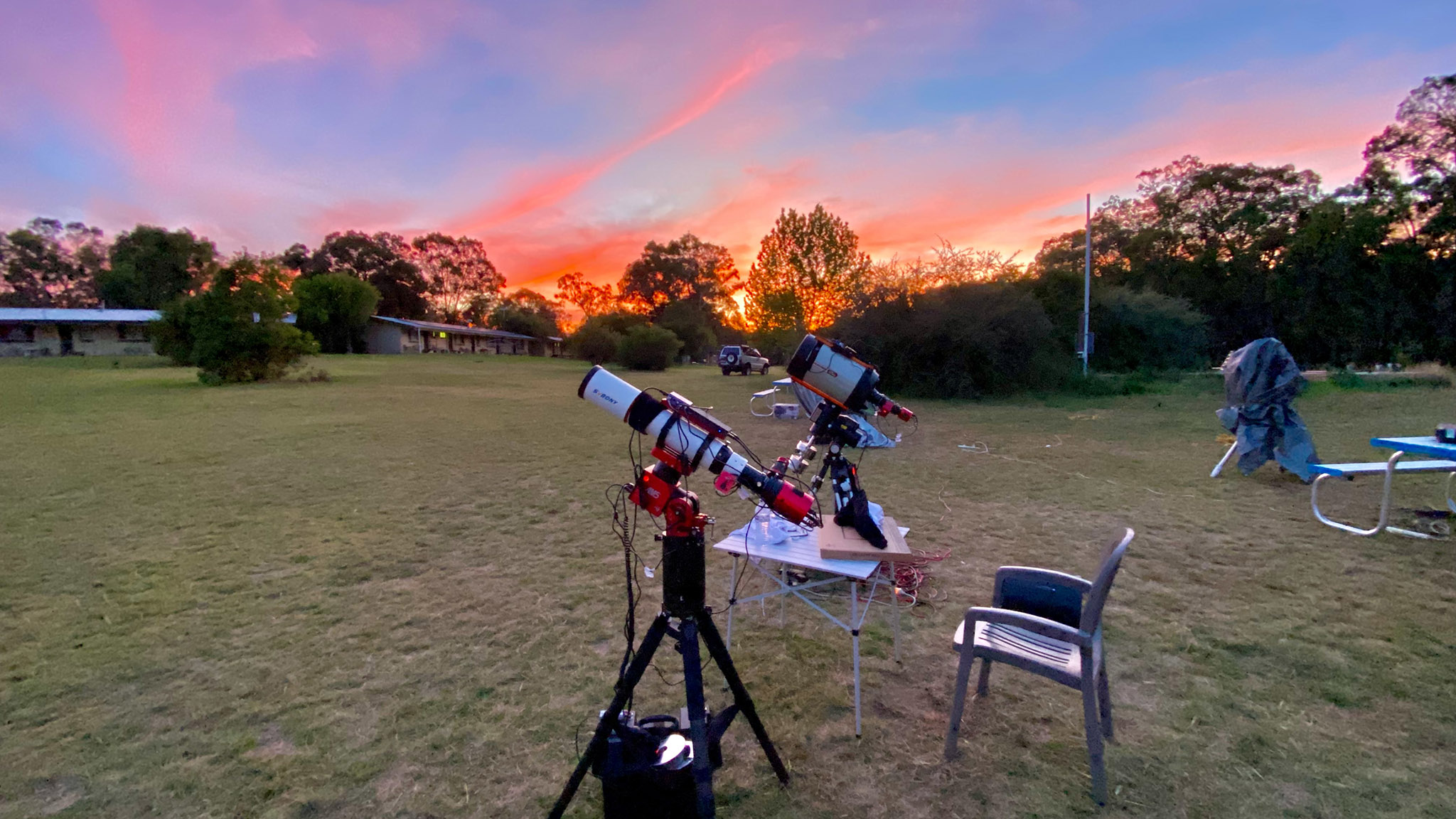
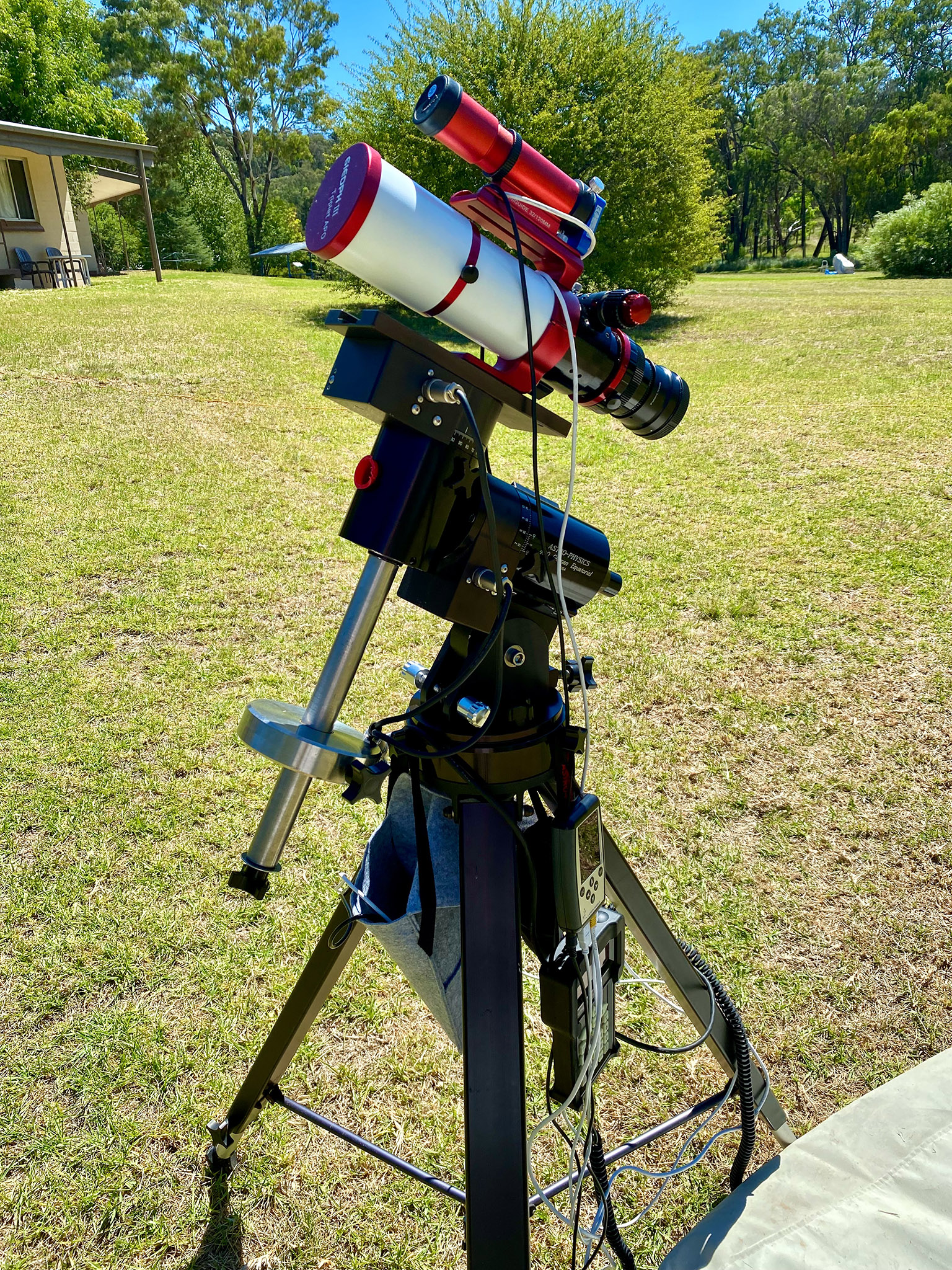
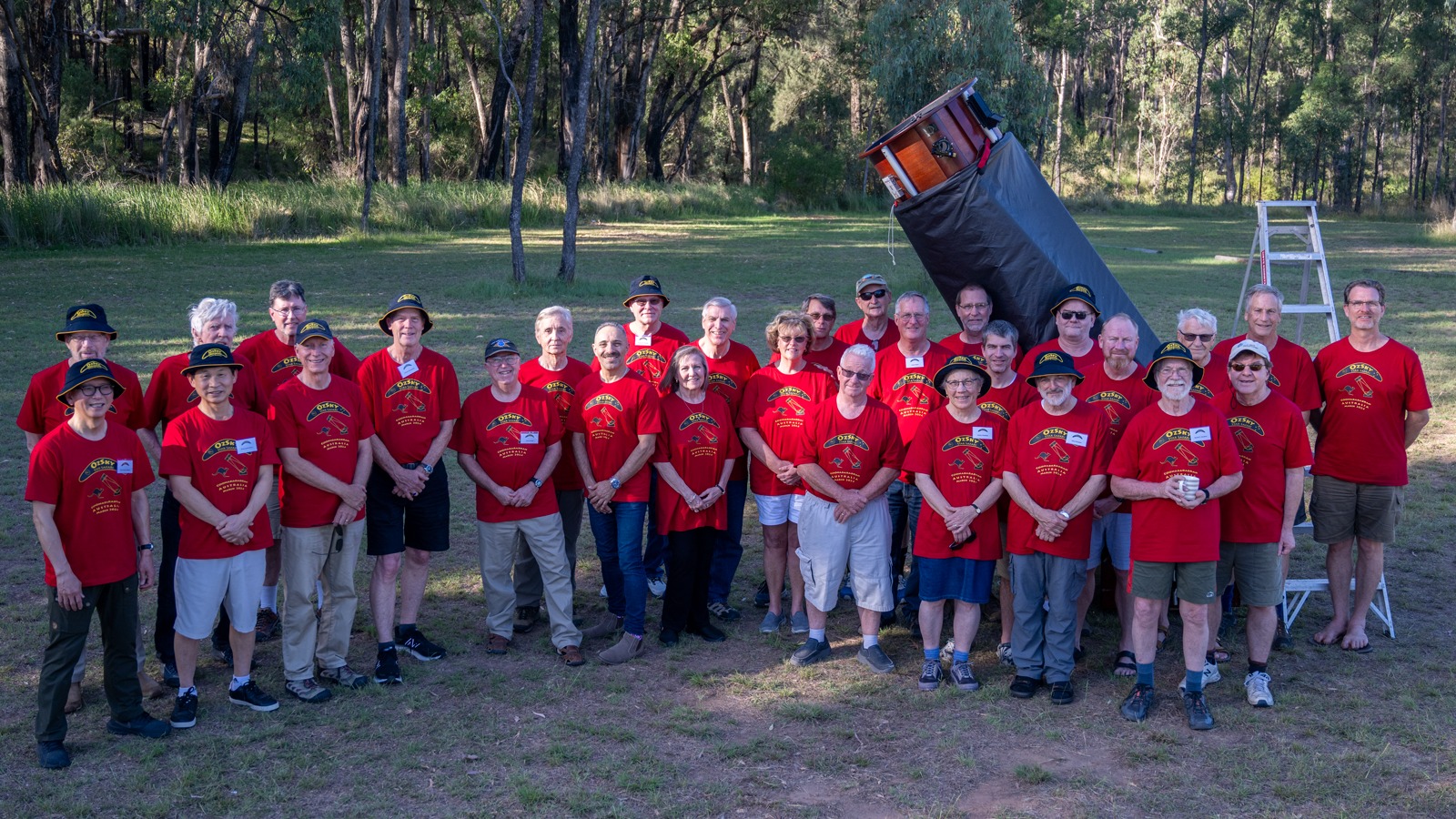

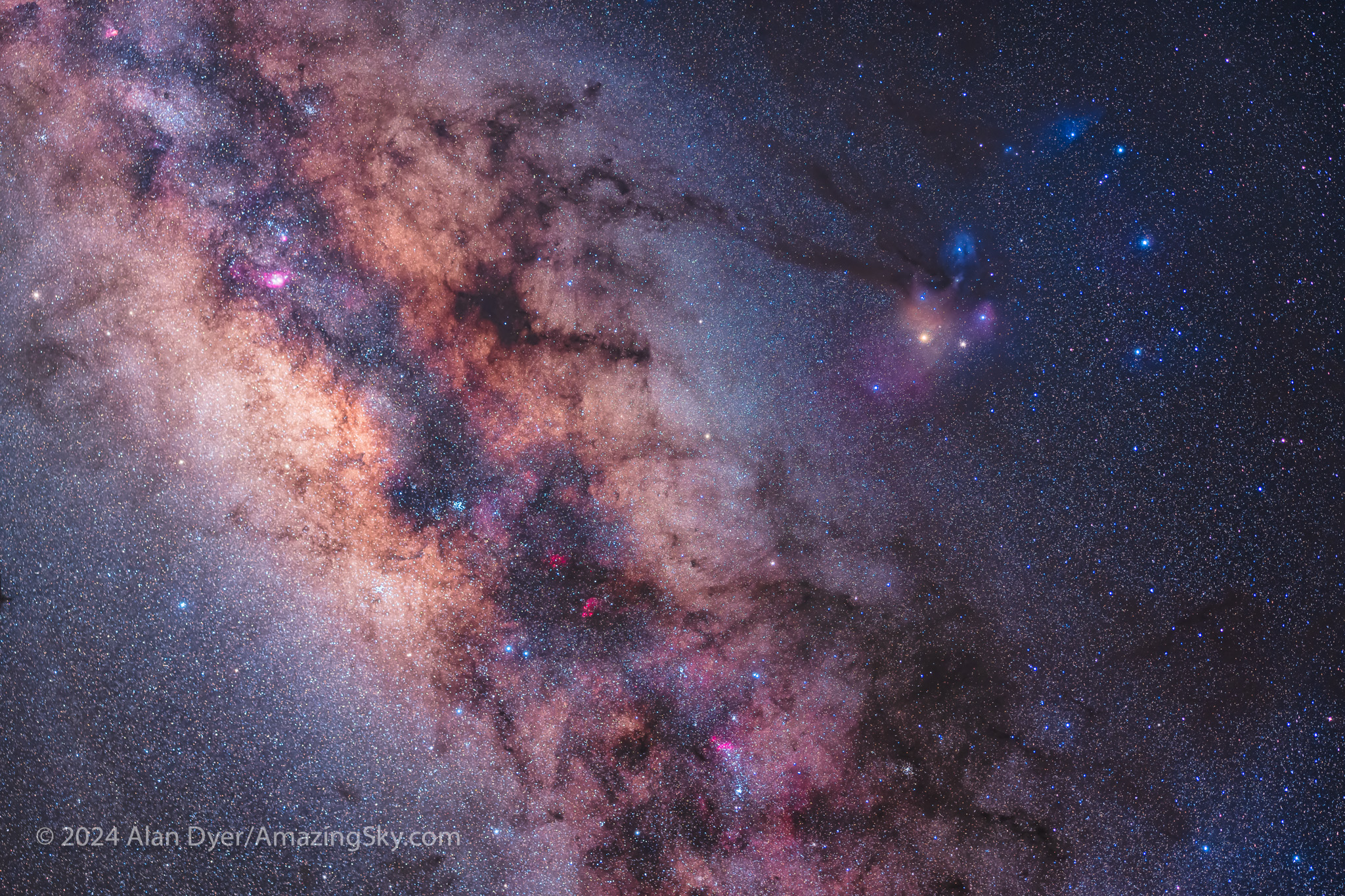
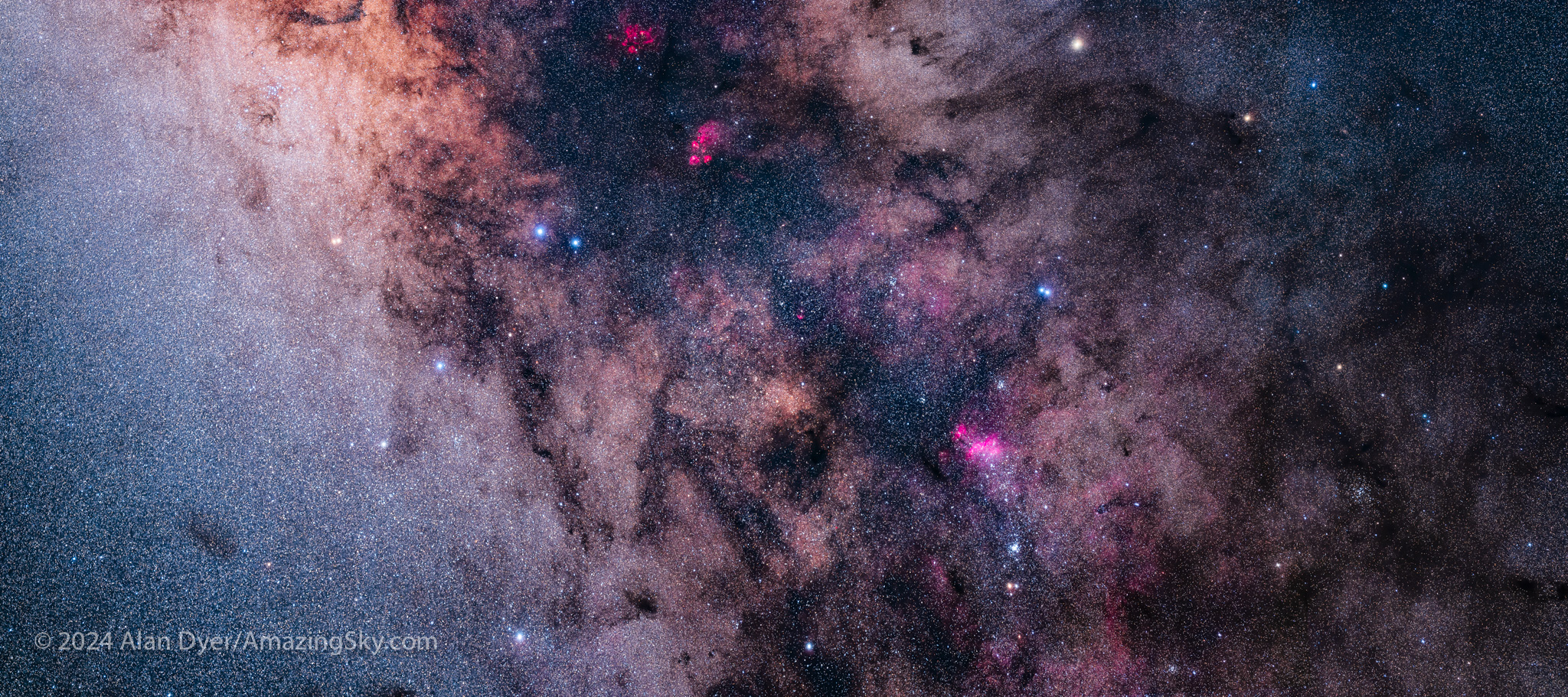
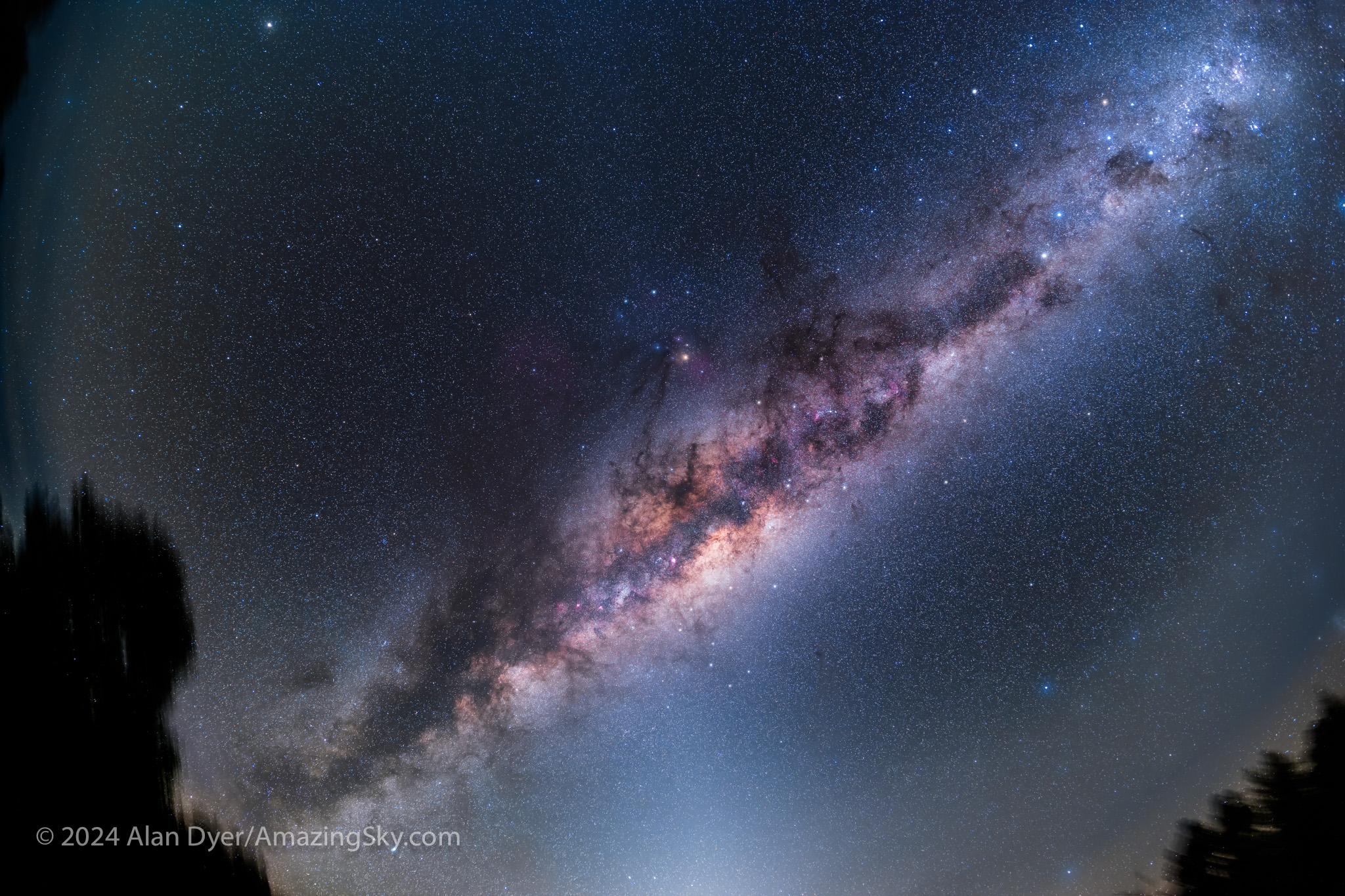
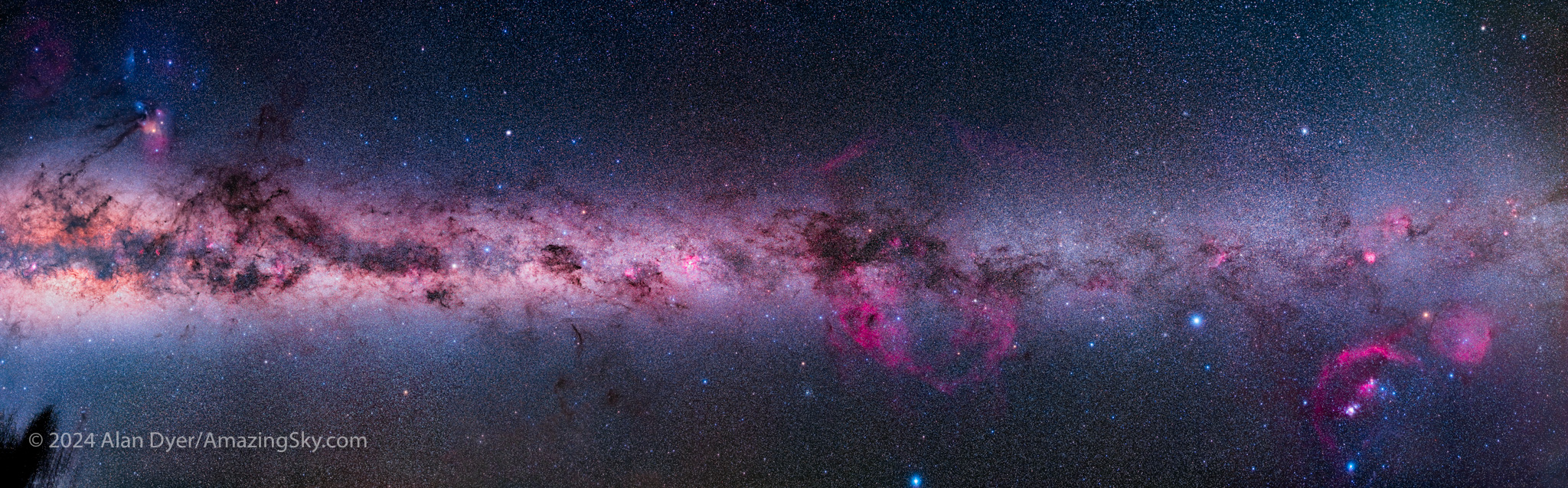
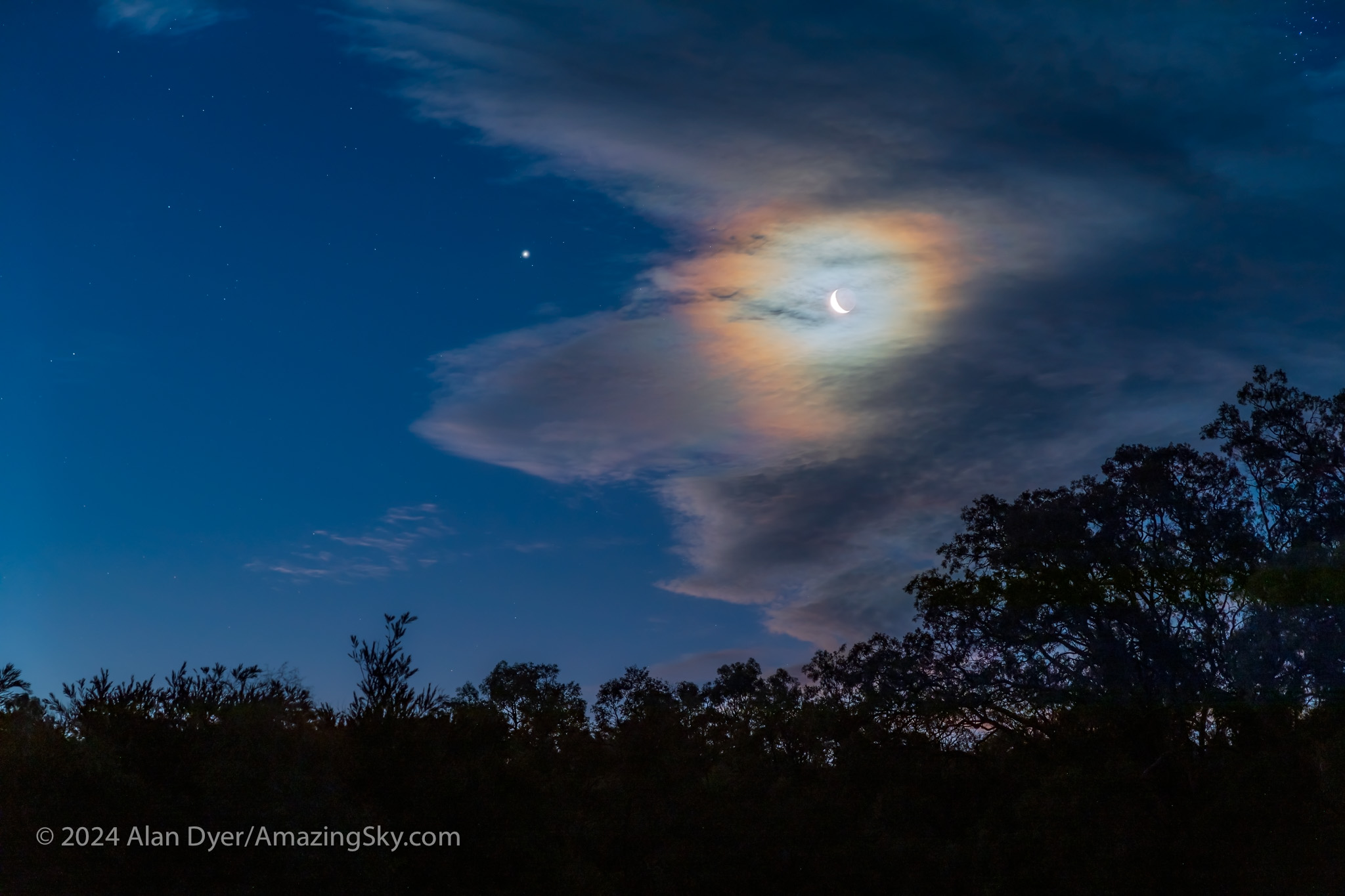
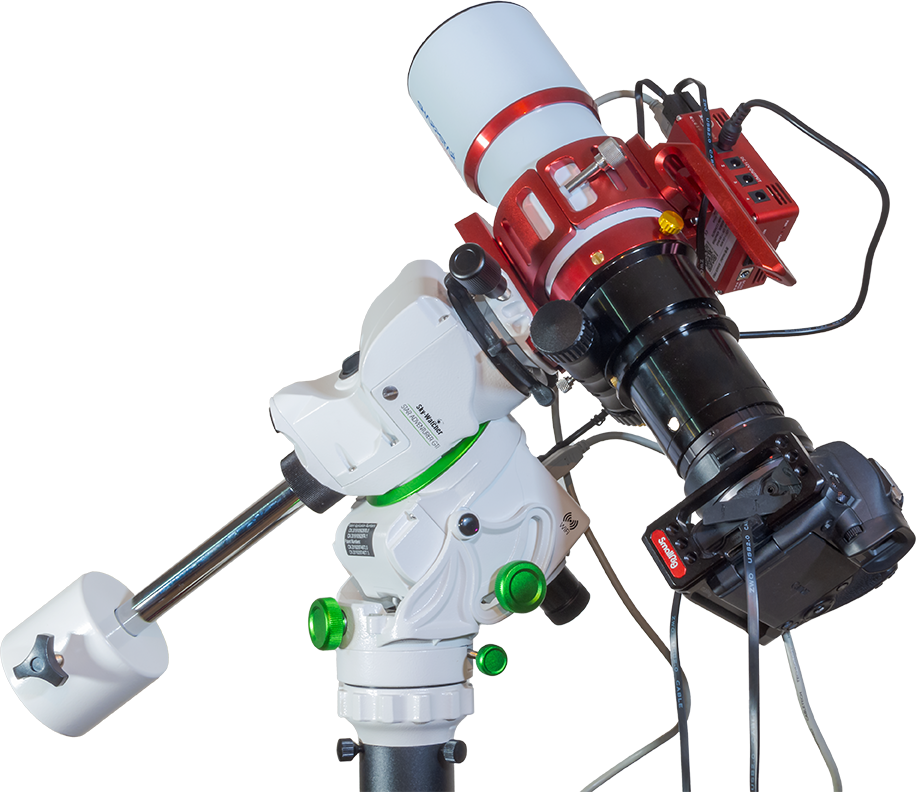
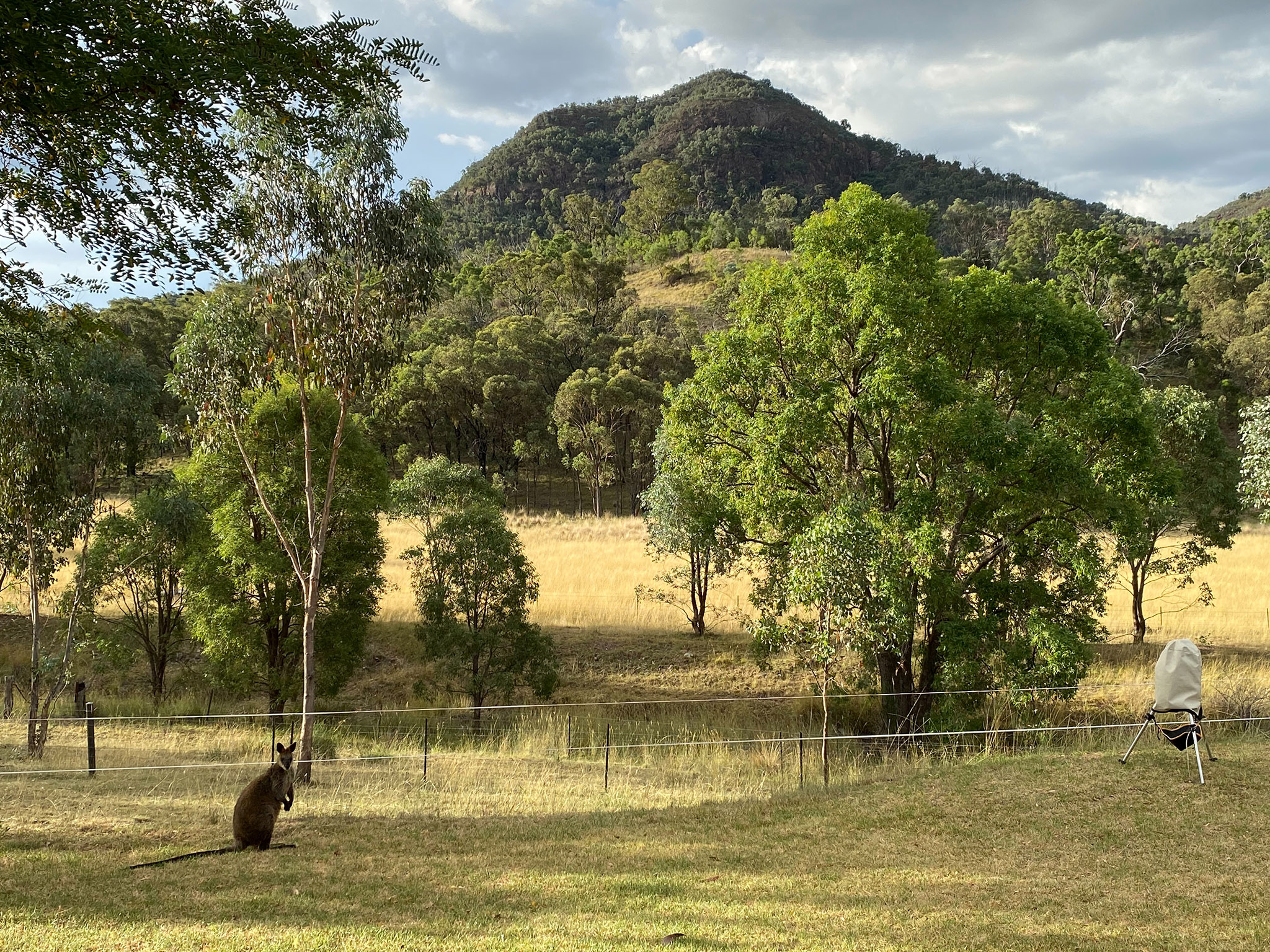

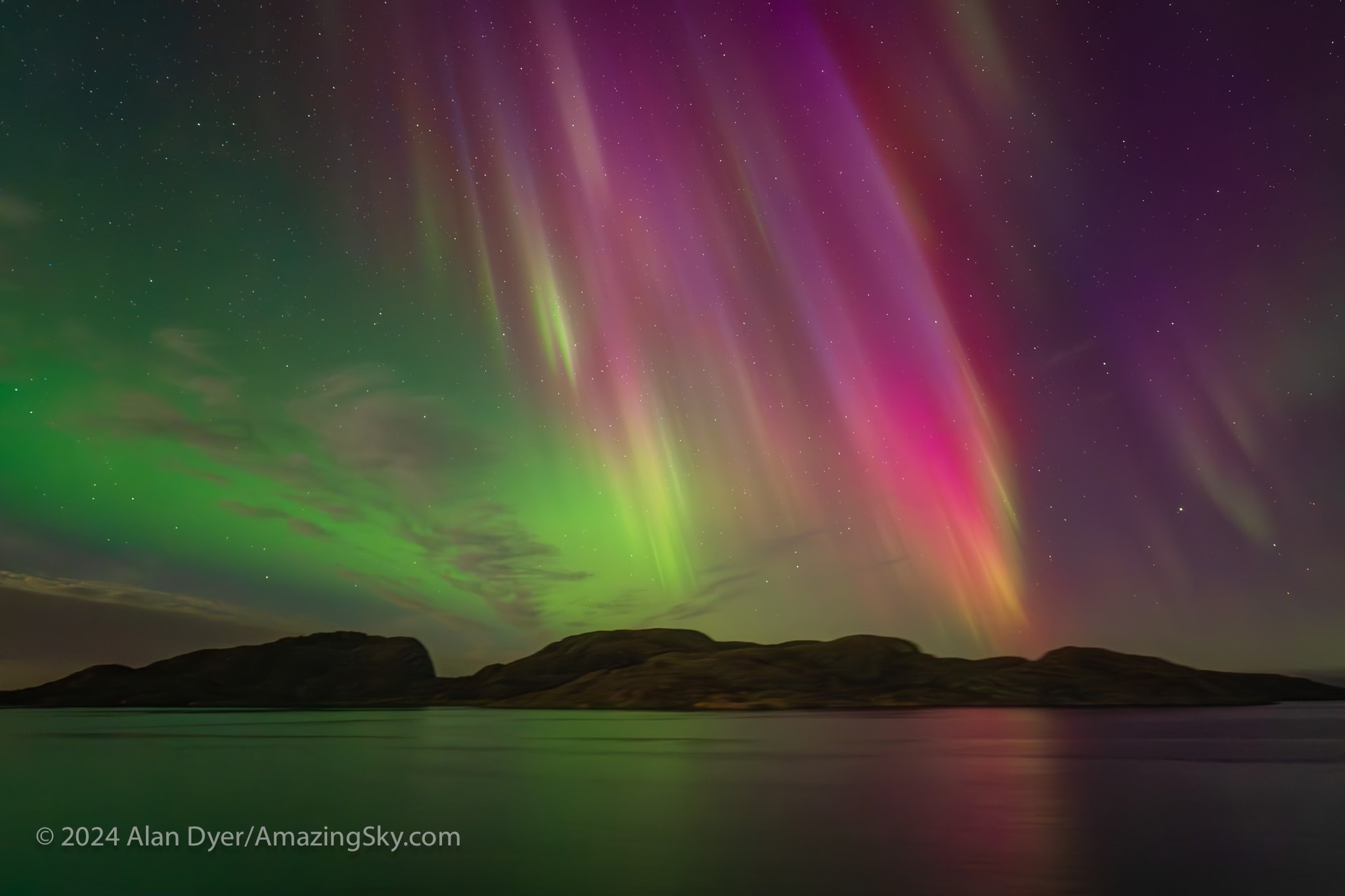

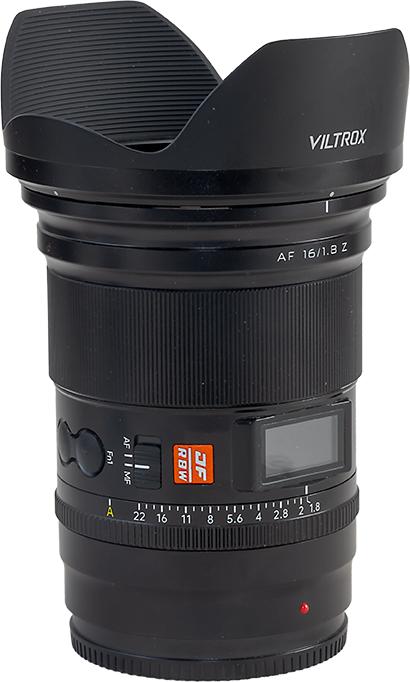


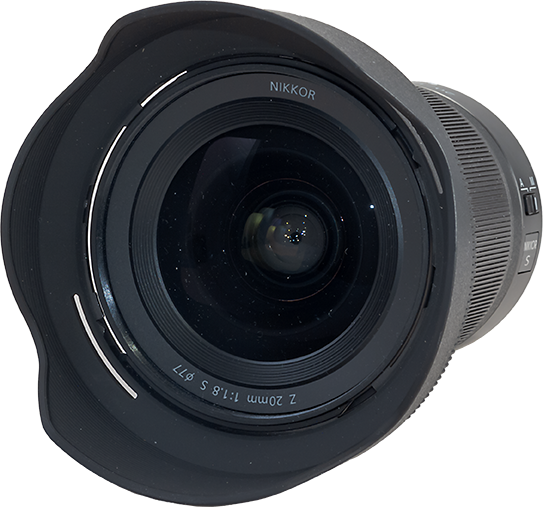
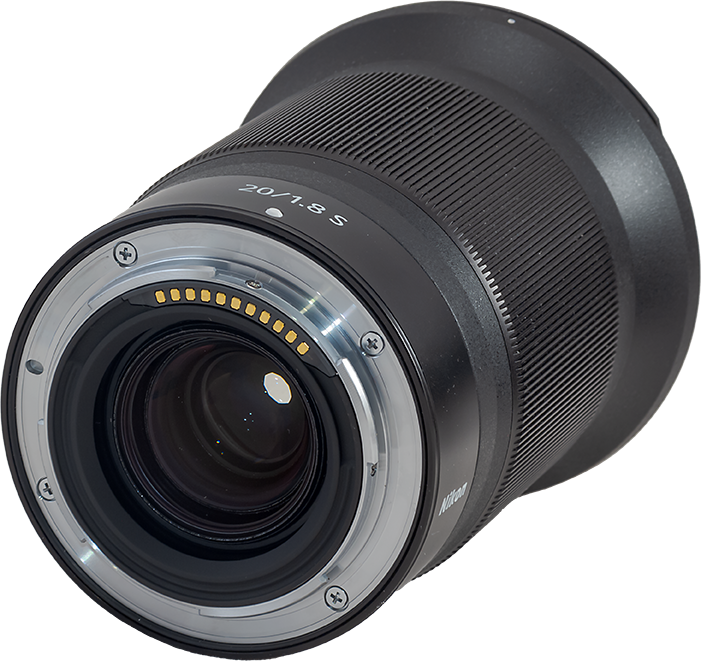
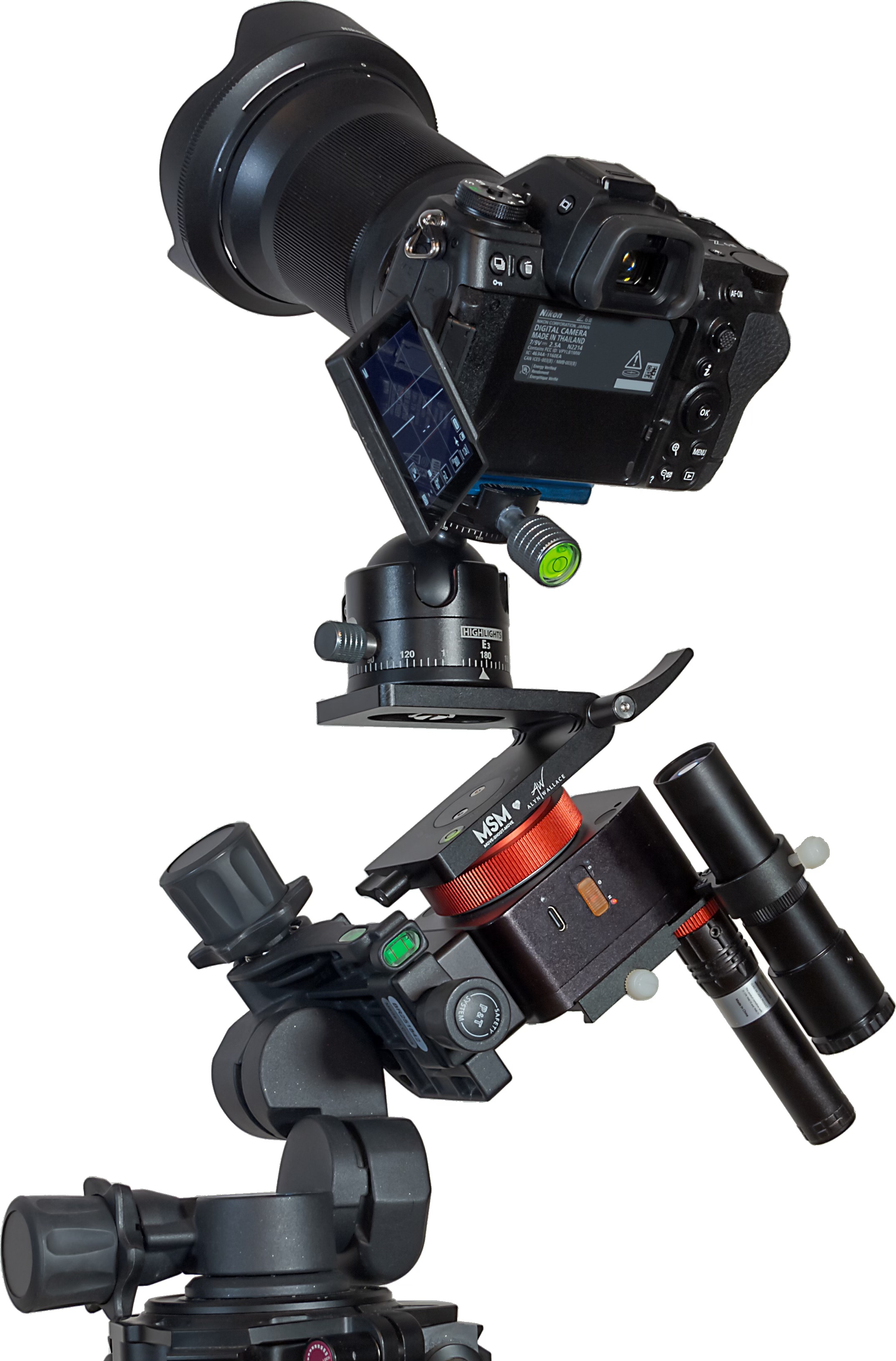

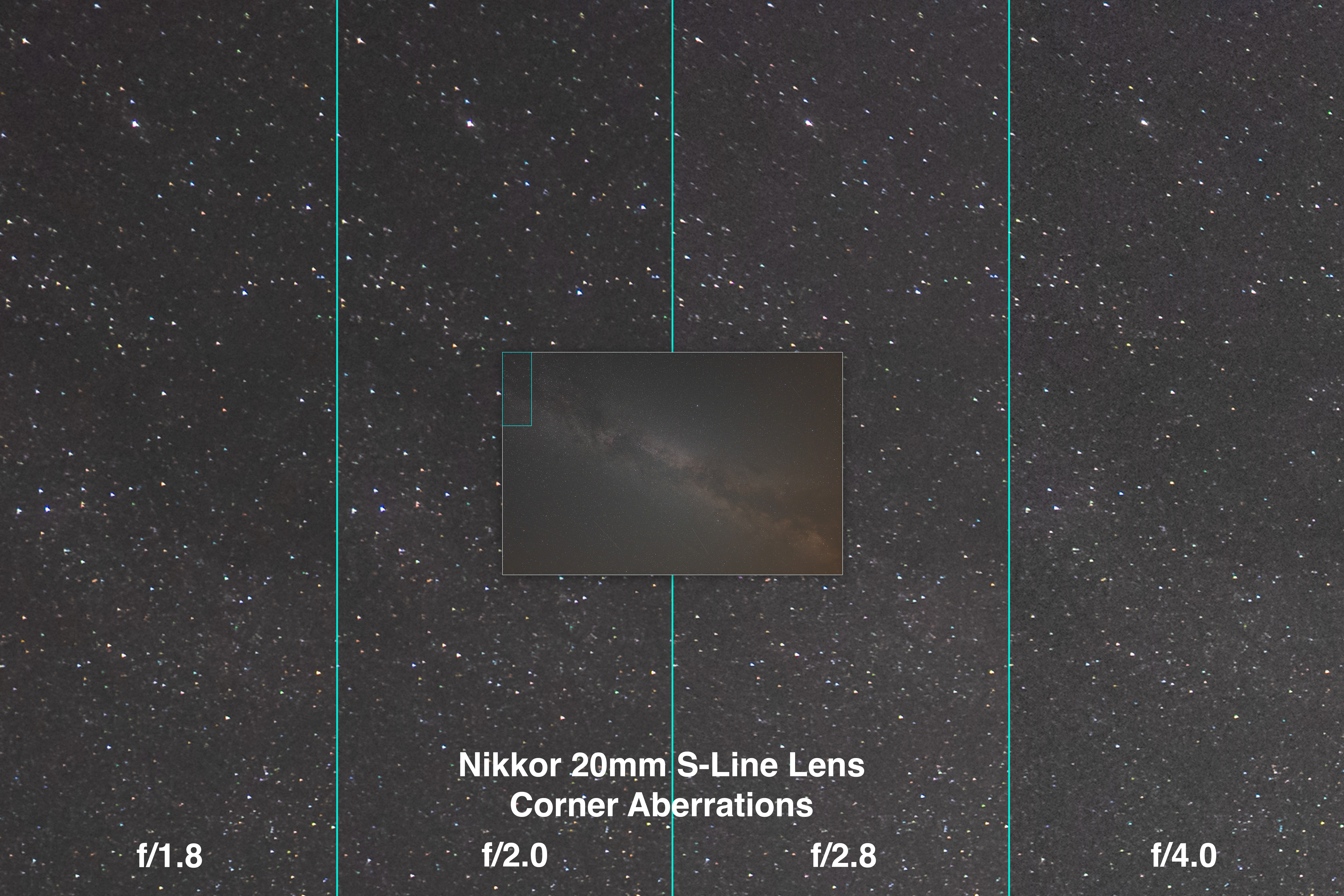
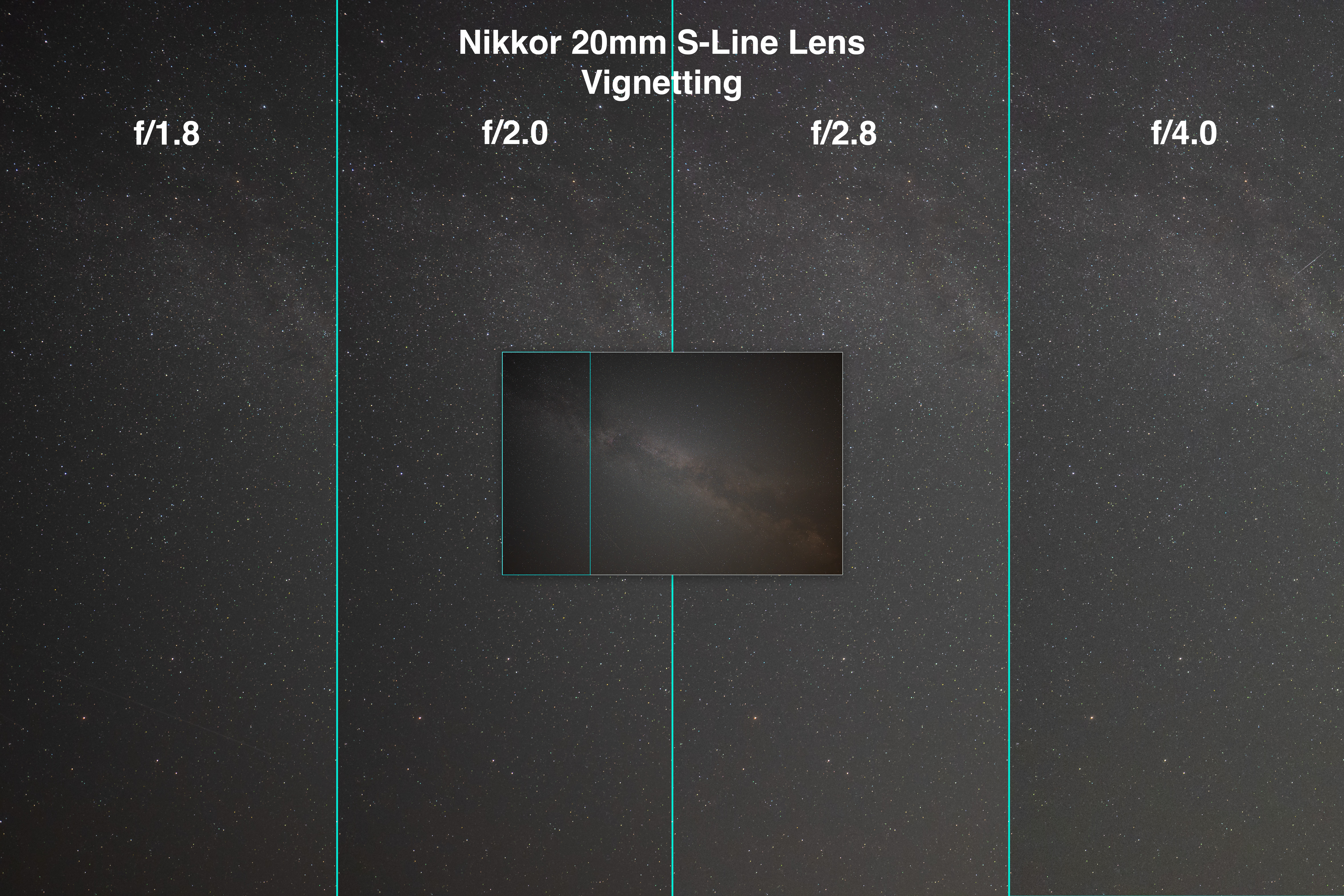
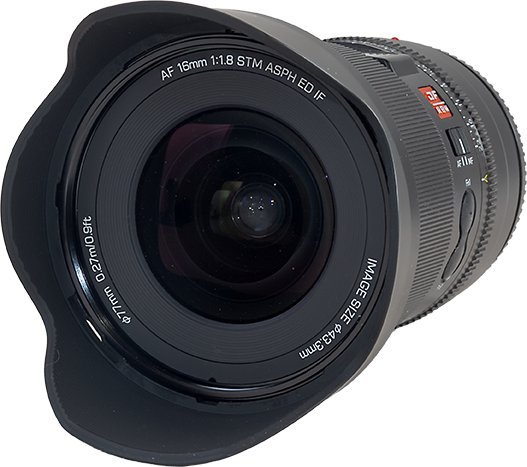
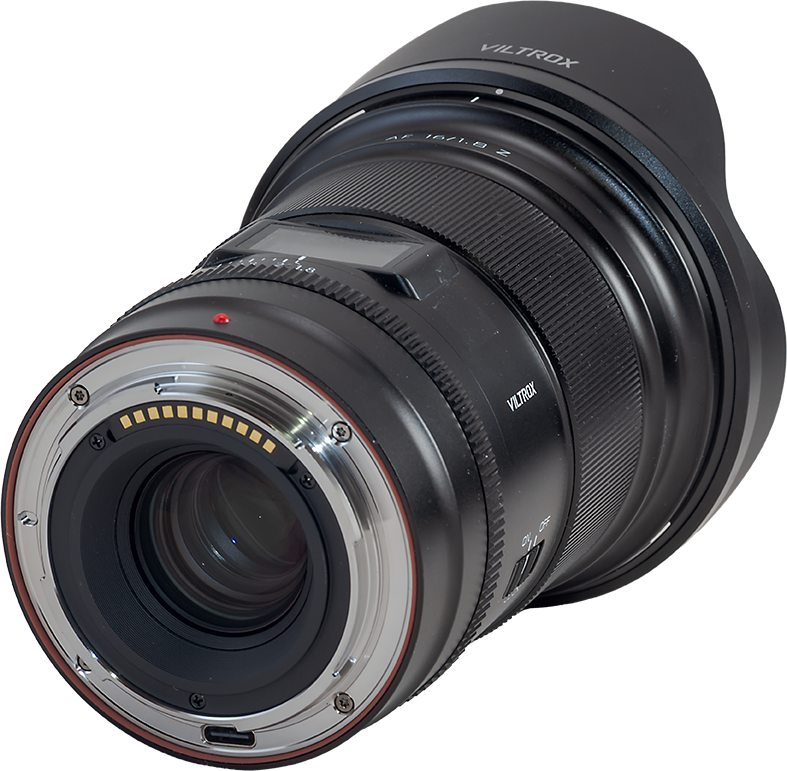

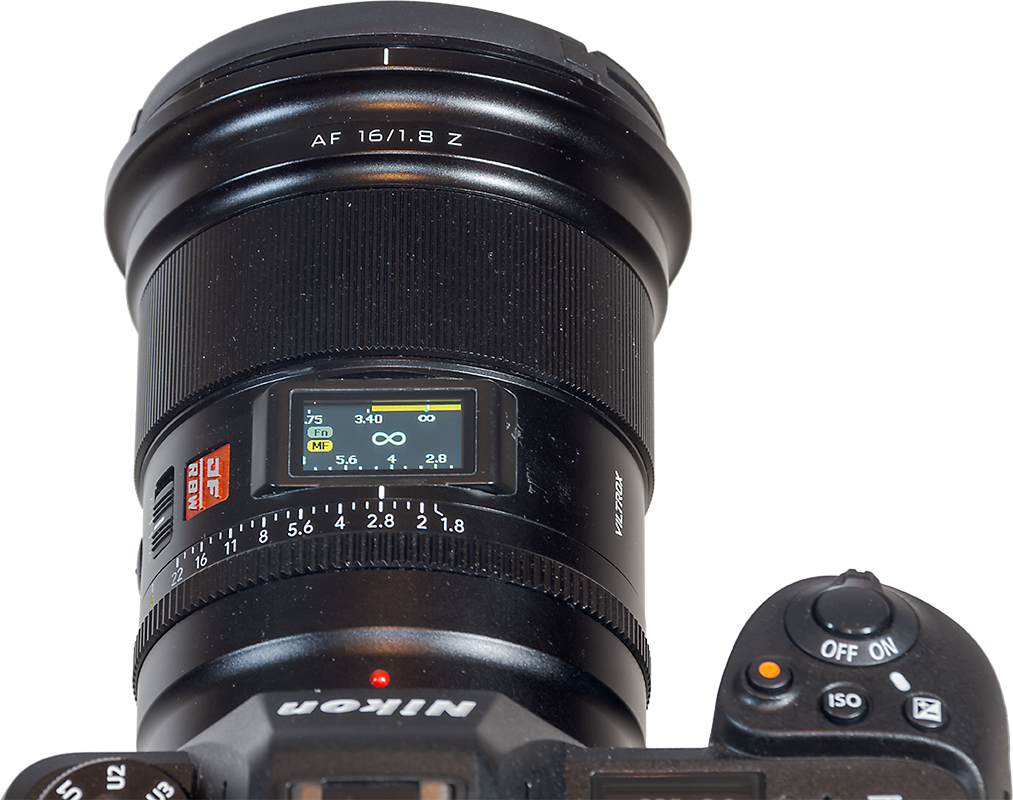
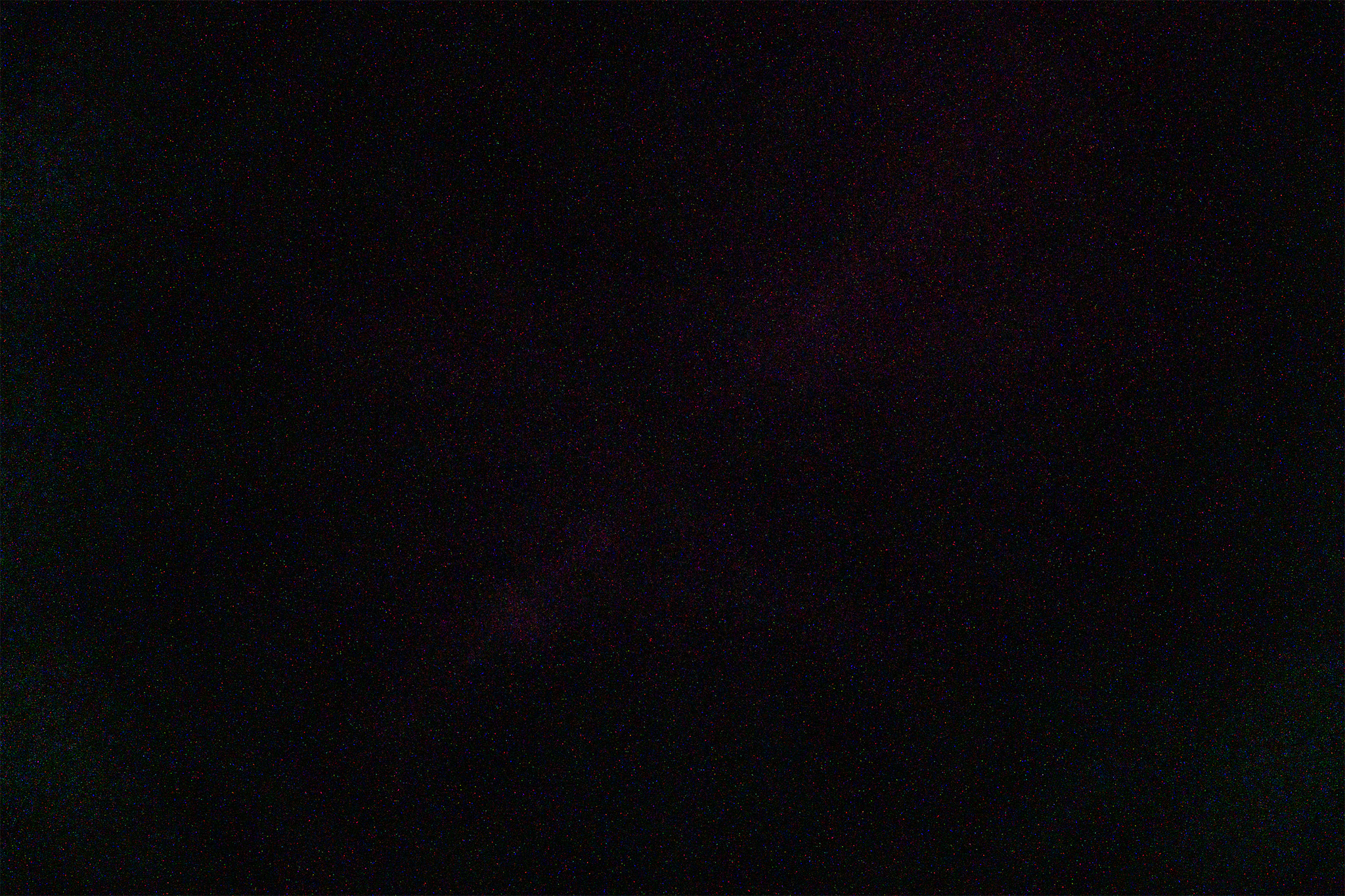
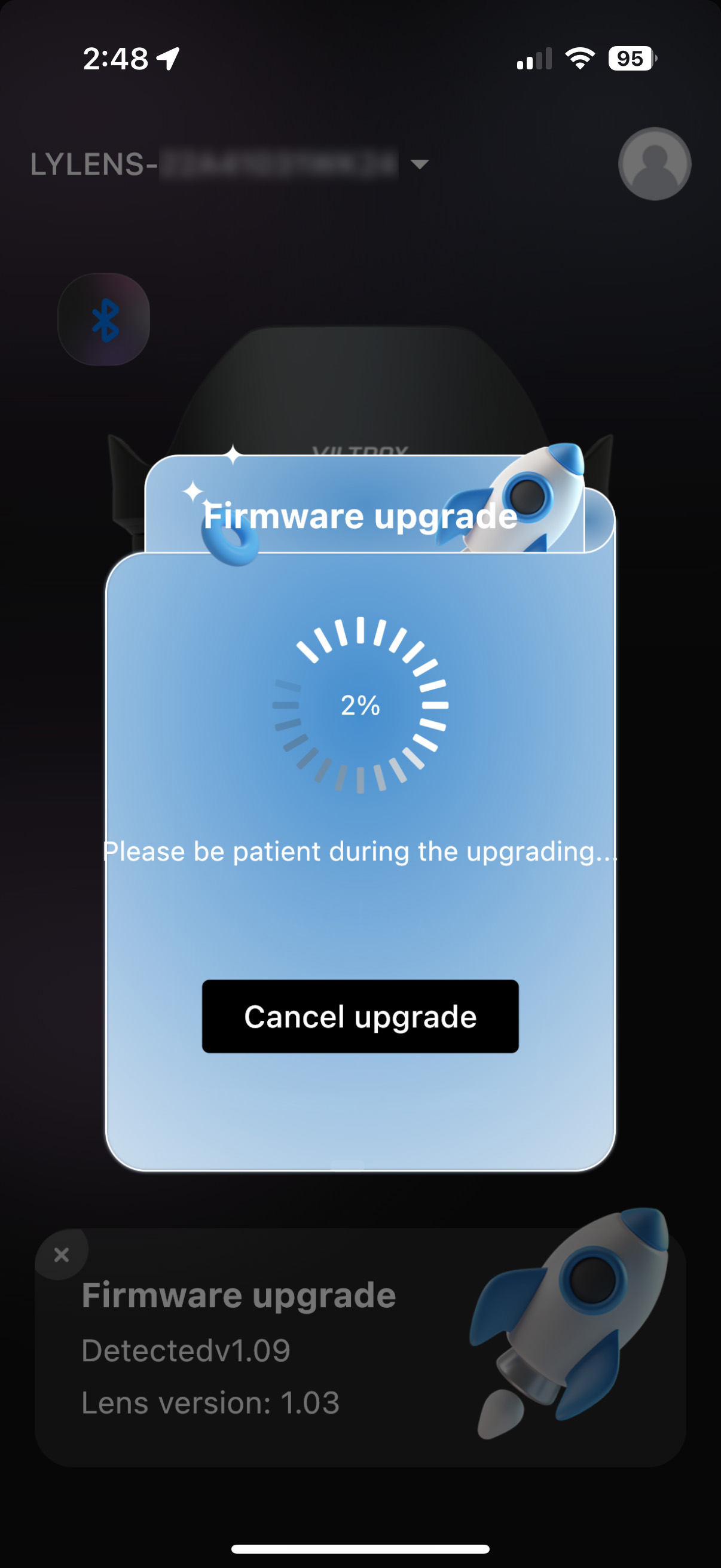
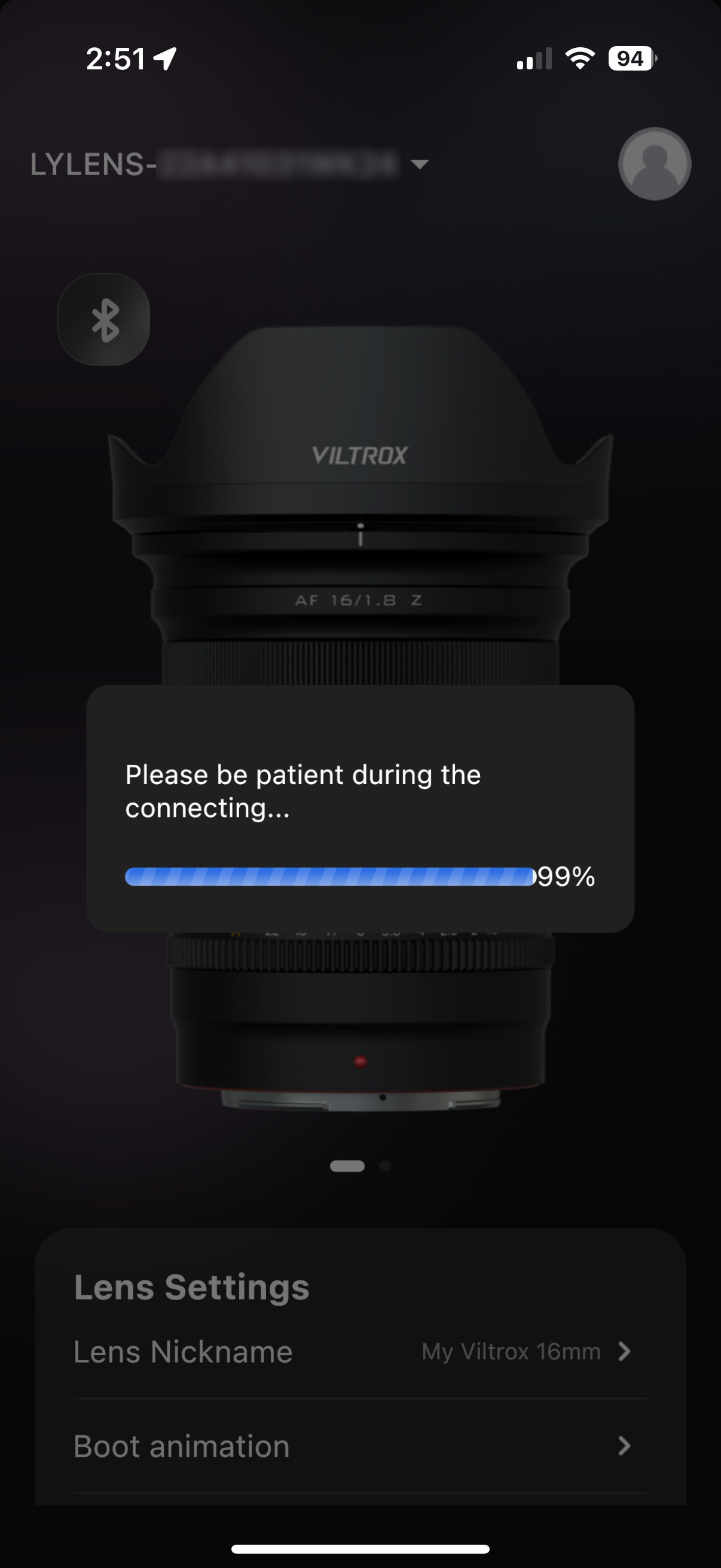
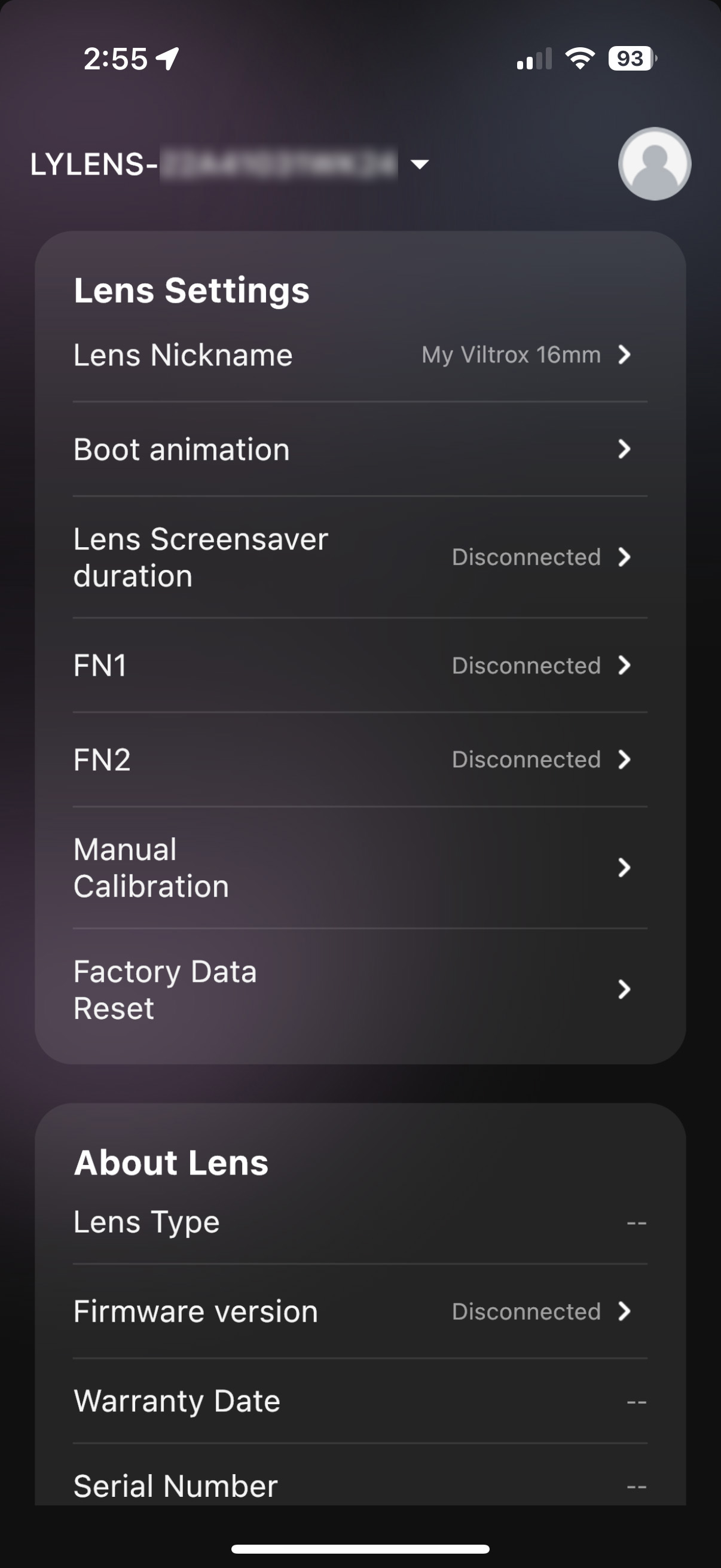


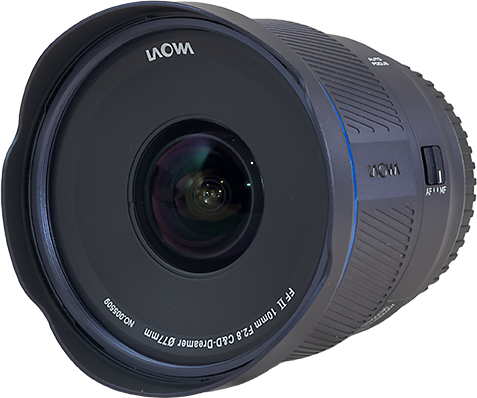
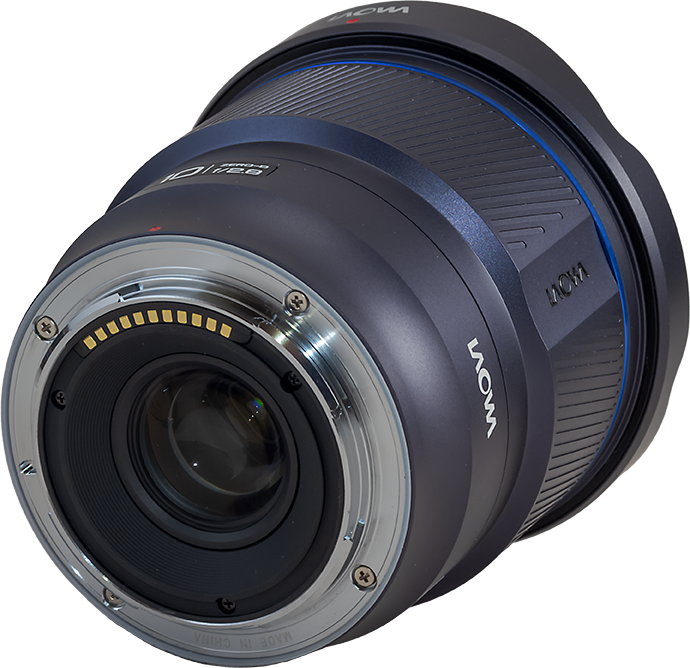
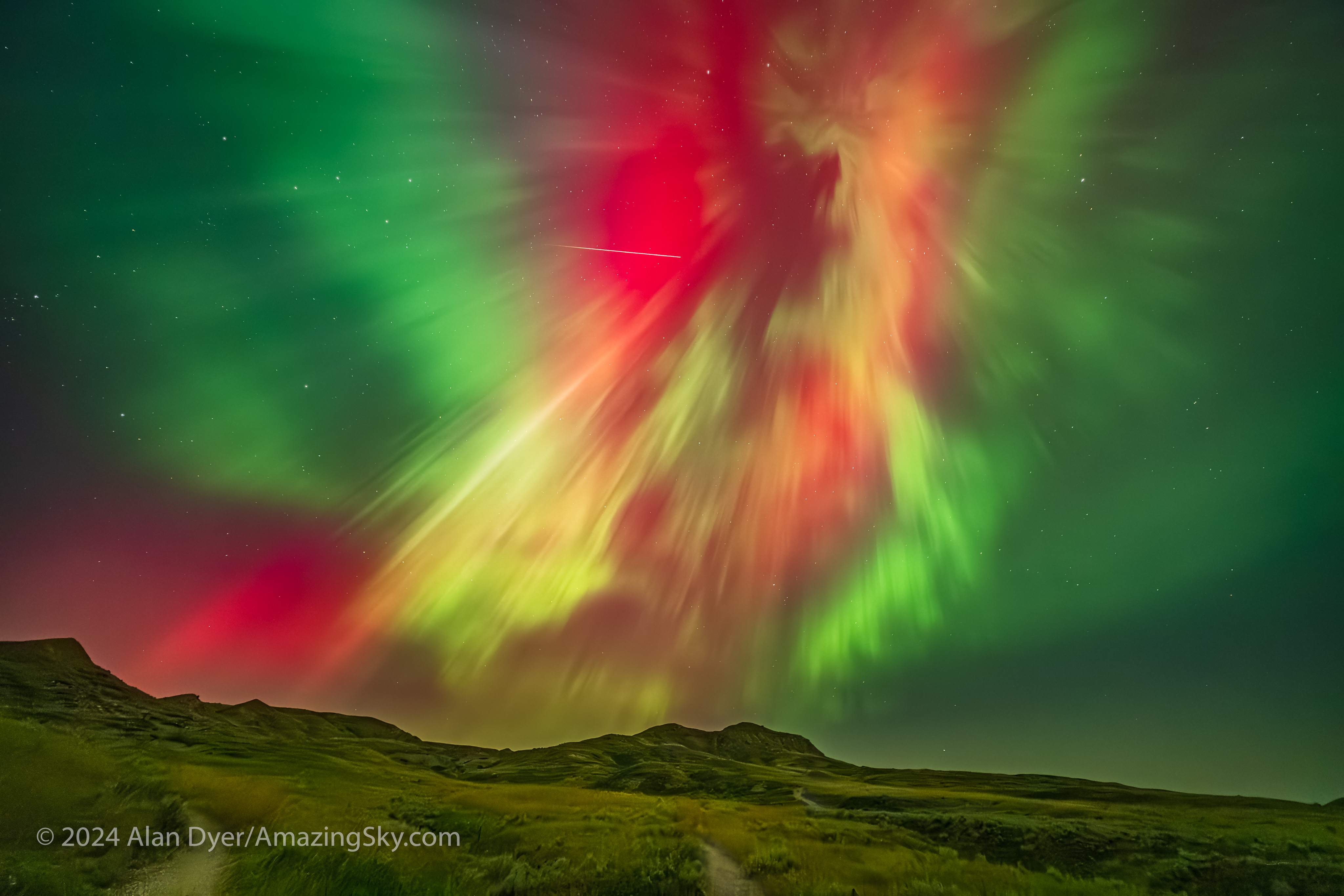
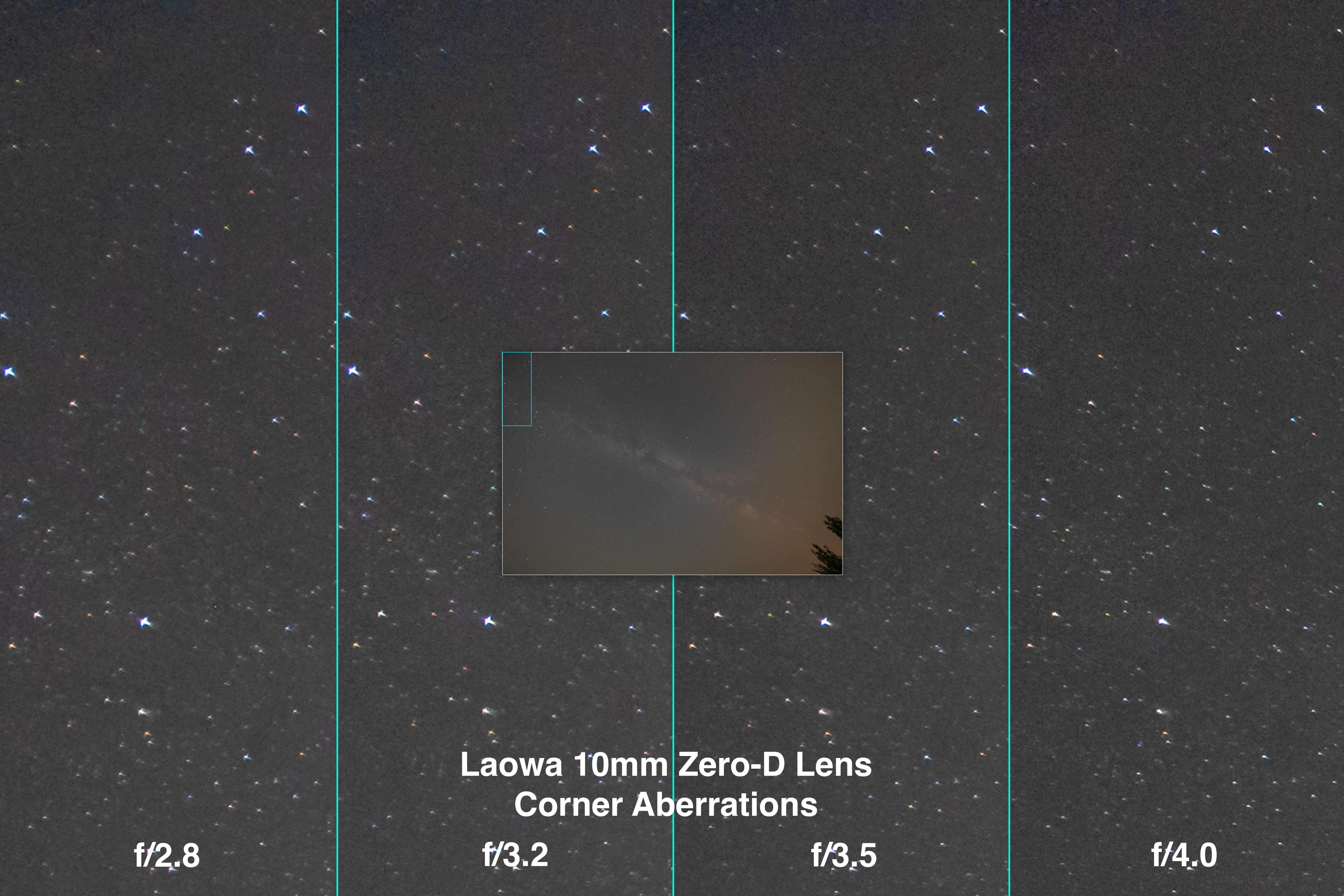

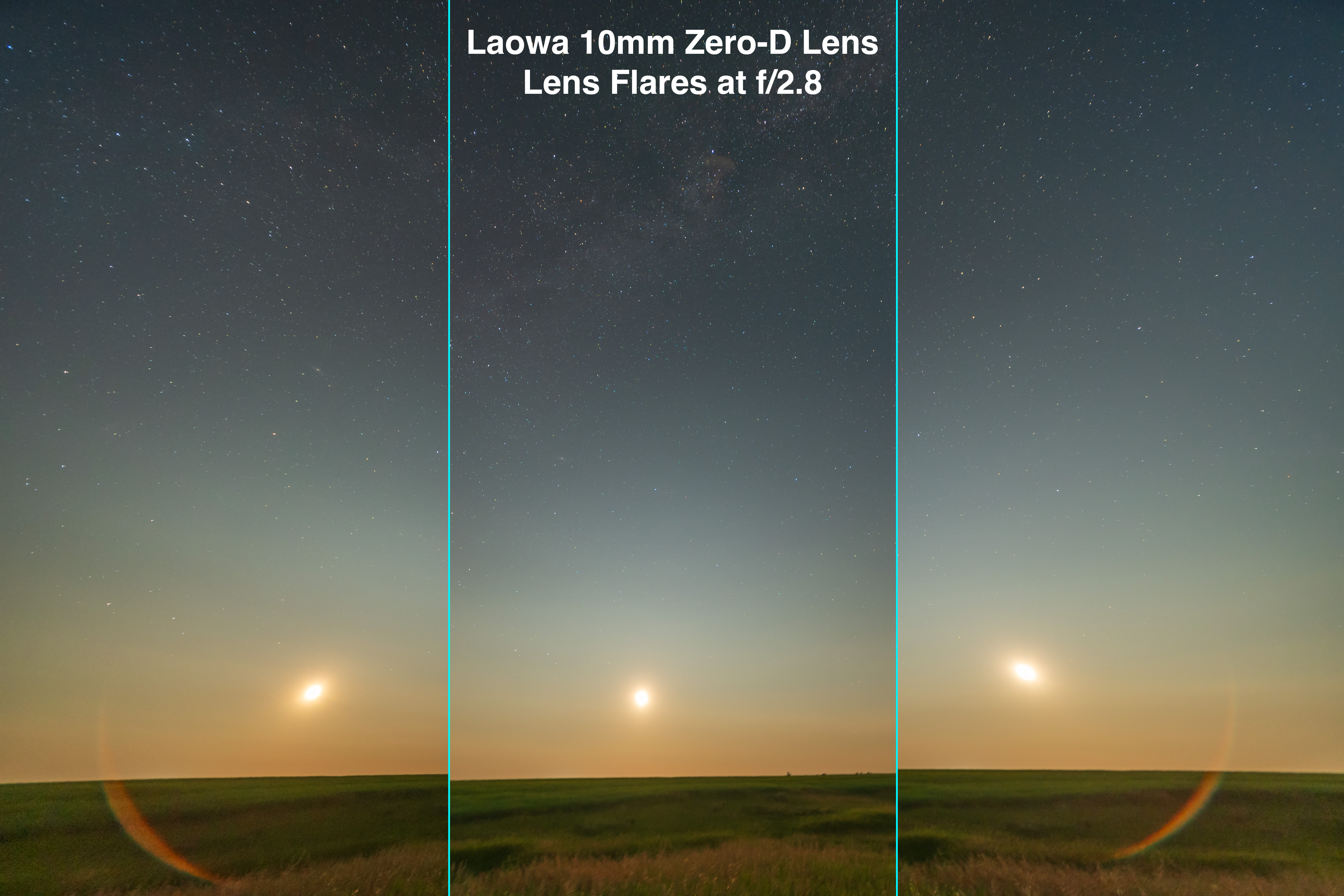

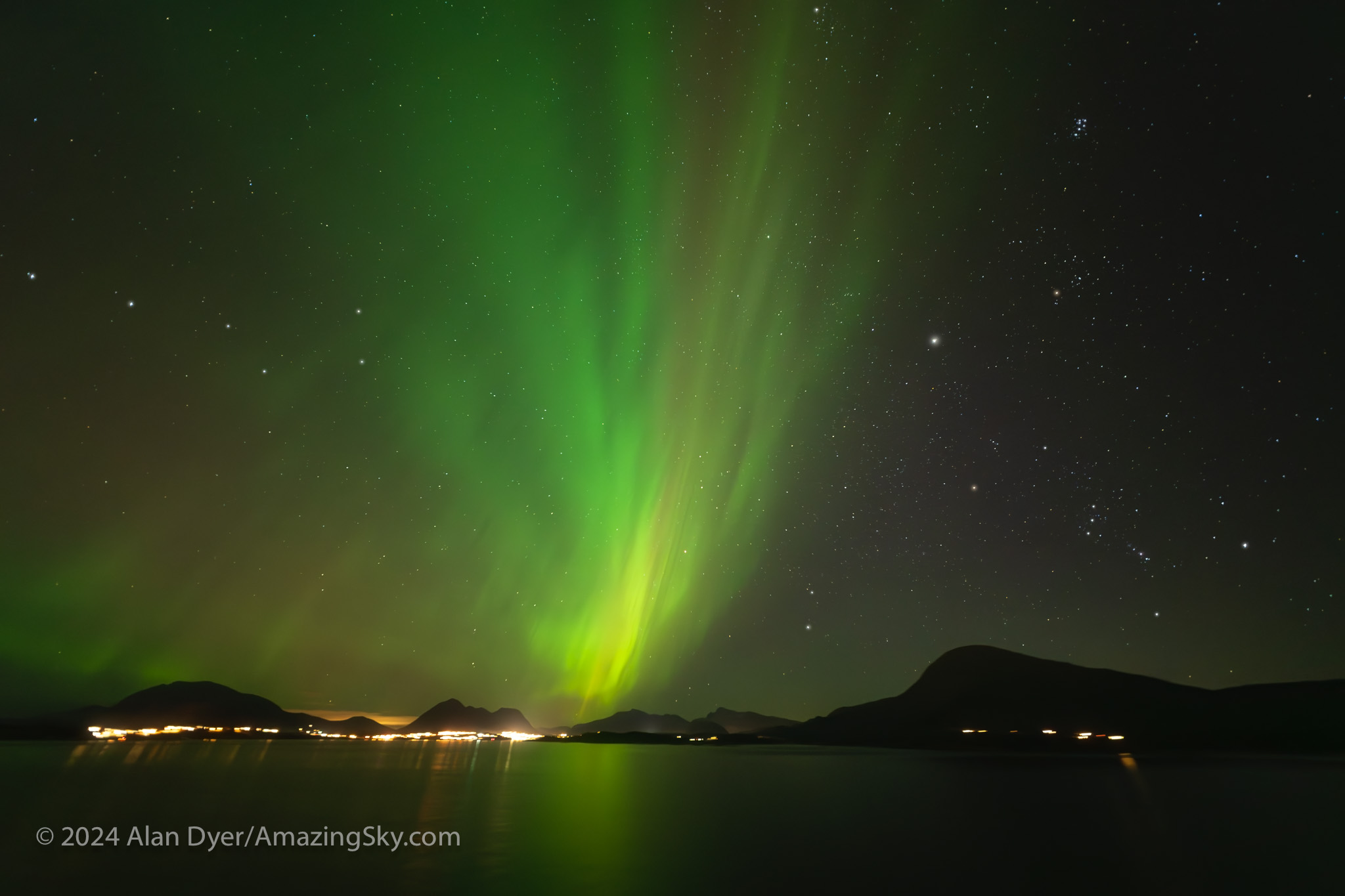
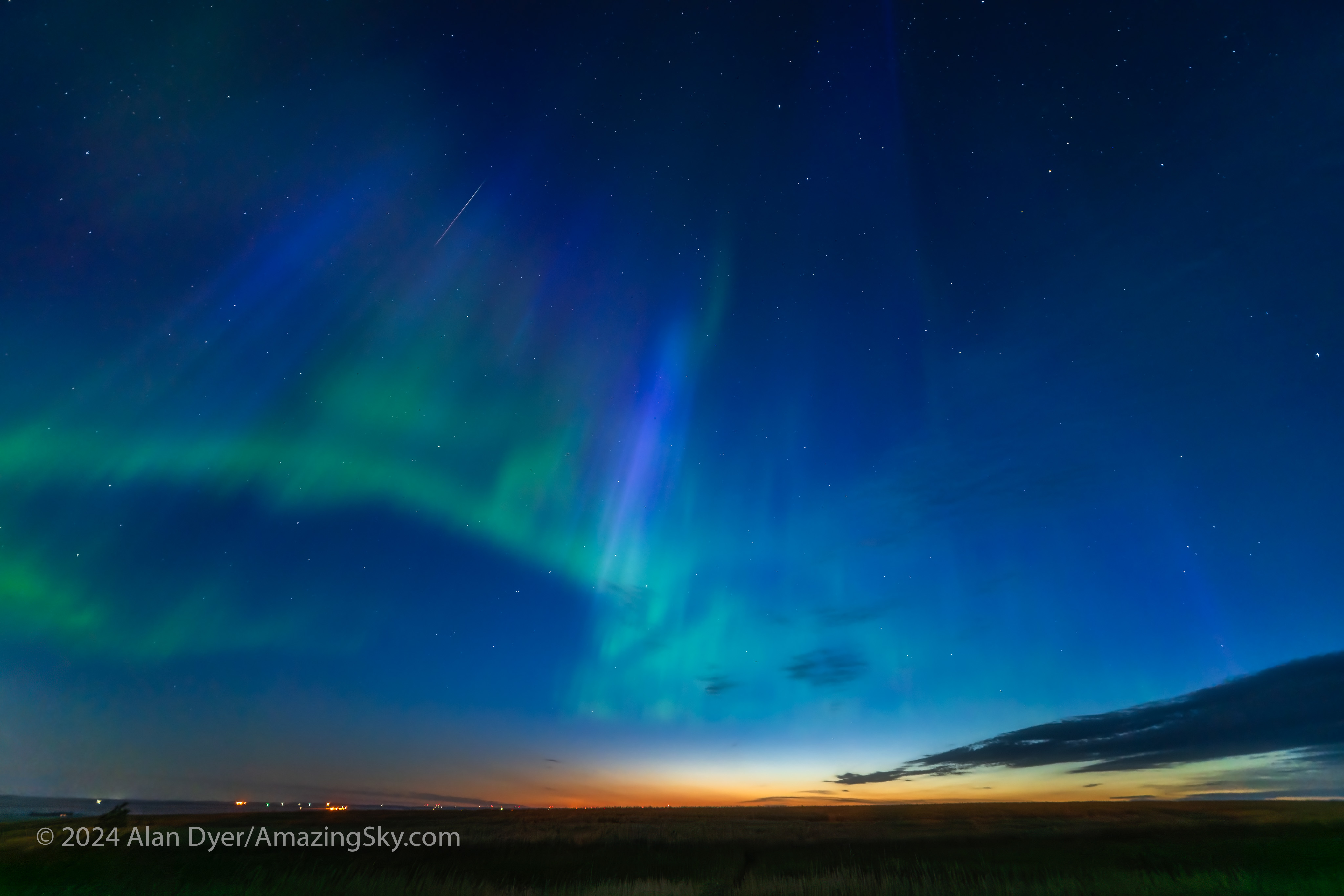
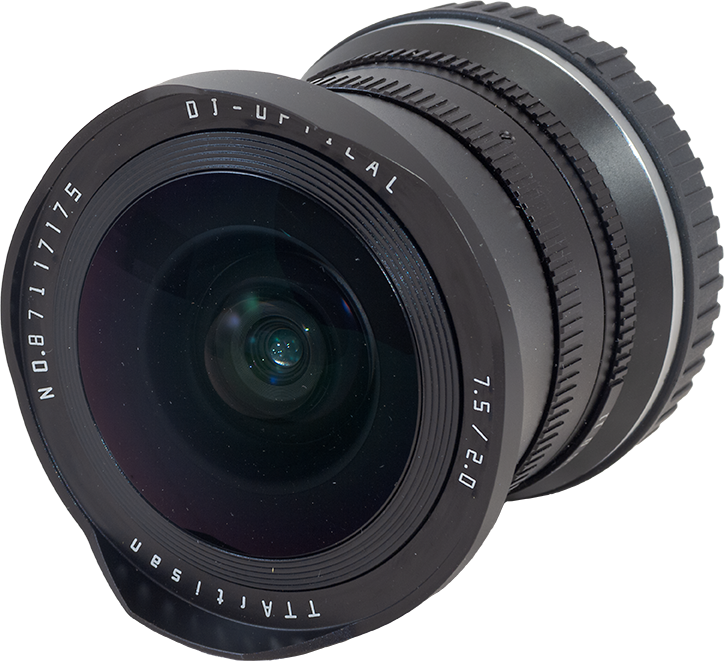
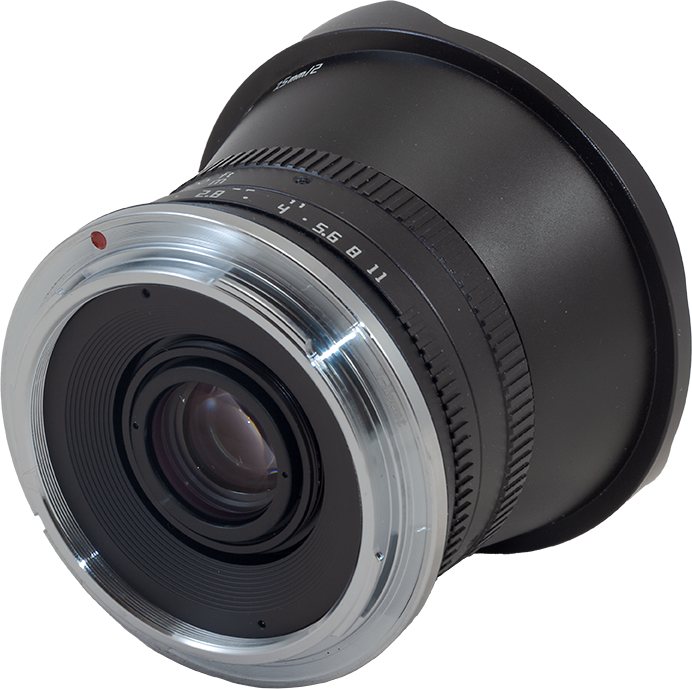
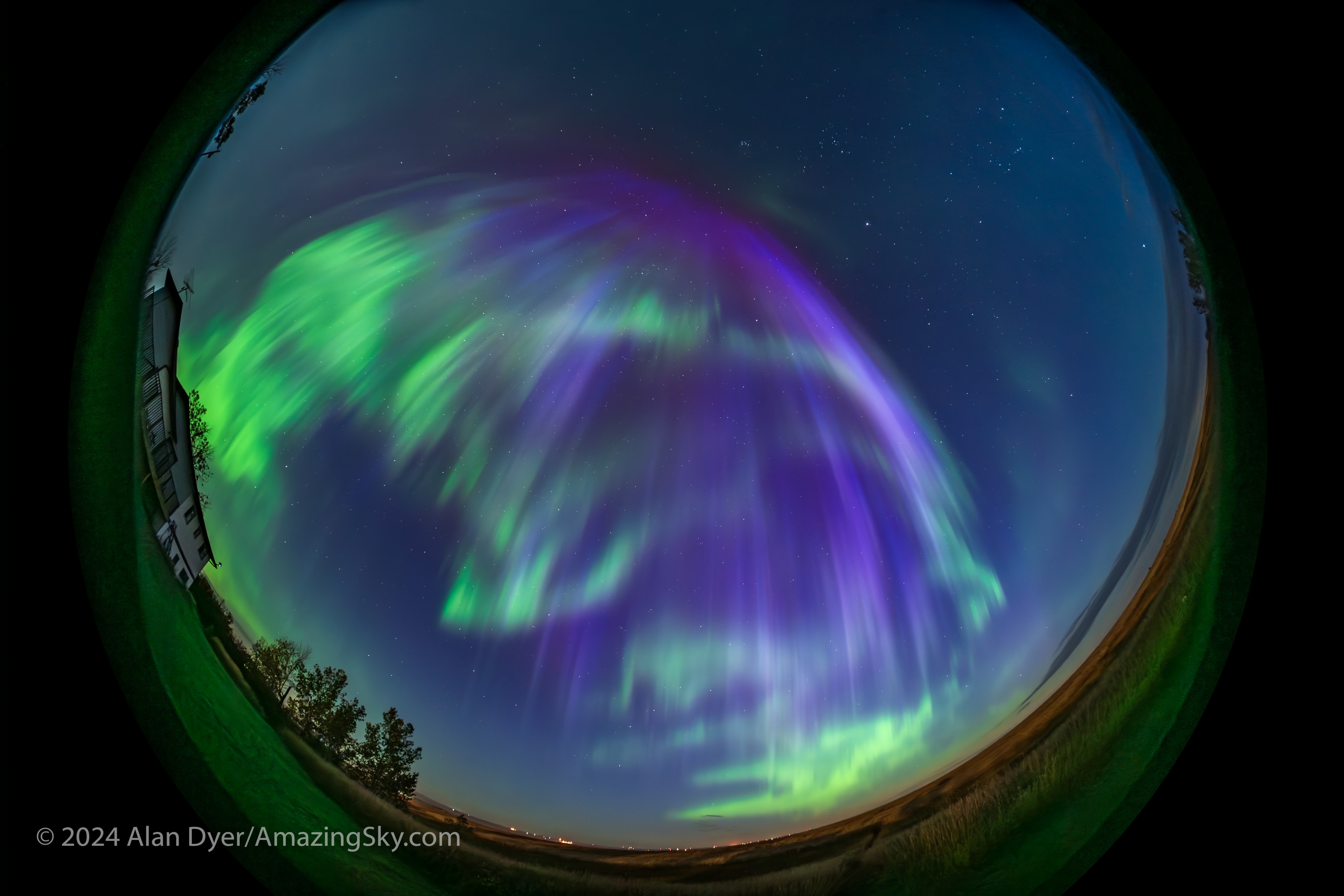
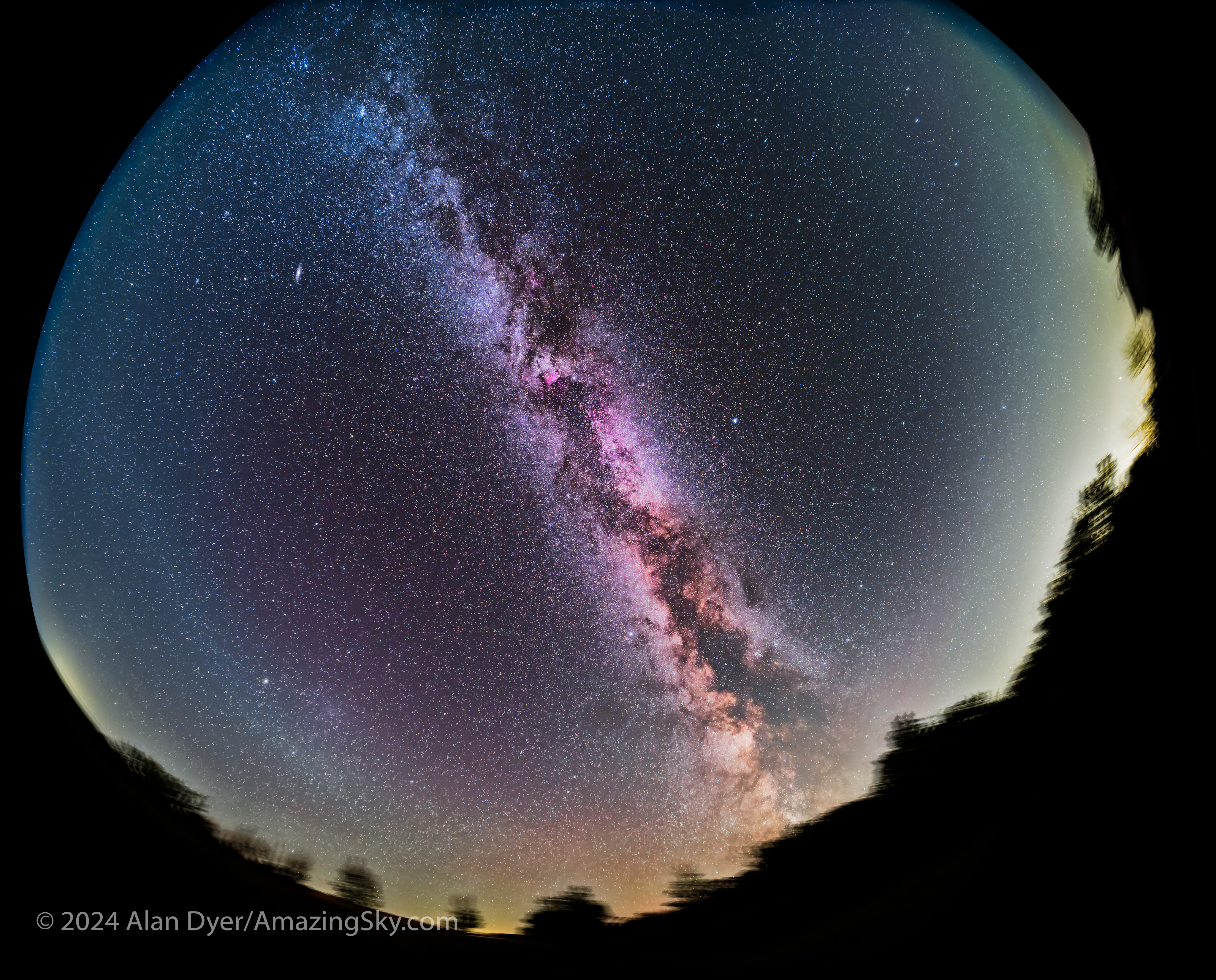


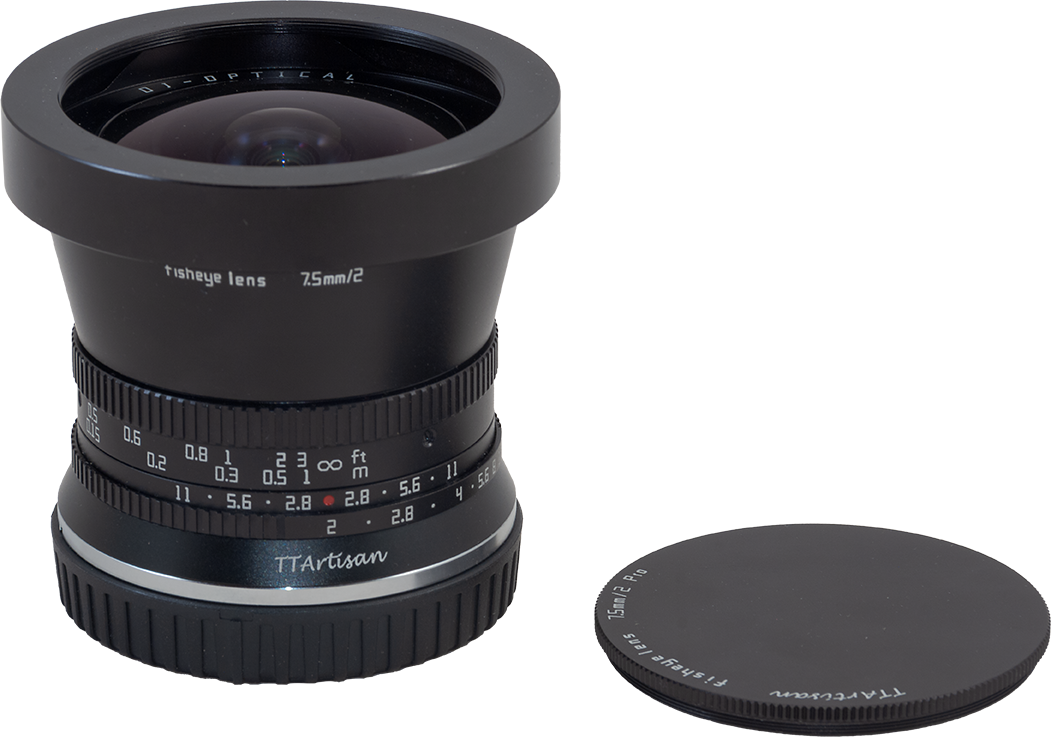
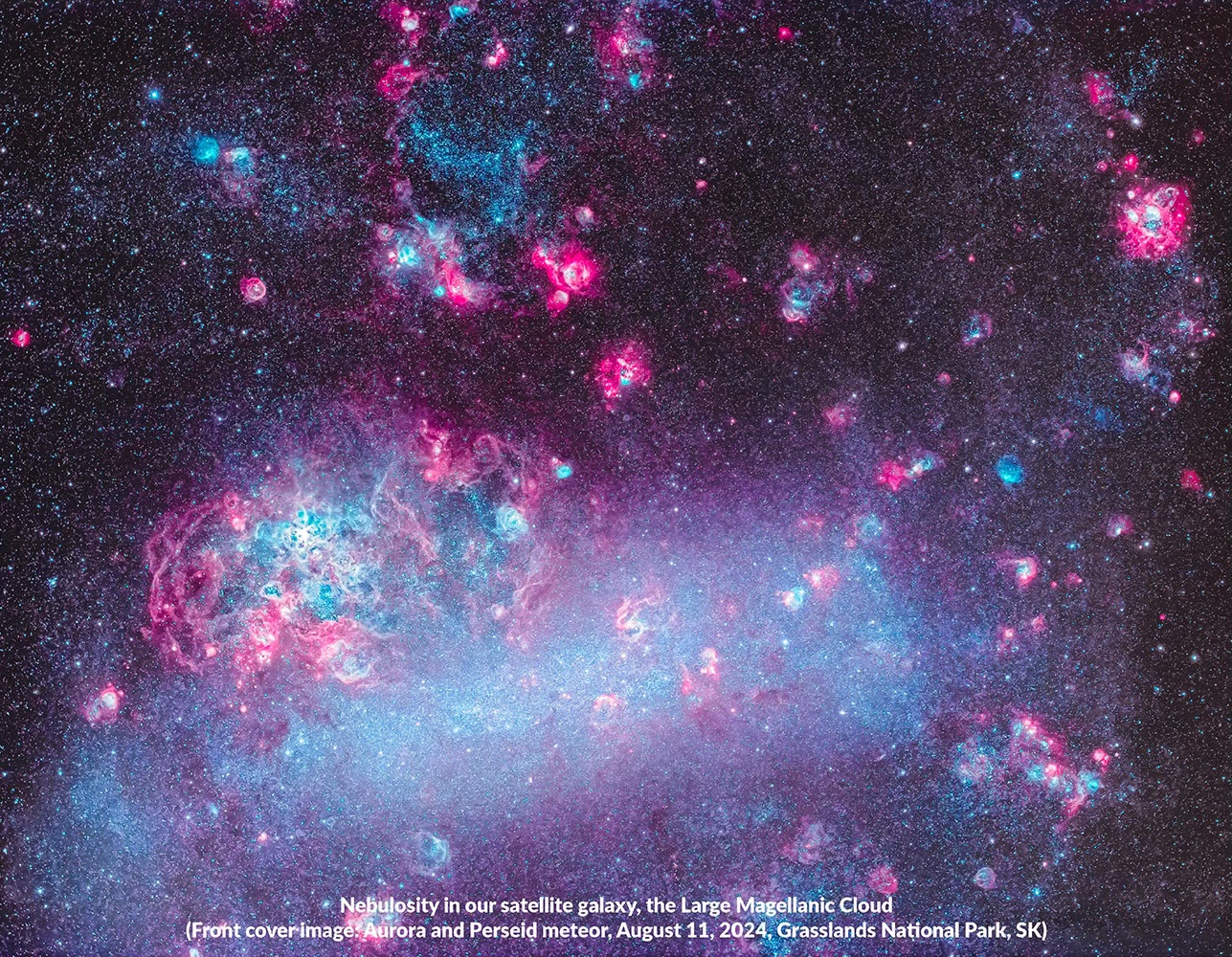
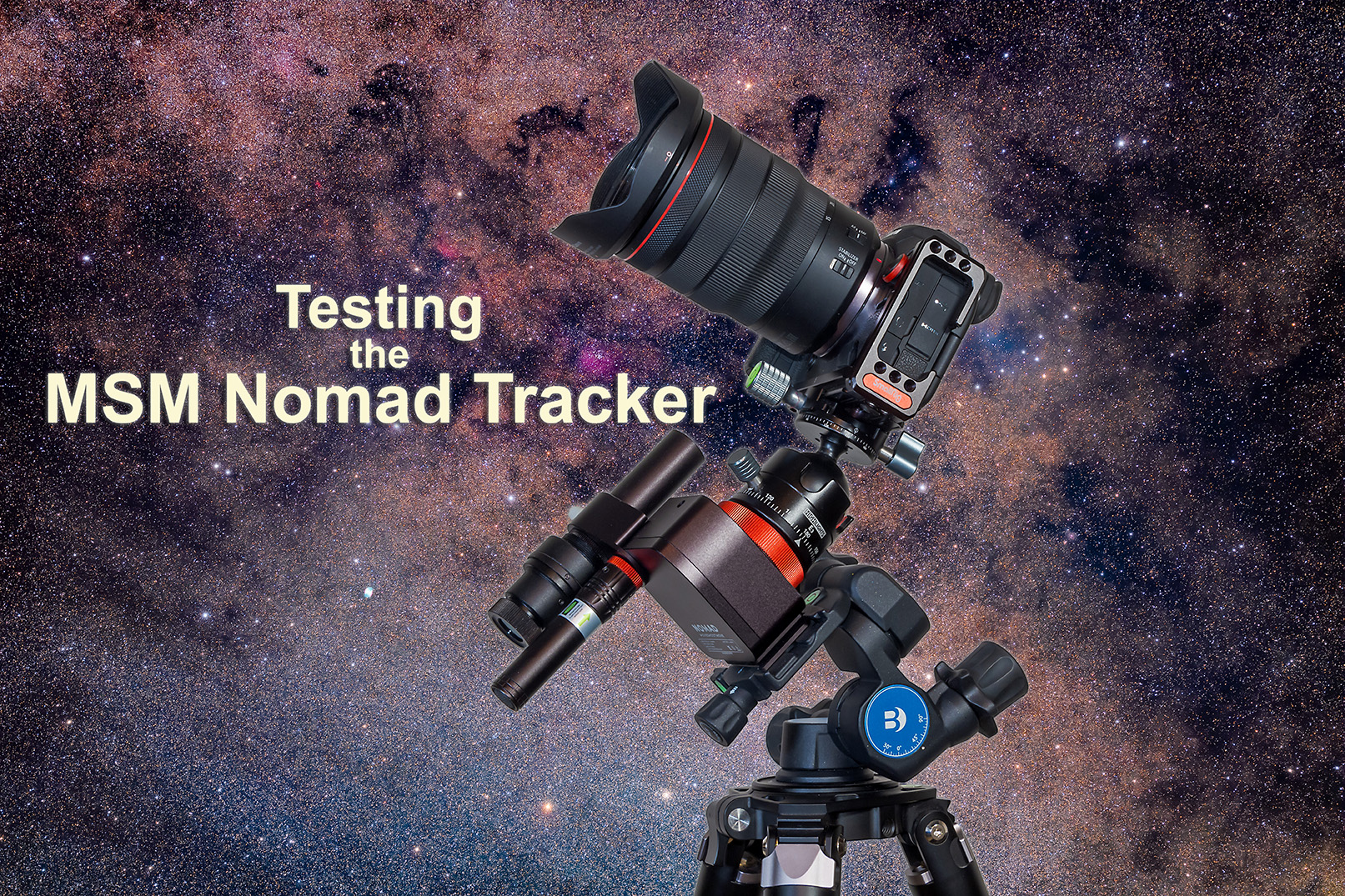
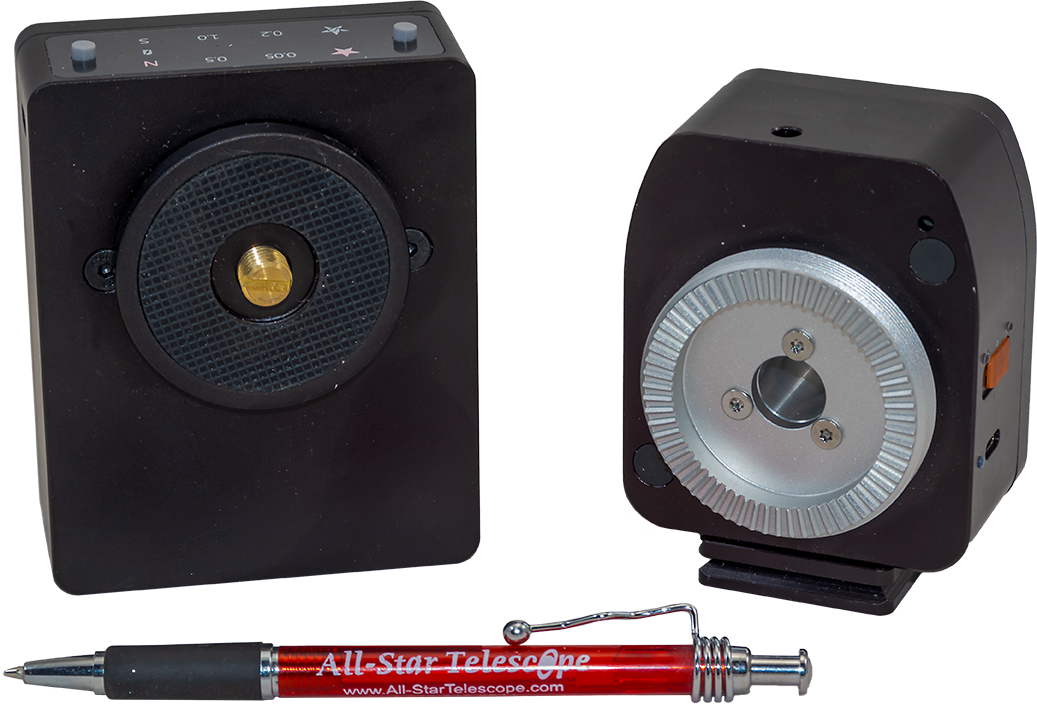
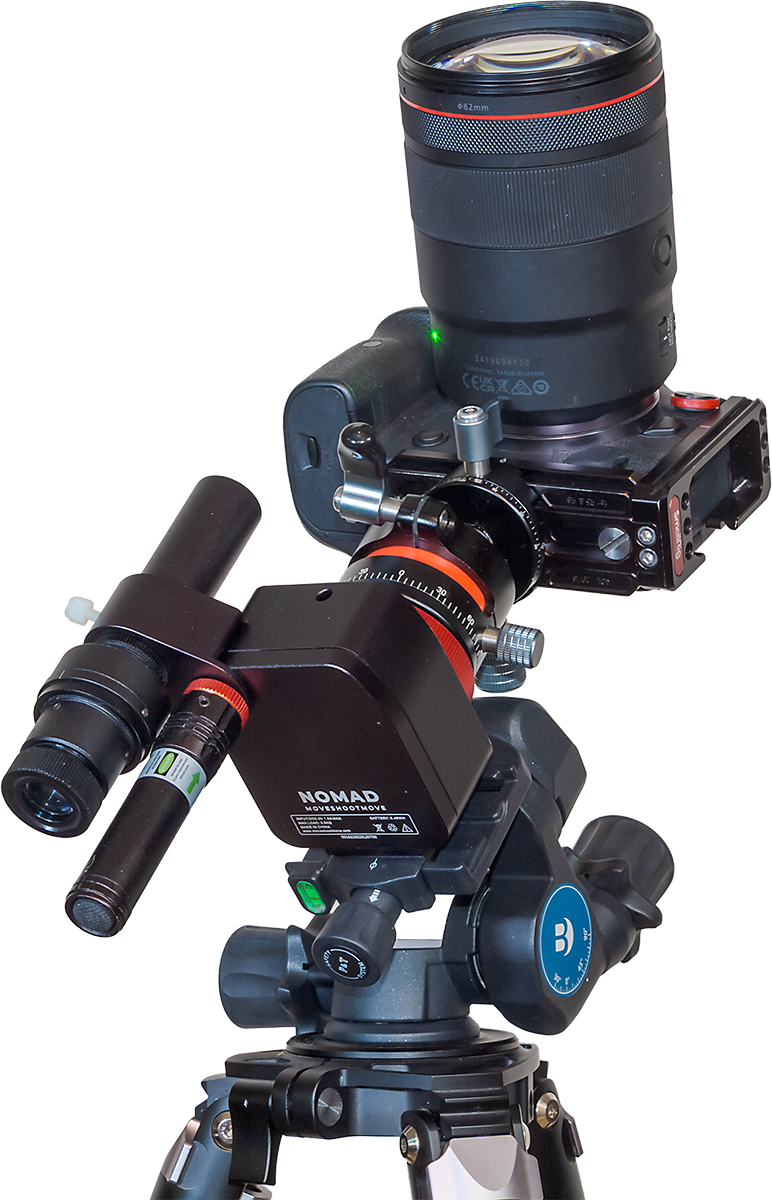
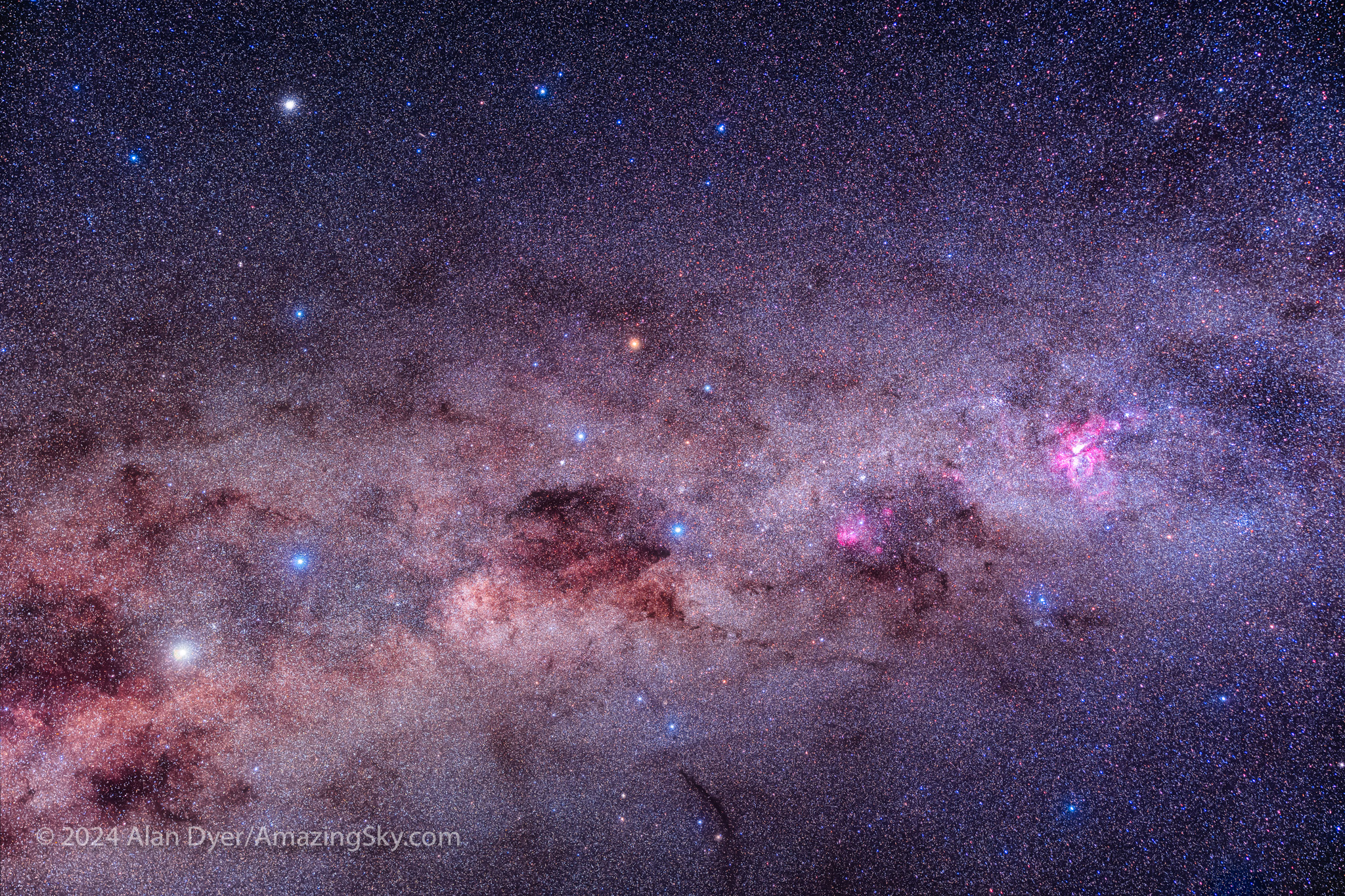
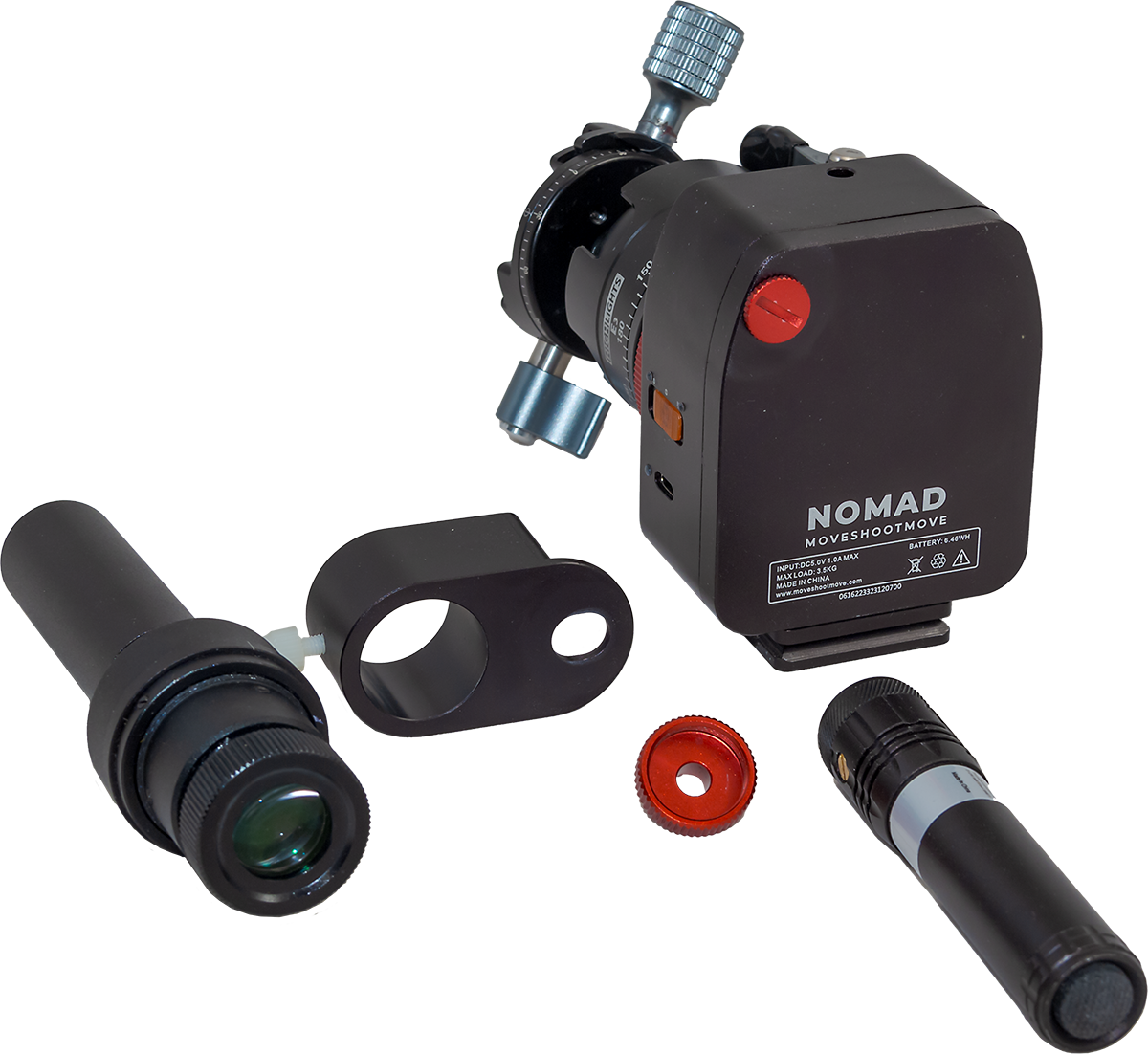
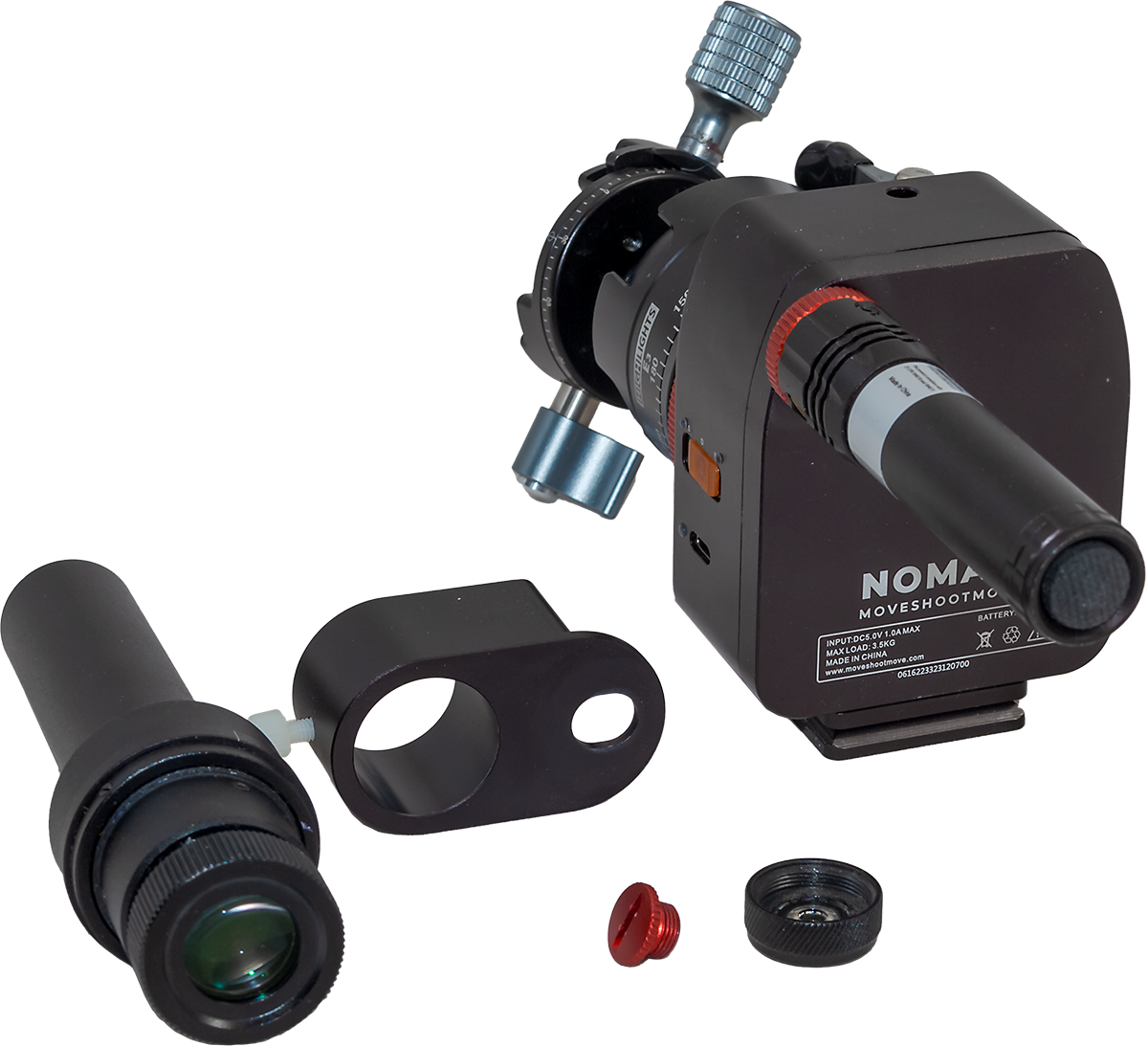
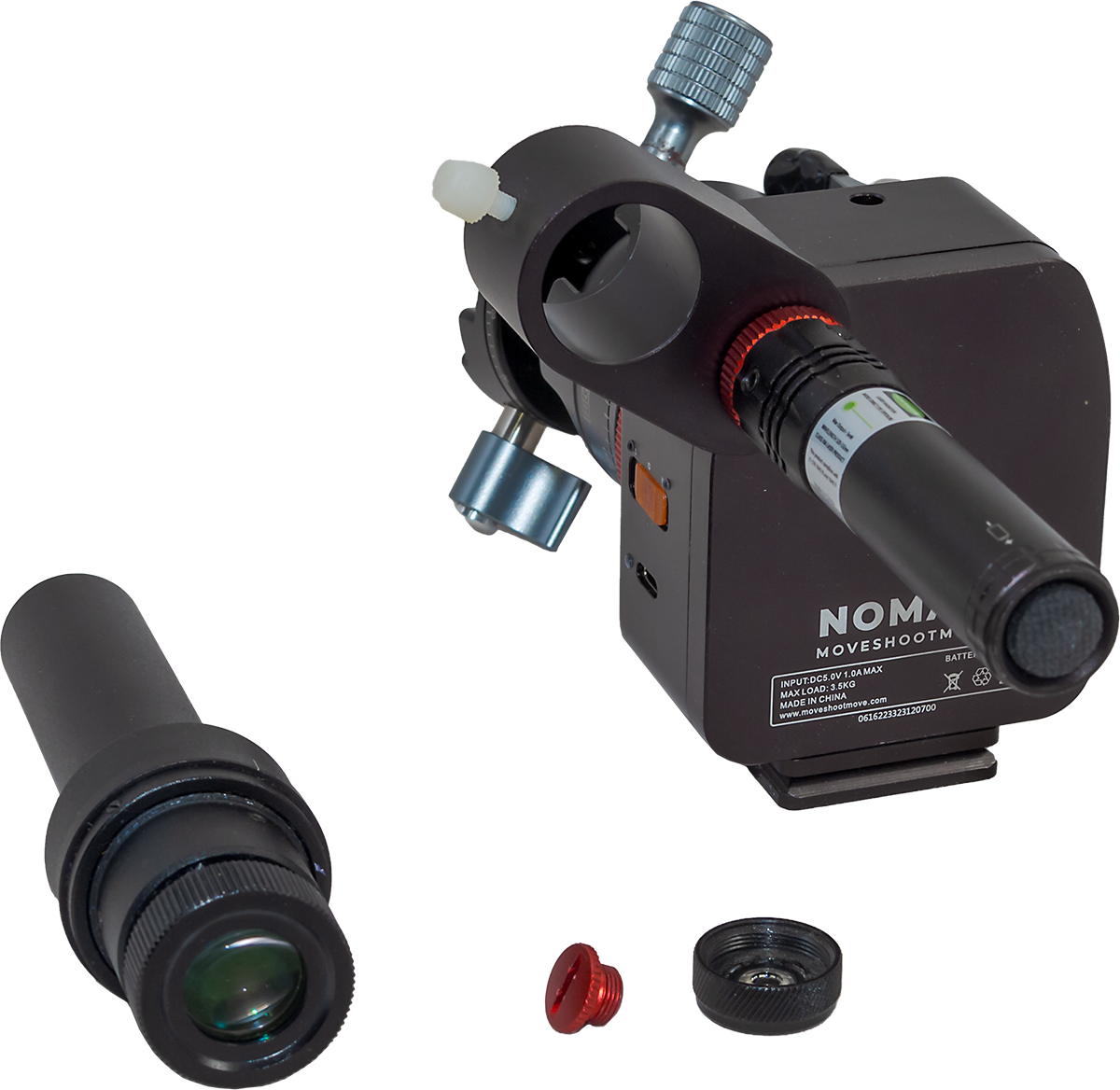
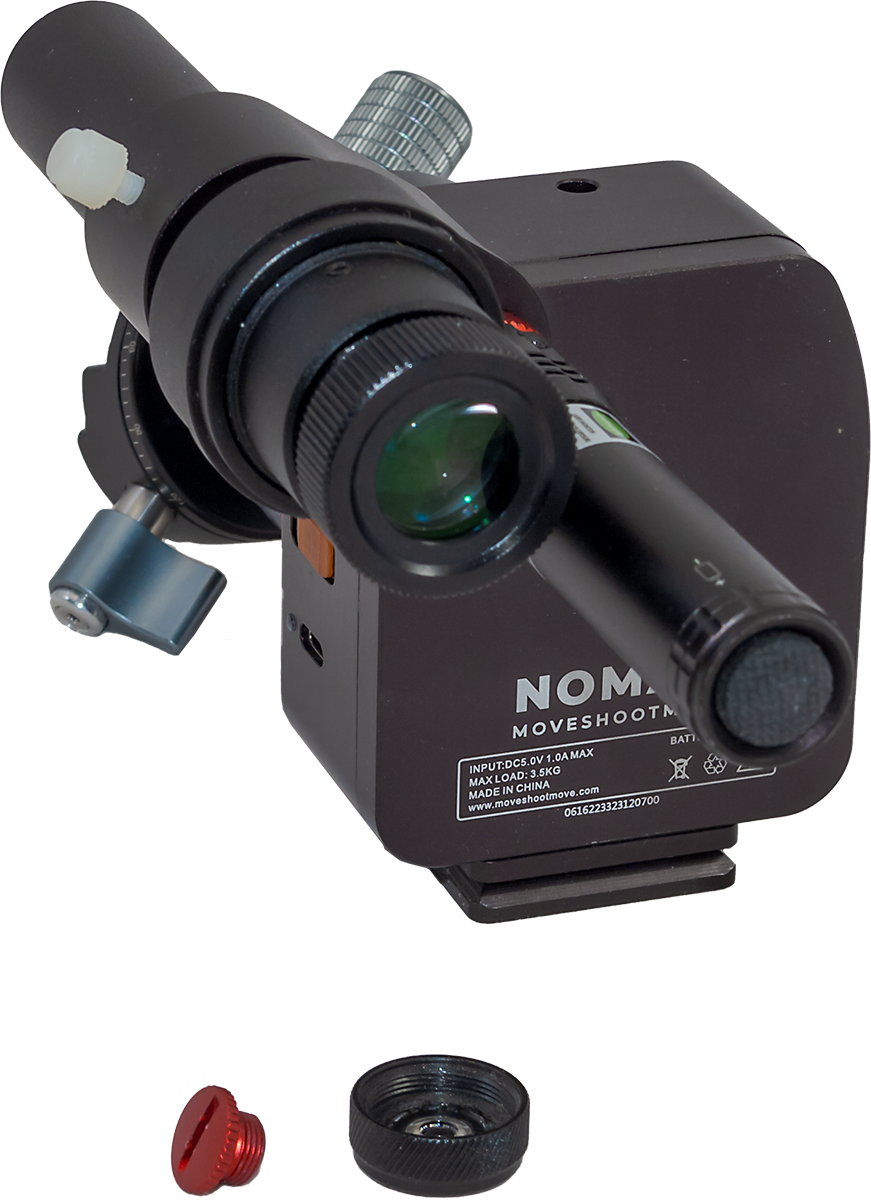
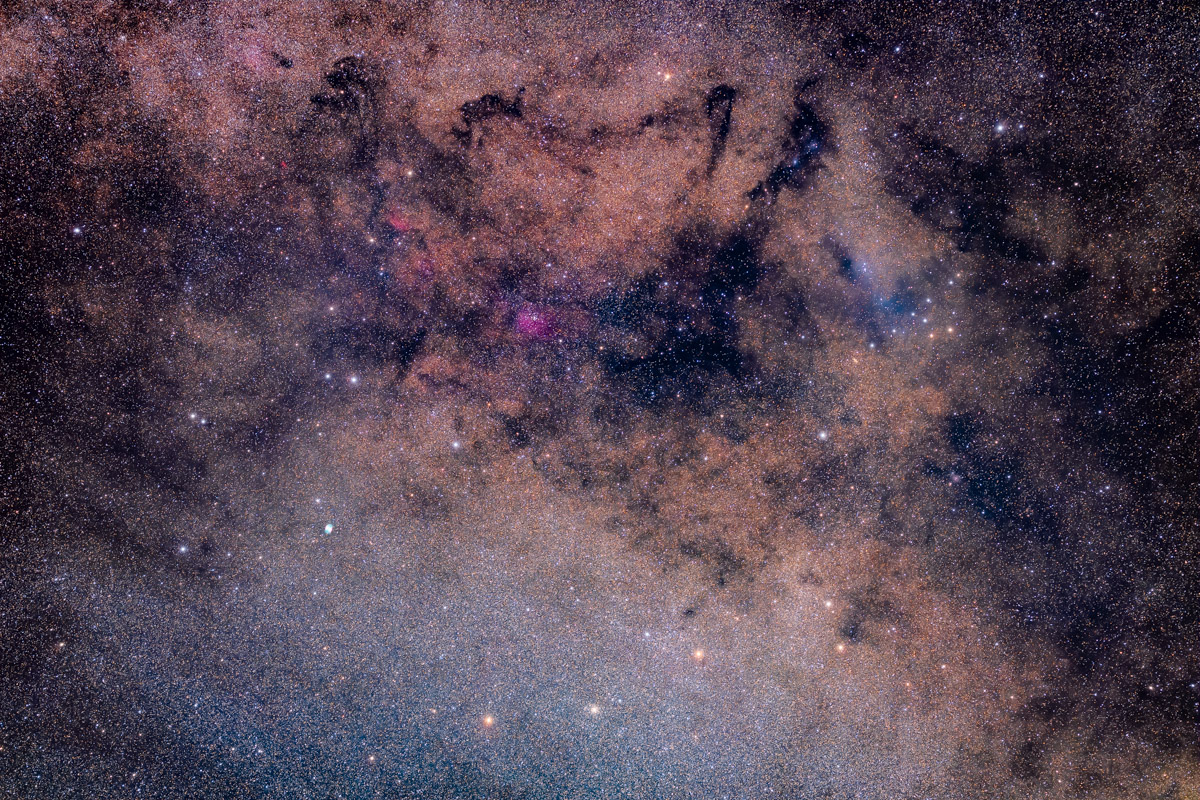
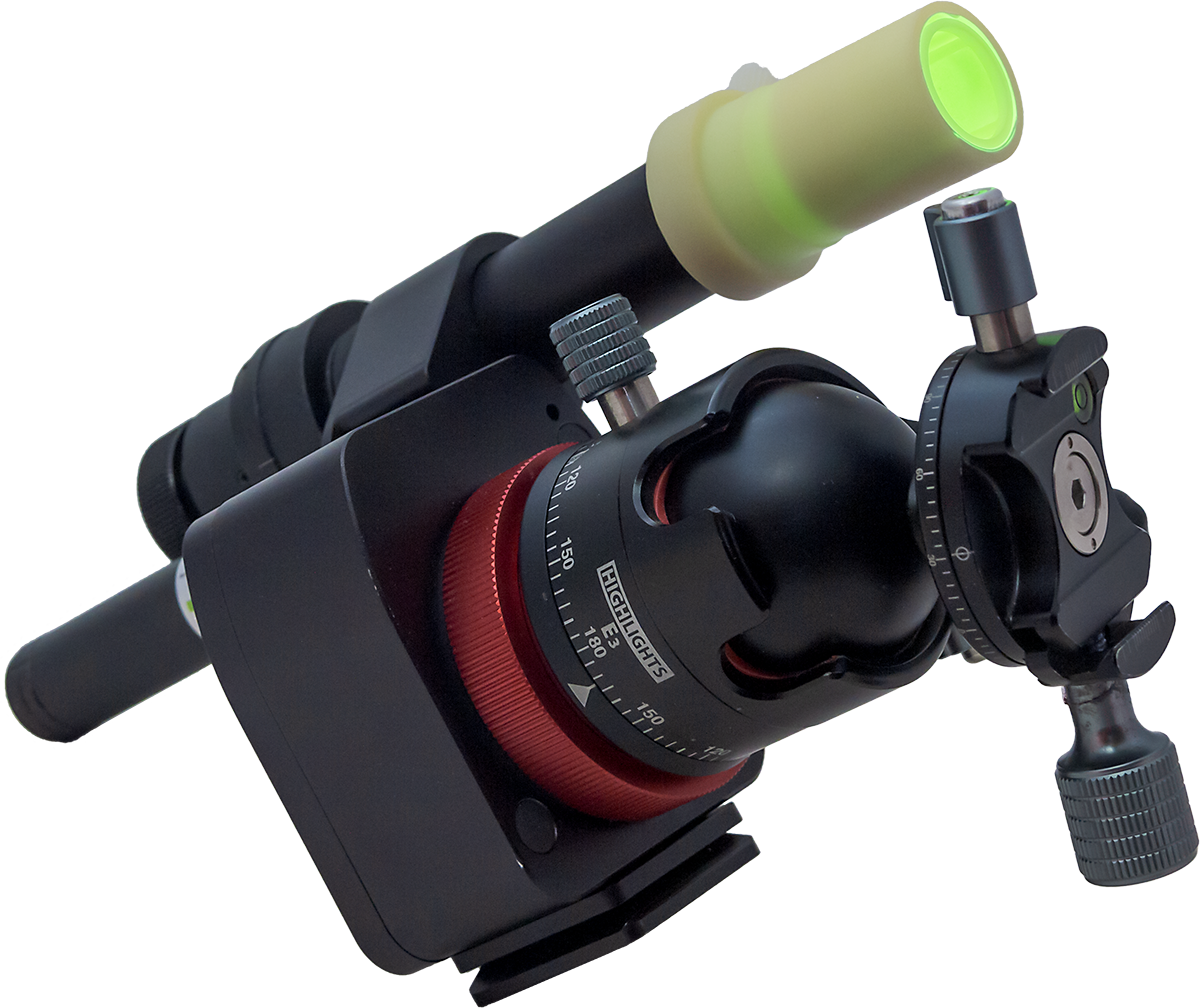
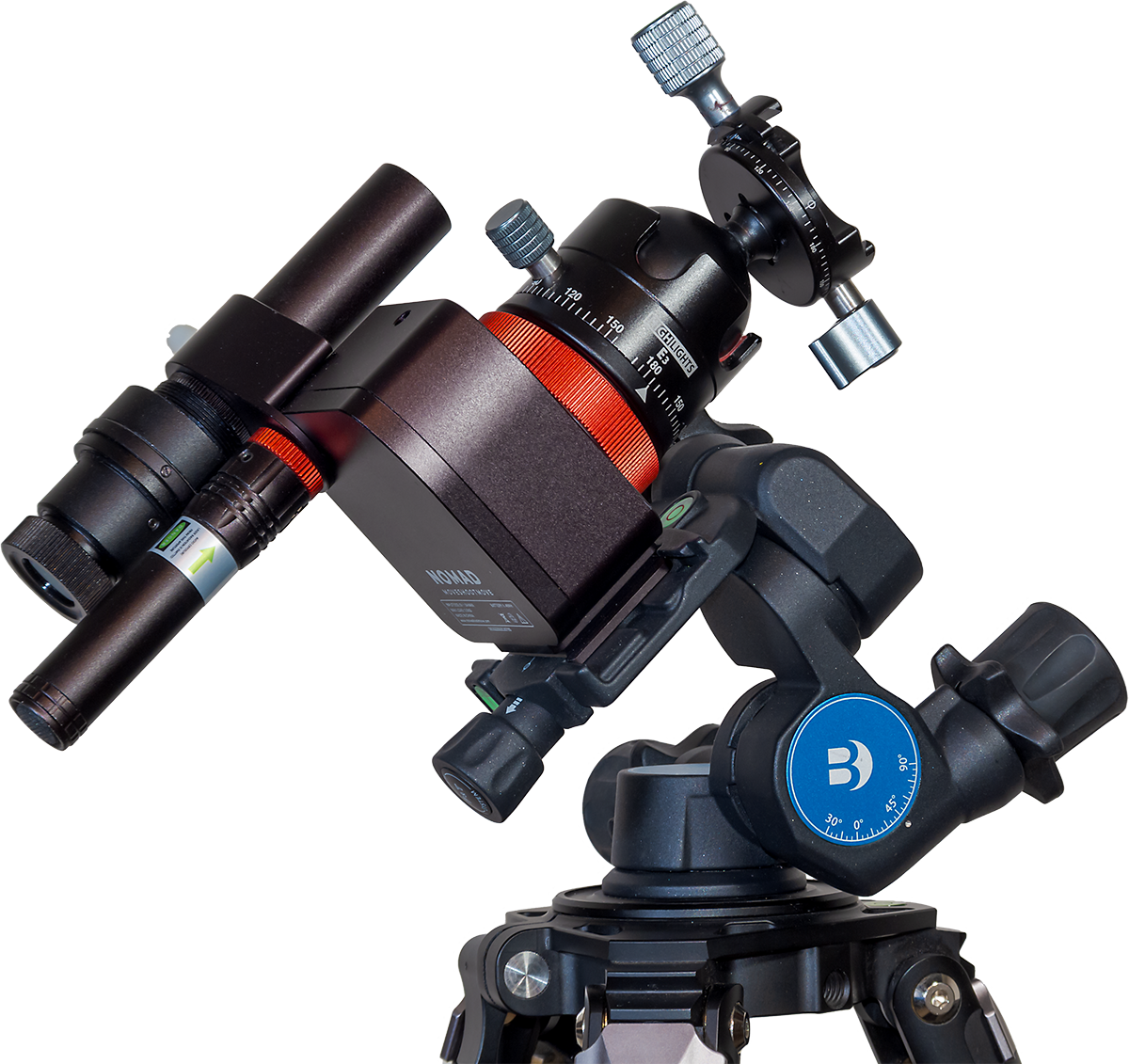
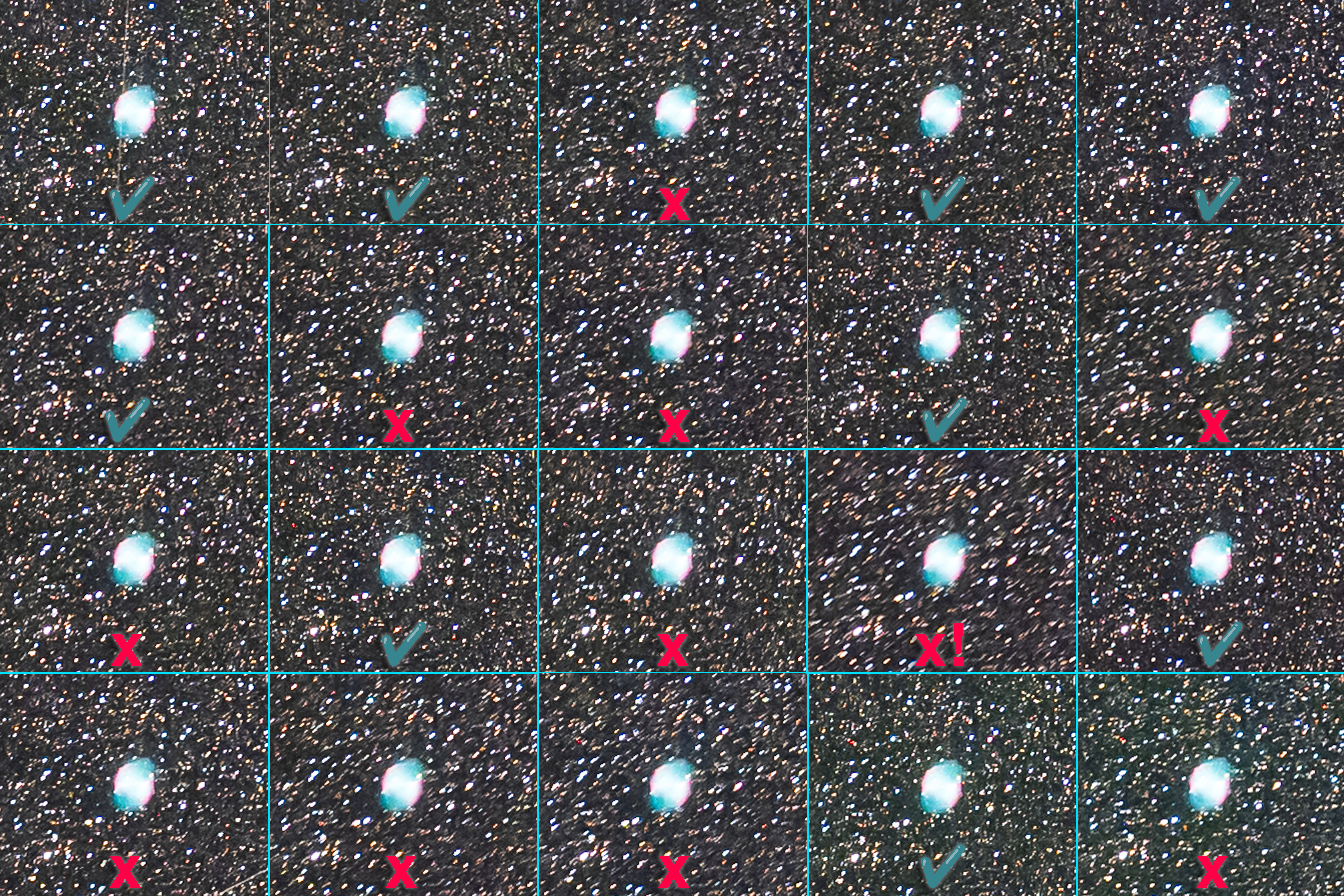
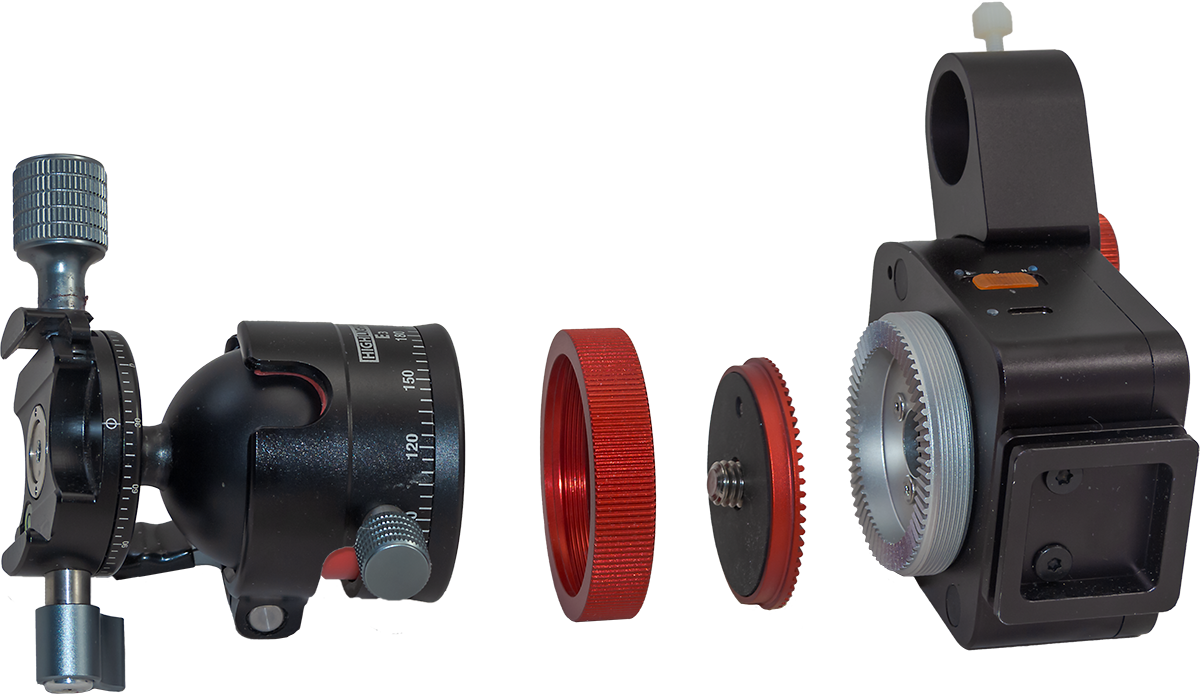
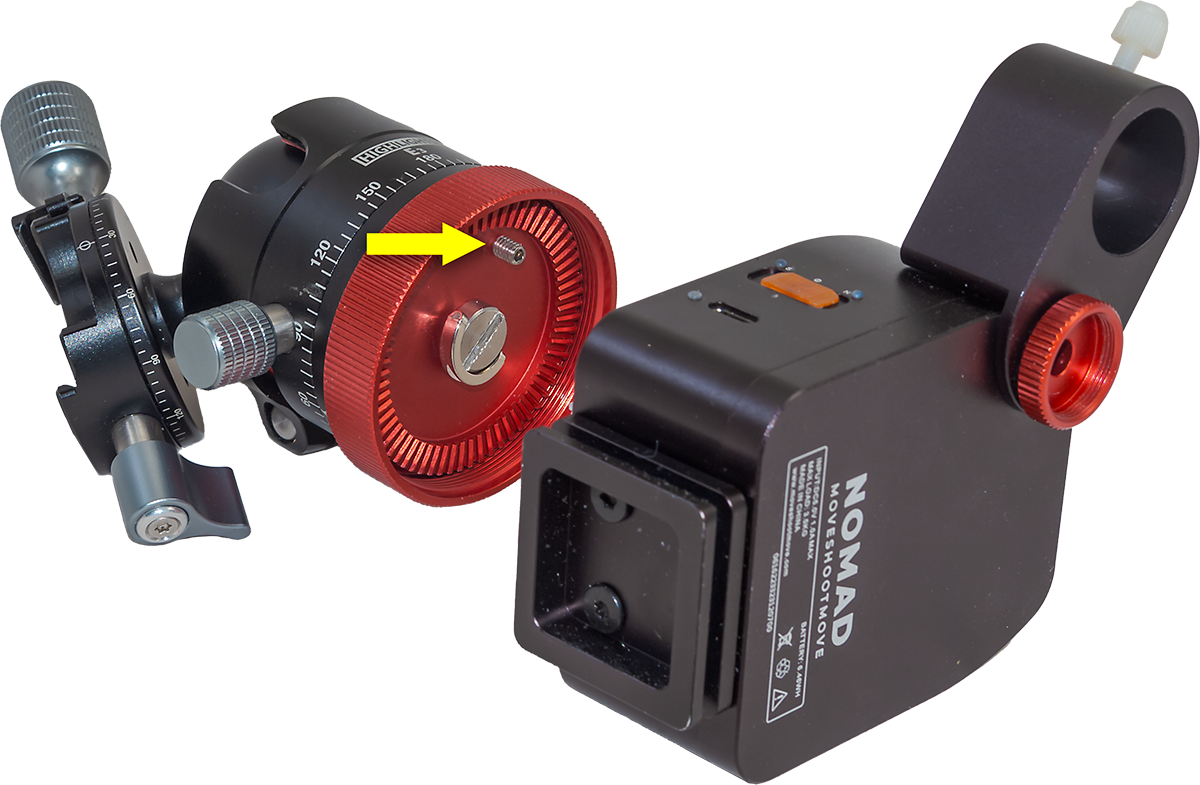
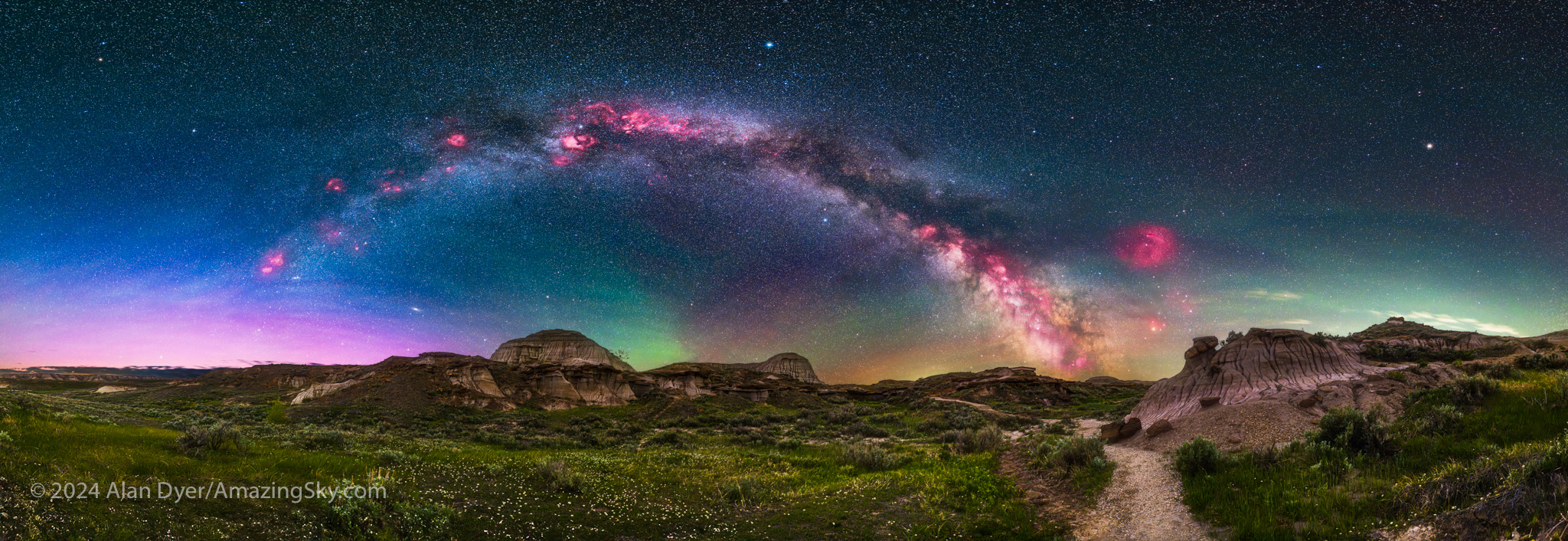
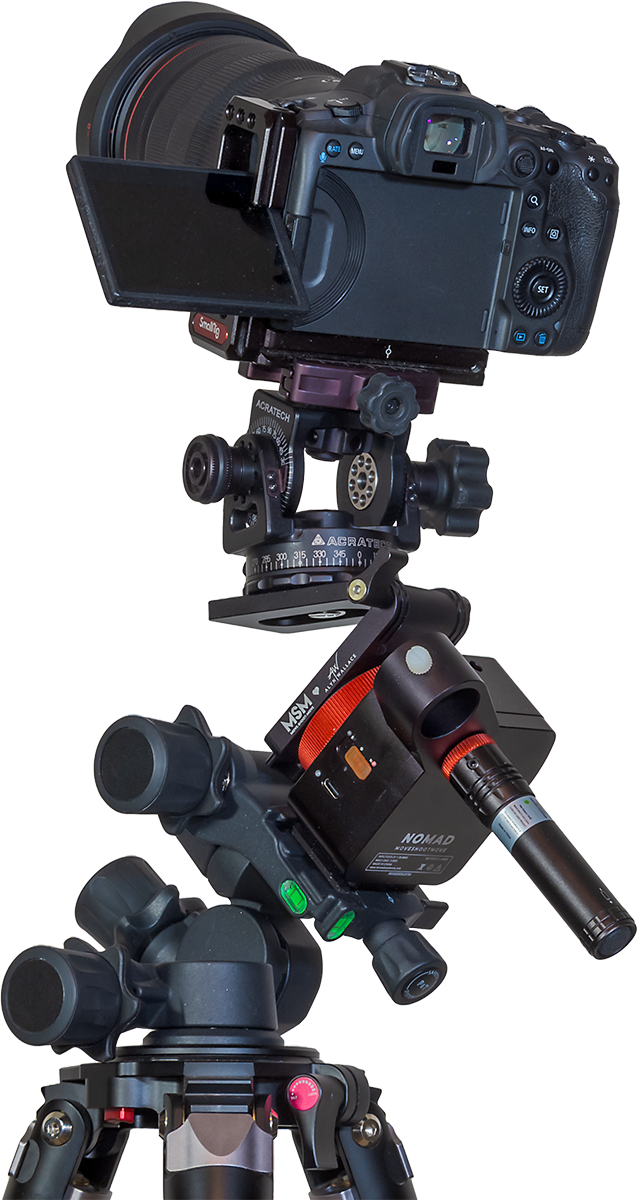
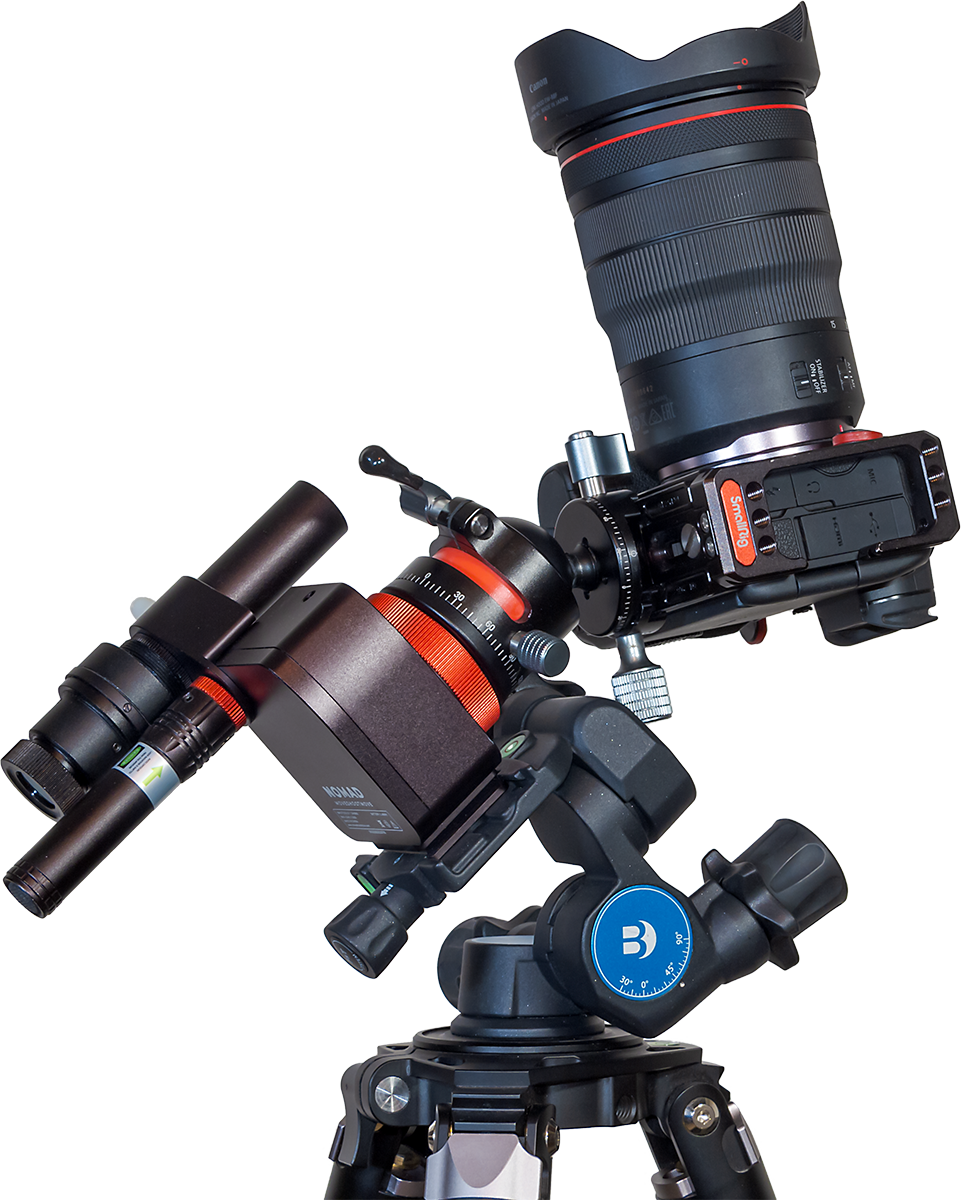
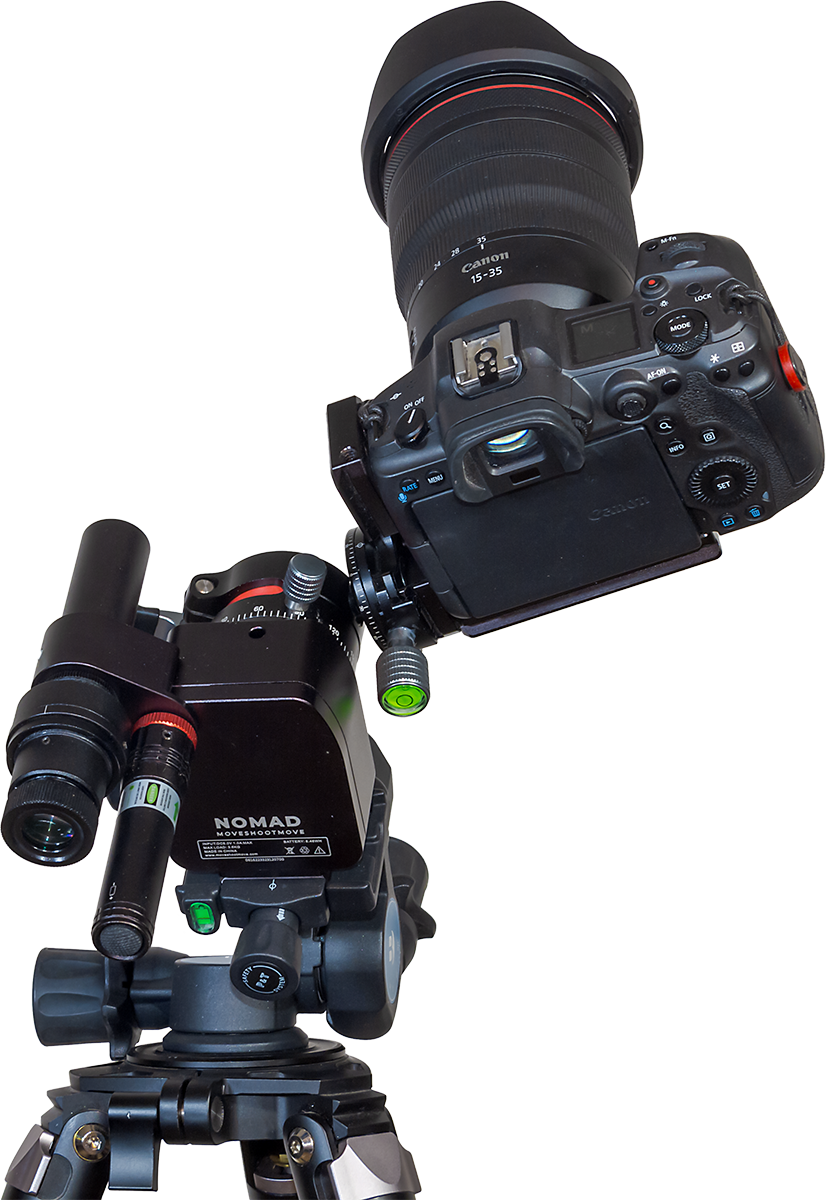
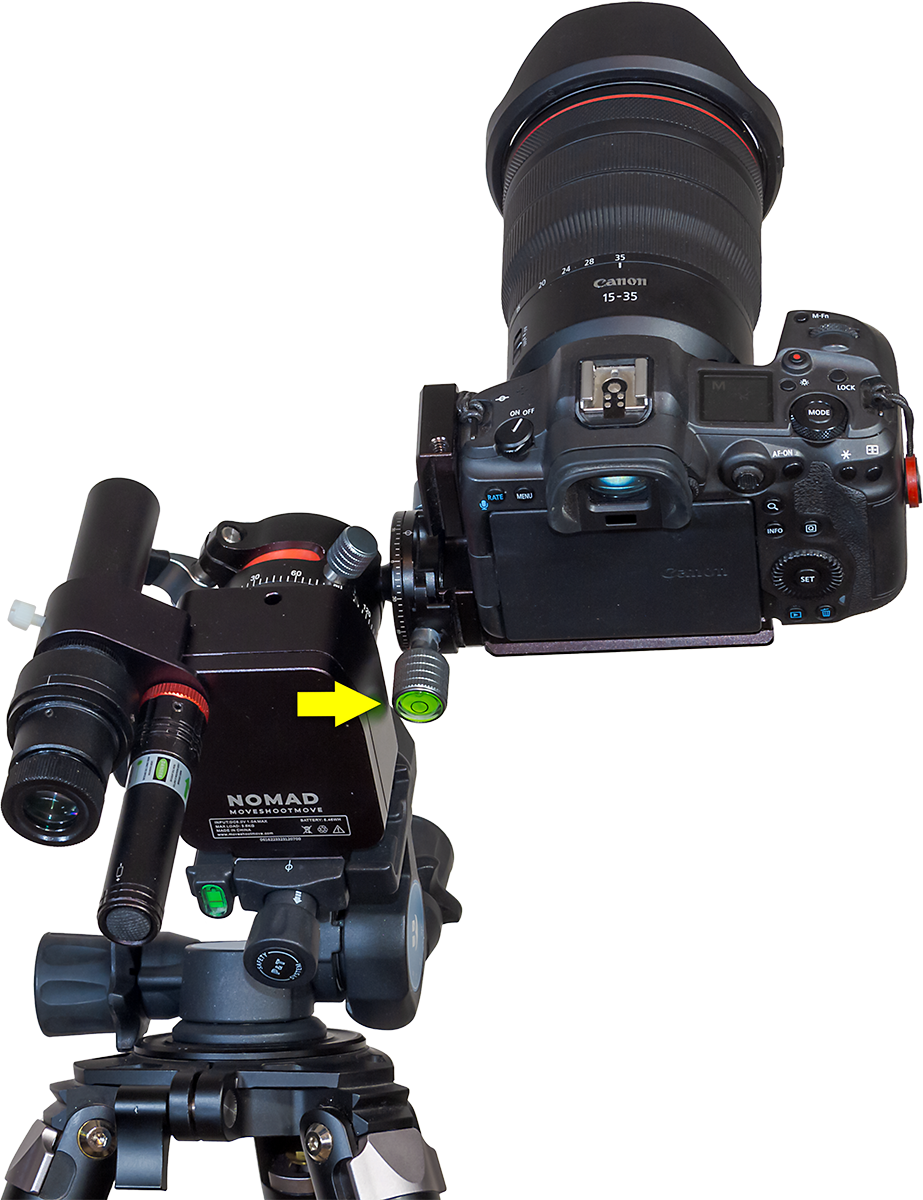
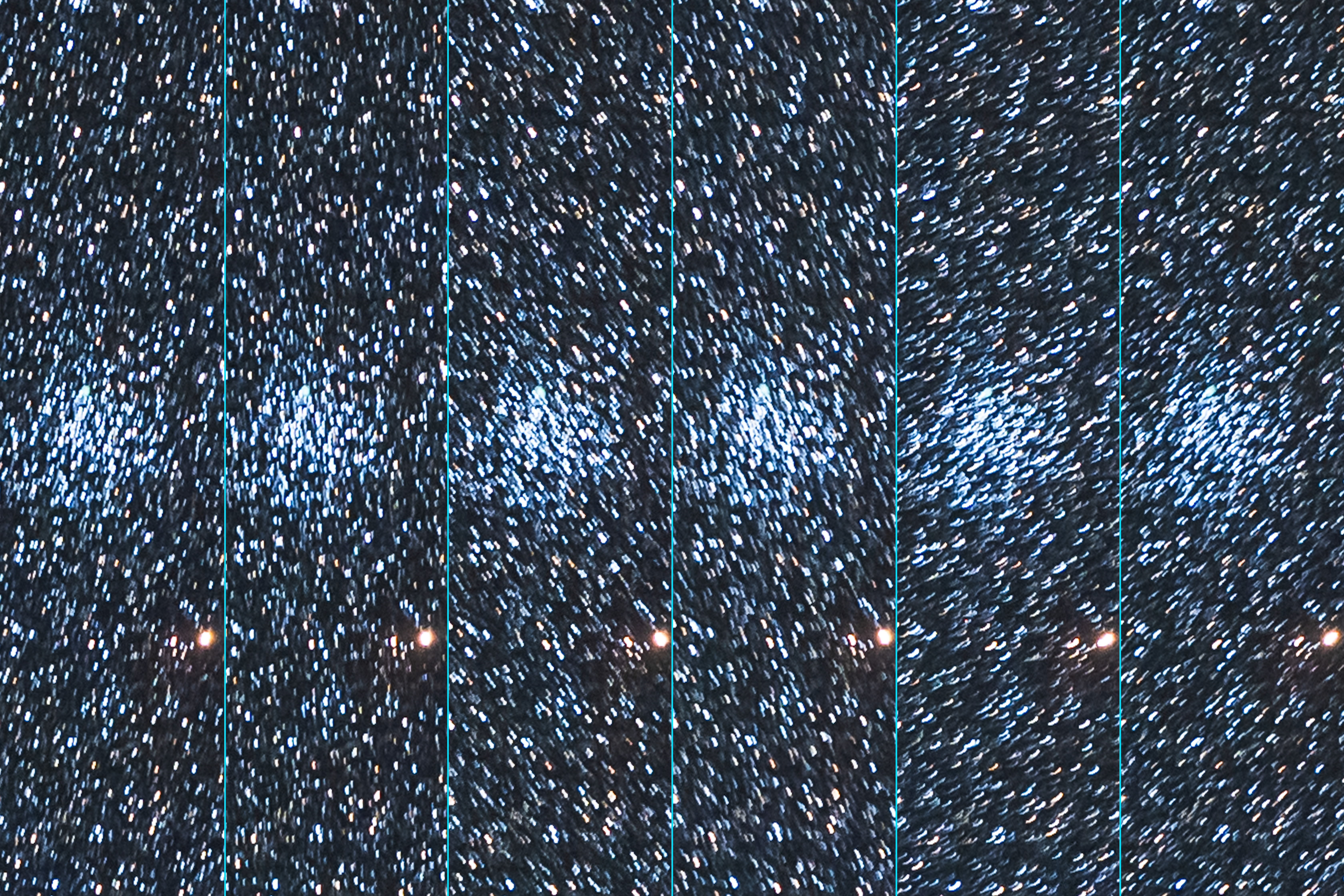
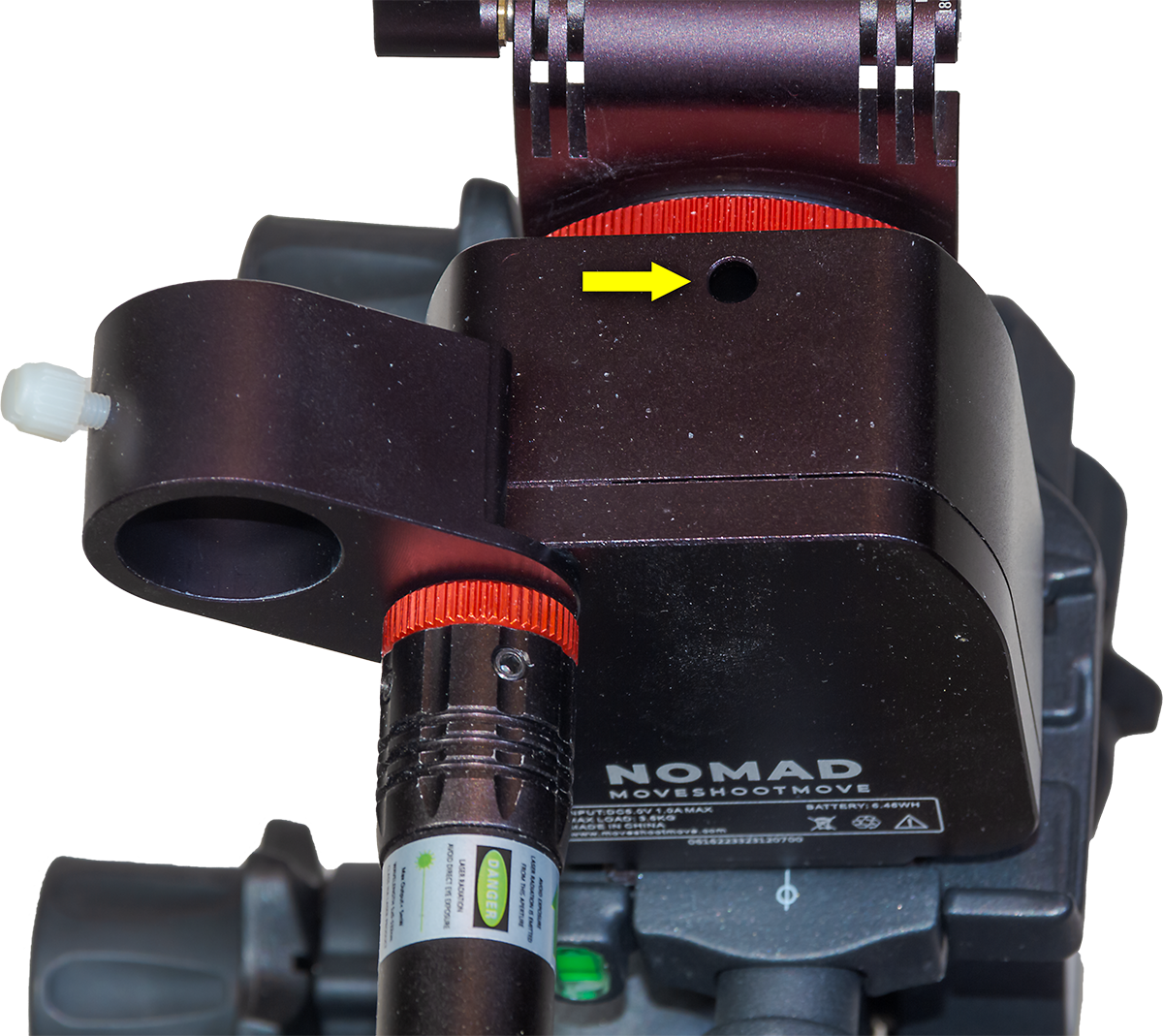
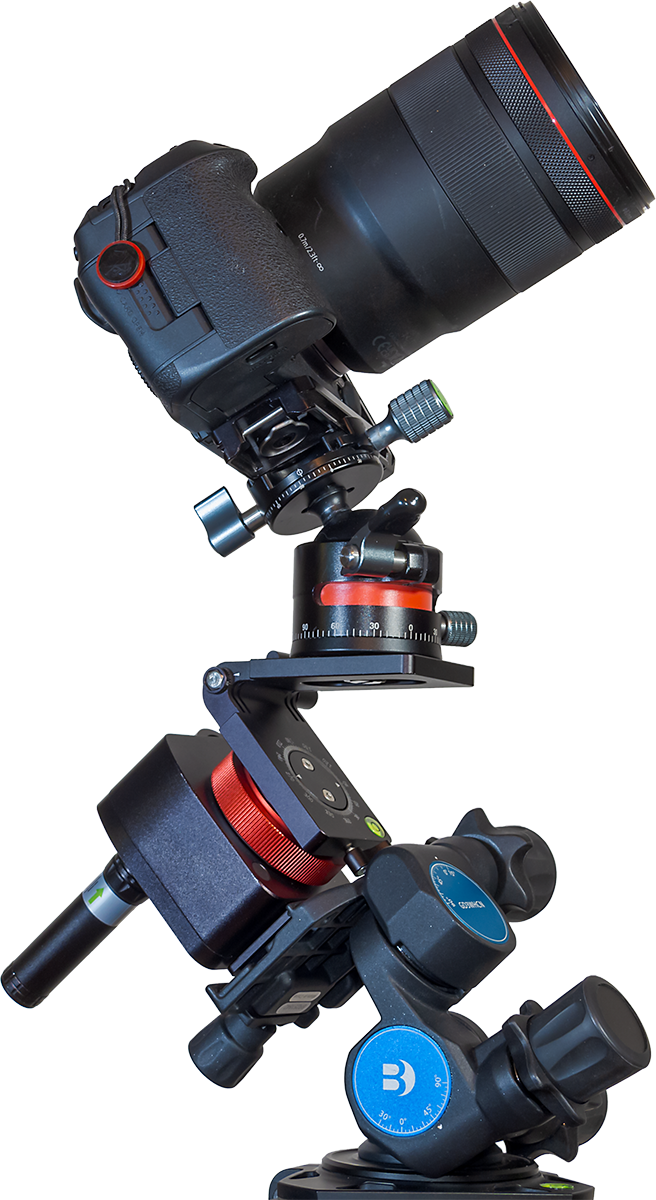
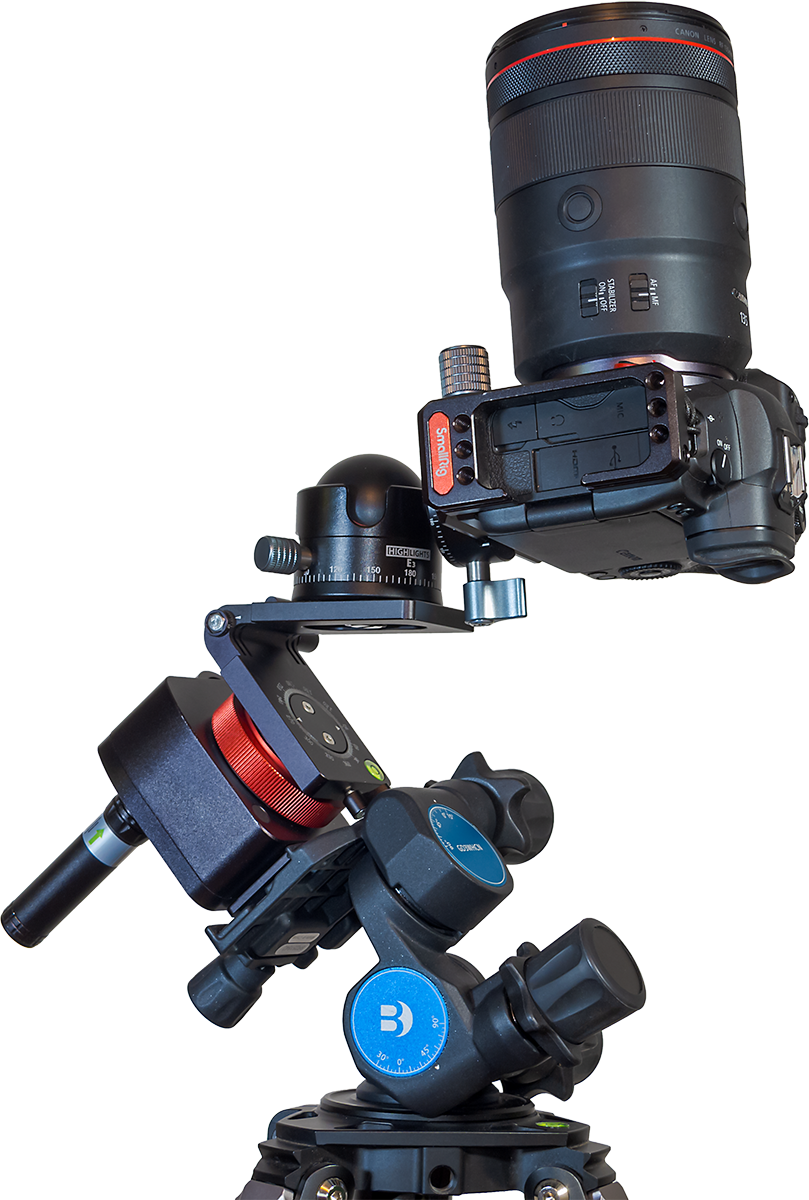
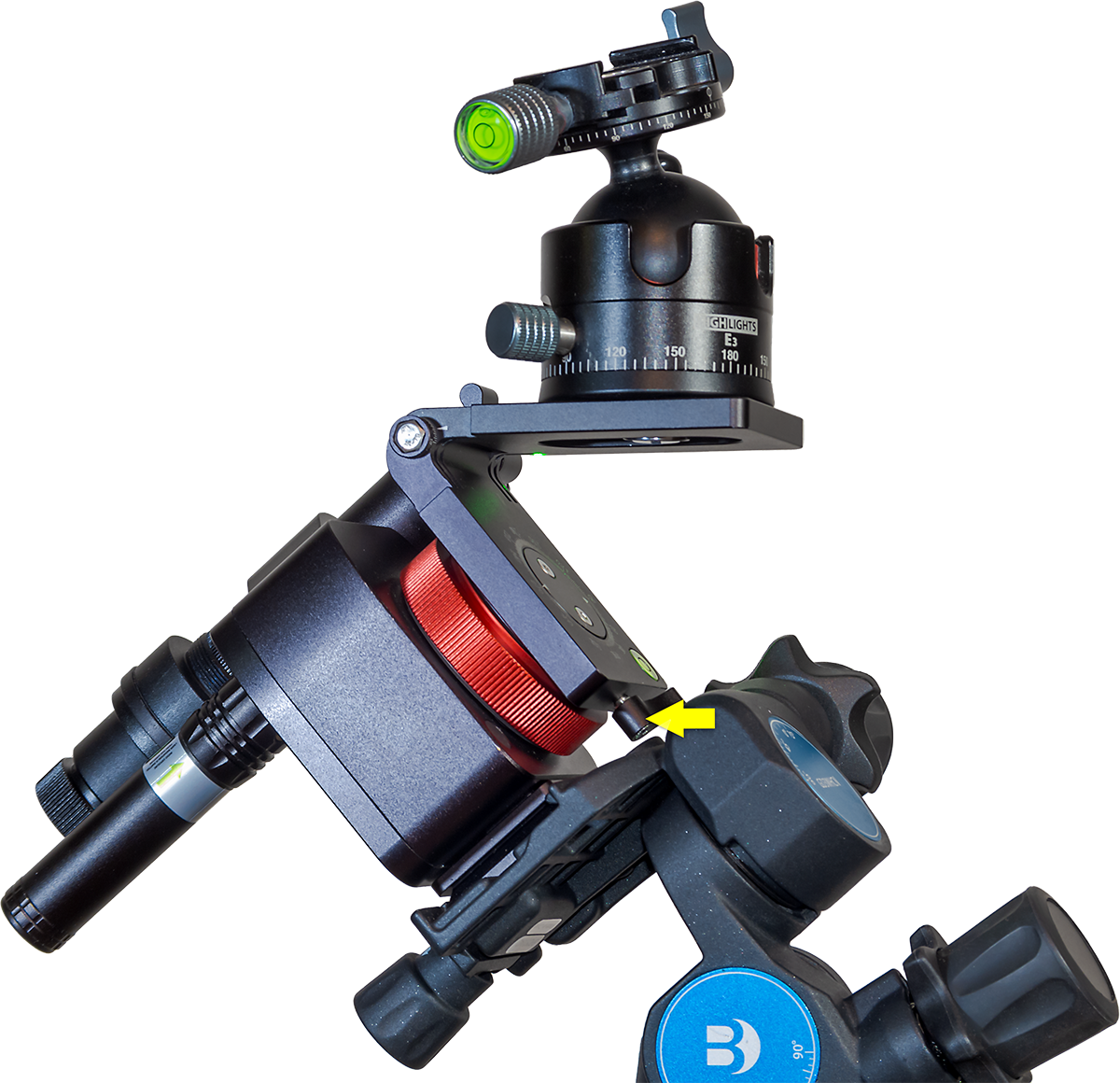
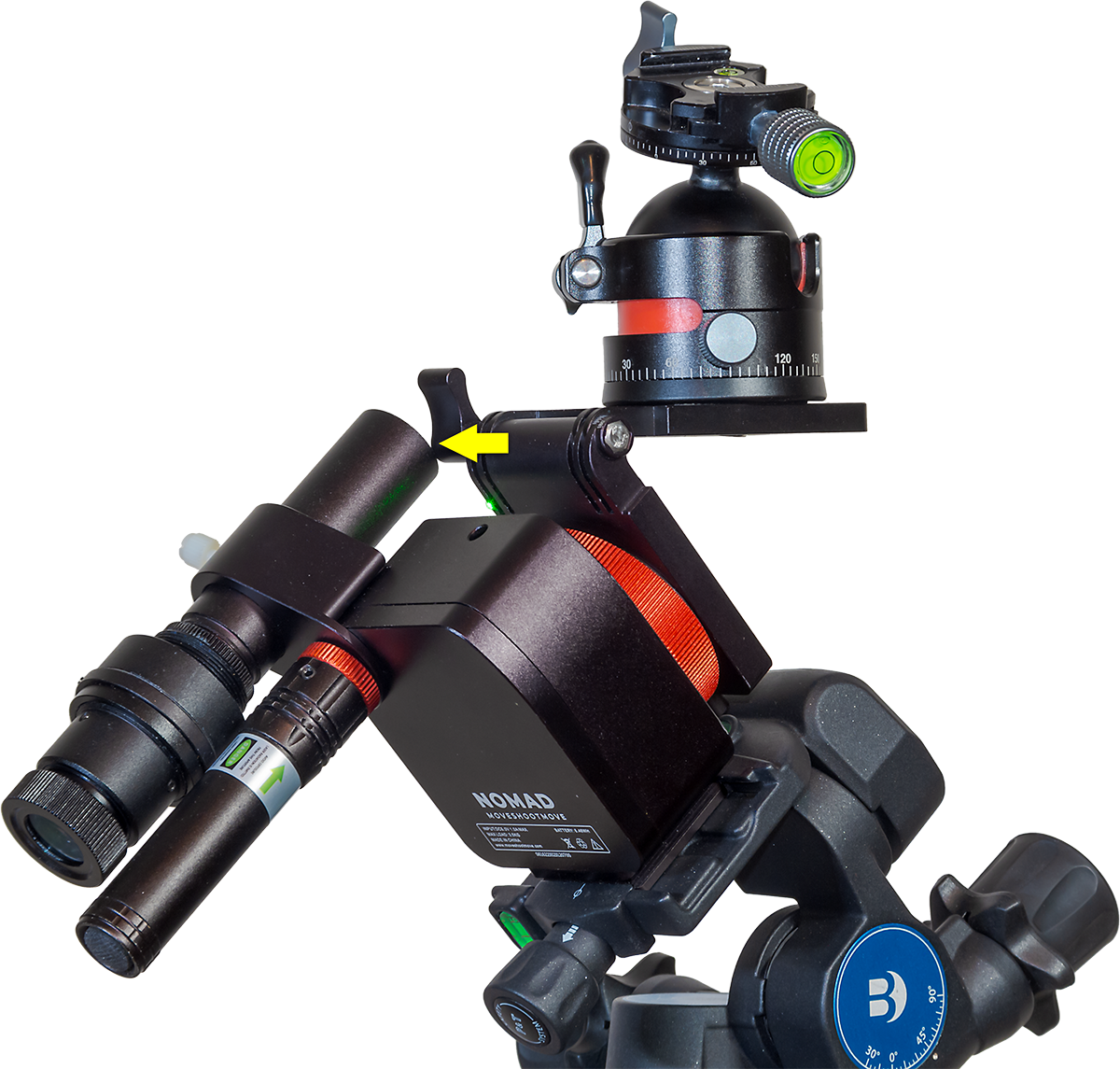
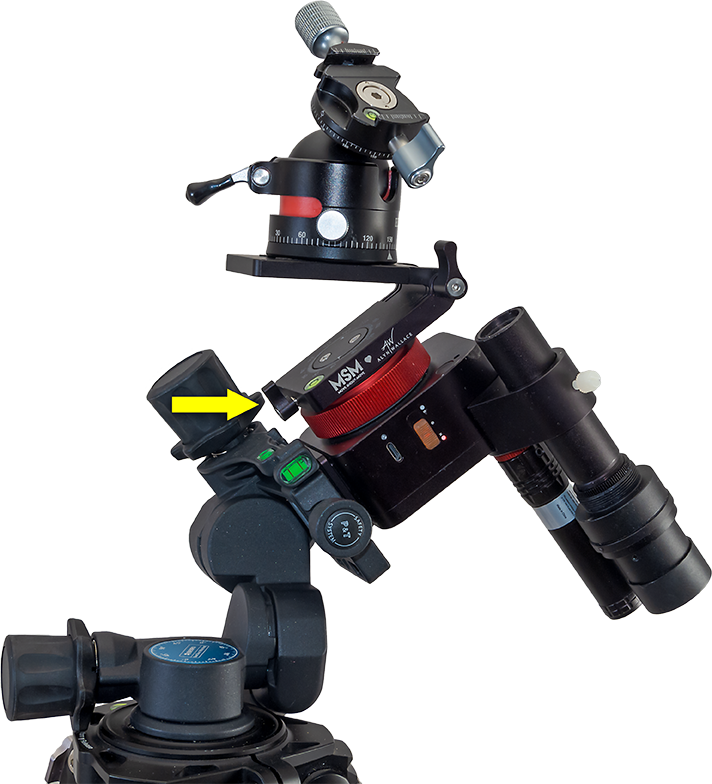
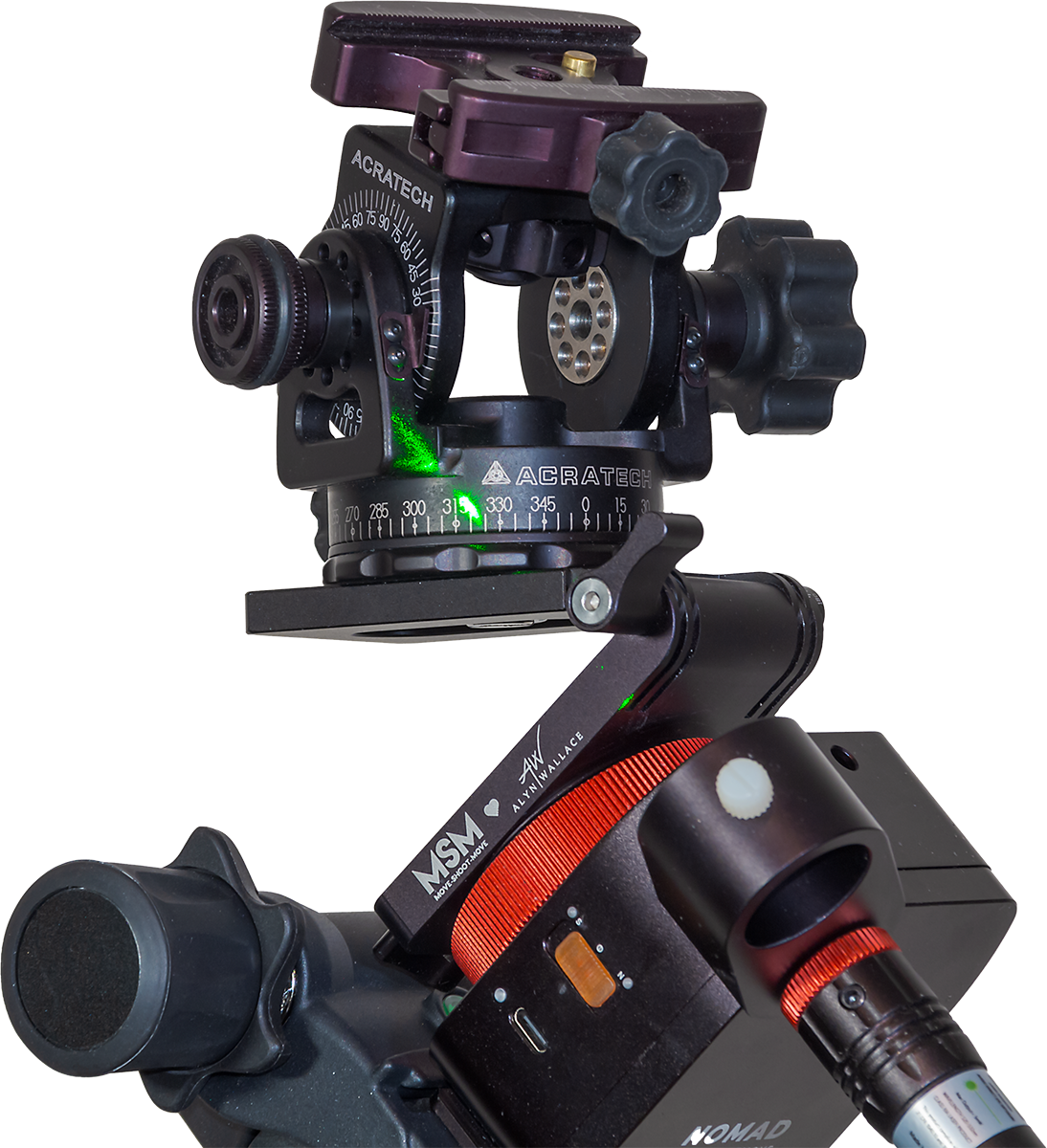
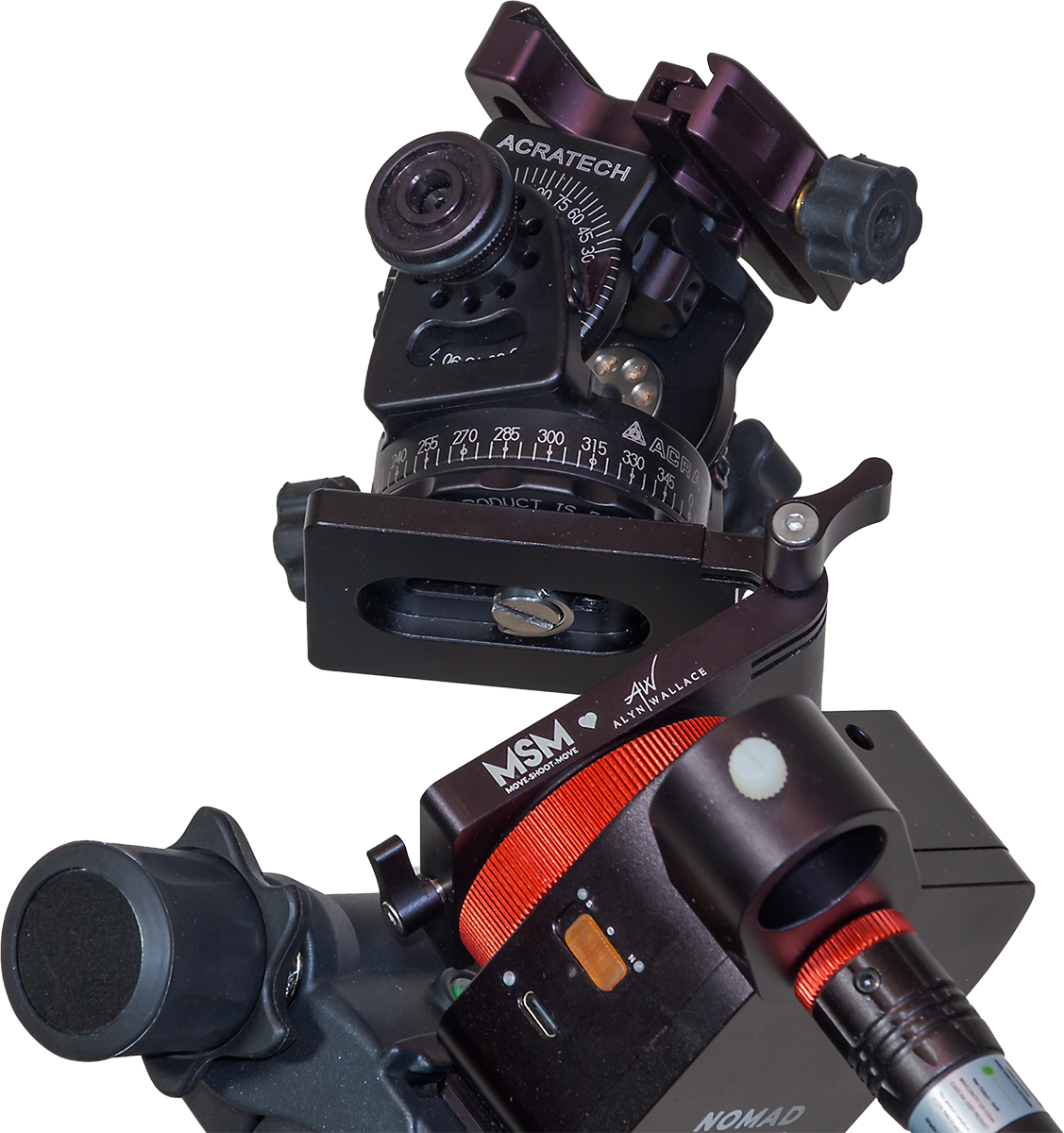
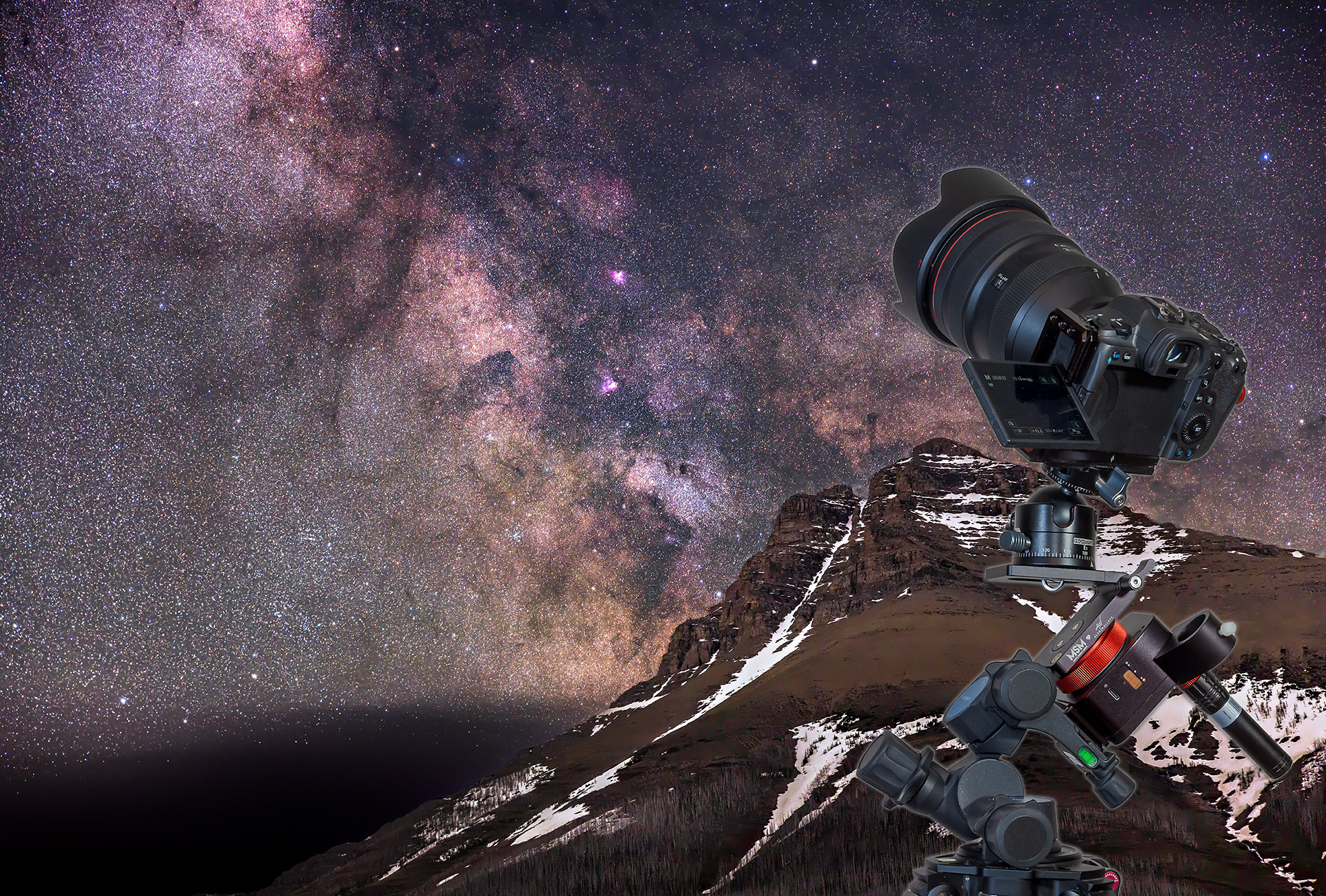
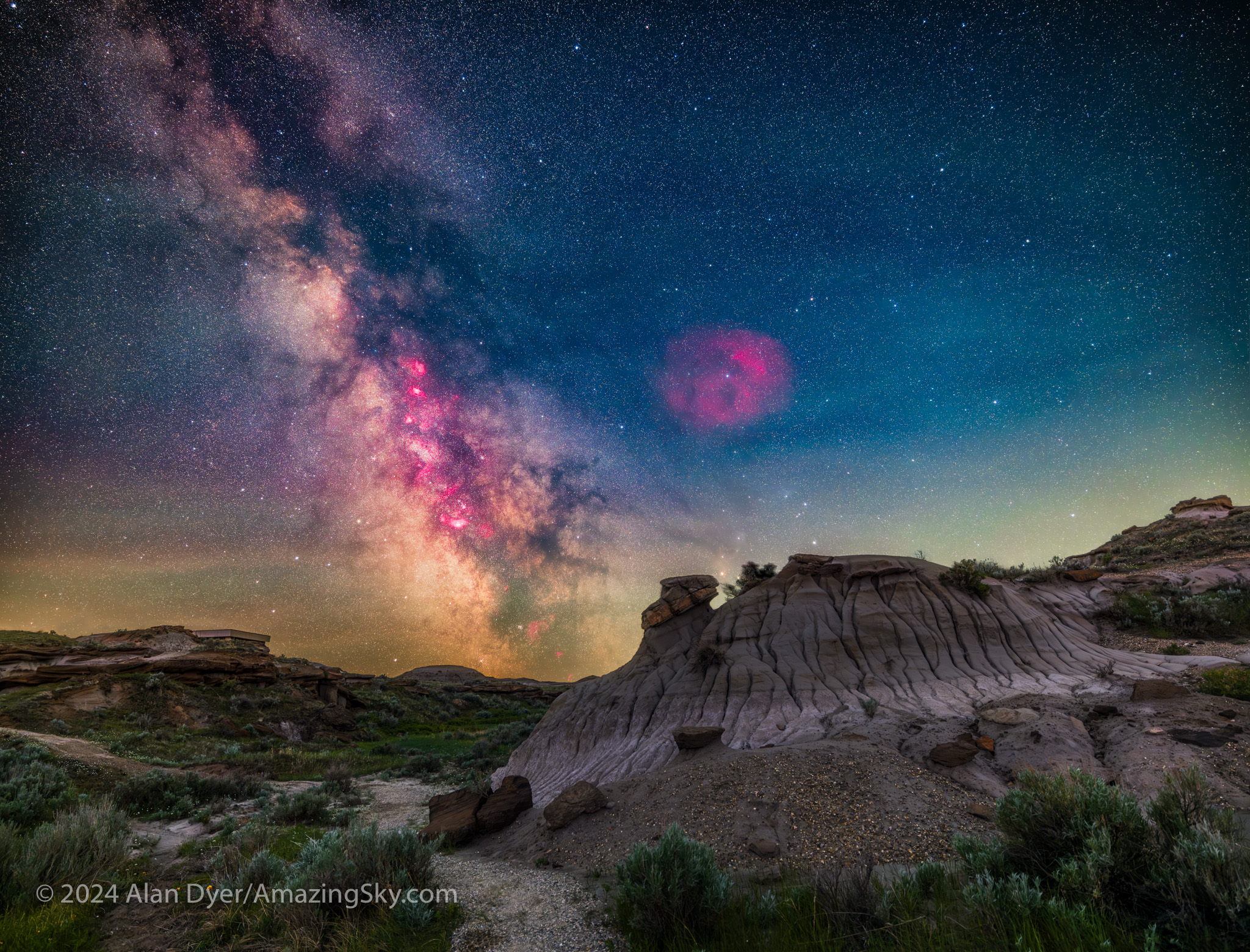

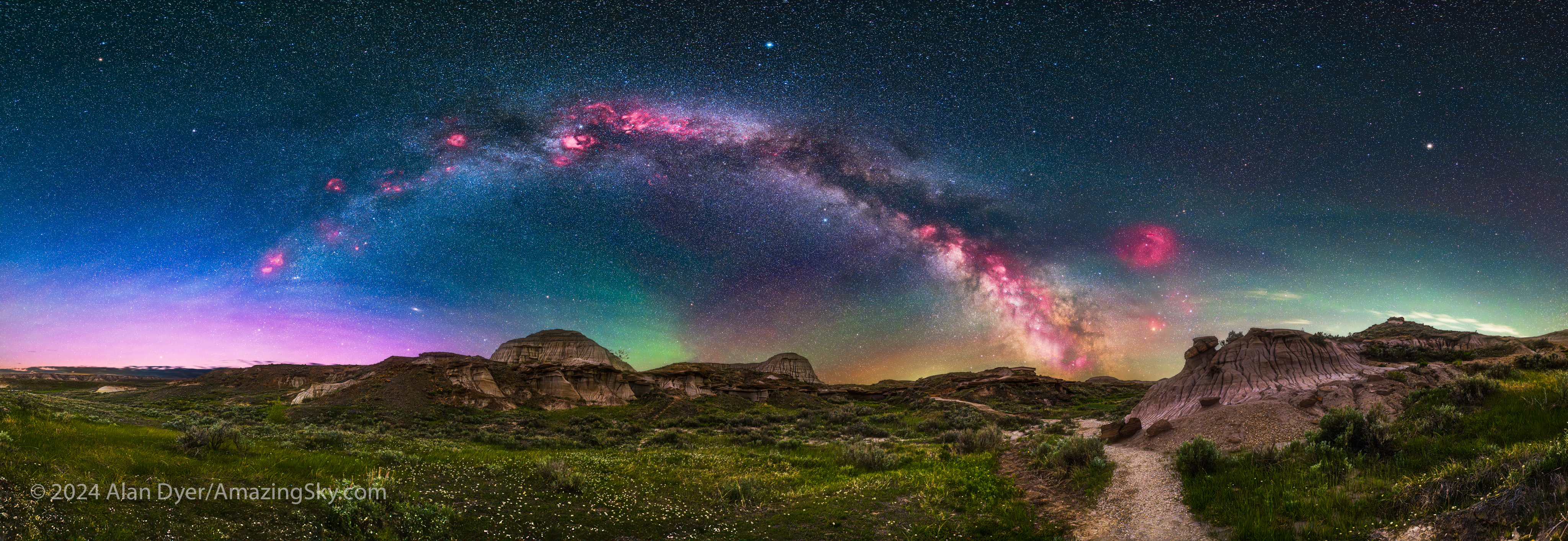
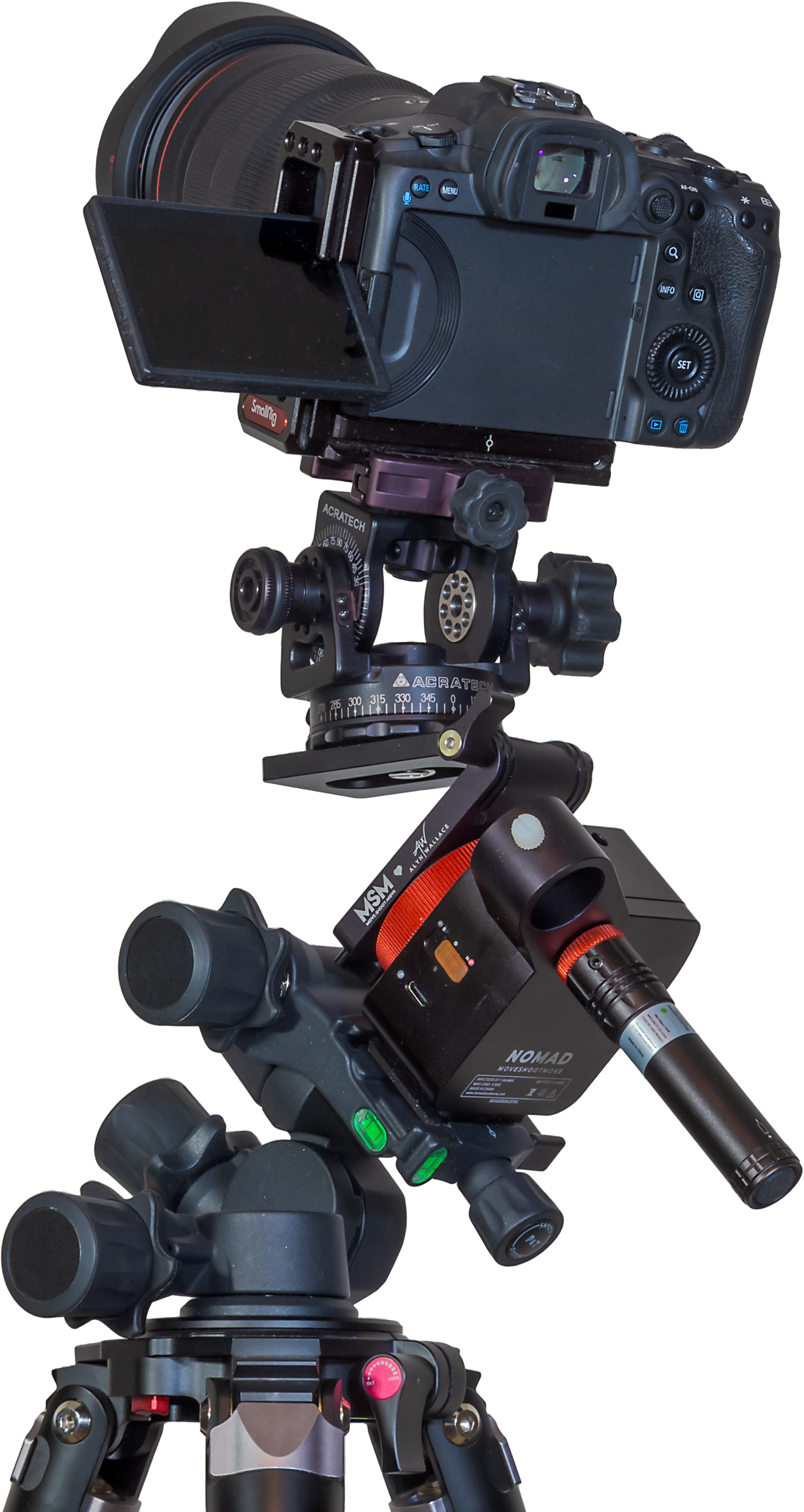
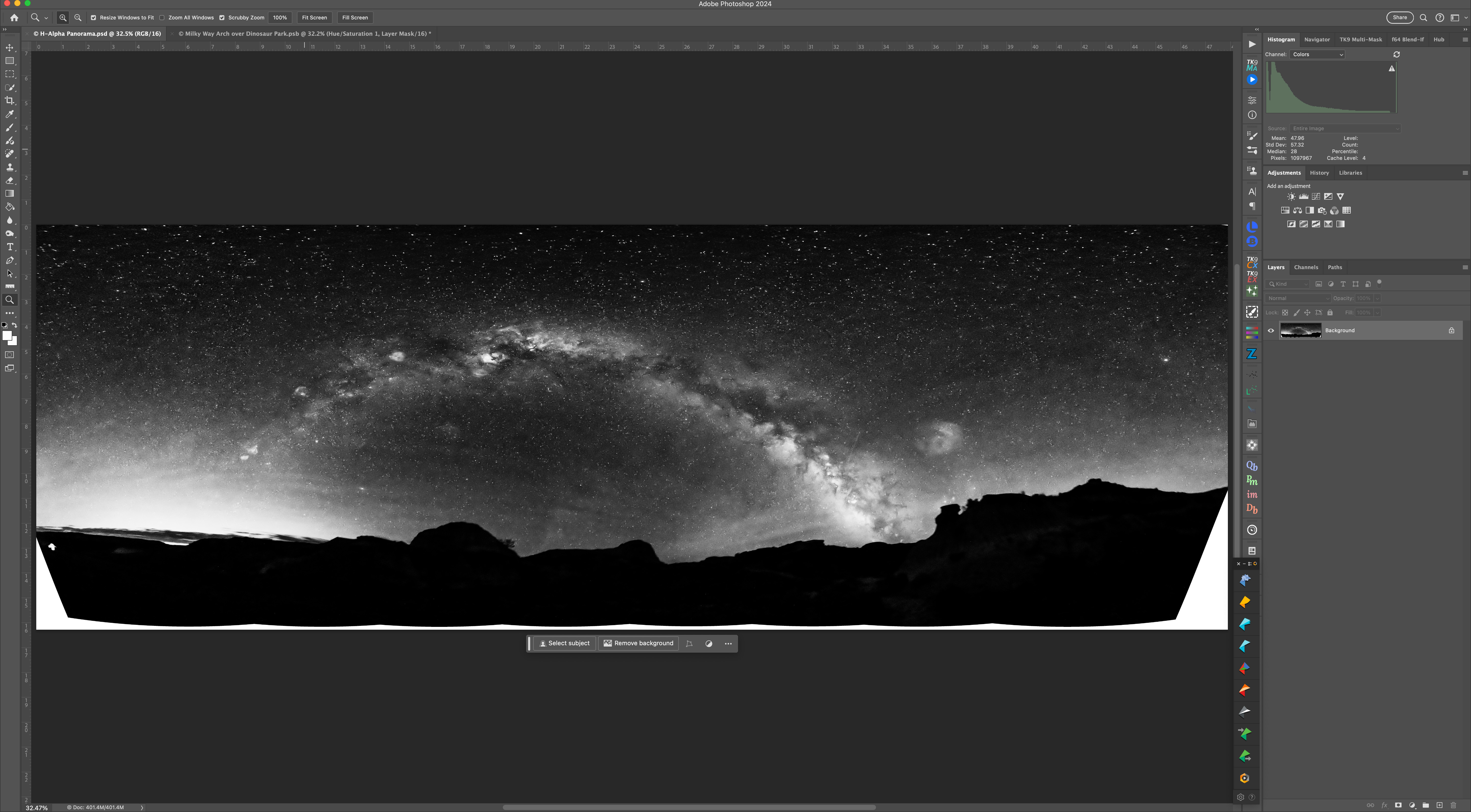
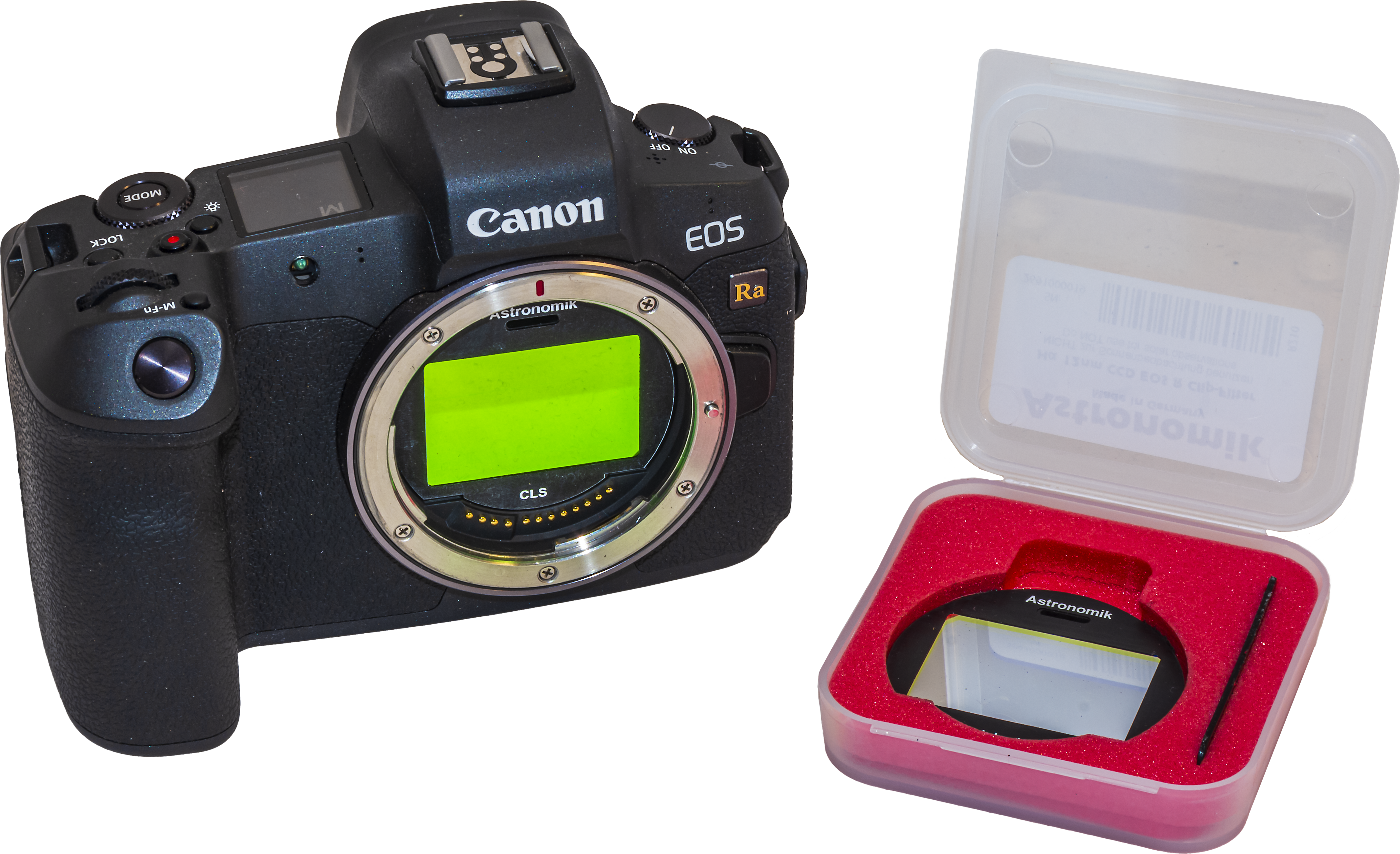
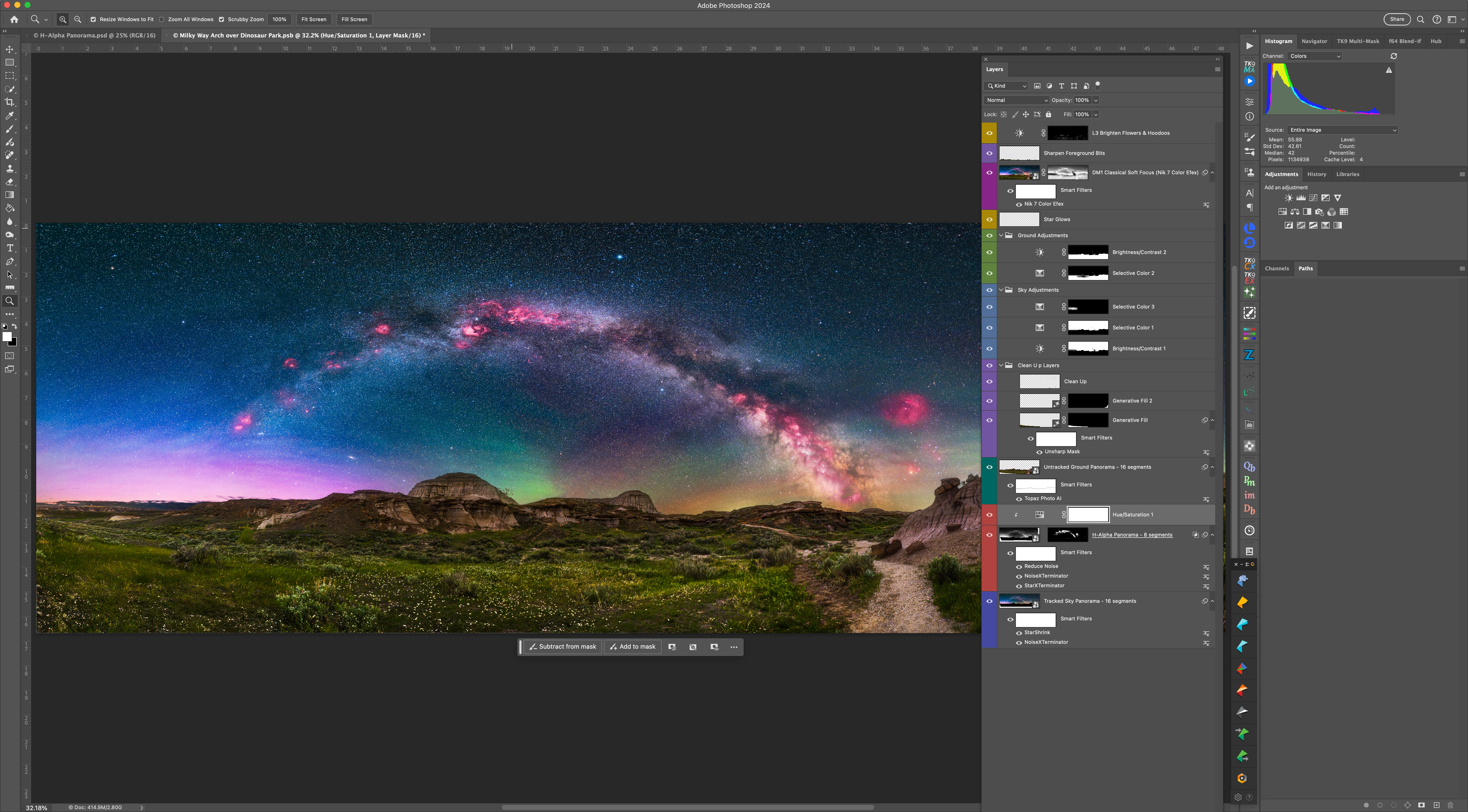
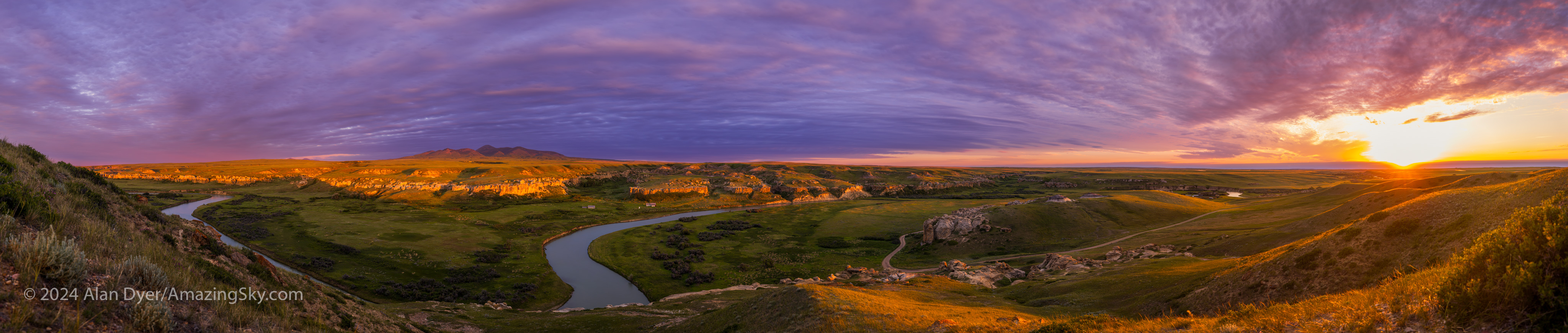
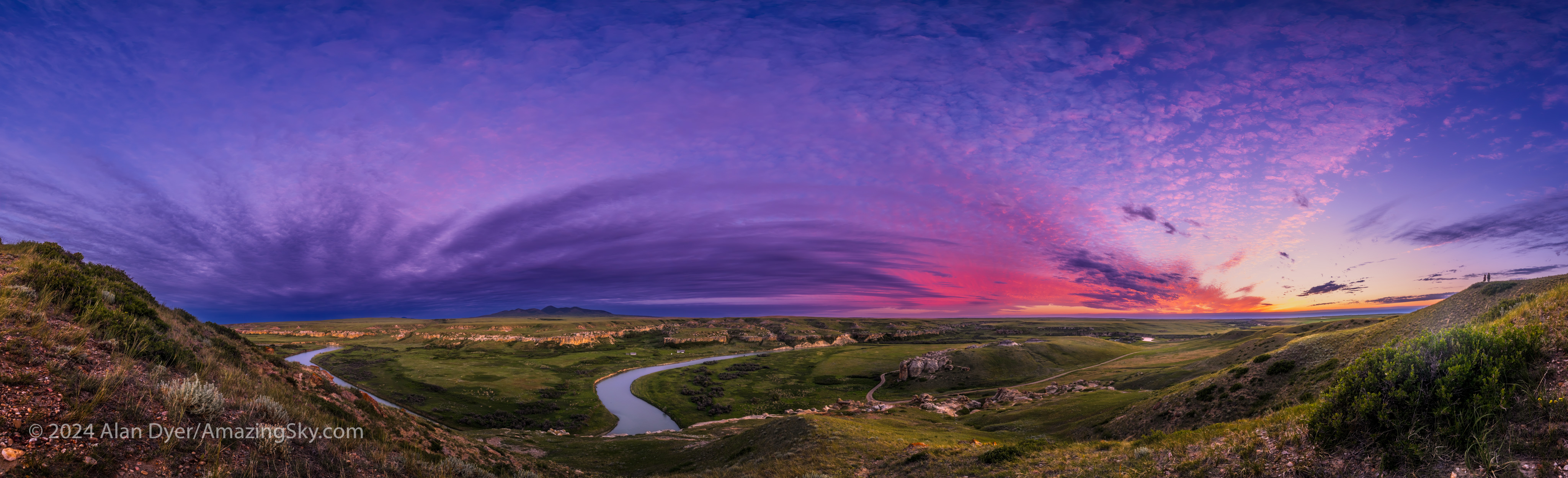

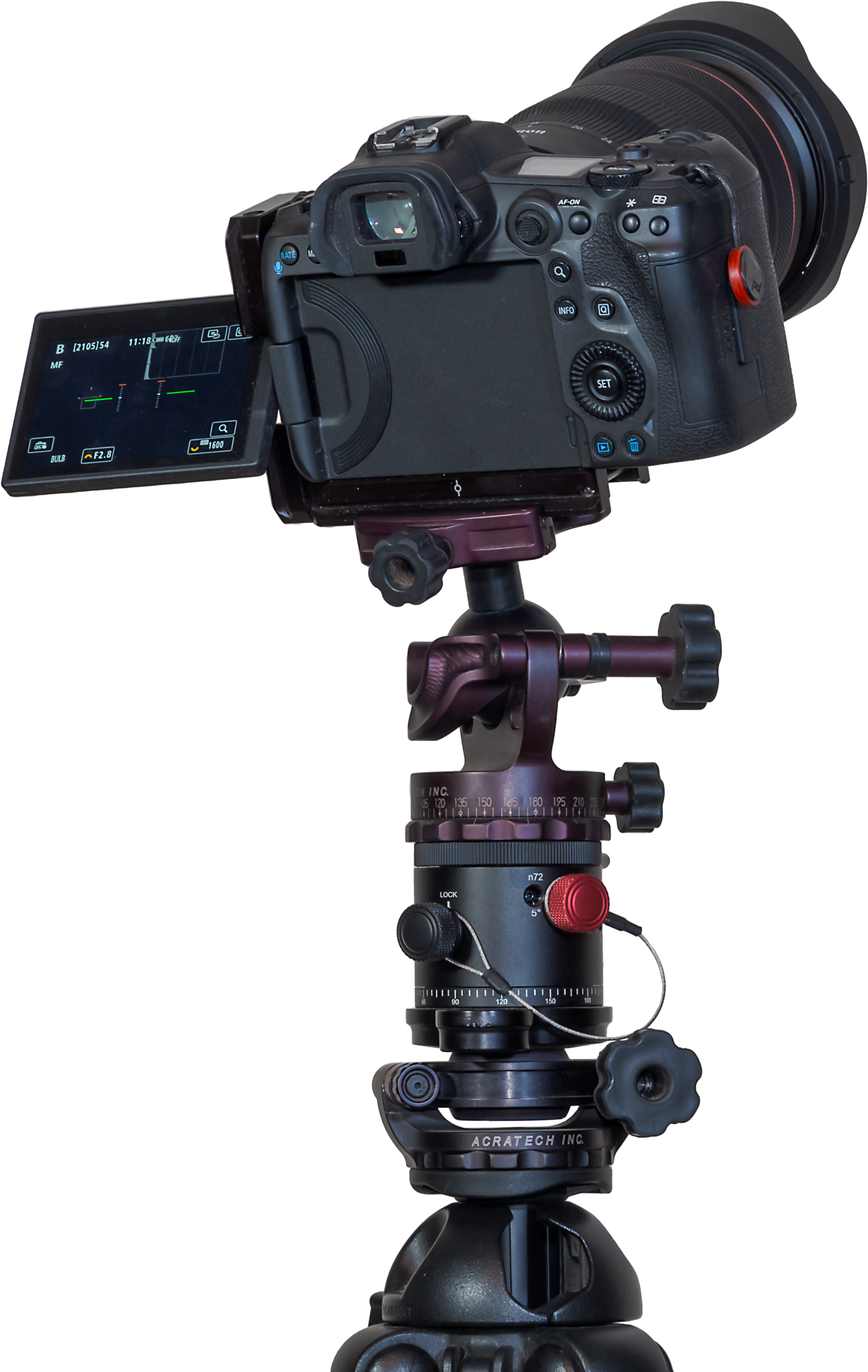
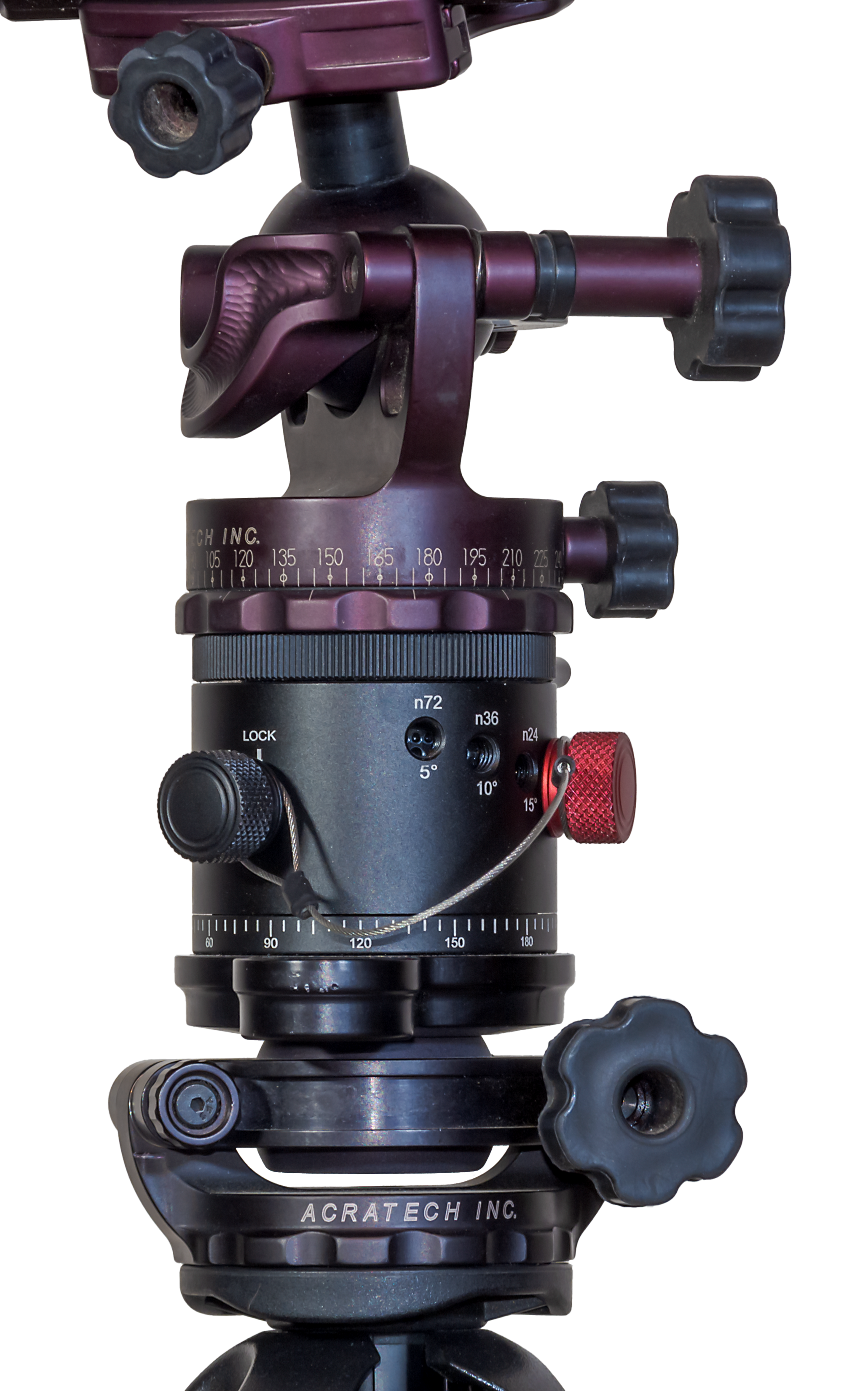
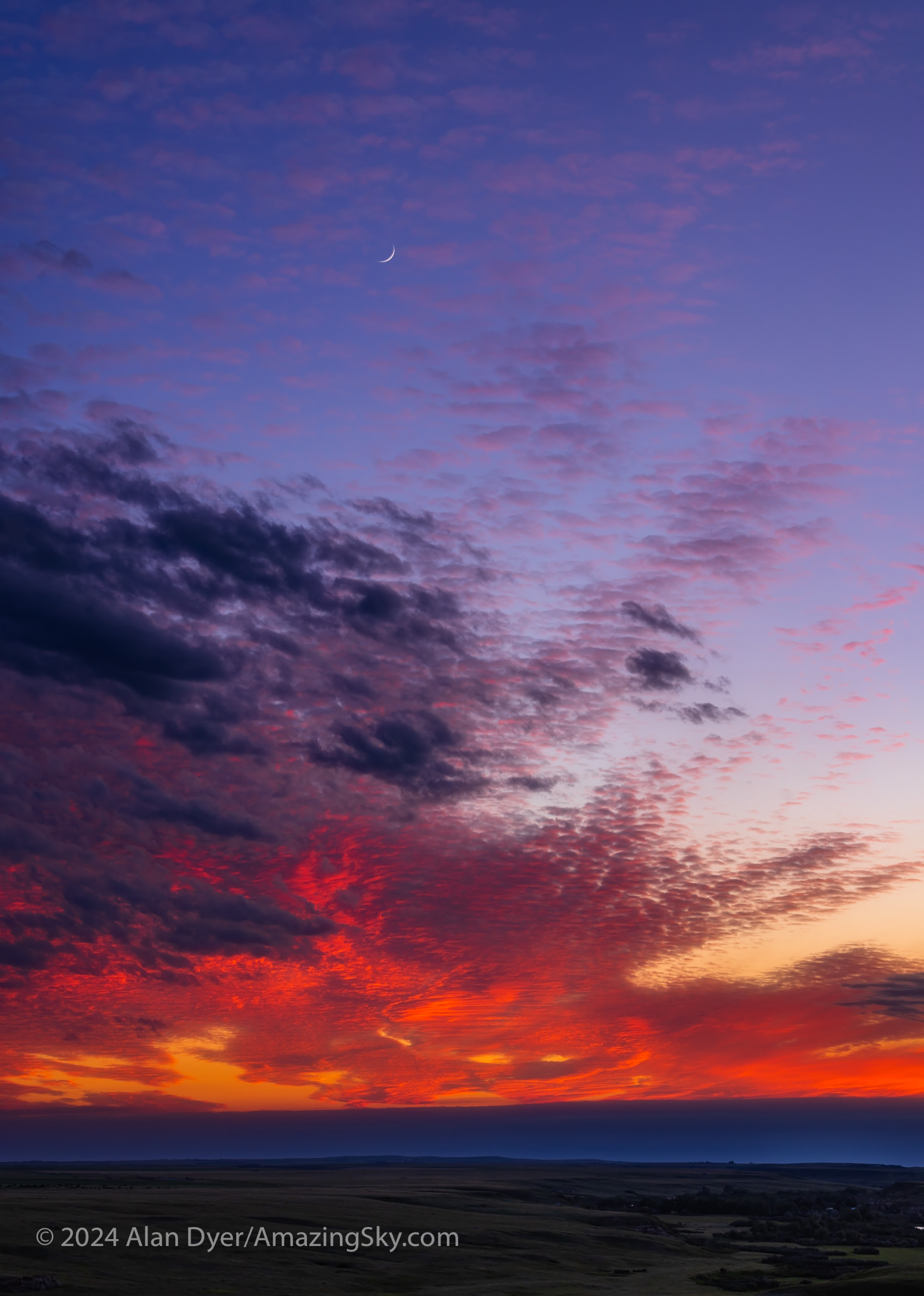
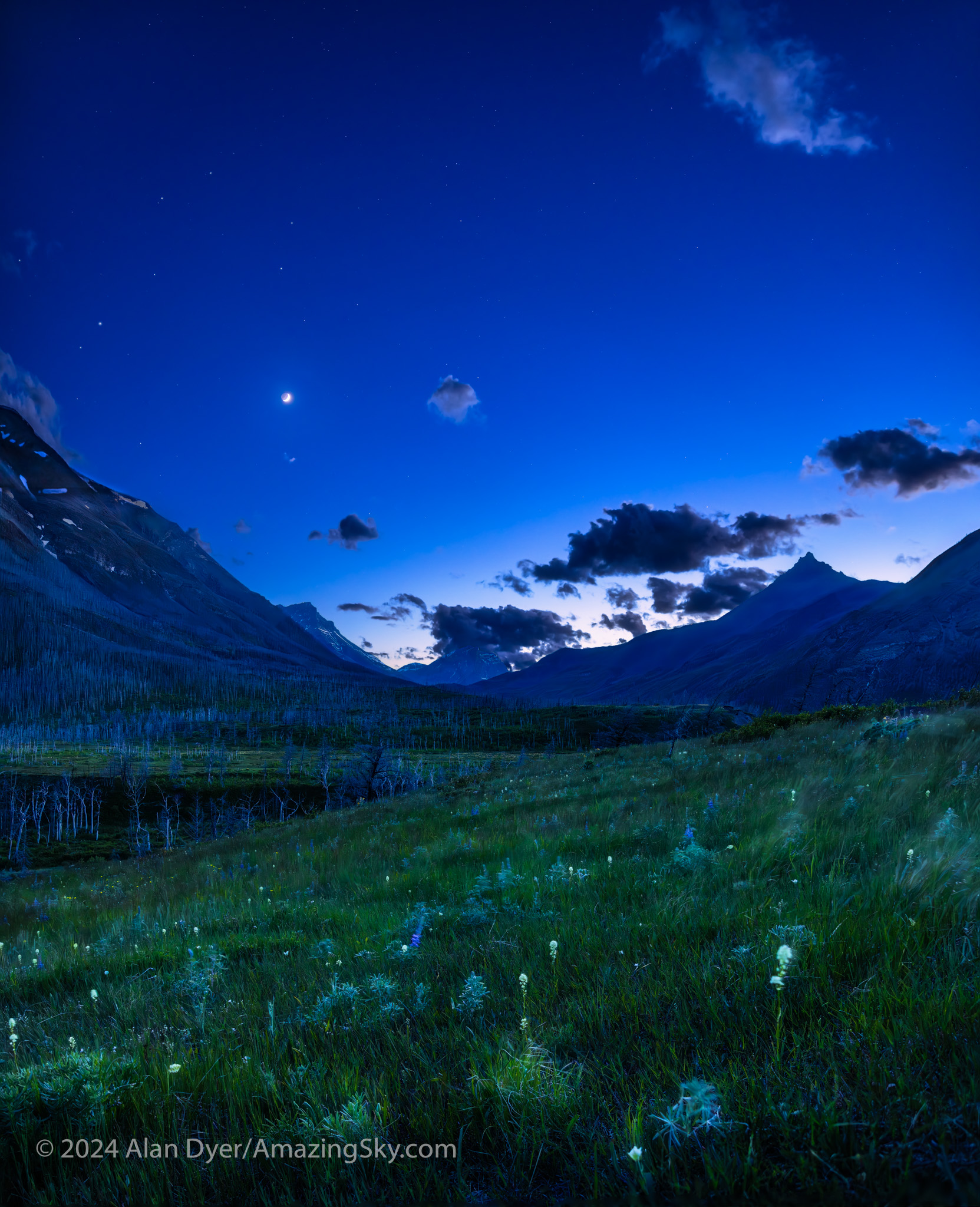
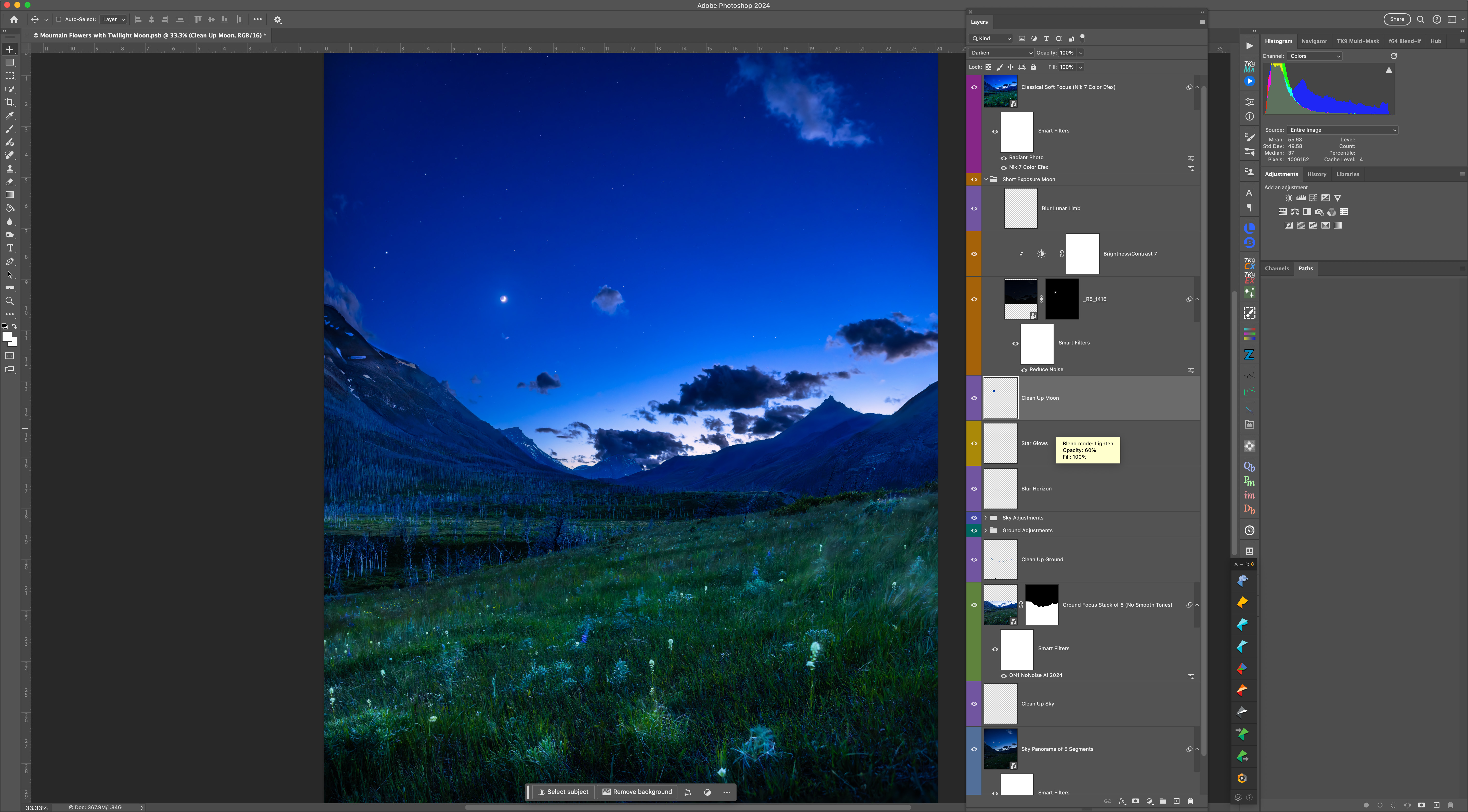
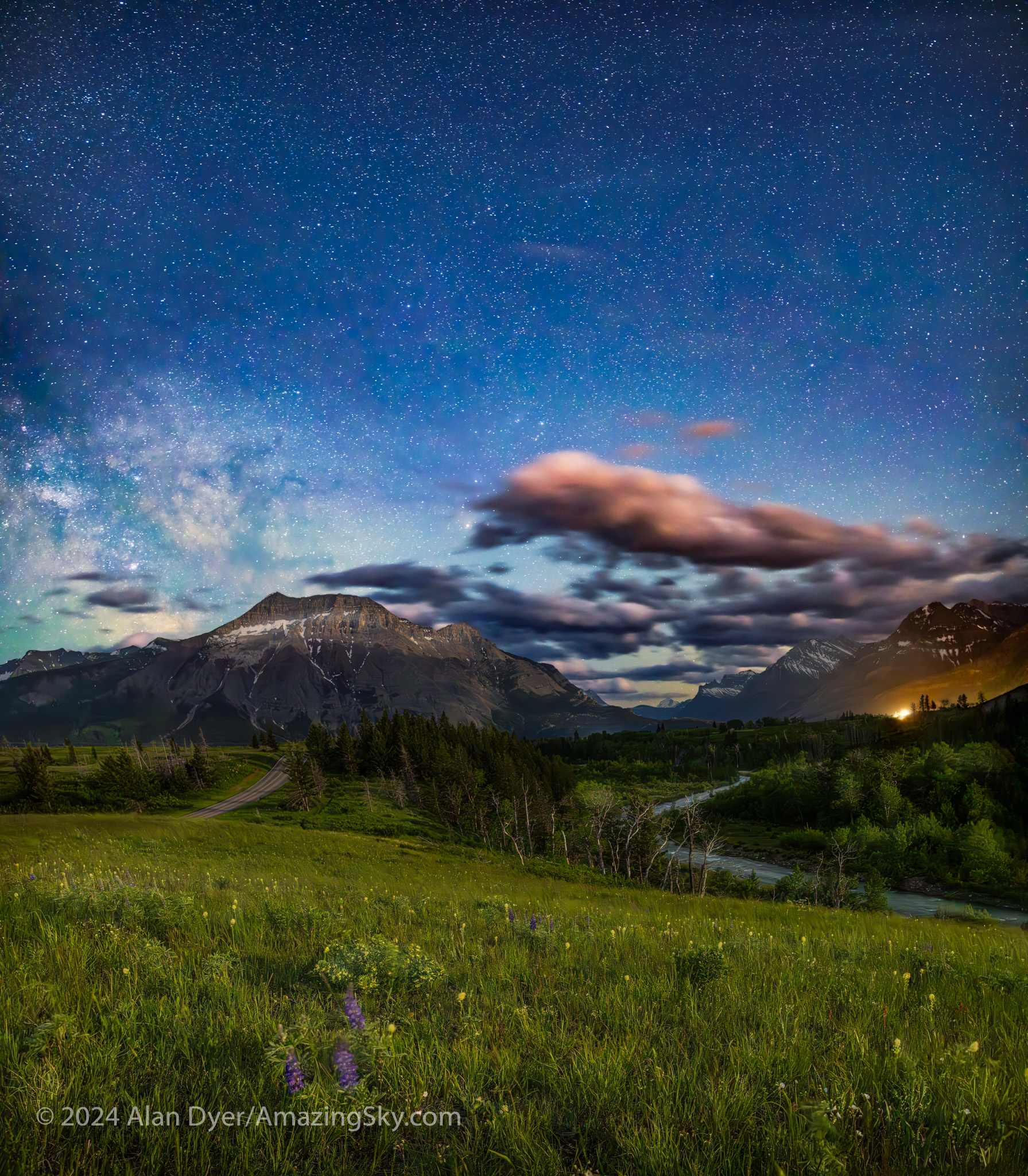
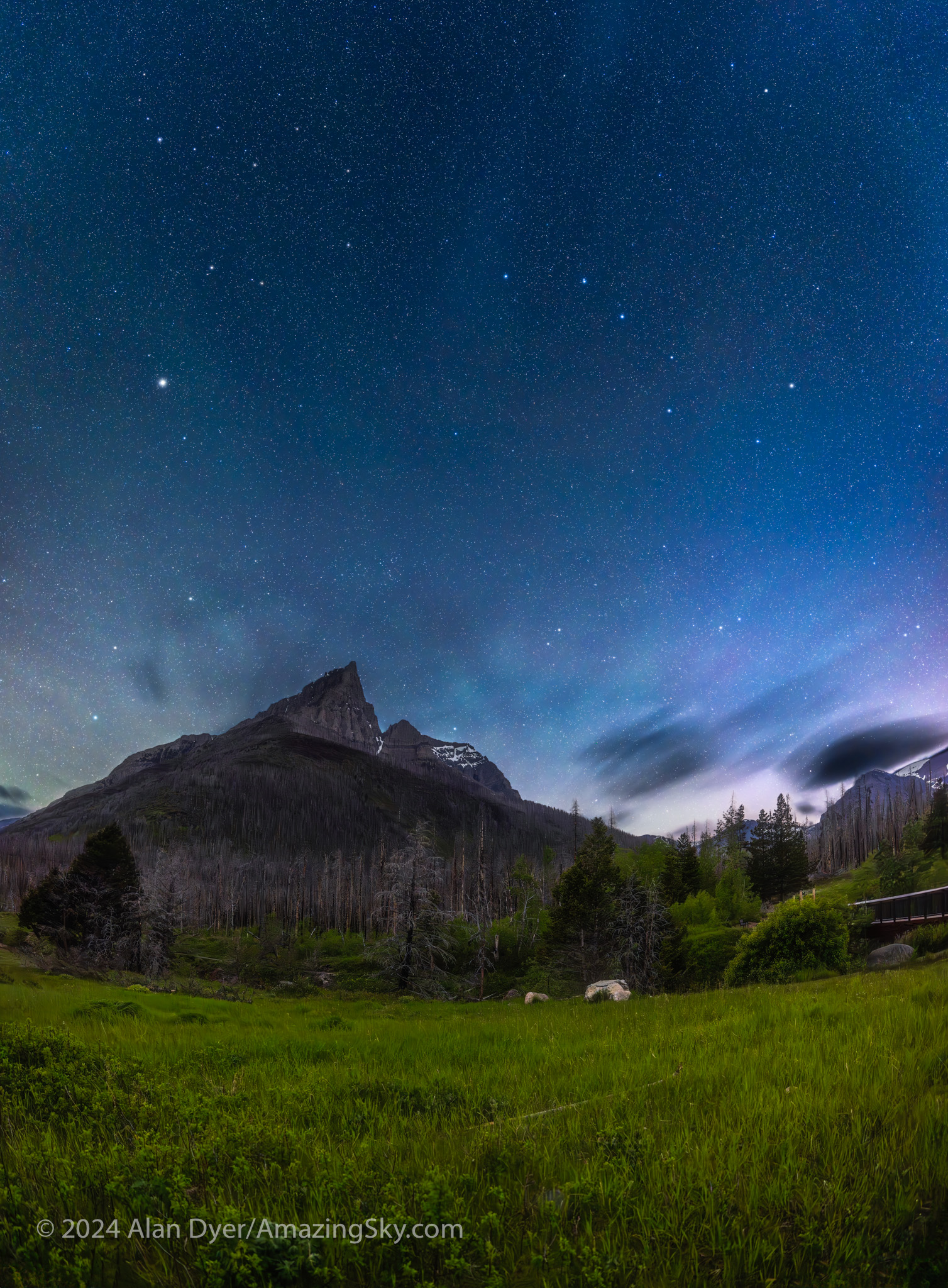
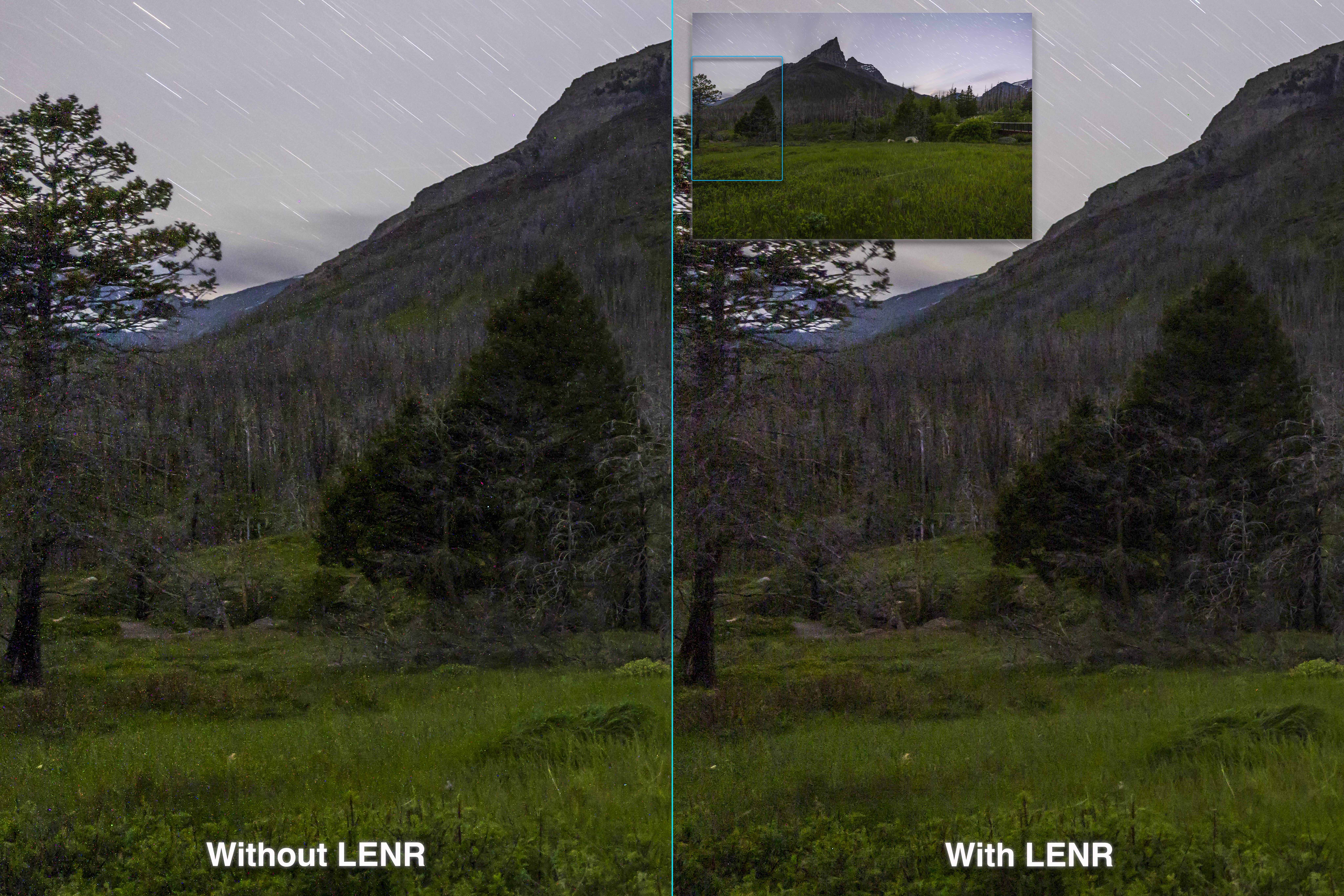
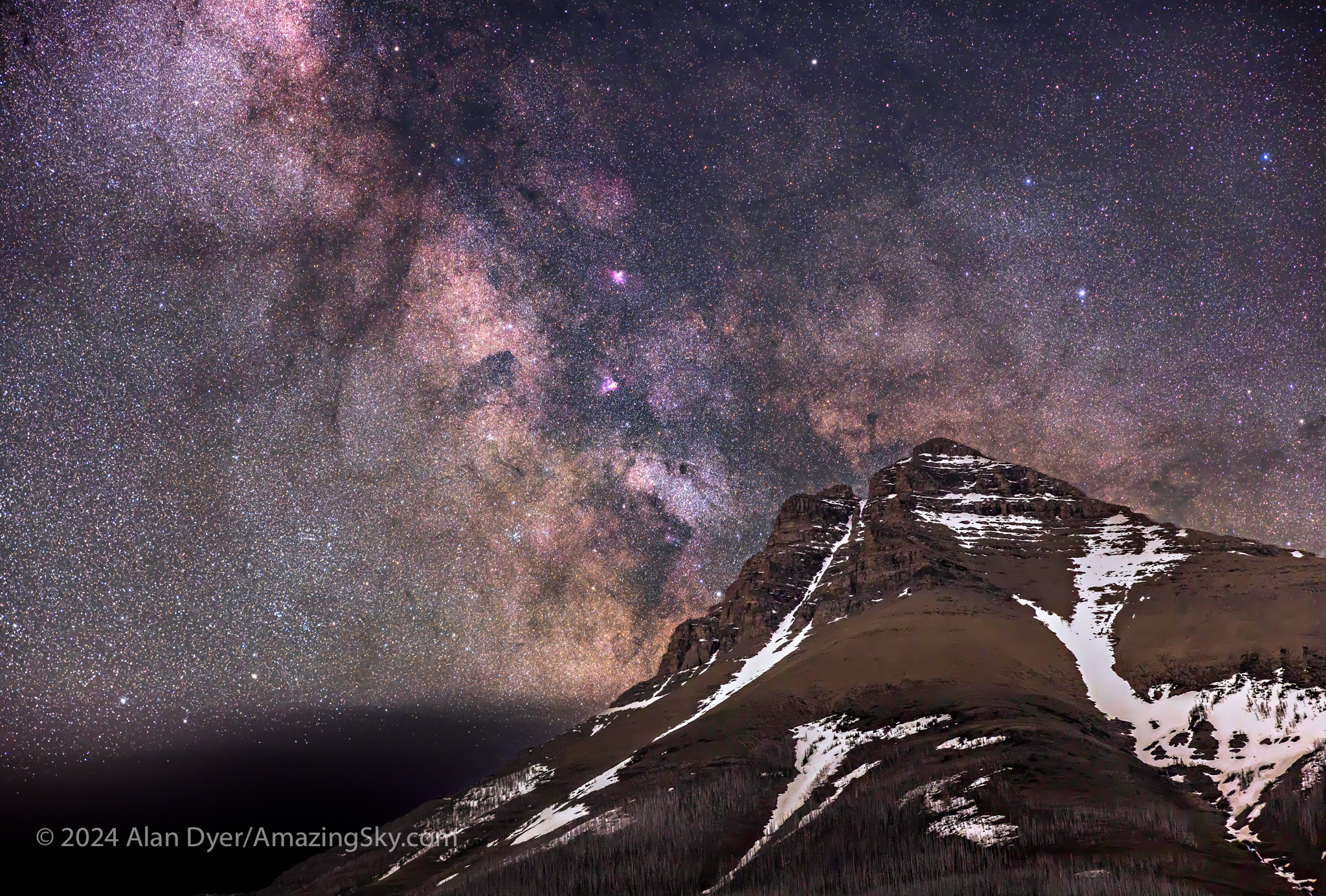
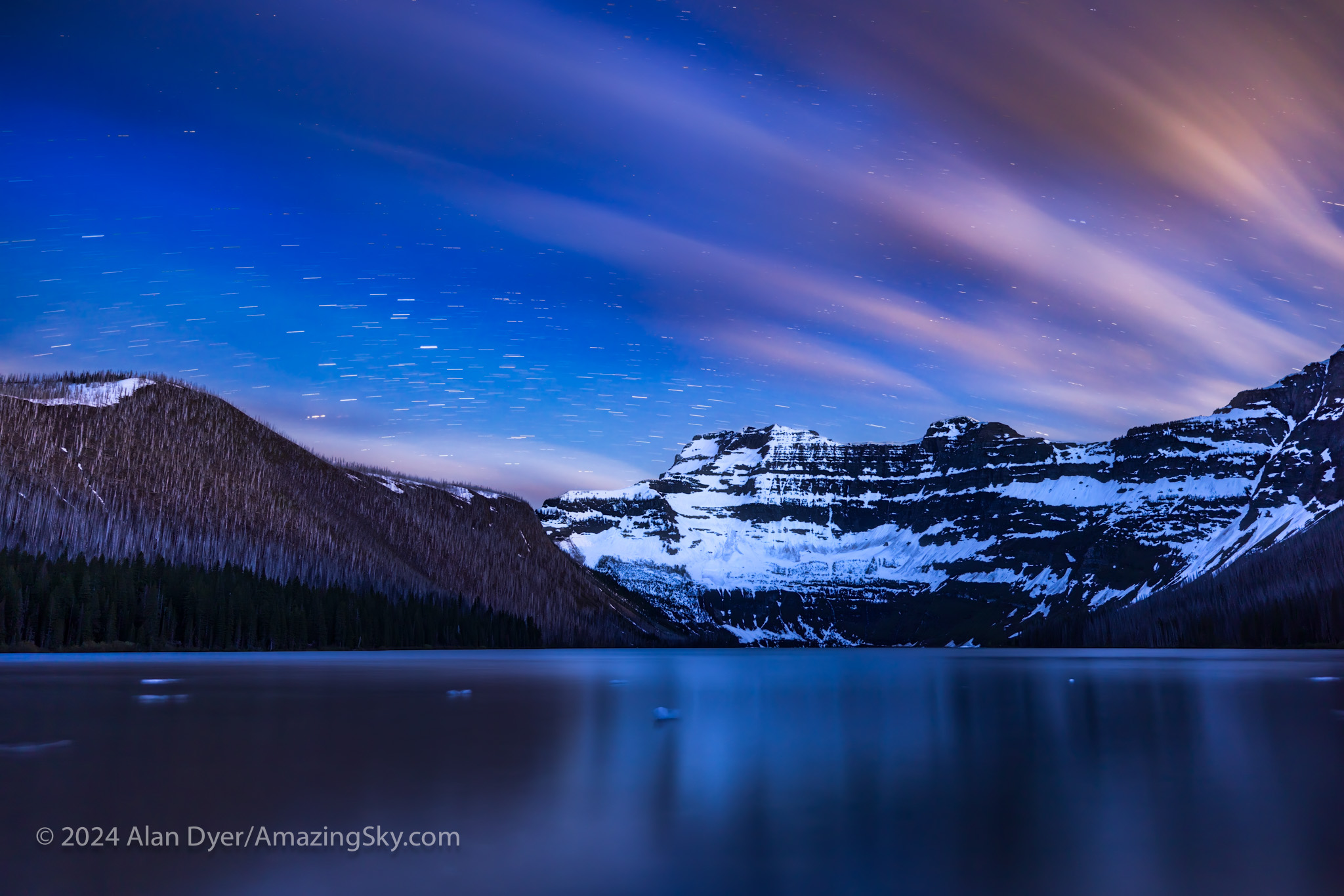
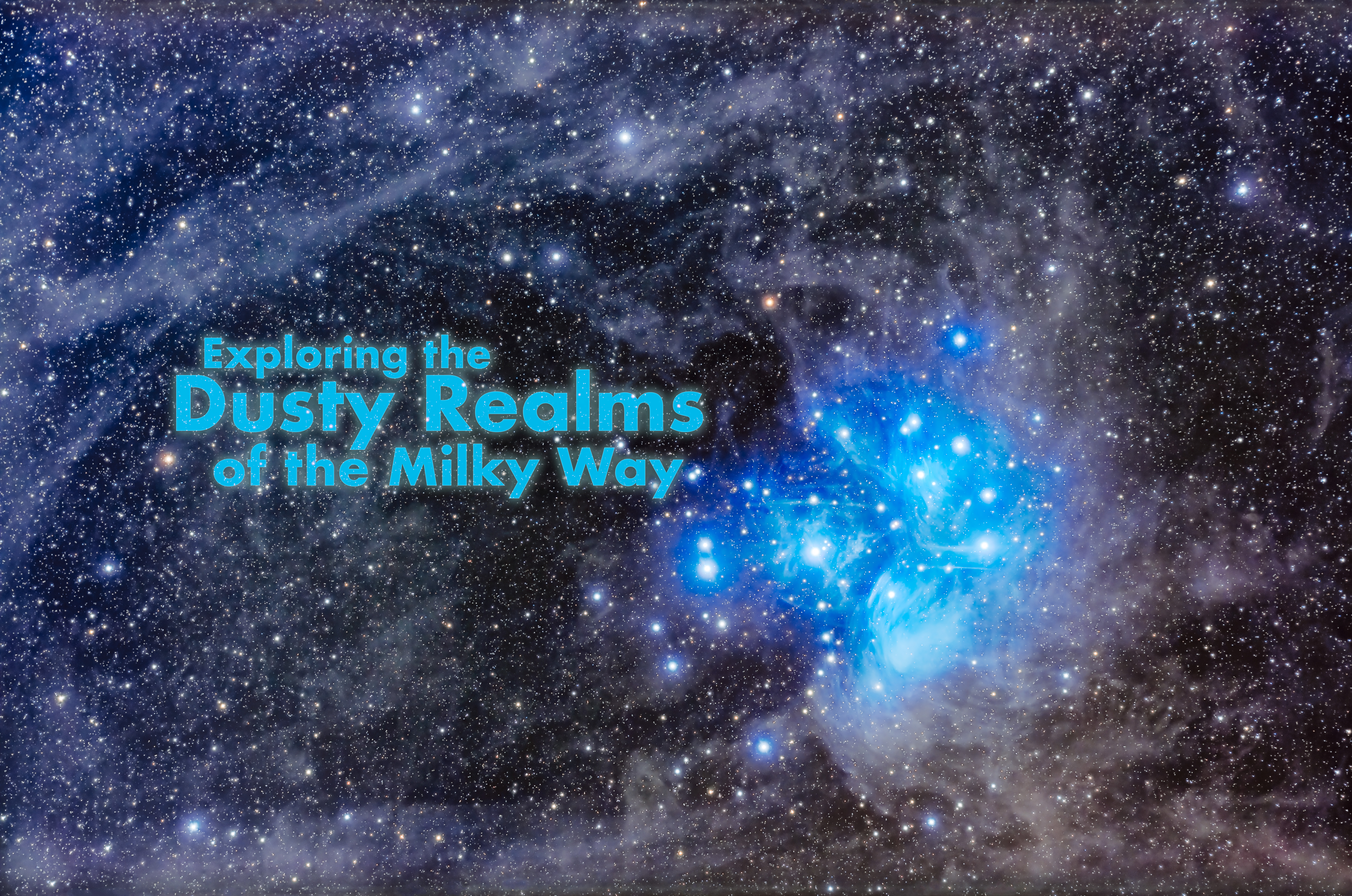
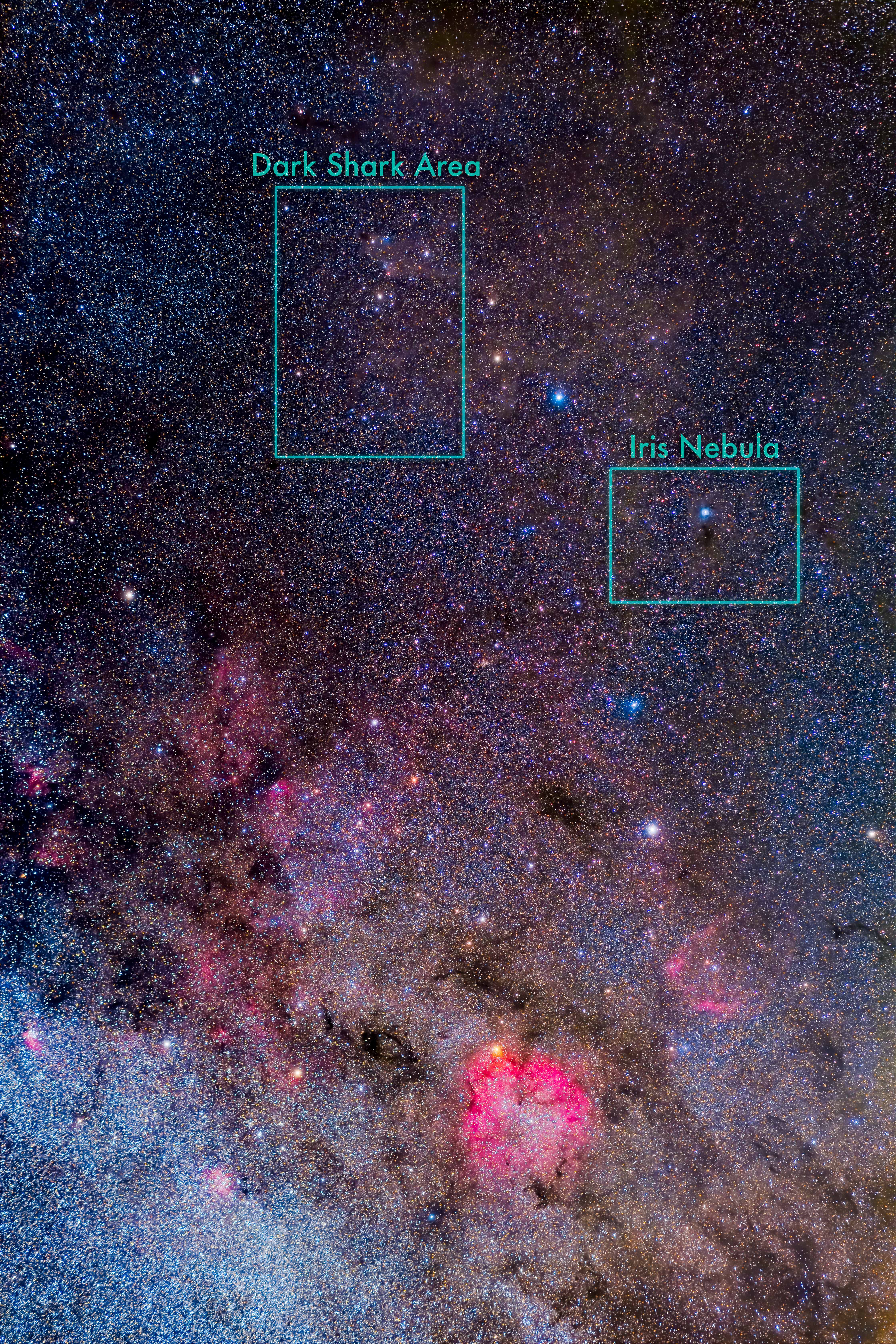
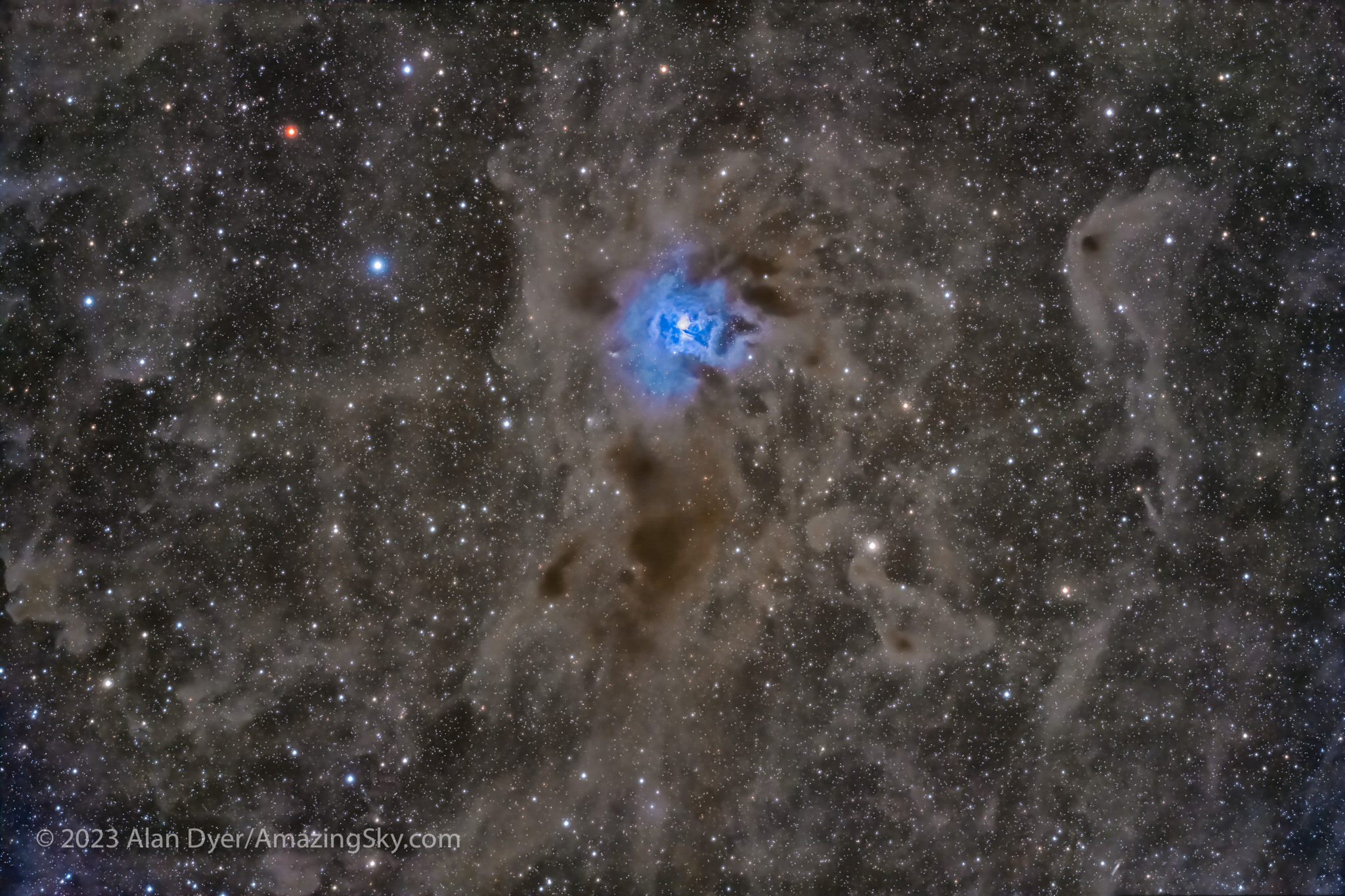

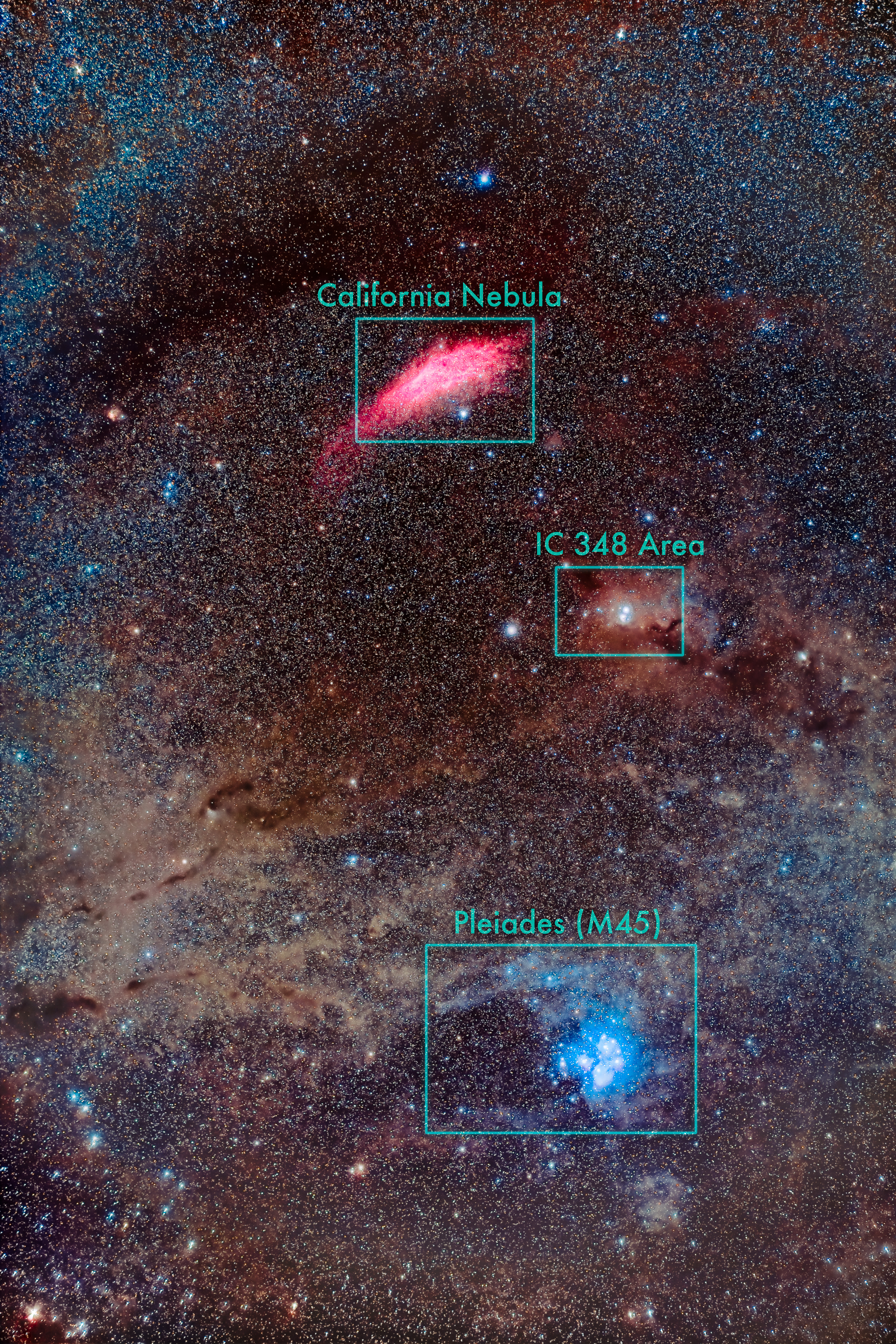
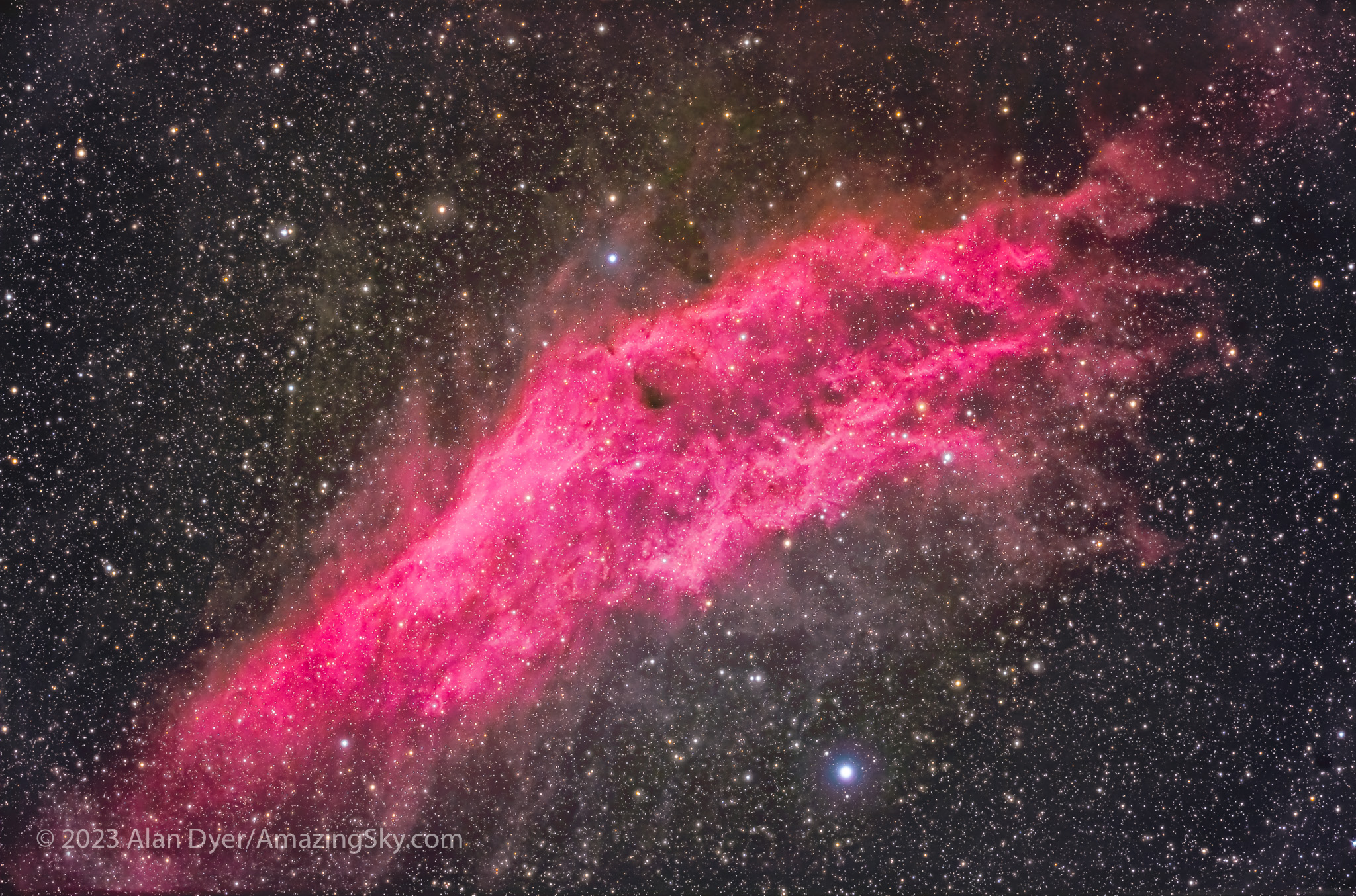
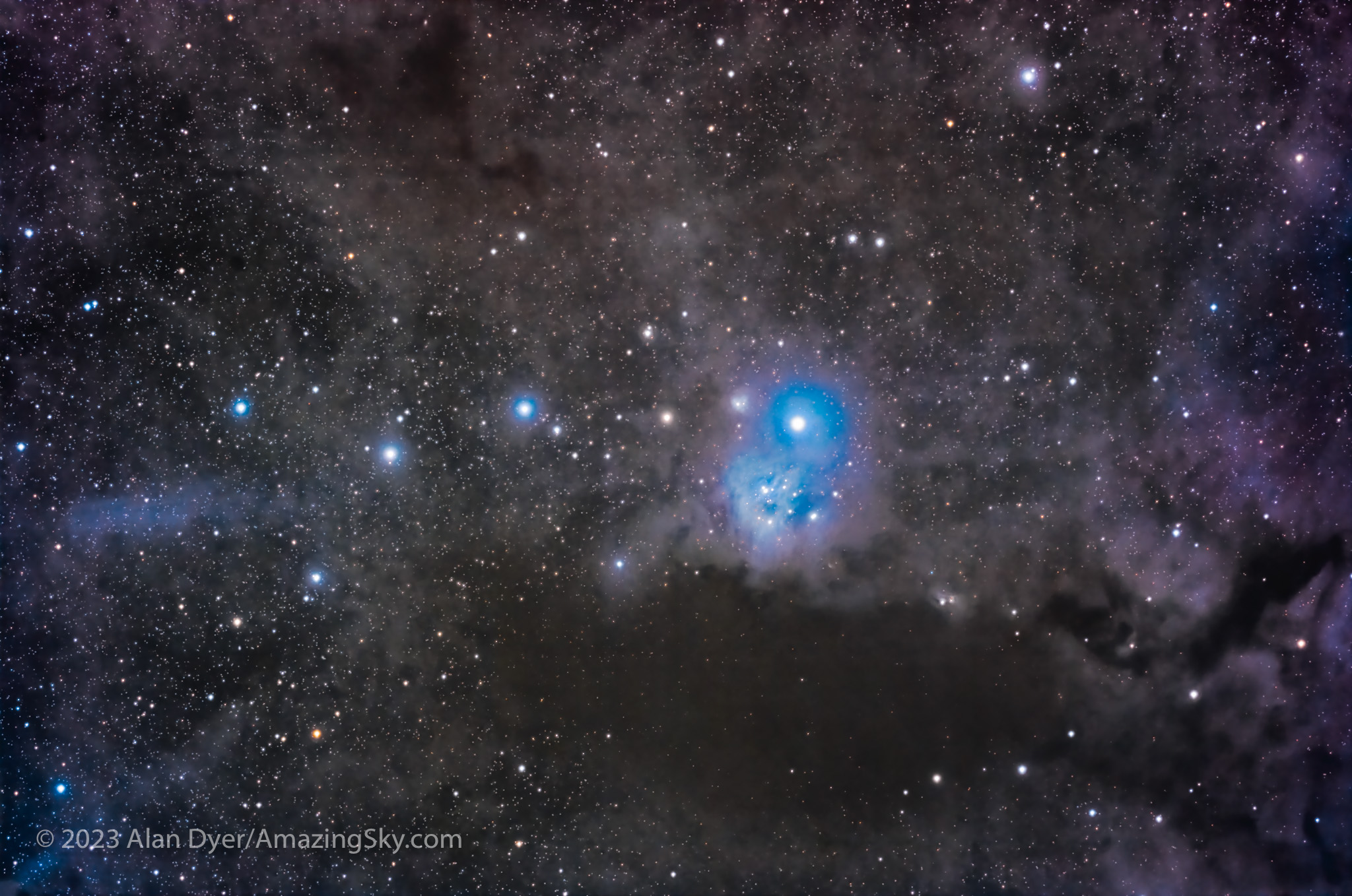
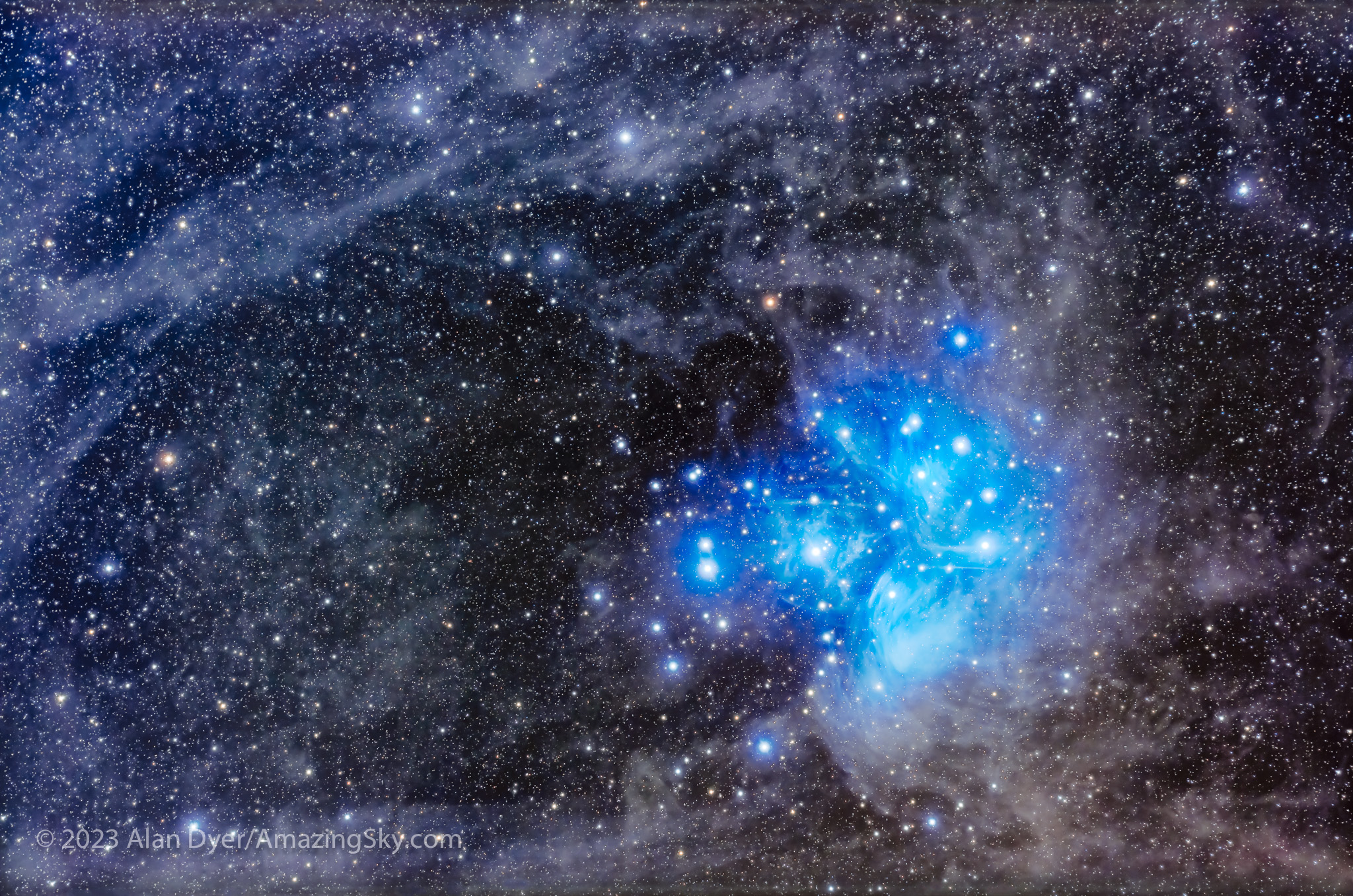

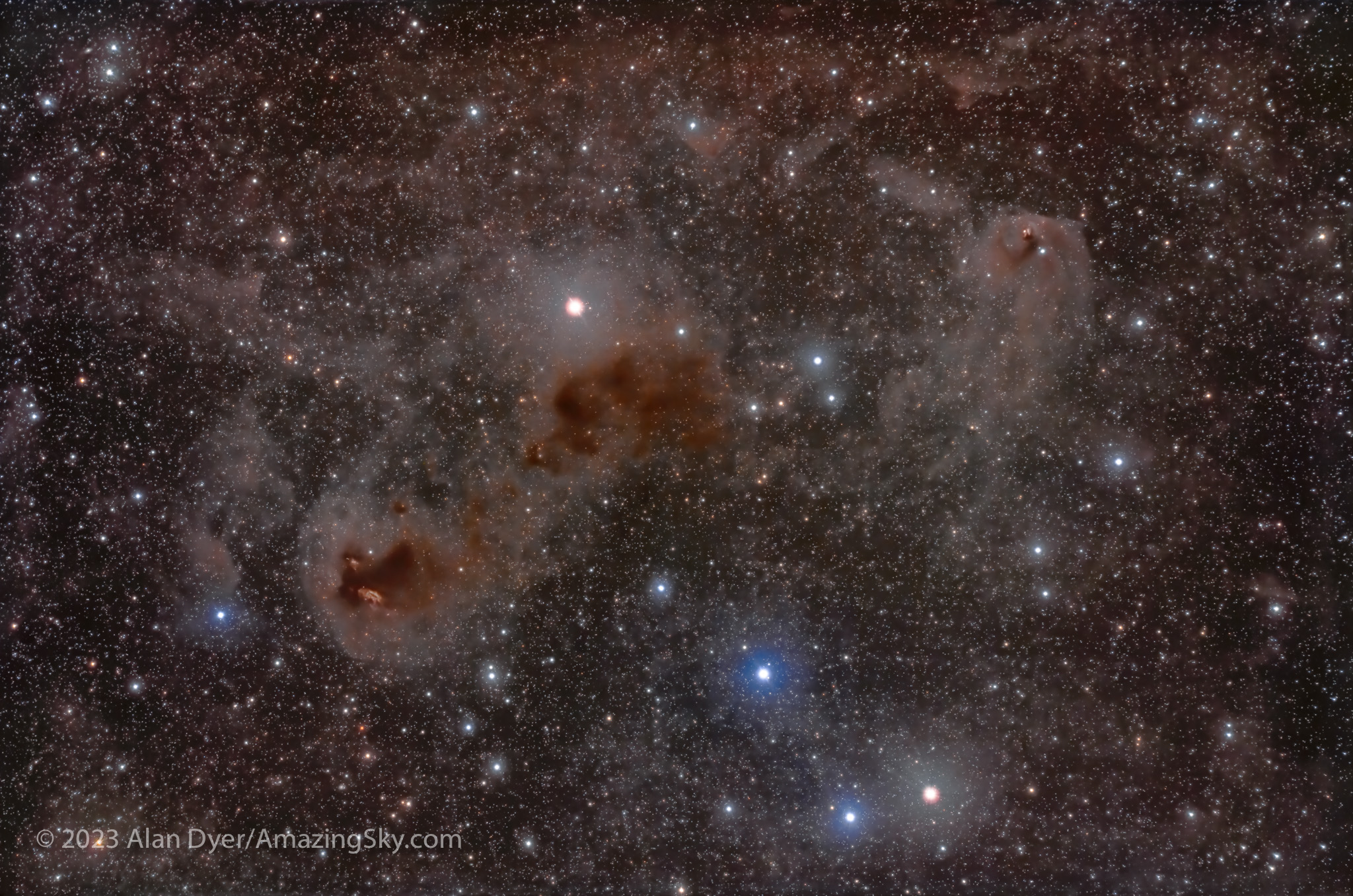
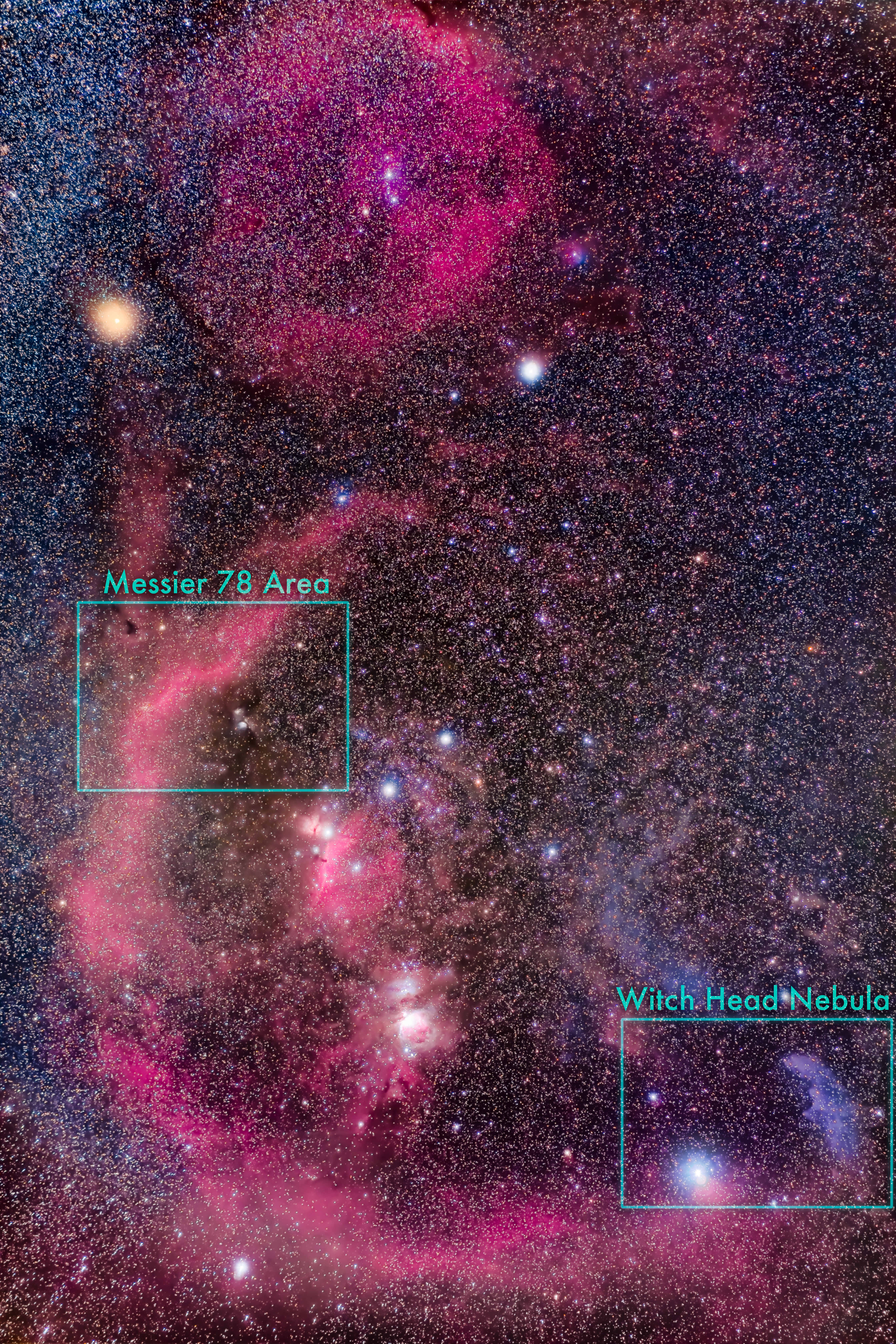




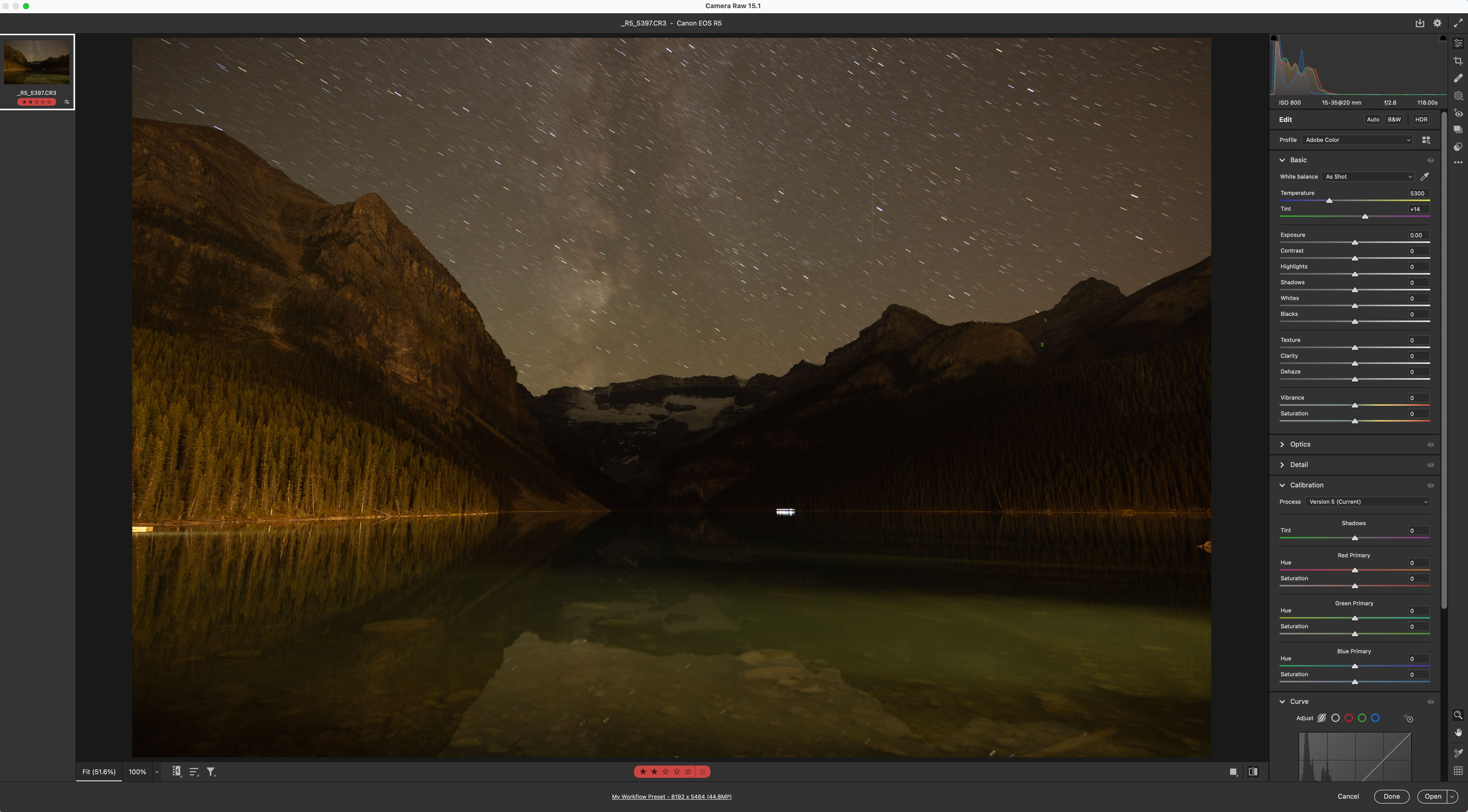


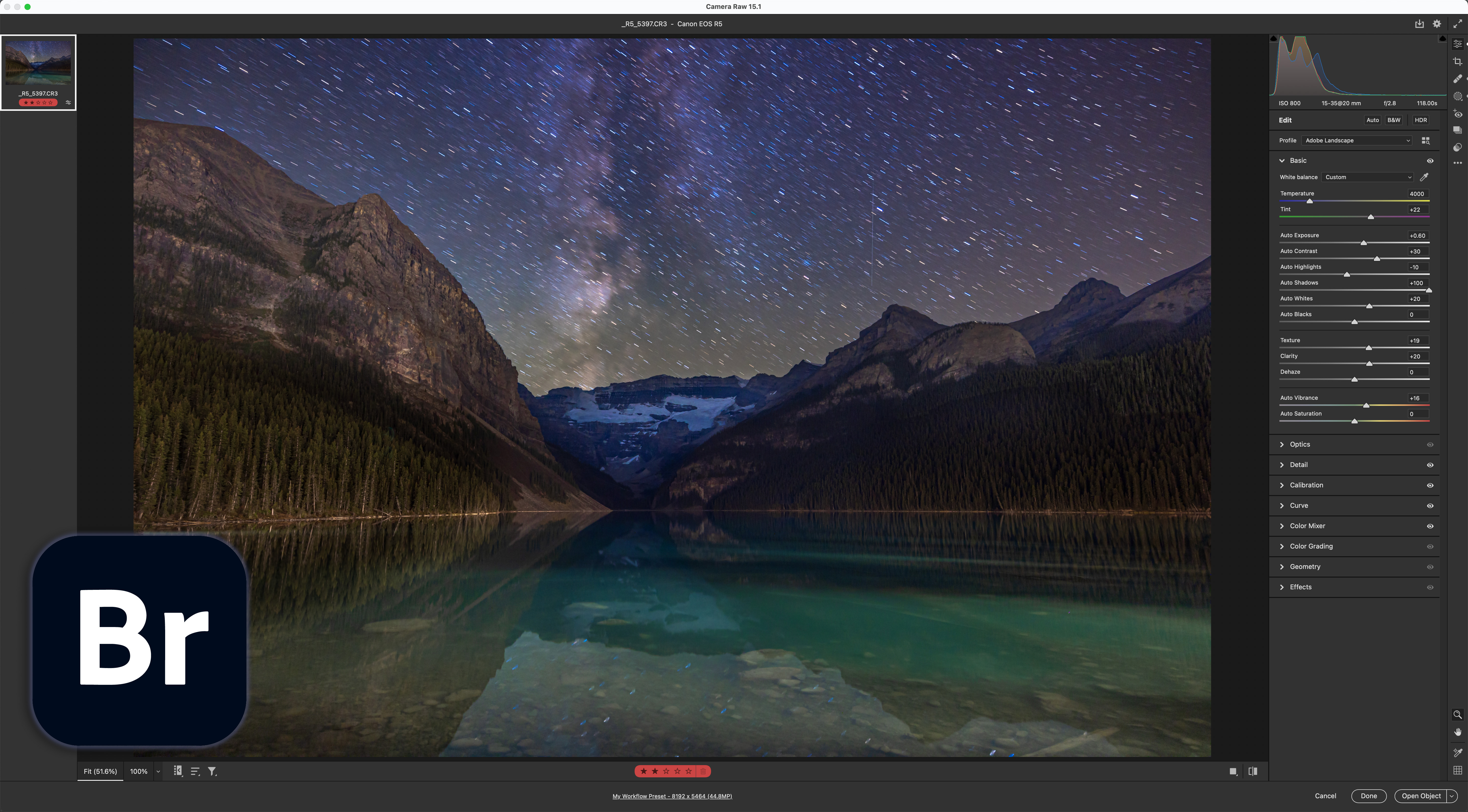
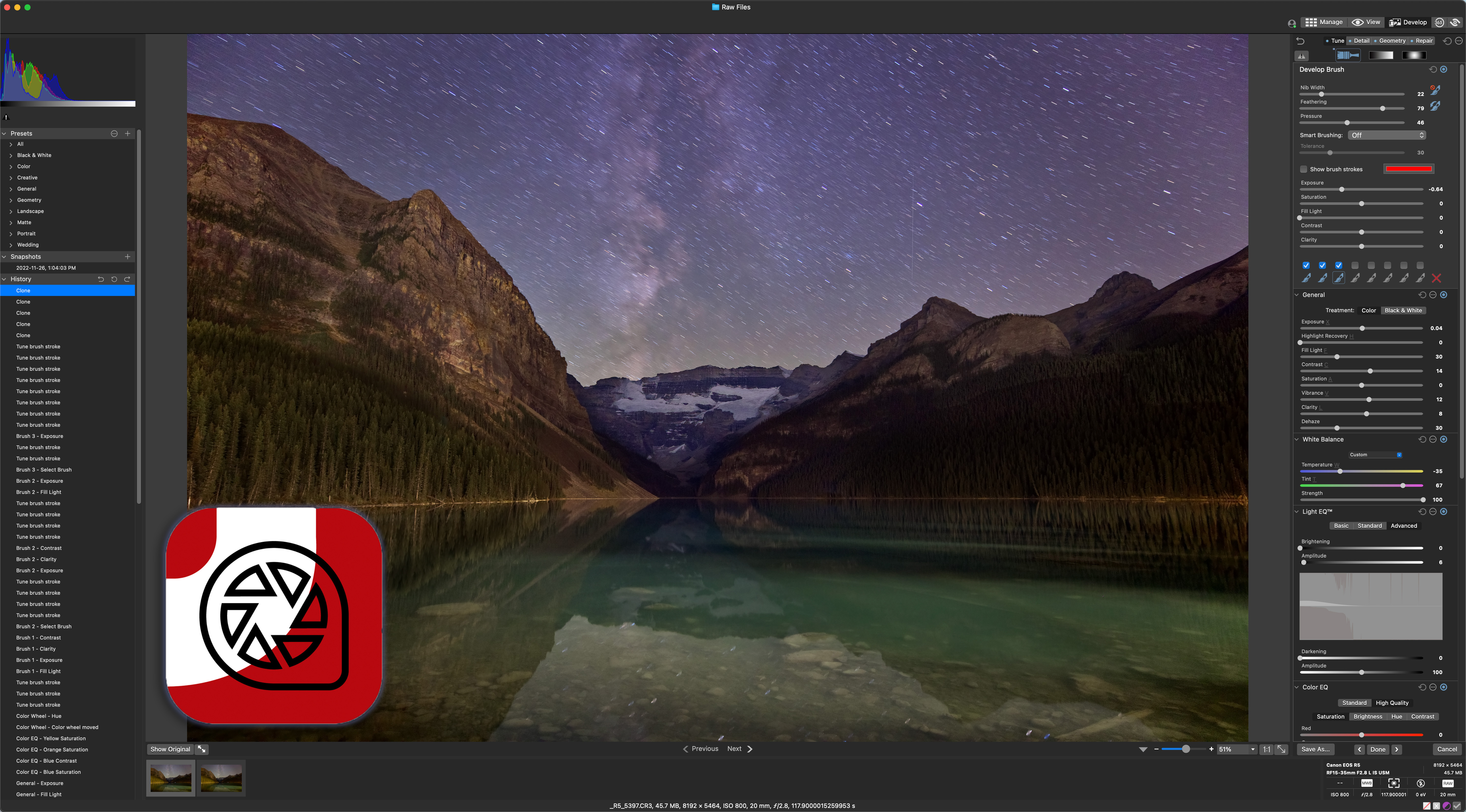
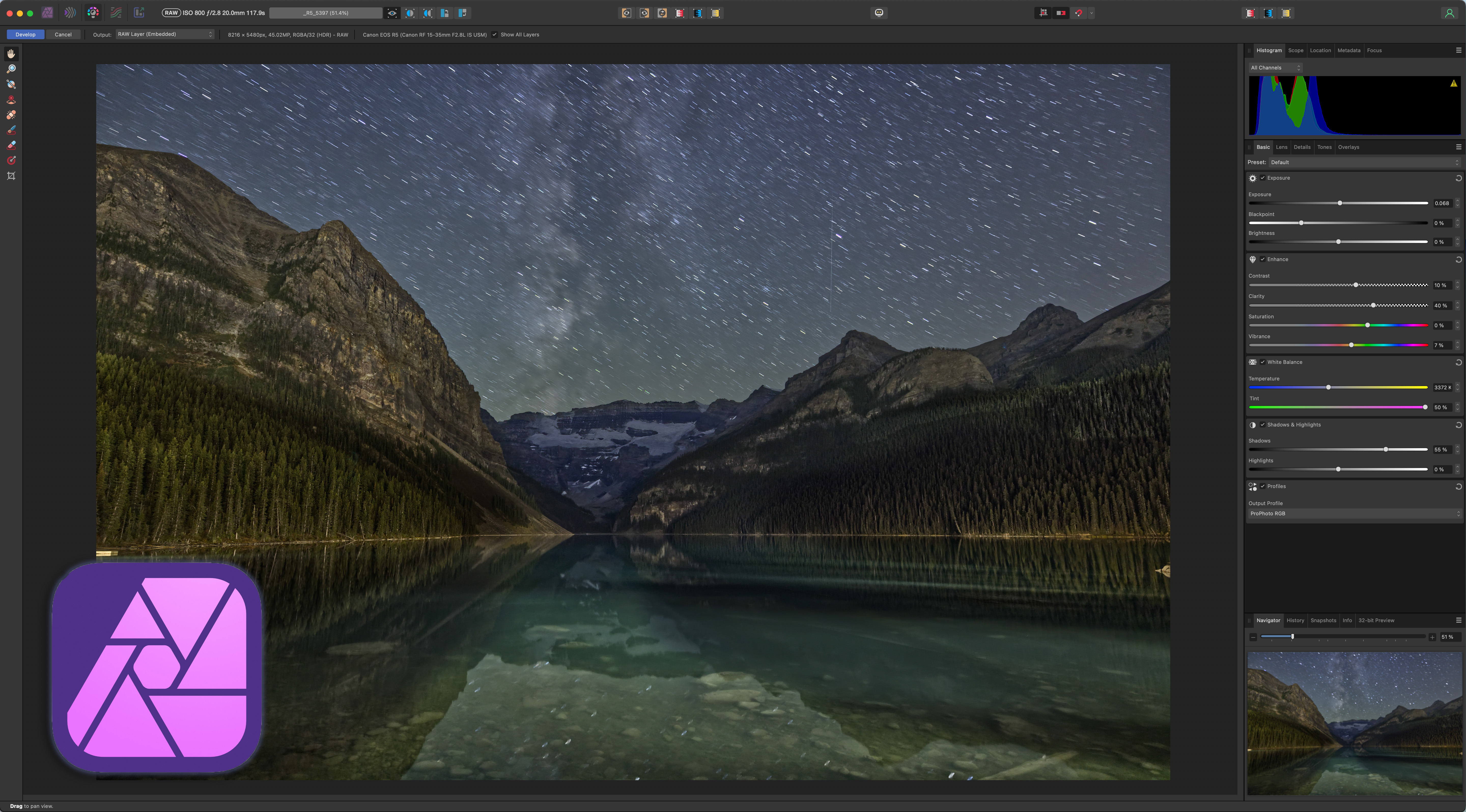
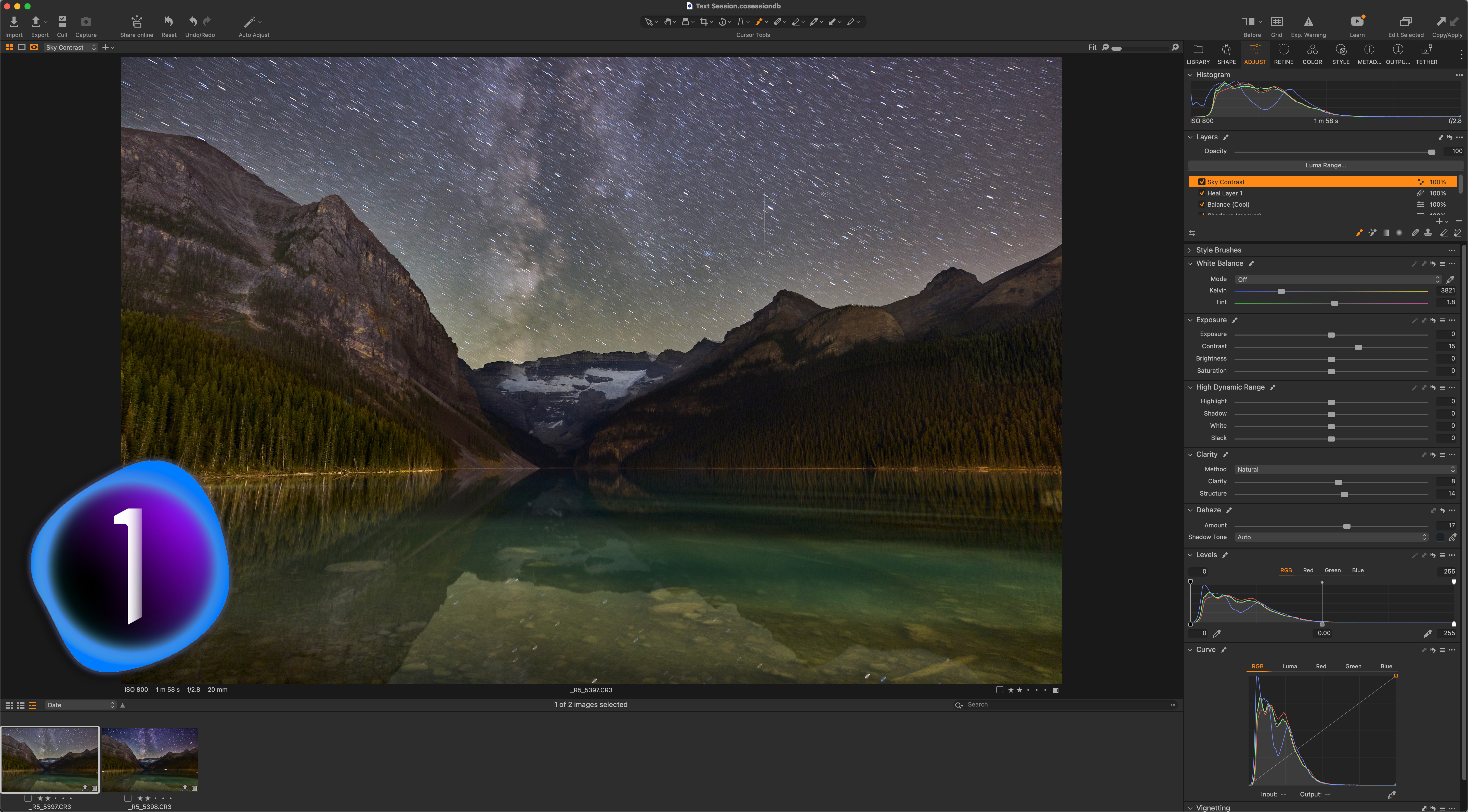
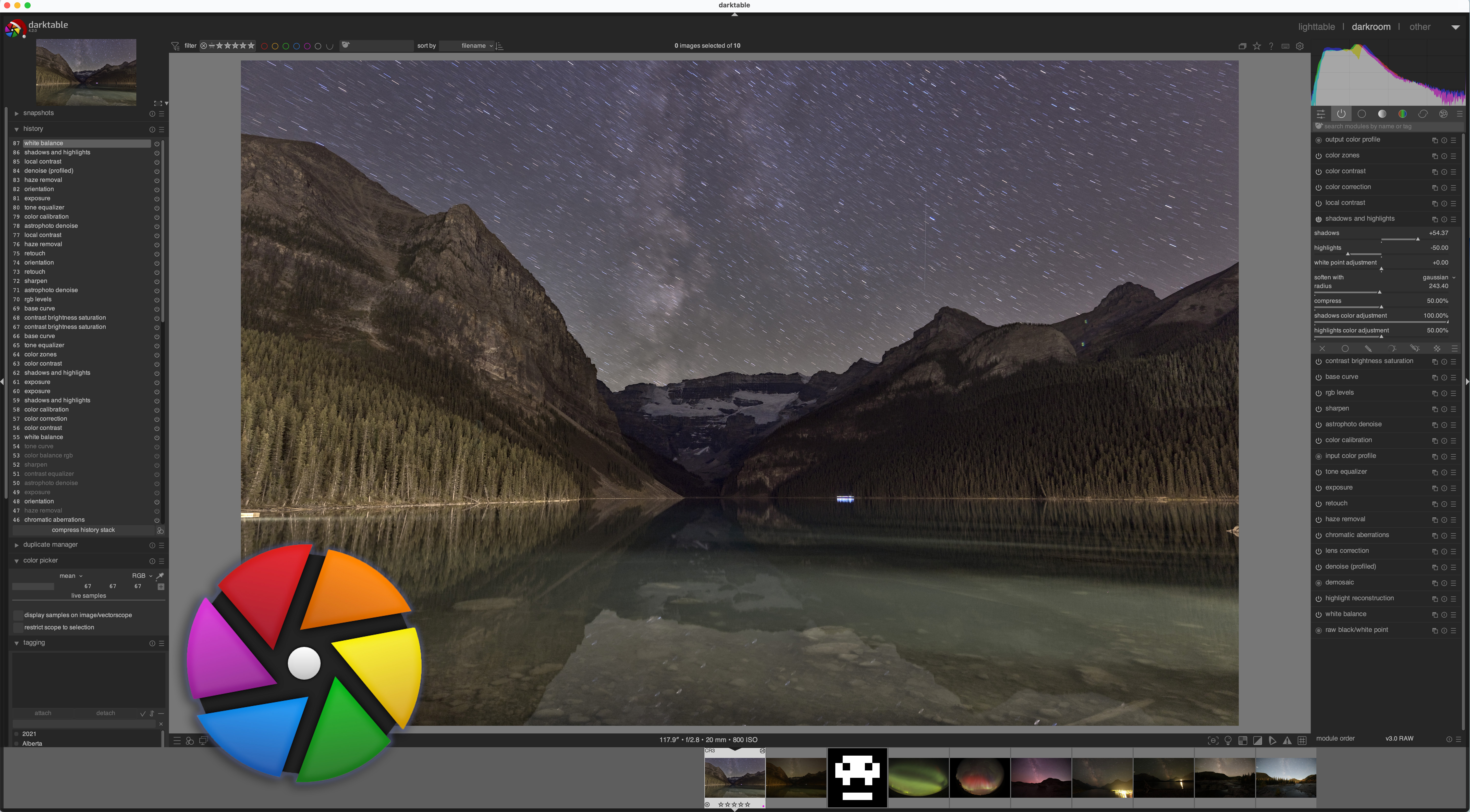

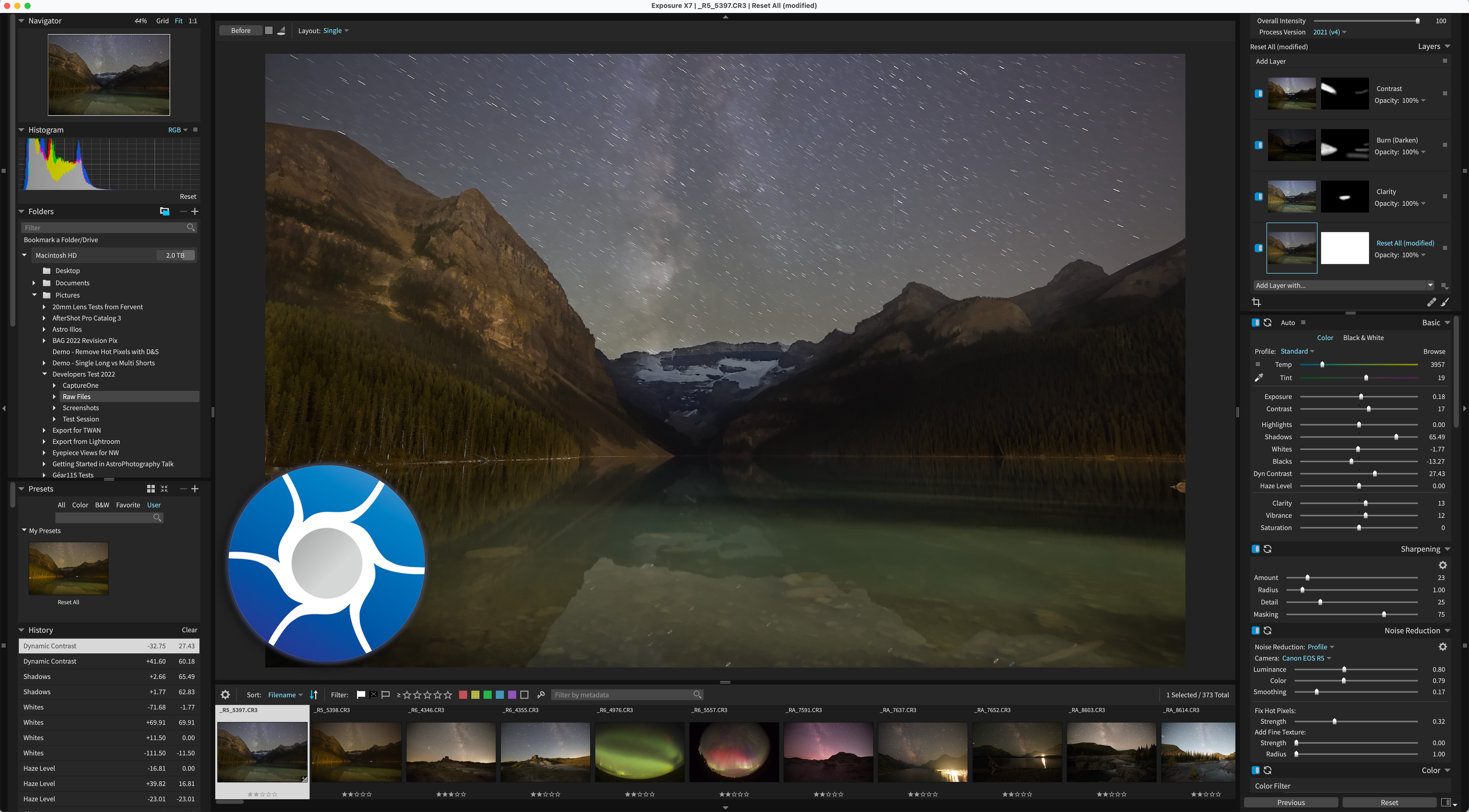
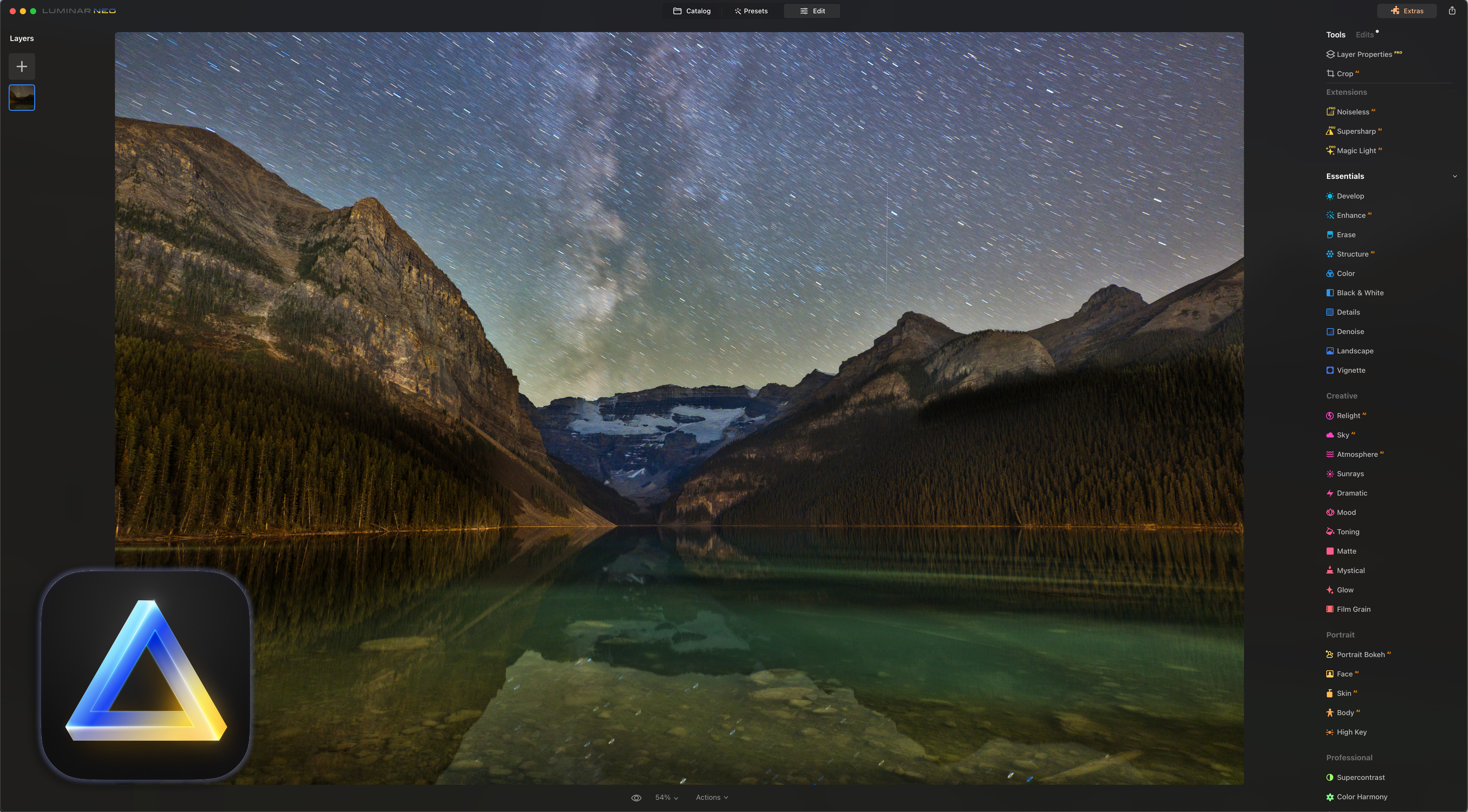

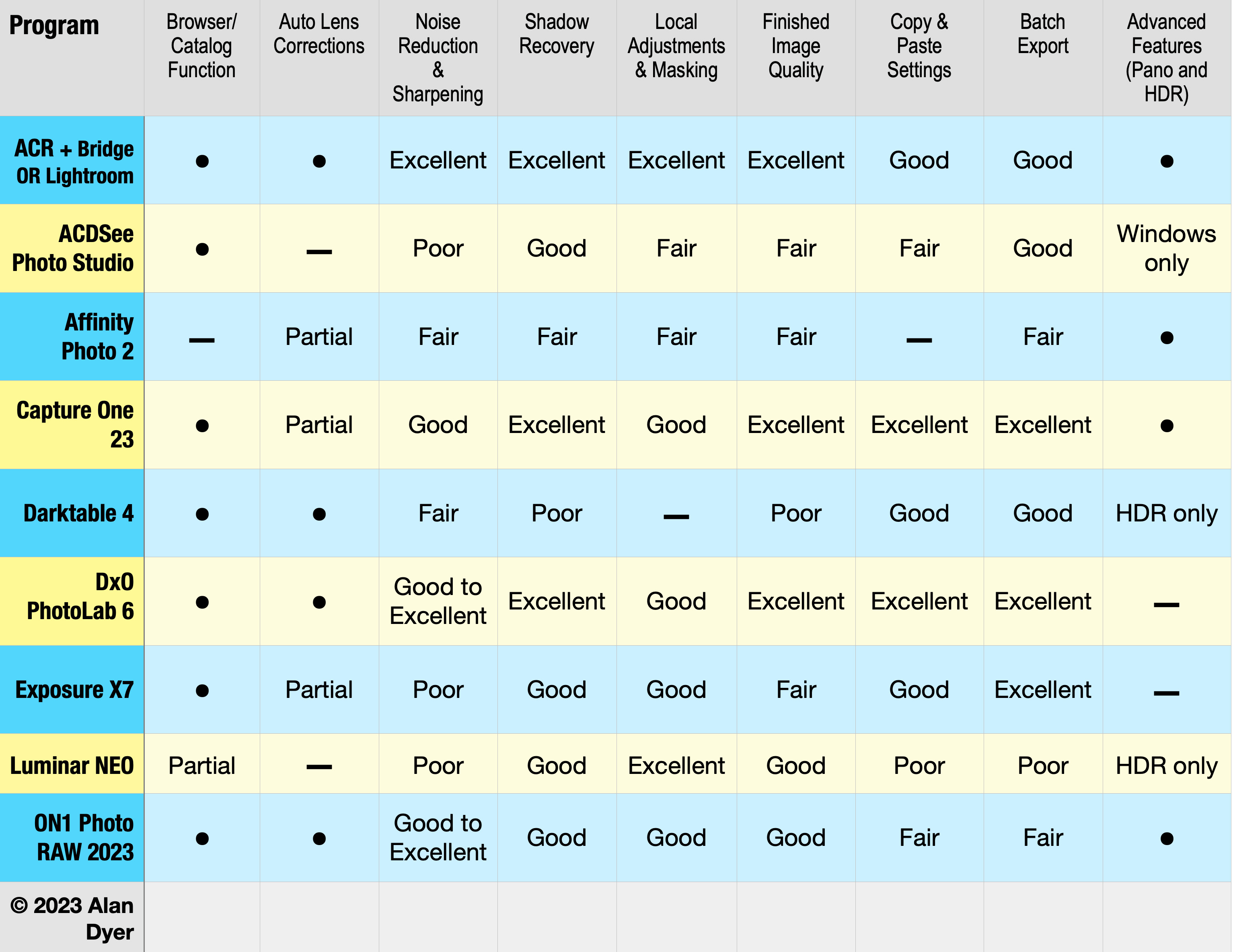


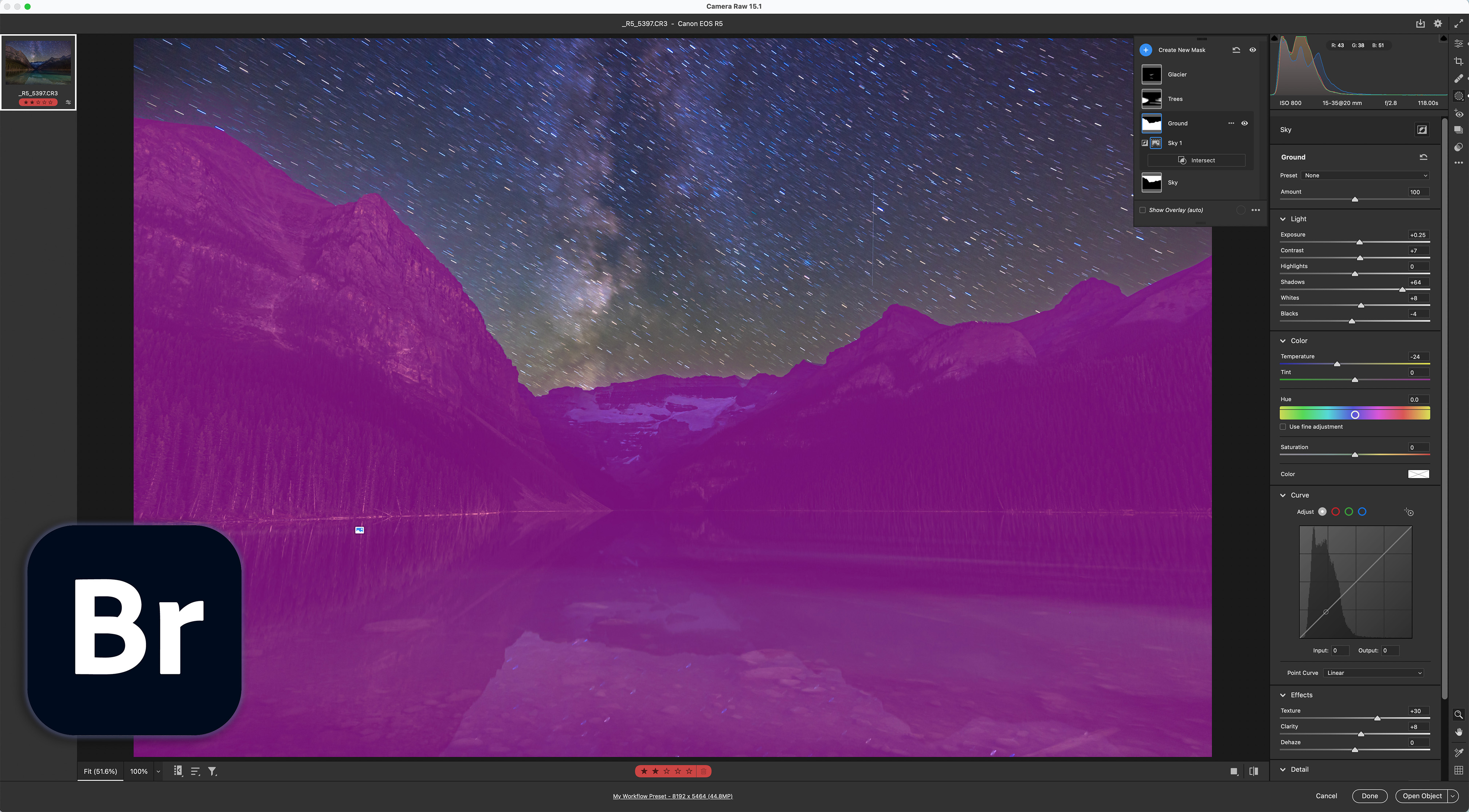

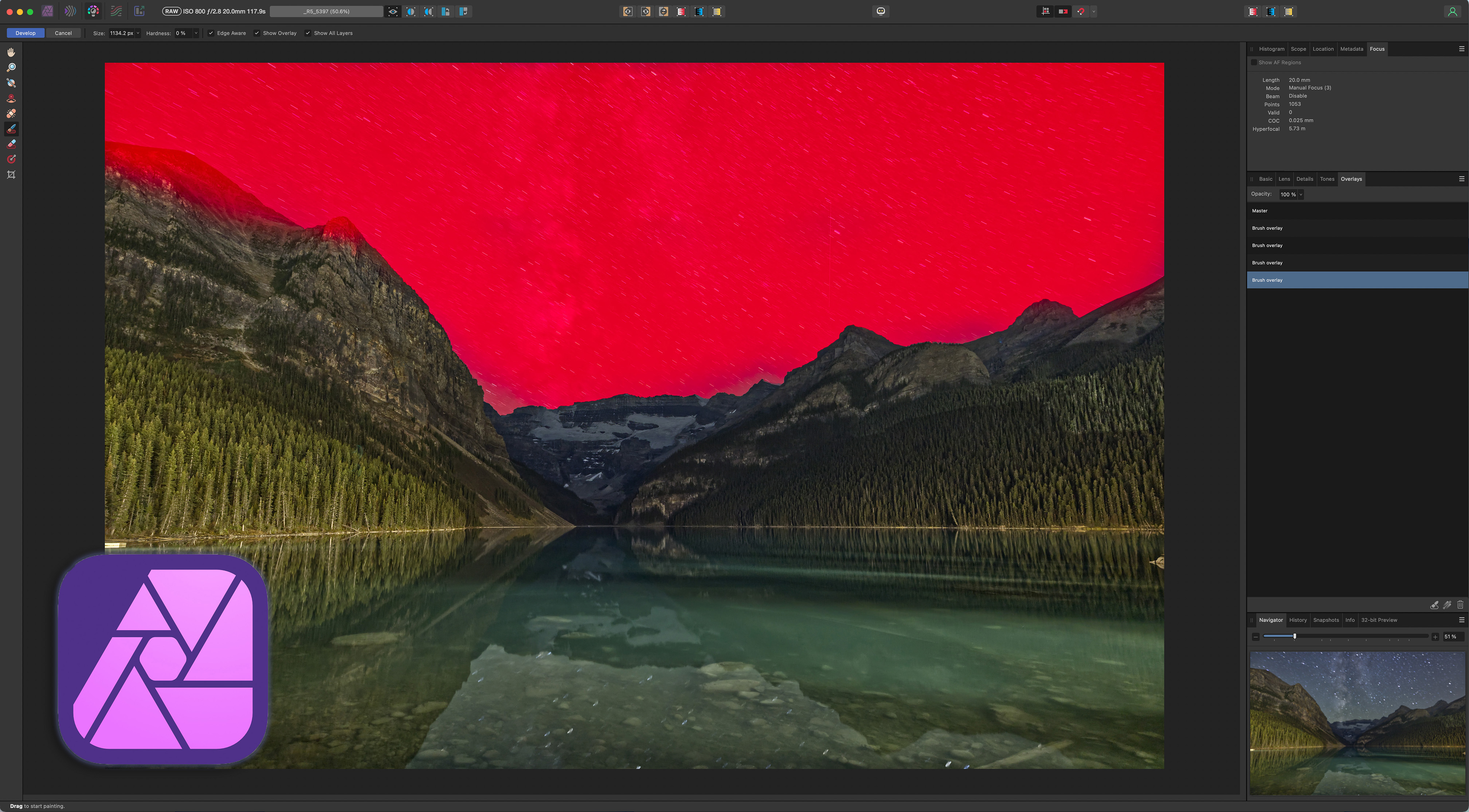


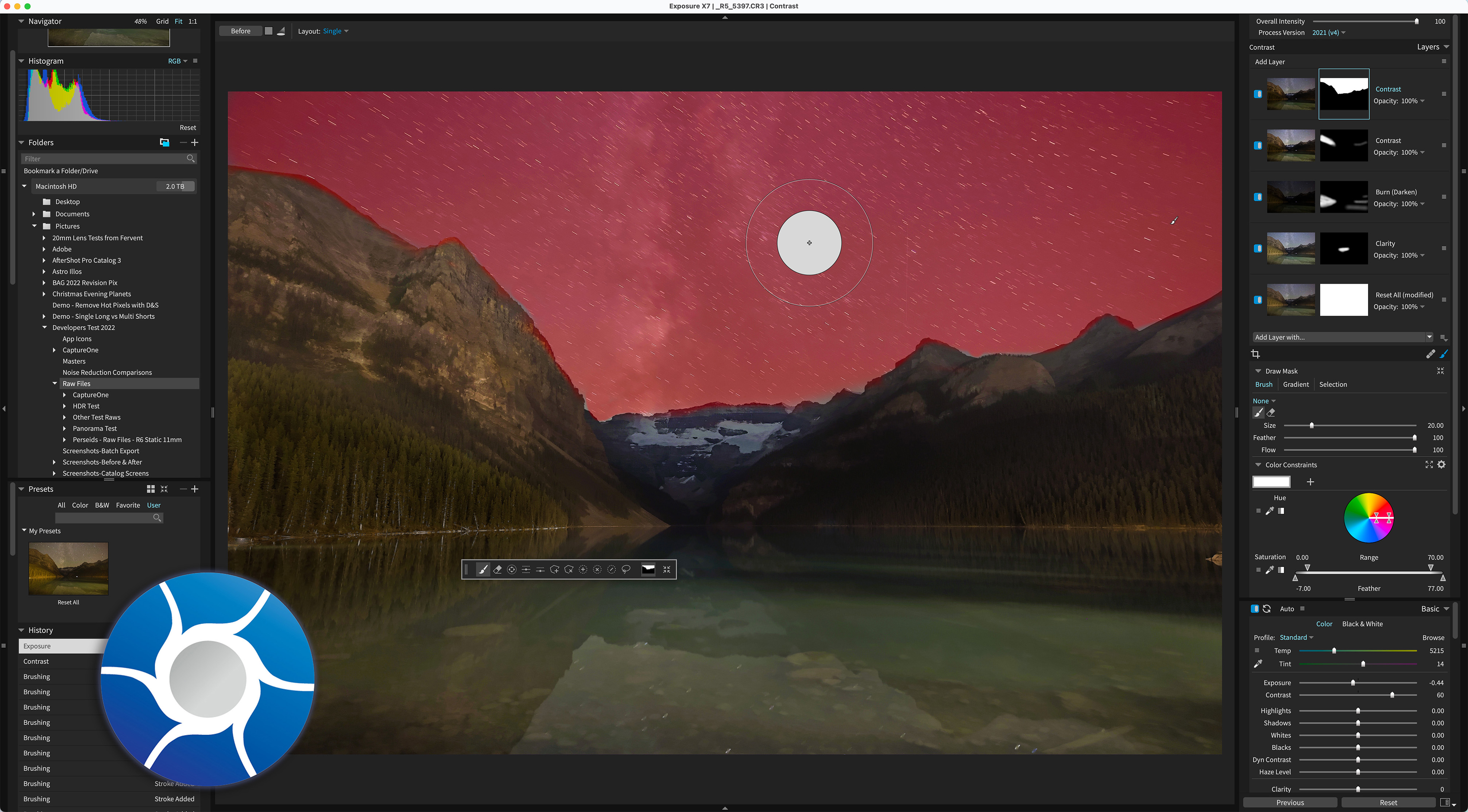


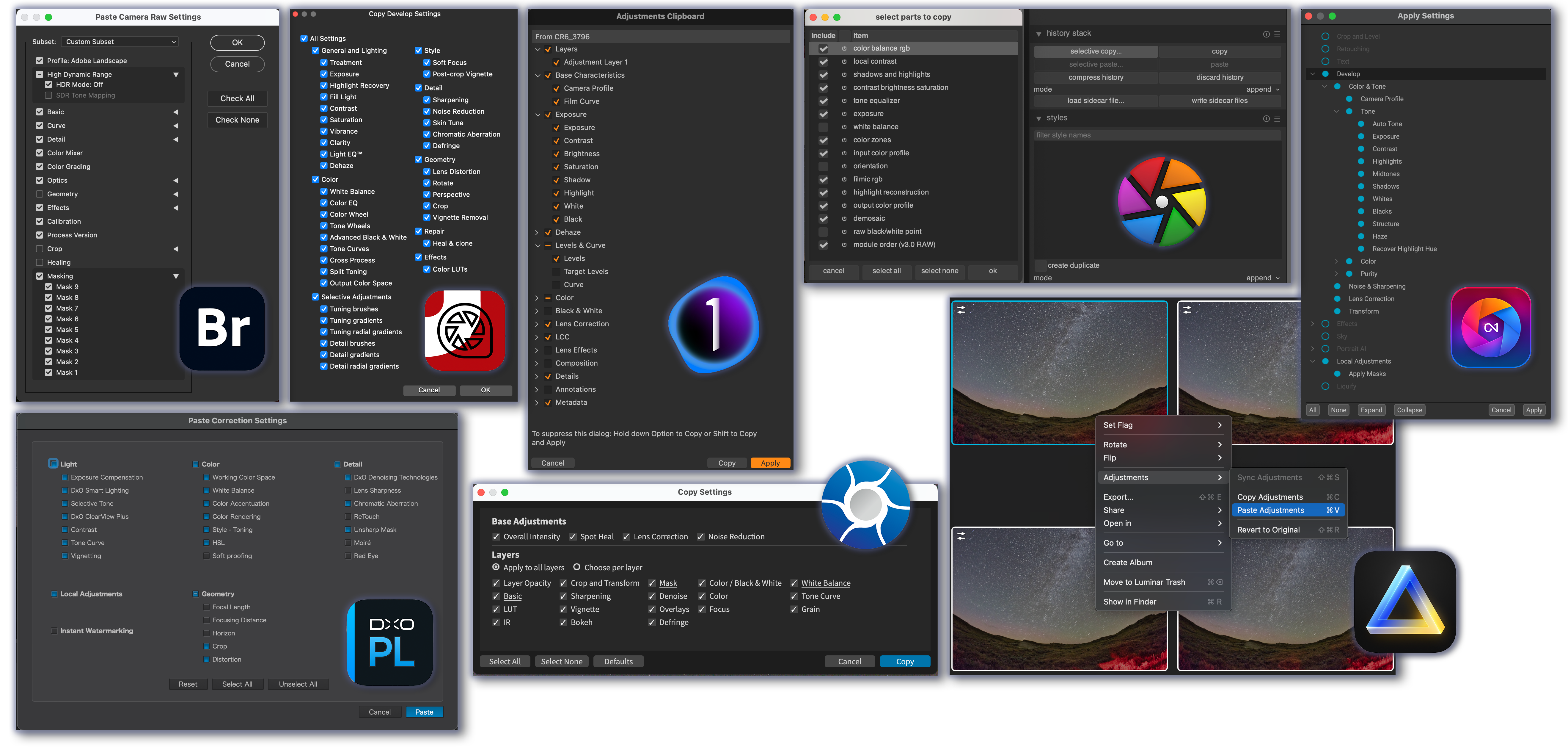
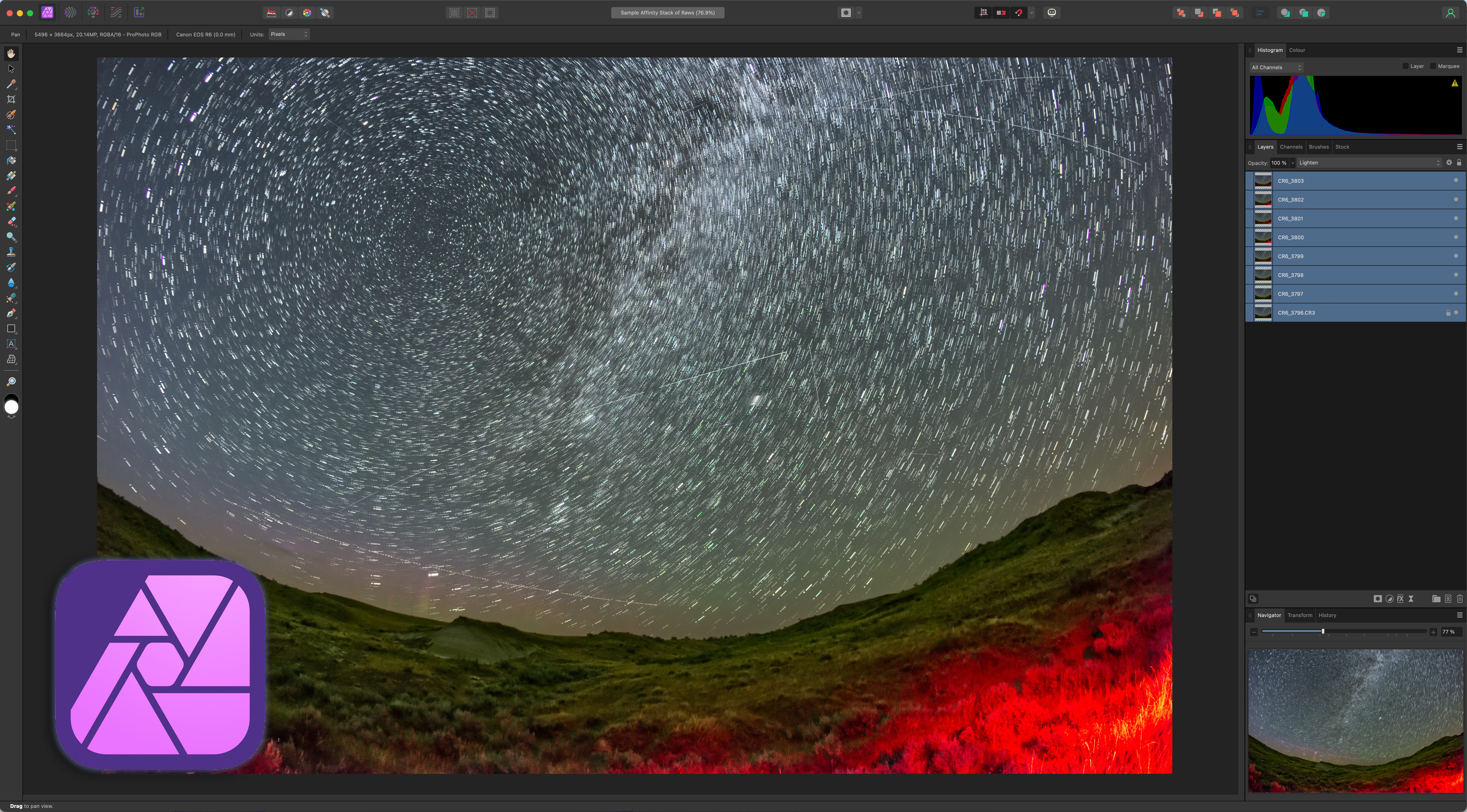
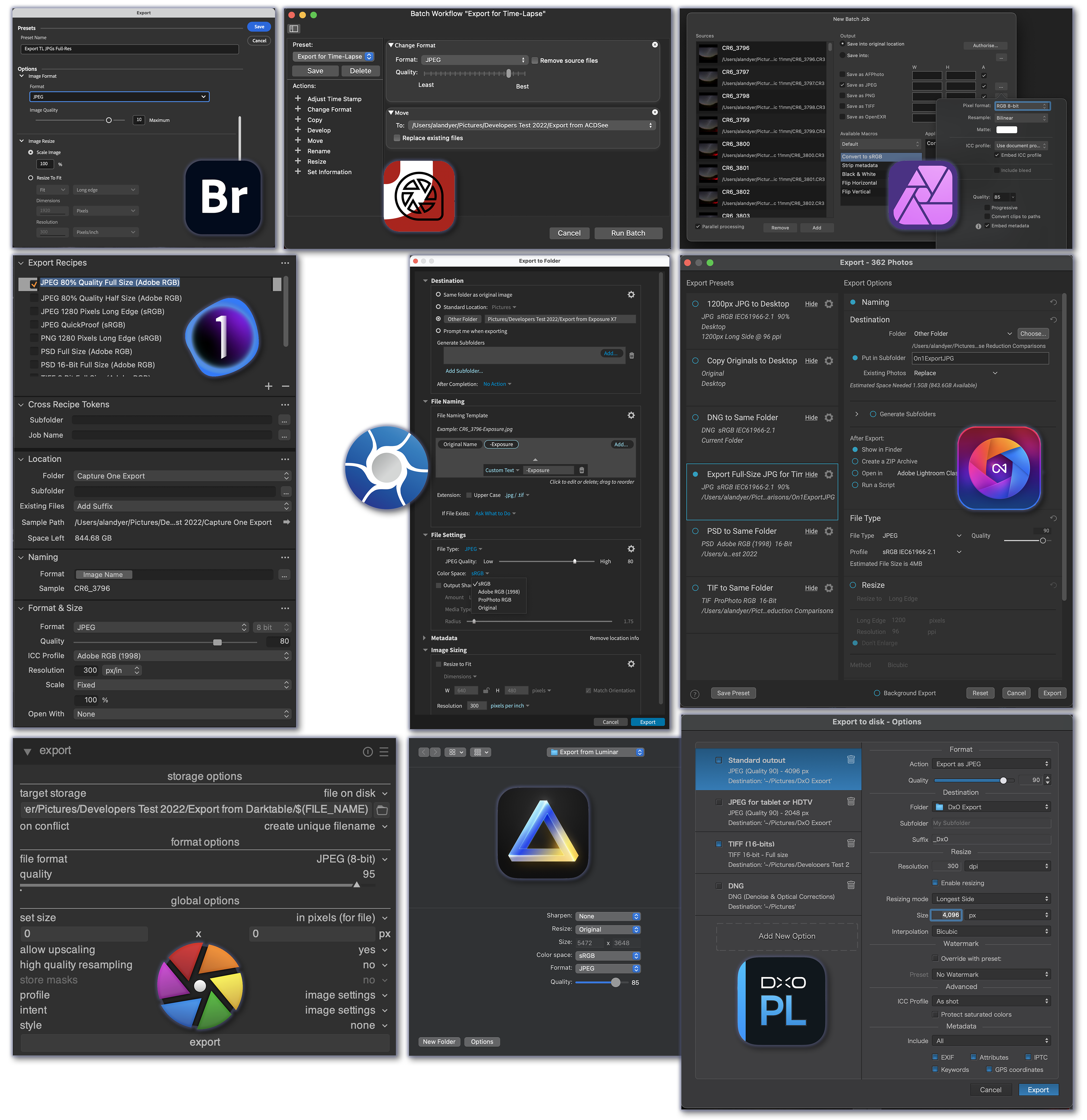
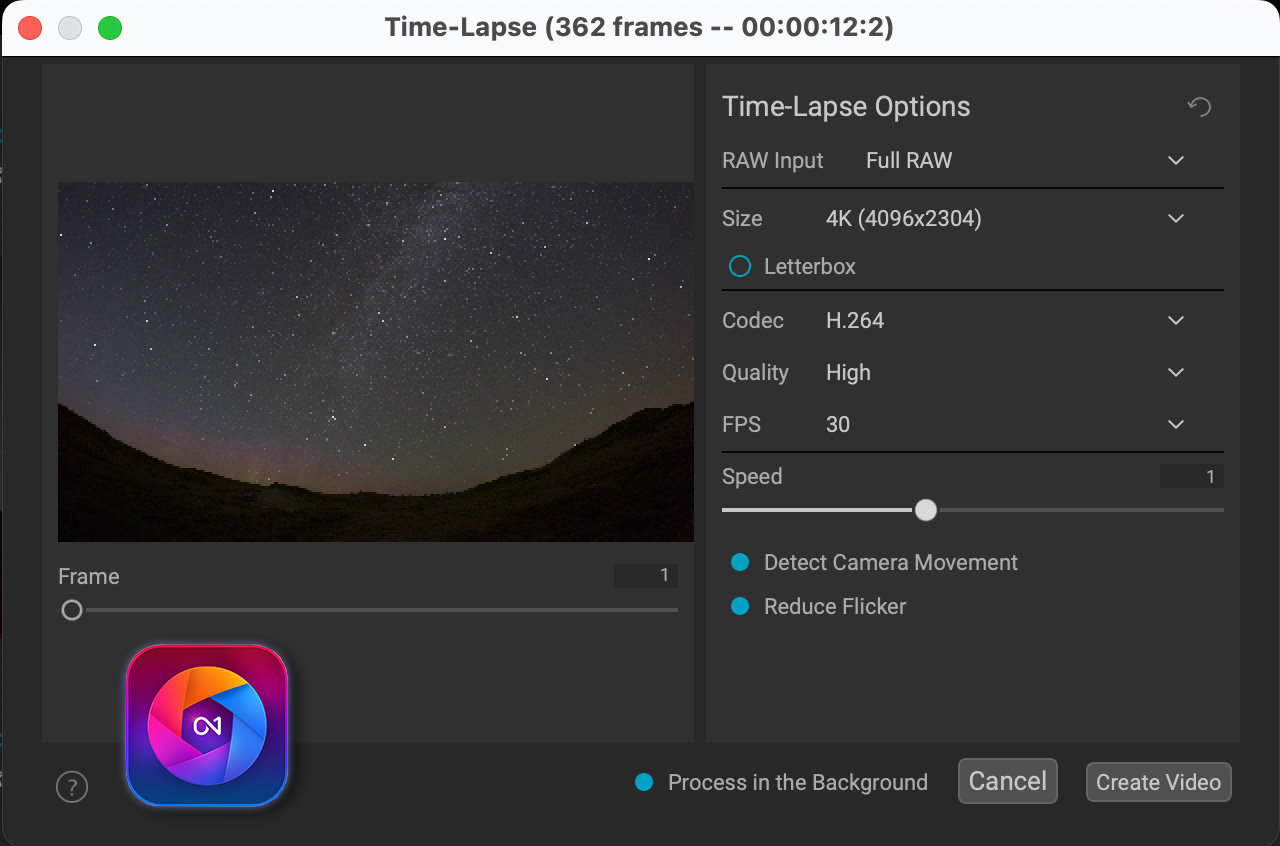
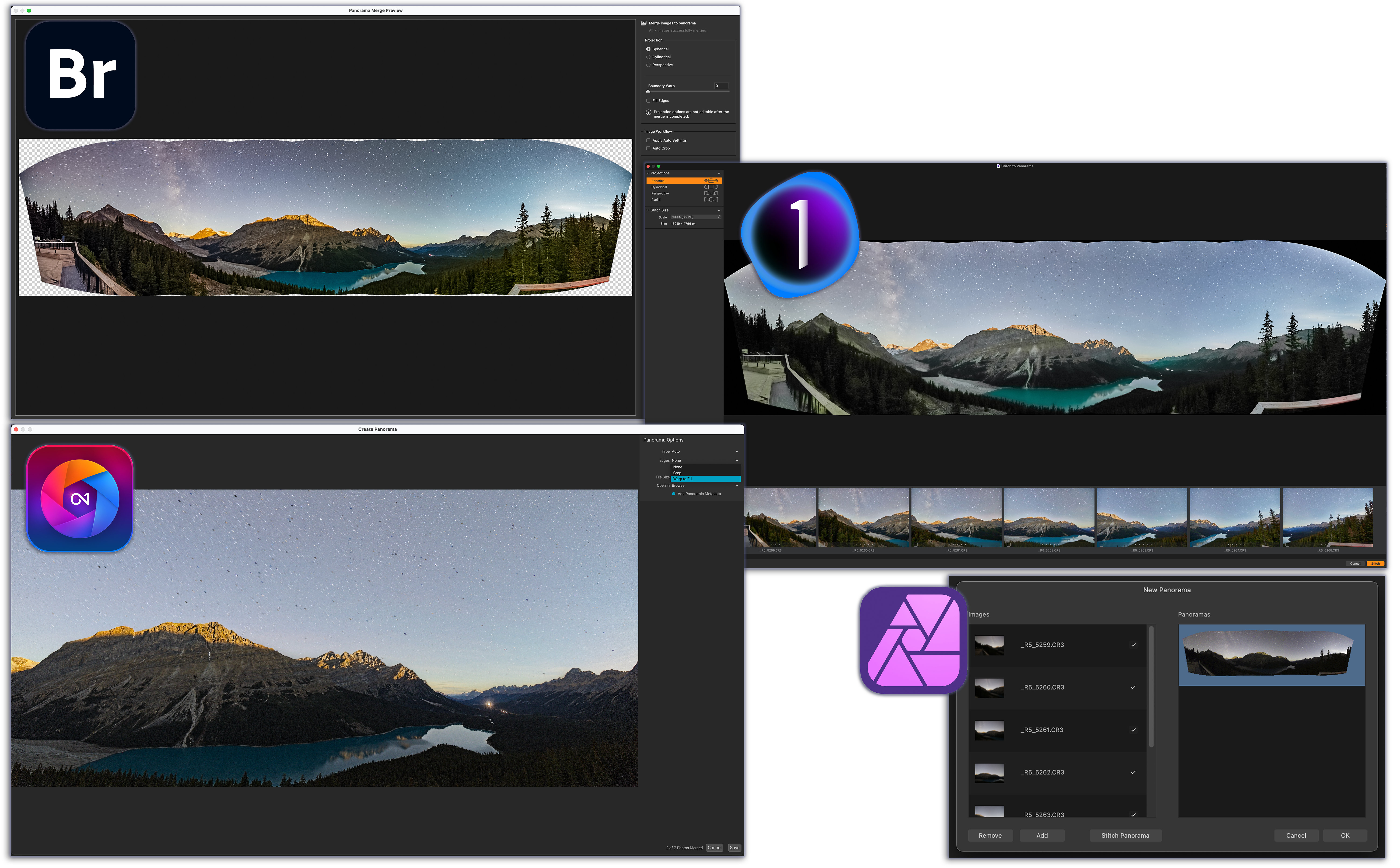


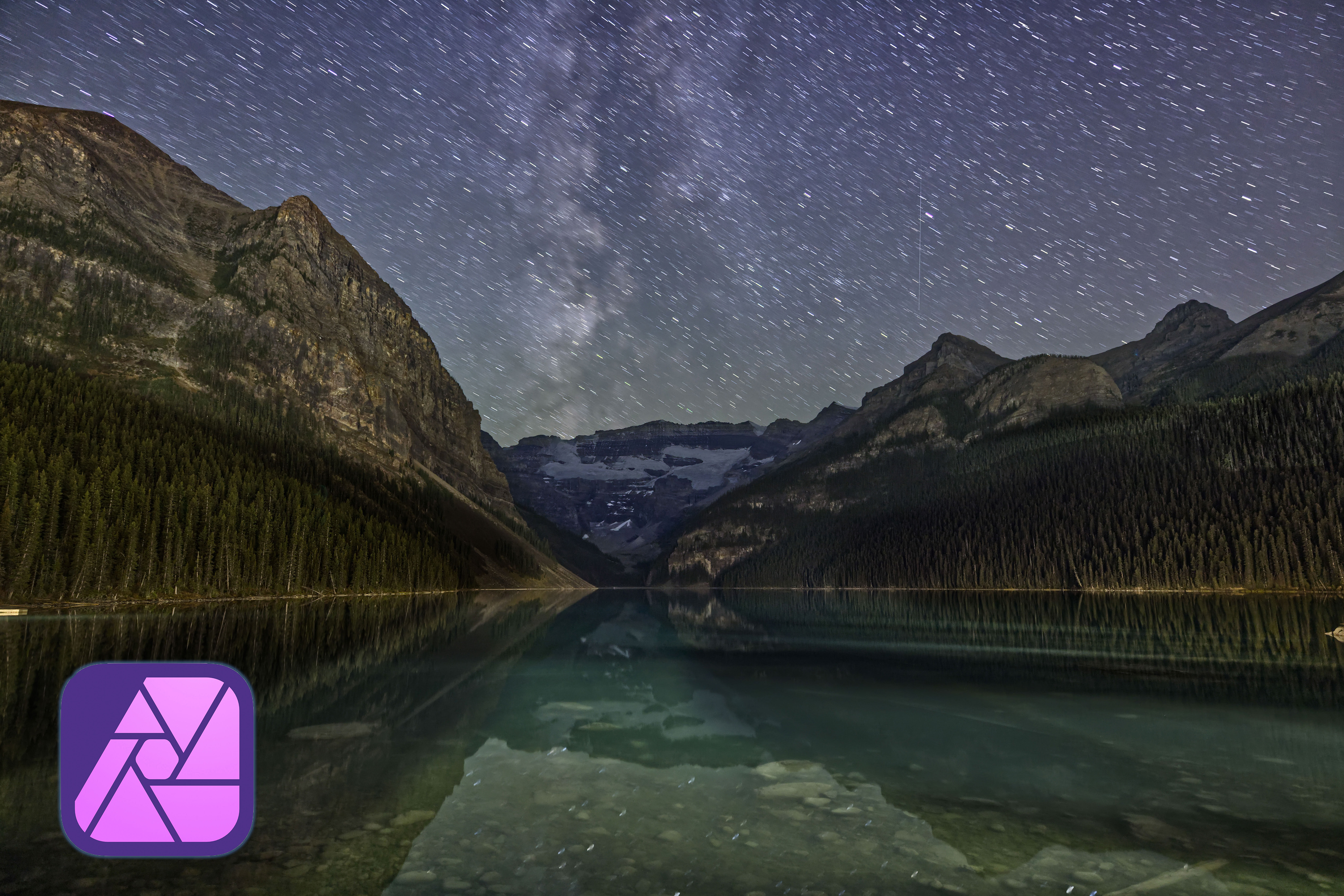





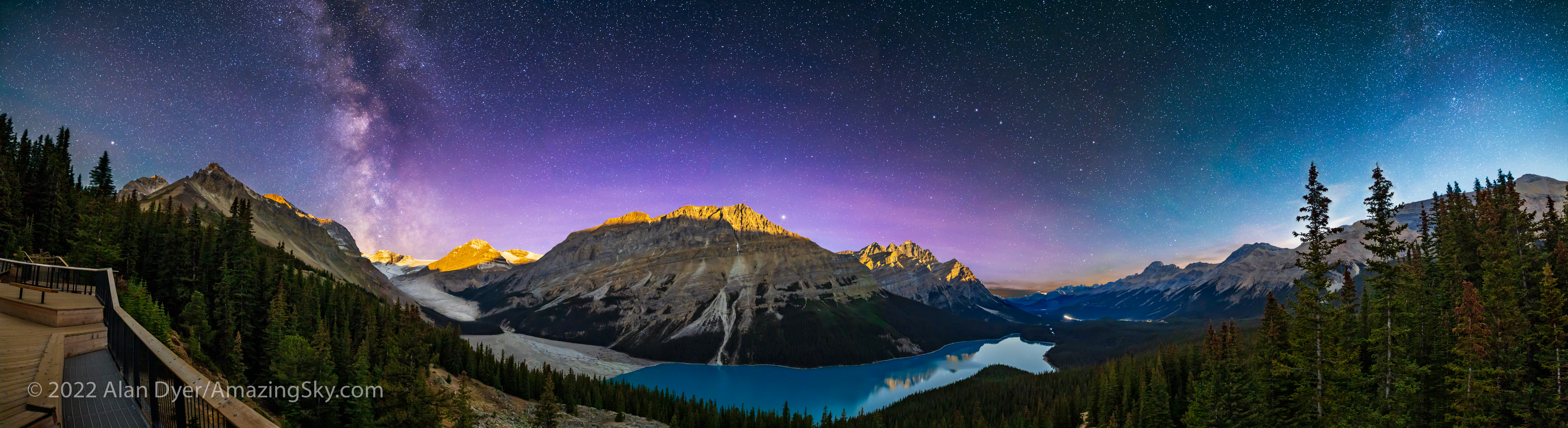
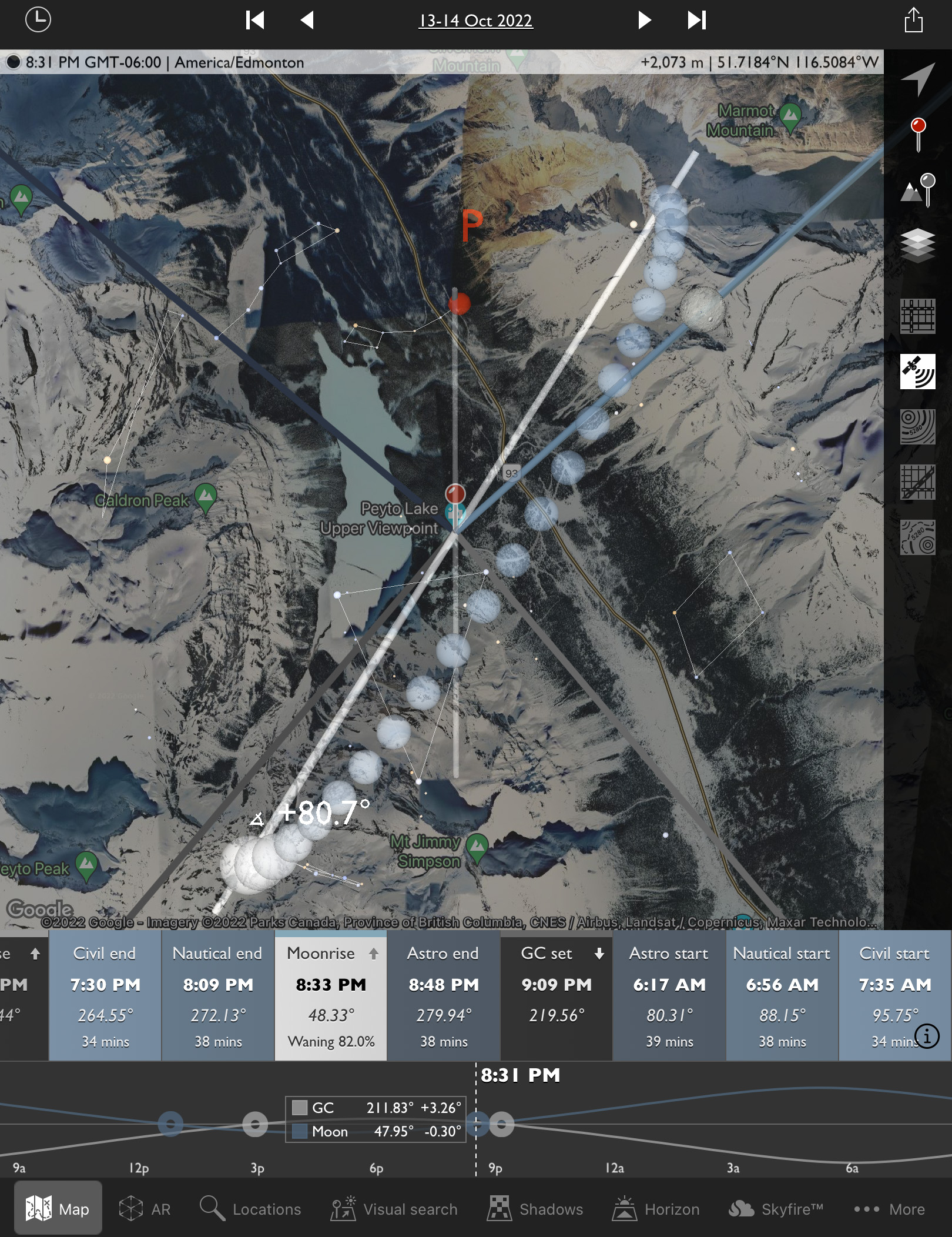

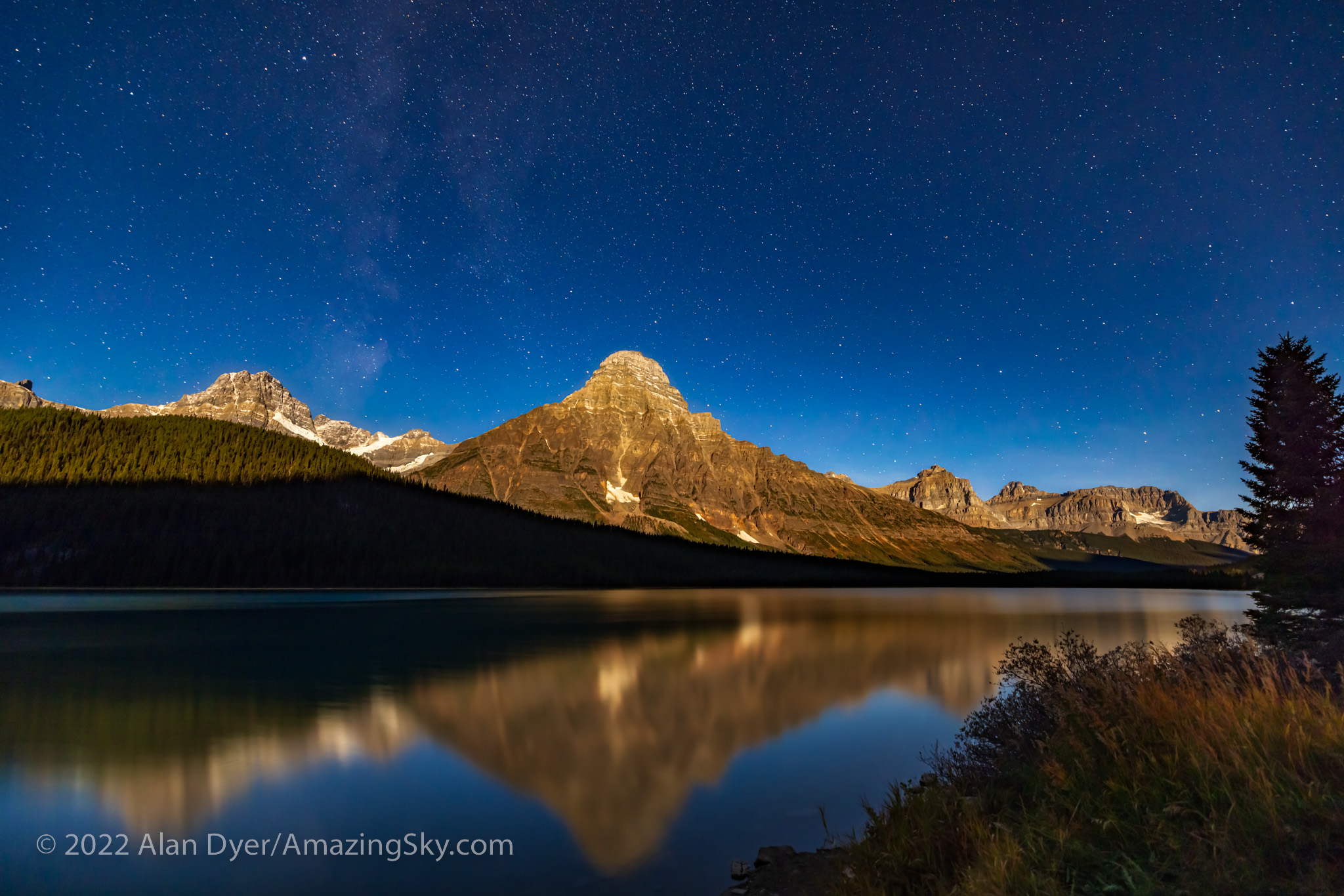
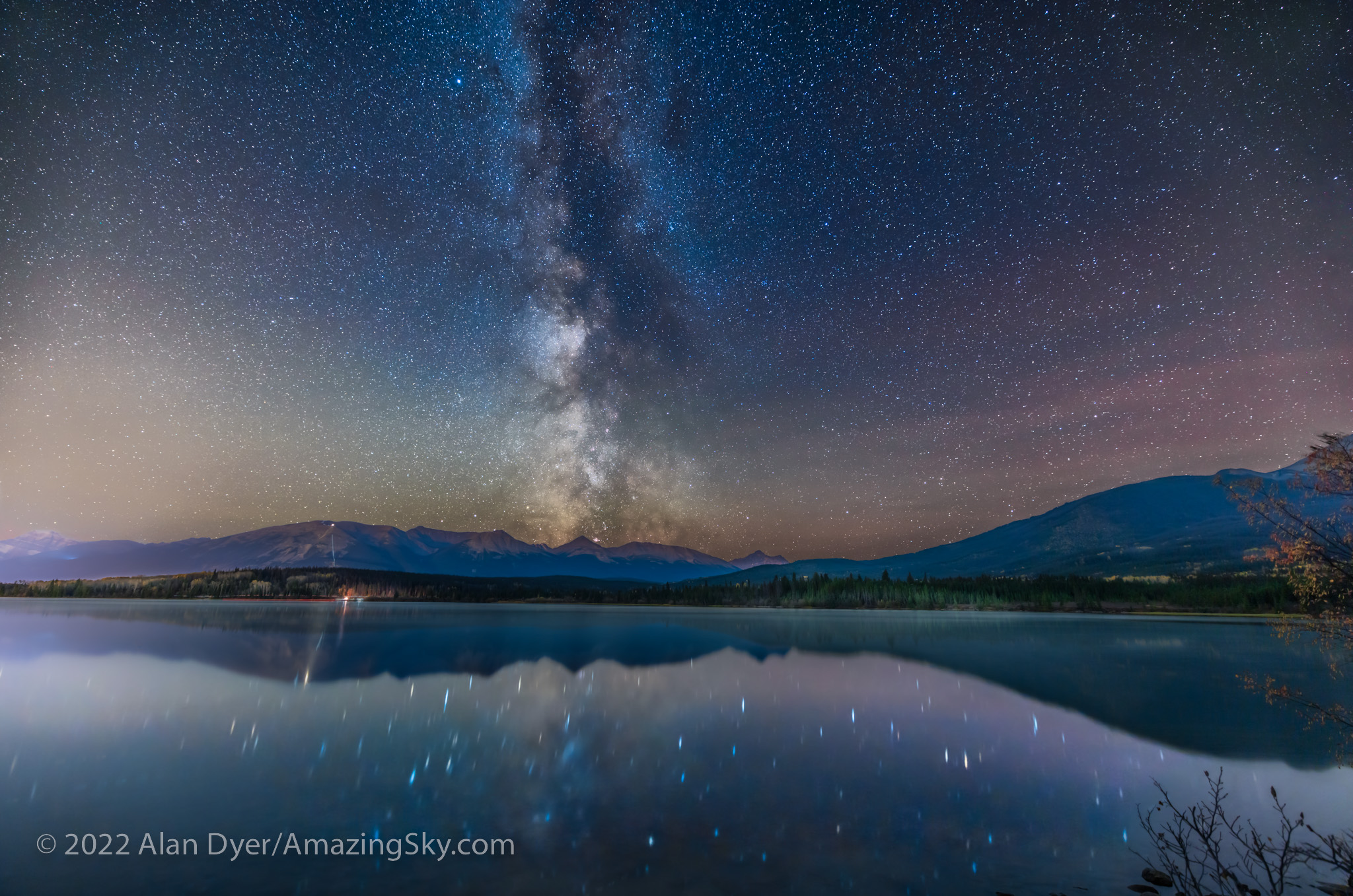
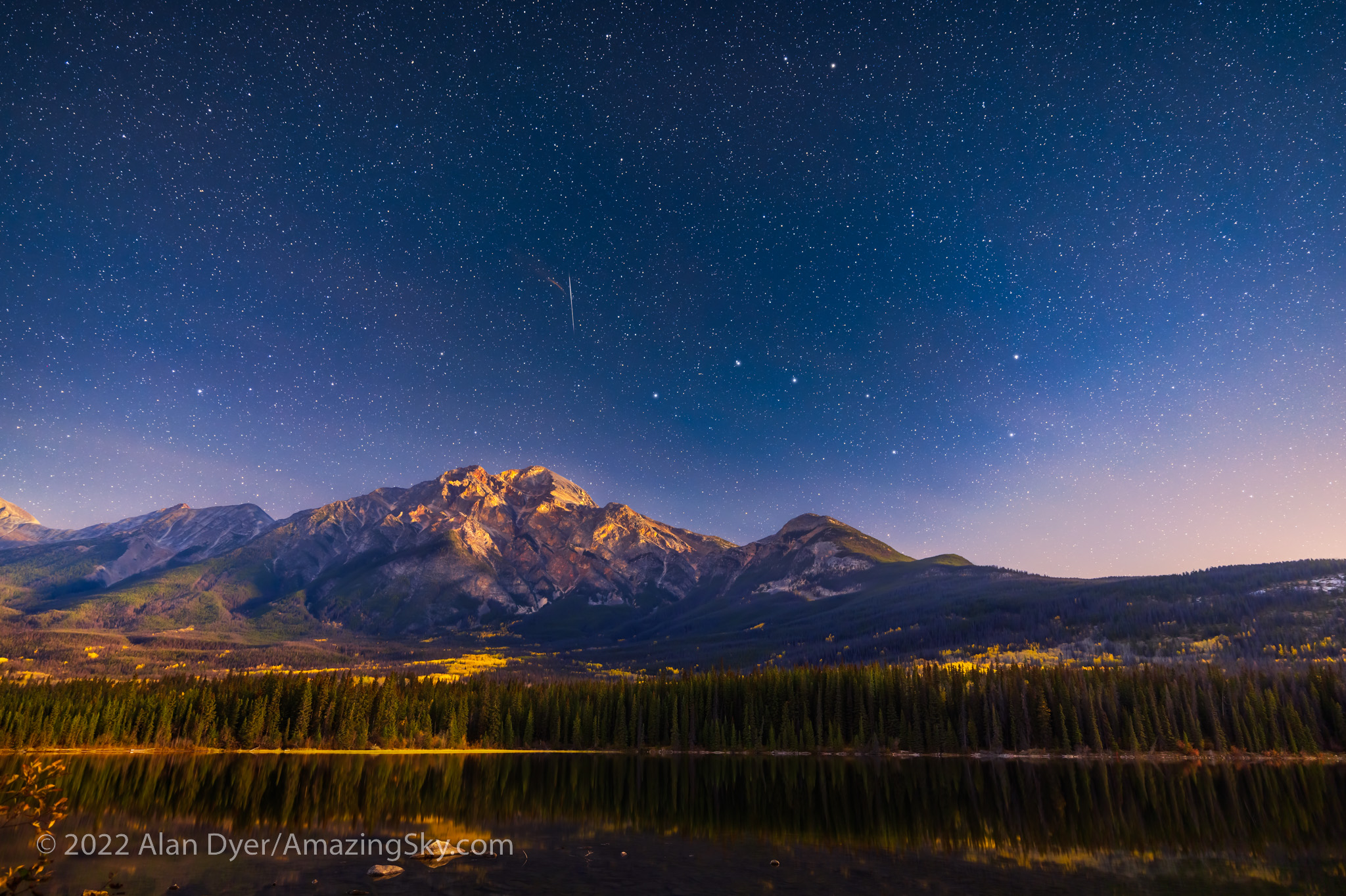
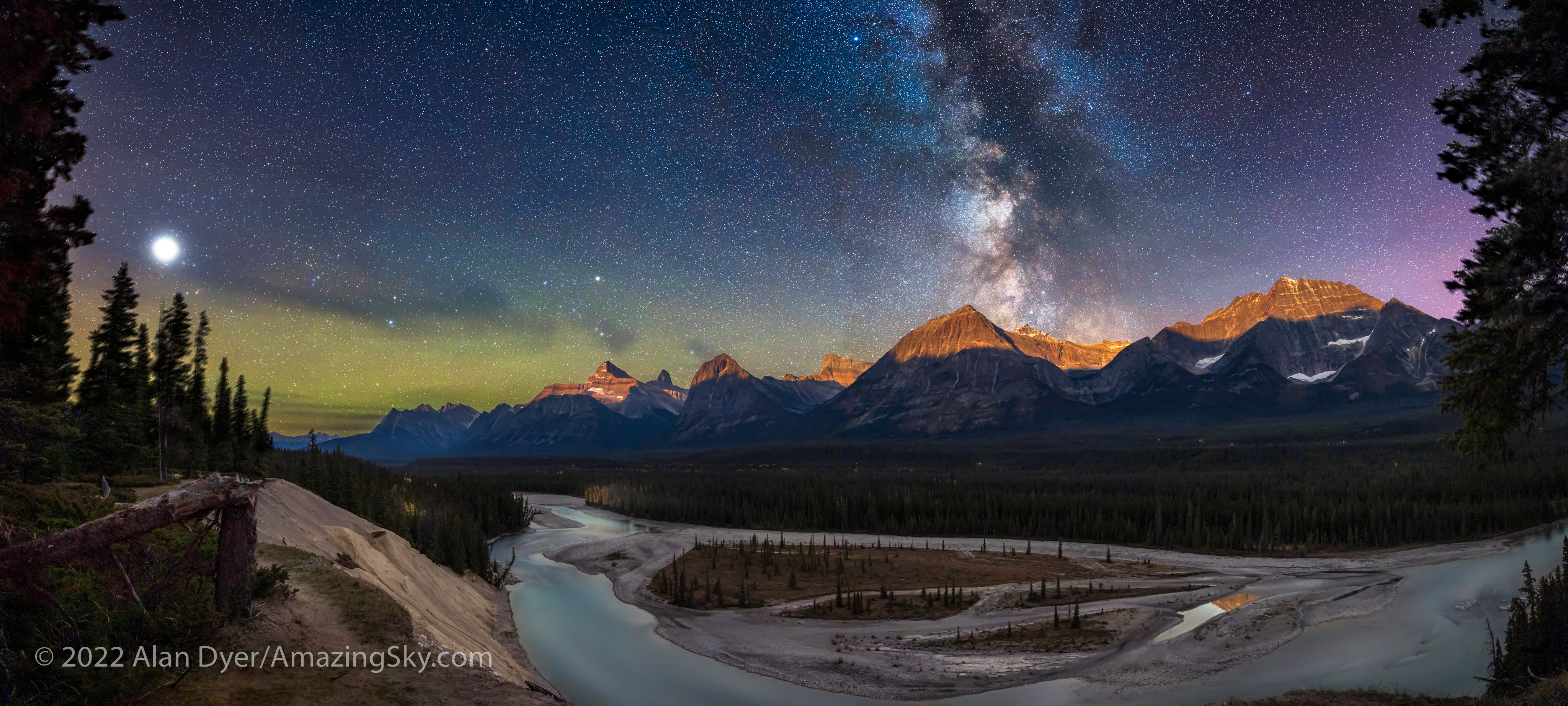
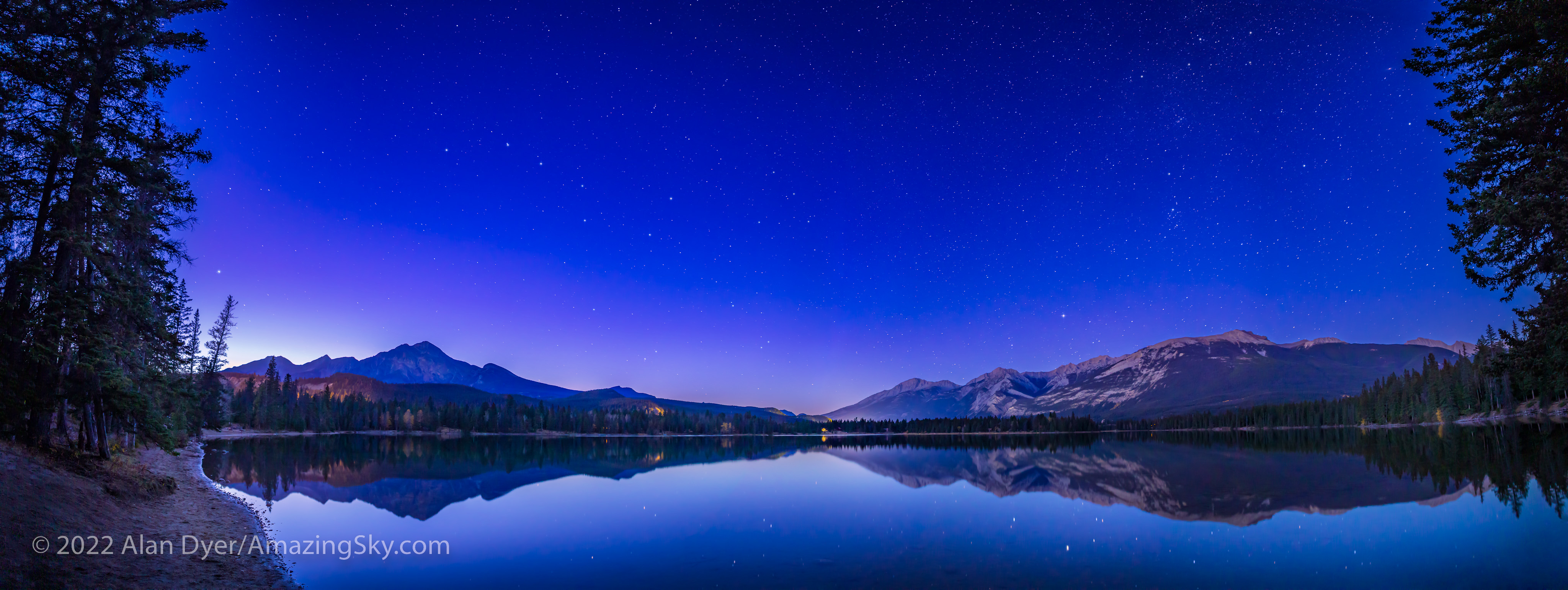
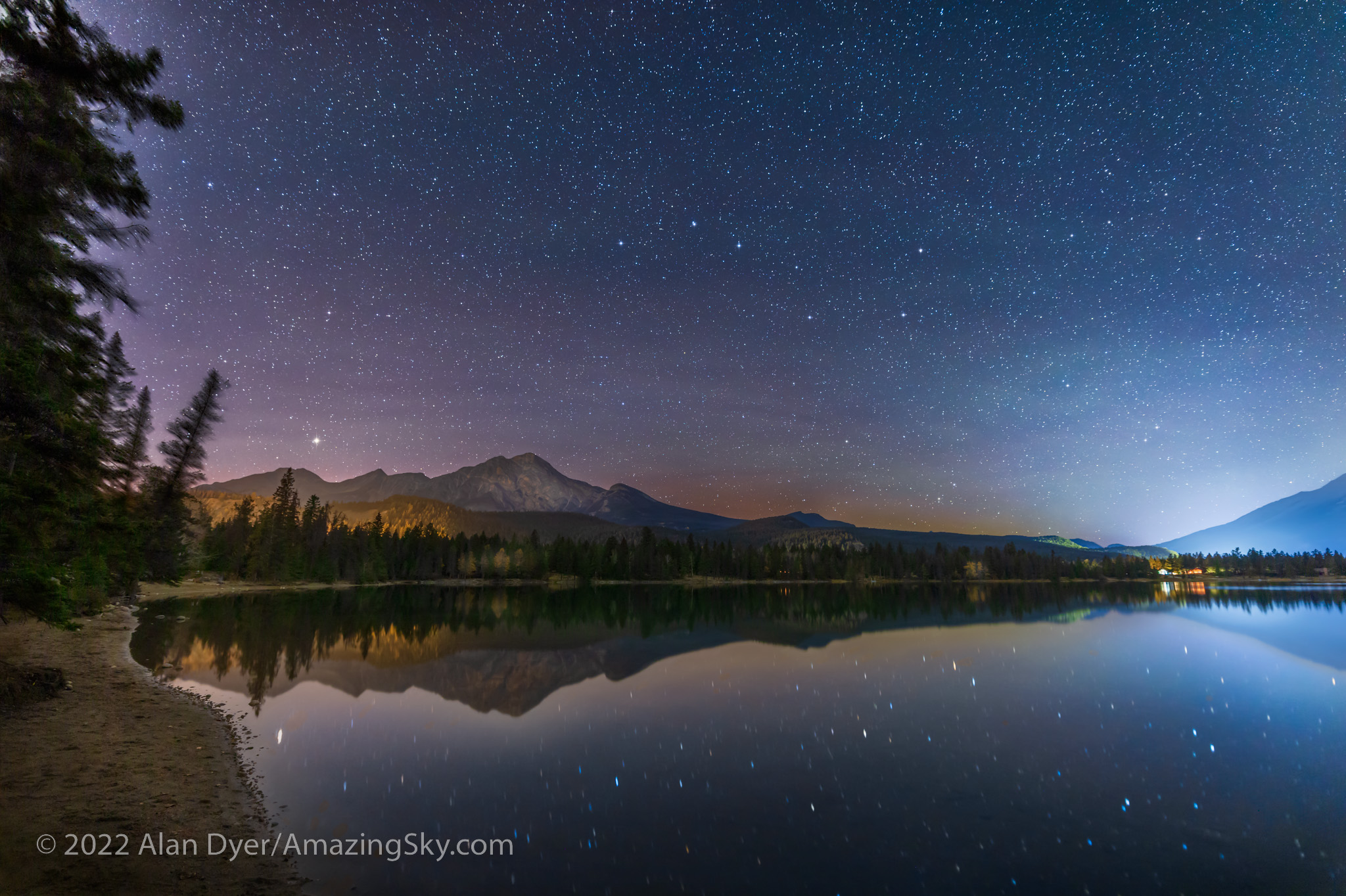

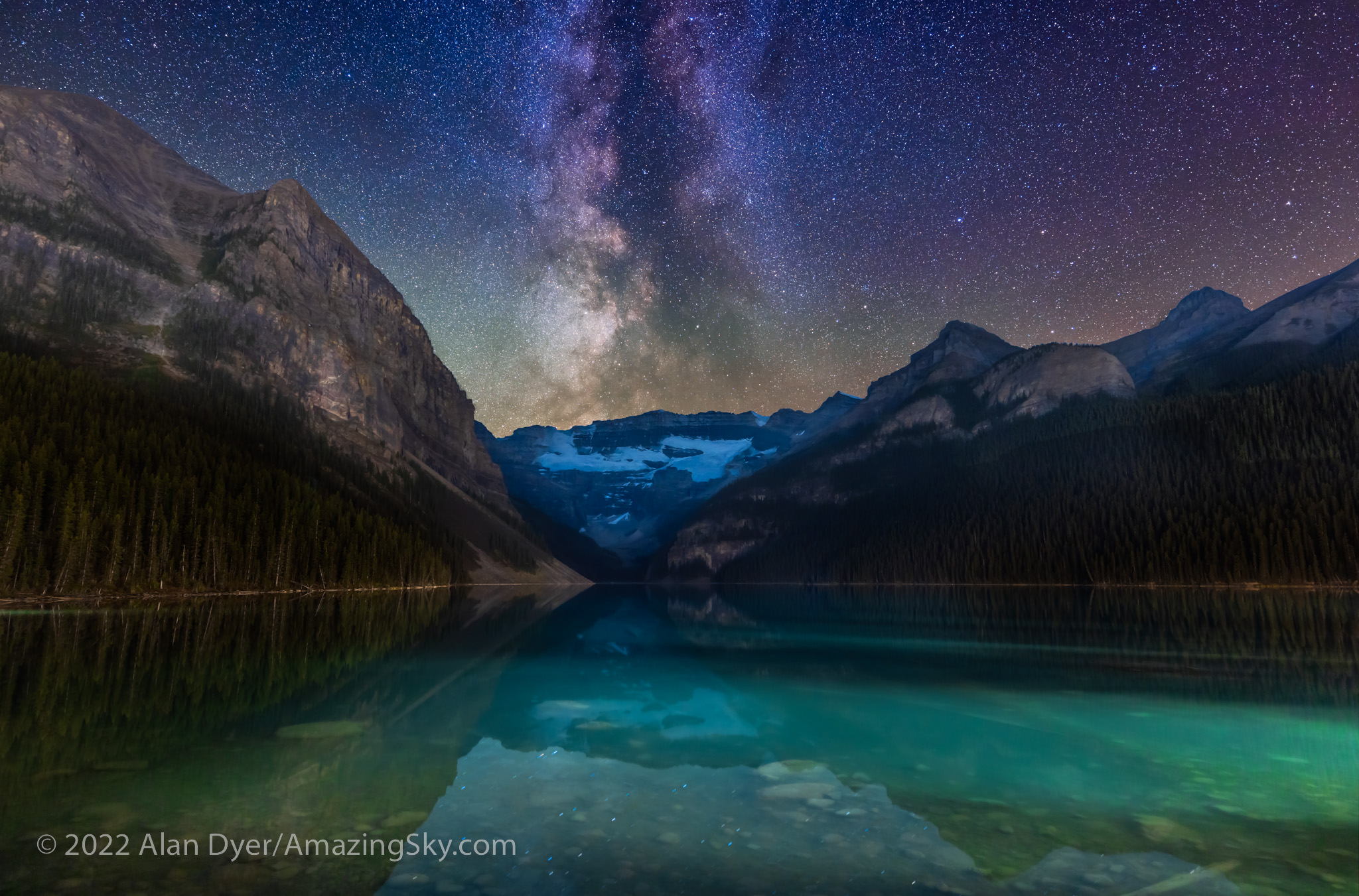
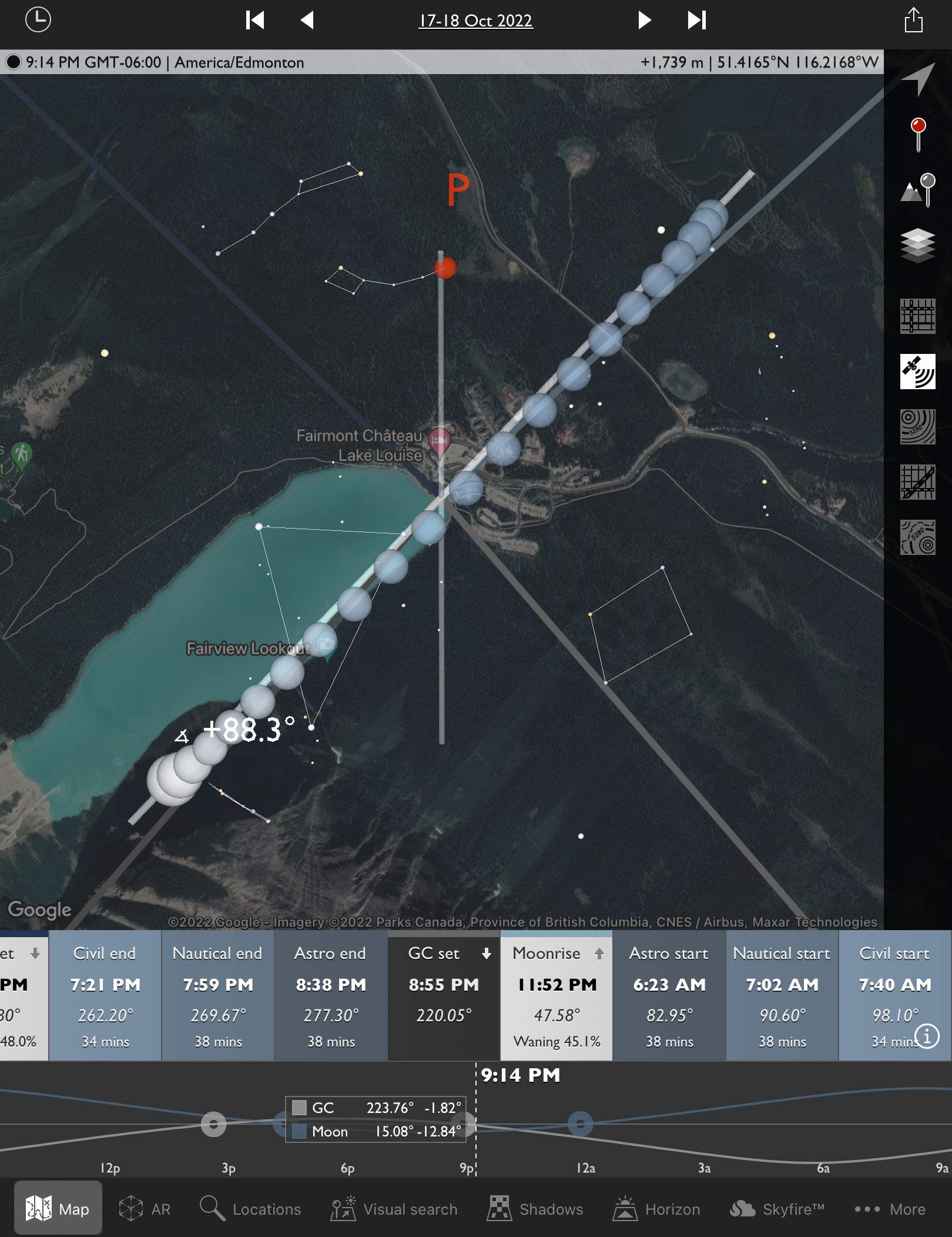
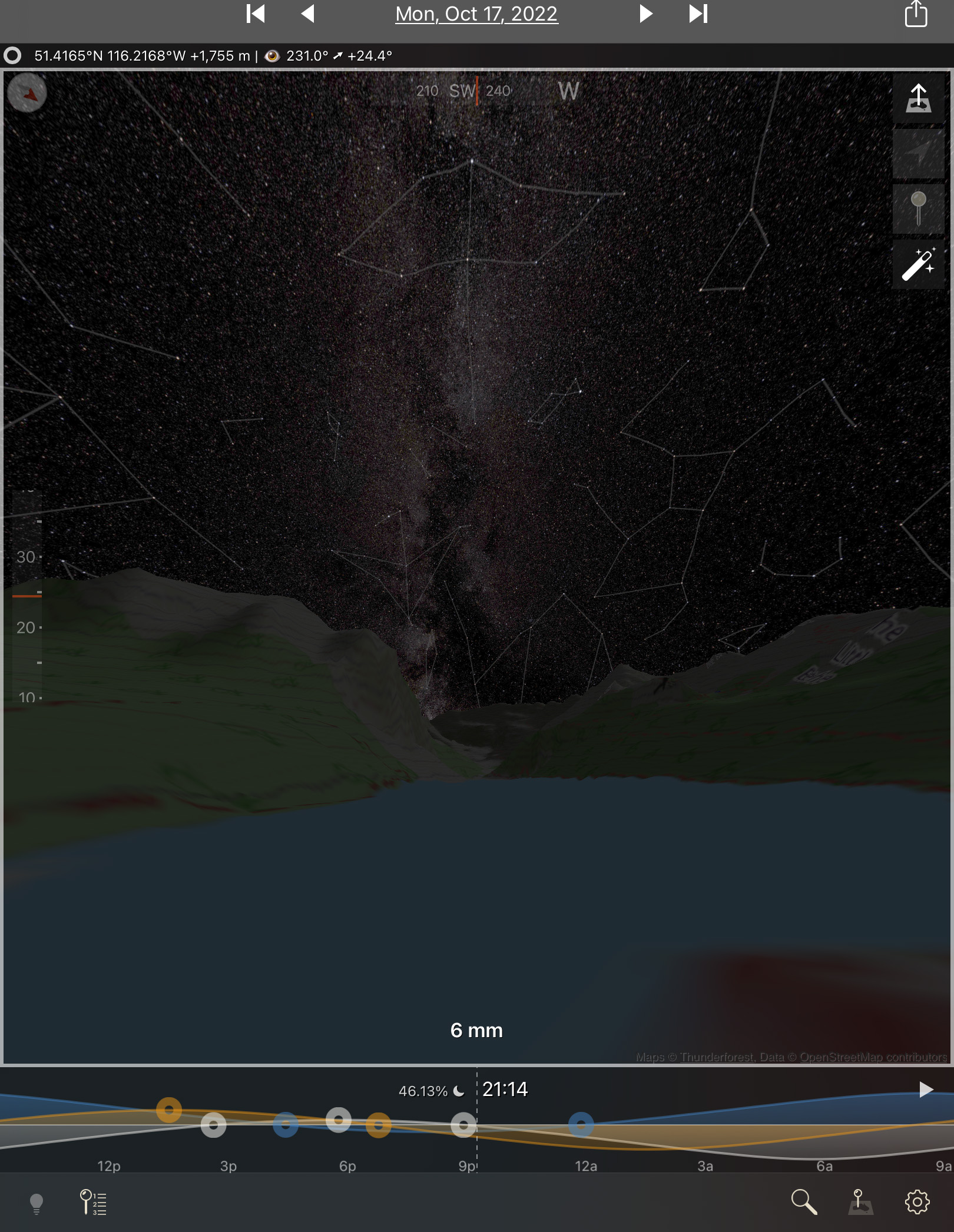
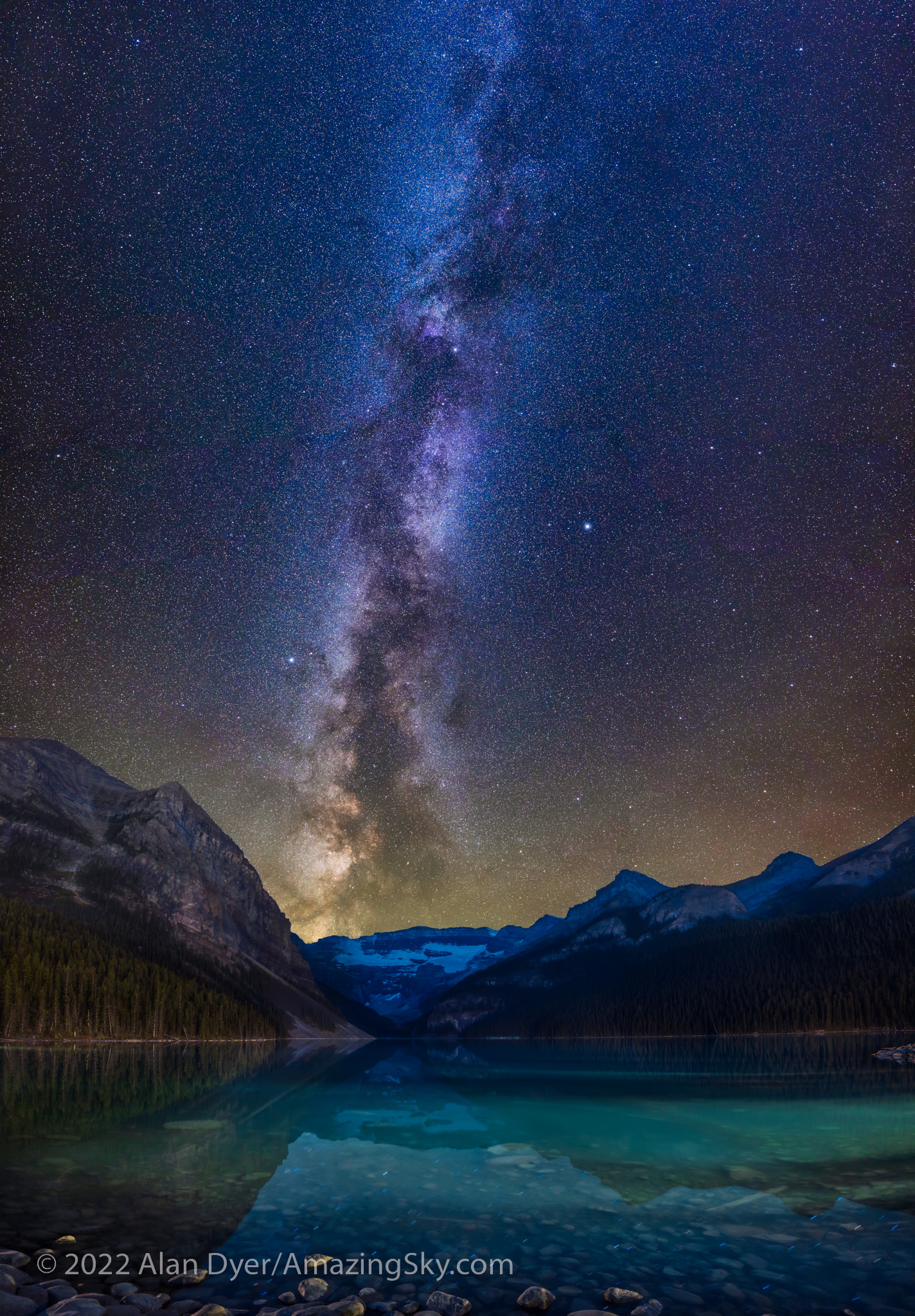
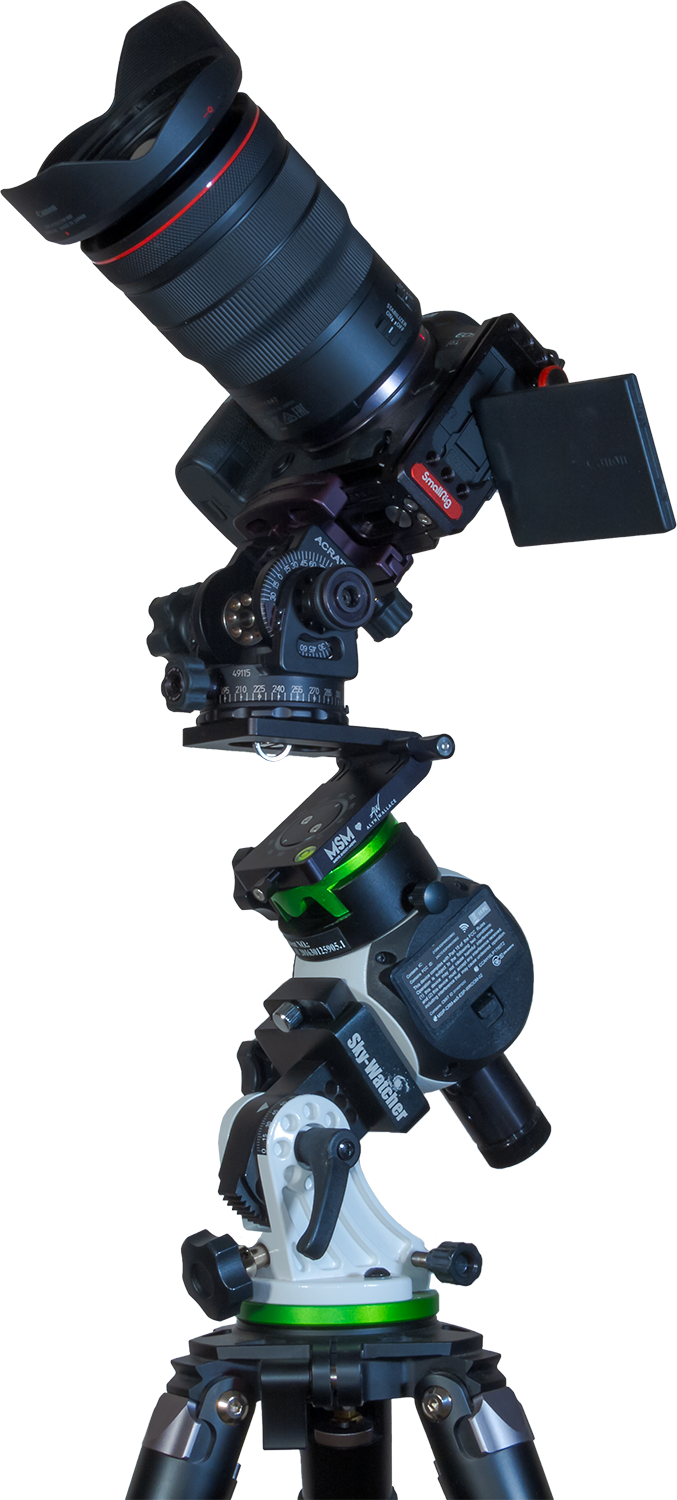
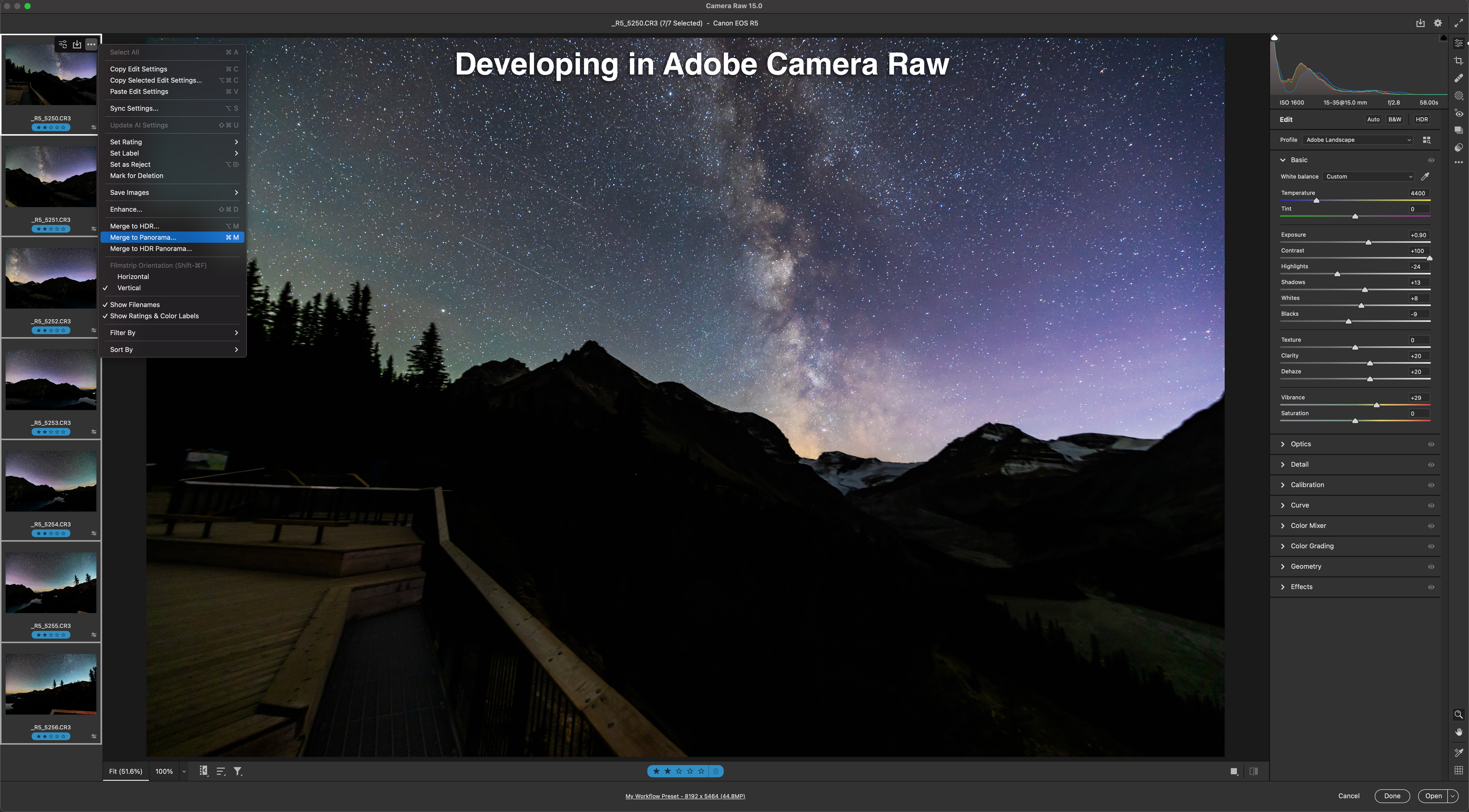

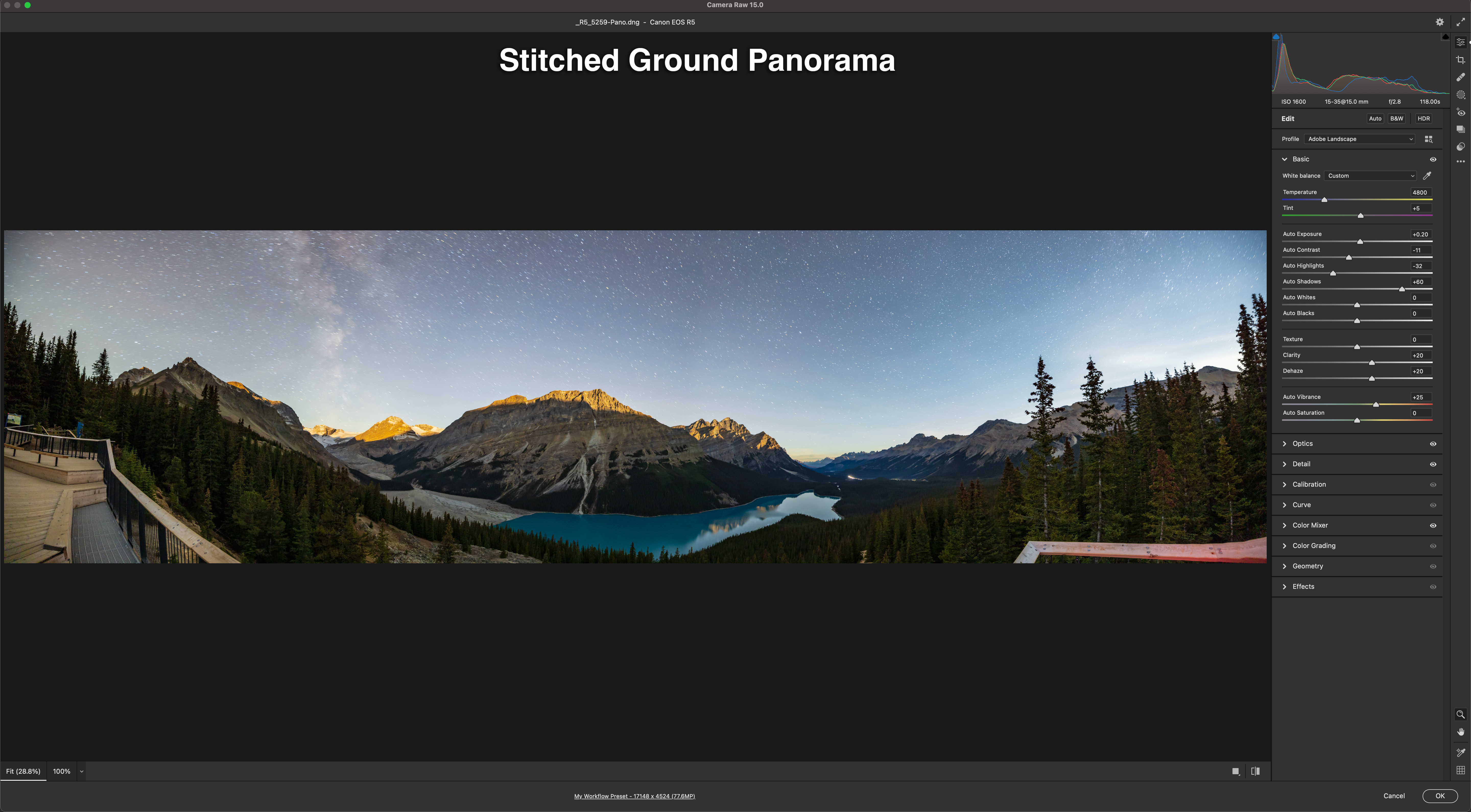

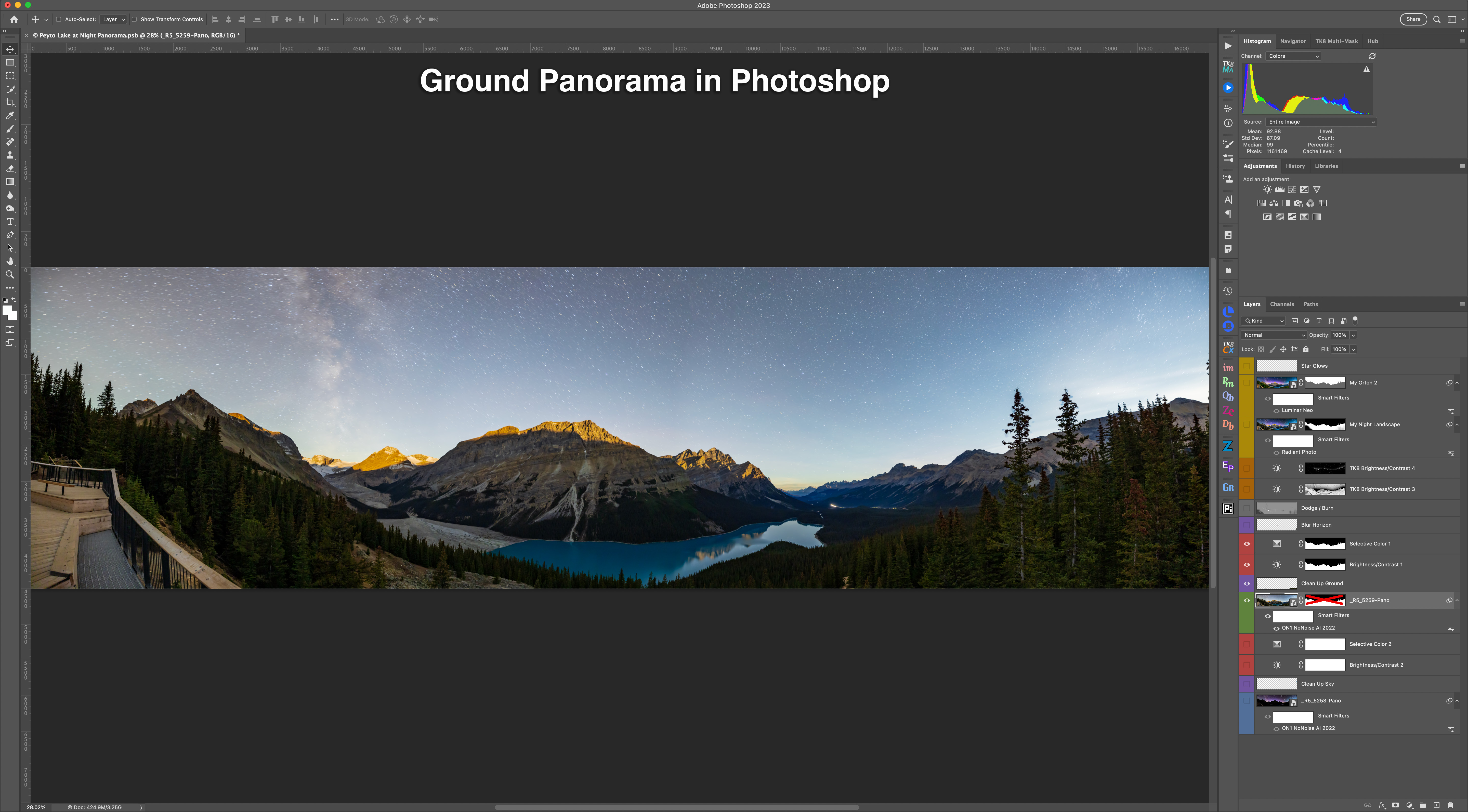

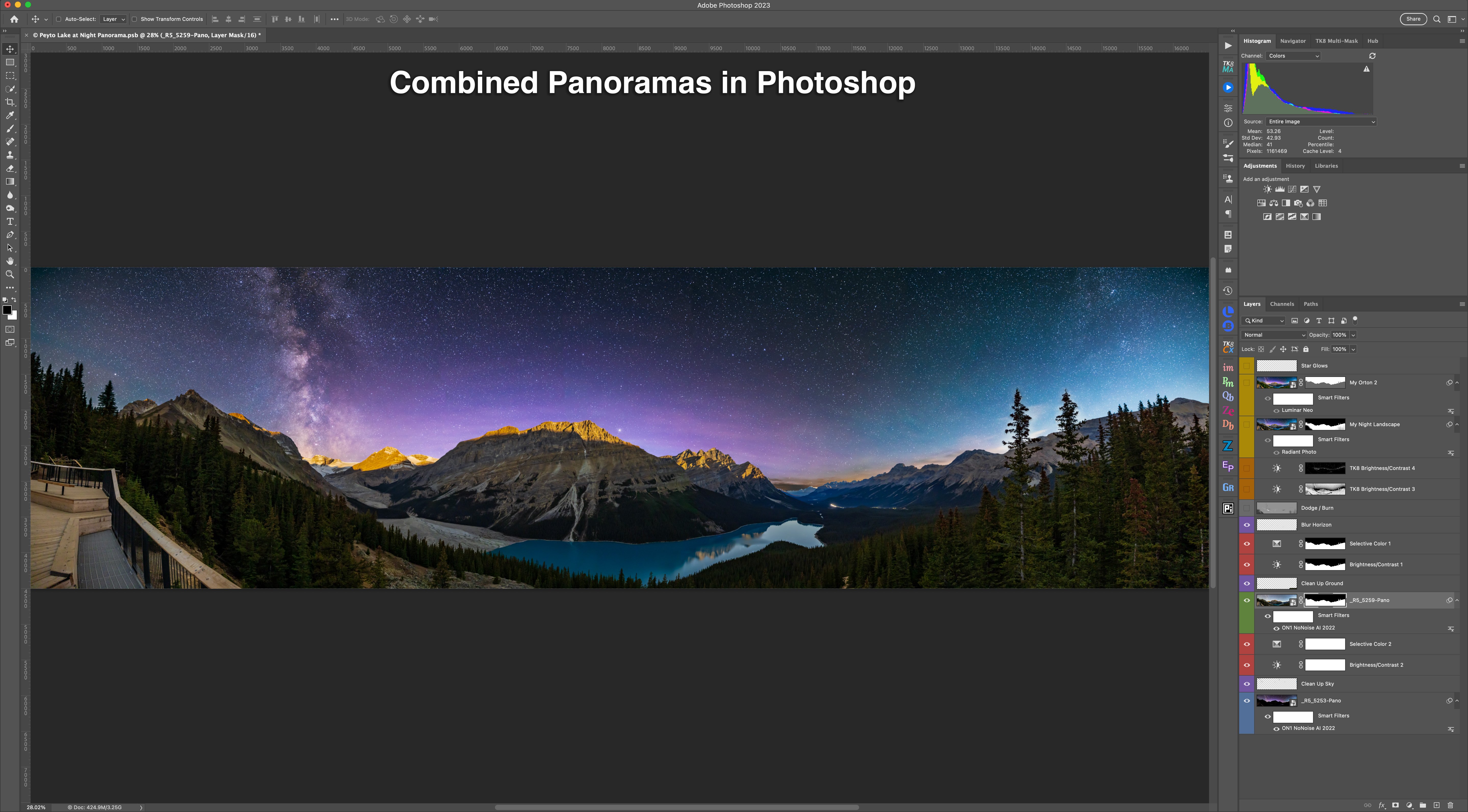


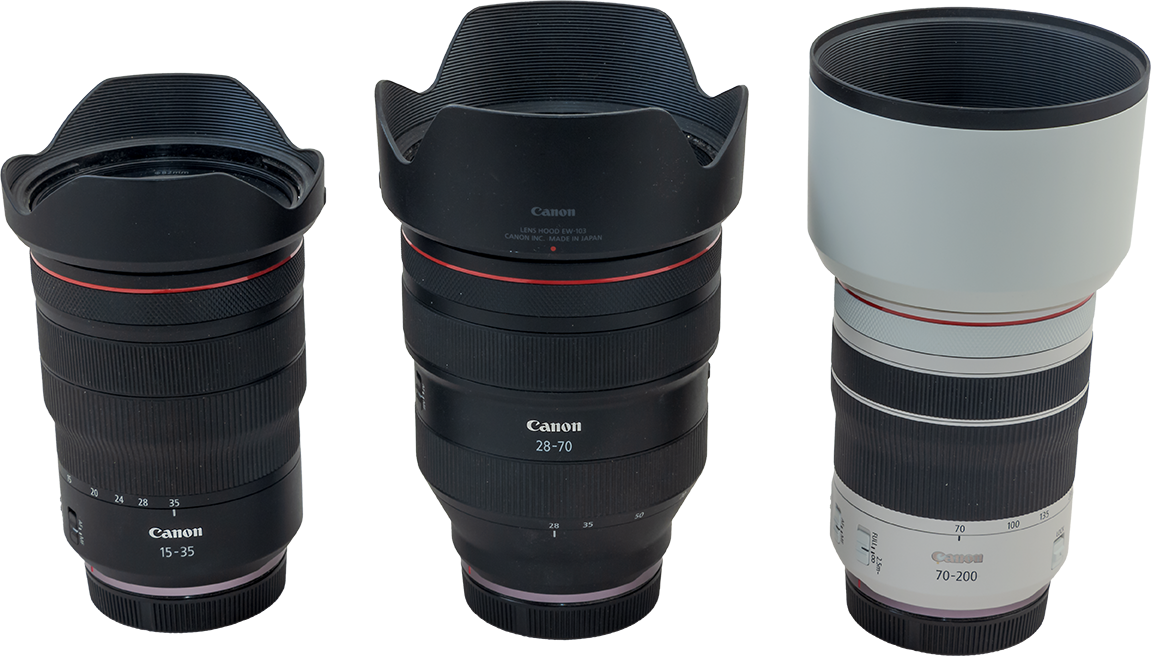
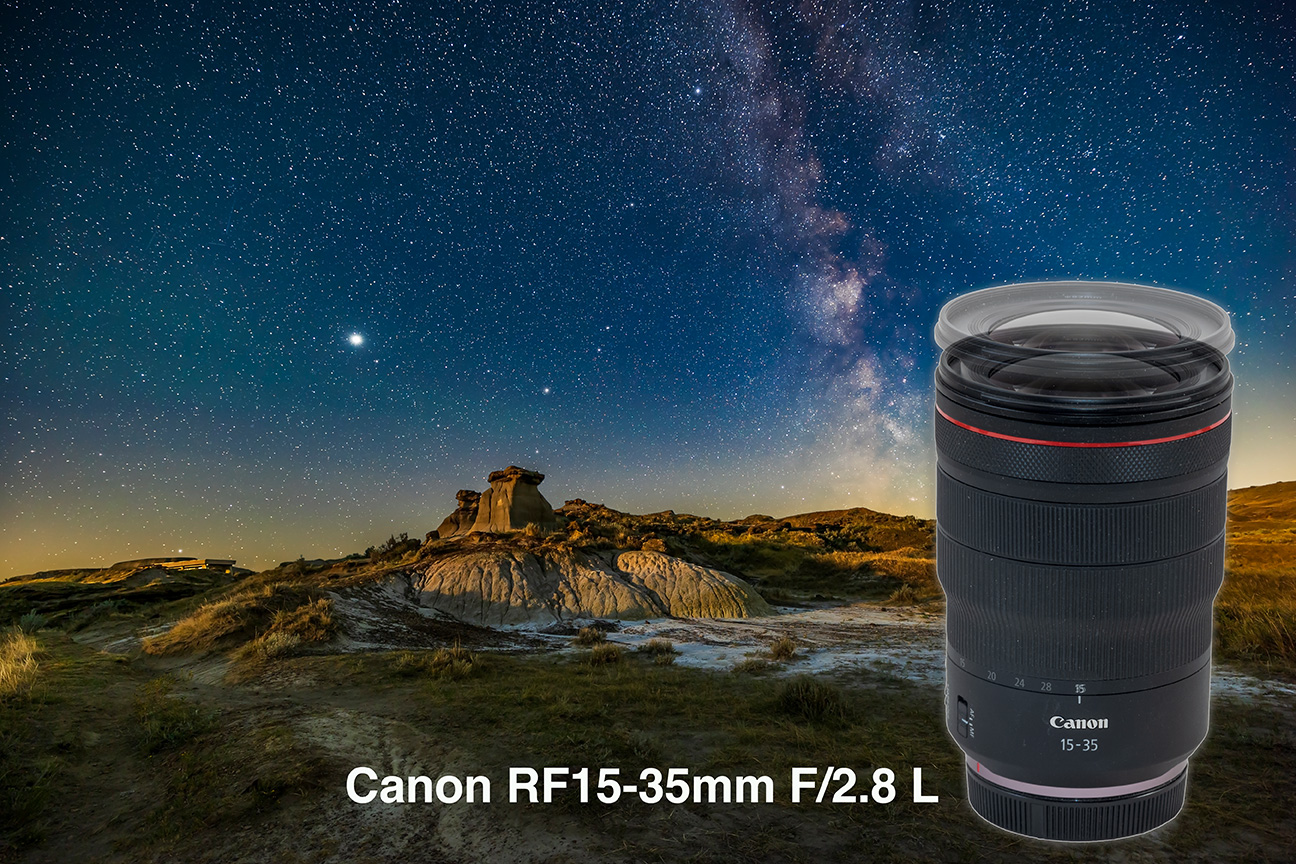
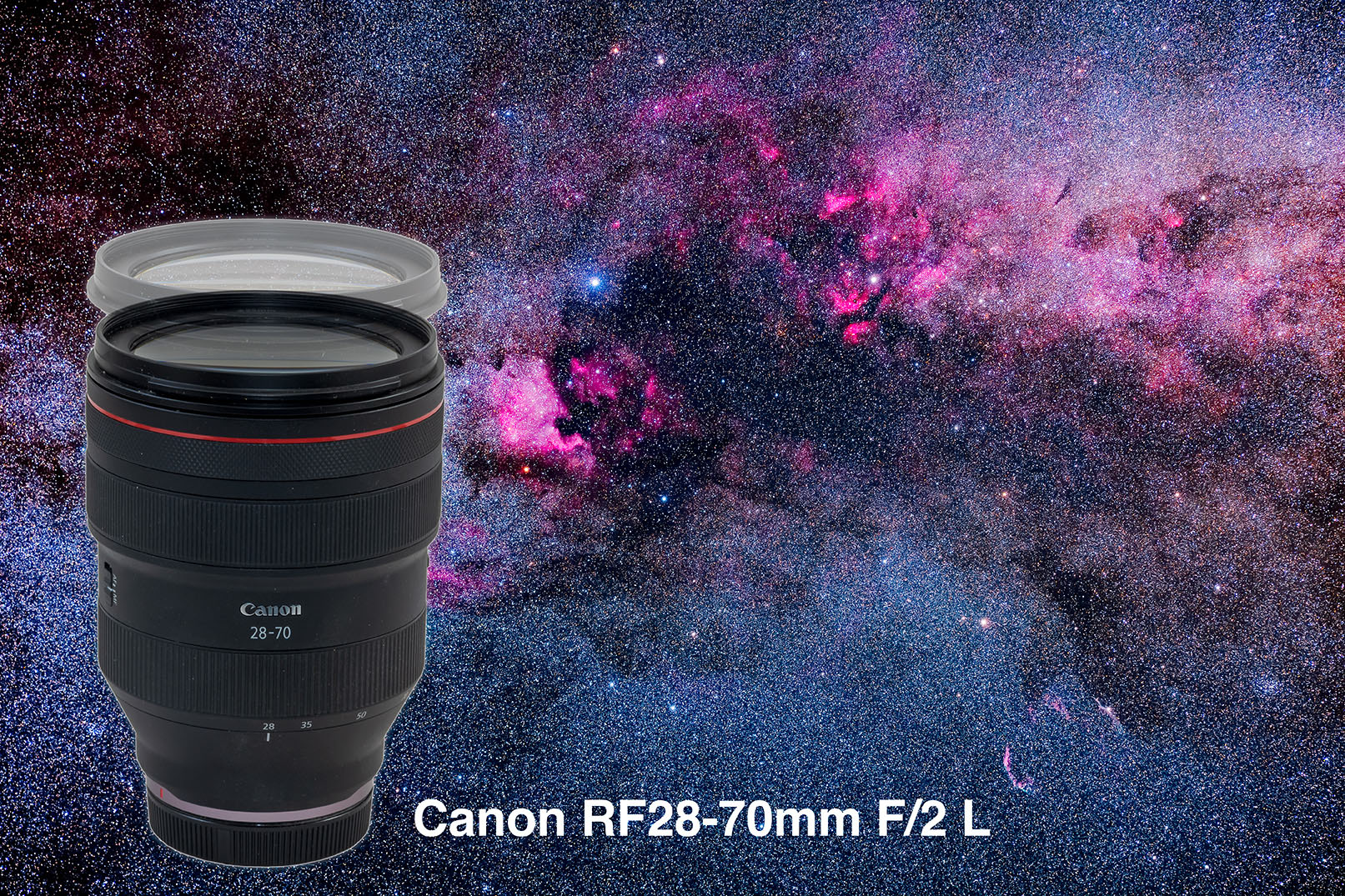
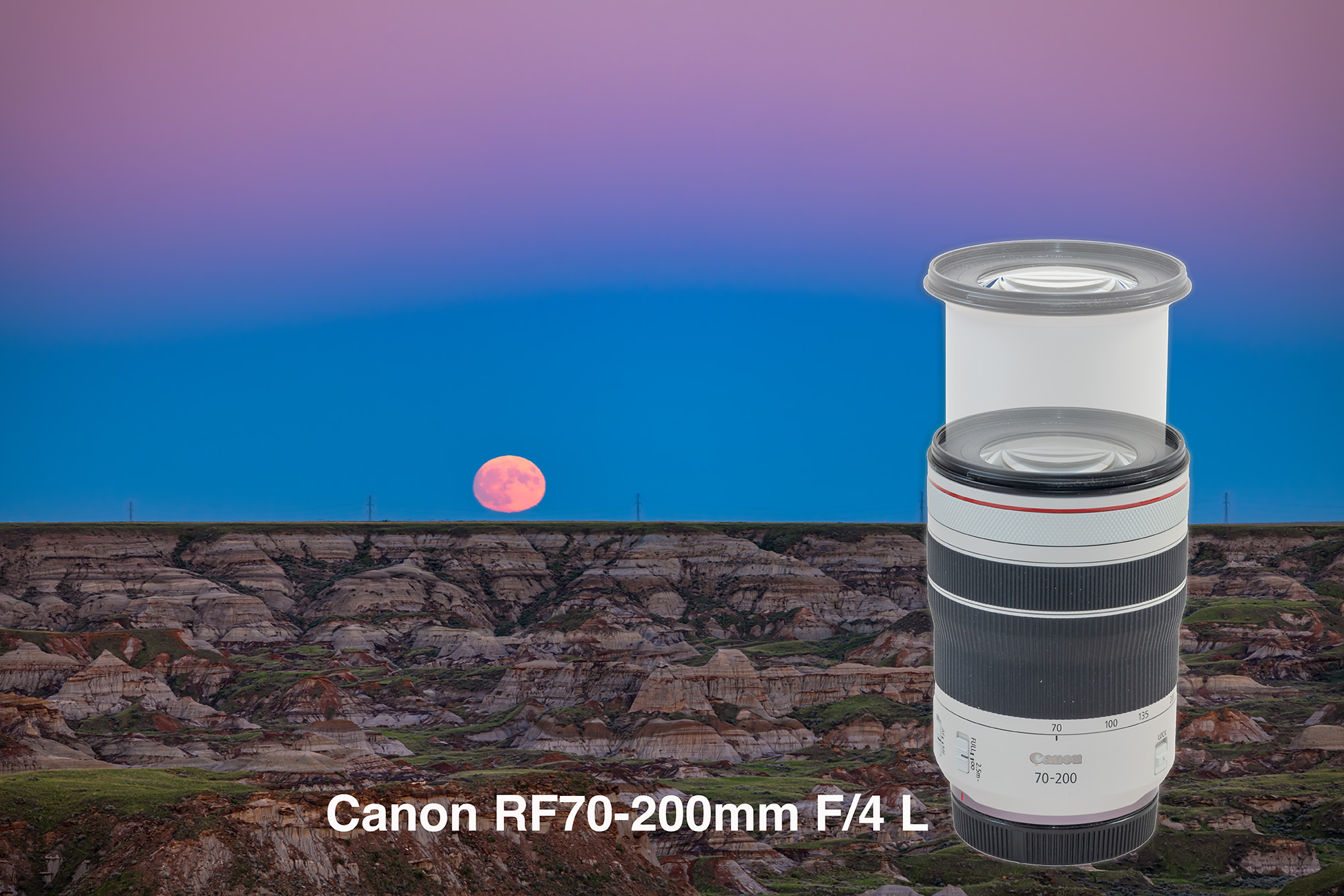
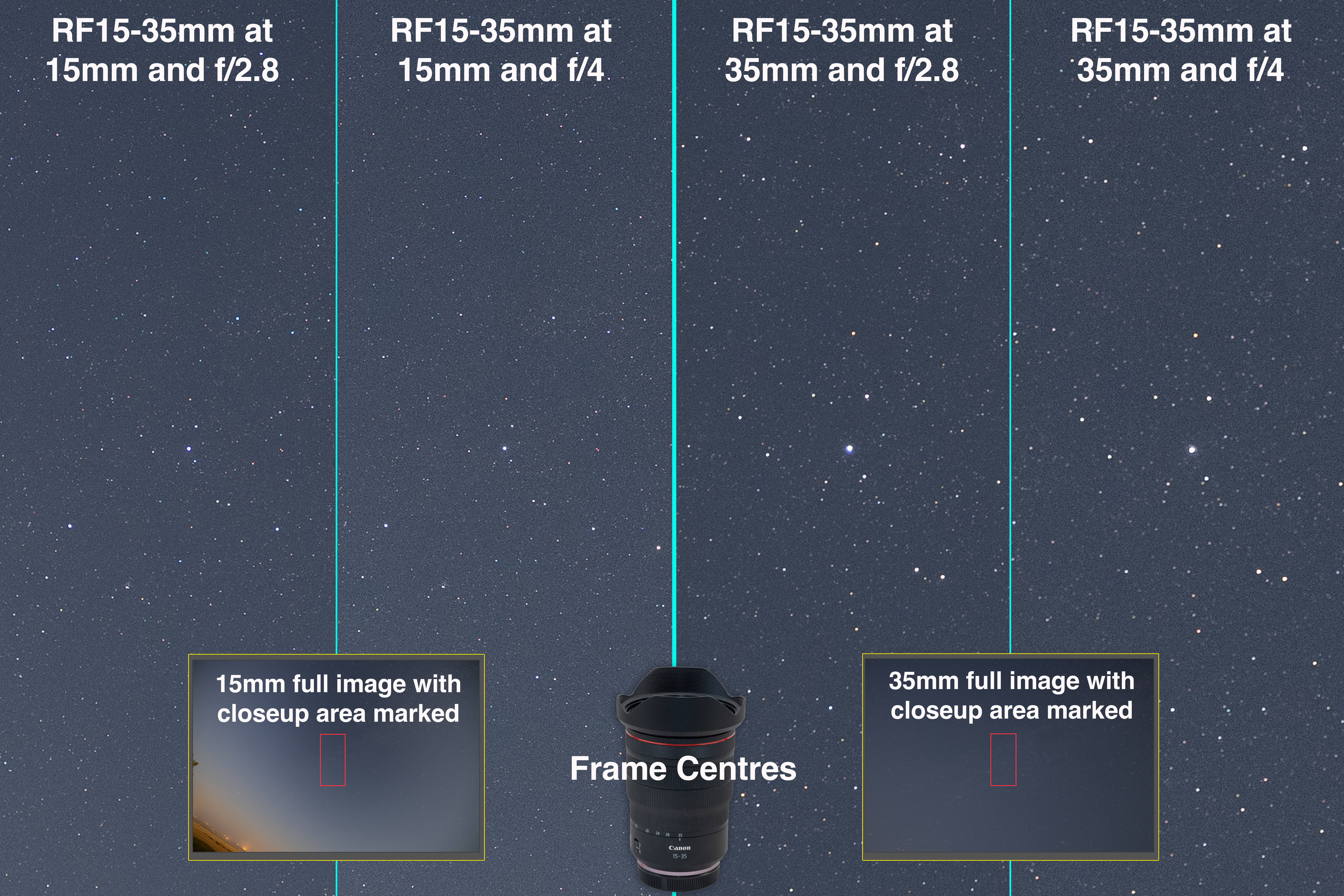

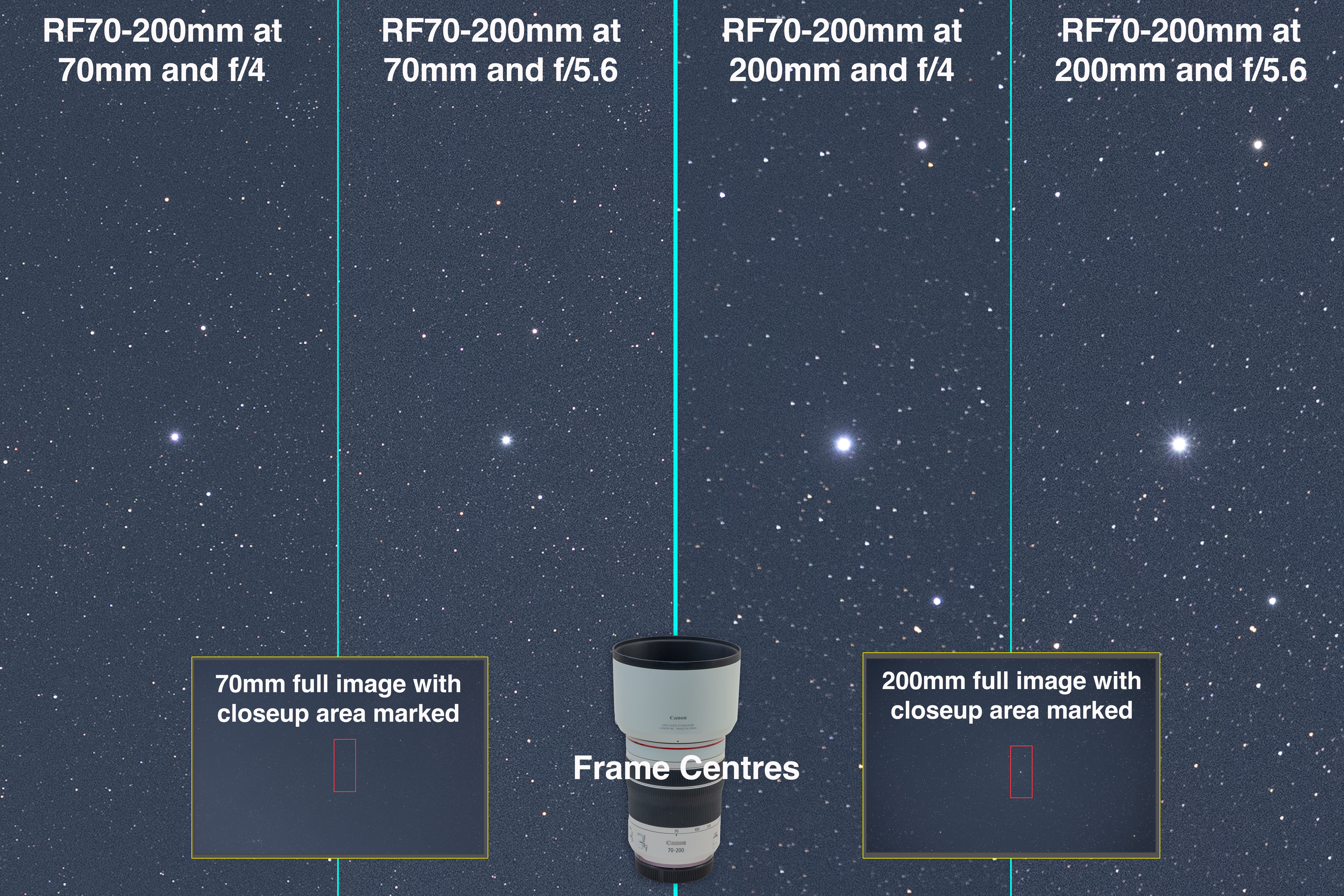
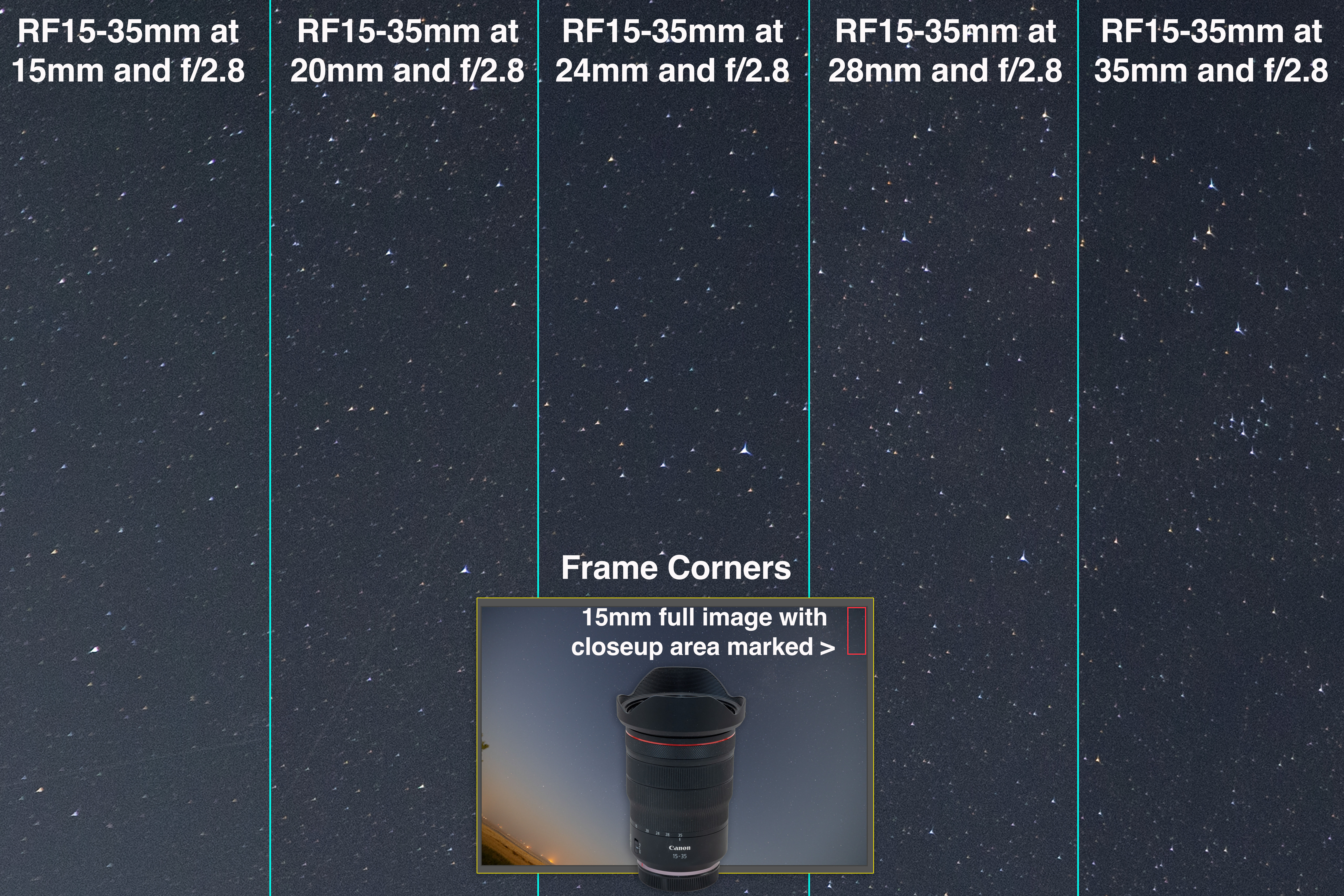
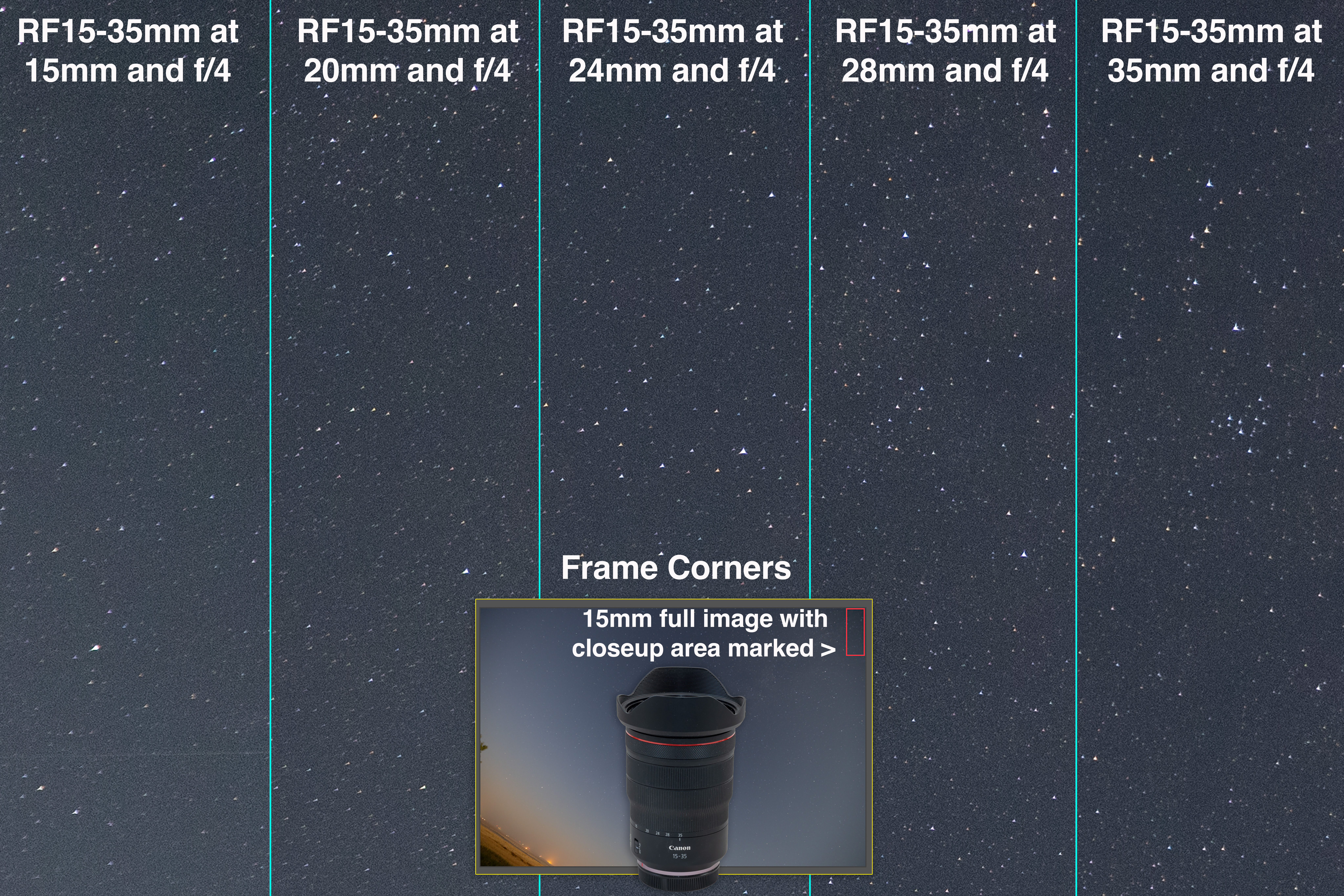


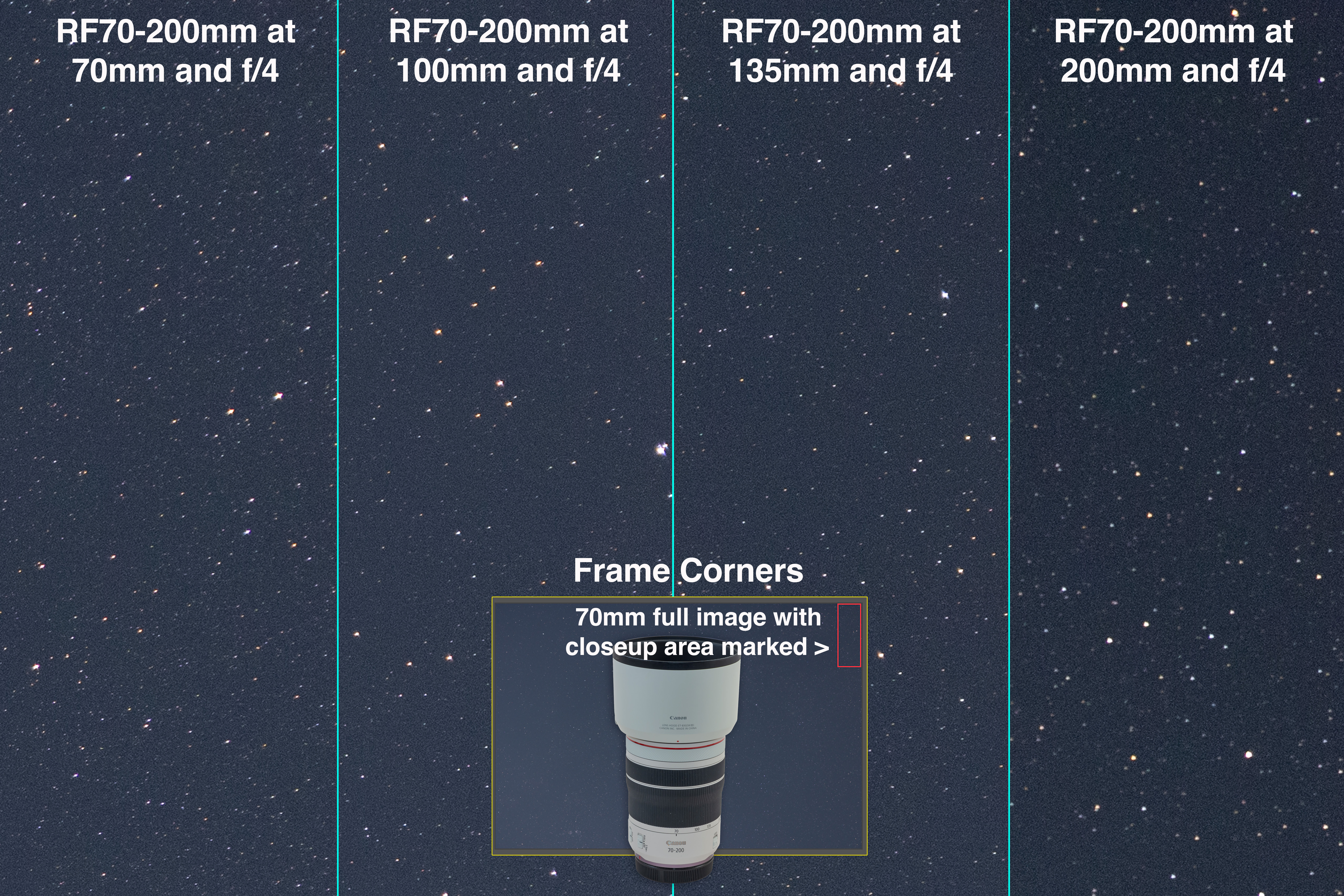
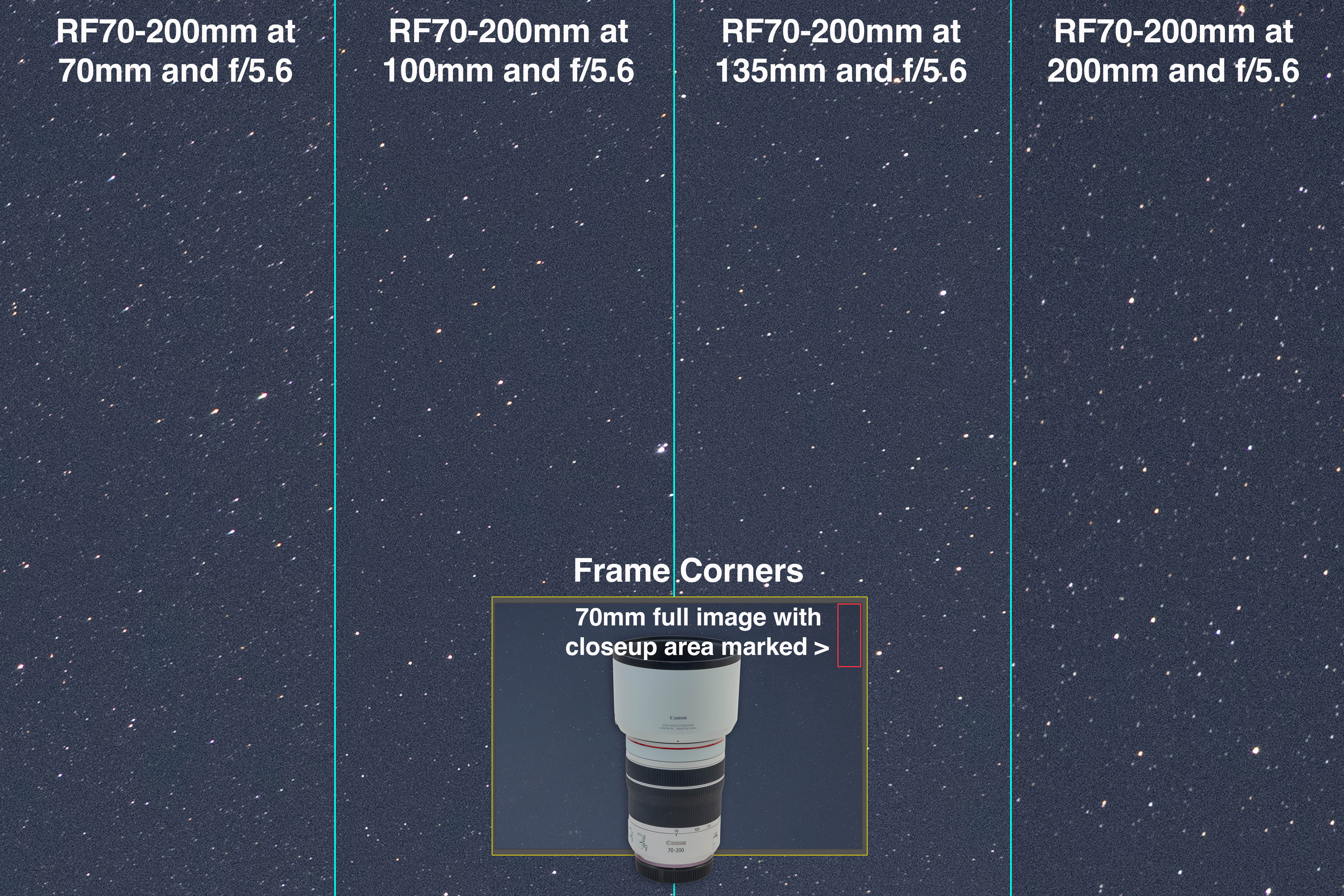


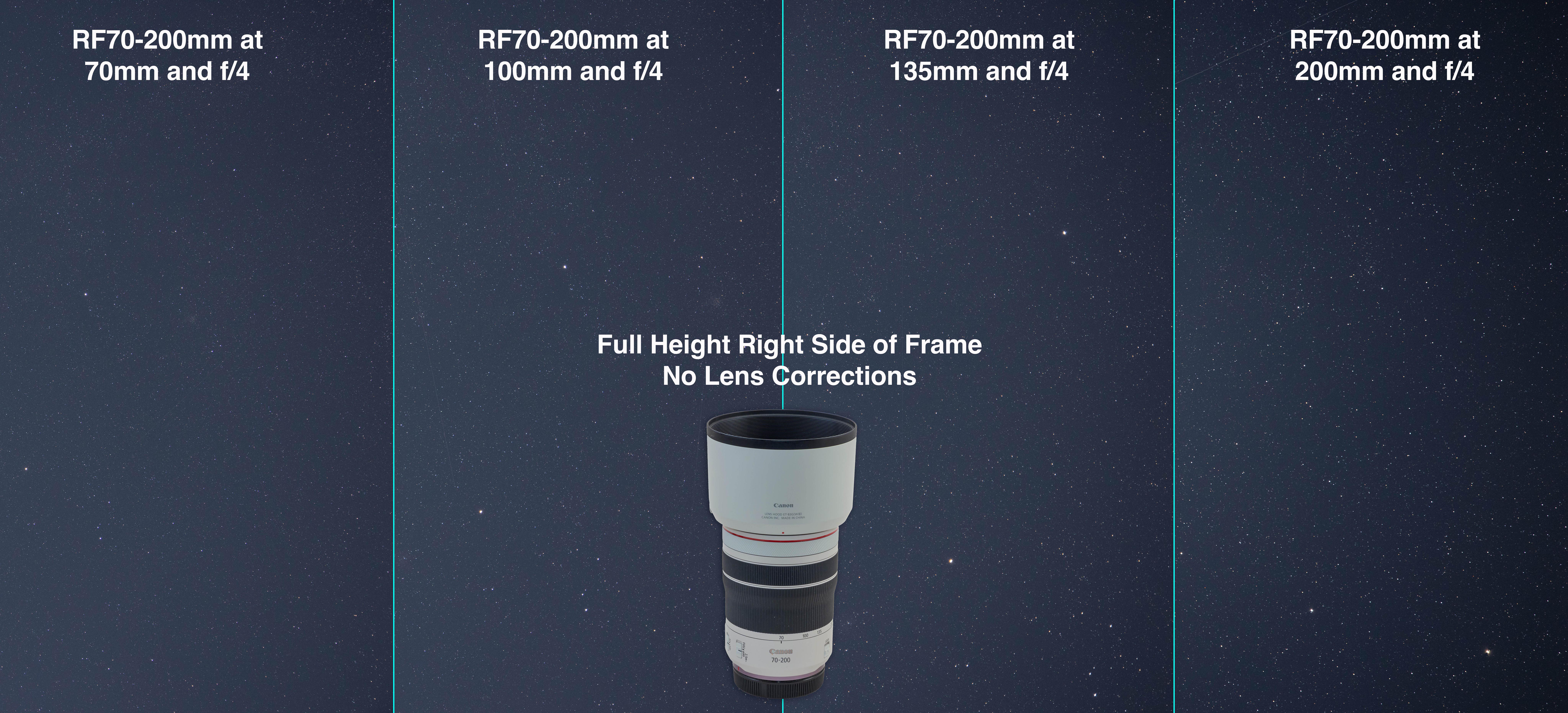
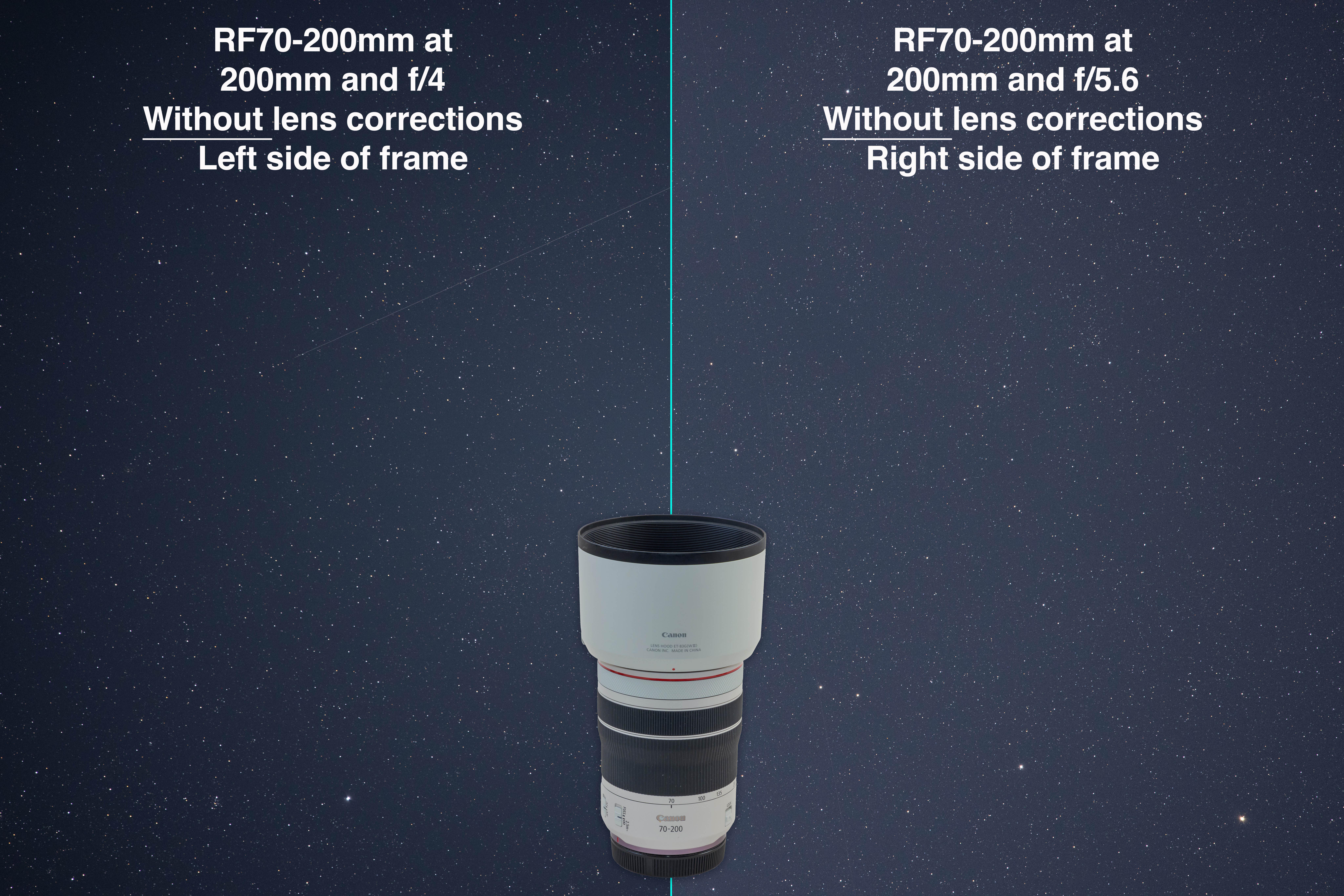

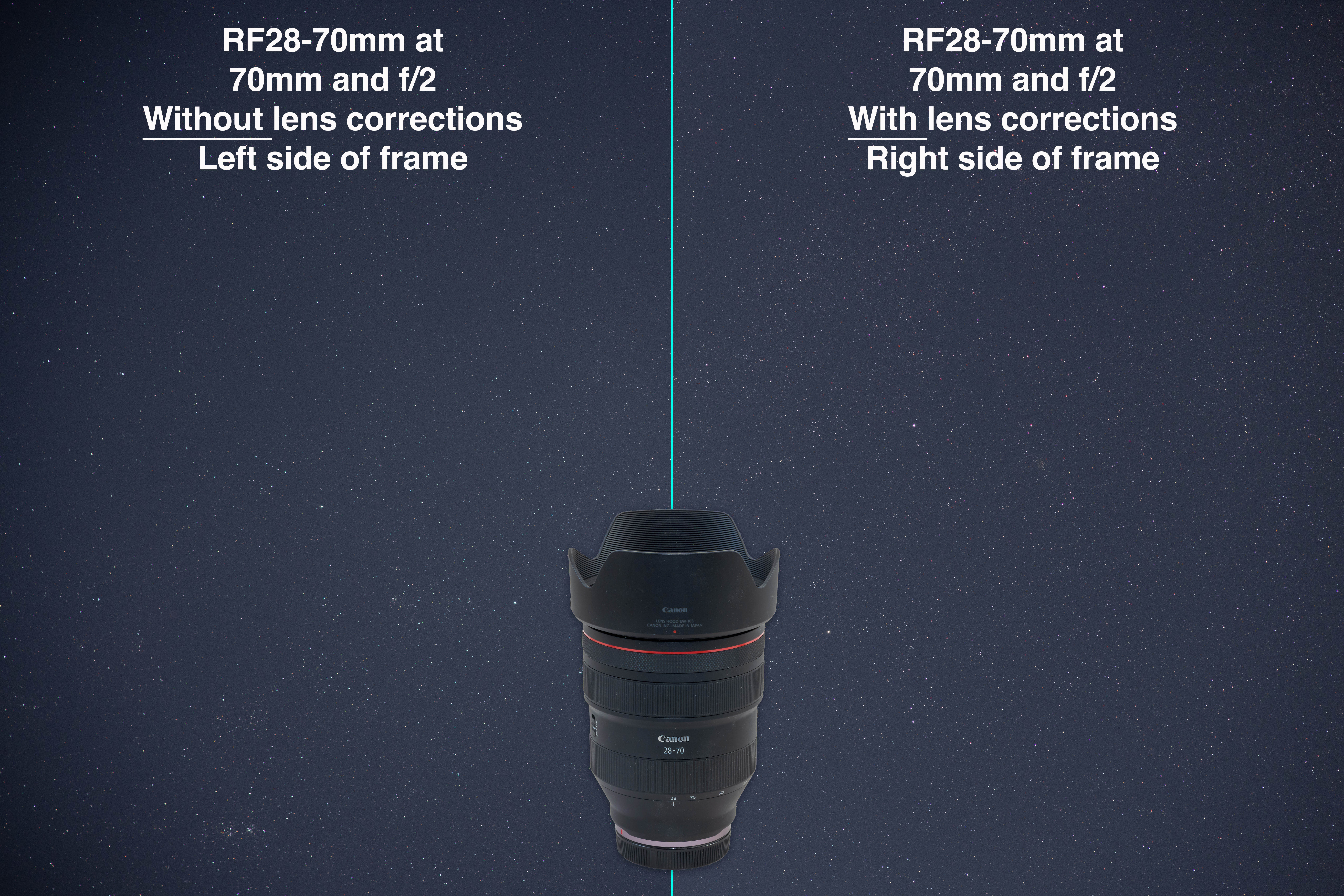

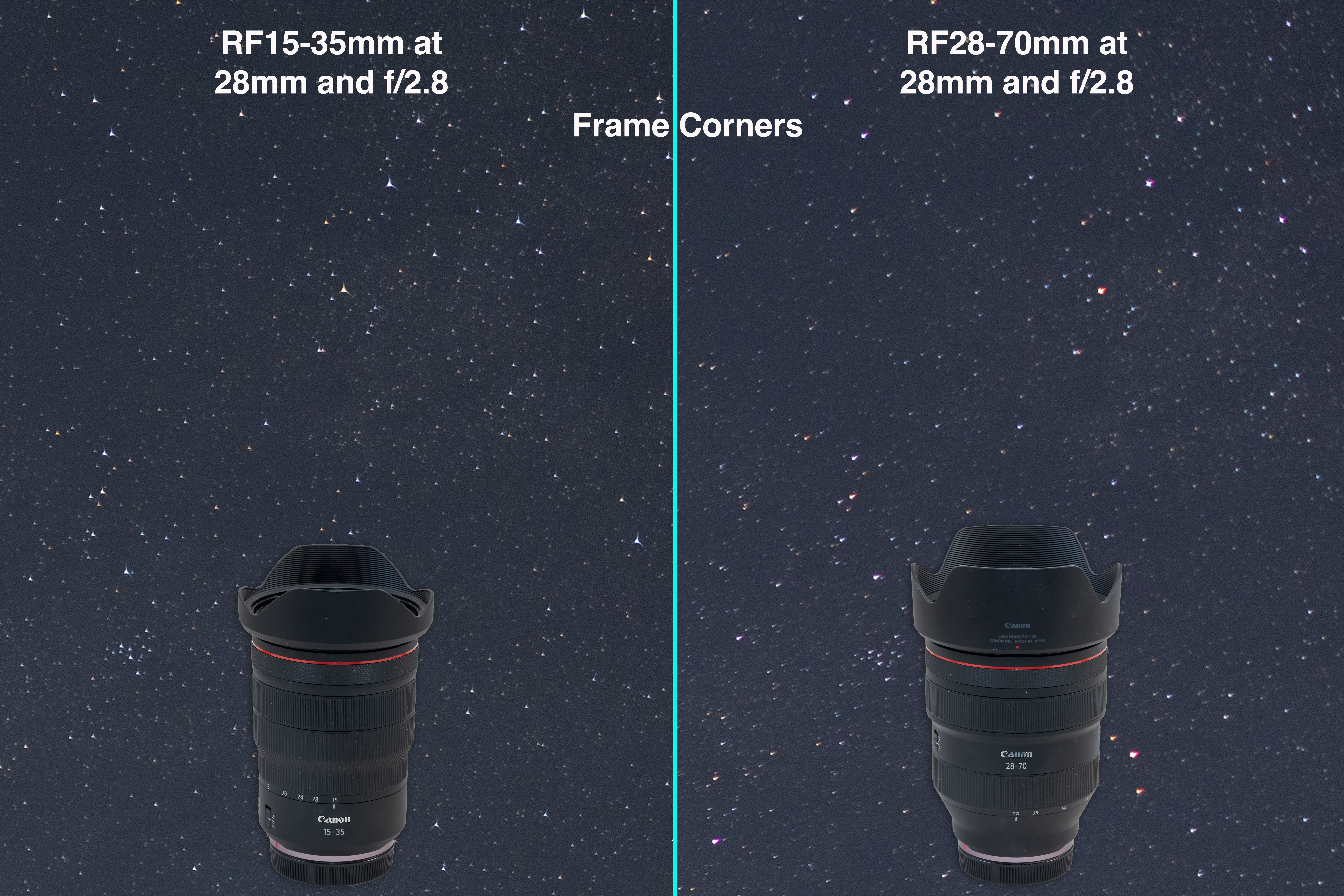

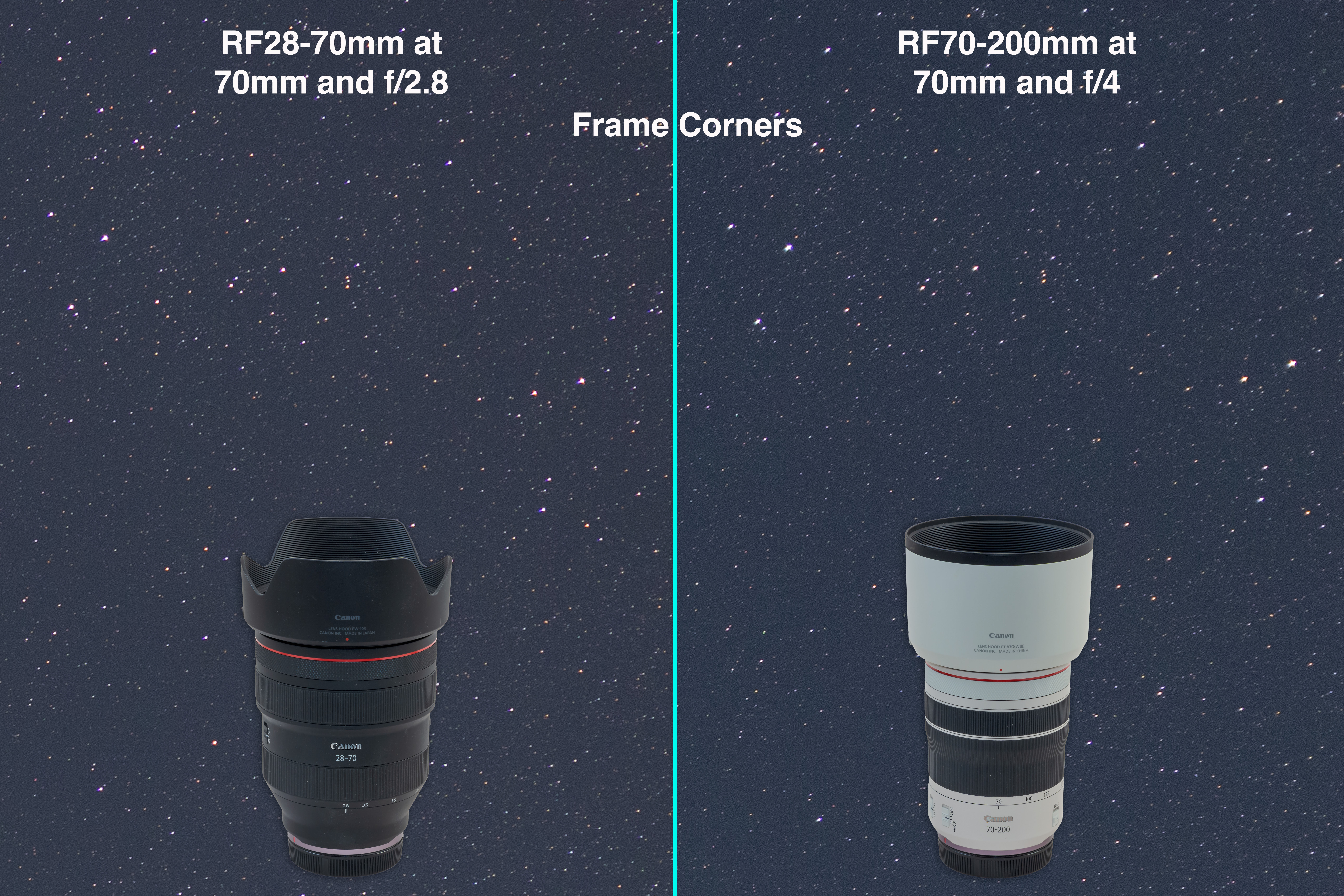
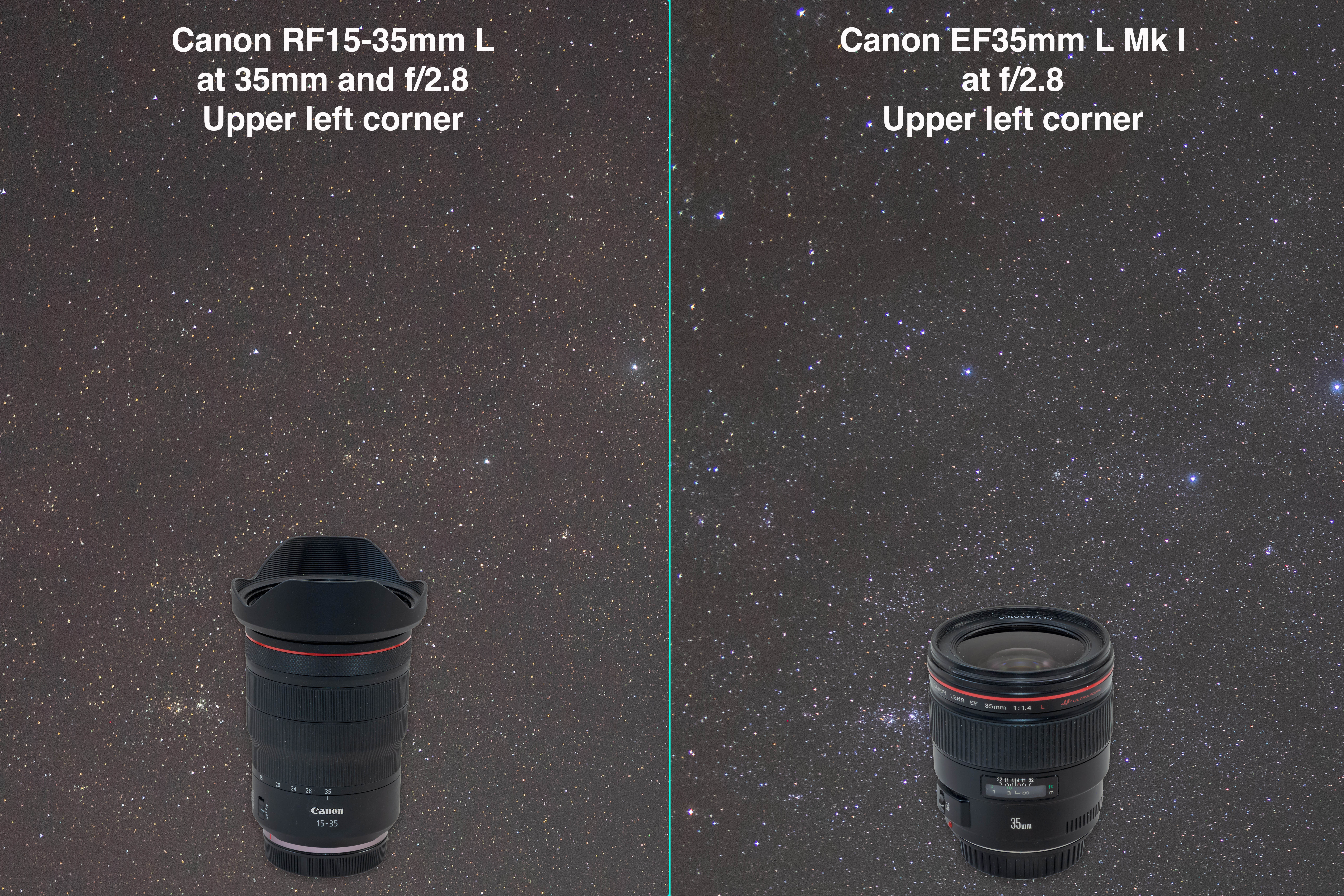
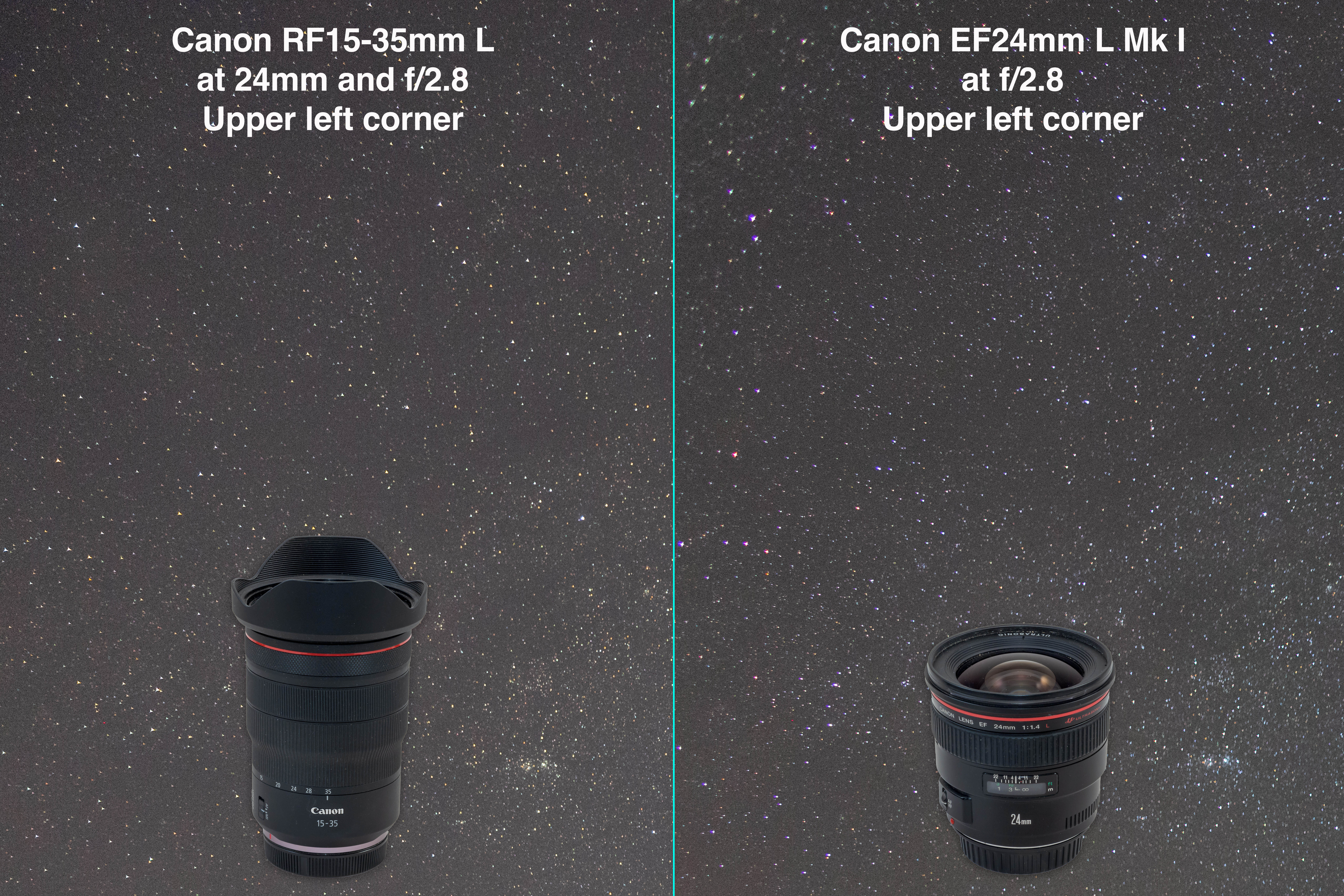
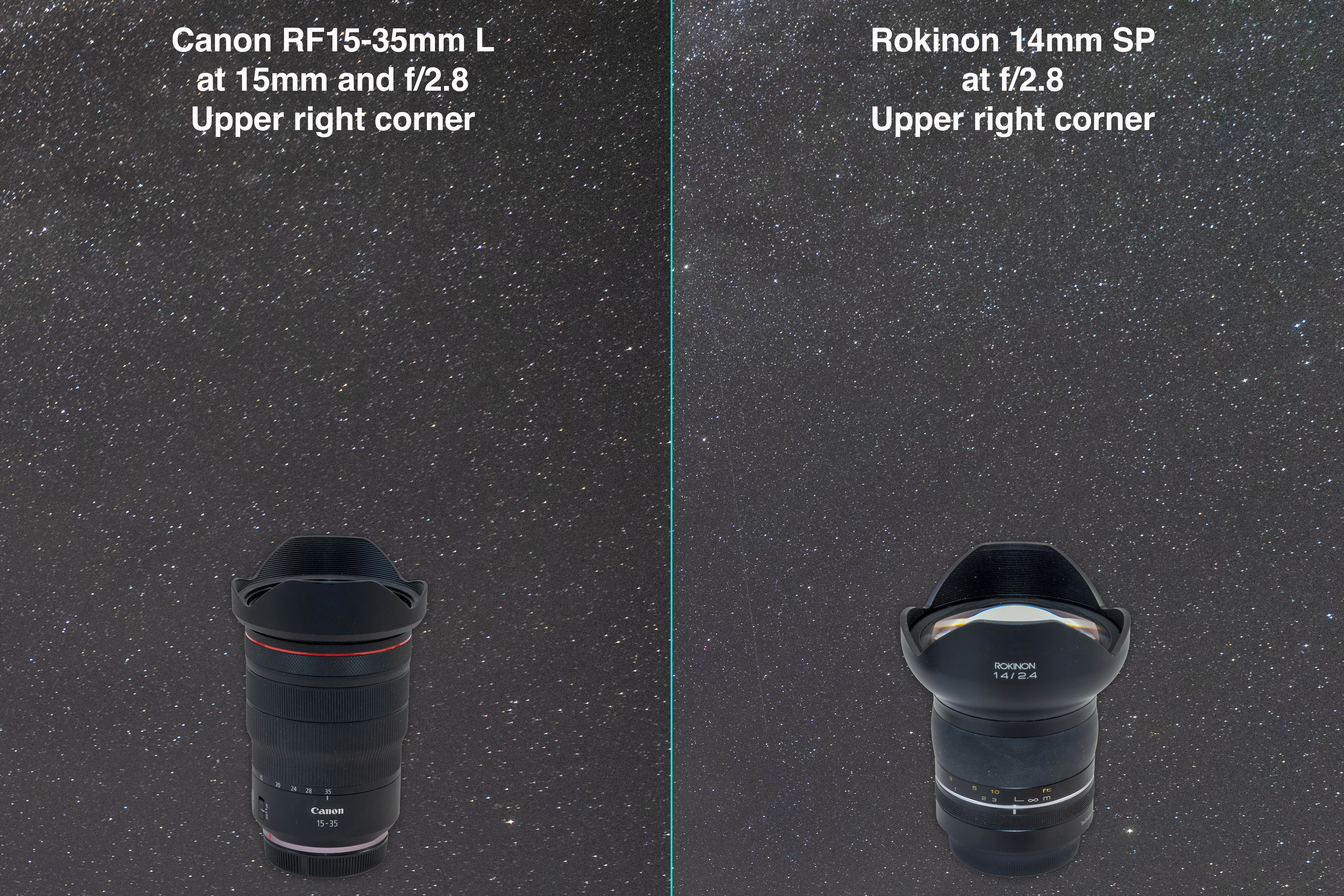


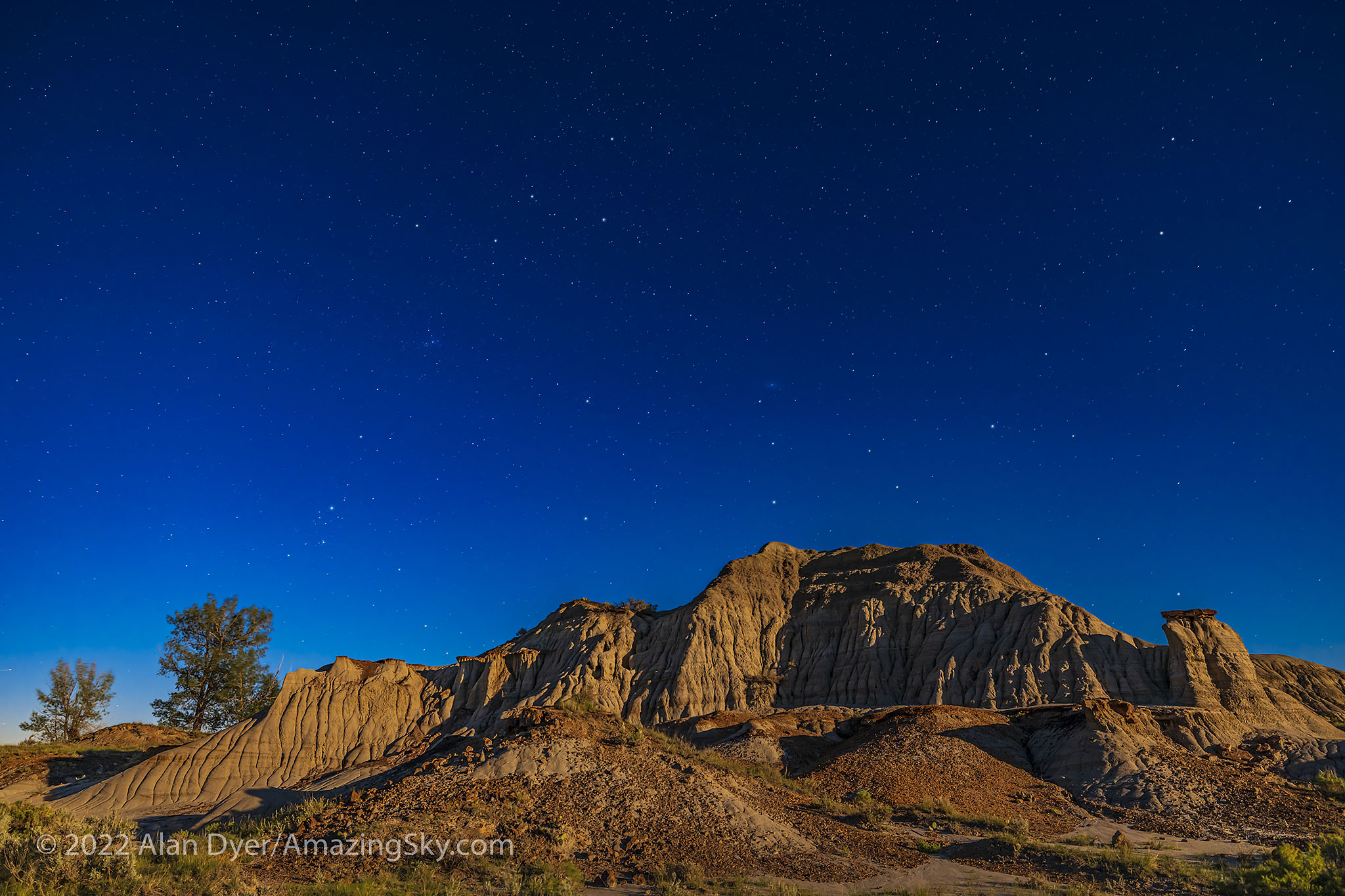
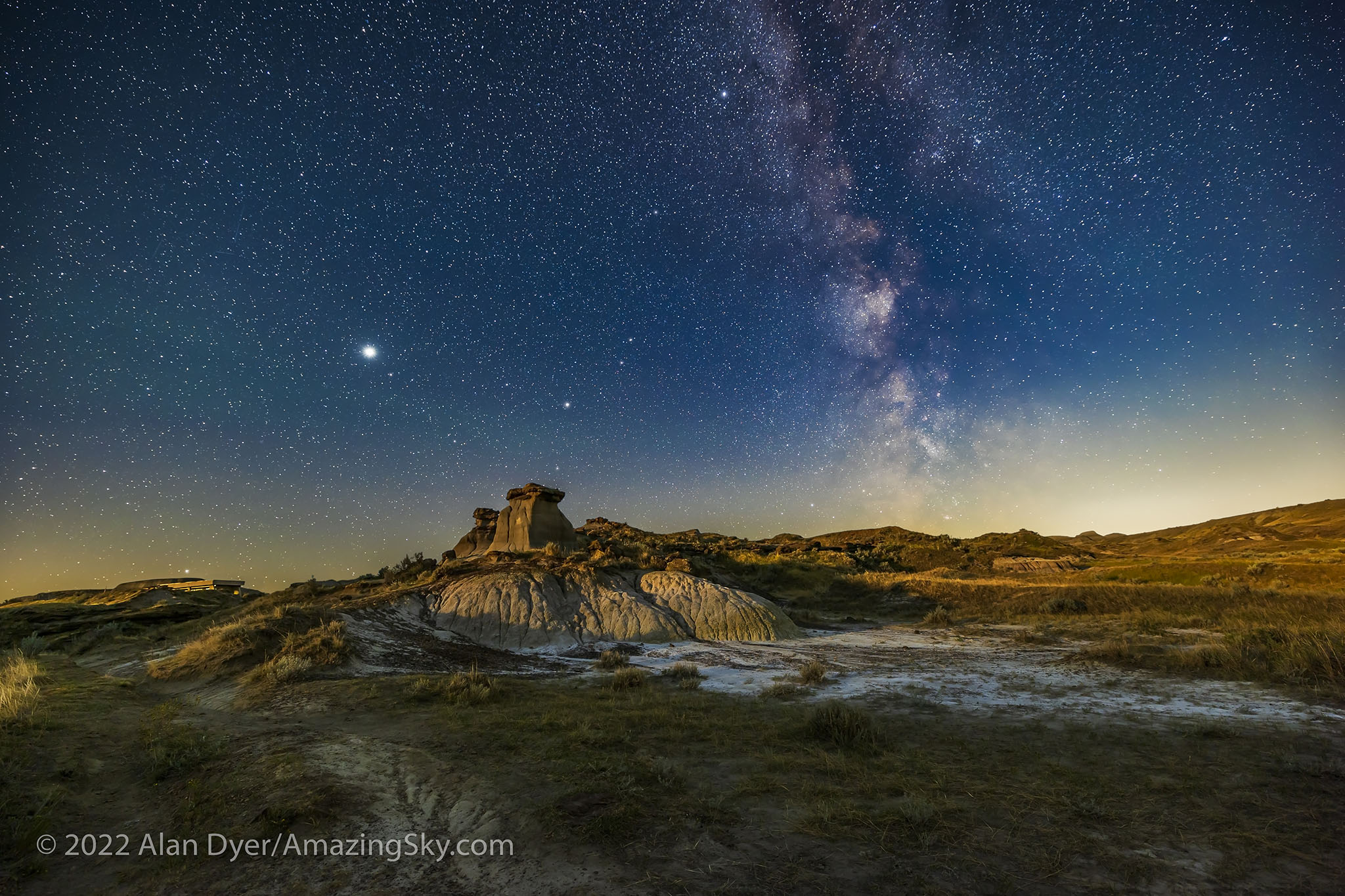
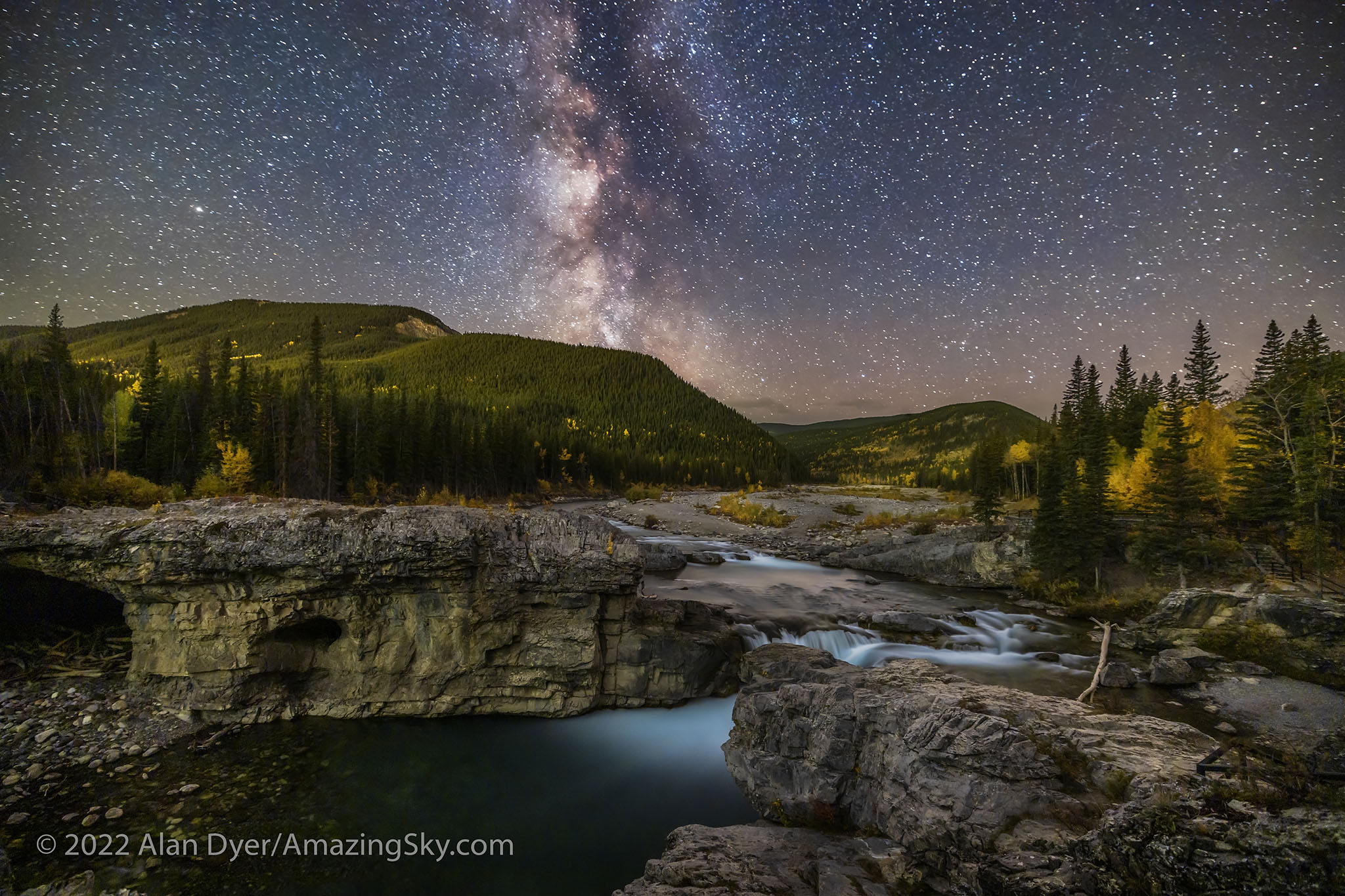
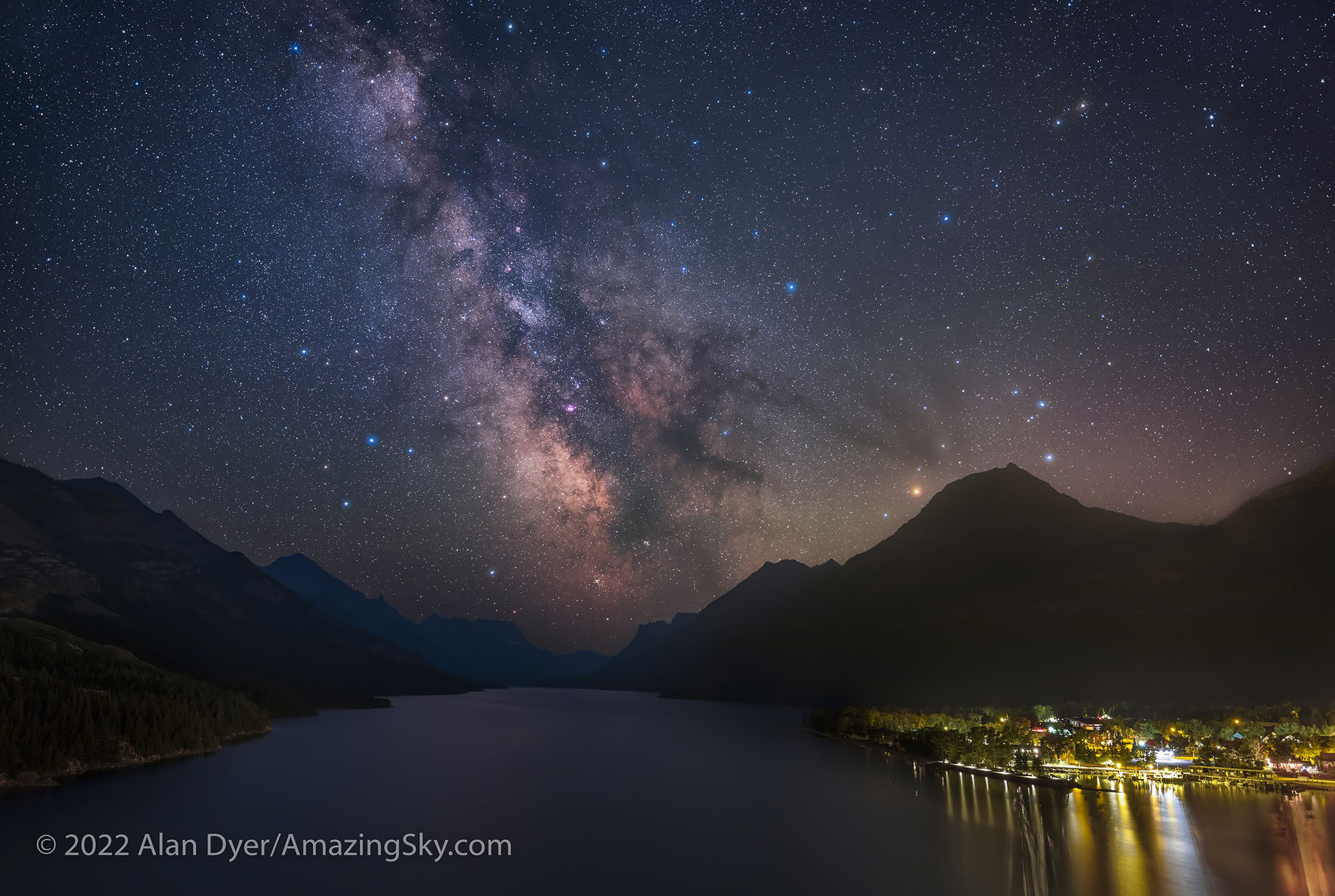
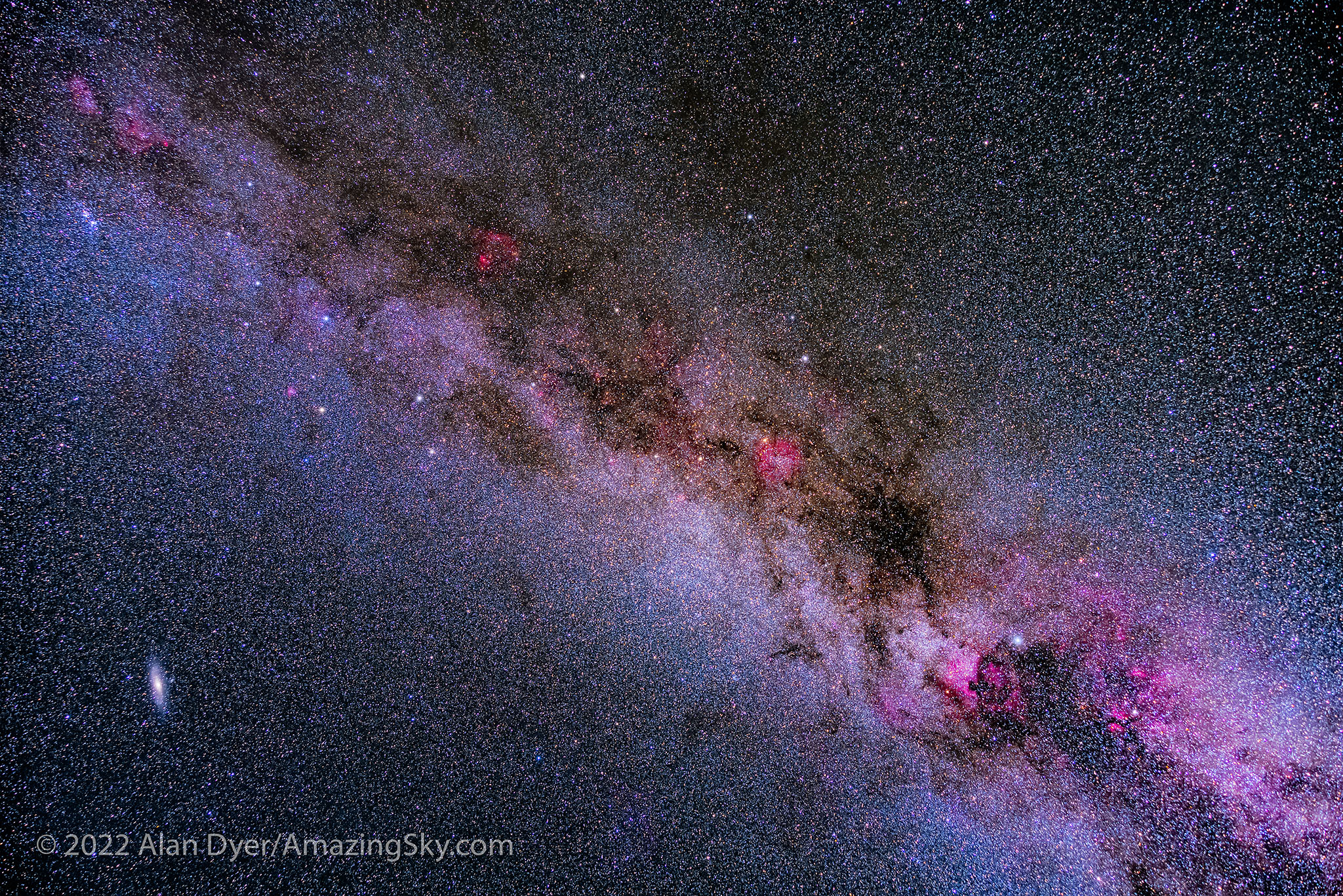

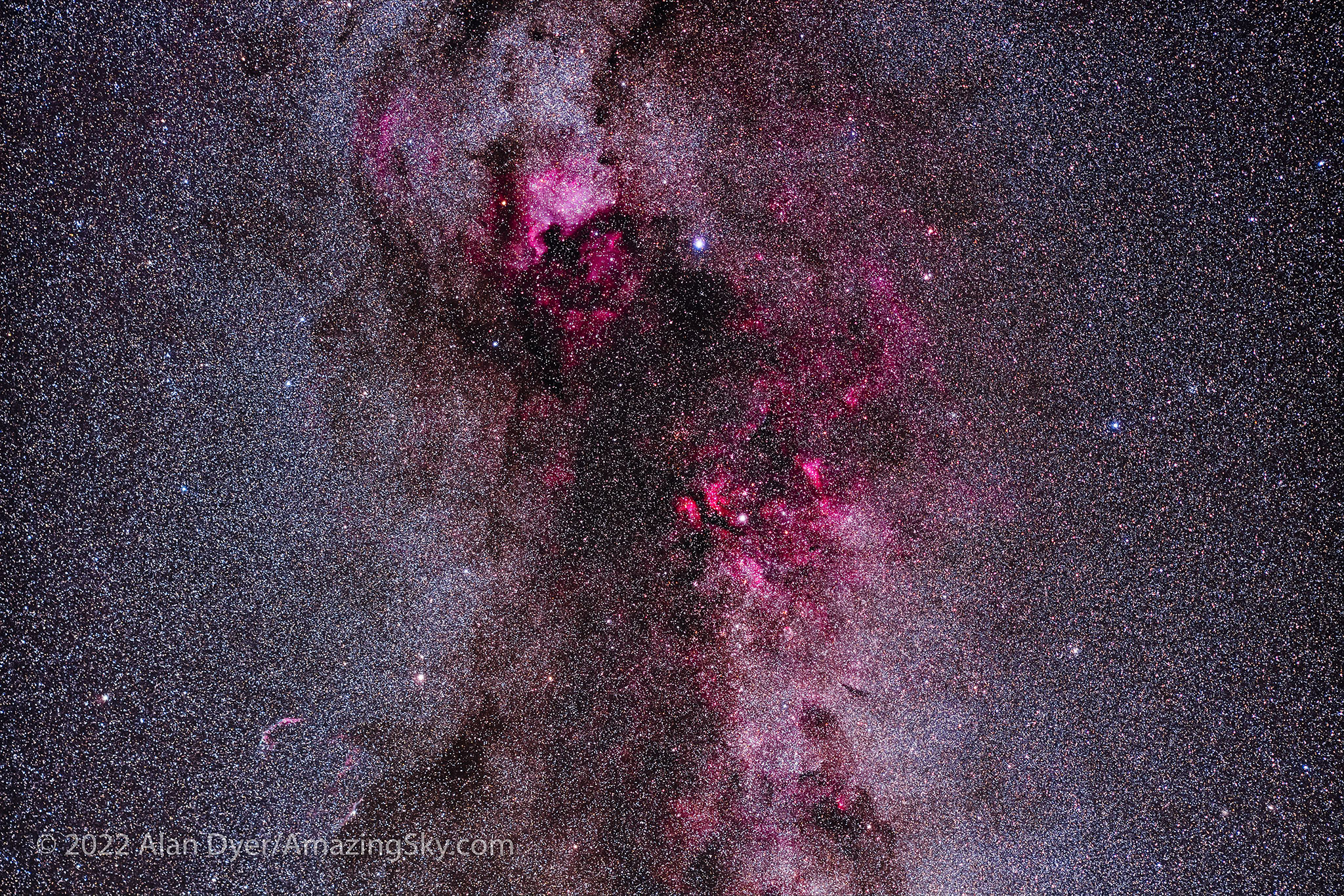
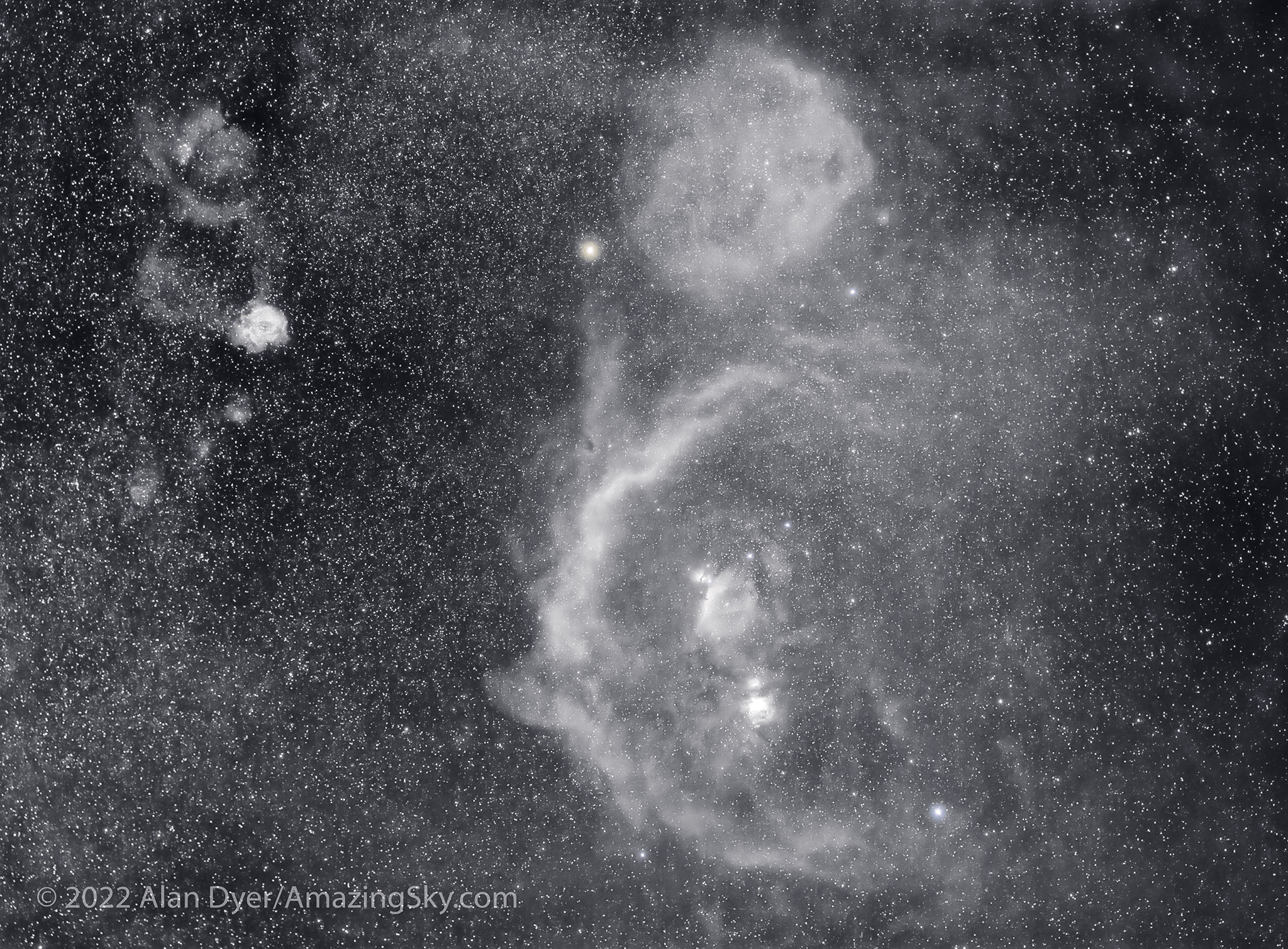
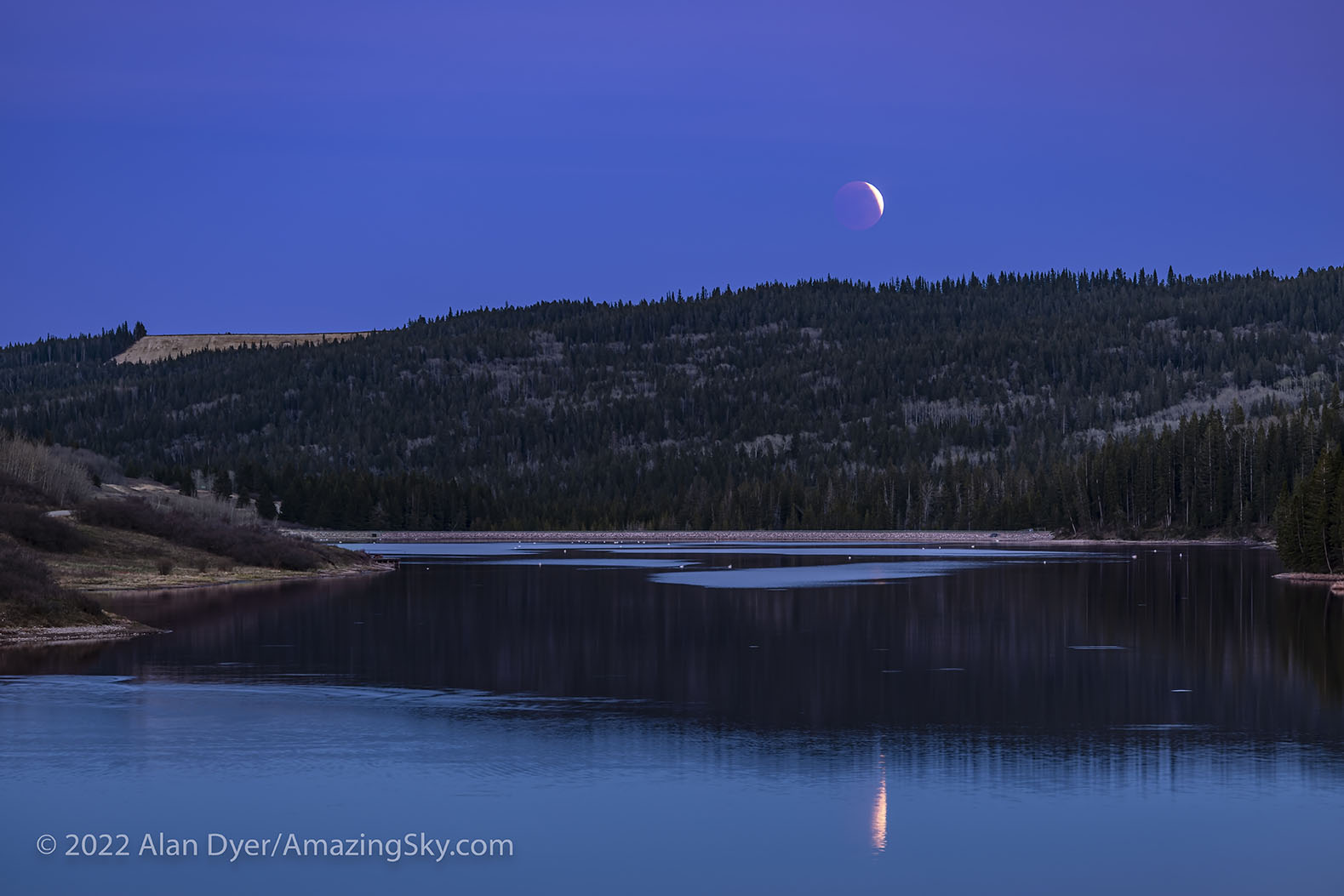
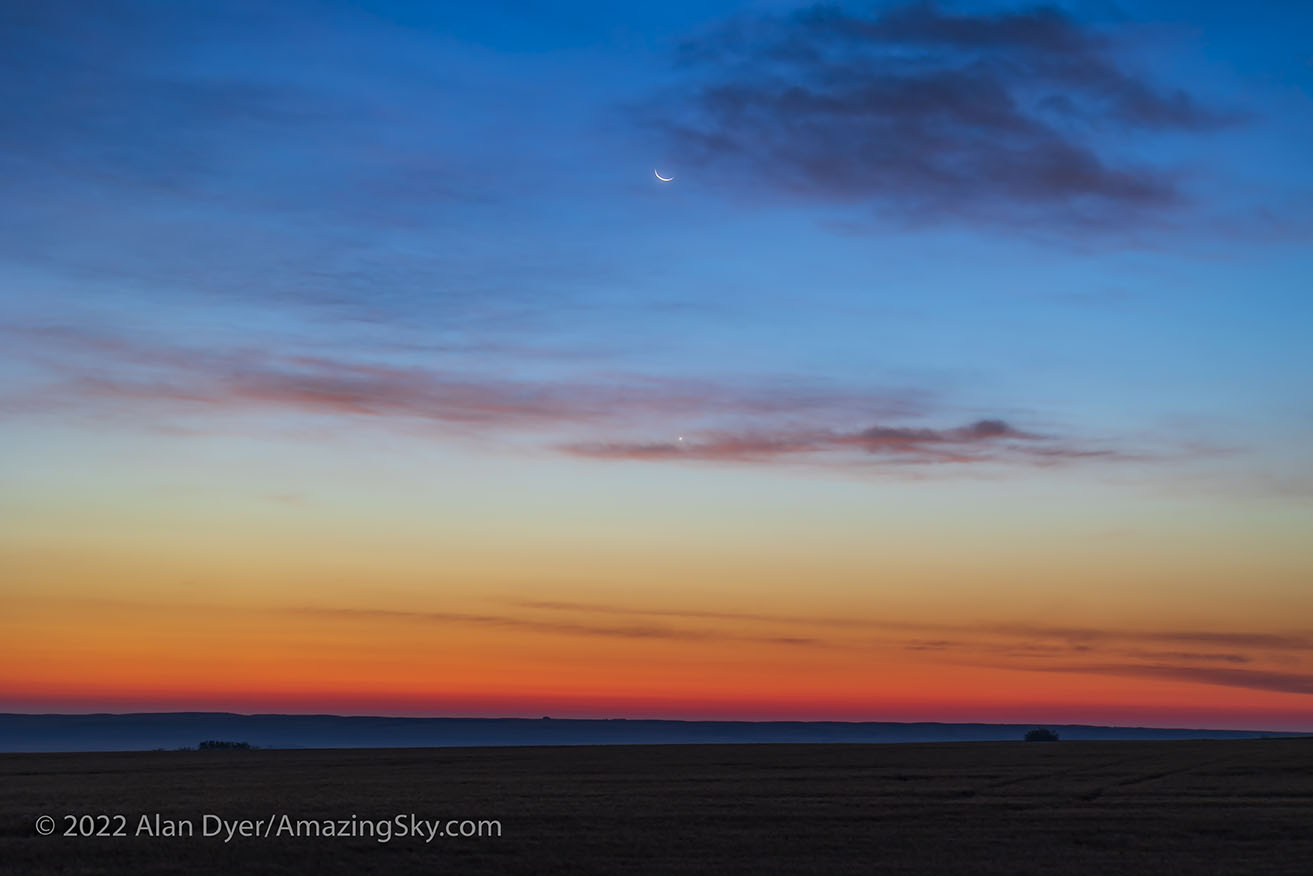
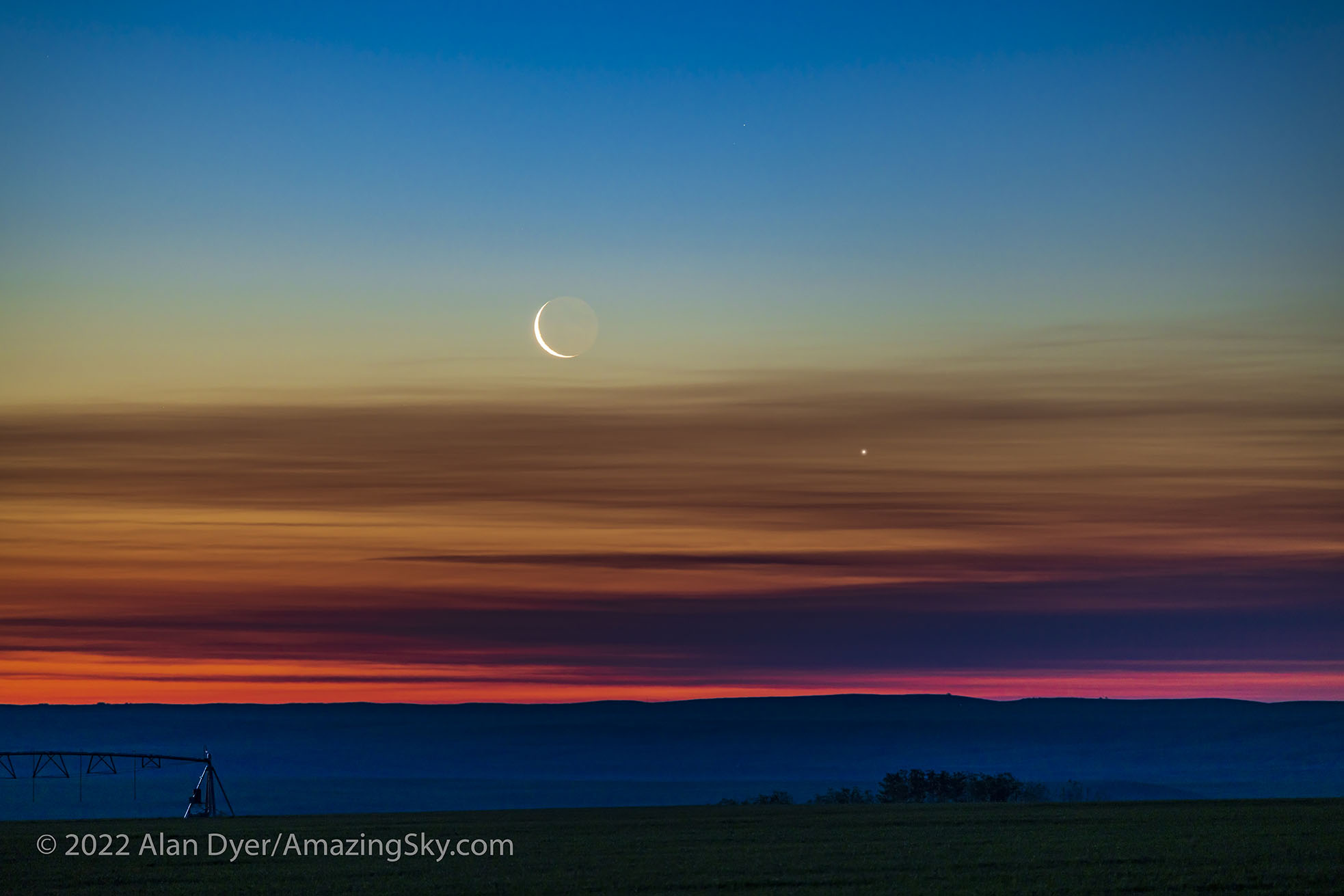

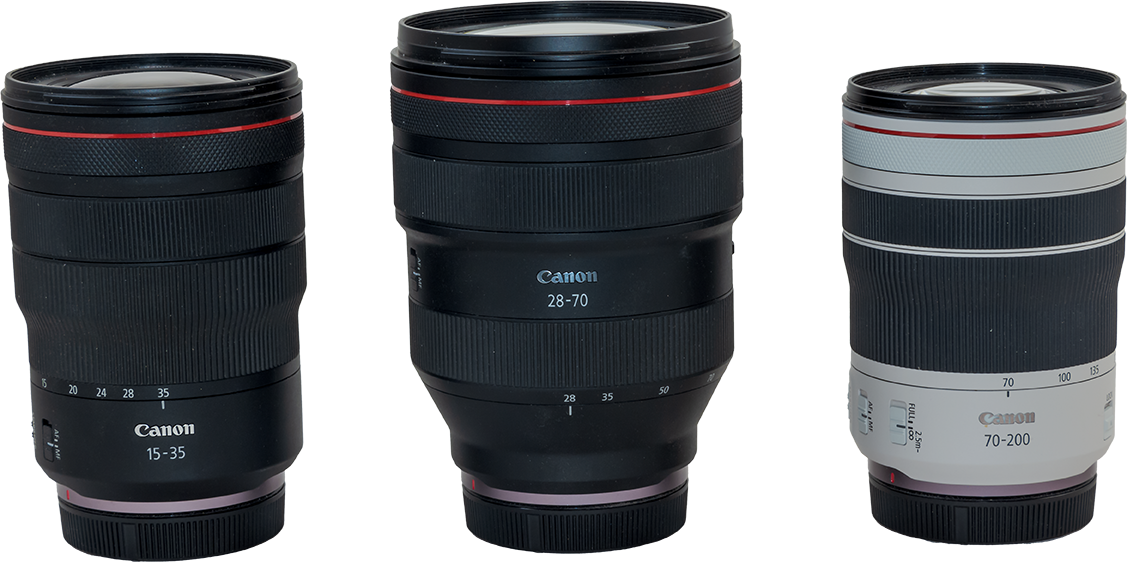
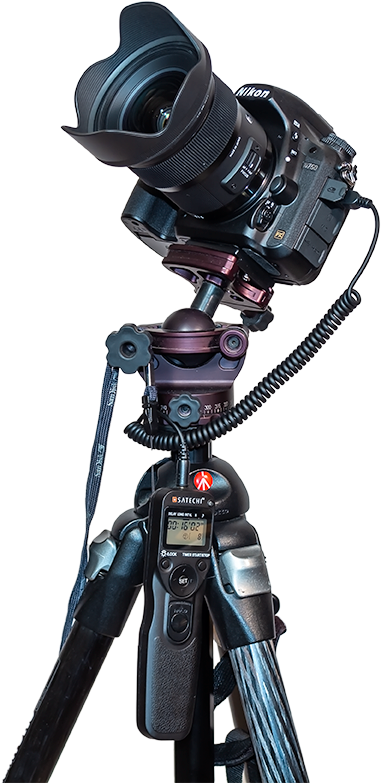
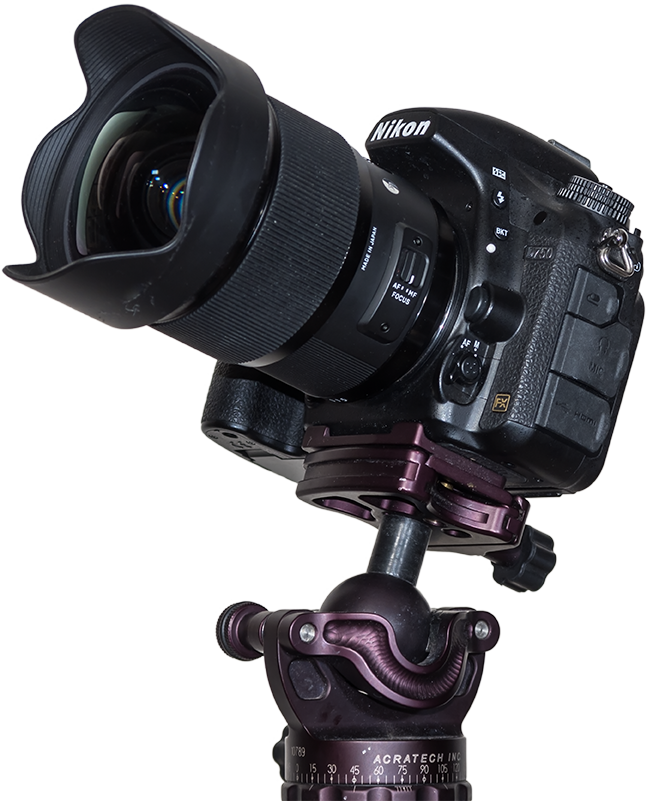
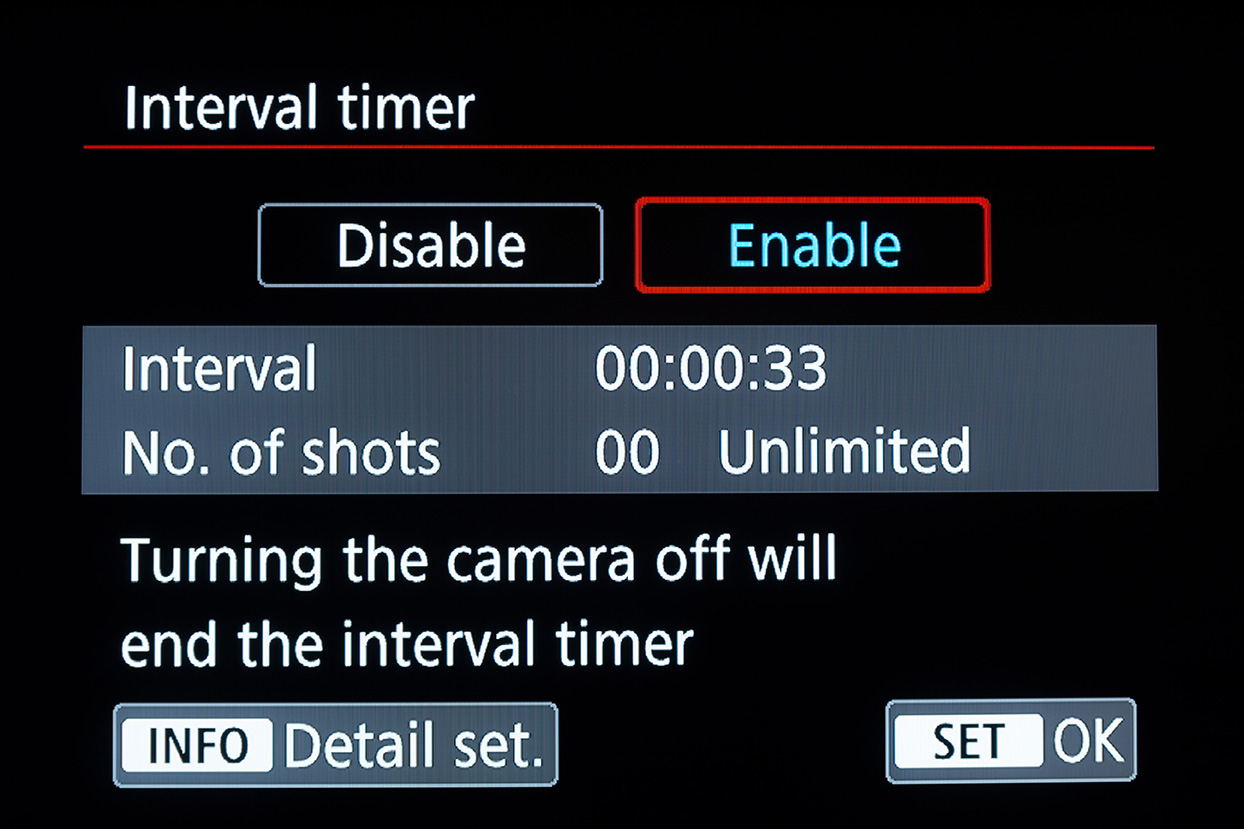
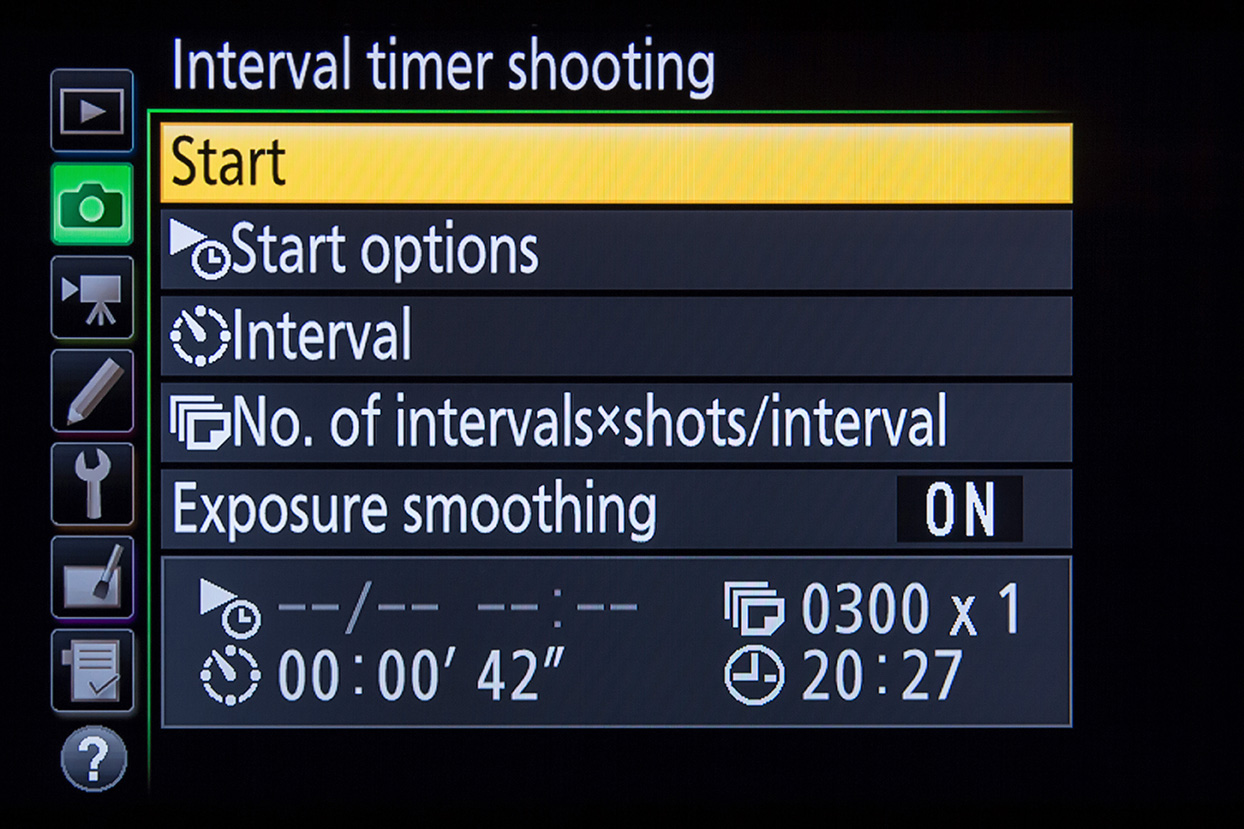
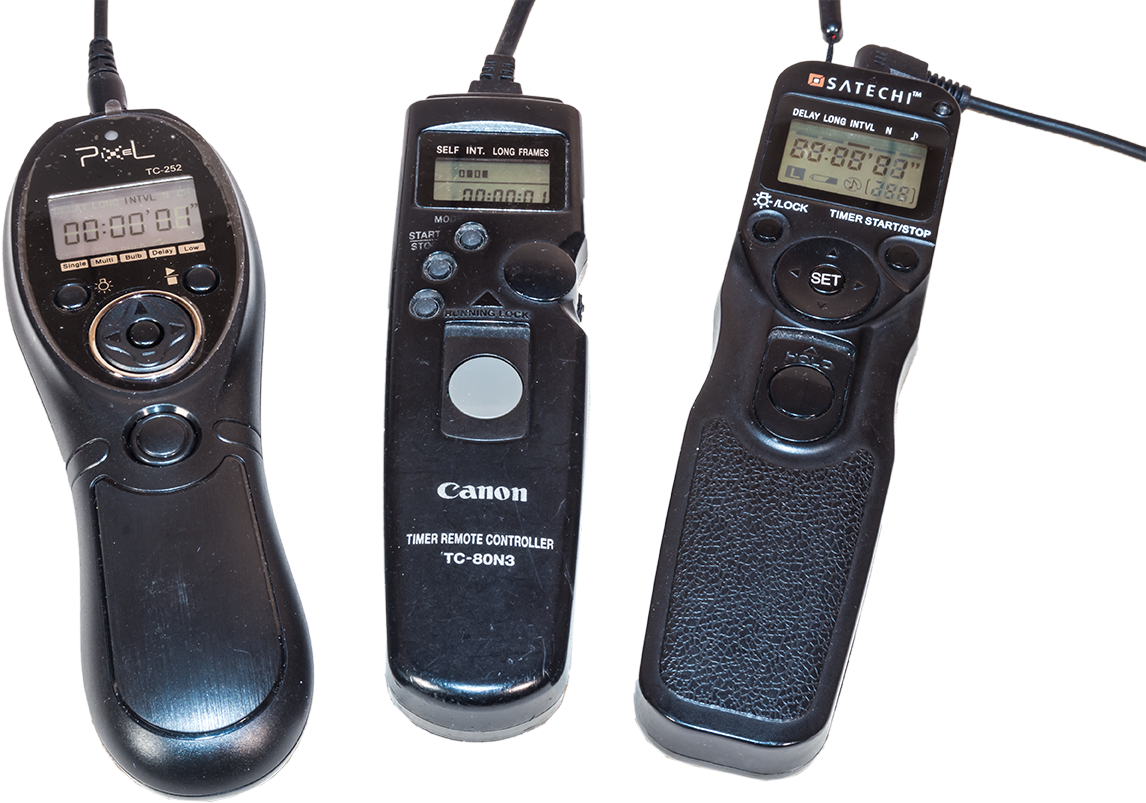
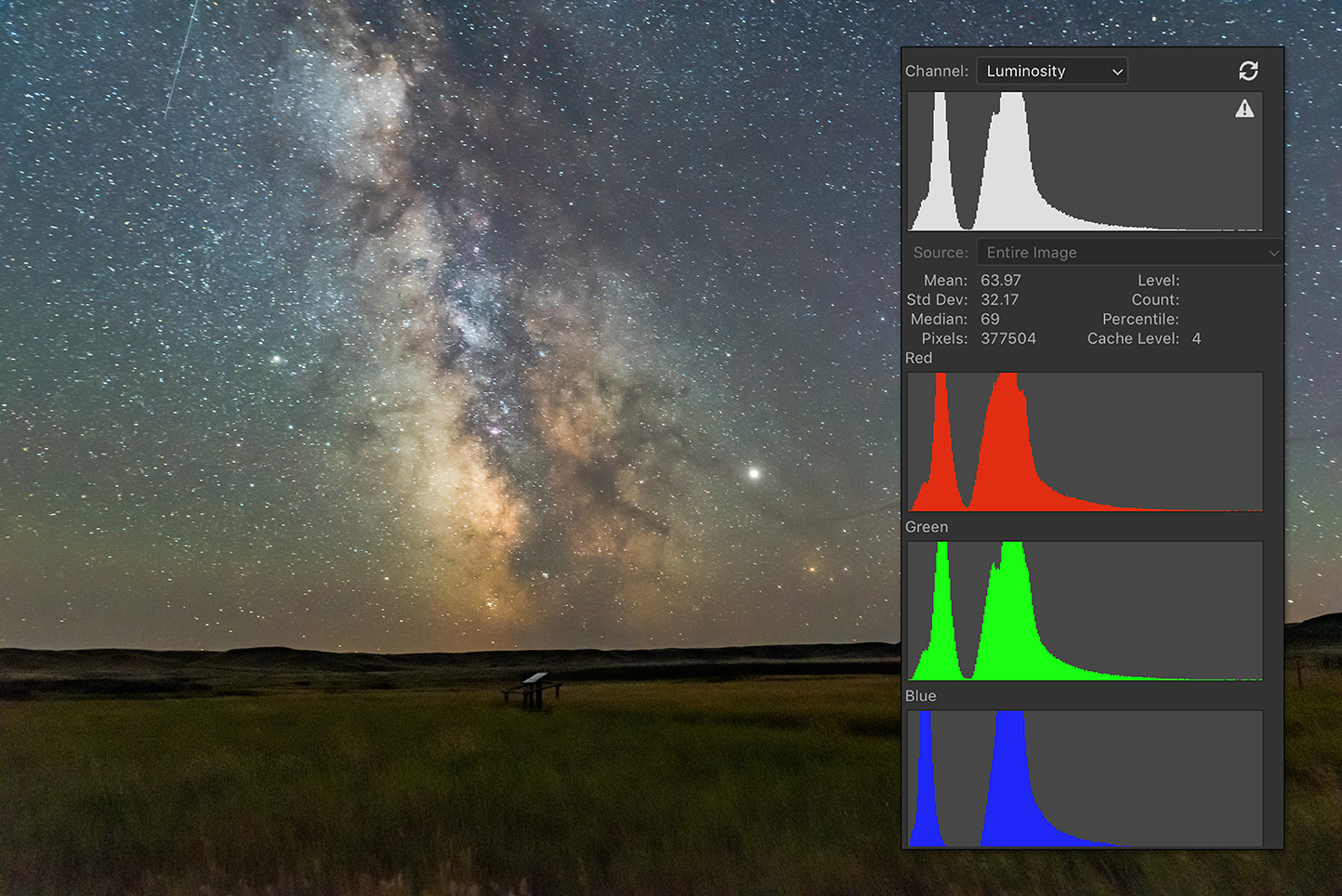
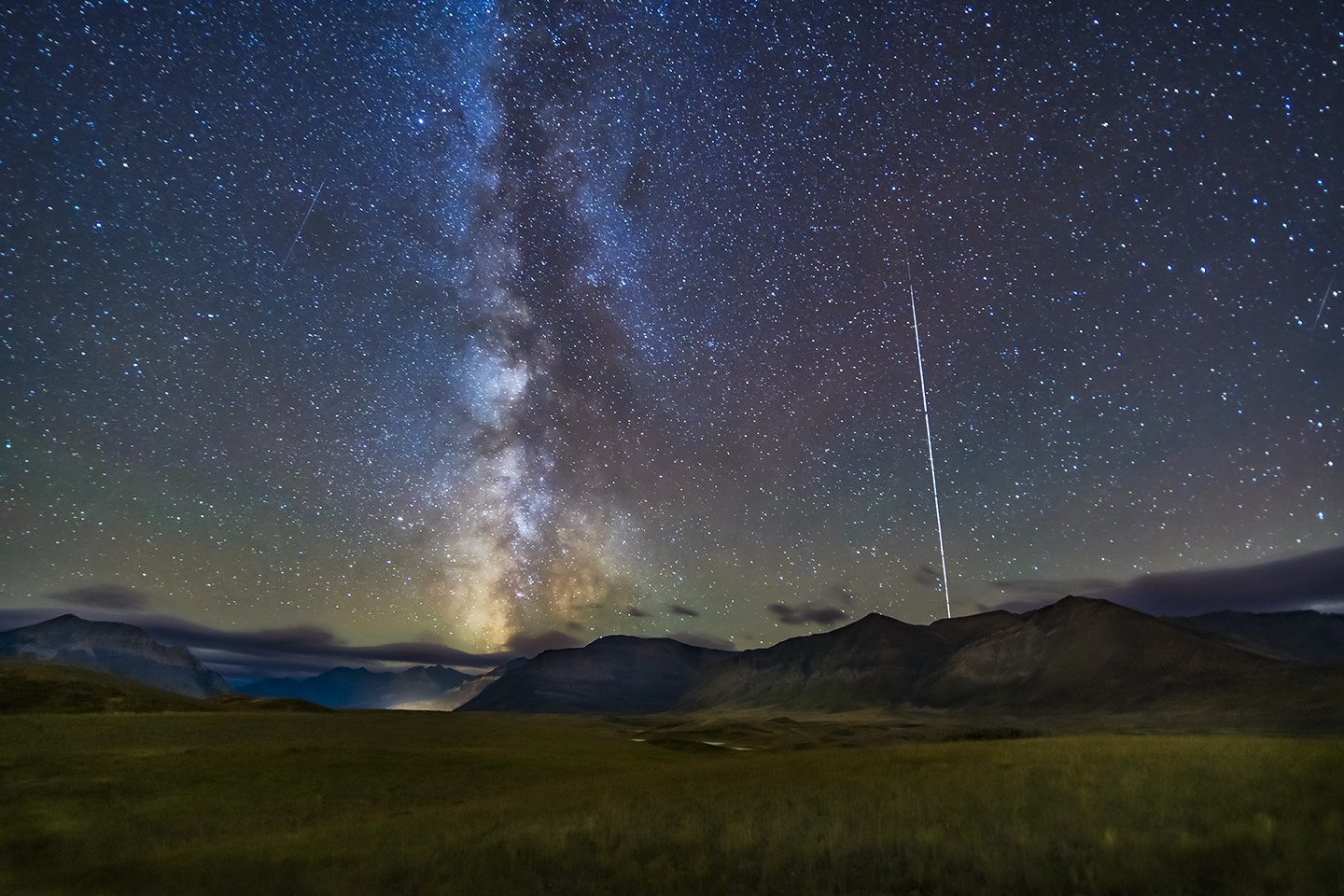
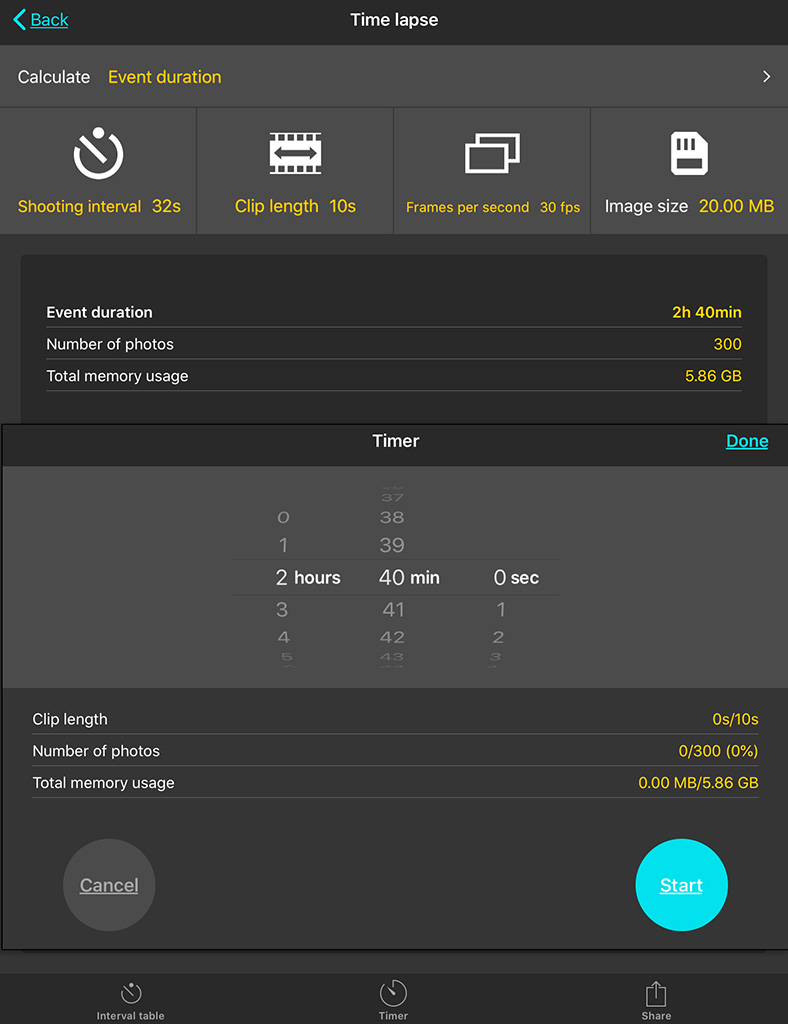
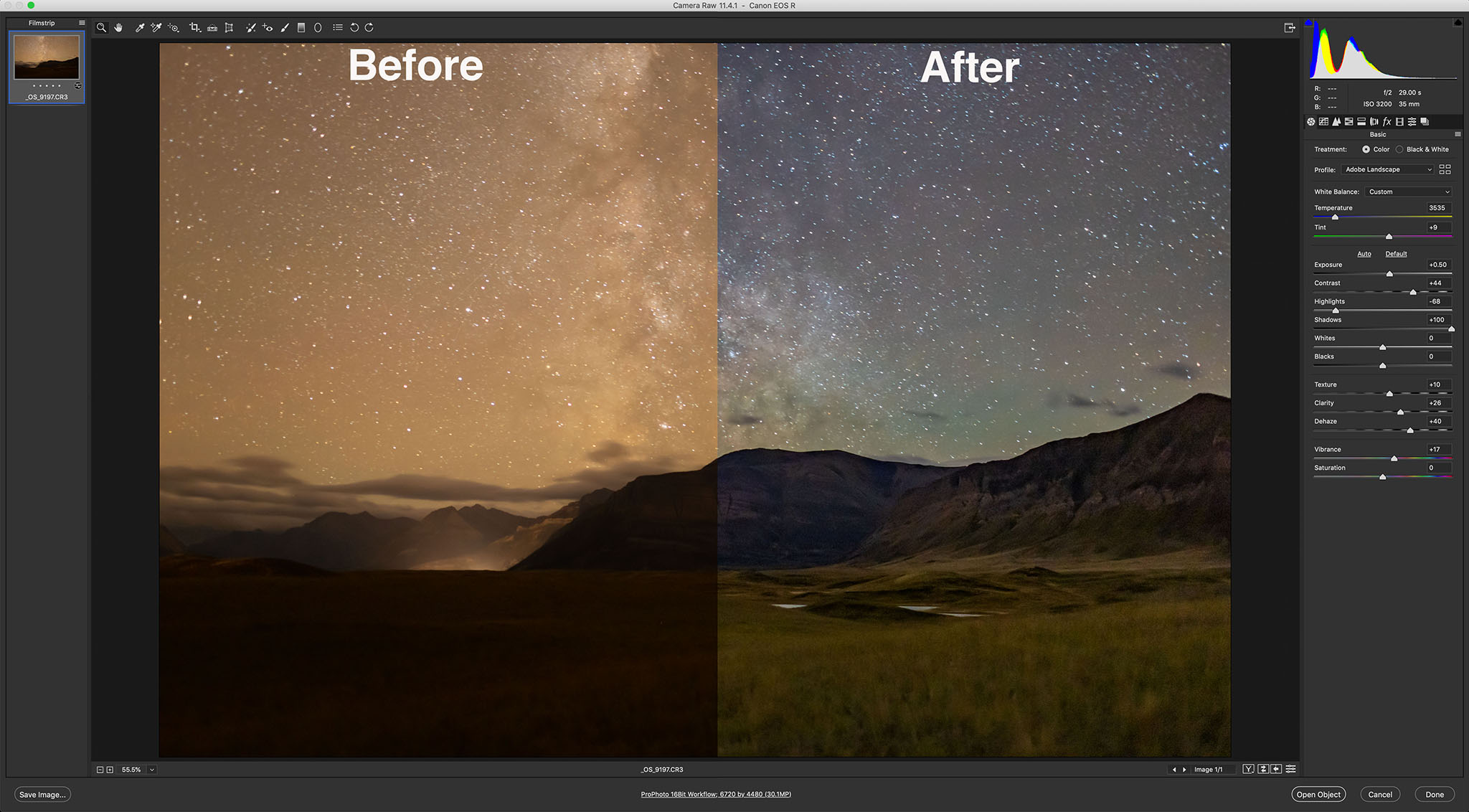
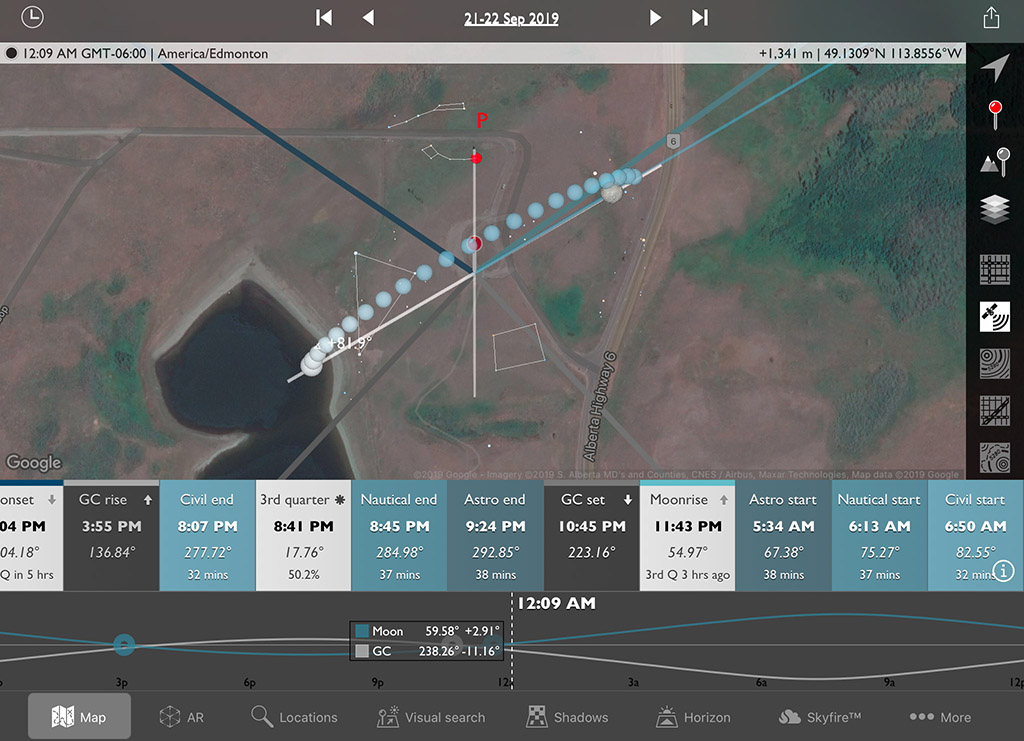
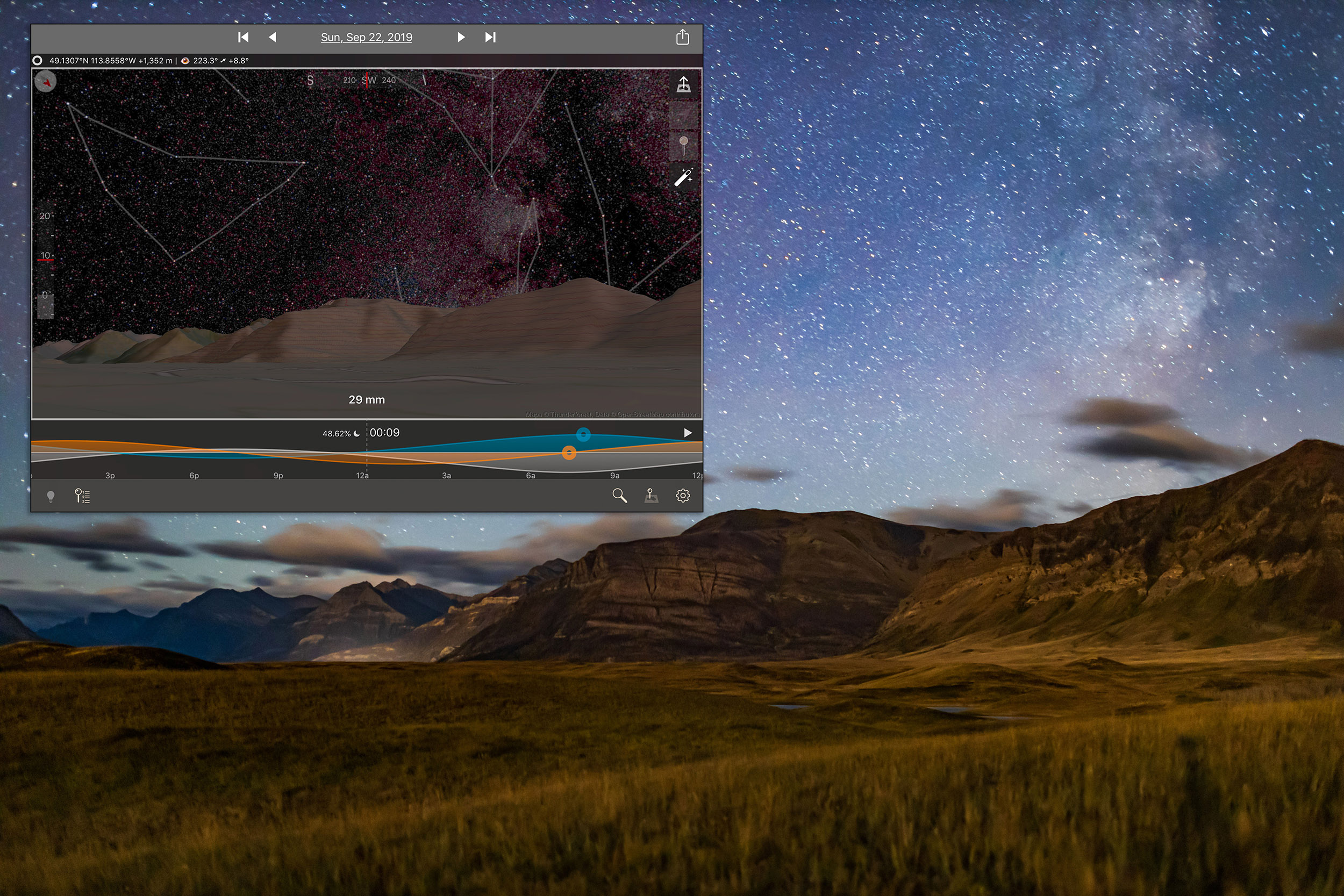
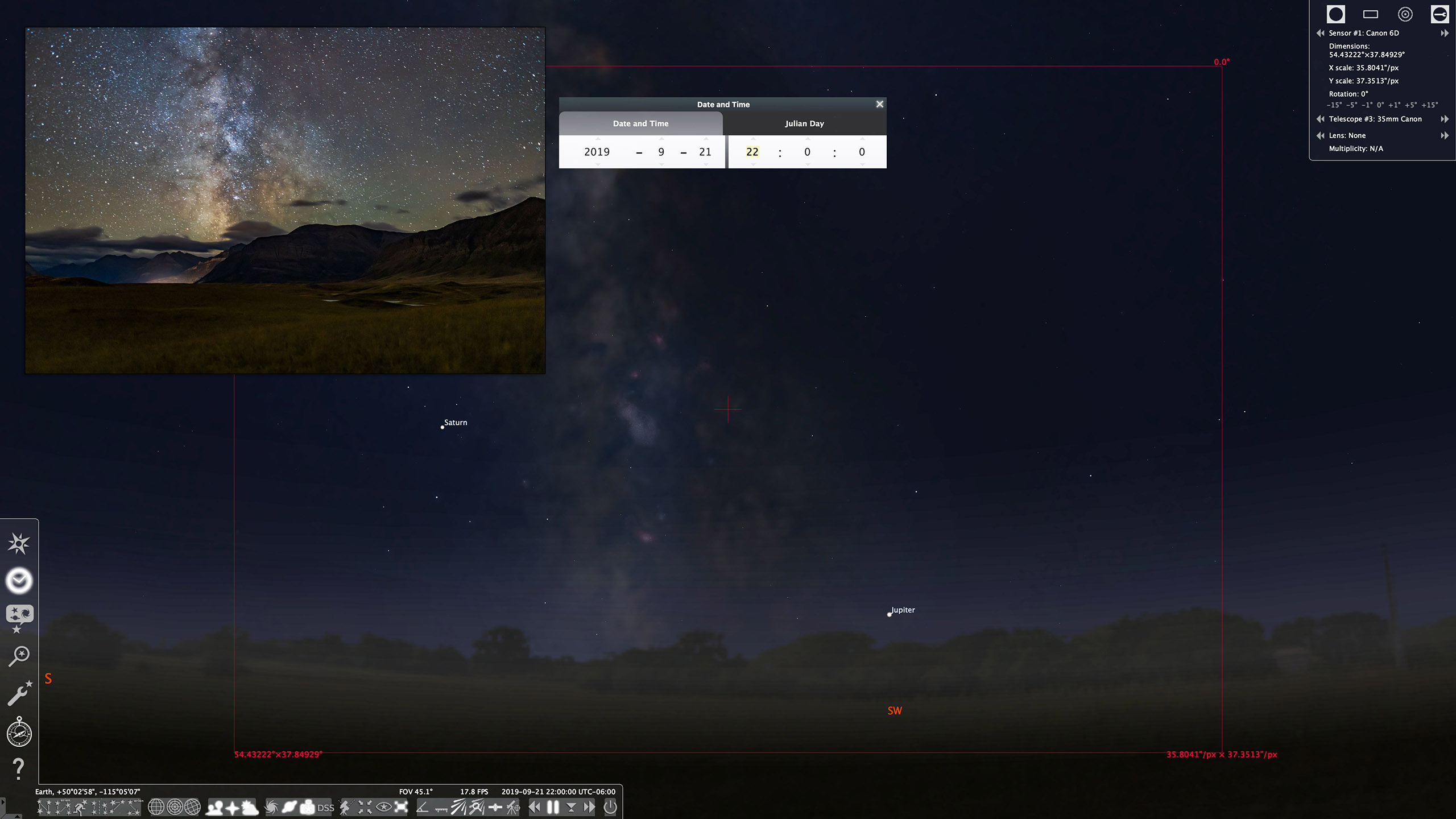
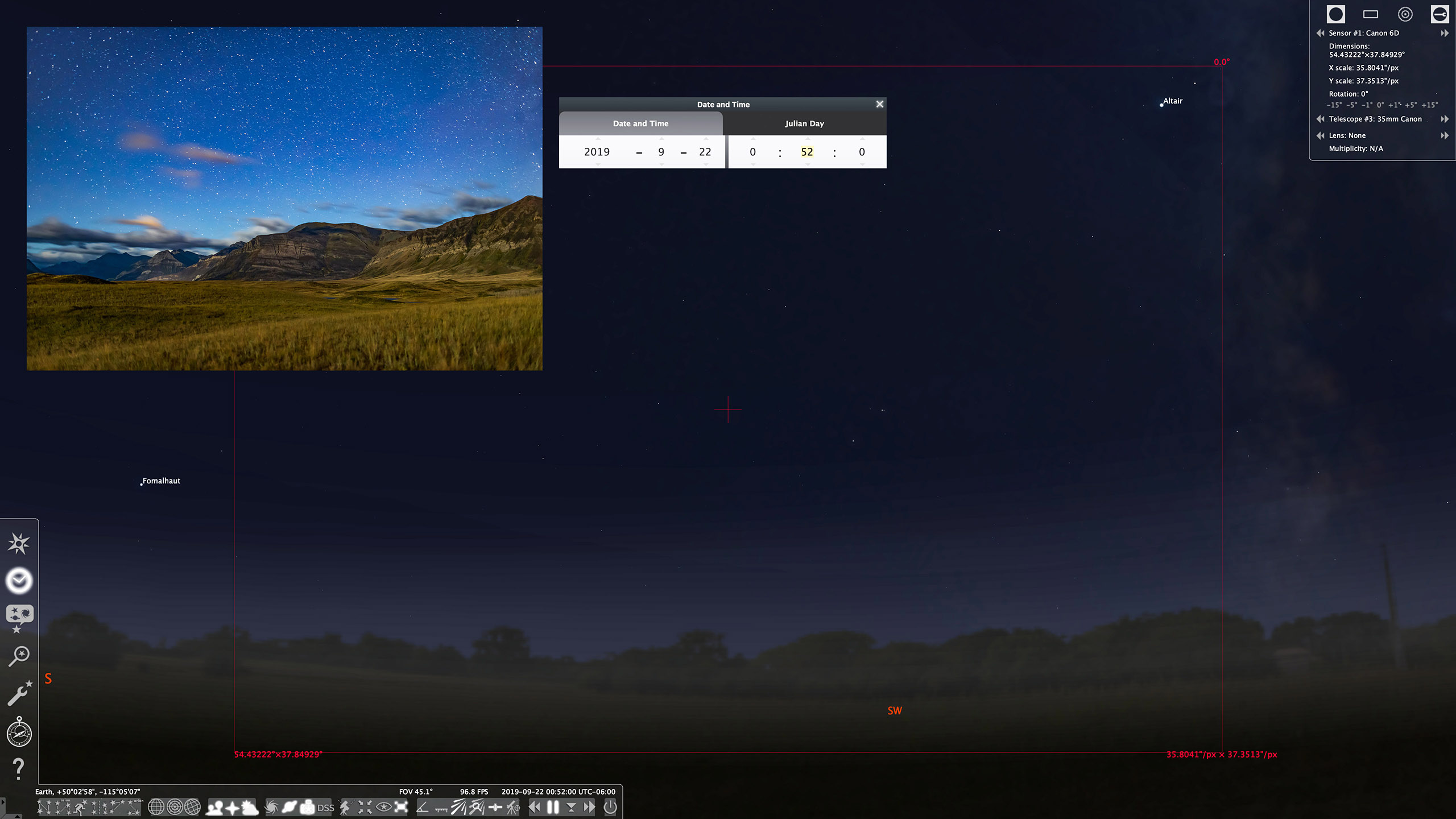
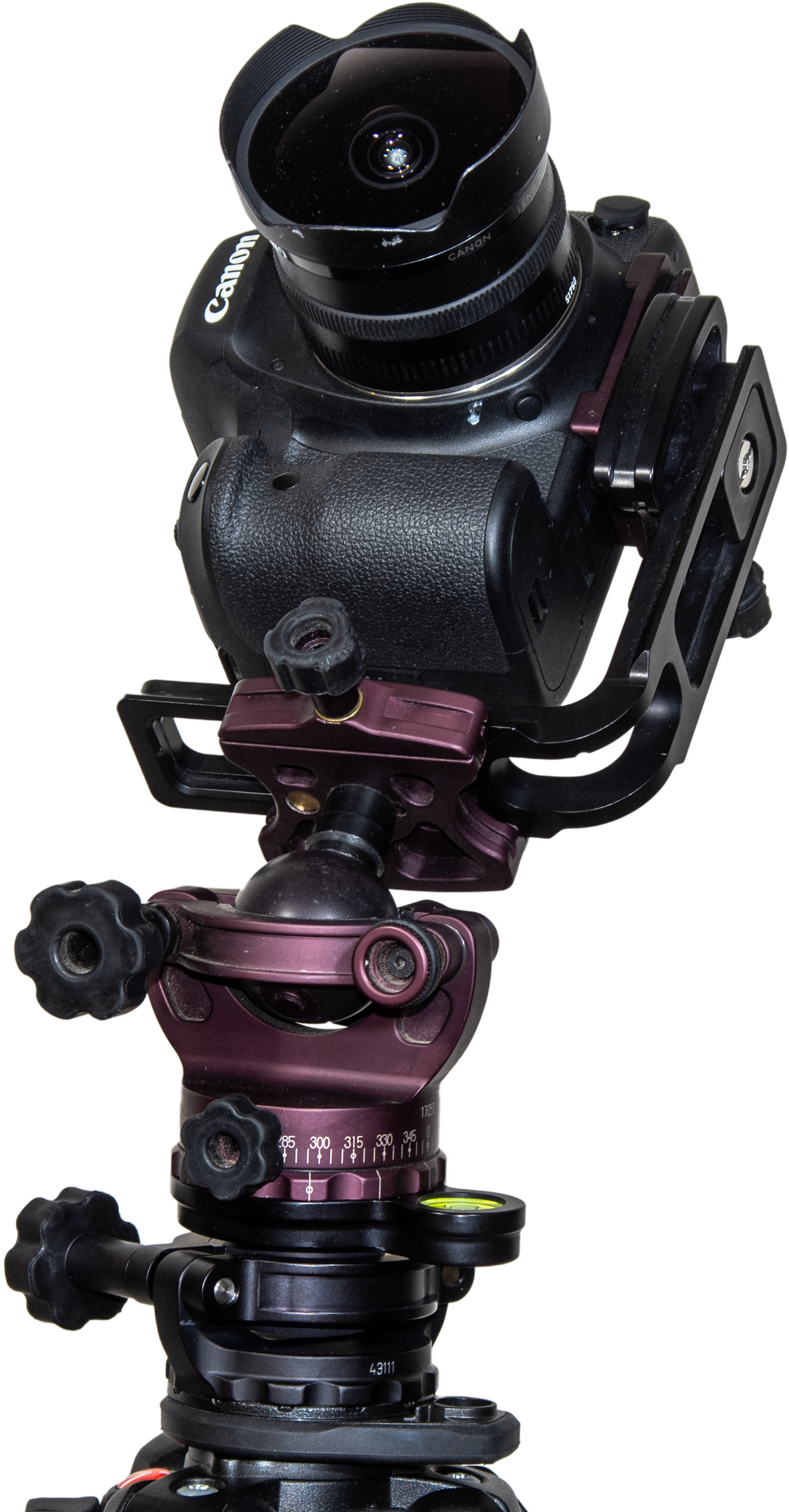


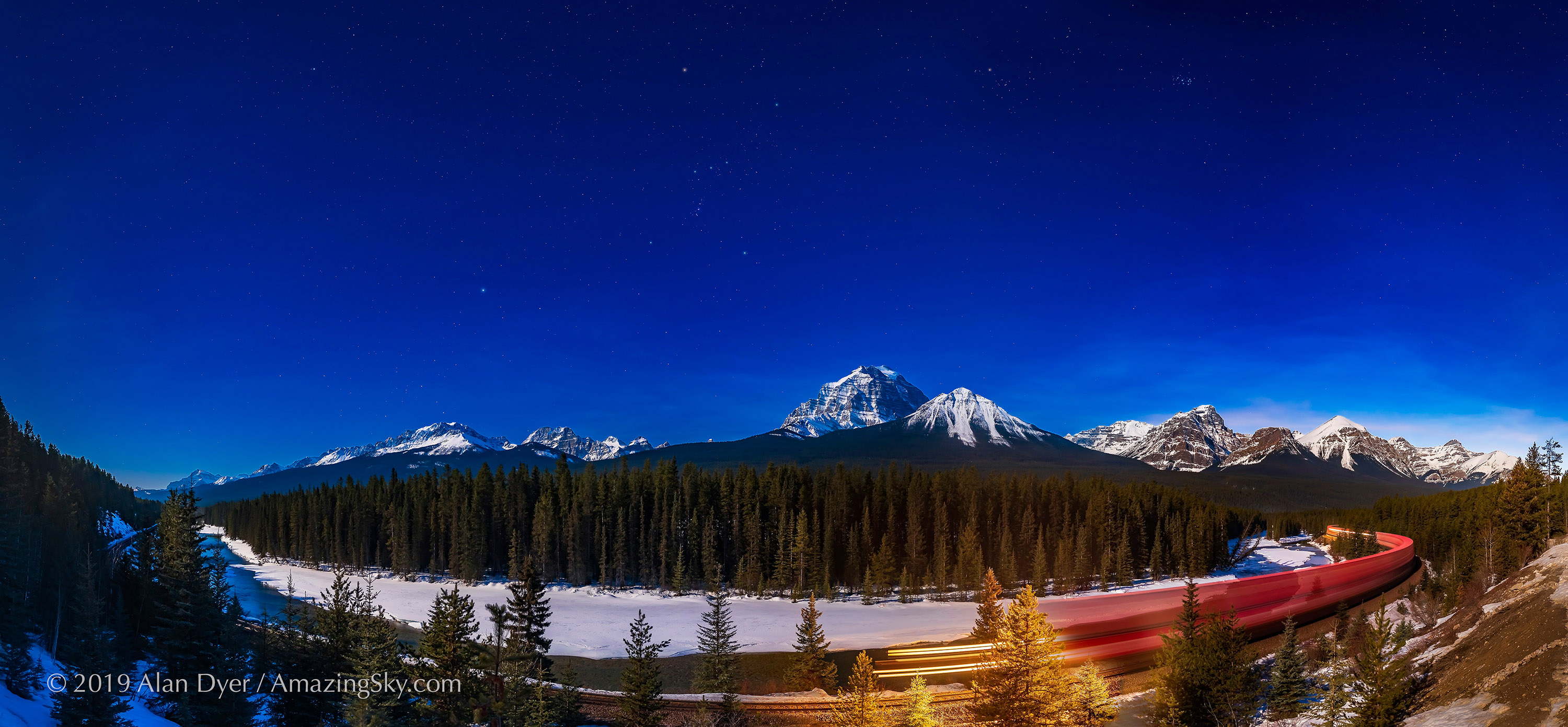

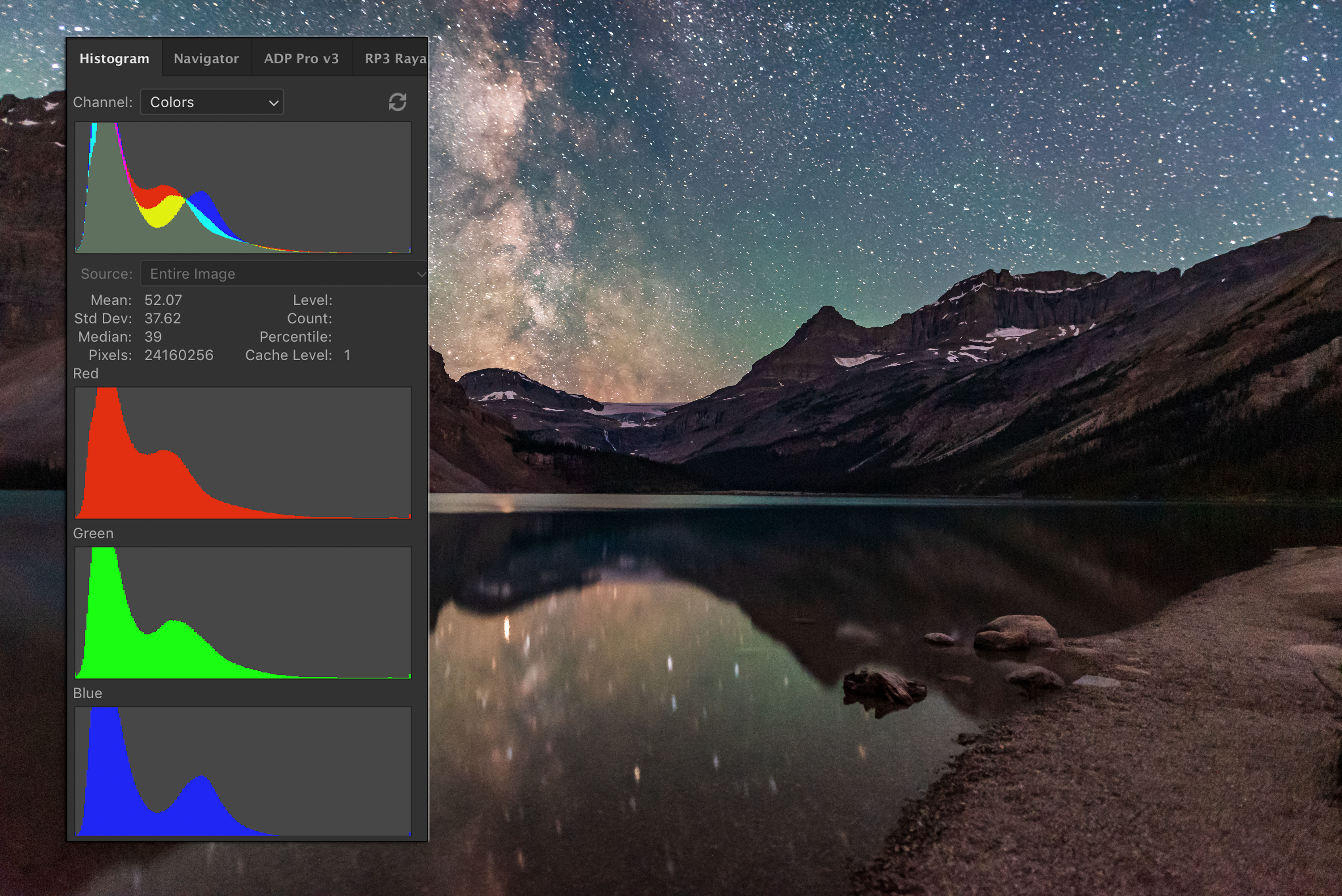


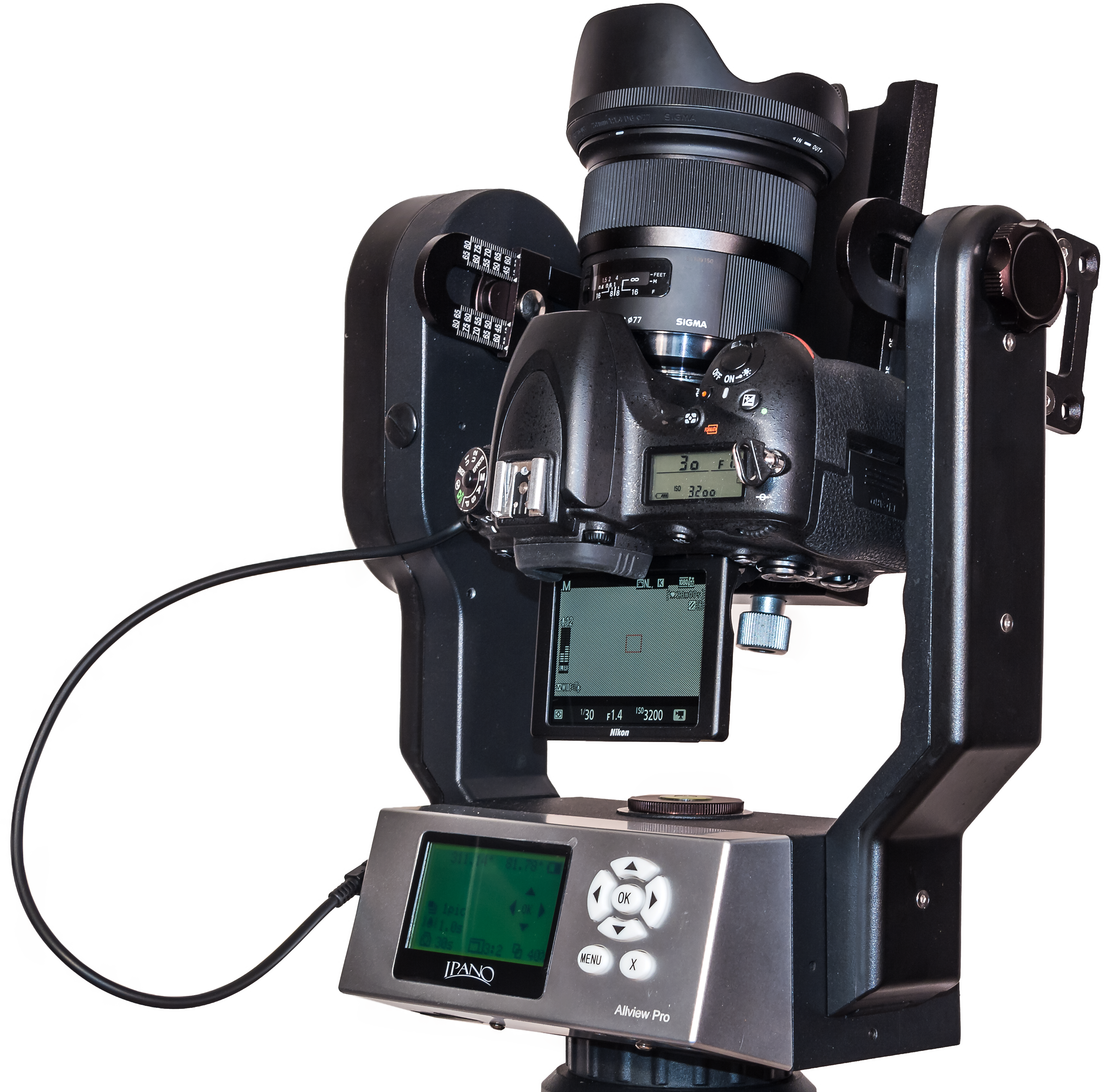
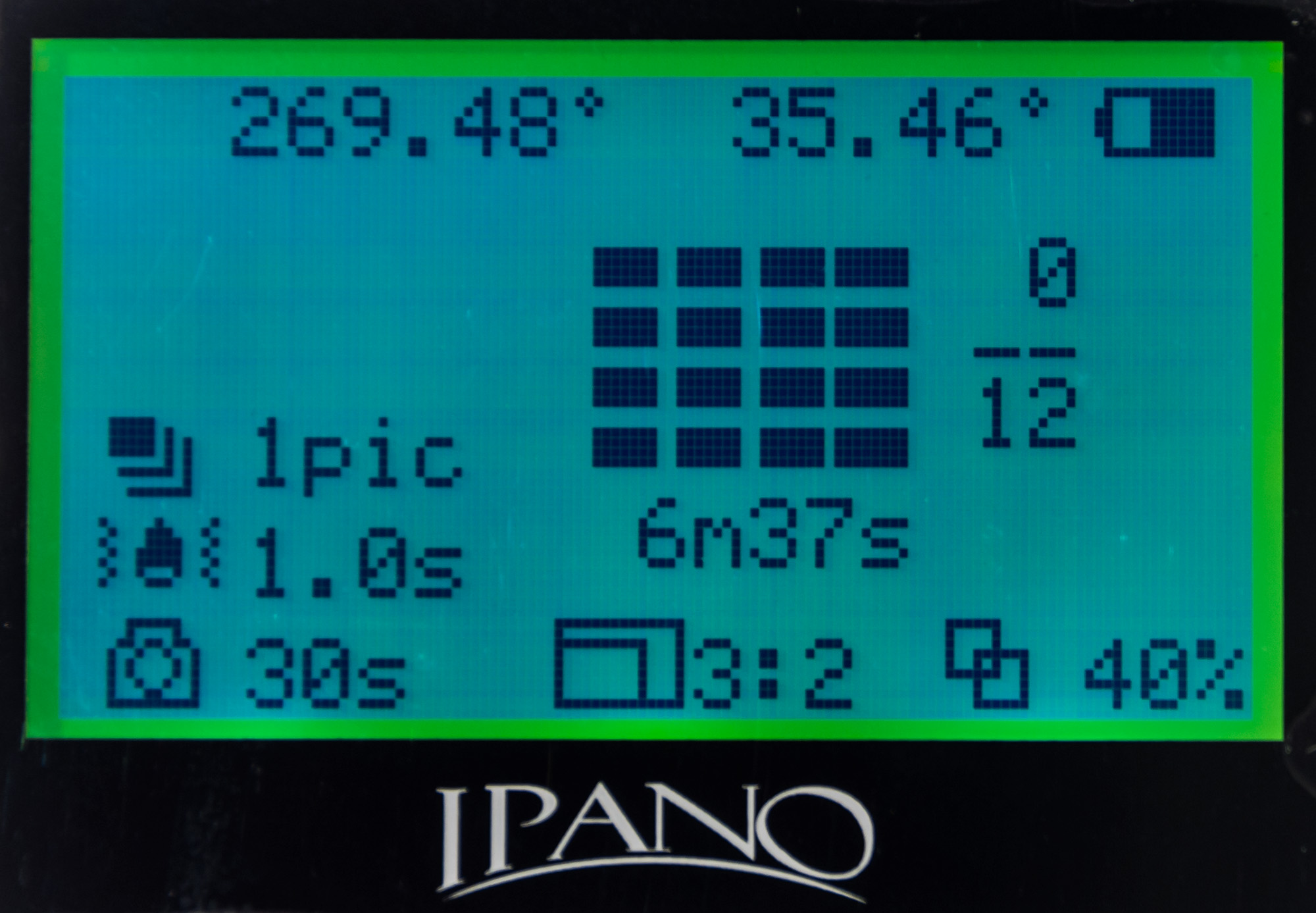
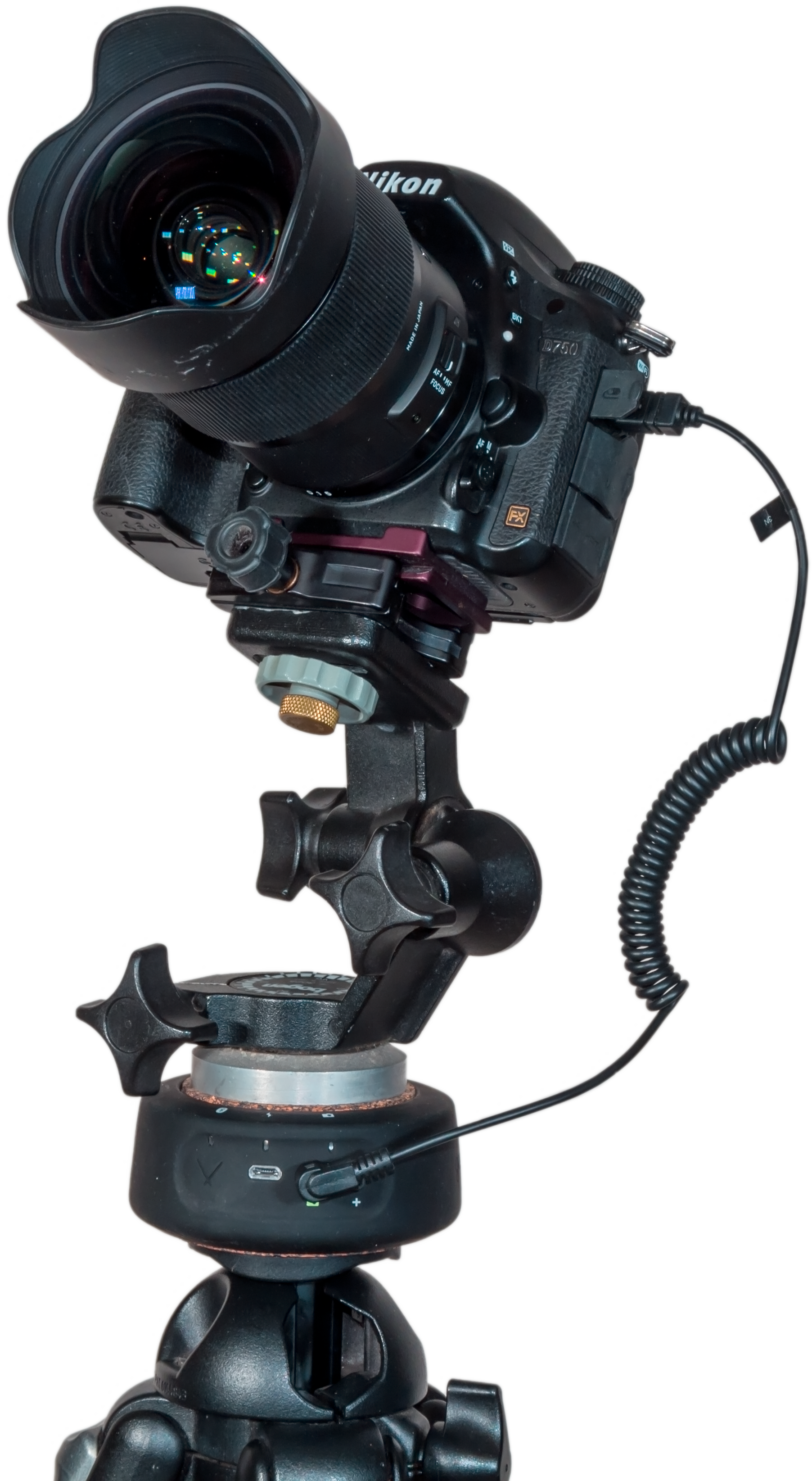
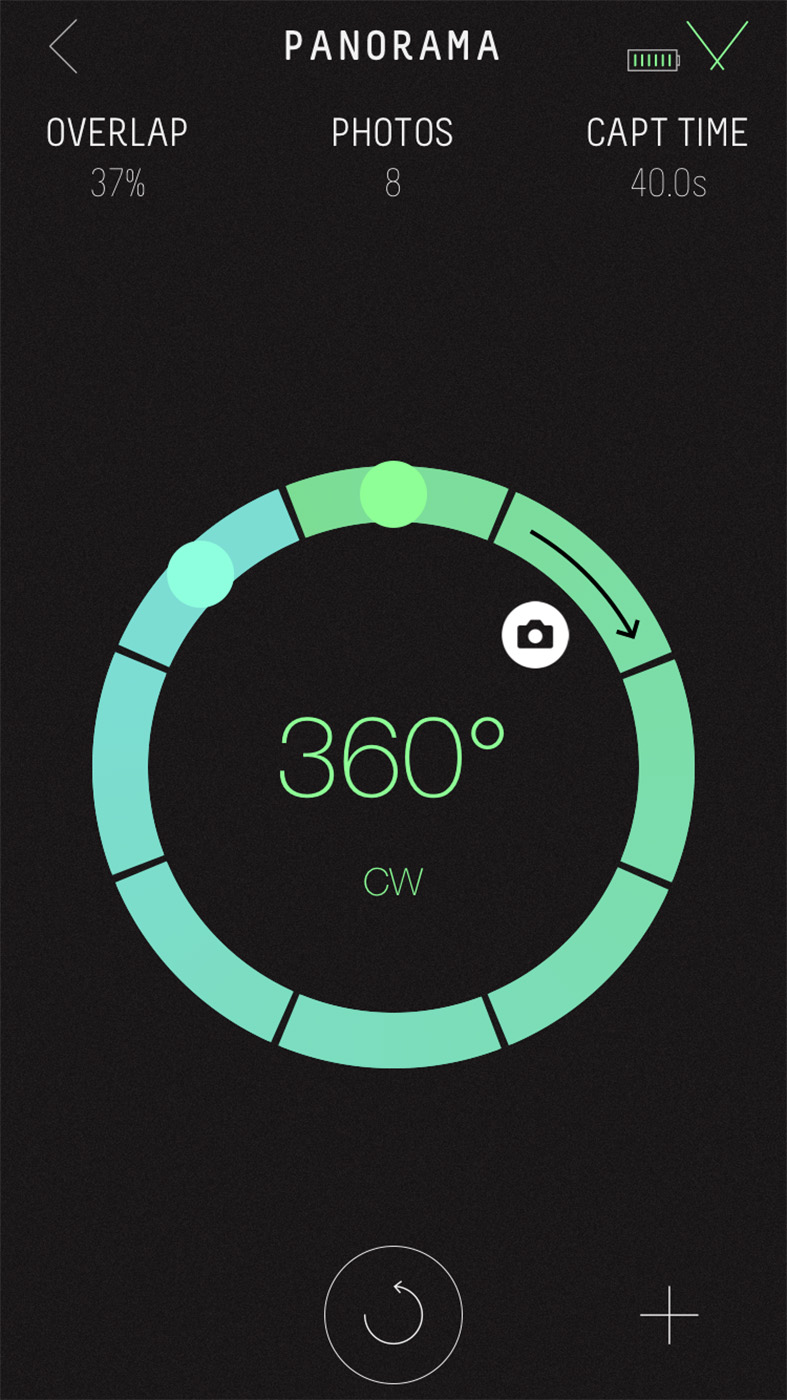
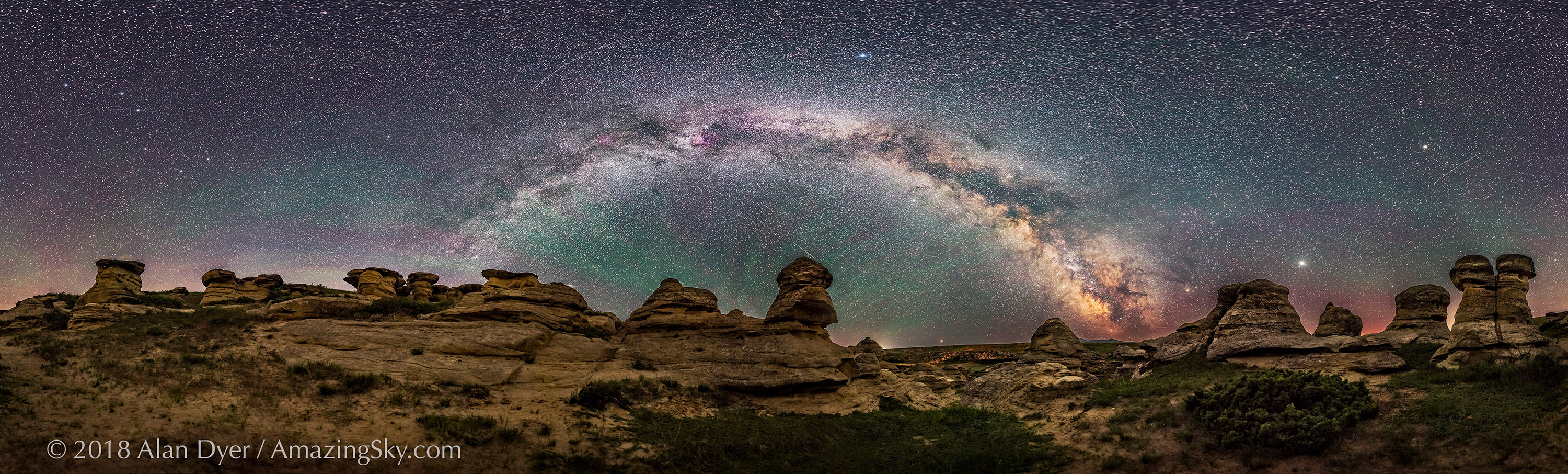

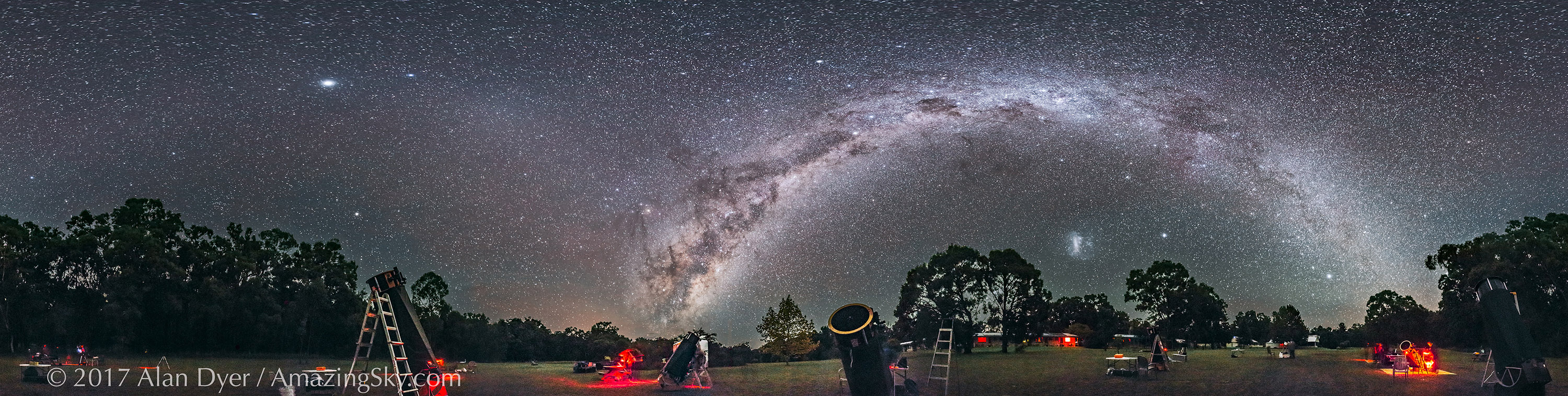


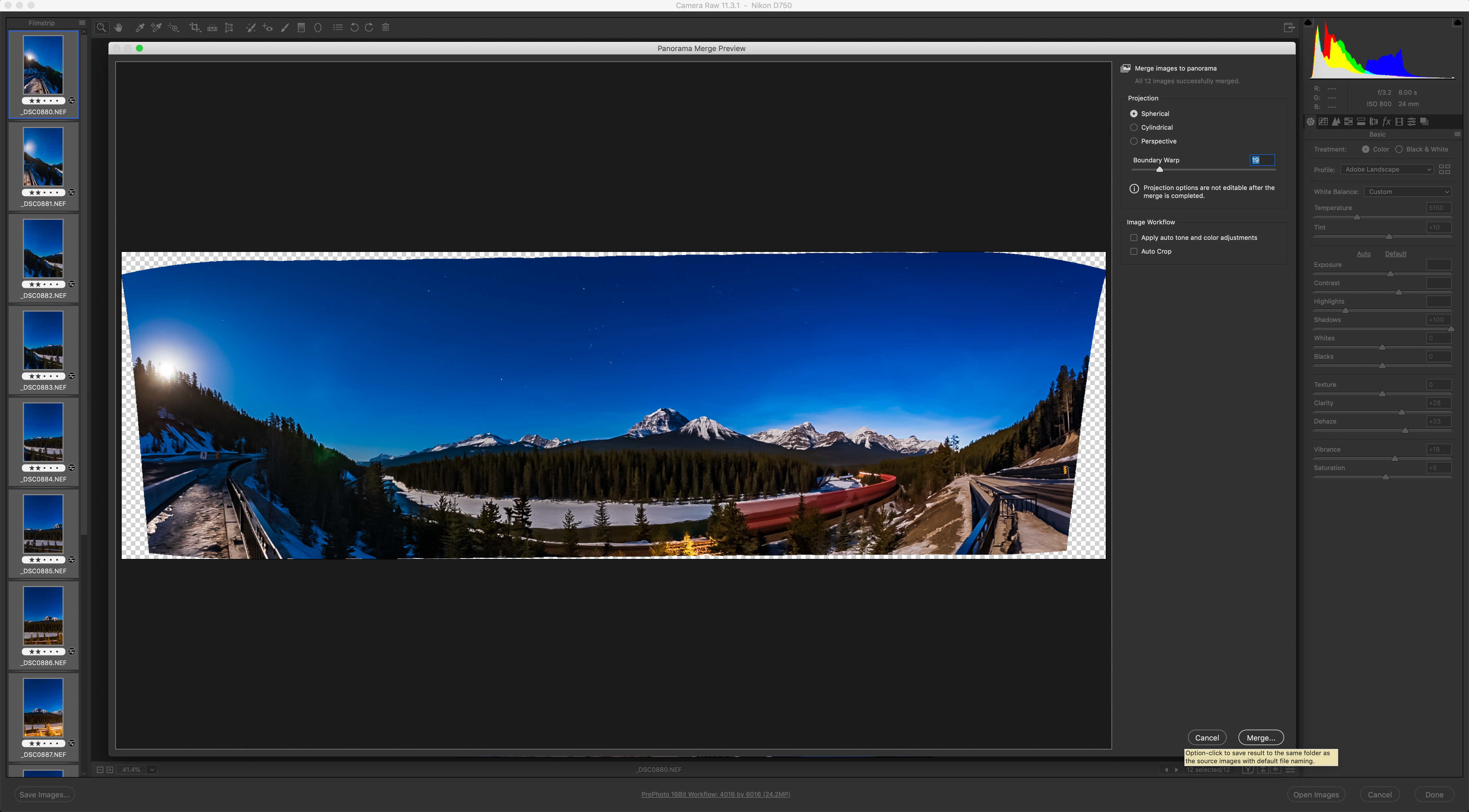
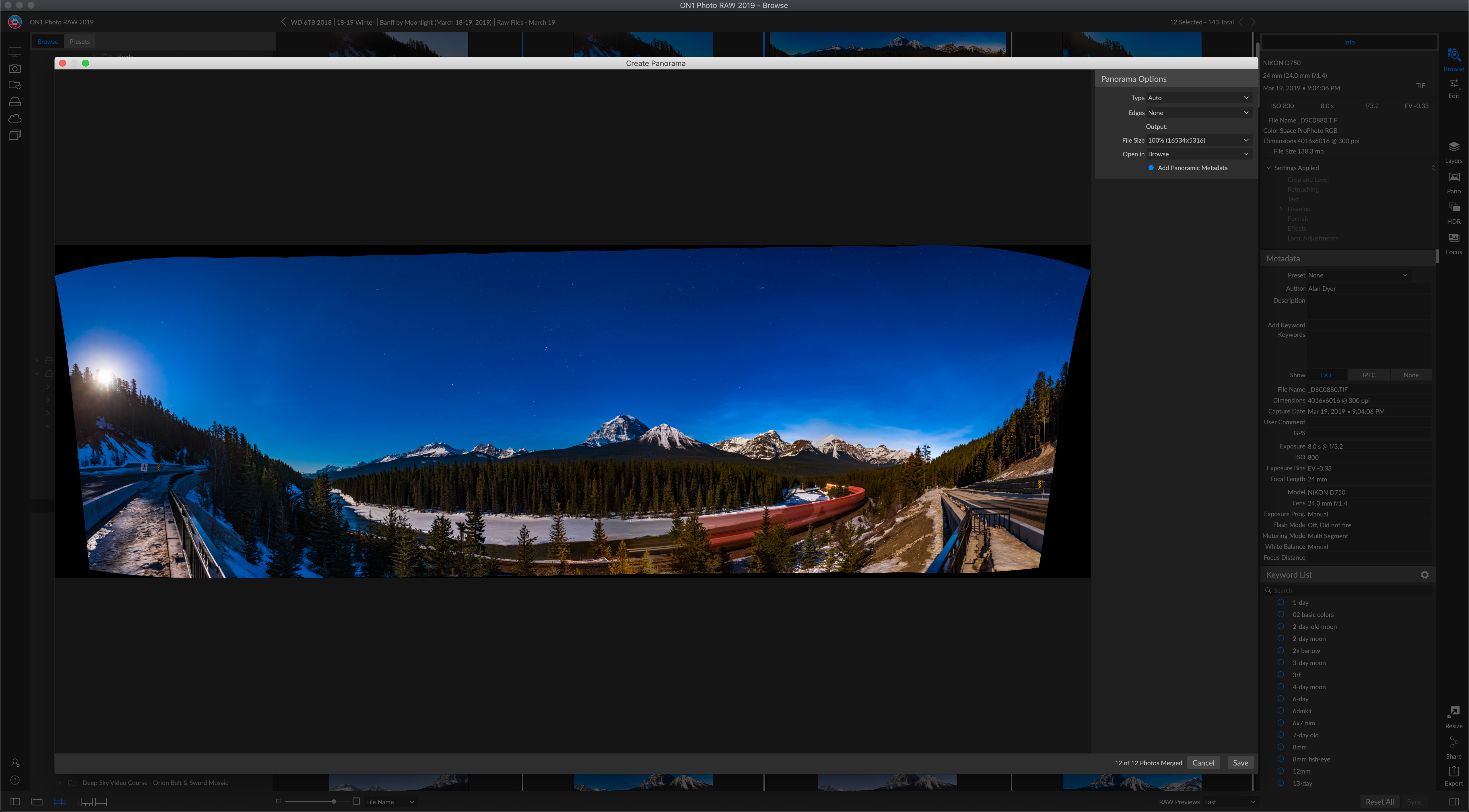

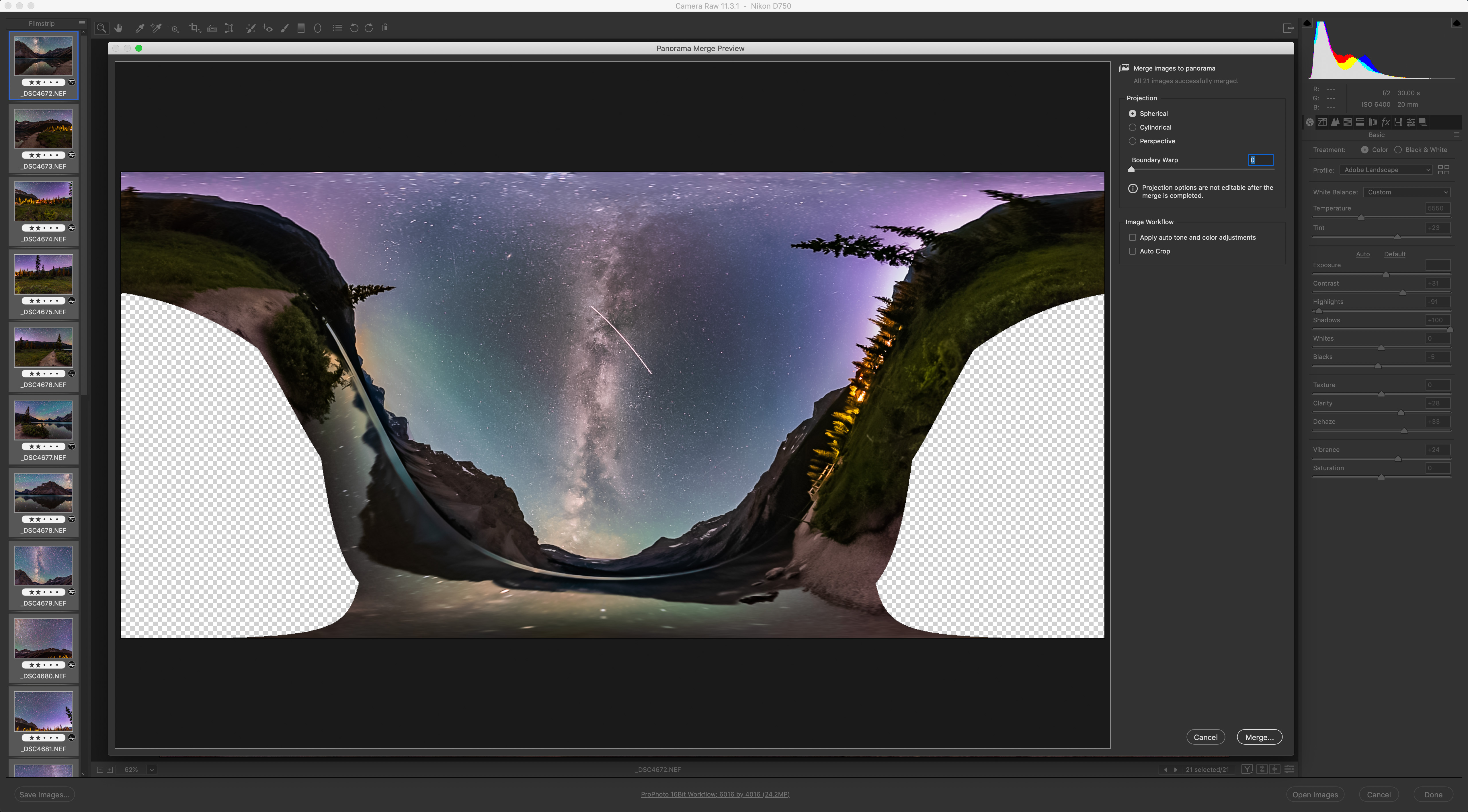
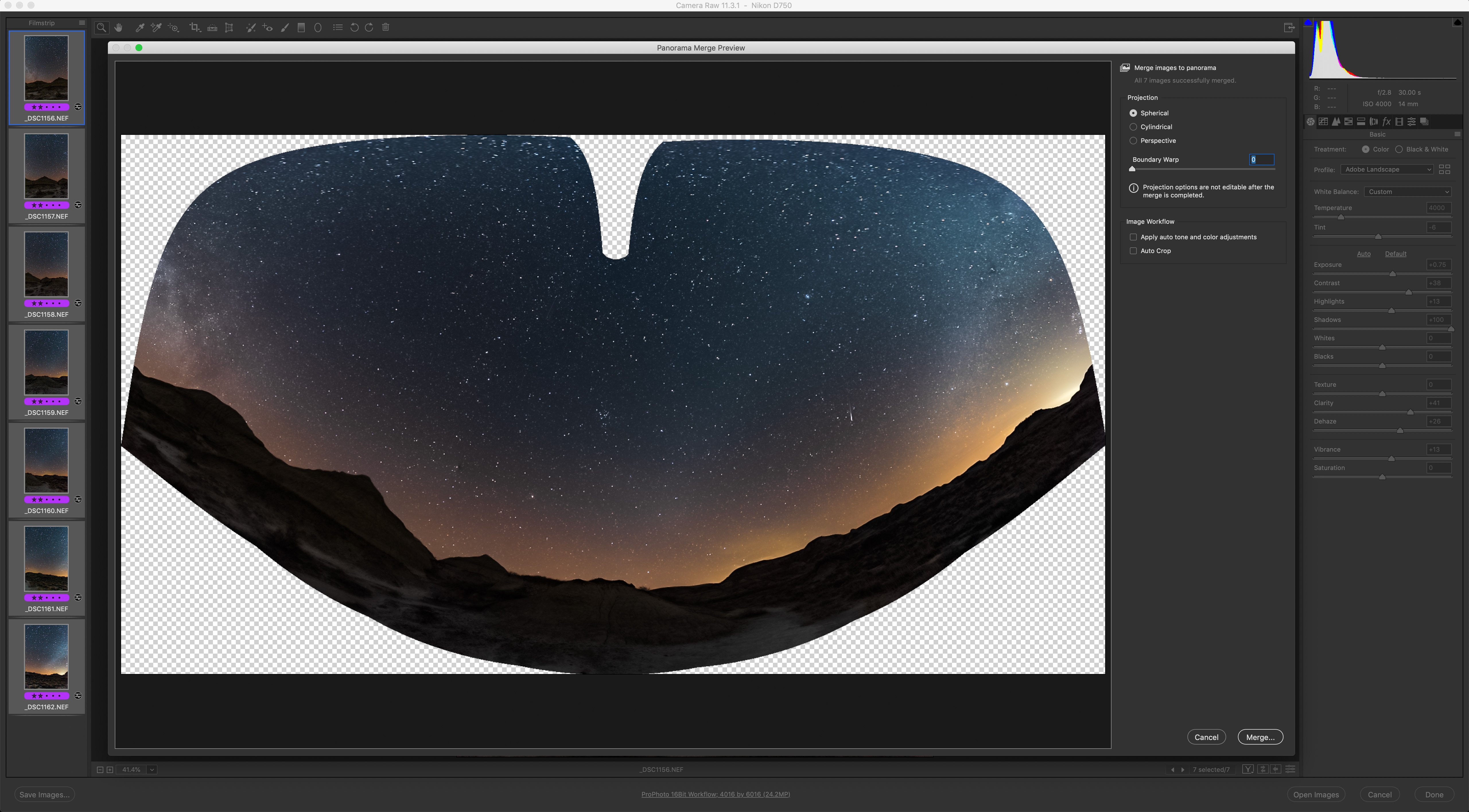

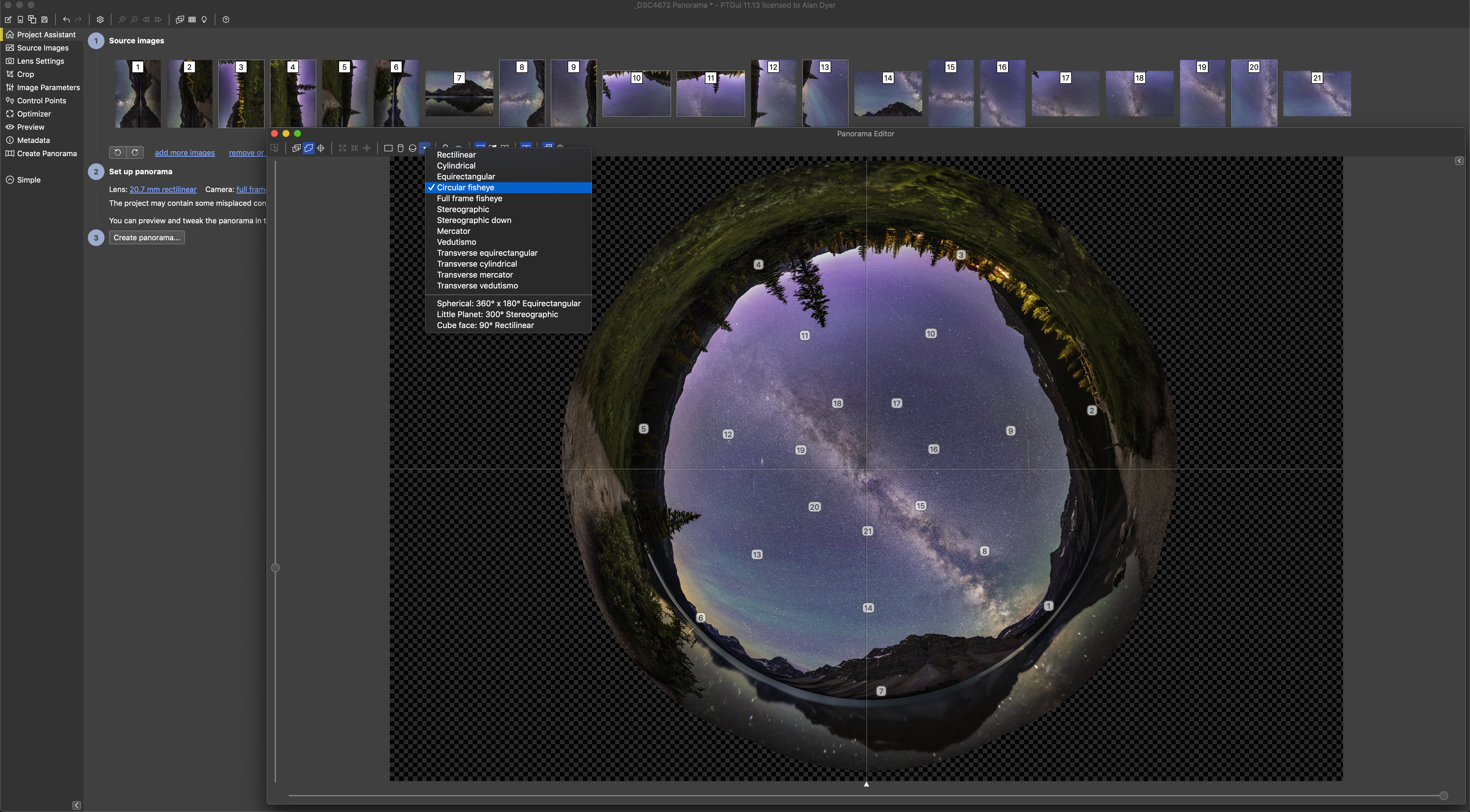
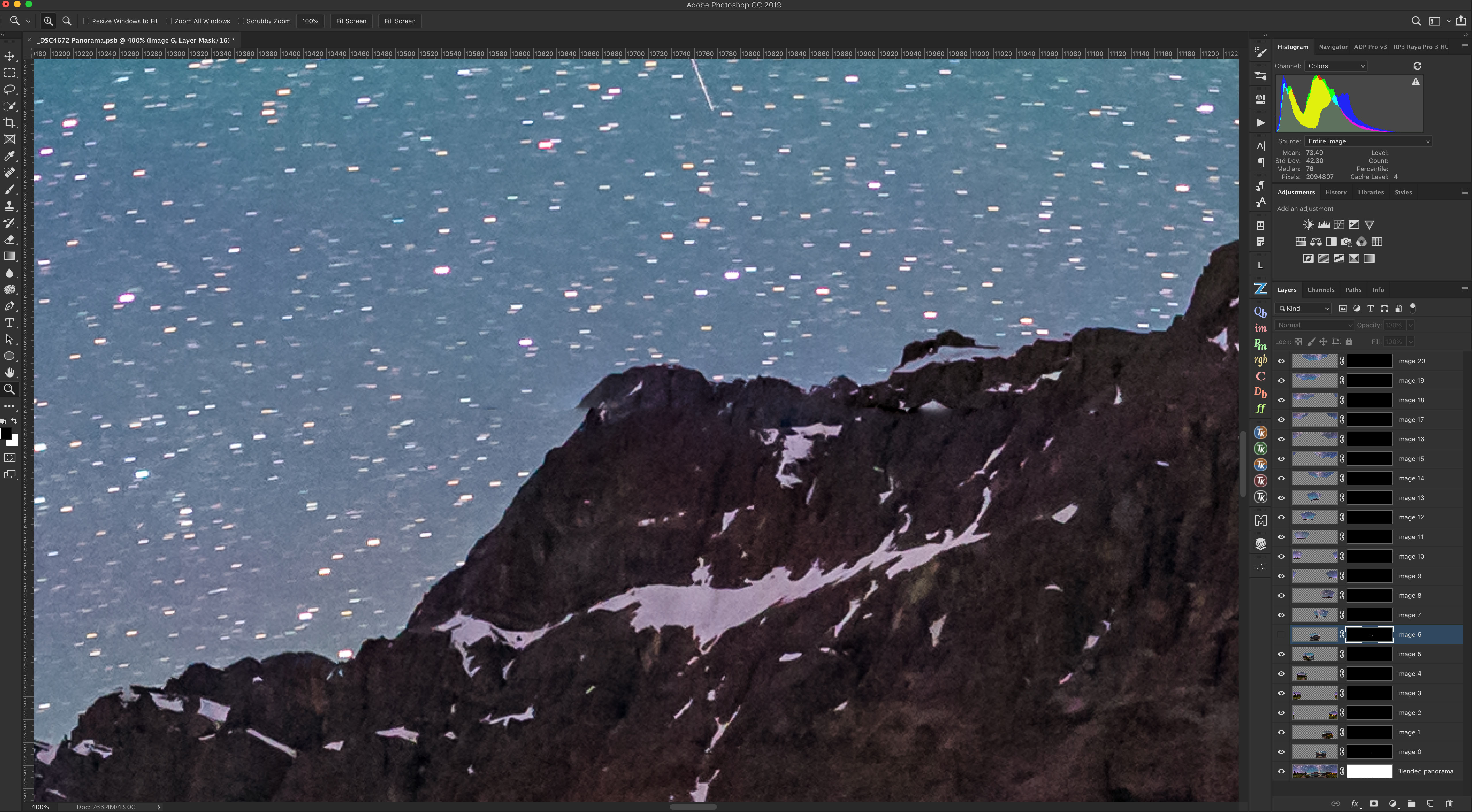

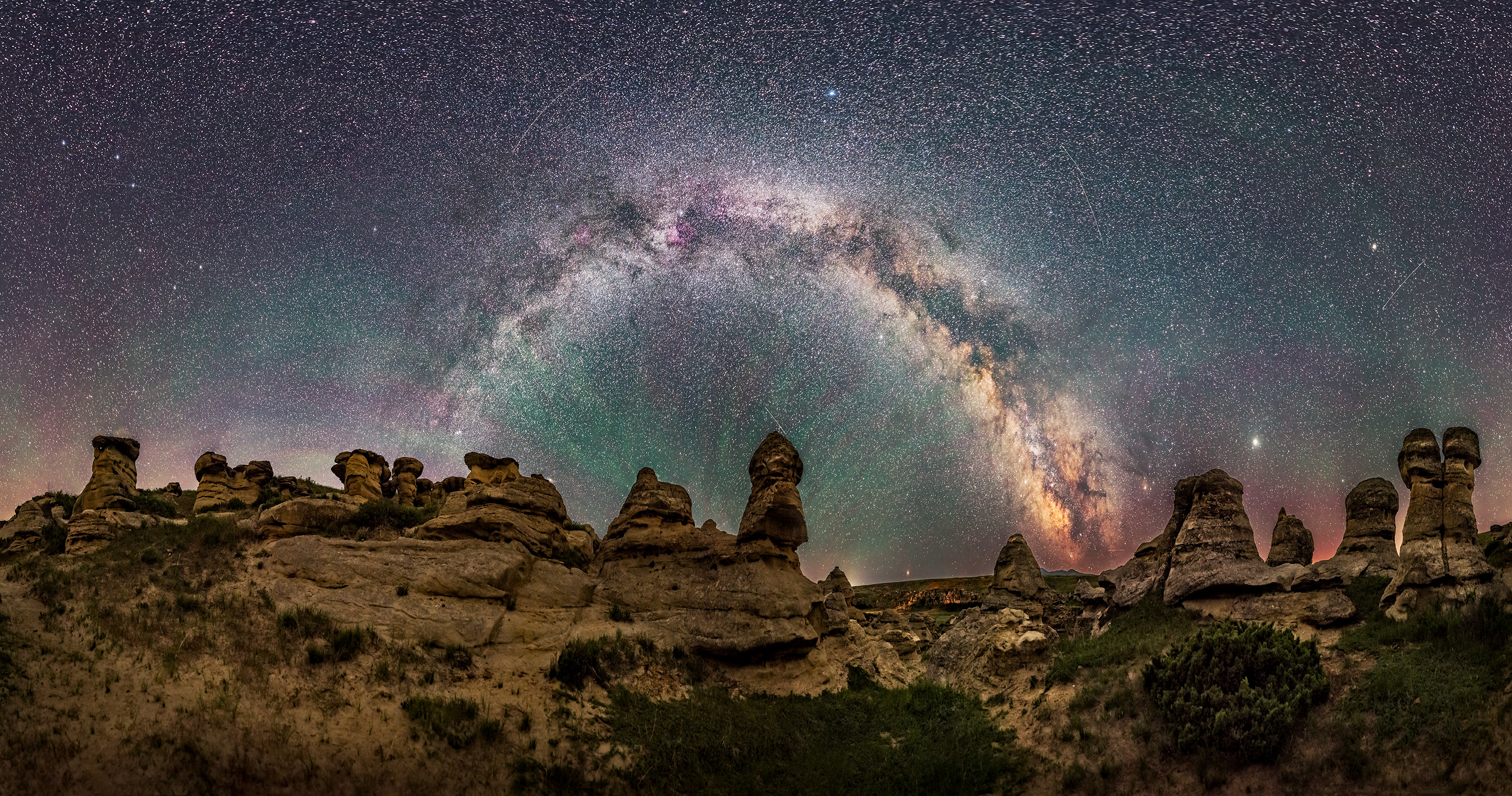
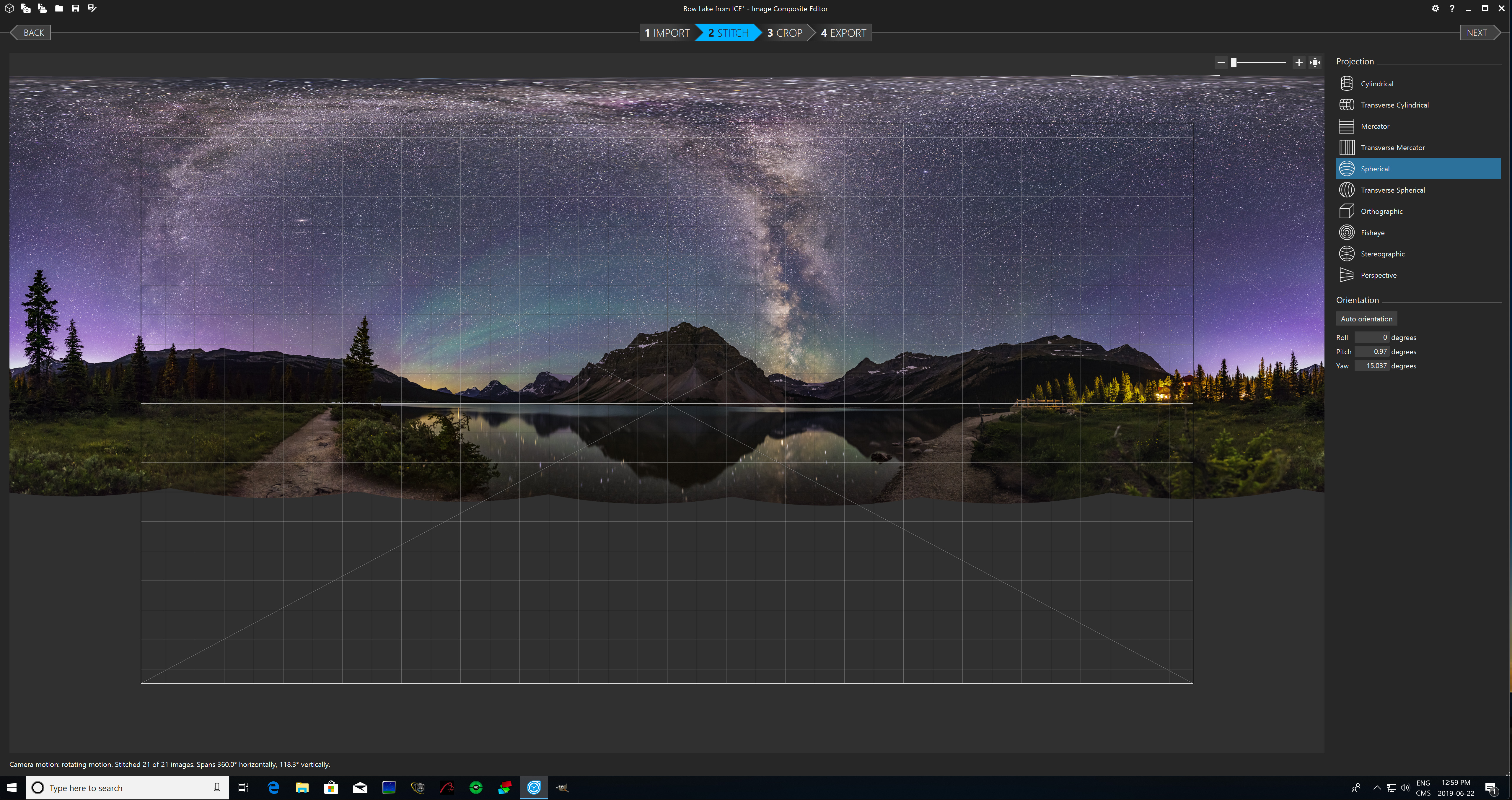
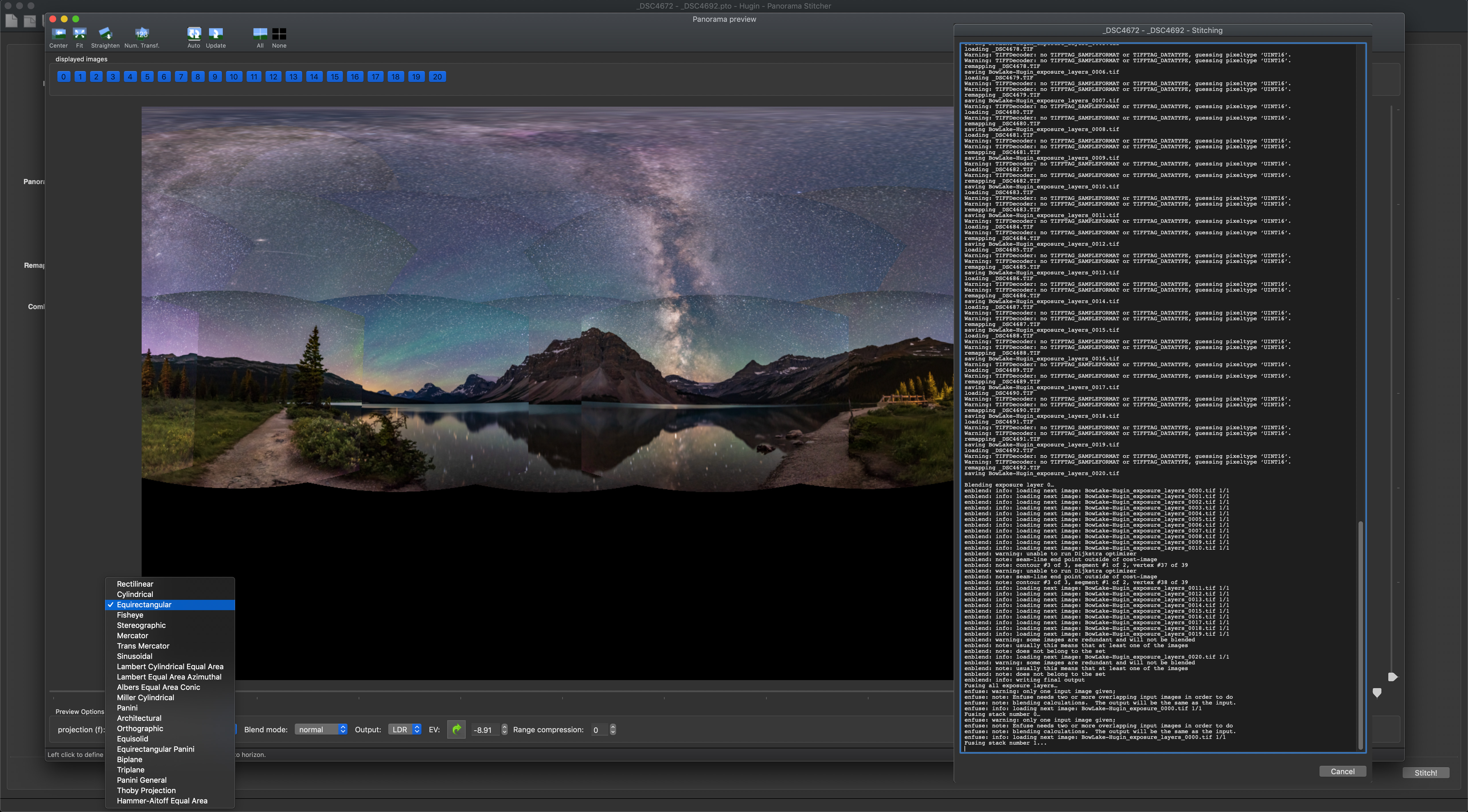

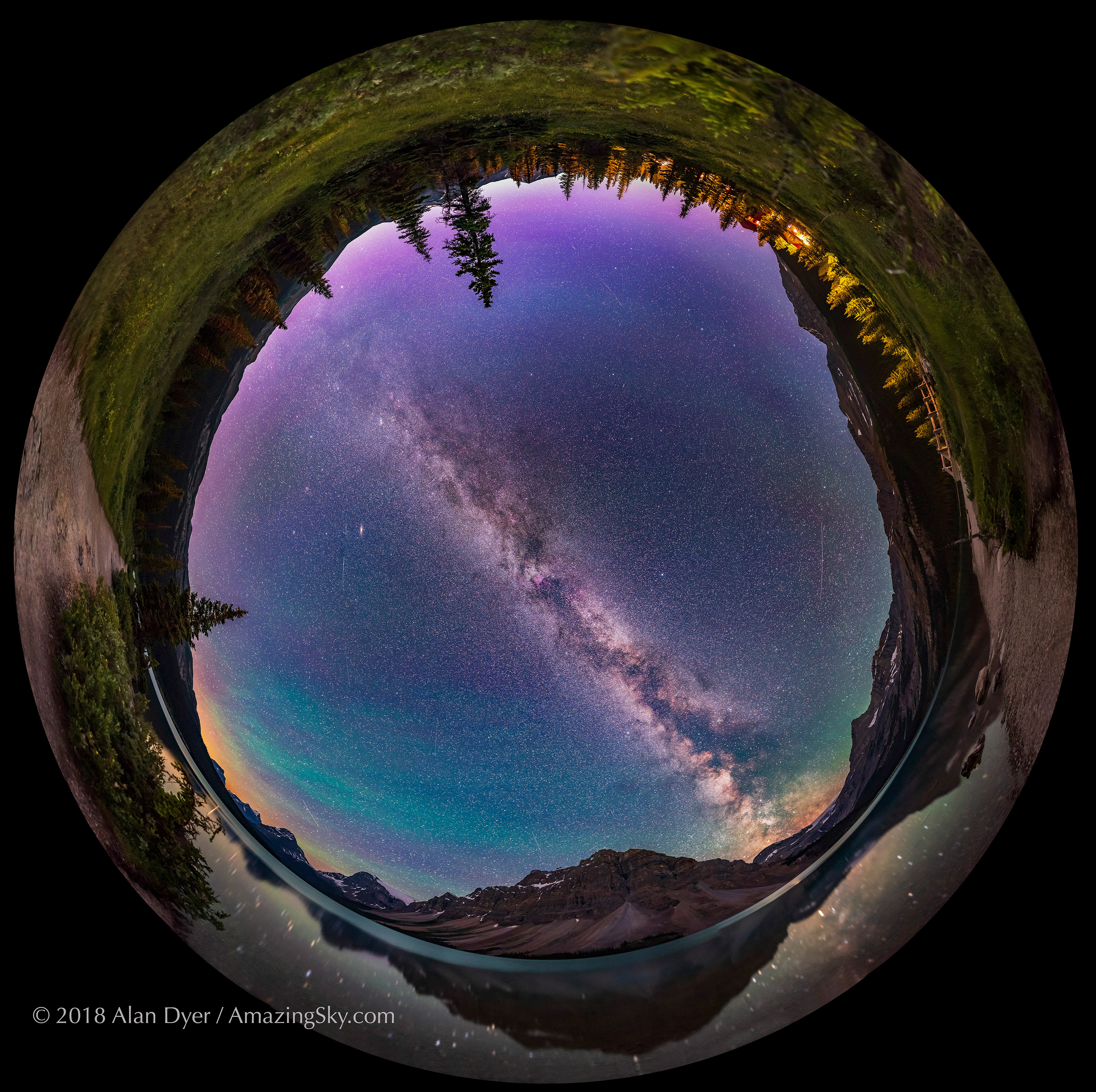
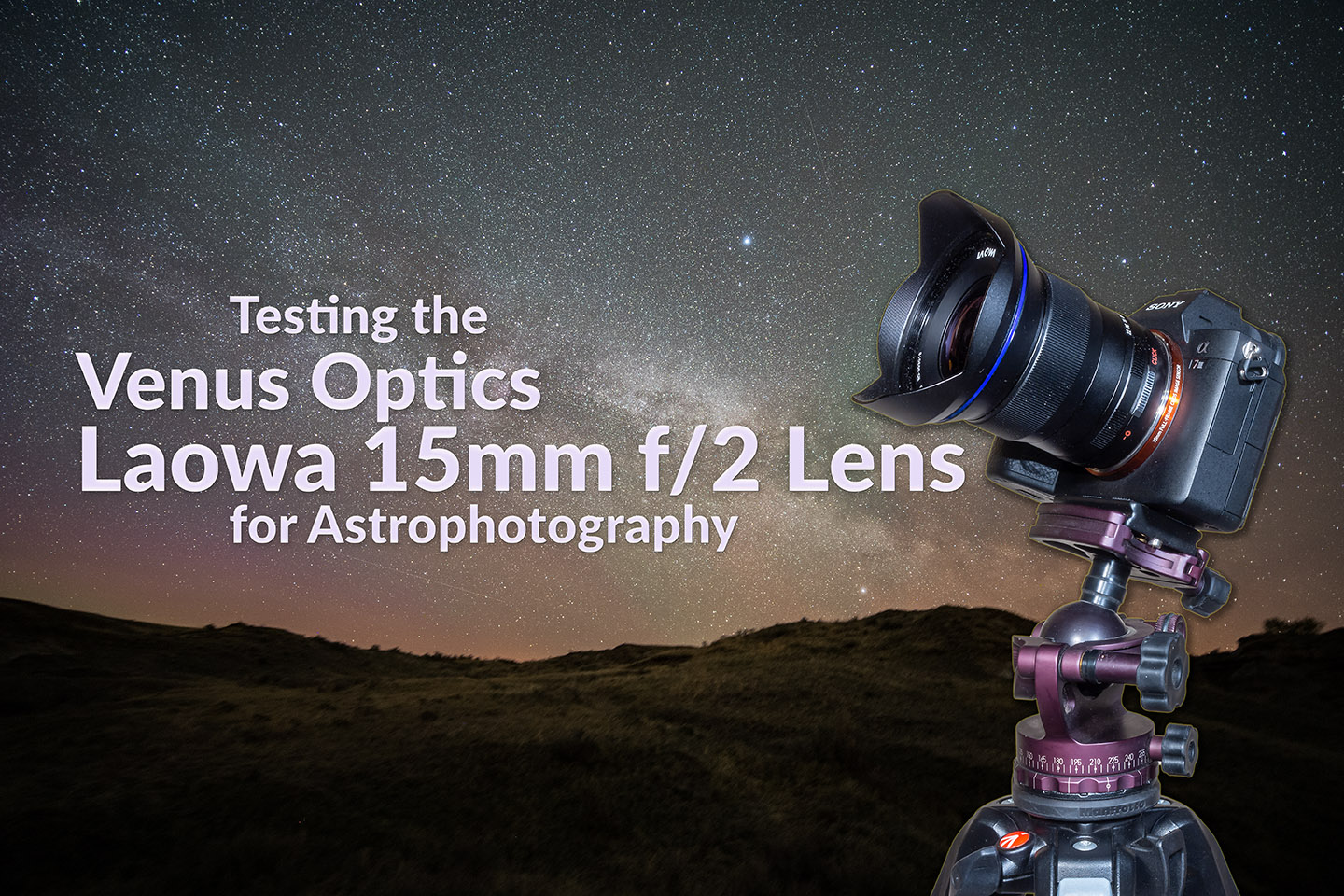


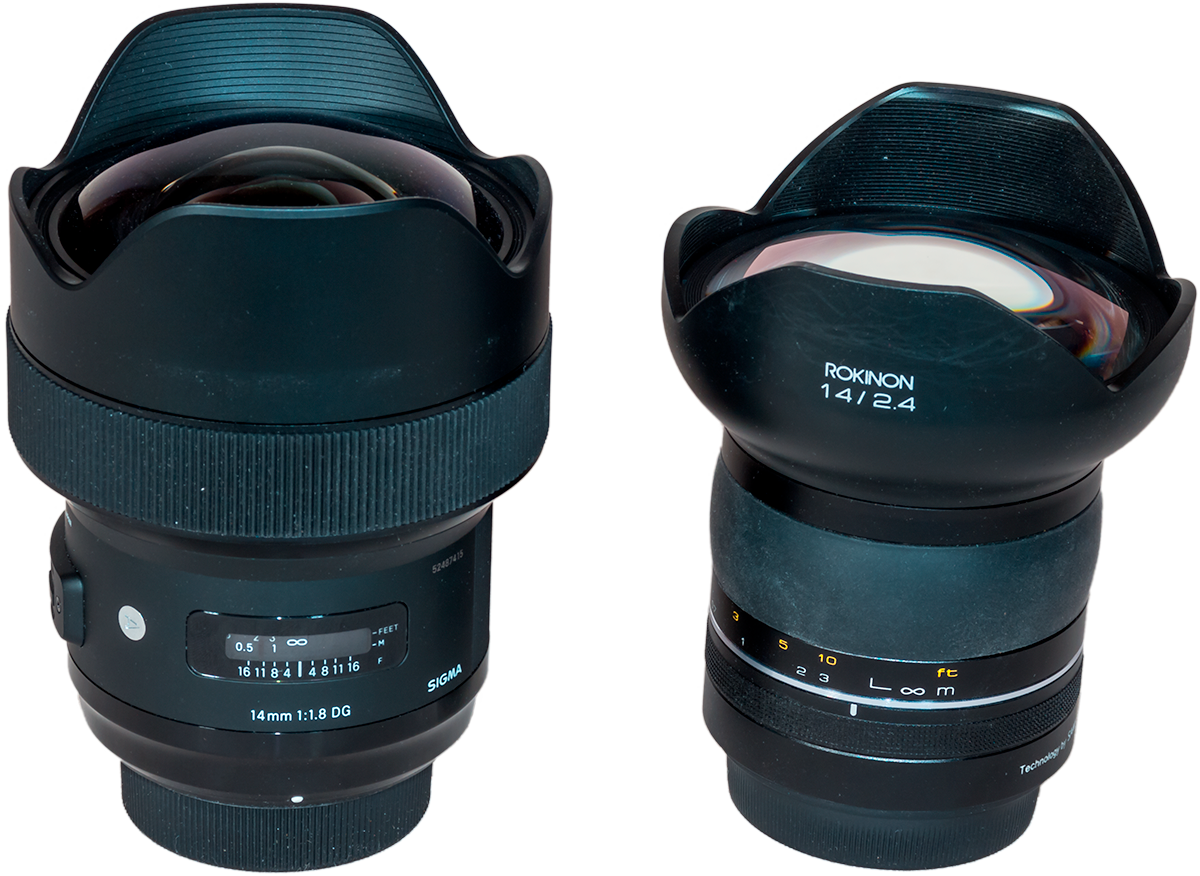

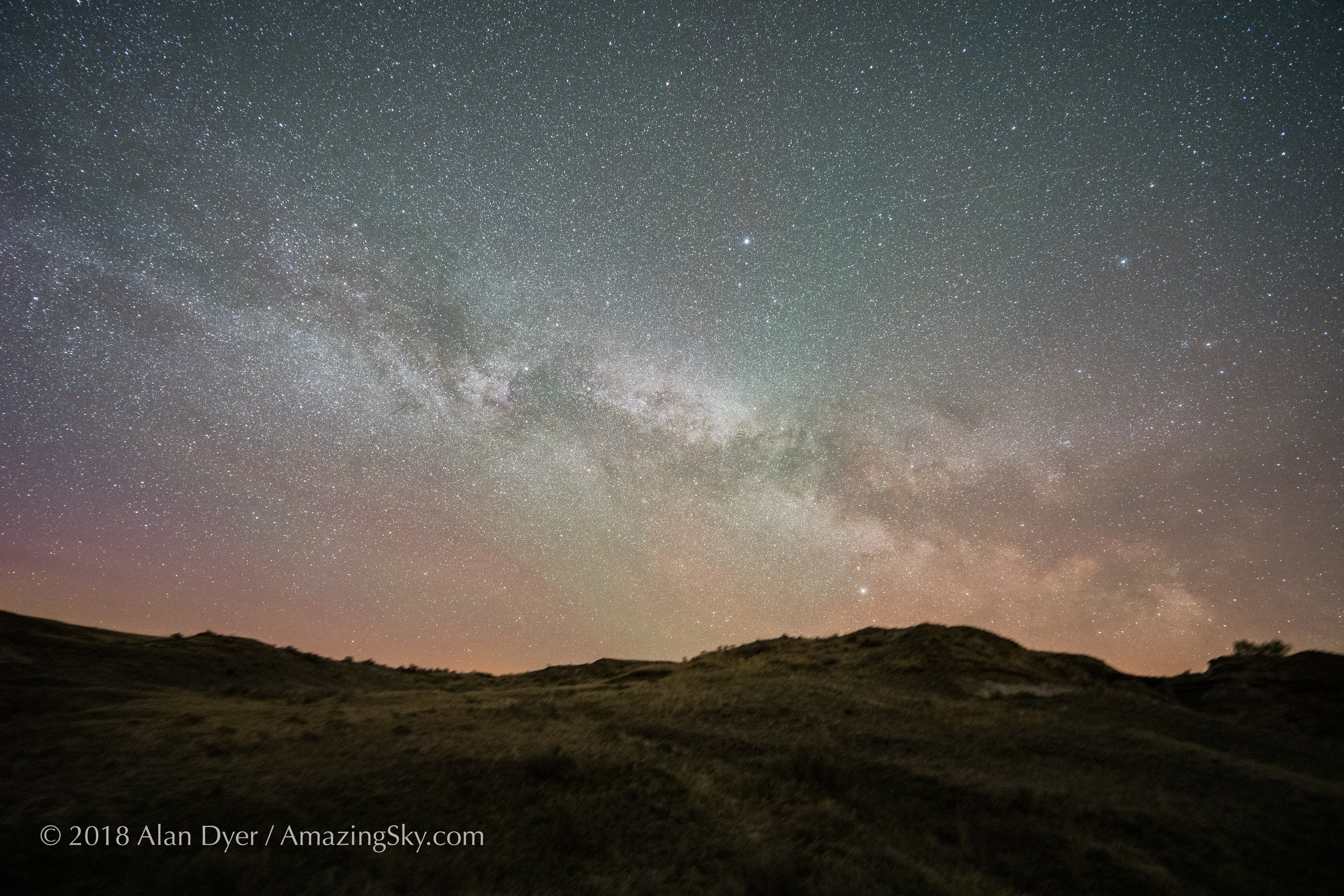


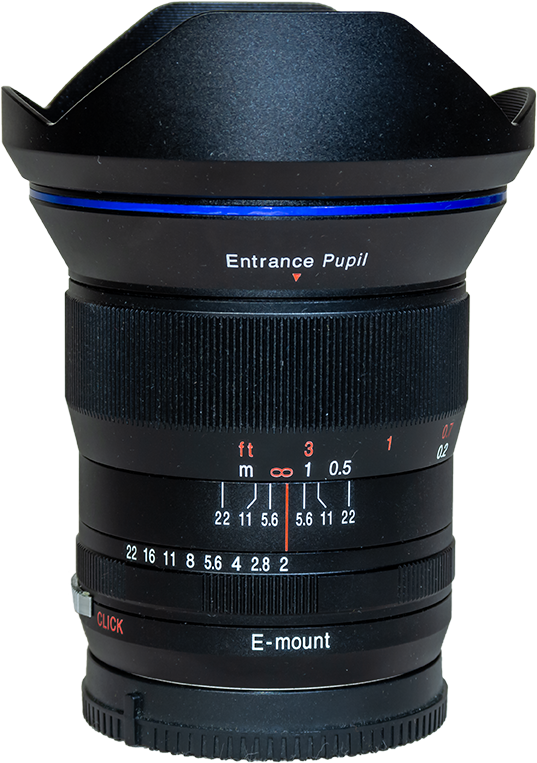
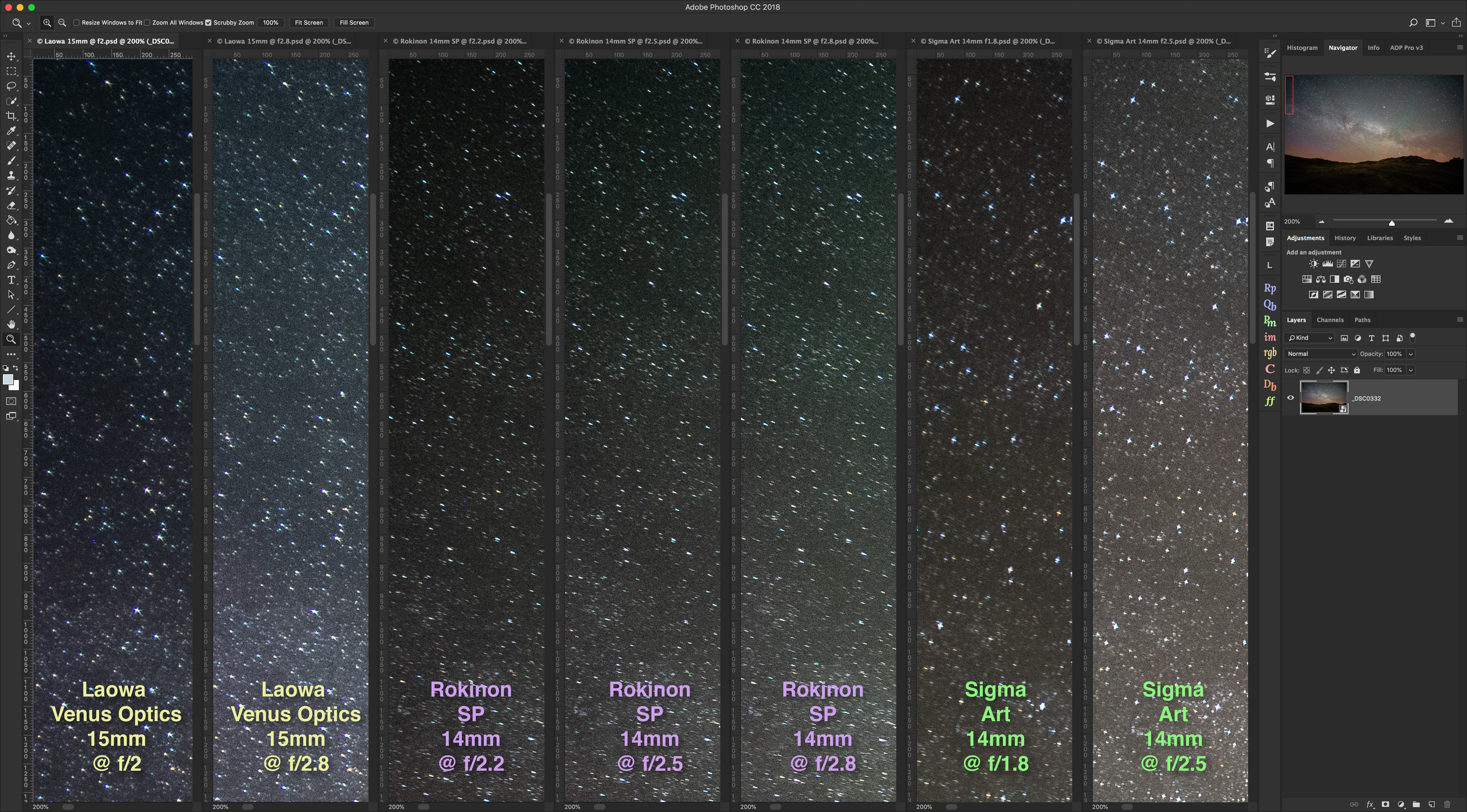

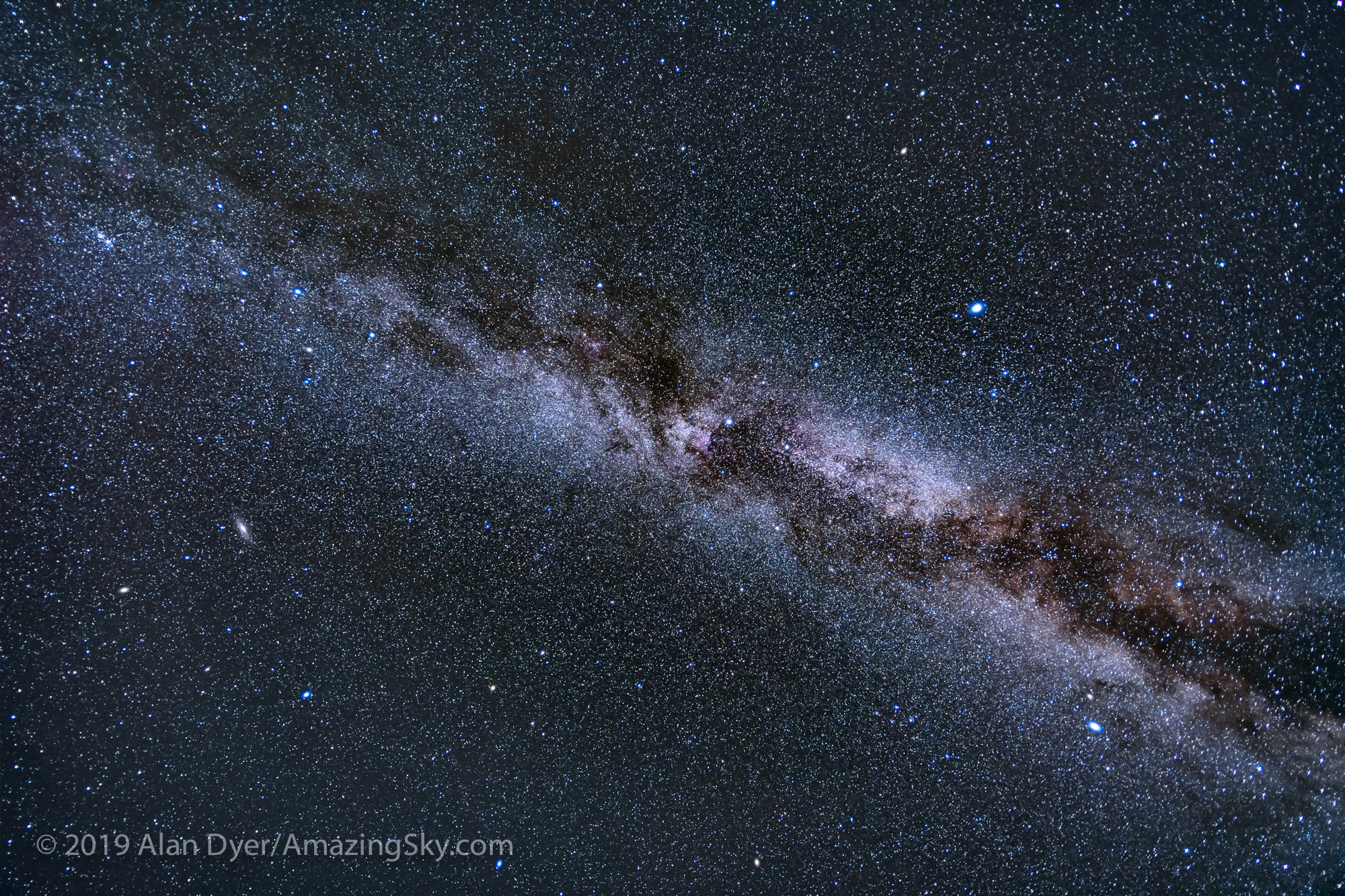


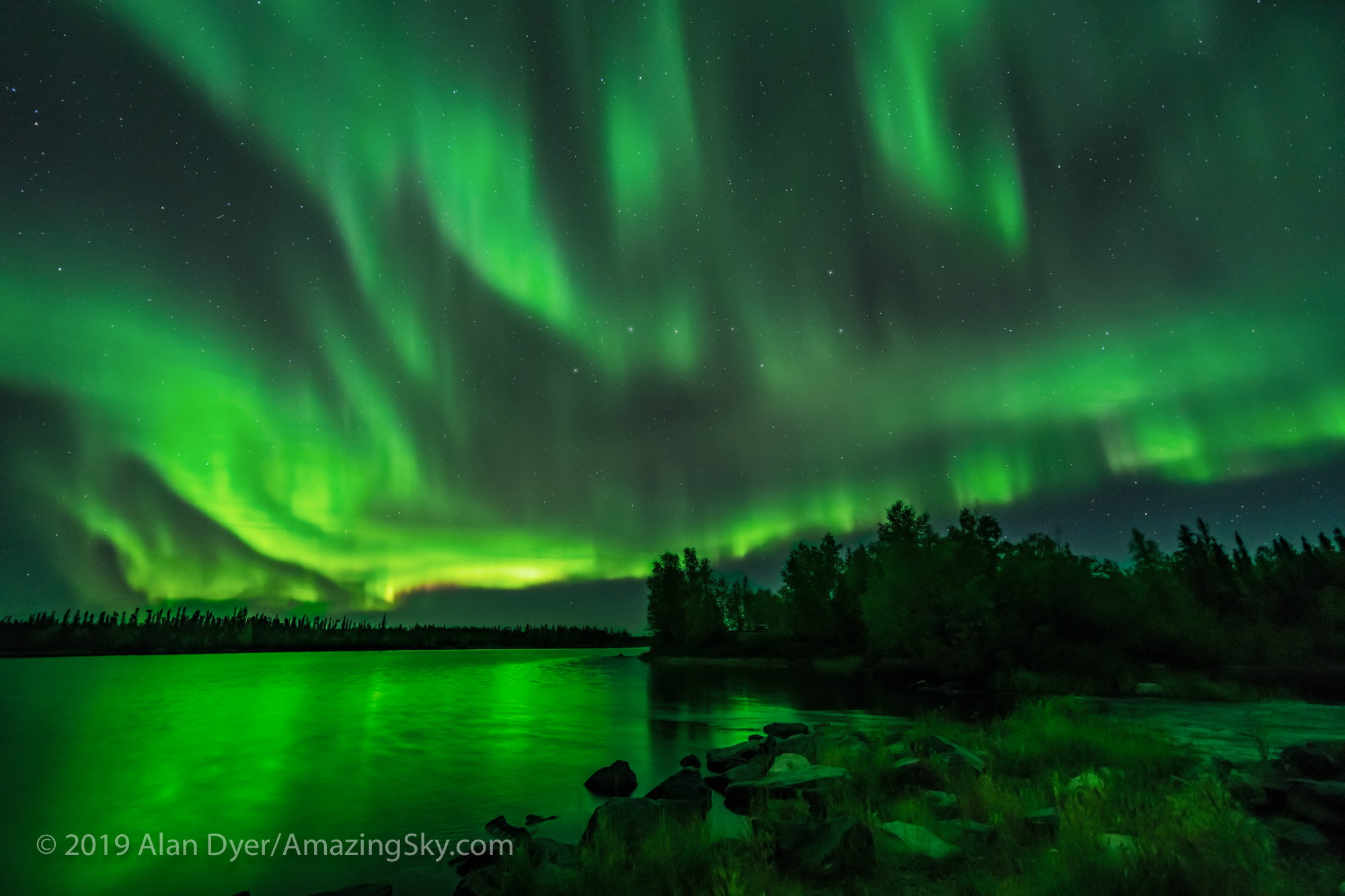

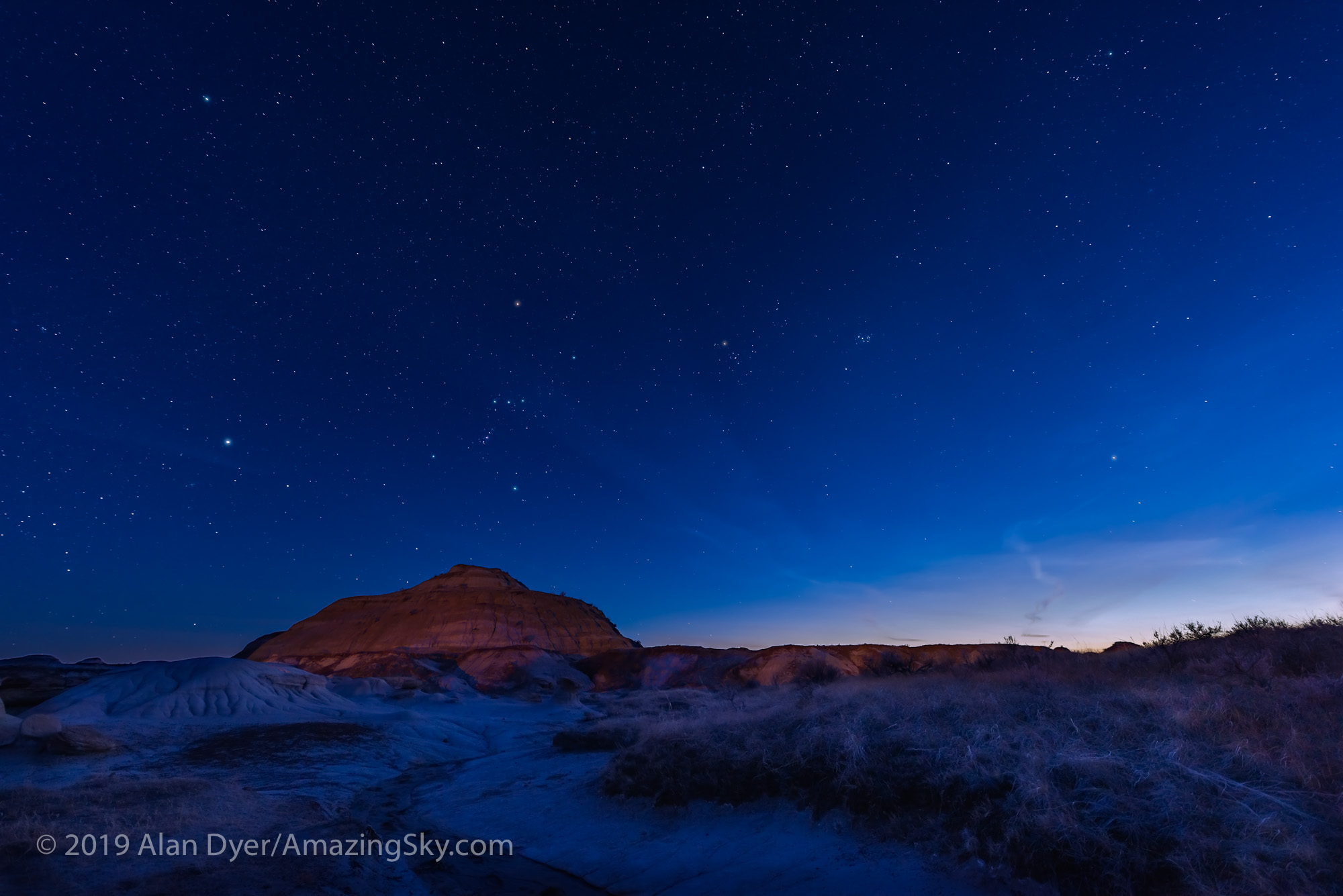
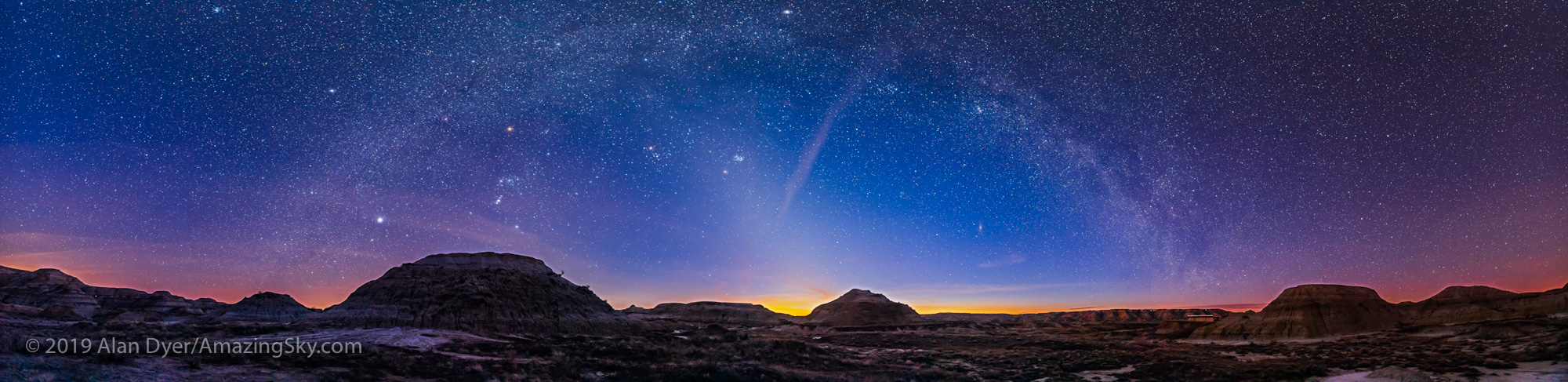
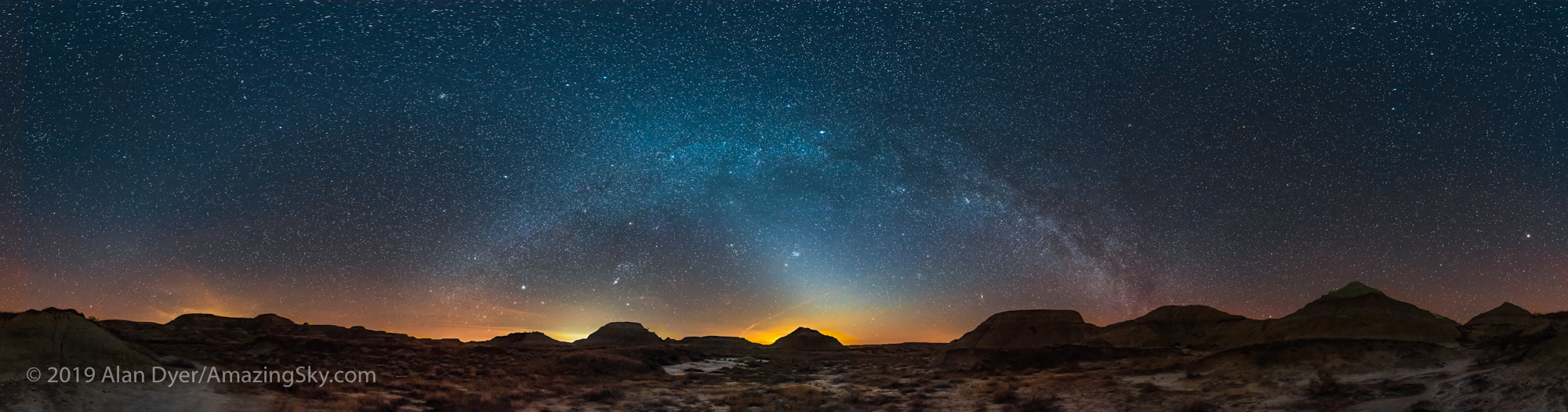
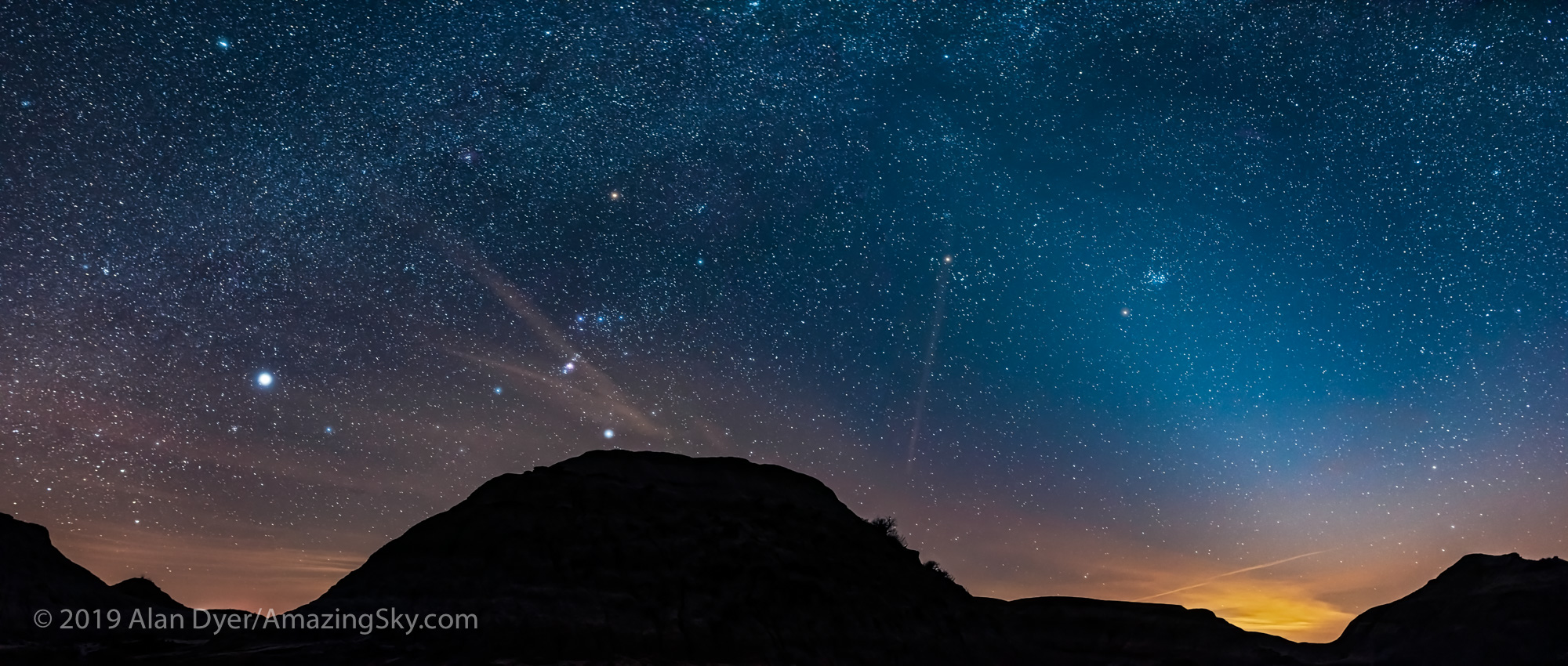


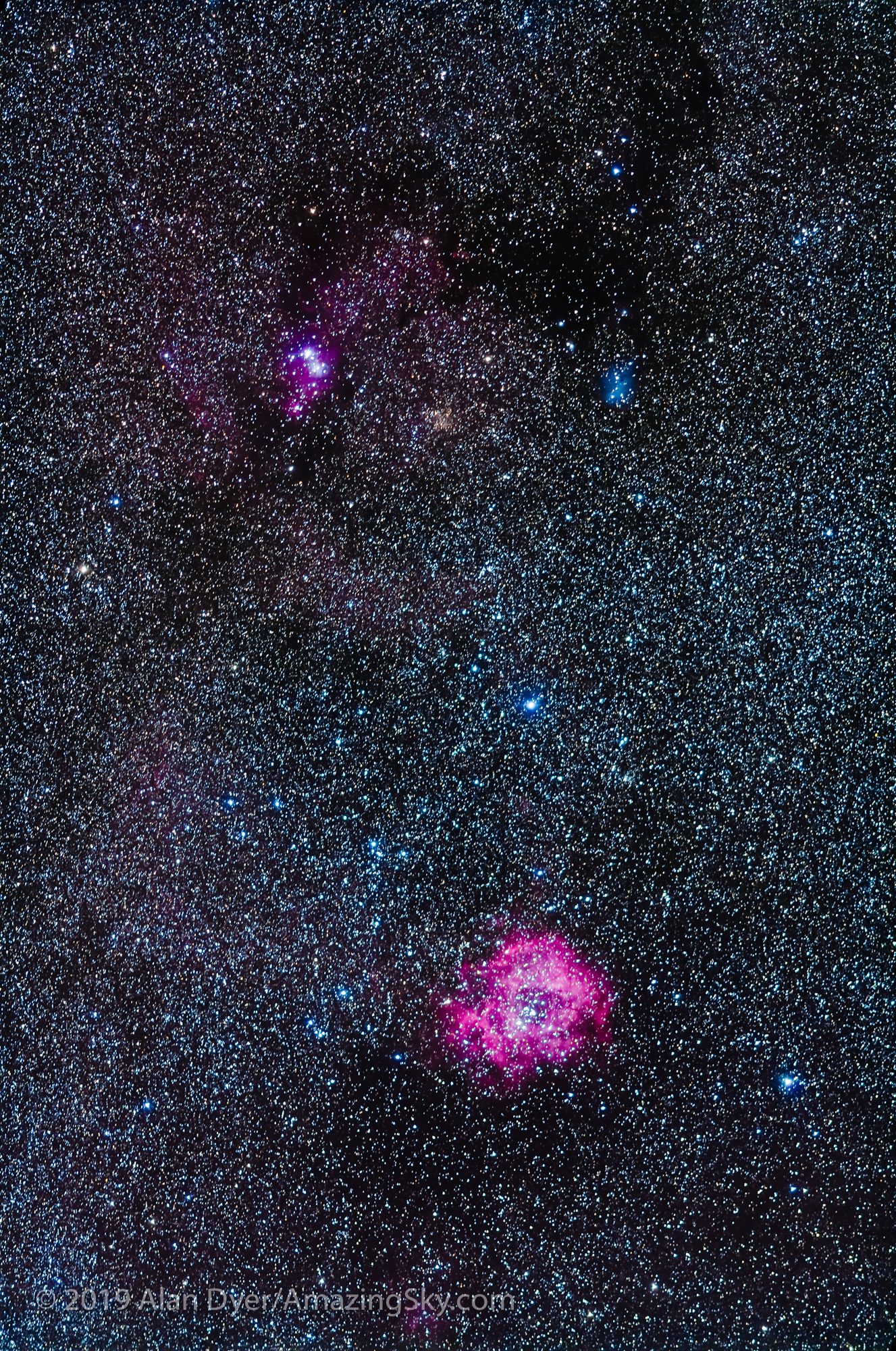

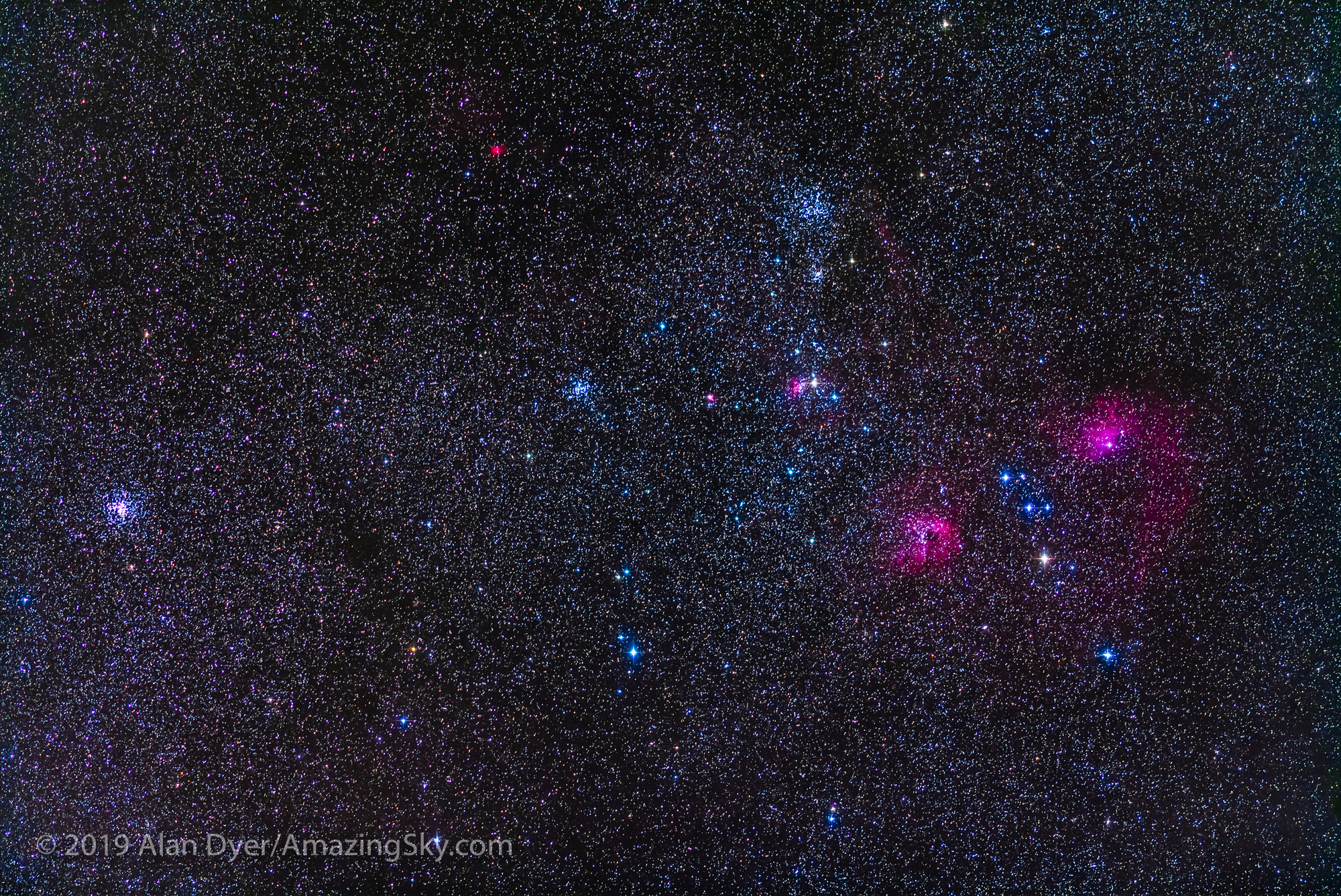
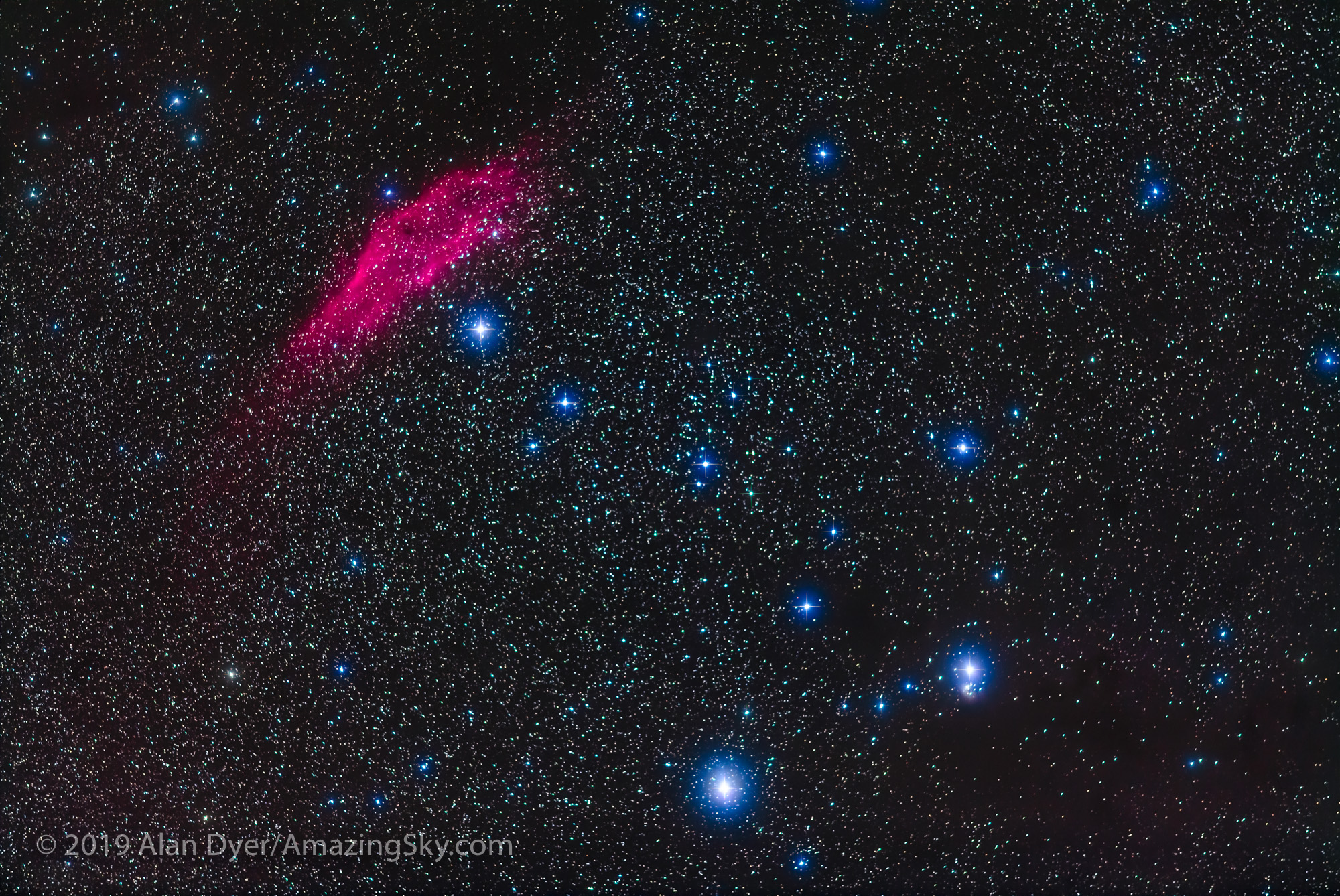


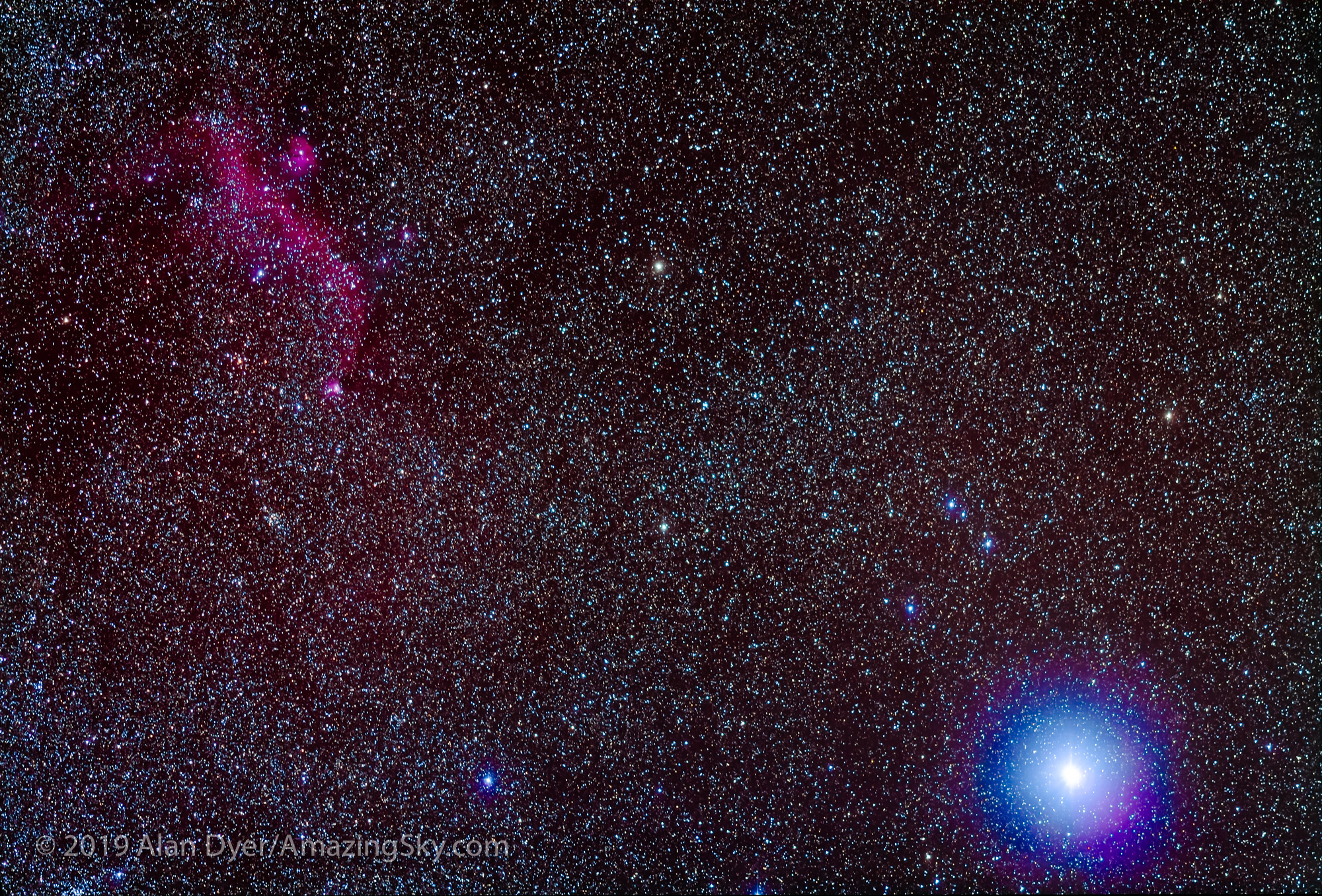
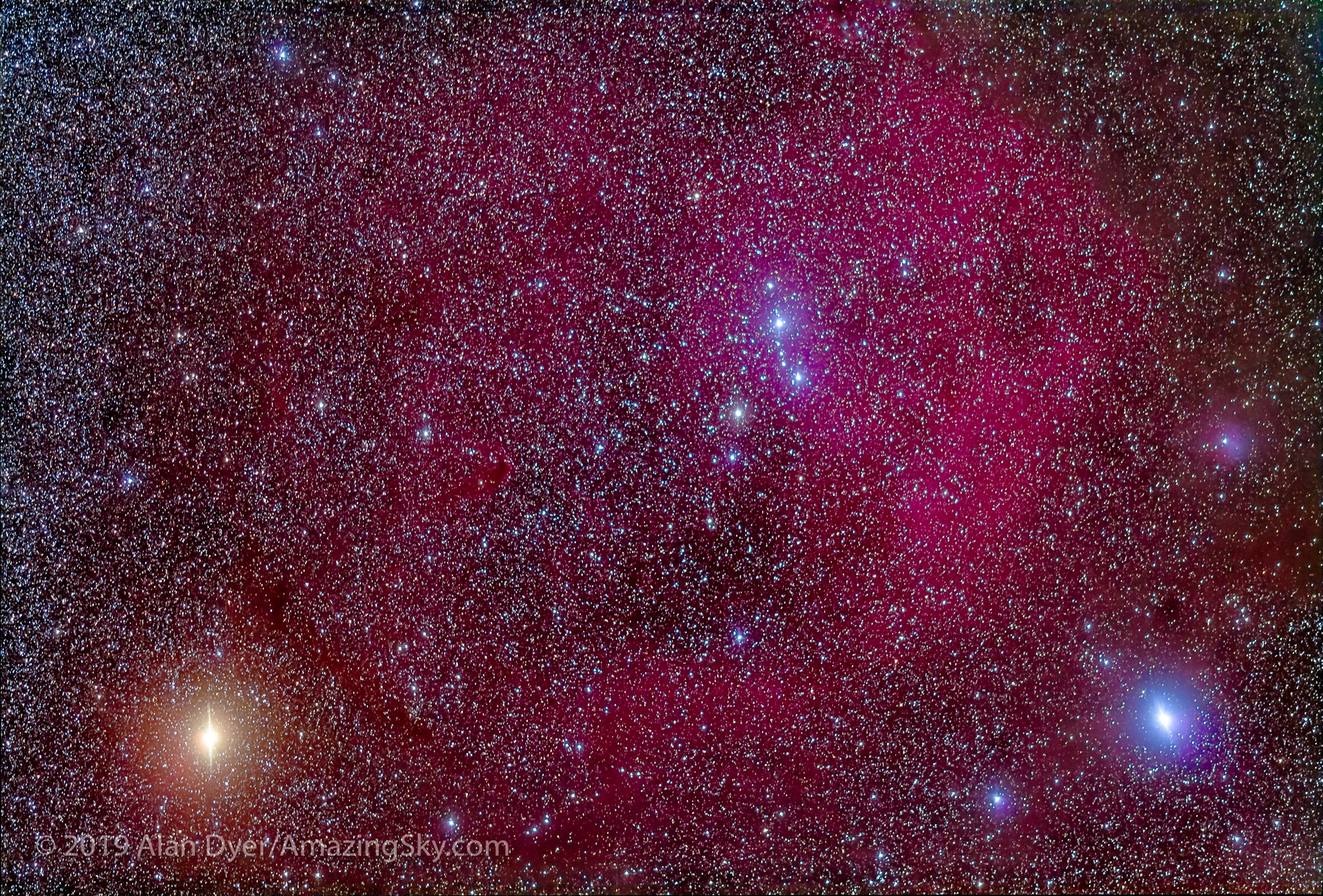
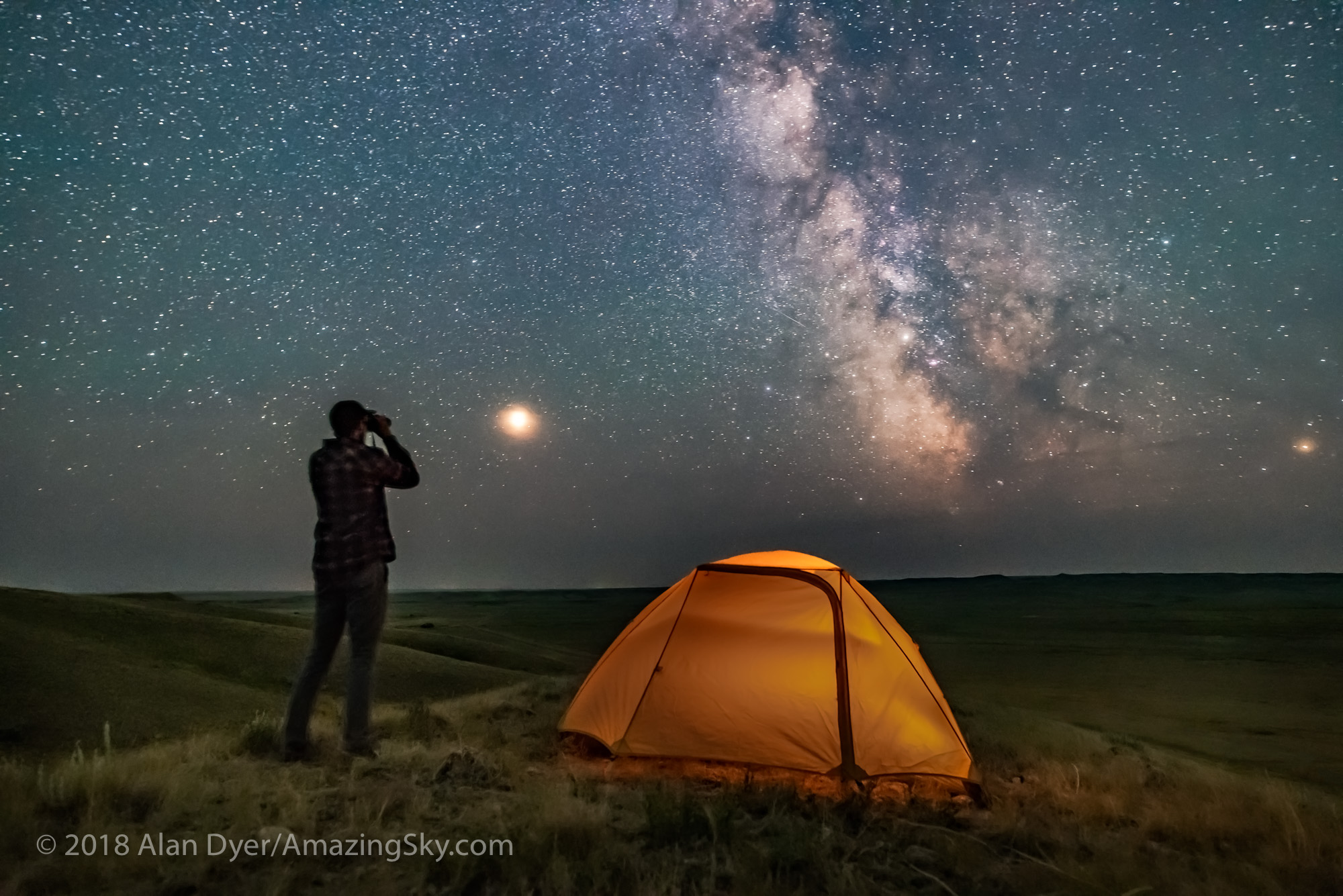
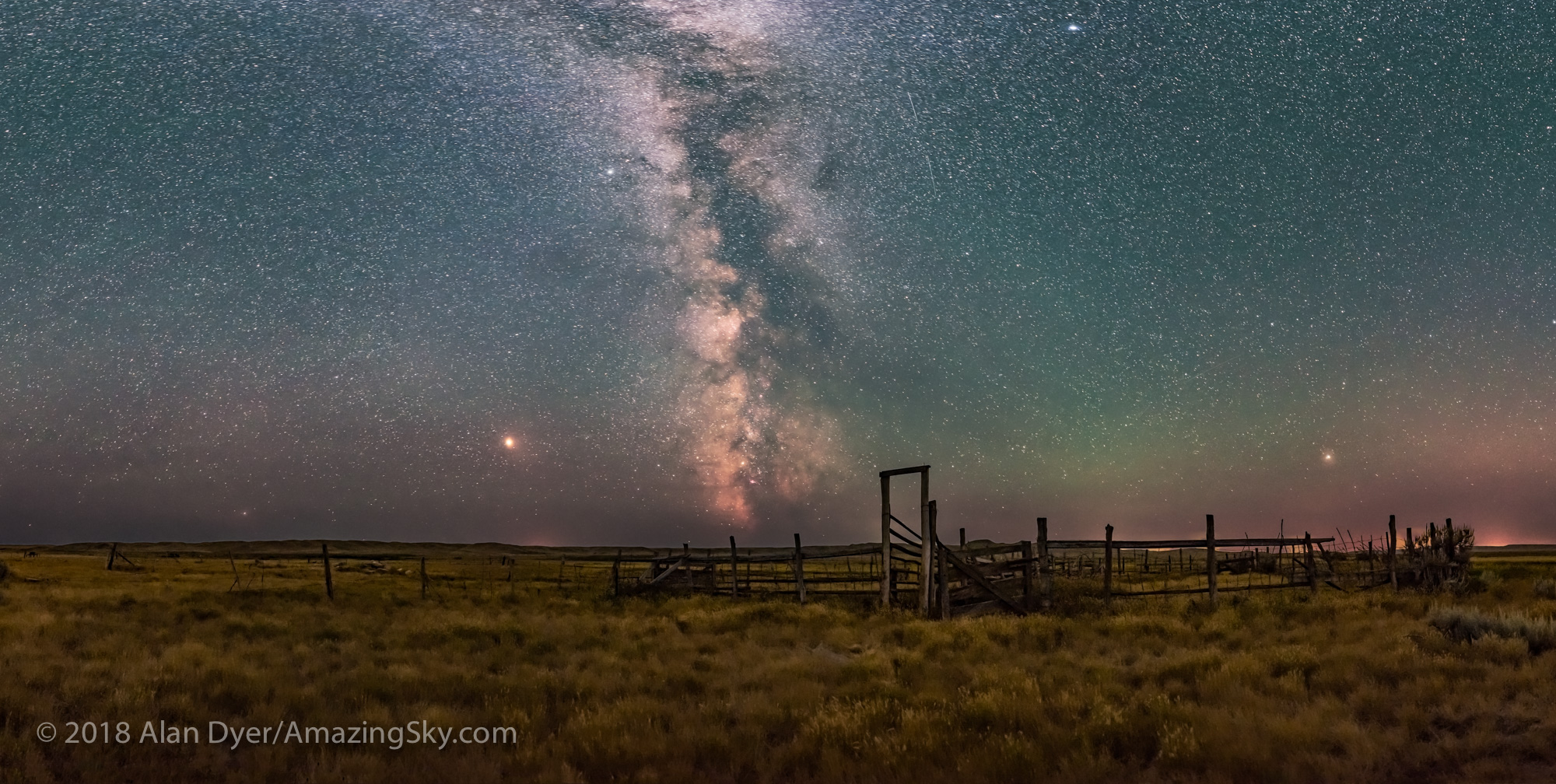


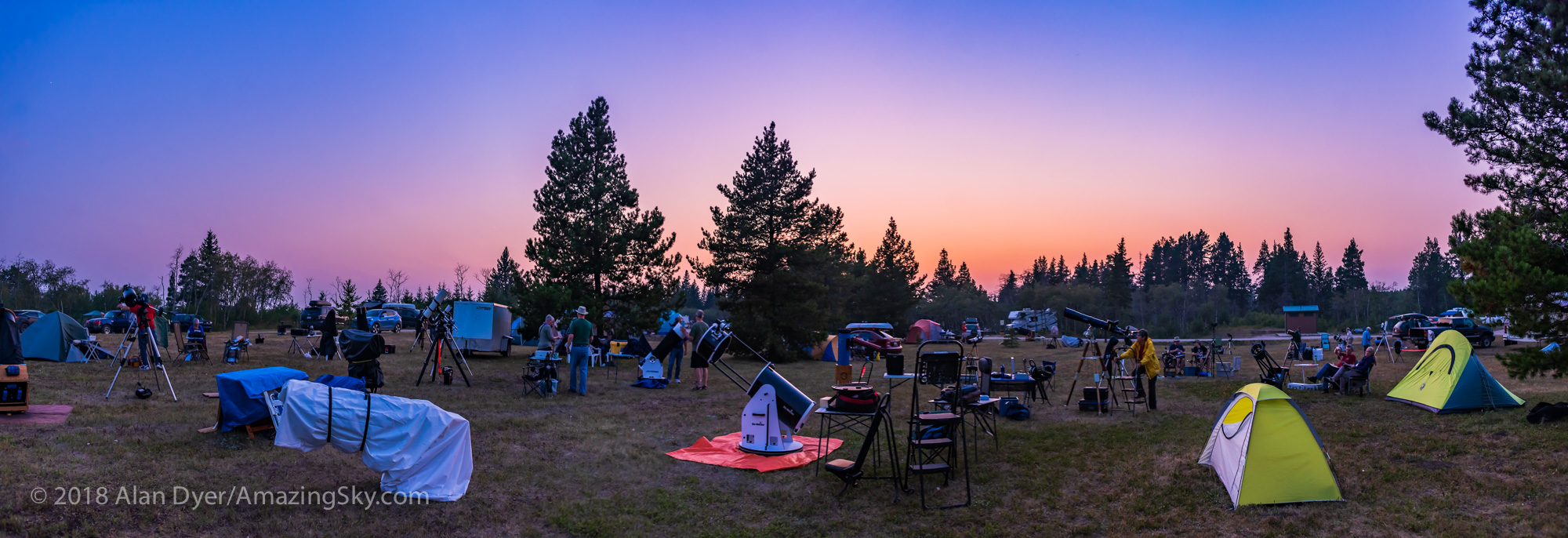


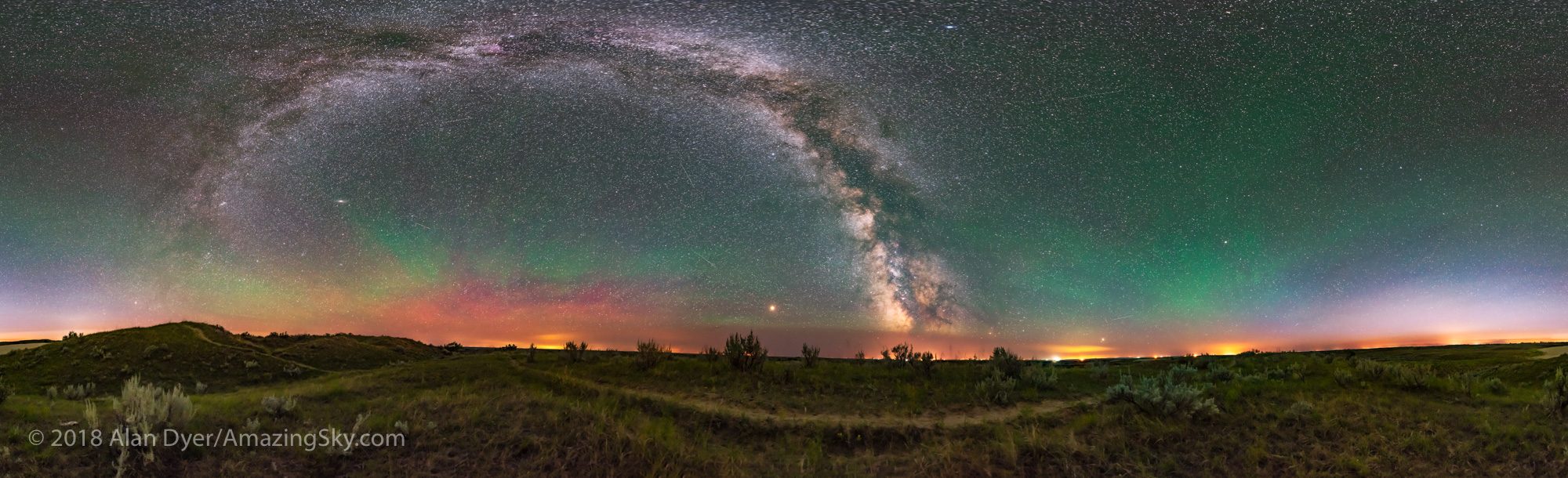
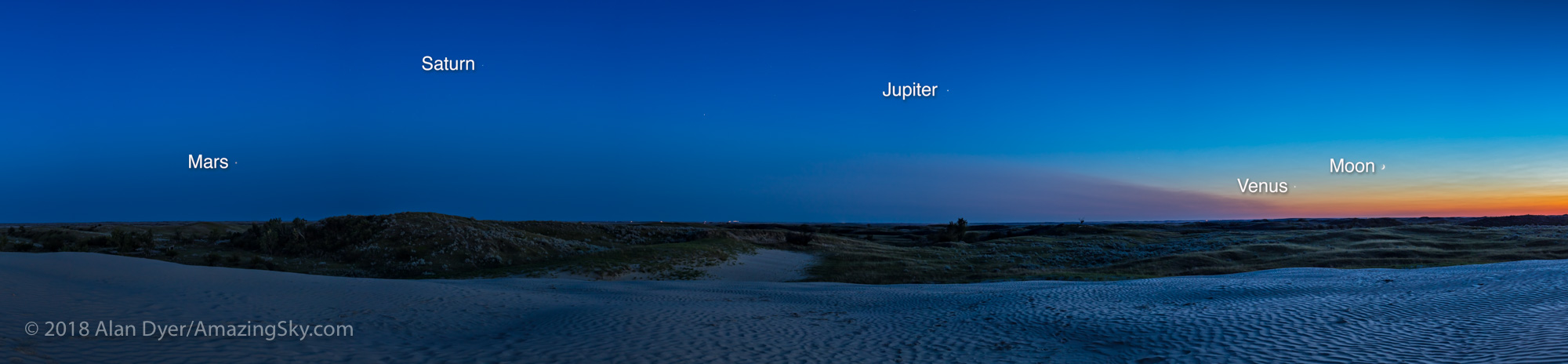
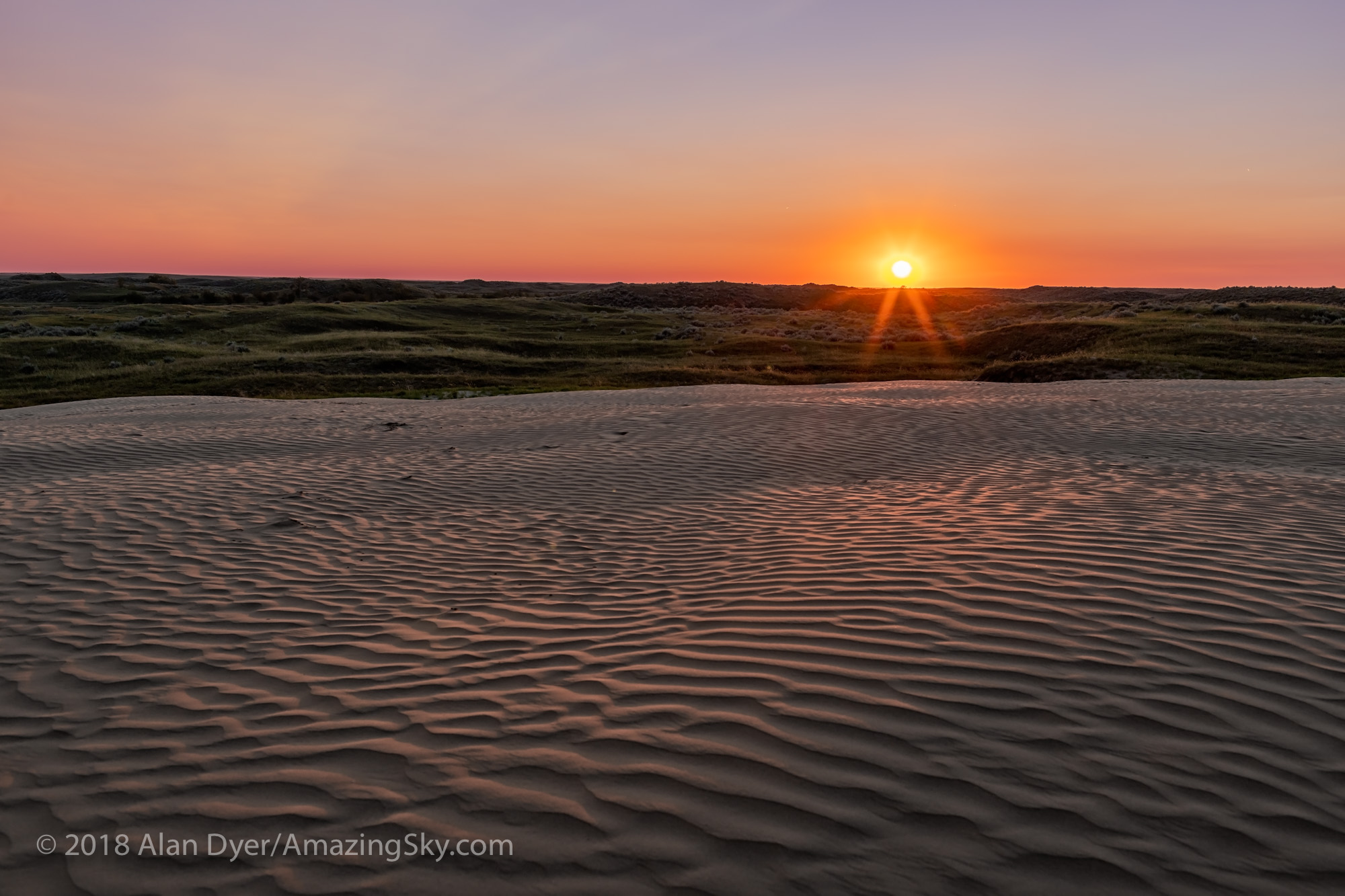

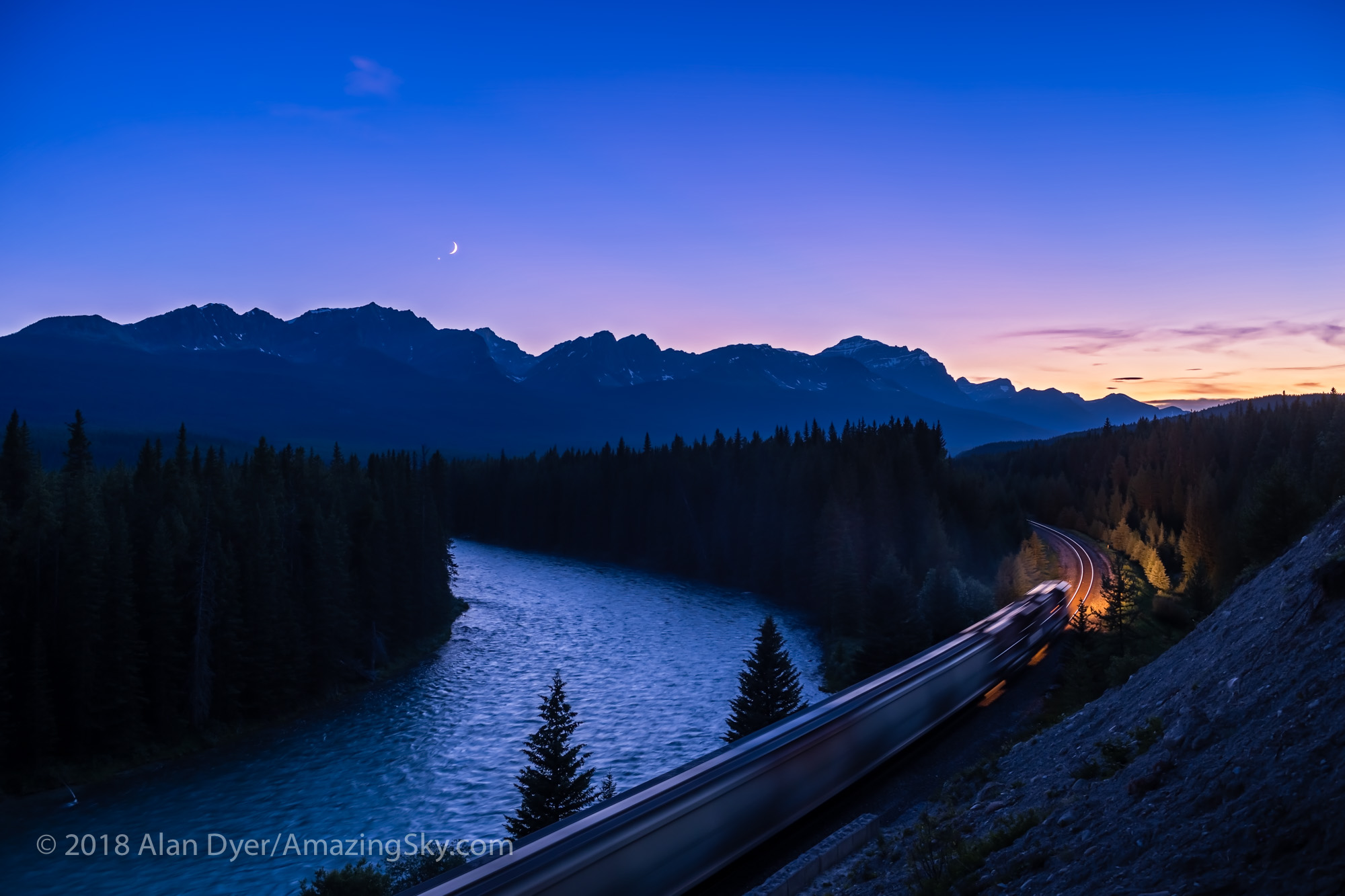
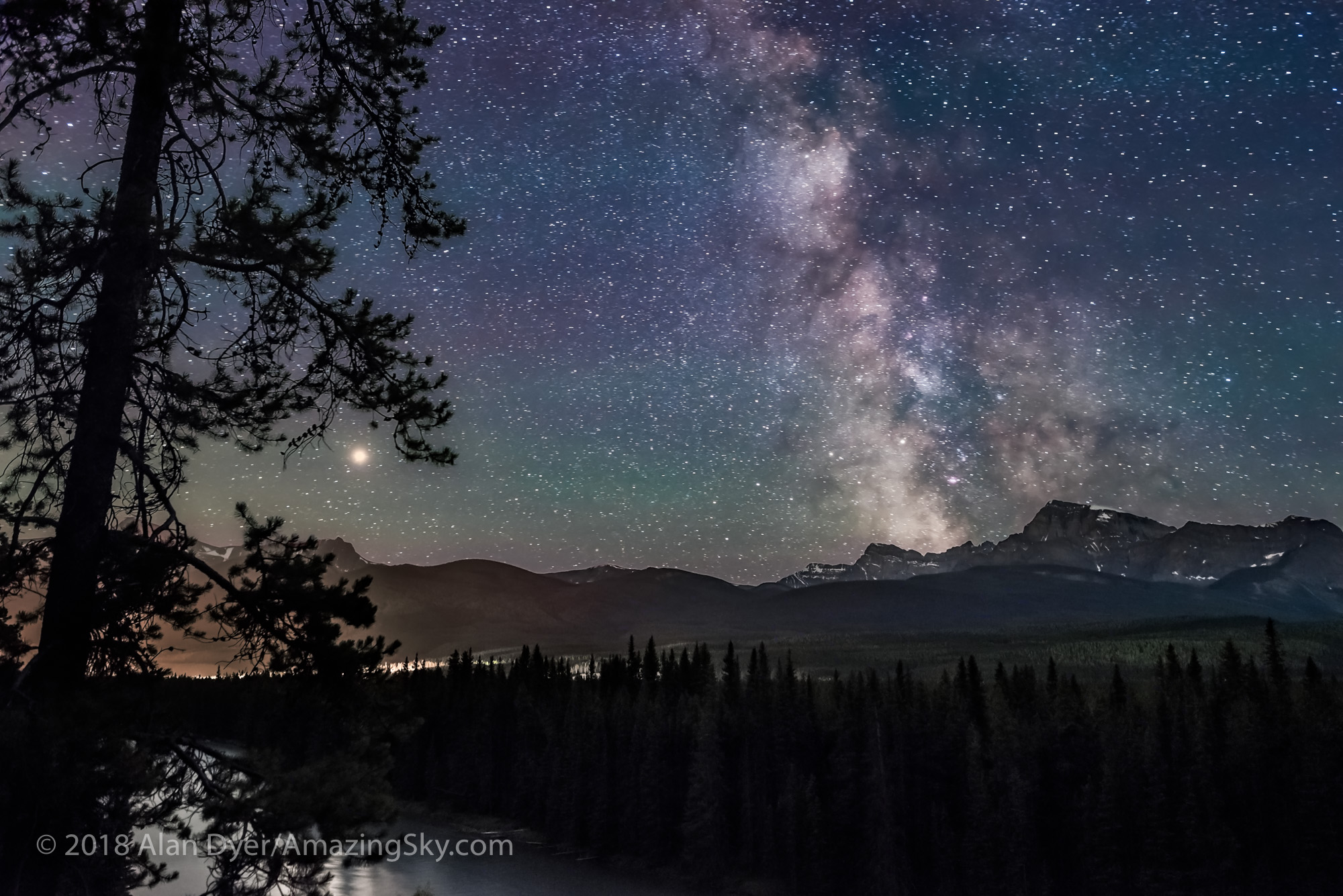
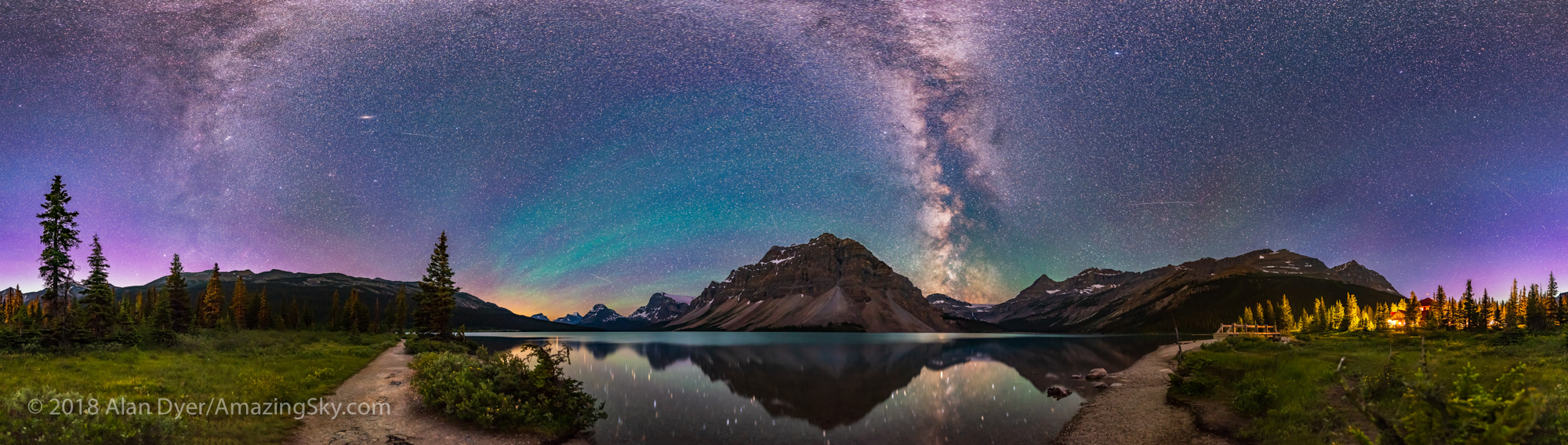


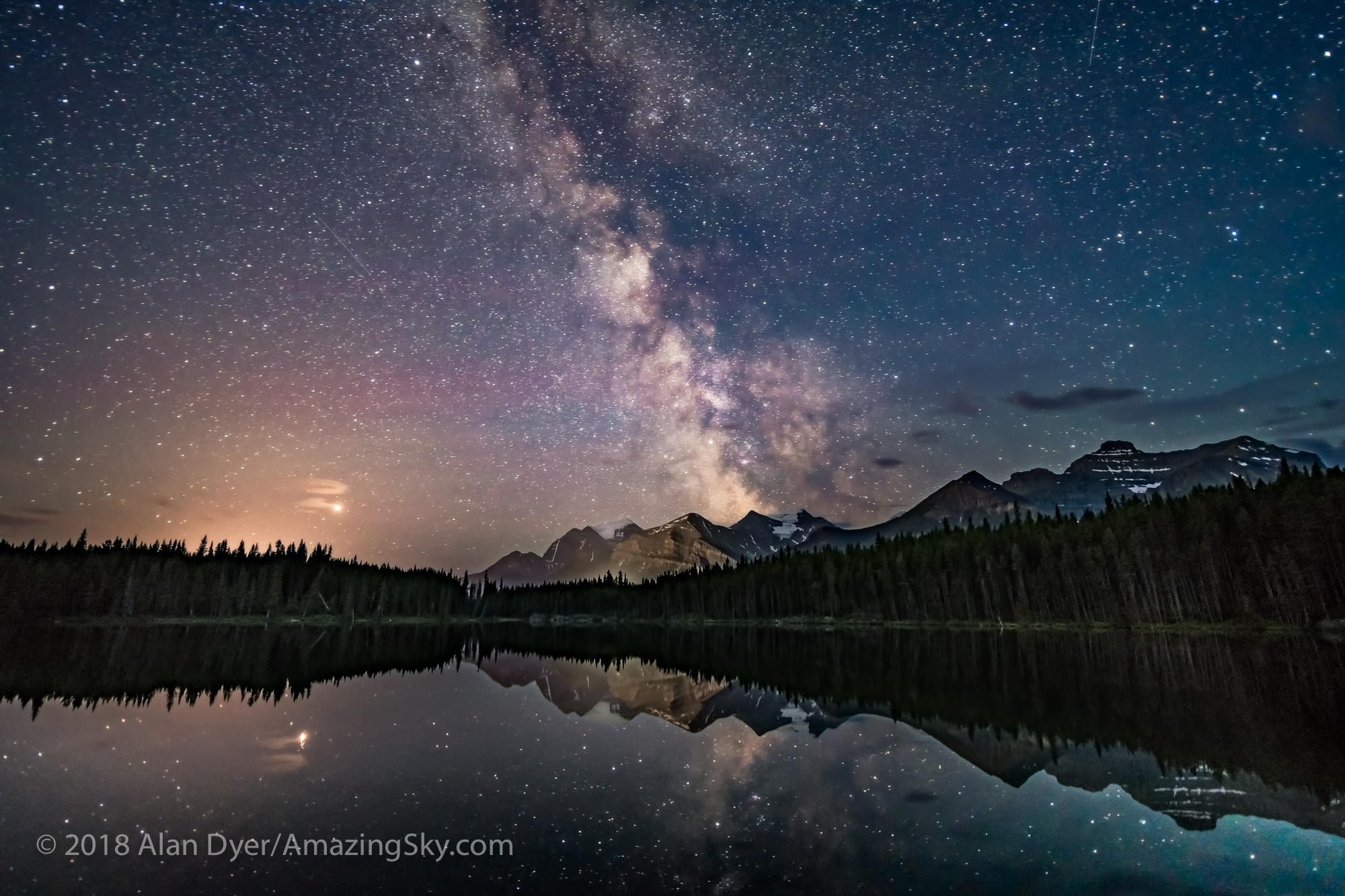


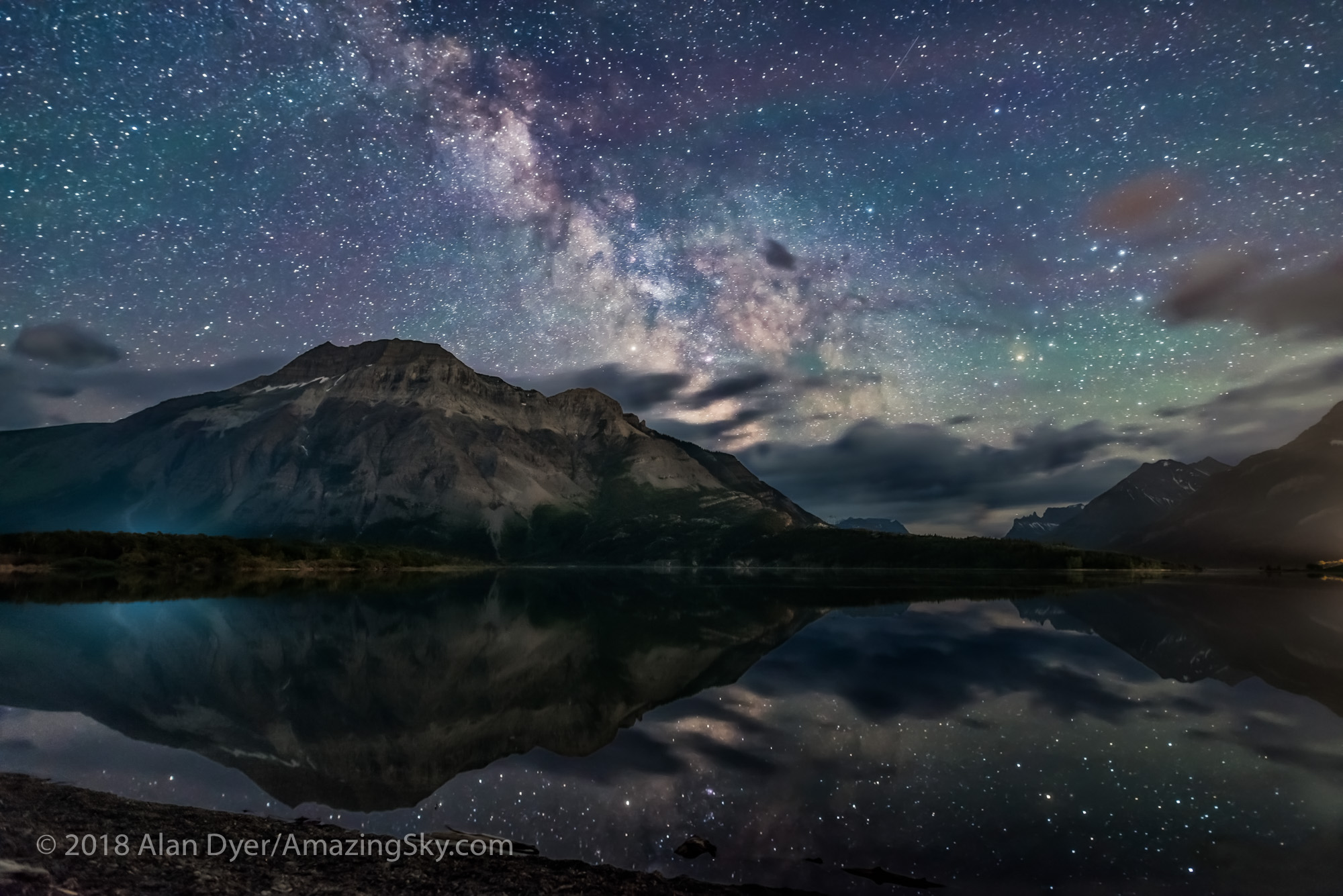





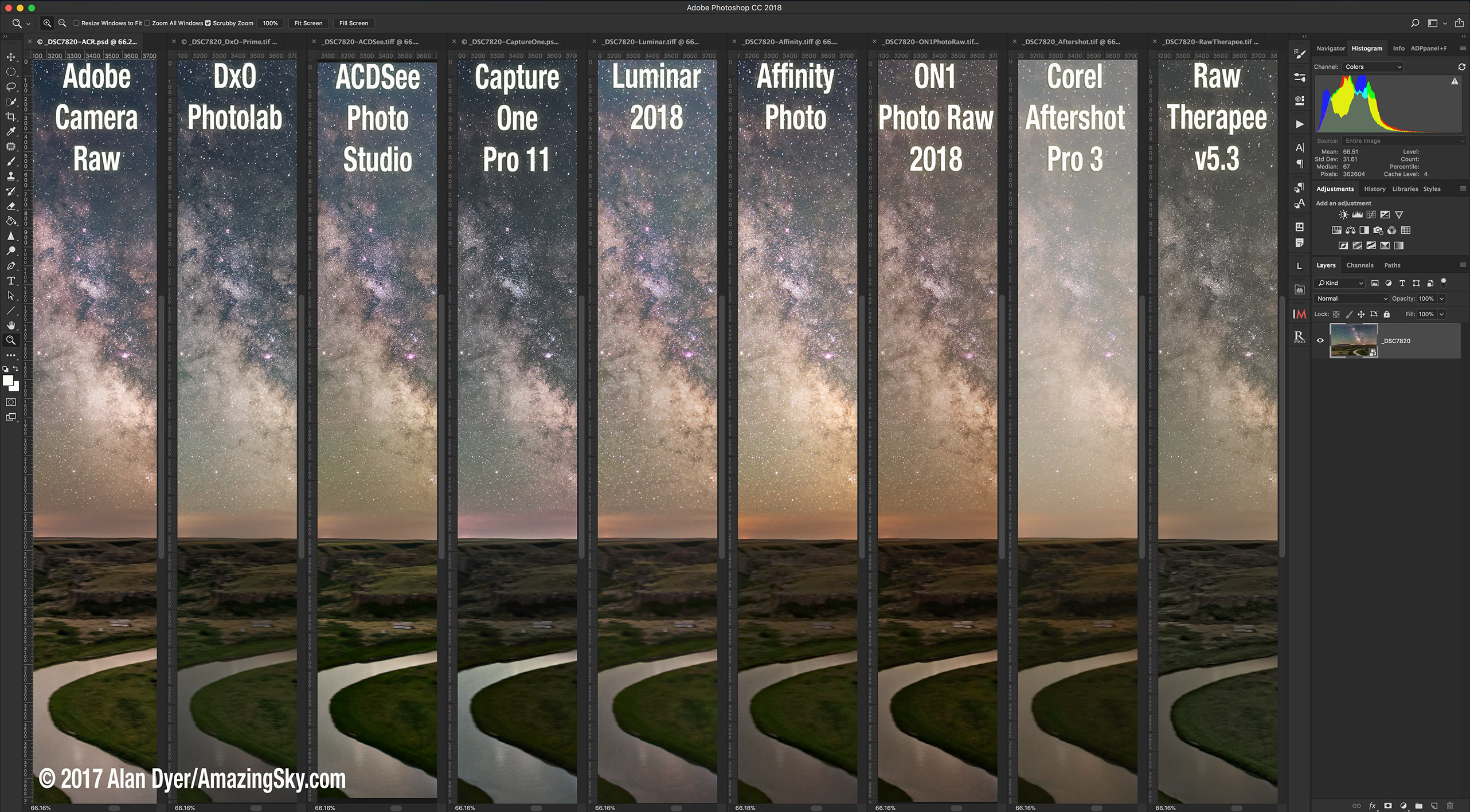


 Lightroom Contenders: Five Raw Developers
 Photoshop Contenders: Four Raw Developers with Layering/Compositing
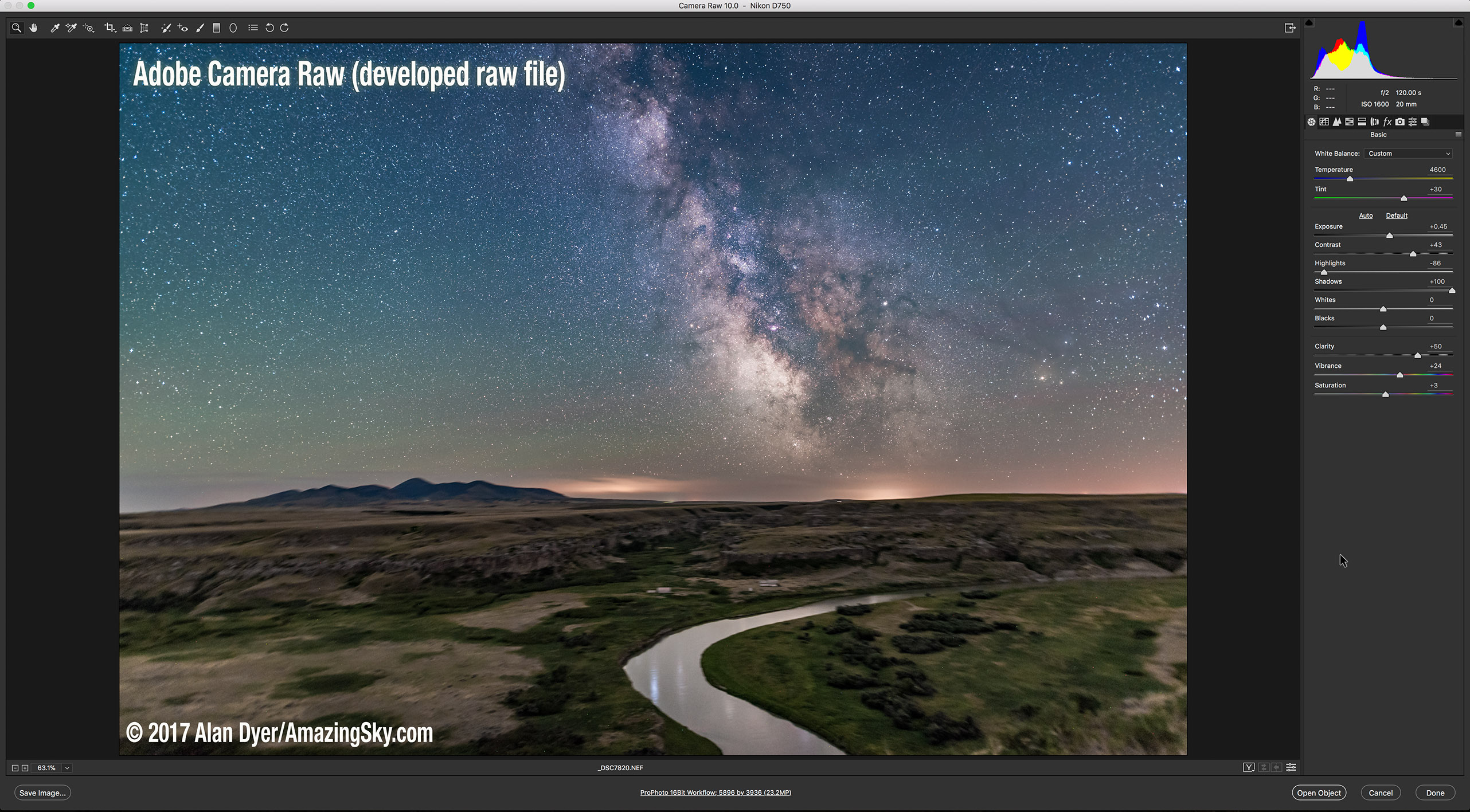

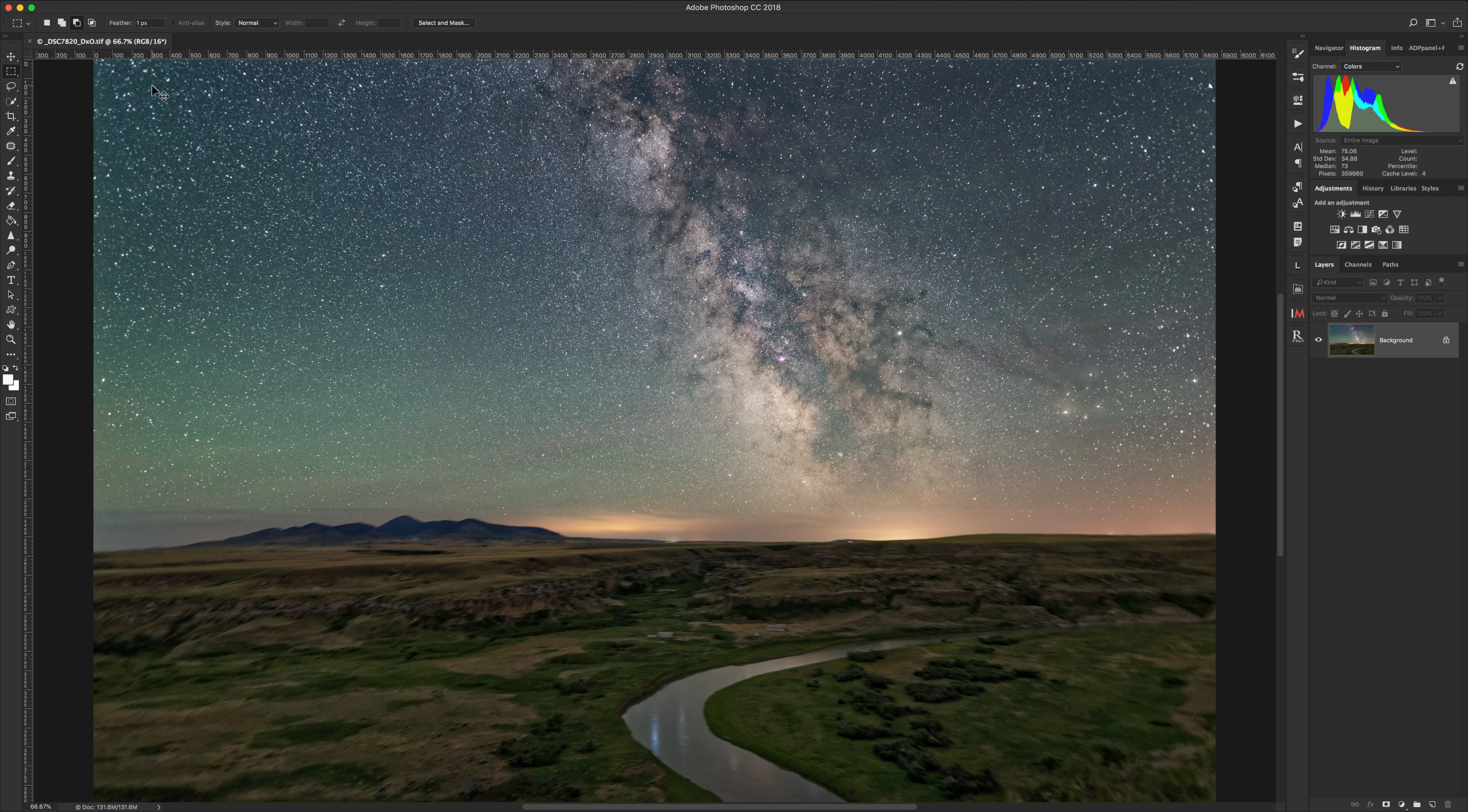



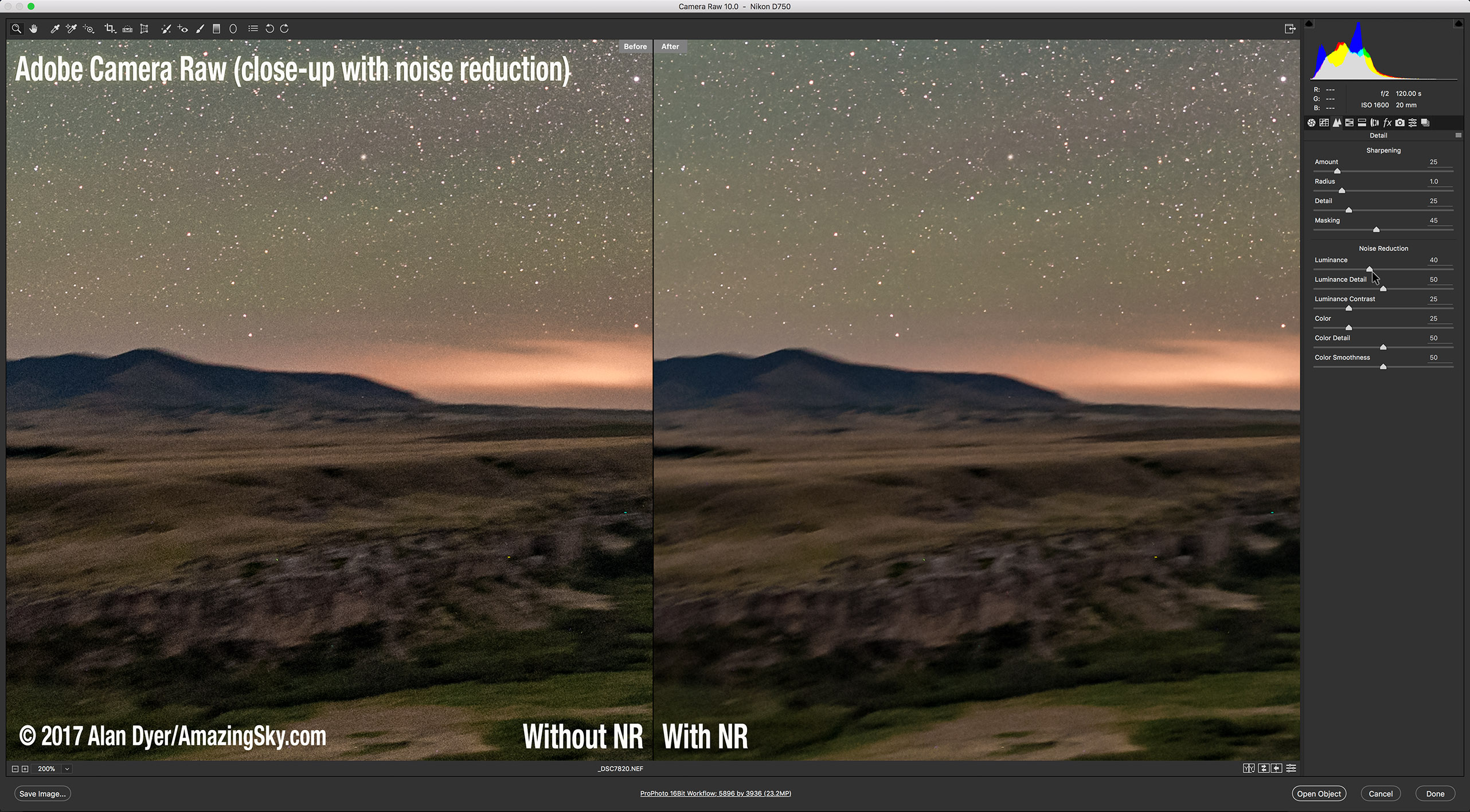
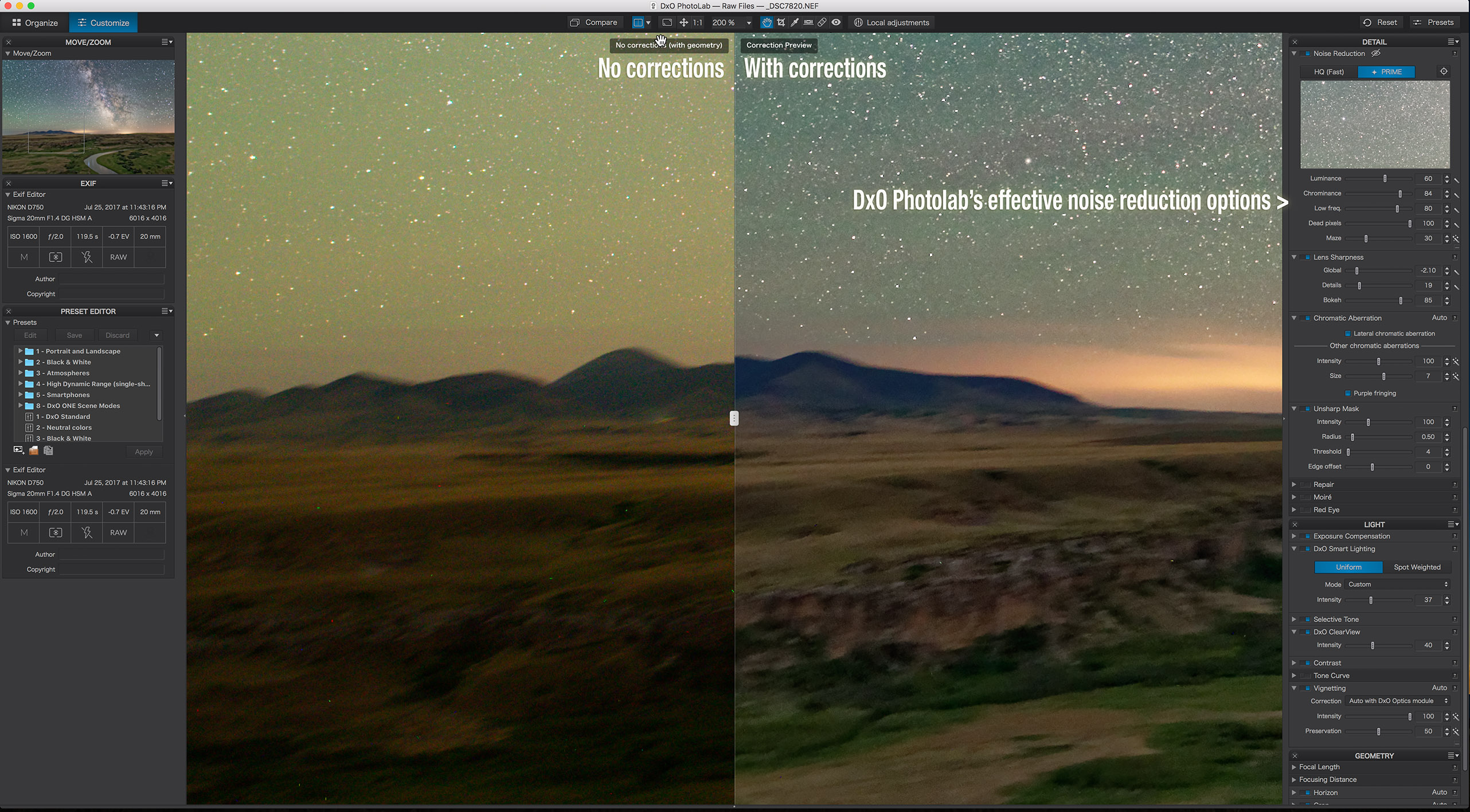

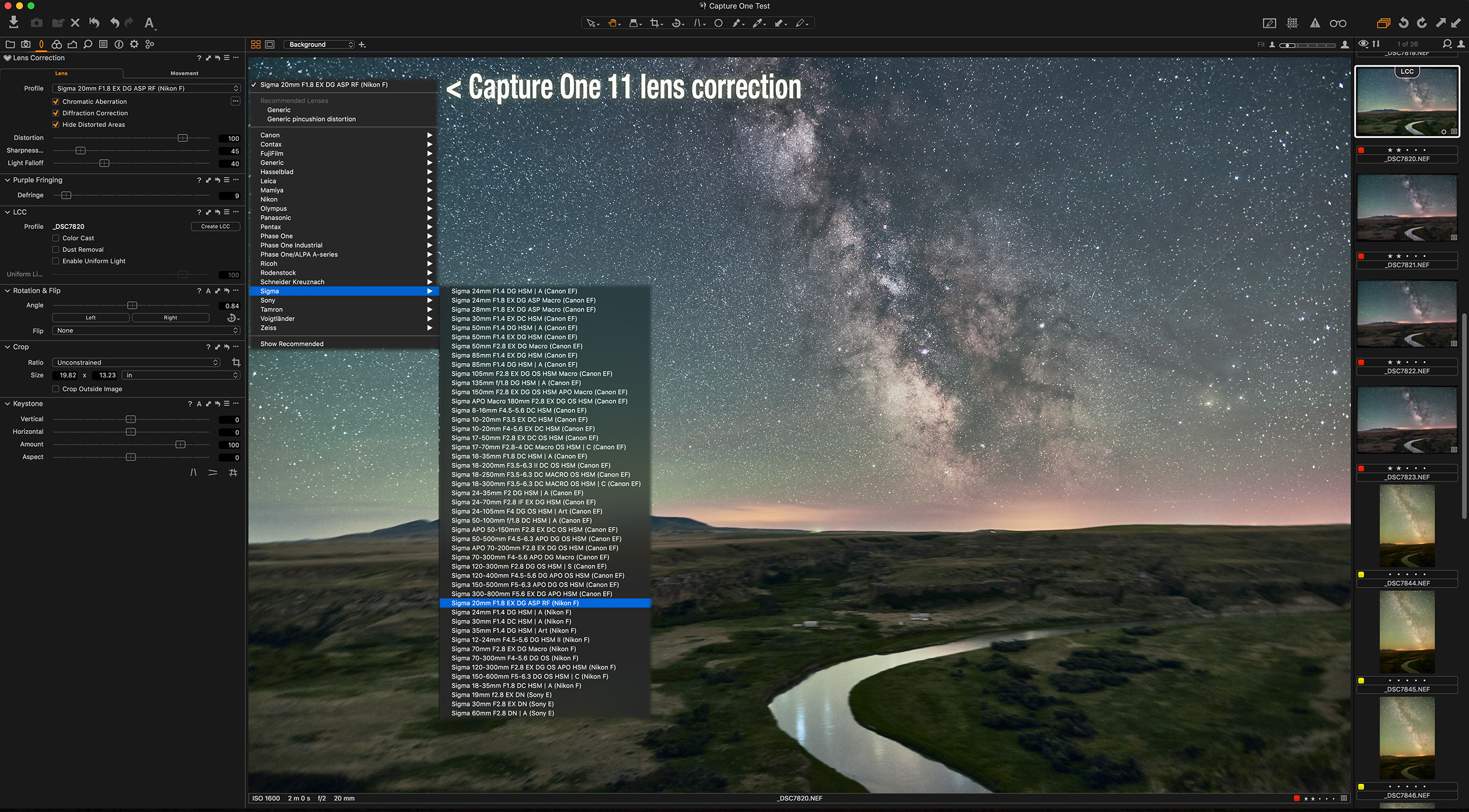

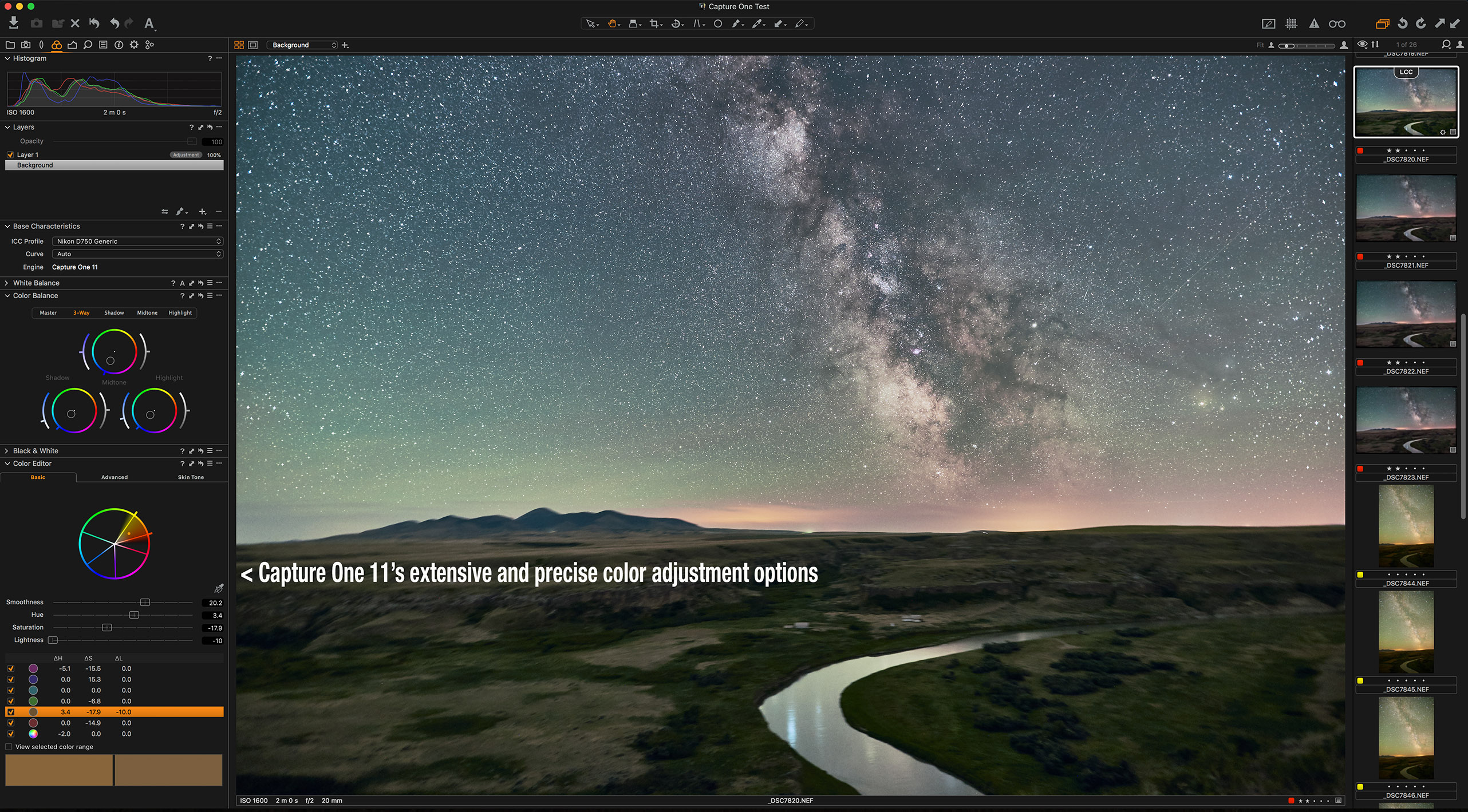
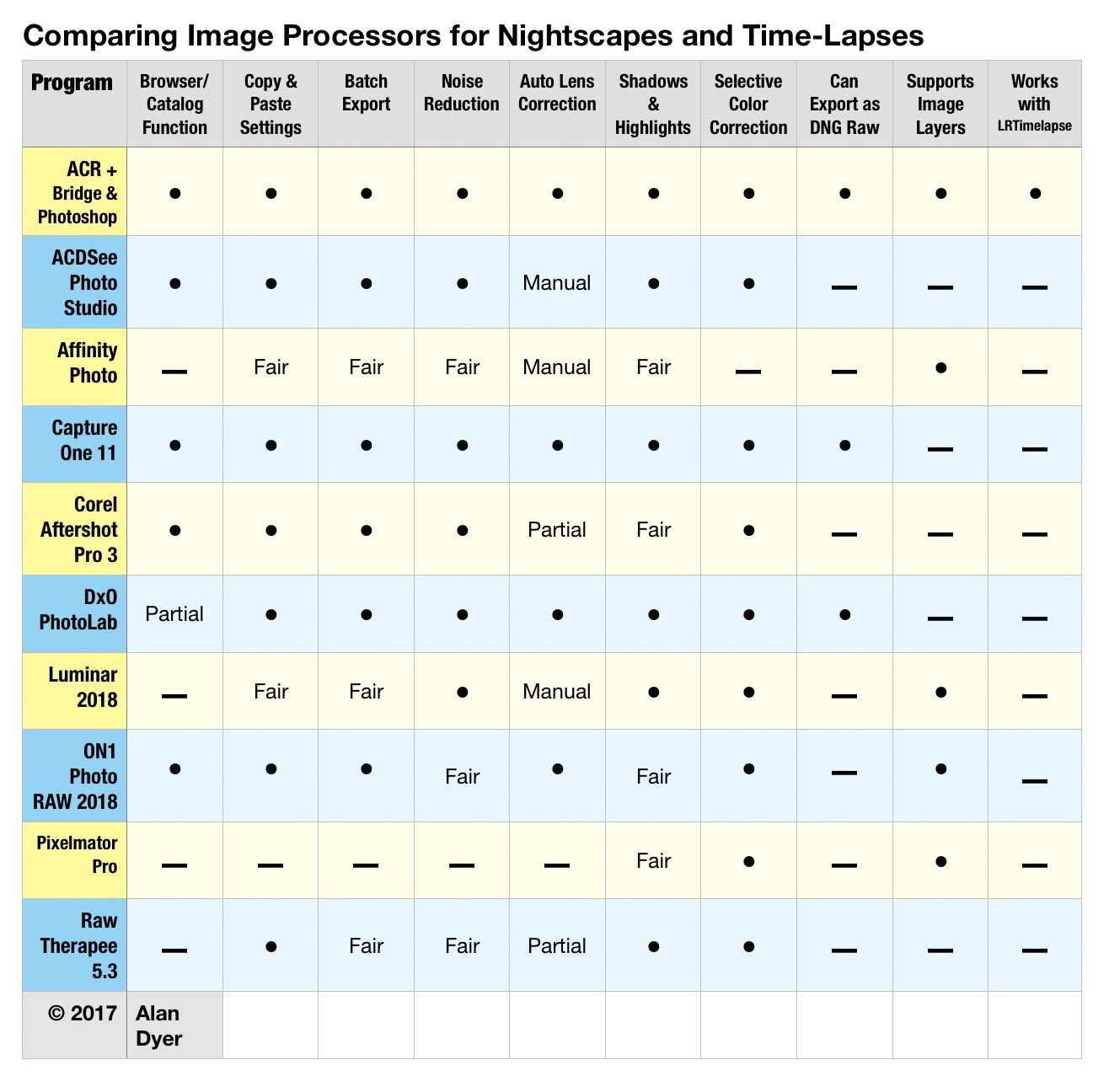







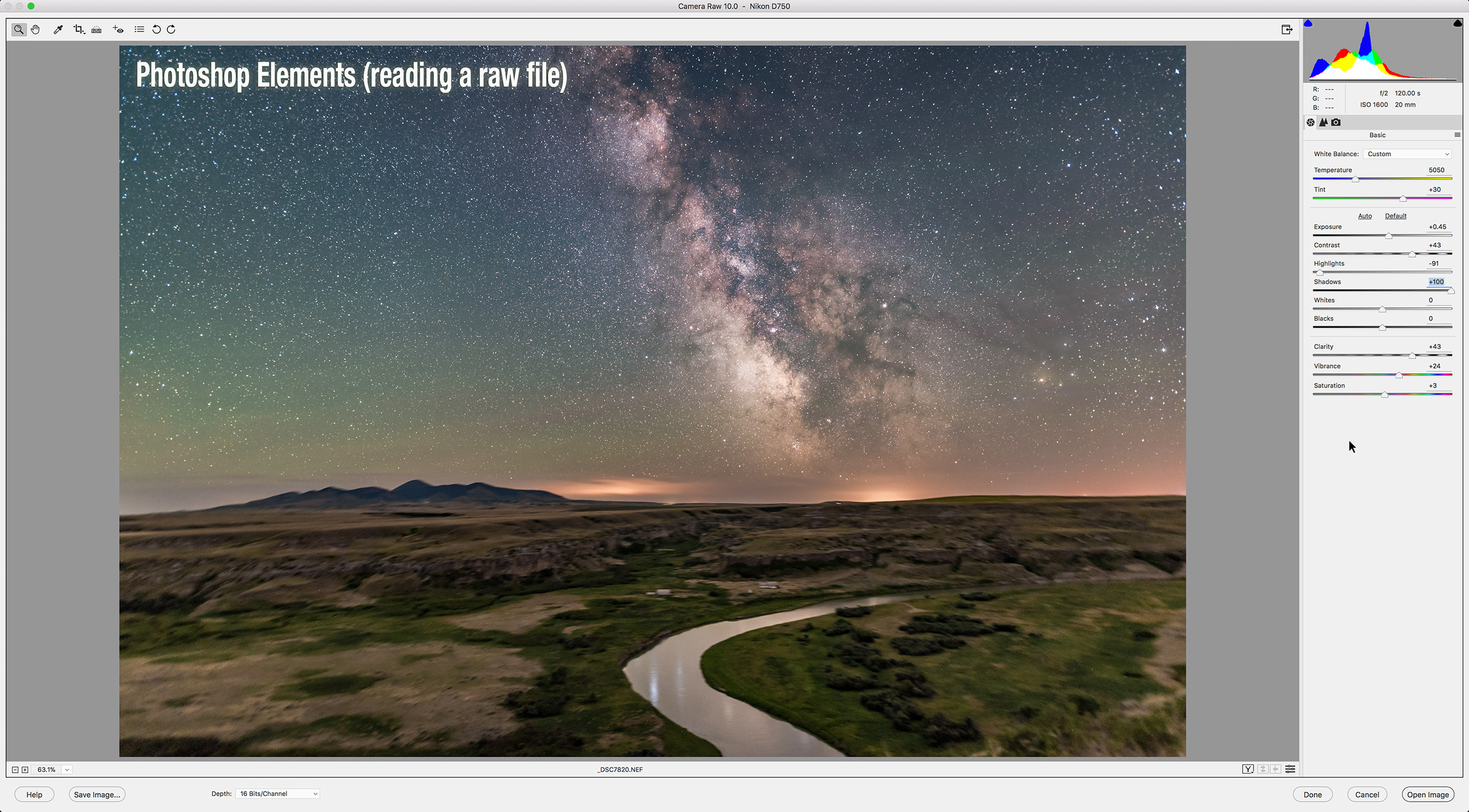


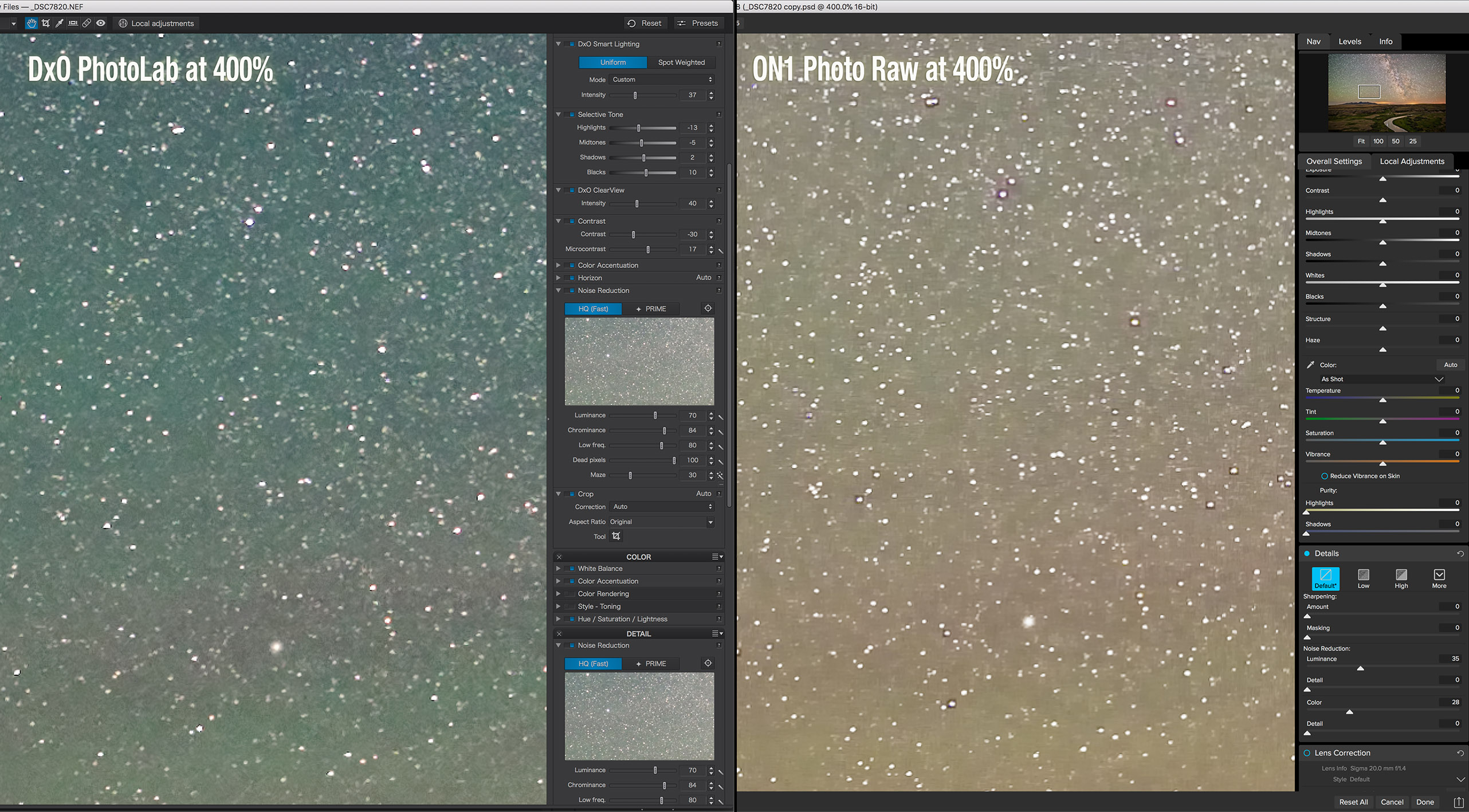
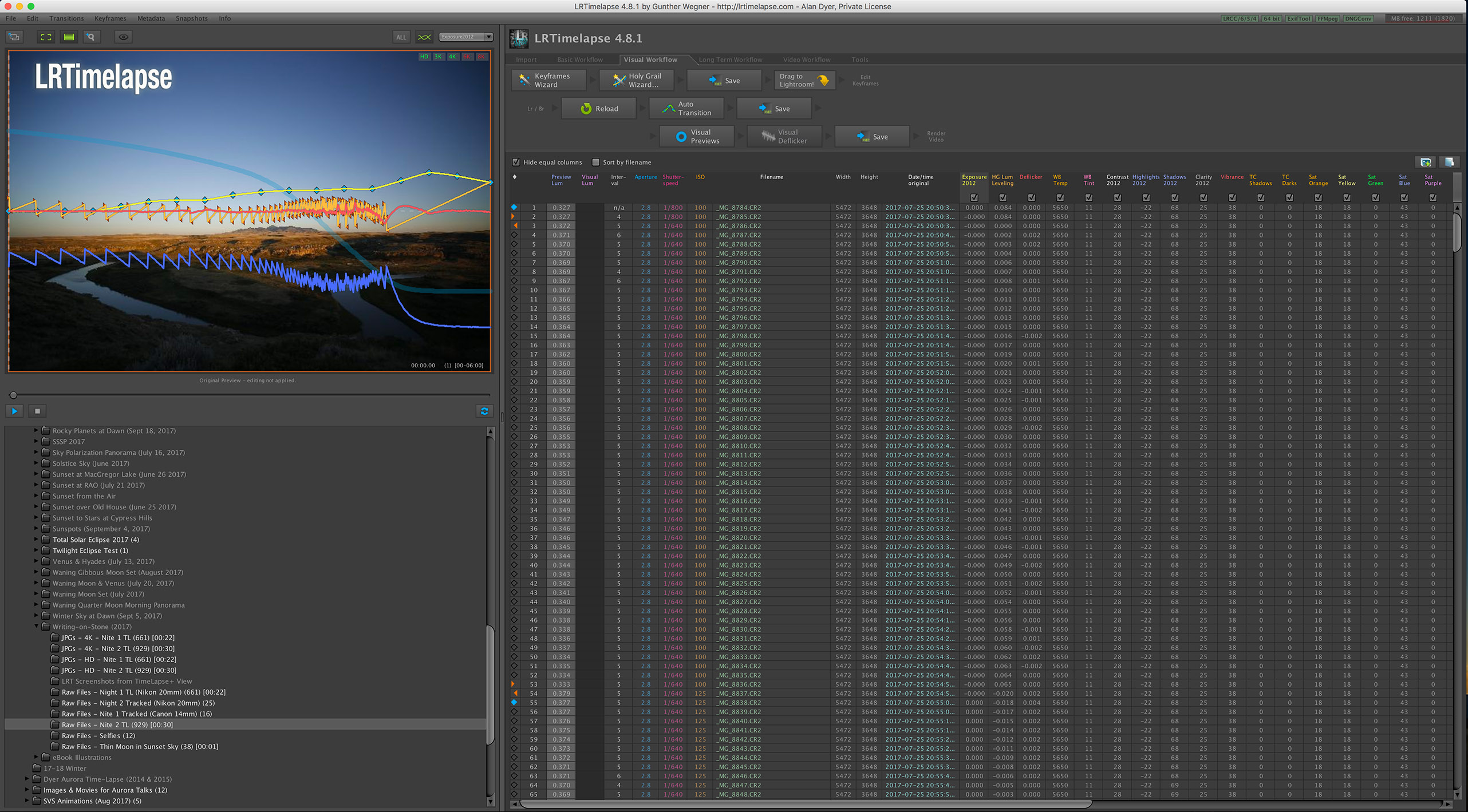
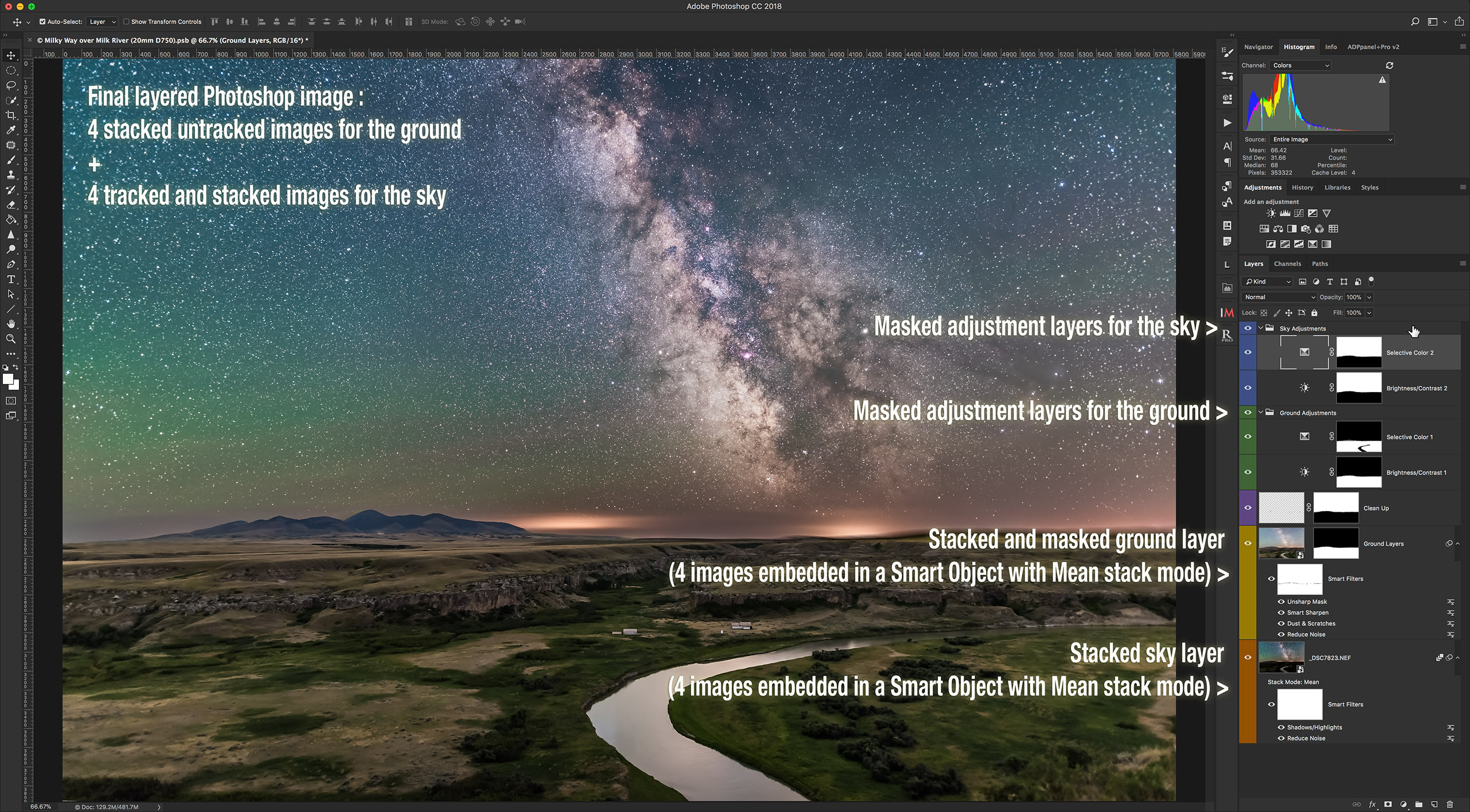
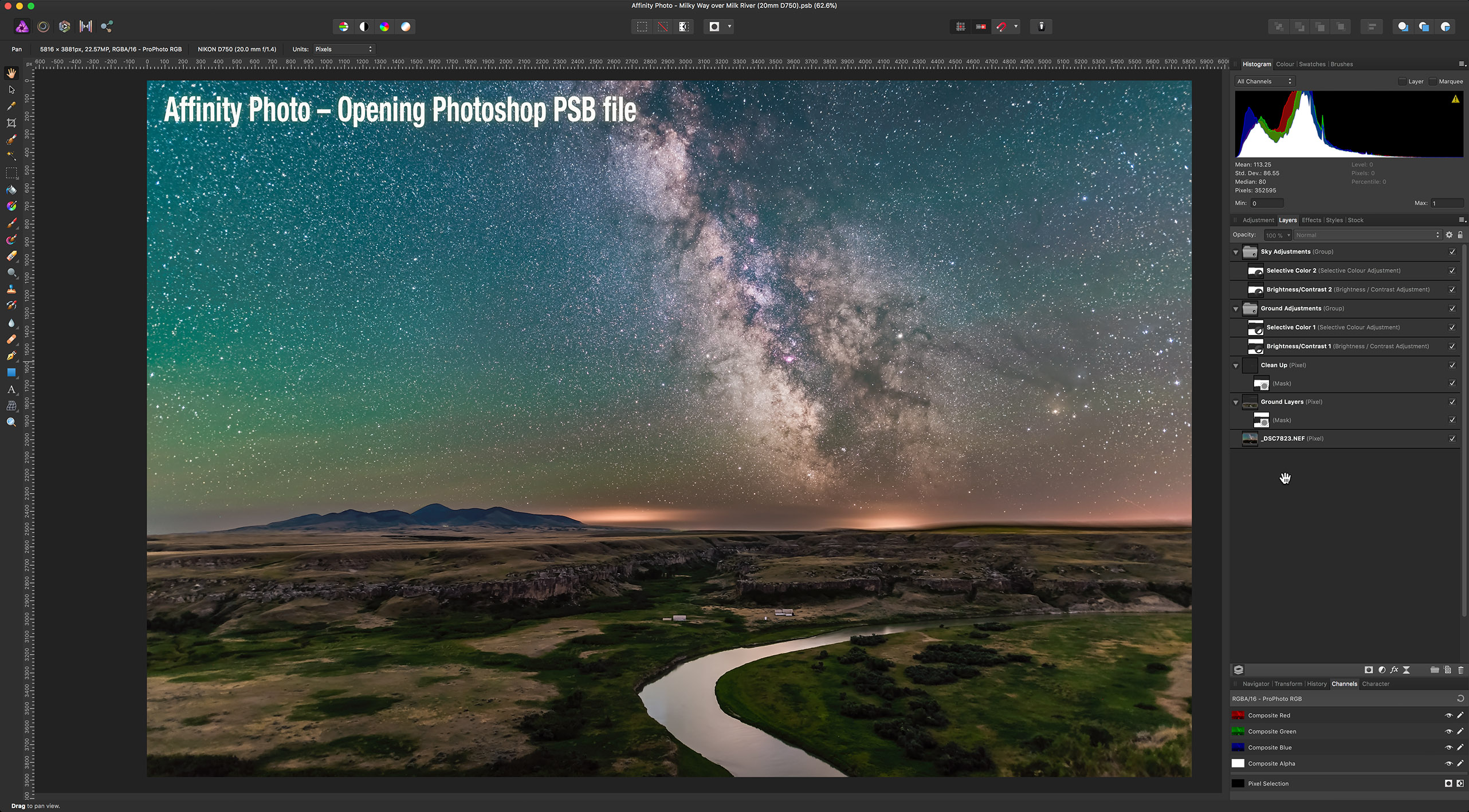
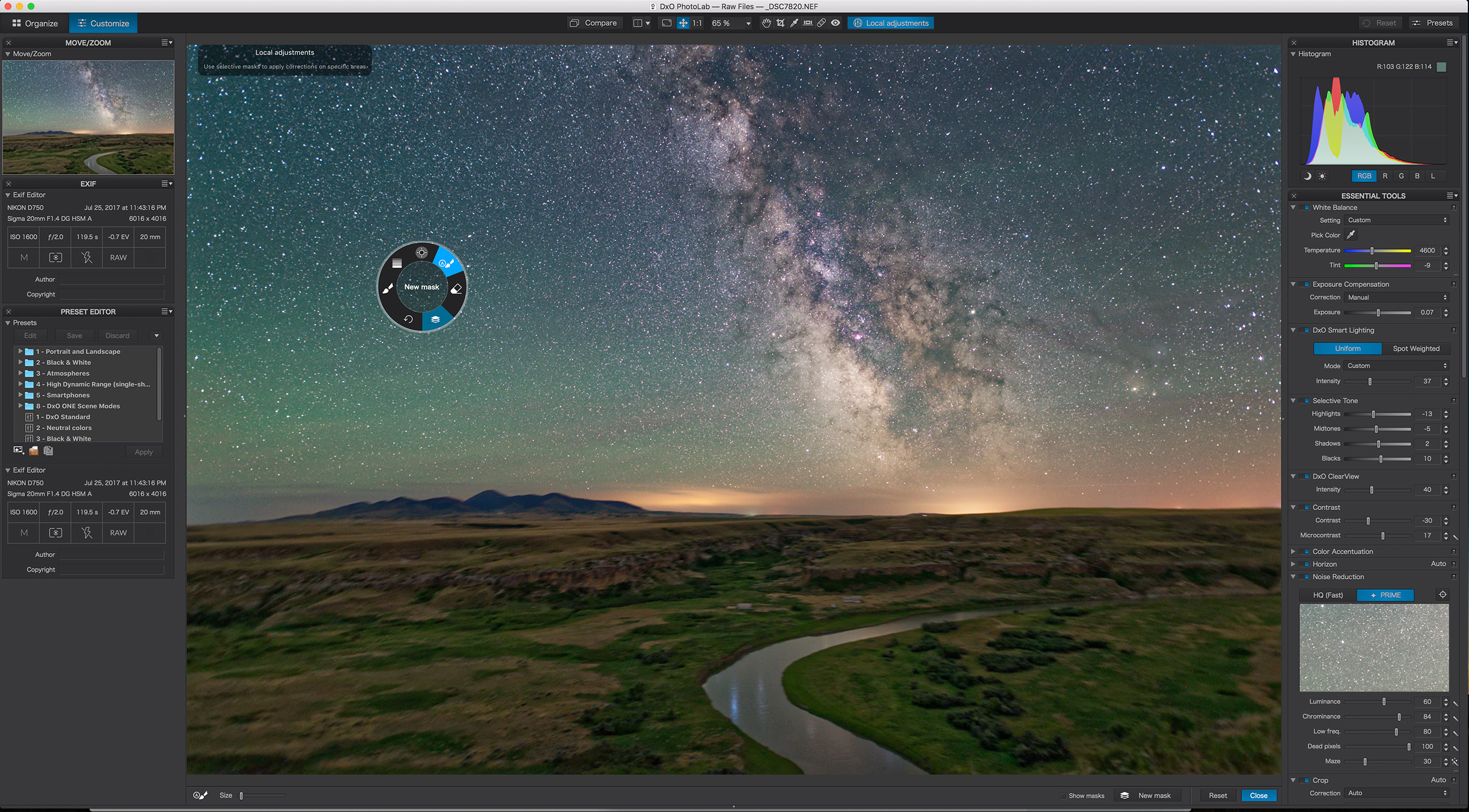
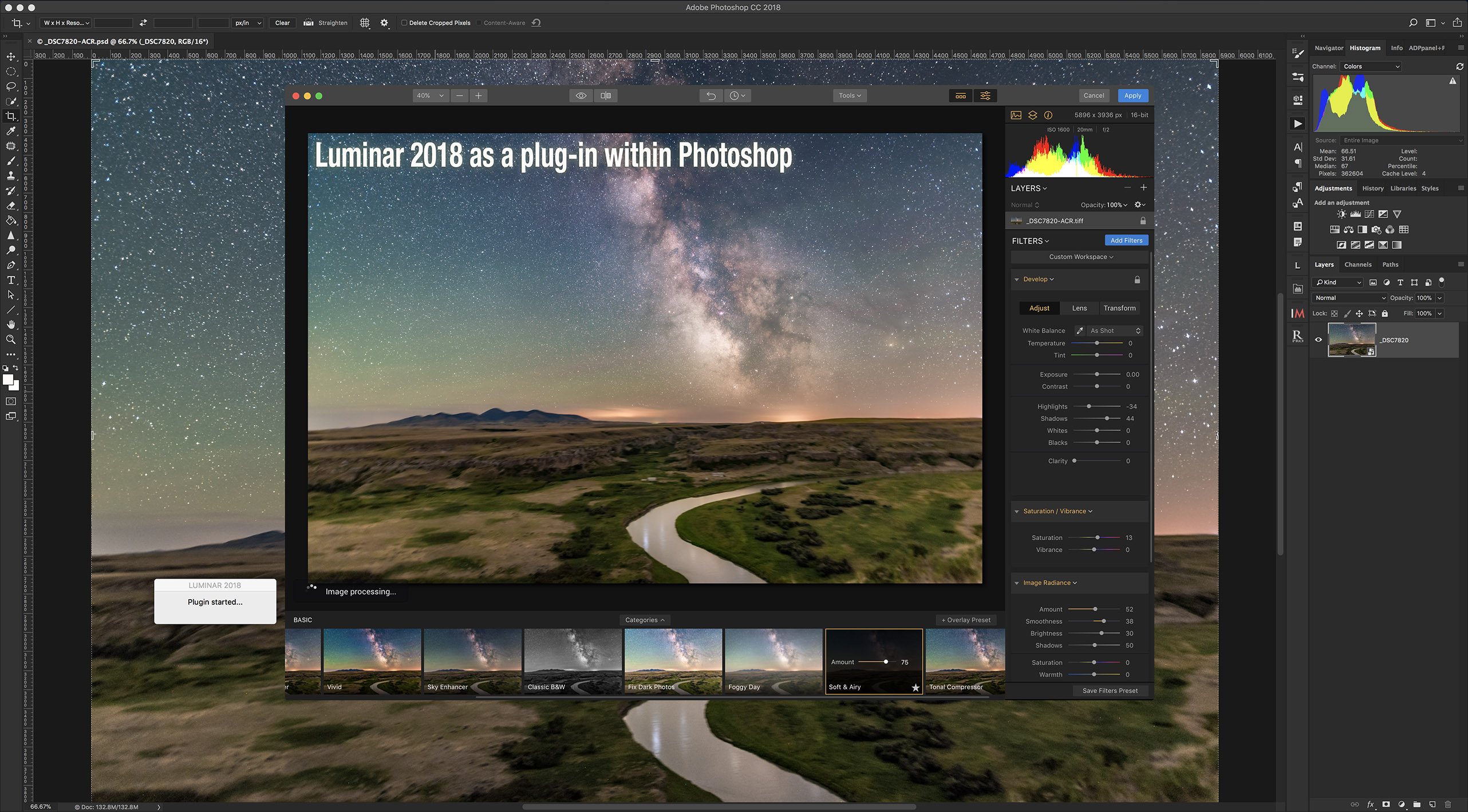
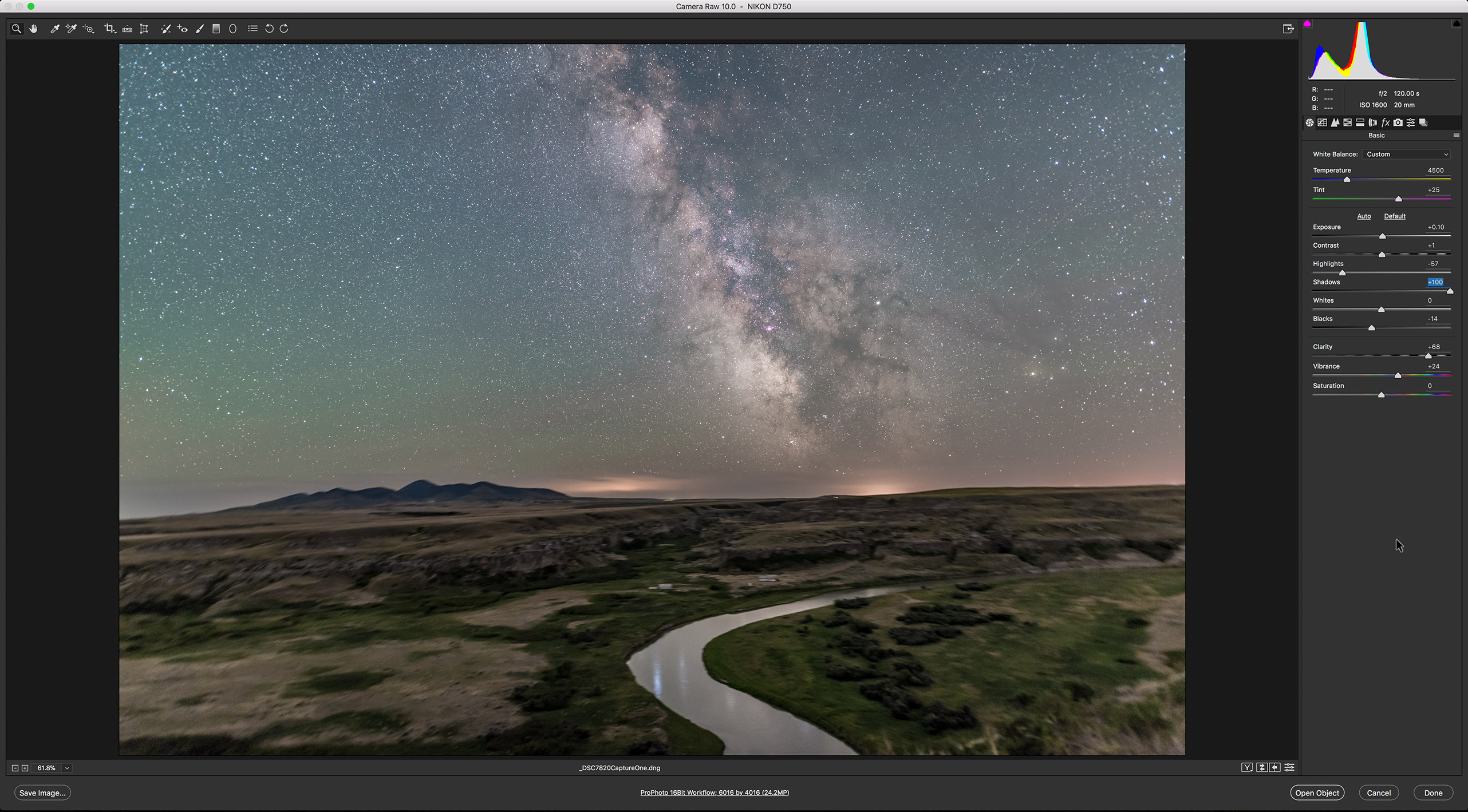


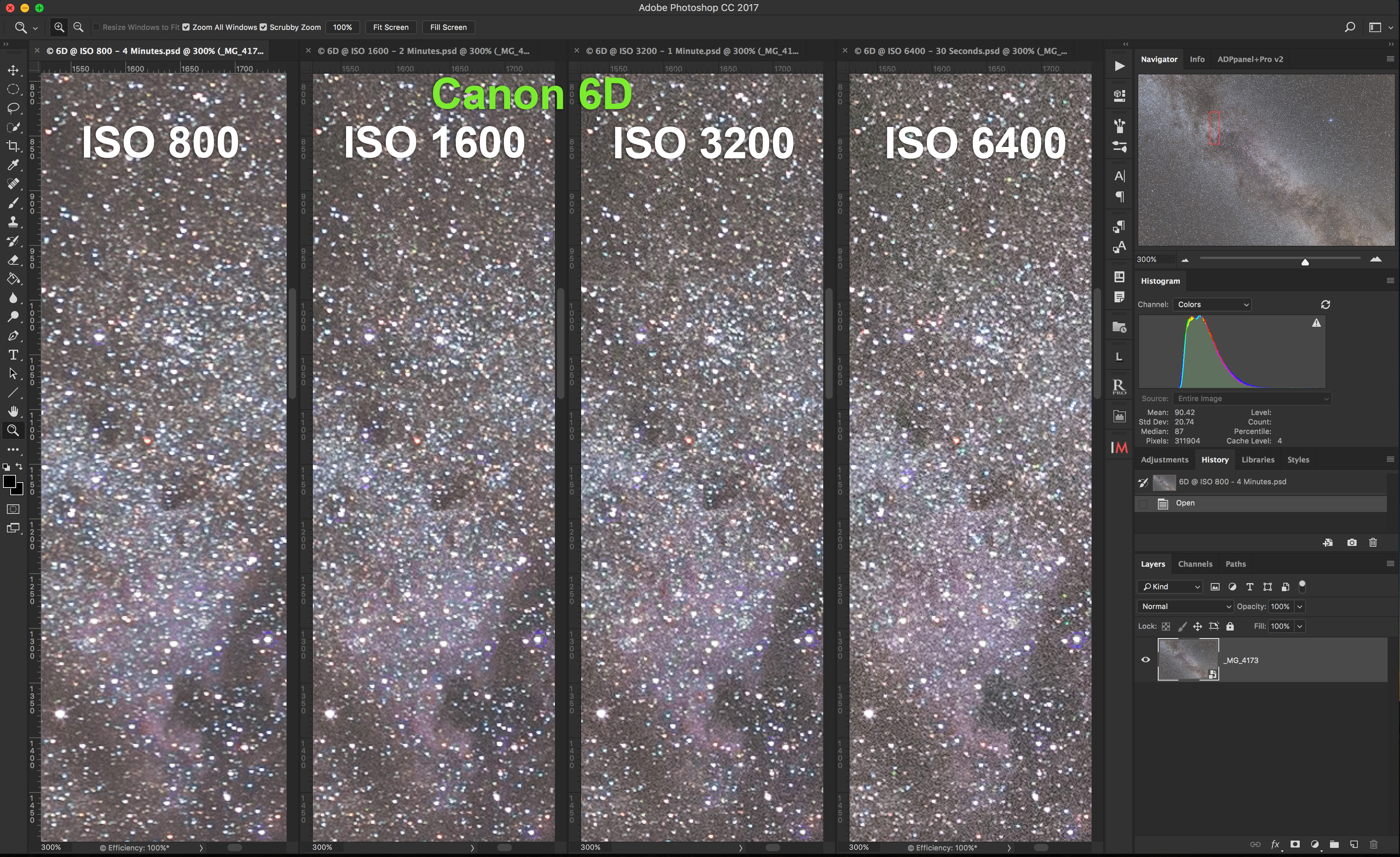
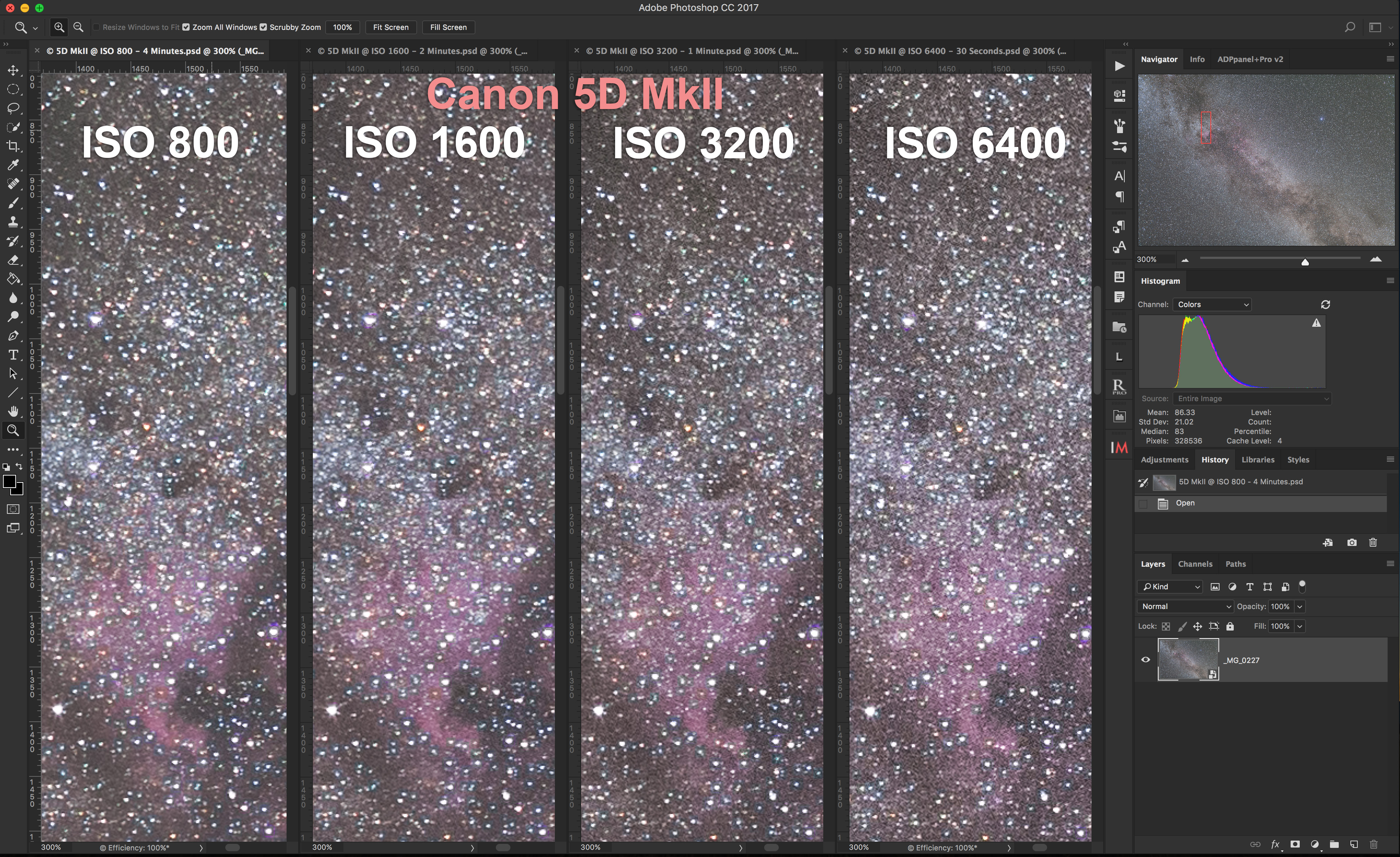
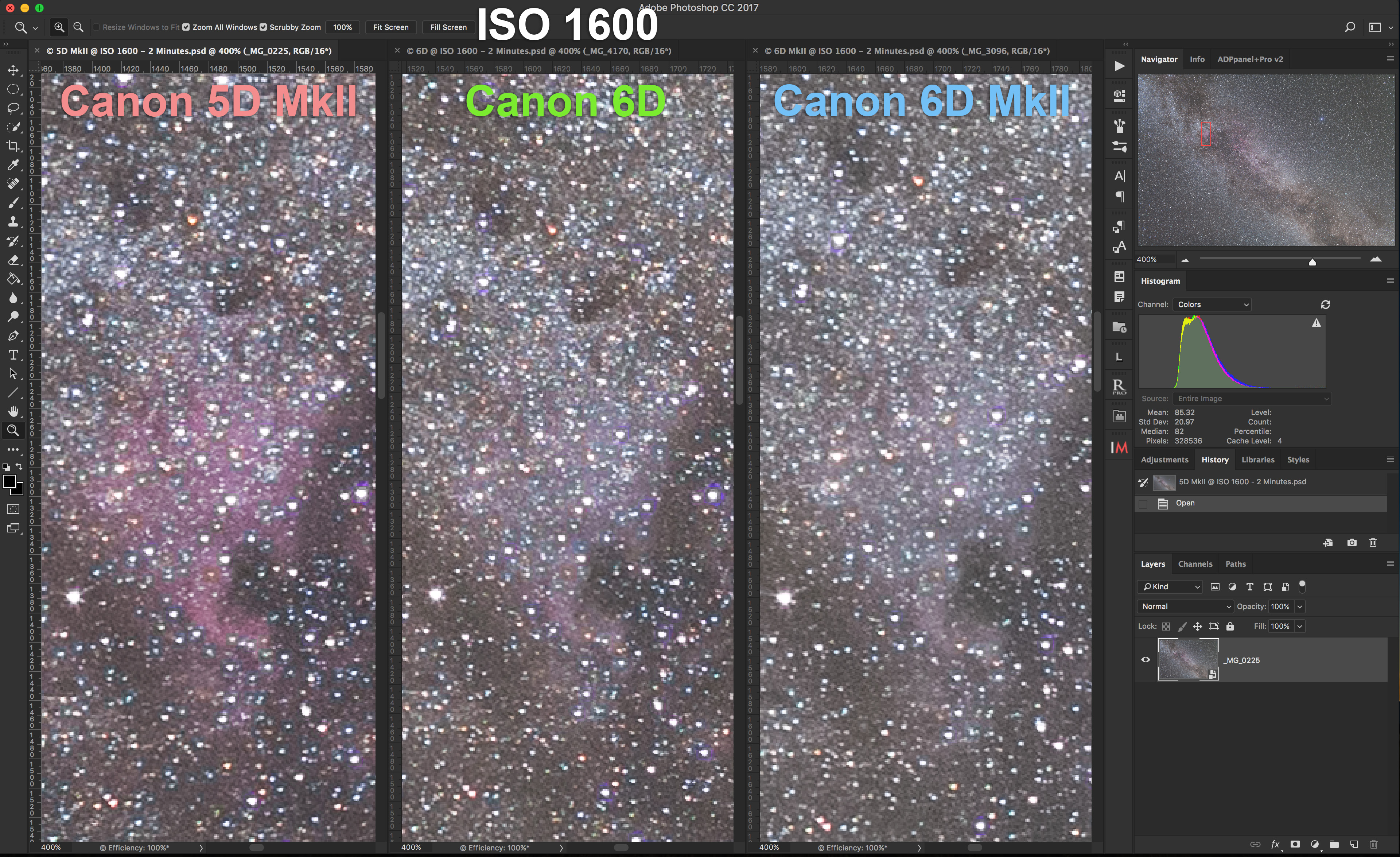
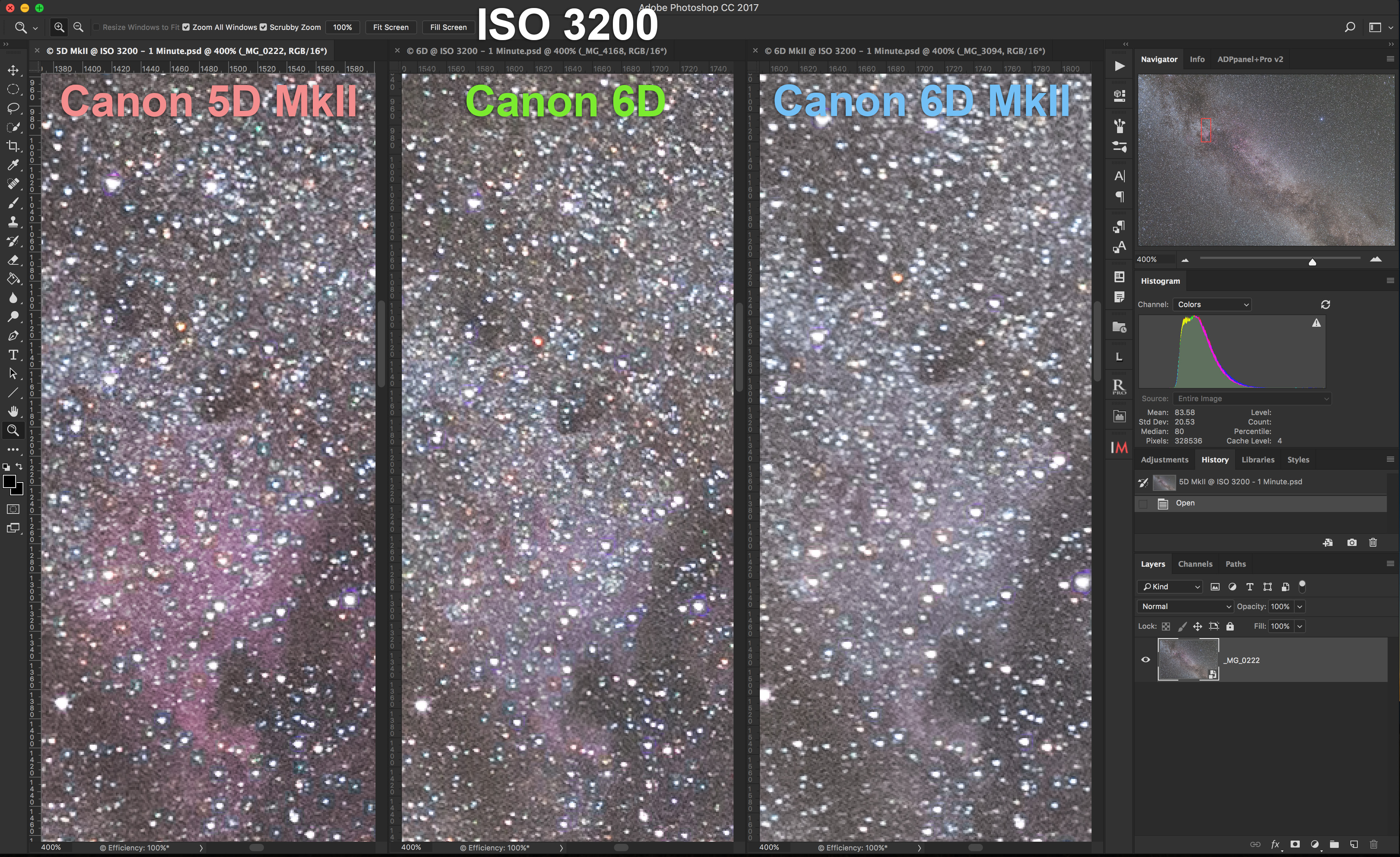
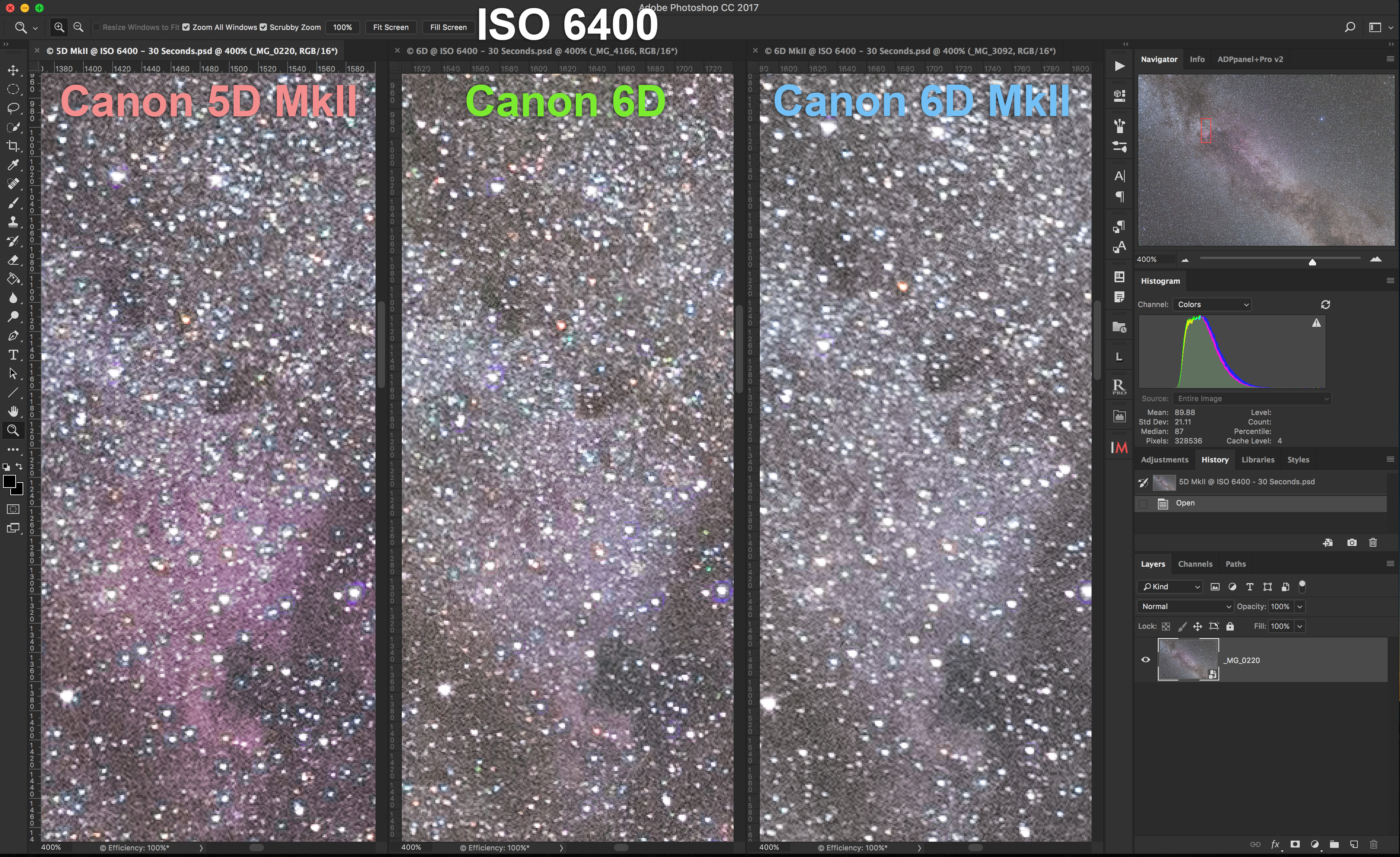
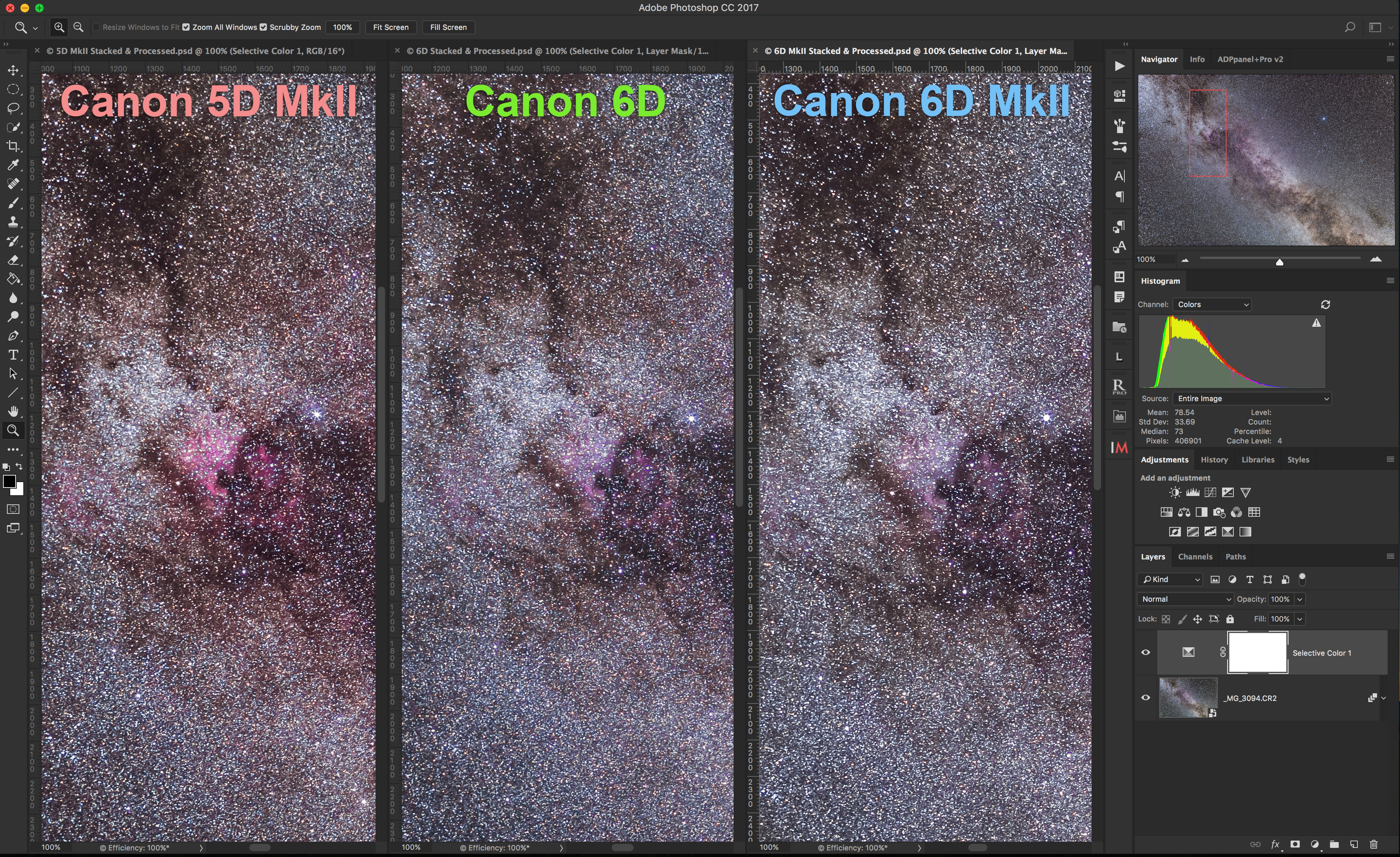
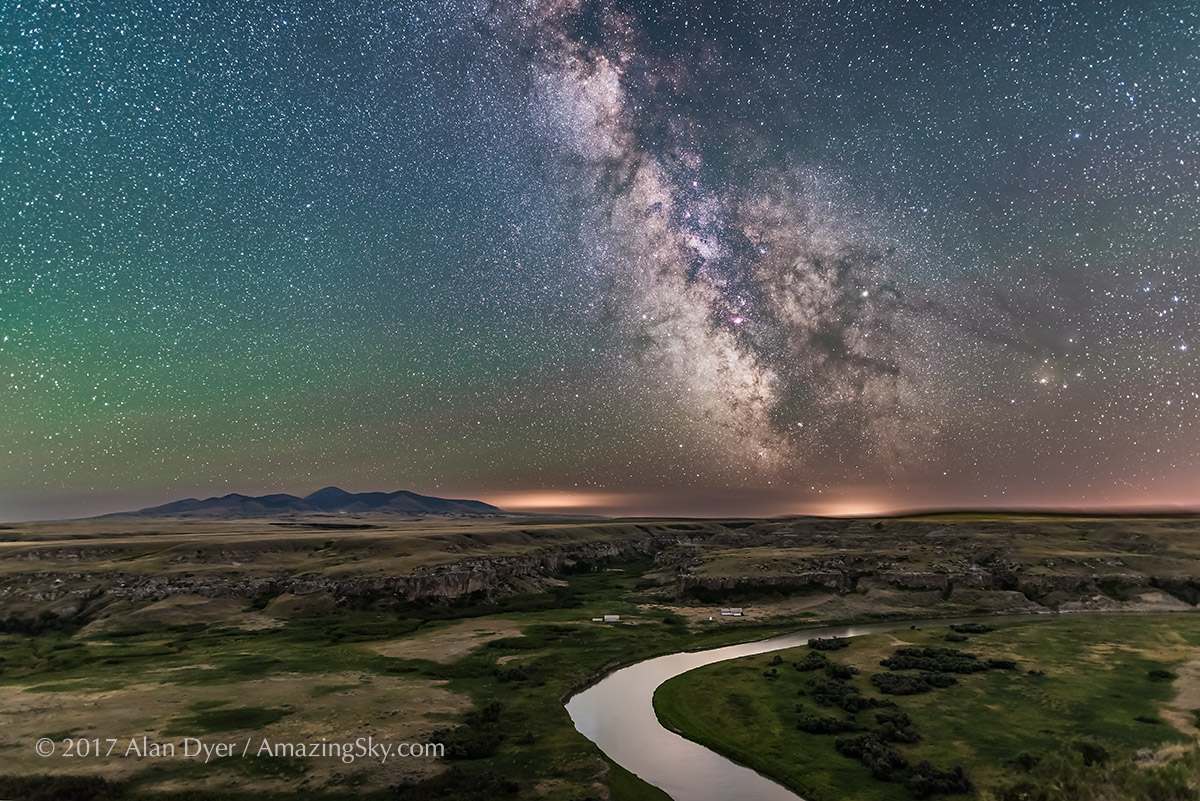
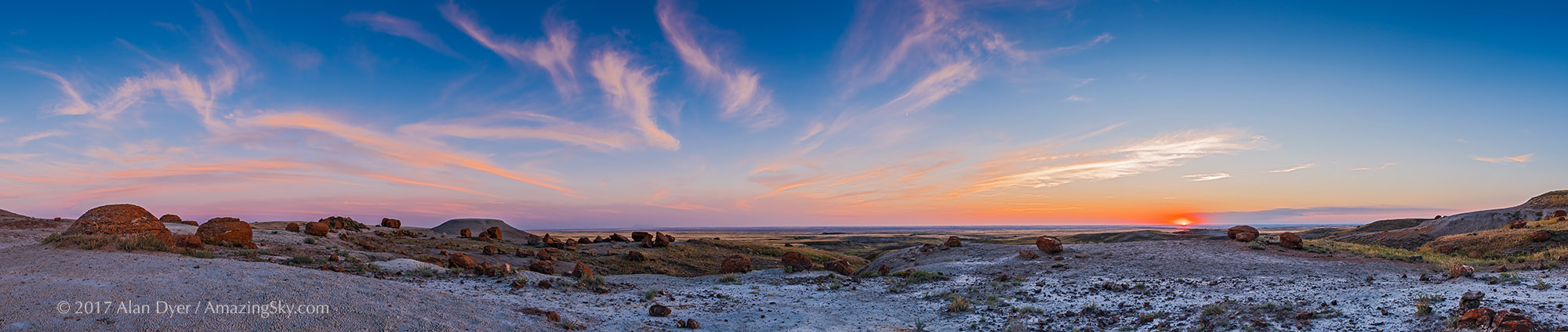
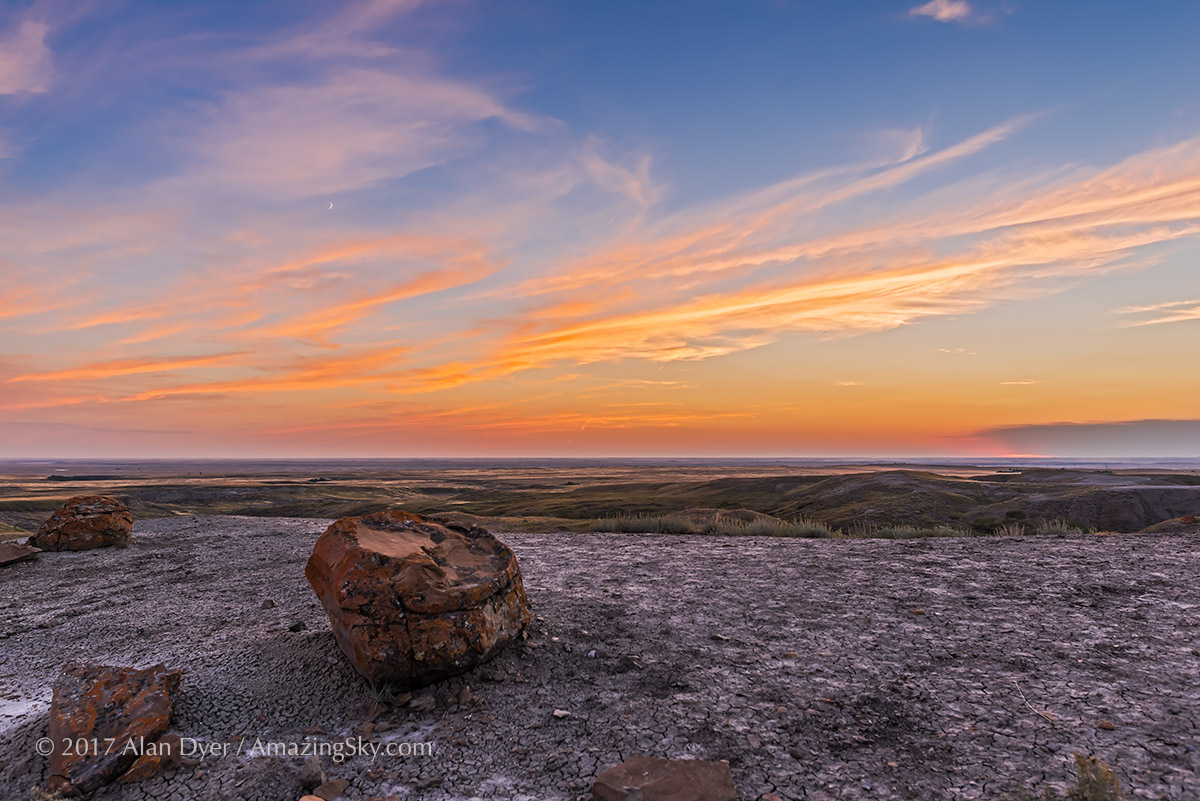

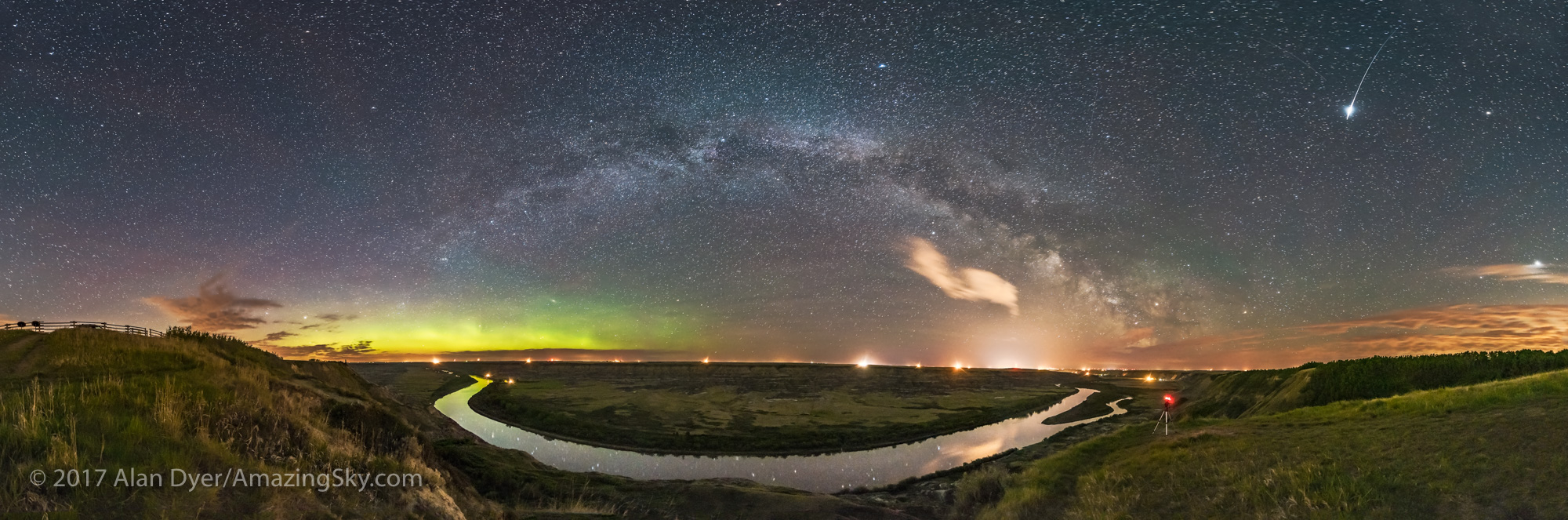
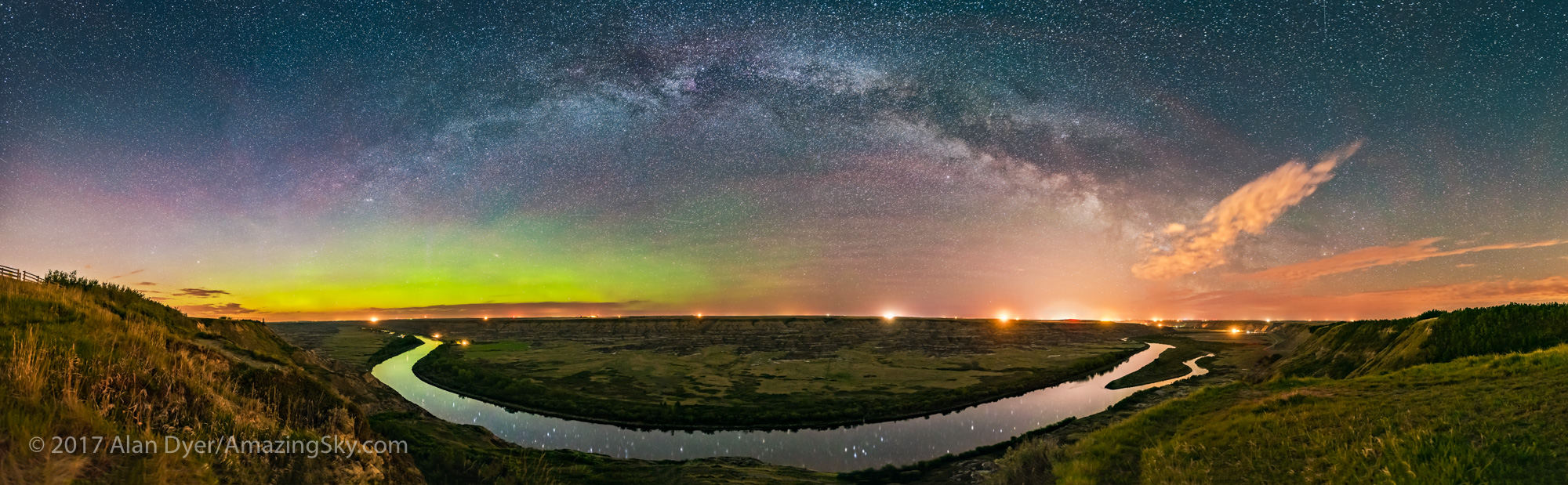
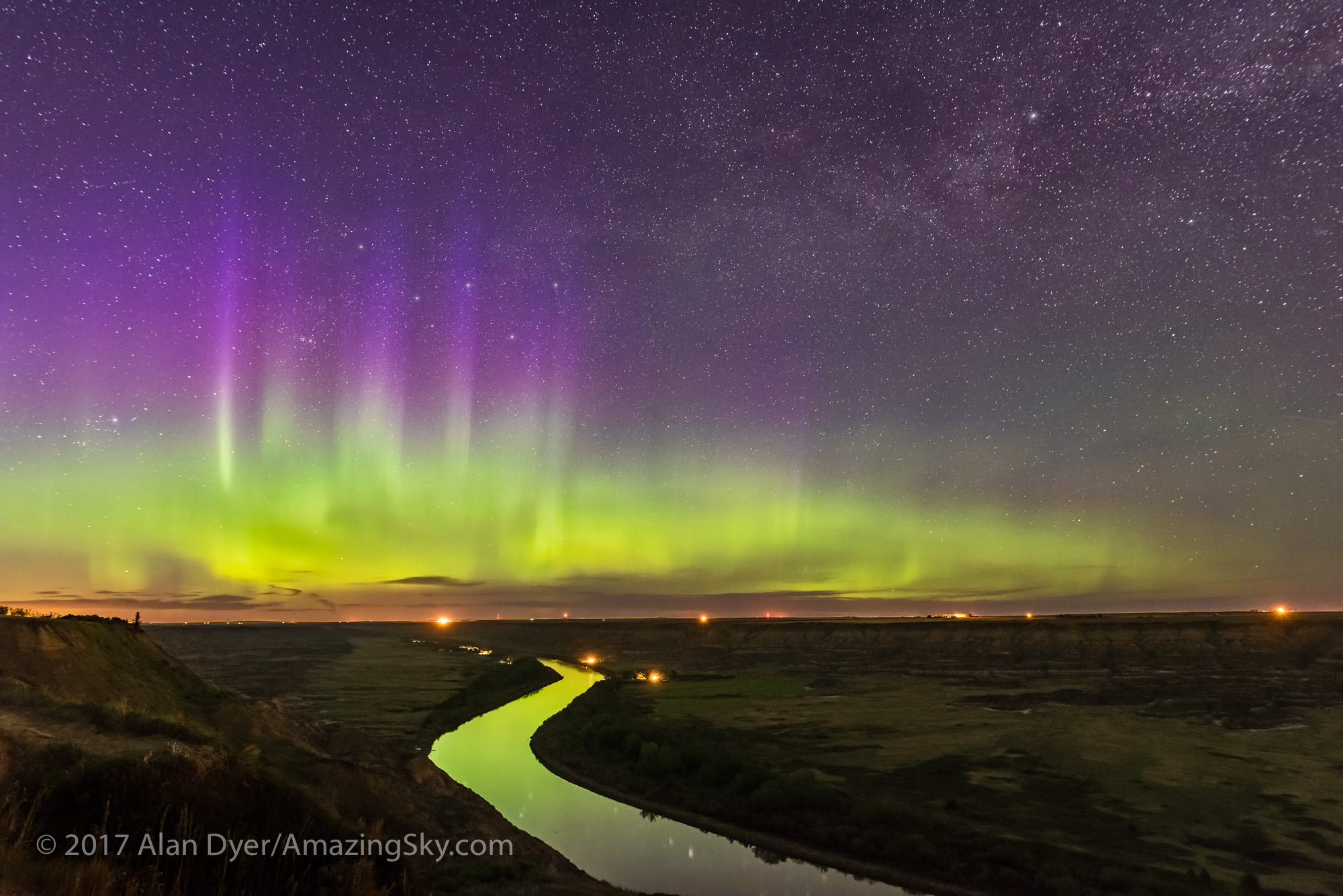

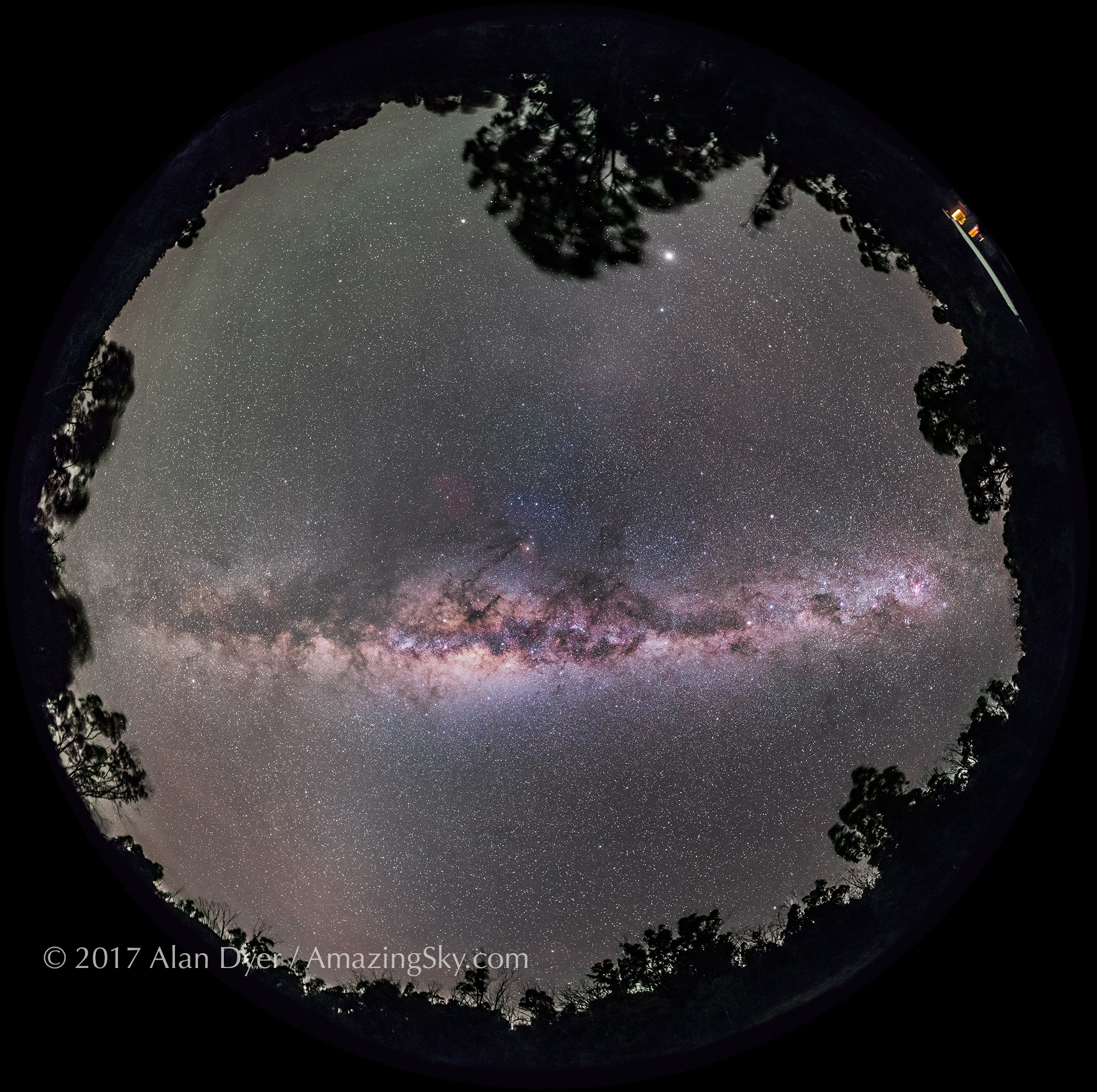
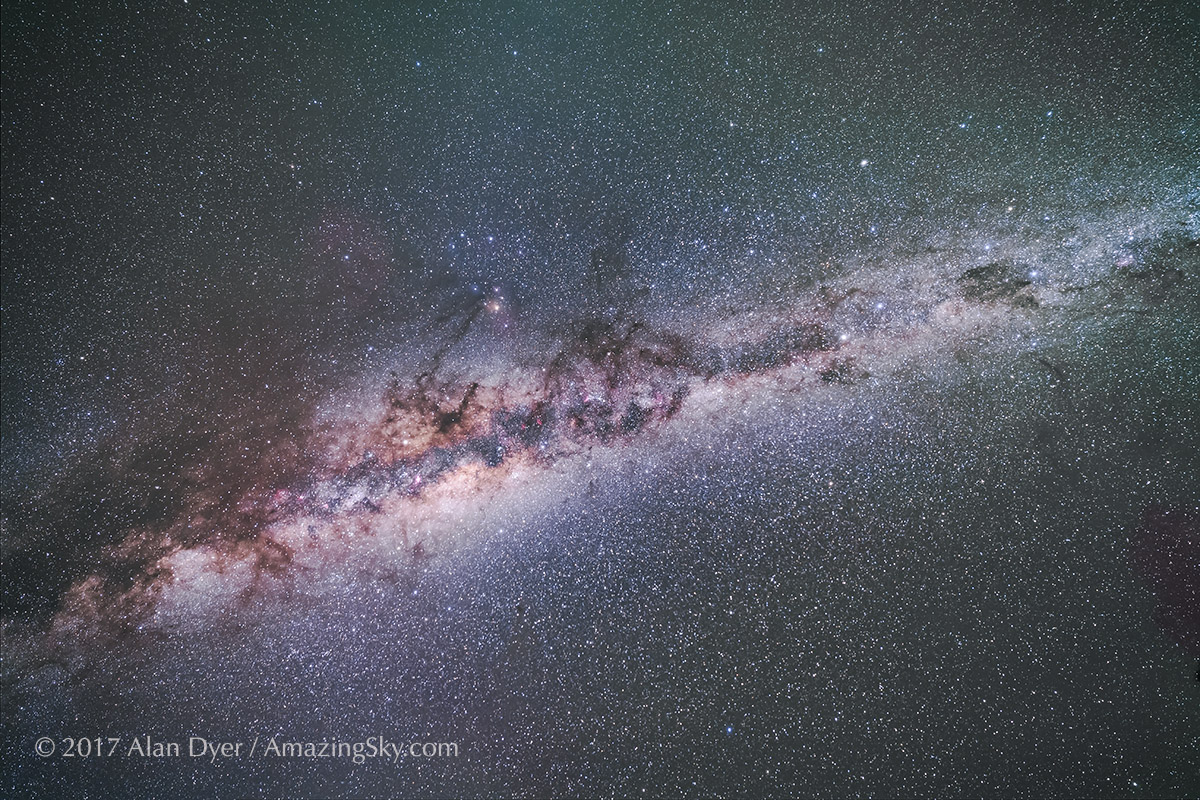
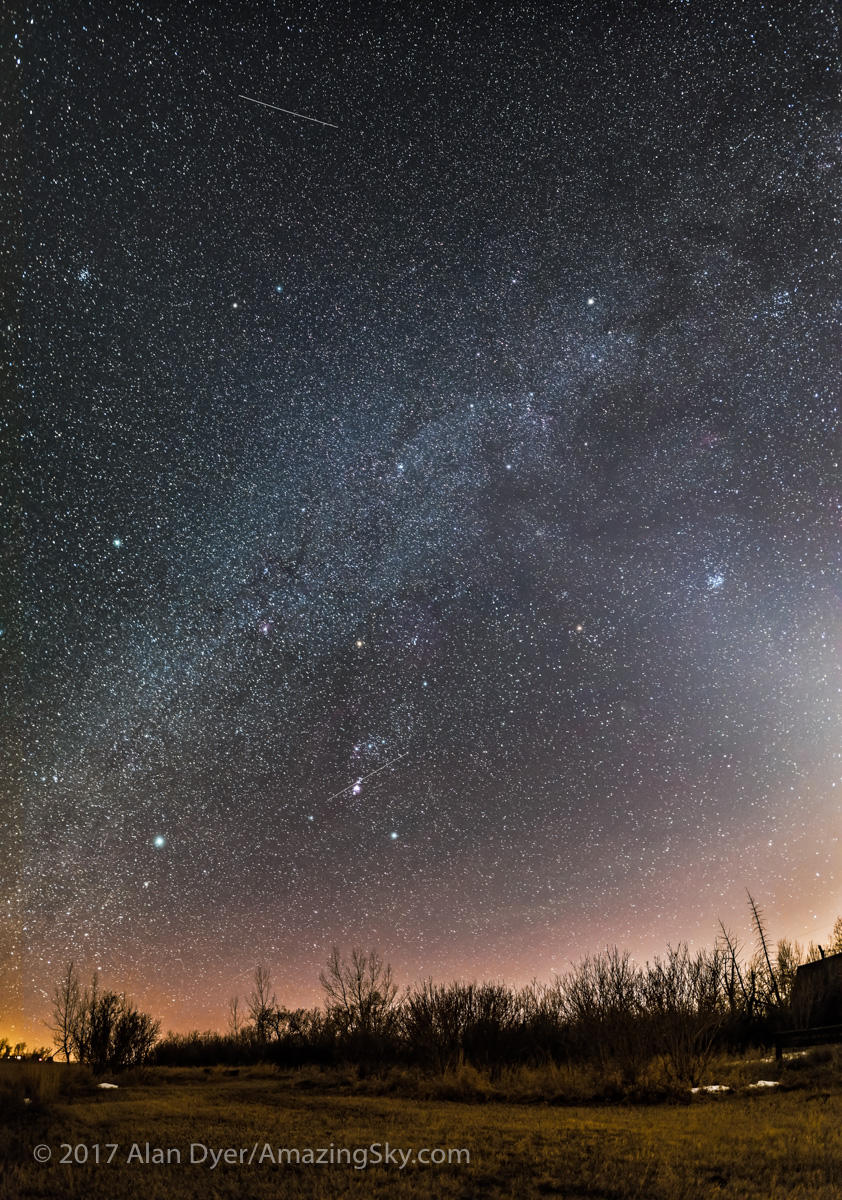
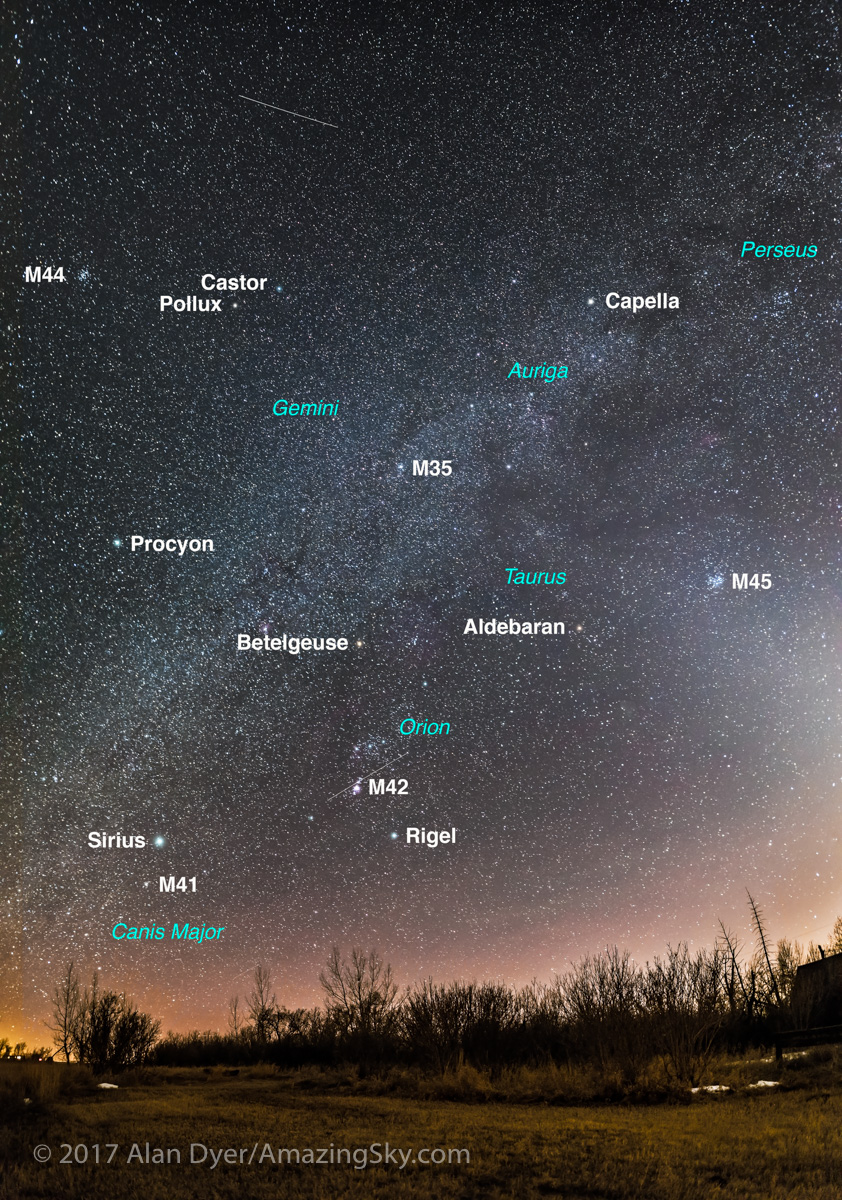

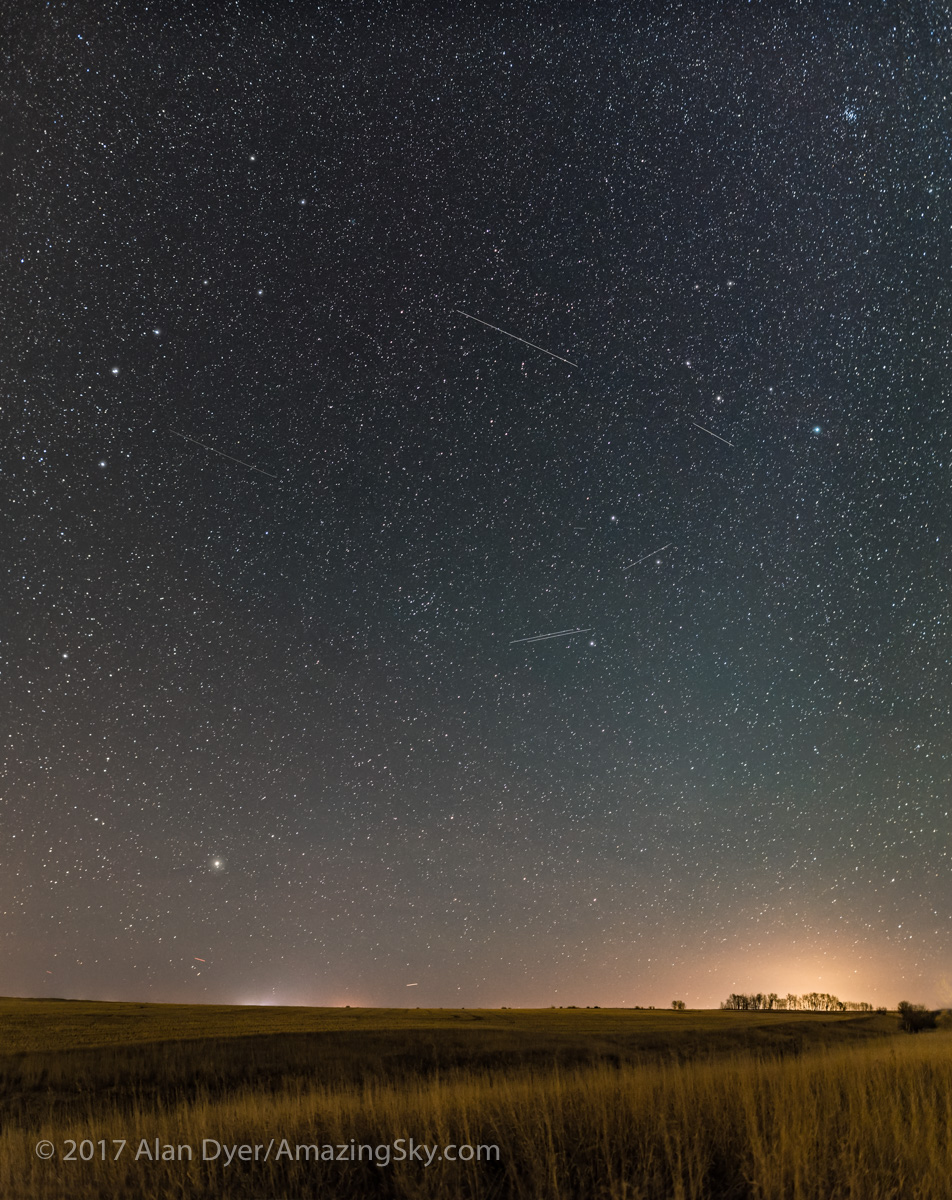
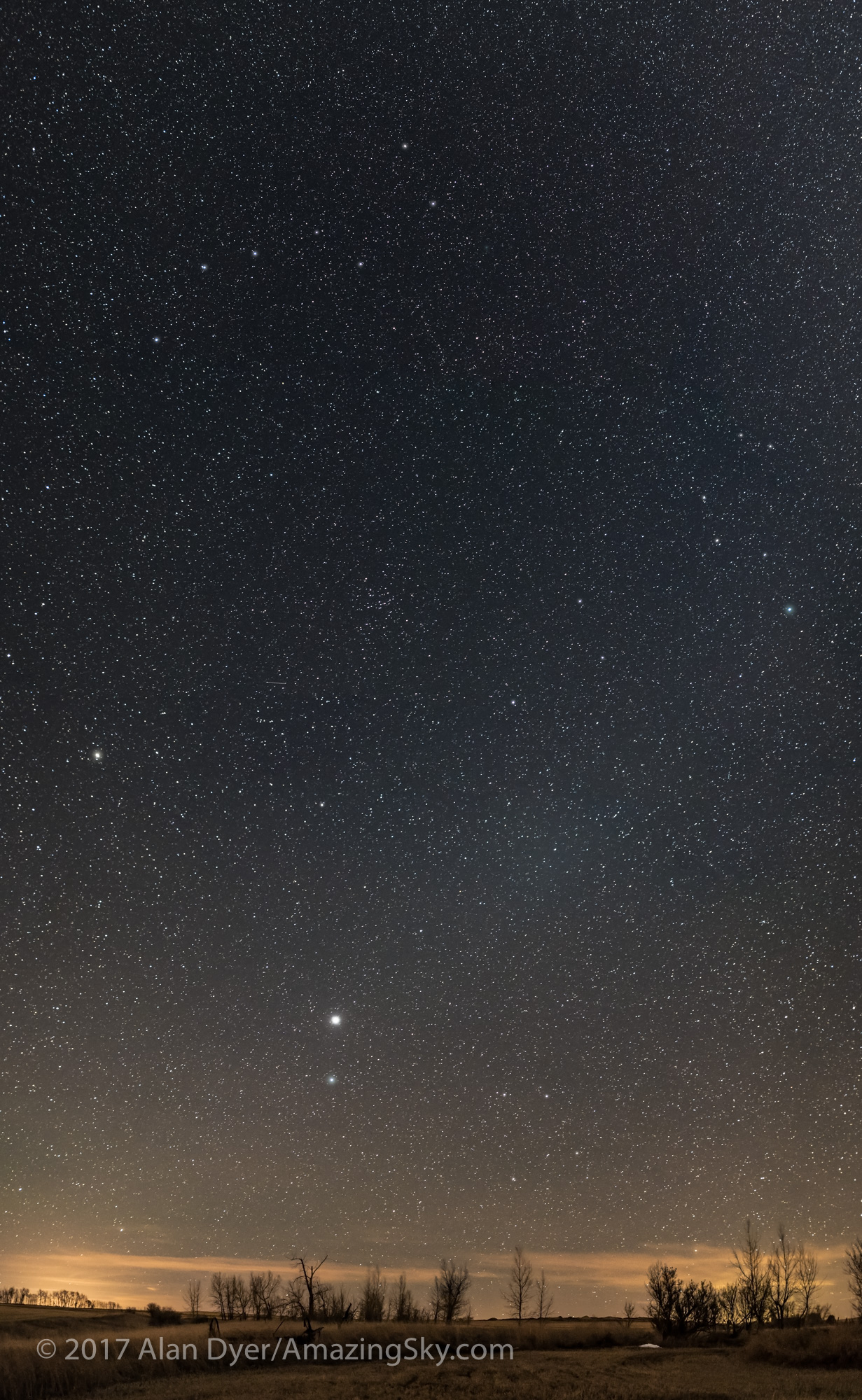
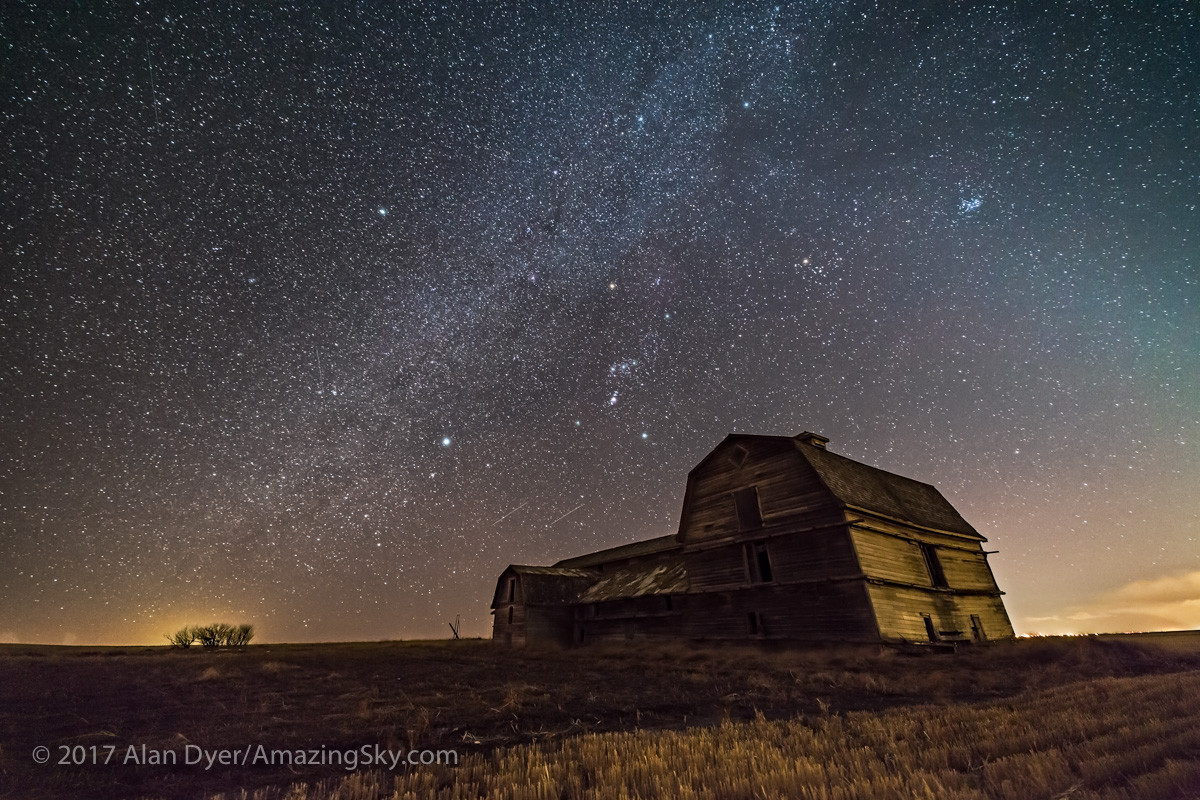

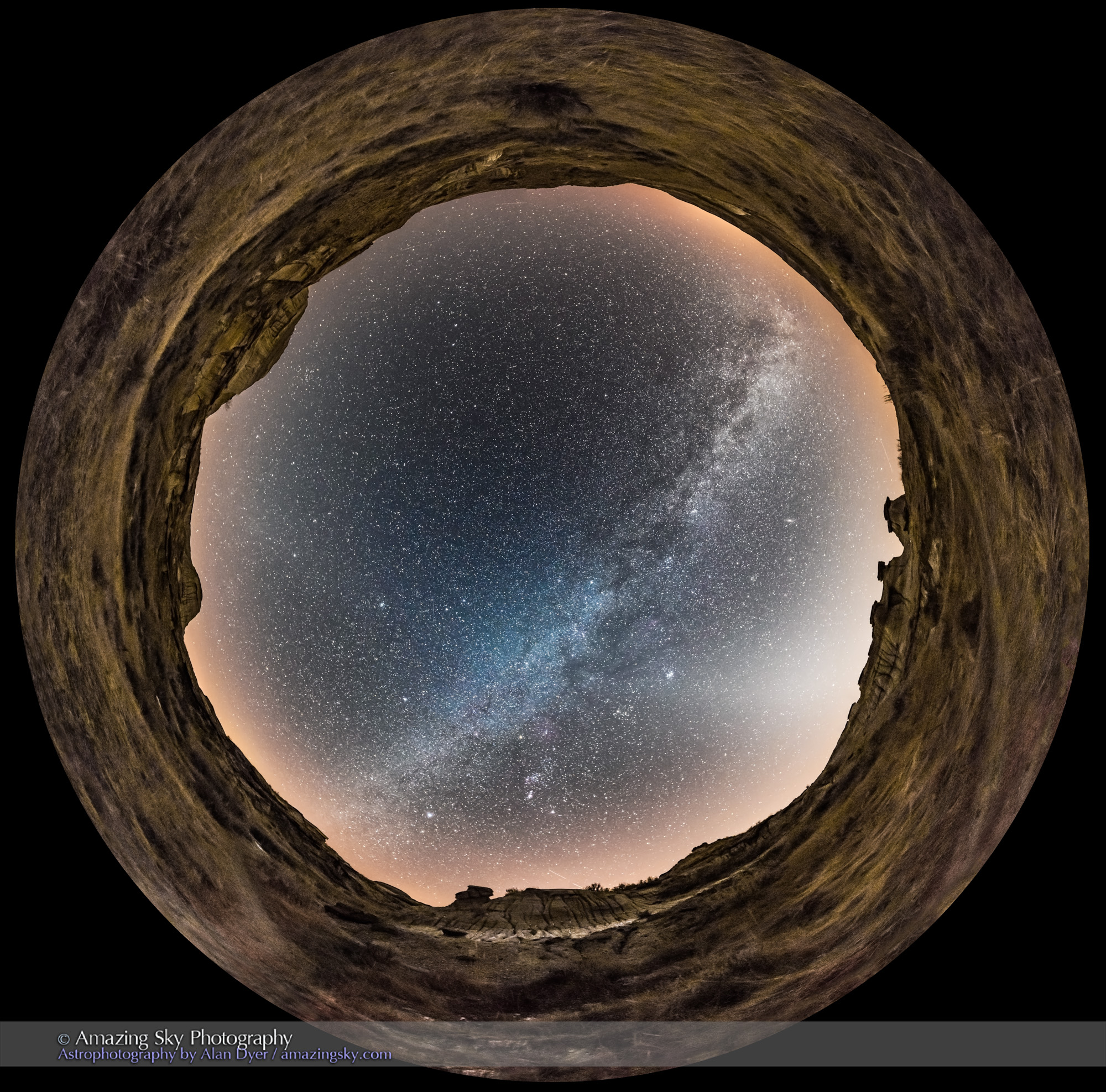


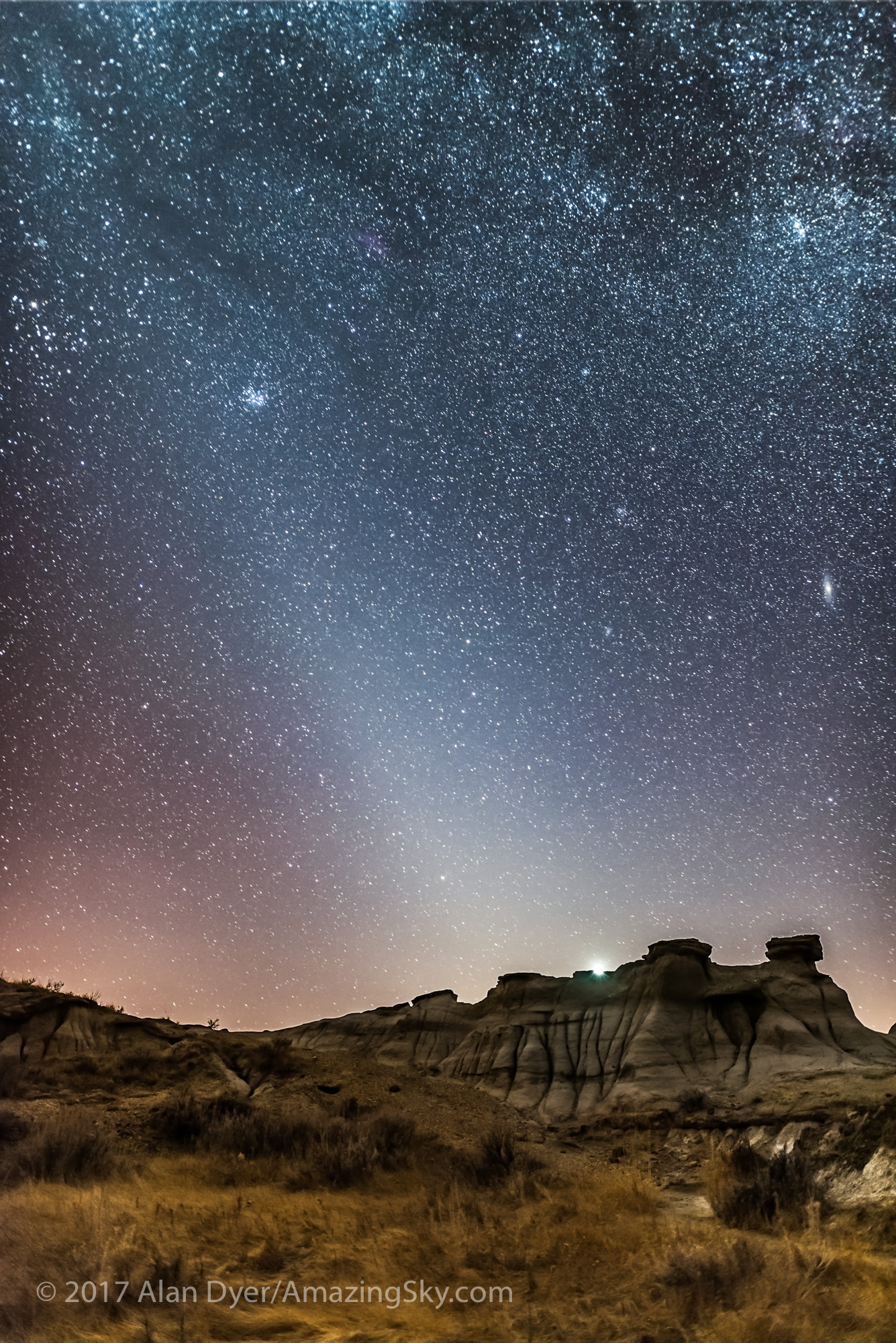
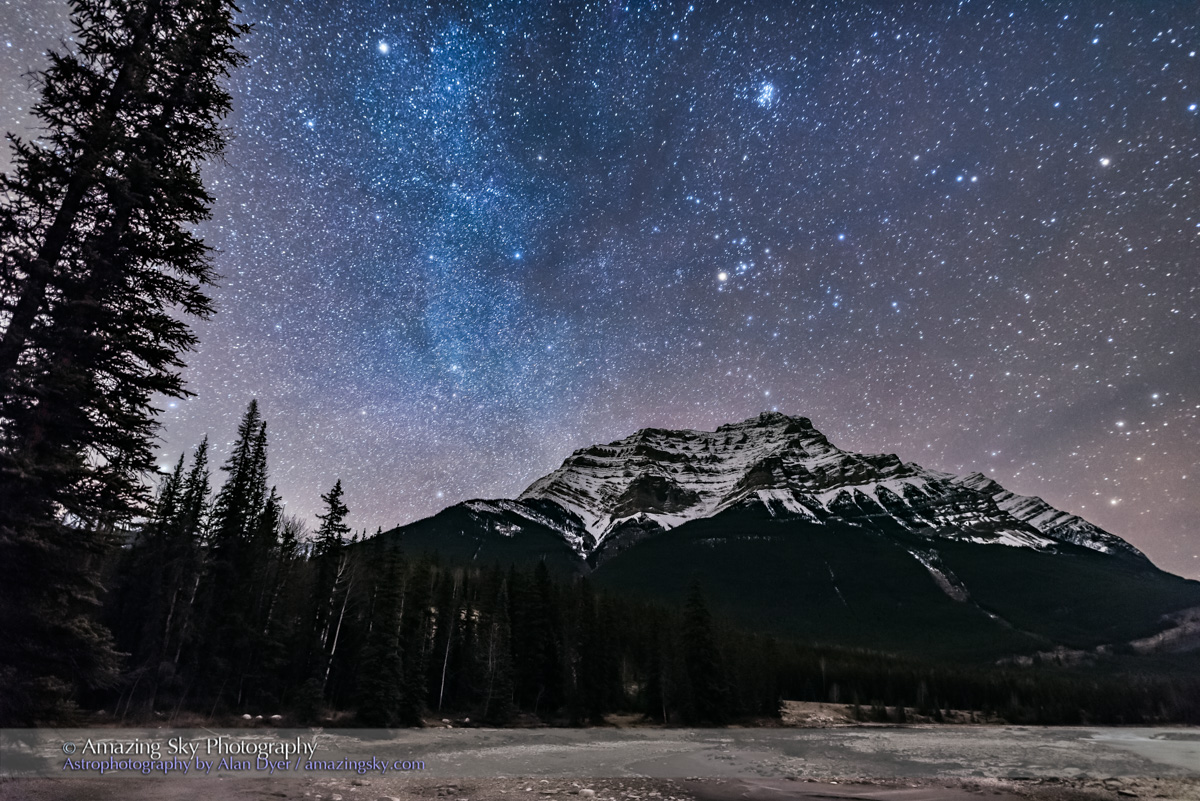

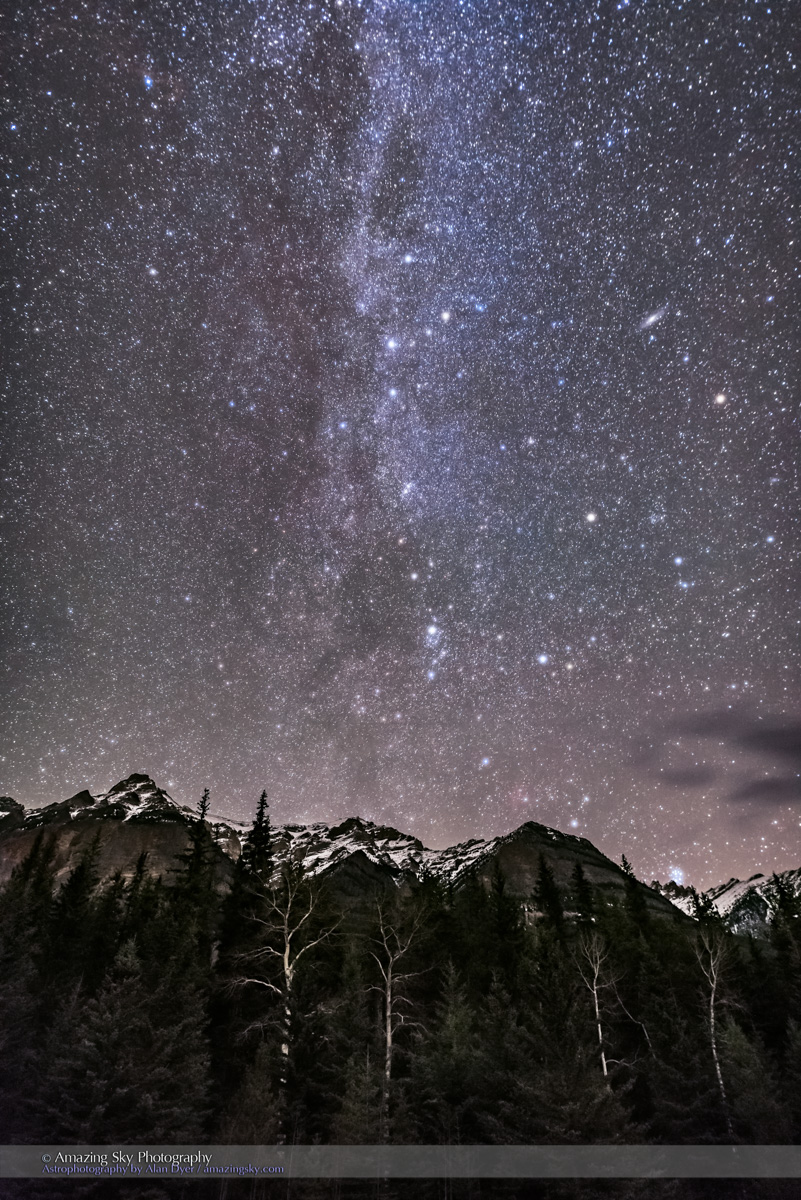


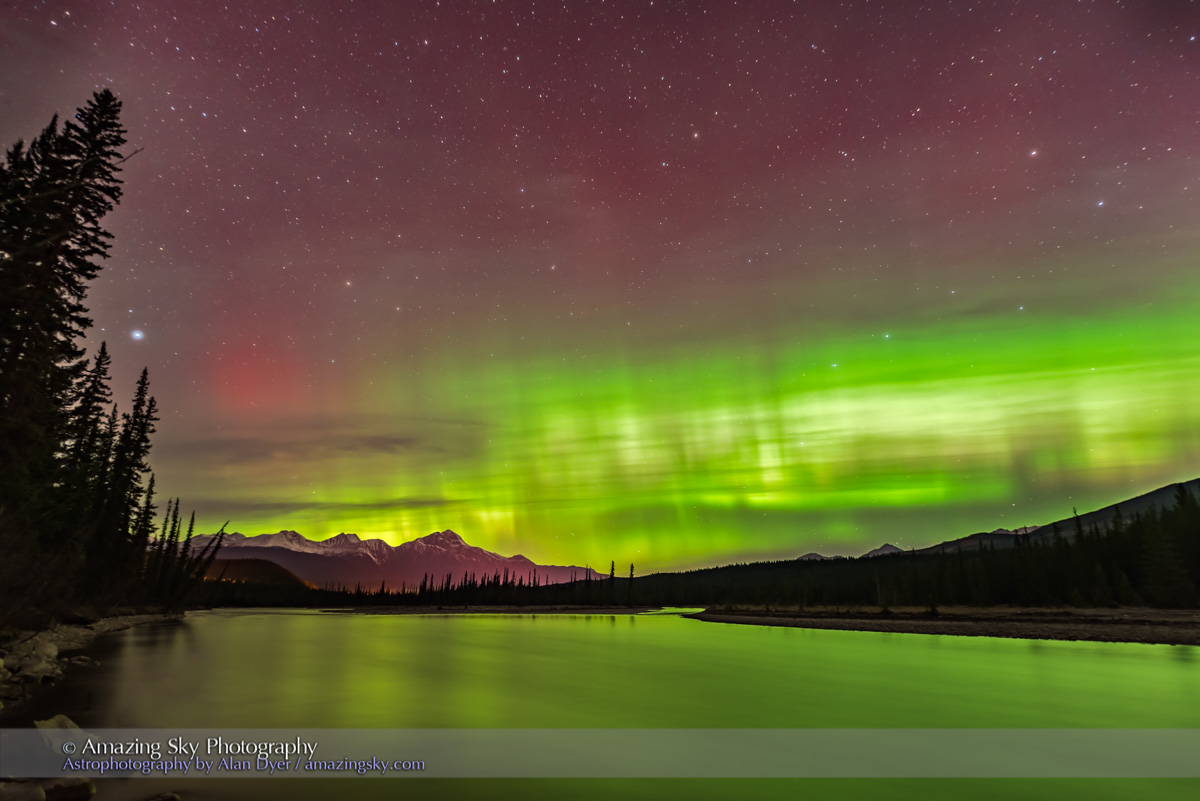
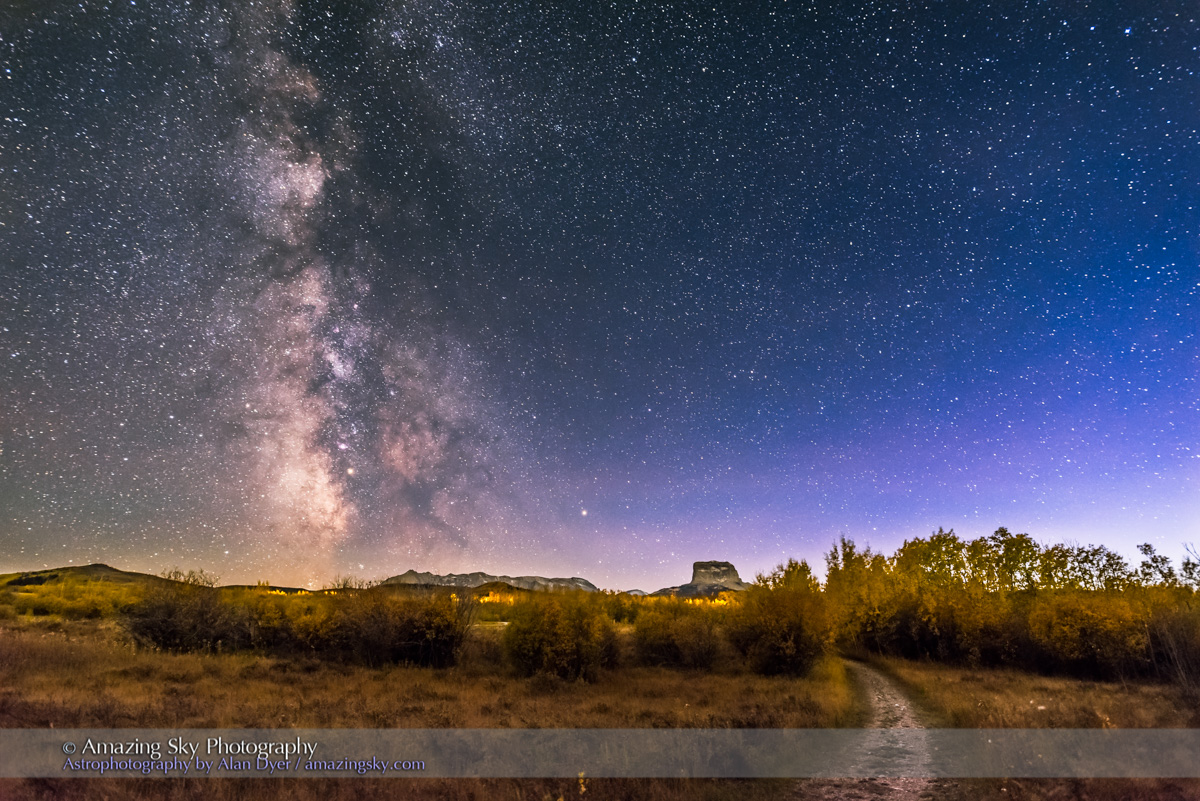
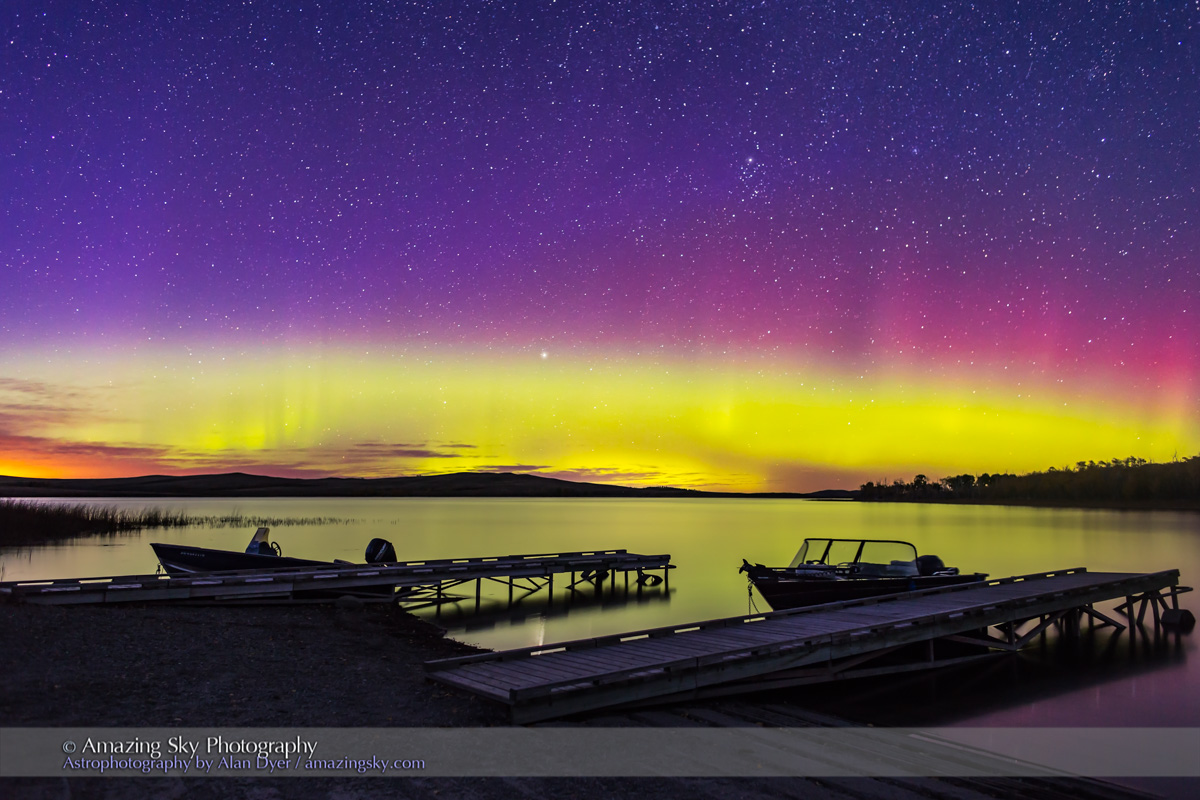
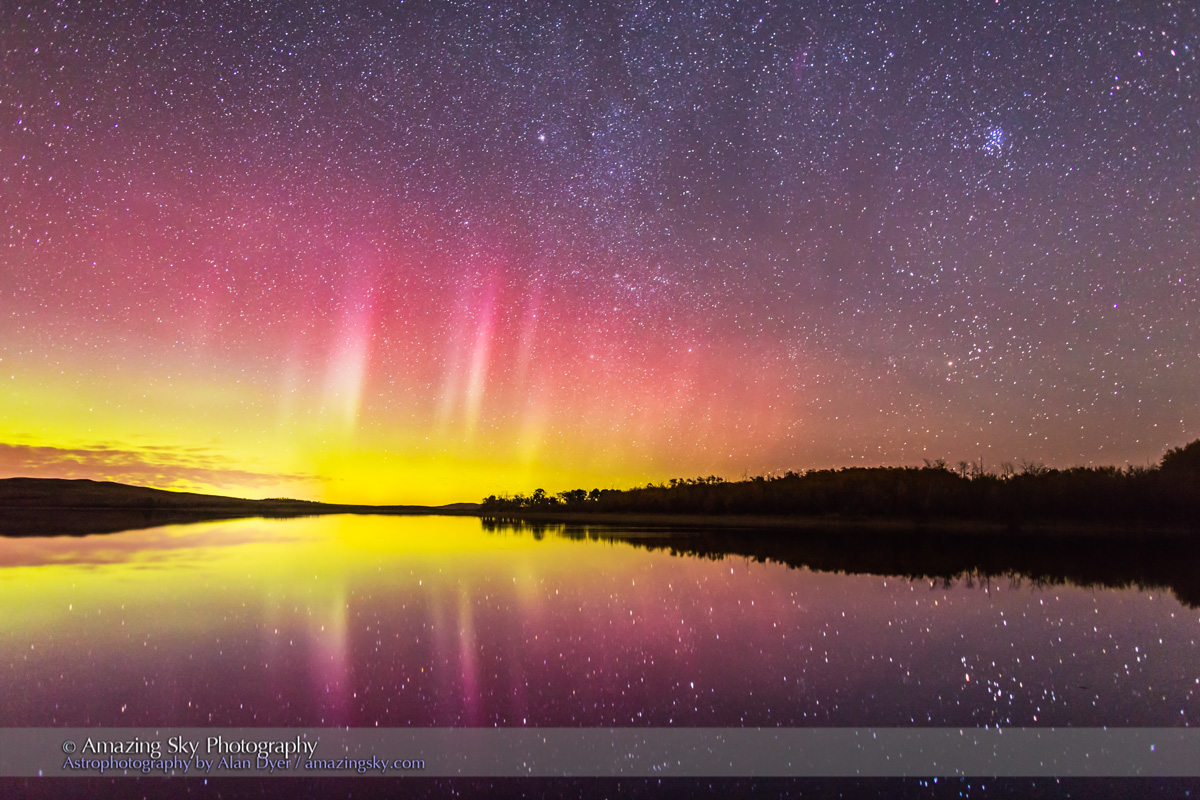

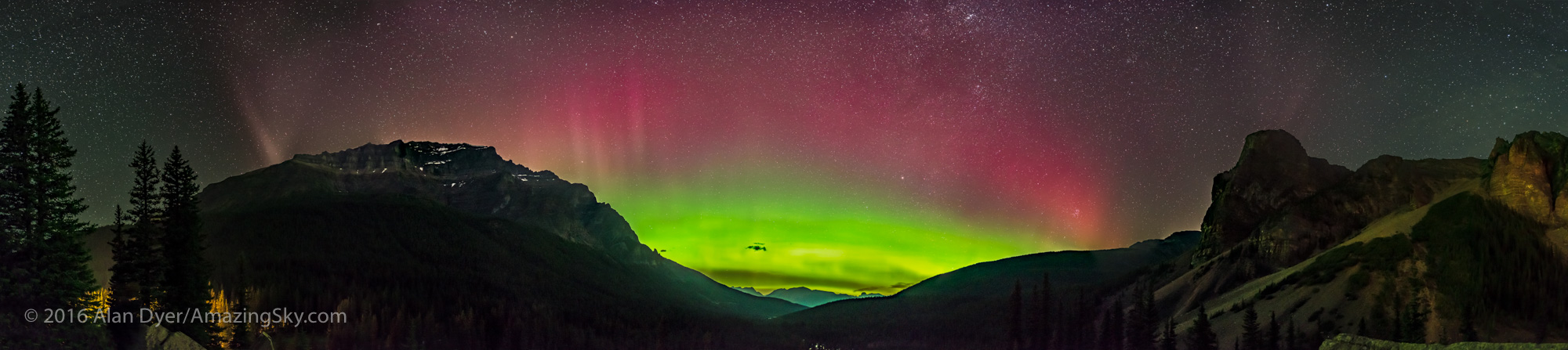


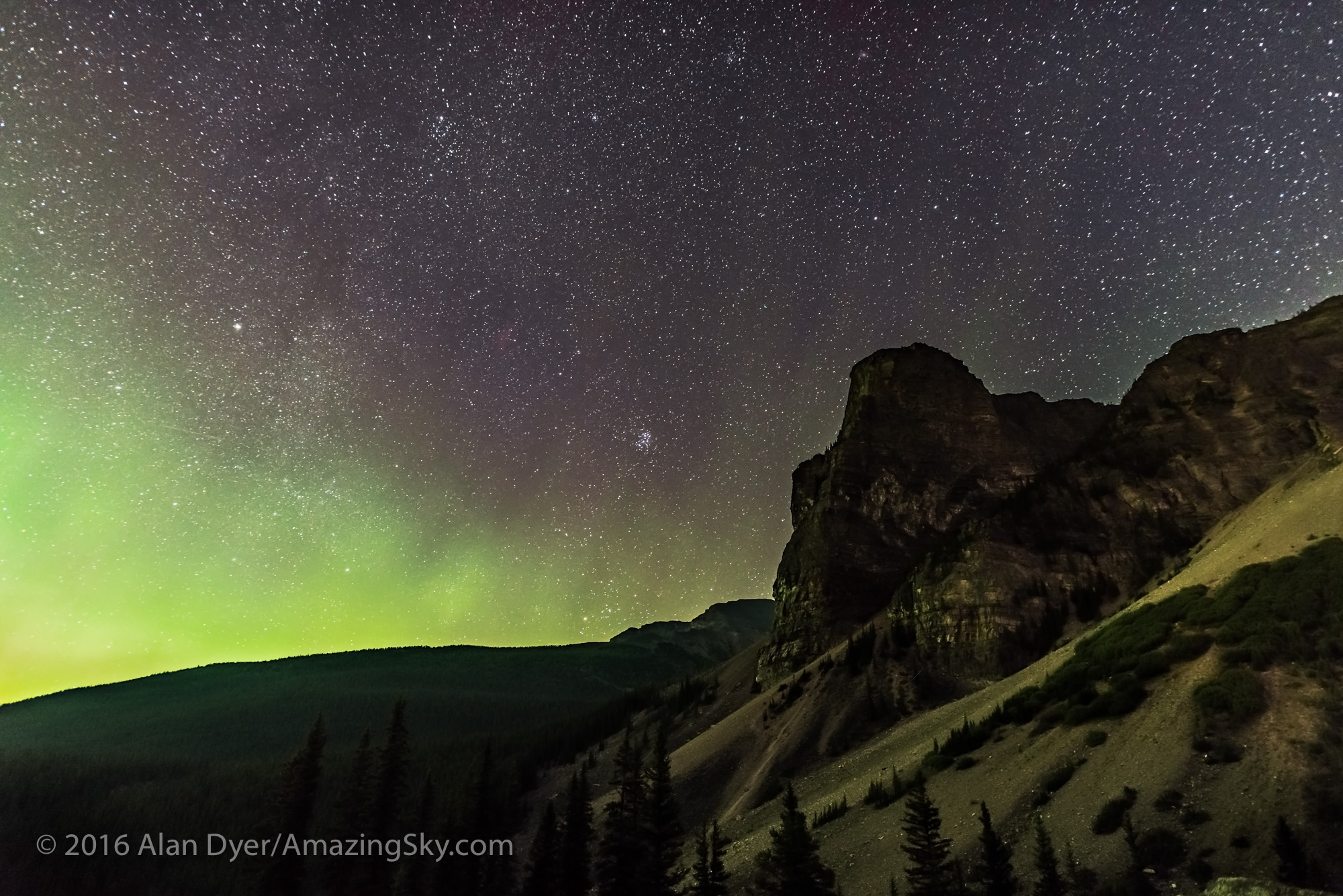
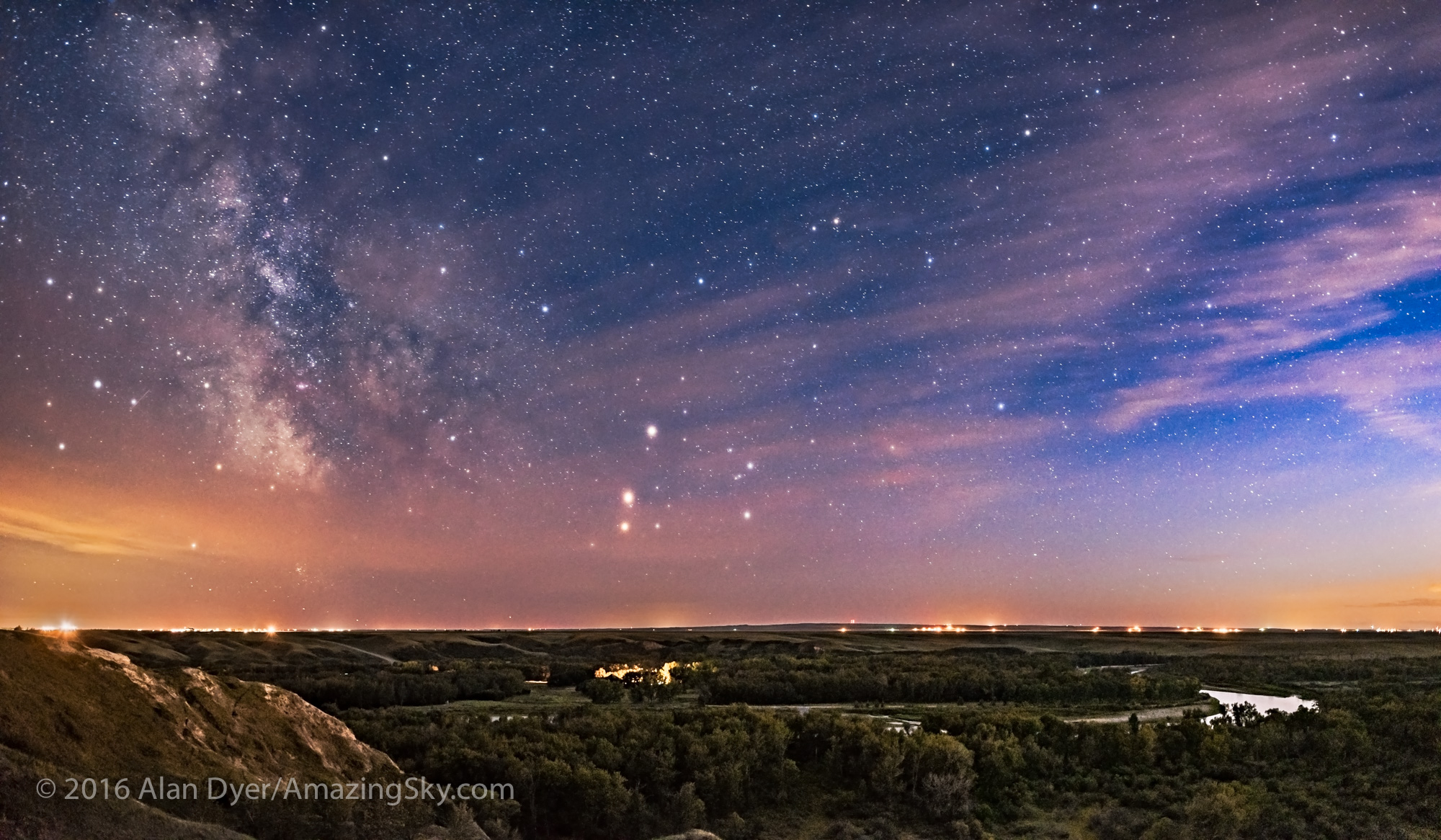


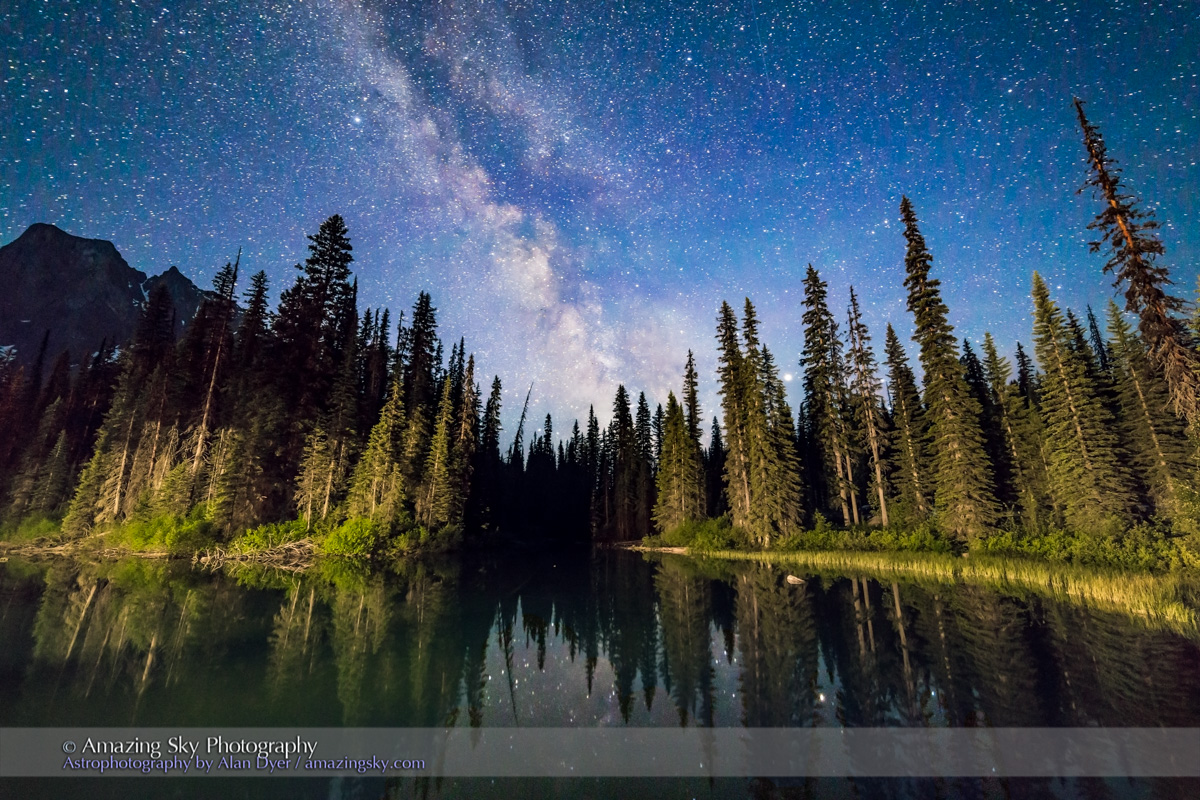


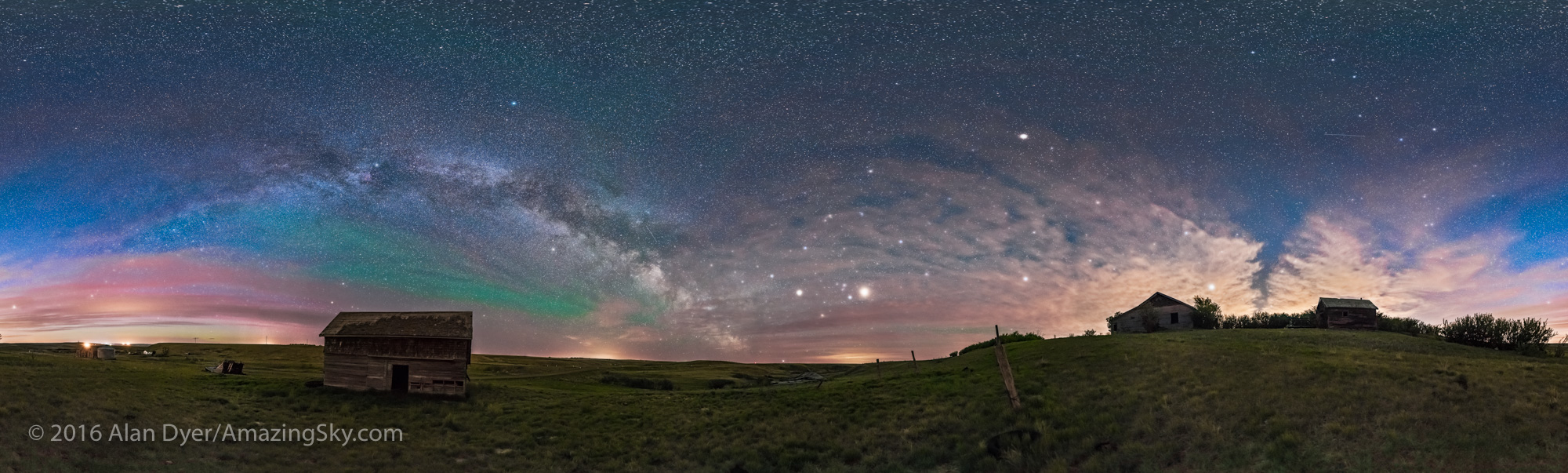

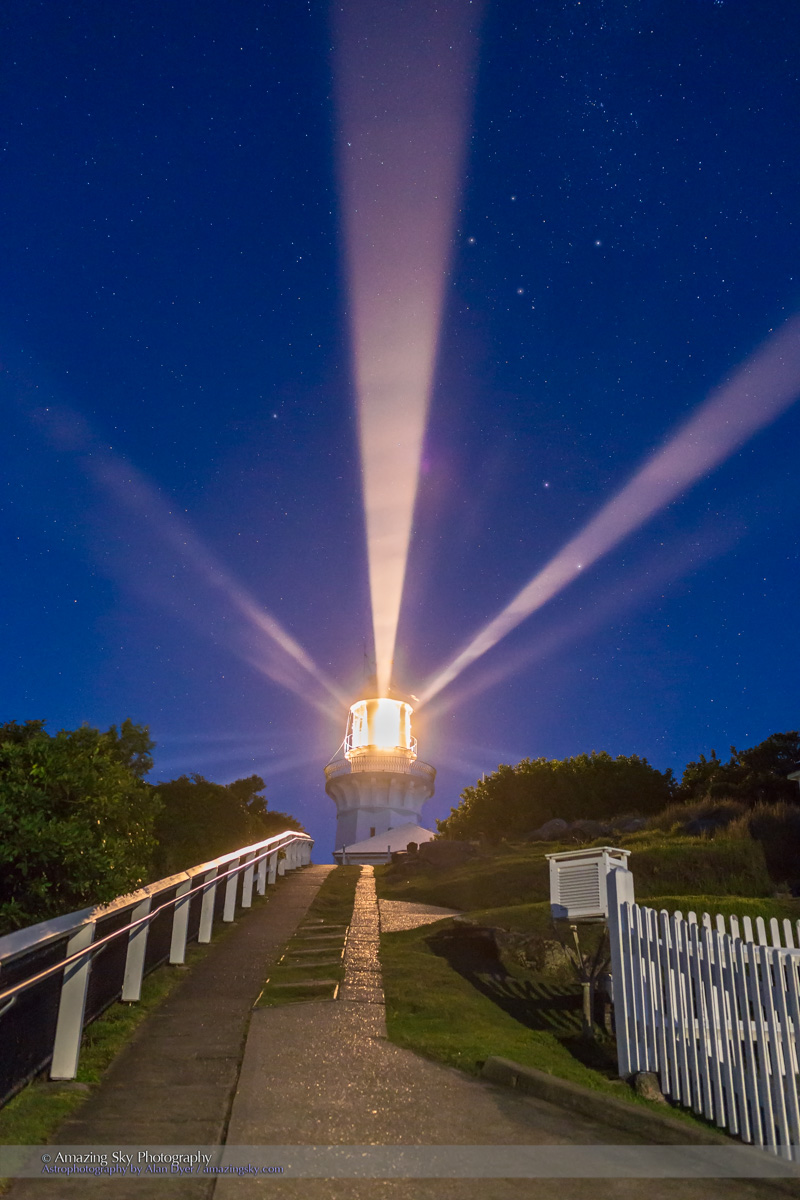


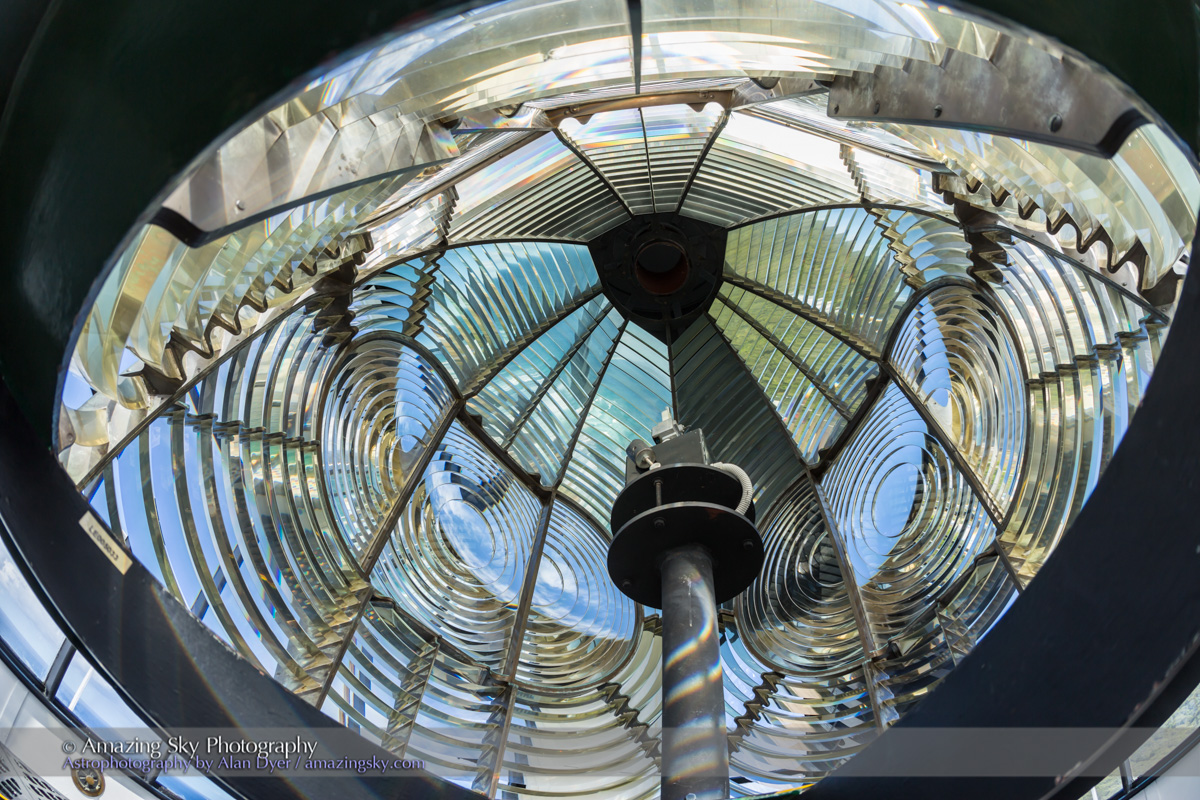
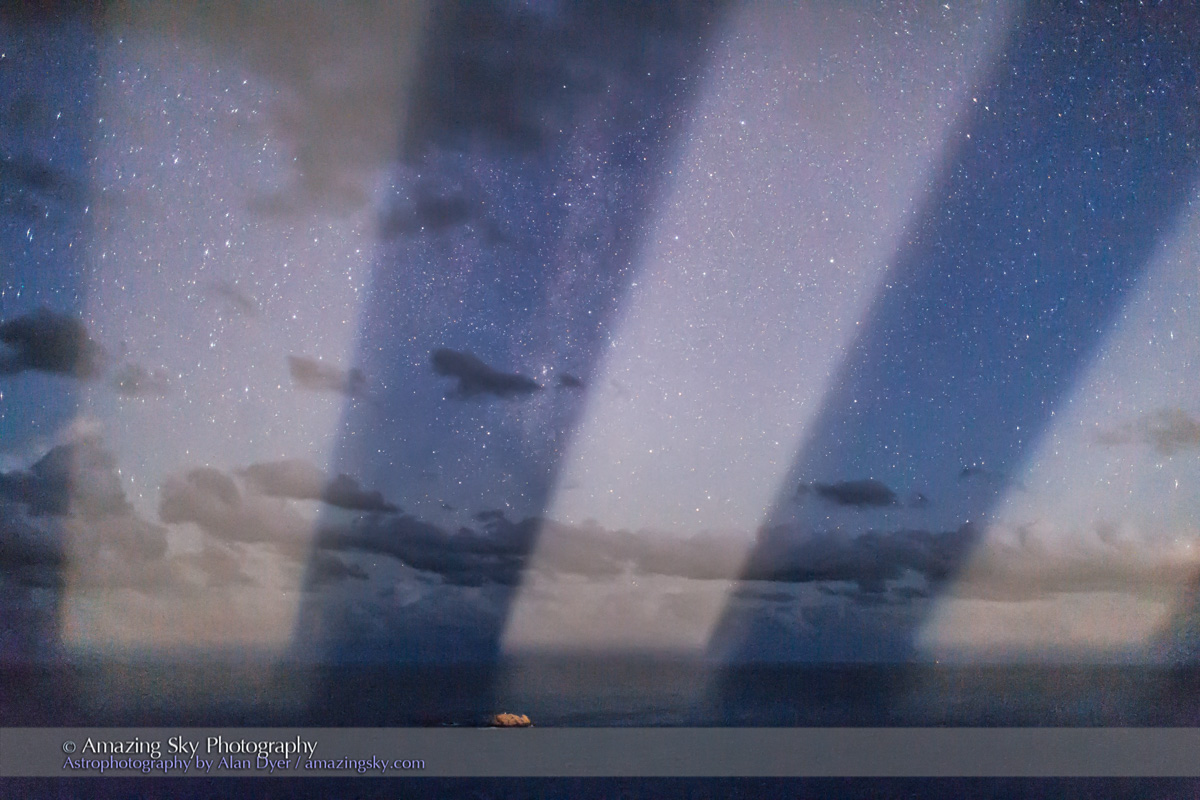

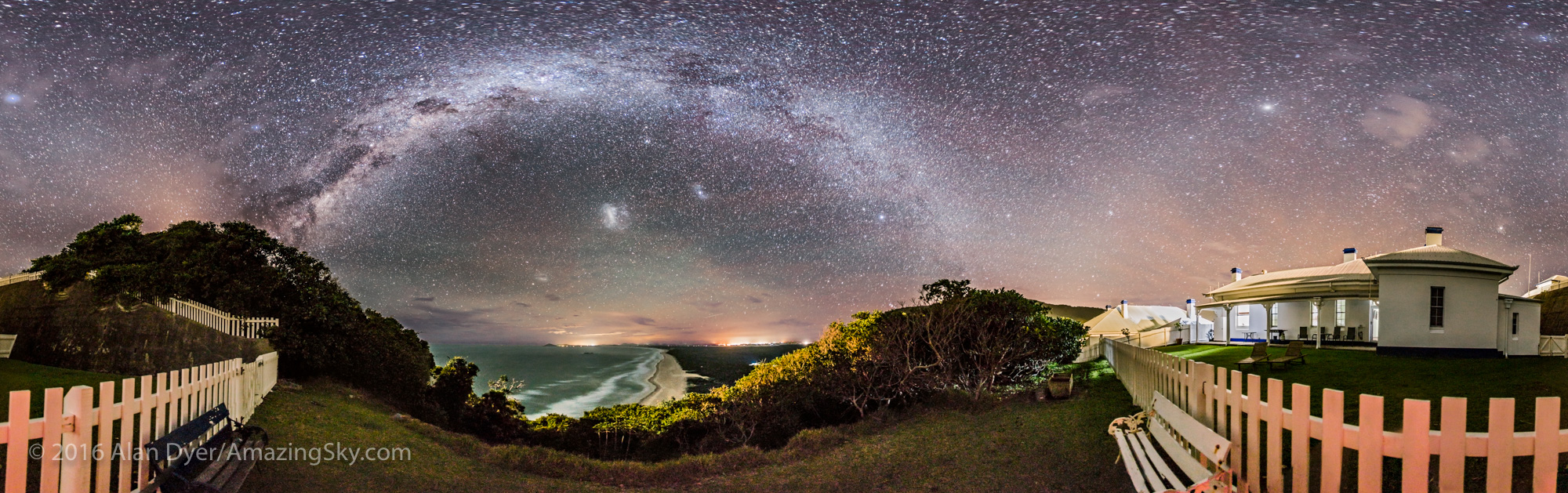
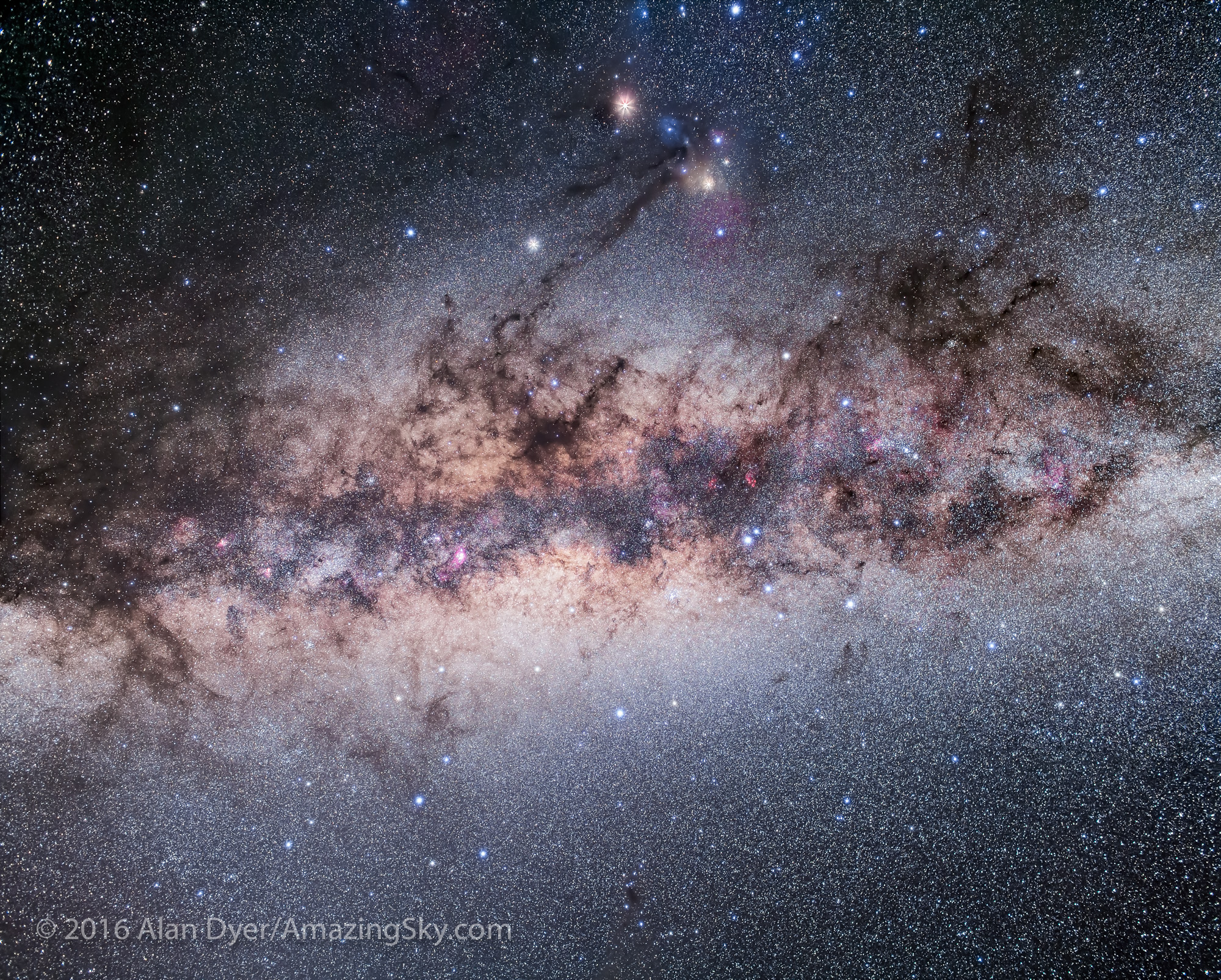
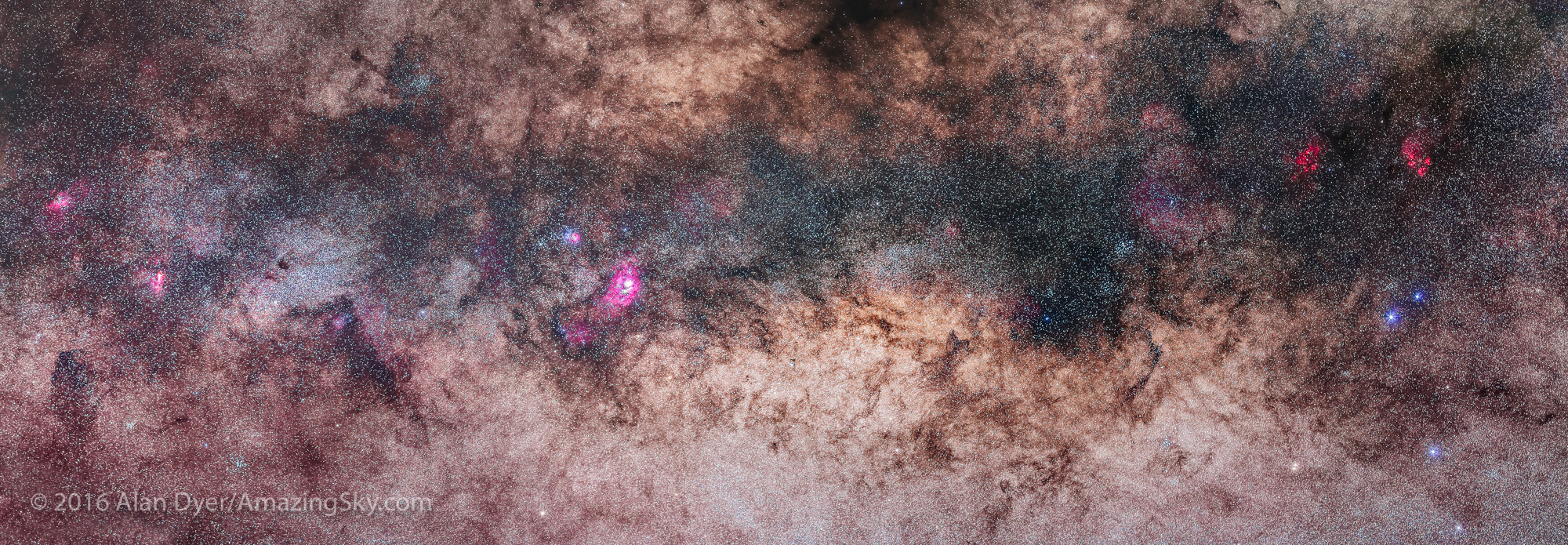
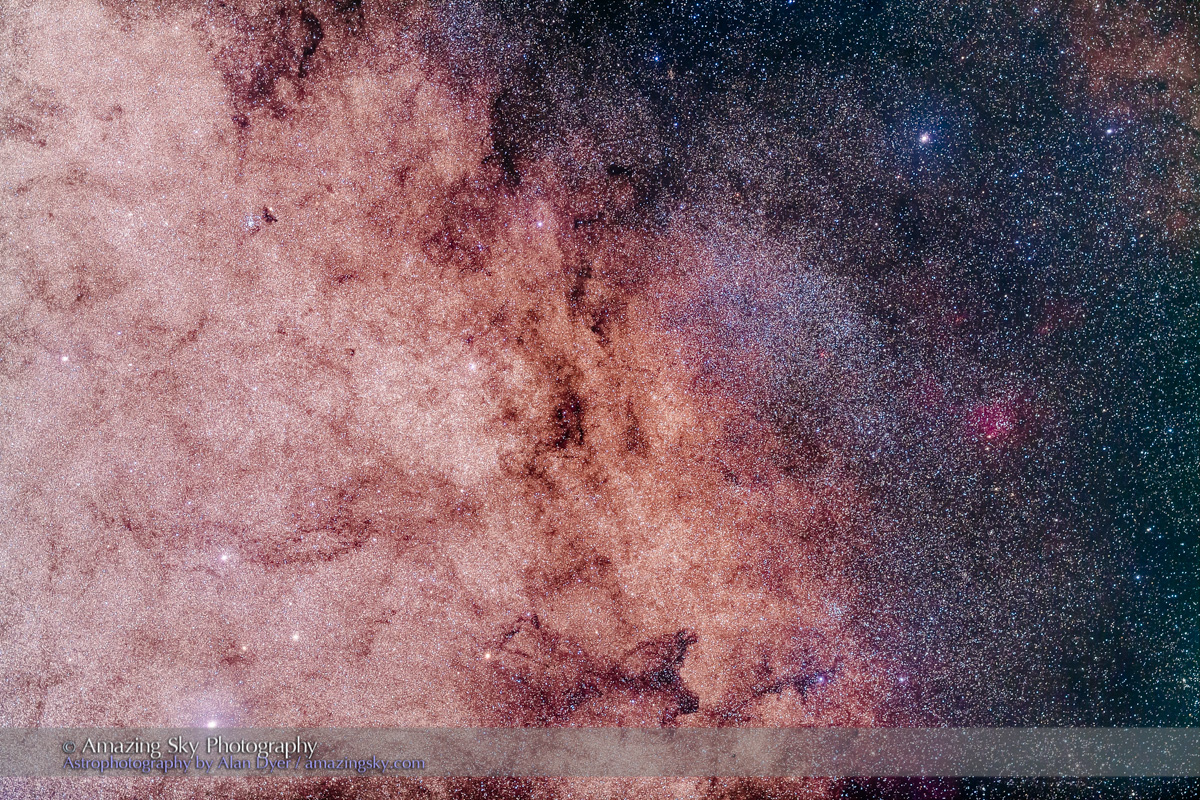

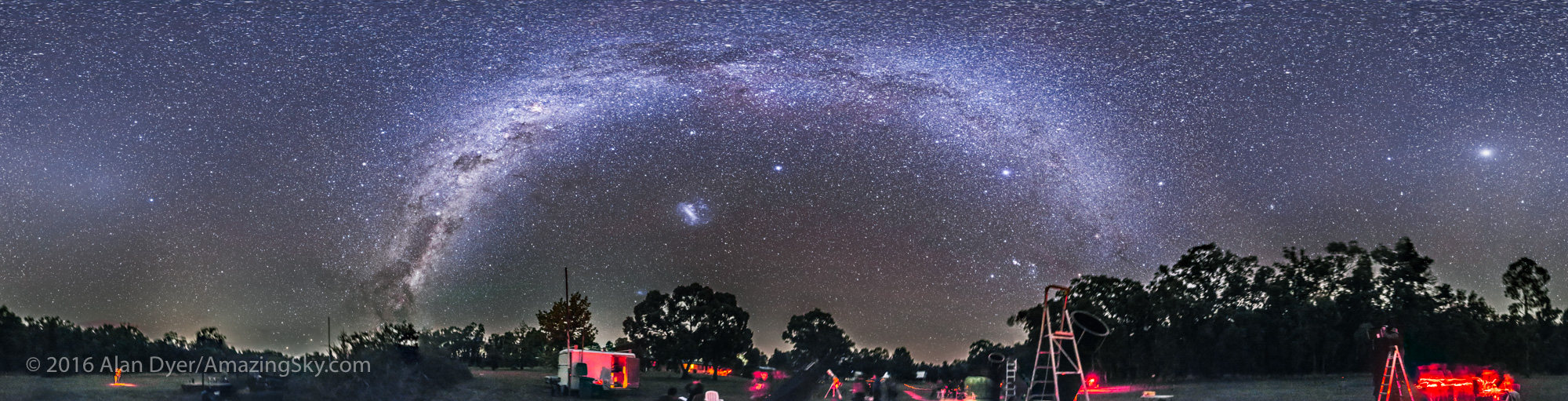
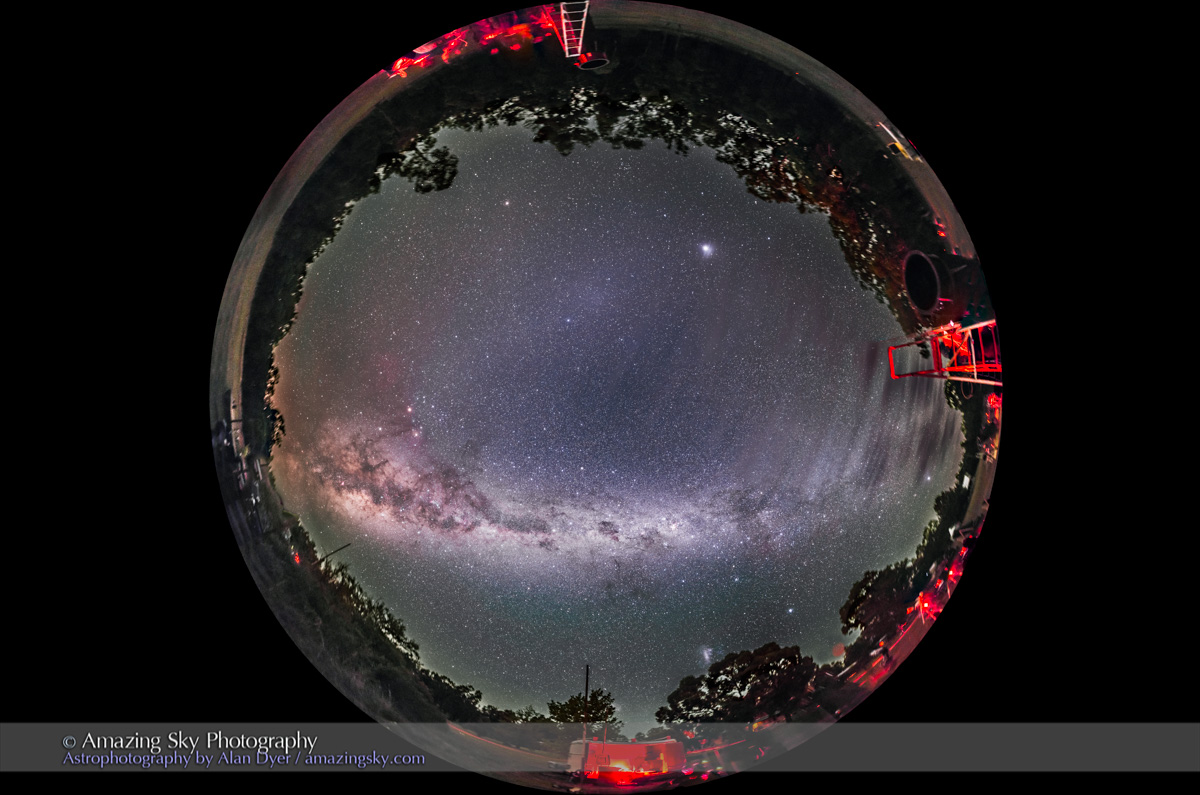
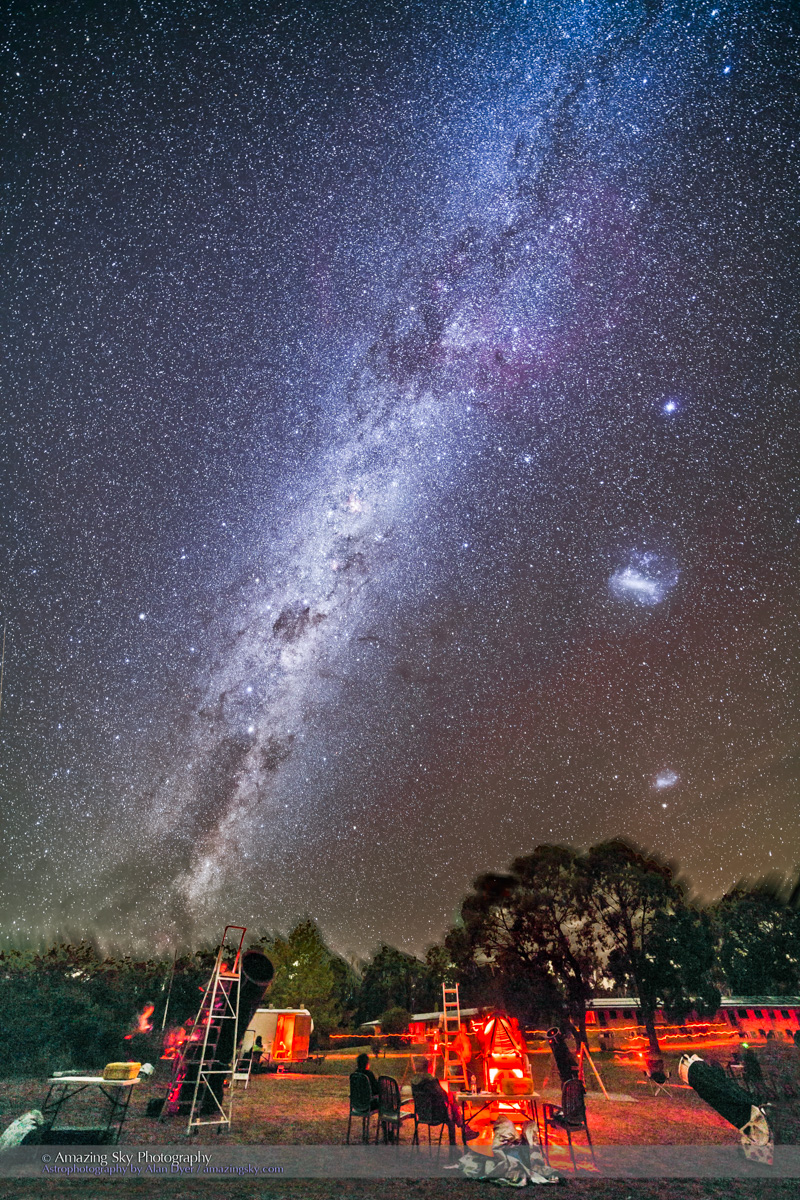
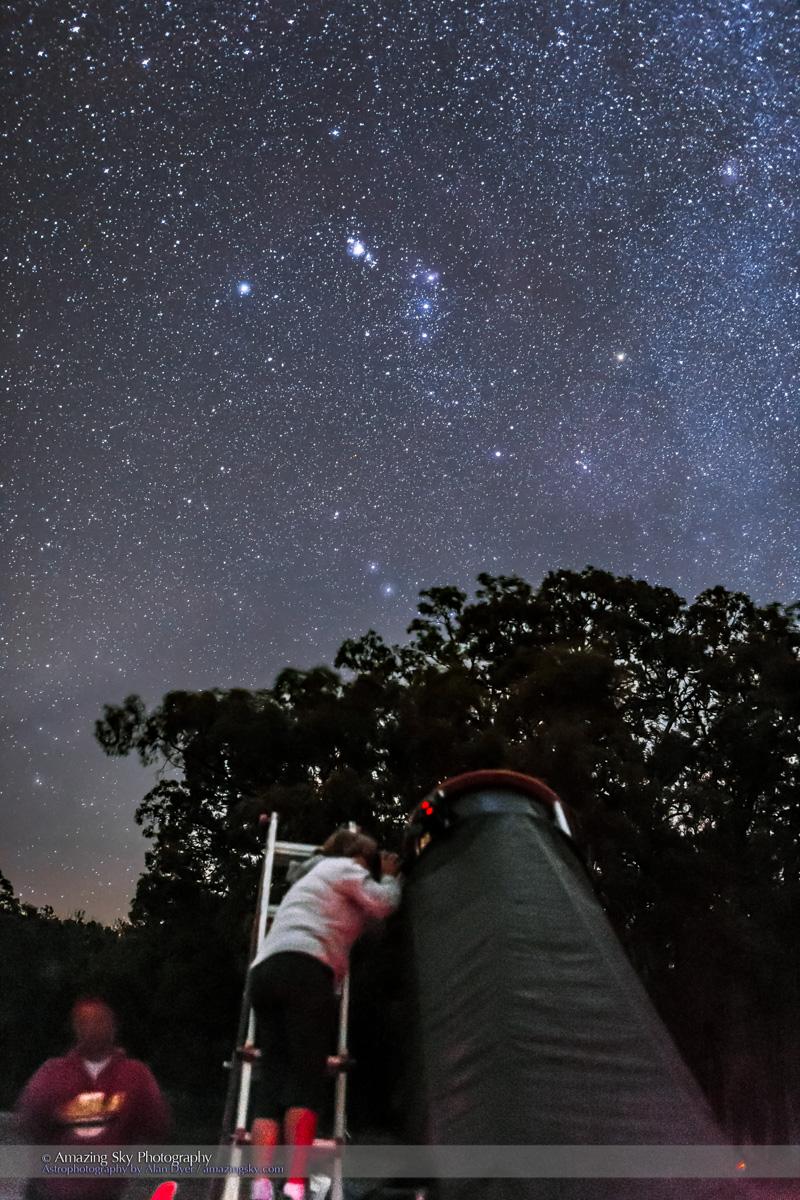
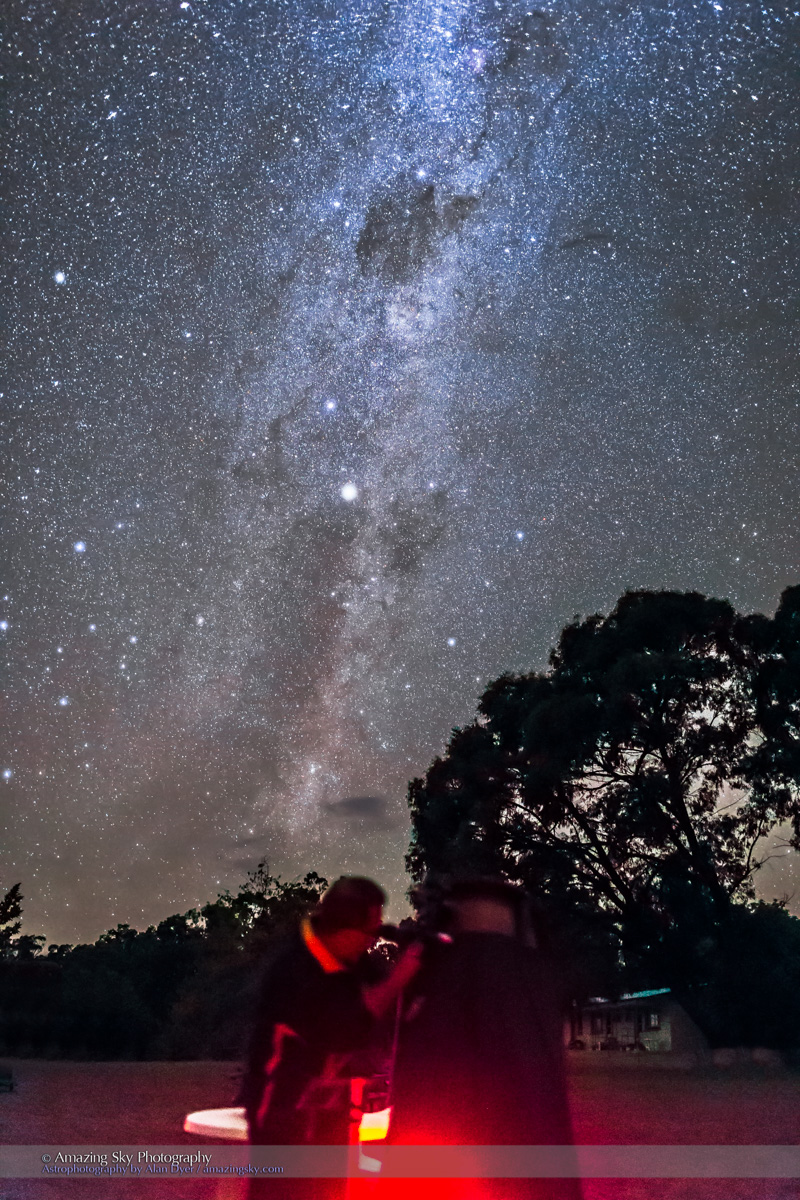
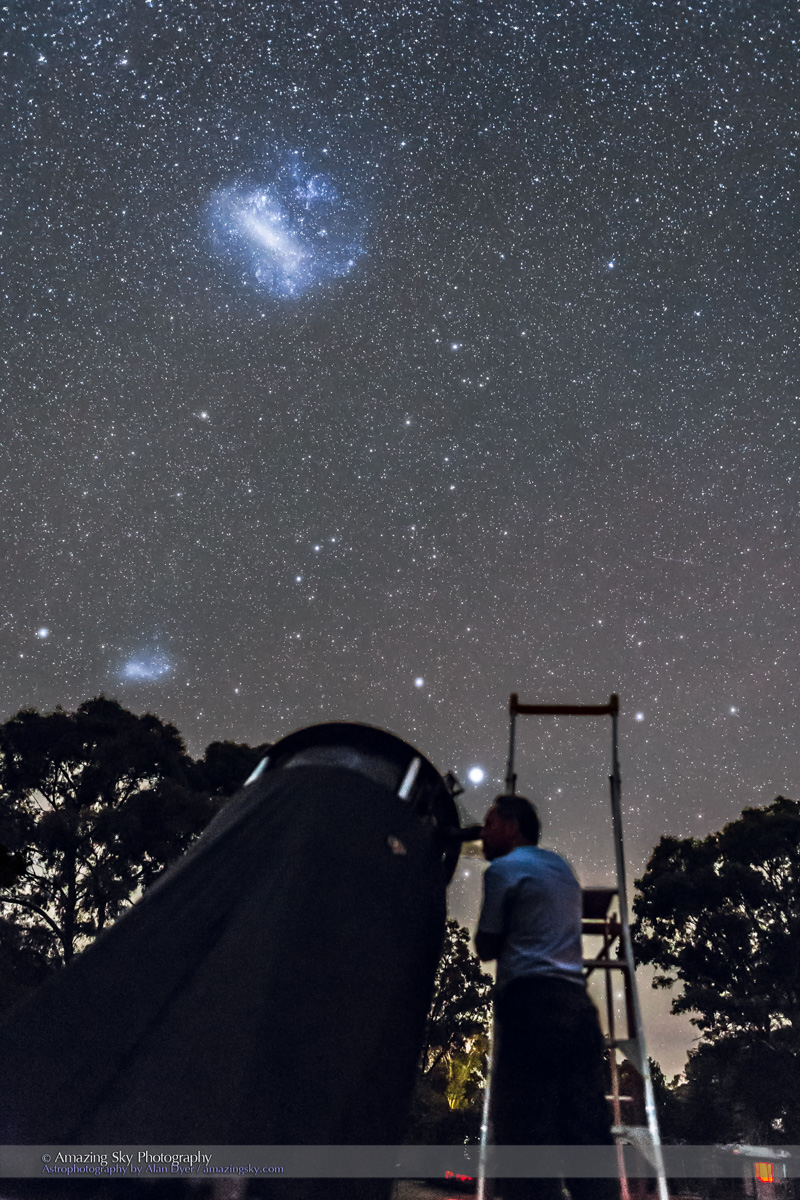
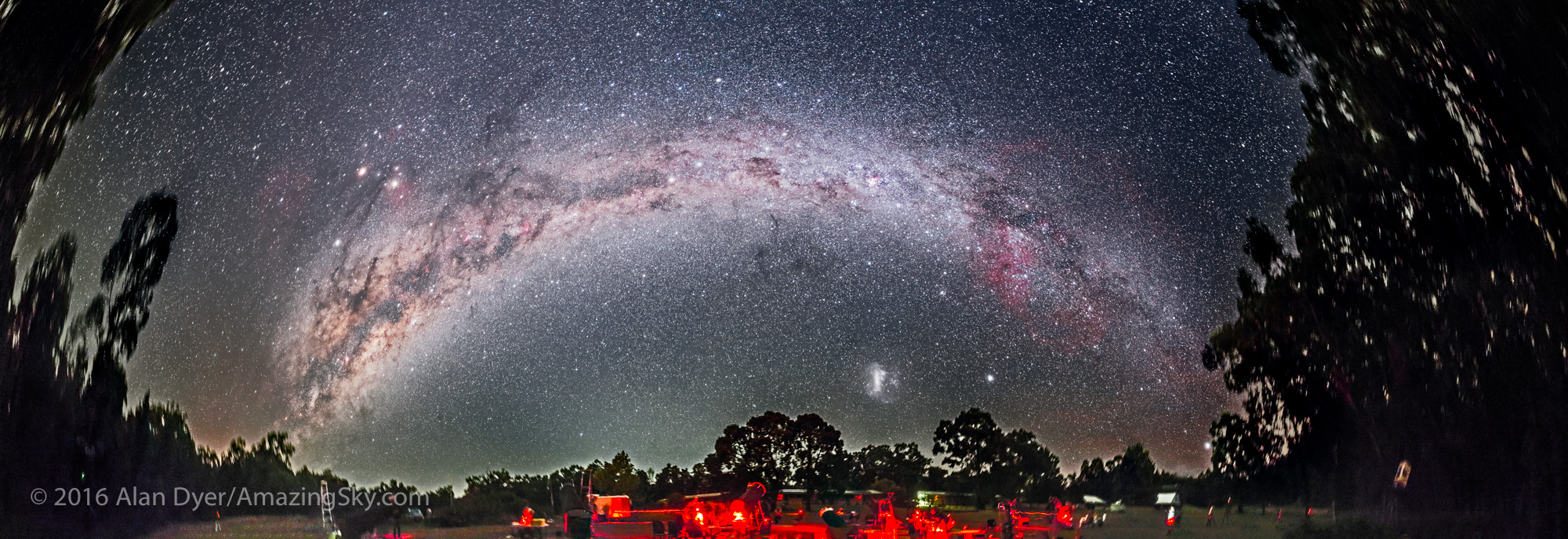
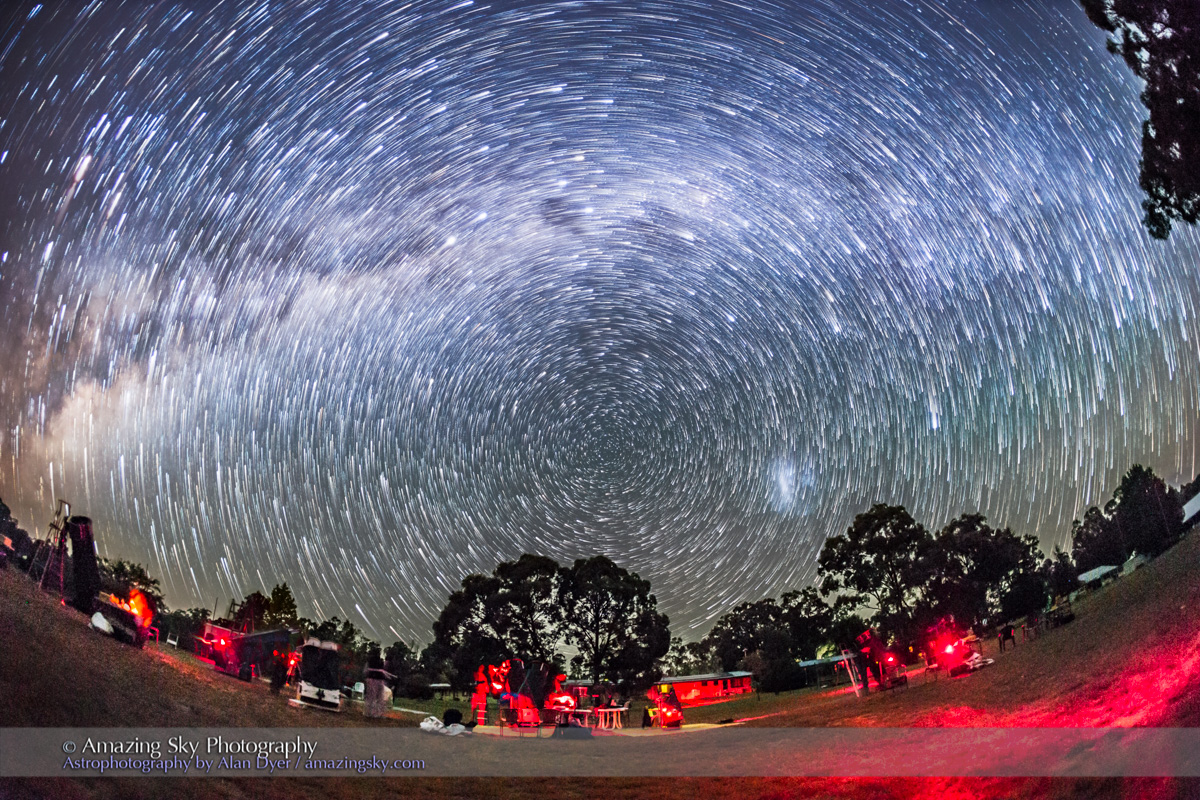
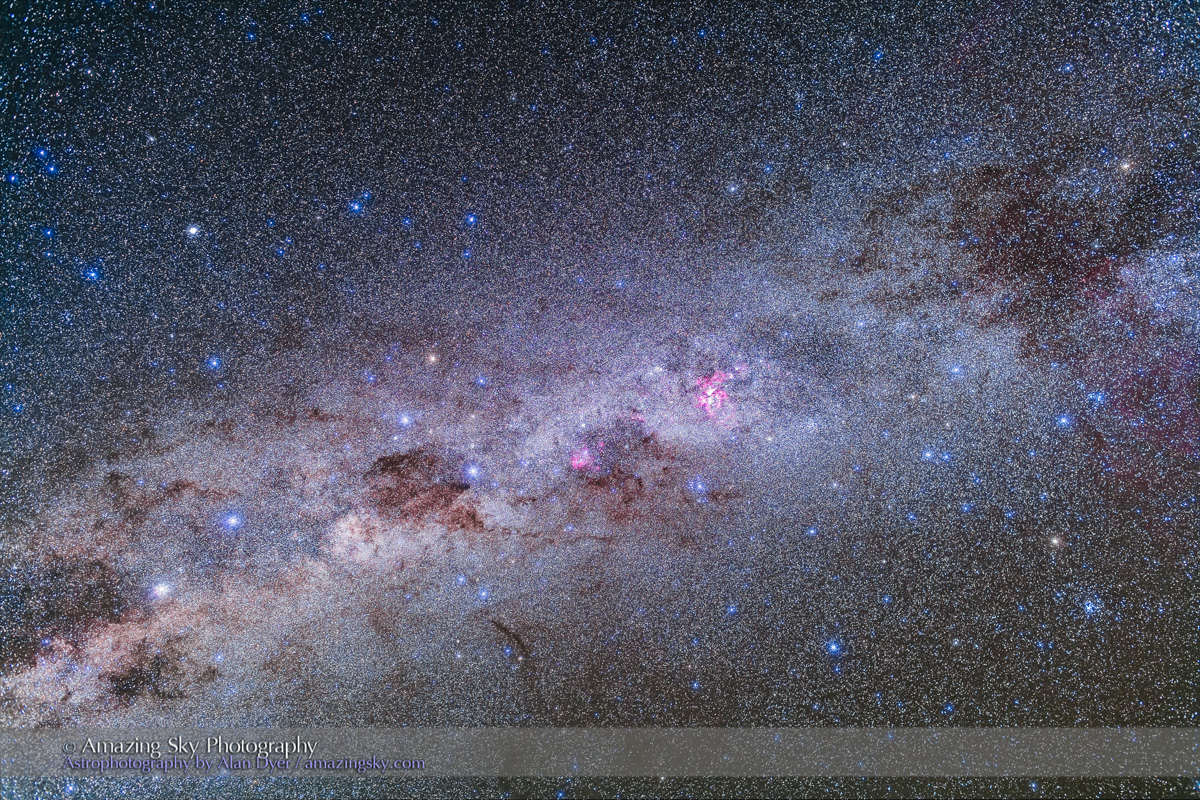
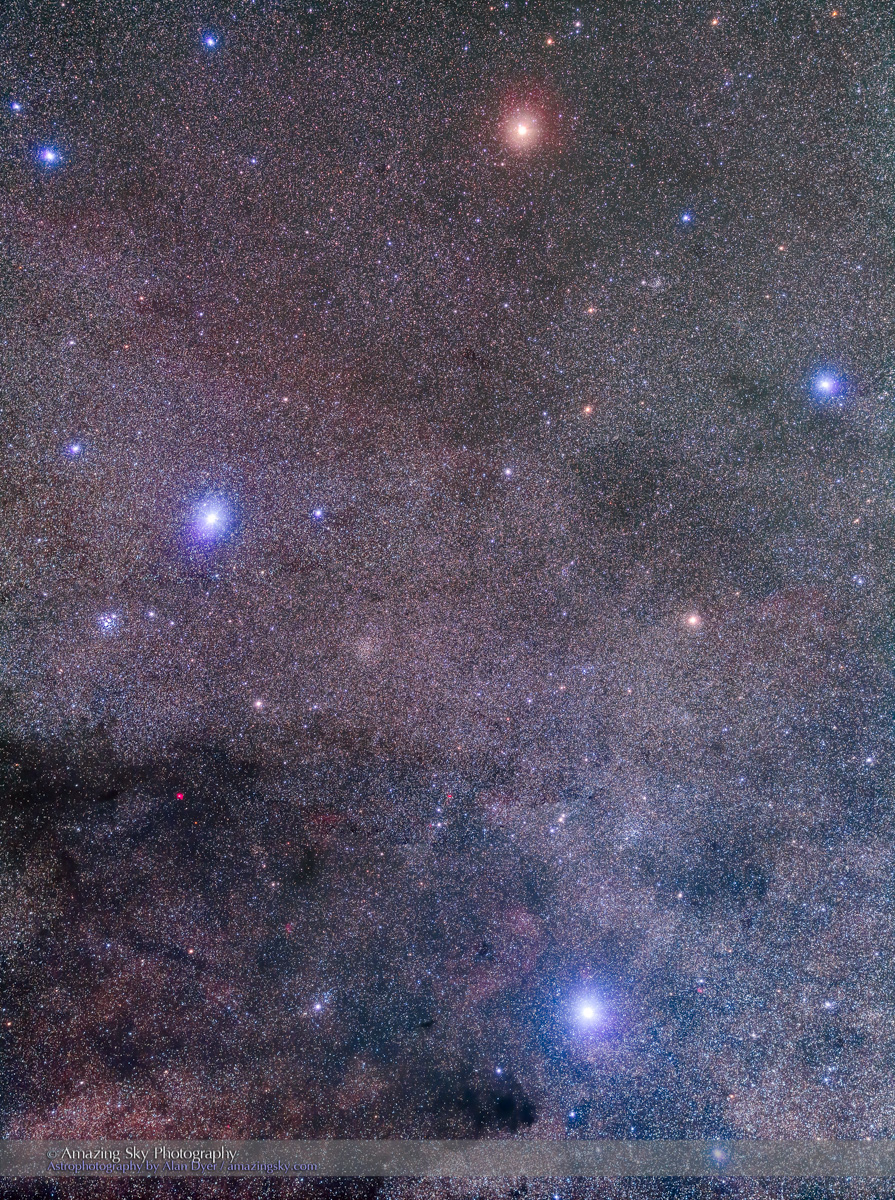
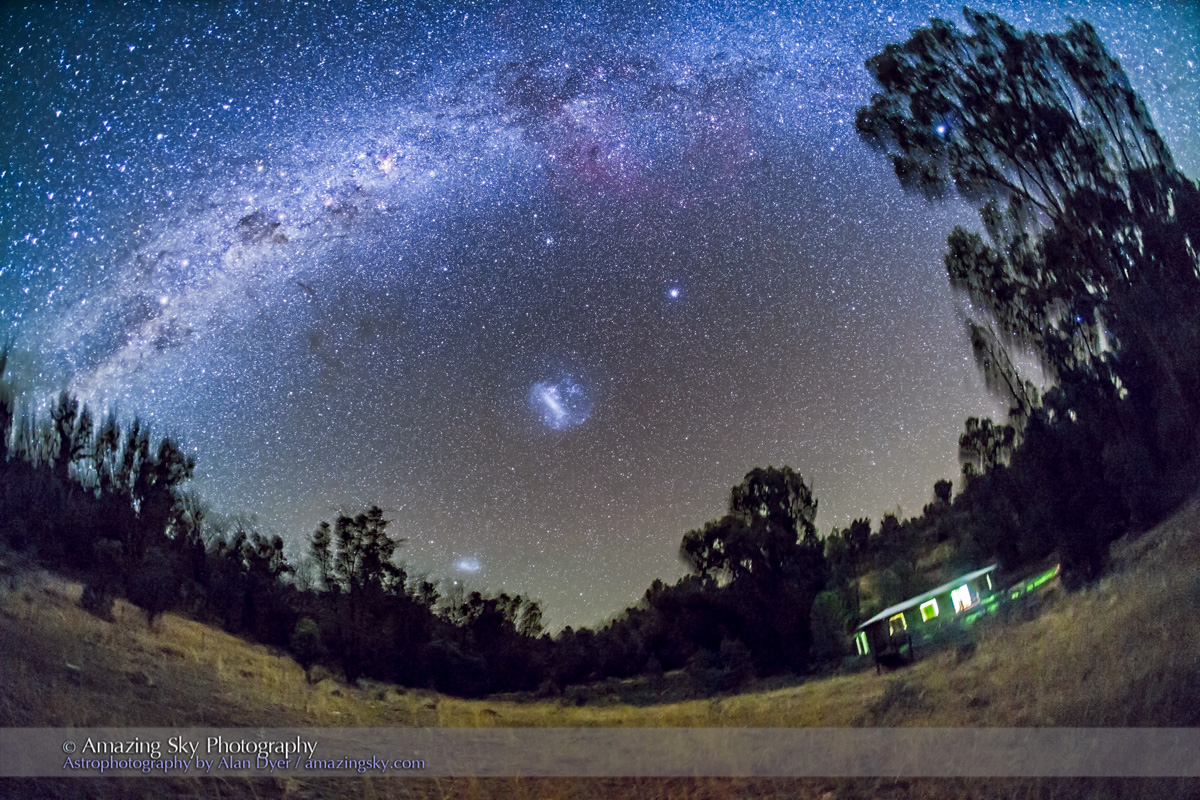
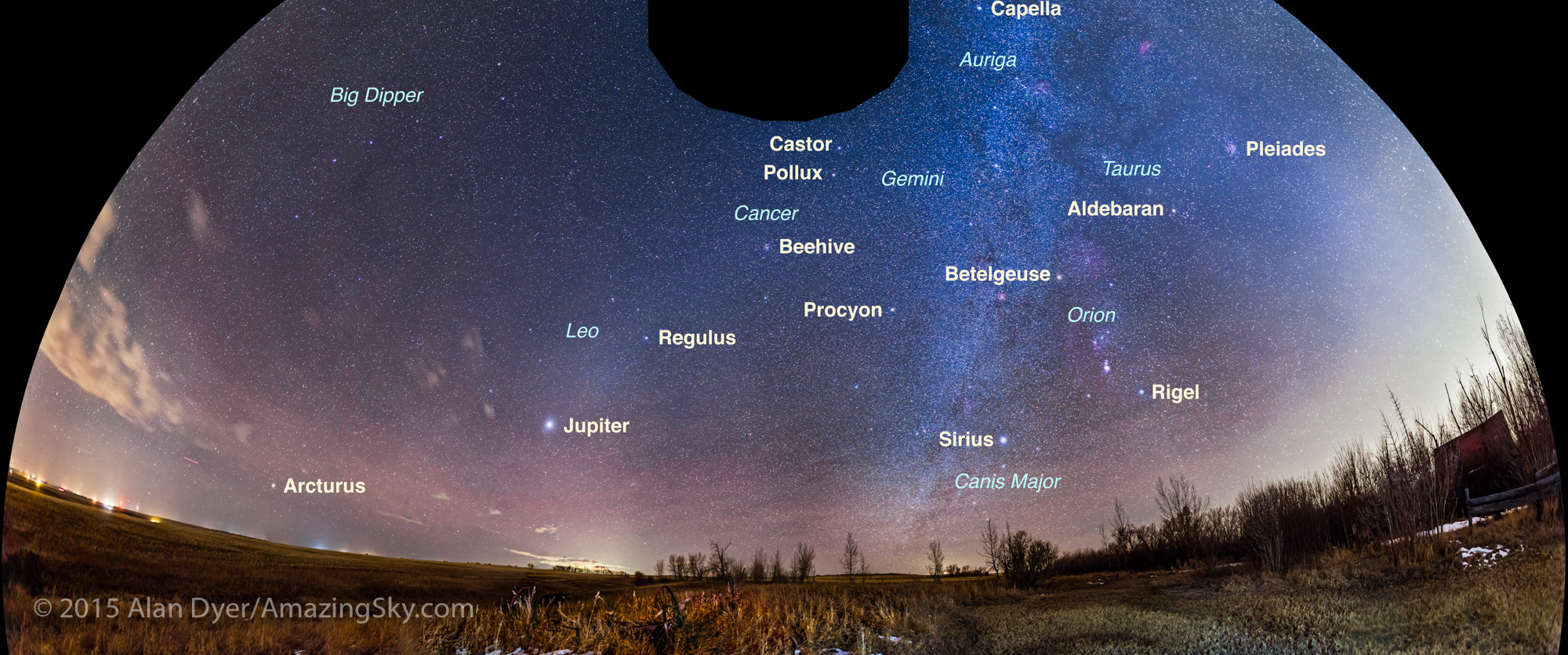


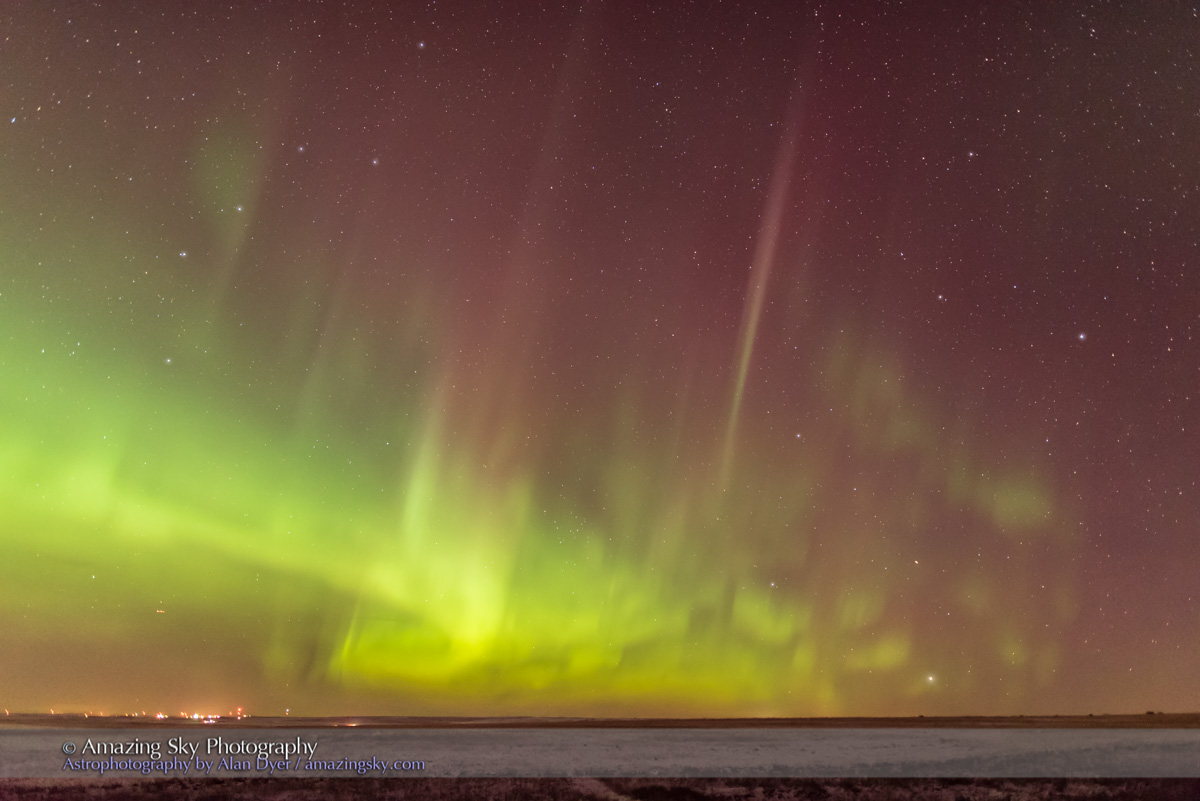
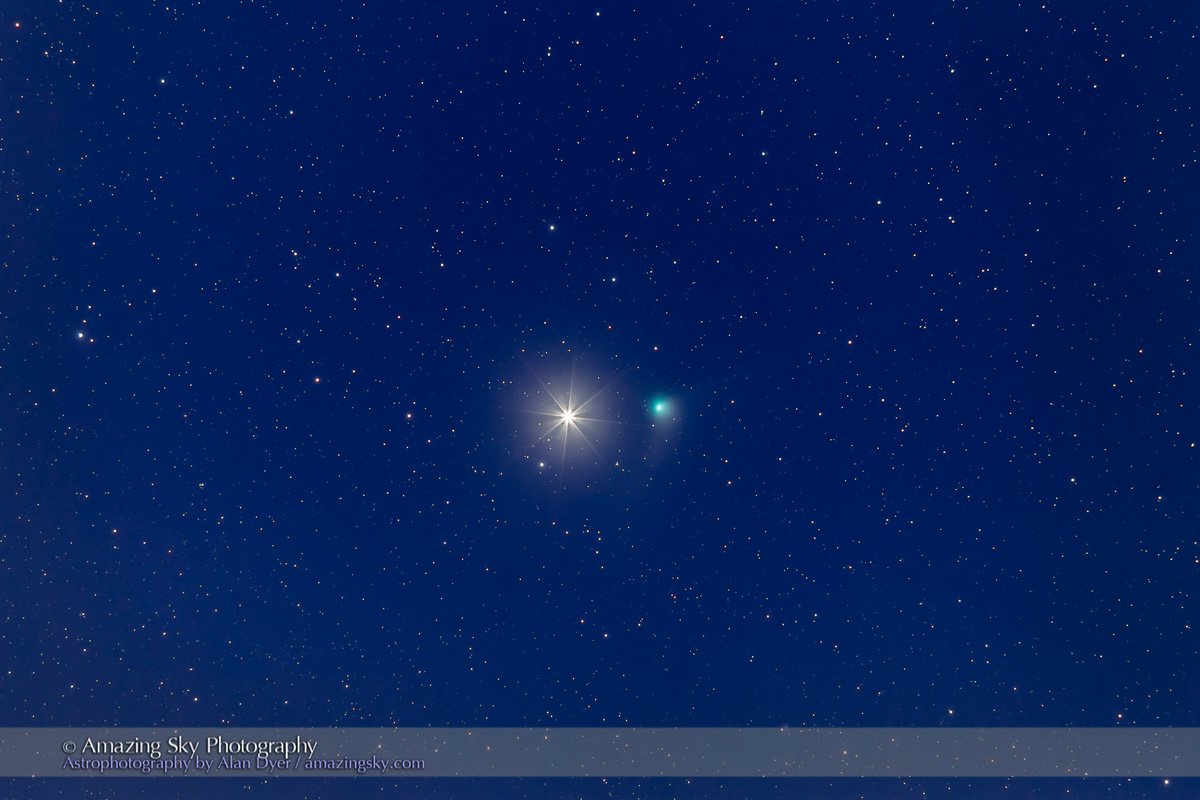
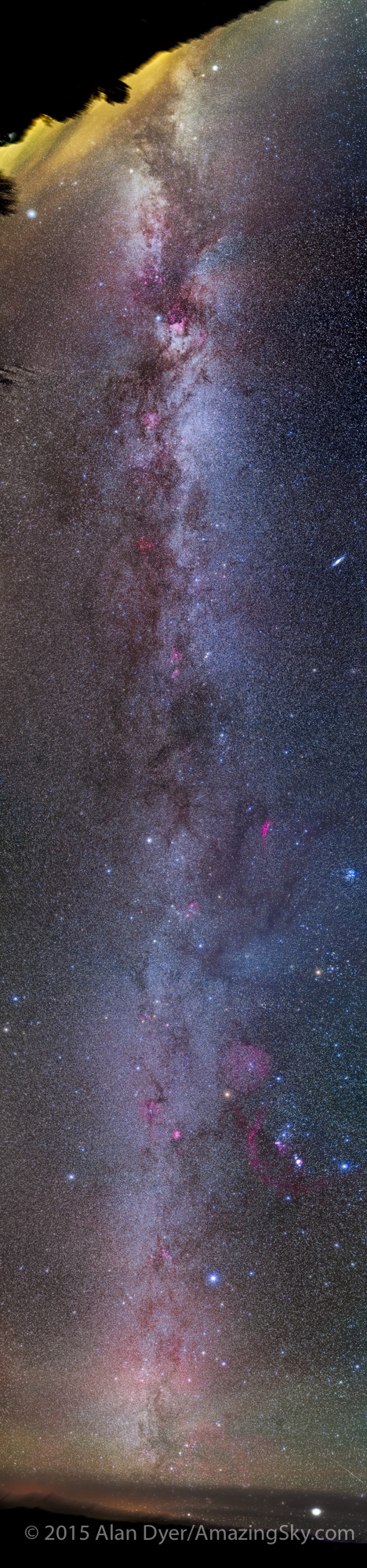
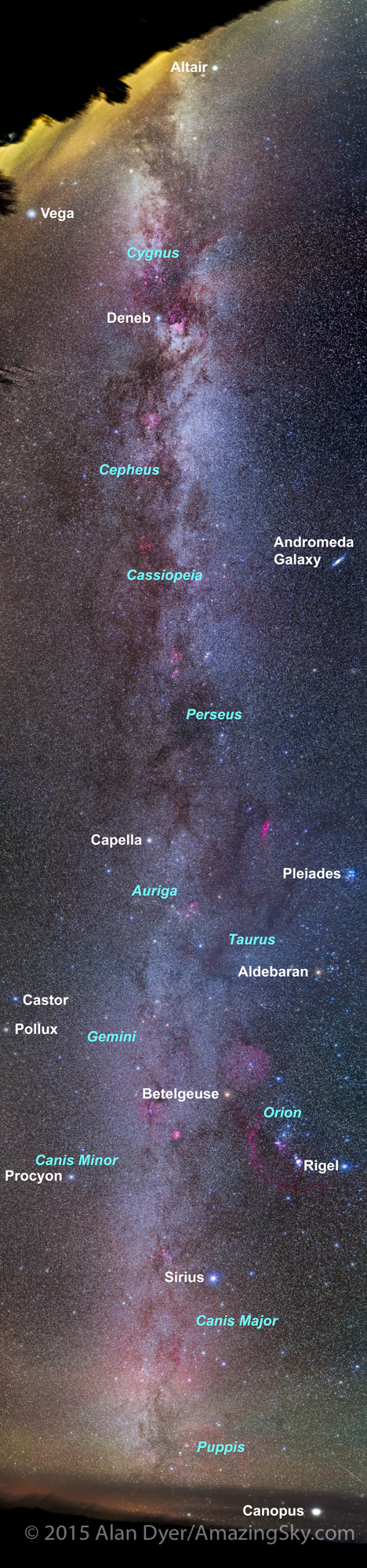

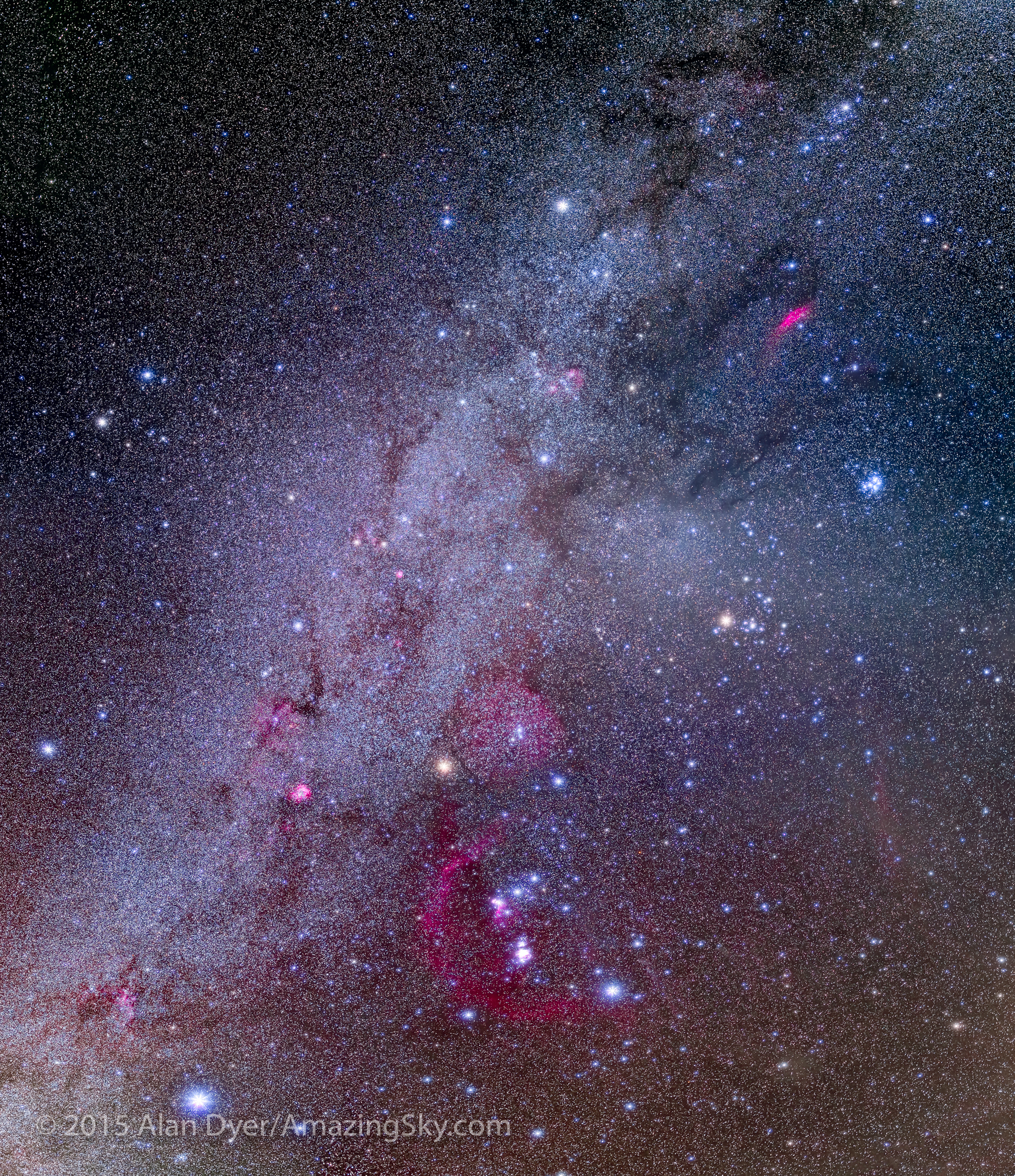
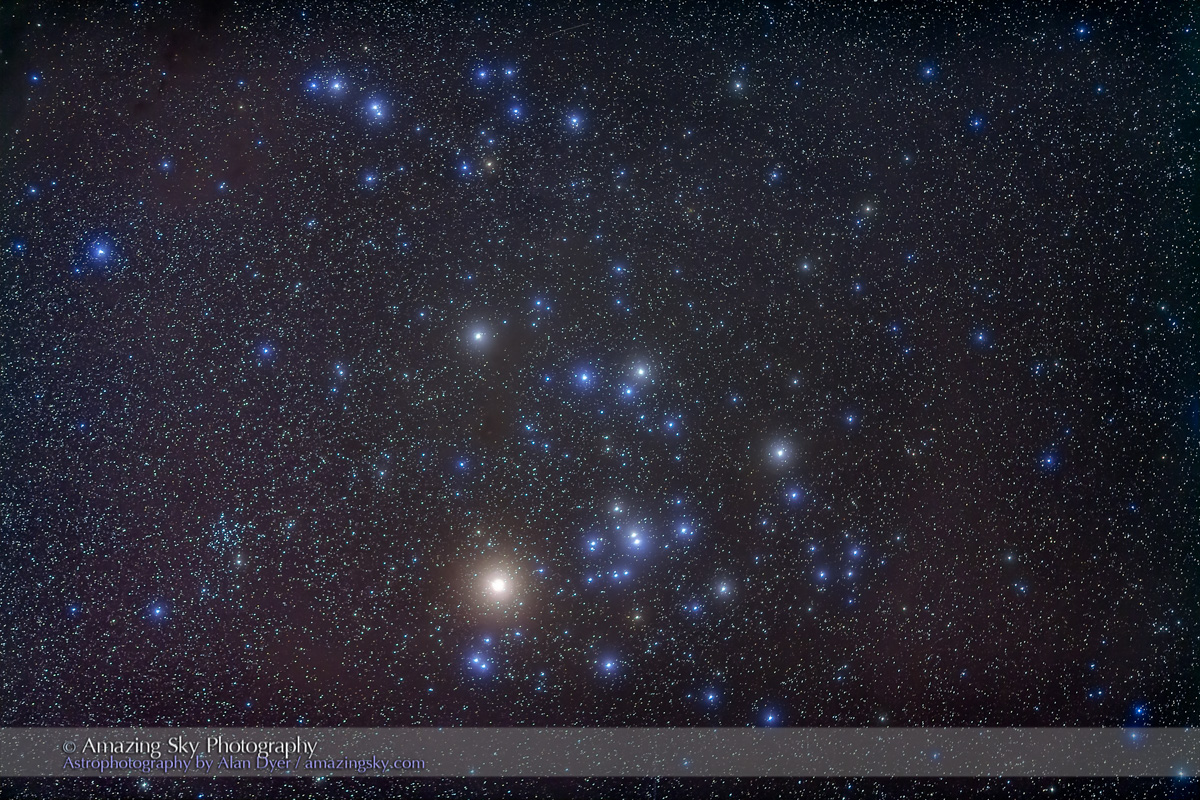
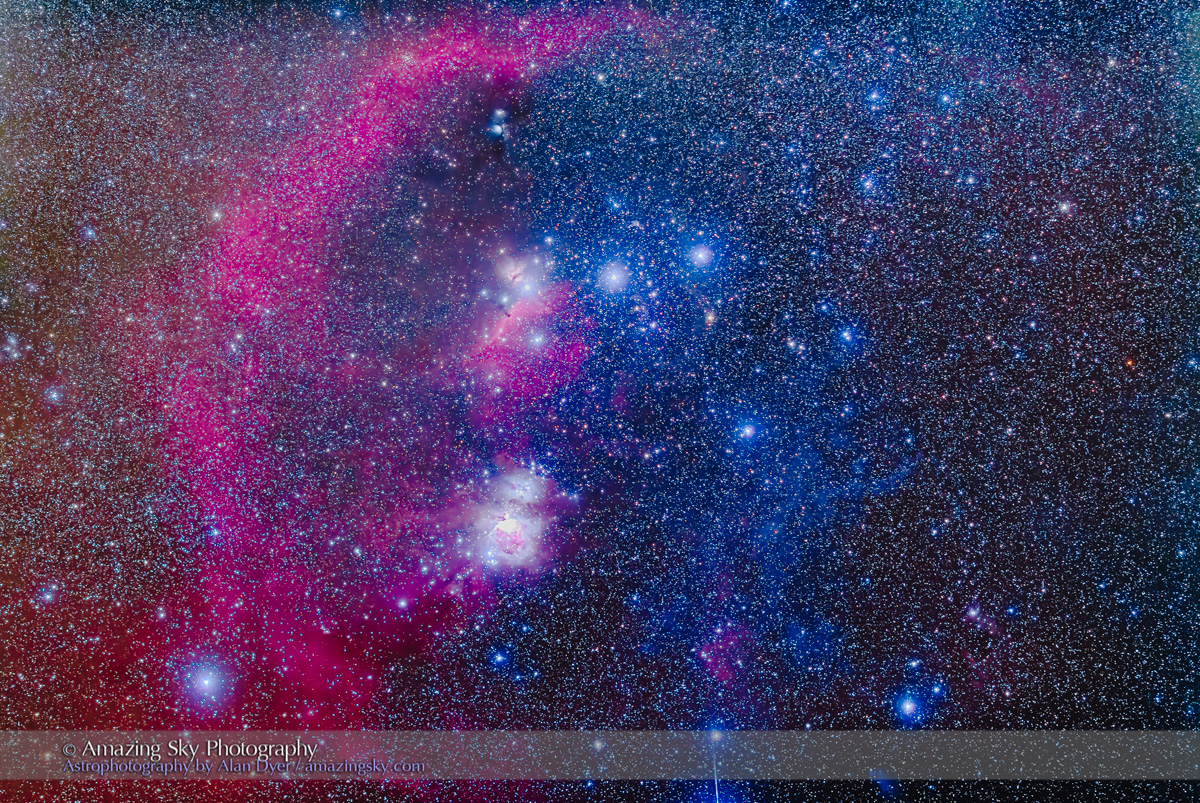
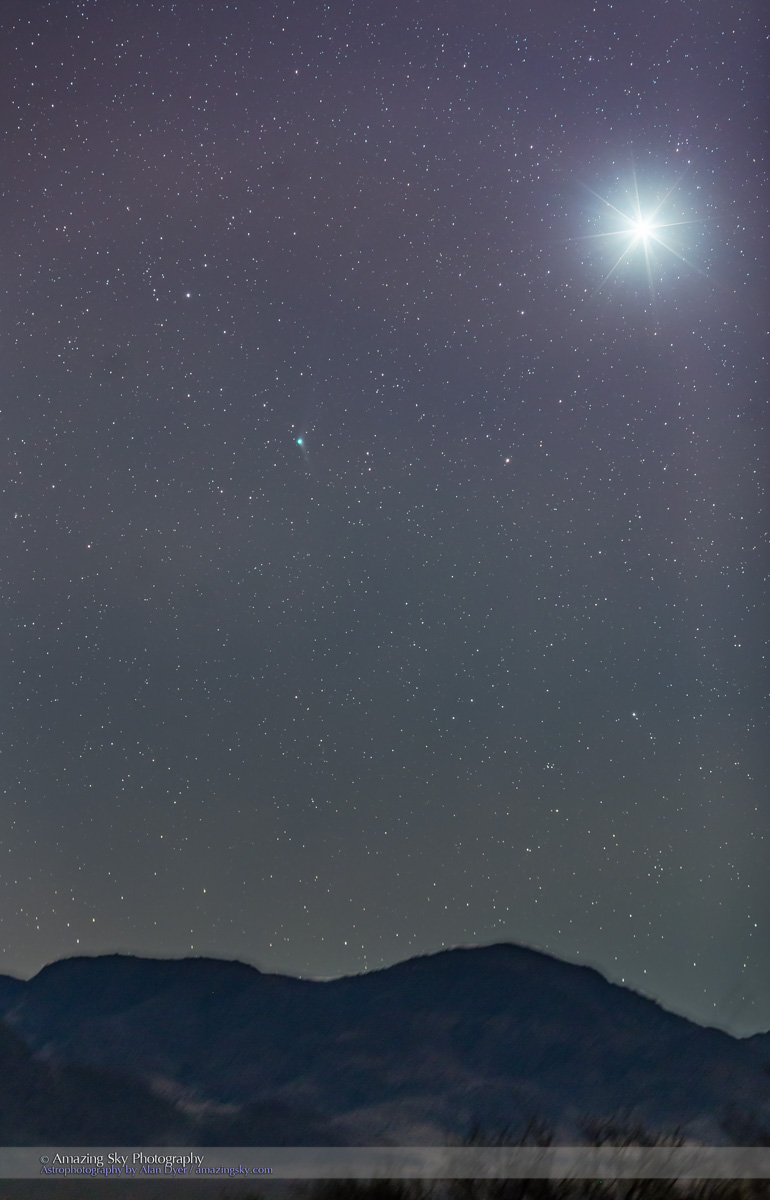
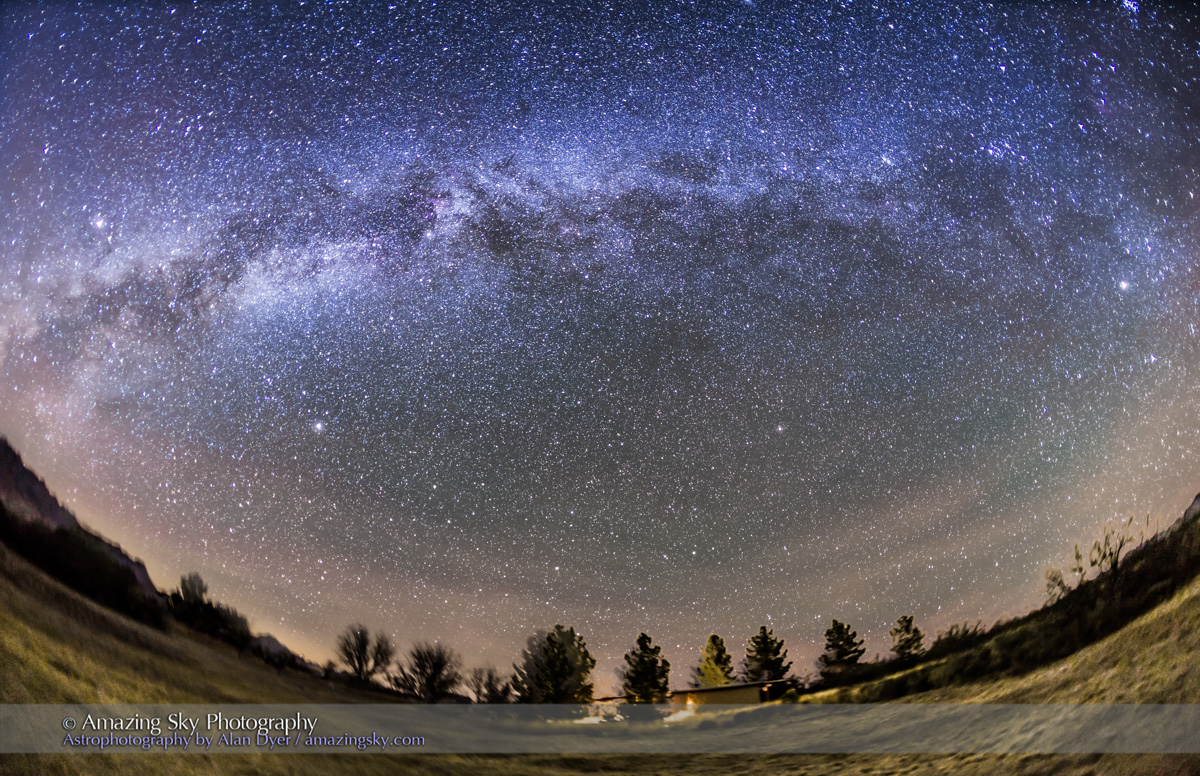
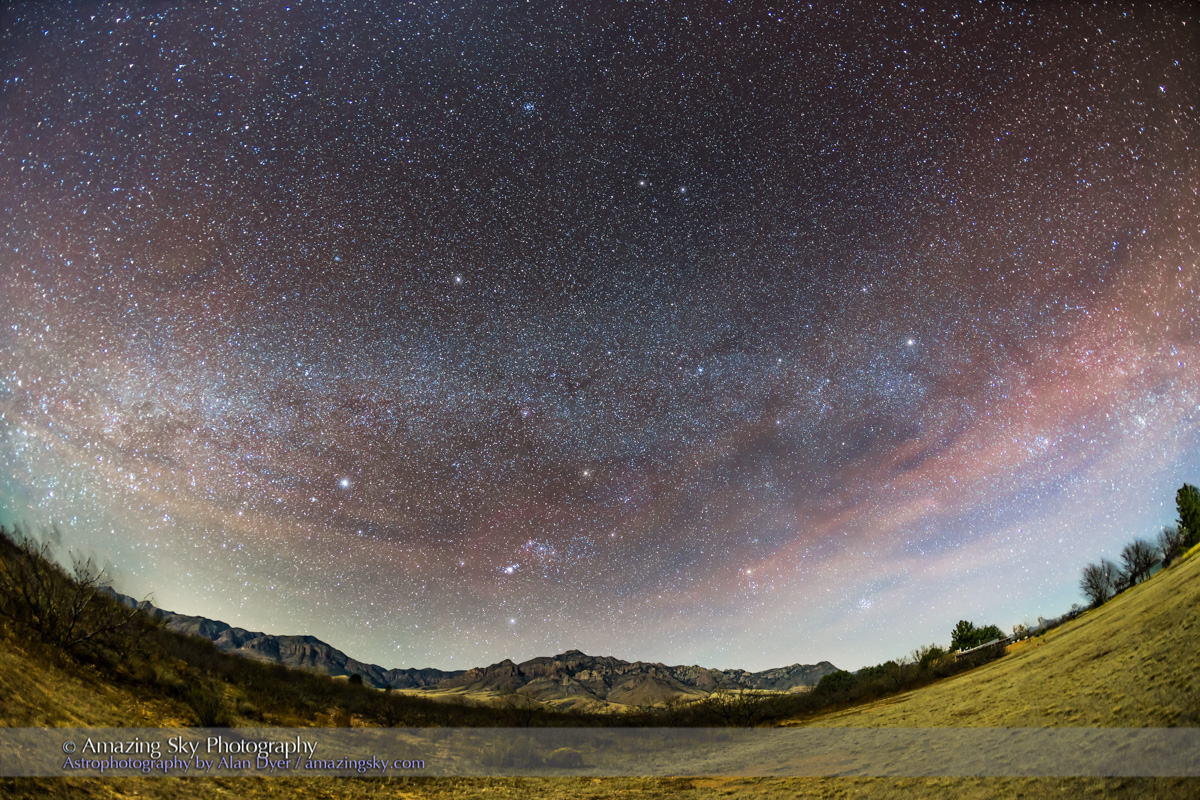
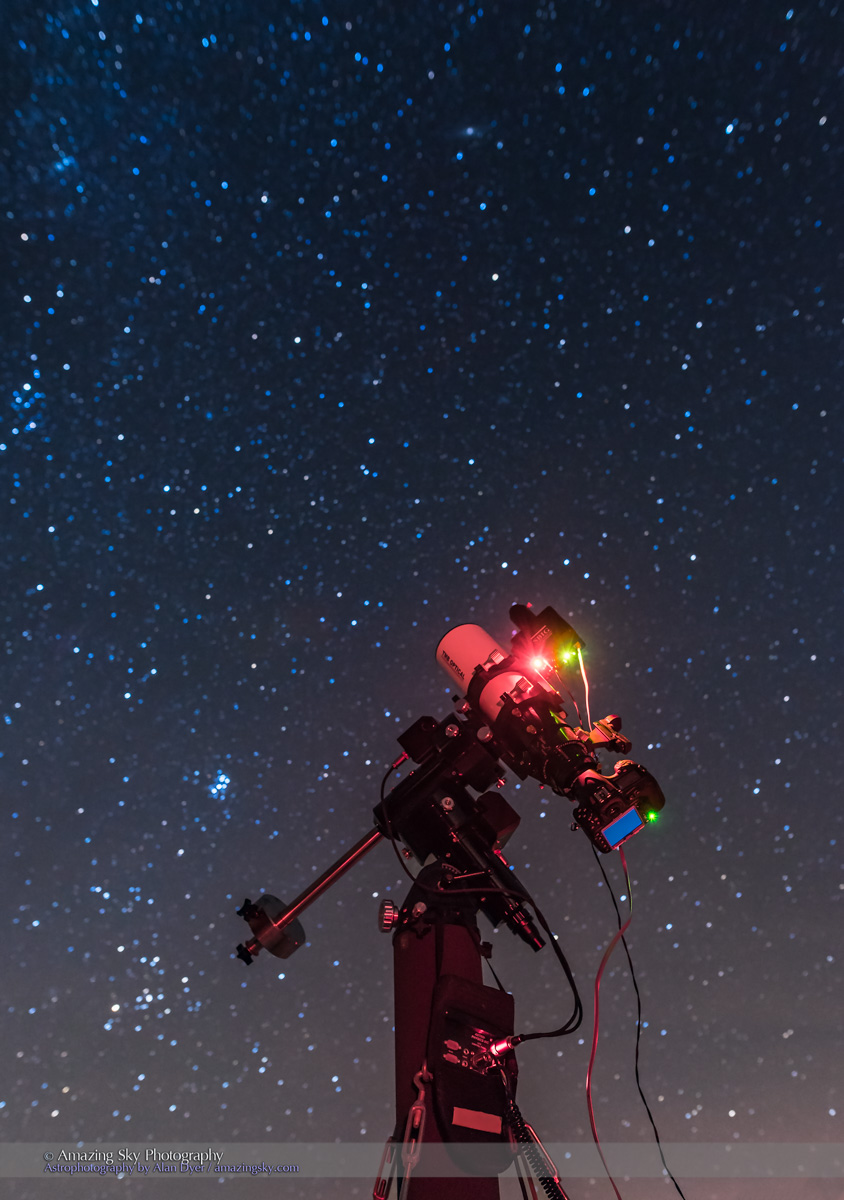

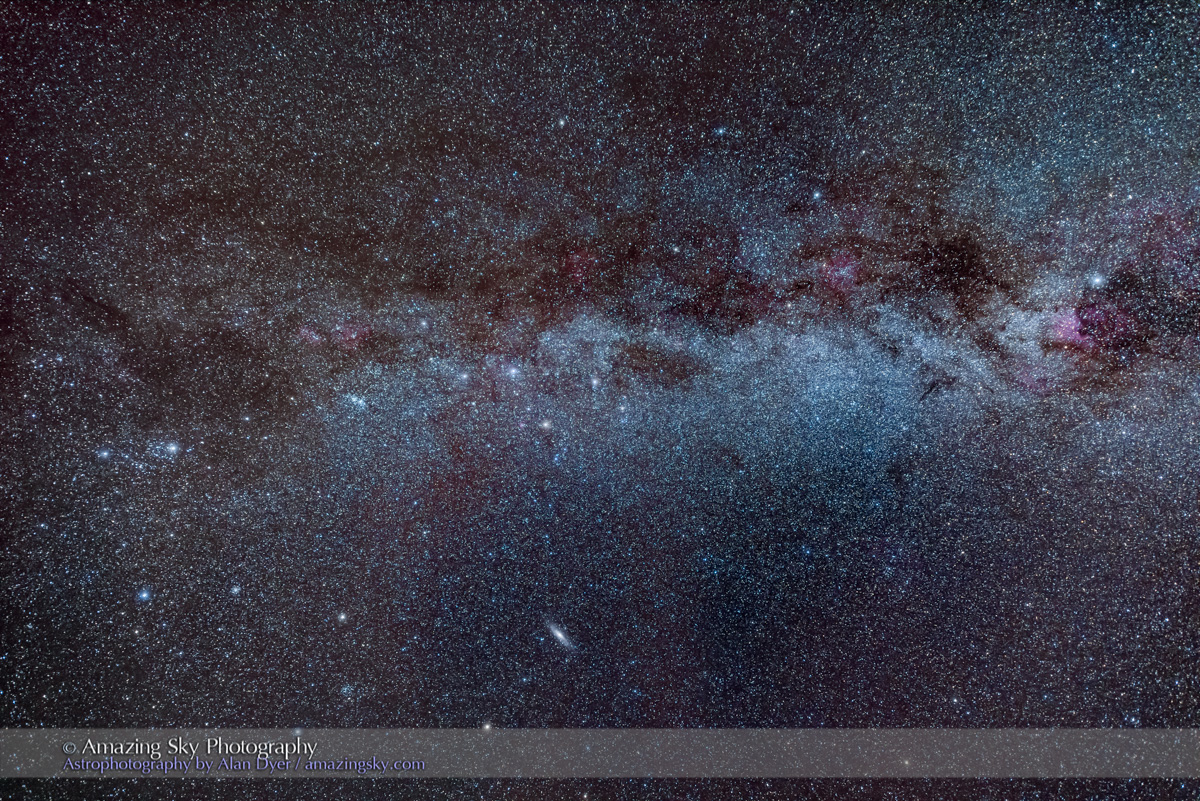

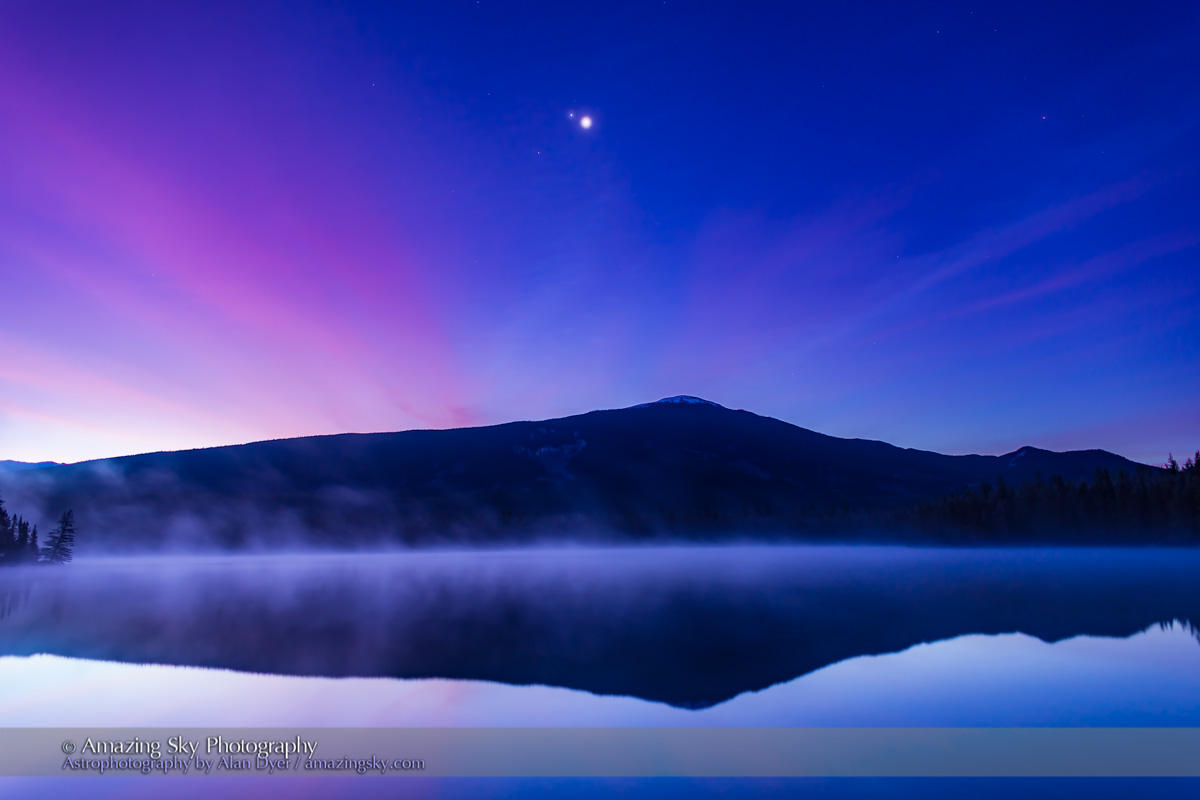
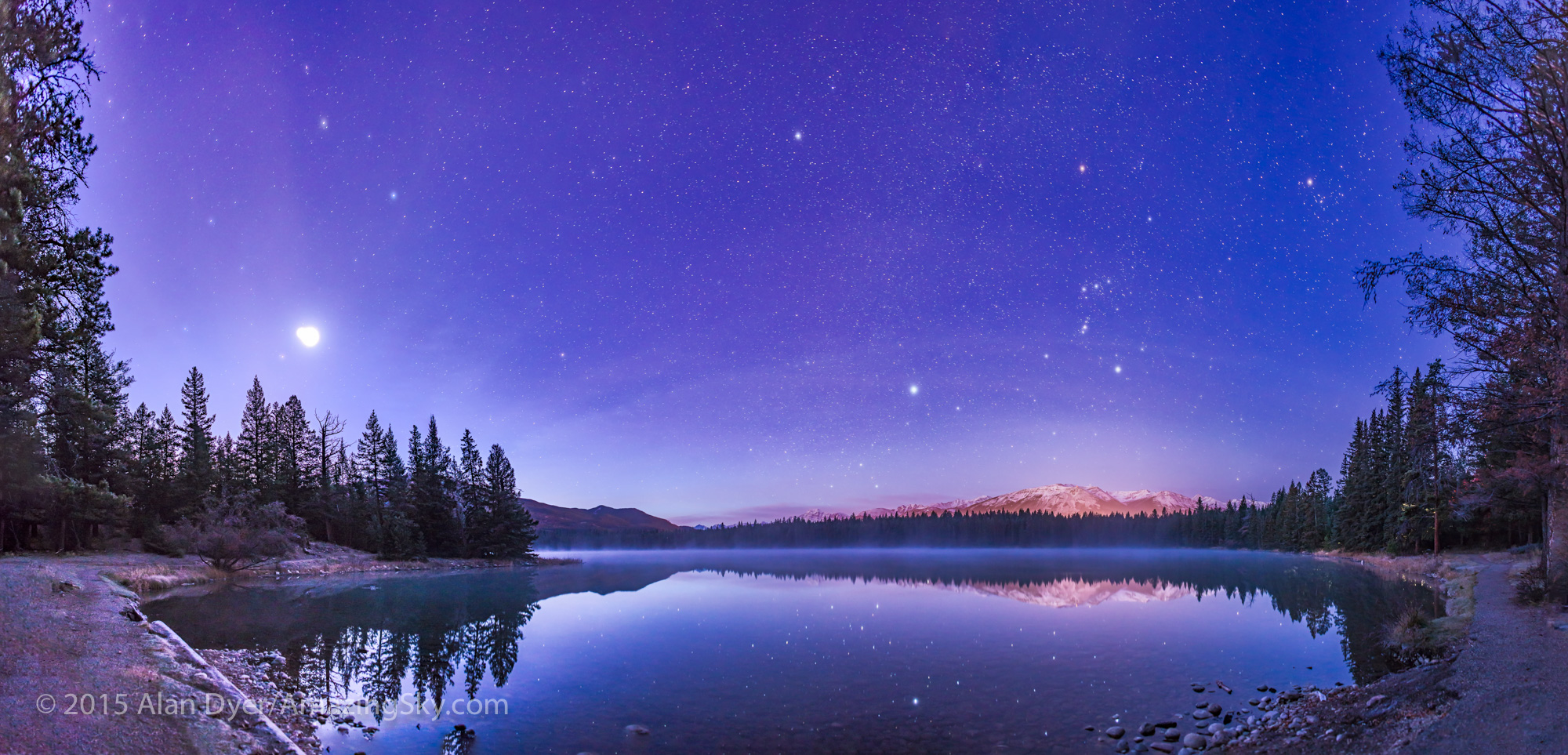
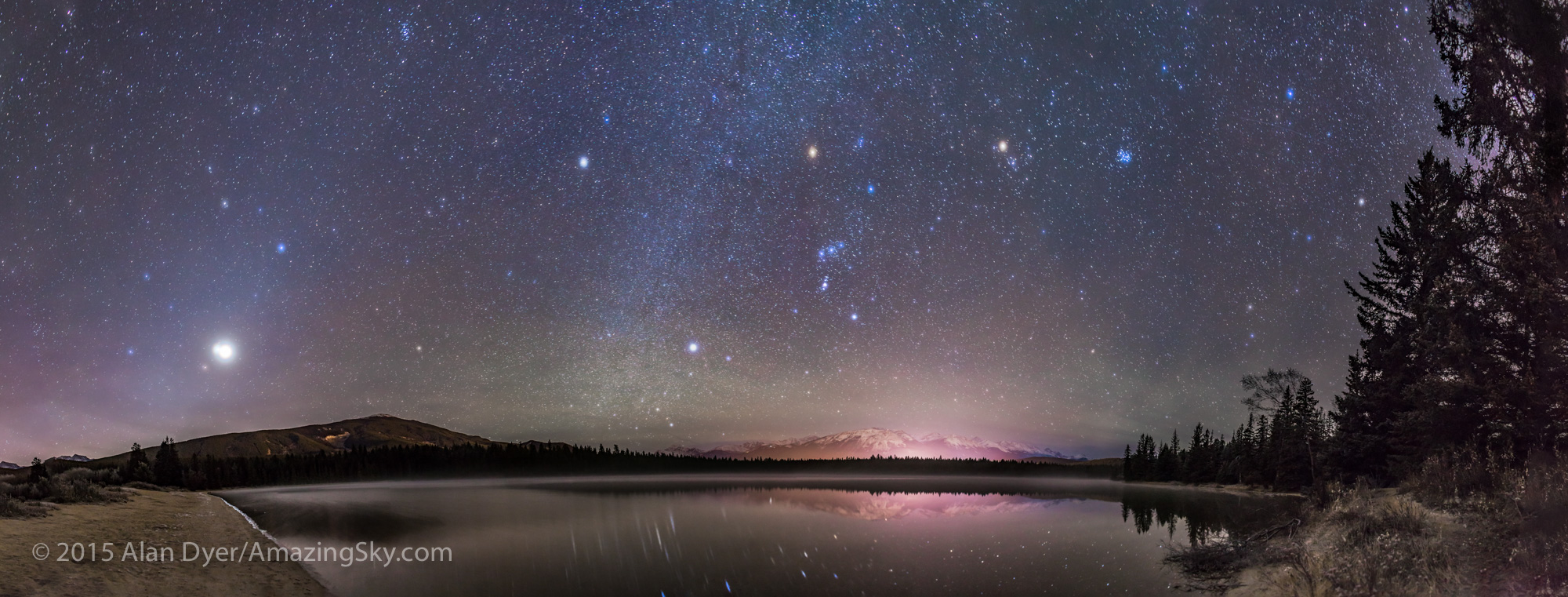


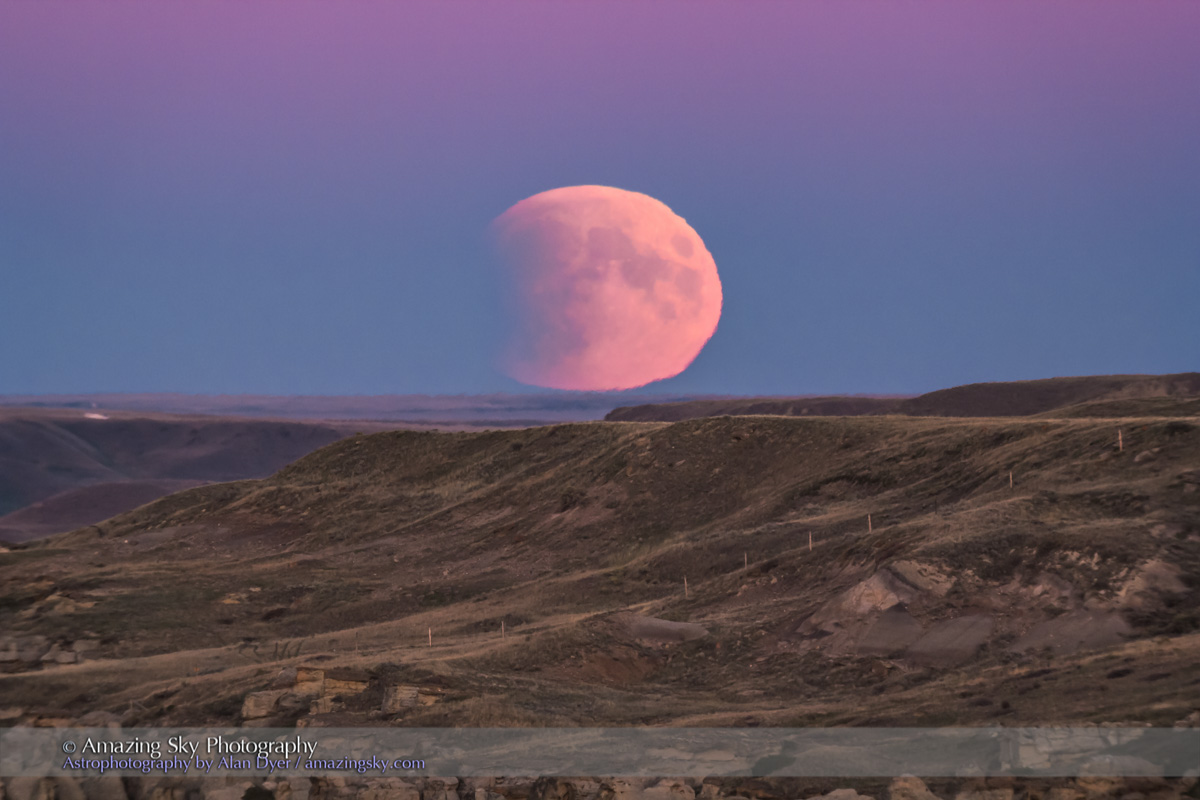

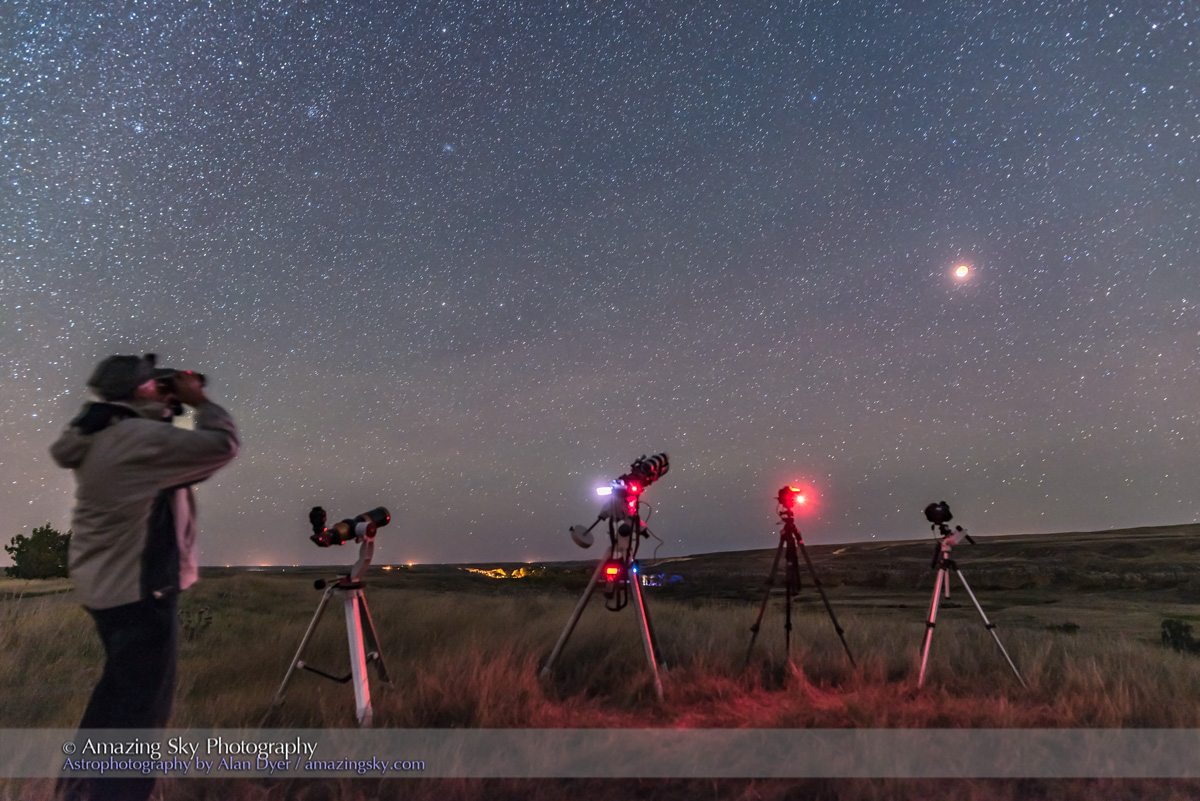
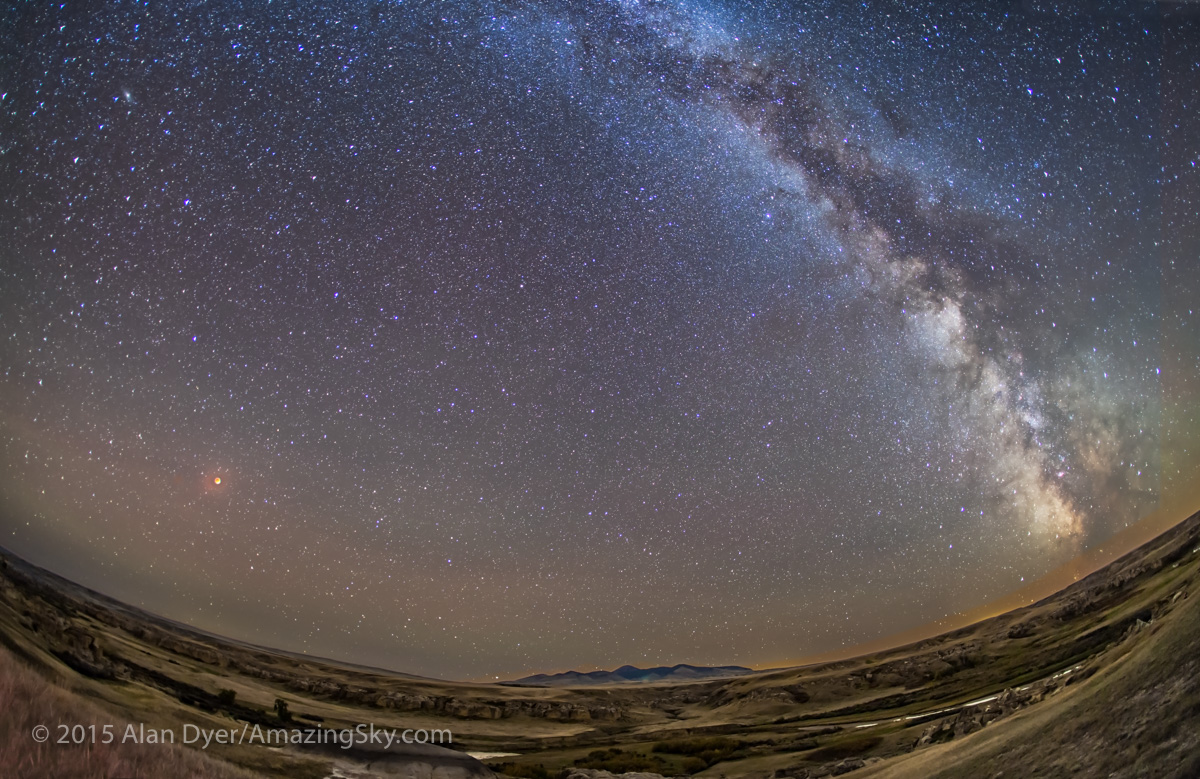
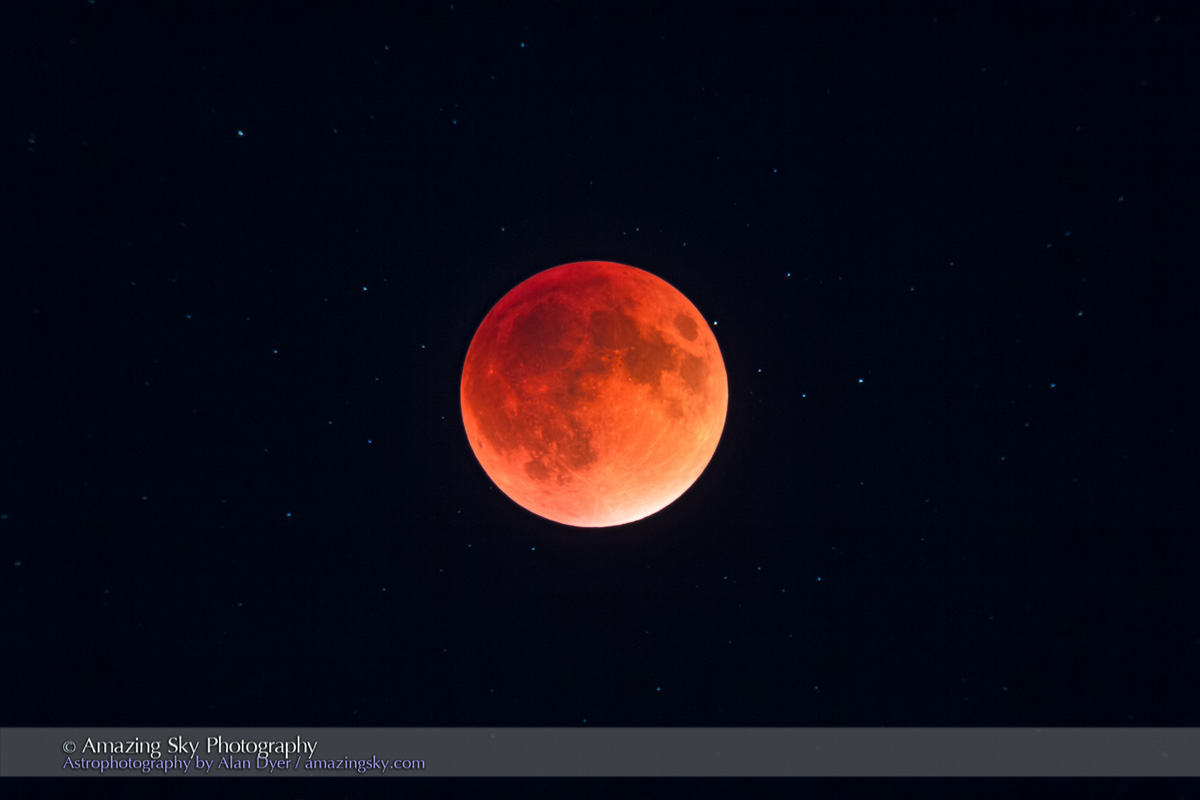


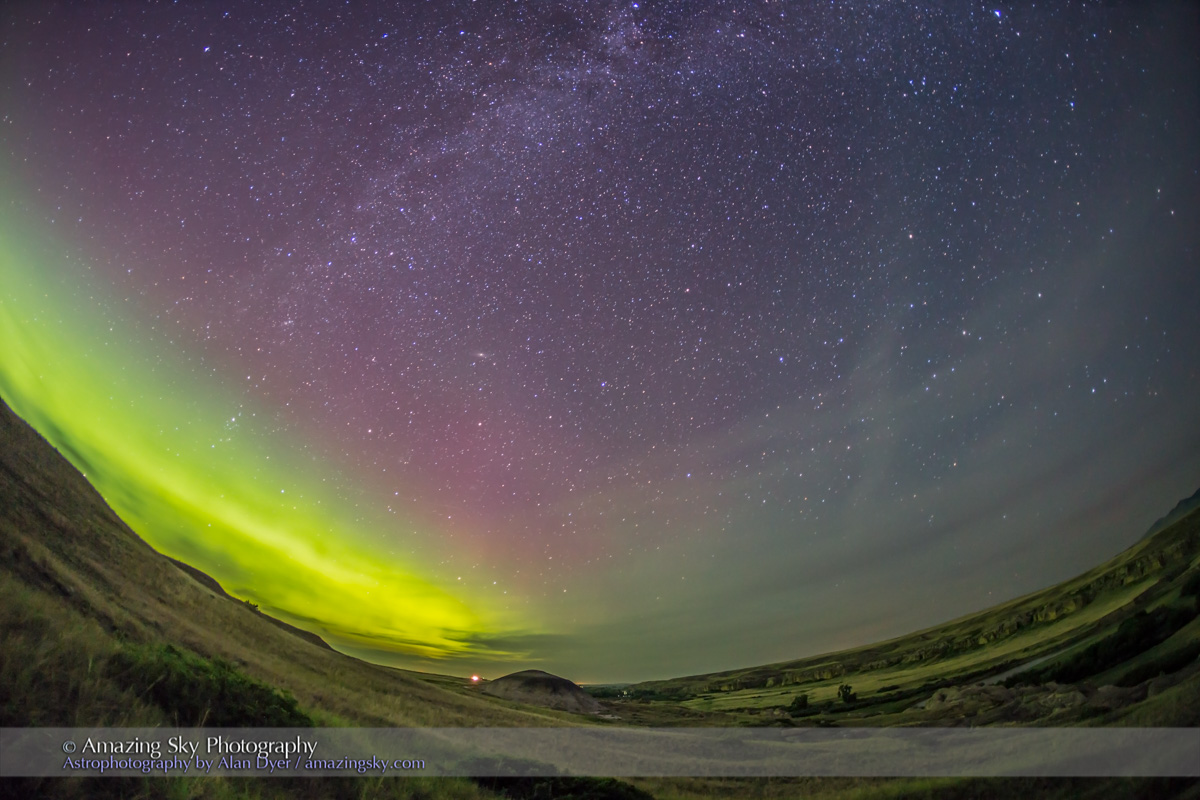


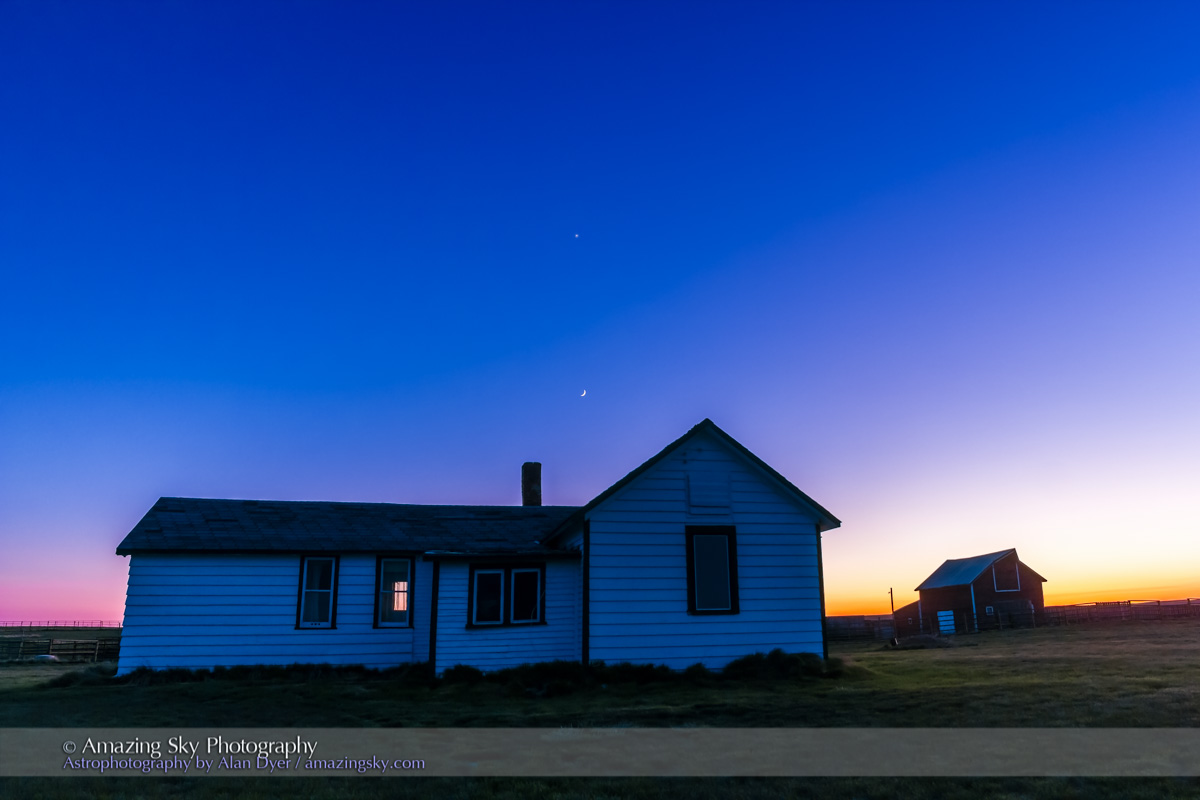
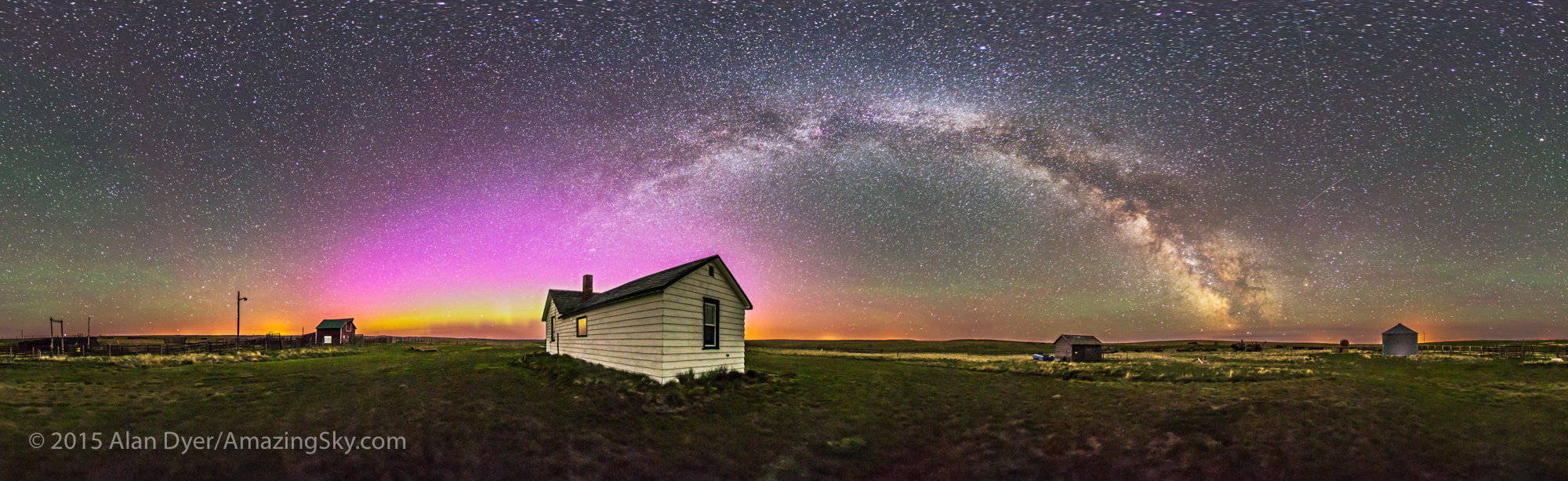

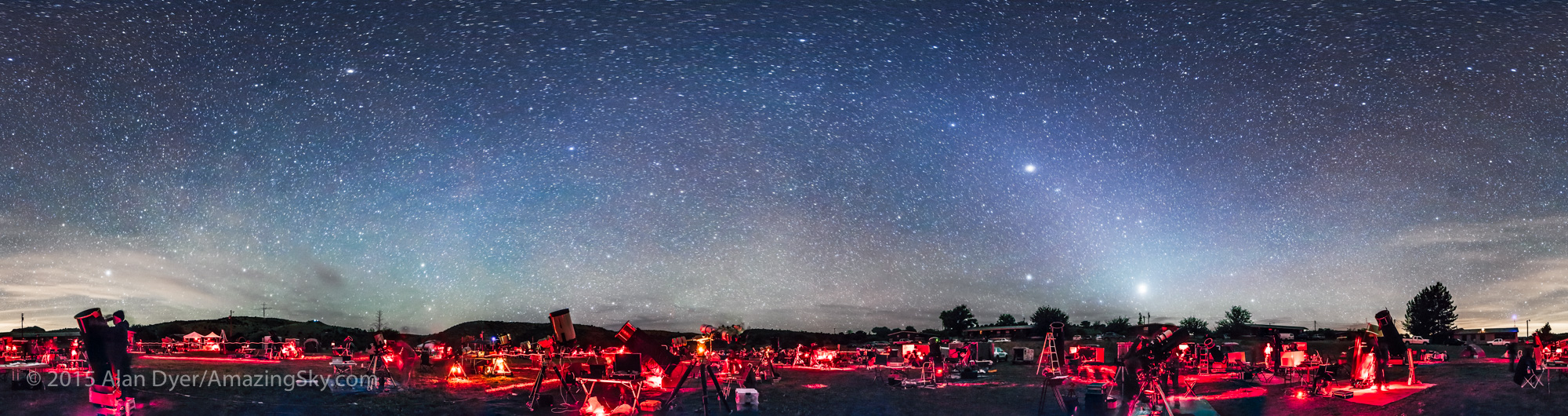

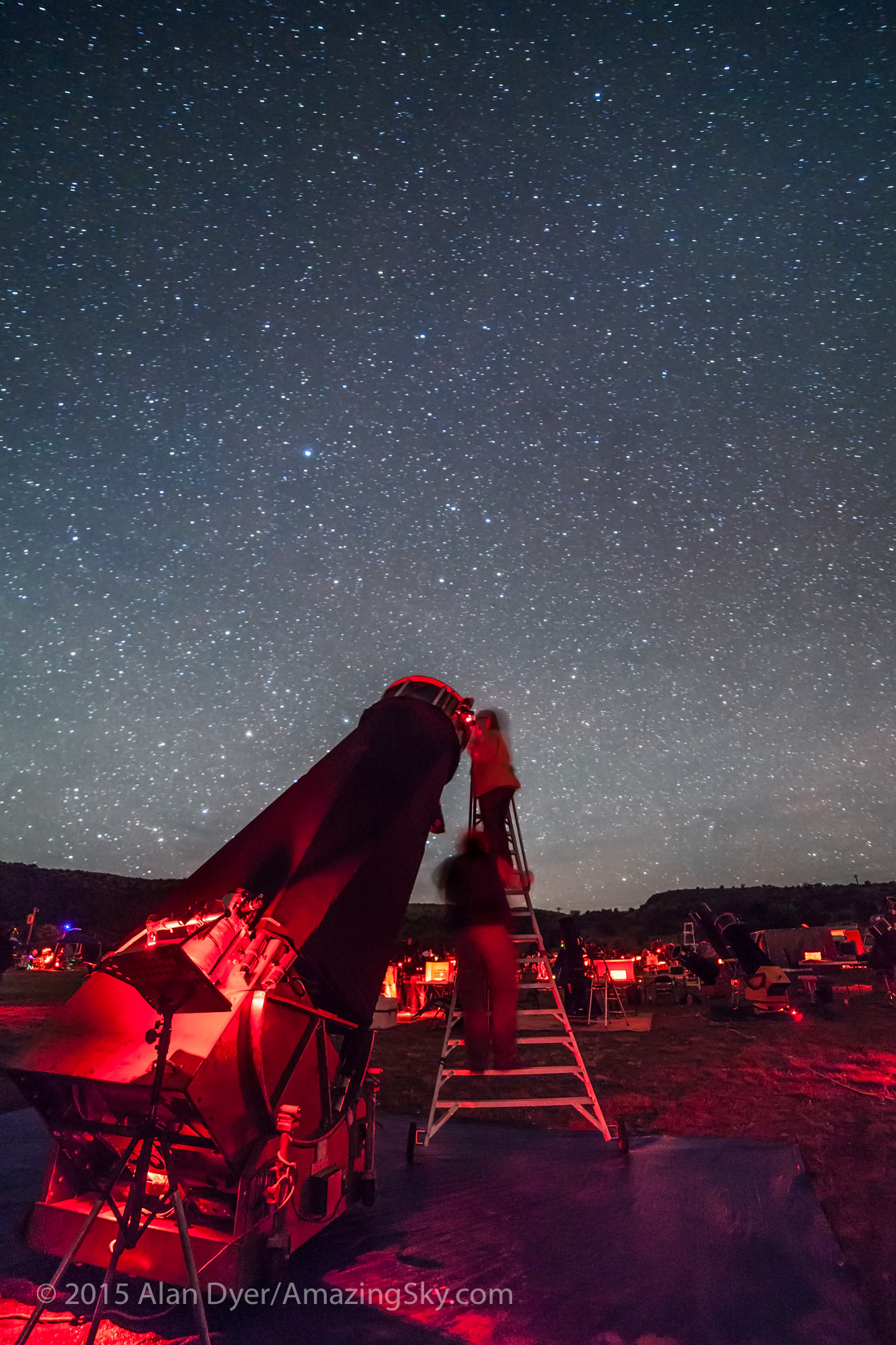
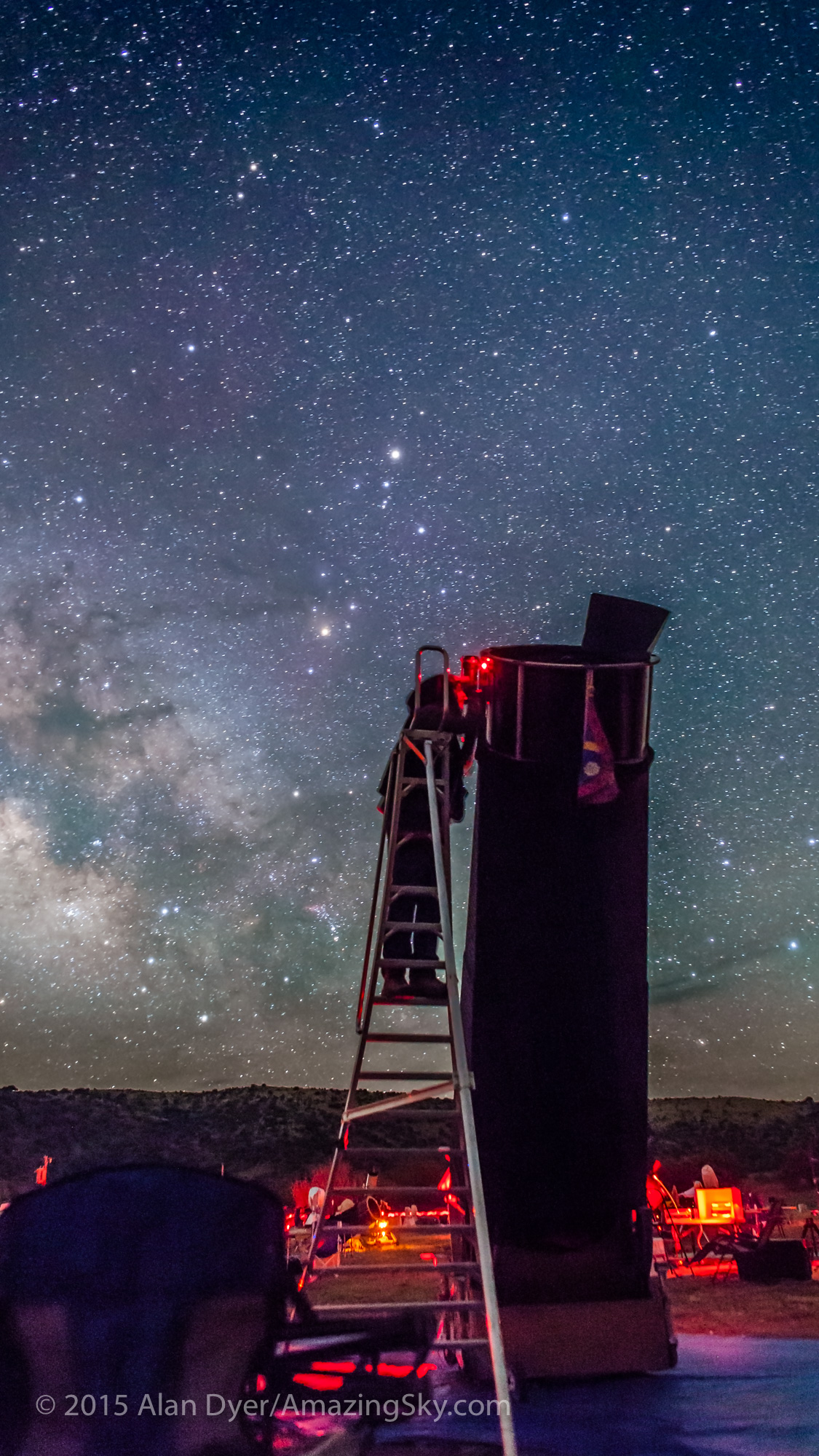
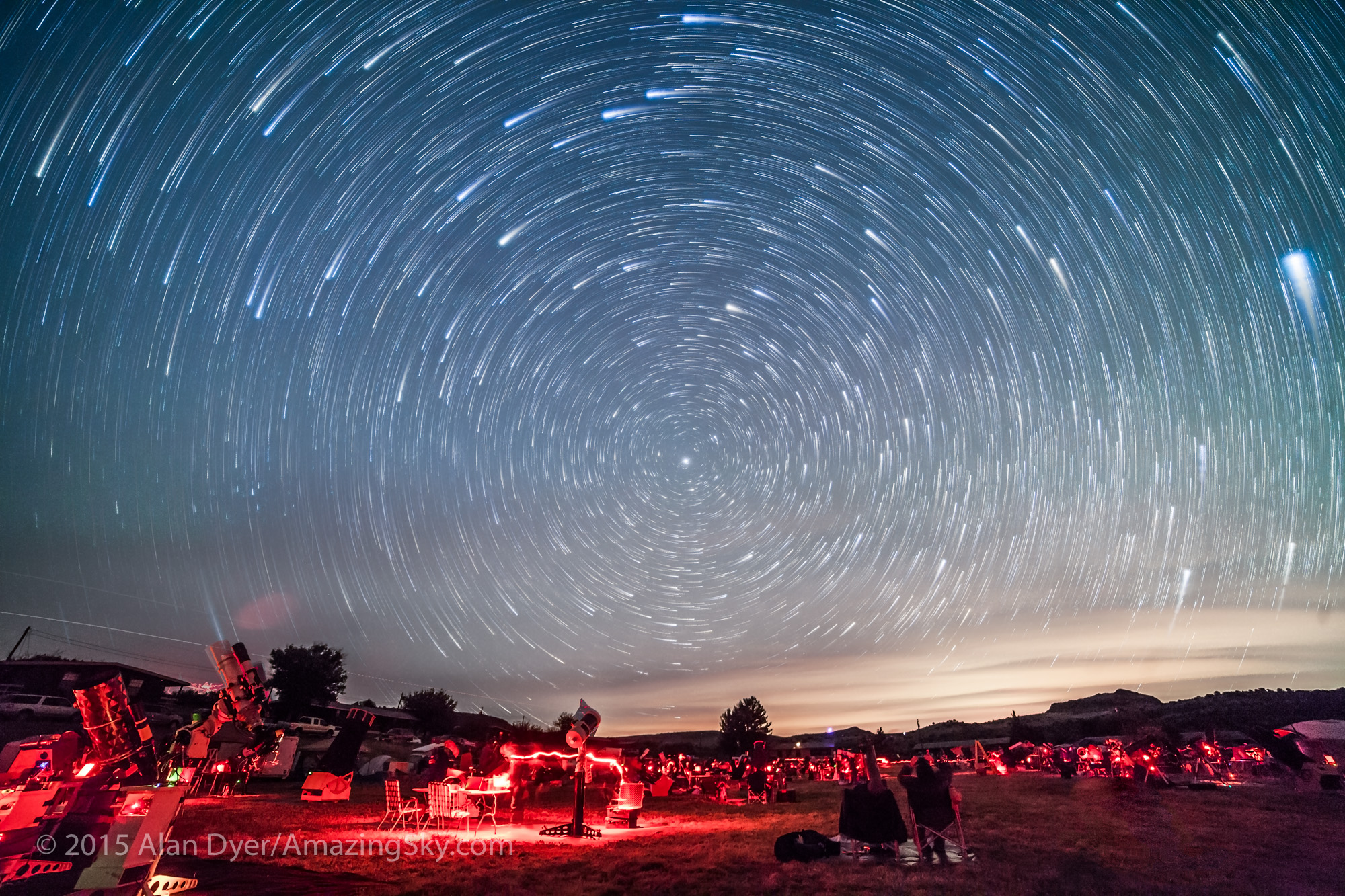
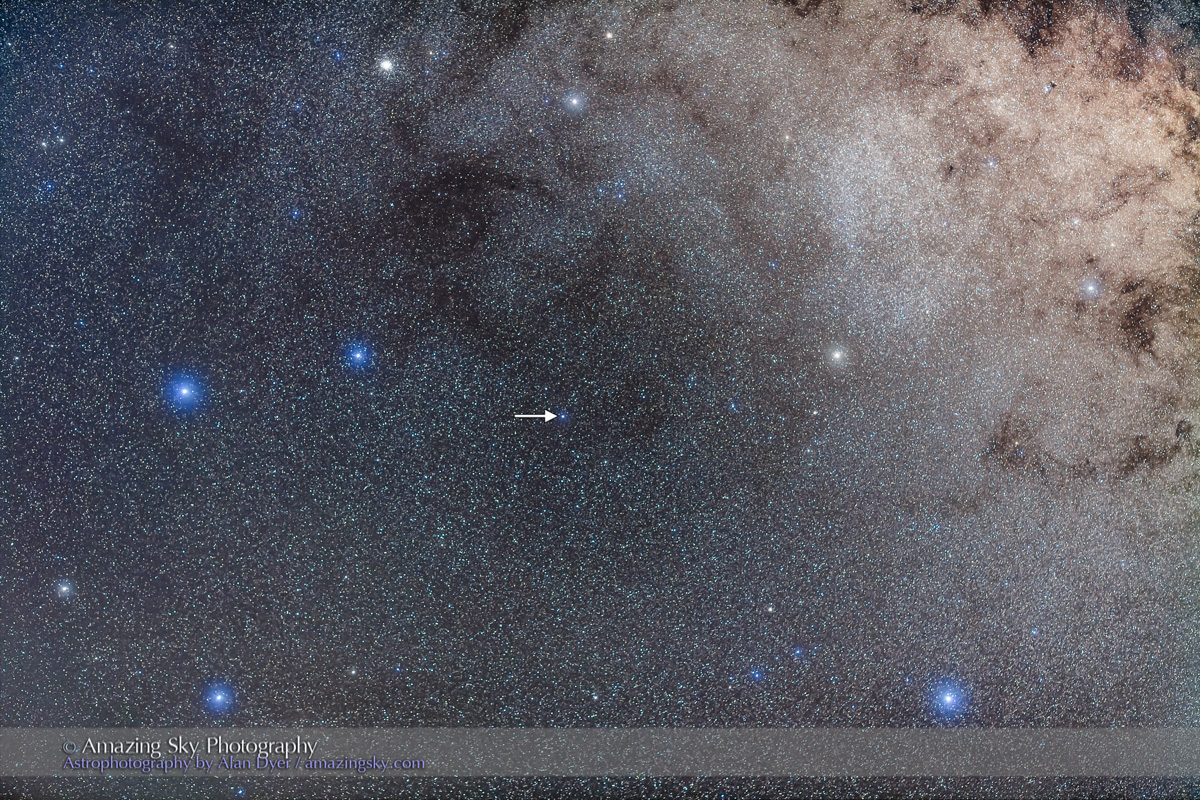
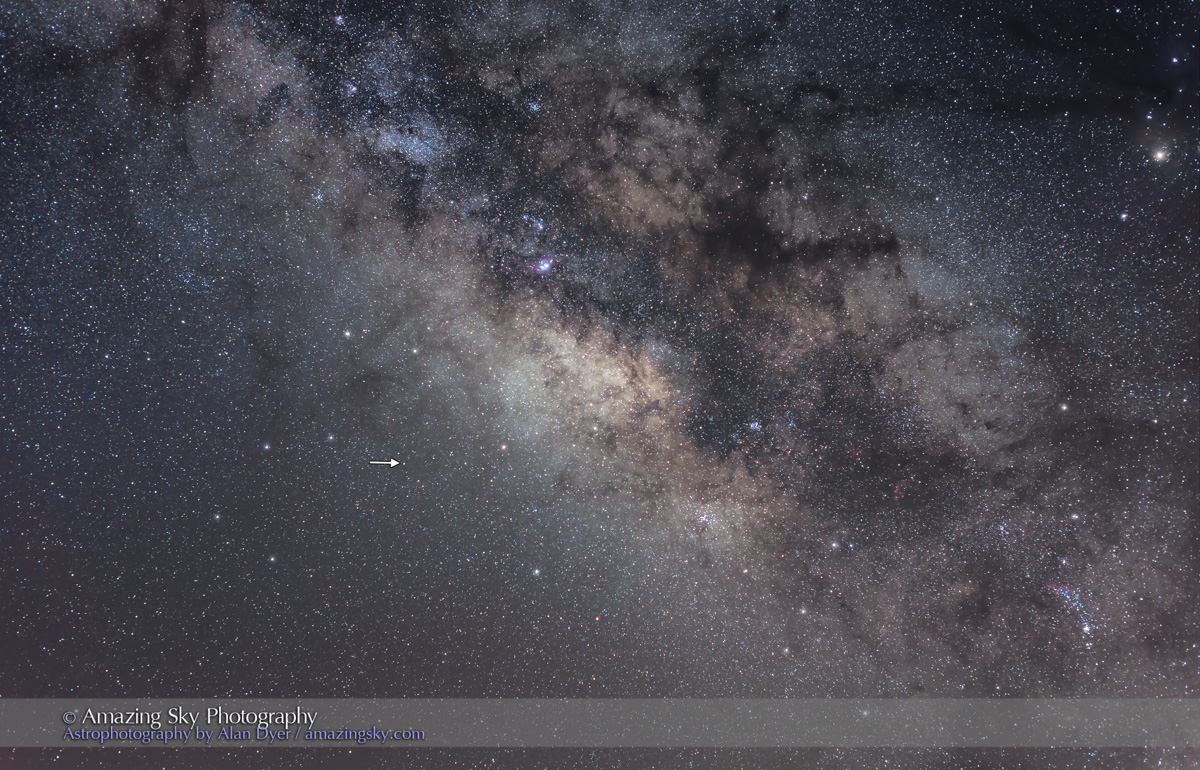
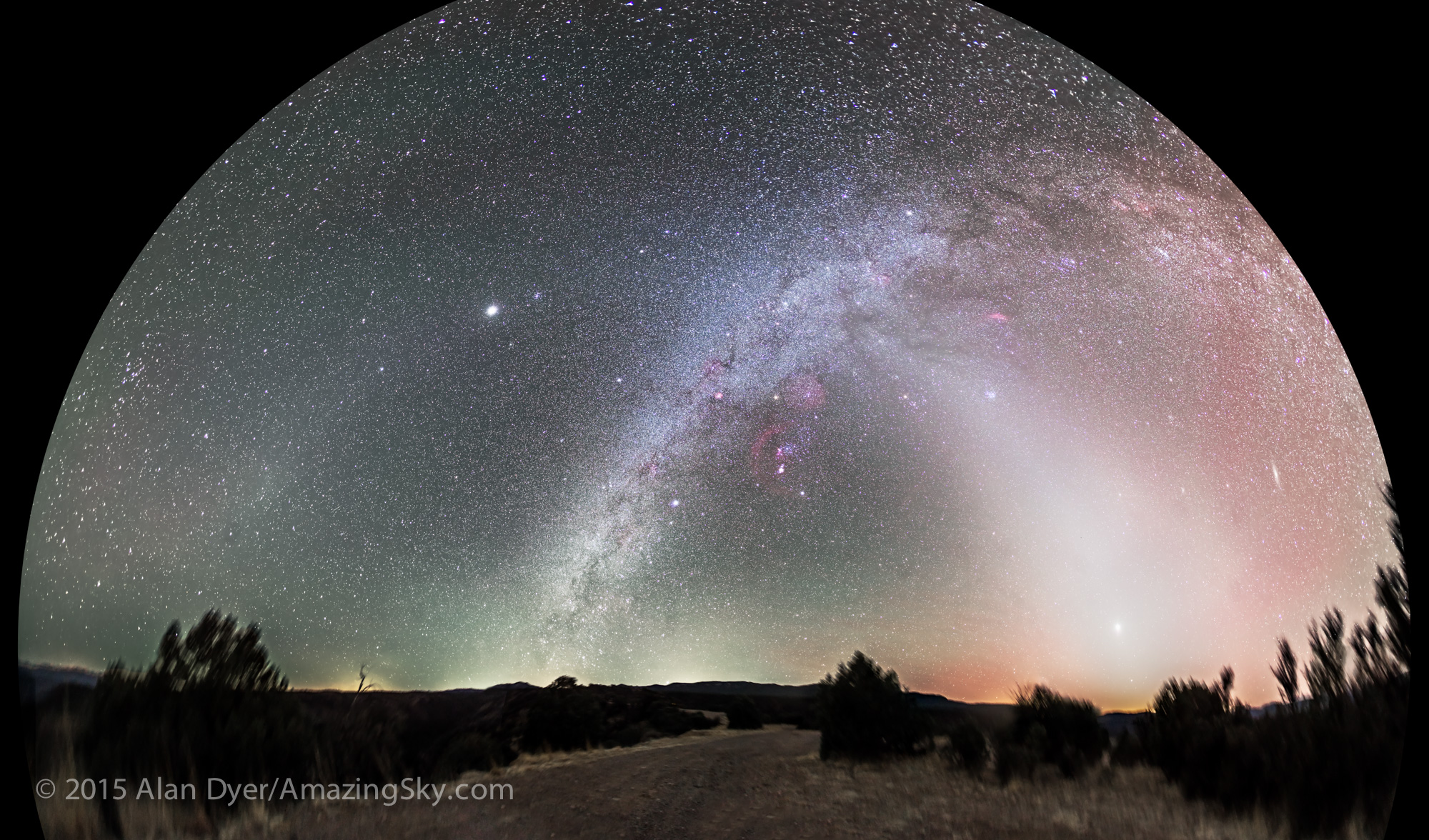
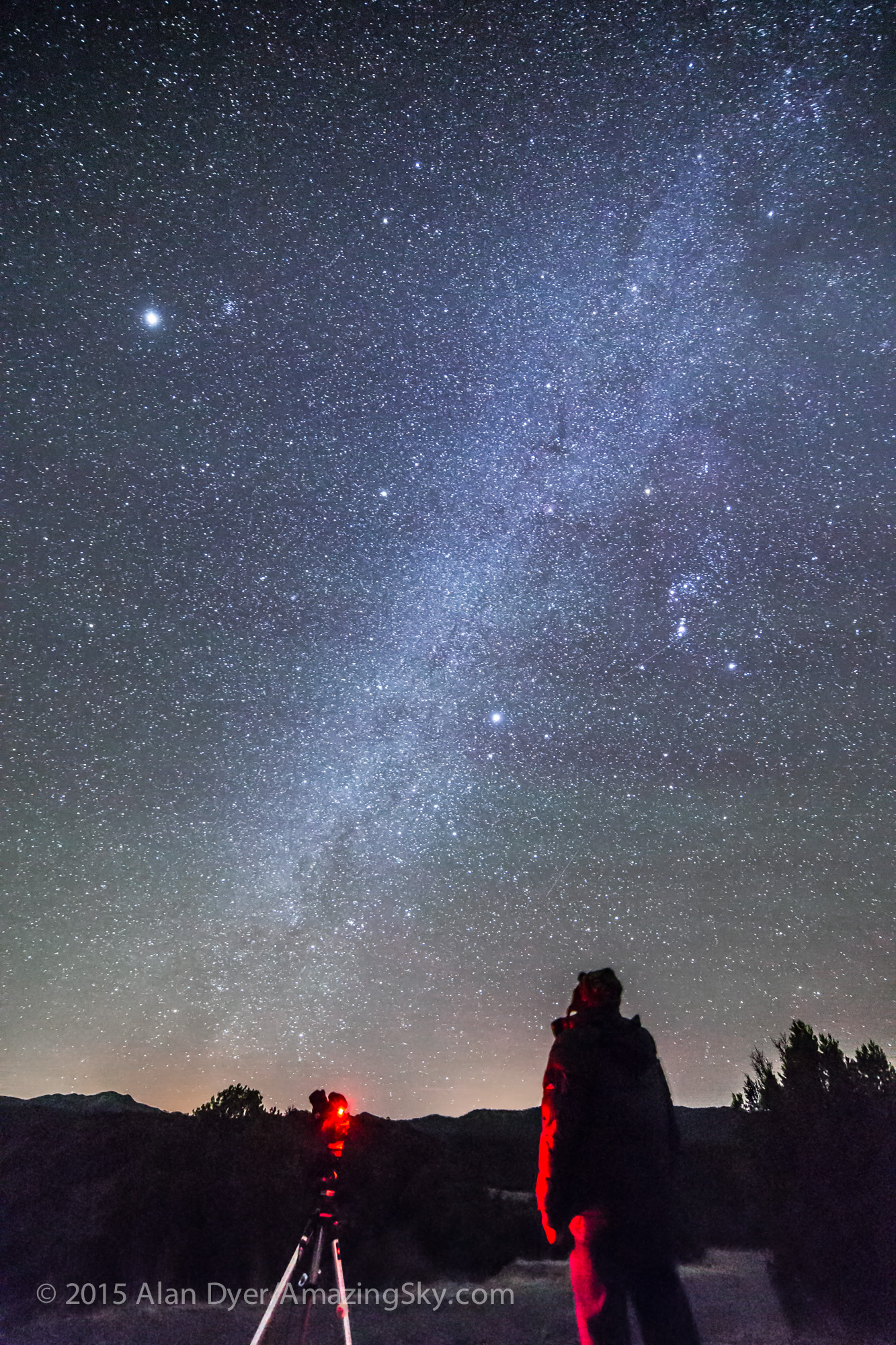
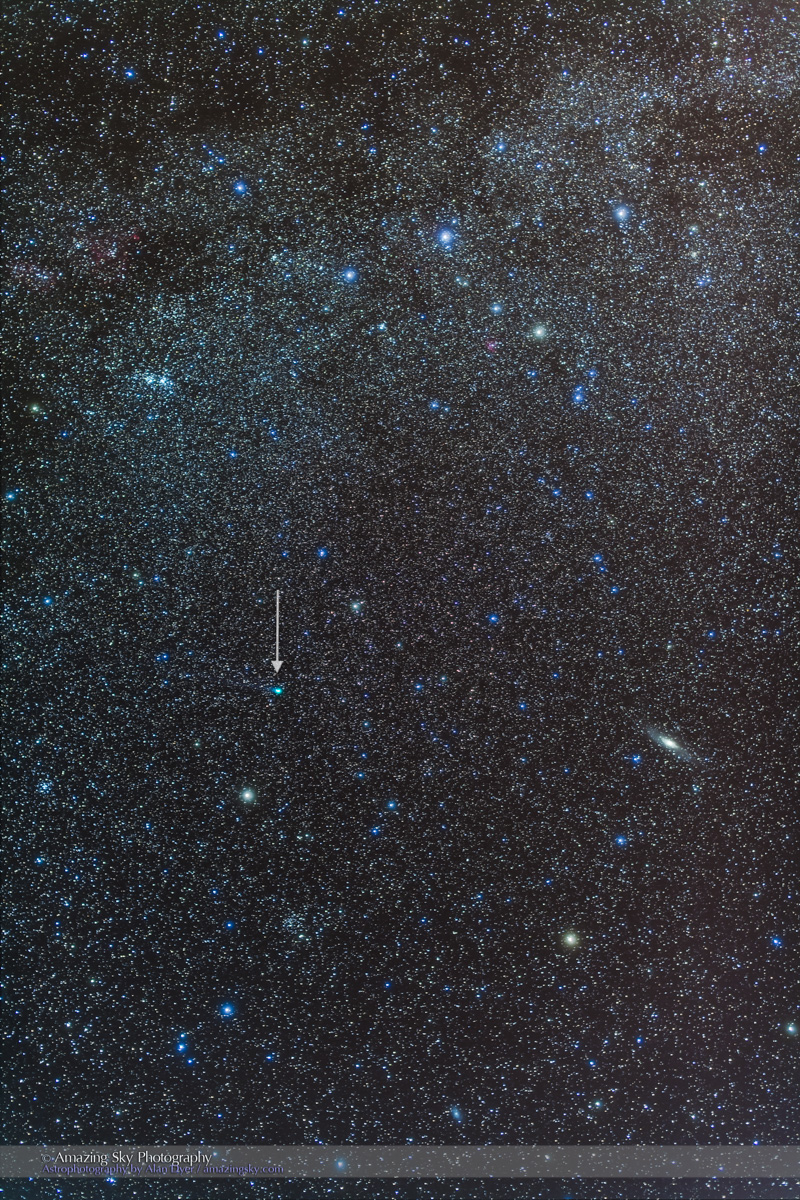


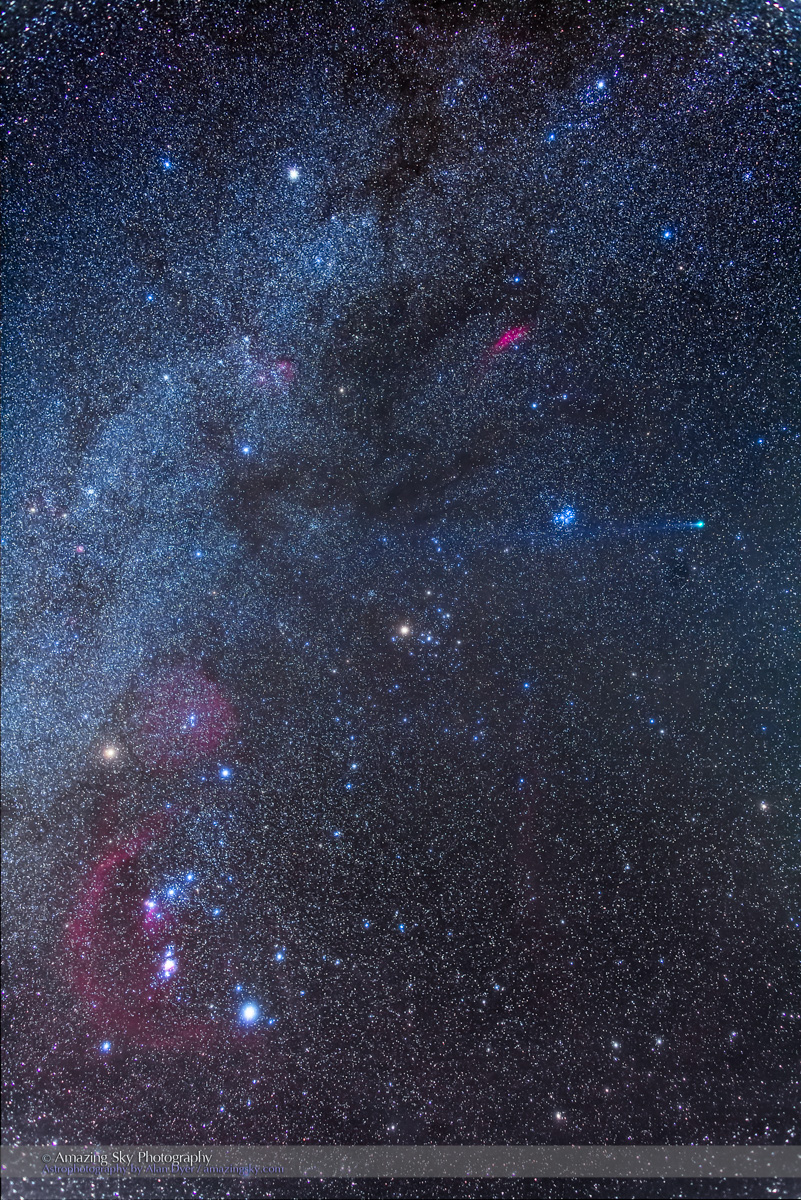
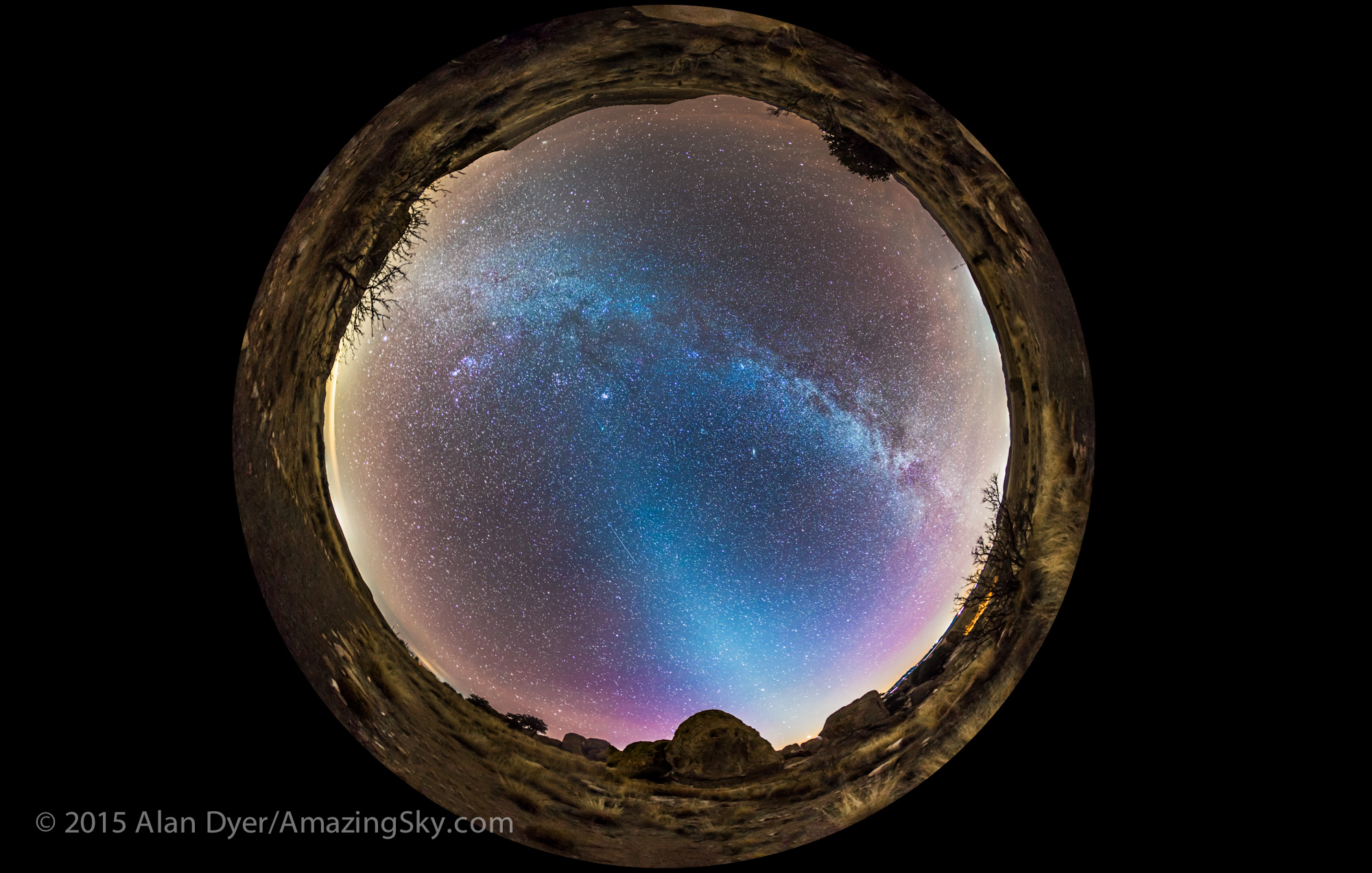

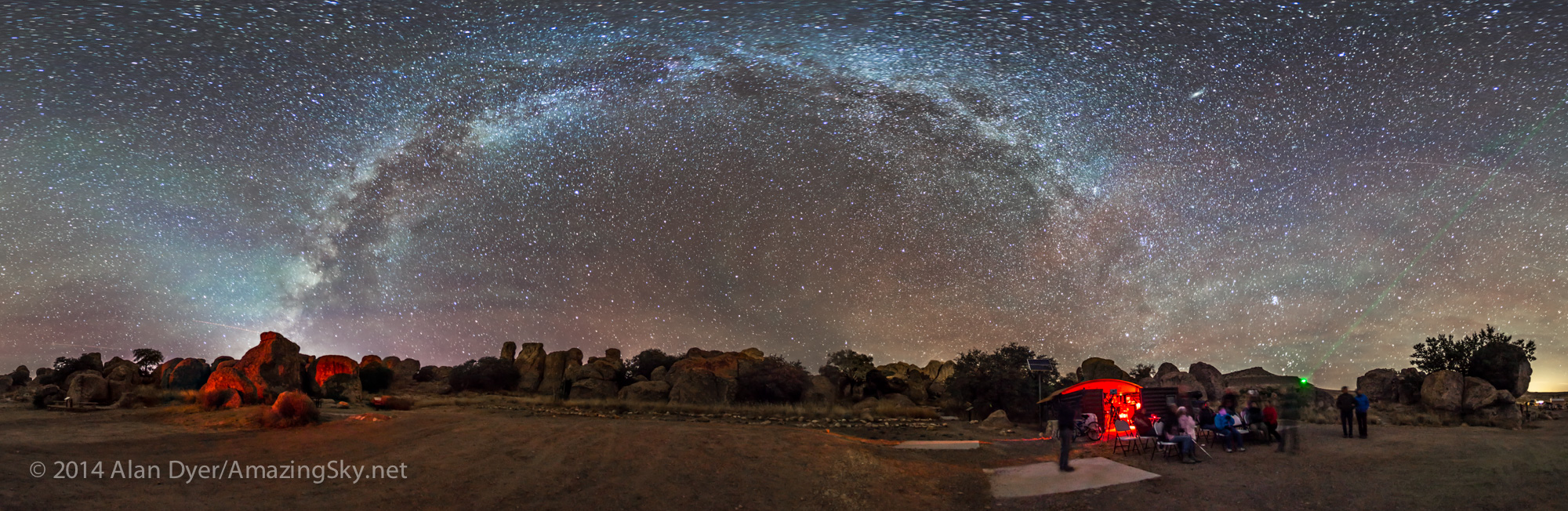

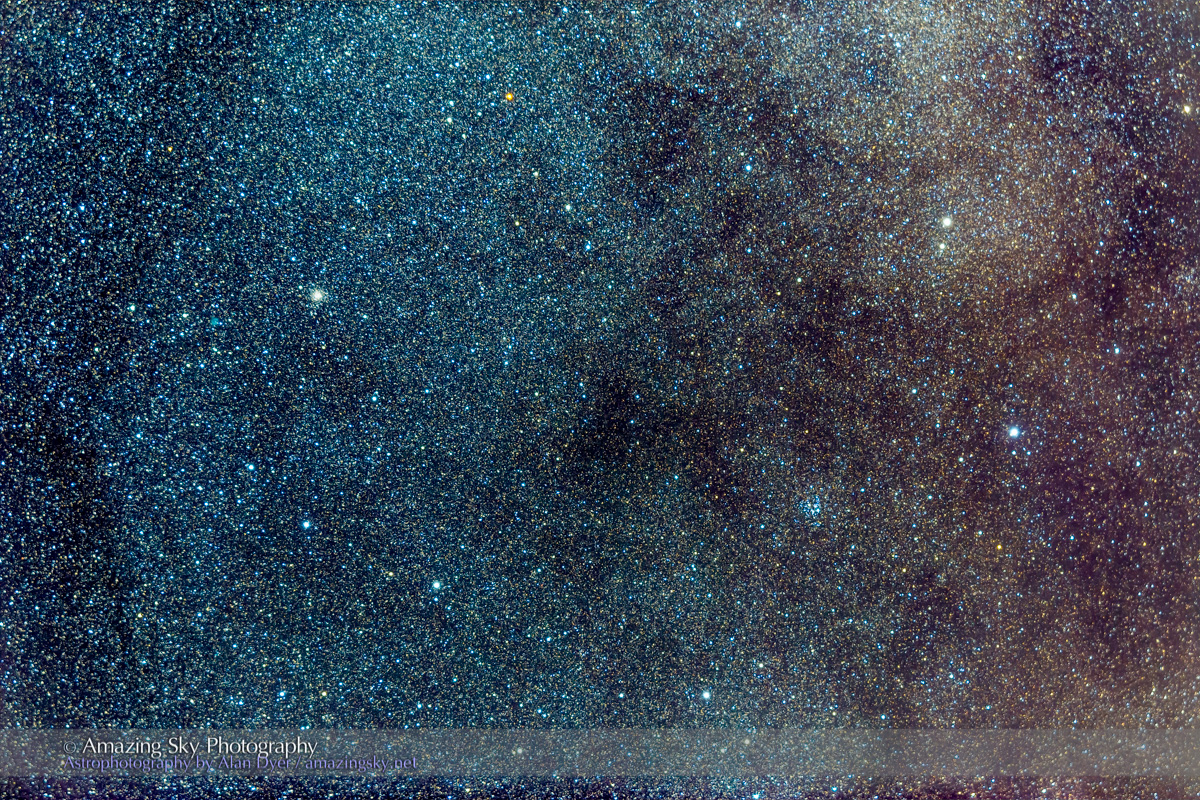
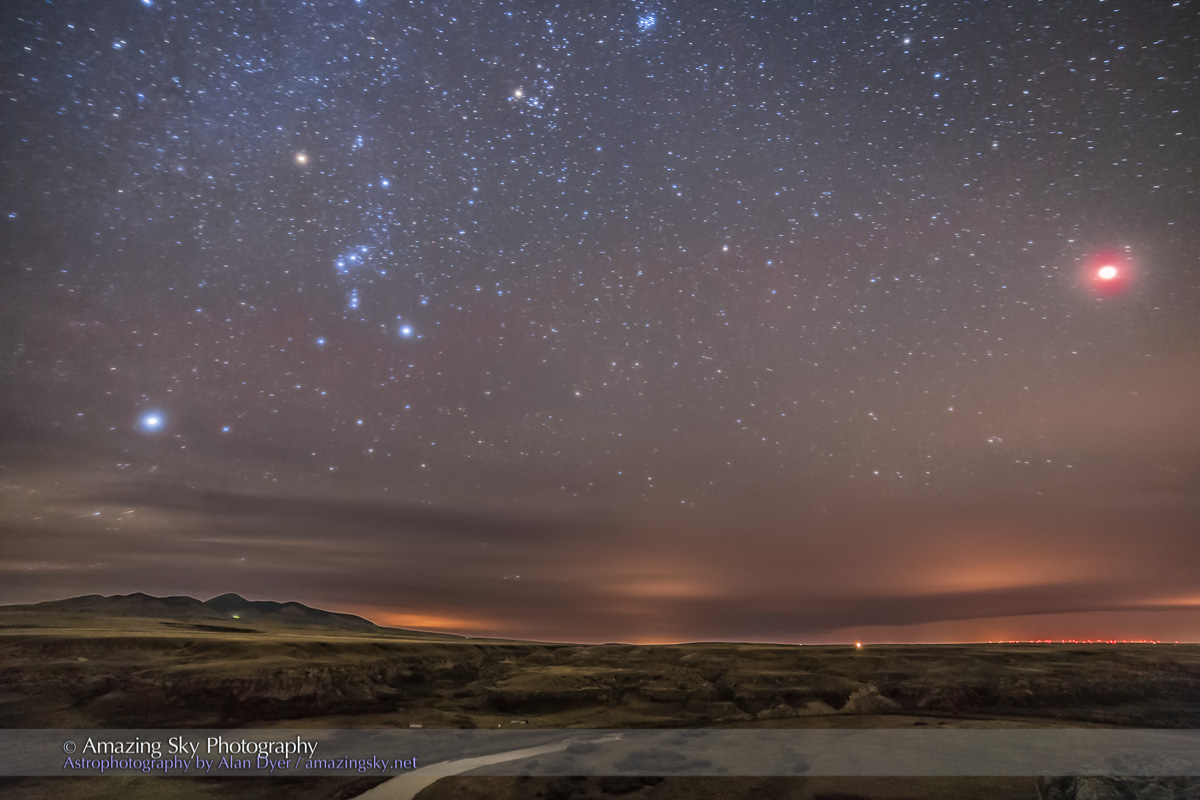
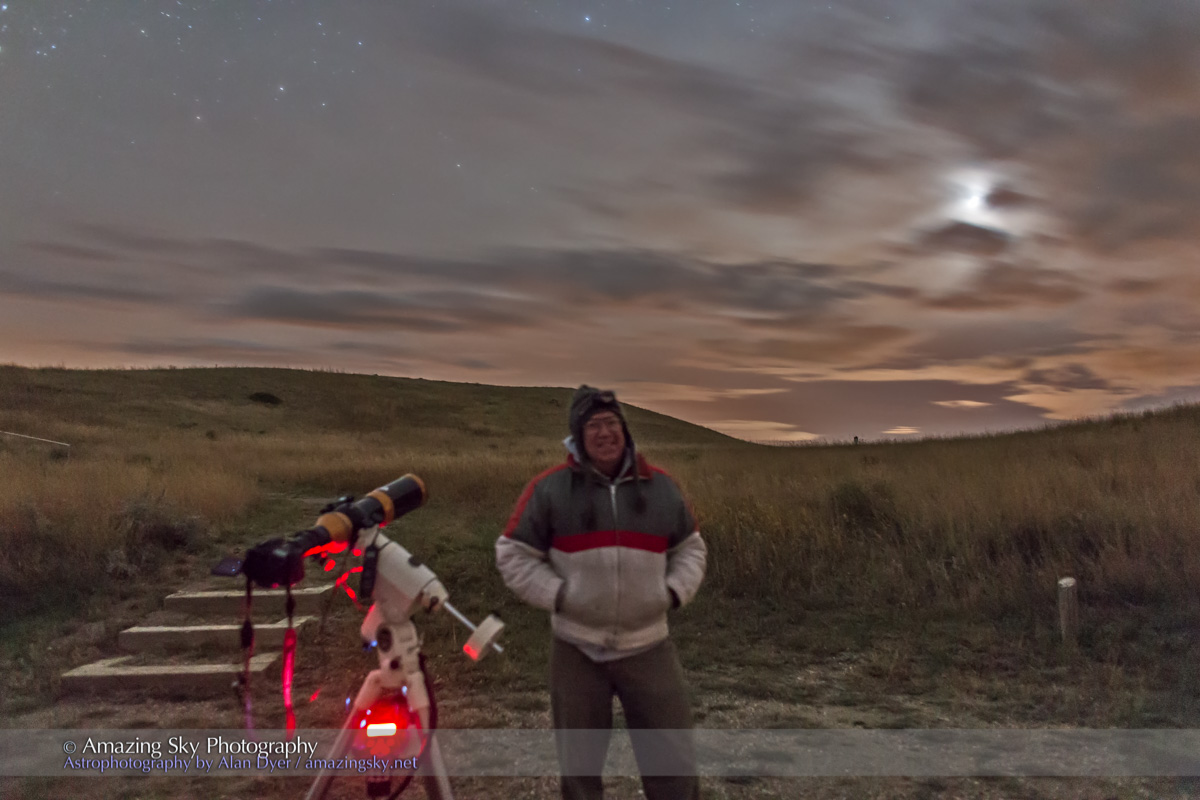
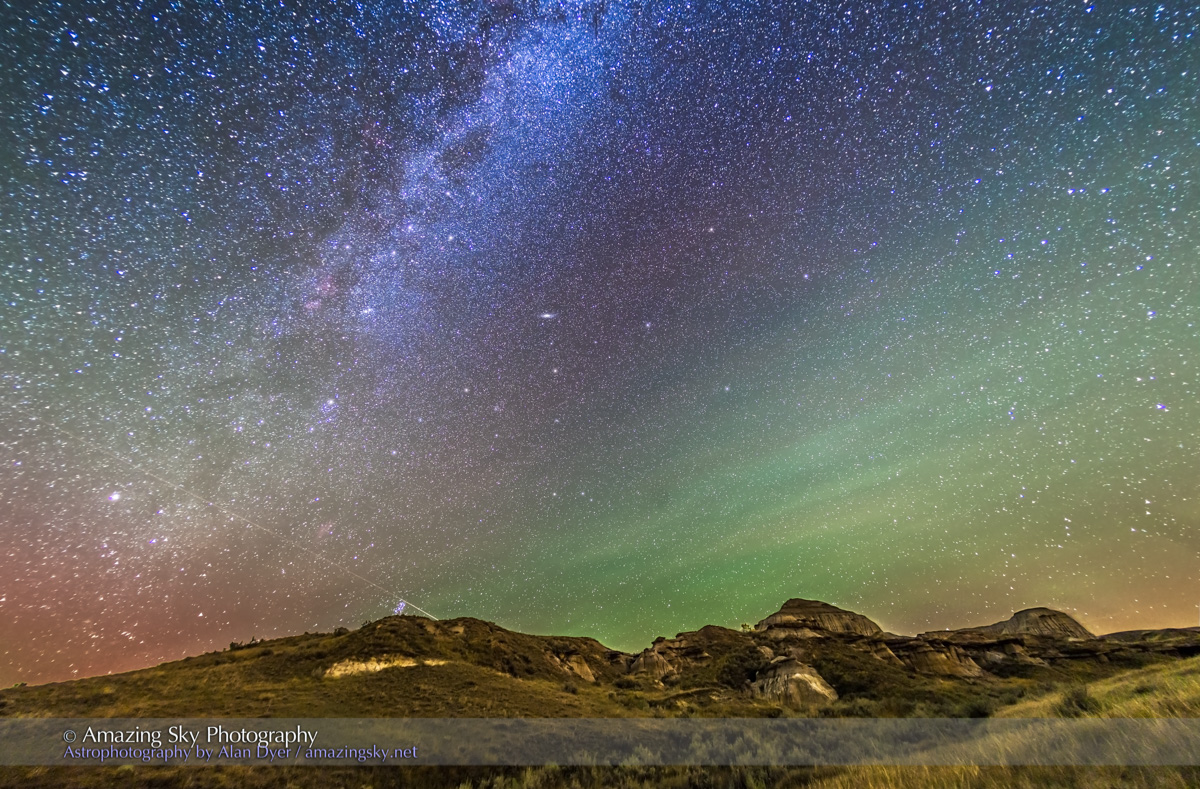
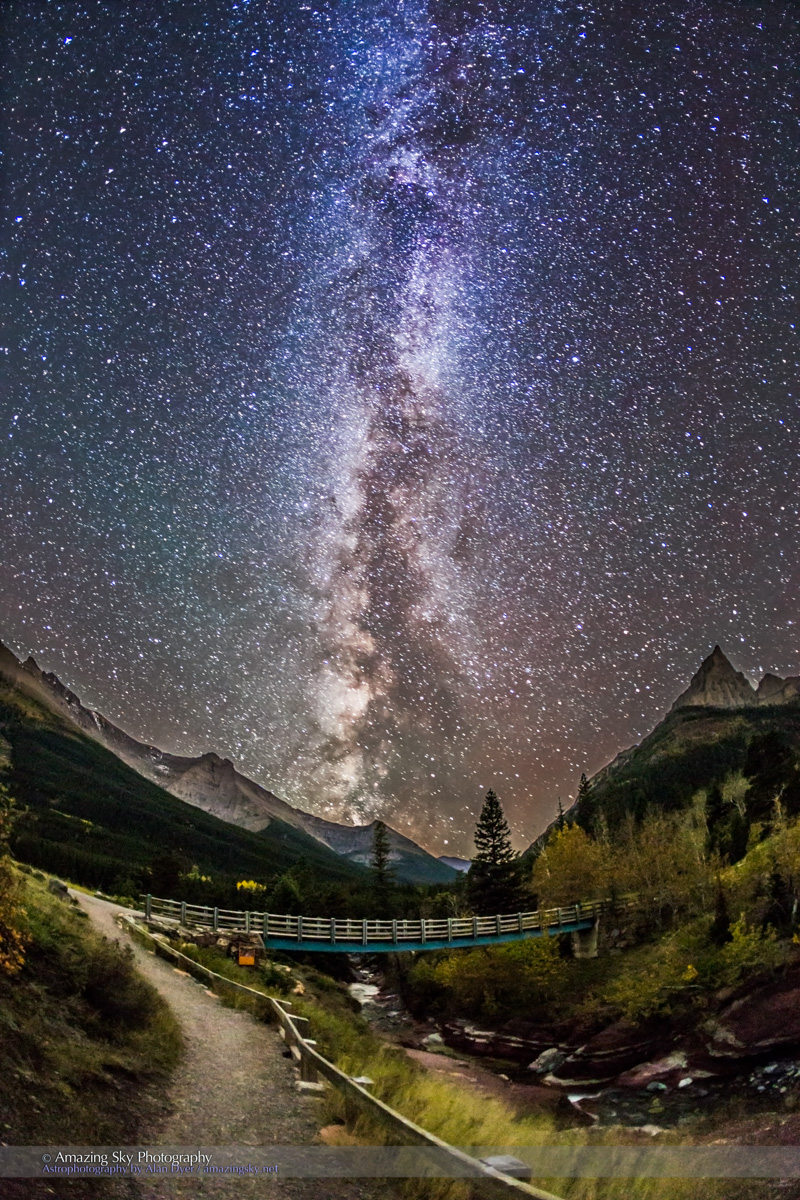
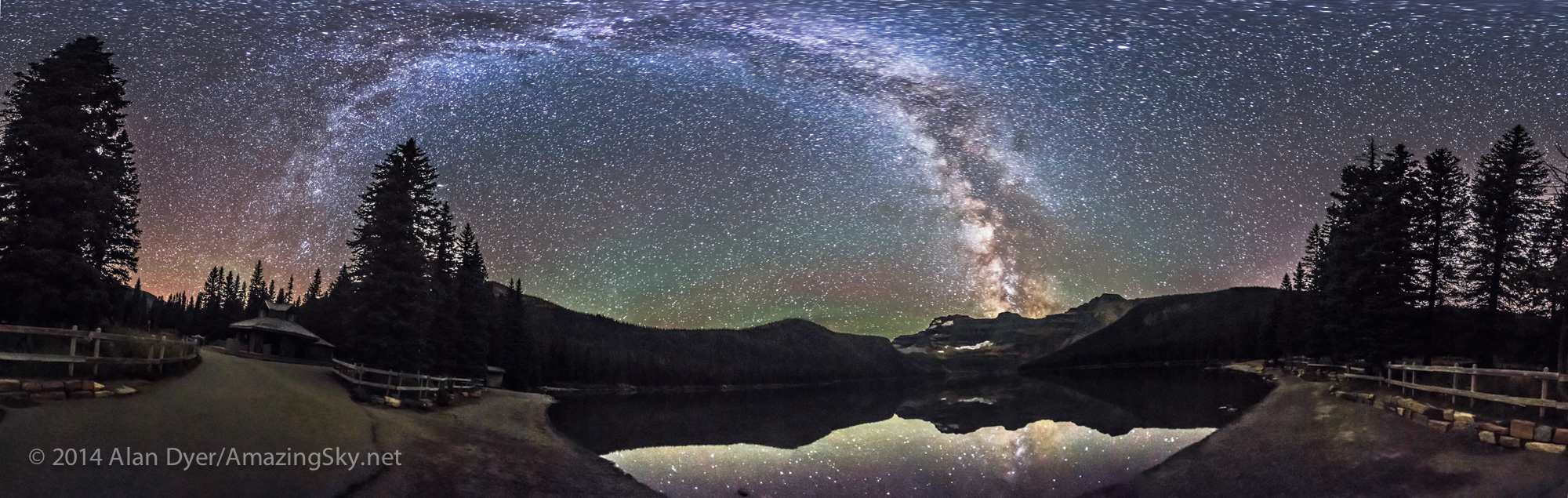
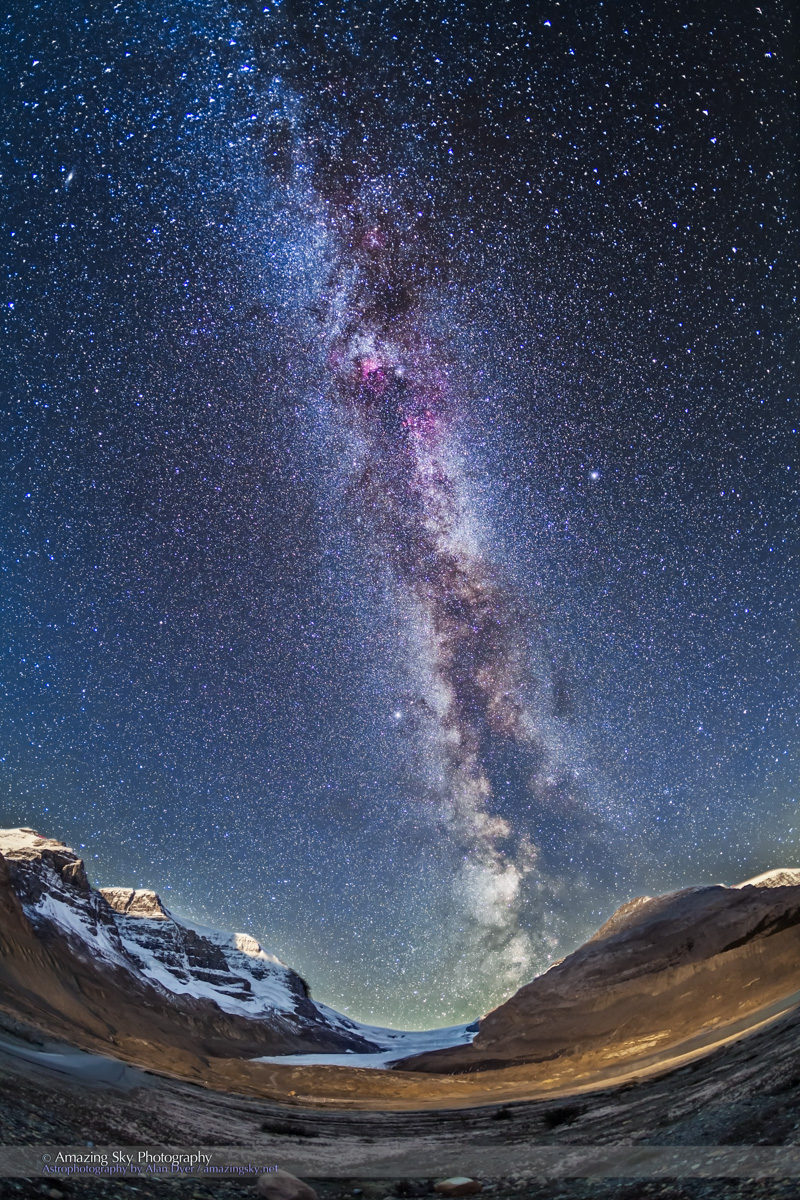
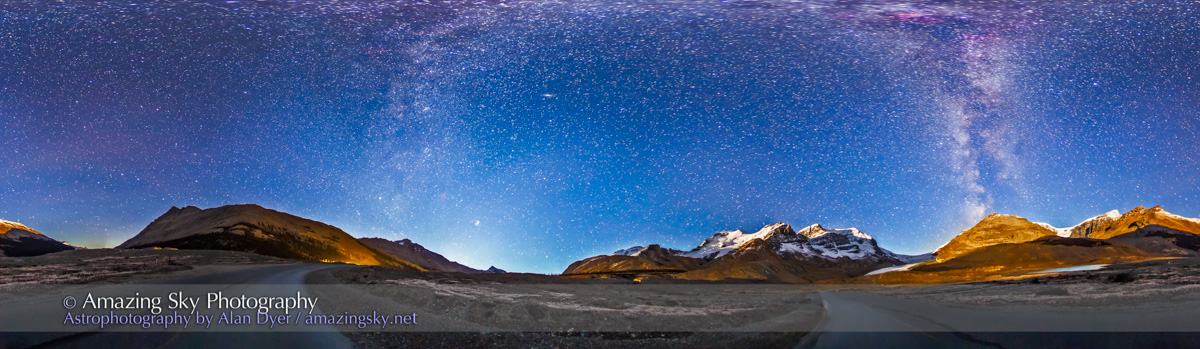
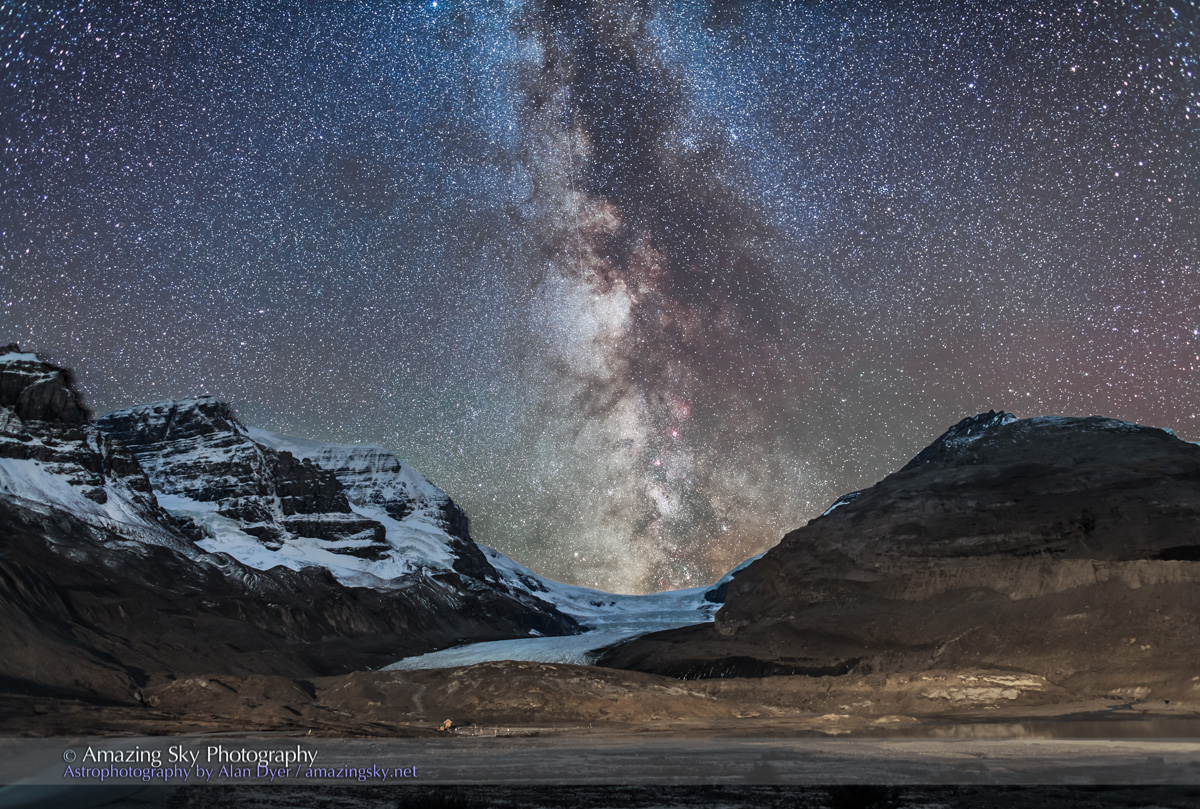
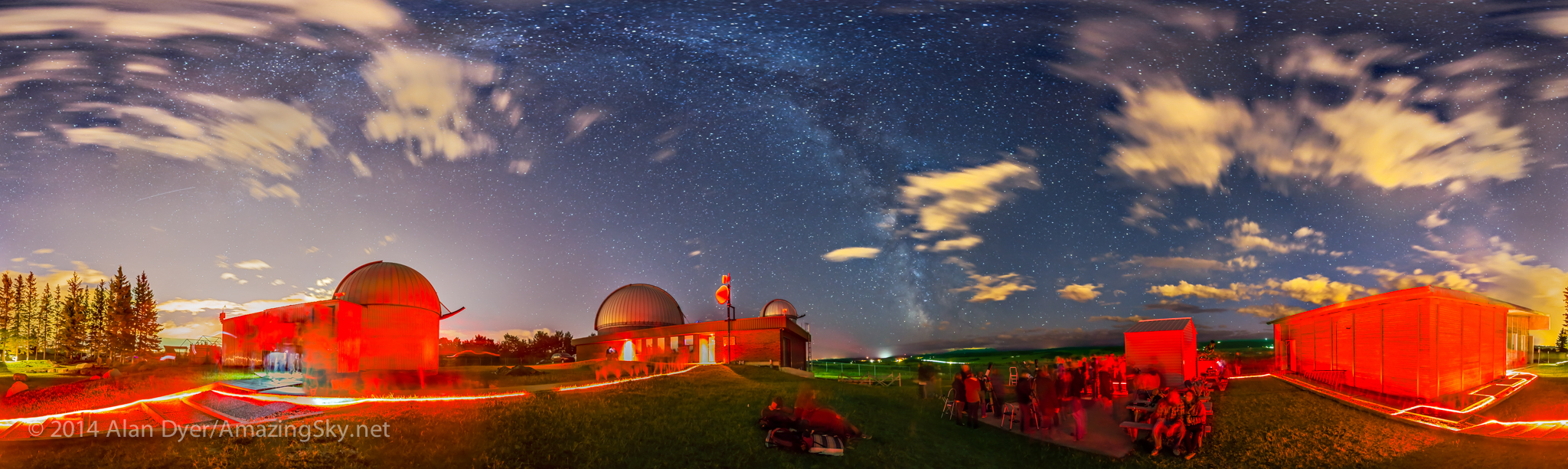
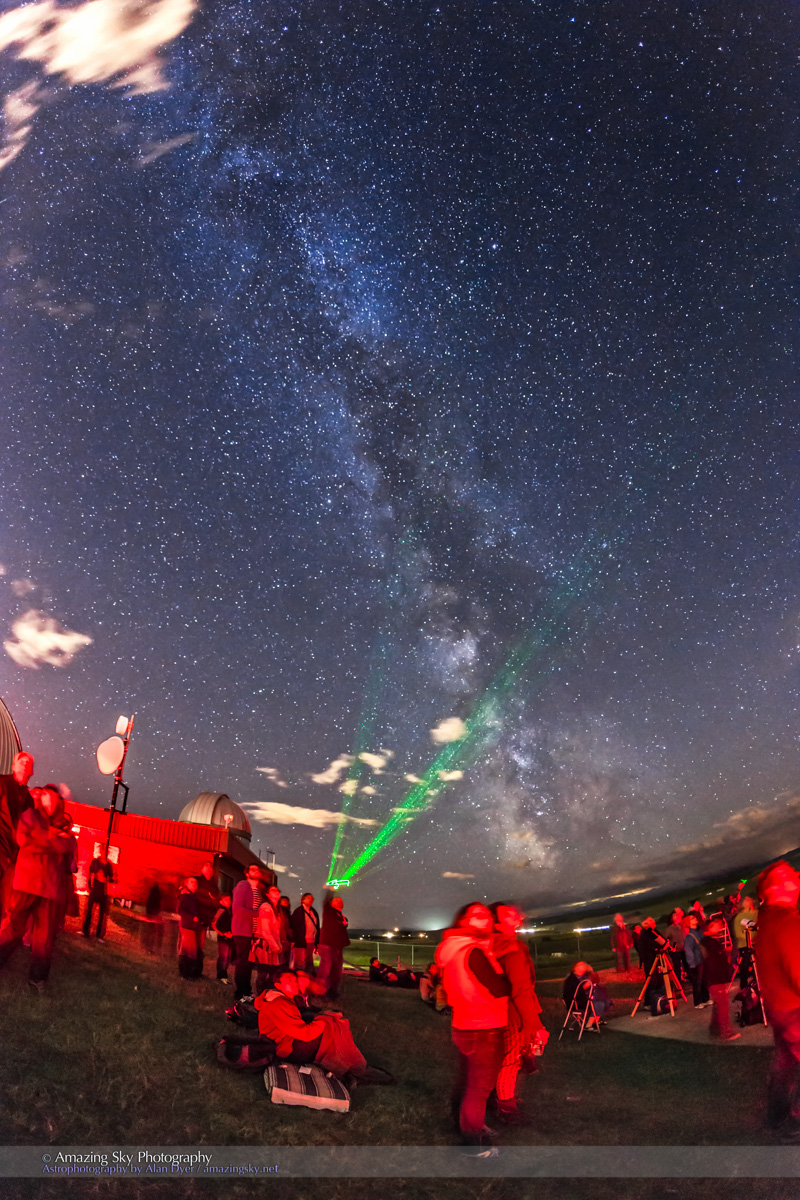

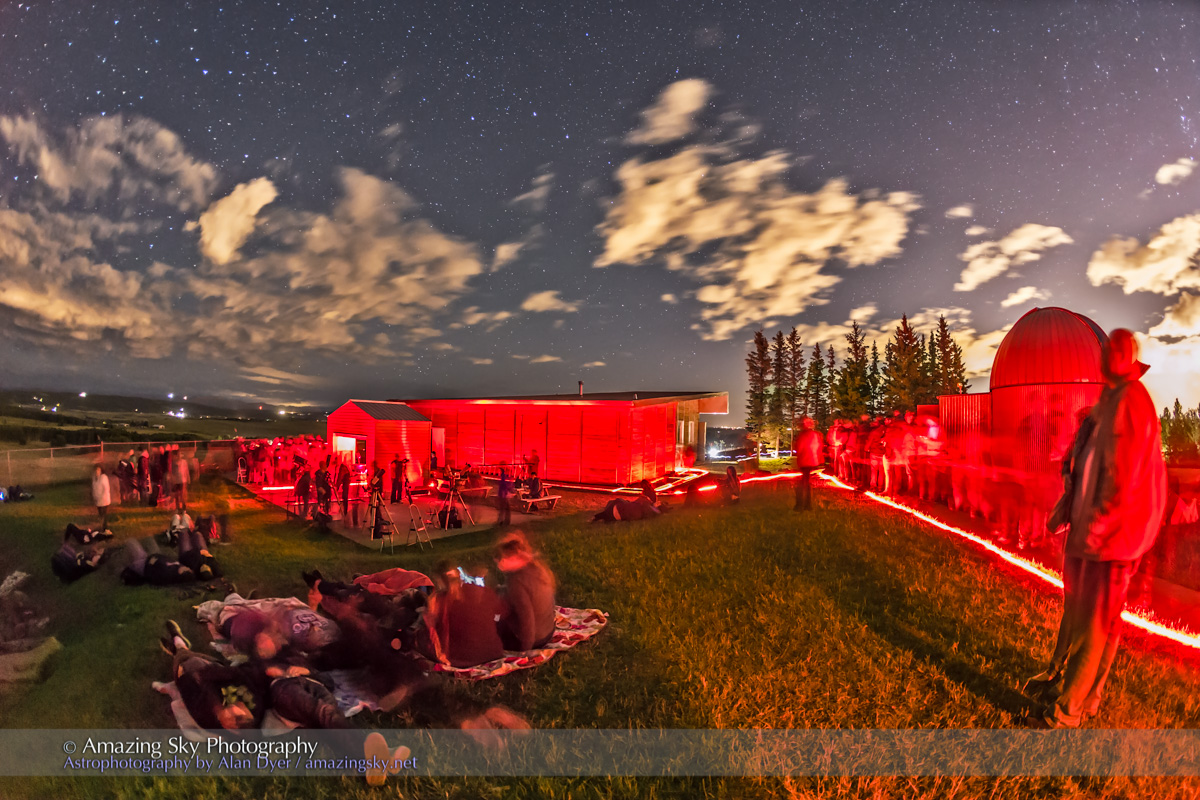


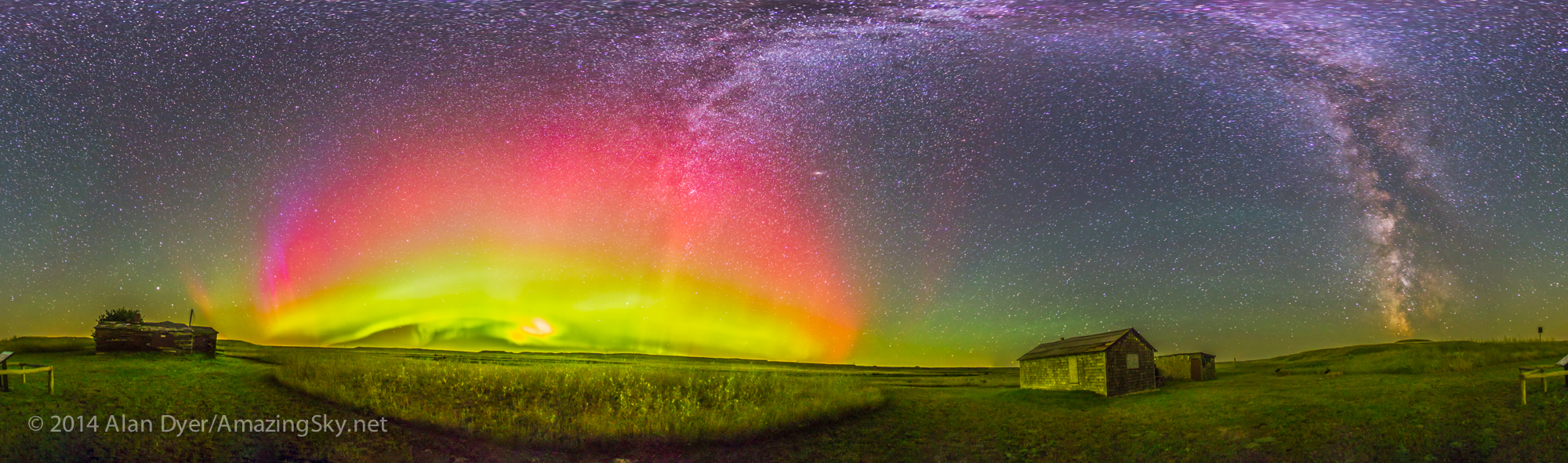

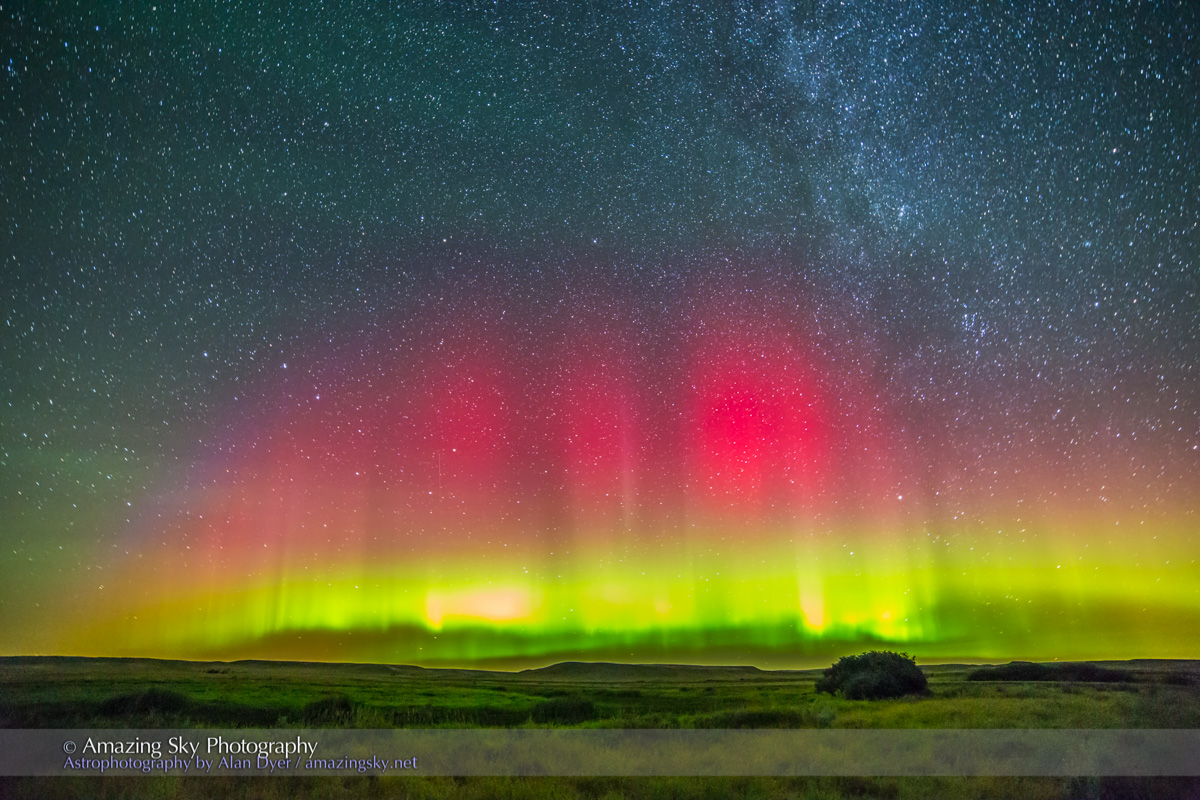
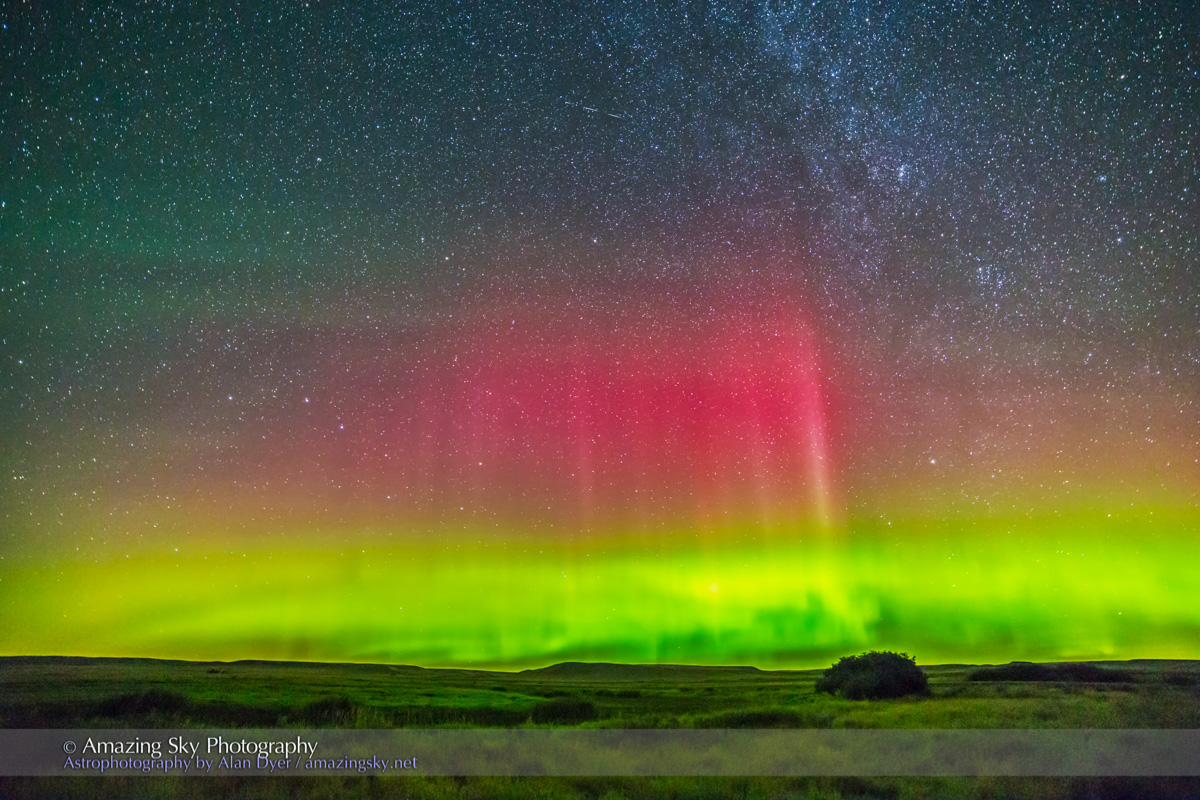


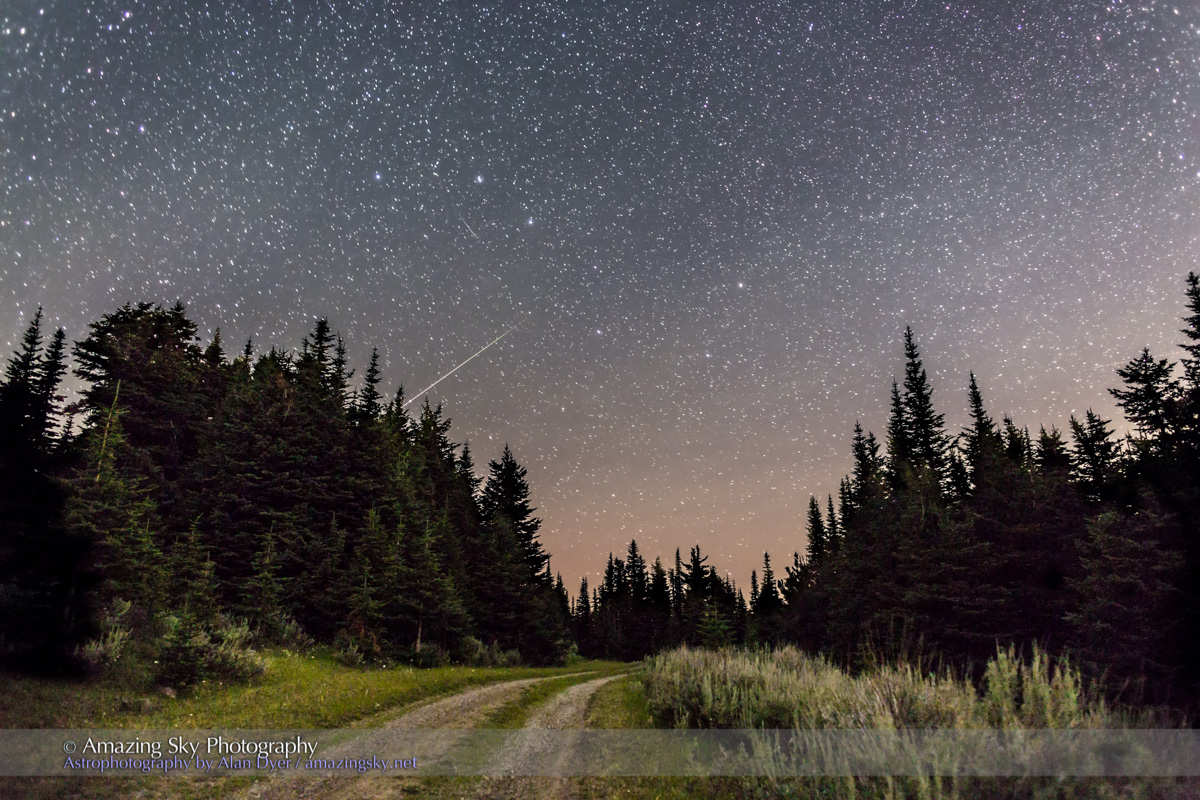
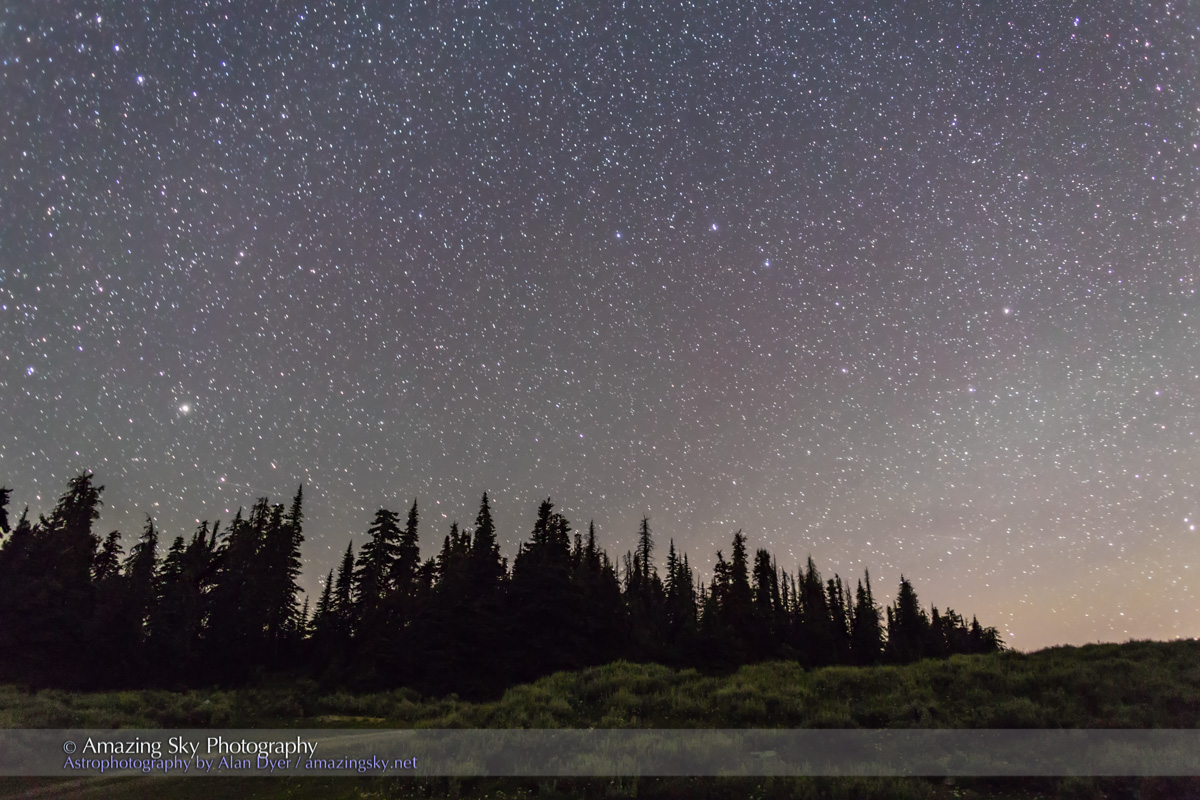
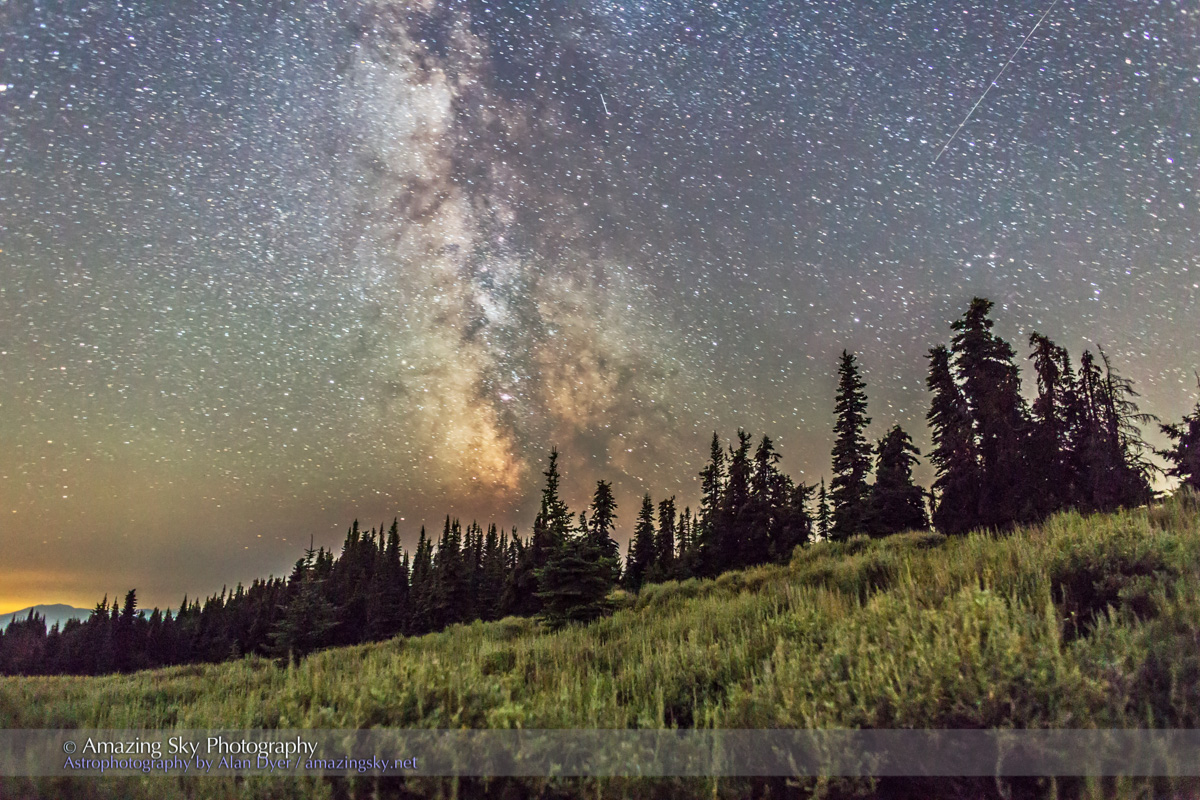
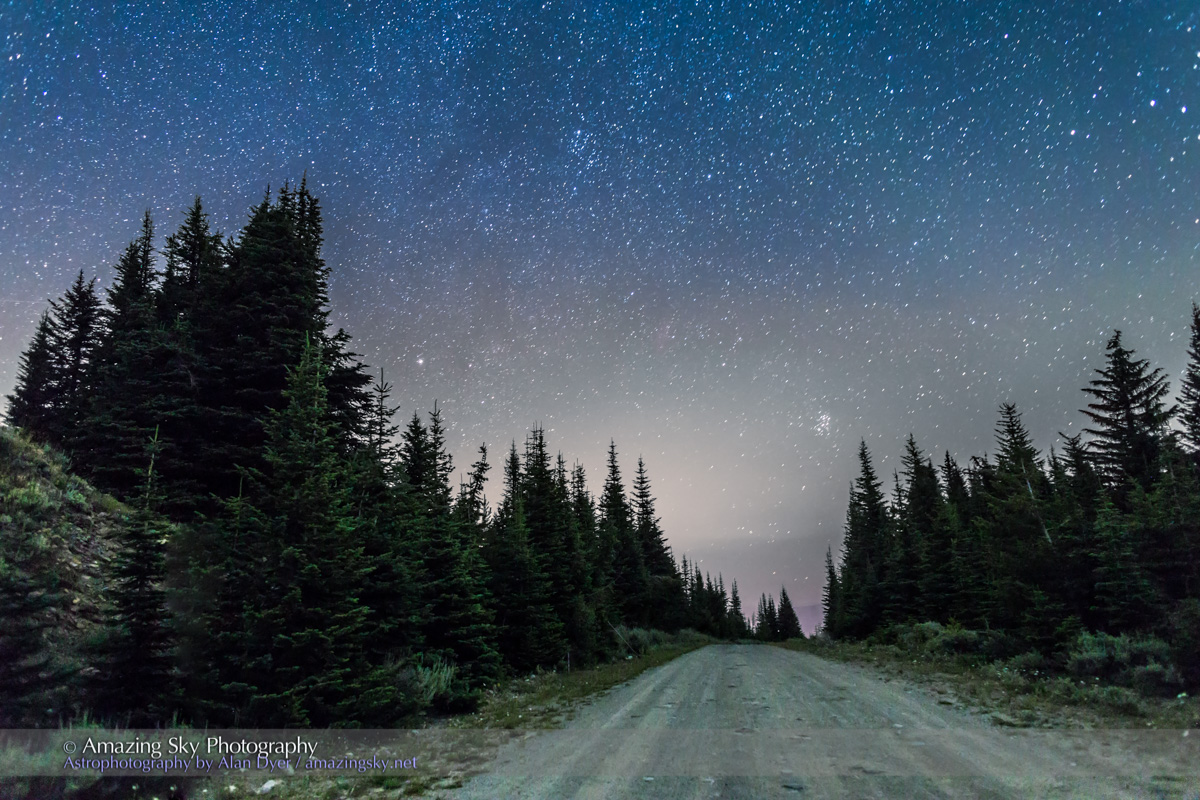

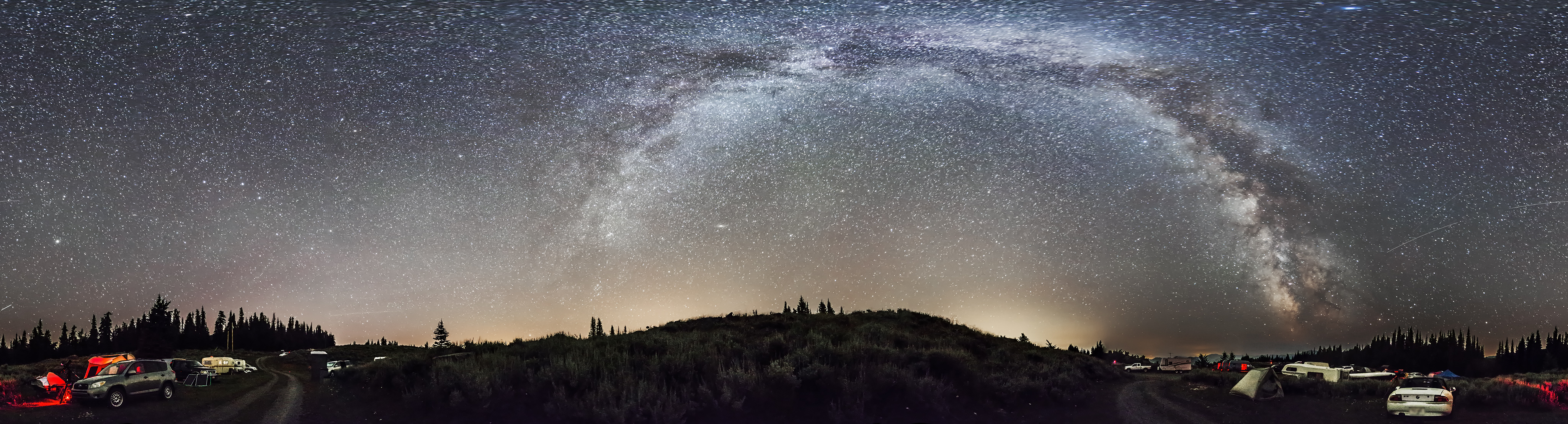
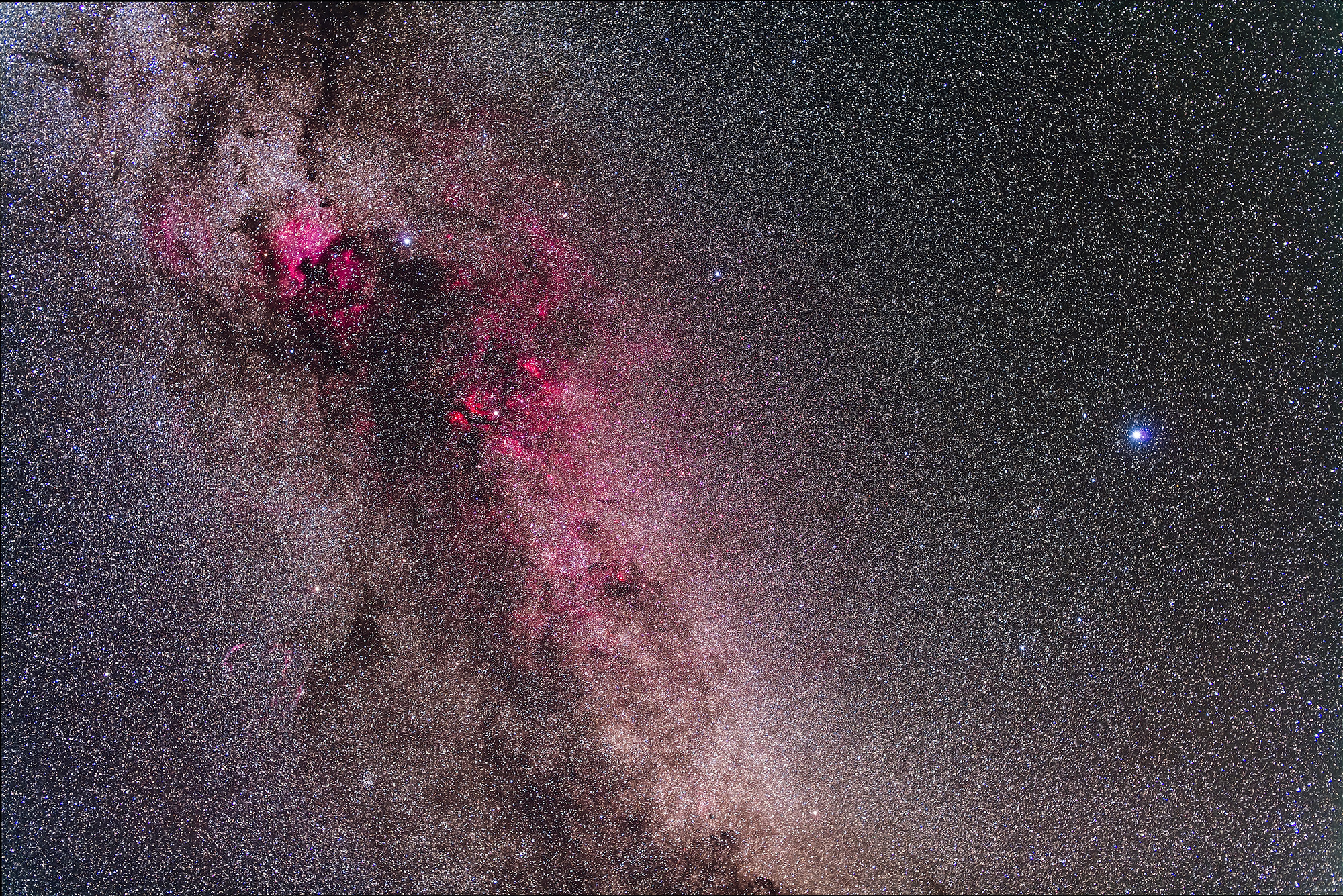

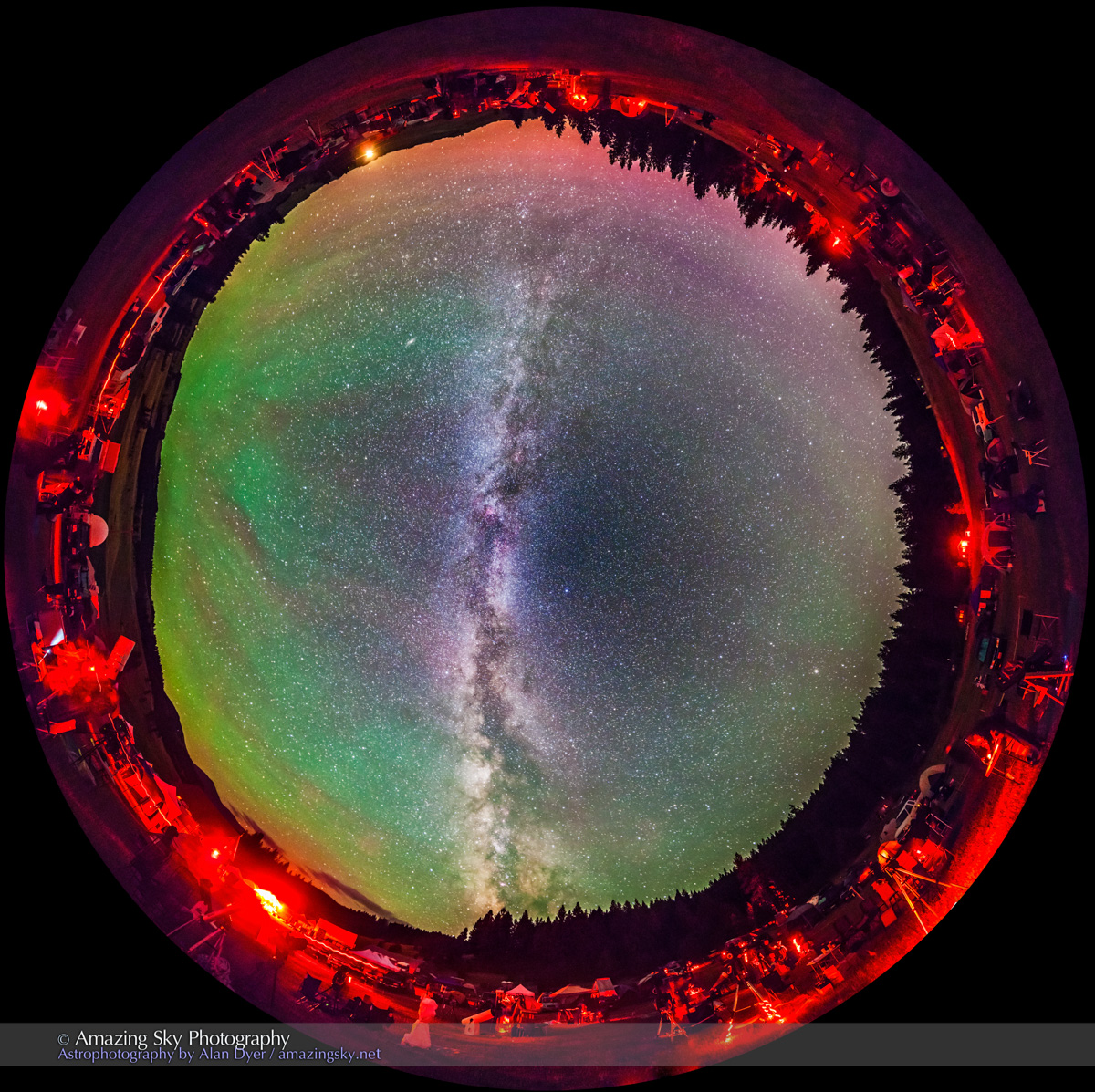


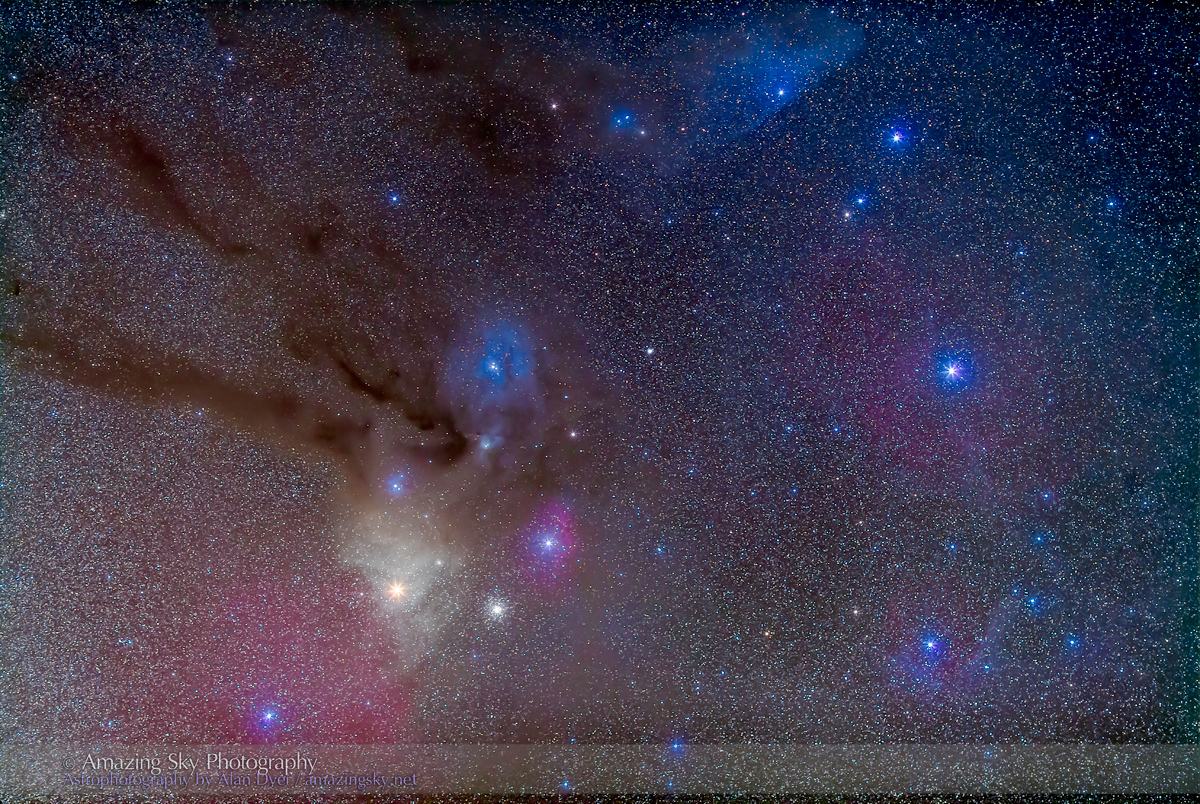
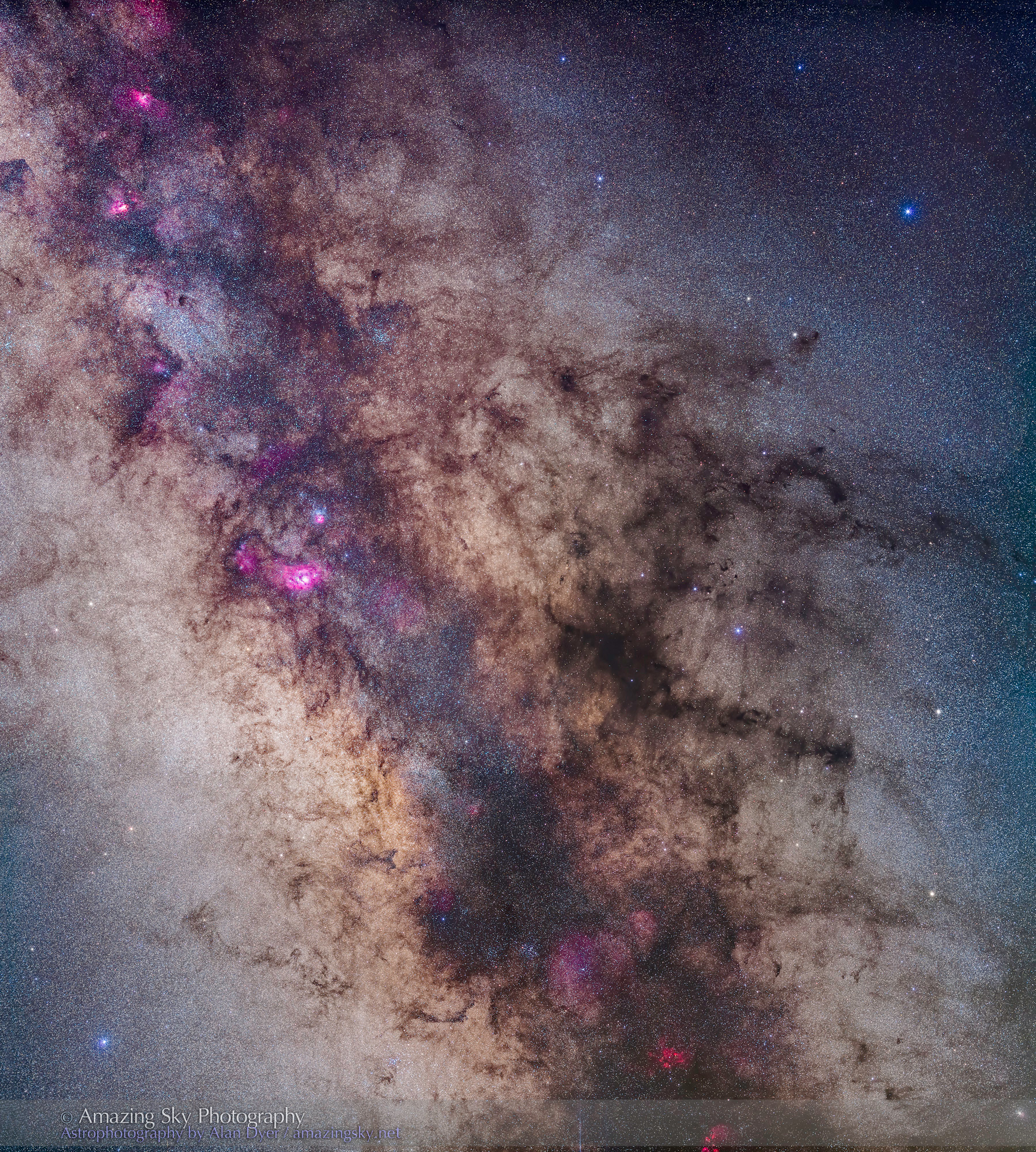

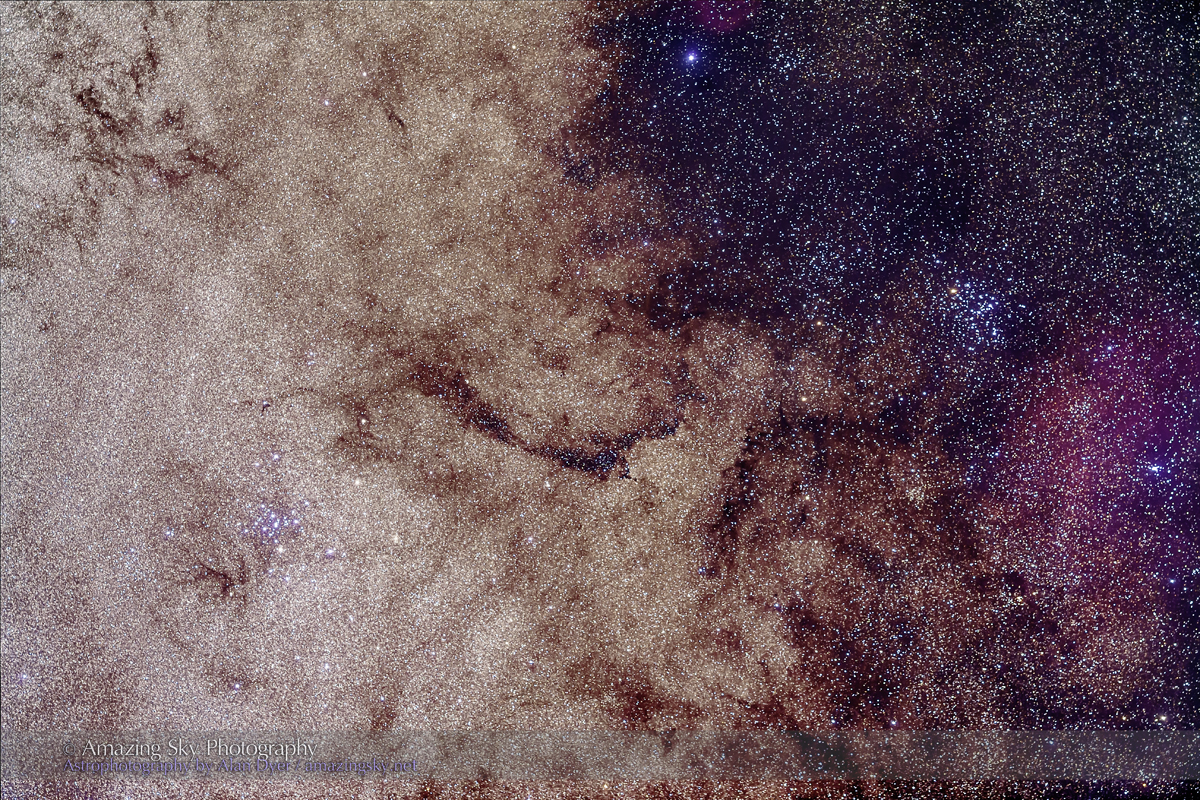
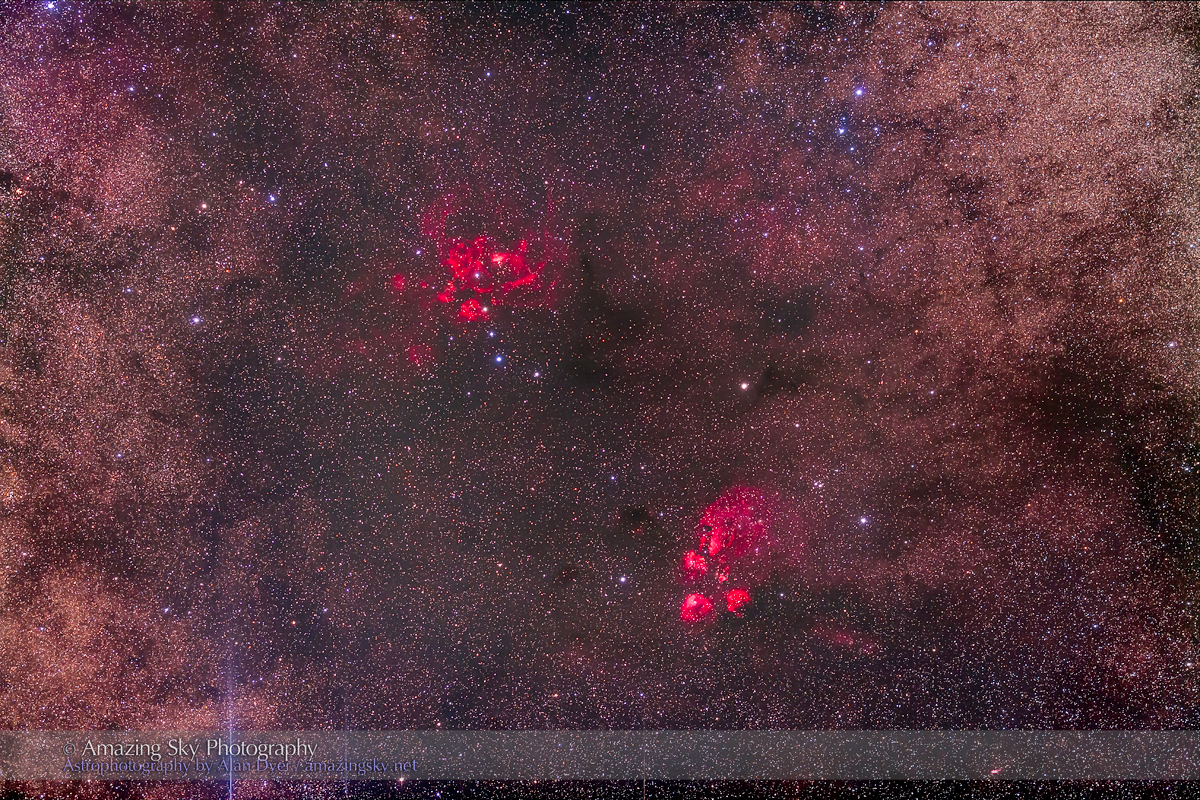
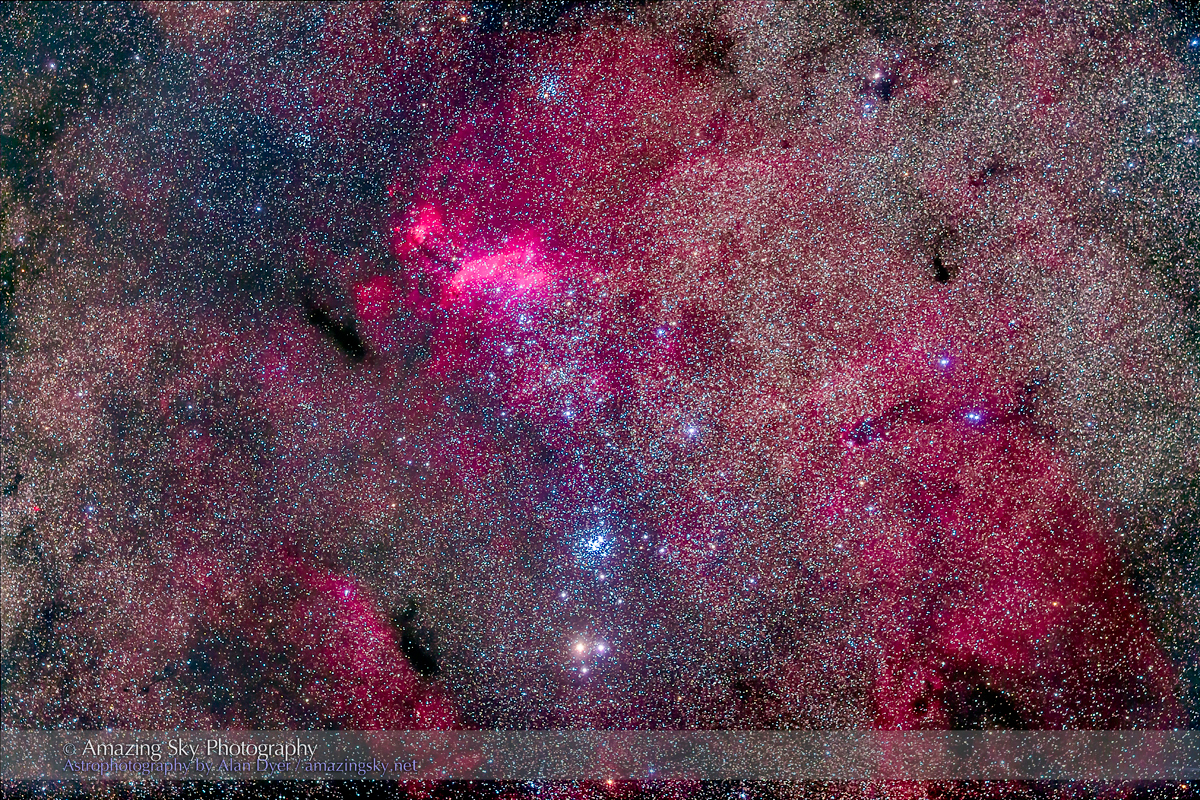
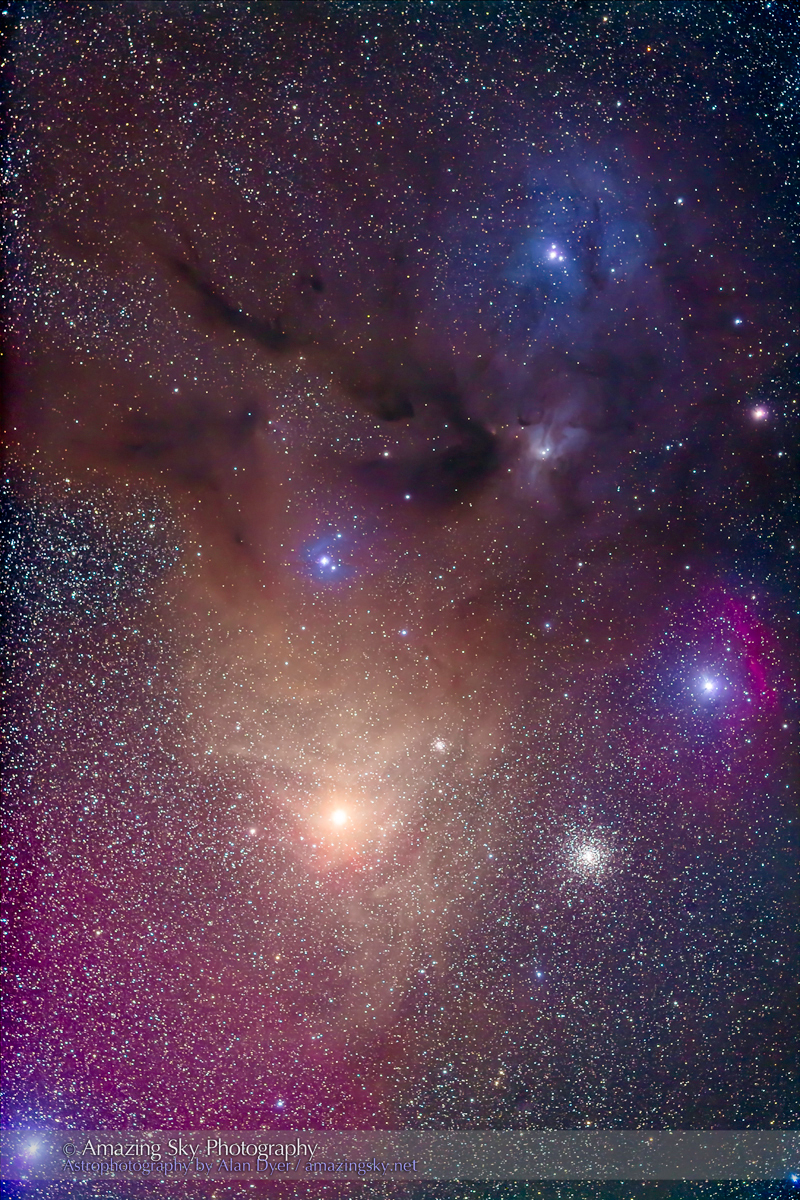
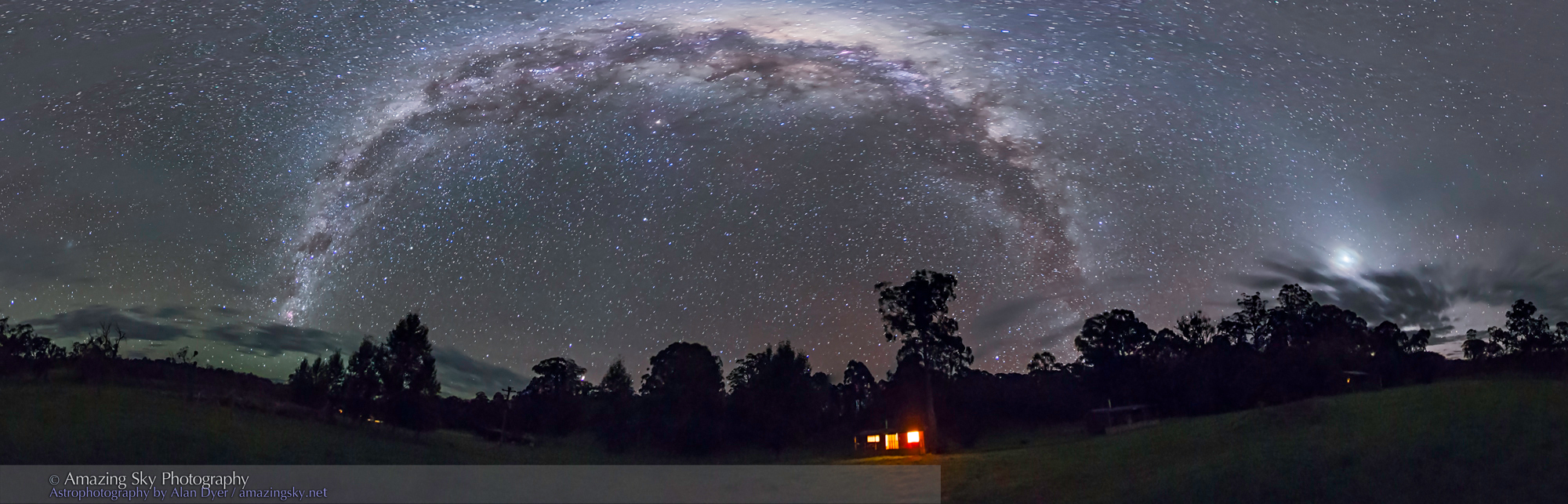
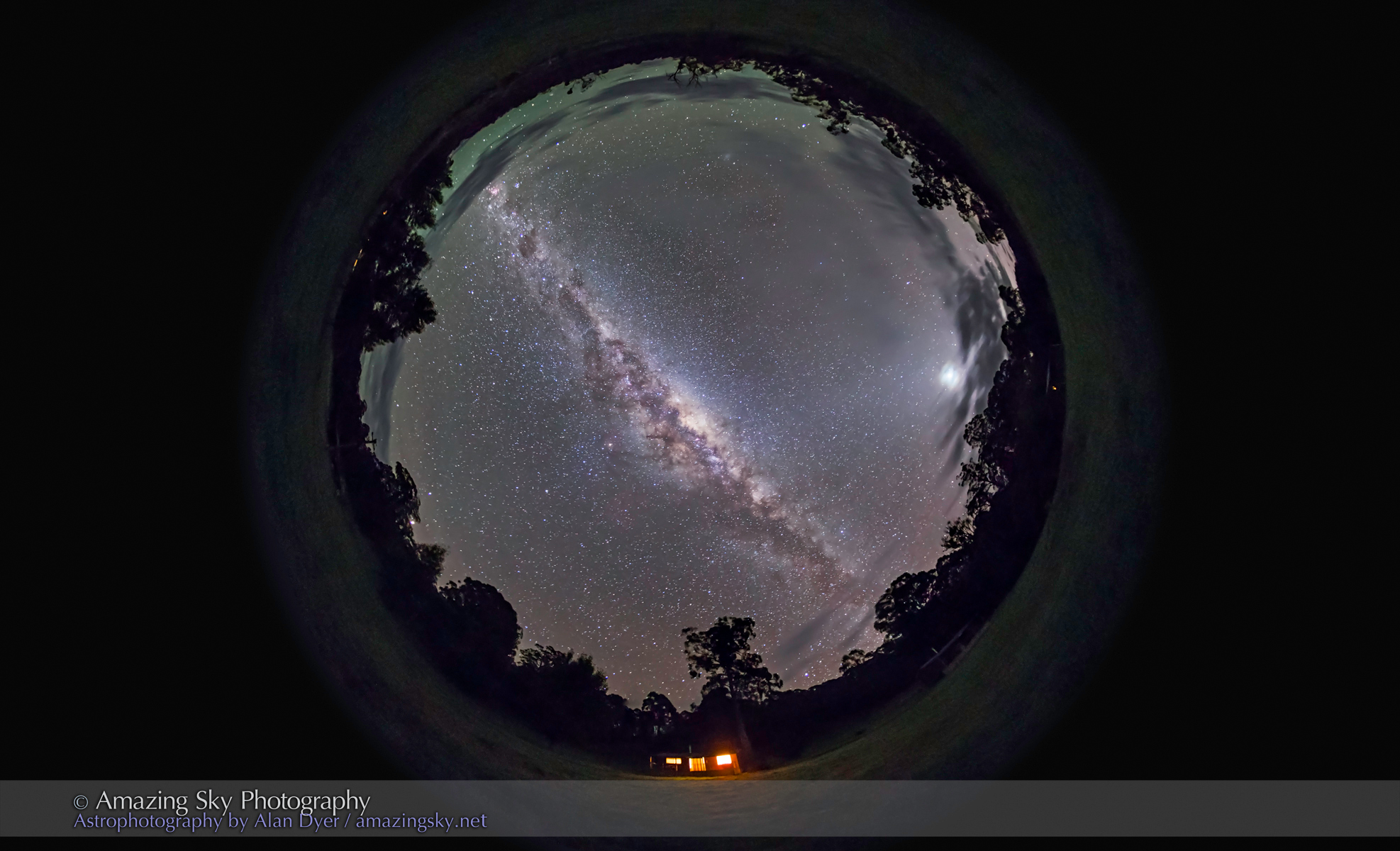
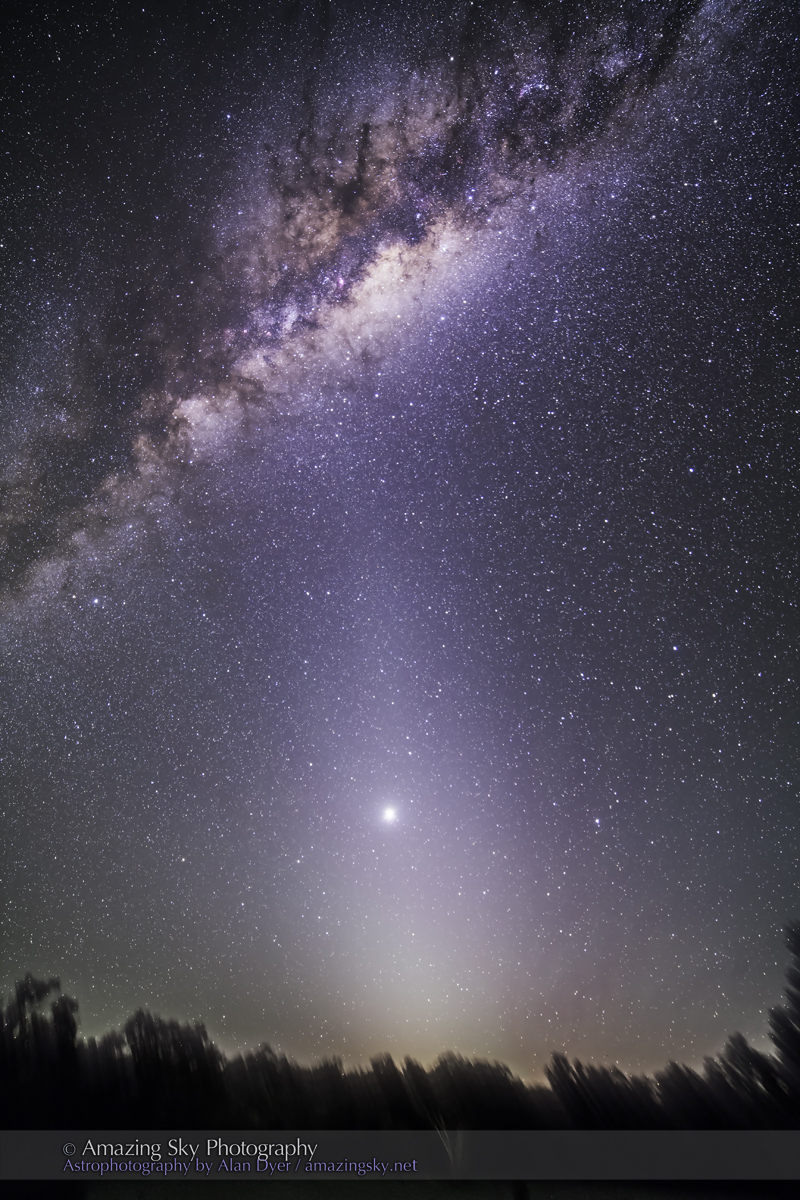
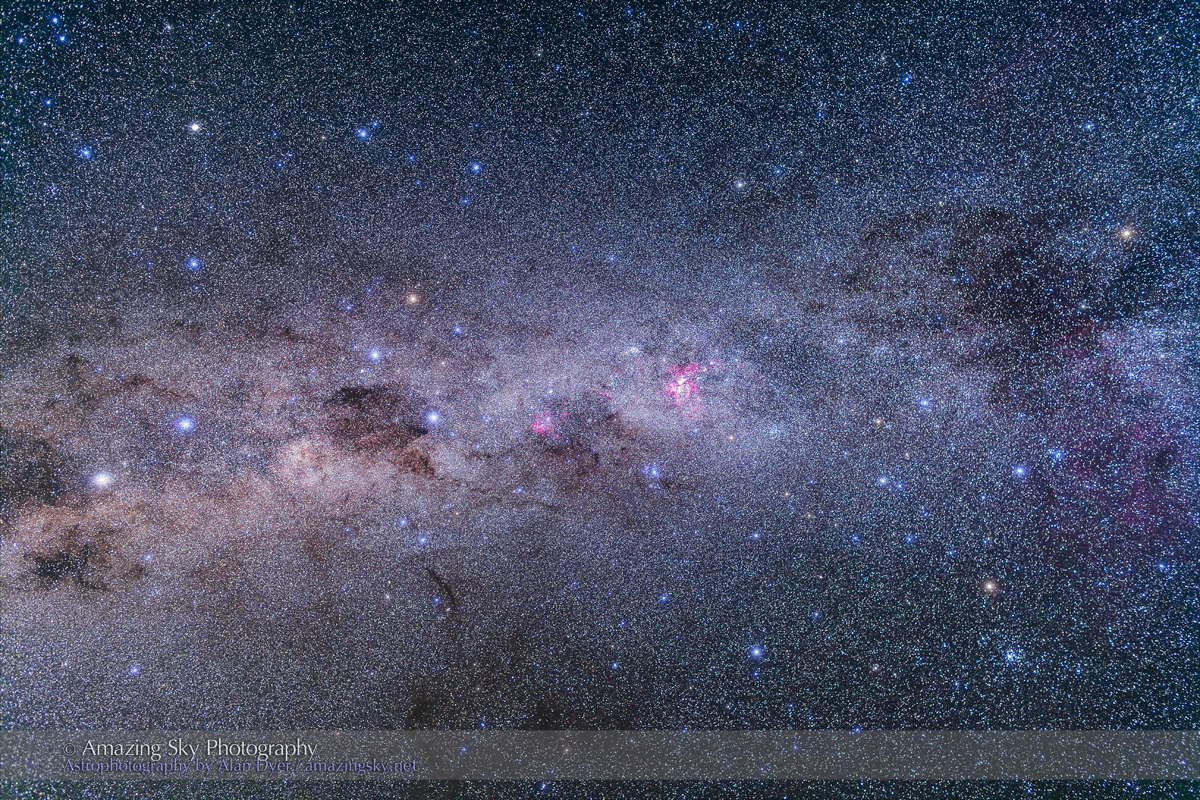
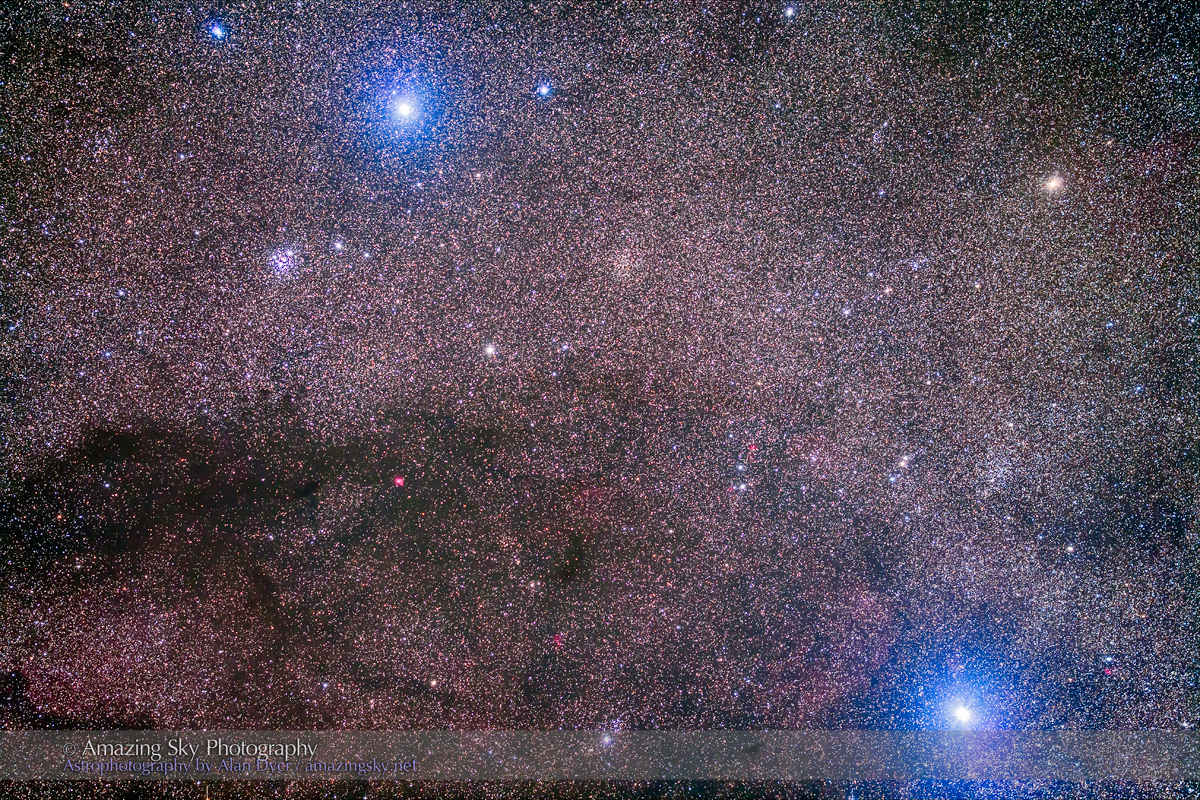

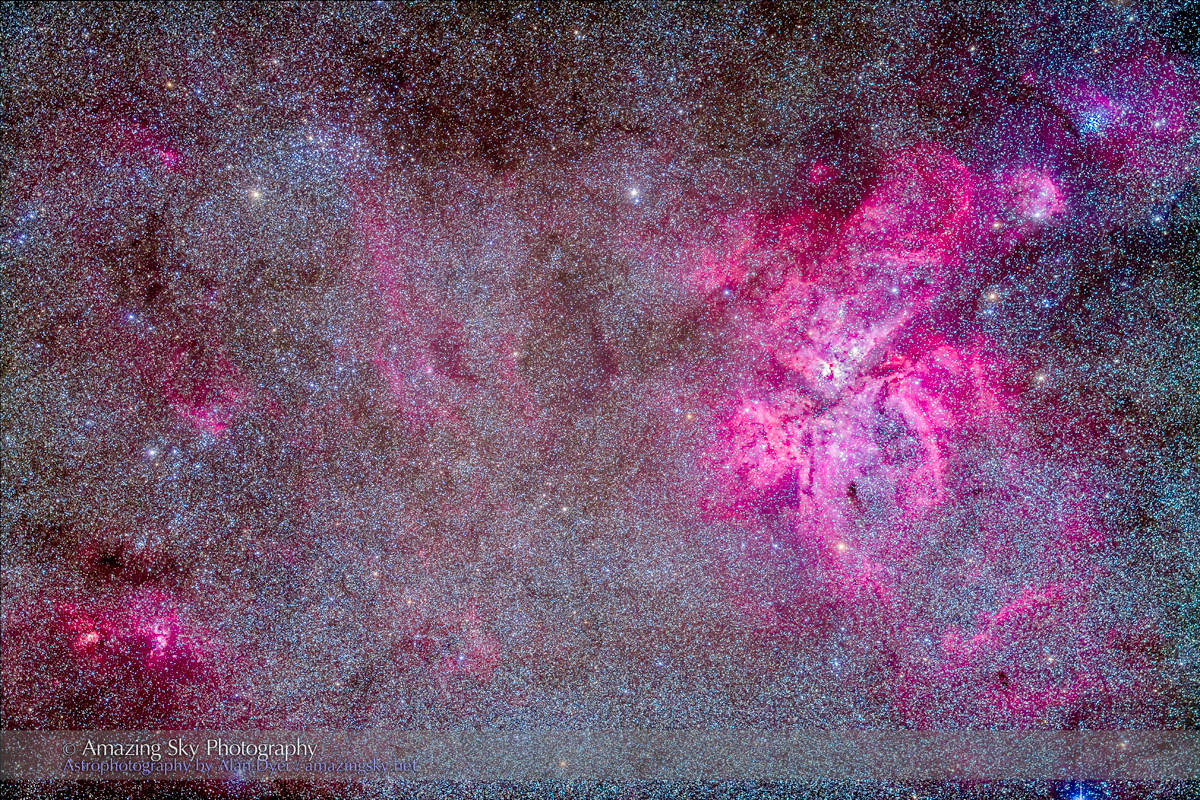


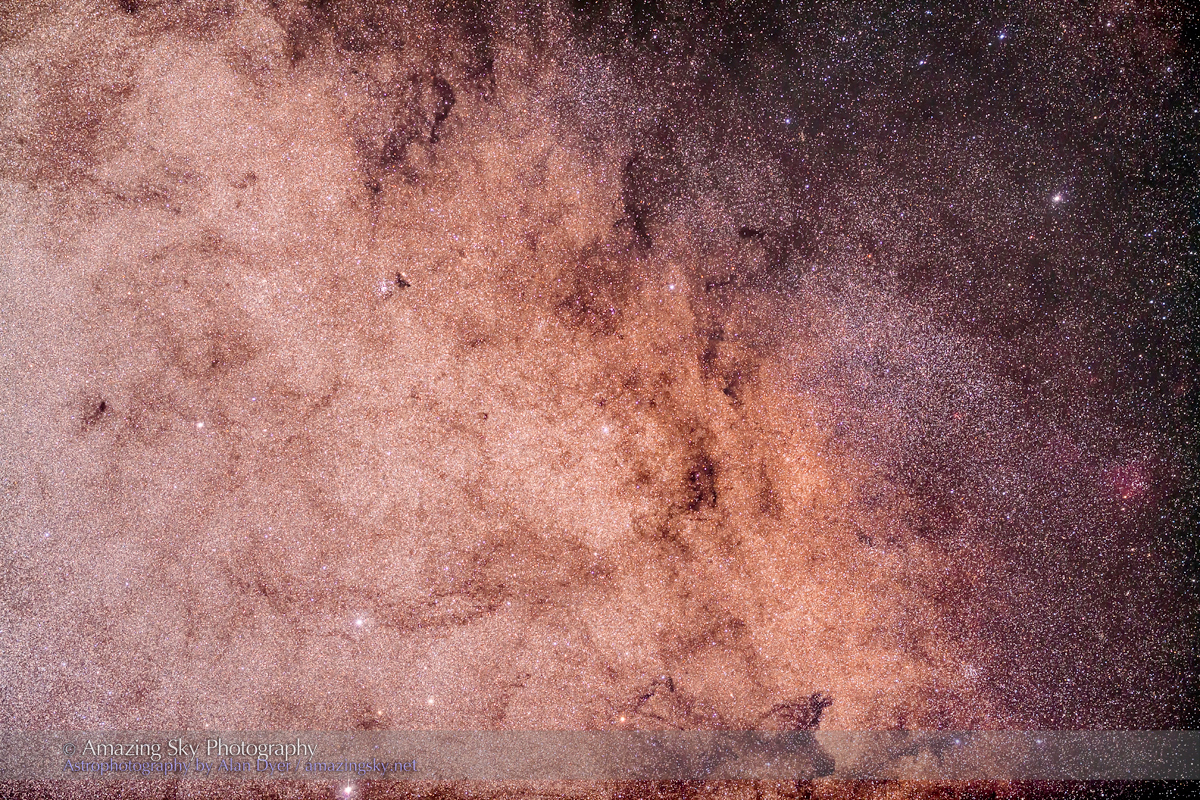
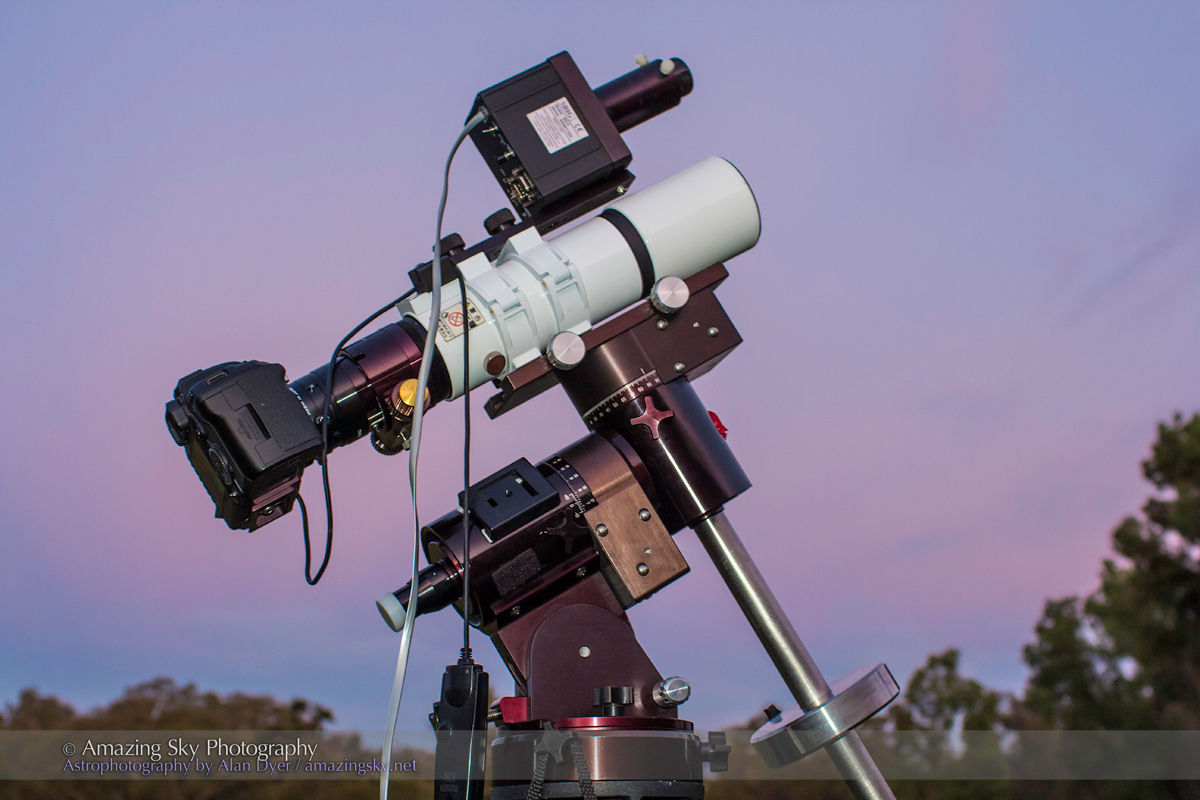
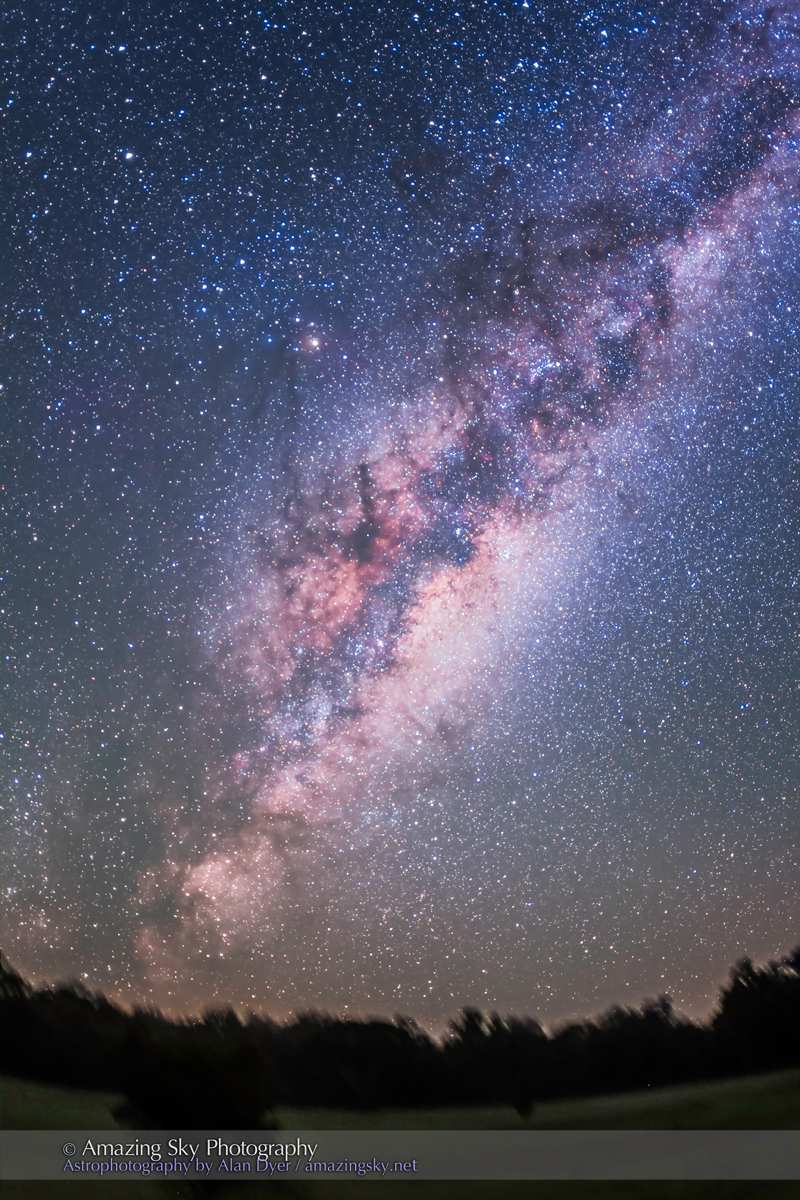
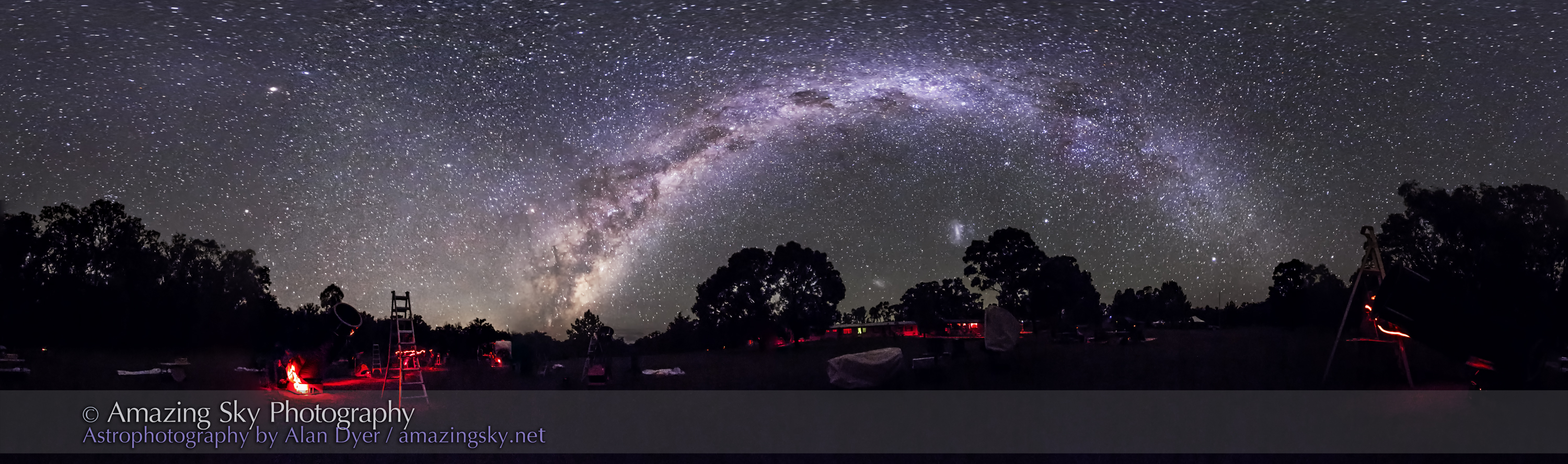
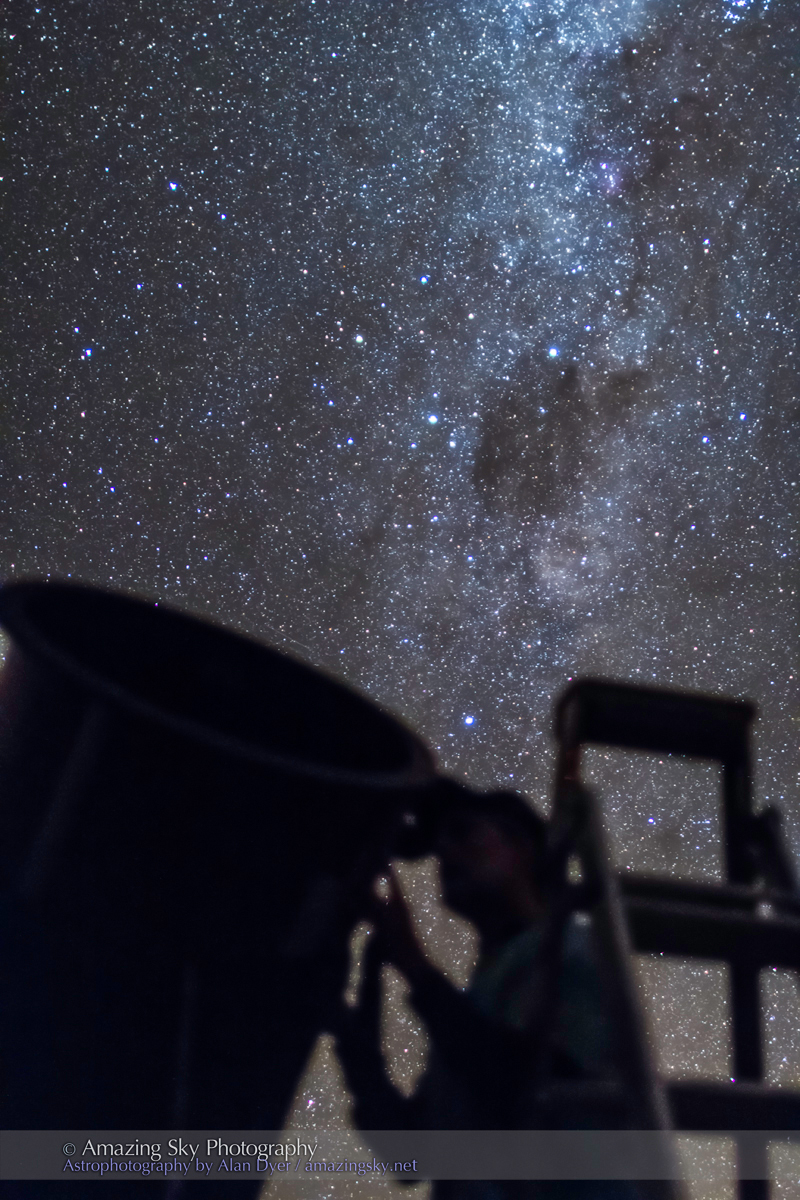
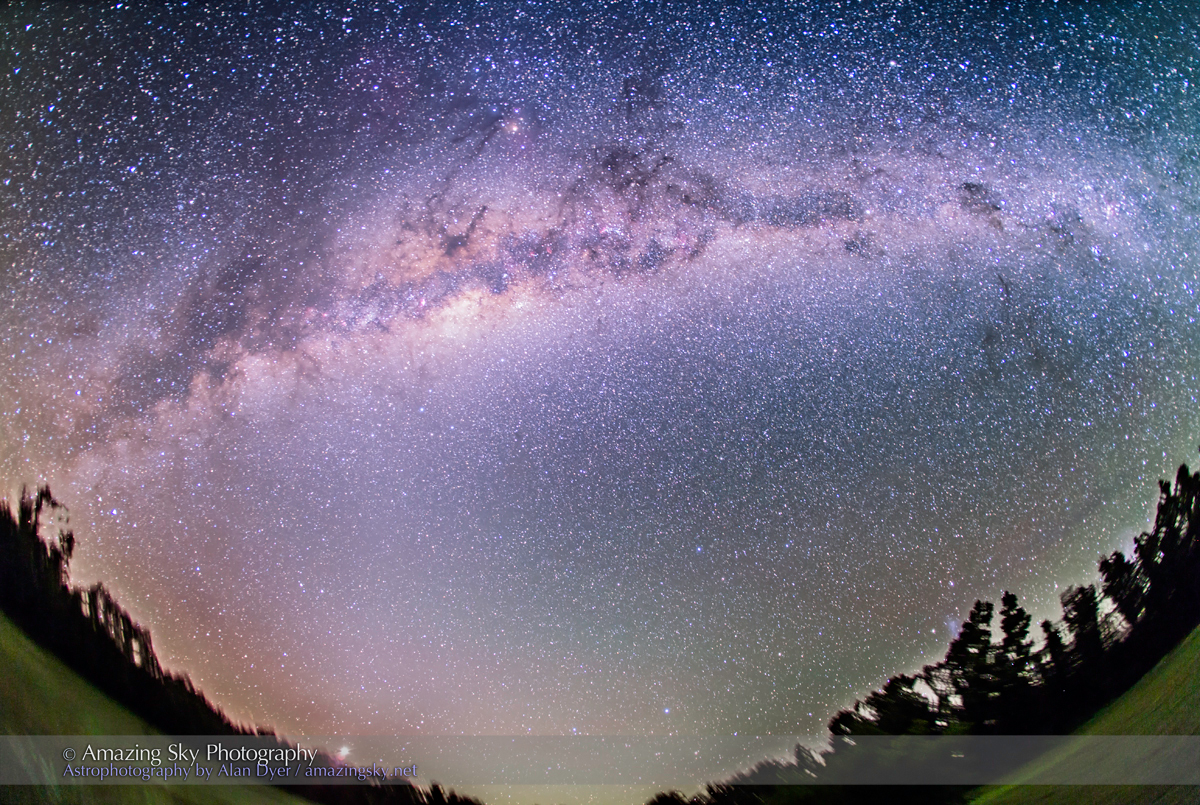
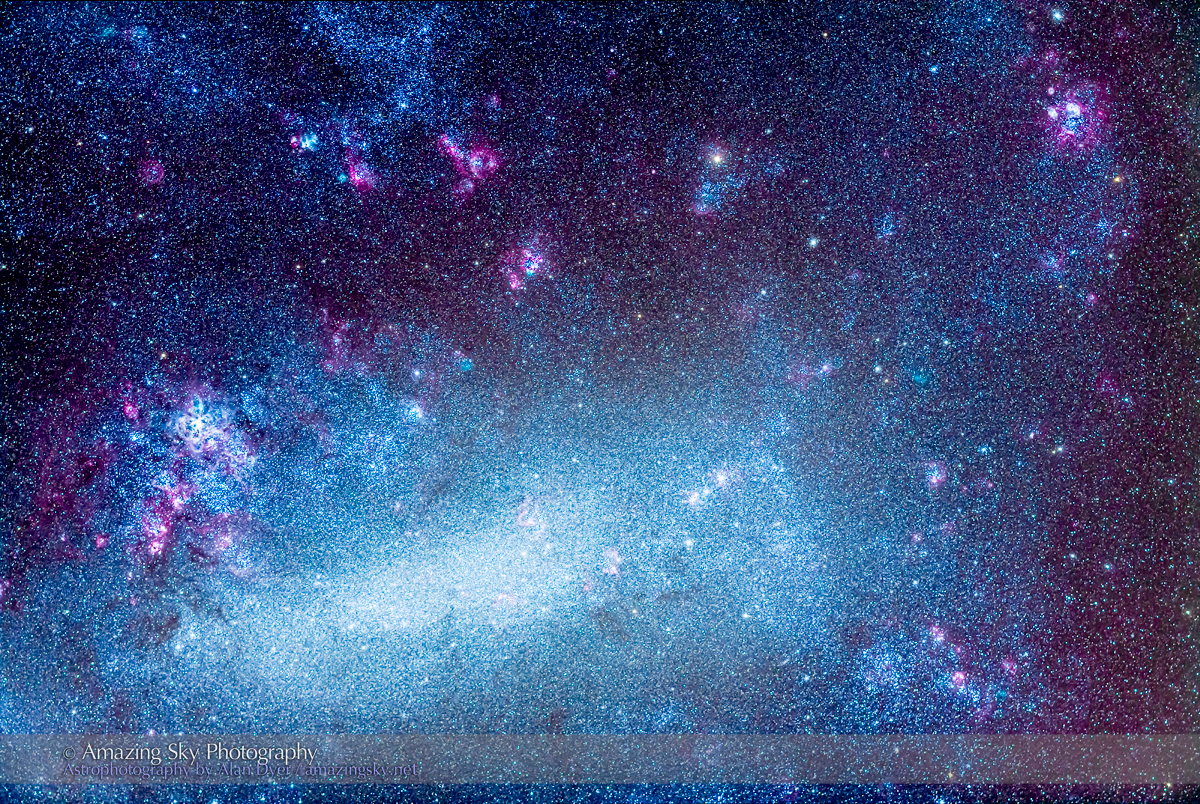

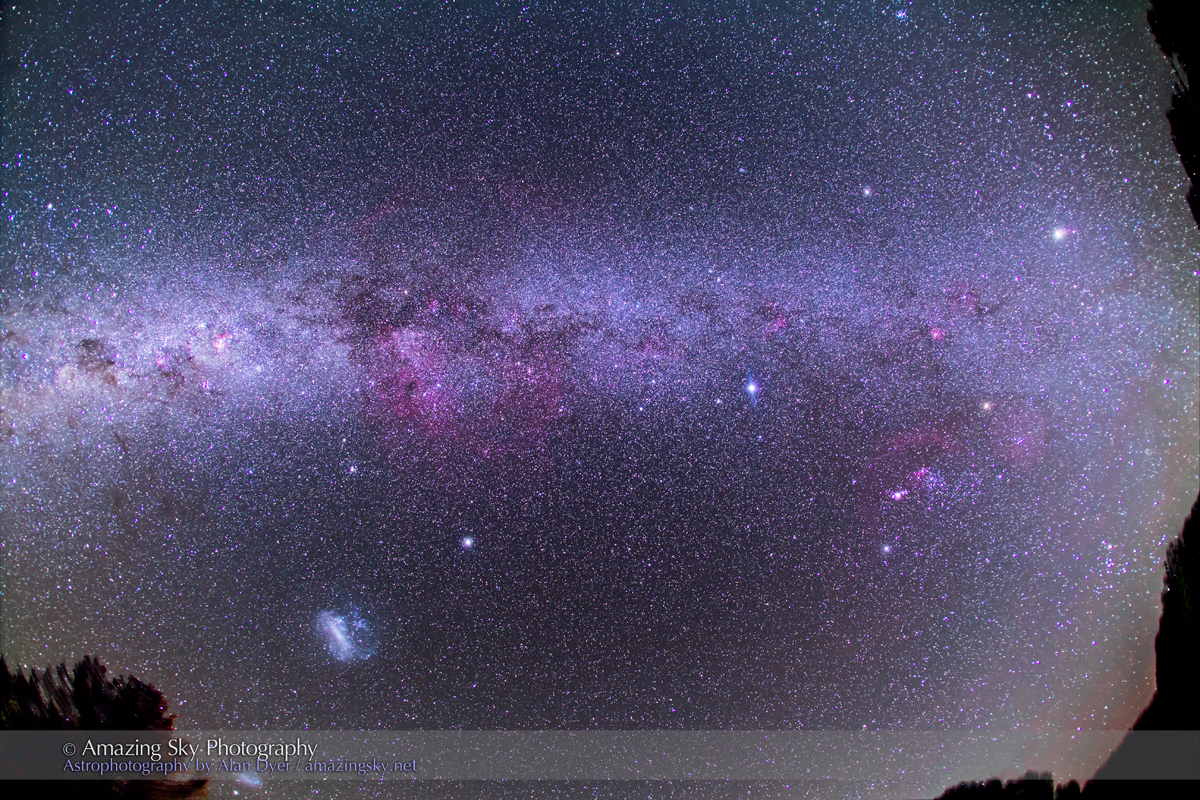

 The Amazing Sky